


 United States of America
  FSX Scenery
FSX Skara Bonaire X
Skara Scenery Bonaire X. Flamingo International Airport or Bonaire Internatio…
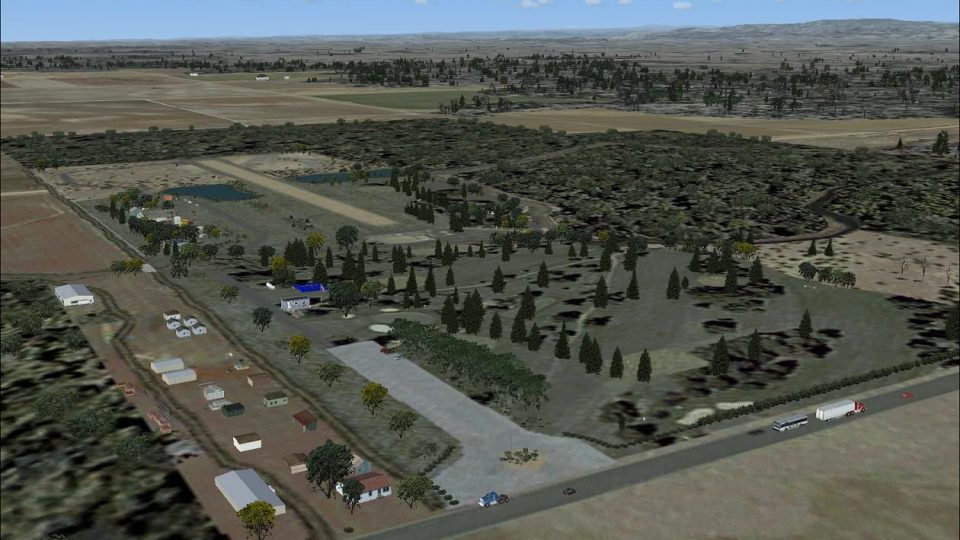
J-B Golf brings a small public golf course and cropduster grass strip to Farmington, California, just east of Stockton in the San Joaquin Valley, adding local character for low-and-slow flying in FSX. Includes EZ-Scenery-ready shipping containers and terminal objects for flexible placement and extra ramp detail.

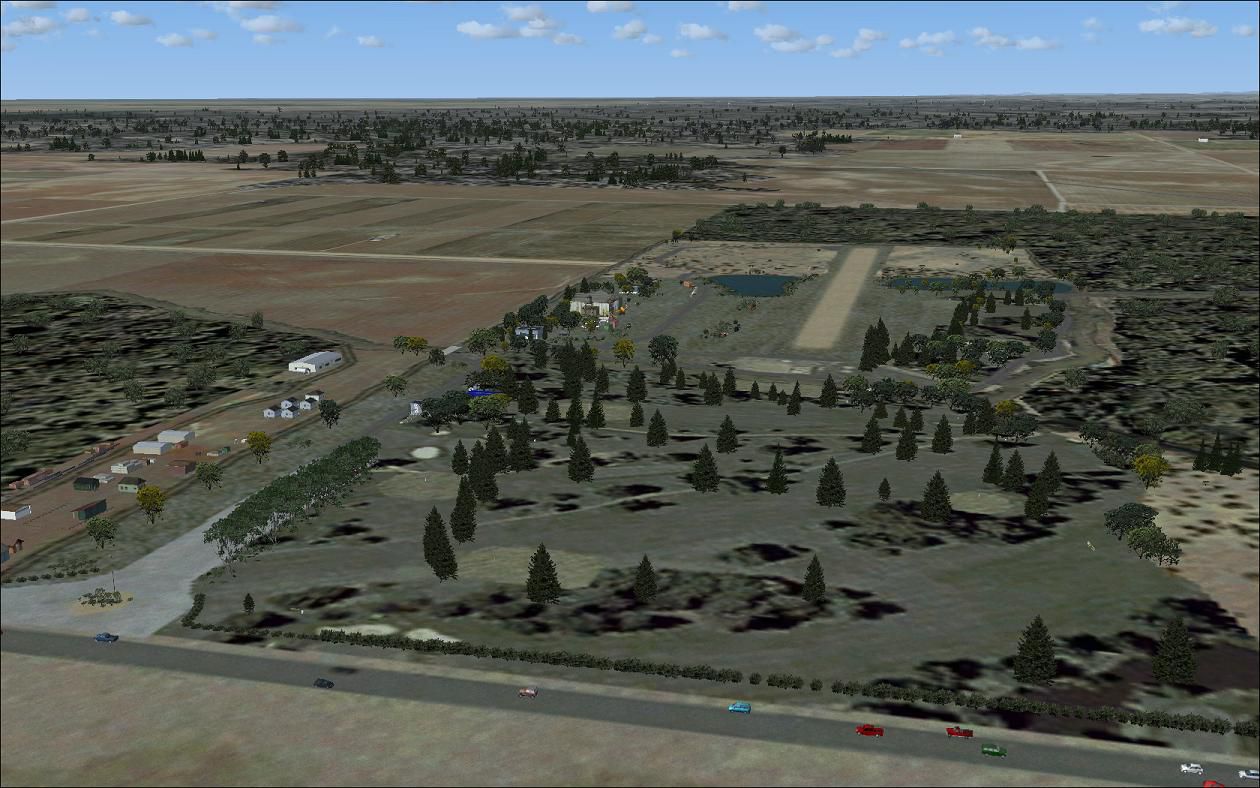
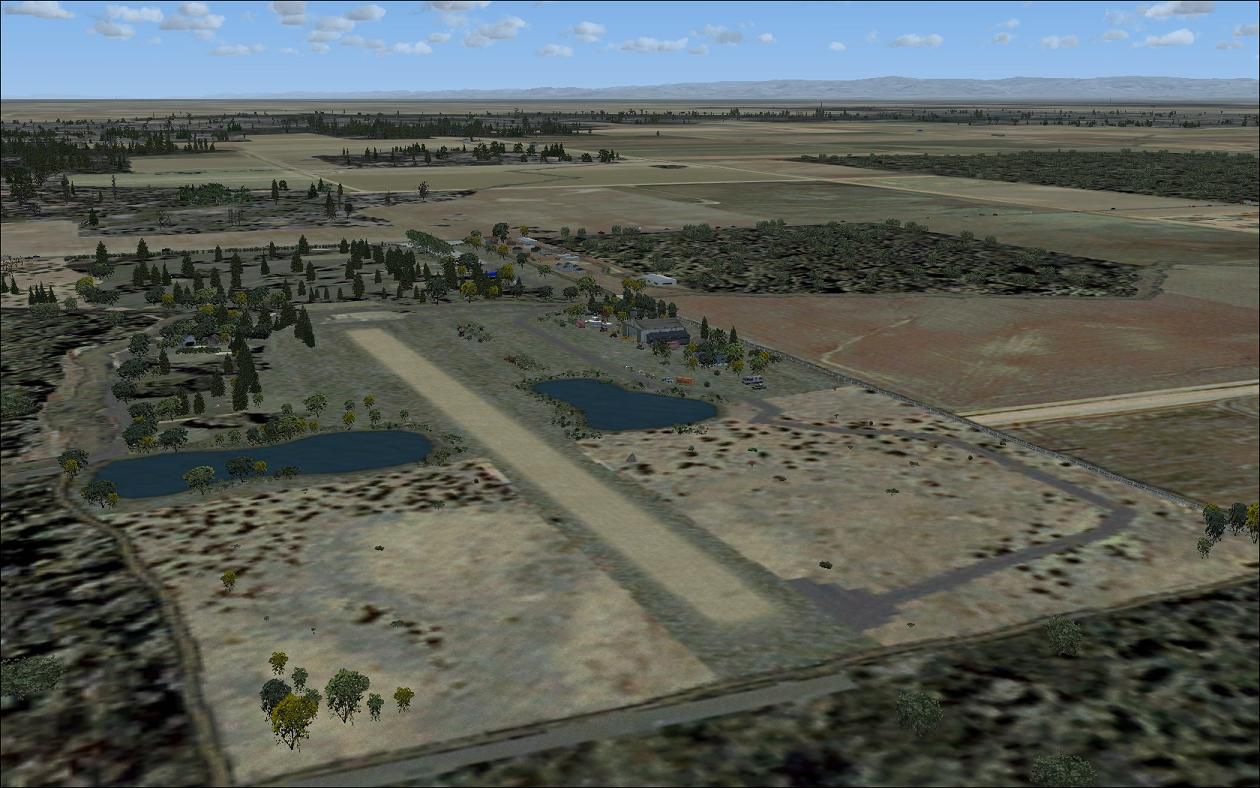
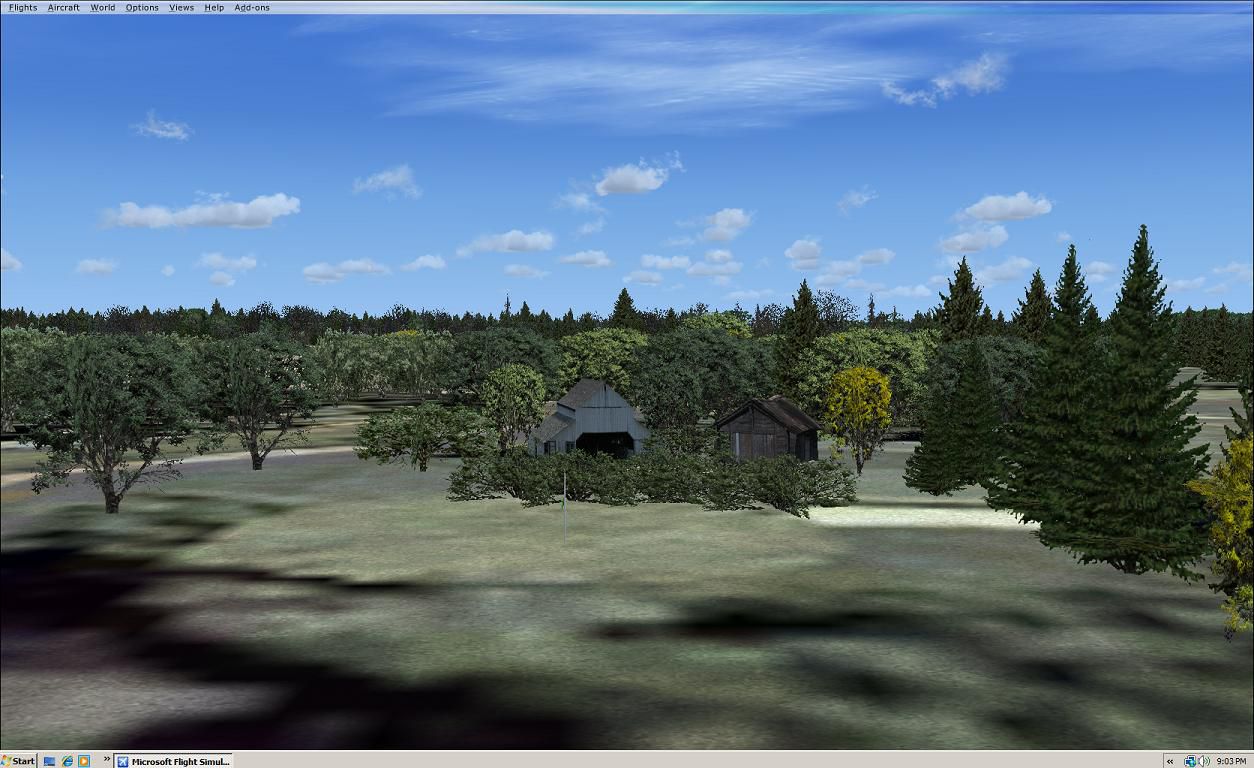
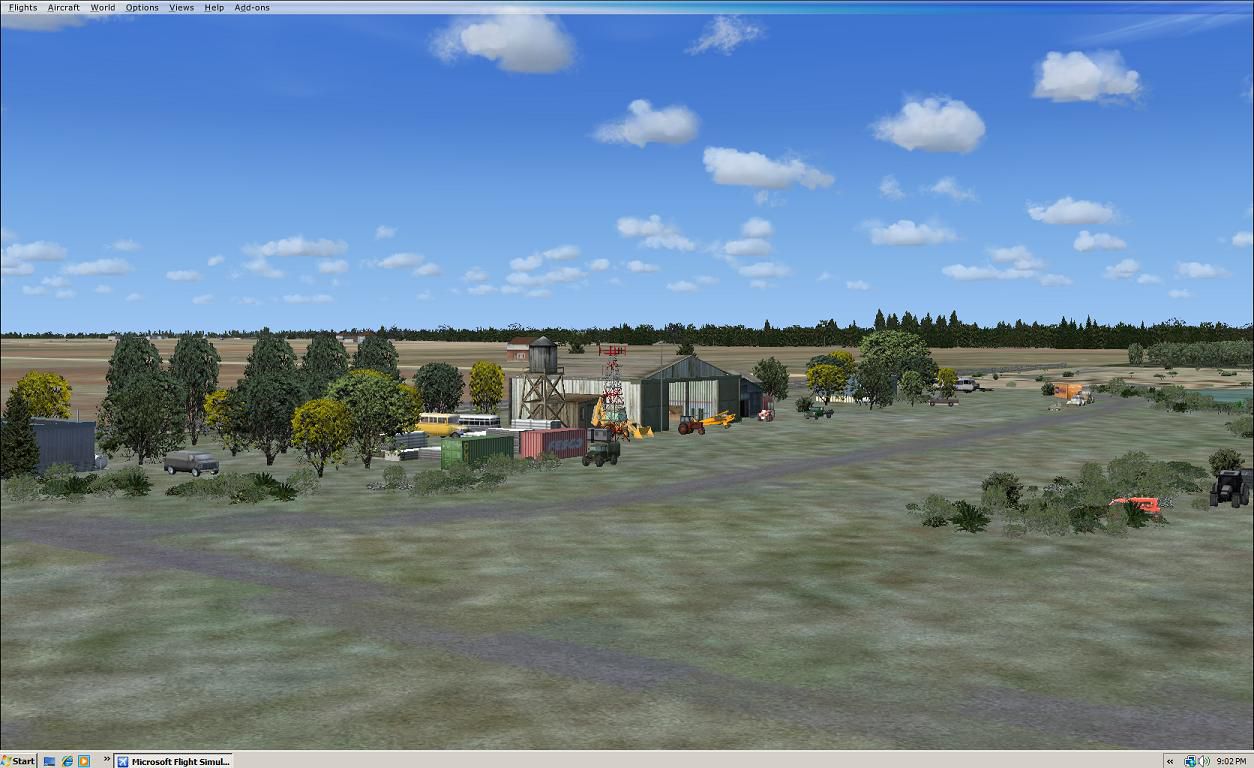
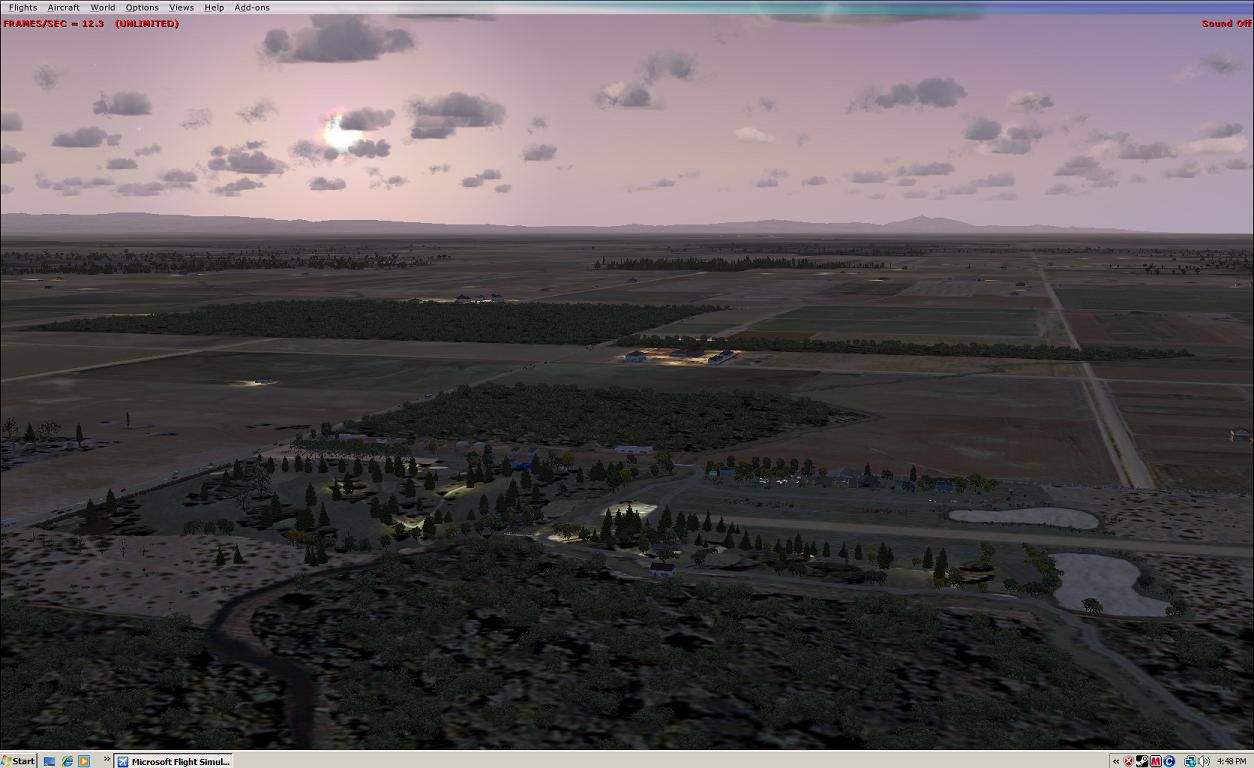
Scenery J-B Golf. This is a small public golf course located in Farmington California. Farmington is located just east of Stockton CA, in the middle of the San Joaquin valley. It has a small grass strip in the back that is mostly used for cropdusters. By Marvin Carter.
J-B Golf Scenery.
Here are six shipping containers for use with EZ-Scenery. They are simply repackaged and no changes have been made to the files.
Originals by Heath Wells and used with his permission.
Place the "bgL" and the "txt" files in your Addon Scenery Folder and the "bmp" file in your Addon Scenery Texture Folder.
Thanks to Mr. Wells and to all the designers who support our hobby!
Installation:
Place J-B Golf folder in you main addon scenery folder in FSX, In your sim go to your scenery Library in settings, Click Add Area,pick J-B Golf folder in Add on scenery. Click on OK only once, then in main scenery page click OK only once also, building database for new scenery files will start, may take a minute, or place all the BGL files in the scenery folder in main sim Addon scenery folder, and it will do it automatically for you. Then you're good to go.
I have added EZ-Terminals SS FS9 scenery objects by Sidney Schwartz buy work well in FSX. To install -
Place EZ-Terminals SS folder in you main add on scenery folder in FSX, In your sim go to your scenery Library in settings, Click Add Area, pick EZ-Terminals SS folder in Add on scenery. Click on OK only once, then in main scenery page click OK only once also, building database for new scenery files will start, may take a minute. Or place just the BGL file in your Addon scenery folder in main sim Addon file,and then place the textures your Addon texture folder in main sim Addon file,and it will do it automatically for you. Then your good to go.
I have added shipping_containers by Heath Wells. To install -
Place Ship cont folder in you main add on scenery folder in FSX, In your sim go to your scenery Library in settings, Click Add Area, pick Ship cont folder in Add on scenery. Click on OK only once, then in main scenery page click OK only once also, building database for new scenery files will start, may take a minute. Or place just the BGL file in your Addon scenery folder in main sim Addon file,and then place the textures your Addon texture folder in main sim Addon file,and it will do it automatically for you. Then your good to go.
Steve
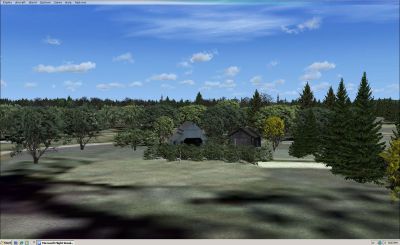
J-B Golf Scenery.
Free for all simmers · 2.49 MB · Scanned clean
Download speed: Free tier is capped at 0.5 Mbps. PRO members download at full line speed.
FSX\Addon Scenery\ containing scenery and texture sub-folders.readme.txt or README file. It tells you exactly where files go, what dependencies are needed, and any quirks specific to this add-on.Use these coordinates to fly directly to this location once the mod is installed.
37.93000000,-120.99000000
Launch FSX or Prepar3D and use Flights → Load to open the downloaded .pln file. Your aircraft will be positioned at this location.
The archive jbgolf.zip has 66 files and directories contained within it.
This list displays the first 500 files in the package. If the package has more, you will need to download it to view them.
| Filename/Directory | File Date | File Size |
|---|---|---|
| Original Readme.txt | 06.27.05 | 2.60 kB |
| Readme.txt | 12.23.05 | 463 B |
| scenery | 01.26.10 | 0 B |
| shipping_containers.bgl | 12.23.05 | 7.75 kB |
| shipping_containers.txt | 12.23.05 | 691 B |
| texture | 01.26.10 | 0 B |
| hw_shipping_containters.bmp | 06.27.05 | 170.75 kB |
| EZ-Terminals SS readme.txt | 12.14.09 | 2.00 kB |
| EZ-Terminals SS.xml | 12.14.09 | 2.76 kB |
| ez-terminals_ss.lmt | 12.14.09 | 100.99 kB |
| scenery | 01.26.10 | 0 B |
| ez-terminals ss.bgl | 12.14.09 | 599.02 kB |
| ez-terminals ss.txt | 12.14.09 | 1.12 kB |
| texture | 01.26.10 | 0 B |
| concrete floor.bmp | 12.14.09 | 128.07 kB |
| customs 1.bmp | 12.14.09 | 128.07 kB |
| customs 1_LM.bmp | 12.14.09 | 128.07 kB |
| customs 2.bmp | 12.14.09 | 128.07 kB |
| customs 2_LM.bmp | 12.14.09 | 128.07 kB |
| customs 3.bmp | 12.14.09 | 128.07 kB |
| customs 3_LM.bmp | 12.14.09 | 128.07 kB |
| customs 4.bmp | 12.14.09 | 128.07 kB |
| customs 4_LM.bmp | 12.14.09 | 128.07 kB |
| customs 5.bmp | 12.14.09 | 128.07 kB |
| customs 5_LM.bmp | 12.14.09 | 128.07 kB |
| customs 6.bmp | 12.14.09 | 128.07 kB |
| customs 6_LM.bmp | 12.14.09 | 128.07 kB |
| CYZP terminal.bmp | 12.14.09 | 128.07 kB |
| CYZP terminal_LM.bmp | 12.14.09 | 128.07 kB |
| small terminal 1.bmp | 12.14.09 | 128.07 kB |
| small terminal 1_LM.bmp | 12.14.09 | 128.07 kB |
| small terminal 10.bmp | 12.14.09 | 128.07 kB |
| small terminal 10_LM.bmp | 12.14.09 | 128.07 kB |
| small terminal 11.bmp | 12.14.09 | 128.07 kB |
| small terminal 11_LM.bmp | 12.14.09 | 128.07 kB |
| small terminal 2.bmp | 12.14.09 | 128.07 kB |
| small terminal 2_LM.bmp | 12.14.09 | 128.07 kB |
| small terminal 3.bmp | 12.14.09 | 128.07 kB |
| small terminal 3_LM.bmp | 12.14.09 | 128.07 kB |
| small terminal 4.bmp | 12.14.09 | 128.07 kB |
| small terminal 4_LM.bmp | 12.14.09 | 128.07 kB |
| small terminal 5.bmp | 12.14.09 | 128.07 kB |
| small terminal 5_LM.bmp | 12.14.09 | 128.07 kB |
| small terminal 6.bmp | 12.14.09 | 128.07 kB |
| small terminal 6_LM.bmp | 12.14.09 | 128.07 kB |
| small terminal 7.bmp | 12.14.09 | 128.07 kB |
| small terminal 7_LM.bmp | 12.14.09 | 128.07 kB |
| small terminal 8.bmp | 12.14.09 | 128.07 kB |
| small terminal 8_LM.bmp | 12.14.09 | 128.07 kB |
| small terminal 9.bmp | 12.14.09 | 128.07 kB |
| small terminal 9_LM.bmp | 12.14.09 | 128.07 kB |
| zinc.bmp | 12.14.09 | 8.07 kB |
| scenery | 01.26.10 | 0 B |
| CN29_ADEX_MC.BGL | 01.22.10 | 667 B |
| CN29_ADEX_MC_CVX.bgl | 01.22.10 | 5.33 kB |
| file_id.diz | 01.26.10 | 304 B |
| Readme.txt | 02.04.10 | 5.41 kB |
| jb1.jpg | 01.18.10 | 130.34 kB |
| jb2.jpg | 01.18.10 | 141.56 kB |
| jb3.jpg | 02.04.10 | 110.62 kB |
| jb5.jpg | 02.04.10 | 149.20 kB |
| thumbnail for upload.jpg | 02.04.10 | 167.63 kB |
| jb4.jpg | 02.04.10 | 157.63 kB |
| JB Golf.bgl | 02.17.10 | 36.42 kB |
| flyawaysimulation.txt | 10.29.13 | 959 B |
| Go to Fly Away Simulation.url | 01.22.16 | 52 B |
More FSX & P3D add-ons hand-picked based on this download.
FSX Scenery
Skara Scenery Bonaire X. Flamingo International Airport or Bonaire Internatio…
 FSX Scenery
Iwo Jima Scenery 1945 Update. This is a complete scenery with added effects a…
FSX Scenery
Kjeller Area Scenery X, Norway. Scenery around Kjeller airport with photoreal…
 FSX Scenery
FSX Loney's Alaska For FSX. This is a compilation of the author's Alaskan sce…
 FSX Scenery
For users of Flight Simulator X (and FSX: Steam Edition) and/or Prepar3D, ter…
 FSX Scenery
This freeware release by developer Aime Leclercq introduces revised highways …
 FSX Scenery
Team GEX Enhanced Autogen World. This package upgrades 522 world wide autogen…
 FSX Scenery
Princess Juliana International Airport (TNCM) in Saint Marteen, Netherlands A…
Be the first to leave a comment on this download.
Be the first to share your thoughts on this download.