

 MSFS Ultralights & Gliders
Air Creation 582SL Ultralight
A fun recreation of the default FSX Air Creation 582SL Ultralight made compat…
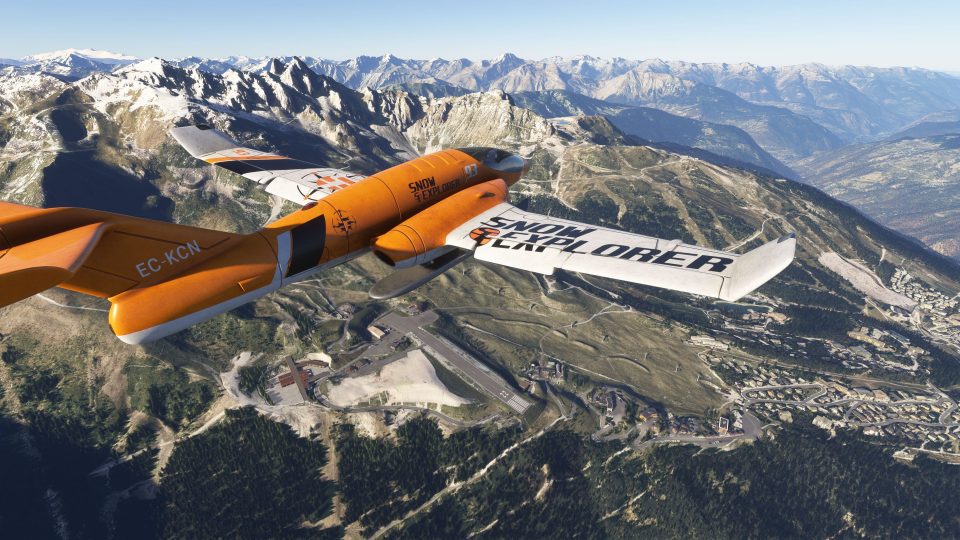
Hot Wheels Snow Explorer turns a die-cast-inspired polar concept into a flyable aircraft for Microsoft Flight Simulator 2024 and Microsoft Flight Simulator (2020), tuned for frozen terrain with wheel-less retractable gear. Expect a stylized virtual cockpit, two liveries, refined gauges and lighting, synced baro control, improved thrust and handling, plus integrated landing and taxi lights.
 Rate
Rate
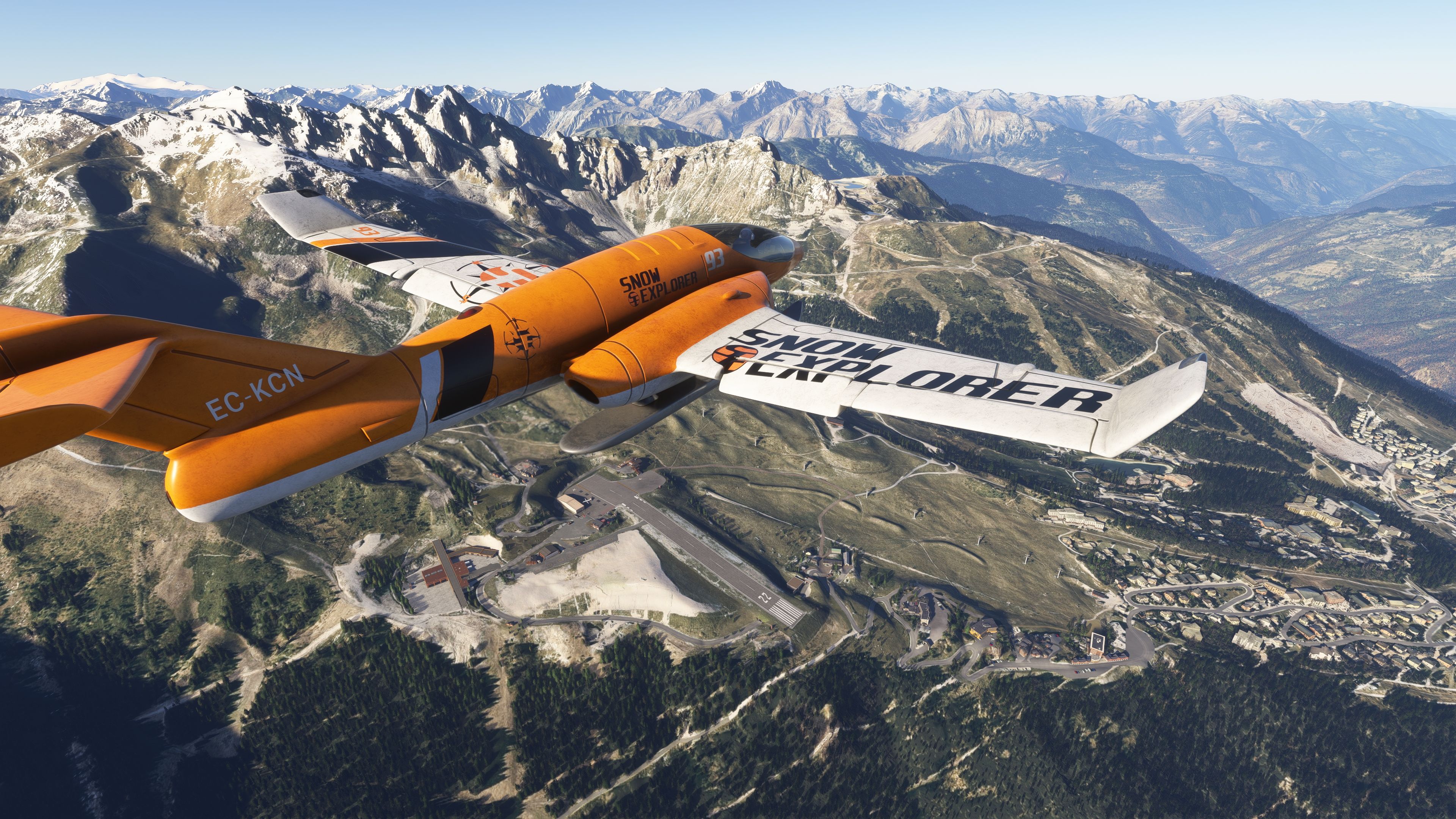
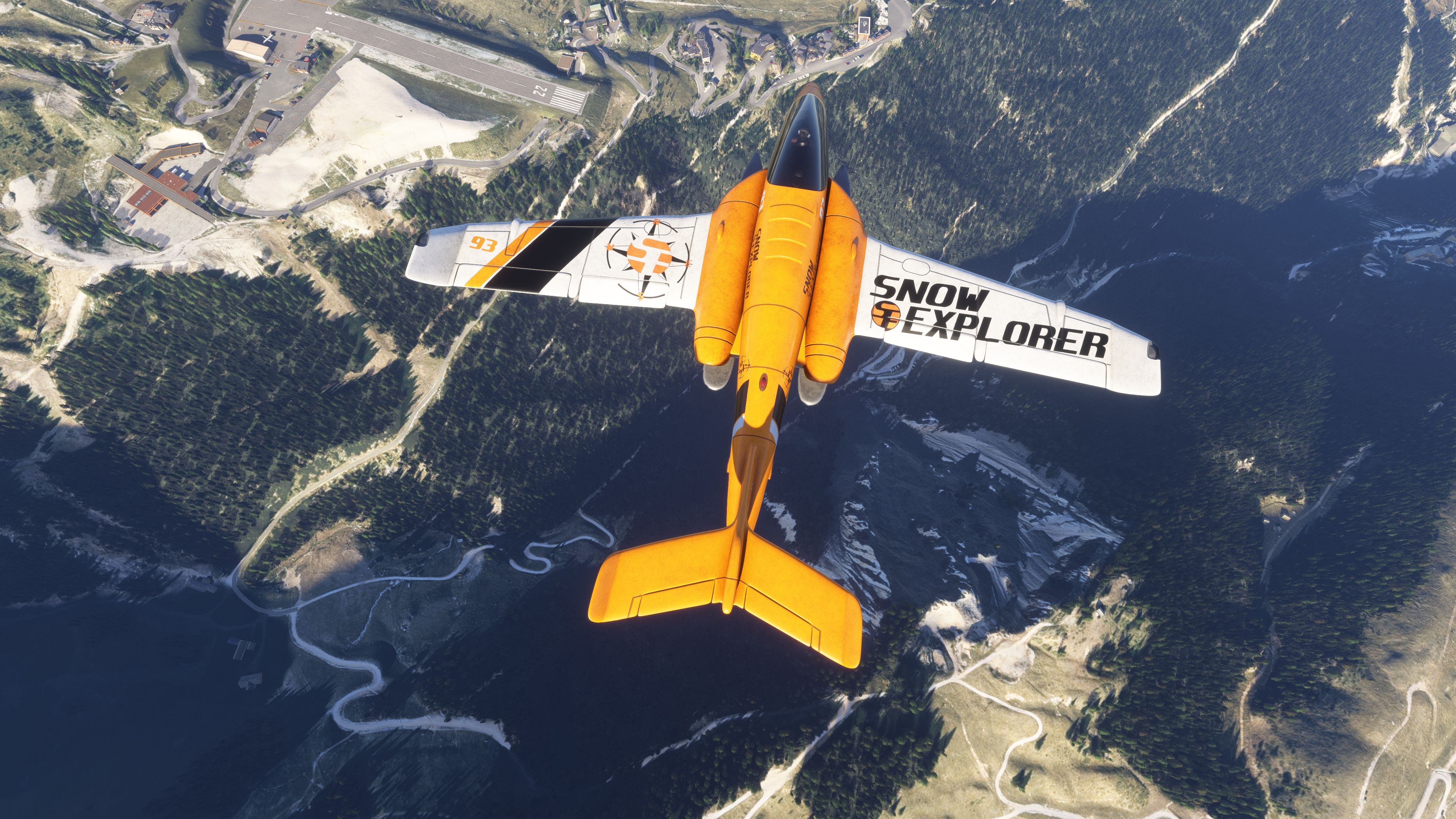
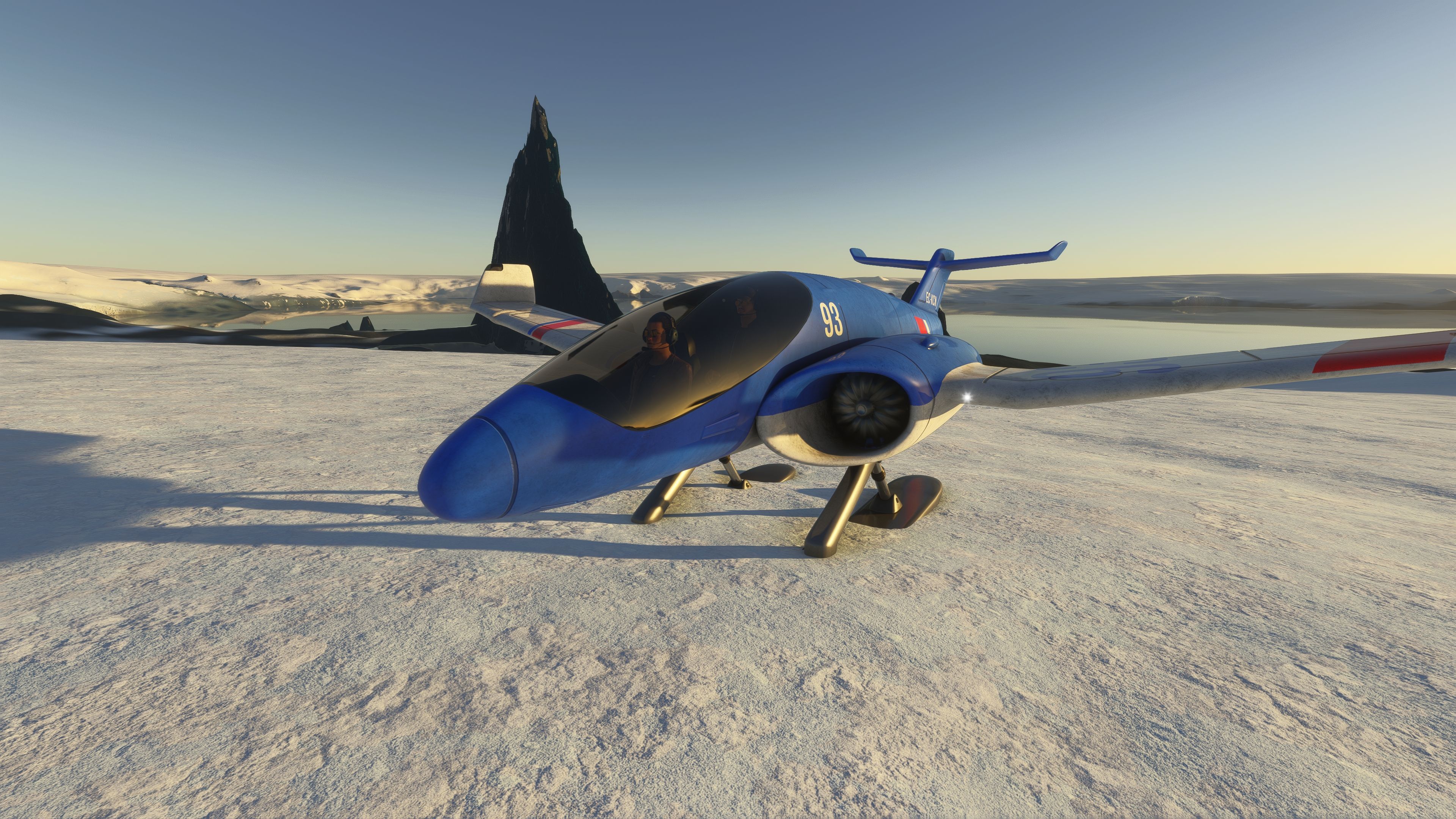
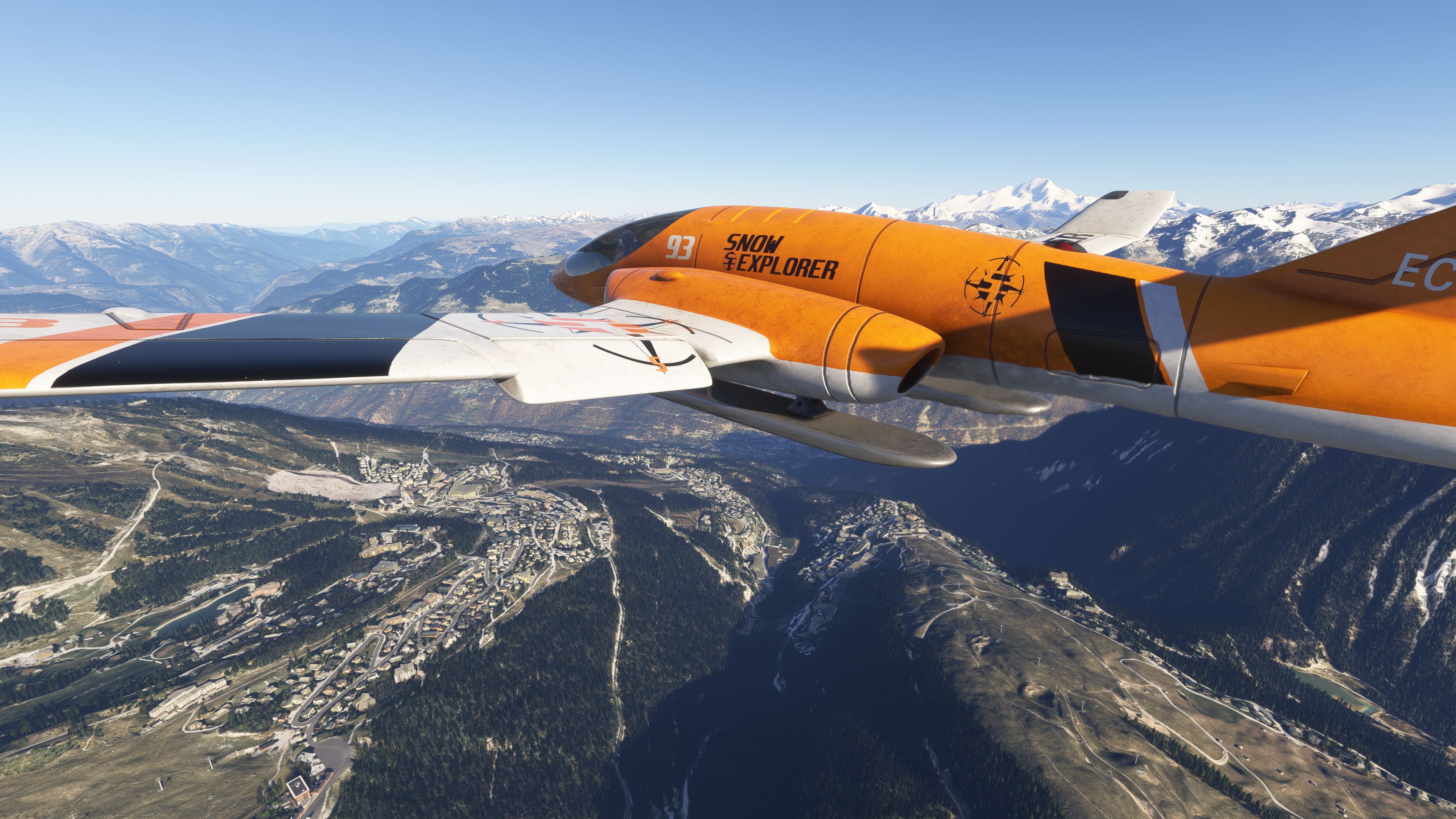
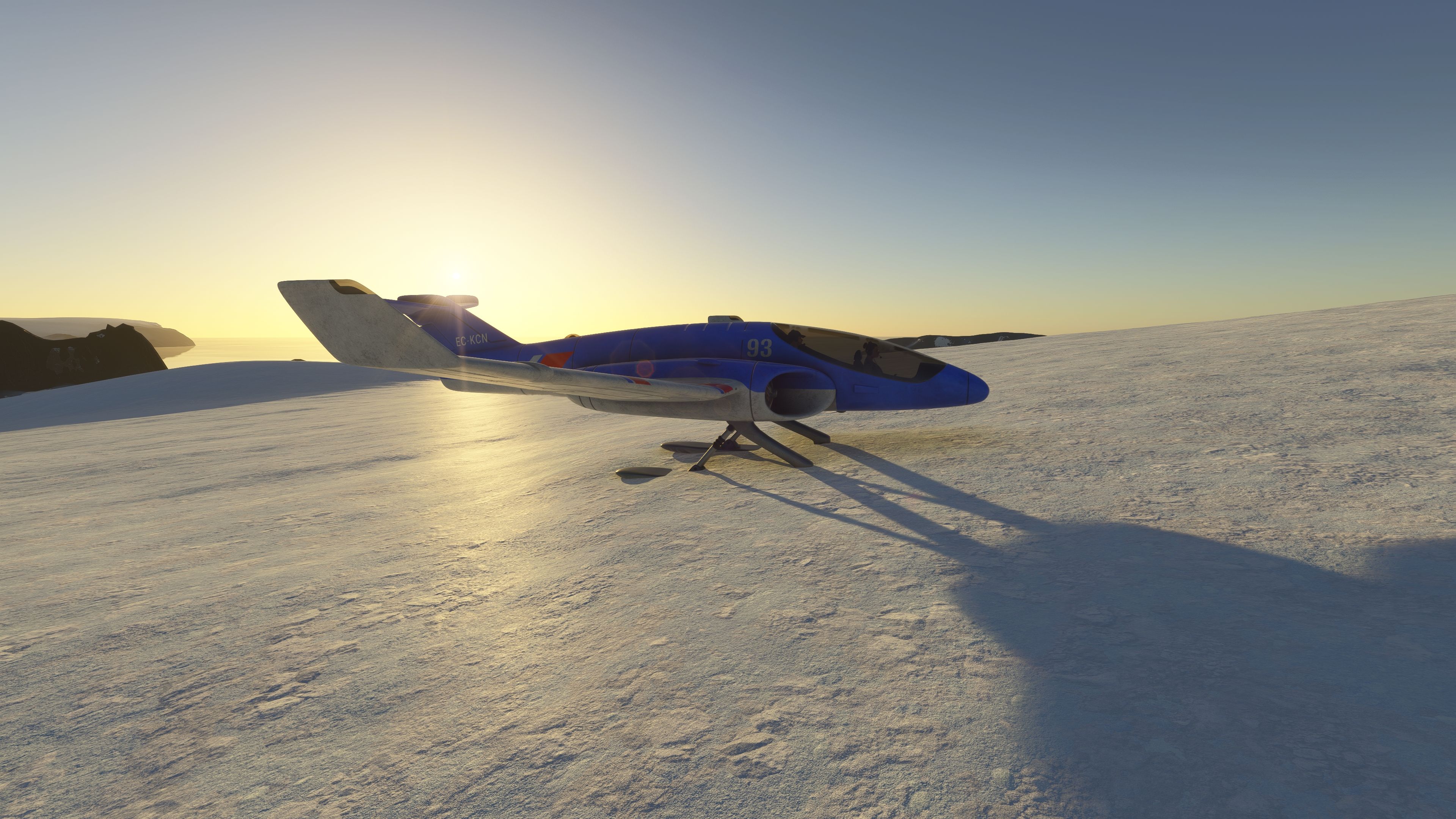
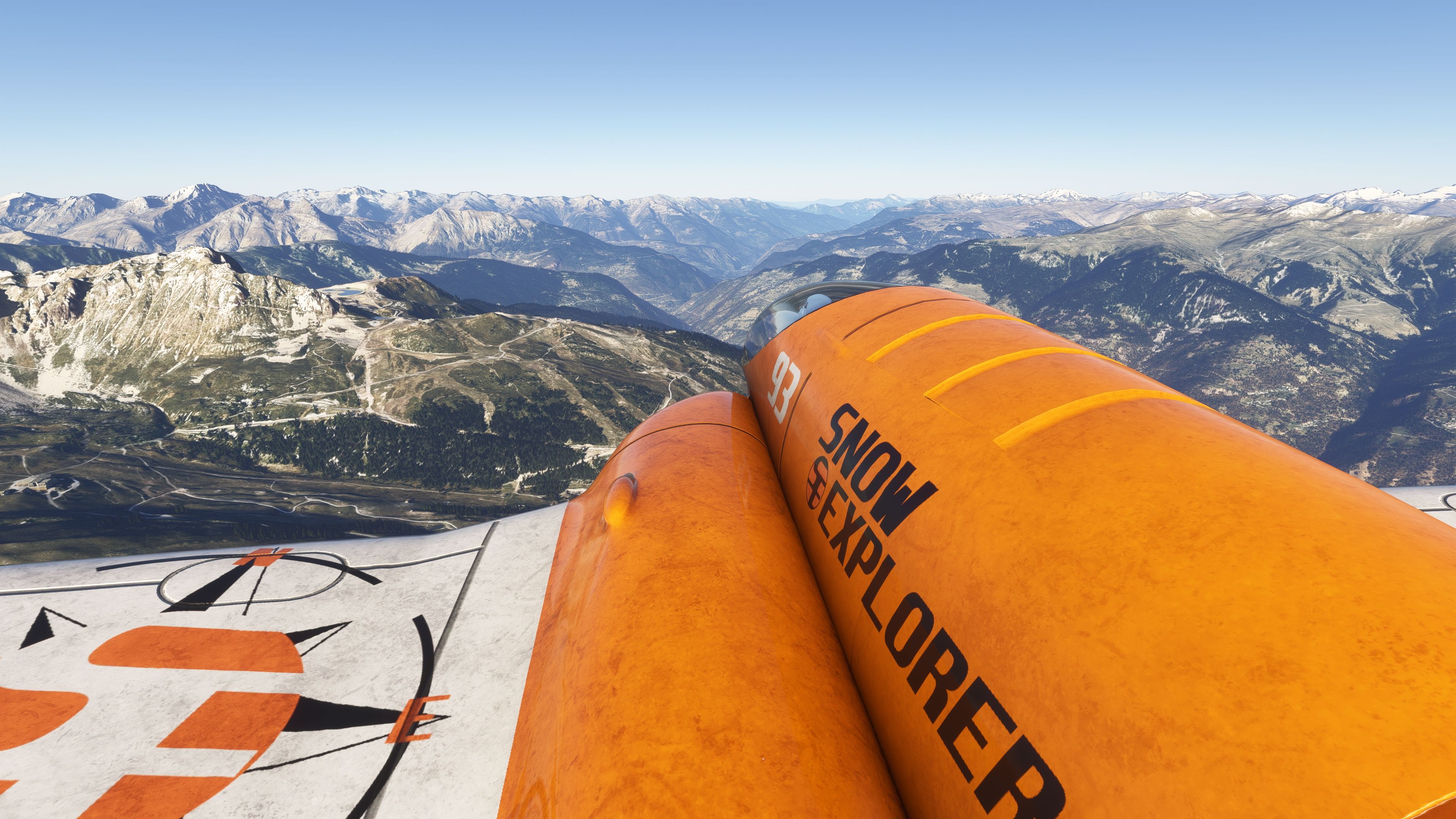
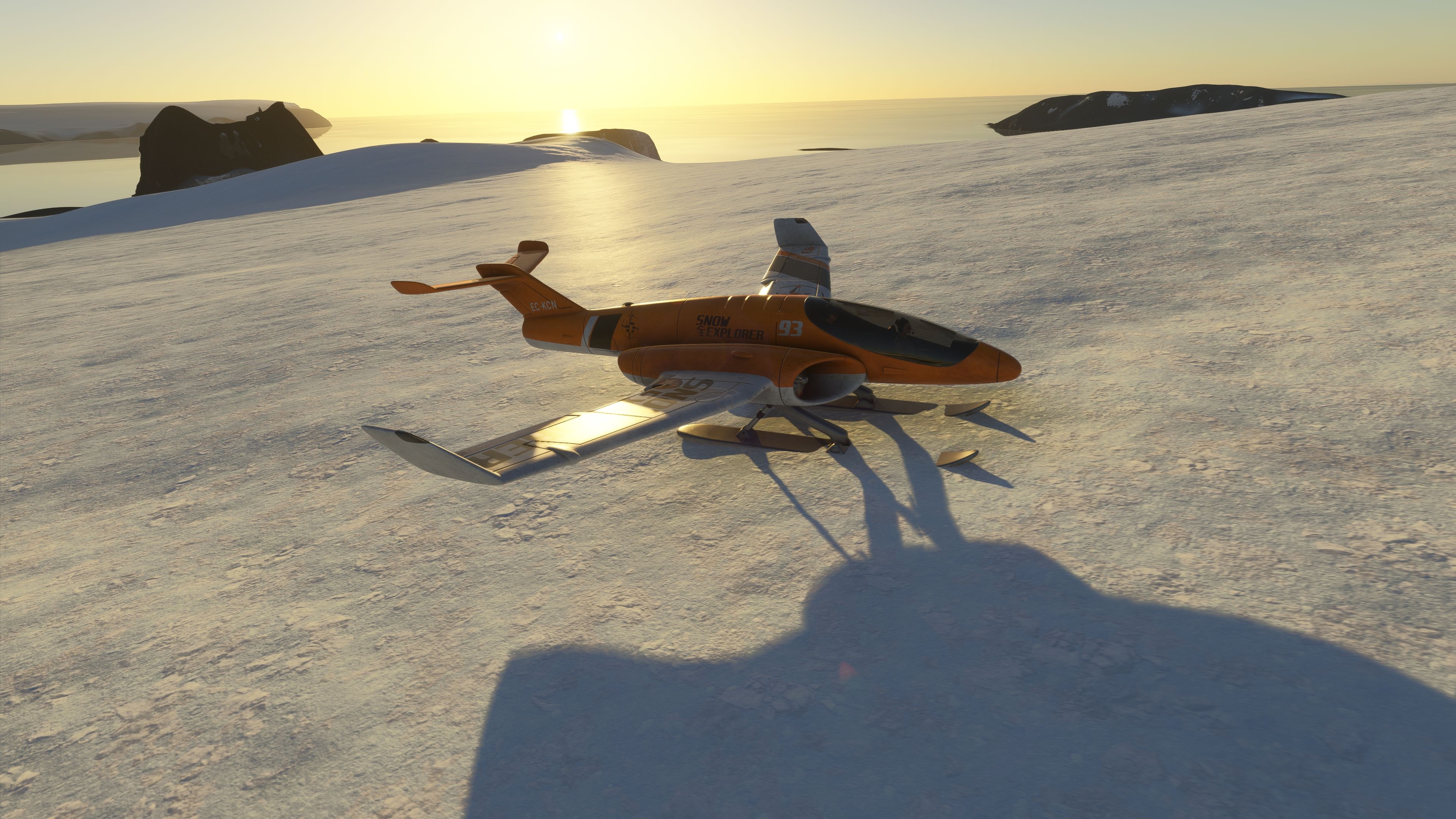
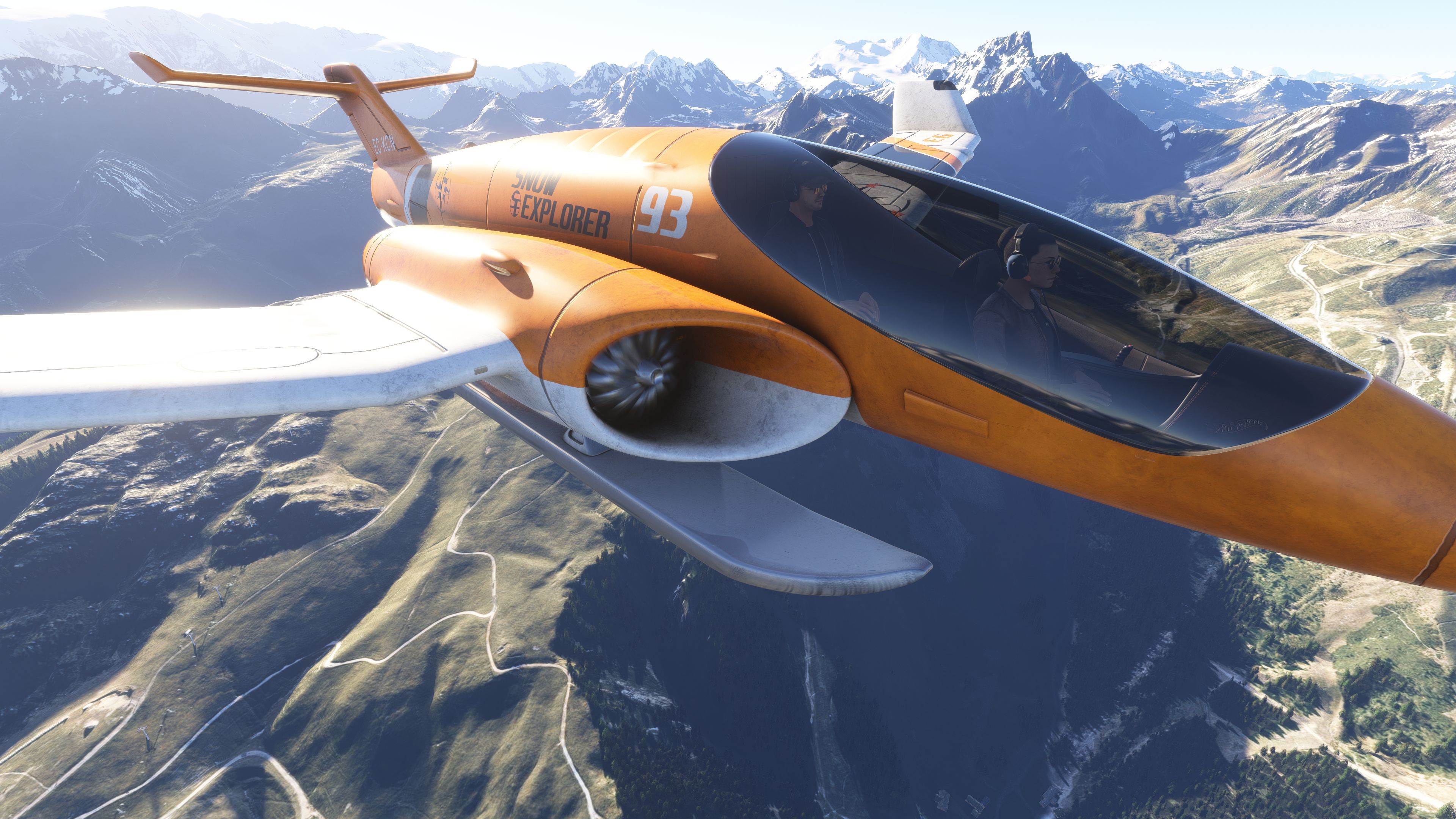
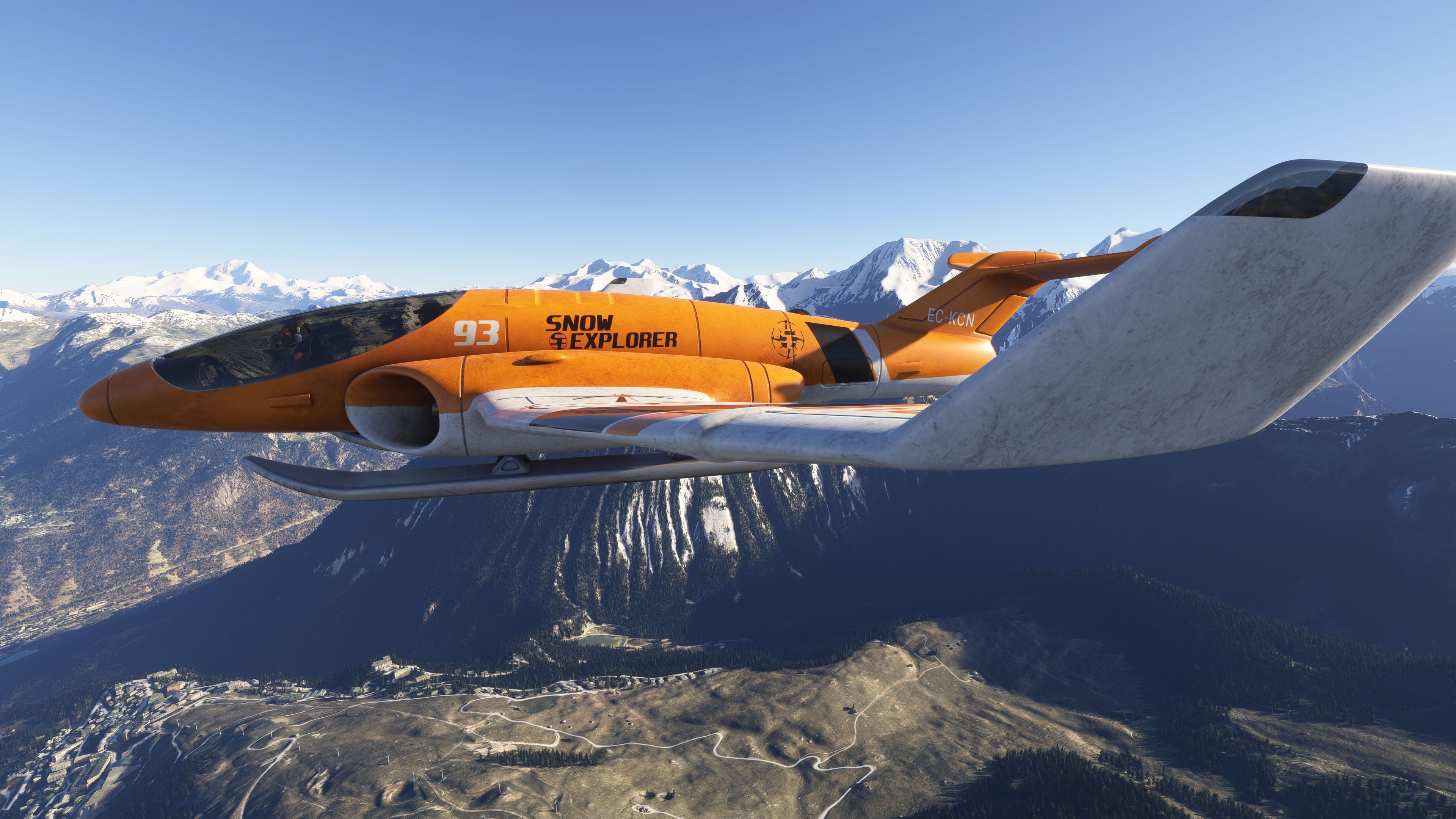
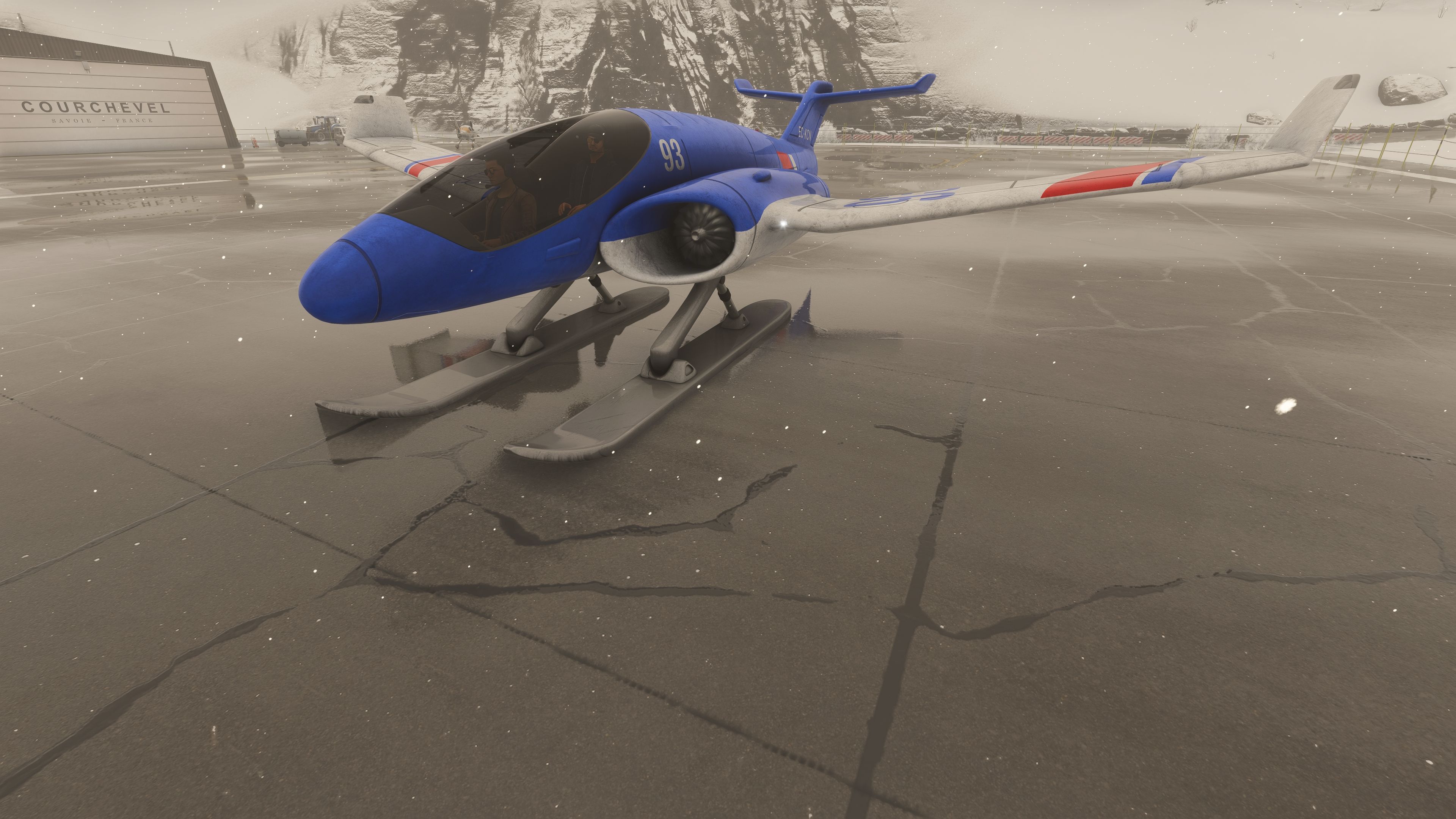
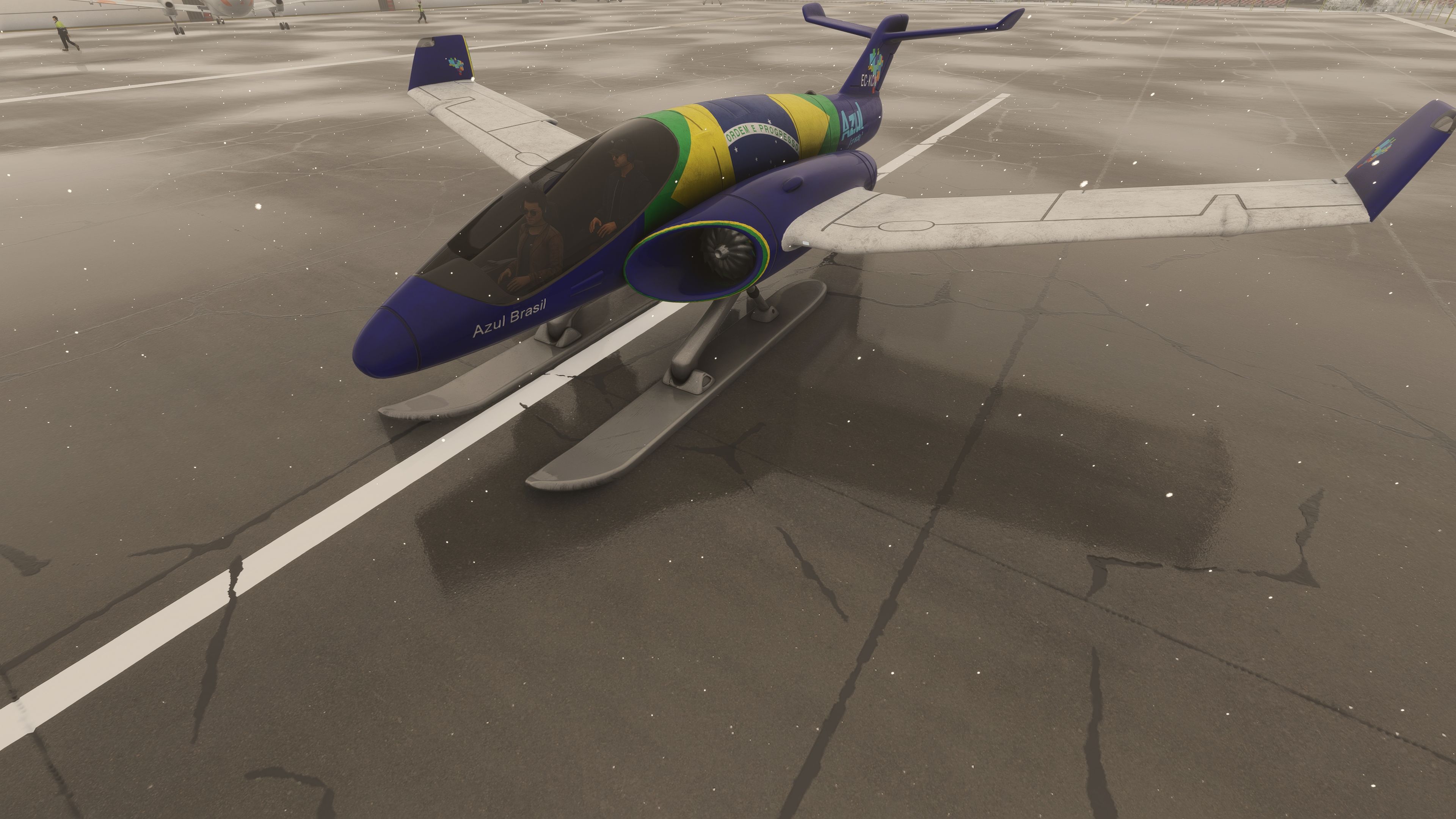
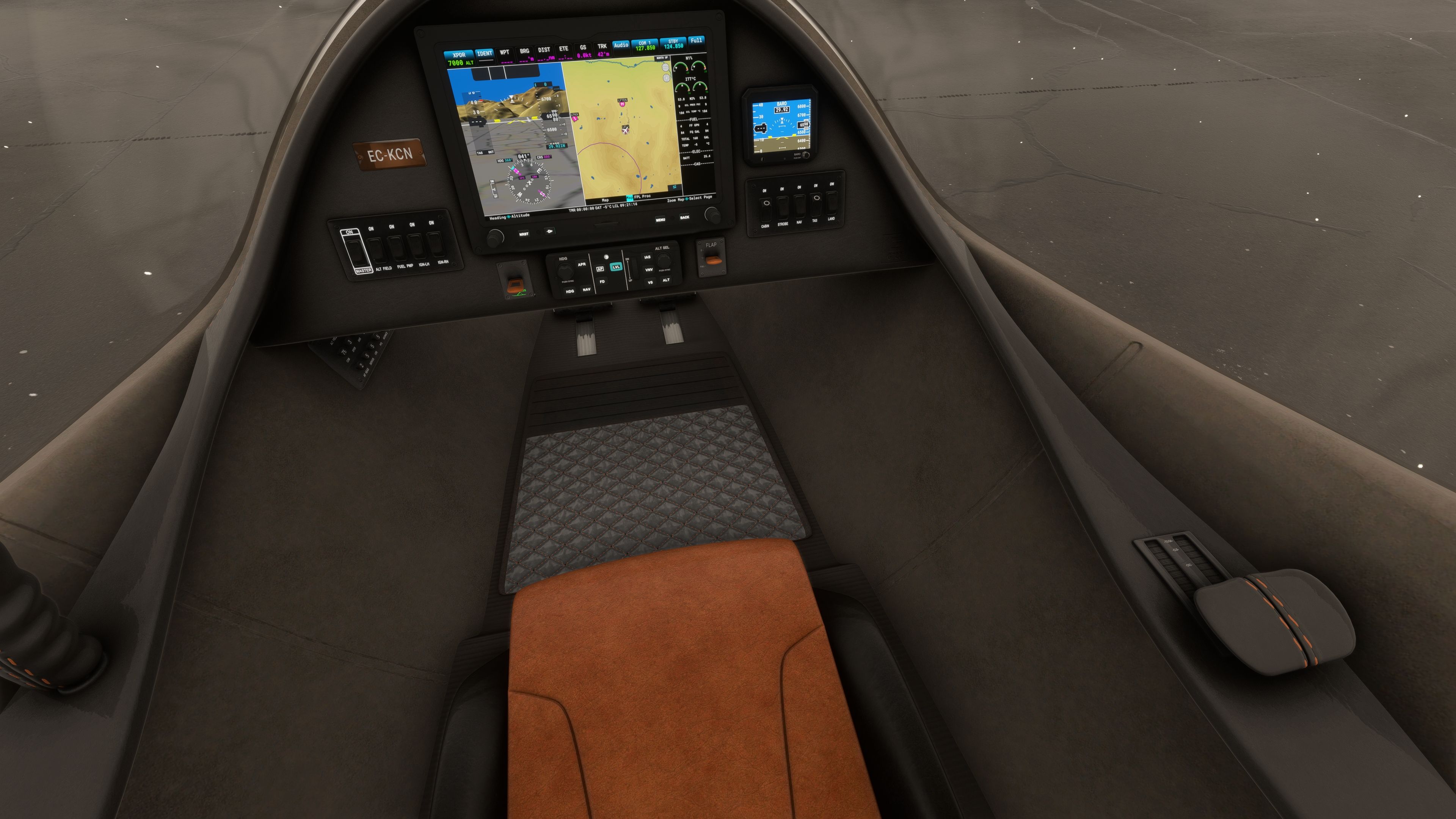
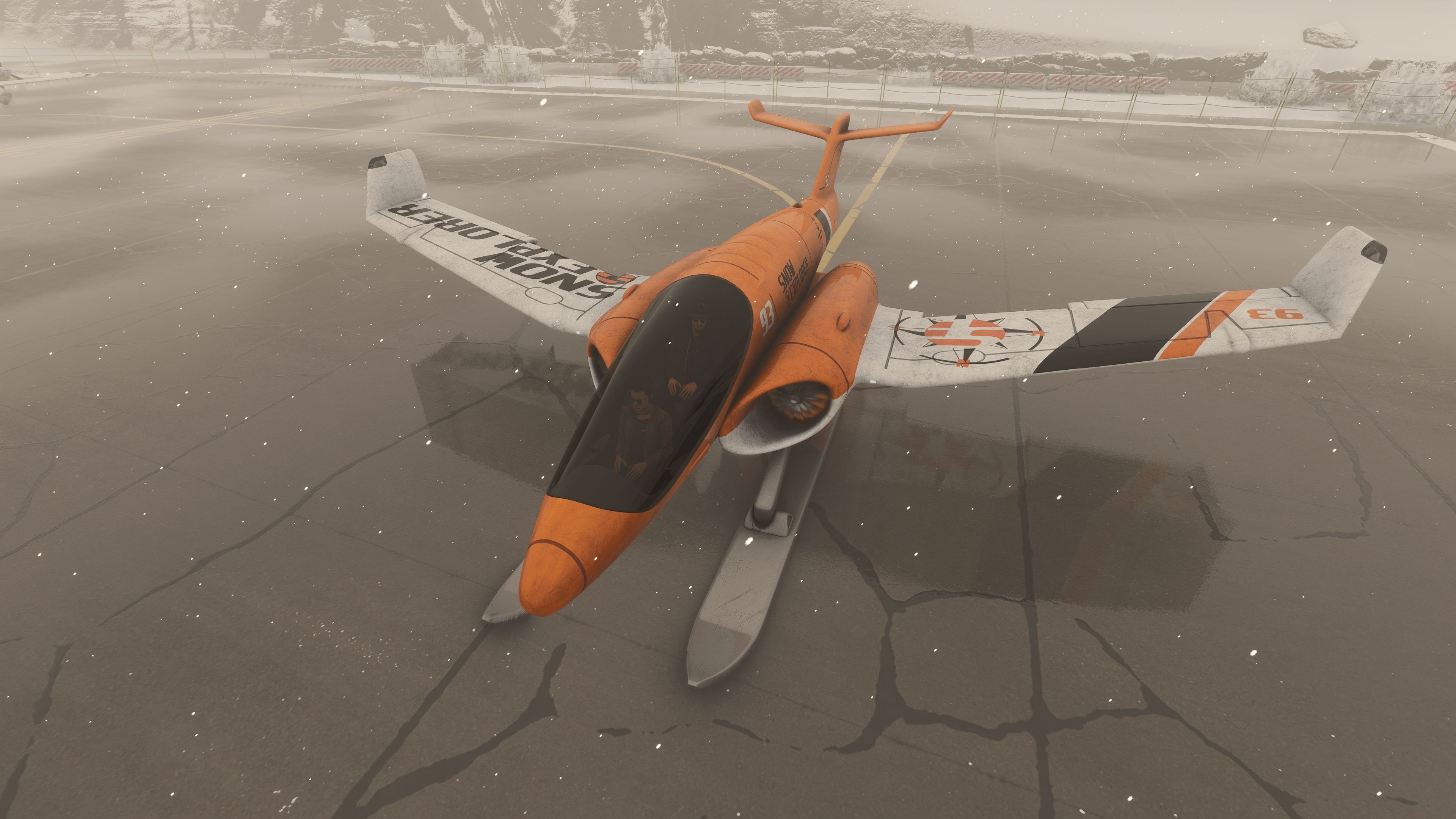
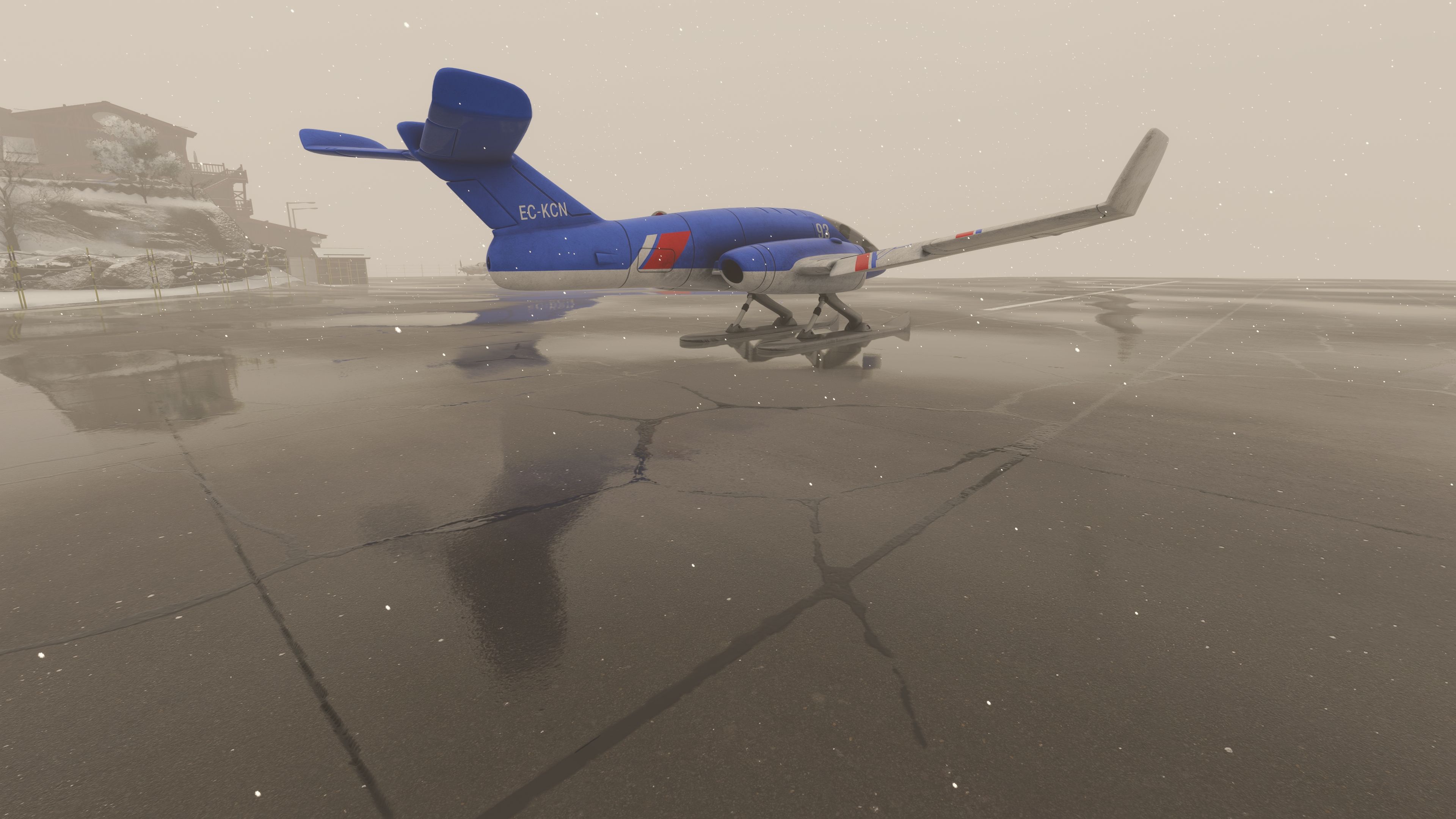
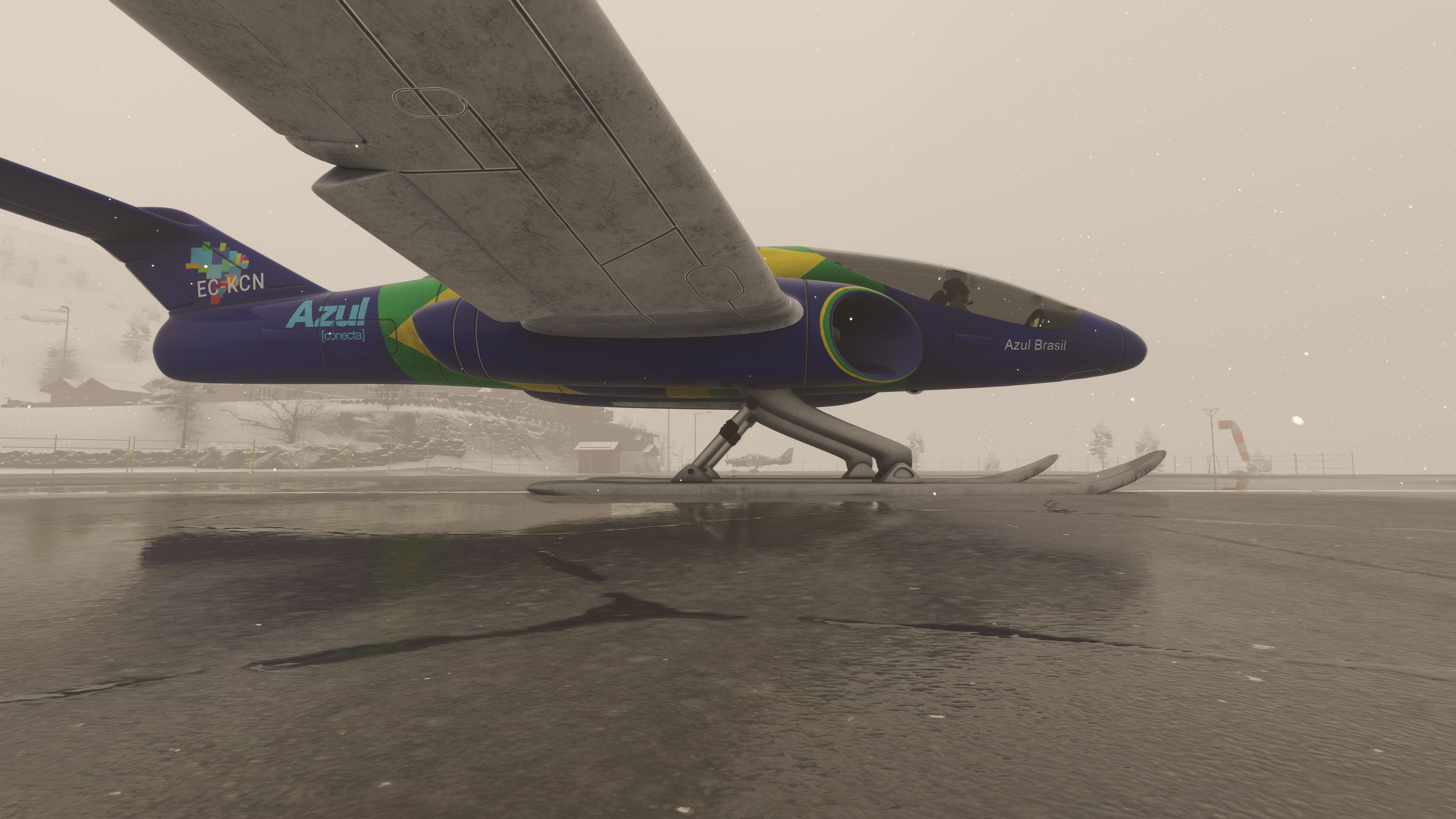
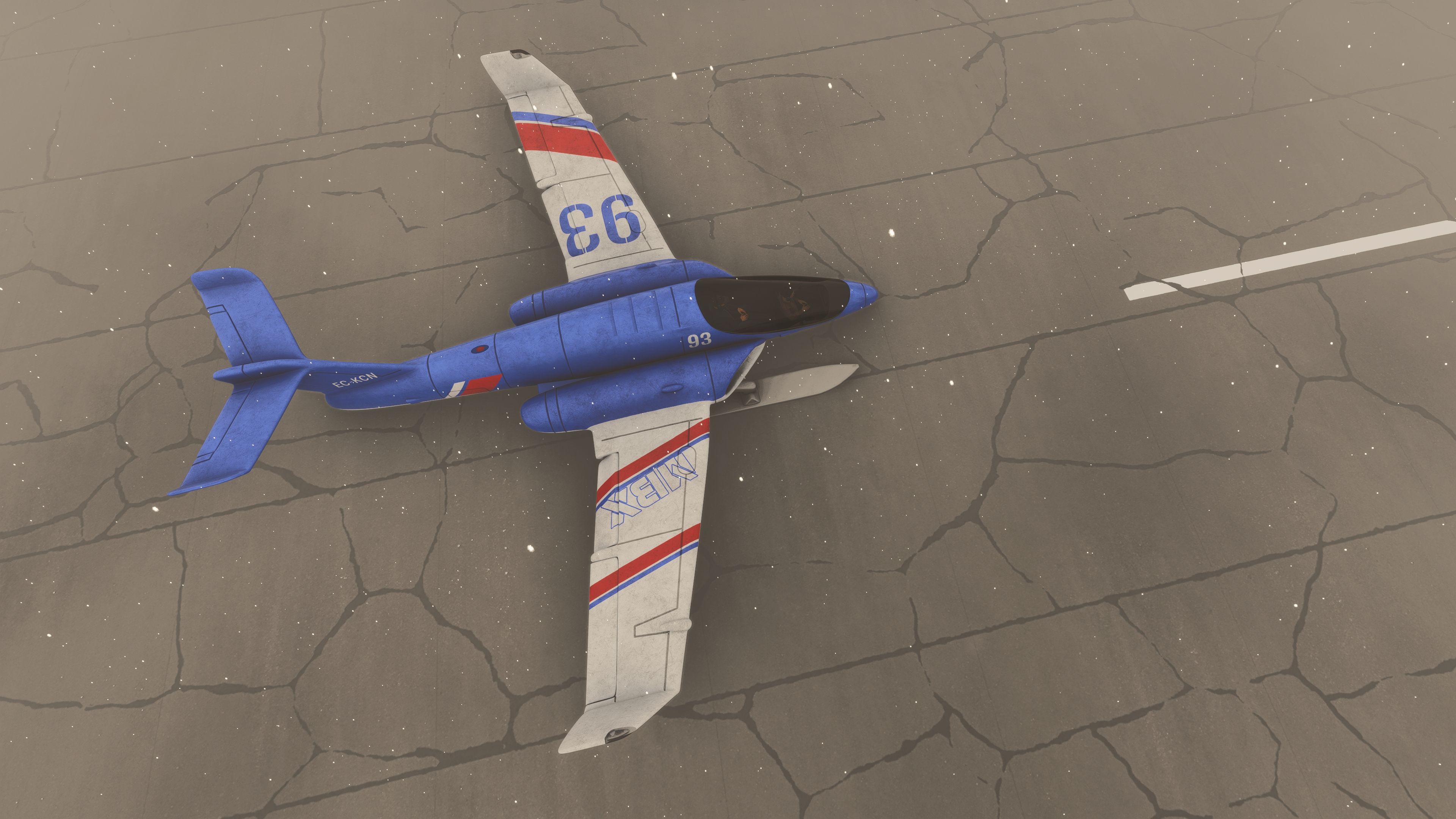
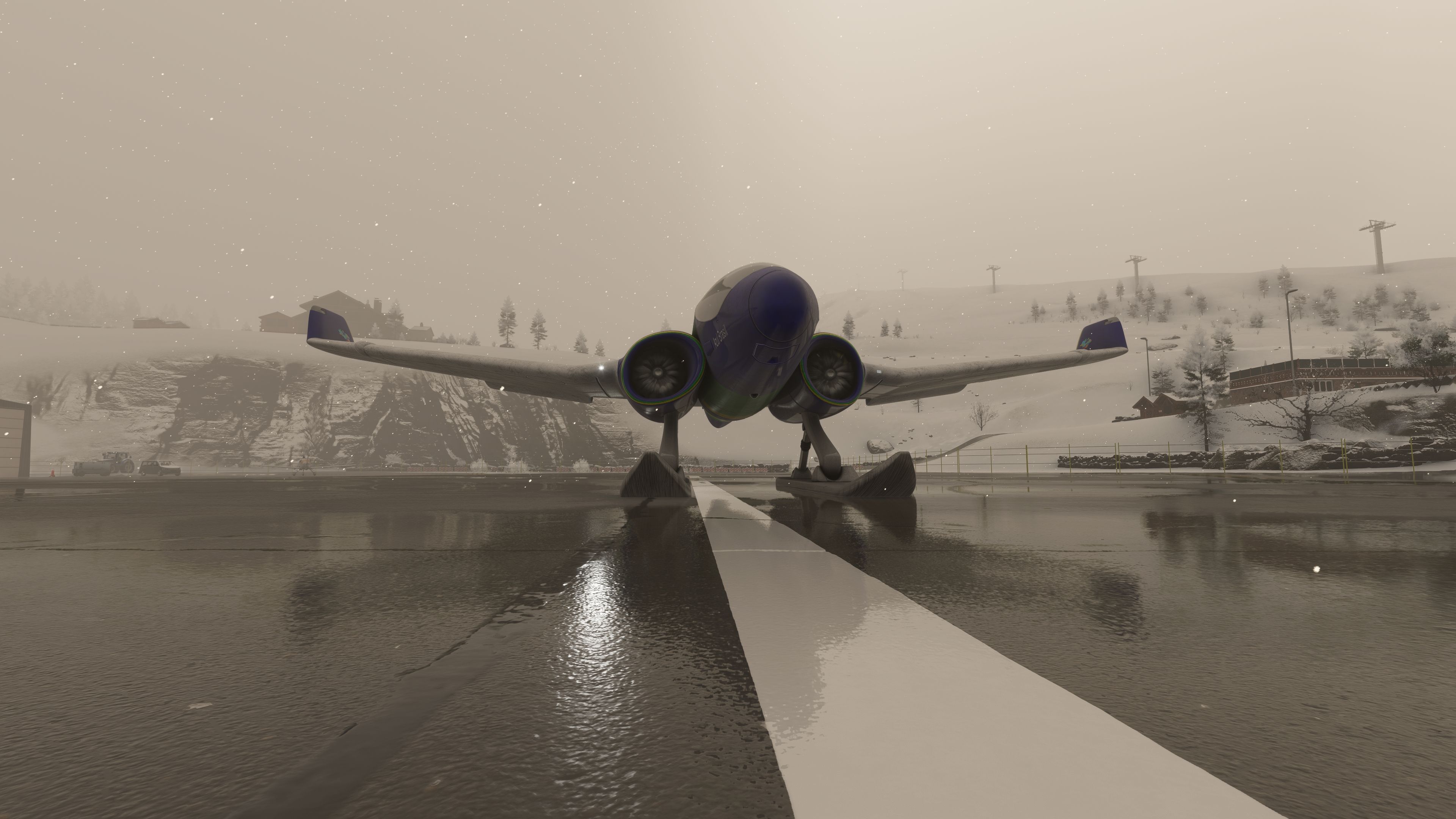
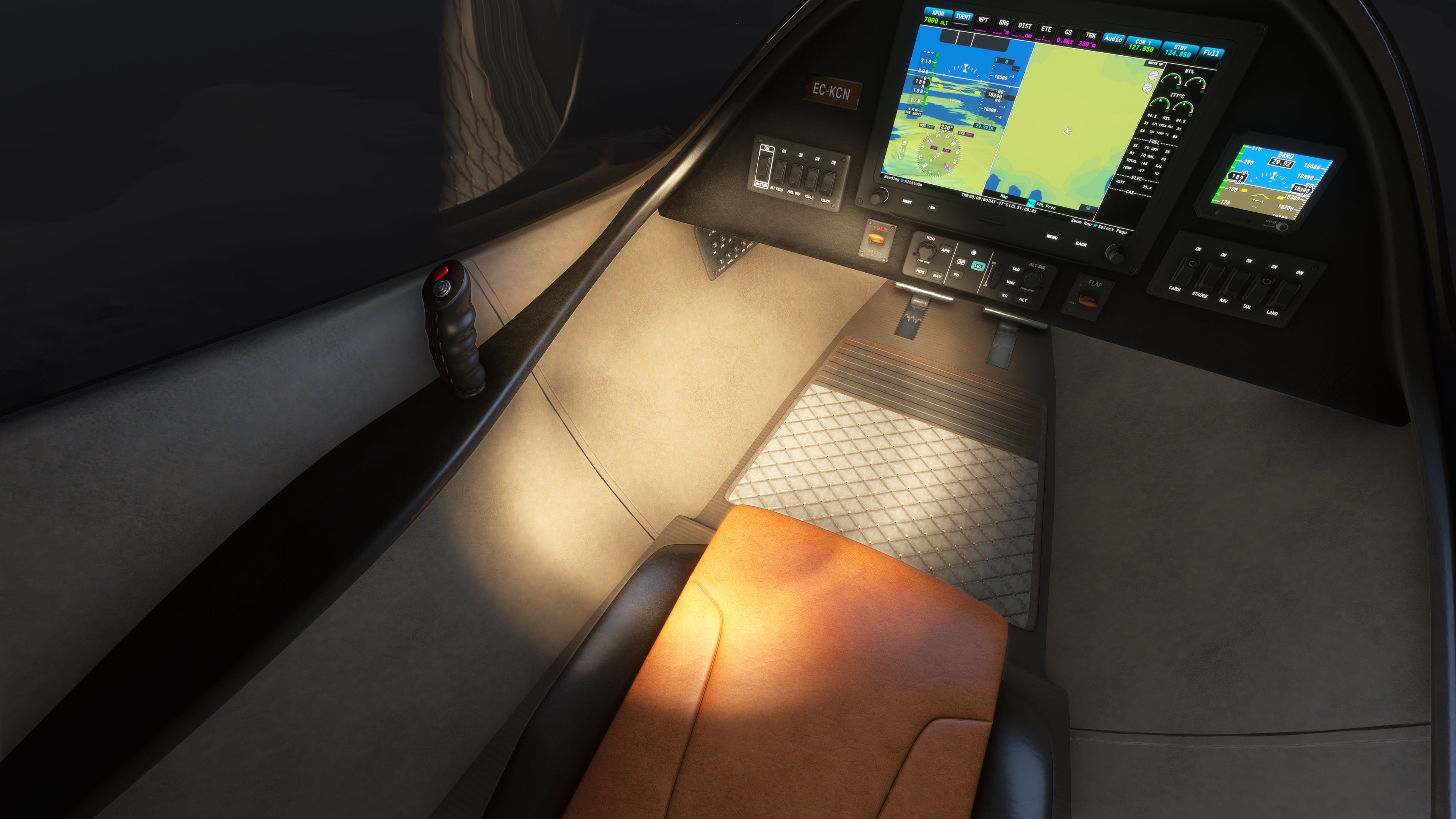
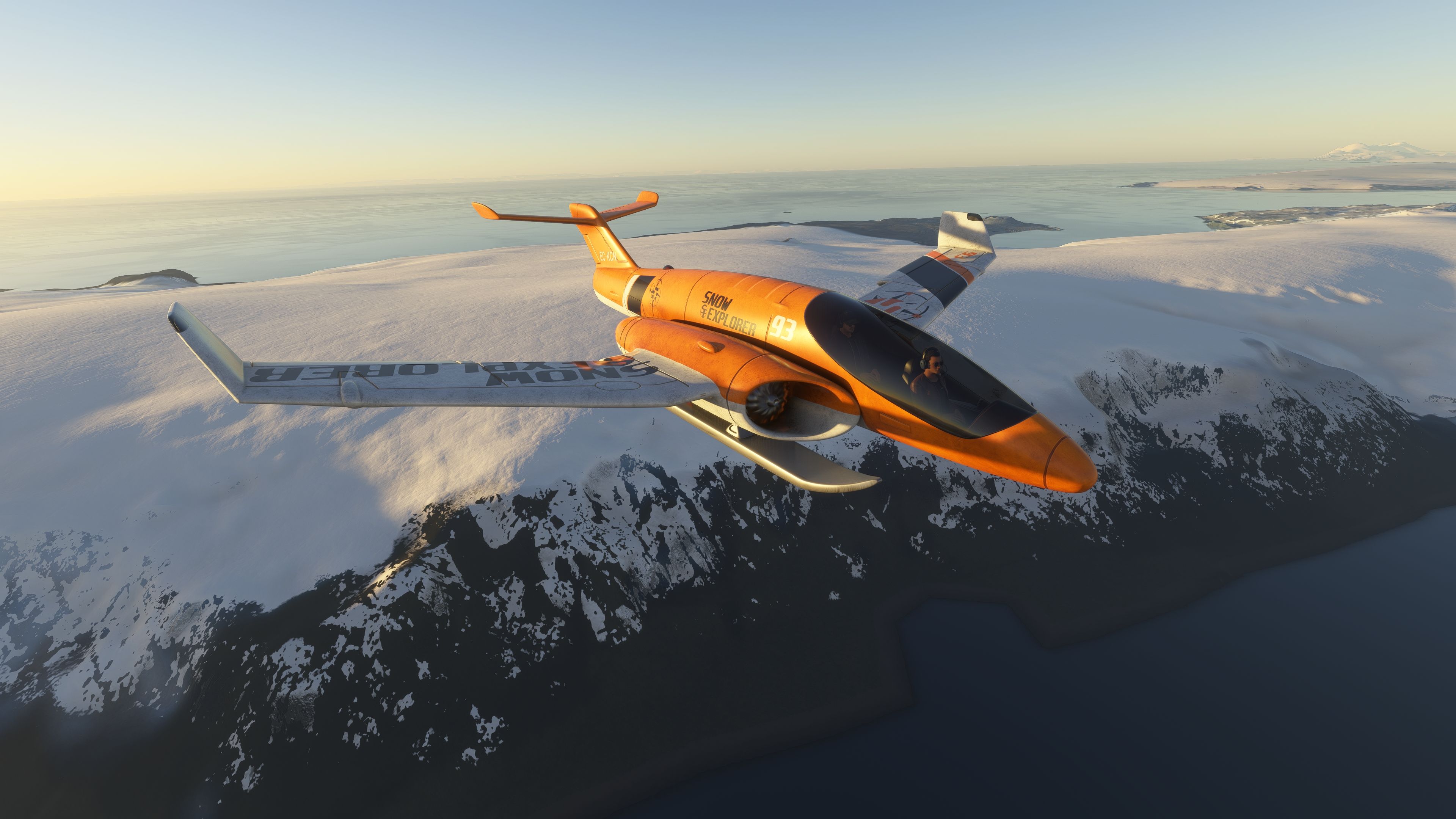
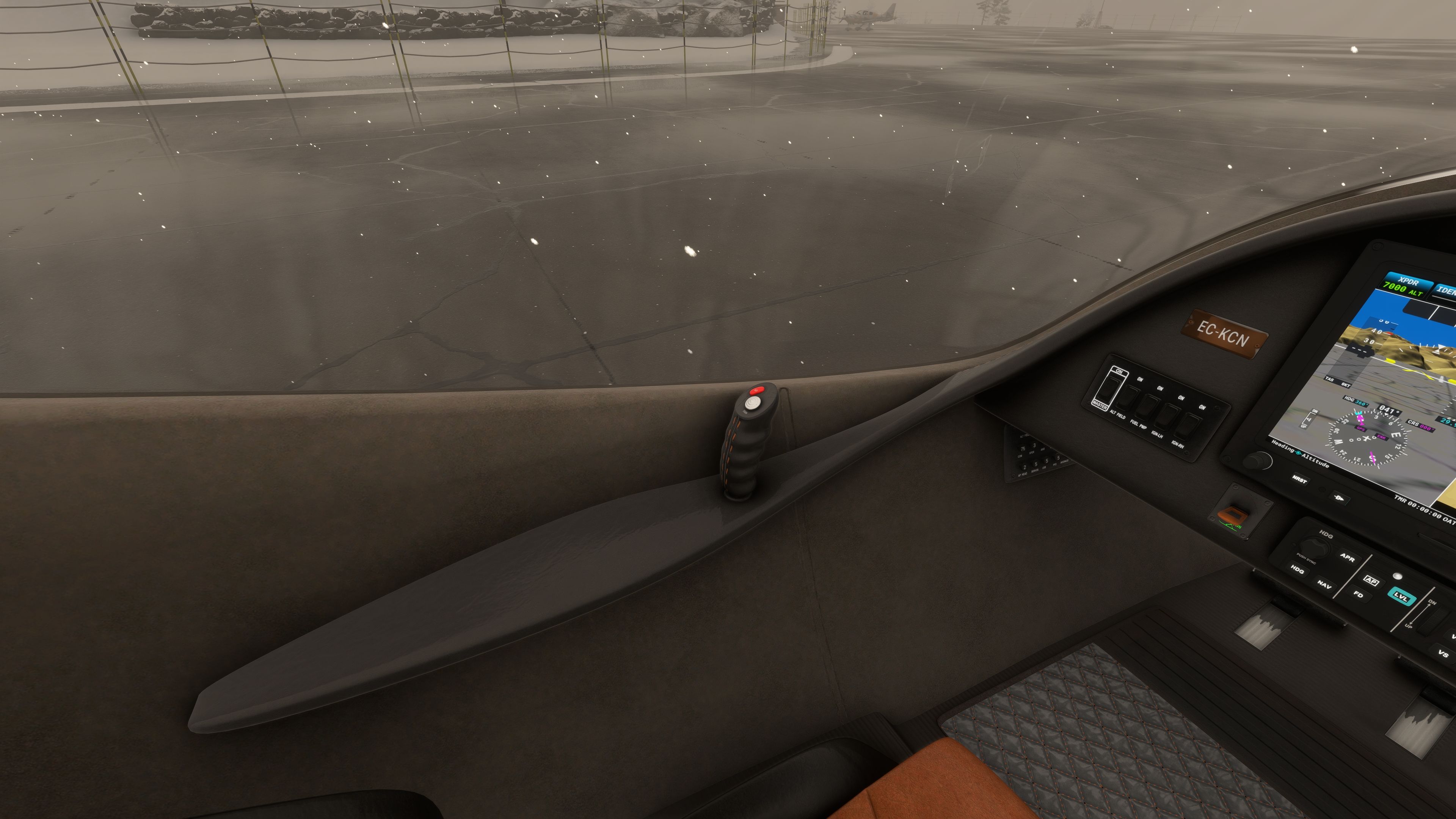
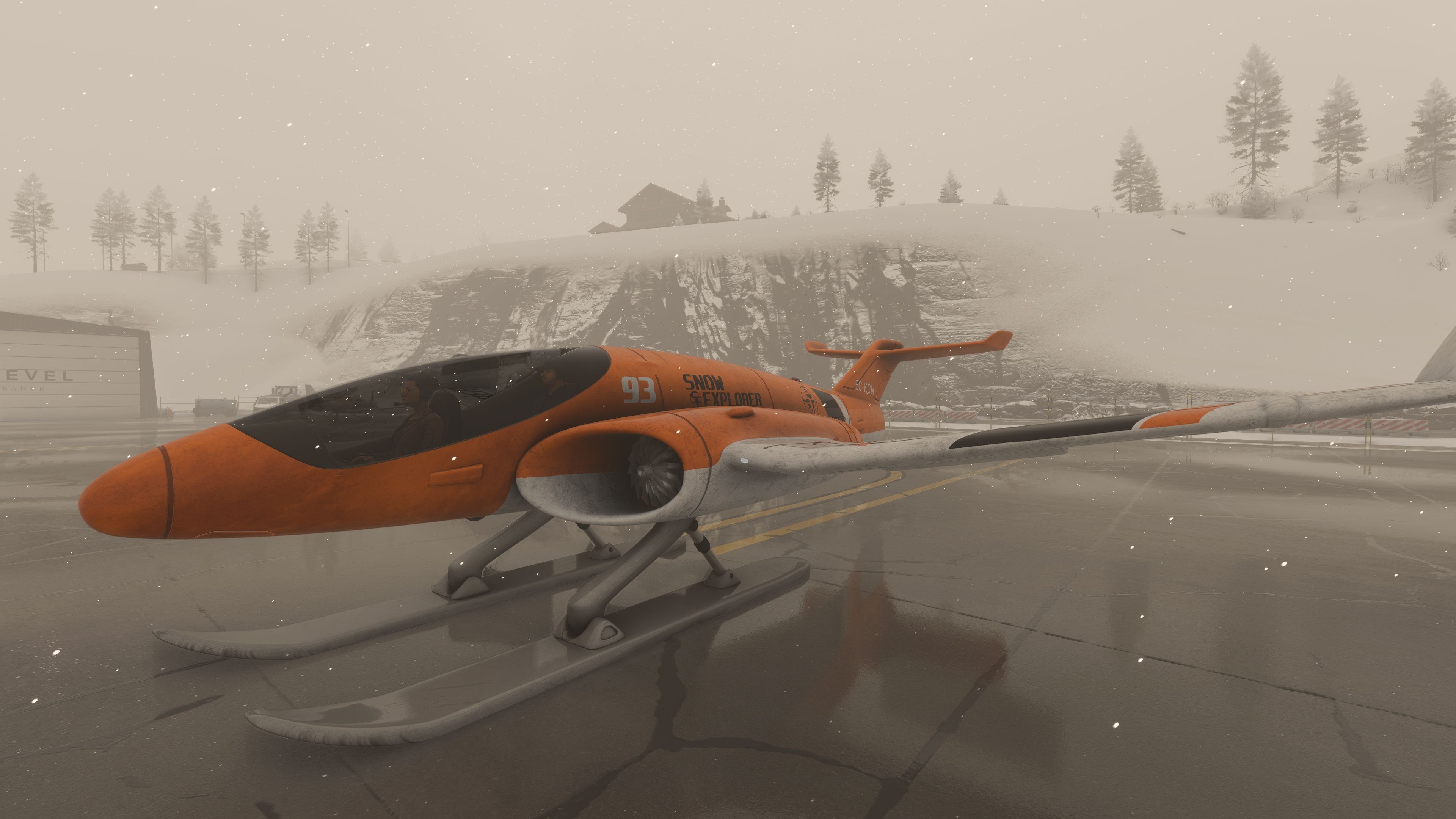
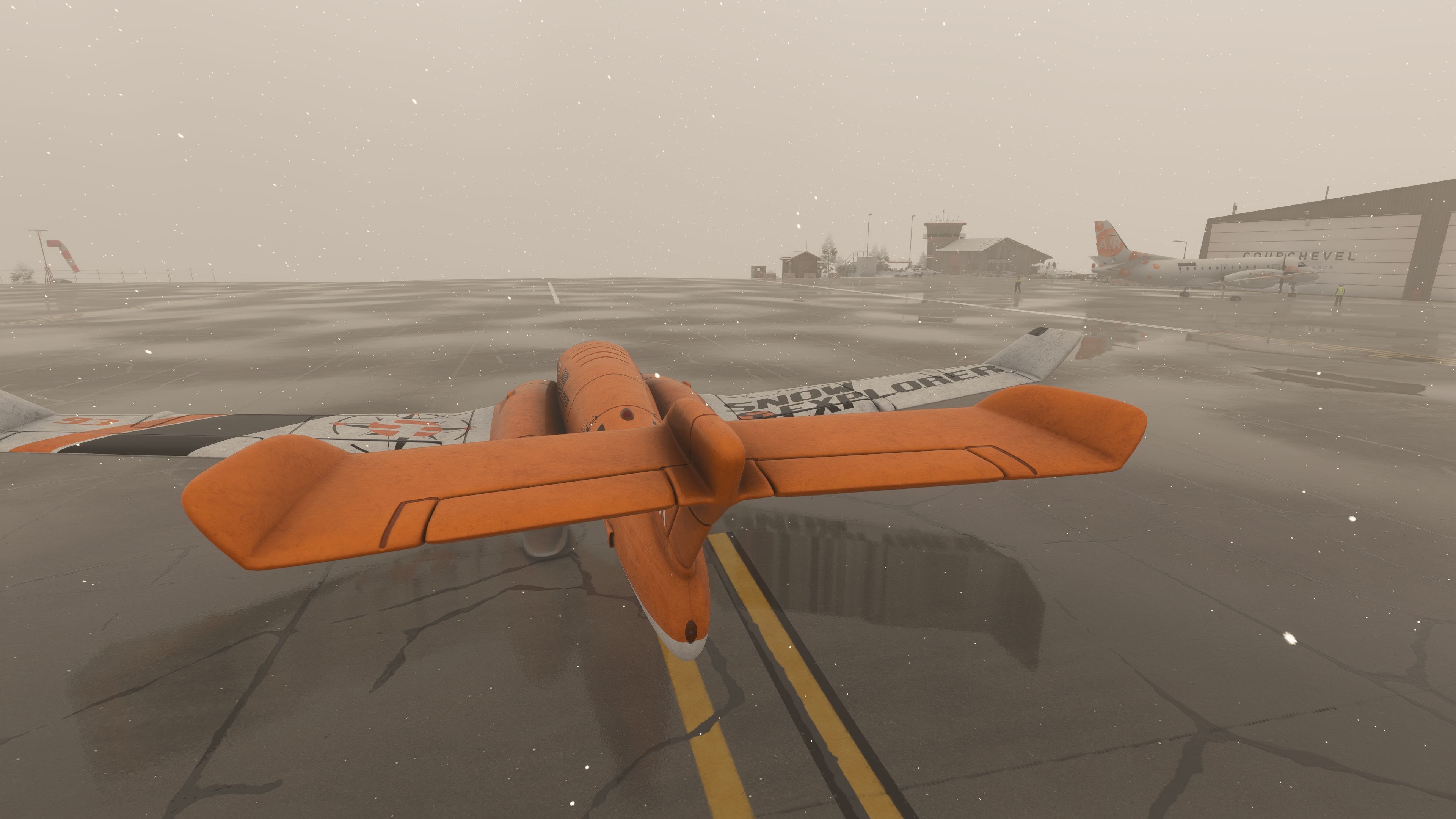
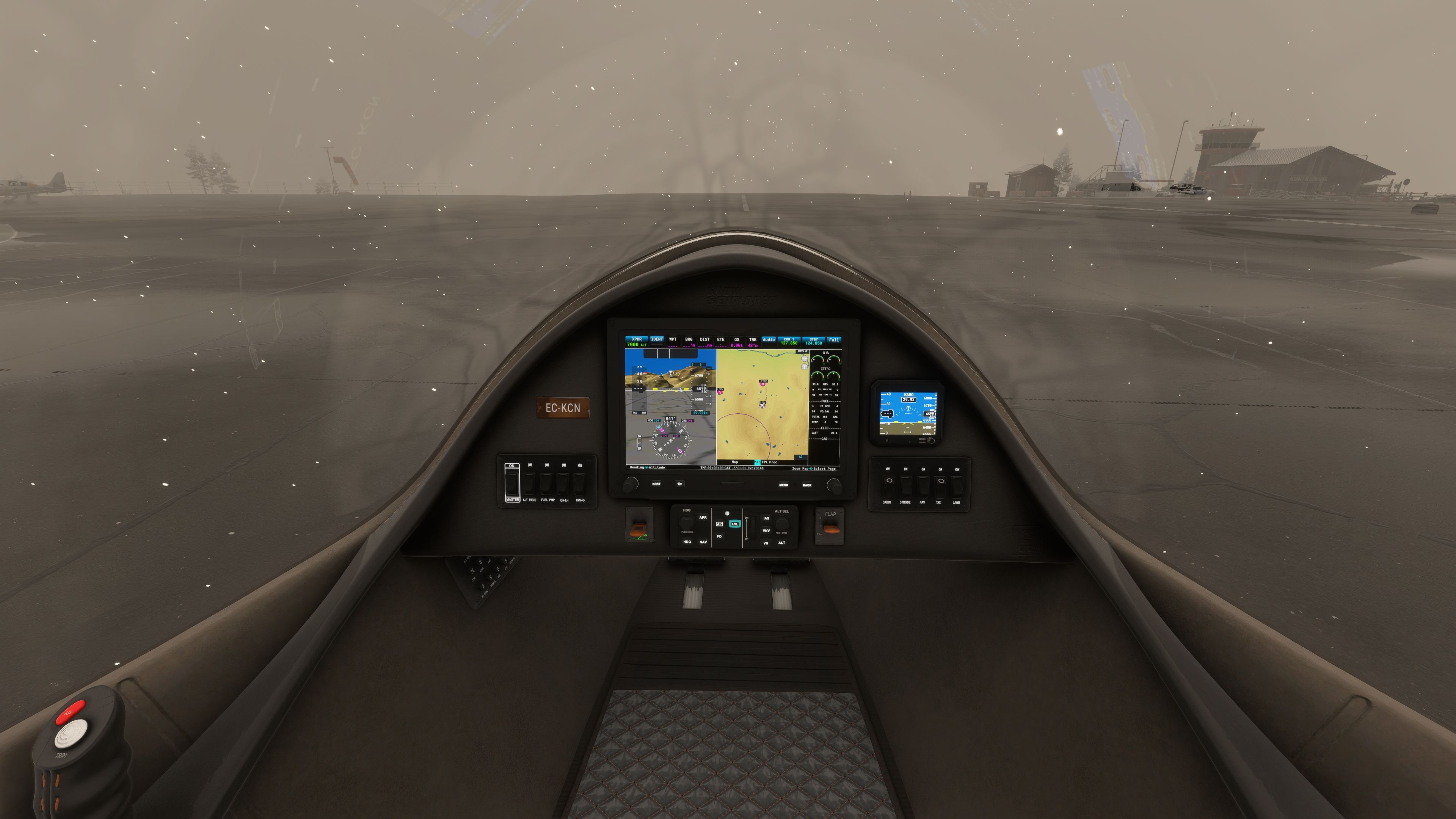
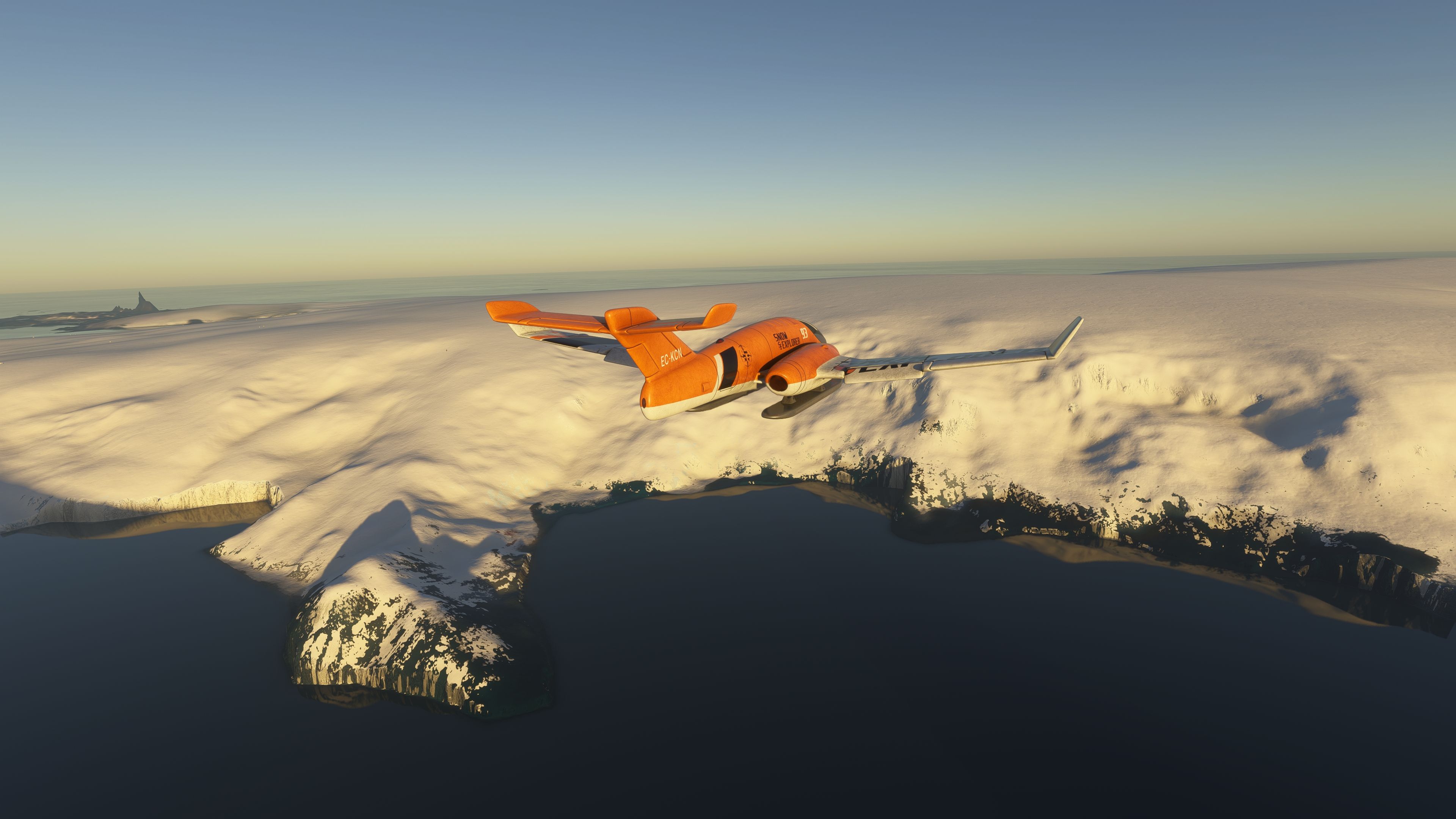
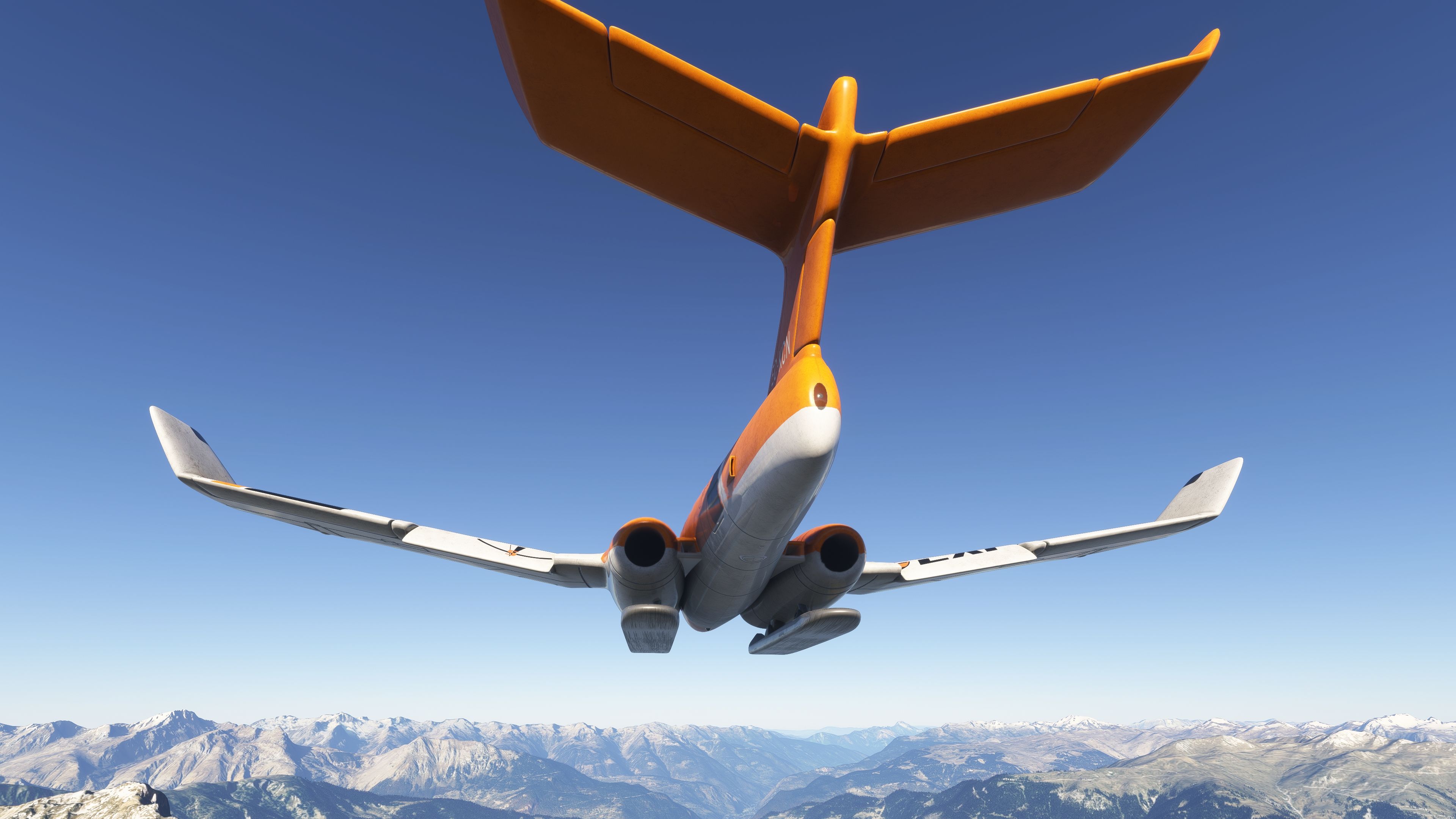
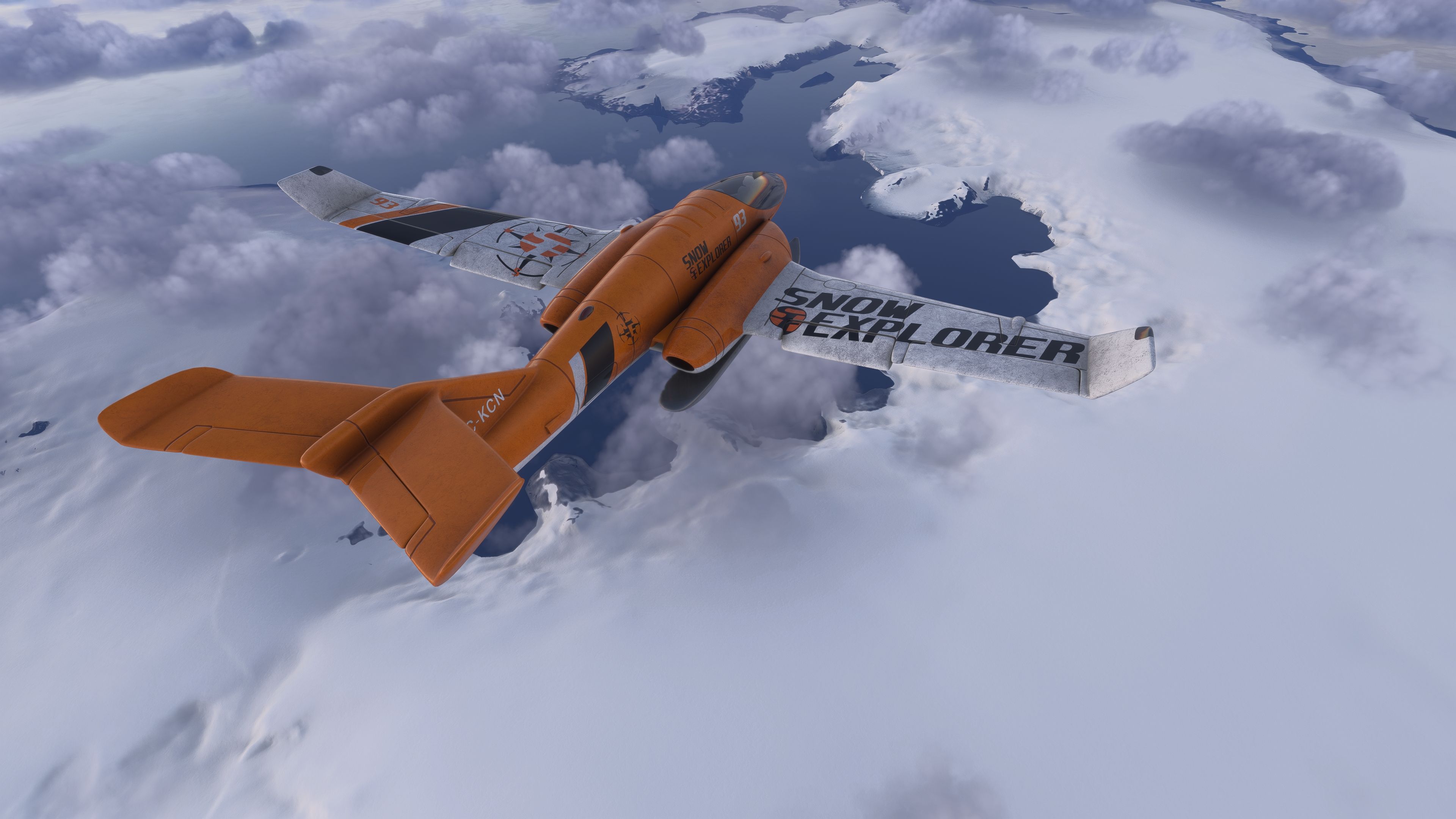
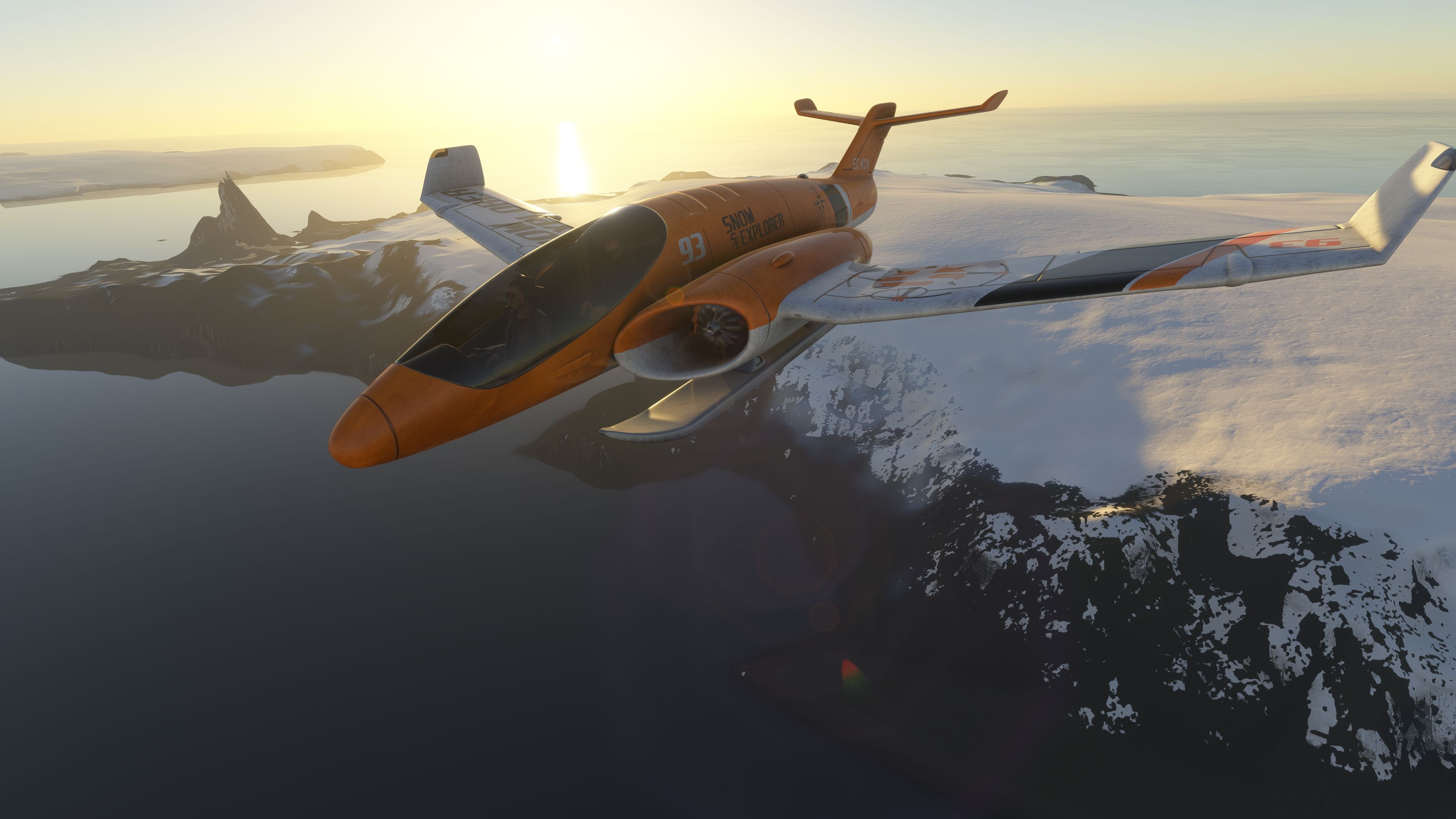
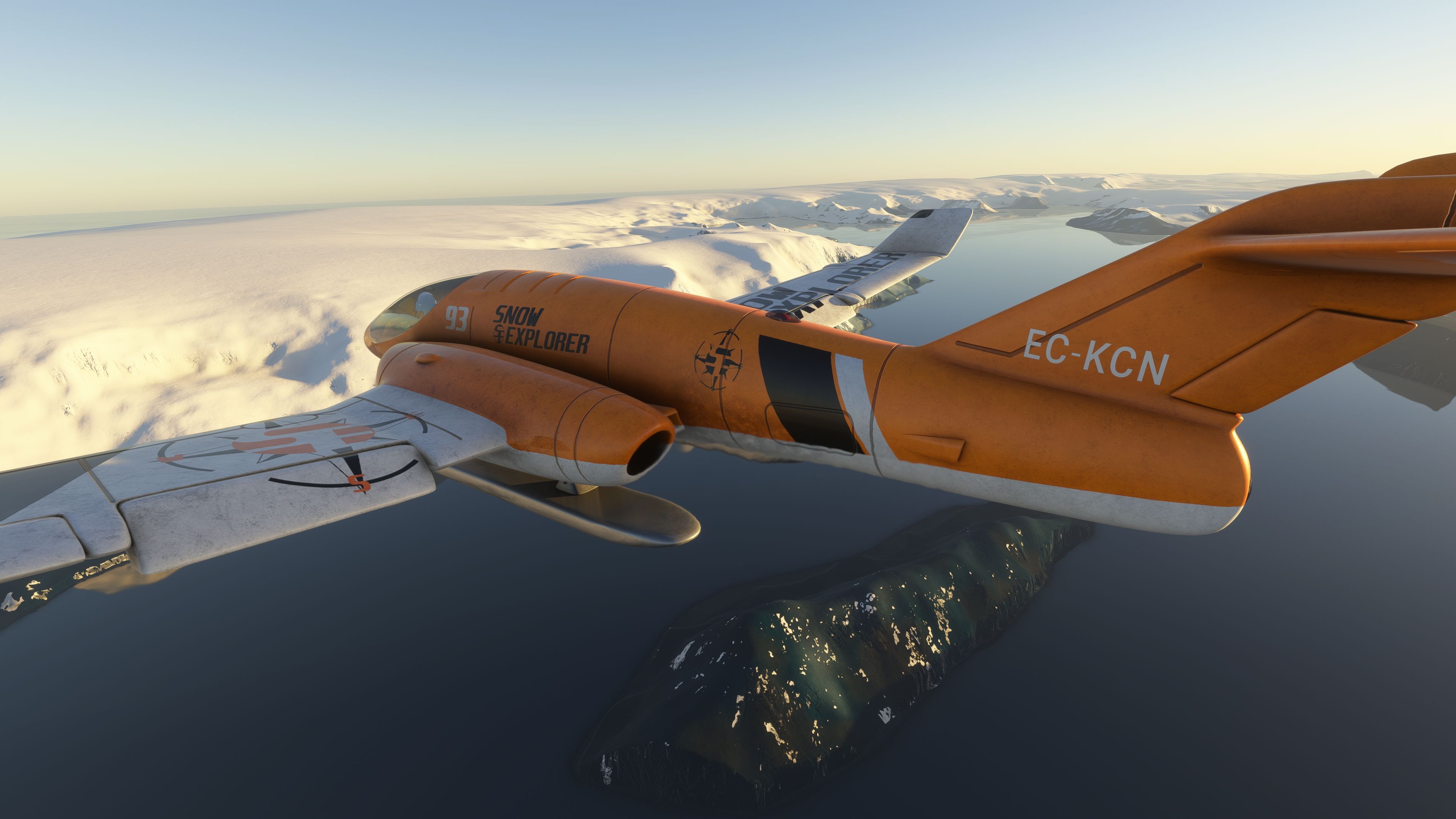
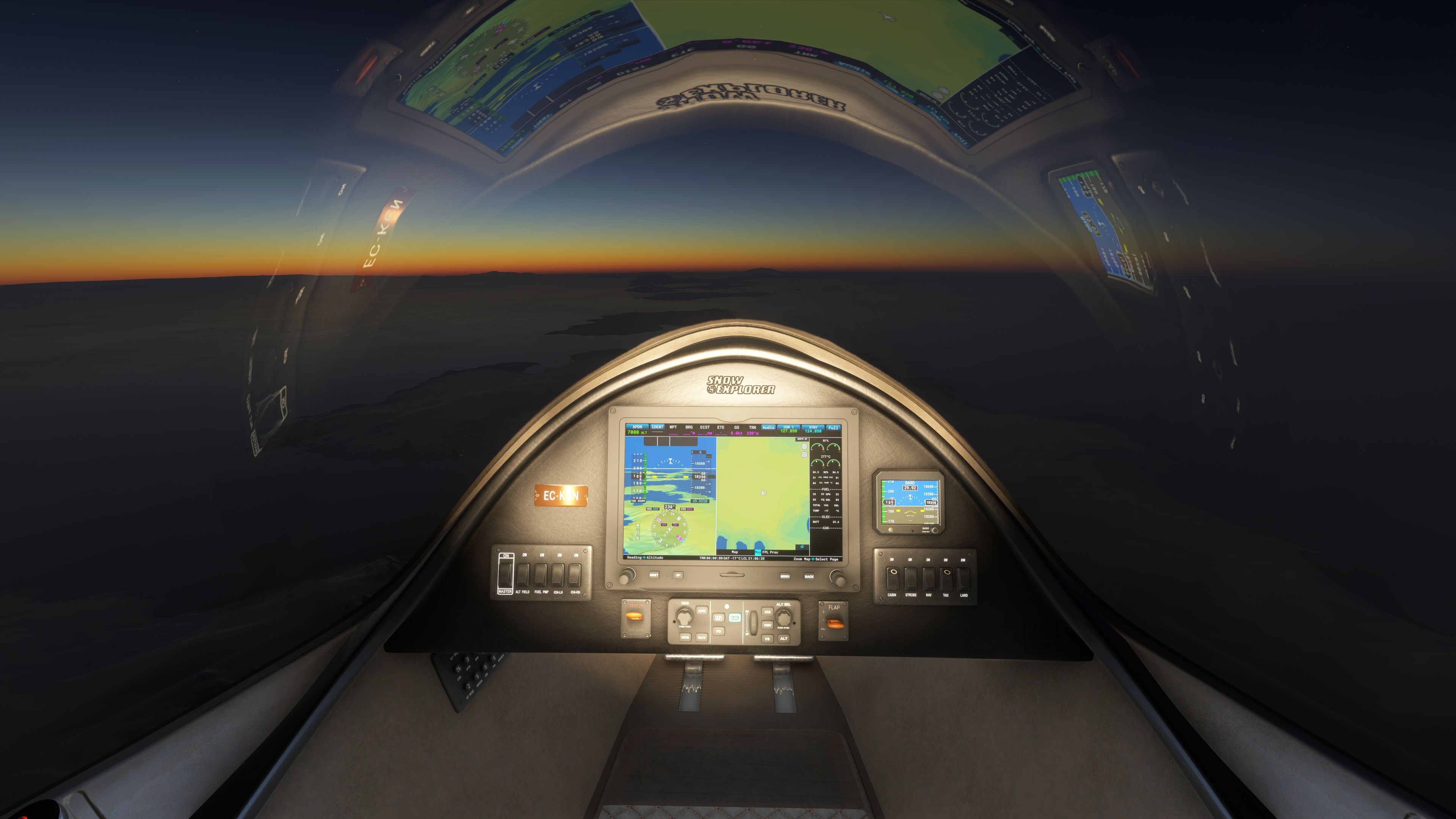
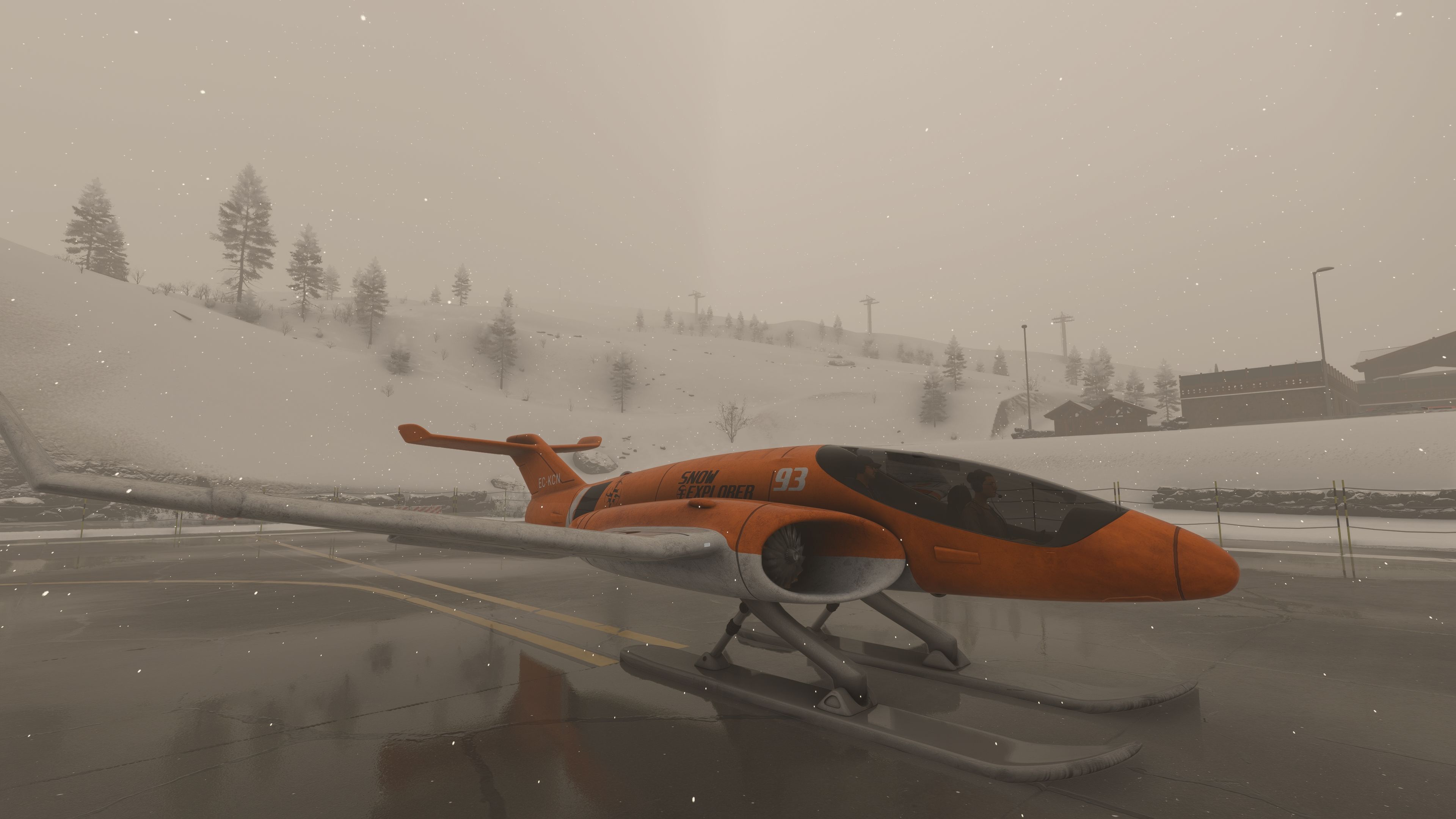
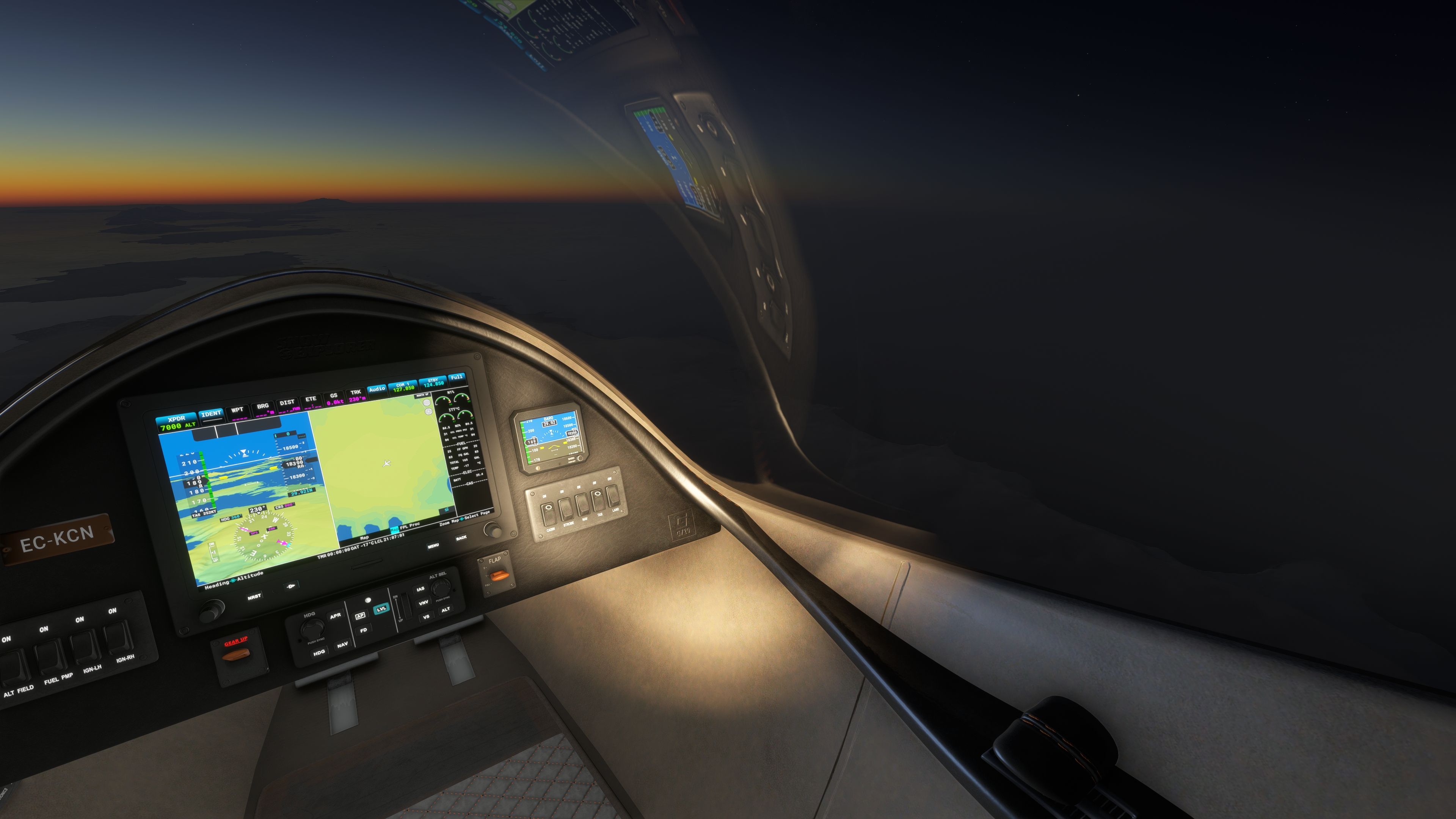
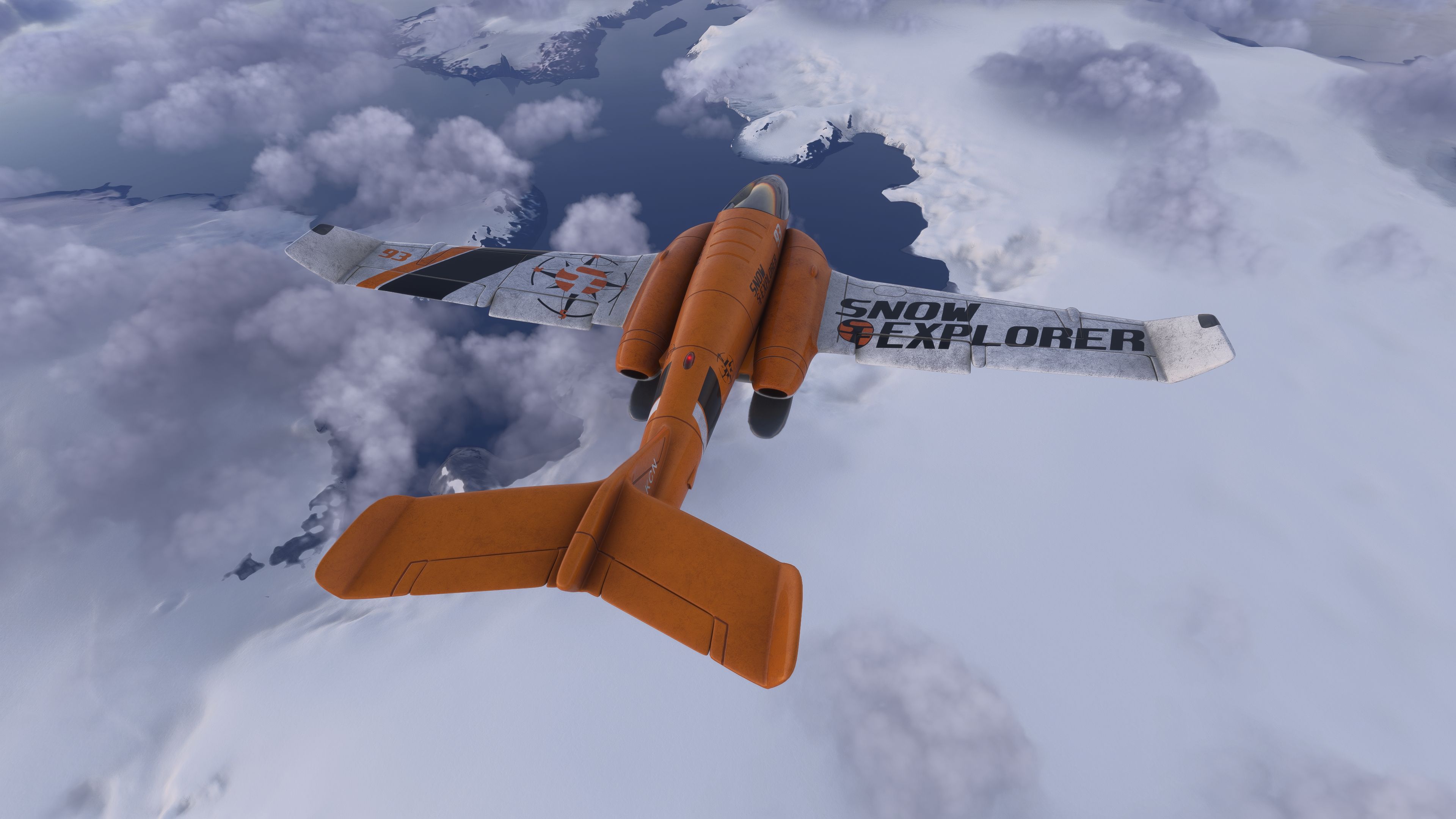
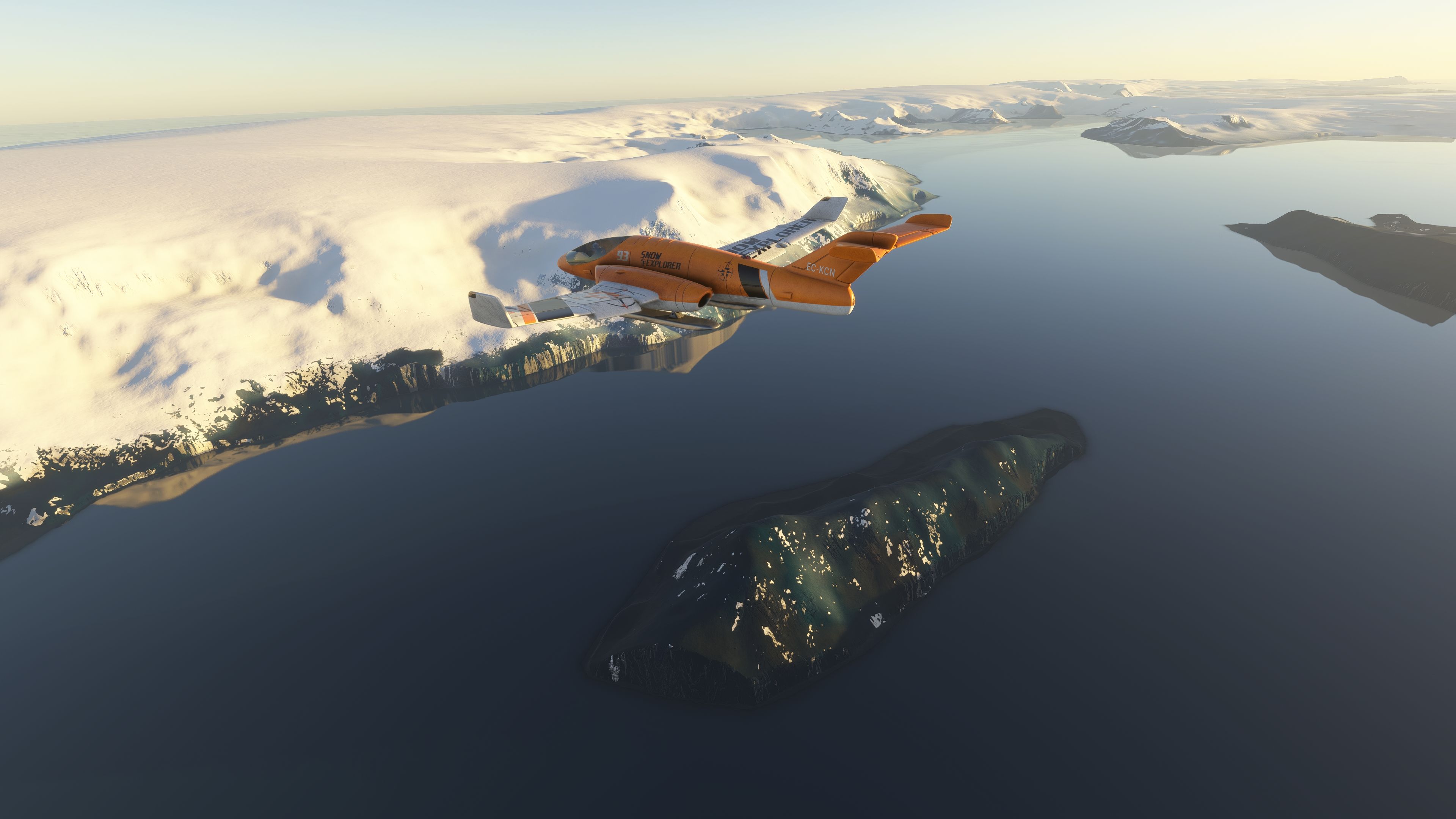
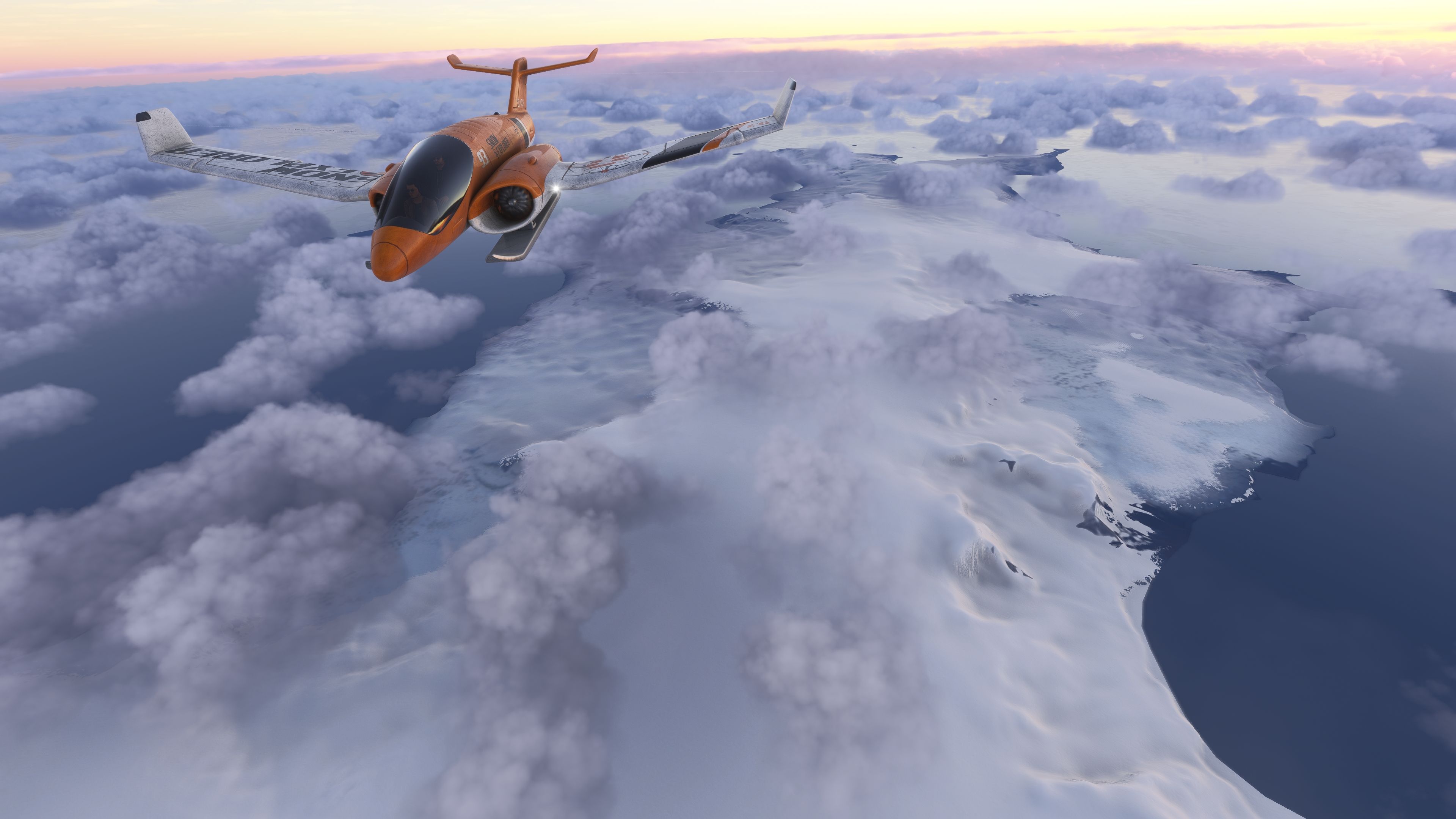
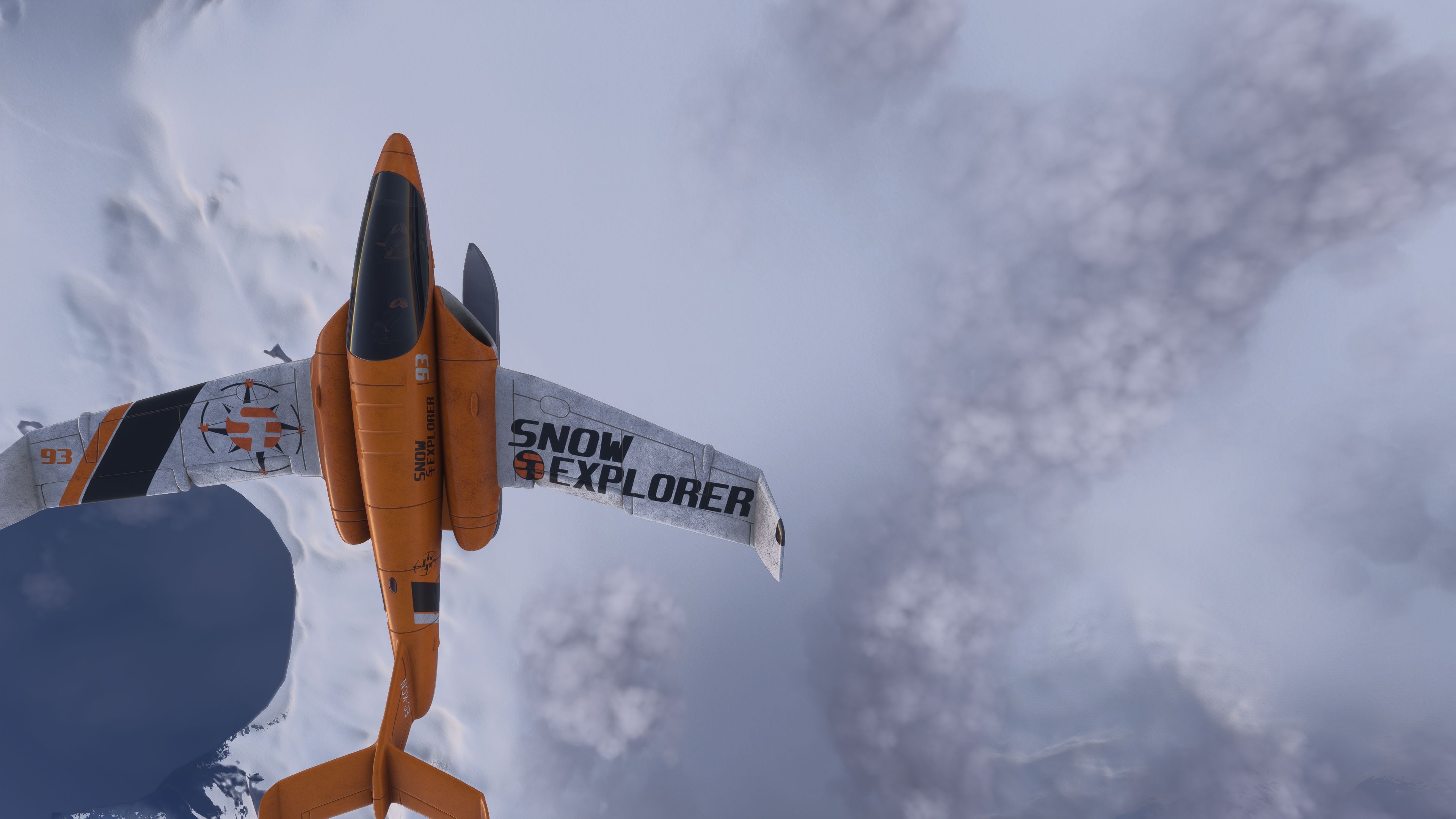
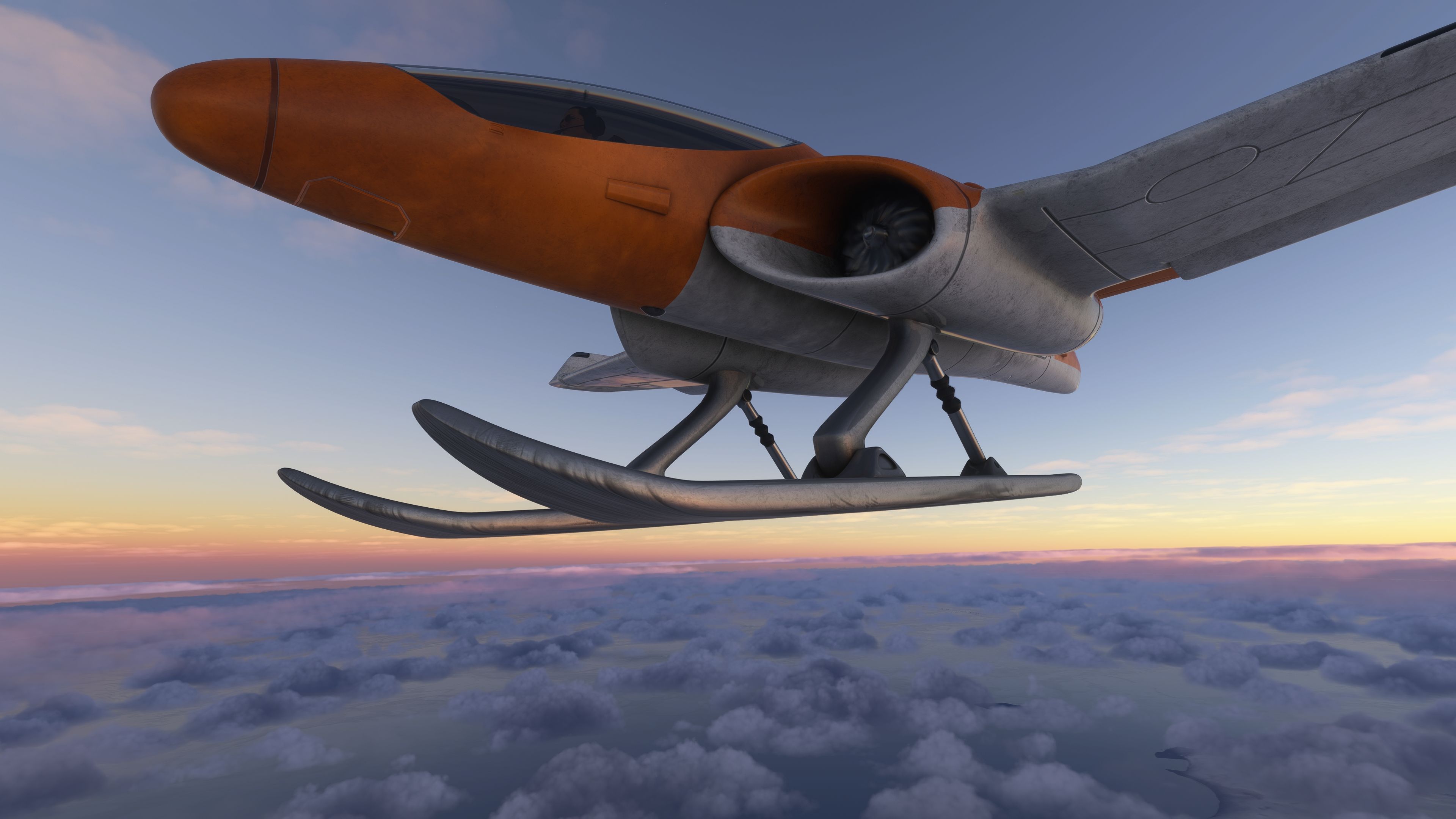
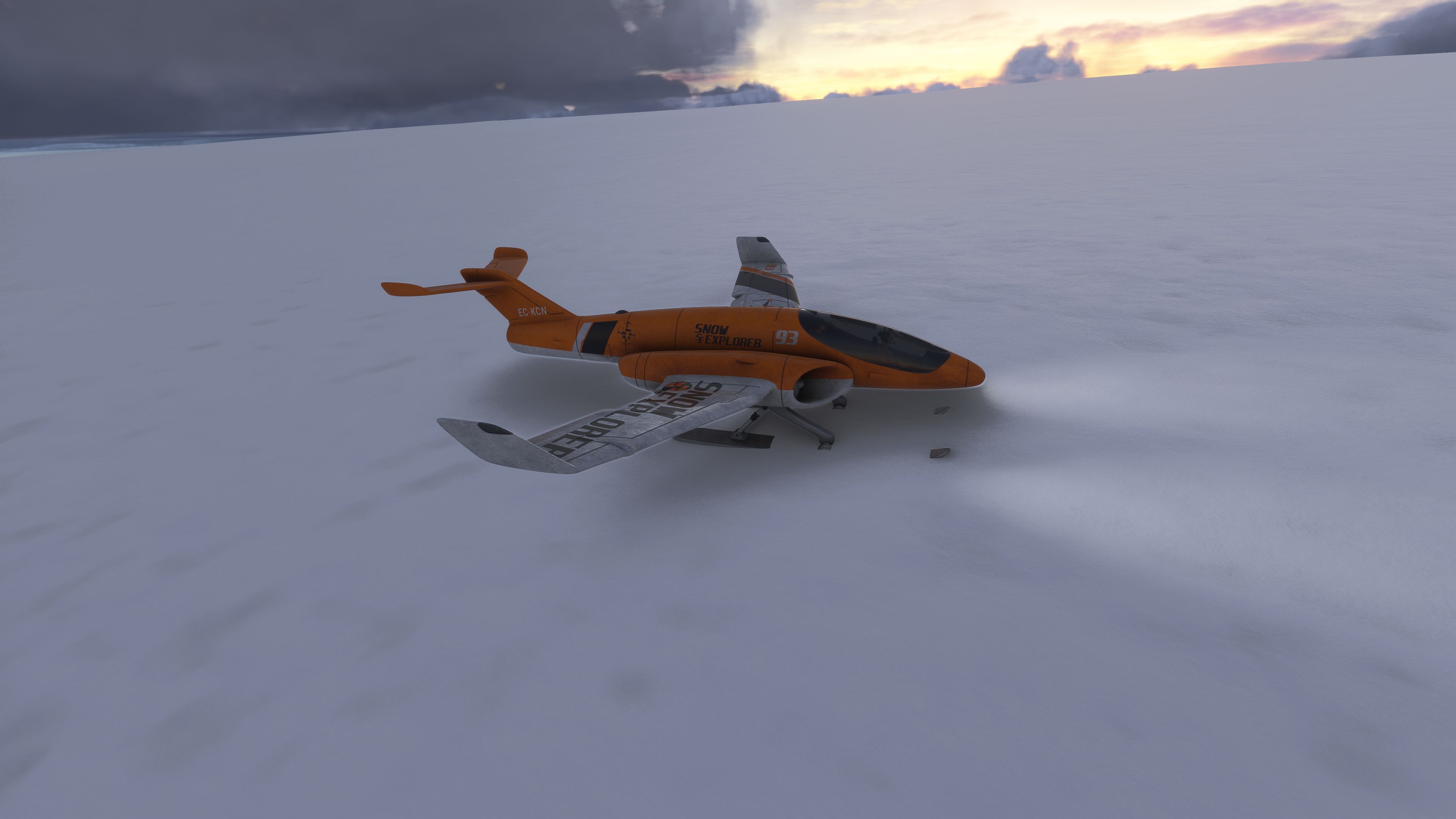
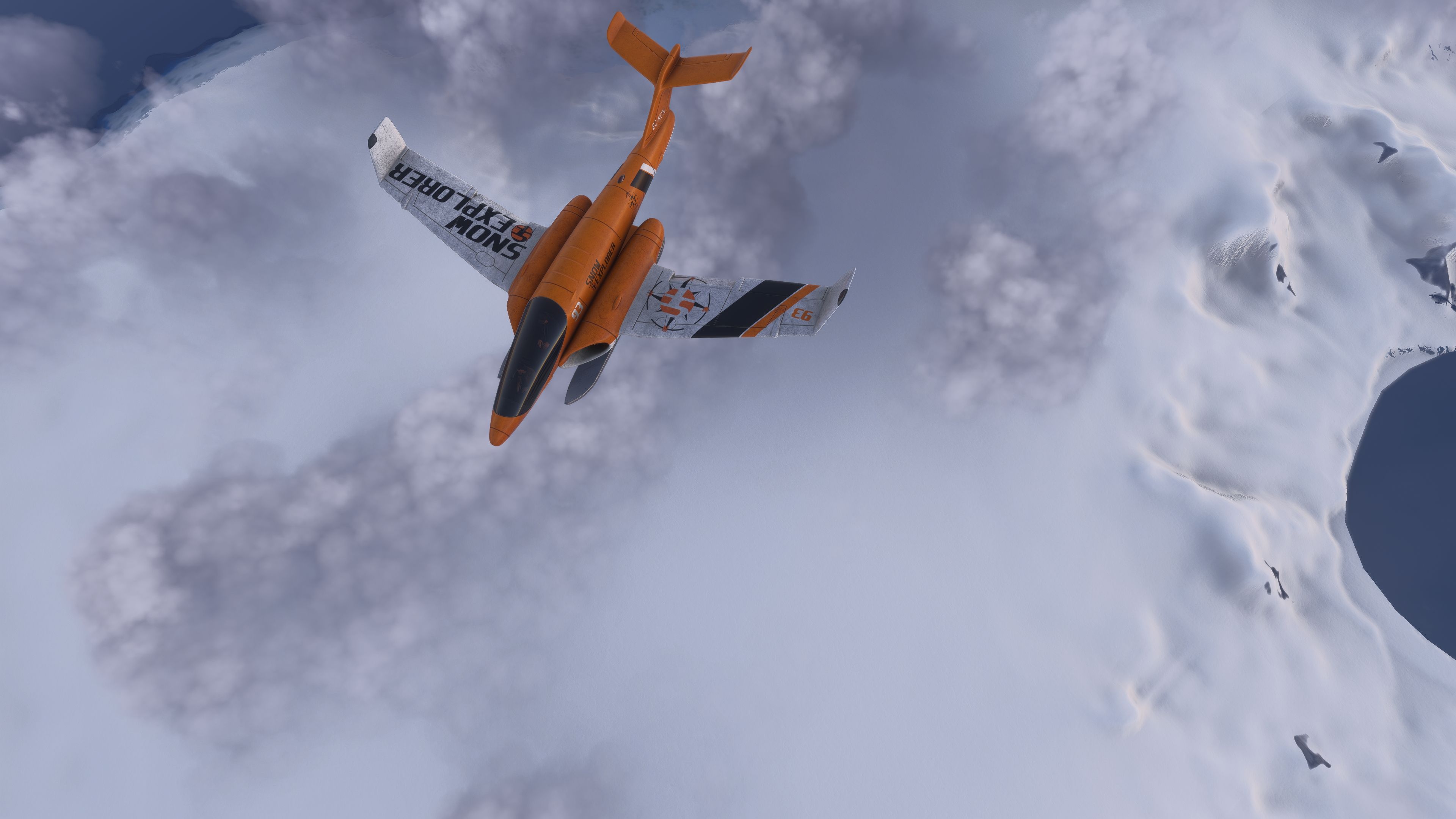
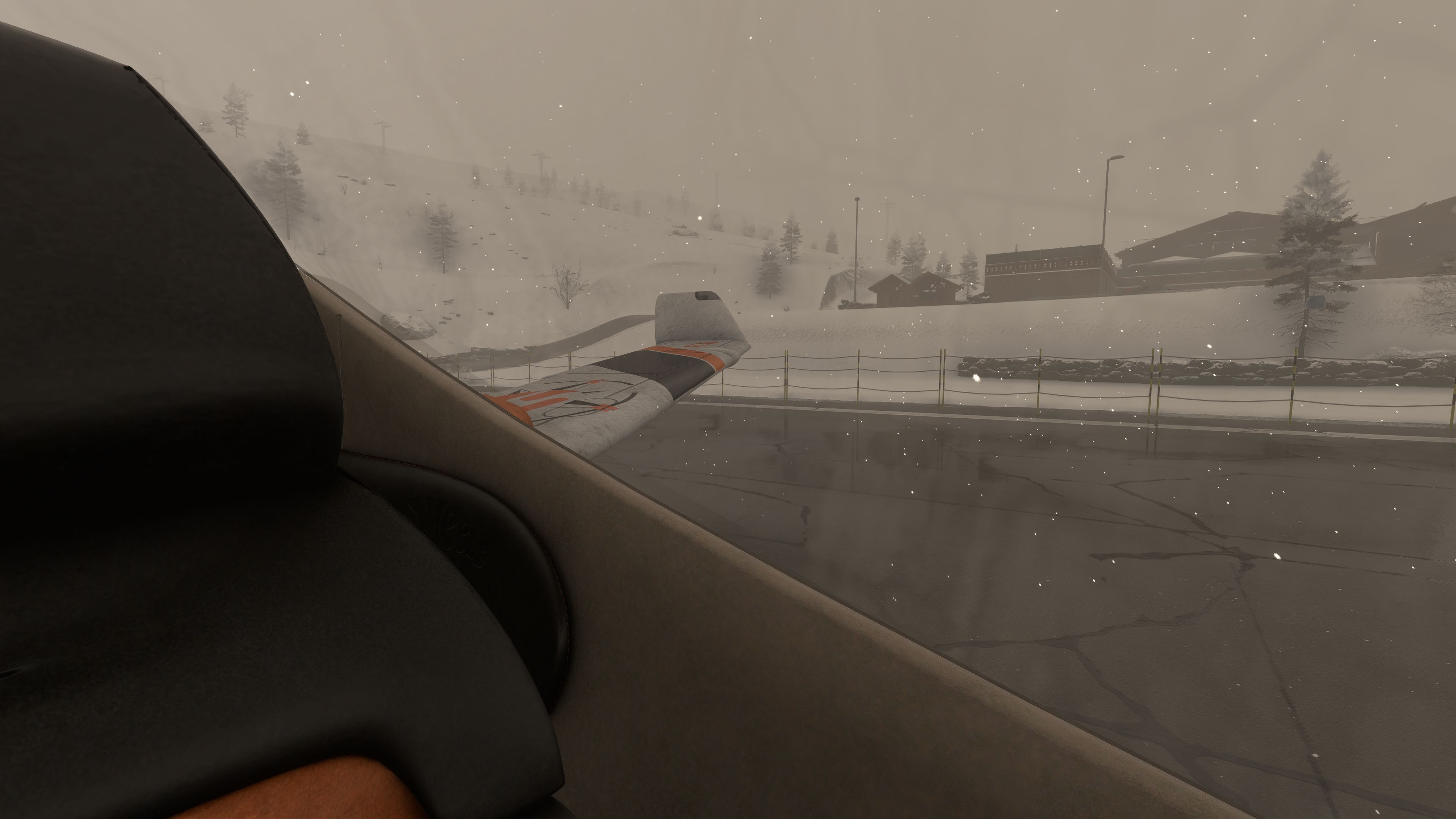
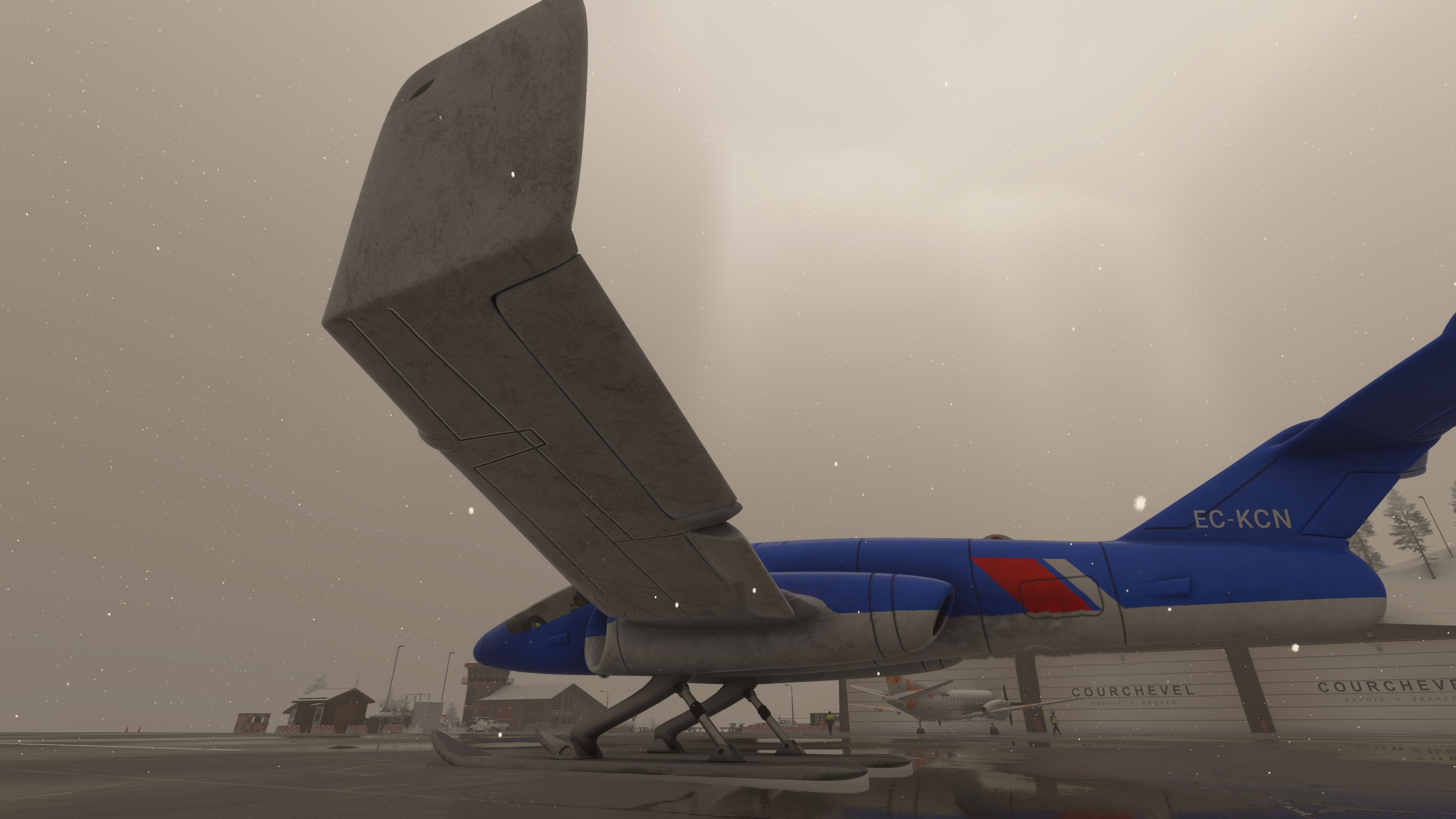
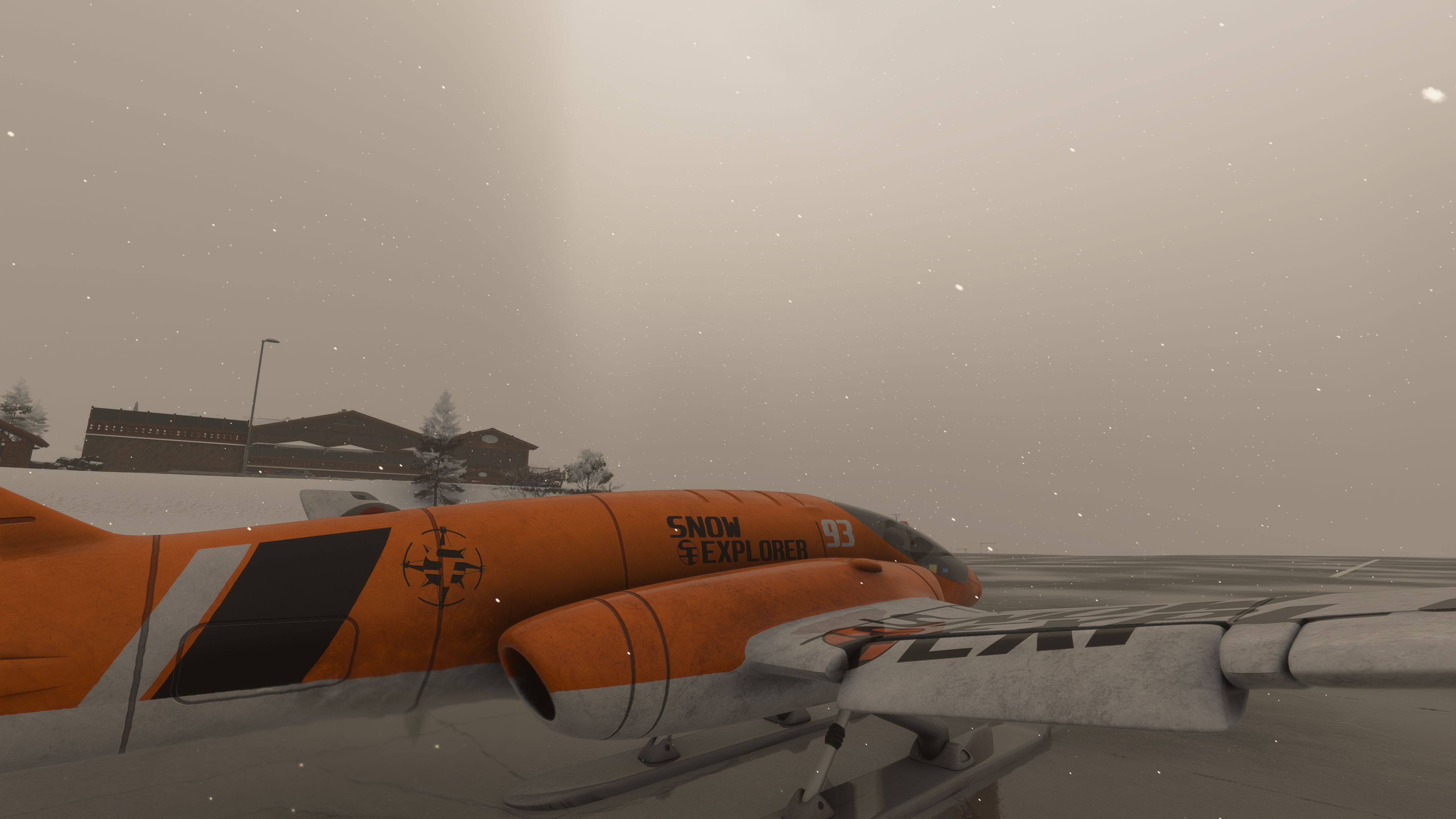
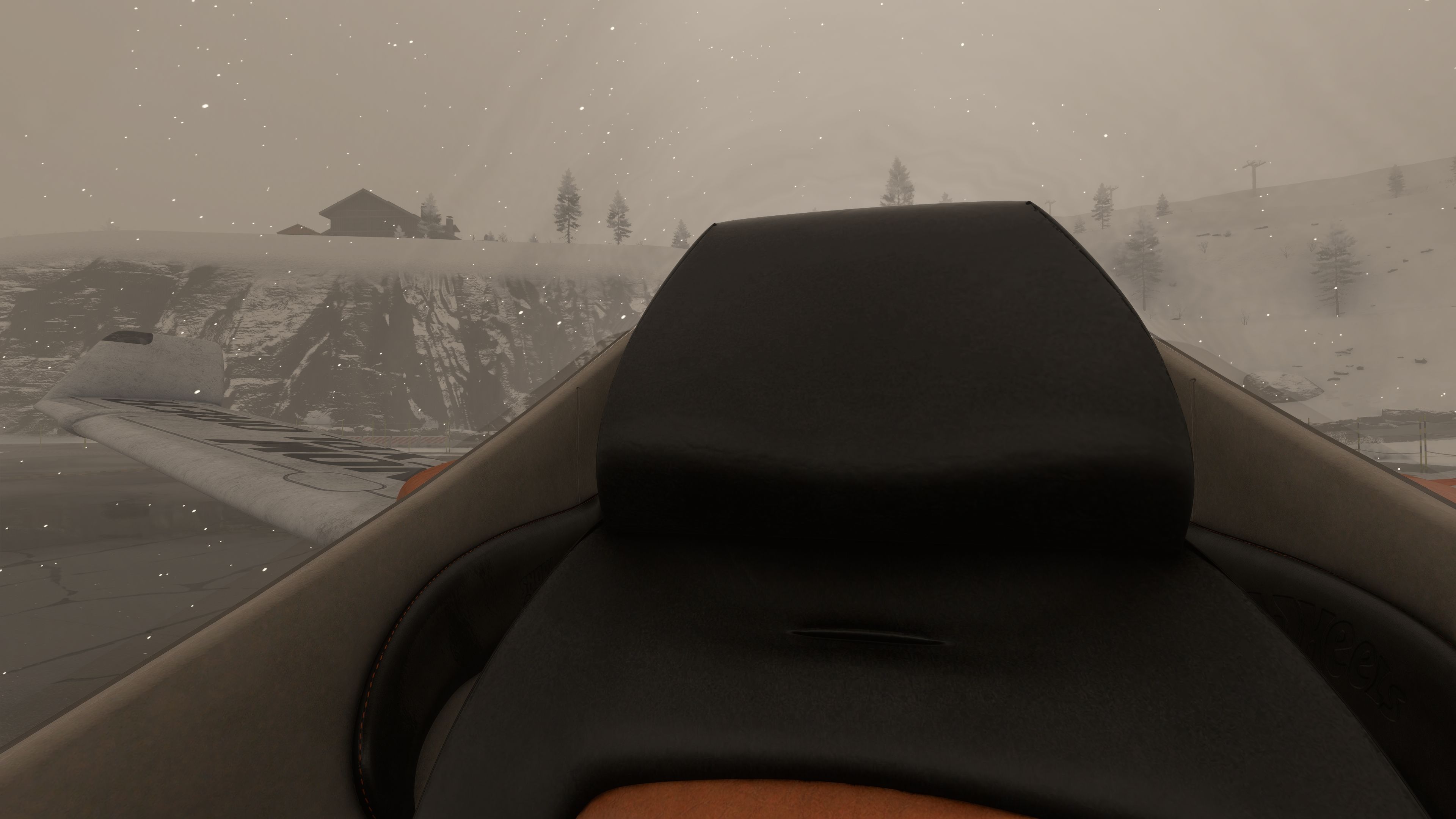
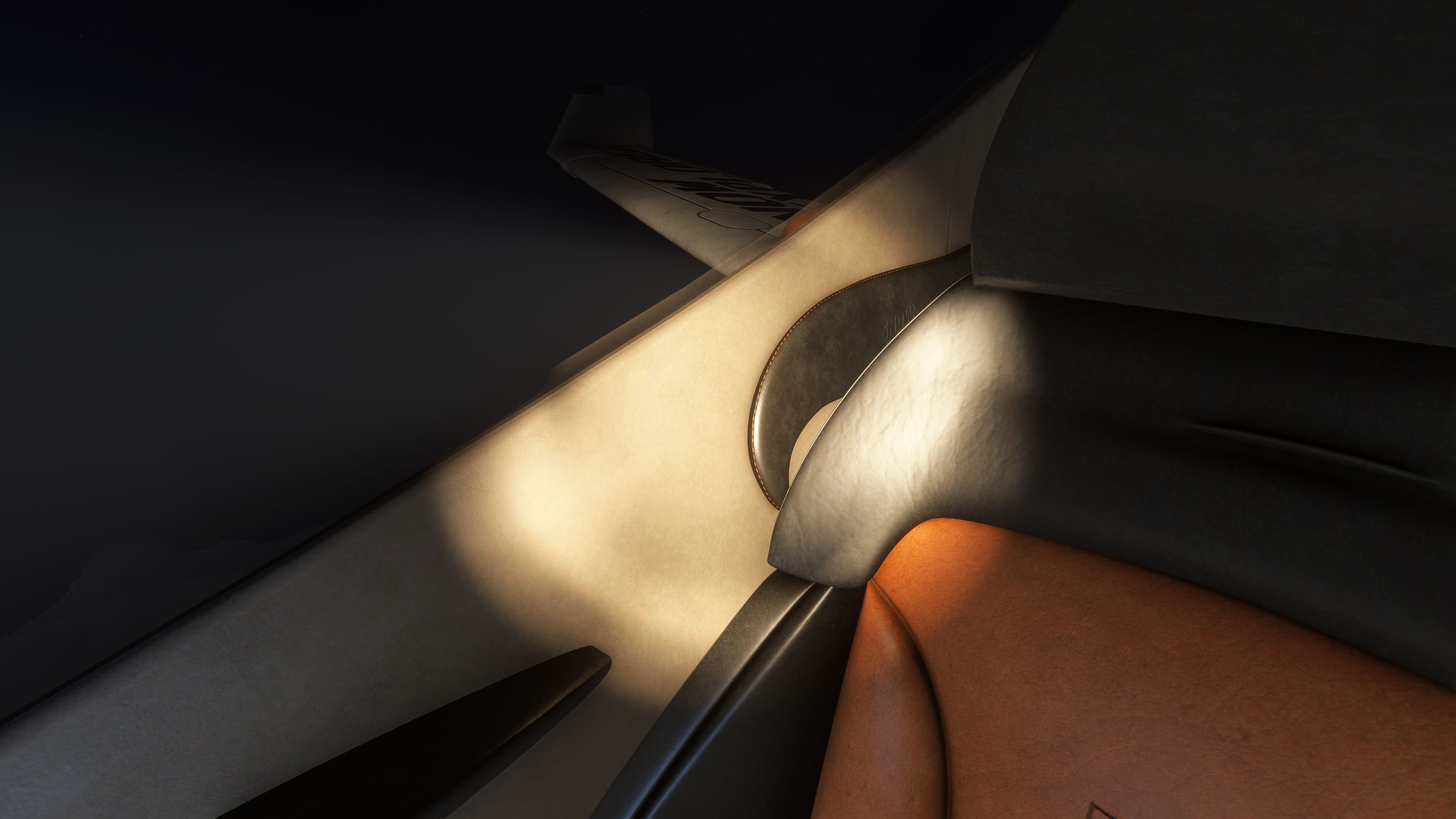
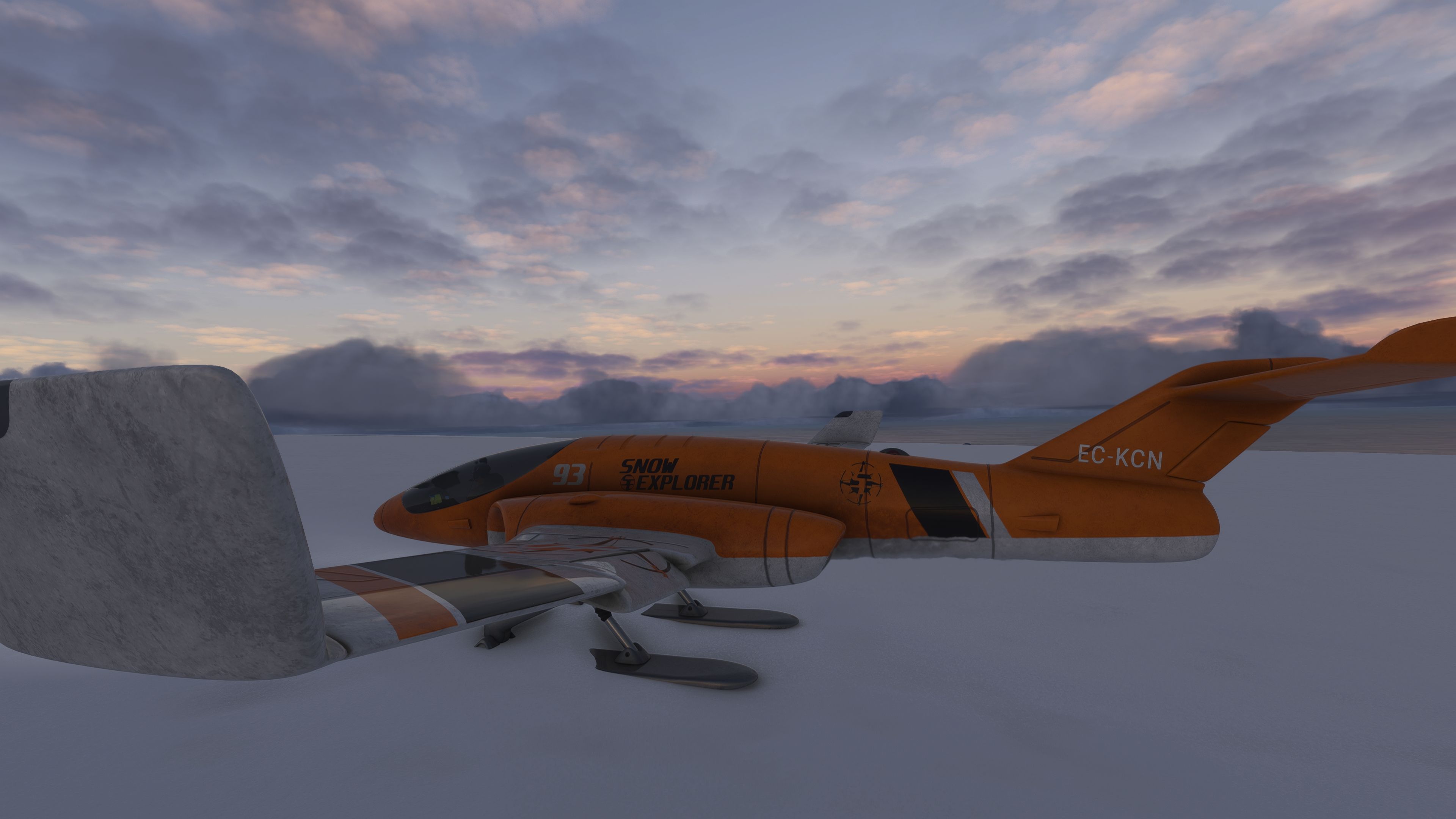
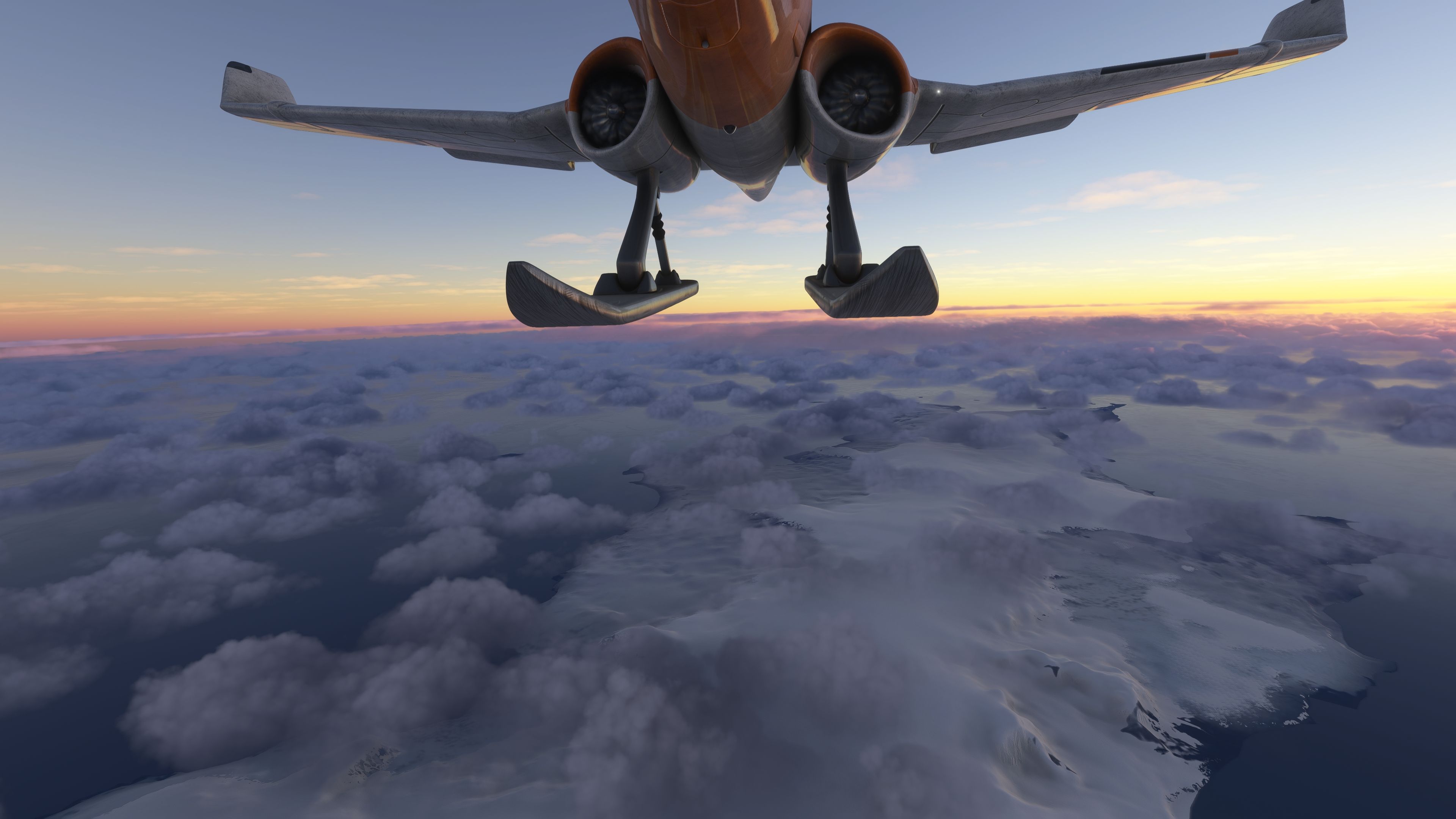
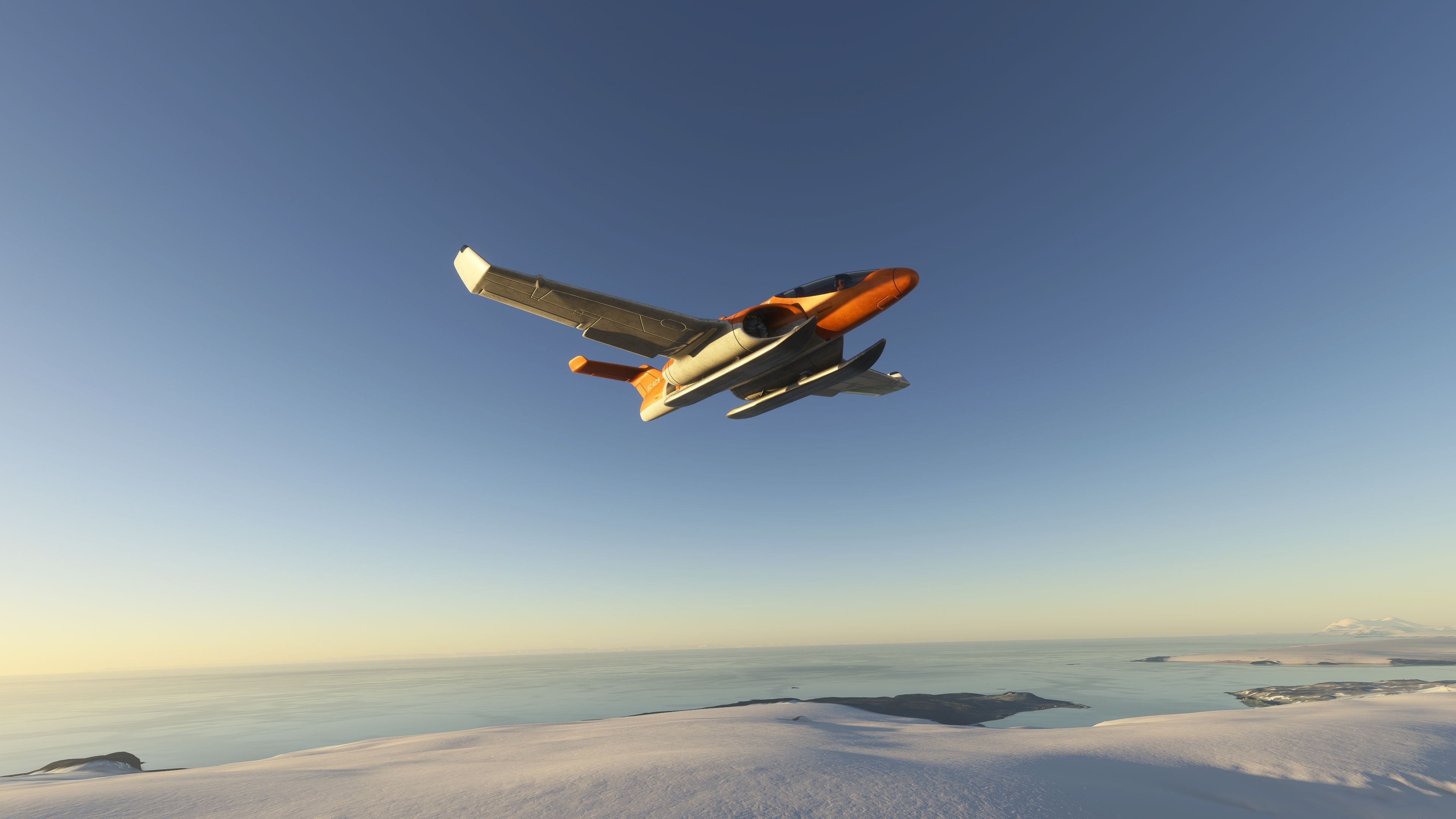
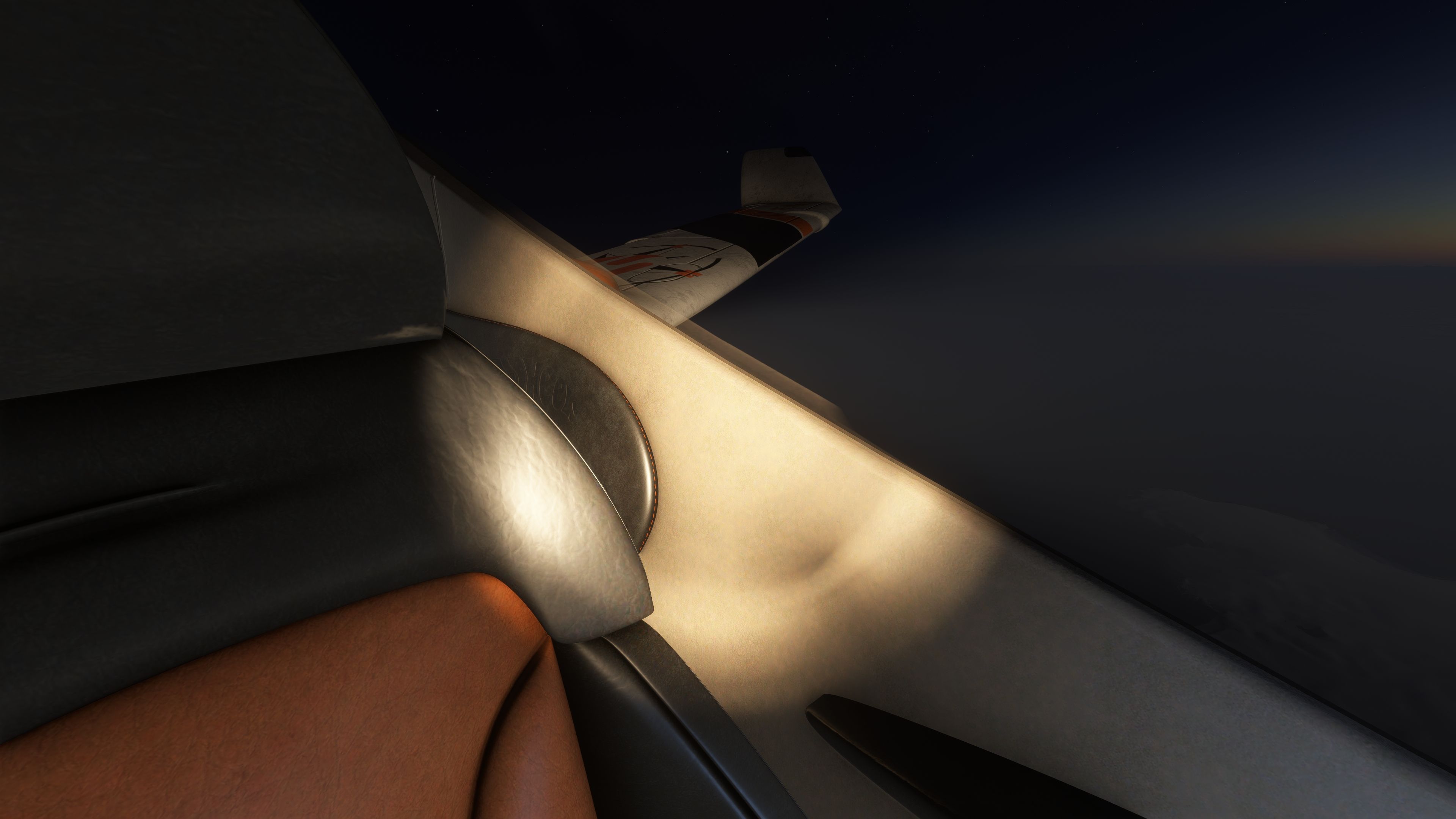
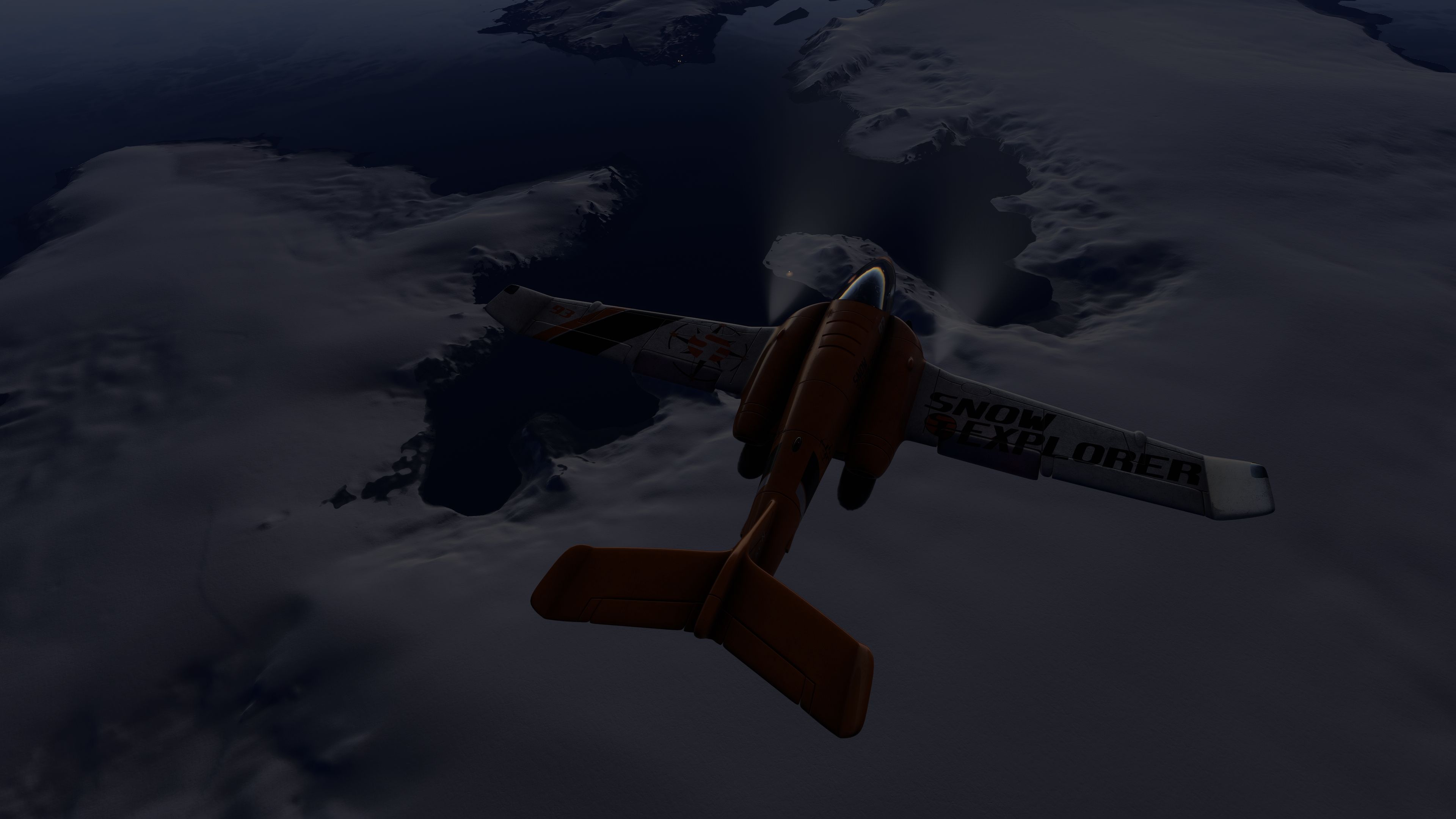
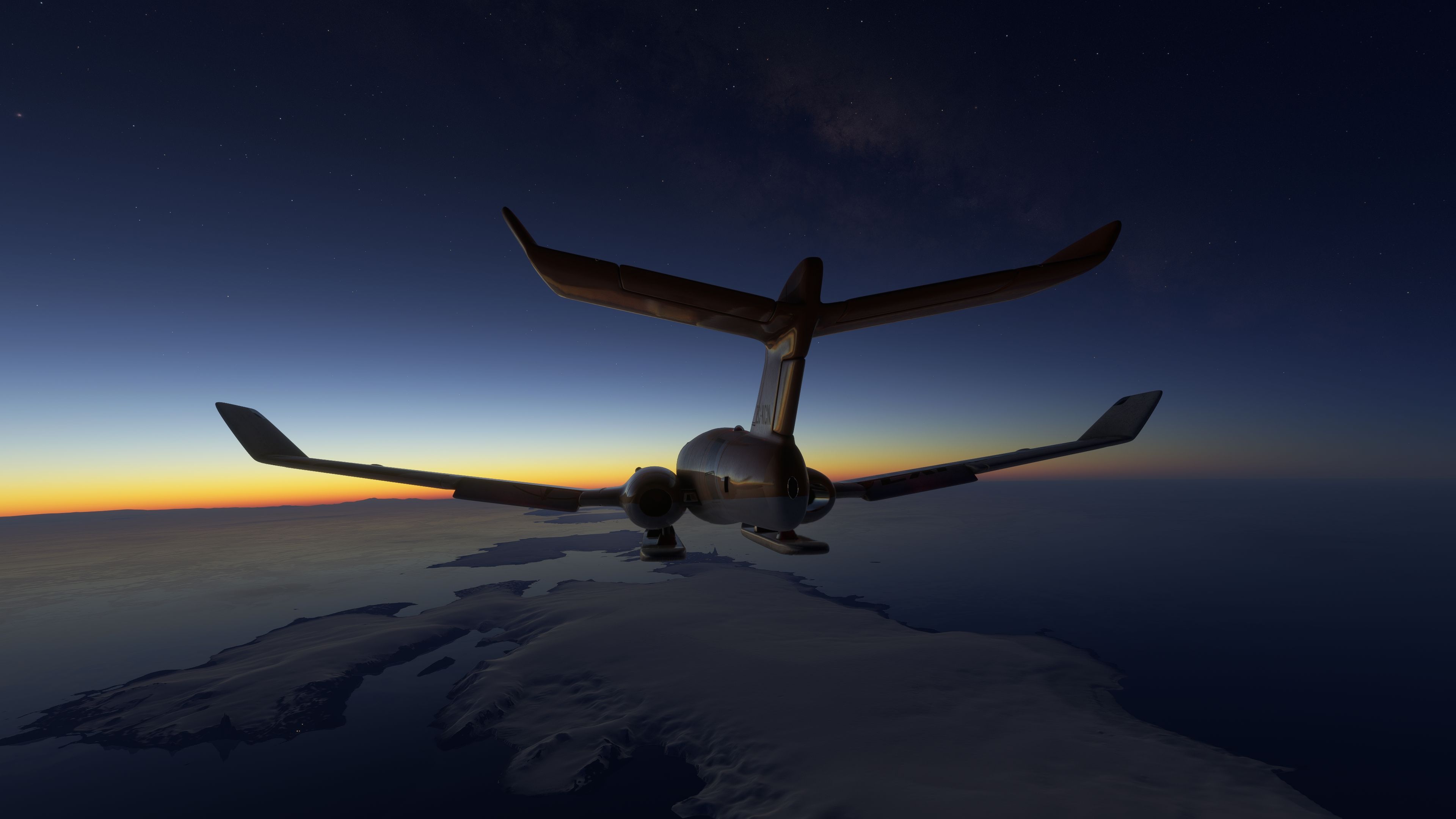
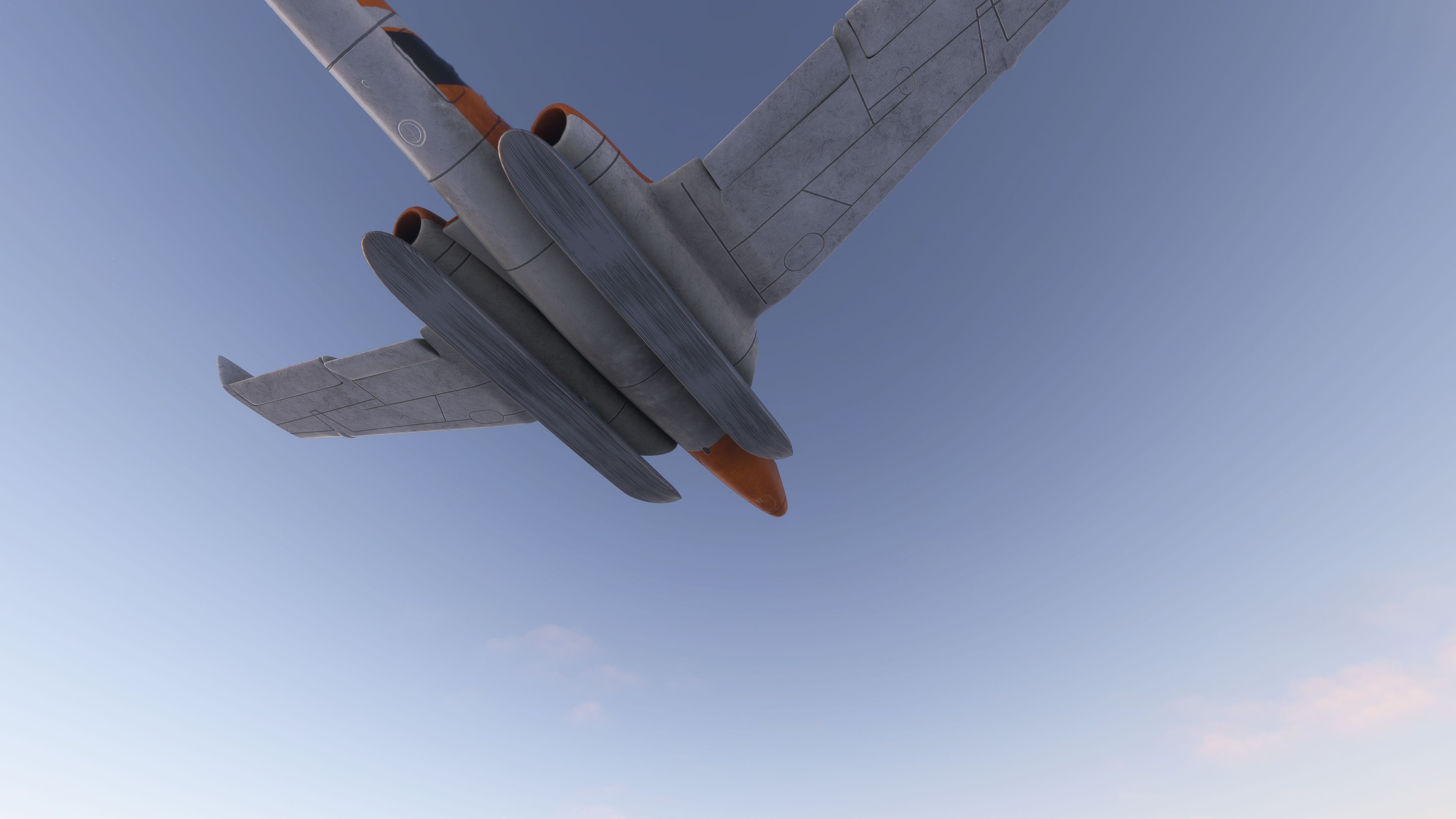
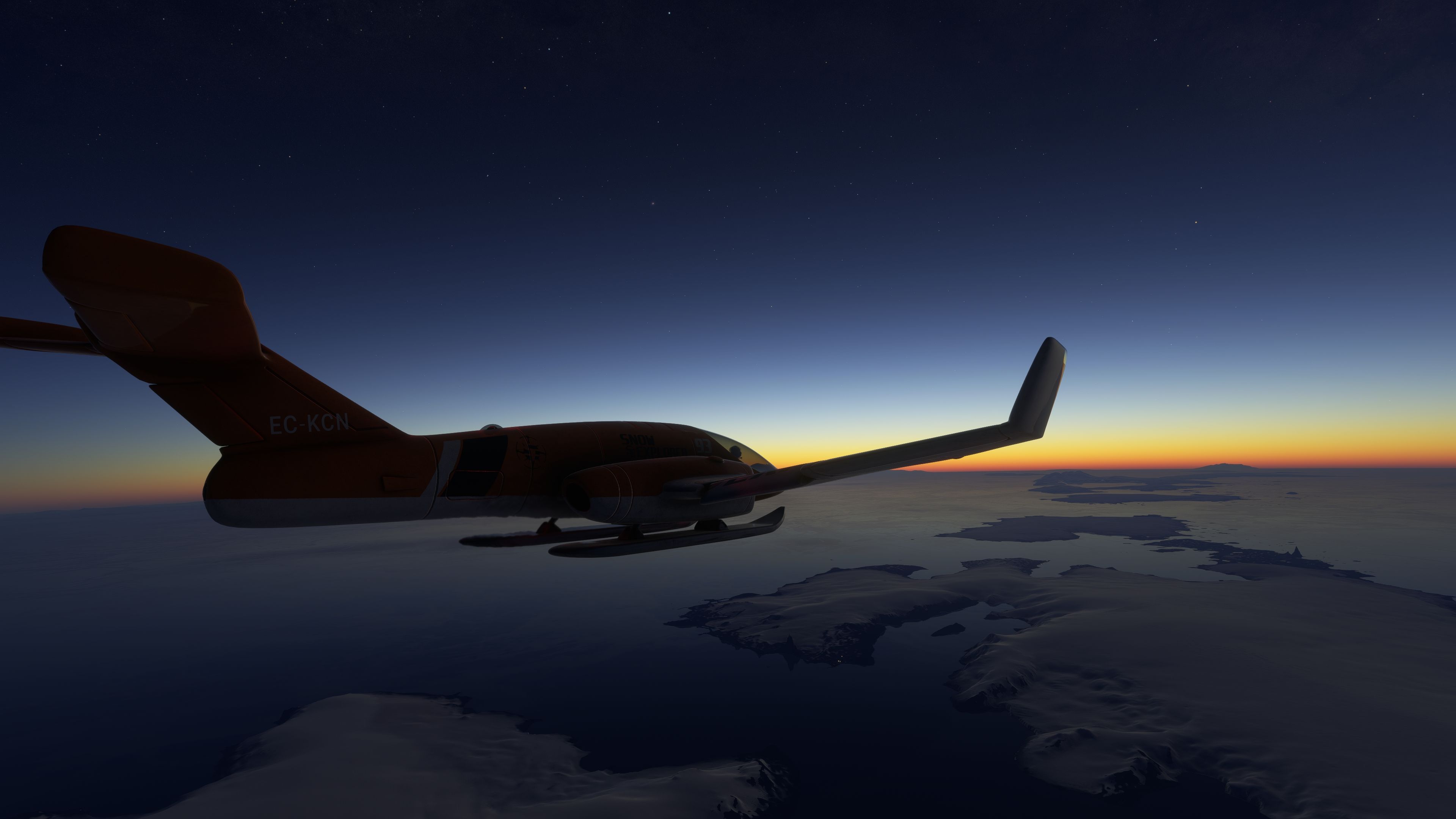
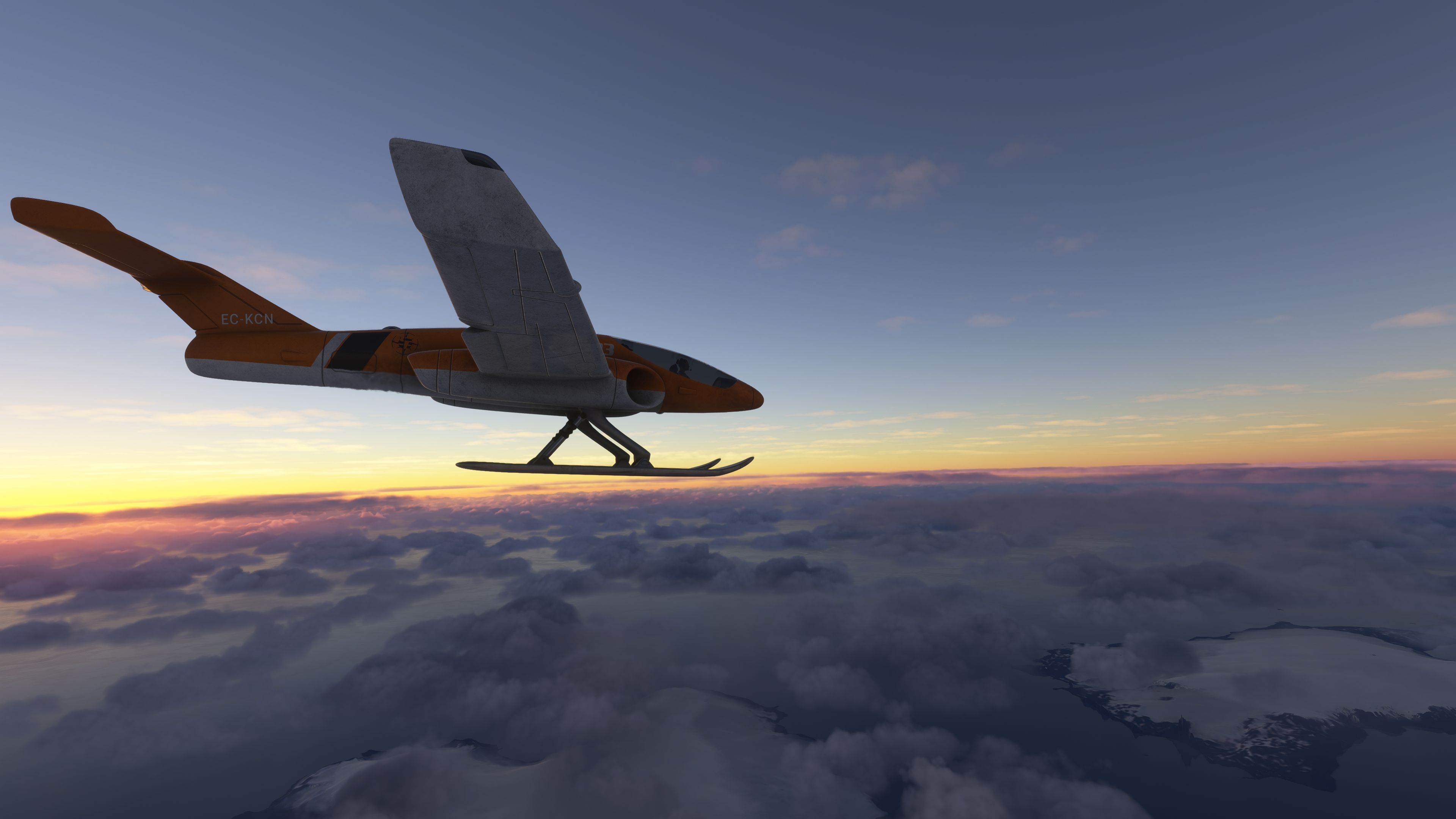
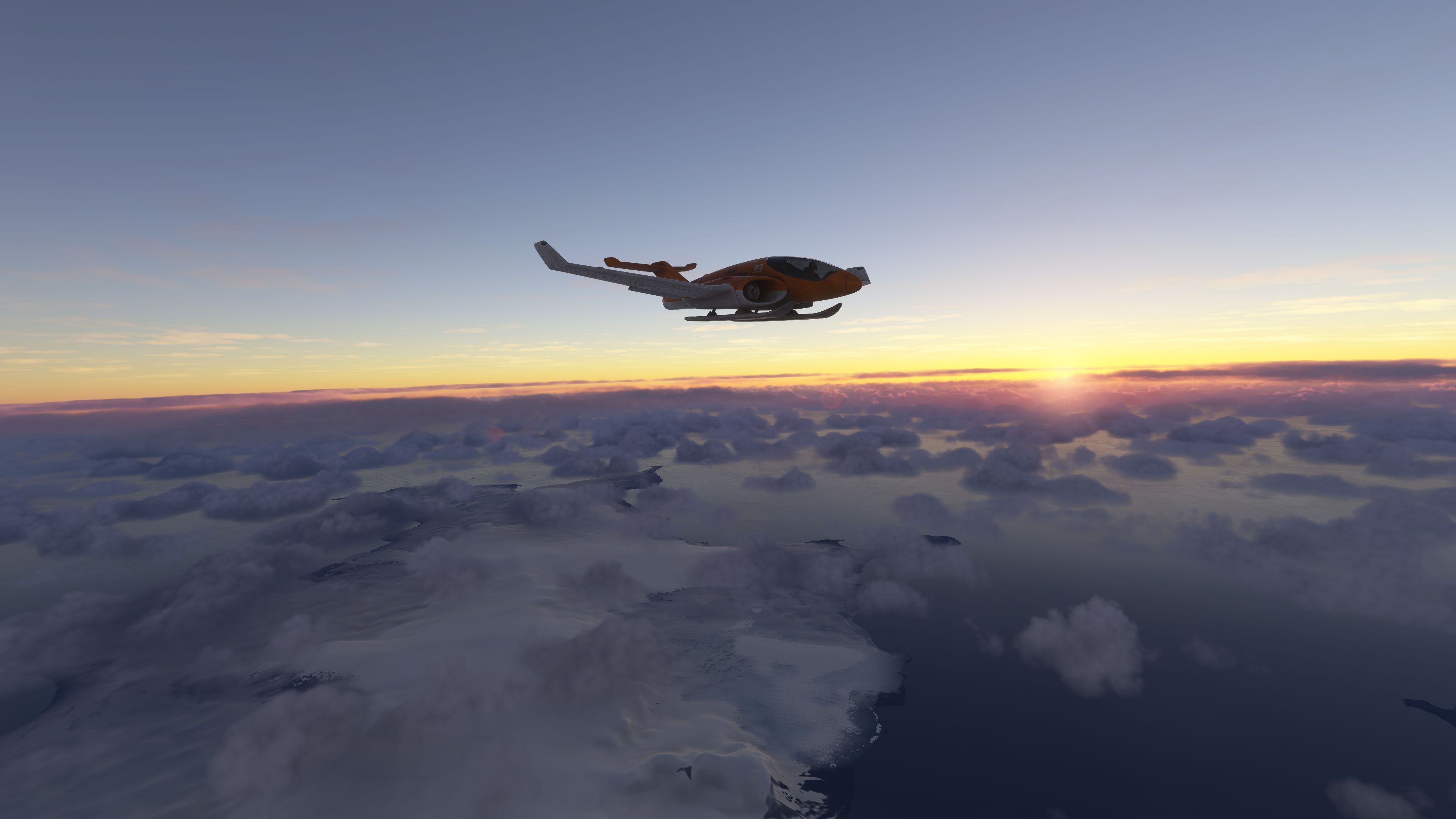
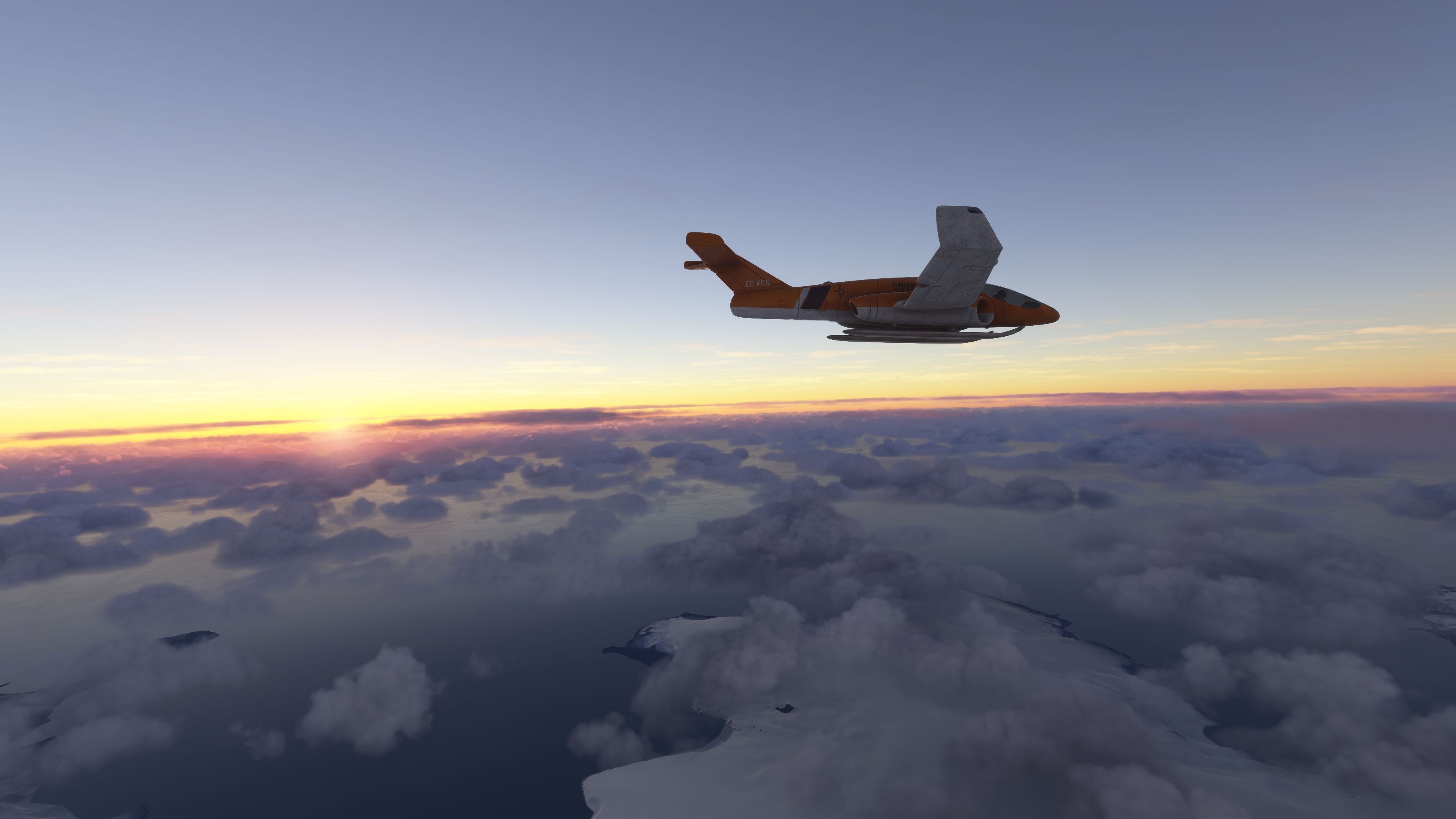
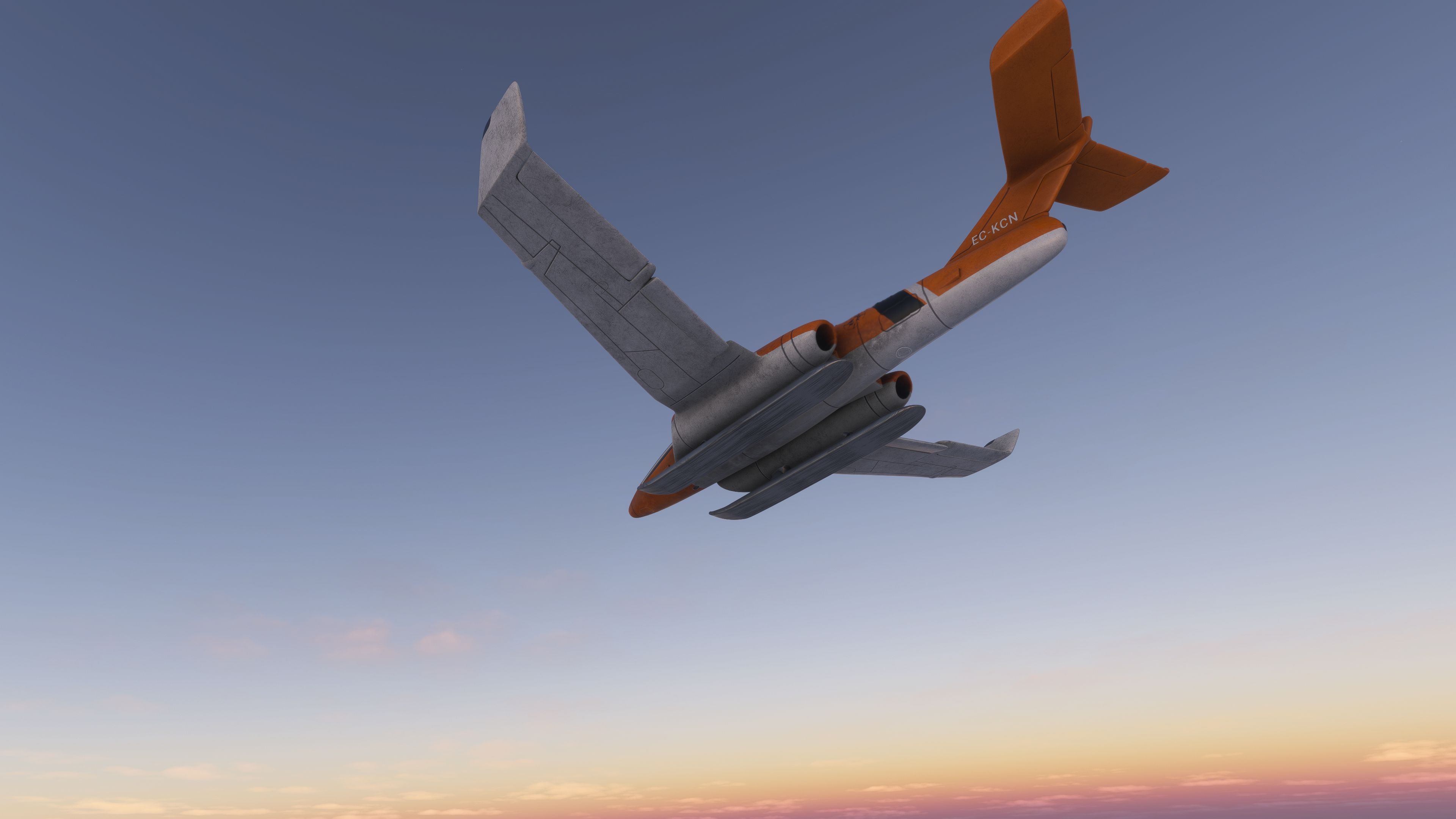
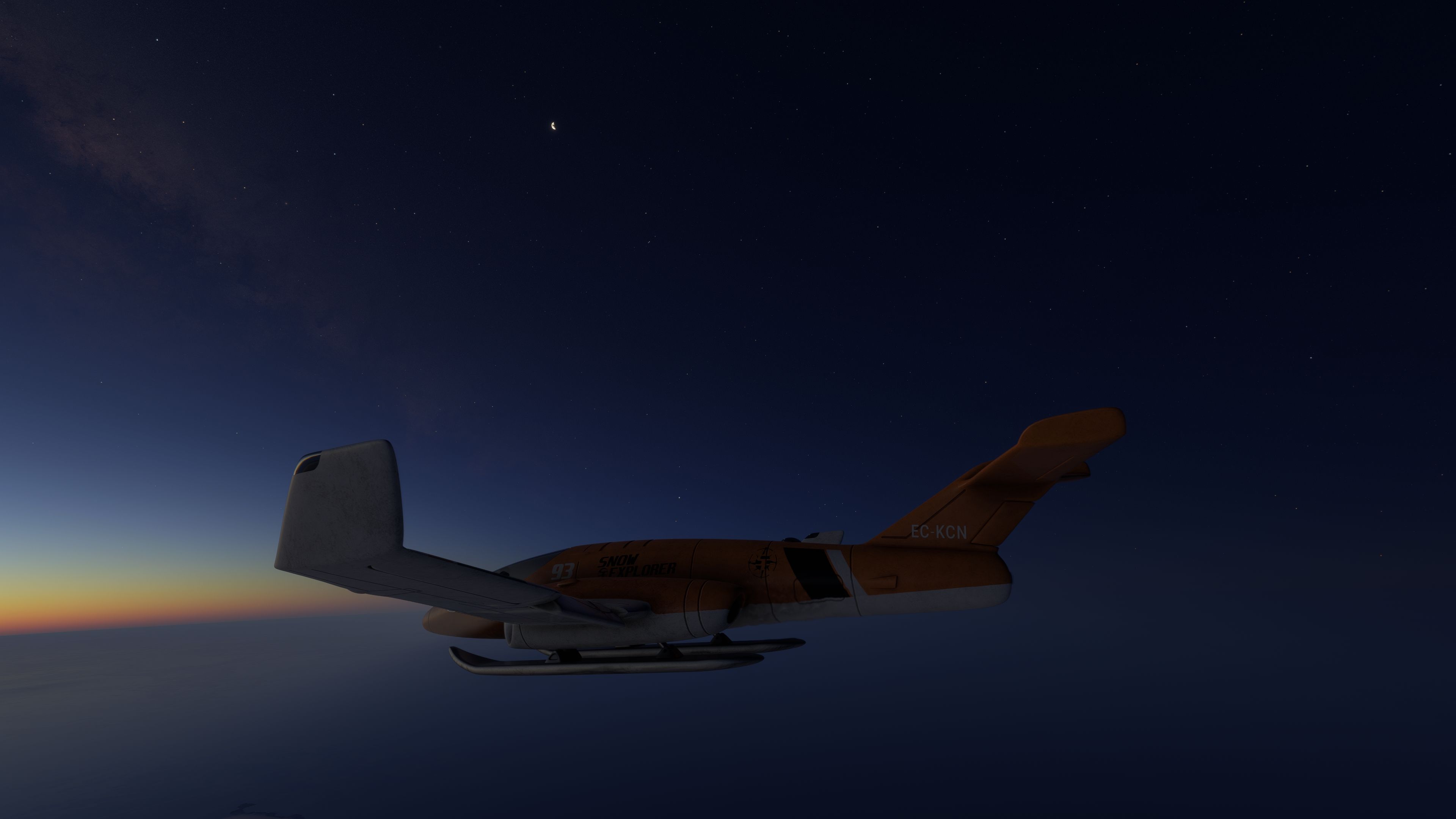
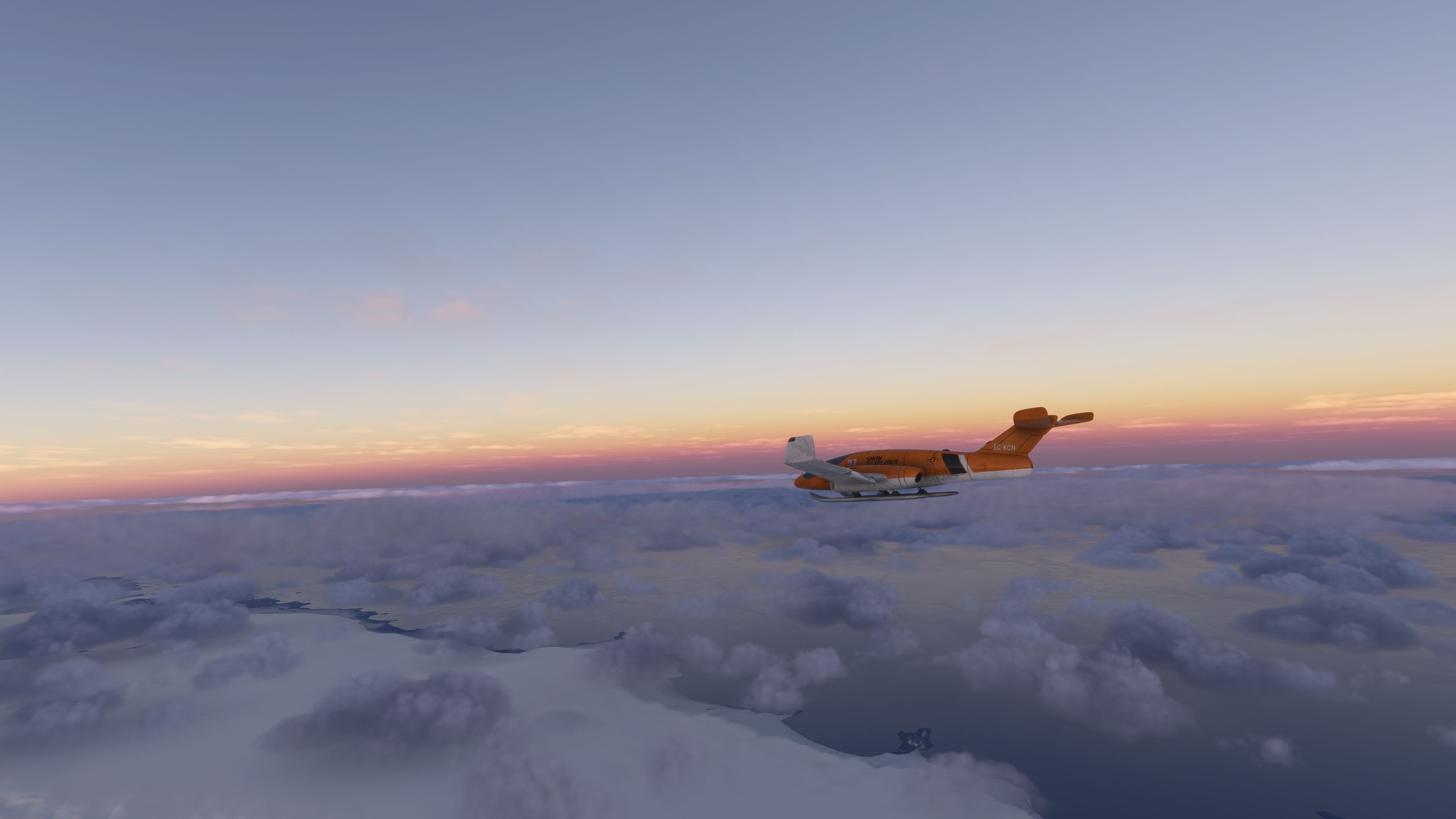
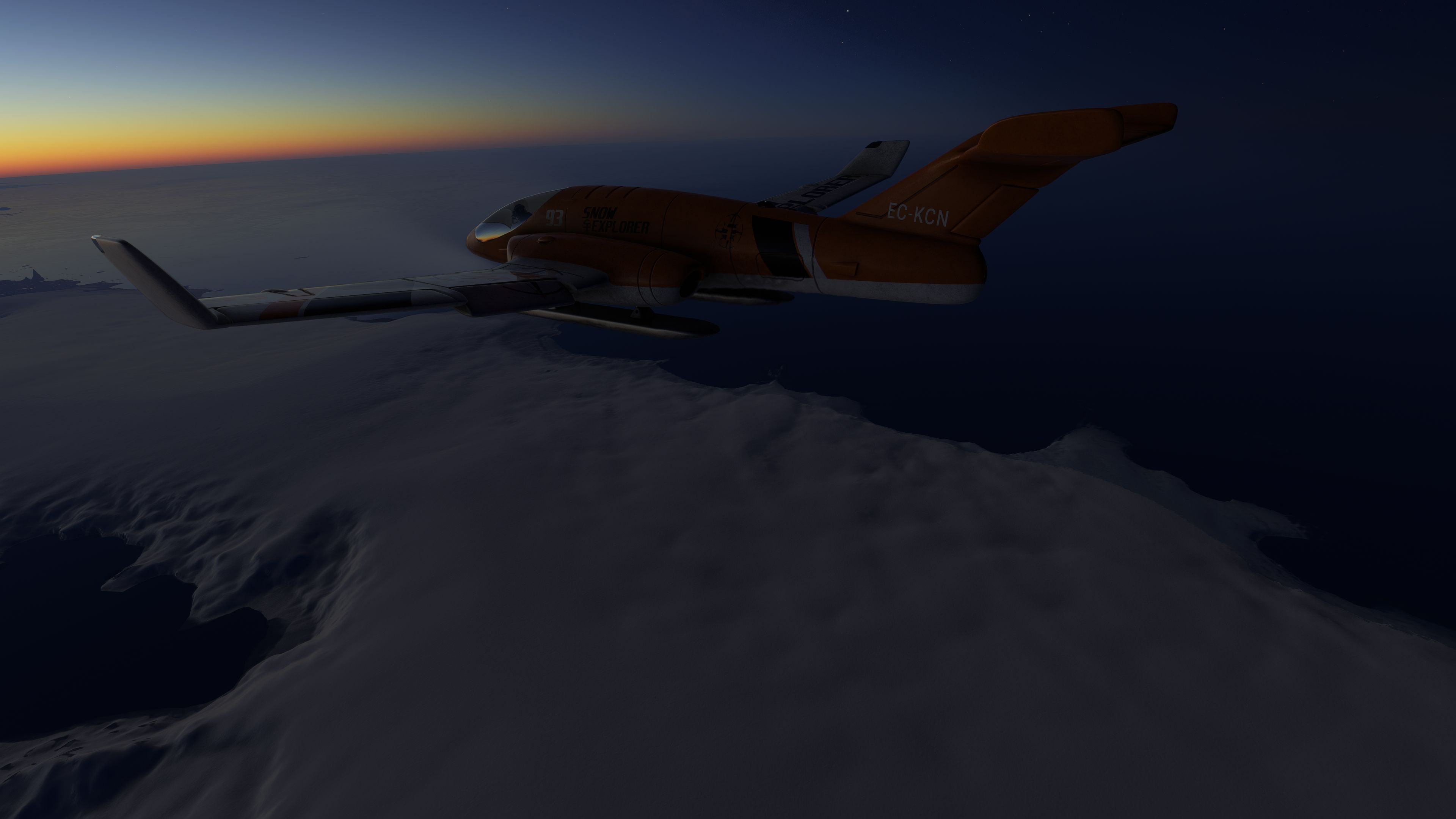
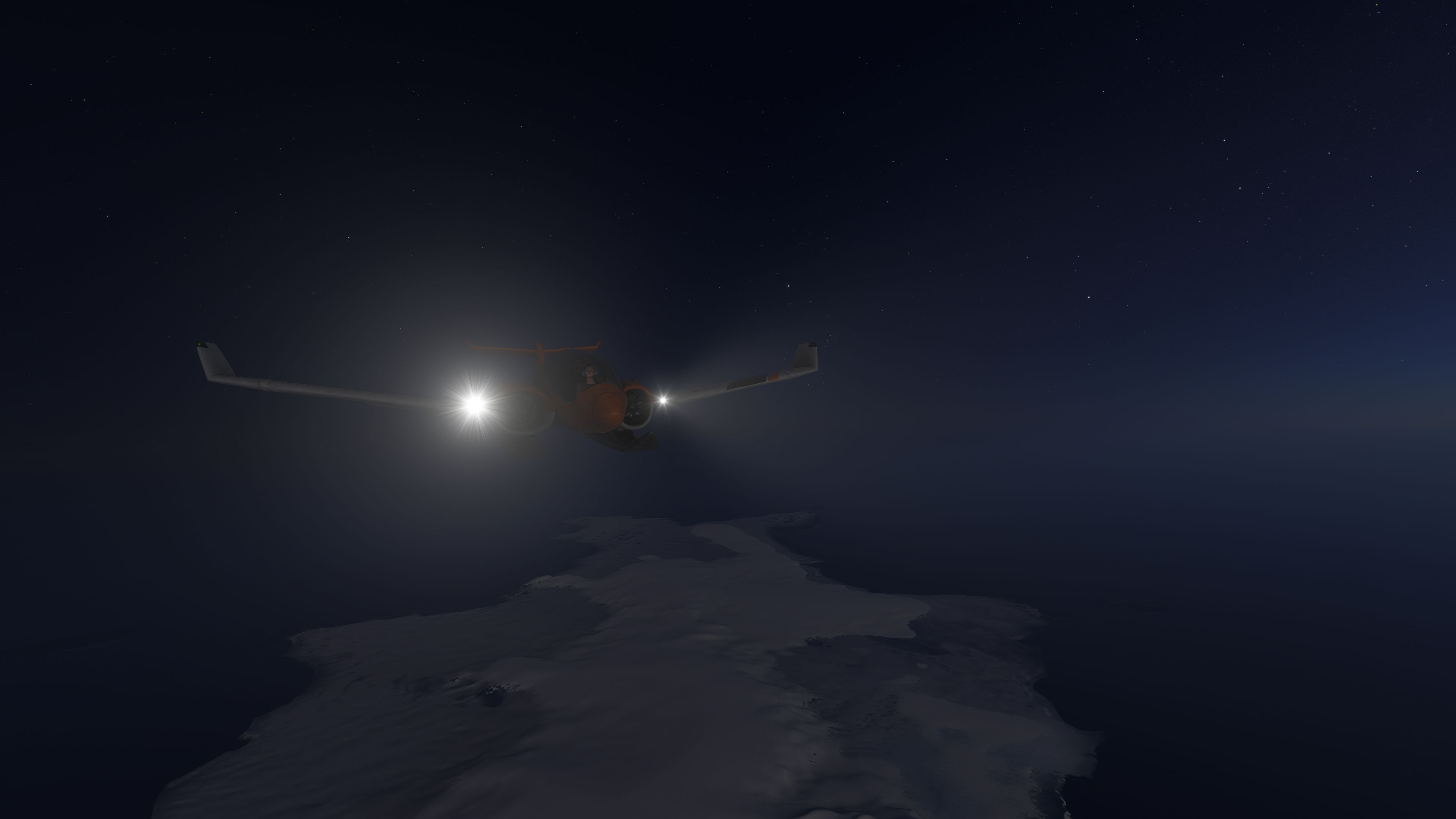
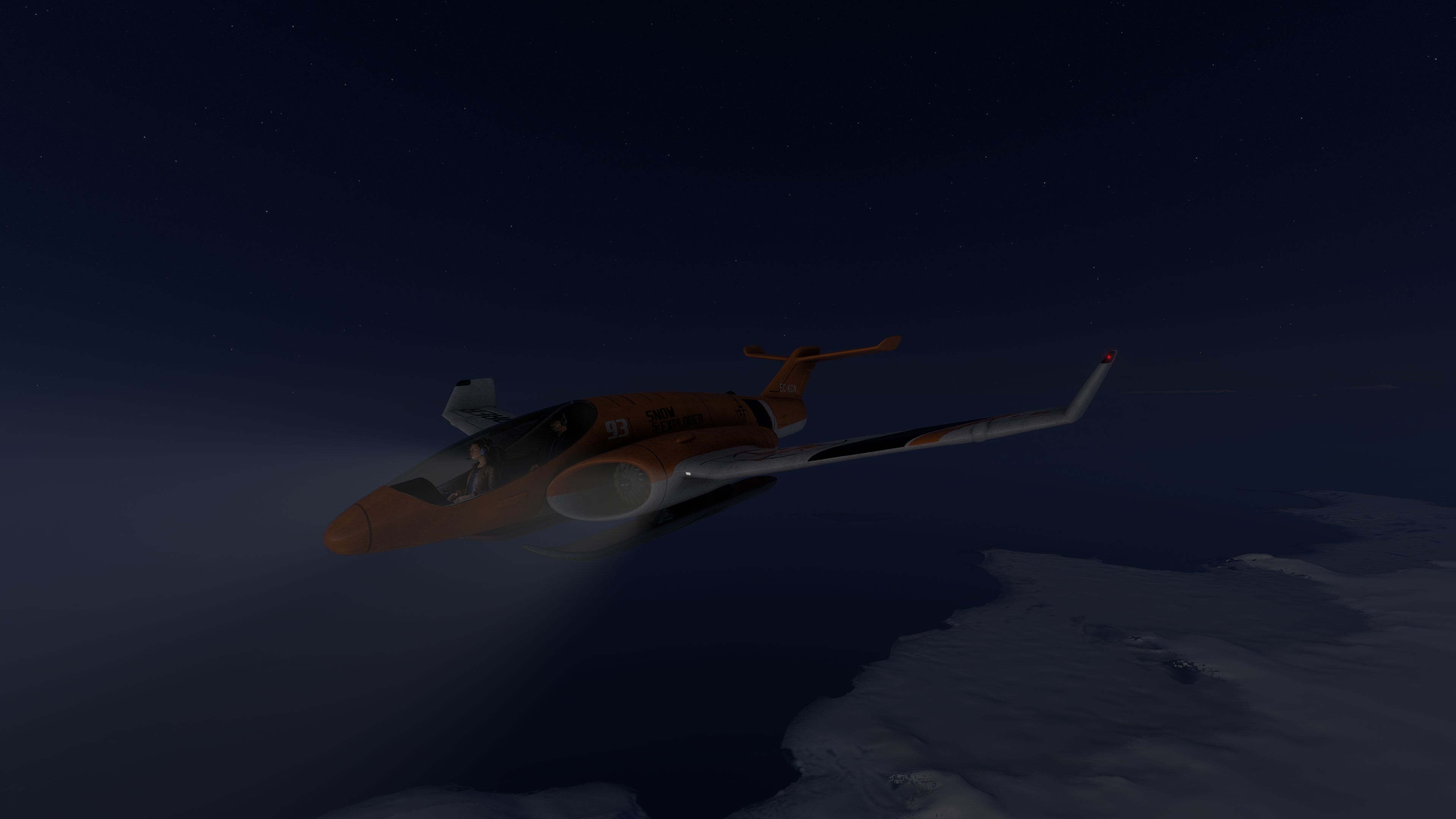
Hot Wheels Snow Explorer brings a playful but thoughtfully engineered concept aircraft into Microsoft Flight Simulator 2024 and Microsoft Flight Simulator (2020). Built from the ground up by giba720—model, textures, and code—this freeware package includes the complete base model and is released here on Fly Away Simulation with the author’s full permission. Designed for cold-weather sorties and best enjoyed on frozen terrain, the aircraft channels the spirit of the Hot Wheels/Matchbox toy while remaining a credible, coherent experience inside the sim.
This creation is a faithful nod to the classic die-cast aesthetic, reimagined as a flyable “snow explorer.” While the real-world toy never leaves the ground, the sim version features a carefully tuned flight model. The undercarriage has been built around snow operations—there are no wheels—so position the aircraft on a snow-covered start point to preserve the intended look and feel.
To preserve immersion and avoid visual mismatches with the undercarriage, load the aircraft on a snowy or icy surface. The model’s “snow explorer” stance and the absence of wheels favor tundra, polar ice, and alpine plateaus. Short acceleration runs and gentle rotation are recommended; once airborne, the tuned thrust curve supports a steady climb to the aircraft’s intended in-sim ceiling without excessive pitch.
Hot Wheels and Matchbox have long turned out imaginative off-road and arctic-themed die-casts. This mod channels that playful design language into a functional sim aircraft, balancing whimsy with solid systems hooks and believable handling. The result feels right at home over the Arctic Ocean, Greenland’s ice sheet, or the Ross Ice Shelf in Antarctica—areas where MSFS’s satellite data and snow shaders add the necessary context.
Aircraft concept, modeling, coding, and textures by giba720. Special thanks to Jonx and contributors at FS² for guidance and encouragement. Released as freeware exclusively with permission for Fly Away Simulation.
Free for all simmers · 474.78 MB · Scanned clean Oct 2026
Download speed: Free tier is capped at 2 Mbps (this file takes approximately 33 mins at the cap). PRO members download at full line speed.
%LOCALAPPDATA%\Packages\Microsoft.FlightSimulator_8wekyb3d8bbwe\LocalCache\Packages\Community\. Steam version: %APPDATA%\Microsoft Flight Simulator\Packages\Community\. Tip: enable Developer Mode in MSFS to see your exact Community folder path.readme.txt or README file. It tells you exactly where files go, what dependencies are needed, and any quirks specific to this add-on.Only PRO members can place votes.
More MSFS add-ons hand-picked based on this download.
MSFS Ultralights & Gliders
A fun recreation of the default FSX Air Creation 582SL Ultralight made compat…
 MSFS Ultralights & Gliders
A super-fun and easy-to-fly Mykrodian MX1 (Experimental) Ultralight complete …
 MSFS Ultralights & Gliders
A super-fun and exciting ultralight, the Aurore MB 02 Souricette has been bro…
 FS2004 Utilities/Misc
This file allows more realistic looking runways in any area in the world that…
 FSX Scenery
Snow Dog Tours v2.0. Includes 147 airports and seaplane bases in Alaska (AK).…
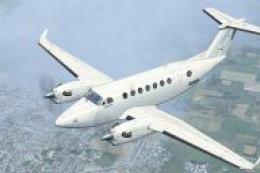 FSX Turboprops
Snow Camo Beechcraft King Air 350. Textures only for the default Beech King A…
 FSX Other Aircraft & Vehicles
FSX Cameron Hot Air Balloon. Features realistic hot air balloon flight dynami…
 FS2004 Utilities/Misc
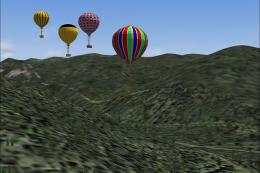
FS2004 Hot Air Balloon. Gmax version of four hot air balloons. By Frank J. Pe…
Be the first to leave a comment on this download.
Be the first to share your thoughts on this download.