


 Ireland
  FSX Scenery
Dublin Airport
Included are Pier D, West Apron, GA Apron, True-to-life Assigned parking (add…
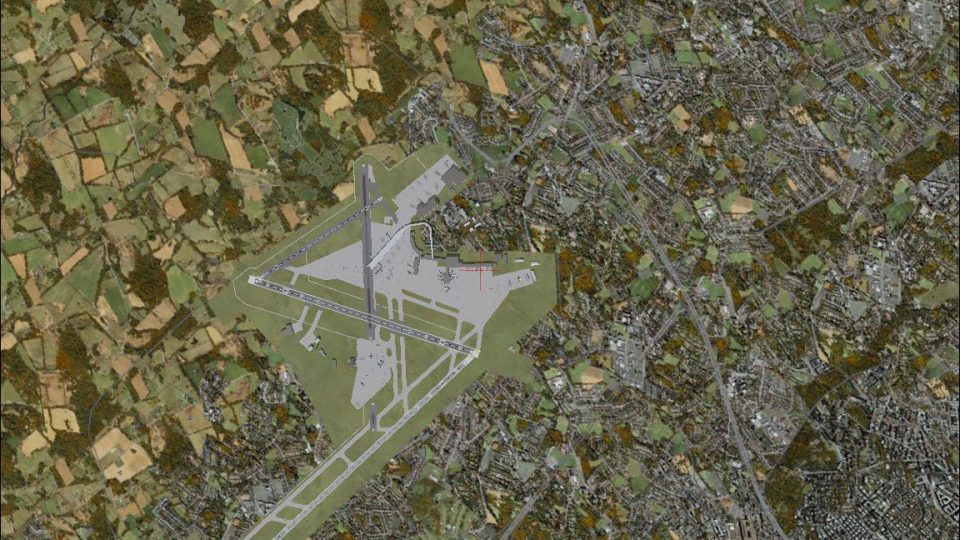
Dublin Airport EIDW is recreated in its 2010 layout with detailed piers, aprons, cargo and GA areas, Terminal 2, updated parking and gate assignments, taxi signs, corrected taxiways, runway refinements, and realistic ground vehicle routes. Built for Microsoft Flight Simulator X, the complete package bundles the initial release plus all developer updates.
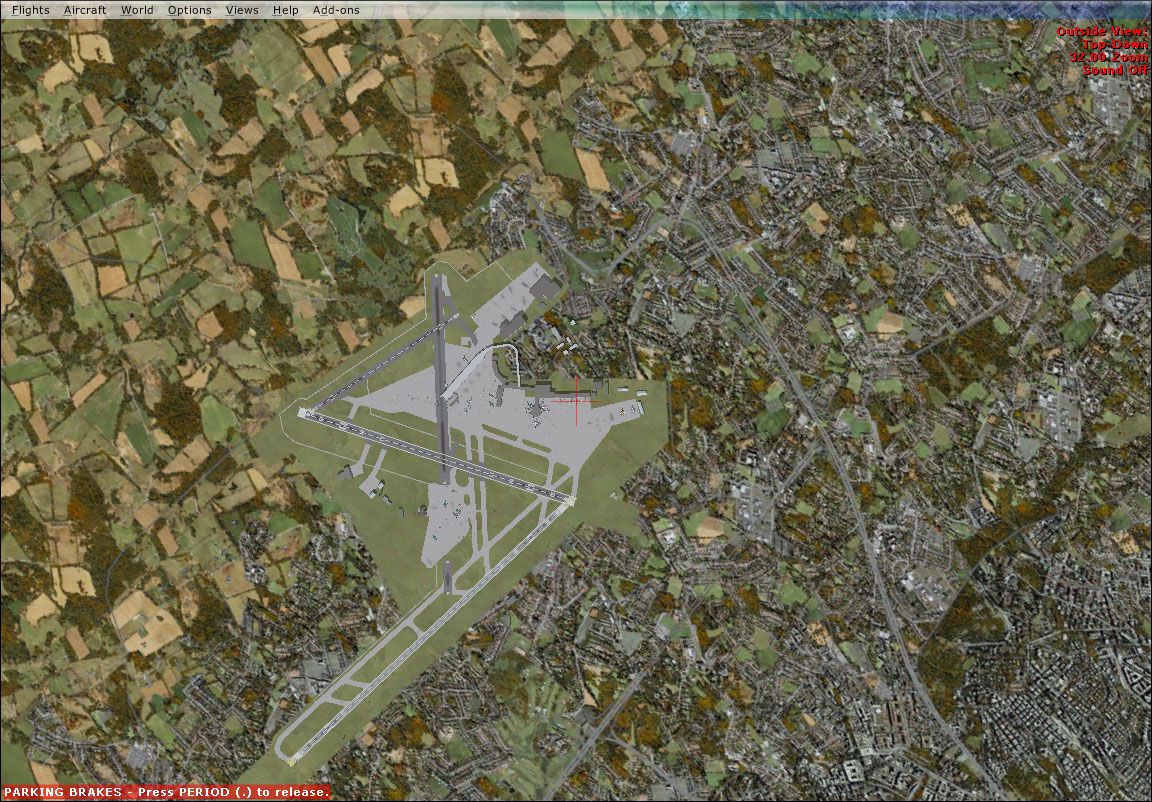
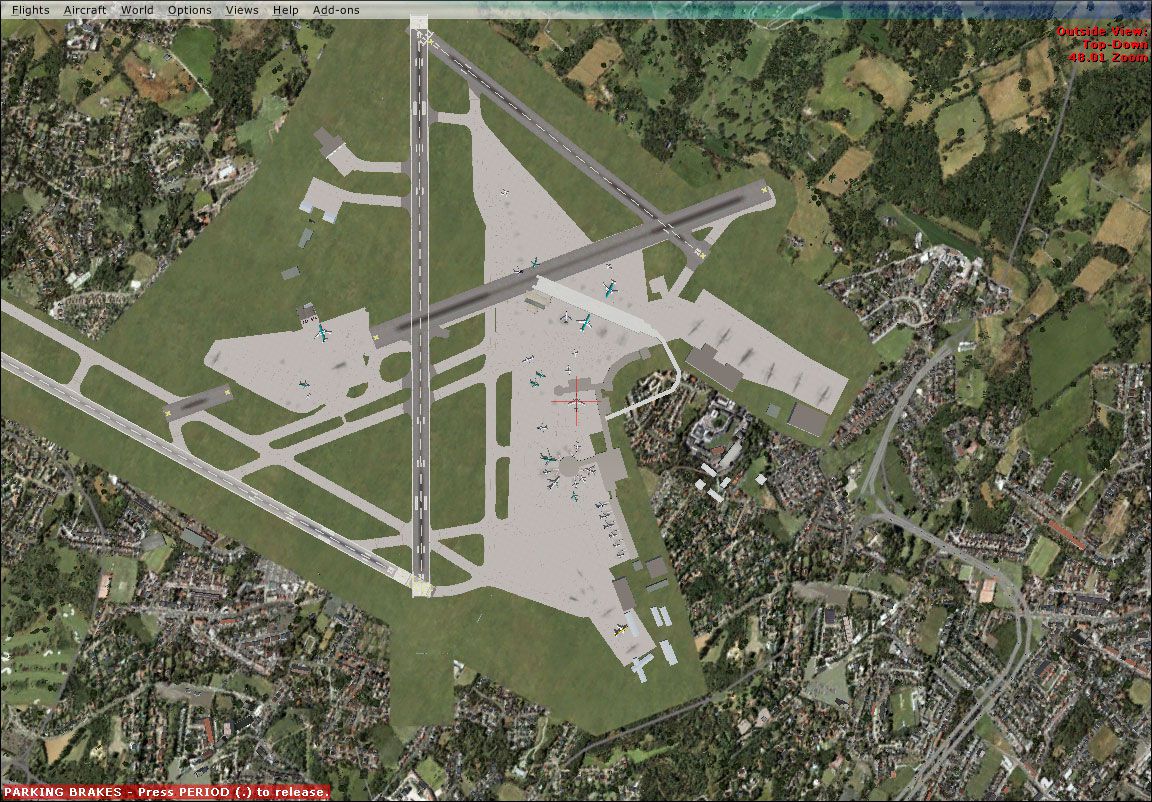
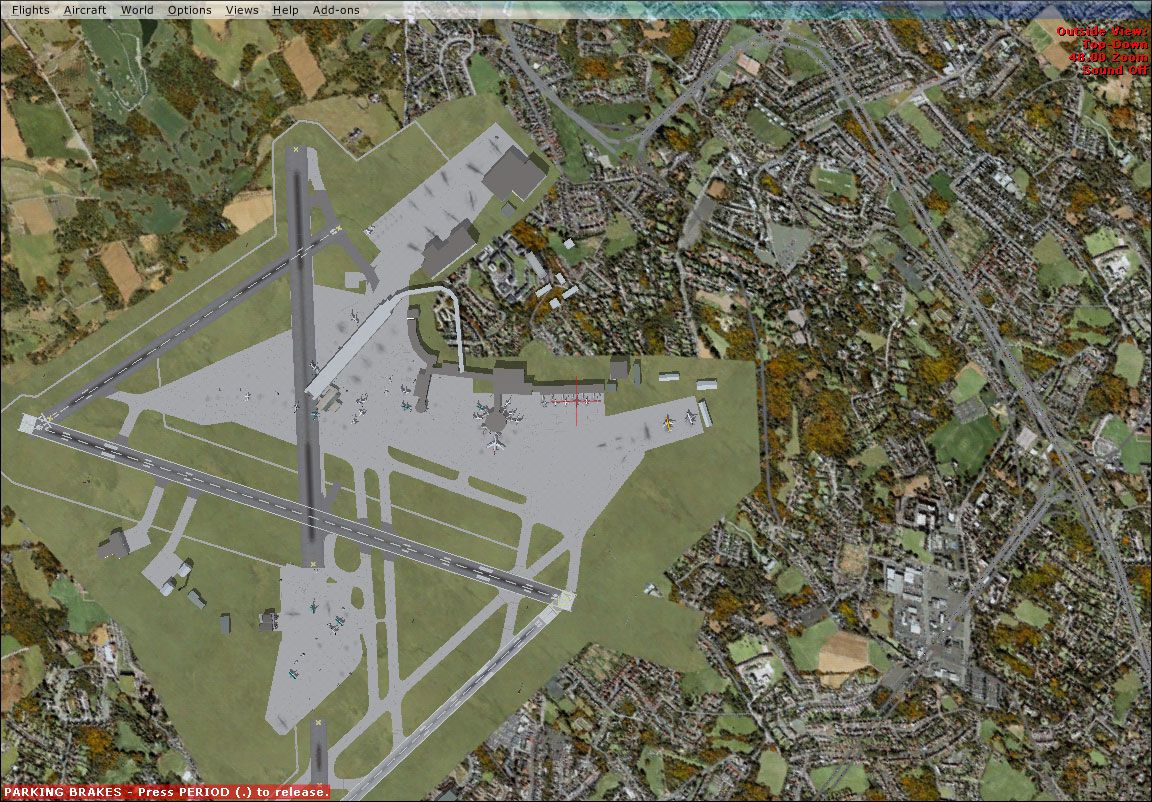
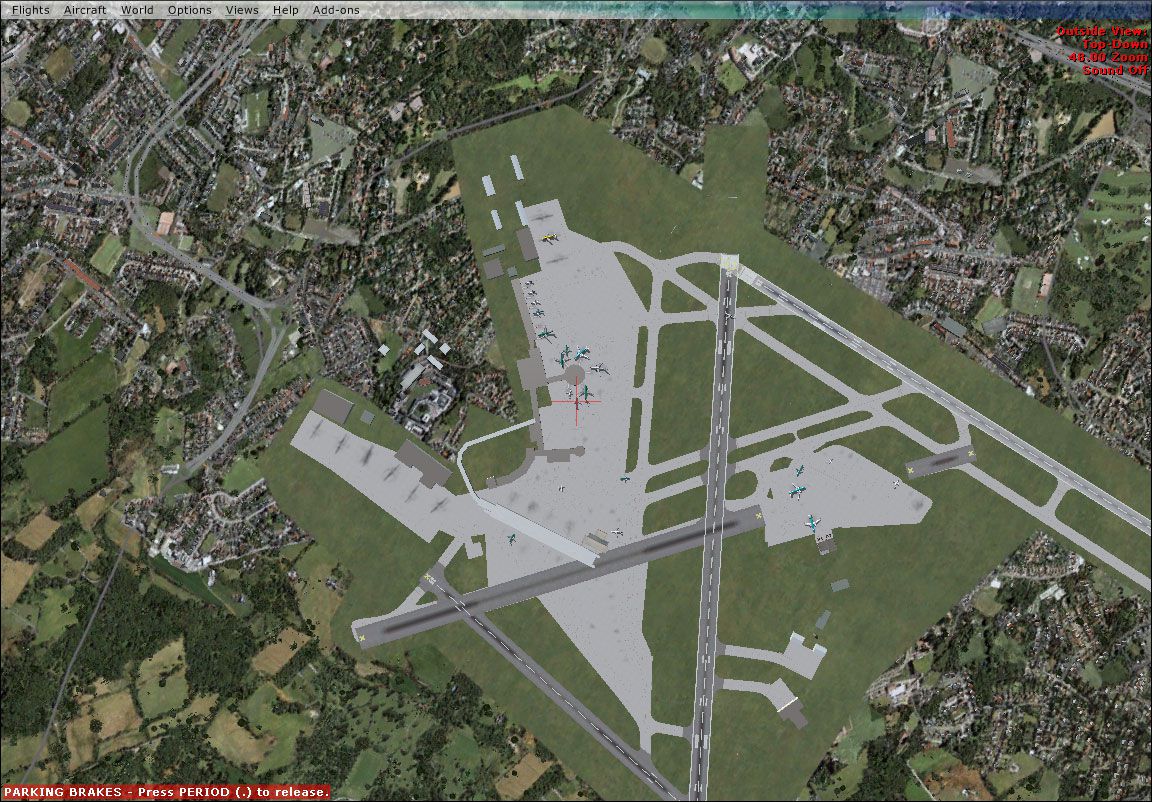
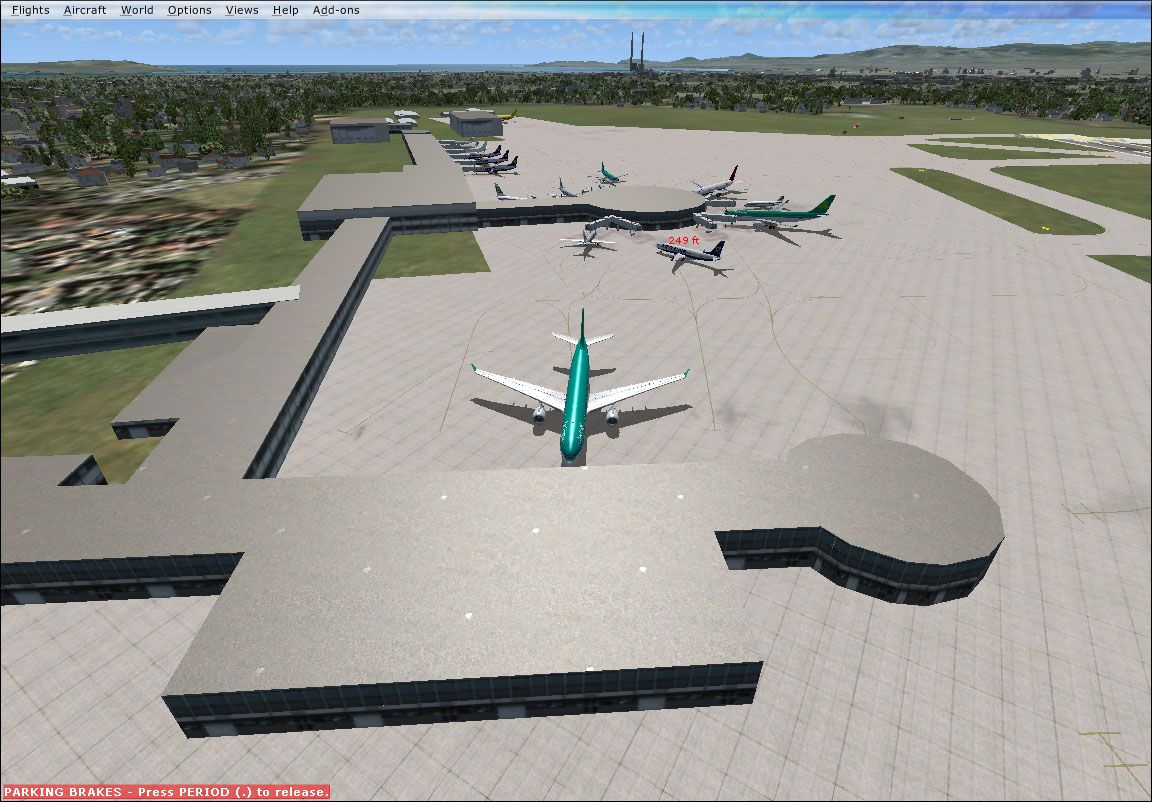

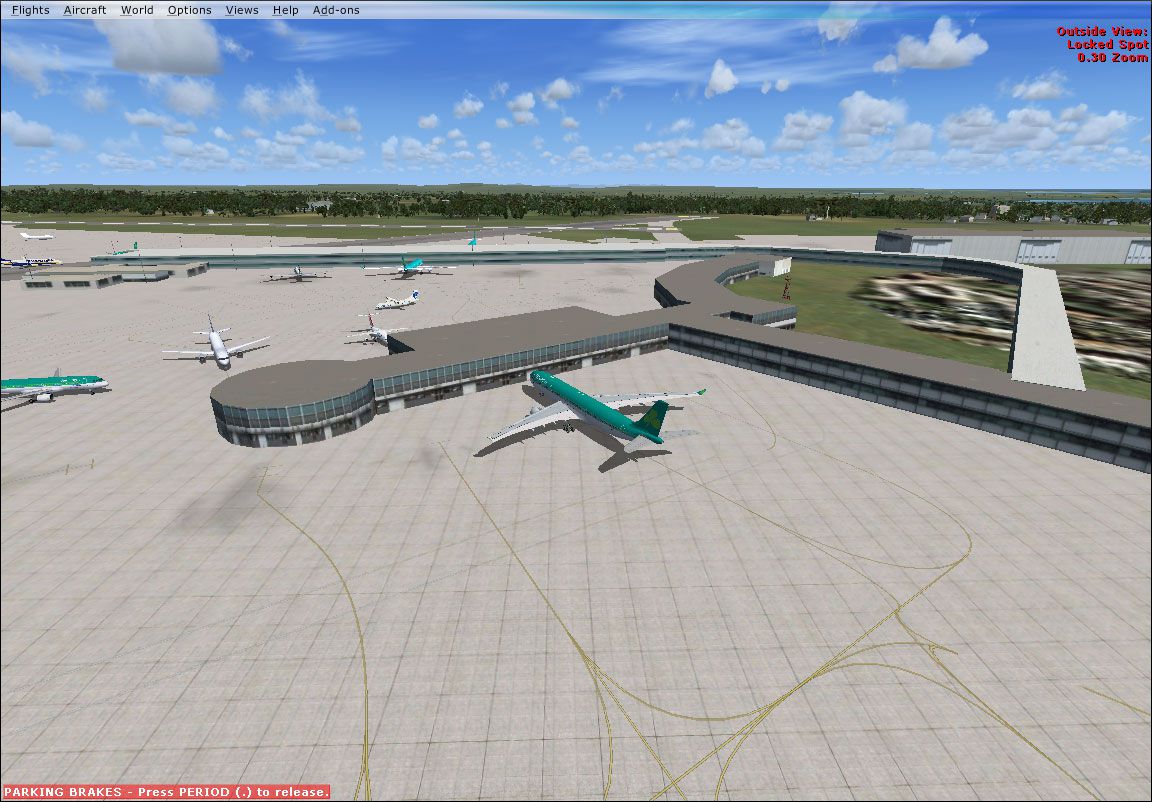
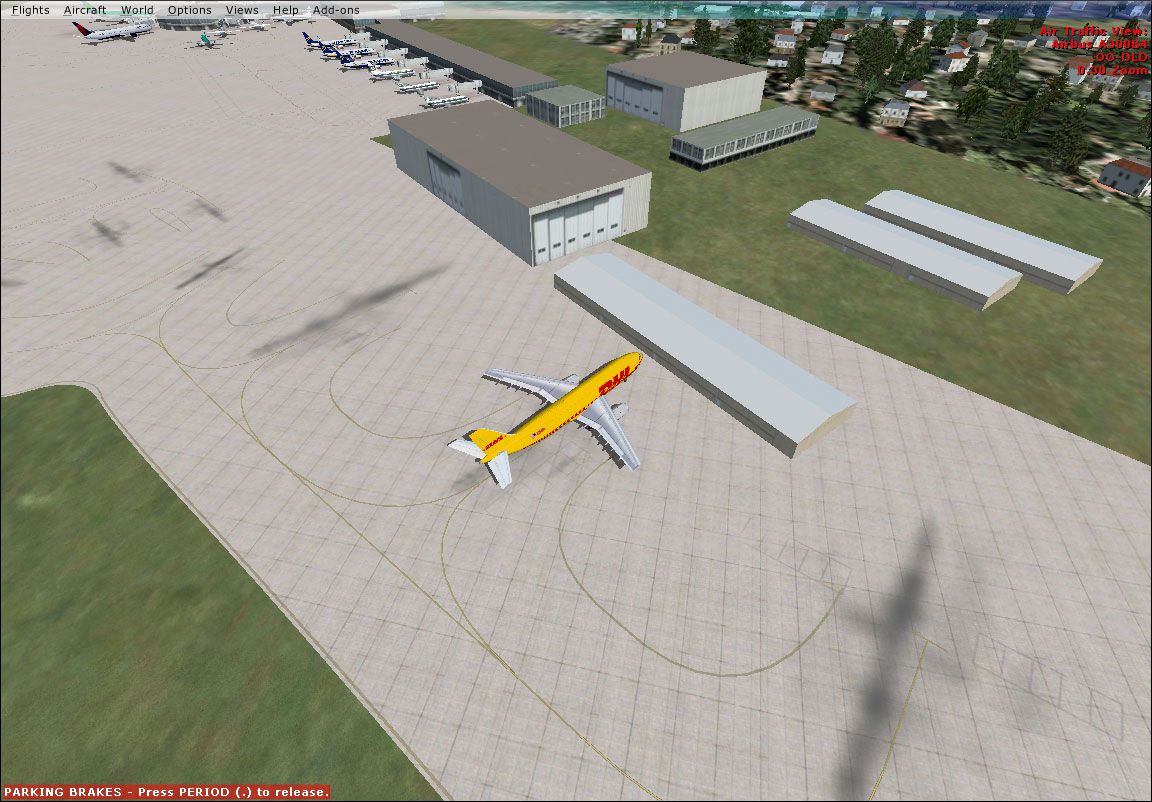
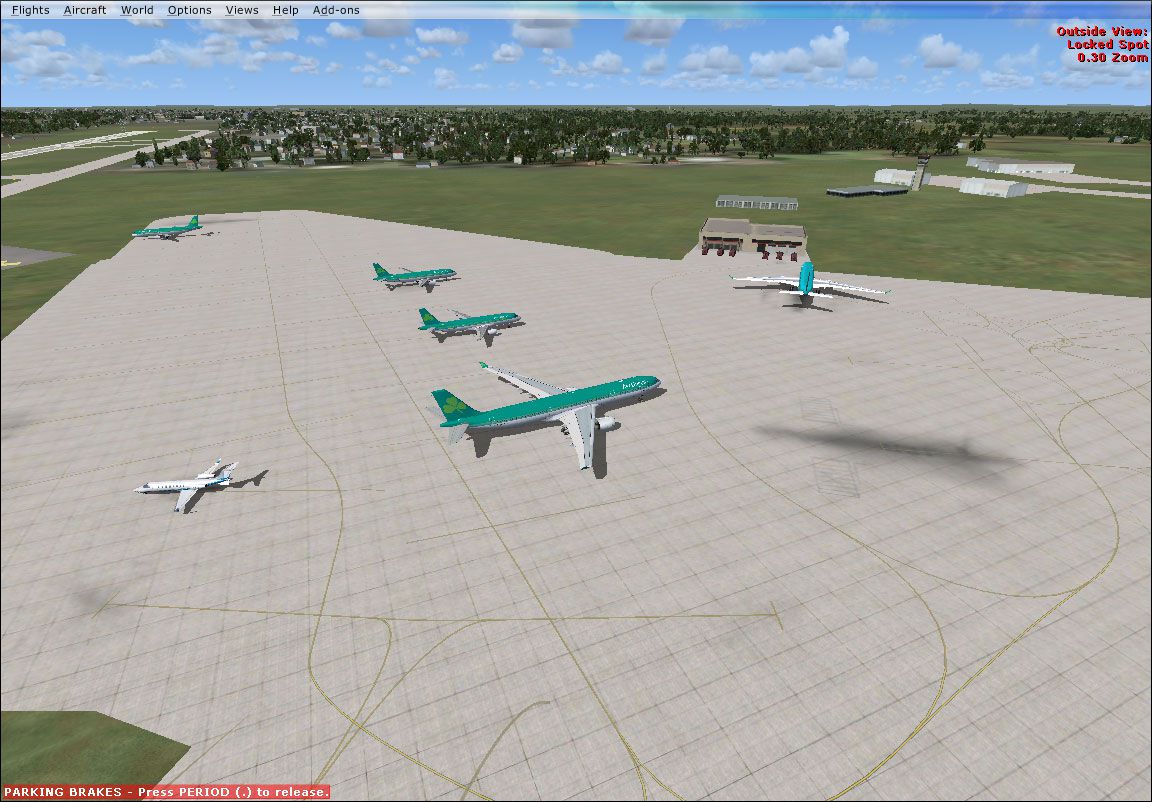
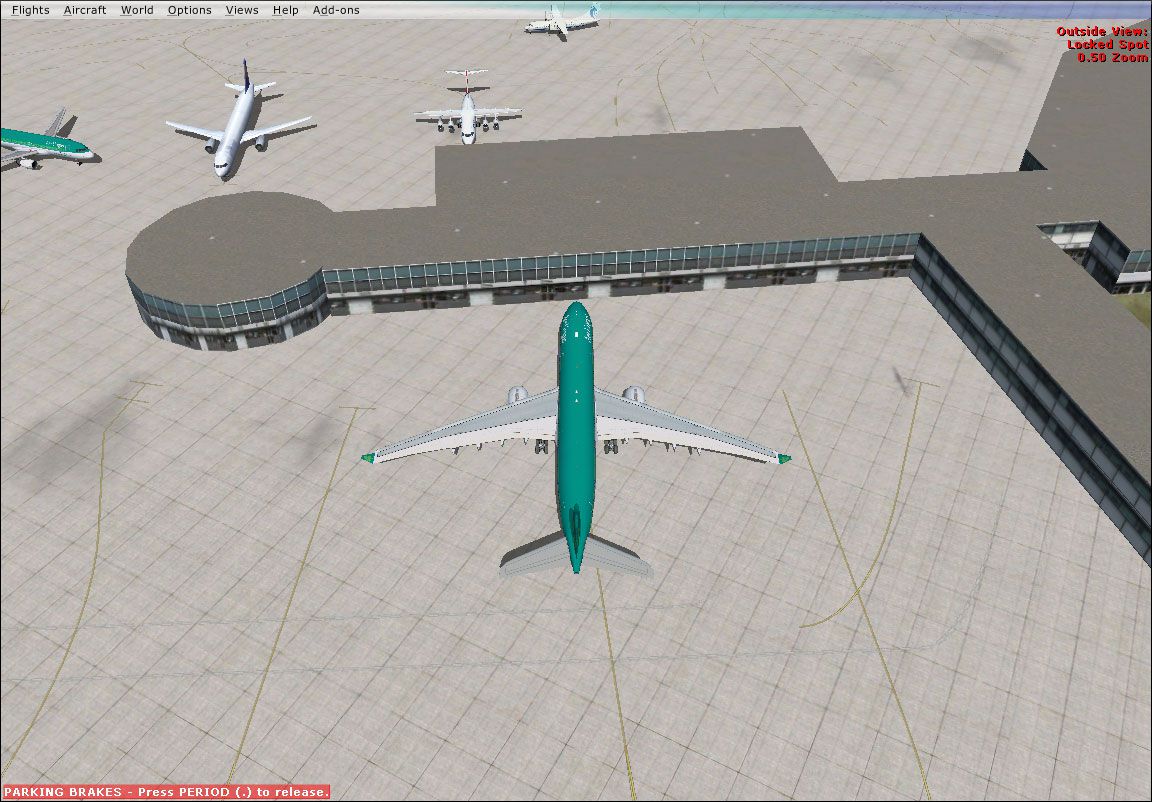
This is a complete package of Dublin 2010 for FSX/P3D. This package includes all parts and all updates released by the developer.
Initial Release
Includes Pier A/B/C/D, West Apron, F-INN (No T2, sorry).
Update:
Overspill Parking, Extended Cargo Area, Gate 36 enlarged to accommodate Aer Lingus A333 and real life line up for Runway 16.
Update 2:
GA Parking, Updates to the north apron, updates to runway 23/5 and real-life vehicle paths all over the airport.
Update 3:
Taxisigns, Runway 28 bug fixed, Taxiway names and sizes fixed, Even more vehicle paths all over the airport and gate assignments.
Update 4:
Terminal 2 with gate assignments (also includes one without any gate assignments), Taxiways P1/2, M1/2, and H1/2 made straighter, shoulders added to Runway 28/10 and parking changes to Pier B
Update 5:
Updated Parking, Jetways for T2, CityJet And Ryanair Hangers, New Car Parks, Fire Training Aircraft, New Buildings Around the Tower and Work done on Taxiways.
ADVICE:
Use Runway 28, 16 or 34 for takeoff and landings because if an airplane lands on runway 10 it will exit the runway through E5 or maybe even E6. If it lands at a busy time for takeoffs then it will have to wait a while before it is allowed taxi to the terminal.
To make runway 34 active go to the 'custom weather' option when you change the current weather. Set wind direction to 330 degrees pointing east and set wind speed at 16 knots or higher. If you look at my BGL file in ADEX then you will see a parking code EINX. This is a code I use to make sure that my Aer Lingus 1970 traffic parks in T1 and not in T2. Enjoy!
INSTALLATION:
Just copy and paste the files into your Microsoft Flight Simulator X\Addon scenery\scenery folder.
This file should not damage your computer, but in the unlikely case that they do, I accept no liability.
Developer: Pádraic Ó hEithir.
Free for all simmers · 4.79 MB · Scanned clean
Download speed: Free tier is capped at 0.5 Mbps (this file takes approximately 1 min at the cap). PRO members download at full line speed.
FSX\Addon Scenery\ containing scenery and texture sub-folders.readme.txt or README file. It tells you exactly where files go, what dependencies are needed, and any quirks specific to this add-on.Use these coordinates to fly directly to this location once the mod is installed.
53.42138900,-6.27000000
Launch FSX or Prepar3D and use Flights → Load to open the downloaded .pln file. Your aircraft will be positioned at this location.
The archive dublin-2010-complete.zip has 49 files and directories contained within it.
This list displays the first 500 files in the package. If the package has more, you will need to download it to view them.
| Filename/Directory | File Date | File Size |
|---|---|---|
| dublin2010 | 08.23.19 | 0 B |
| EIDW.jpg | 08.23.19 | 313.64 kB |
| EIDW_ADEX_POH.BGL | 08.25.10 | 52.26 kB |
| EIDW_ADEX_POH_CVX.bgl | 08.25.10 | 236 B |
| Readme.txt | 08.25.10 | 930 B |
| update | 08.23.19 | 0 B |
| Cargo-Apron-And-Pier-C.jpg | 08.23.19 | 189.63 kB |
| Cargo-Apron.jpg | 08.23.19 | 194.41 kB |
| EIDW-Overview.jpg | 08.23.19 | 322.17 kB |
| EIDW_ADEX_POH.BGL | 08.26.10 | 53.79 kB |
| Pier-A,B,C.jpg | 08.23.19 | 198.10 kB |
| Pier-A.jpg | 08.23.19 | 182.43 kB |
| Pier-D-and-Connecting-Bridge.jpg | 08.23.19 | 192.19 kB |
| Readme.txt | 08.26.10 | 1.05 kB |
| West-Apron.jpg | 08.23.19 | 189.80 kB |
| update2 | 08.23.19 | 0 B |
| Dublin-2010-Main-Apron.jpg | 08.23.19 | 323.21 kB |
| Dublin-2010-Overview.jpg | 08.23.19 | 353.56 kB |
| EIDW_ADEX_POH4.BGL | 09.02.10 | 58.10 kB |
| Readme.txt | 09.02.10 | 1.35 kB |
| update3 | 08.23.19 | 0 B |
| 1EIDW.Bmp | 10.19.10 | 2.81 MB |
| Cargo Parking.bmp | 10.19.10 | 2.81 MB |
| EIDW_ADEX_PAD.BGL | 10.19.10 | 65.01 kB |
| EIDW_ADEX_PAD_CVX.bgl | 10.19.10 | 336 B |
| Pier A,B,C.Bmp | 10.19.10 | 2.81 MB |
| Pier D Parking.bmp | 10.19.10 | 2.81 MB |
| Readme.txt | 10.19.10 | 925 B |
| West Apron.bmp | 10.19.10 | 2.81 MB |
| update4 | 08.23.19 | 0 B |
| Addon AI | 08.23.19 | 0 B |
| EIDW_ADEX_PAD.BGL | 10.27.10 | 68.06 kB |
| EIDW_ADEX_PAD_CVX.bgl | 10.27.10 | 336 B |
| Default AI | 08.23.19 | 0 B |
| EIDW_ADEX_PAD.BGL | 10.27.10 | 67.29 kB |
| EIDW_ADEX_PAD_CVX.bgl | 10.27.10 | 336 B |
| EIDW Aerodrome.bmp | 10.27.10 | 2.81 MB |
| Parking EIDW.bmp | 10.27.10 | 2.81 MB |
| Readme.txt | 10.27.10 | 1.67 kB |
| update5 | 08.23.19 | 0 B |
| AerodromeEIDW.bmp | 12.23.10 | 2.81 MB |
| EIDW Control Tower and Hanger.bmp | 12.23.10 | 2.81 MB |
| EIDW1.bmp | 12.23.10 | 2.81 MB |
| EIDW_ADEX_PAD.BGL | 12.23.10 | 82.80 kB |
| EIDW_ADEX_PAD_CVX.bgl | 12.23.10 | 547 B |
| Readme.txt | 12.23.10 | 1.18 kB |
| Terminal 2 And FR Hanger.bmp | 12.23.10 | 2.81 MB |
| flyawaysimulation.txt | 10.29.13 | 959 B |
| Go to Fly Away Simulation.url | 01.22.16 | 52 B |
More FSX & P3D add-ons hand-picked based on this download.
FSX Scenery
Included are Pier D, West Apron, GA Apron, True-to-life Assigned parking (add…
 FSX Scenery
Scenery Van Ferit Melen Airport 2010 (LTCI) in east of Turkey. Update LTCI200…
 FSX Scenery
Scenery Enniskillen/St Angelo Airport 2010, Northern Ireland, UK (EGAB). Incl…
 FSX Scenery
KORD 2010, O'Hare International Airport, Illinois (IL). An update with new ru…
 FSX Scenery
Princess Juliana International Airport (TNCM) in Saint Marteen, Netherlands A…
 FSX Scenery
Los Angeles Airport Scenery v3, California (CA). This photoreal scenery is a …
 FSX Scenery
Barbados International Airport (TBPB). Grantley Adams International Airport f…
 FSX Scenery
Paris Charles de Gaulle Airport (CDG, LFPG), France. The entire airport has b…
Read what other simmers think, or add your own.

Ignore my previous comment. I have eventually learned how to install addon scenery.