


 United States Minor Outlying Islands
  FSX Scenery
Midway Atoll (Midway Islands) Photoreal
Midway Atoll (Midway Islands) Photoreal Scenery. Midway Atoll - or Midway Isl…
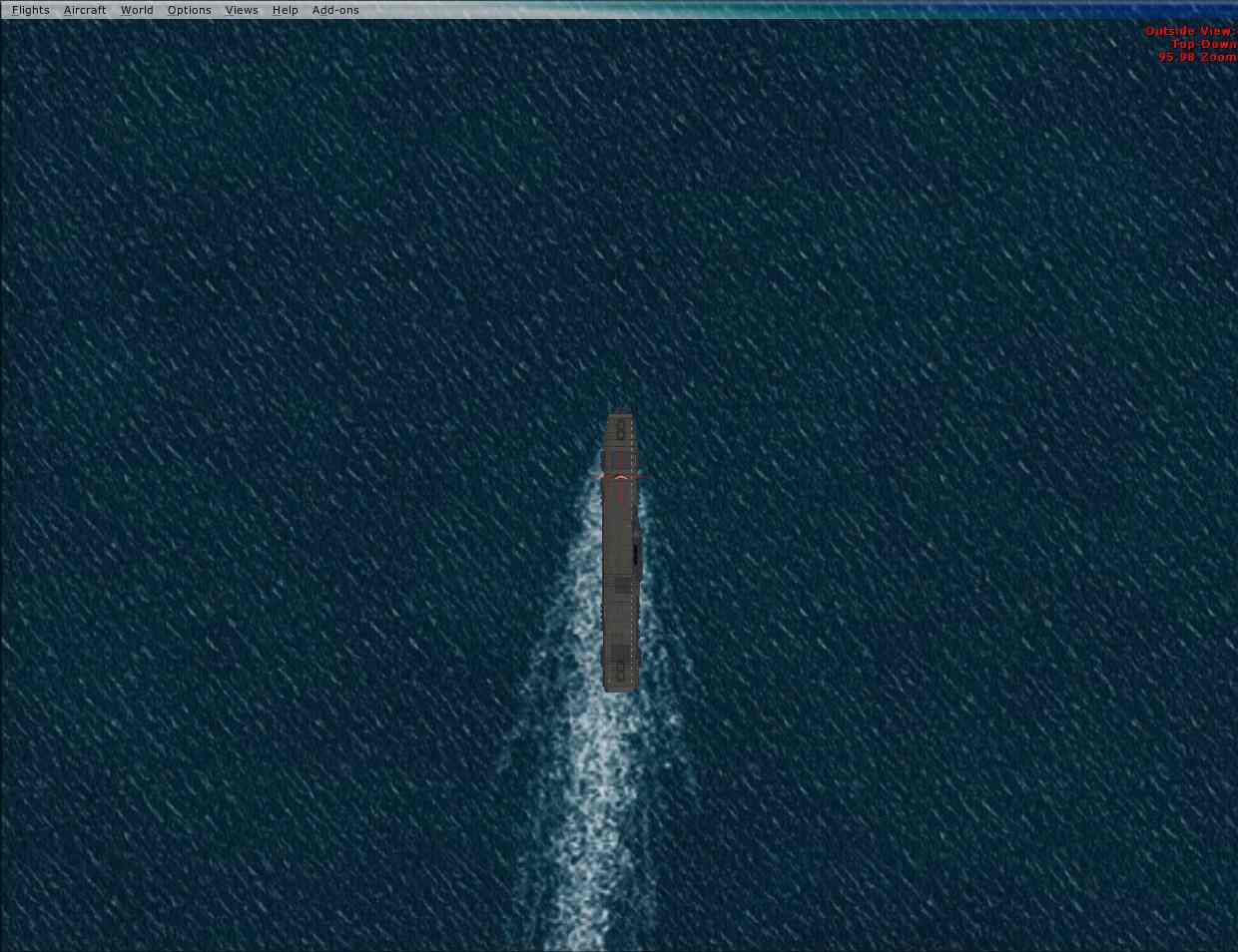
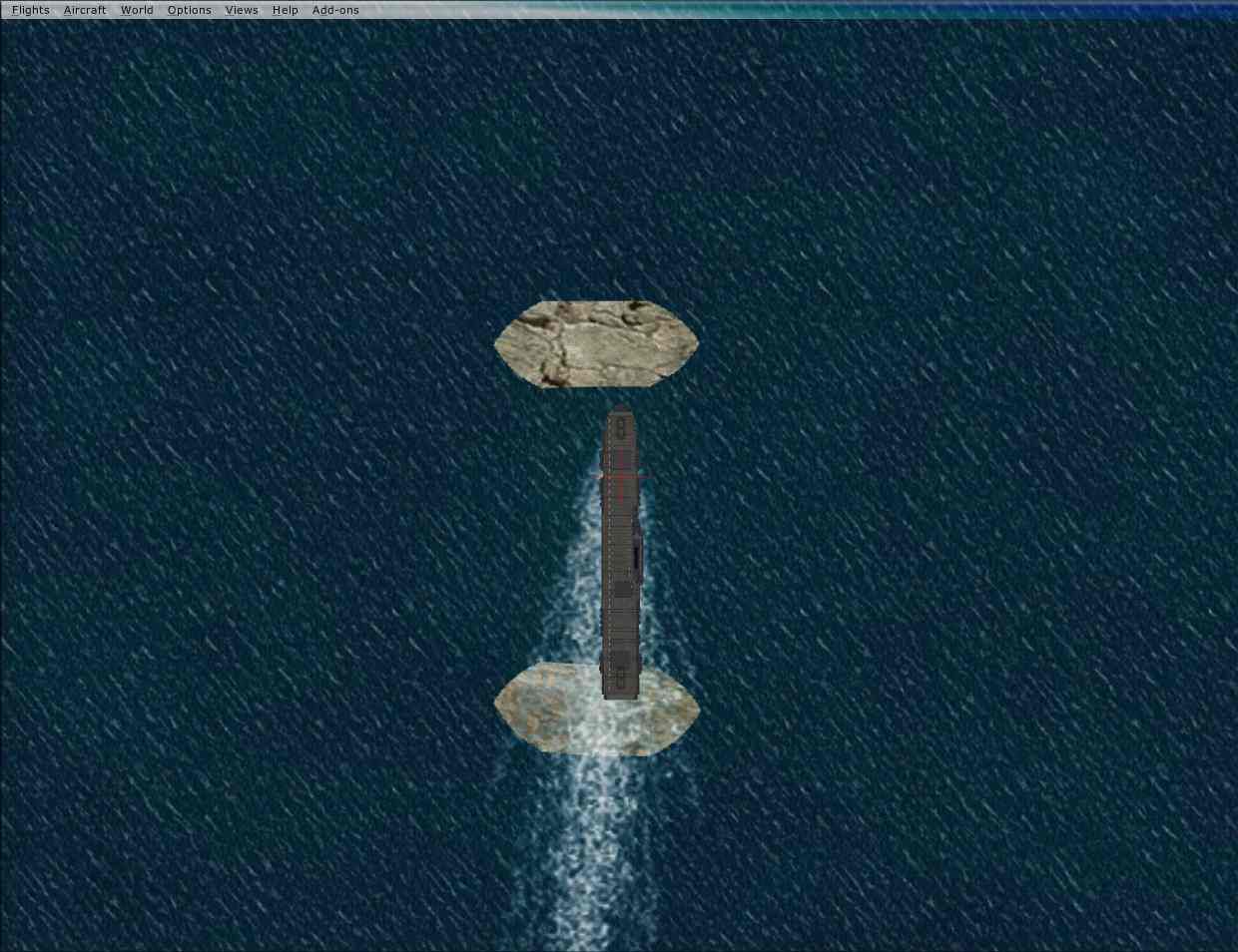
Midway Carrier Patch updates Yanco San’s WWII Midway Carrier Battle scenery so the carrier action loads correctly in Microsoft Flight Simulator X while staying usable when the same scenery is shared with FS2004. It requires BC_CARR2.ZIP and refines compatibility so the naval battle environment displays as intended across both simulators.
Free for all simmers · 175 KB · Scanned clean
Download speed: Free tier is capped at 0.5 Mbps. PRO members download at full line speed.
FSX\Addon Scenery\ containing scenery and texture sub-folders.readme.txt or README file. It tells you exactly where files go, what dependencies are needed, and any quirks specific to this add-on.Use these coordinates to fly directly to this location once the mod is installed.
28.20000000,-177.35000000
Launch FSX or Prepar3D and use Flights → Load to open the downloaded .pln file. Your aircraft will be positioned at this location.
The archive fsx_mid.zip has 17 files and directories contained within it.
This list displays the first 500 files in the package. If the package has more, you will need to download it to view them.
| Filename/Directory | File Date | File Size |
|---|---|---|
| WWII Midway Battle Carriers for FSX Patch | 04.22.09 | 0 B |
| Addon Scenery | 04.22.09 | 0 B |
| Midway Battle #Ocean Flatten Files | 04.22.09 | 0 B |
| scenery | 04.22.09 | 0 B |
| Ocean Flatten (AKAGI Midway)AF2_MBF4.bgl | 10.22.06 | 452 B |
| Ocean Flatten (HILYU Midway)AF2_MBF5.bgl | 10.22.06 | 452 B |
| Ocean Flatten (KAGA Midway)AF2_MBF6.bgl | 10.22.06 | 450 B |
| Ocean Flatten (SORYU Midway)AF2_MBF7.bgl | 10.22.06 | 452 B |
| Ocean Flatten (USS Enterprise Midway)AF2_MBF2.bgl | 10.22.06 | 478 B |
| Ocean Flatten (USS Hornet Midway)AF2_MBF3.bgl | 10.22.06 | 466 B |
| Ocean Flatten (USS Yorktown Midway)AF2_MBF1.bgl | 10.22.06 | 474 B |
| Before.jpg | 10.22.06 | 86.04 kB |
| Install.txt | 10.22.06 | 679 B |
| Readme.txt | 10.22.06 | 243 B |
| after.jpg | 10.22.06 | 85.96 kB |
| flyawaysimulation.txt | 10.29.13 | 959 B |
| Go to Fly Away Simulation.url | 01.22.16 | 52 B |
More FSX & P3D add-ons hand-picked based on this download.
FSX Scenery
Midway Atoll (Midway Islands) Photoreal Scenery. Midway Atoll - or Midway Isl…
 FSX Scenery
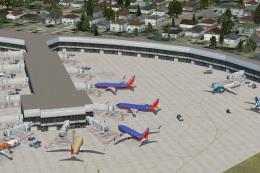
Chicago Midway Int'l Airport (KMDW), Illinois (IL). Several improvements have…
 FSX Scenery
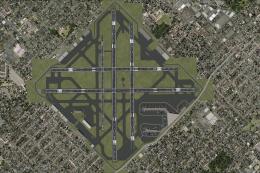
Scenery Chicago Midway Airport (KMDW), Illinois (IL). Remodelling of FSX vers…
 FSX Scenery
Scenery Chicago Midway International Airport (KMDW), Illinois (IL). This is a…
 FSX Scenery
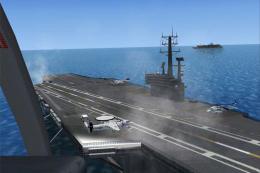
This is just a demo, right, so no complaints if there are any shortcomings. T…
 FSX Scenery
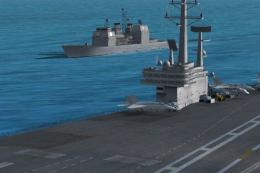
AI Carrier Battle Groups, pack 1. Adds moving naval ships as AI traffic at a …
 FSX Scenery
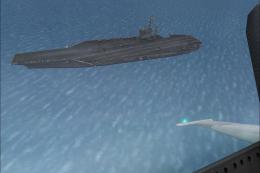
Four Carrier Scenery v5.0. Includes Miramar, Oceana, Pensacola U.S., and Yoko…
 FSX Scenery
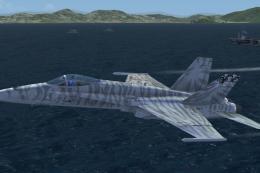
Carrier In Rio De Janeiro, Brazil. This is fictional scenery for the USS Nimi…
Read what other simmers think, or add your own.

Hello, I have had this for a while, and for some reason, everything works for the battle of midway but the issue I have is that none of the ships appear when I load it shows where they are supposed to be.
I have been trying to figure this out but no luck with it. I have tried multiple times to get the ships to show even going through the files and even unzipping the download file. I have also re-downloaded it 4 other times and tried that and I still cannot see the ships.