


 FSX Civil Aircraft
Southwest Airlines Boeing 737-700 V2
Includes several liveries, "Canyon Blue", "Maryland One", "Nevada One", "Sham…
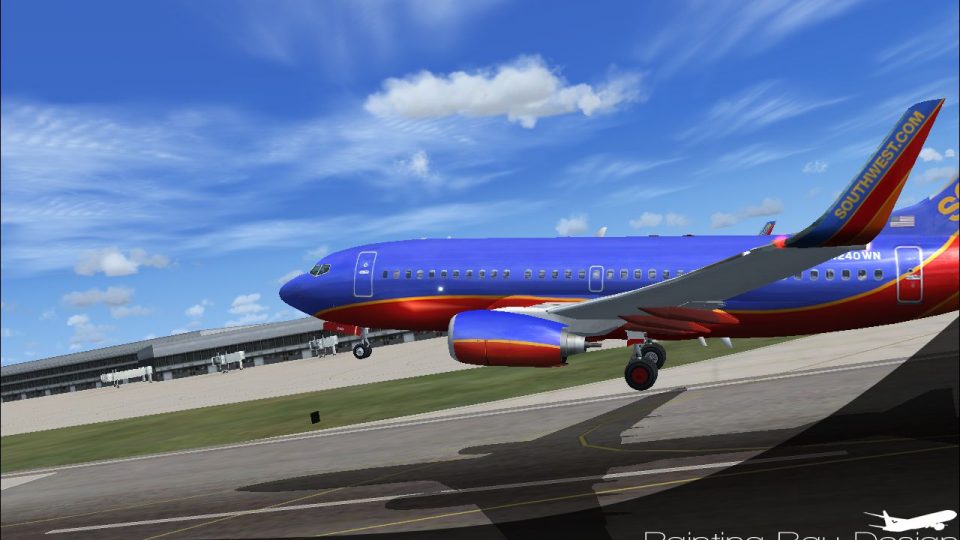
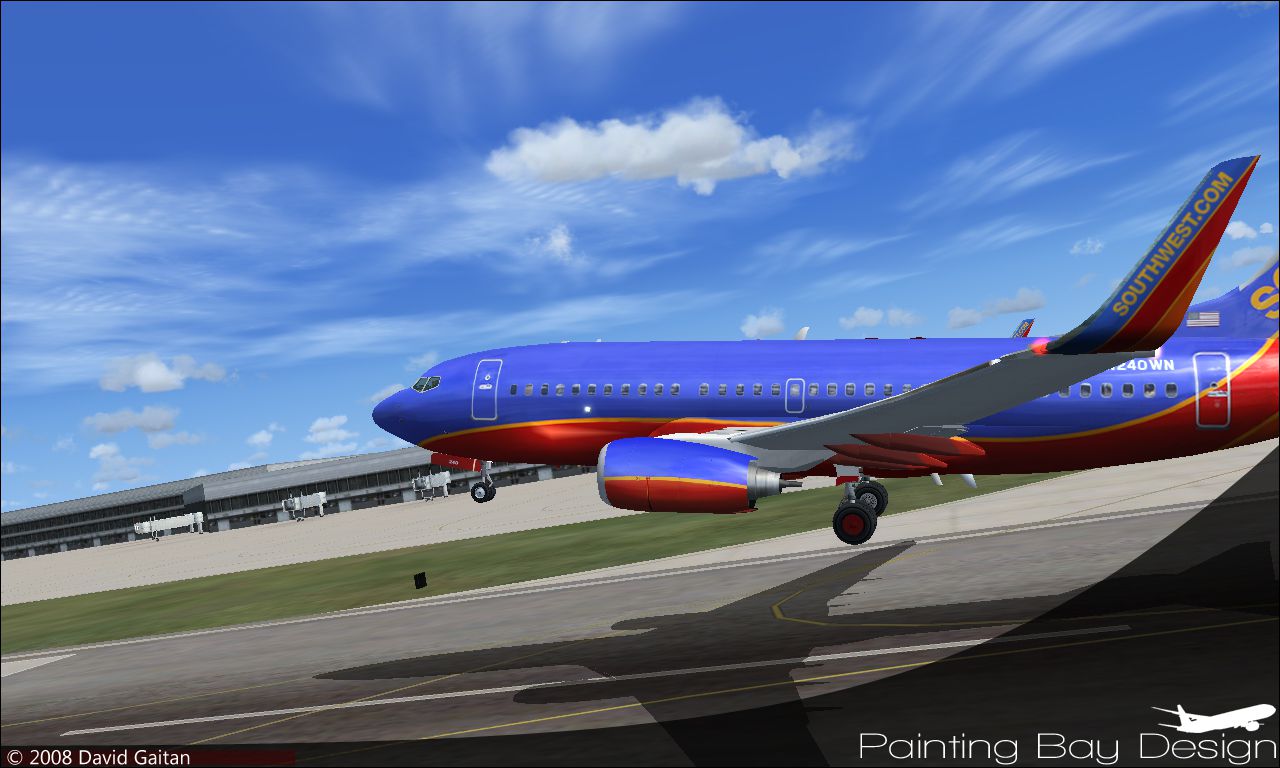
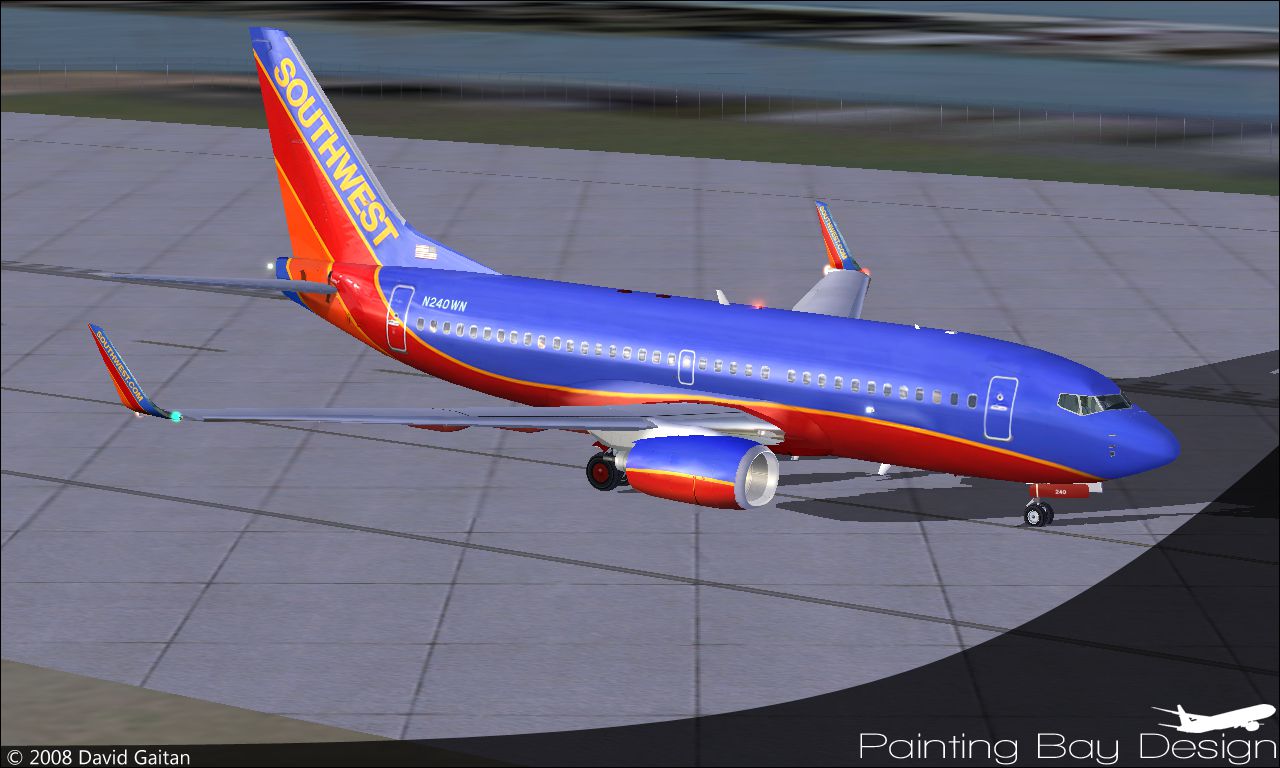
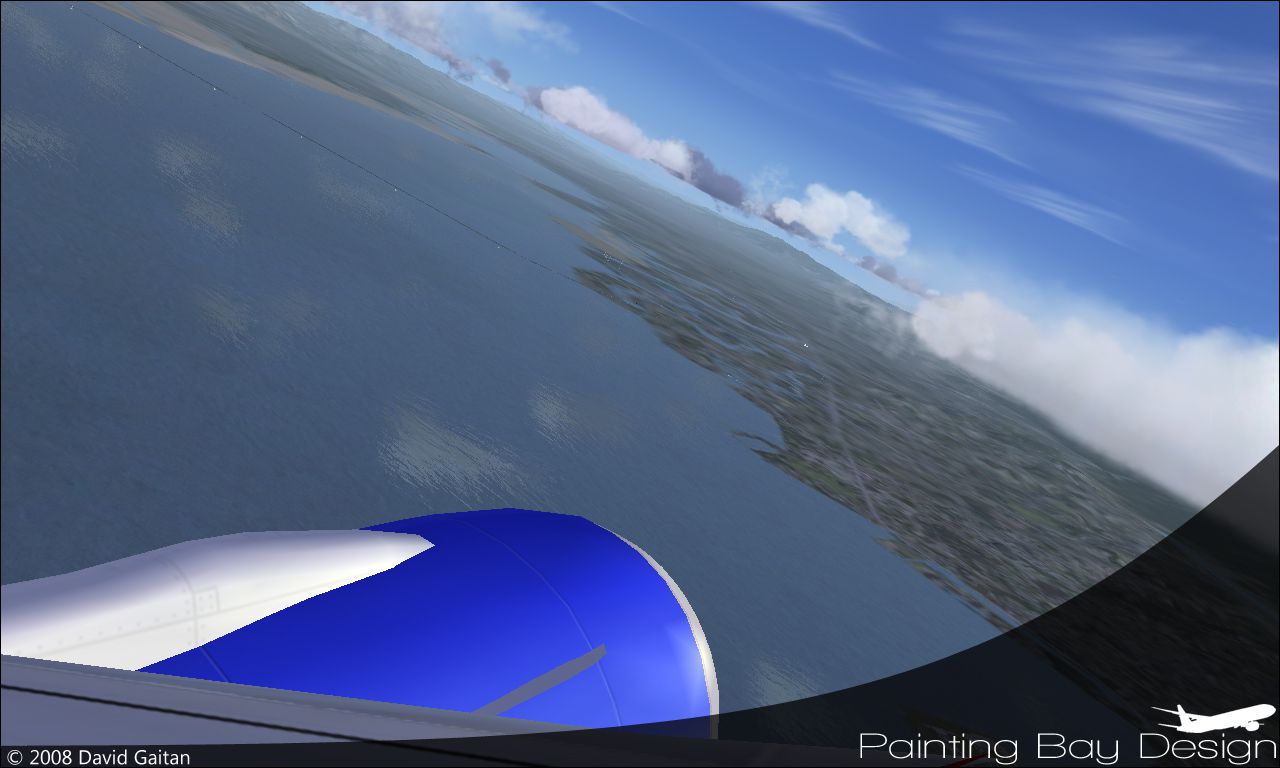
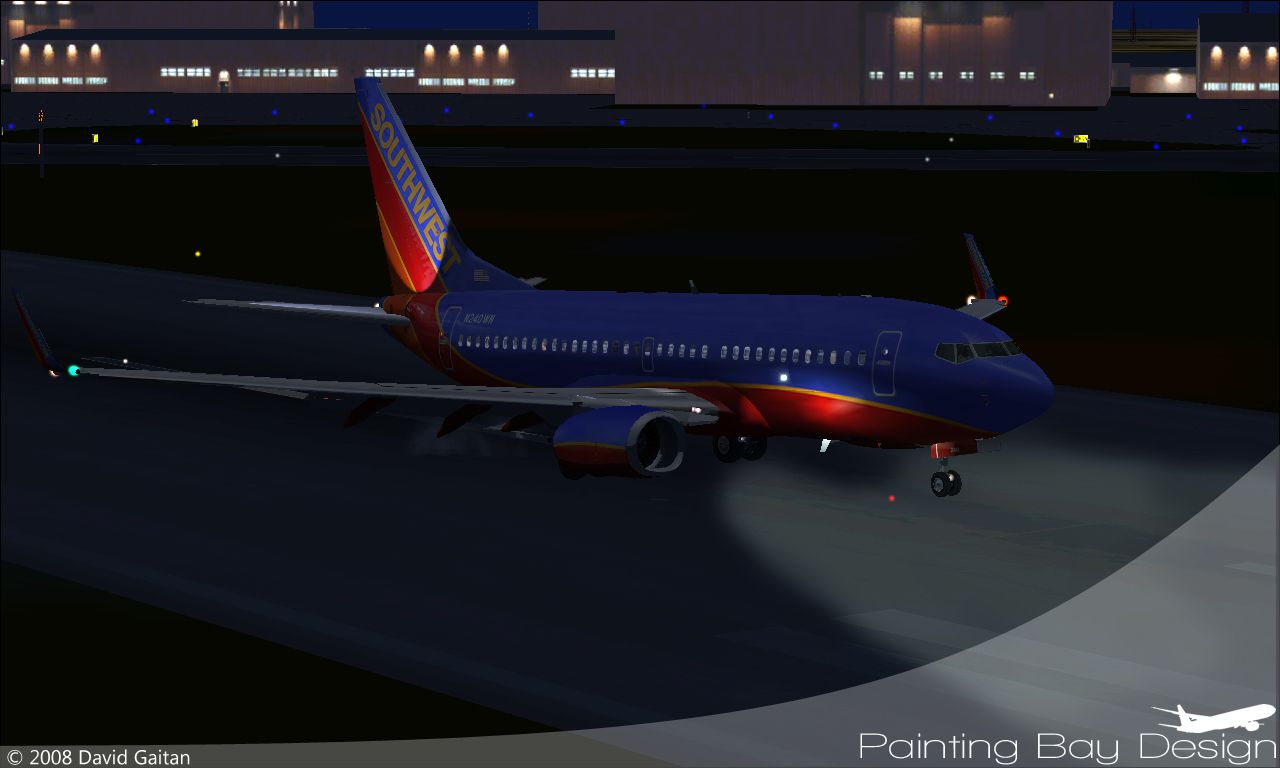
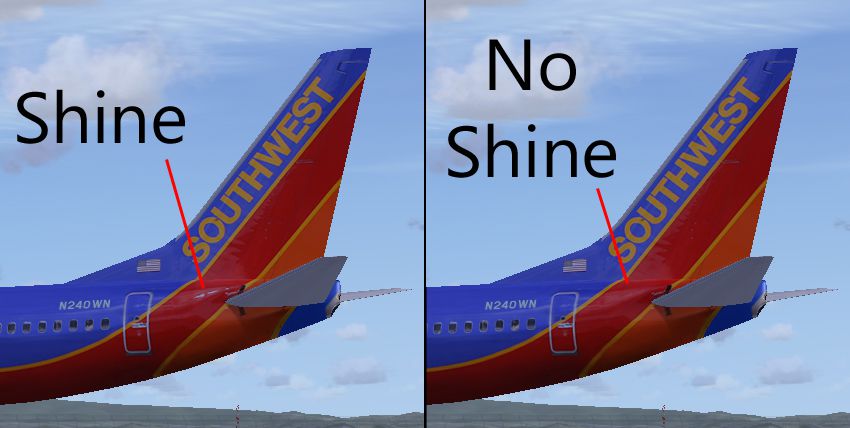
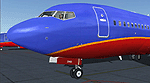
Southwest Airlines Boeing 737-700 repaint for FSX depicts registration N240WN in updated colors, bringing a crisp, airline-accurate look to the exterior and virtual cockpit. Built for the Project Open Sky 737-700 model, it requires that base aircraft and includes detailed markings and clean textures suited to a modern Southwest fleet.

Free for all simmers · 13.61 MB · Scanned clean
Download speed: Free tier is capped at 0.5 Mbps (this file takes approximately 4 mins at the cap). PRO members download at full line speed.
FSX\SimObjects\Airplanes\. The folder must contain an aircraft.cfg file. Effects go into FSX\Effects\; gauges go into FSX\Gauges\.readme.txt or README file. It tells you exactly where files go, what dependencies are needed, and any quirks specific to this add-on.The archive phswa737.zip has 67 files and directories contained within it.
This list displays the first 500 files in the package. If the package has more, you will need to download it to view them.
| Filename/Directory | File Date | File Size |
|---|---|---|
| aircraft.cfg | 06.06.08 | 28.40 kB |
| checklist | 06.06.08 | 0 B |
| boeing737-800_check.htm | 11.19.06 | 77.28 kB |
| boeing737-800_ref.htm | 11.19.06 | 27.17 kB |
| Thumbs.db | 11.19.06 | 6.00 kB |
| effects | 06.06.08 | 0 B |
| Opensky_737NG_sparks.fx | 06.06.08 | 7.05 kB |
| Opensky_beacon.fx | 06.06.08 | 3.04 kB |
| Opensky_Boeing_vclight.fx | 06.06.08 | 1.31 kB |
| Opensky_conden.fx | 06.06.08 | 3.15 kB |
| Opensky_nacelle_refl.fx | 06.06.08 | 1.29 kB |
| Opensky_nav_yellow.fx | 06.06.08 | 3.07 kB |
| Opensky_vortex.fx | 06.06.08 | 1.23 kB |
| Opensky_wing_light.fx | 06.06.08 | 1.31 kB |
| manual | 06.06.08 | 0 B |
| 737700PERFORMANCE.PDF | 11.19.06 | 219.02 kB |
| 737LIMITATIONS.PDF | 11.19.06 | 124.80 kB |
| 737PROCEDURES.PDF | 11.19.06 | 2.13 MB |
| B737NG_OPERATIONS_MANUAL_v5.pdf | 11.19.06 | 1.28 MB |
| model.we | 06.06.08 | 0 B |
| model.cfg | 04.01.08 | 26 B |
| OS737WE.mdl | 09.05.06 | 2.71 MB |
| OSBoeing737-700w.air | 11.19.06 | 8.90 kB |
| panel | 06.06.08 | 0 B |
| panel.cfg | 07.17.07 | 30 B |
| Thumbs.db | 03.02.07 | 17.00 kB |
| Readme.txt | 06.06.08 | 2.43 kB |
| sound | 06.06.08 | 0 B |
| sound.cfg | 06.06.08 | 32 B |
| Thumbs.db | 11.02.06 | 5.00 kB |
| texture.nc | 06.06.08 | 0 B |
| Os737body_l_l.bmp | 03.31.08 | 1.00 MB |
| Os737body_l_t.bmp | 06.04.08 | 4.00 MB |
| Os737body_r_l.bmp | 03.31.08 | 1.00 MB |
| Os737body_r_t.bmp | 06.04.08 | 4.00 MB |
| Os737ng_ANTCOL_RED.BMP | 09.05.06 | 1.43 kB |
| Os737ng_Cockpitgray.bmp | 09.05.06 | 1.43 kB |
| Os737ng_darkgray.bmp | 09.05.06 | 1.43 kB |
| Os737ng_engine_l.bmp | 11.19.06 | 1.00 MB |
| Os737ng_engine_t.bmp | 05.10.08 | 4.00 MB |
| Os737ng_WINGROOT_GRAY.BMP | 09.05.06 | 1.43 kB |
| Os737ng_WINGTIP_GREEN_GLASS.bmp | 09.05.06 | 1.43 kB |
| Os737ng_WINGTIP_RED_GLASS.bmp | 09.05.06 | 1.43 kB |
| Os737ngstair_t.bmp | 02.28.06 | 1.00 MB |
| OS737Option.bmp | 03.31.08 | 64.07 kB |
| Os737parts_t.bmp | 03.31.08 | 1.00 MB |
| Os737w_wing_l_l.bmp | 03.31.08 | 1.00 MB |
| Os737w_wing_l_t.bmp | 06.04.08 | 4.00 MB |
| Os737w_wing_r_l.bmp | 03.31.08 | 1.00 MB |
| Os737w_wing_r_t.bmp | 06.04.08 | 4.00 MB |
| ostug_L.bmp | 11.19.06 | 1.00 MB |
| ostug_T.bmp | 03.31.08 | 1.00 MB |
| thumbnail.jpg | 04.23.08 | 53.99 kB |
| Thumbs.db | 06.06.08 | 34.00 kB |
| Readme FS2004.txt | 06.06.08 | 1.11 kB |
| Changing the textures (For Noobs!).txt | 06.06.08 | 1.86 kB |
| Os737body_l_t.bmp | 06.05.08 | 4.00 MB |
| Os737body_r_t.bmp | 06.05.08 | 4.00 MB |
| swa 1.jpg | 06.06.08 | 523.45 kB |
| swa 2.jpg | 06.06.08 | 548.43 kB |
| swa 3.jpg | 06.06.08 | 485.46 kB |
| swa 4.jpg | 06.06.08 | 472.67 kB |
| swa 5.jpg | 06.06.08 | 338.07 kB |
| shine ex.jpg | 06.06.08 | 243.30 kB |
| Readme FSX.txt | 06.06.08 | 974 B |
| flyawaysimulation.txt | 10.29.13 | 959 B |
| Go to Fly Away Simulation.url | 01.22.16 | 52 B |
More FSX & P3D add-ons hand-picked based on this download.
FSX Civil Aircraft
Includes several liveries, "Canyon Blue", "Maryland One", "Nevada One", "Sham…
 FSX Civil Aircraft
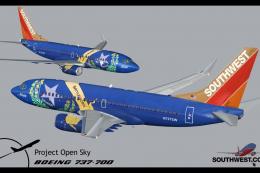
Final package. Includes several liveries, "Canyon Blue", "Maryland One", "Nev…
 FSX Civil Aircraft
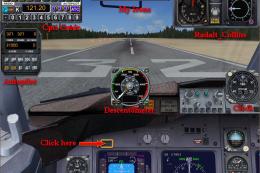
Southwest Boeing 737-700 "Florida One" with advanced VC for Skyspirit native …
 FSX Civil Aircraft
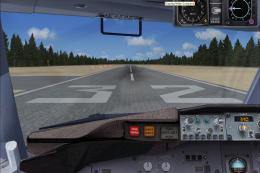
For use with FLORIDA_ONE_B737-700-FSX.ZIP. Includes missing radio altimeter g…
 FSX Civil Aircraft
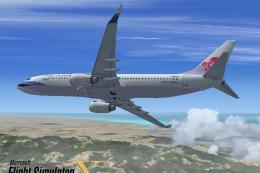
FSX China Airlines Boeing 737-800. A repaint for the FSX Default 737, registr…
 FSX Civil Aircraft
Textures only for the default B737-800. Repaint by Lee Tennant. Screenshot of…
 FSX Civil Aircraft
This specialized freeware release offers a faithful virtual rendition of a So…
 FSX Civil Aircraft
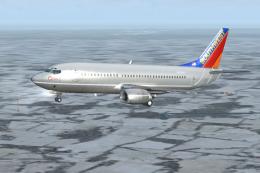
Southwest Airlines Boeing 737-300 (silver). Textures only for the PIC B737-30…
Read what other simmers think, or add your own.

After all these years, so glad to still be able to get these resources for free off of this site as this site has obviously passed the test of time.
I had saved all of my aircraft, scenery, and airports onto DVD, back then that was the storage medium, but got damaged due to the hurricane. Now I would like to take up flying again and what a joy it is to find this site still available. Thank you.


Last time I downloaded this plane the nose wheel was not working; consequently the plane was not functional in FSX.