

 FS2004 Civil Jet Aircraft
Aeroflot Tupolev Tu-204-120
This freeware release is a modern rendition of a Russian medium-haul jet airl…
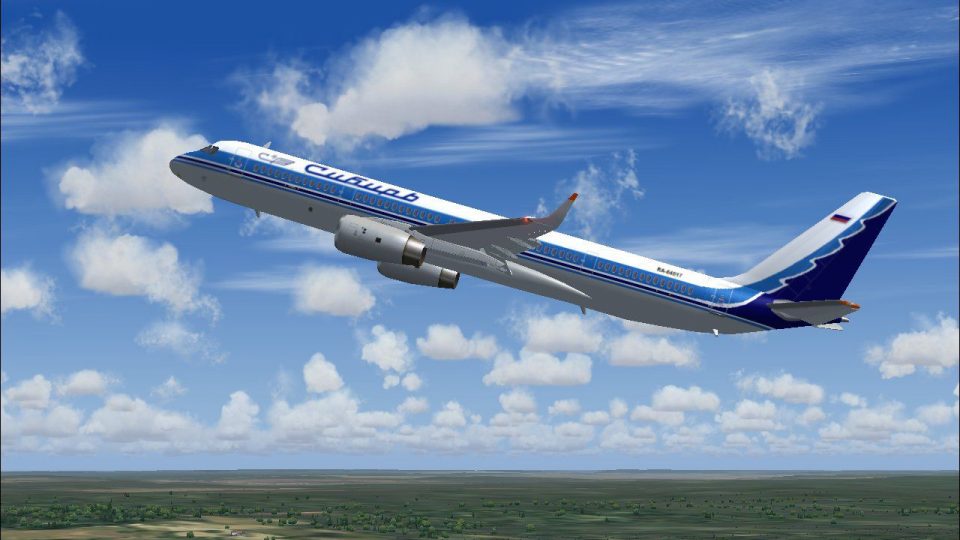
Sibir Airlines’ Tupolev Tu-204-120 brings a modern Russian medium-range airliner to FS2004, featuring Rolls-Royce RB211 power and crisp 32-bit textures. The package includes a detailed GMax model with base textures and a faithful S7-style livery that looks sharp in both the virtual cockpit and exterior views.
 Rate
Rate
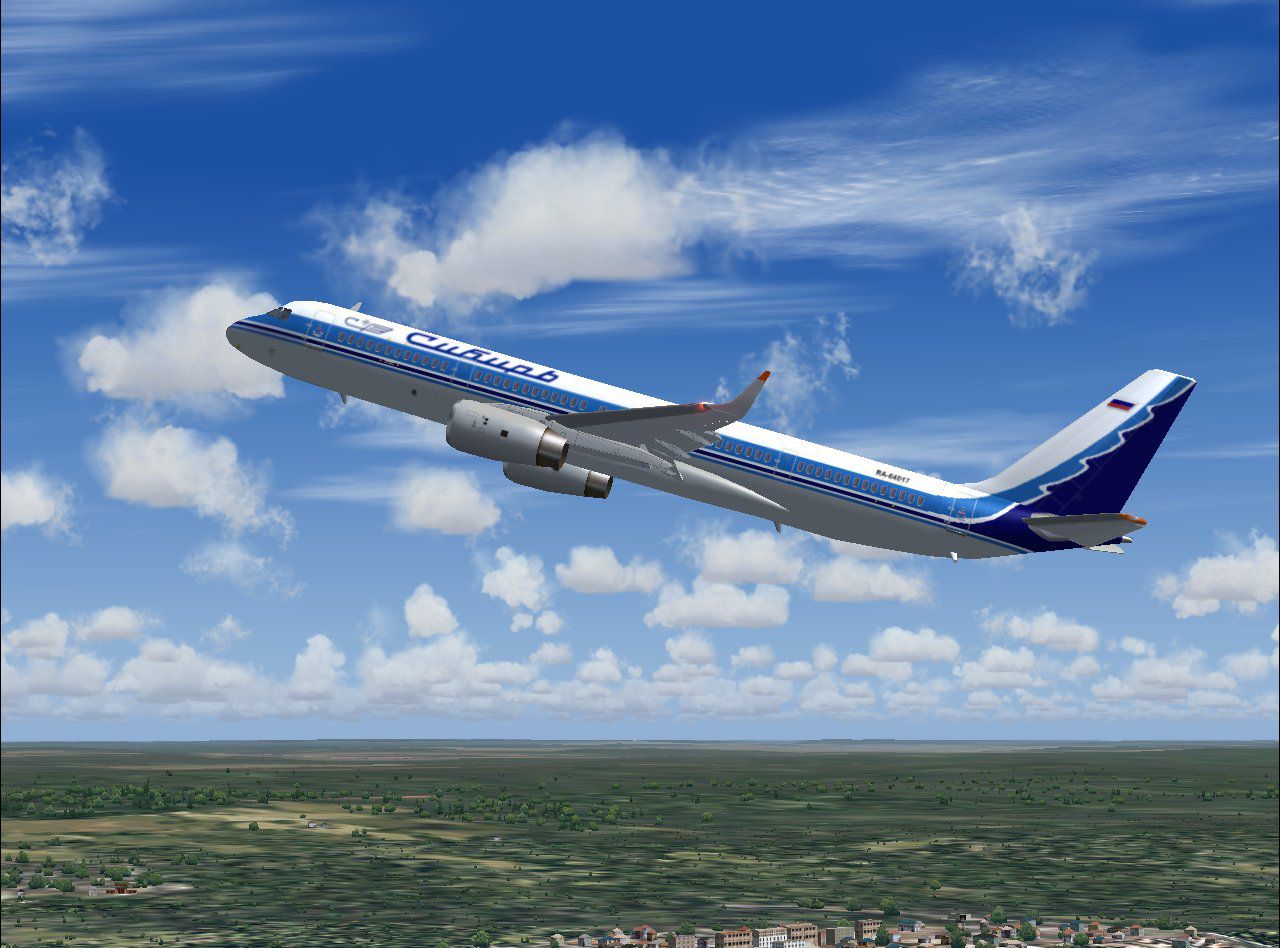
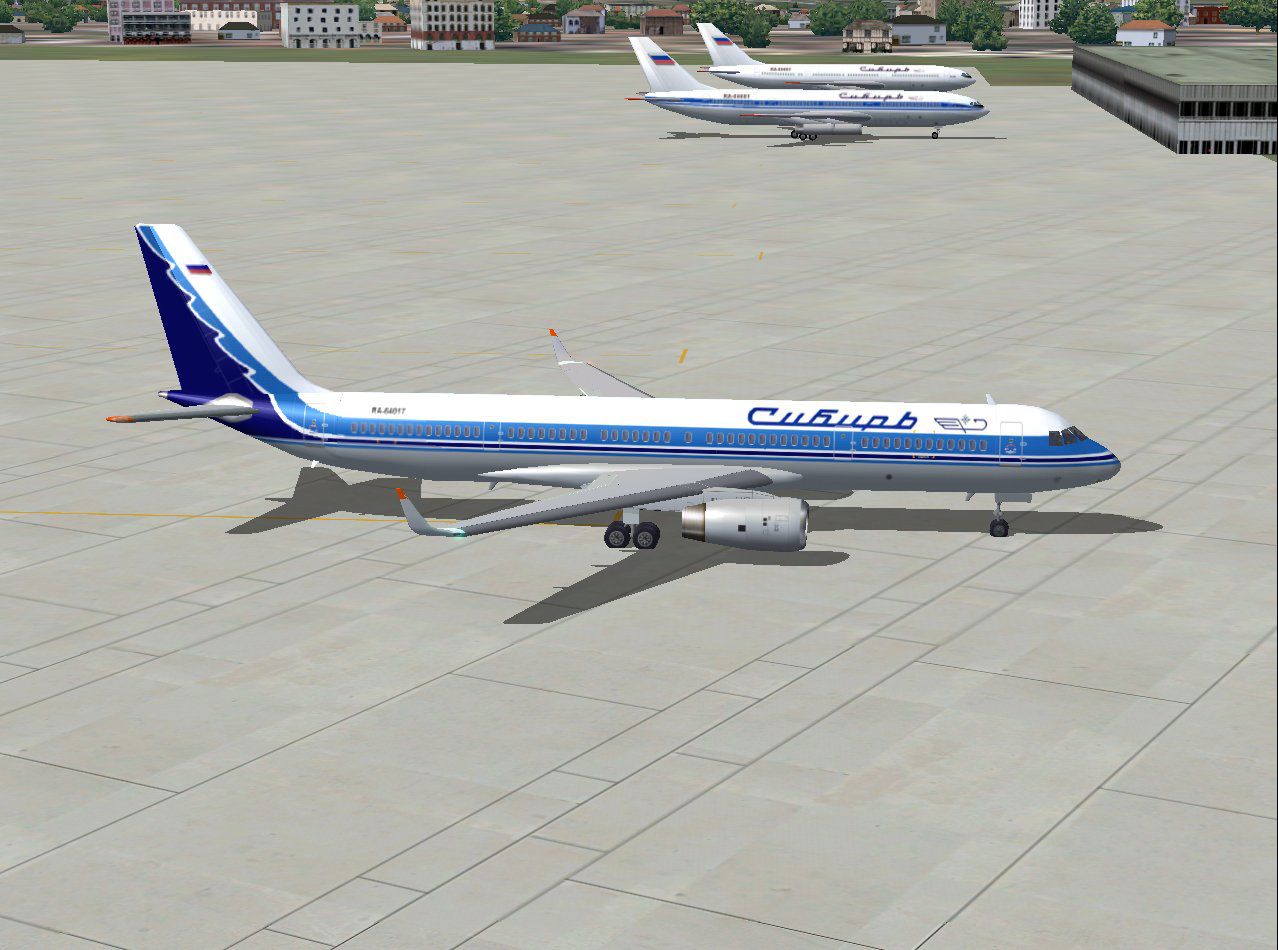
Sibir Airlines Tupolev Tu-204-120 with Rolls-Royce RB211 engines. Painted in 32-bit textures. This is a modern Russian medium-range airliner. Aircraft GMax model and base textures by Robert Versluys. Livery by Mike Pearson.
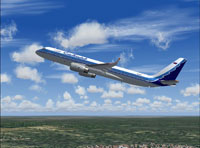
Screenshot of Sibir Airlines Tupolev Tu-204-120 in flight.
Enjoy!
Free for all simmers · 1.41 MB · Scanned clean Sep 2026
Download speed: Free tier is capped at 0.5 Mbps. PRO members download at full line speed.
FS9\Aircraft\, FS9\Addon Scenery\, FS9\Gauges\, or FS9\Effects\.readme.txt or README file. It tells you exactly where files go, what dependencies are needed, and any quirks specific to this add-on.The archive rvtusibr.zip has 65 files and directories contained within it.
This list displays the first 500 files in the package. If the package has more, you will need to download it to view them.
| Filename/Directory | File Date | File Size |
|---|---|---|
| Aircraft.cfg | 02.26.04 | 11.95 kB |
| model | 02.26.04 | 0 B |
| Model.cfg | 10.13.03 | 30 B |
| tu204_v2_rr.mdl | 10.13.03 | 801.92 kB |
| PANEL | 02.26.04 | 0 B |
| panel.cfg | 10.19.03 | 37 B |
| rv tu204 sibir blue 2.jpg | 02.26.04 | 165.78 kB |
| rv tu204 sibir blue small.gif | 02.26.04 | 12.12 kB |
| rv tu204 sibir blue.jpg | 02.26.04 | 169.88 kB |
| rv tu204 sibir readme.txt | 02.26.04 | 321 B |
| sound.rr | 02.26.04 | 0 B |
| Sound.cfg | 10.01.03 | 37 B |
| texture.sibir | 02.26.04 | 0 B |
| rv_t204_a1_l.bmp | 10.13.03 | 256.07 kB |
| rv_t204_a1_t.bmp | 10.13.03 | 170.75 kB |
| rv_t204_a2_l.bmp | 10.13.03 | 256.07 kB |
| rv_t204_a2_t.bmp | 10.13.03 | 170.75 kB |
| rv_t204_antene1.bmp | 10.13.03 | 10.75 kB |
| rv_t204_antene2.bmp | 10.13.03 | 10.75 kB |
| rv_t204_antene3.bmp | 10.13.03 | 10.75 kB |
| rv_t204_antene4.bmp | 10.13.03 | 10.75 kB |
| rv_t204_cgear_l.bmp | 10.13.03 | 256.07 kB |
| rv_t204_cgear_t.bmp | 10.13.03 | 64.07 kB |
| rv_t204_exhaust.bmp | 10.13.03 | 17.05 kB |
| rv_t204_flapr_l.bmp | 10.13.03 | 256.07 kB |
| rv_t204_flapr_t.bmp | 10.13.03 | 256.07 kB |
| rv_t204_fuse1_l.bmp | 10.13.03 | 256.07 kB |
| rv_t204_fuse1_t.bmp | 10.24.03 | 1.00 MB |
| rv_t204_fuse2_l.bmp | 10.13.03 | 256.07 kB |
| rv_t204_fuse2_t.bmp | 02.25.04 | 1.00 MB |
| rv_t204_fuse3_l.bmp | 10.13.03 | 256.07 kB |
| rv_t204_fuse3_t.bmp | 02.25.04 | 1.00 MB |
| rv_t204_fuse4_l.bmp | 10.13.03 | 256.07 kB |
| rv_t204_fuse4_t.bmp | 02.26.04 | 1.00 MB |
| rv_t204_fuse5_l.bmp | 10.13.03 | 256.07 kB |
| rv_t204_fuse5_t.bmp | 02.26.04 | 1.00 MB |
| rv_t204_gdoor_l.bmp | 10.13.03 | 256.07 kB |
| rv_t204_gdoor_t.bmp | 02.25.04 | 256.07 kB |
| rv_t204_htail_l.bmp | 10.13.03 | 256.07 kB |
| rv_t204_htail_t.bmp | 10.13.03 | 256.16 kB |
| rv_t204_interior.bmp | 10.13.03 | 170.75 kB |
| rv_t204_lwing_l.bmp | 10.13.03 | 256.07 kB |
| rv_t204_lwing_t.bmp | 10.13.03 | 256.07 kB |
| rv_t204_mgear_l.bmp | 10.13.03 | 256.07 kB |
| rv_t204_mgear_t.bmp | 10.13.03 | 64.07 kB |
| rv_t204_pilot1.bmp | 10.13.03 | 257.05 kB |
| rv_t204_pilot2.bmp | 10.13.03 | 257.05 kB |
| rv_t204_propf.bmp | 10.13.03 | 128.08 kB |
| rv_t204_props.bmp | 10.13.03 | 128.08 kB |
| rv_t204_rb211_l_t.bmp | 10.13.03 | 1.00 MB |
| rv_t204_rb211_r_t.bmp | 10.13.03 | 1.00 MB |
| rv_t204_reverser_t.bmp | 10.13.03 | 42.75 kB |
| rv_t204_rwing_l.bmp | 10.13.03 | 256.07 kB |
| rv_t204_rwing_t.bmp | 10.13.03 | 256.07 kB |
| rv_t204_spoilers_l.bmp | 10.13.03 | 256.07 kB |
| rv_t204_spoilers_t.bmp | 10.13.03 | 256.07 kB |
| rv_t204_tail_l.bmp | 10.13.03 | 256.07 kB |
| rv_t204_tail_t.bmp | 02.26.04 | 1.00 MB |
| rv_t204_wheelf.bmp | 10.13.03 | 42.75 kB |
| rv_t204_wheels.bmp | 10.13.03 | 42.75 kB |
| Thumbs.db | 02.26.04 | 93.00 kB |
| Thumbs.db | 02.26.04 | 9.00 kB |
| tu204 - rb211.AIR | 10.13.03 | 8.65 kB |
| flyawaysimulation.txt | 10.29.13 | 959 B |
| Go to Fly Away Simulation.url | 01.22.16 | 52 B |
Only PRO members can place votes.
More FS2004 add-ons hand-picked based on this download.
FS2004 Civil Jet Aircraft
This freeware release is a modern rendition of a Russian medium-haul jet airl…
 FS2004 Civil Jet Aircraft
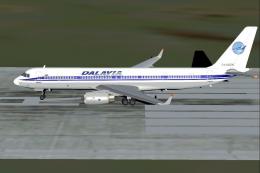
This specialized freeware release showcases a Dalavia Tupolev Tu?204?120 equi…
 FS2004 Civil Jet Aircraft
This freeware Tupolev Tu-204-120 modification for Microsoft Flight Simulator …
 FS2004 Civil Jet Aircraft
This freeware package brings authentic Garuda Indonesia livery to the Tupolev…
 FS2004 Civil Jet Aircraft
For AI traffic. Textures only, requires FSP_MDL.ZIP. Model by FSPainter. Repa…
 FS2004 Civil Jet Aircraft
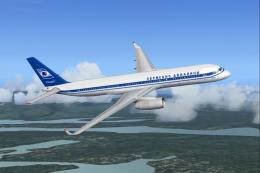
This freeware add-on replicates the Tupolev Tu-204 configured with PS-90 turb…
 FS2004 Civil Jet Aircraft
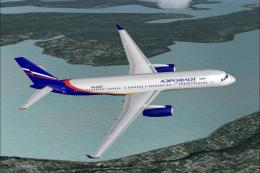
This freeware release offers a detailed Tupolev Tu-204PS90 decked out in Aero…
 FS2004 Civil Jet Aircraft
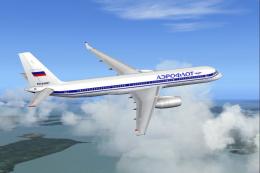
This freeware release provides a classic 1992 Aeroflot livery for the Tupolev…
Be the first to leave a comment on this download.
Be the first to share your thoughts on this download.