

 FS2004 Civil Jet Aircraft
Turkish Airlines Airbus A340-300 Textures
Textures only; requires the model from the Aerodesigns group. Aircraft has sp…
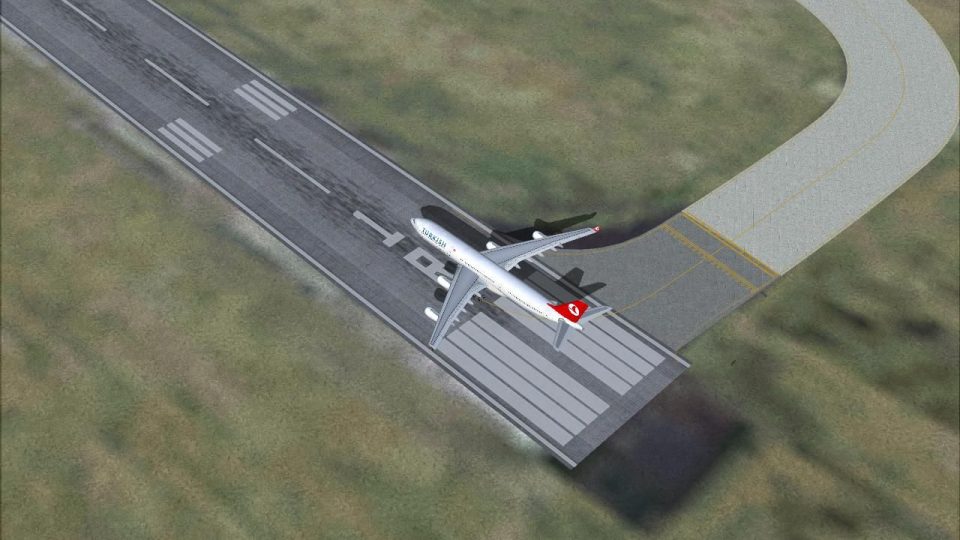
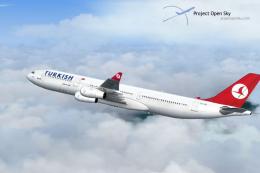
Turkish Airlines Airbus A340-300 brings a long-haul widebody to FS2004 with an Aerodesign model, reflective textures, and convincing grime for a lived-in look. The package includes a crisp Tansu Daylan livery, a detailed virtual cockpit experience, and visual damage support for more immersive operations.
 Rate
Rate
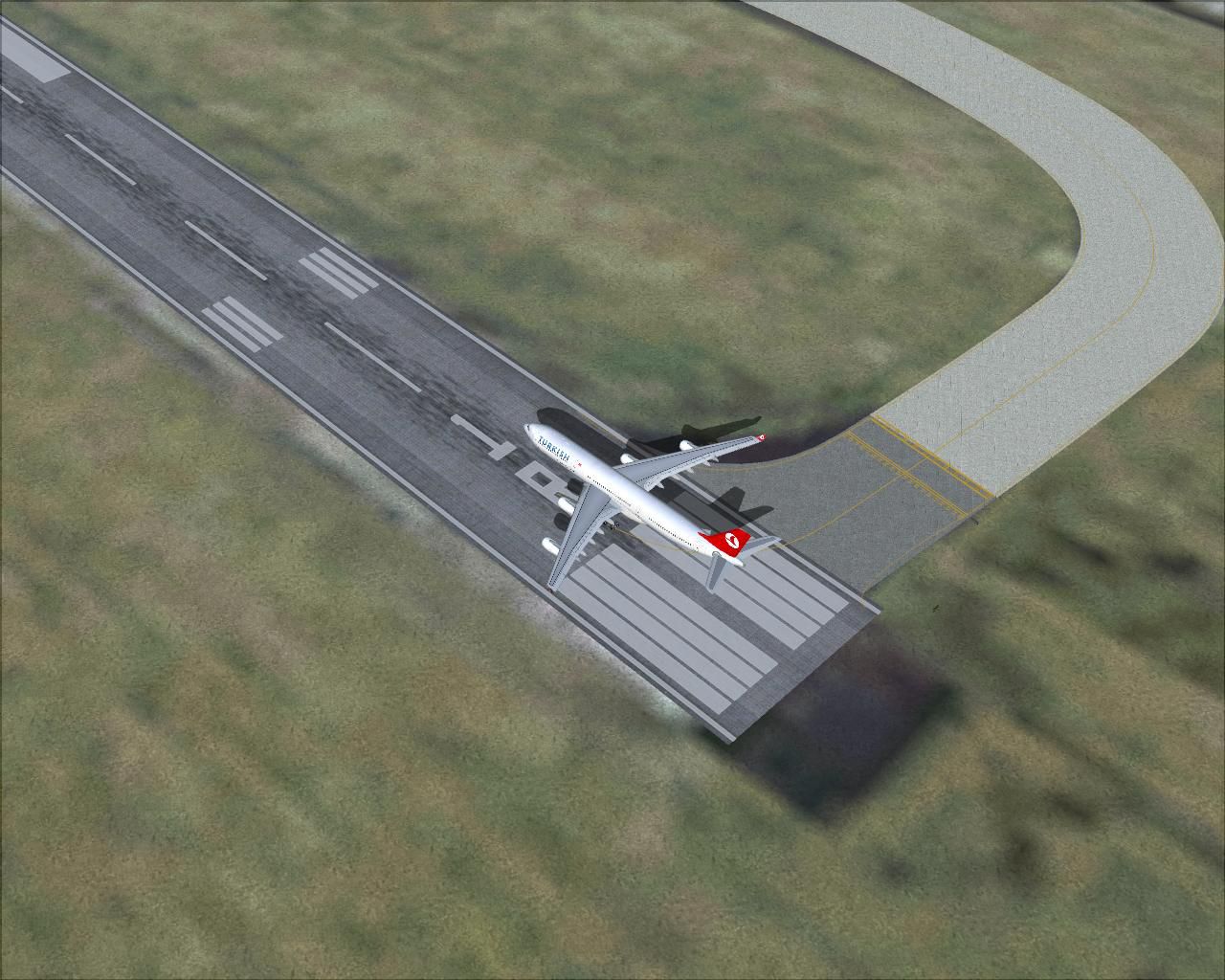
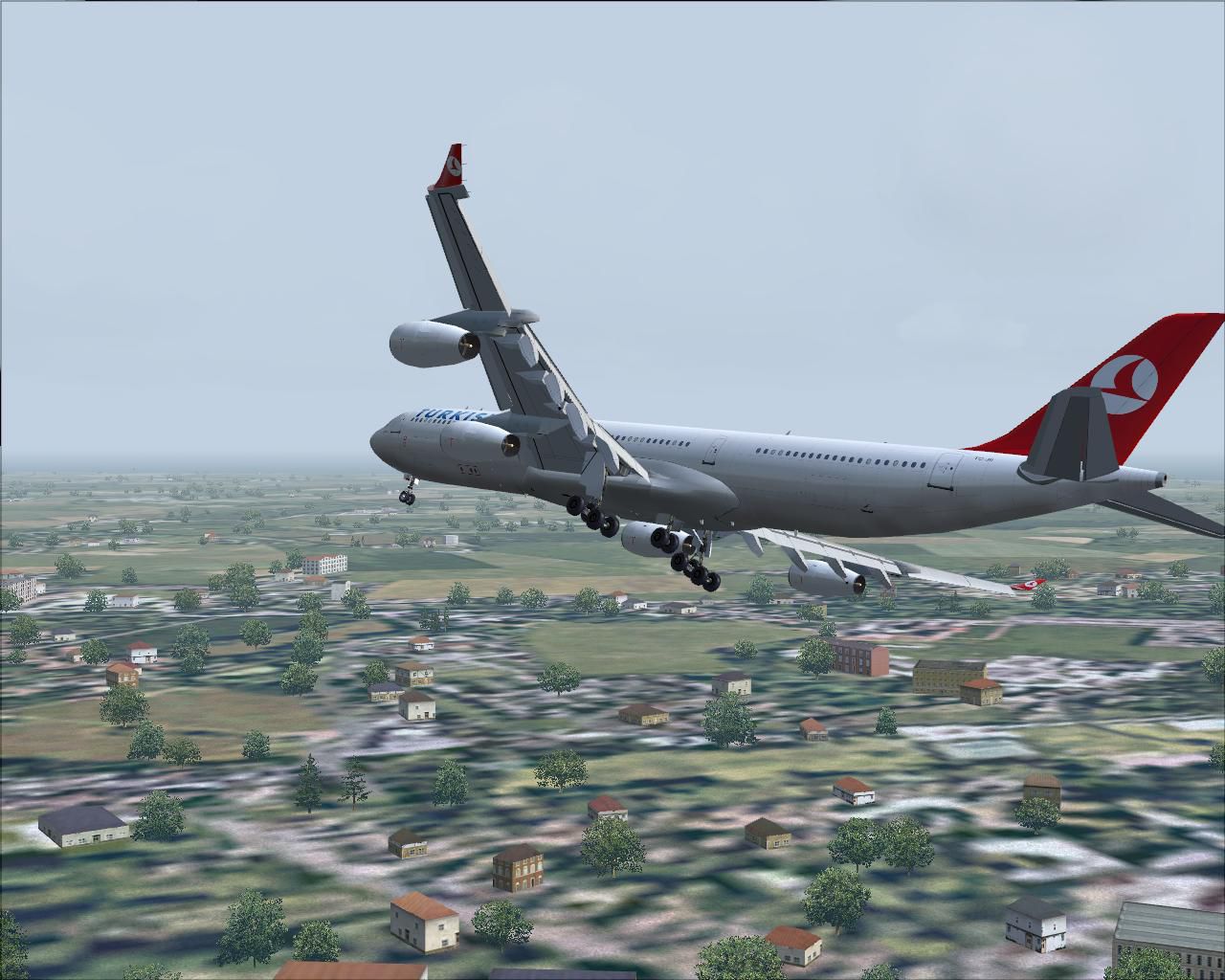
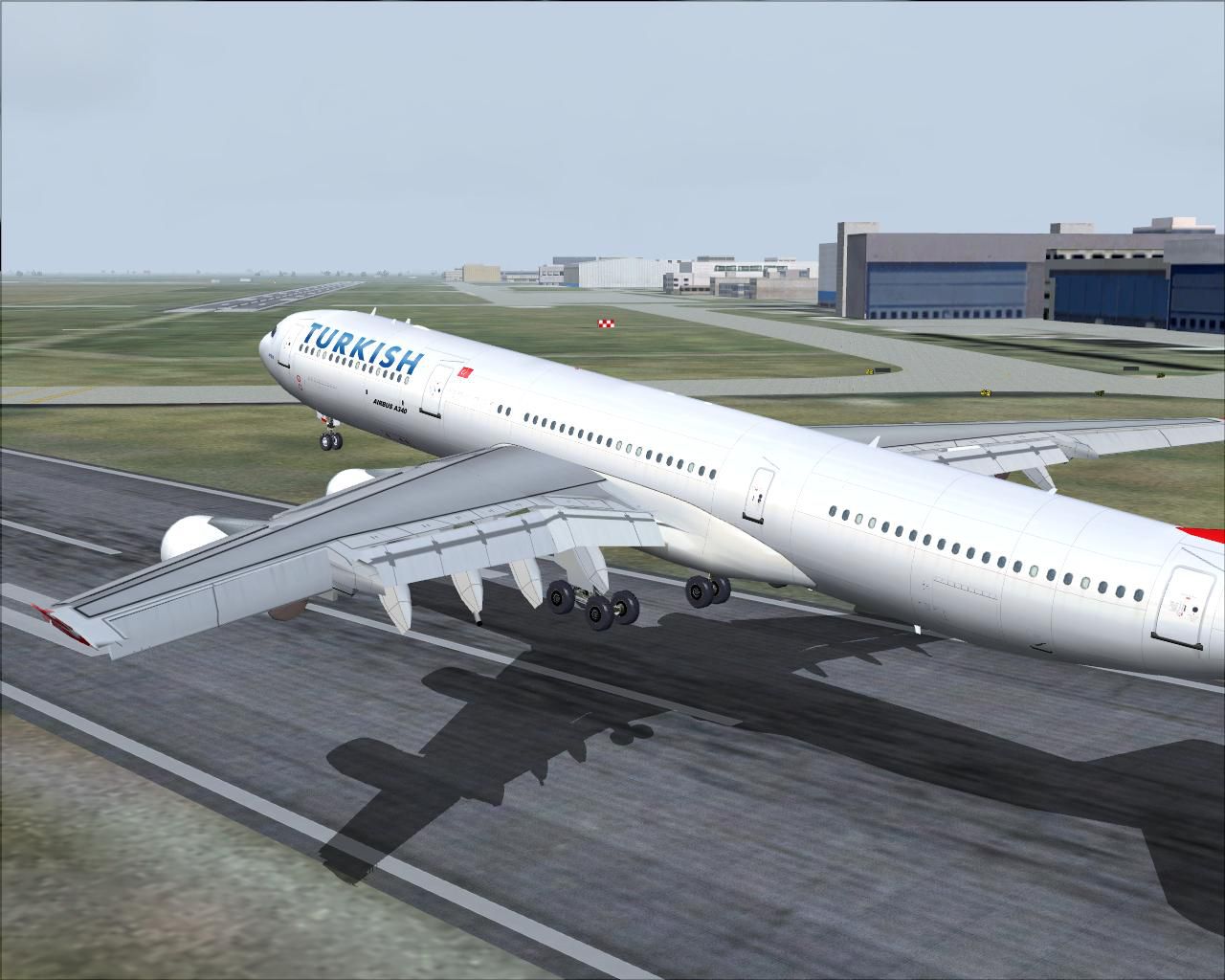

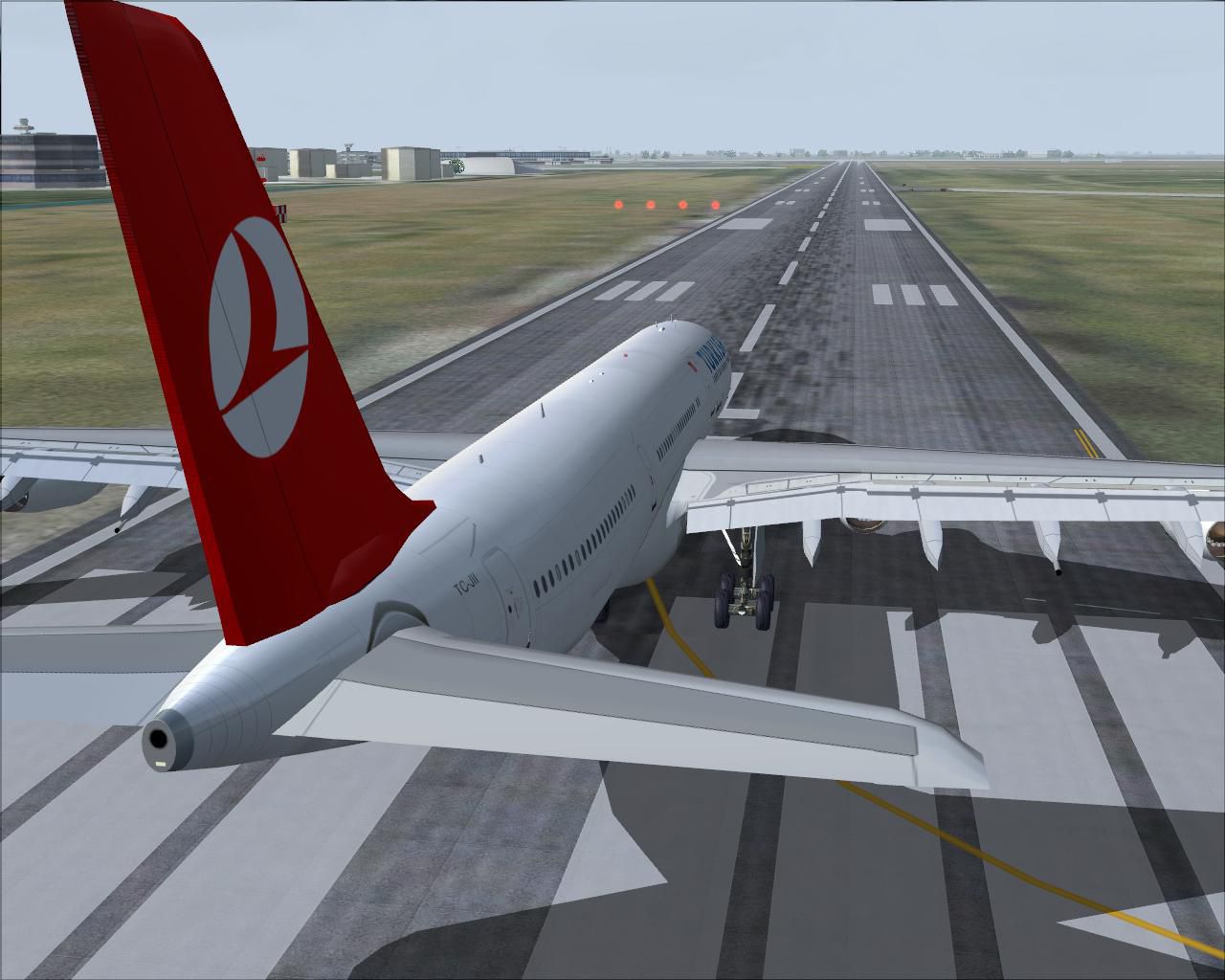
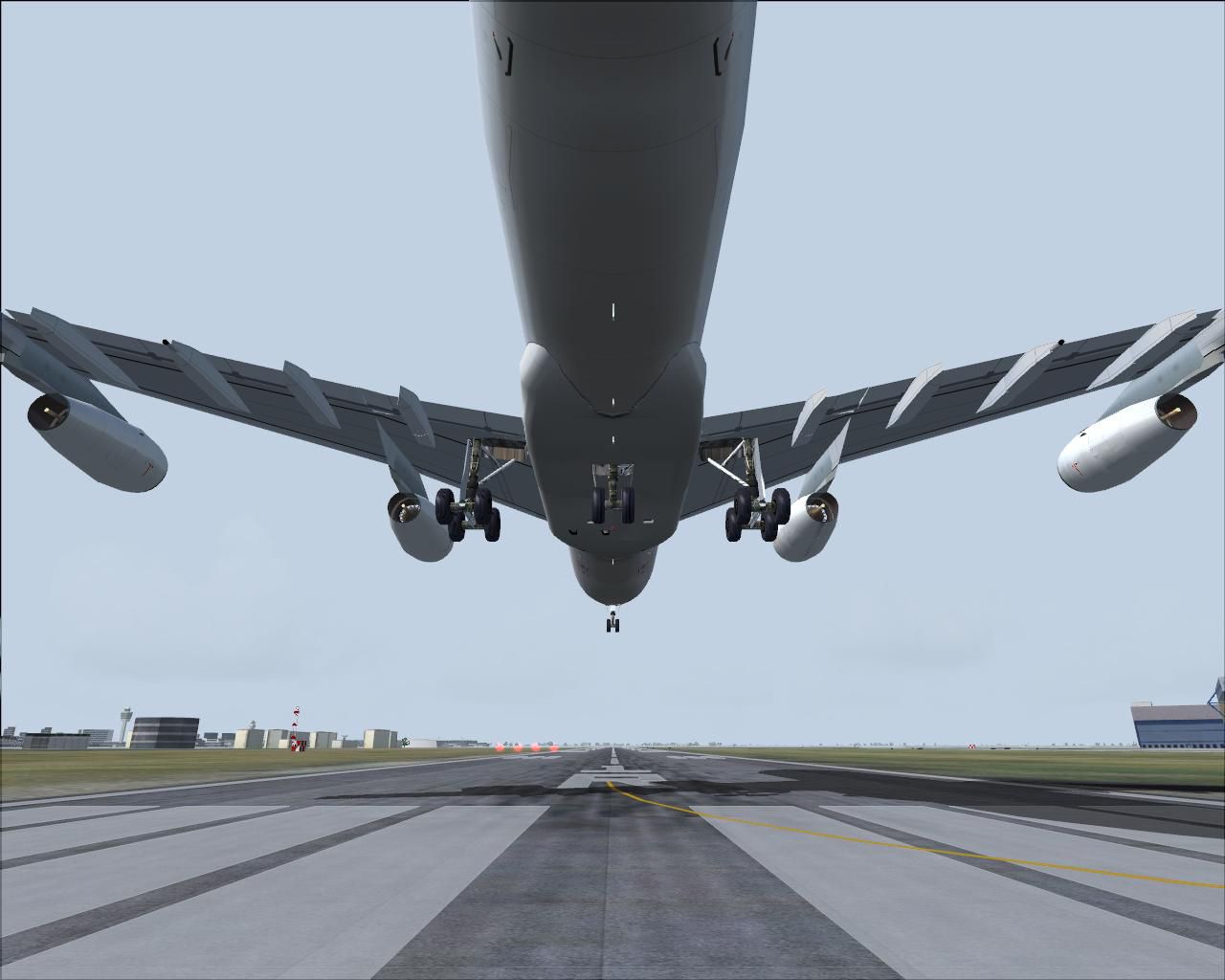

A highly detailed aircraft with reflective textures and dirt. Model by Aerodesign. Livery by Tansu Daylan.
Screenshot of Turkish Airlines Airbus A340-300 taking off.
Installation: Unzip this file and put to your aircraft folder.
[fltsim.0]

	title=Turkish Airlines Airbus 340-300

	sim=CFM56_340_AD-V1.2

	model=

	panel=

	sound=

	texture=

	kb_checklists=

	kb_reference=

	atc_id=TK340

	atc_id_color=TK

	atc_airline=Turkish Airlines

	atc_flight_number=1982

	ui_manufacturer=Airbus

	ui_type=A340-300 (AeroDesigns)

	ui_variation=Turkish Airlines

	atc_heavy=1

	description=A high detailed Turkish Airlines Airbus 340-300.

	visual_damage=1
Free for all simmers · 9.04 MB · Scanned clean Sep 2026
Download speed: Free tier is capped at 0.5 Mbps (this file takes approximately 3 mins at the cap). PRO members download at full line speed.
FS9\Aircraft\, FS9\Addon Scenery\, FS9\Gauges\, or FS9\Effects\.readme.txt or README file. It tells you exactly where files go, what dependencies are needed, and any quirks specific to this add-on.The archive turk3403.zip has 54 files and directories contained within it.
This list displays the first 500 files in the package. If the package has more, you will need to download it to view them.
| Filename/Directory | File Date | File Size |
|---|---|---|
| a 340-1.JPG | 04.10.04 | 157.40 kB |
| a 340-2.JPG | 04.10.04 | 122.83 kB |
| a 340-3.JPG | 04.10.04 | 89.60 kB |
| a 340-4.JPG | 04.10.04 | 179.05 kB |
| a 340-5.JPG | 04.10.04 | 134.39 kB |
| a 340-6.JPG | 04.10.04 | 125.00 kB |
| a 340-7.JPG | 04.10.04 | 60.64 kB |
| Aircraft.cfg | 04.10.04 | 10.60 kB |
| CFM56_340_AD-V1.2.air | 07.15.03 | 10.17 kB |
| model | 04.10.04 | 0 B |
| a343_3class.mdl | 07.14.03 | 3.58 MB |
| model.cfg | 07.04.03 | 28 B |
| panel | 04.10.04 | 0 B |
| panel.cfg | 08.15.03 | 30 B |
| Readme.txt | 04.10.04 | 482 B |
| sound | 04.10.04 | 0 B |
| sound.cfg | 06.27.03 | 39 B |
| texture | 04.10.04 | 0 B |
| business_seat_l.bmp | 05.26.03 | 256.07 kB |
| business_seat_t.bmp | 06.23.03 | 1.00 MB |
| cfm56_5_c2_exterior_l.bmp | 04.28.03 | 85.40 kB |
| cfm56_5_c2_exterior_t.bmp | 05.30.03 | 4.00 MB |
| cfm56_5_c2_interior_l.bmp | 04.28.03 | 85.40 kB |
| cfm56_5_c2_interior_t.bmp | 03.28.03 | 1.00 MB |
| economyclass_seat_l.bmp | 05.26.03 | 256.07 kB |
| economyclass_seat_t.bmp | 07.16.03 | 1.00 MB |
| firstclass_seat_l.bmp | 05.26.03 | 256.07 kB |
| firstclass_seat_t.bmp | 07.16.03 | 1.00 MB |
| gear_stuff_l.bmp | 04.28.03 | 85.40 kB |
| gear_stuff_t.bmp | 07.02.02 | 1.00 MB |
| left_fuse_l.bmp | 06.01.03 | 4.00 MB |
| left_fuse_t.bmp | 07.02.02 | 4.00 MB |
| outside_fusein_l.bmp | 05.26.03 | 256.07 kB |
| outside_fusein_t.bmp | 07.10.02 | 4.00 MB |
| right_fuse_l.bmp | 06.01.03 | 4.00 MB |
| right_fuse_t.bmp | 07.02.02 | 4.00 MB |
| tail_l.bmp | 04.28.03 | 85.40 kB |
| tail_t.bmp | 07.02.02 | 4.00 MB |
| Thumbs.db | 04.10.04 | 111.50 kB |
| vcb_overhead_l.bmp | 05.28.03 | 256.07 kB |
| vcb_overhead_t.bmp | 04.25.03 | 5.33 MB |
| vcb_stuff_1_l.bmp | 05.26.03 | 256.07 kB |
| vcb_stuff_1_t.bmp | 04.25.03 | 5.33 MB |
| vcb_stuff_2_l.bmp | 05.26.03 | 256.07 kB |
| vcb_stuff_2_t.bmp | 04.25.03 | 5.33 MB |
| vcockpit_t.bmp | 05.25.03 | 5.33 MB |
| vcockpit2_l.bmp | 07.05.03 | 4.00 MB |
| vcockpit2_t.bmp | 07.05.03 | 4.00 MB |
| vcockpit3_l.bmp | 07.05.03 | 4.00 MB |
| vcockpit3_t.bmp | 07.05.03 | 4.00 MB |
| wings_n_stuff_l.bmp | 04.28.03 | 85.40 kB |
| wings_n_stuff_t.bmp | 07.10.02 | 4.00 MB |
| flyawaysimulation.txt | 10.29.13 | 959 B |
| Go to Fly Away Simulation.url | 01.22.16 | 52 B |
Only PRO members can place votes.
More FS2004 add-ons hand-picked based on this download.
FS2004 Civil Jet Aircraft
Textures only; requires the model from the Aerodesigns group. Aircraft has sp…
 FS2004 Civil Jet Aircraft
This freeware package introduces a high-detail rendition of the Turkish Airli…
 FS2004 Civil Jet Aircraft
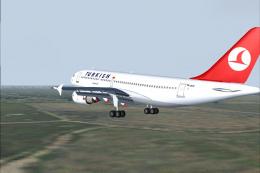
Turkish Airlines owns five A310-300's. Repaint by Tansu Daylan. Screenshot of…
 FS2004 Civil Jet Aircraft
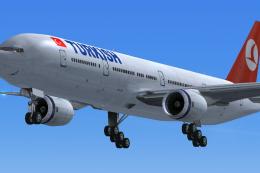
A simple THY repaint for the default B777-300. THY (Turkish Airlines) does no…
 FS2004 Civil Jet Aircraft
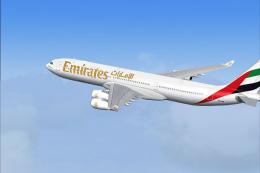
This freeware expansion offers a meticulously crafted Airbus A340-300 in Emir…
 FS2004 Civil Jet Aircraft
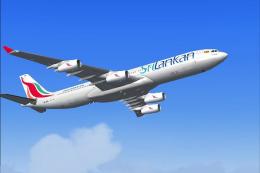
Experience a fully realized simulation of Sri Lankan Airlines’ Airbus A340-30…
 FS2004 Civil Jet Aircraft
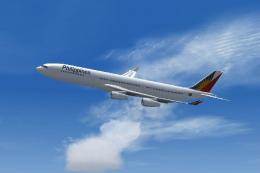
This flight simulation package provides a finely detailed virtual rendition o…
 FS2004 Civil Jet Aircraft
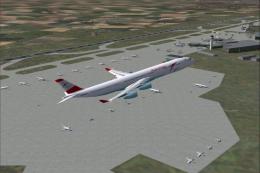
This repaint showcases the Austrian Airlines Airbus A340-300 in distinctive D…
Be the first to leave a comment on this download.
Be the first to share your thoughts on this download.