

 FSX Scenery
Ghost Airports Collection - Pennsylvania
Update 5 presents Clarion, PA Rhea Airport. This update also places refuellin…
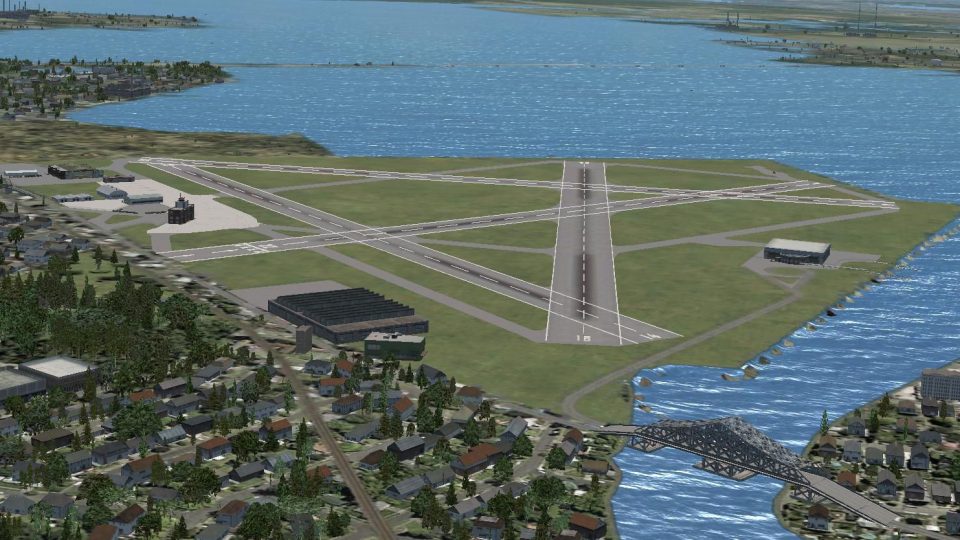
Baltimore Municipal Airport, later Harbor Field (KBMA), revives a lost 1929–1960 airfield built on dredged harbor silt, complete with period layout for seaplane-era and early airline operations. Created for Microsoft Flight Simulator X, the scenery includes night lighting, historical field naming, and authentic radio frequencies to support classic Baltimore flying.
 Rate
Rate
 United States of America
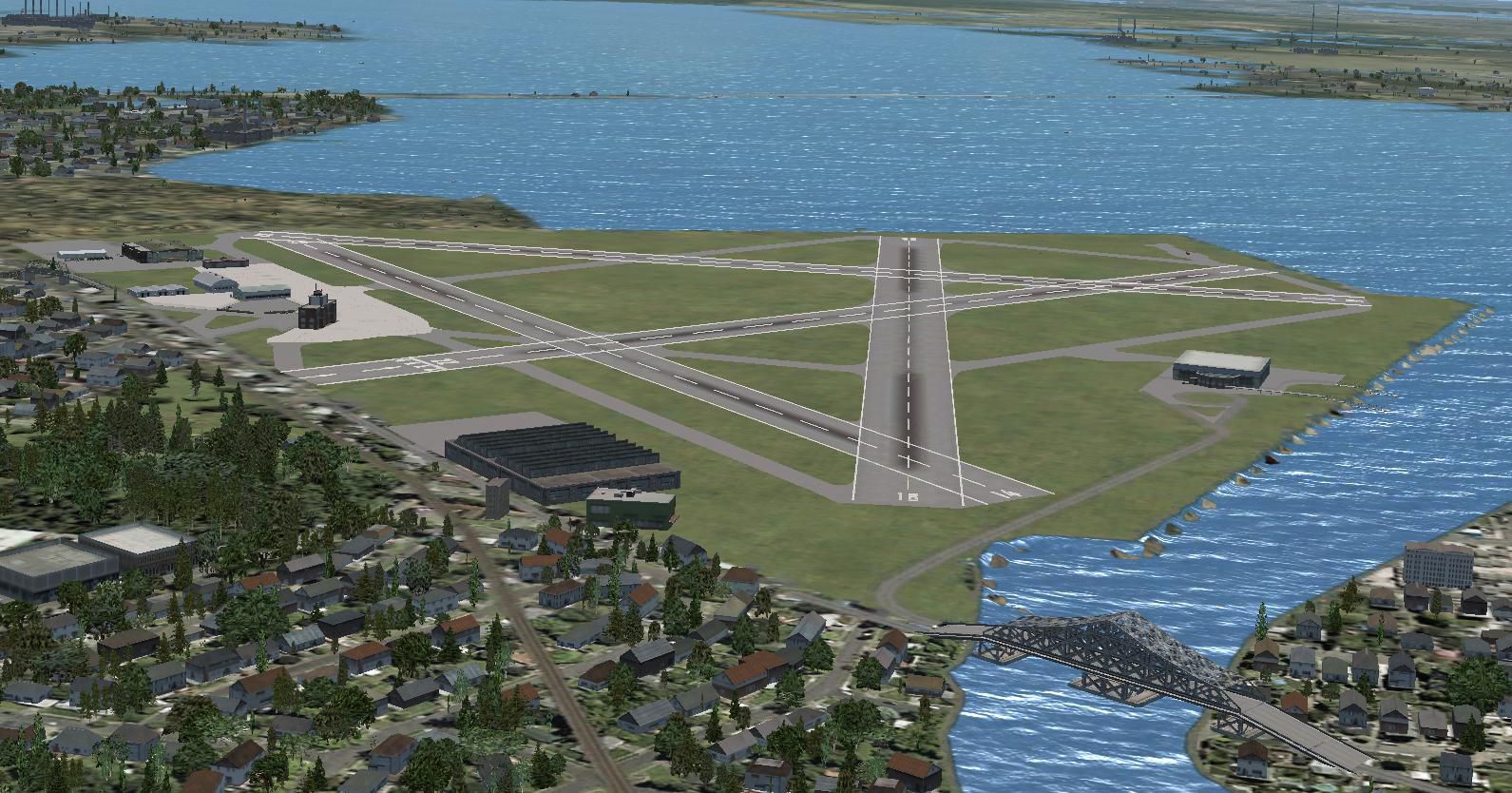

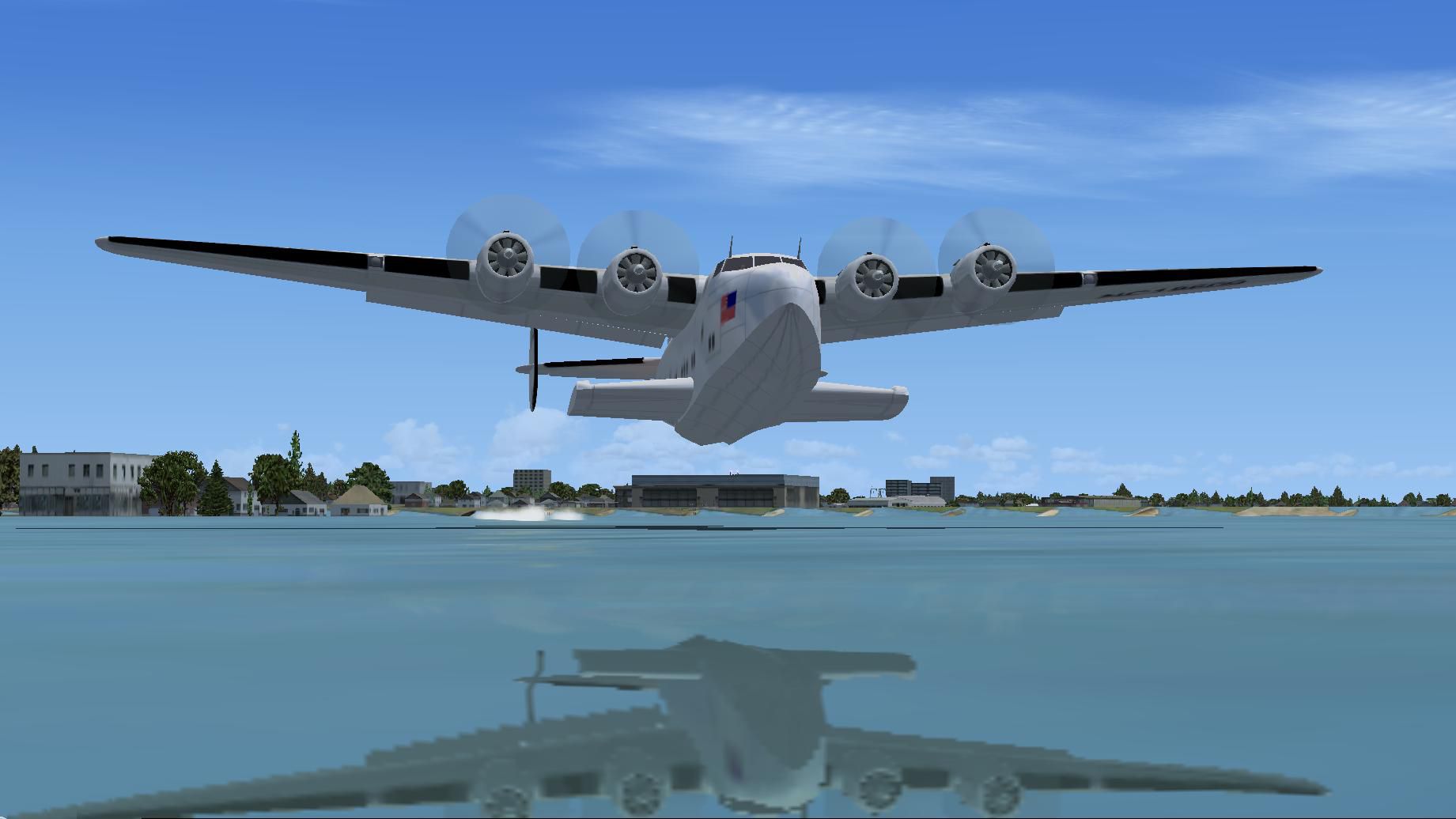
Baltimore Municipal Airport / Harbor Field (BMA). KBMA was built starting in 1929 as a replacement for the obsolete Logan Field on a site that was created from silt dredged from Baltimore Harbor, MD. Construction continued until the airport was officially dedicated in November of 1941. Prior to opening of the full airport it was used as a terminal for seaplane operations. When the airport was finally finished, they soon found the jet age was on the horizon which rendered BMA obsolete. In 1950 Baltimore's Friendship Airport opened and took the airline traffic. KBMA's name was then changed to Harbor Field. Relive some of Baltimore's aviation history with FSX. By Richard O. Finley.
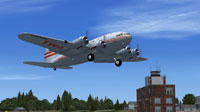
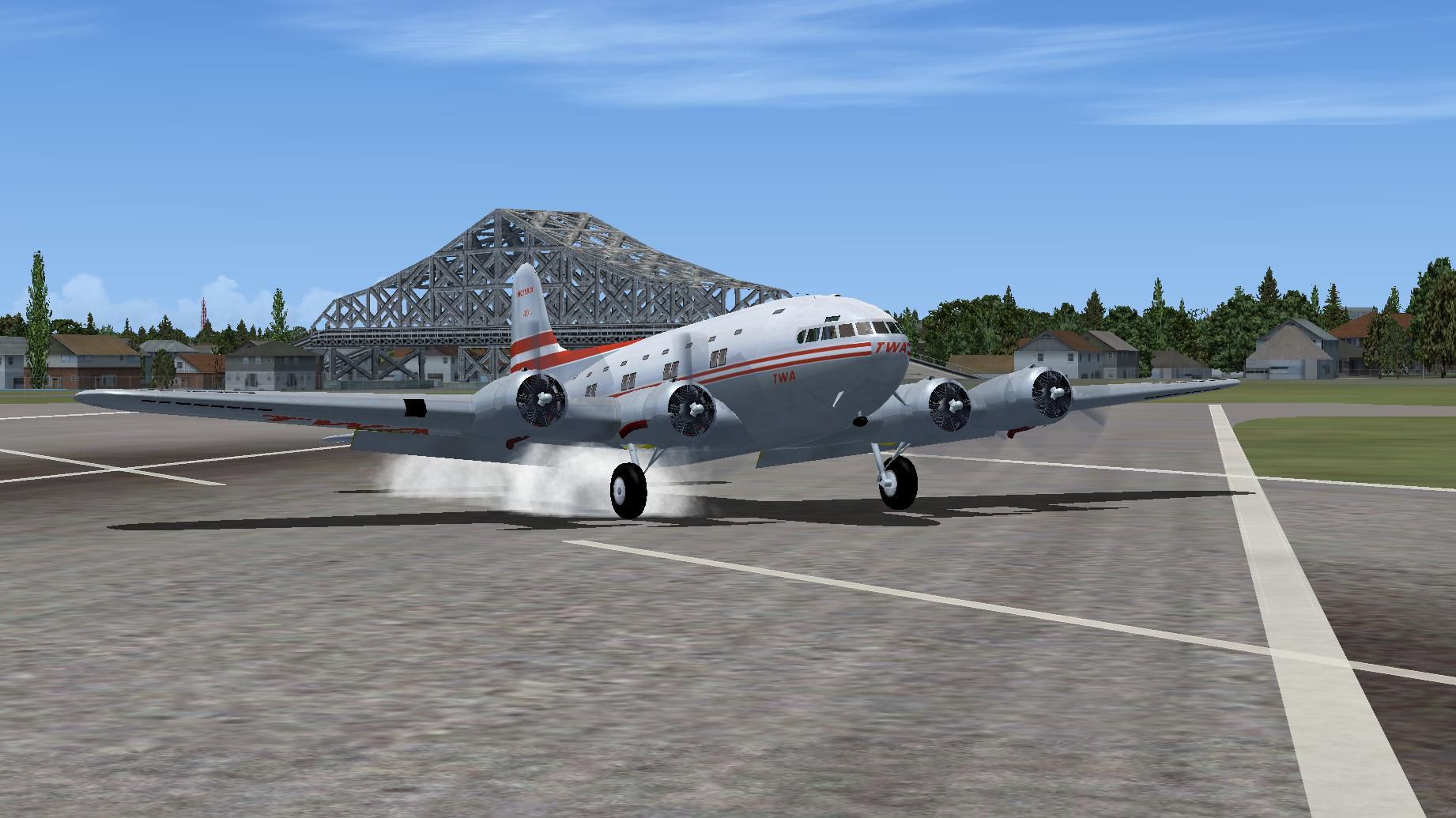
Boeing 307 departing KBMA.
BMA was built as a replacement for Logan Field on a site that was created from silt dredged from Baltimore Harbor. The silt took much longer than expected to settle and dry. This caused problems with runways settling during almost all the airport's existence. The BMA construction which started in 1929 lasted until the airport was officially dedicated in November of 1941.
When the airport was finally finished, they soon found the jet age was on the horizon which rendered BMA obsolete. That meant that for a third time Baltimore had to hunt for a new airport site. This one needed to be jet capable. According to the old saying, "Third time's a charm."
Its biggest use prior to opening of the full airport was as a terminal for seaplane operations. Pan Am, for example, ran Clipper service between Baltimore and Bermuda. Passenger operation for the land airport was brief as civilian passenger operations ceased with the onset of WWII one month after the airport officially opened. Passenger operations resumed after WWII but ended when Baltimore Friendship airport opened in 1950 and the airlines went there.
Maryland Air National Guard had a presence there after WWII. When the airlines left, they tried to promote it as a general aviation field shared with the military. The military remained at BMA until the field closed.
During its existence BMA had two major names and one military name during WWII. From 1929 until 1950 it was called Baltimore Municipal Airport (except for WWII when it was Baltimore Army Airfield). After 1950, it was called Harbor Field until the field closed at the end of 1960.
The simulation is for FSX only. It has night lighting except airport rotating beacon (limitation of ADE). There is a beacon light mounted on top of a bridge across from the main ramp (as it was at the real airport) but is non-functional. There are no instrument approaches to this airport because I can find no information about approaches at the actual airport. Tower frequency is 119.9 and Ground is 121.7.
Installation:
This scenery is for FSX only. Put the two .bgl files from the downloaded Zip file into the folder~~microsoft flight simulator X\addon scenery\scenery. It will show up as Name: Harbor Field or Identifier: KBMA.
Hope you enjoy it.
Free for all simmers · 701.01 KB · Scanned clean Oct 2026
Download speed: Free tier is capped at 0.5 Mbps. PRO members download at full line speed.
SimObjects\Airplanes\, Addon Scenery\, Effects\, or Gauges\.readme.txt or README file. It tells you exactly where files go, what dependencies are needed, and any quirks specific to this add-on.Use these coordinates to fly directly to this location once the mod is installed.
39.27000000,-76.53000000
Launch FSX or Prepar3D and use Flights → Load to open the downloaded .pln file. Your aircraft will be positioned at this location.
The archive ghost_airports_maryland_kbma.zip has 9 files and directories contained within it.
This list displays the first 500 files in the package. If the package has more, you will need to download it to view them.
| Filename/Directory | File Date | File Size |
|---|---|---|
| KBMA.jpg | 06.22.12 | 261.68 kB |
| KBMA_ADEX_ROF.BGL | 06.23.12 | 20.94 kB |
| KBMA_ADEX_ROF_CVX.bgl | 06.23.12 | 1.03 kB |
| Readme.txt | 06.22.12 | 3.87 kB |
| Boeing 307 Departing KBMA.jpg | 06.22.12 | 151.55 kB |
| Boeing 314 Clipper Departing Baltimore Seaplane Base.jpg | 06.22.12 | 106.90 kB |
| Boeing 307 TWA Touchdown @ KBMA.JPG | 06.22.12 | 209.22 kB |
| flyawaysimulation.txt | 10.29.13 | 959 B |
| Go to Fly Away Simulation.url | 01.22.16 | 52 B |
Only PRO members can place votes.
More FSX & P3D add-ons hand-picked based on this download.
FSX Scenery
Update 5 presents Clarion, PA Rhea Airport. This update also places refuellin…
 FSX Scenery
Ghost Airports Youngstown Exec, Ohio. Youngstown Executive Airport was opened…
 FSX Scenery
The Ghost Airport - Pennsylvania Collection is a collection of forty-seven Pe…
 FSX Scenery
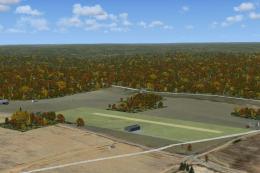
Ghost Airports - Pennsylvania Update 4. Ghost Airports Collection - Pennsylva…
 FSX Scenery
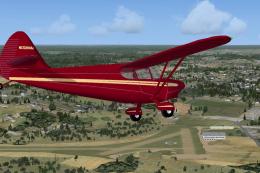
Ghost Airports PA - Update 2. This update for Ghost Airports Collection - Pen…
 FSX Scenery
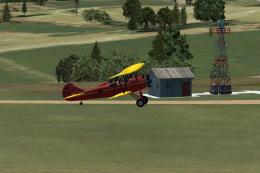
Ghost Airports PA - Update 1. Update #1 for Ghost Airports Collection - Penns…
 FSX Scenery
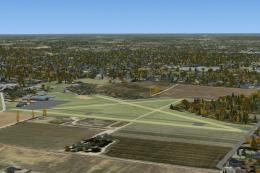
Ghost Airports - Martin Field. Located about five miles northeast of the hear…
 FSX Scenery
Ghost Airports PA - Update 3. This update installs Johnston (East Pittsburgh)…
Be the first to leave a comment on this download.
Be the first to share your thoughts on this download.