

 FSX Scenery
Ghost Airports PA Update 1
Ghost Airports PA - Update 1. Update #1 for Ghost Airports Collection - Penns…
Ghost Airports Collection – Pennsylvania Update 2 restores Conway, Pennsylvania as a period “ghost” field with identifier PN51, completing coverage from the March 1940 Cleveland Sectional. Designed for Microsoft Flight Simulator X, it adds the missing airport via two scenery BGLs and refreshes the included documentation with updated images.
 Rate
Rate
 United States of America
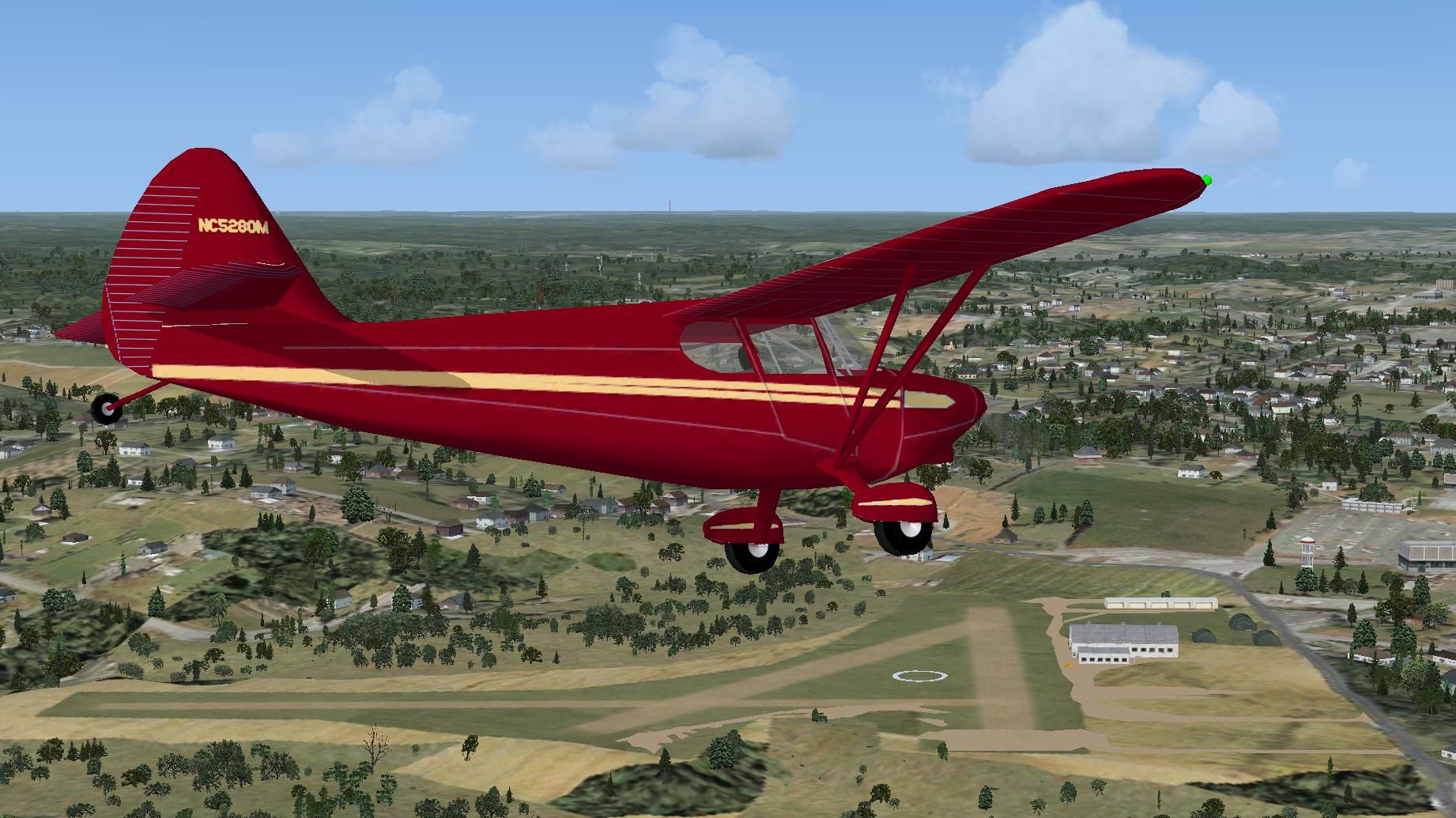
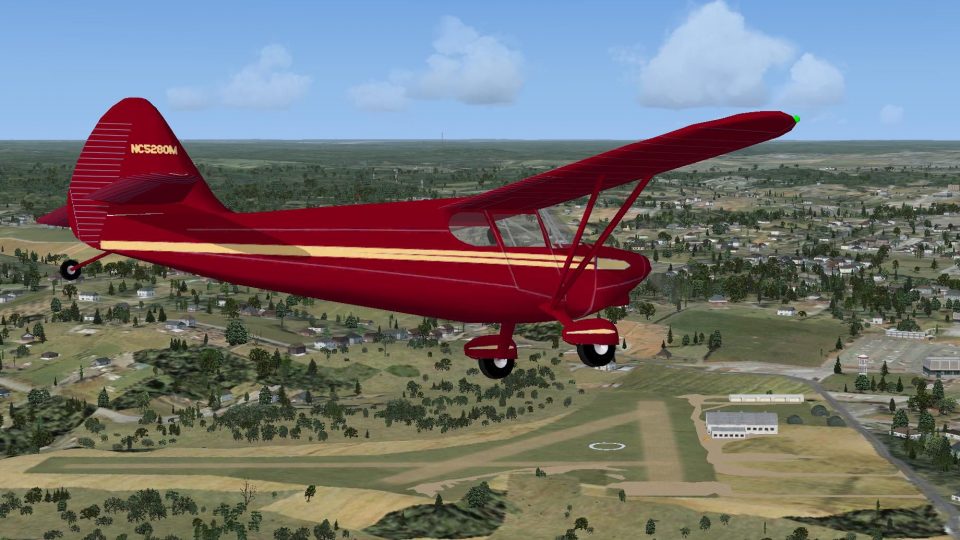
Ghost Airports PA - Update 2. This update for Ghost Airports Collection - Pennsylvania adds the missing Conway, PA airport inadvertently left out of the original release (GHOST_AIRPORT_COLLECTION_PENNSYLVANIA.ZIP). By Richard O. Finley.
Screenshot of Ghost Airports PA Scenery.
This update is the result of an error of omission during the original building of the Pennsylvania Ghost Airports Collection. I wrote down a list of airports that qualified as ghost airports then put them into a spreadsheet. During the process of entering the names into the spreadsheet database, I inadvertently skipped Conway airport.
Installation:
This is very simple. Now that you have unzipped the downloaded file, put the two resulting .BGL files in ~~microsoft flight simulator X\addon scenery\scenery. Since this is a new airport, there will be no old files to overwrite. The new (Conway) airport will have the identifier PN51.
This completes the Ghost Airports Collection – Pennsylvania for all Pennsylvania ghost airports on the March 1940 Cleveland Sectional chart except for one called Johnston located between Bettis and Greensburg. No airport can be found at Johnston's indicated location on either the 1938 aerial photo or the 1958 aerial photo as found on the Penn Pilot web site. I can find no other information on this airport. Johnston airport could have been built after the 1938 aerial photo and decommissioned by the time the 1958 photo was taken.
I intend to continue to build the Pennsylvania collection as I find more information on any qualifying ghost airports.
This update also includes revised Readme file with several revised pictures.
.
This scenery is released as Freeware.
Richard O. Finley
Free for all simmers · 16.1 MB · Scanned clean Oct 2026
Download speed: Free tier is capped at 0.5 Mbps (this file takes approximately 5 mins at the cap). PRO members download at full line speed.
This add-on may require the following files to function properly. If this is a repaint, the dependency below is likely the base aircraft package.
FSX\Addon Scenery\ containing scenery and texture sub-folders.readme.txt or README file. It tells you exactly where files go, what dependencies are needed, and any quirks specific to this add-on.Use these coordinates to fly directly to this location once the mod is installed.
40.66000000,-80.24000000
Launch FSX or Prepar3D and use Flights → Load to open the downloaded .pln file. Your aircraft will be positioned at this location.
The archive ghost_airports_collection_pennsylvania_update_2.zip has 7 files and directories contained within it.
This list displays the first 500 files in the package. If the package has more, you will need to download it to view them.
| Filename/Directory | File Date | File Size |
|---|---|---|
| Readme First.txt | 04.16.11 | 2.60 kB |
| Readme - Ghost Airports with Pictures.doc | 04.15.11 | 16.17 MB |
| Stinson 108 Voyager Over Coway.JPG | 04.16.11 | 281.61 kB |
| PN51_ADEX_ROF_CVX.bgl | 04.16.11 | 1.01 kB |
| PN51_ADEX_ROF.BGL | 04.16.11 | 8.53 kB |
| flyawaysimulation.txt | 10.29.13 | 959 B |
| Go to Fly Away Simulation.url | 01.22.16 | 52 B |
Only PRO members can place votes.
More FSX & P3D add-ons hand-picked based on this download.
FSX Scenery
Ghost Airports PA - Update 1. Update #1 for Ghost Airports Collection - Penns…
 FSX Scenery
Ghost Airports PA - Update 3. This update installs Johnston (East Pittsburgh)…
 FSX Scenery
The Ghost Airport - Pennsylvania Collection is a collection of forty-seven Pe…
 FSX Scenery
Ghost Airports - Pennsylvania Update 4. Ghost Airports Collection - Pennsylva…
 FSX Scenery
Update 5 presents Clarion, PA Rhea Airport. This update also places refuellin…
 FSX Scenery
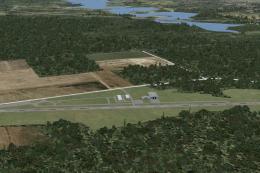
Ghost Airports Youngstown Exec, Ohio. Youngstown Executive Airport was opened…
 FSX Scenery
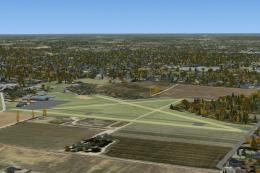
Ghost Airports - Martin Field. Located about five miles northeast of the hear…
 FSX Scenery
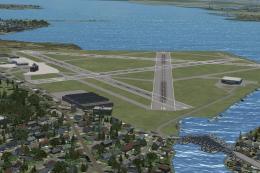
Baltimore Municipal Airport / Harbor Field (BMA). KBMA was built starting in …
Read what other simmers think, or add your own.

hi im from Pittsburgh -- do u have steam fsx? interested in doing some hops with me sometime? if so message me or look for me on steam under the name AA1839

I tried to find images for Monroeville's 2 "Ghost Airports" but although they are listed on your site I couldn't find the pictures. What am i doing wrong?
Louis Chandler Archivist Monroeville Historical Society