


 United States of America
  FSX Scenery
Ghost Airports Collection - Pennsylvania
Update 5 presents Clarion, PA Rhea Airport. This update also places refuellin…
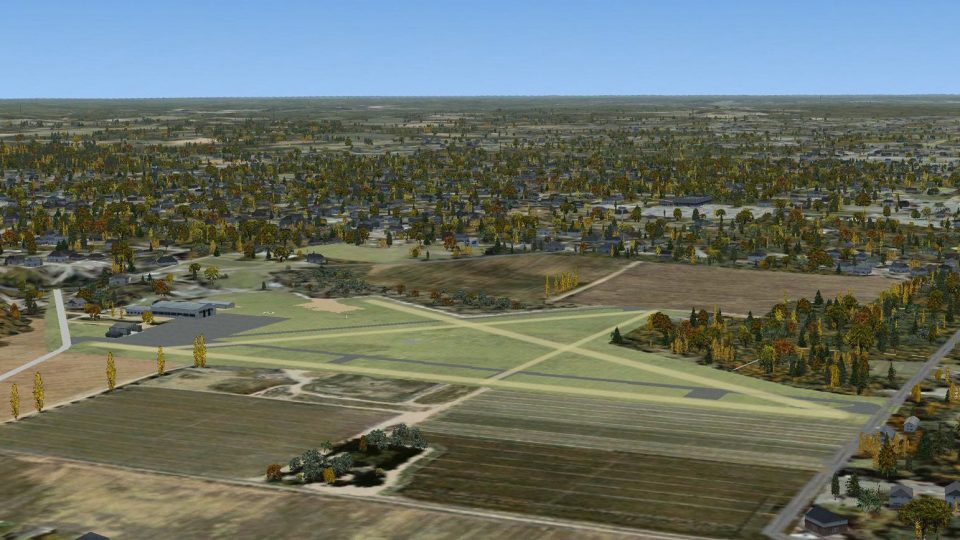
Martin Field scenery recreates a long-closed Canton, Ohio general aviation strip from the late 1930s through its 1997 shutdown, capturing the quiet “ghost airport” atmosphere and details such as the Akron Skydivers’ pea gravel landing pit. Built for Microsoft Flight Simulator X, it adds an authentic slice of regional aviation history.

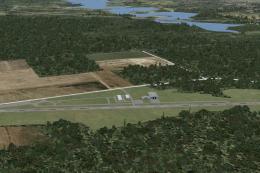
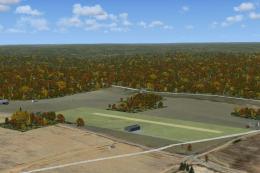
Ghost Airports - Martin Field. Located about five miles northeast of the heart of Canton, along Route 62, Martin Field served the Canton, OH area from the late 1930's to the late 1990's. For a while, it was home to the Akron Skydivers. Here it serves as Ghost Airports Collection first Ohio airport. By Richard O. Finley.
Screenshot of Martin Field Scenery.
Martin Field was opened in the late 1930's and closed around 1997. It served Canton, OH area. The original owner/operator was Roy Poorman. More information can be found at the web site “Abandoned & Little Known Airfields”.
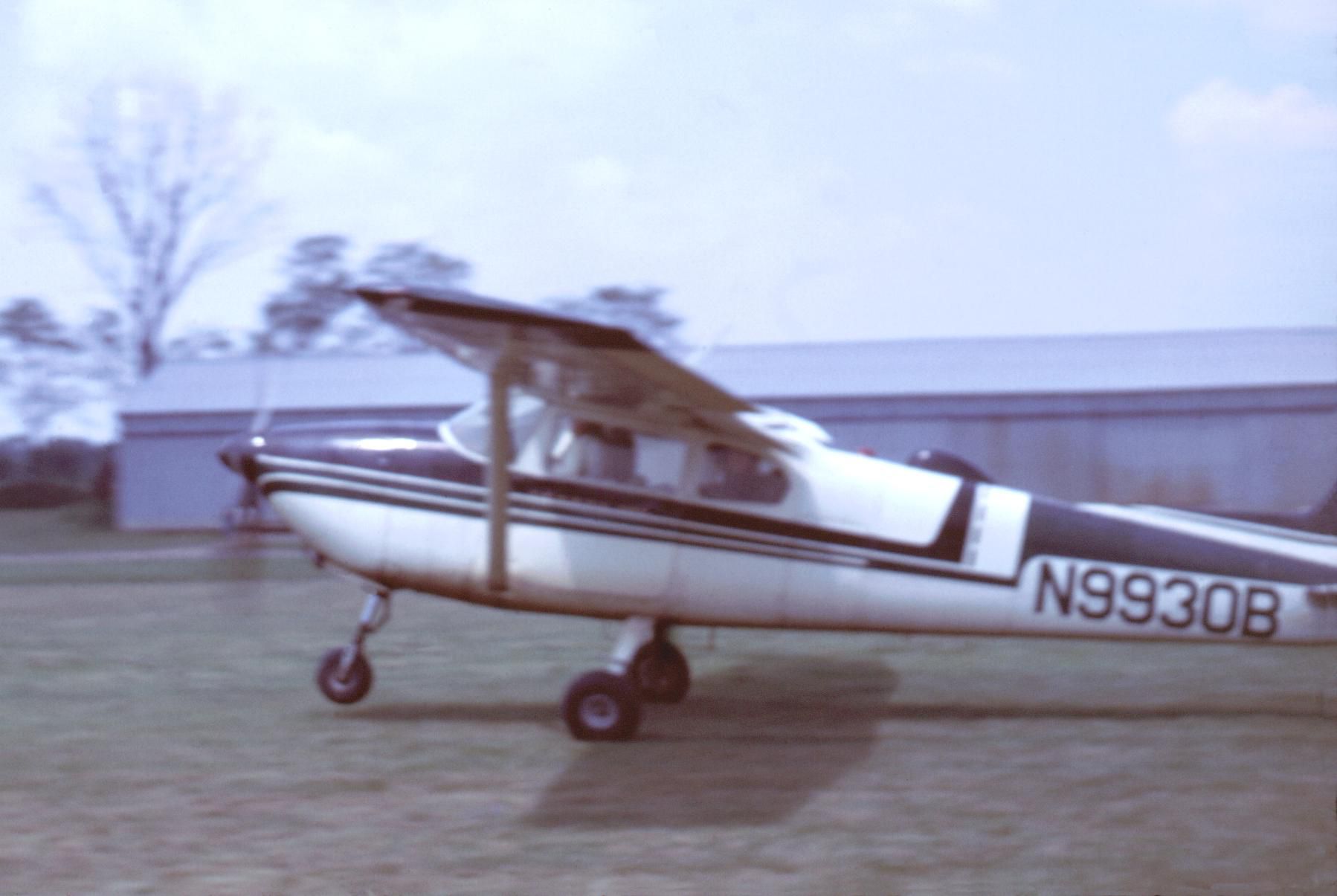
For a while Martin Field was the home of the Akron Skydivers. You will notice the pea gravel pit out on the field for the skydivers to land on. In this delivery there is a not so great picture of the Akron Skydivers in their jump plane departing Salem Airpark in 1970. This simulation is dedicated to the memory of Buzz Draskovitch who died shortly after open-heart surgery. We told him it was too soon to go back to jumping.
Installation:
This scenery is for FSX only. Put the two .bgl files from the downloaded Zip file into the folder~~microsoft flight simulator X\addon scenery\scenery.
Hope you enjoy it.
This scenery is released as Freeware.
- The archive must be distributed without modification to the contents of the archive. Redistributing this archive with any files added, removed or modified is prohibited.
- No charge may be made for this archive other than that to cover the cost of its distribution.
Richard O. Finley
Free for all simmers · 603.31 KB · Scanned clean Oct 2026
Download speed: Free tier is capped at 0.5 Mbps. PRO members download at full line speed.
FSX\Addon Scenery\ containing scenery and texture sub-folders.readme.txt or README file. It tells you exactly where files go, what dependencies are needed, and any quirks specific to this add-on.Use these coordinates to fly directly to this location once the mod is installed.
40.84000000,-81.35000000
Launch FSX or Prepar3D and use Flights → Load to open the downloaded .pln file. Your aircraft will be positioned at this location.
The archive ghost_airports_ohio_martin_field.zip has 7 files and directories contained within it.
This list displays the first 500 files in the package. If the package has more, you will need to download it to view them.
| Filename/Directory | File Date | File Size |
|---|---|---|
| 5D4_ADEX_ROF.BGL | 02.22.11 | 7.19 kB |
| 5D4_ADEX_ROF_CVX.bgl | 02.22.11 | 636 B |
| Akron Skydivers.jpg | 10.27.11 | 149.17 kB |
| Readme.txt | 10.27.11 | 2.13 kB |
| Thumbnail.jpg | 10.27.11 | 459.81 kB |
| flyawaysimulation.txt | 10.29.13 | 959 B |
| Go to Fly Away Simulation.url | 01.22.16 | 52 B |
Only PRO members can place votes.
More FSX & P3D add-ons hand-picked based on this download.
FSX Scenery
Update 5 presents Clarion, PA Rhea Airport. This update also places refuellin…
 FSX Scenery
Ghost Airports Youngstown Exec, Ohio. Youngstown Executive Airport was opened…
 FSX Scenery
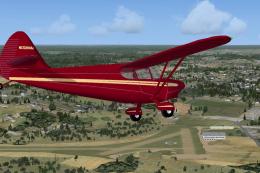
Ghost Airports - Pennsylvania Update 4. Ghost Airports Collection - Pennsylva…
 FSX Scenery
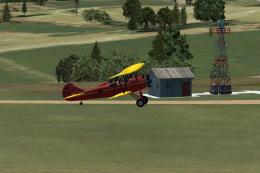
Ghost Airports PA - Update 2. This update for Ghost Airports Collection - Pen…
 FSX Scenery
Ghost Airports PA - Update 1. Update #1 for Ghost Airports Collection - Penns…
 FSX Scenery
Ghost Airports PA - Update 3. This update installs Johnston (East Pittsburgh)…
 FSX Scenery
Baltimore Municipal Airport / Harbor Field (BMA). KBMA was built starting in …
 FSX Scenery
The Ghost Airport - Pennsylvania Collection is a collection of forty-seven Pe…
Be the first to leave a comment on this download.
Be the first to share your thoughts on this download.