

 FSX Misc
Manual/Checklist Default Boeing 737-800
This PDF-based freeware manual and checklist covers every operational phase o…
Werner Schott’s Douglas DC-3 manual and checklist for Microsoft Flight Simulator X delivers a clear, step-by-step cockpit flow from cold and dark start through taxi, takeoff, cruise, approach, landing, and shutdown. Handy manifold pressure and RPM presets support realistic power management across changing altitudes, helping build consistent procedures and deeper immersion.
 Rate
Rate
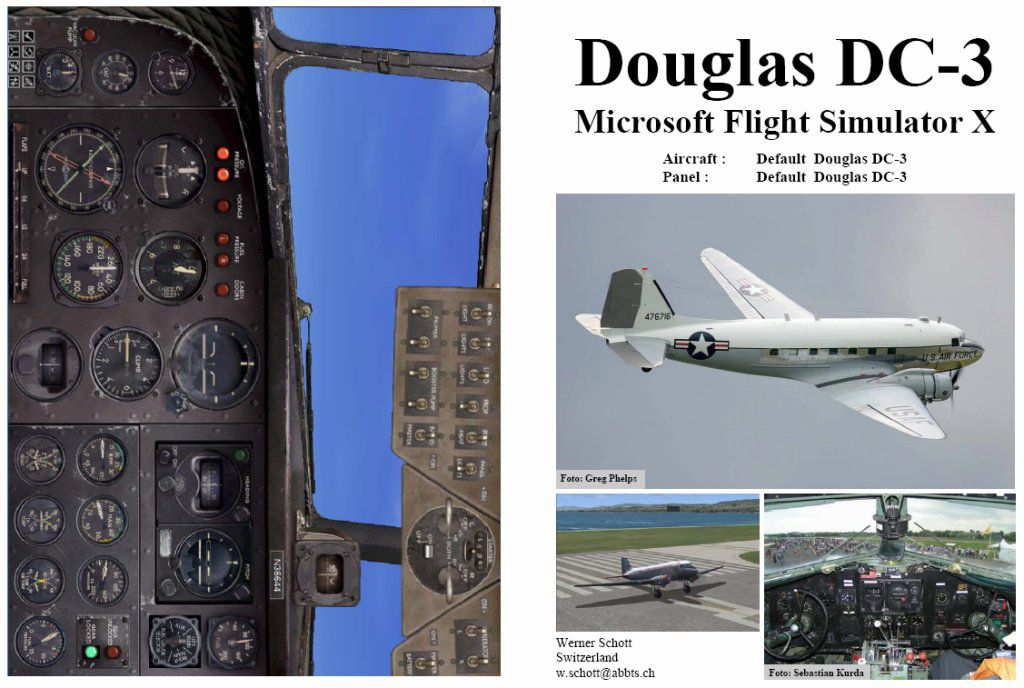
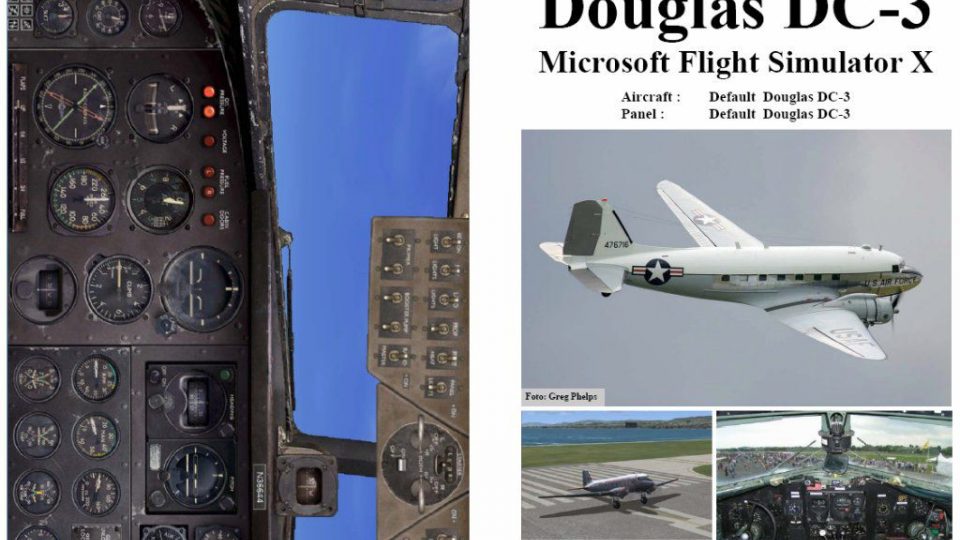
This concise, free handbook provides a structured sequence of procedures for the iconic Douglas DC-3 in FSX, guiding sim pilots from a cold cockpit to final shutdown. Authored by Werner Schott, it supplies a step-by-step visual reference adapting smoothly to multiple flight conditions and altitudes, perfect for anyone seeking a more immersive and thorough simulation.
This manual addresses each stage in the DC-3’s operation, pivoting from a completely powered-down state to a post-flight secured scenario. It outlines pre-engine initiation, engine startup, taxi preparation, takeoff sequence, ascent configuration, cruising habits, descent approach, final approach, and landing procedures. Additionally, it covers the final taxi movement at the ramp, engine shutdown, and full aircraft safing.
The booklet includes manifold pressure (abbreviated as MP) and revolutions per minute (rpm) presets tailored to various segments of flight. However, keep in mind that values may diverge if operating from fields above 2,500 ft mean sea level (MSL). For optimal performance, consult these parameters when fine-tuning engine output and adjusting power levers.
For flight simmers who habitually begin with engines and avionics already engaged, the manual suggests positioning the DC-3 at a gate or parking location. Proceed using the guidelines near the end, moving from “Taxi to ramp” through “Shutdown” and “Securing.” Once you conclude these steps, you can store that situation, ensuring future flights launch in a cold and dark state.
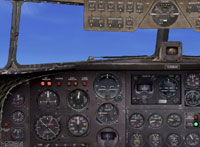
Screenshot of Default Douglas DC-3 panel.
The Douglas DC-3 has captivated aviation enthusiasts for decades with its robust twin-engine design and pioneering role in early commercial flight. This complimentary PDF manual continues that legacy by enhancing every phase of piloting in FSX. The creator, Werner Schott, also released a popular FS2004 variant, which garnered upwards of 7,000 downloads, reflecting its usability and depth of detail.
Whether you are exploring legacy propeller aircraft limitations or seeking more consistent airframe behavior, this manual carefully enumerates each task. By monitoring power settings and staying attentive to recommended flight envelope guidelines, simmers can expect improved realism, particularly when juggling fluctuating field elevations or carefully managing engine health across lengthy journeys.
Those who integrate this booklet into their simulator routines will find it invaluable for developing procedural awareness and replicating real-world DC-3 workflows. Every step has been meticulously documented for simplicity and fidelity, reflecting best practices in historical flight operations. By following the structured approach, sim pilots gain a more authentic experience every time they climb into this venerable aircraft’s cockpit.
Free for all simmers · 469.51 KB · Scanned clean Oct 2026
Download speed: Free tier is capped at 0.5 Mbps. PRO members download at full line speed.
SimObjects\Airplanes\, Addon Scenery\, Effects\, or Gauges\.readme.txt or README file. It tells you exactly where files go, what dependencies are needed, and any quirks specific to this add-on.The archive fsx_dc3.zip has 7 files and directories contained within it.
This list displays the first 500 files in the package. If the package has more, you will need to download it to view them.
| Filename/Directory | File Date | File Size |
|---|---|---|
| FILE_ID.diz | 01.27.07 | 401 B |
| fsx_dc3.gif | 01.27.07 | 12.30 kB |
| FSX DC-3.jpg | 01.27.07 | 129.57 kB |
| FSX DC-3.pdf | 01.27.07 | 341.94 kB |
| Readme.txt | 01.27.07 | 1.94 kB |
| flyawaysimulation.txt | 10.29.13 | 959 B |
| Go to Fly Away Simulation.url | 01.22.16 | 52 B |
Only PRO members can place votes.
More FSX & P3D add-ons hand-picked based on this download.
FSX Misc
This PDF-based freeware manual and checklist covers every operational phase o…
 FSX Misc
This downloadable handbook serves as a PDF companion covering every major pro…
 FSX Misc
This PDF document provides a structured walkthrough detailing every procedura…
 FSX Misc
This add-on provides a comprehensive, printable PDF document detailing every …
 FSX Misc
This freeware booklet introduces a step-by-step reference for the Default Lea…
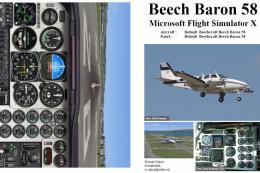 FSX Misc
This PDF-format booklet presents a comprehensive procedure reference that wal…
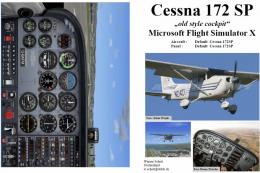 FSX Misc
This PDF guide delivers a thorough sequence of procedures for the default, ol…
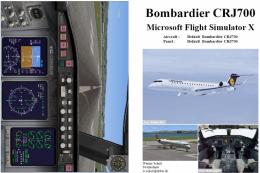 FSX Misc
FSX Manual/Checklist for the Default CRJ700 by Werner Schott provides a preci…
Be the first to leave a comment on this download.
Be the first to share your thoughts on this download.