

 FSX Misc
Manual/Checklist Default Beech King Air
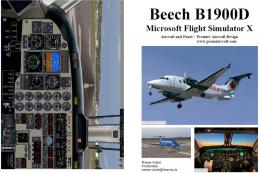
This free PDF-based reference covers every phase of flying a default Beech Ki…
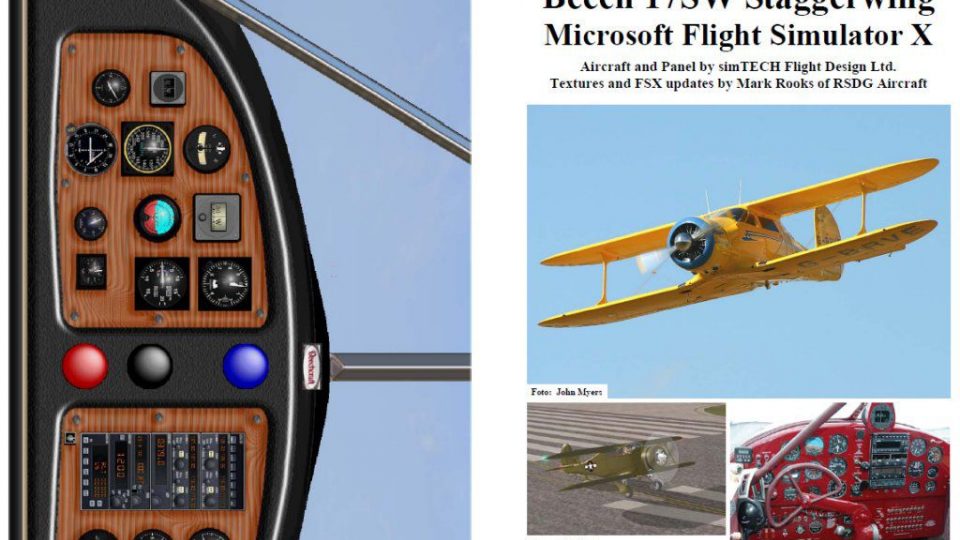
Beech 17 Staggerwing operations become far more authentic with this PDF manual and checklist, guiding each phase from a cold, silent cockpit through taxi, takeoff, cruise, approach, and secure shutdown. Built for Microsoft Flight Simulator X, it adds clear, sequential radial-engine procedures and practical manifold-pressure targets for typical field elevations.
 Rate
Rate
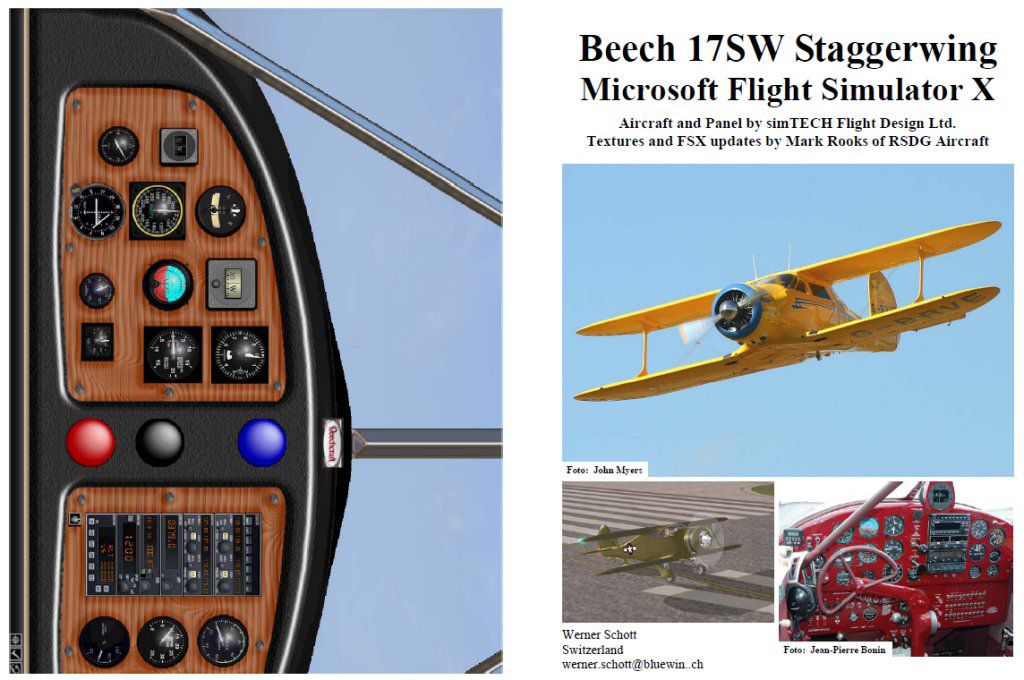
This detailed PDF-based handbook and checklist covers every phase from a silent cockpit to a shut-down engine and brings valuable procedures for anyone wanting a more immersive biplane experience in Microsoft Flight Simulator X. It originates from the Beech 17 Staggerwing package by simTECH Flight Design Ltd., with texturing and FSX modifications courtesy of Mark Rooks of RSDG Aircraft. The manual itself is the work of Werner Schott, released freely to the community. While the original Microsoft Flight Simulator 2004 variant surpassed 3,000 downloads, this edition retains the accuracy and practicality cherished by many enthusiasts.
Format and Scope: The guide is arranged as a booklet in PDF format. It takes you on a step-by-step journey, beginning with a completely unpowered panel and engine (sometimes referred to as “cold and dark”) and ending with the aircraft fully secured. Transition words within each section ensure clear progression, from pre-start preparations to ramp shutdown.
Authentic Biplane Focus: This checklist is tailored for the Beechcraft Model 17, well-known for its distinctive negative stagger wing configuration and classic radial engine design. It reflects critical procedures such as manifold pressure monitoring and is especially helpful for those operating at standard field altitudes. Pilots taking off or landing in high-altitude regions may need to adjust manifold settings to match local conditions.
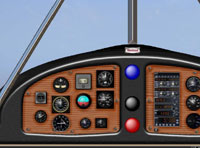
Panel layout as seen in the Beech 17 add-on.
Cold Start Configuration: Users who prefer engines running by default may wish to reposition the aircraft at a gate or parking space, then apply the closing sections of the checklist (from “Taxi to ramp” through “Shutdown”). Once that is done, saving the flight at this point creates the desired baseline.
Taxi and Final Checks: Taxi segments outline correct engine warm-up, power settings, and instrument checks following start-up. An emphasis on safe ground handling is present, reflecting the biplane’s taildragger design and limited forward visibility.
Takeoff and Climb Profiles: Detailed manifold pressure guidelines accompany each flight segment. These figures are accurate for standard airports around or below 2,500 feet above mean sea level but can be fine-tuned for higher elevations.
Approach and Landing: Once established on approach, the manual helps you manage airspeed and control surfaces for a stable descent. It encourages smooth handling of the radial engine, ensuring a safe, controlled glide path to touchdown.
By offering a layer of authenticity, this manual elevates the operational know-how required to handle a timeless aircraft design. Drawing on simTECH Flight Design Ltd.’s original layout and incorporating Mark Rooks’ enhancements, it bridges classic aviation and modern simulation. As freeware by Werner Schott, it further enriches hobbyists and serious flyers aiming for a historically grounded biplane routine in FSX.
Free for all simmers · 885.98 KB · Scanned clean Oct 2026
Download speed: Free tier is capped at 0.5 Mbps. PRO members download at full line speed.
This add-on may require the following files to function properly. If this is a repaint, the dependency below is likely the base aircraft package.
SimObjects\Airplanes\, Addon Scenery\, Effects\, or Gauges\.readme.txt or README file. It tells you exactly where files go, what dependencies are needed, and any quirks specific to this add-on.The archive fsx_b17s.zip has 7 files and directories contained within it.
This list displays the first 500 files in the package. If the package has more, you will need to download it to view them.
| Filename/Directory | File Date | File Size |
|---|---|---|
| FILE_ID.diz | 01.13.09 | 544 B |
| FSX_B17S.gif | 01.12.09 | 10.83 kB |
| FSX Beech 17 Staggerwing.jpg | 01.12.09 | 130.26 kB |
| FSX Beech 17 Staggerwing.pdf | 01.12.09 | 771.48 kB |
| Readme.txt | 01.13.09 | 2.04 kB |
| flyawaysimulation.txt | 10.29.13 | 959 B |
| Go to Fly Away Simulation.url | 01.22.16 | 52 B |
Only PRO members can place votes.
More FSX & P3D add-ons hand-picked based on this download.
FSX Misc
This free PDF-based reference covers every phase of flying a default Beech Ki…
 FSX Misc
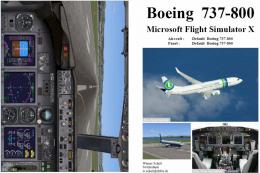
This comprehensive PDF booklet offers a meticulously structured series of pro…
 FSX Misc
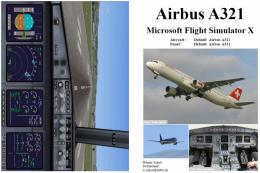
This PDF-based freeware manual and checklist covers every operational phase o…
 FSX Misc
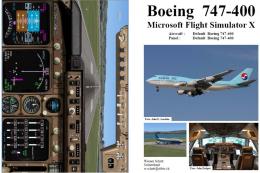
This downloadable handbook serves as a PDF companion covering every major pro…
 FSX Misc
This PDF document provides a structured walkthrough detailing every procedura…
 FSX Misc
This add-on provides a comprehensive, printable PDF document detailing every …
 FSX Misc
This freeware booklet introduces a step-by-step reference for the Default Lea…
 FSX Misc
This PDF-format booklet presents a comprehensive procedure reference that wal…
Be the first to leave a comment on this download.
Be the first to share your thoughts on this download.