

 FSX Propliners
DC-3 Airways Douglas DC-2 Bare Metal Livery
This carefully crafted repaint showcases a gleaming bare metal finish on a Do…
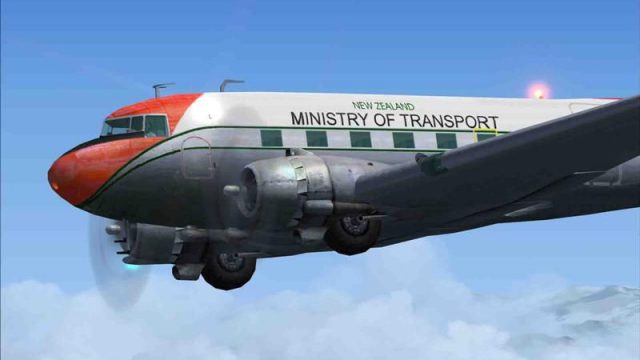
New Zealand Ministry of Transport Douglas DC-3 calibration livery recreates the distinctive markings and high-contrast tail worn on Pacific navigation-check flights, with crisp high-resolution textures and accurate, non-mirrored registration details. Built for Microsoft Flight Simulator X, it requires the freeware AS4SUMJE DC-3 enhancement by James Eden and Jon Murchison with multiple model variants and improved mapping.
 Rate
Rate
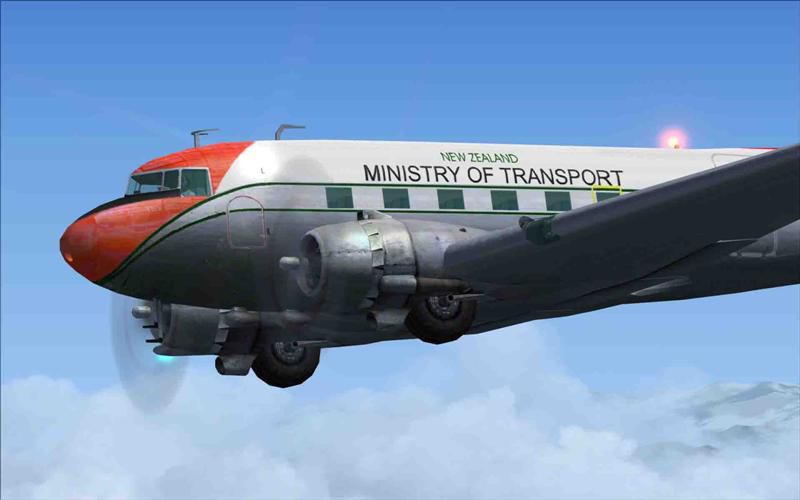
This custom repaint reproduces the New Zealand Ministry of Transport (MOT) Douglas DC-3 that once performed calibration work and navigation checks throughout various Pacific regions. Both of these historically significant aircraft finished service in December 1972. It is designed exclusively for use with the freeware base modification from James Eden and Jon Murchison, which enhances the default Douglas DC-3 in Microsoft Flight Simulator X with multiple model variants and improved textures.
The MOT’s DC-3 airframes were versatile workhorses, often deployed for calibration tasks at remote airfields and over extensive oceanic routes. This livery captures the recognizable fuselage markings and high-contrast tail design. The included textures utilize higher resolutions and avoid mirrored tail elements, ensuring accuracy of the Ministry of Transport registration. Ian Warren’s attention to detail in the paintwork allows for realistic visual fidelity even at close viewing ranges.
Screenshot of Ministry Of Transport, Douglas DC-3 in flight.
An essential step is to install the “AS4SUMJE.ZIP” freeware package by James Eden and Jon Murchison, which refines the default DC-3 model by introducing configurations for cargo, passenger, LC-47, and Viewmaster versions. This package also integrates additional airline repaints (such as NAC, United Airlines, and more) while bringing improved texture mapping and optional detail elements to the aircraft. The base package must be located in your Flight Simulator’s directory prior to adding the MOT repaint.
[fltsim.X]

title=Douglas DC-3 MOT ZK-AXS

sim=Douglas_DC3

model=reg

panel=

sound=

texture=MOT-ZK-AXS

kb_checklists=Douglas_DC3_check

kb_reference=Douglas_DC3_ref

atc_id=

ui_manufacturer="Awesome 4 Some"

ui_type="DC-3"

ui_variation="MOT-ZK-ASX"

ui_typerole="Twin Engine Prop"

ui_createdby="Microsoft Corporation, modified by James Eden"

description="The Douglas DC-3 revolutionized air travel with its balanced efficiency, range, speed, and payload capability. Offering comfortable cabin amenities, it became the first profitable passenger airliner. A number of DC-3s remain operational in specialized roles due to their reliable airframe design. Repaint by Ian Warren."
Douglas developed the DC-3 with a focus on commercial passenger service, swiftly transforming air travel in the 1930s and 1940s. Operators worldwide embraced its dependable performance and cost-effective operation. In New Zealand, the Ministry of Transport leveraged this aircraft’s stability and generous payload to maintain vital navigation aids in outlying island territories. Today, enthusiasts and virtual flyers can appreciate this historically rich design in Microsoft Flight Simulator X, complete with authentic markings that recall its extensive service history.
Free for all simmers · 1.92 MB · Scanned clean Oct 2026
Download speed: Free tier is capped at 0.5 Mbps. PRO members download at full line speed.
This file is a repaint — the package below is the base model it paints onto. Install it first, or the textures will have nothing to load onto.
texture.{airline}) inside FSX\SimObjects\Airplanes\{base-aircraft}\.aircraft.cfg in Notepad. Add a new [fltsim.X] section per the readme.readme.txt or README file. It tells you exactly where files go, what dependencies are needed, and any quirks specific to this add-on.The archive zk-axs.zip has 6 files and directories contained within it.
This list displays the first 500 files in the package. If the package has more, you will need to download it to view them.
| Filename/Directory | File Date | File Size |
|---|---|---|
| Aircraft cfg..txt | 07.22.07 | 1.58 kB |
| file id.diz | 07.24.07 | 715 B |
| texture.zip | 07.22.07 | 1.88 MB |
| ZK-AXS (Medium).jpg | 07.24.07 | 36.04 kB |
| flyawaysimulation.txt | 10.29.13 | 959 B |
| Go to Fly Away Simulation.url | 01.22.16 | 52 B |
Only PRO members can place votes.
More FSX & P3D add-ons hand-picked based on this download.
FSX Propliners
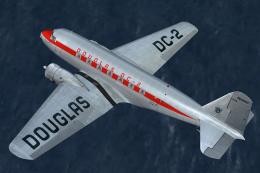
This carefully crafted repaint showcases a gleaming bare metal finish on a Do…
 FSX Propliners
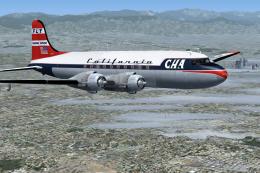
This freeware package offers a custom livery repaint for the payware Douglas …
 FSX Propliners
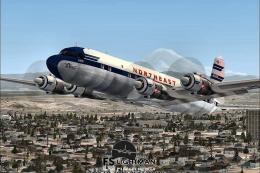
This is a mega pack containing a highly detailed Douglas DC-4 & C-54 model fo…
 FSX Propliners
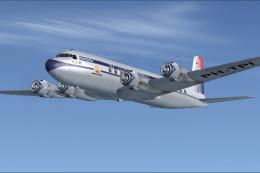
The flight model was created by Classic Airliners. All other updates were add…
 FSX Propliners
This package includes the DC6 in its earliest form with short nose (no weathe…
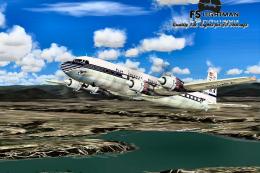 FSX Propliners
Pan Am Douglas DC-7 in Pan American 1990's livery. DC7 model by Classic Airli…
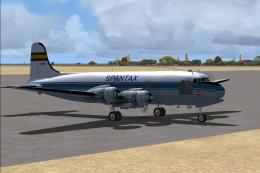 FSX Propliners
Complete aircraft of classic DC4 54 from Spantax Airline with virtual cockpit…
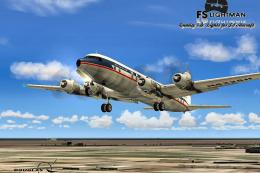 FSX Propliners
National Douglas DC-6B. Model by Tom Gibson. Repaint by David Grindele. Scree…
Be the first to leave a comment on this download.
Be the first to share your thoughts on this download.