

 MSFS Military Aircraft
McDonnell Douglas F/A-18 Hornet
A fun pack produced by developer Cayden Nguyen bringing the FSX/Acceleration …
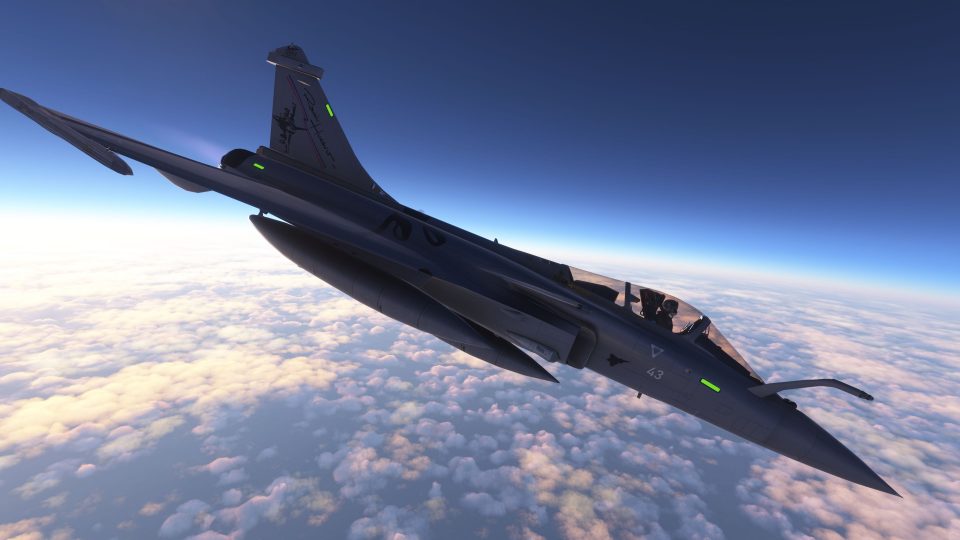
Dassault Rafale M brings a carrier-capable French Navy fighter to Microsoft Flight Simulator 2020 and 2024 with refined canard-delta modeling, upgraded animations, improved multiplayer effects, and a polished virtual cockpit featuring updated HUD and lighting controls. Flight-model tuning supports crisp high-speed handling, while catapult and arrested-landing tweaks and a broad livery set round out the package.
 Rate
Rate
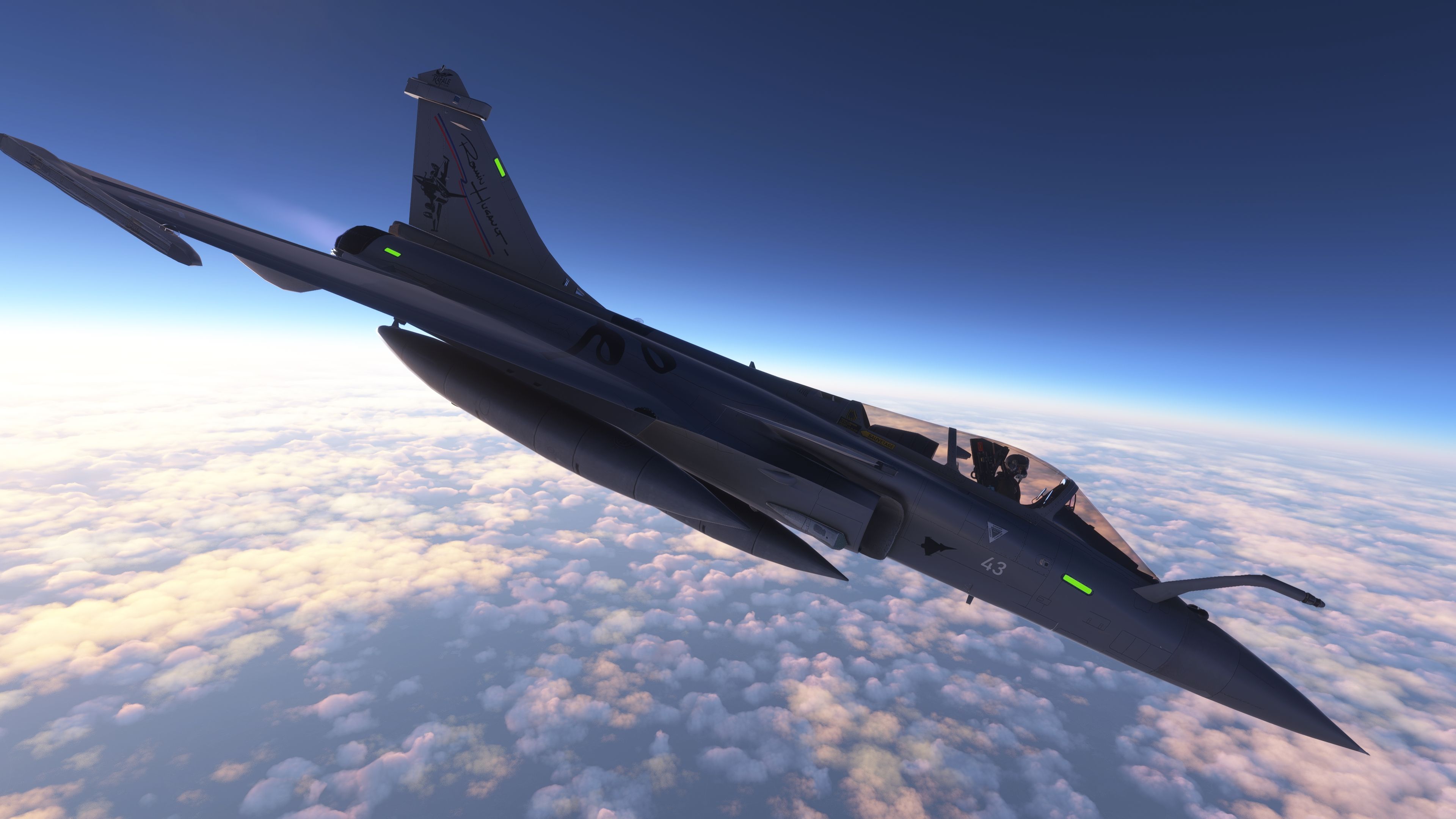
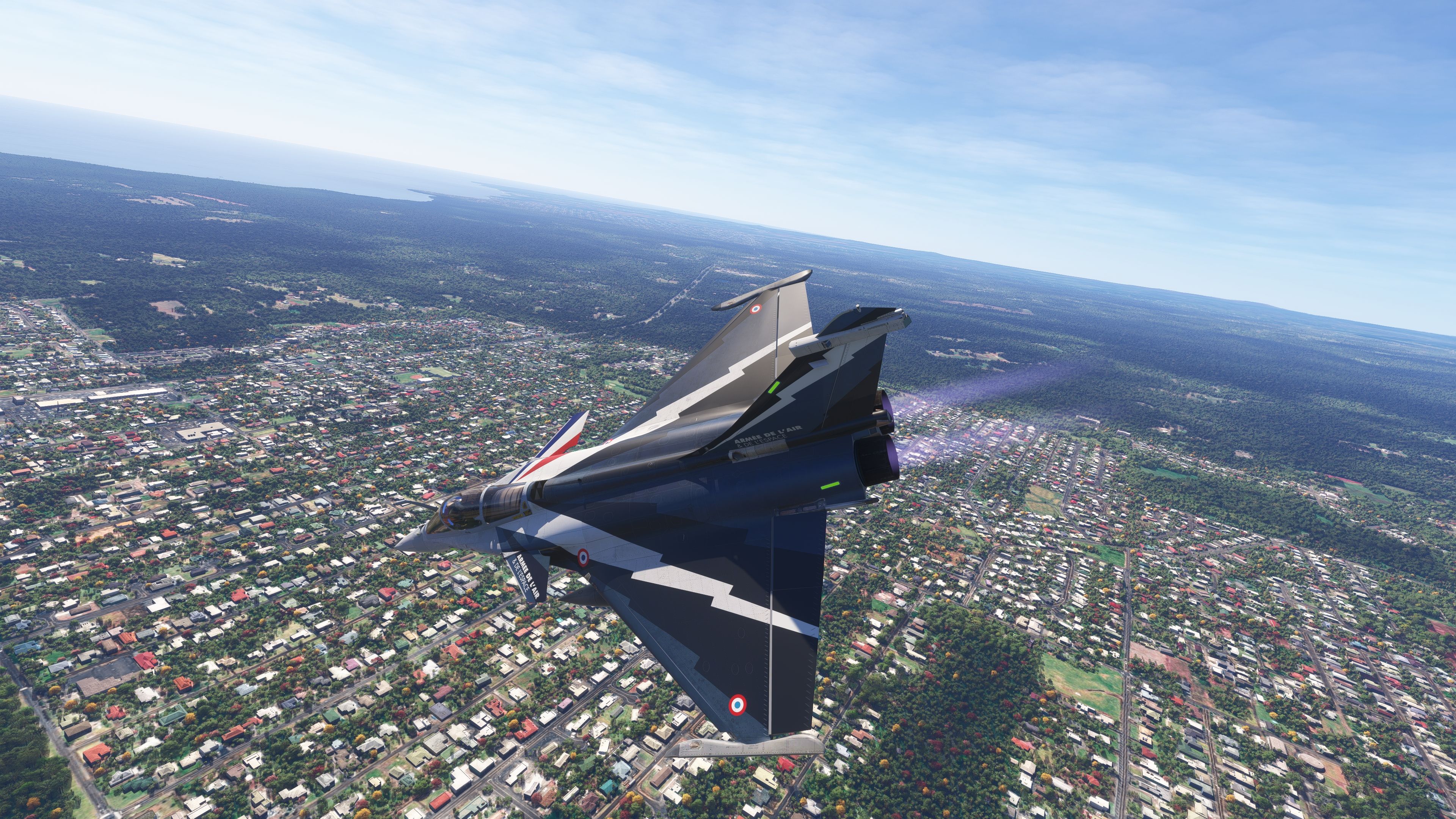
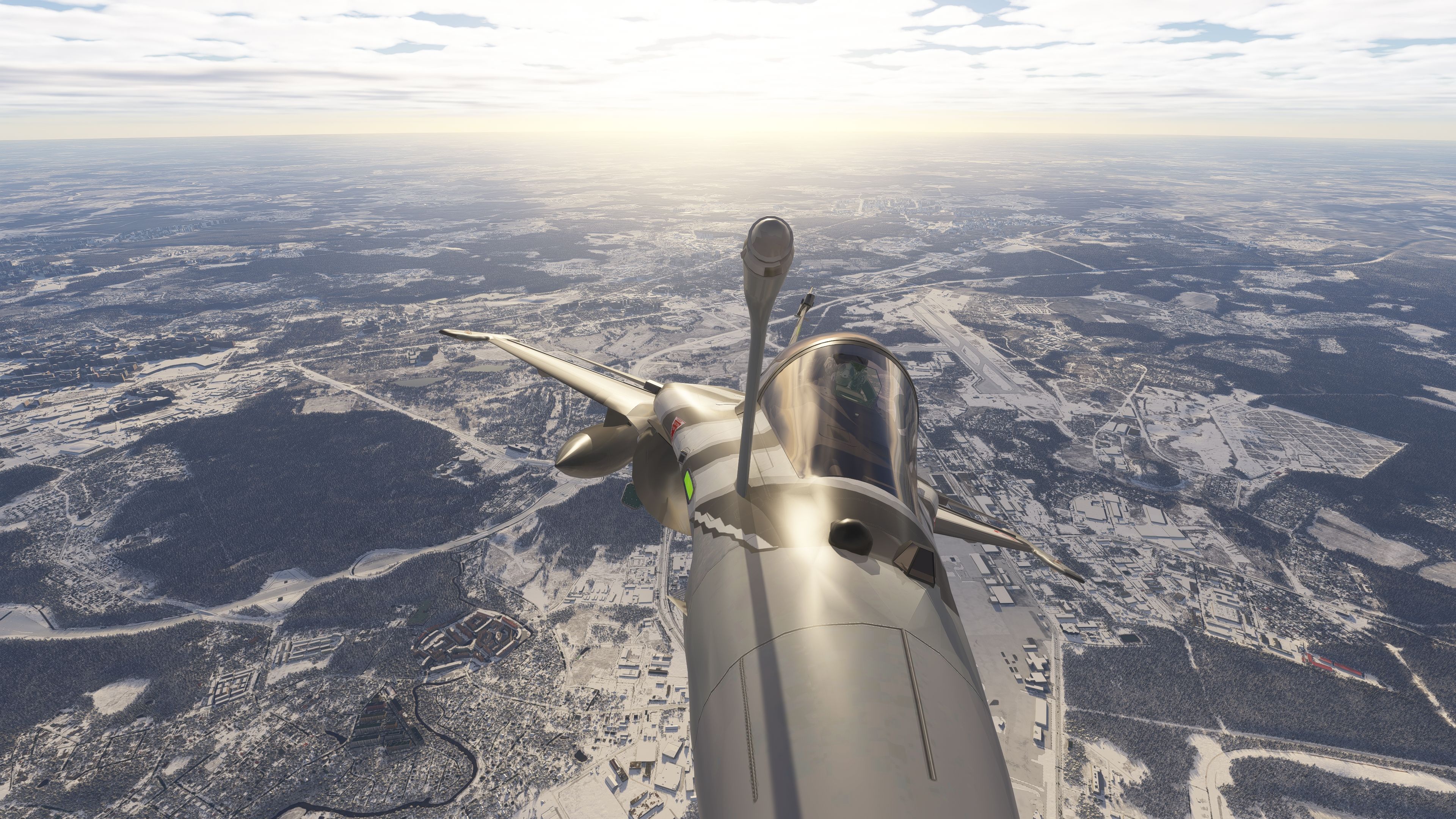
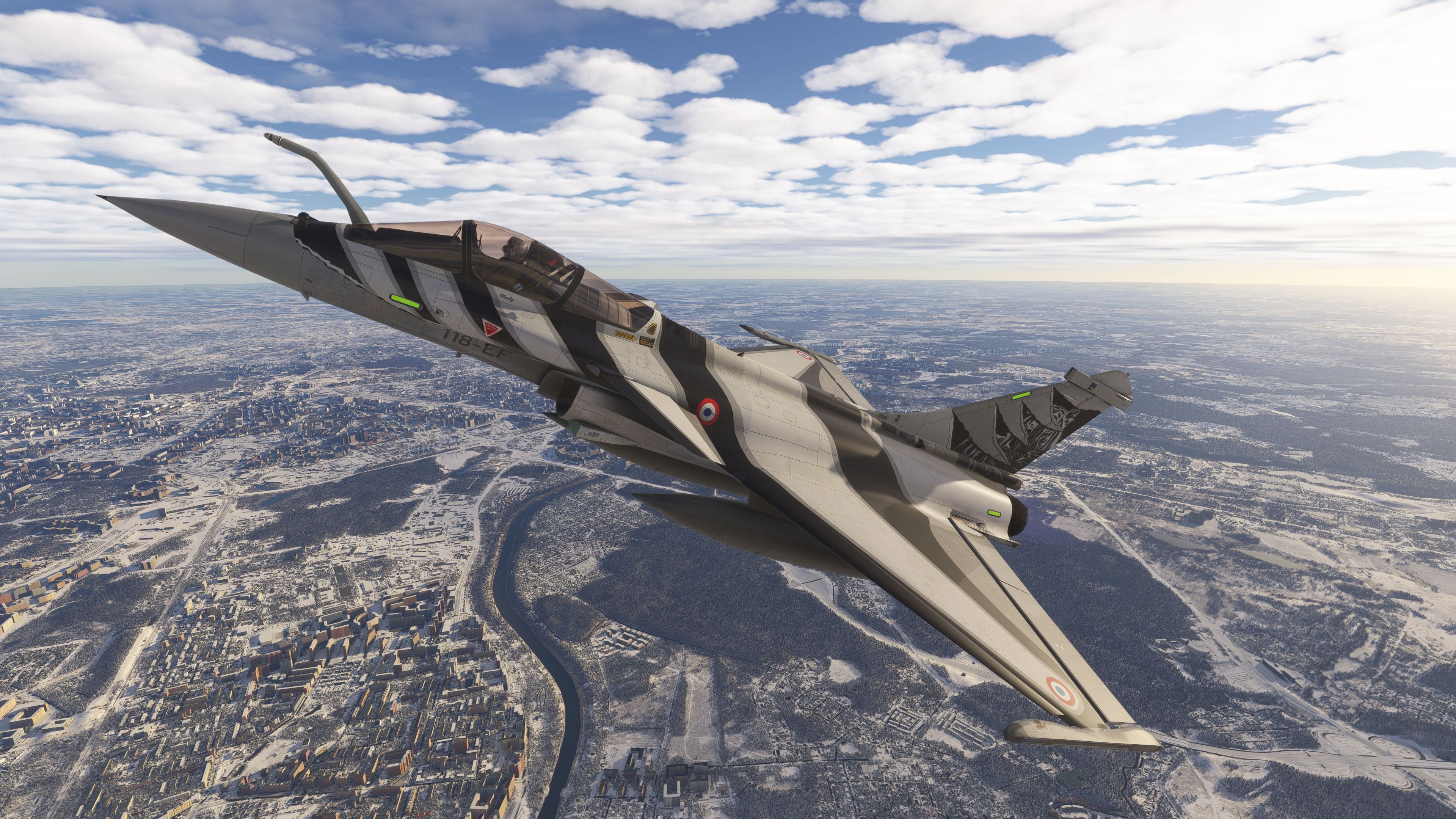
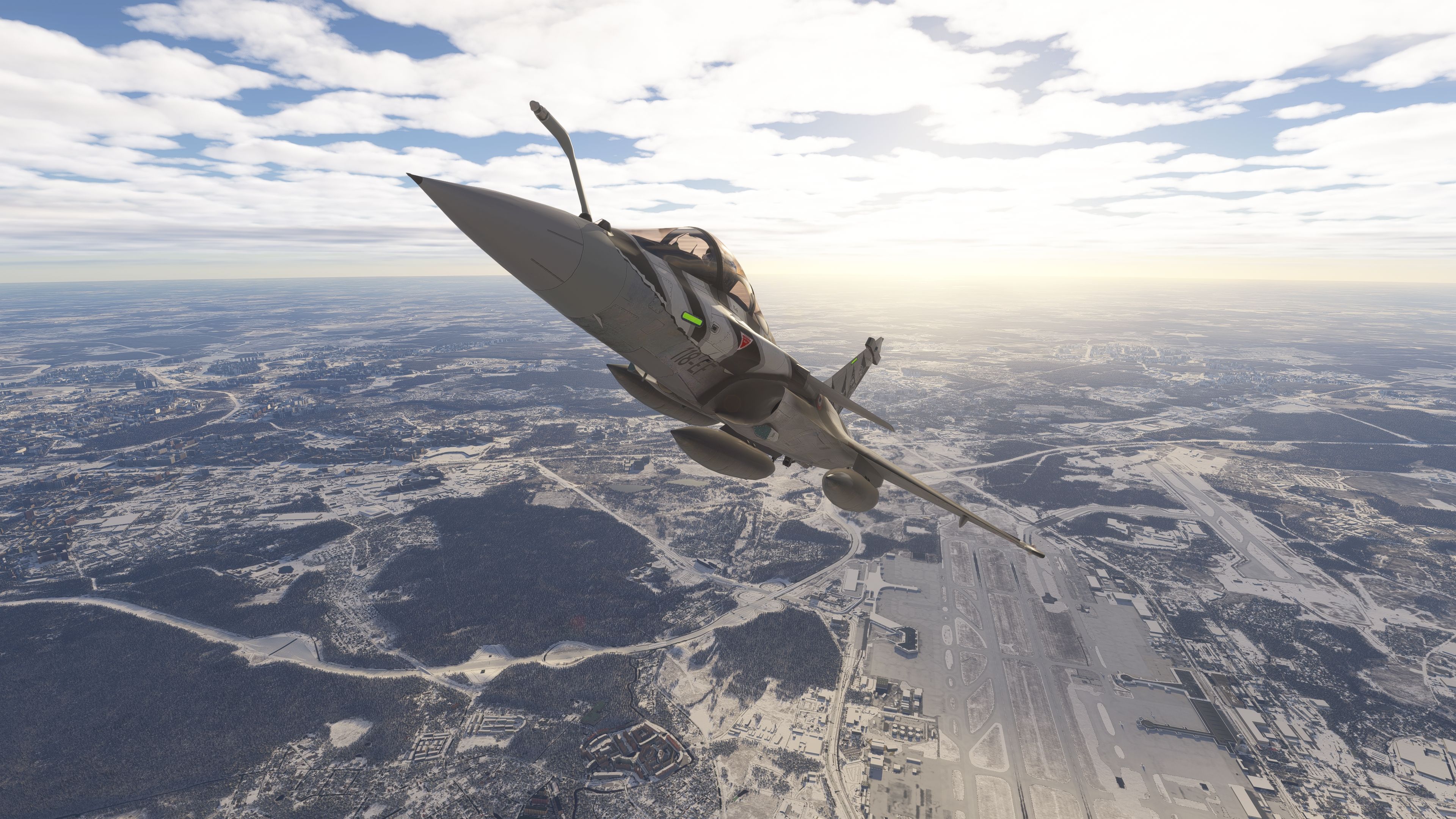
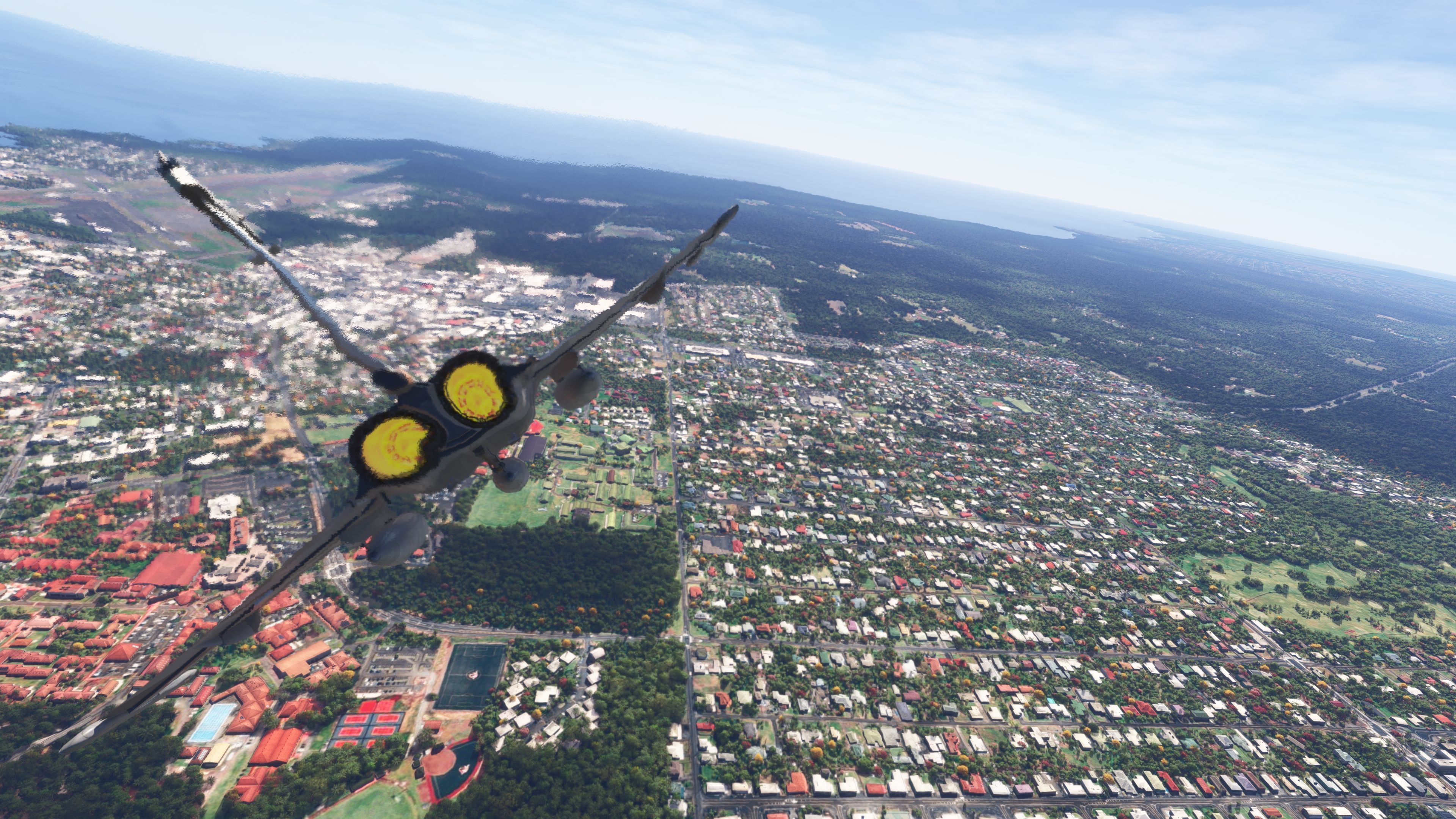
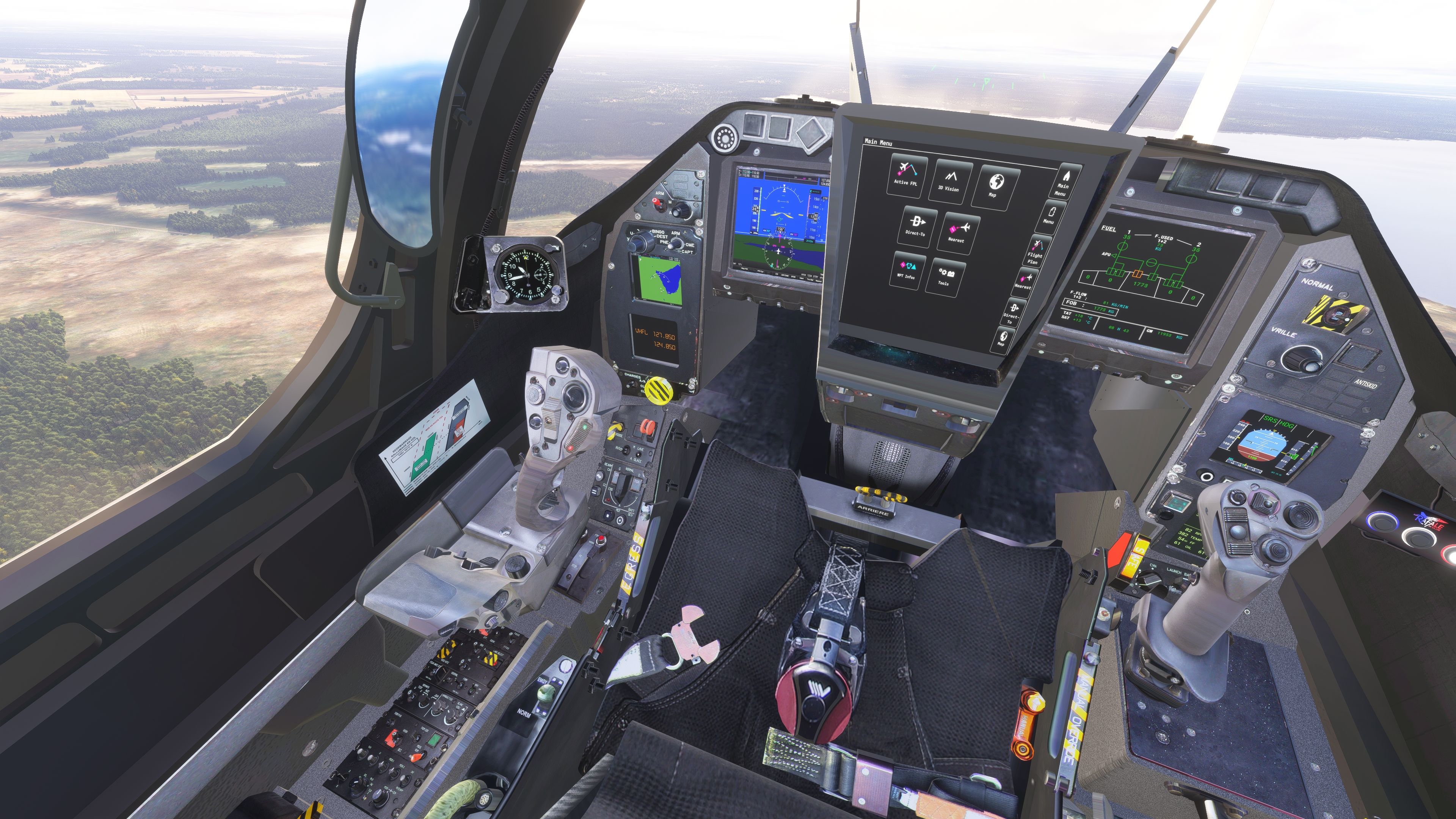
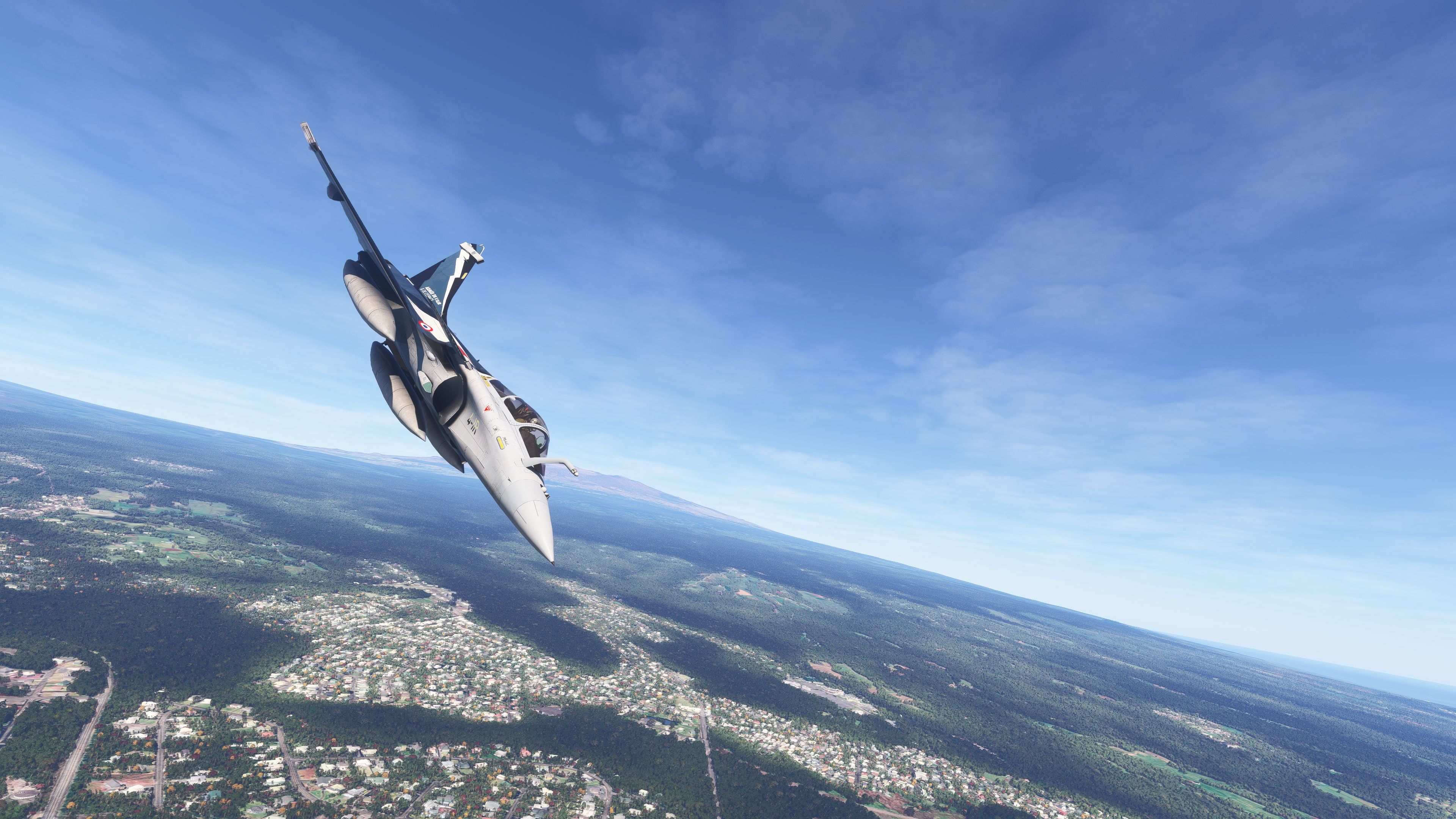
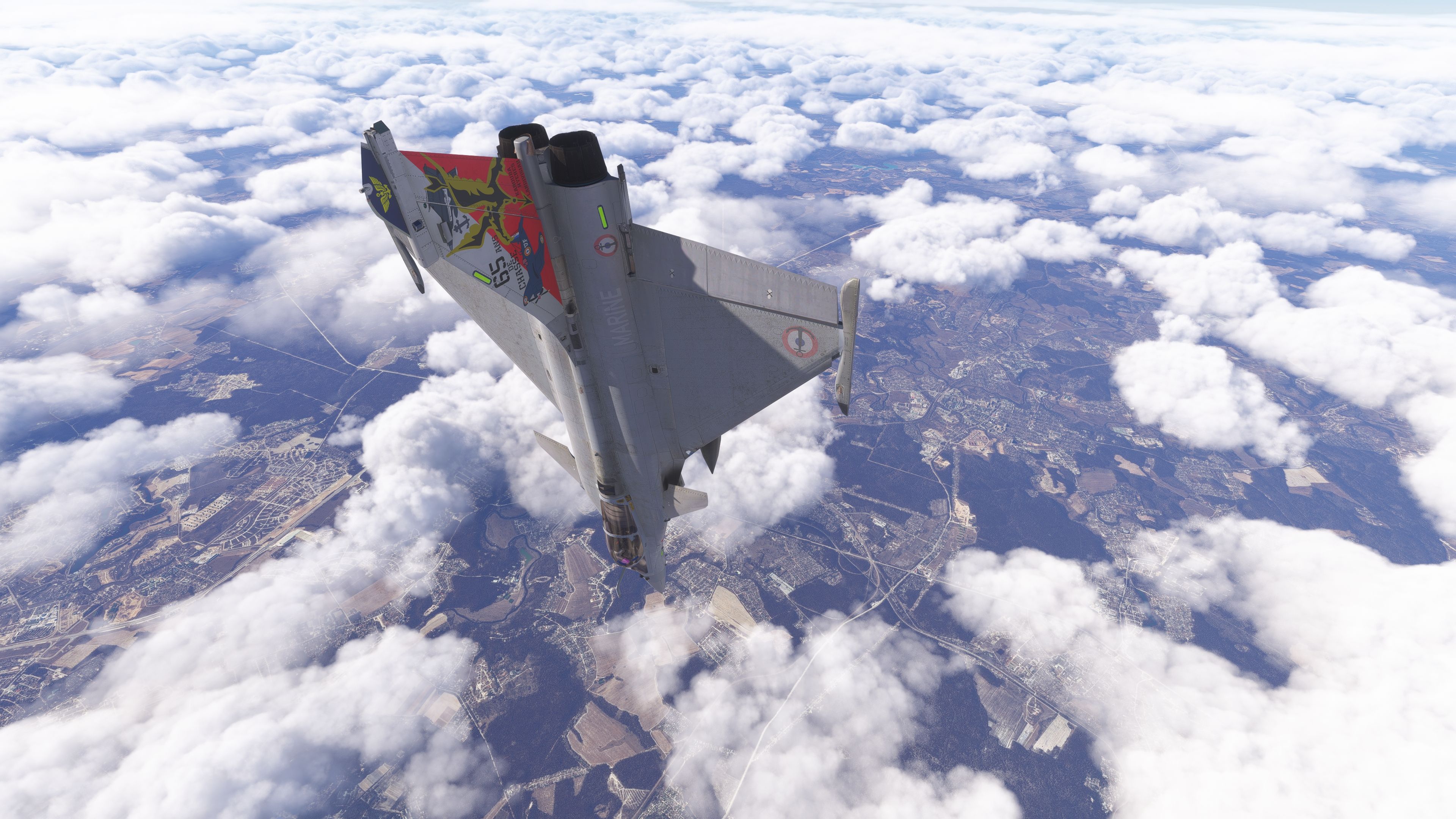
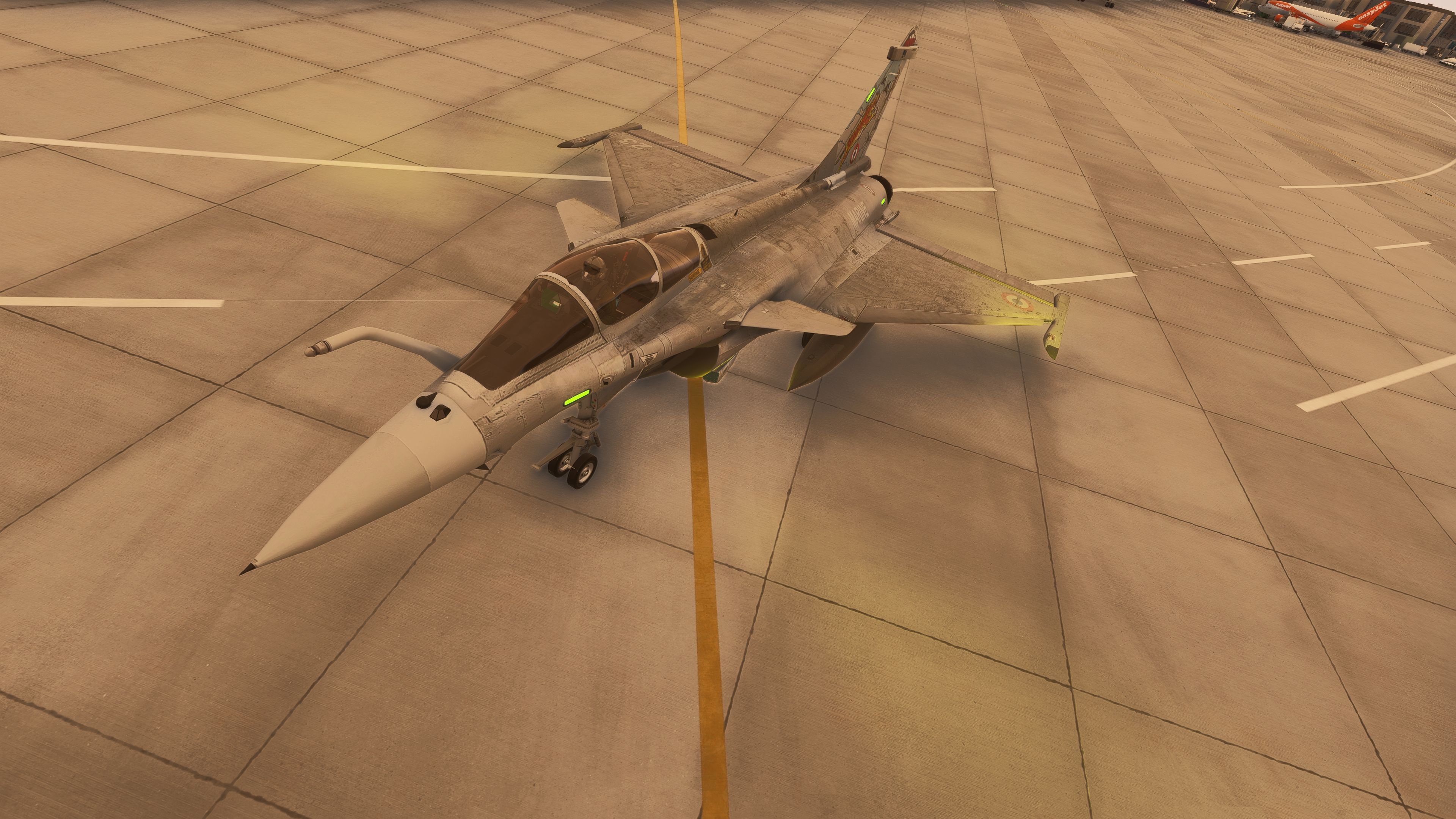
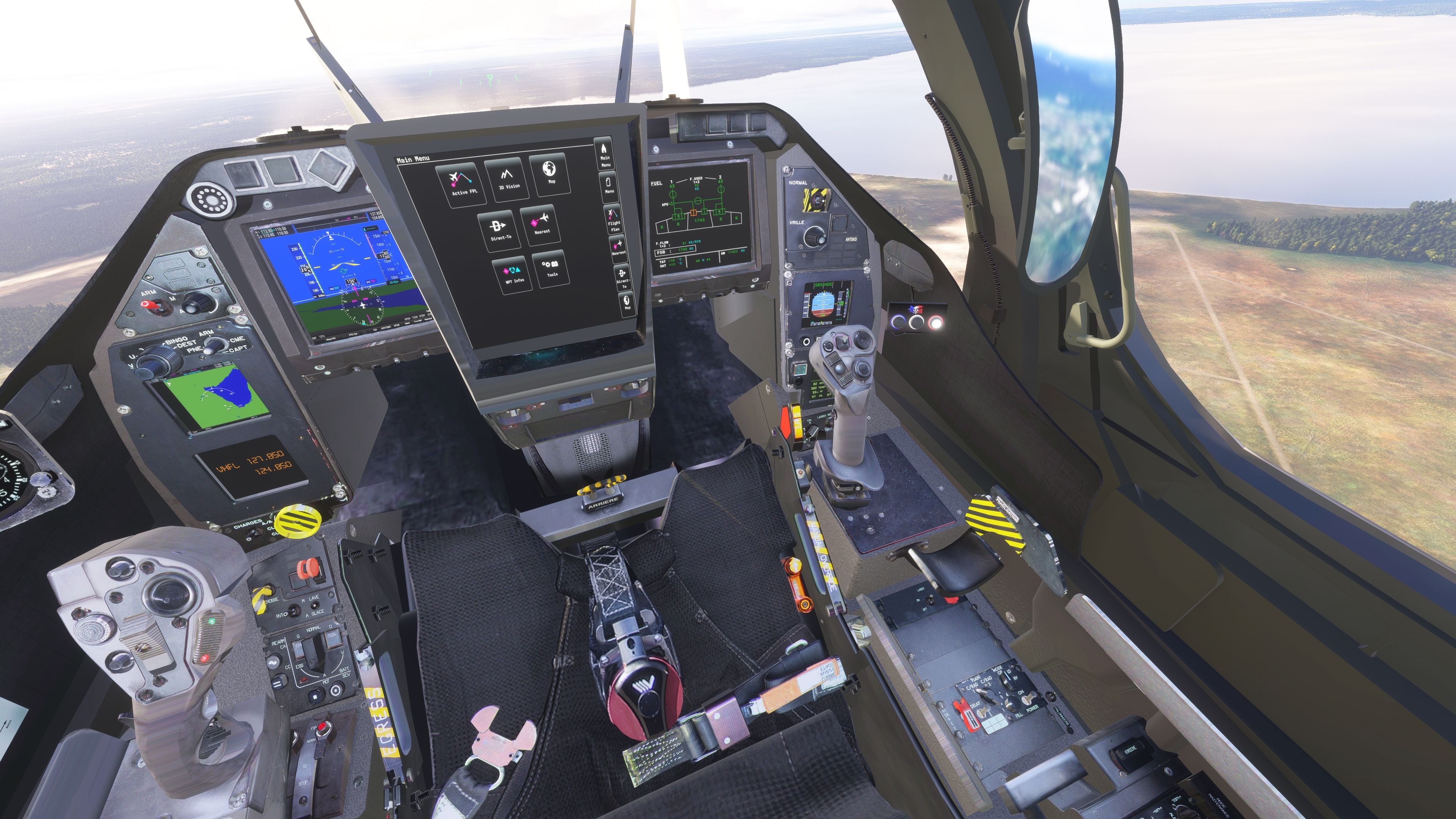
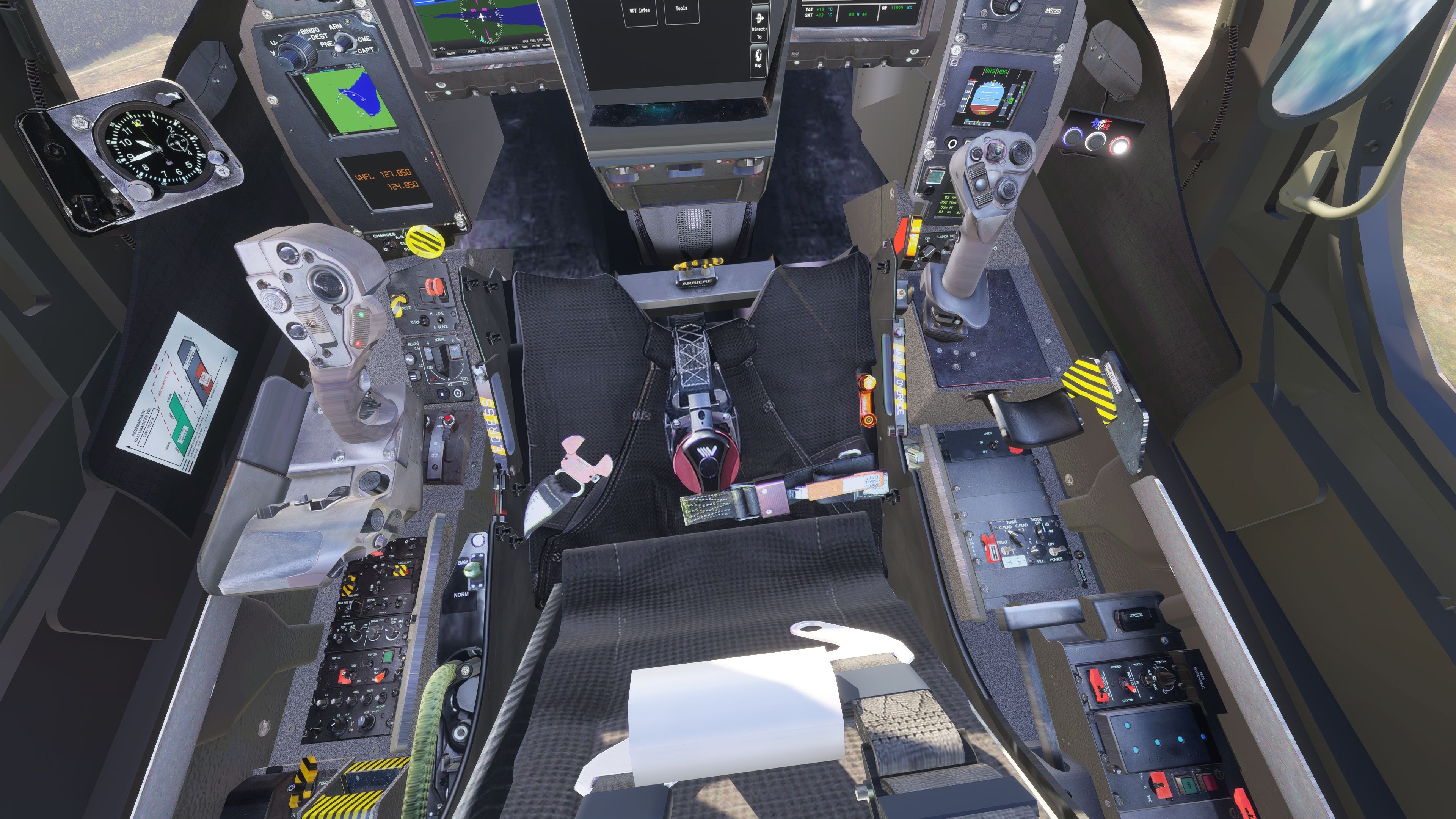
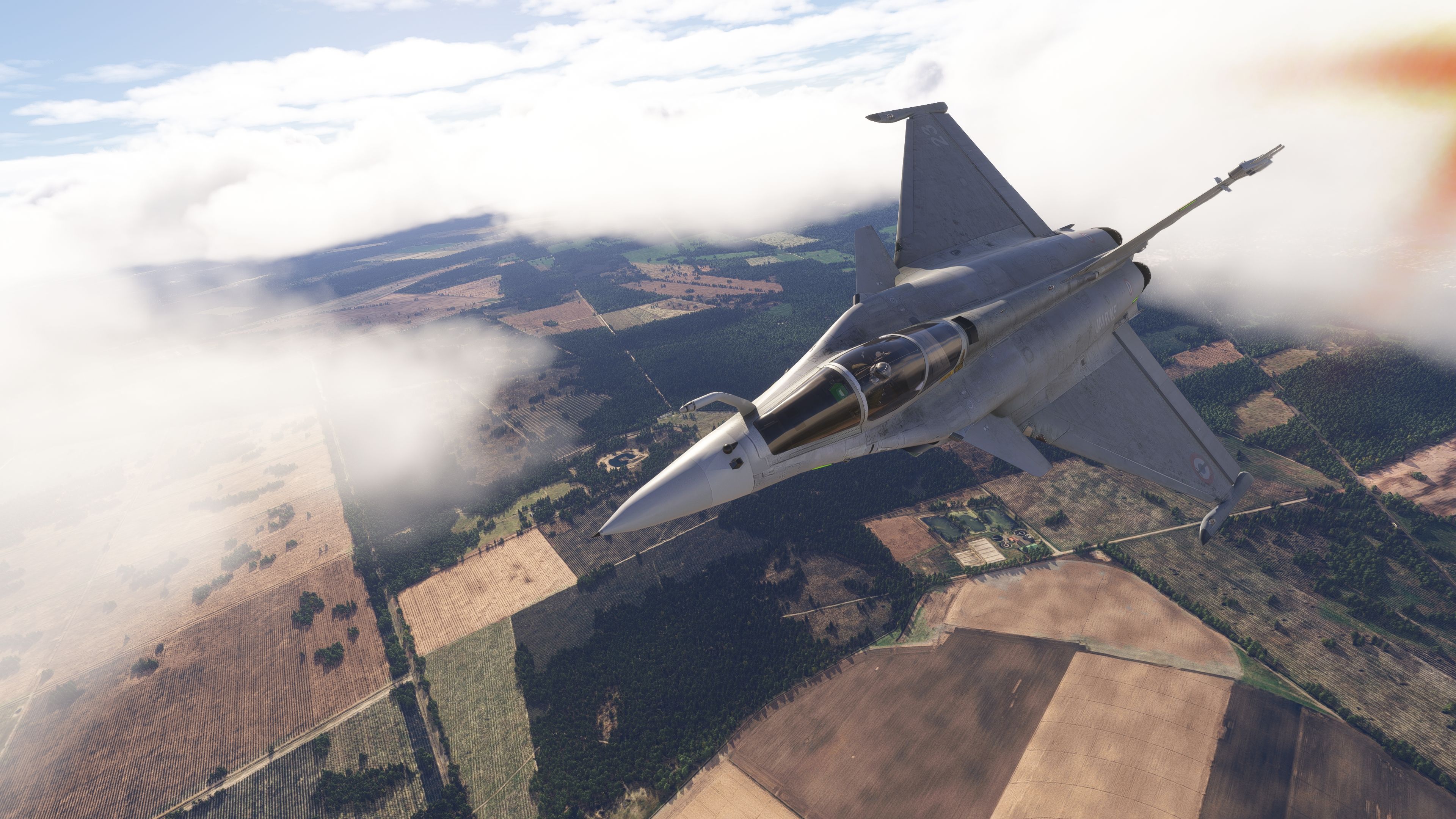
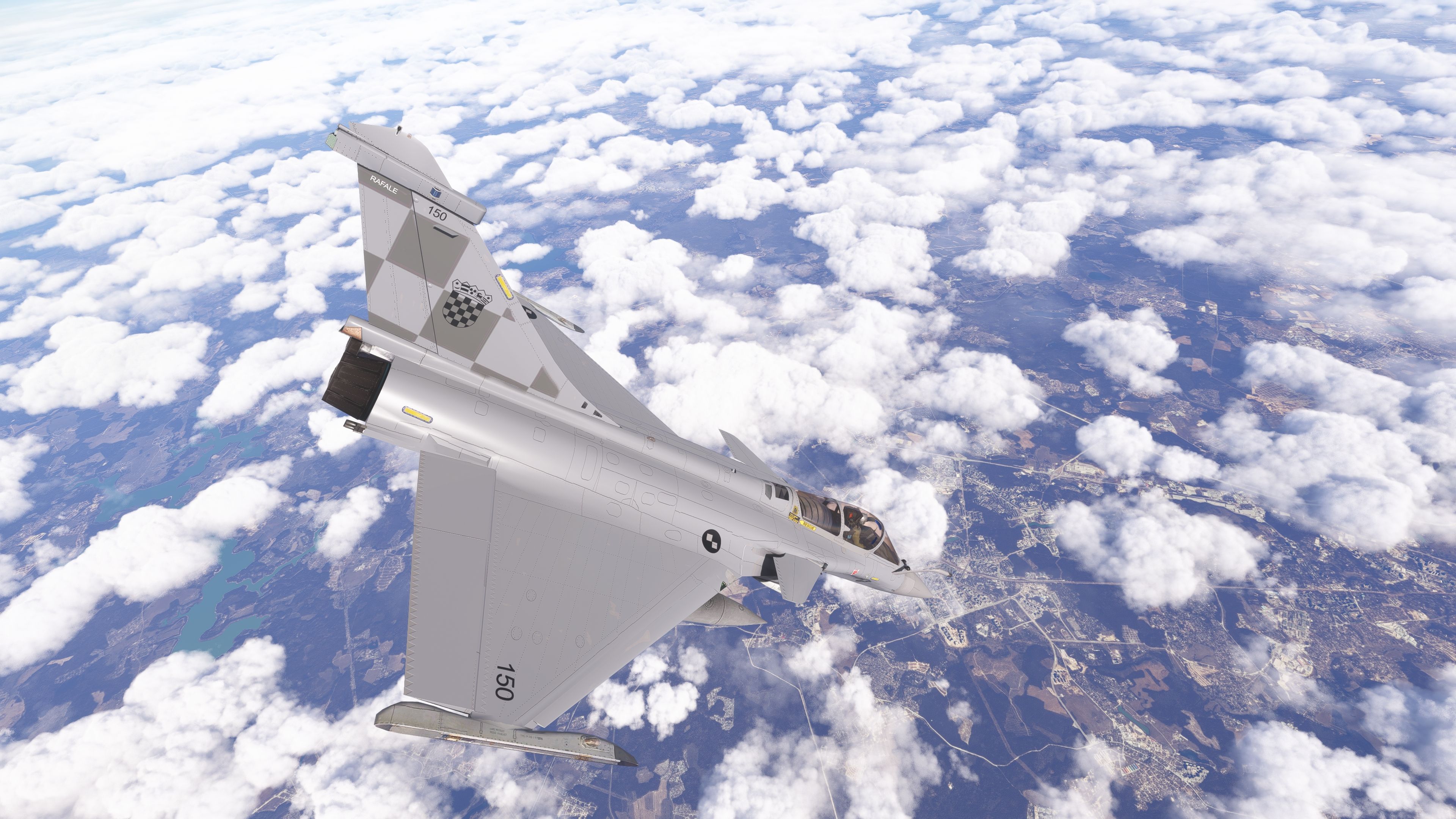
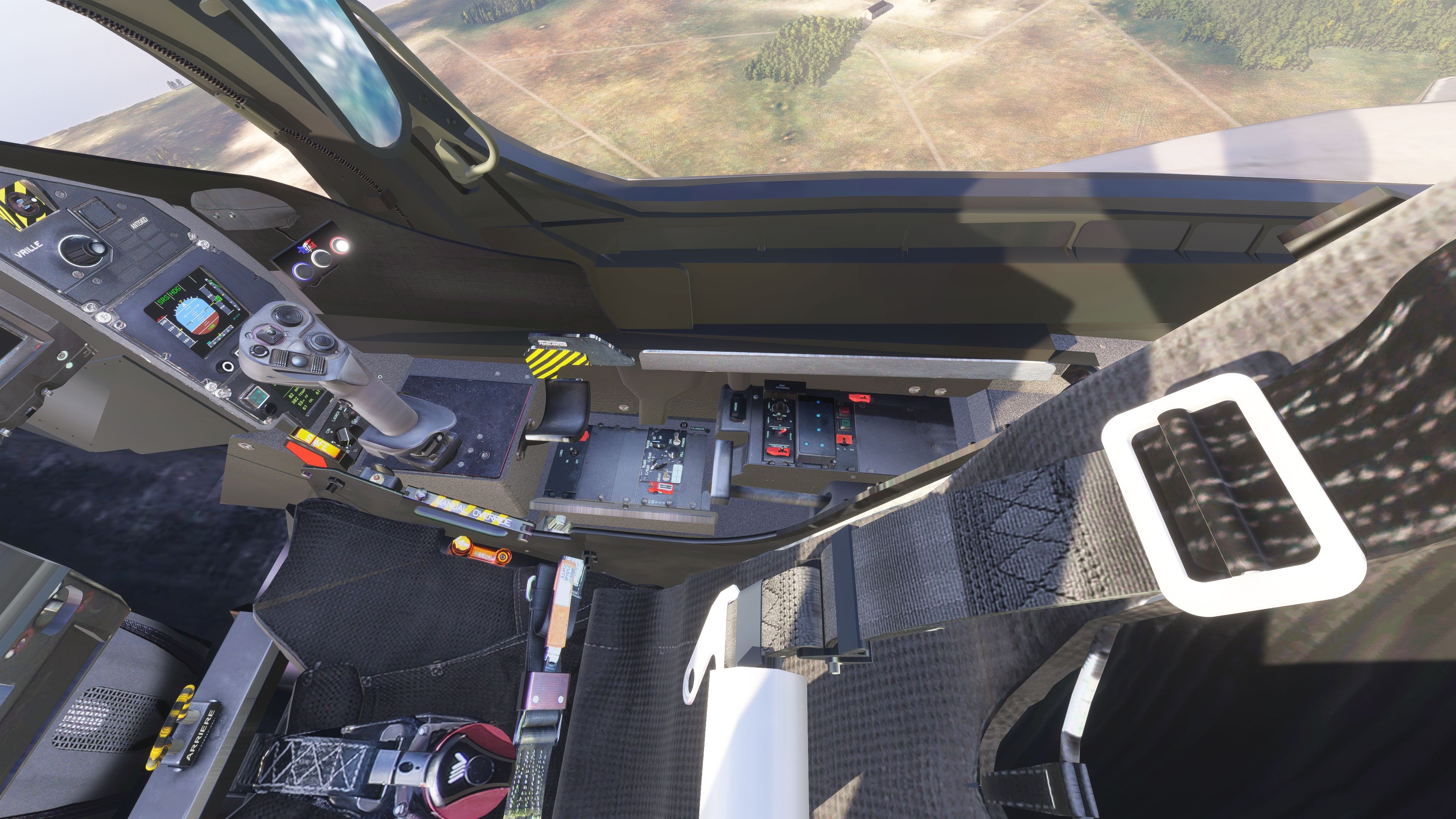
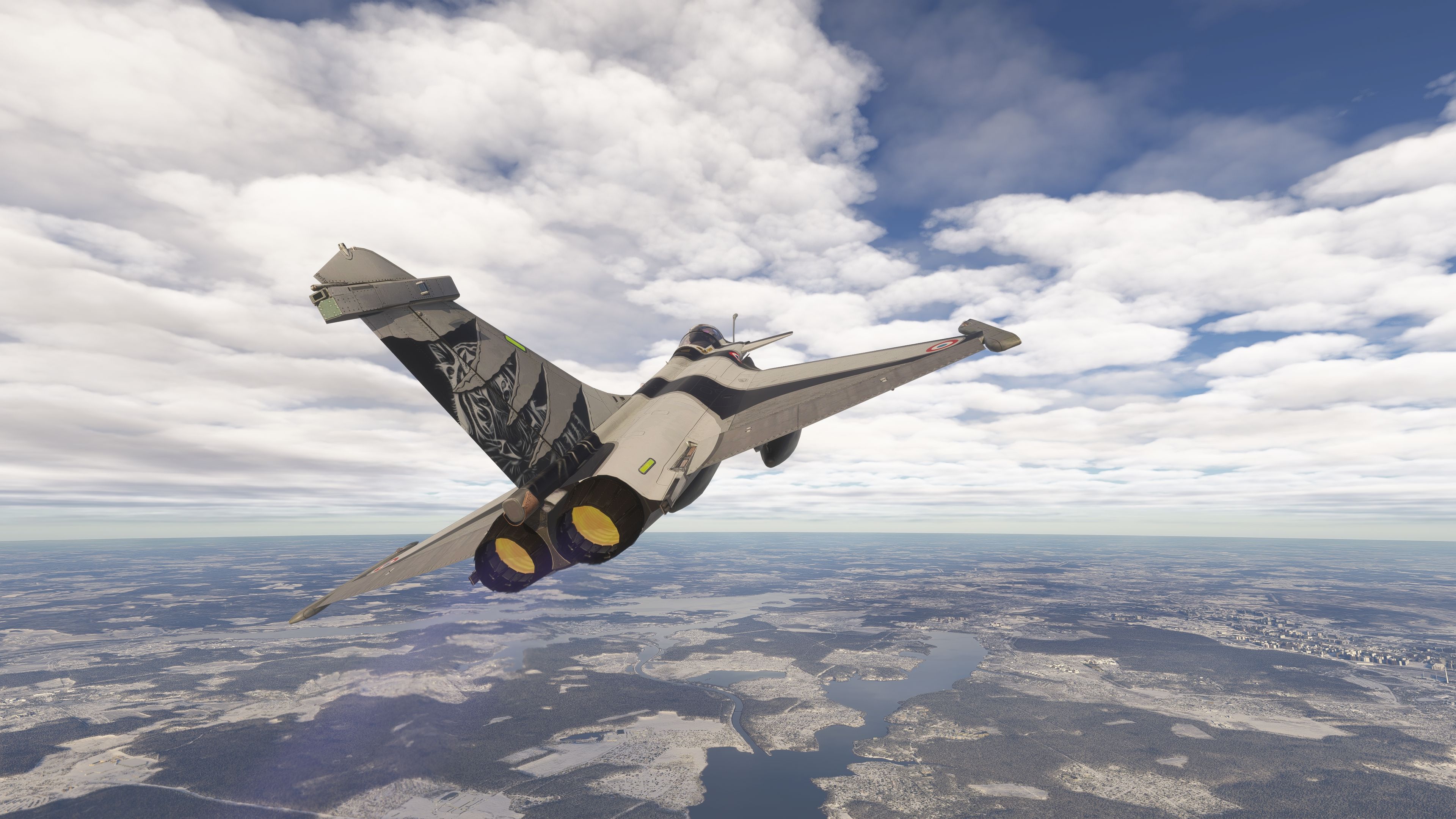
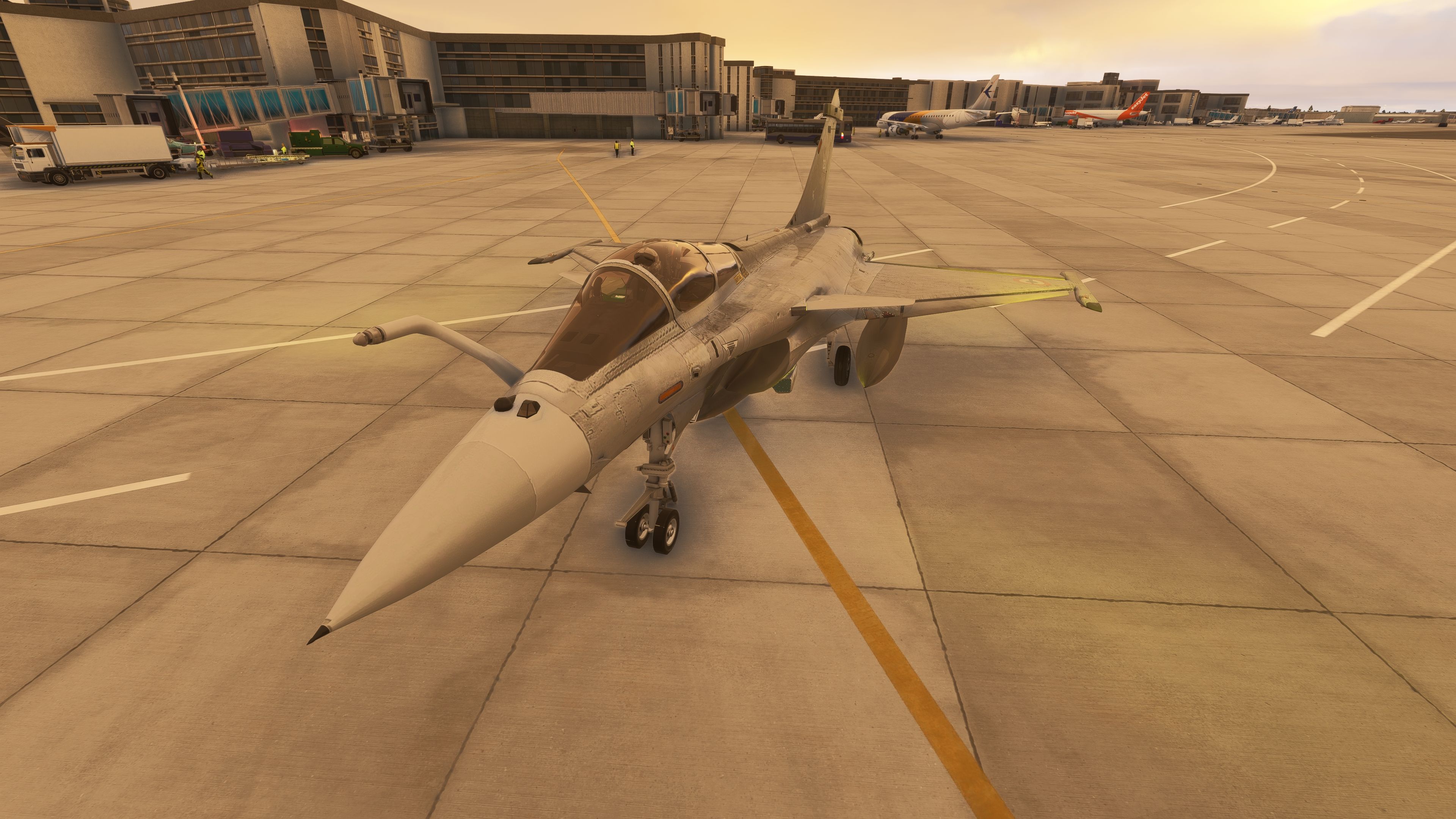
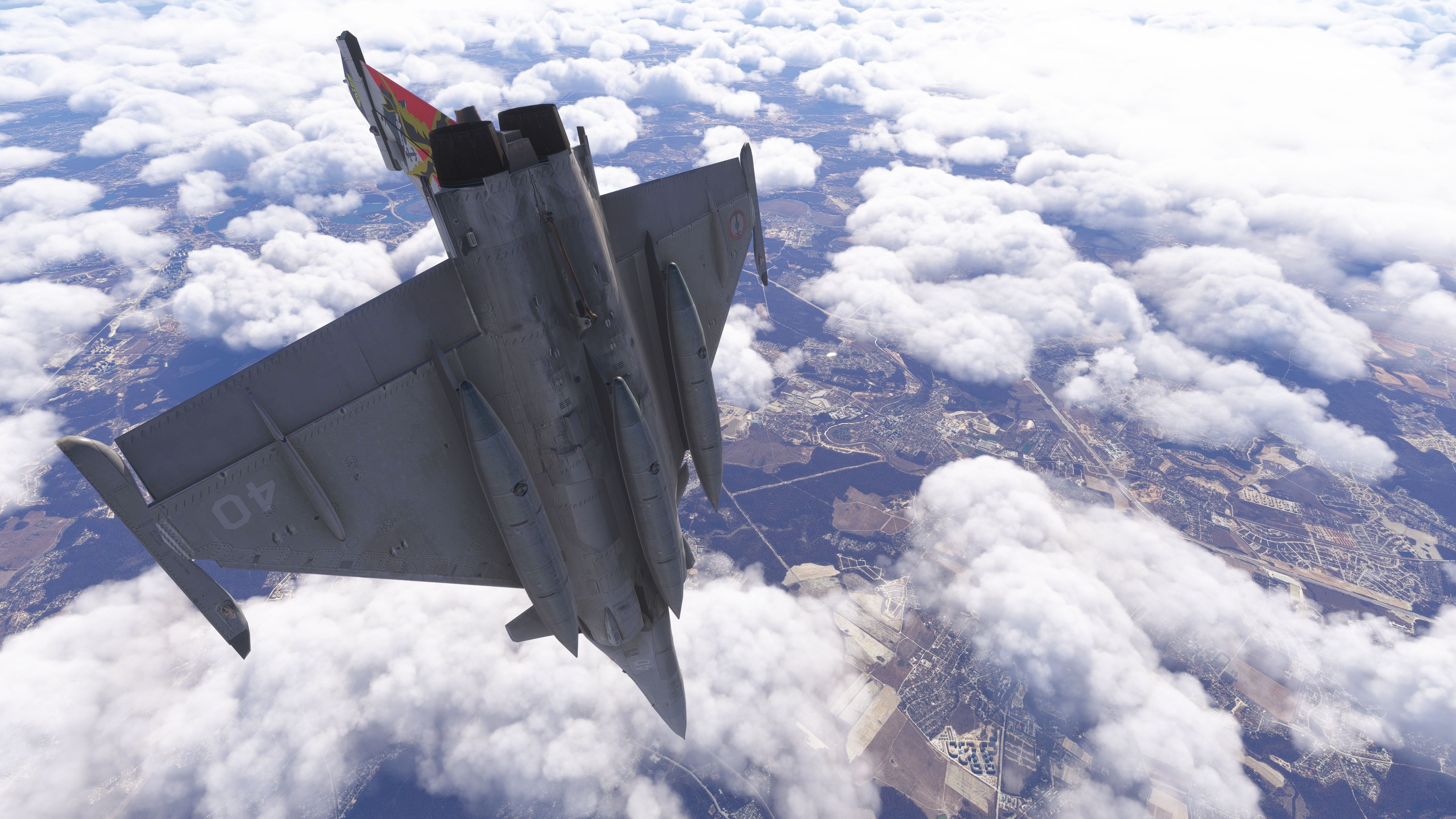
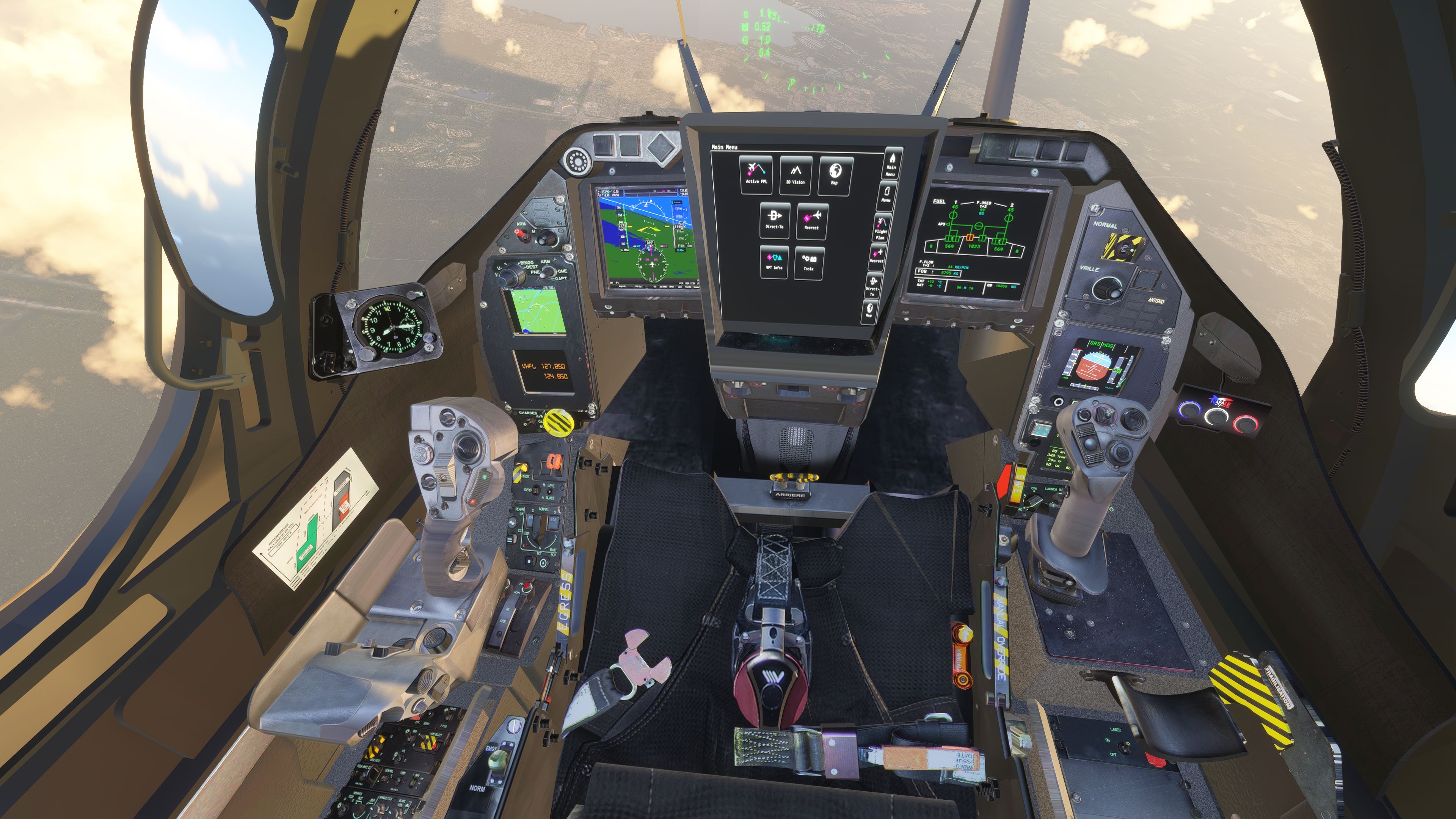
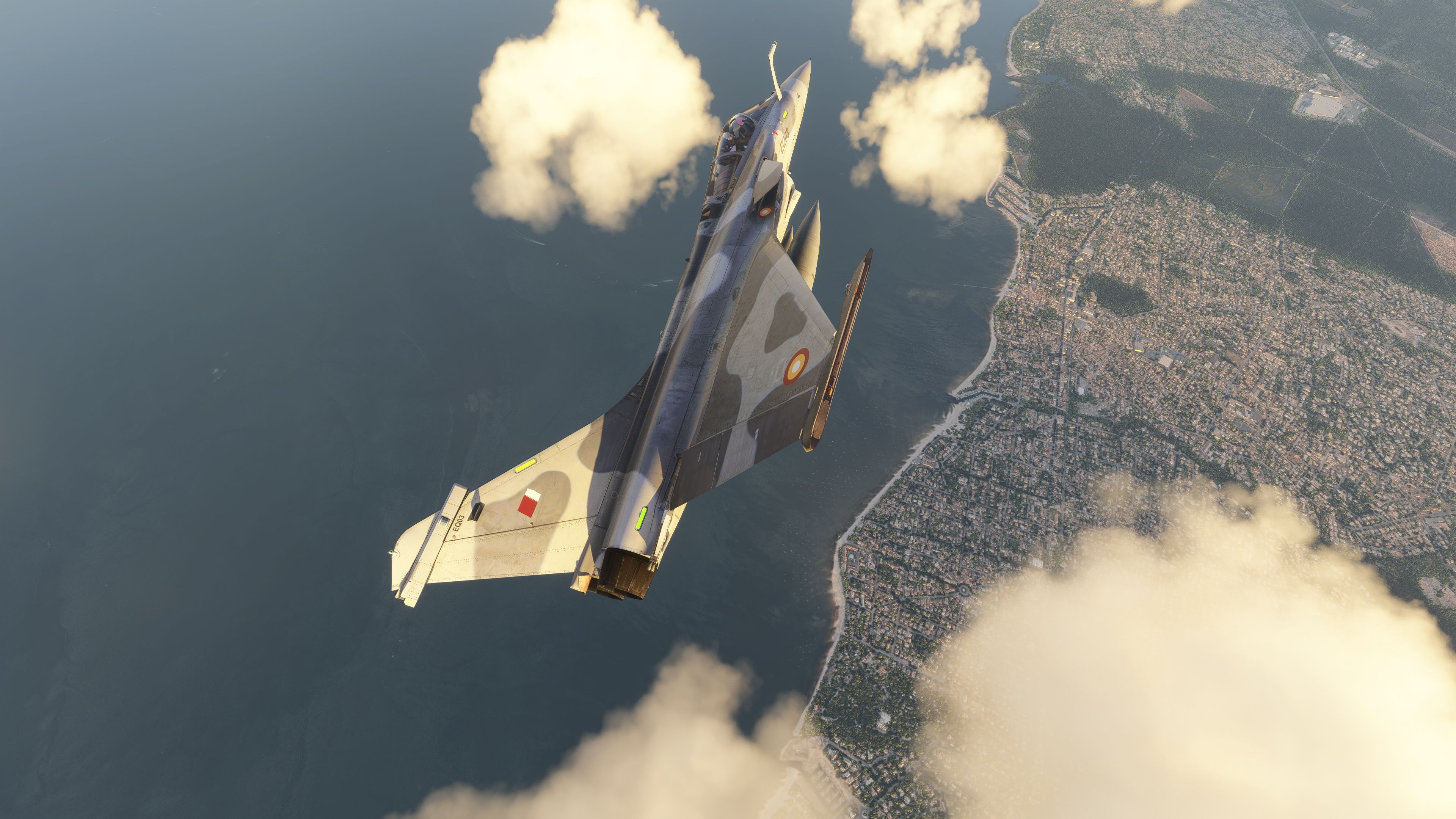
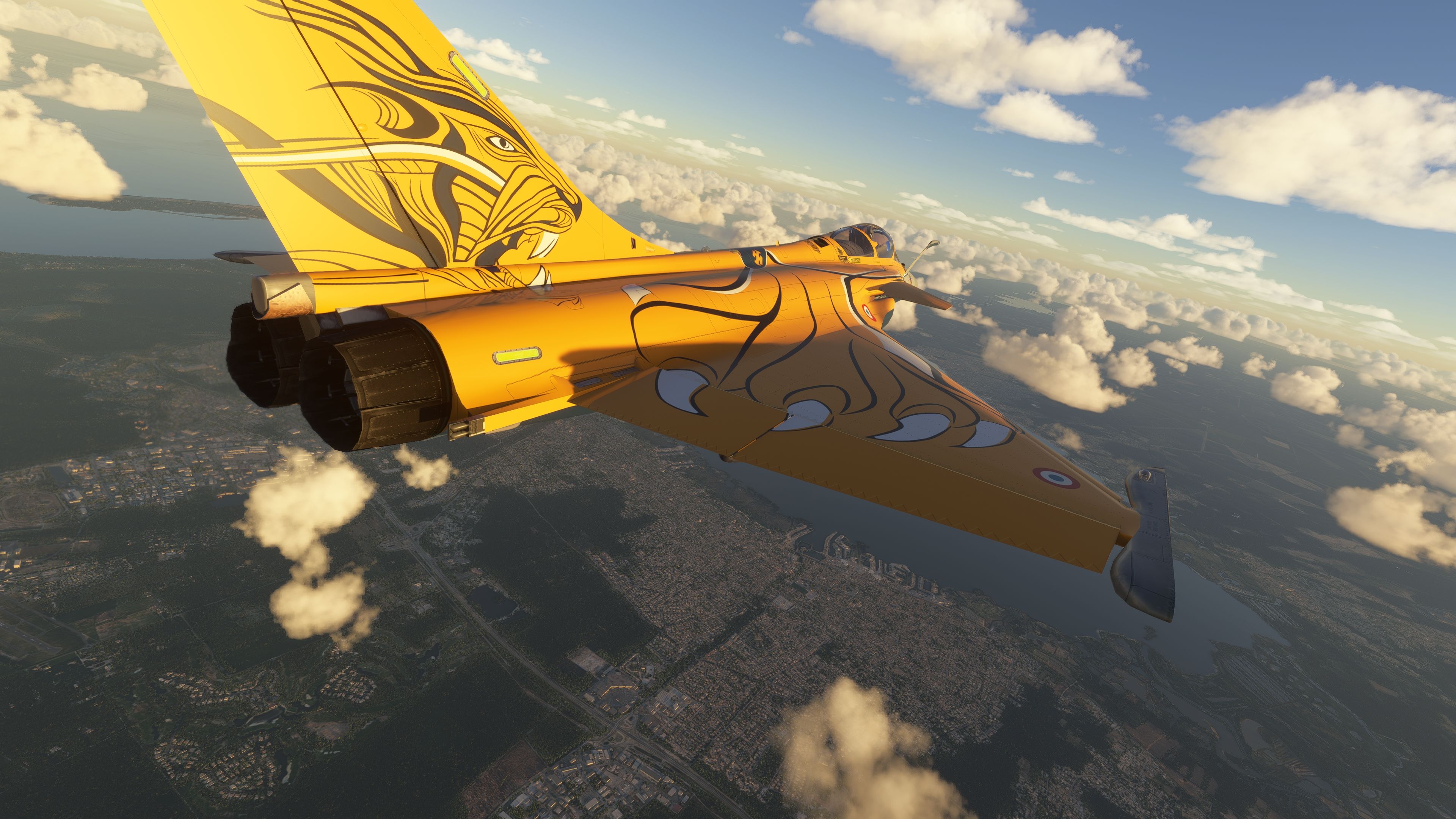
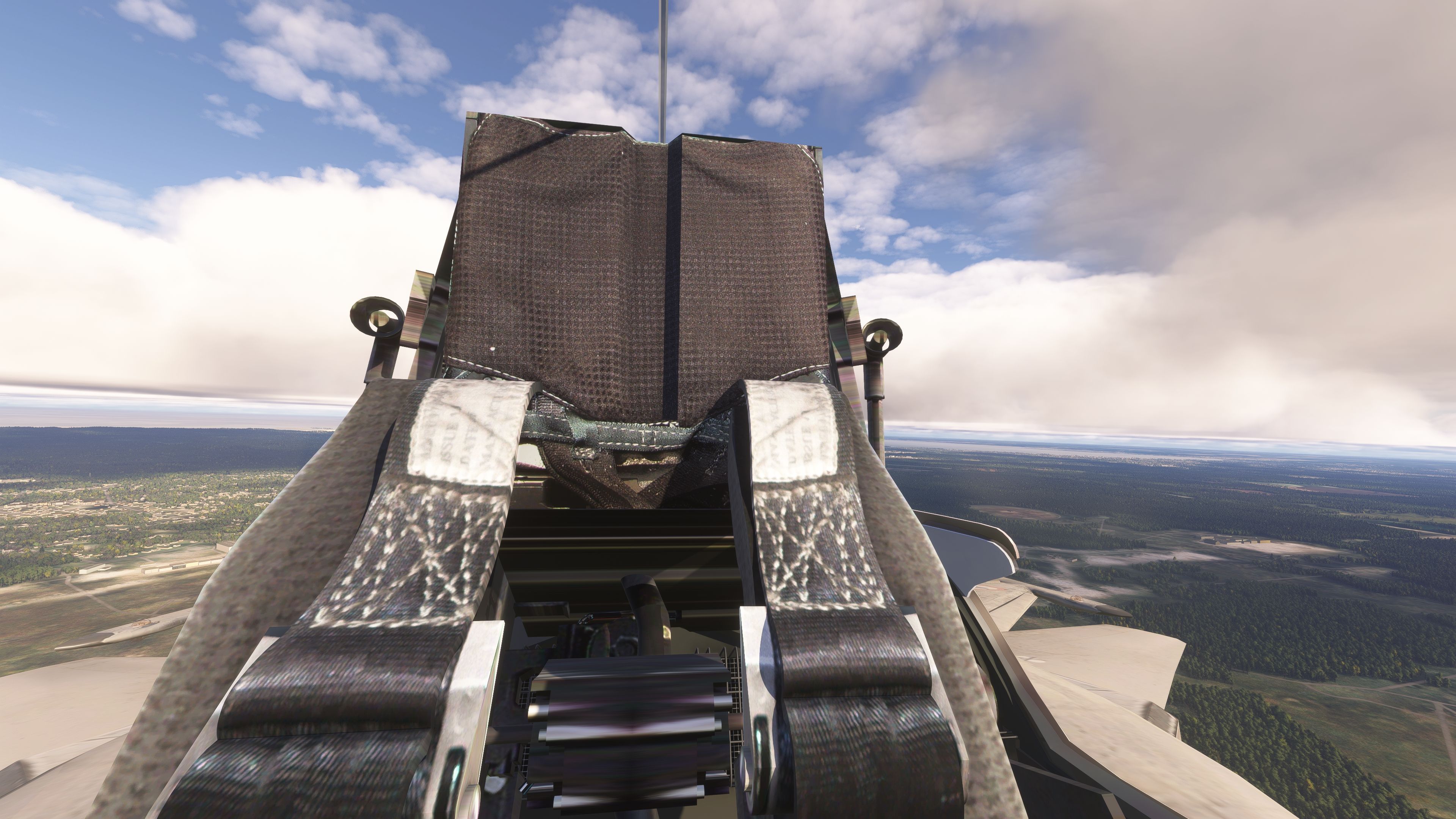
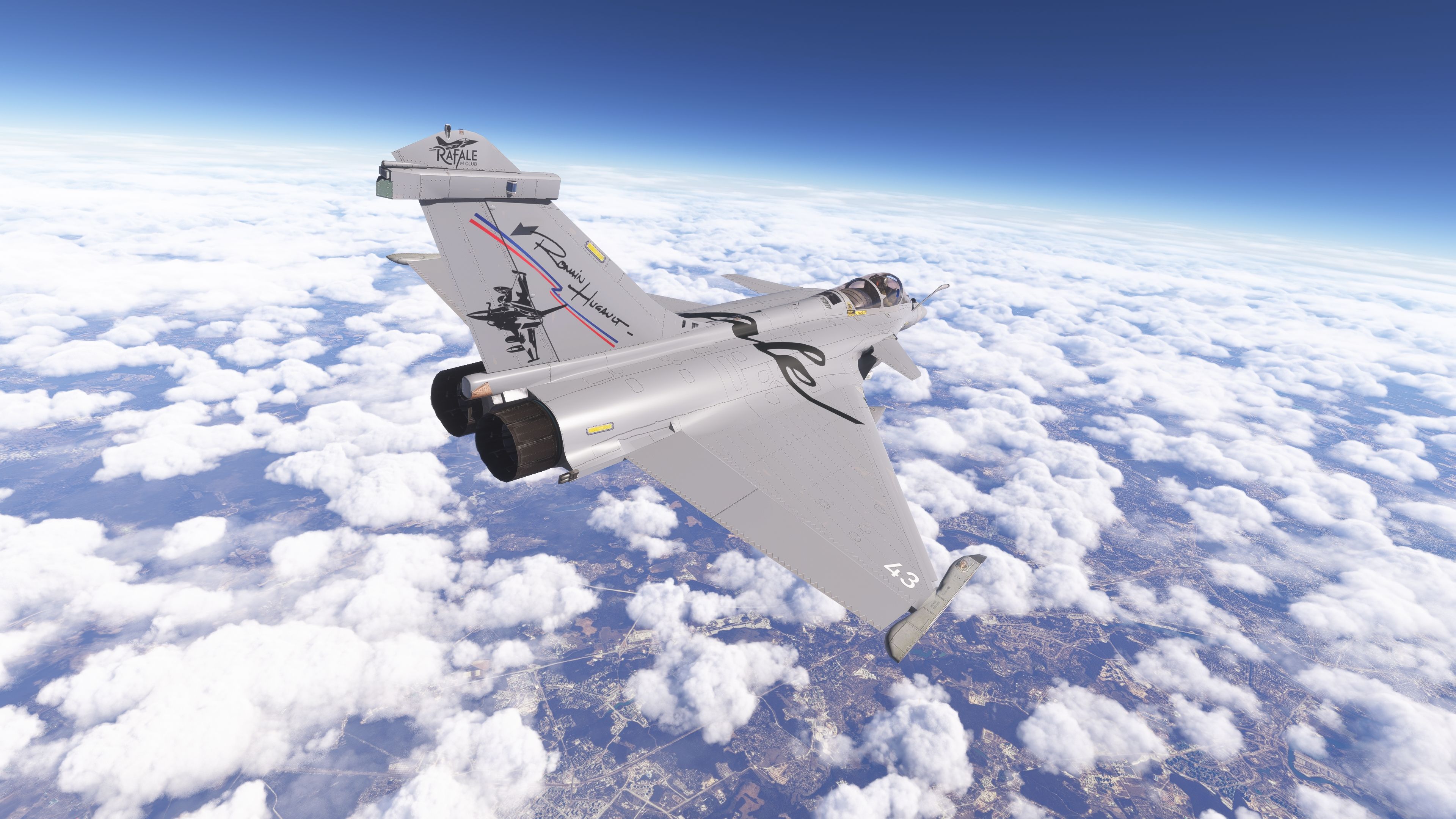
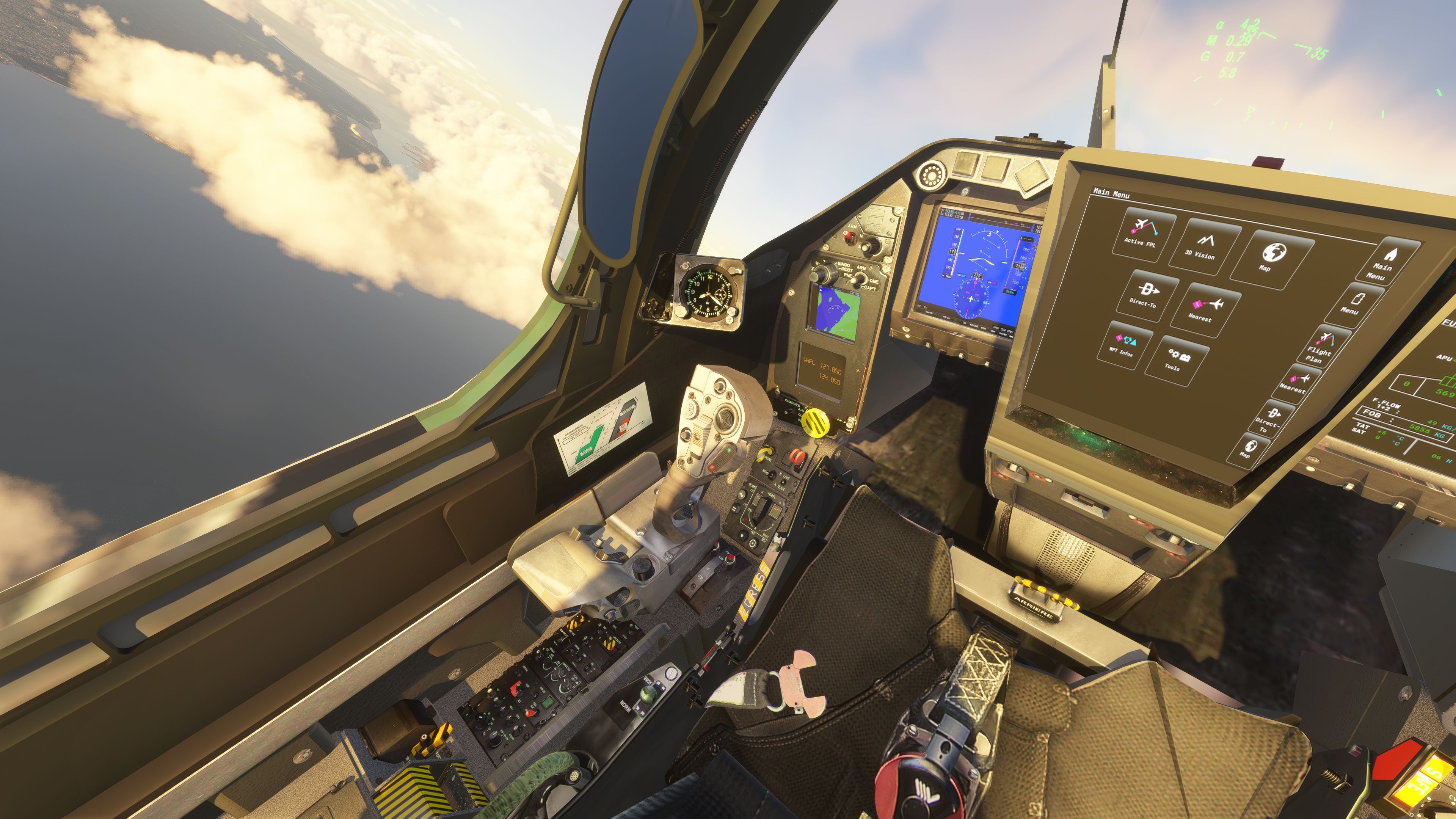
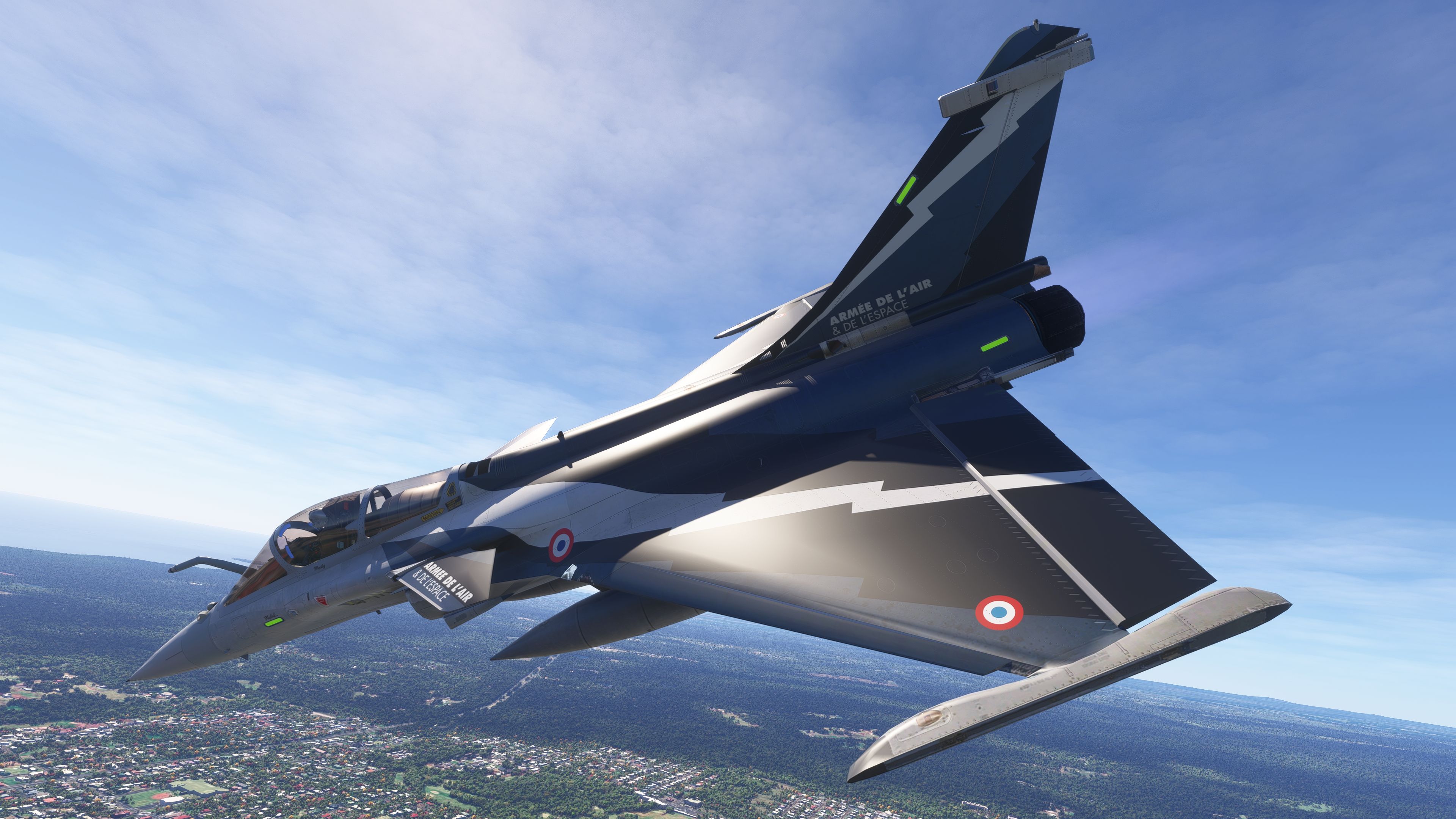
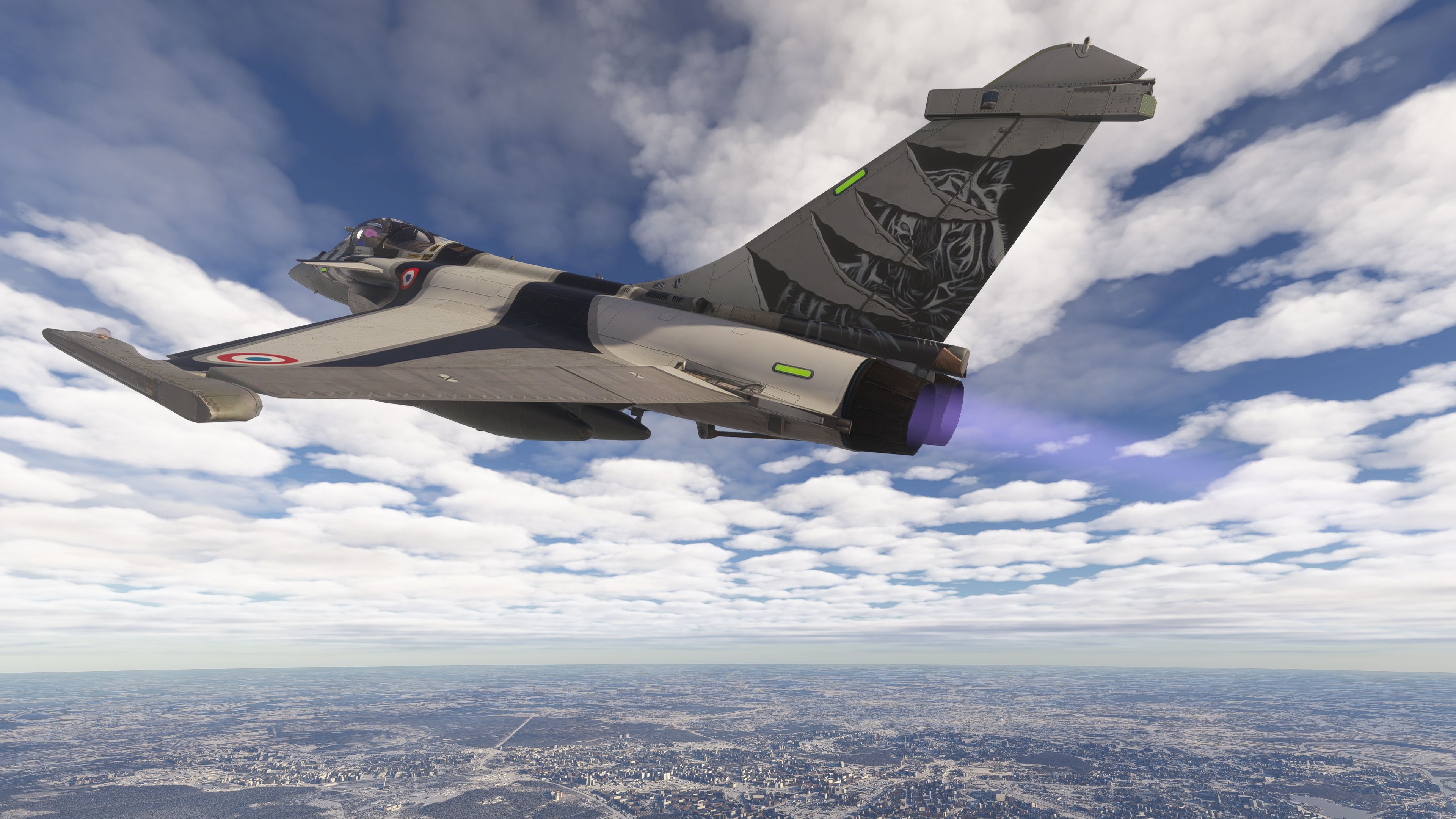
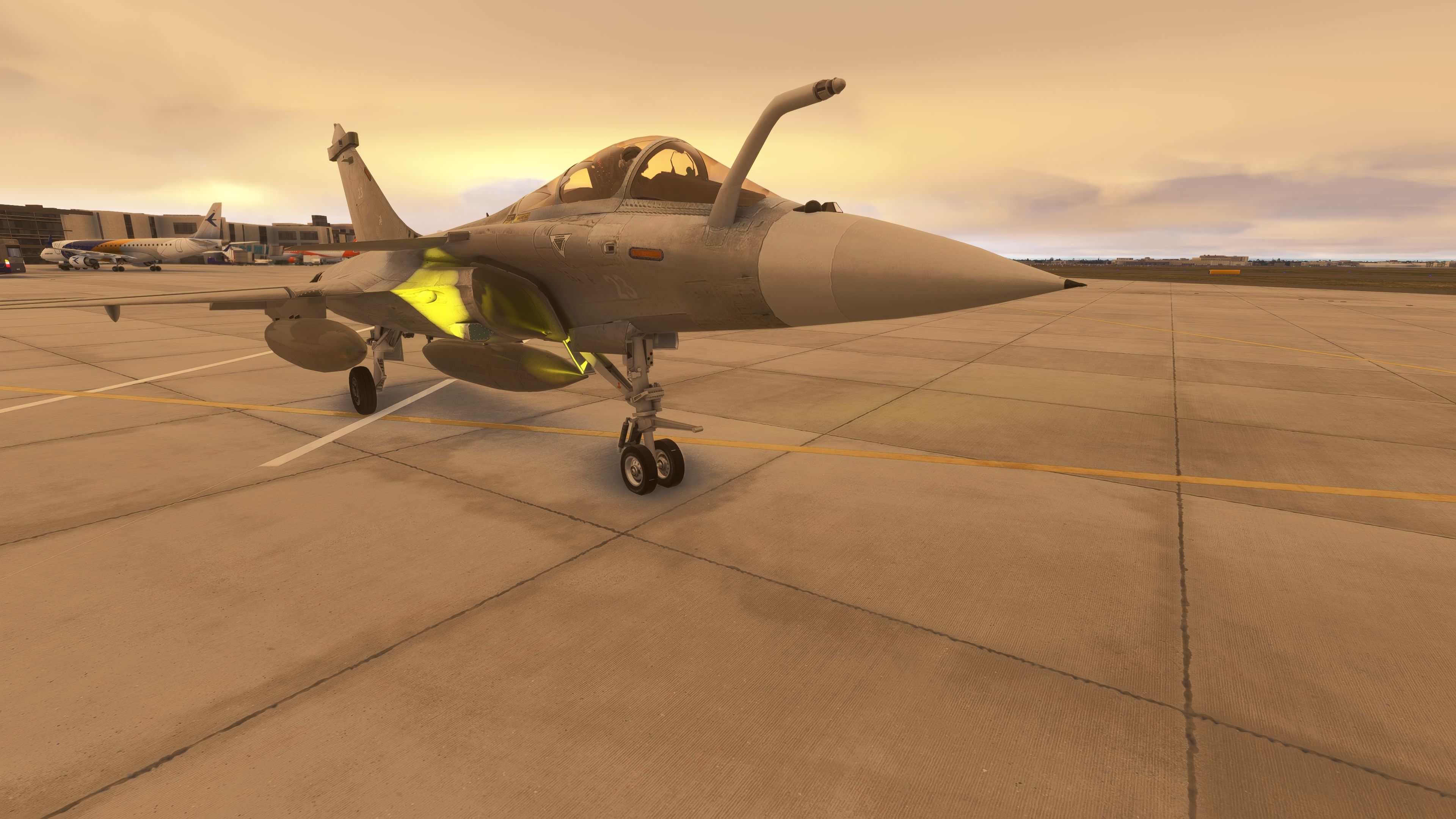
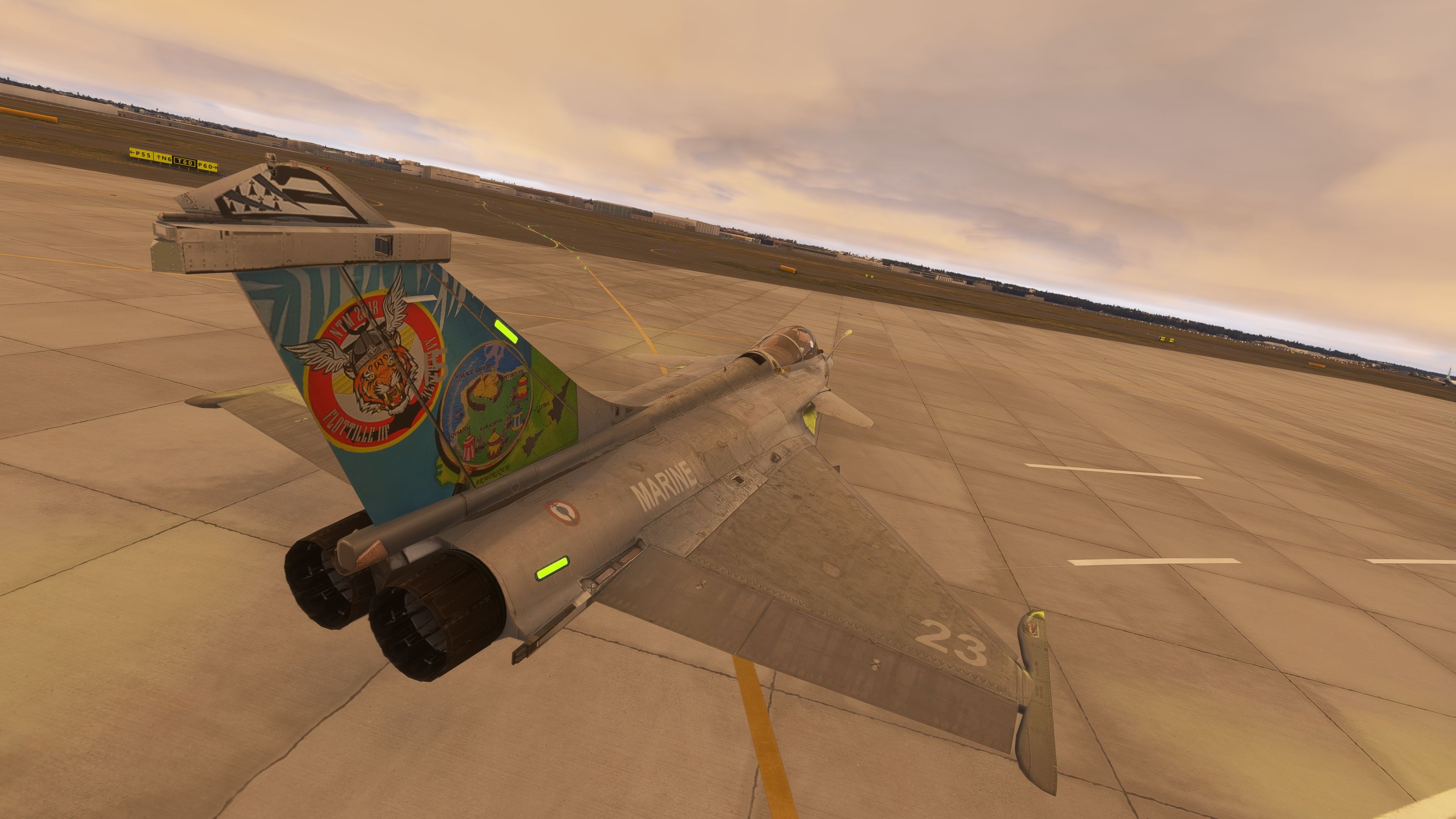
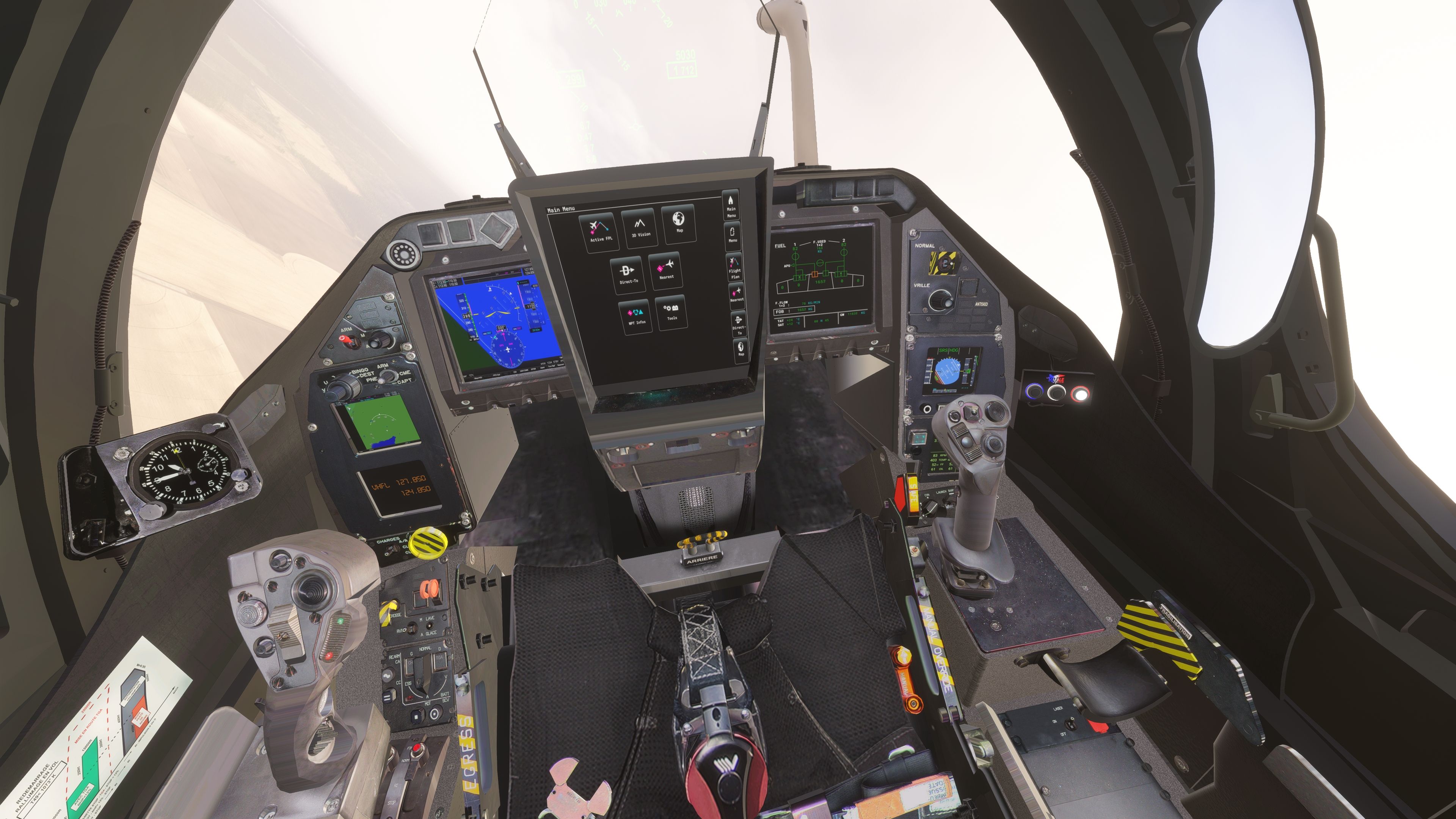
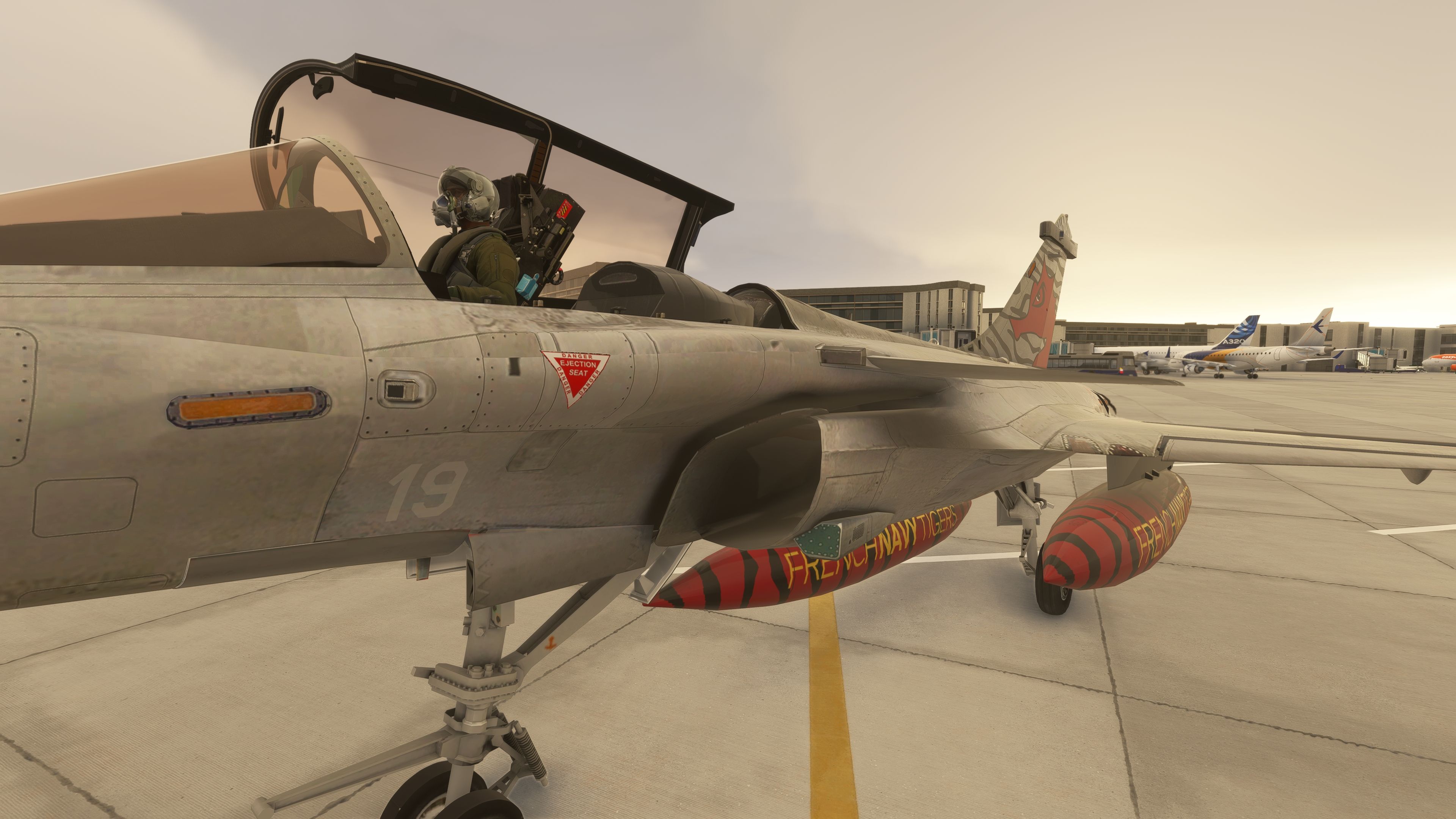
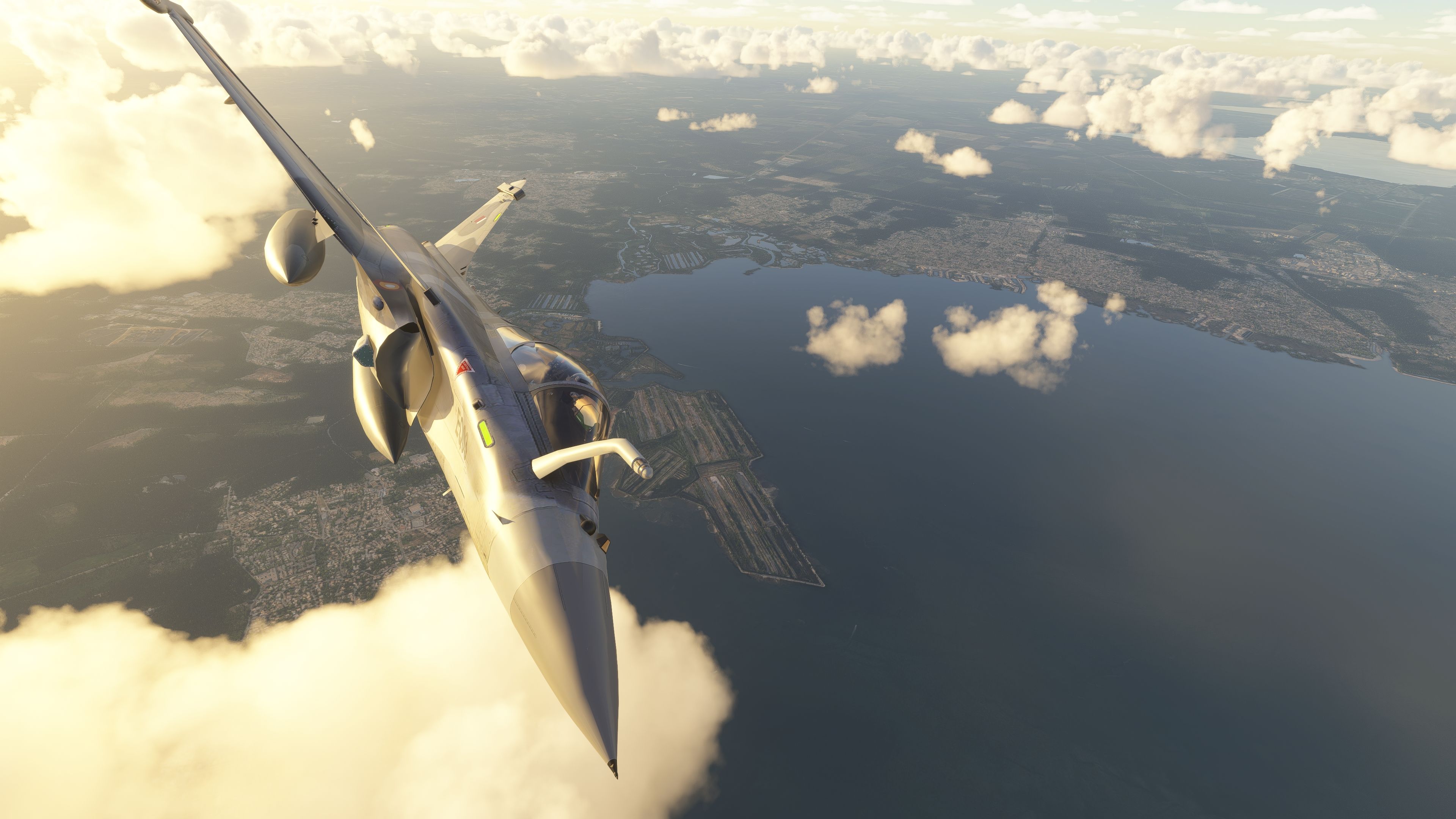
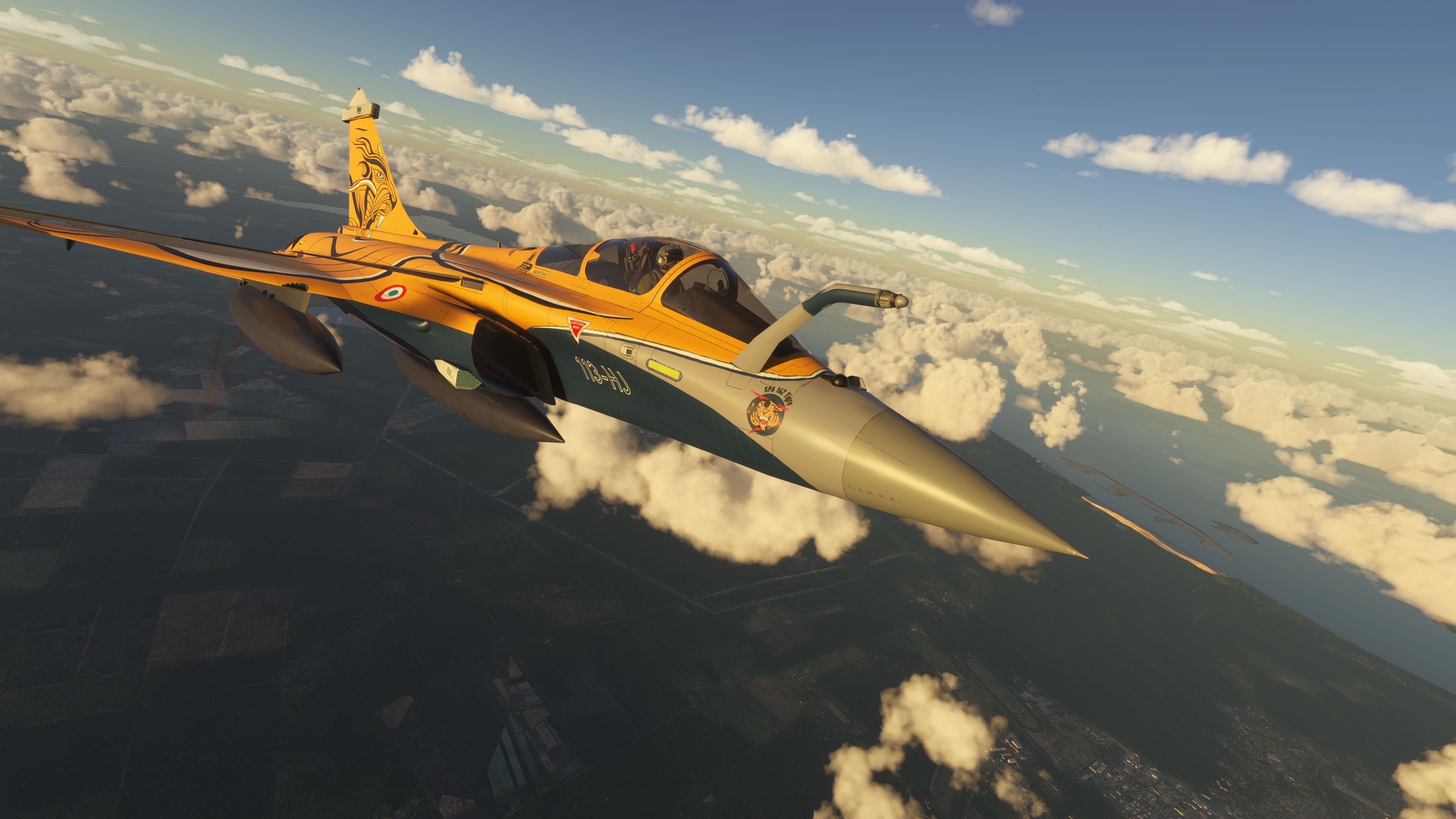
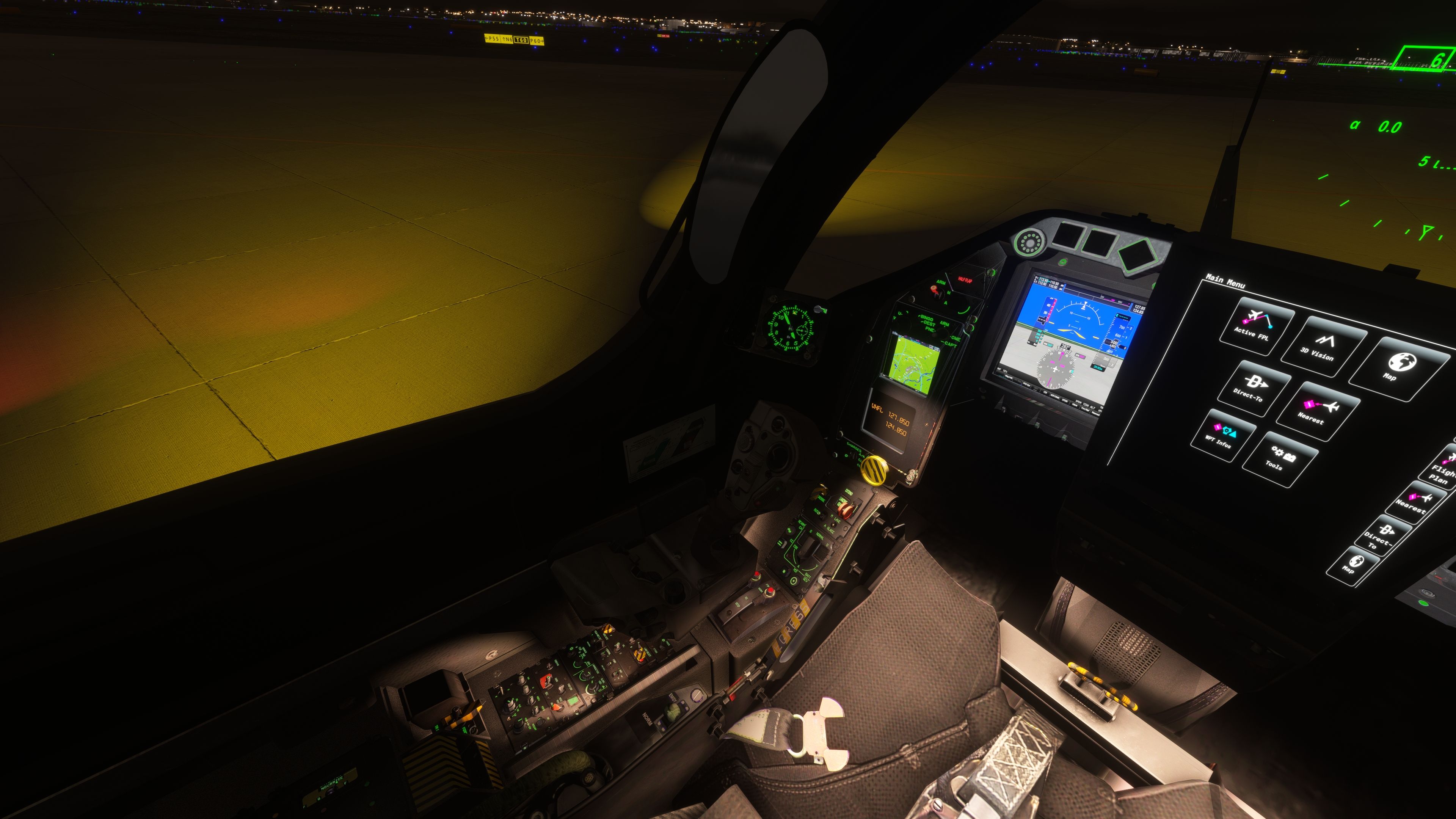
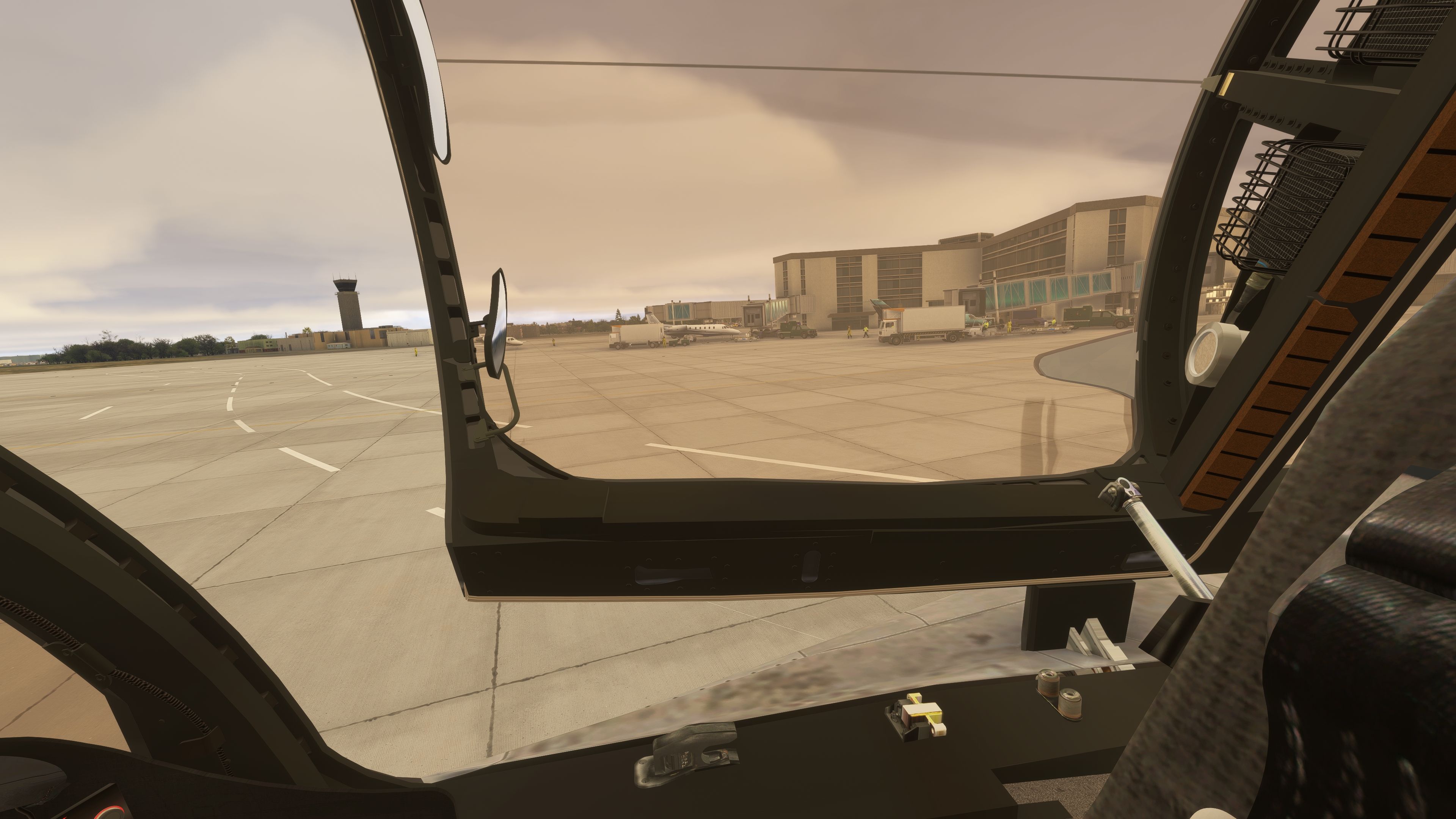
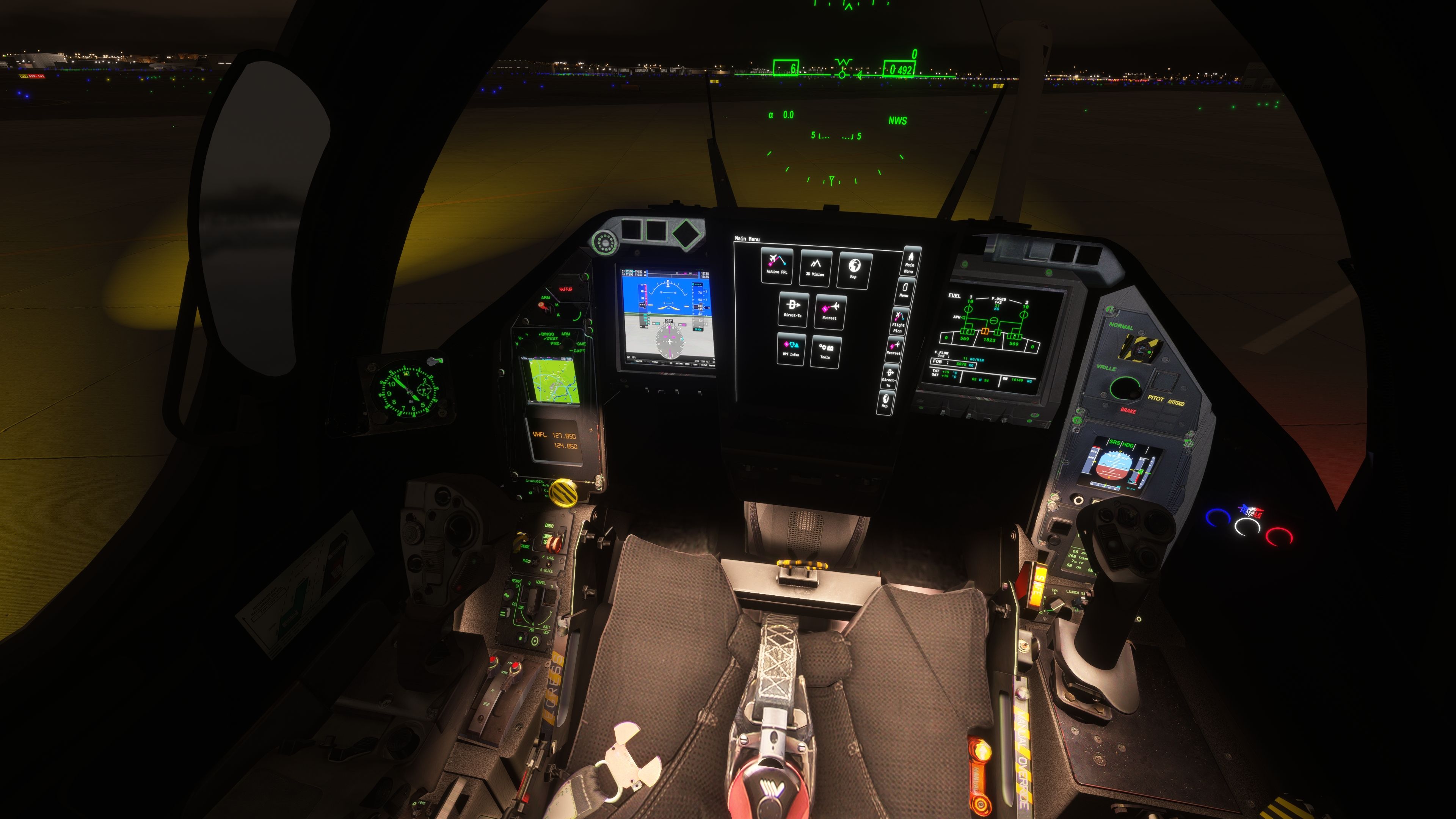
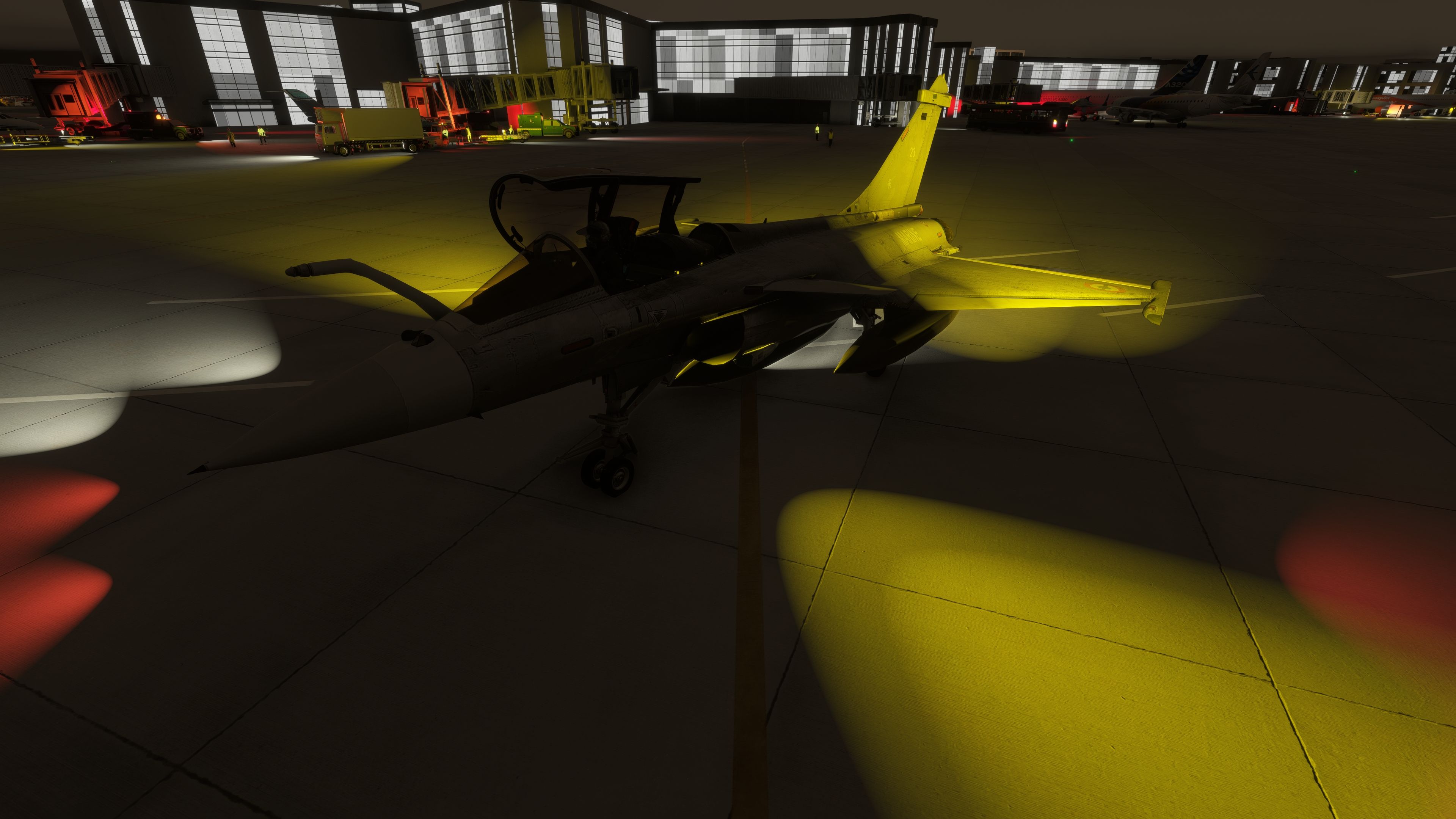
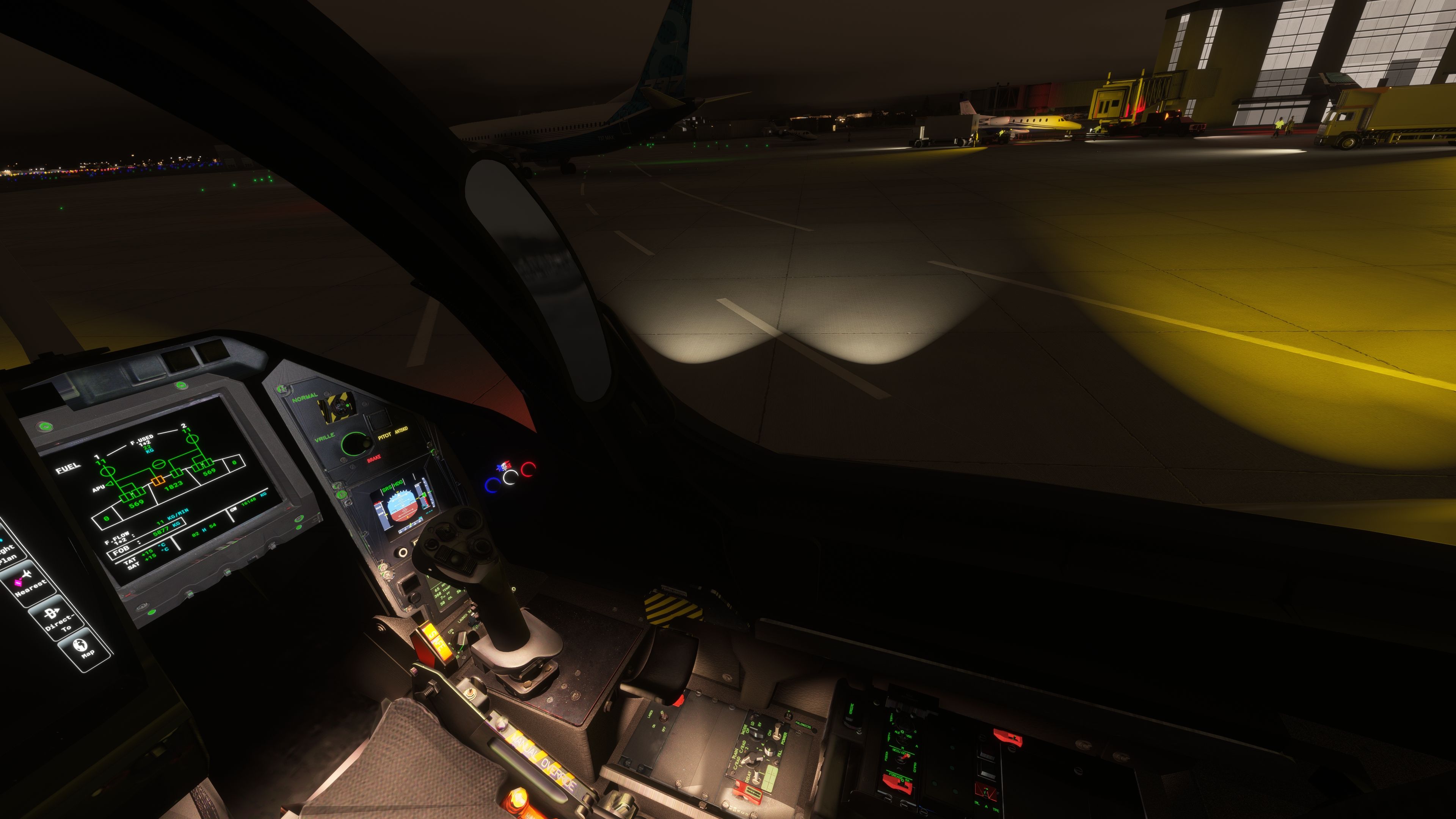
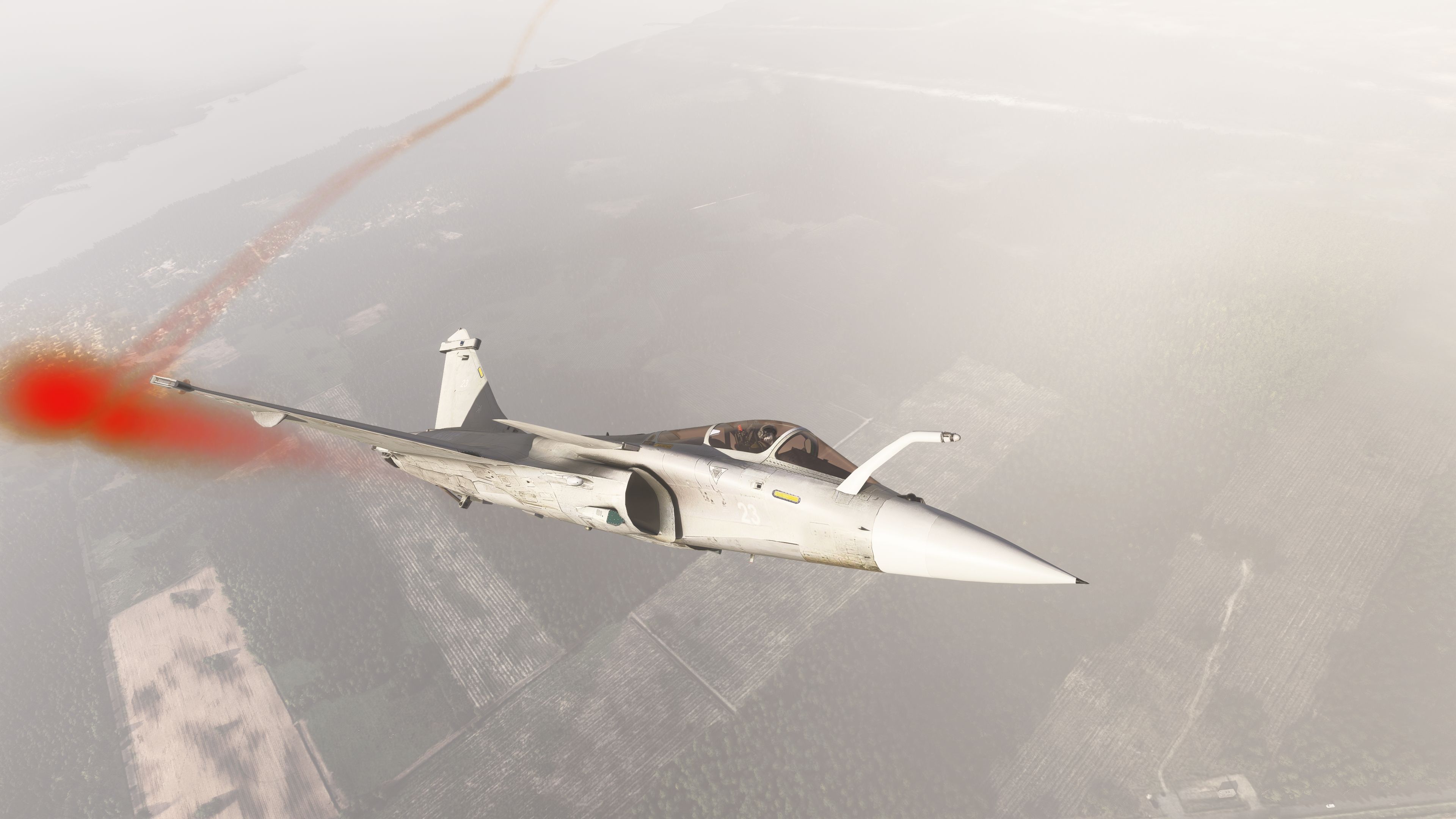
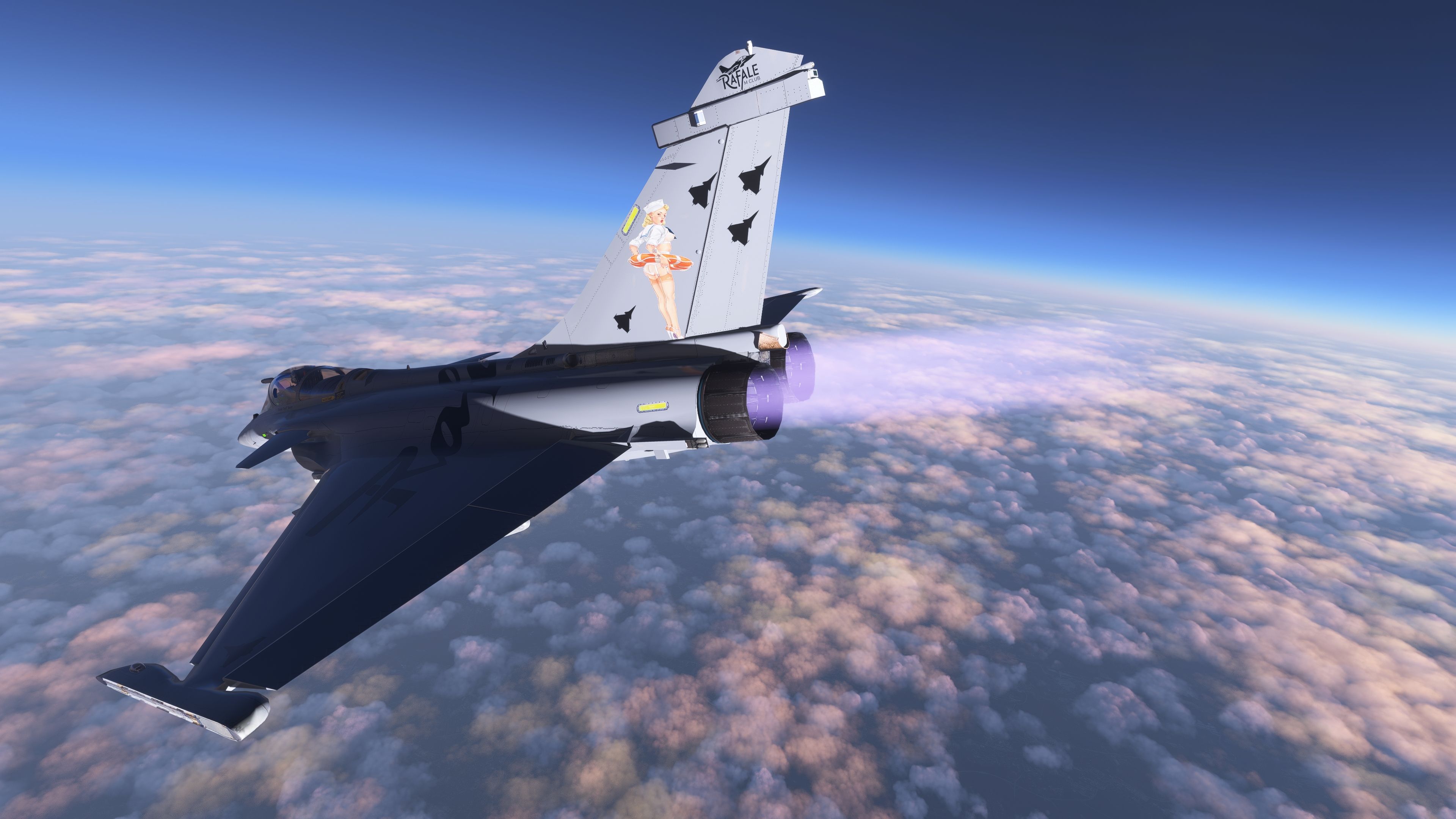
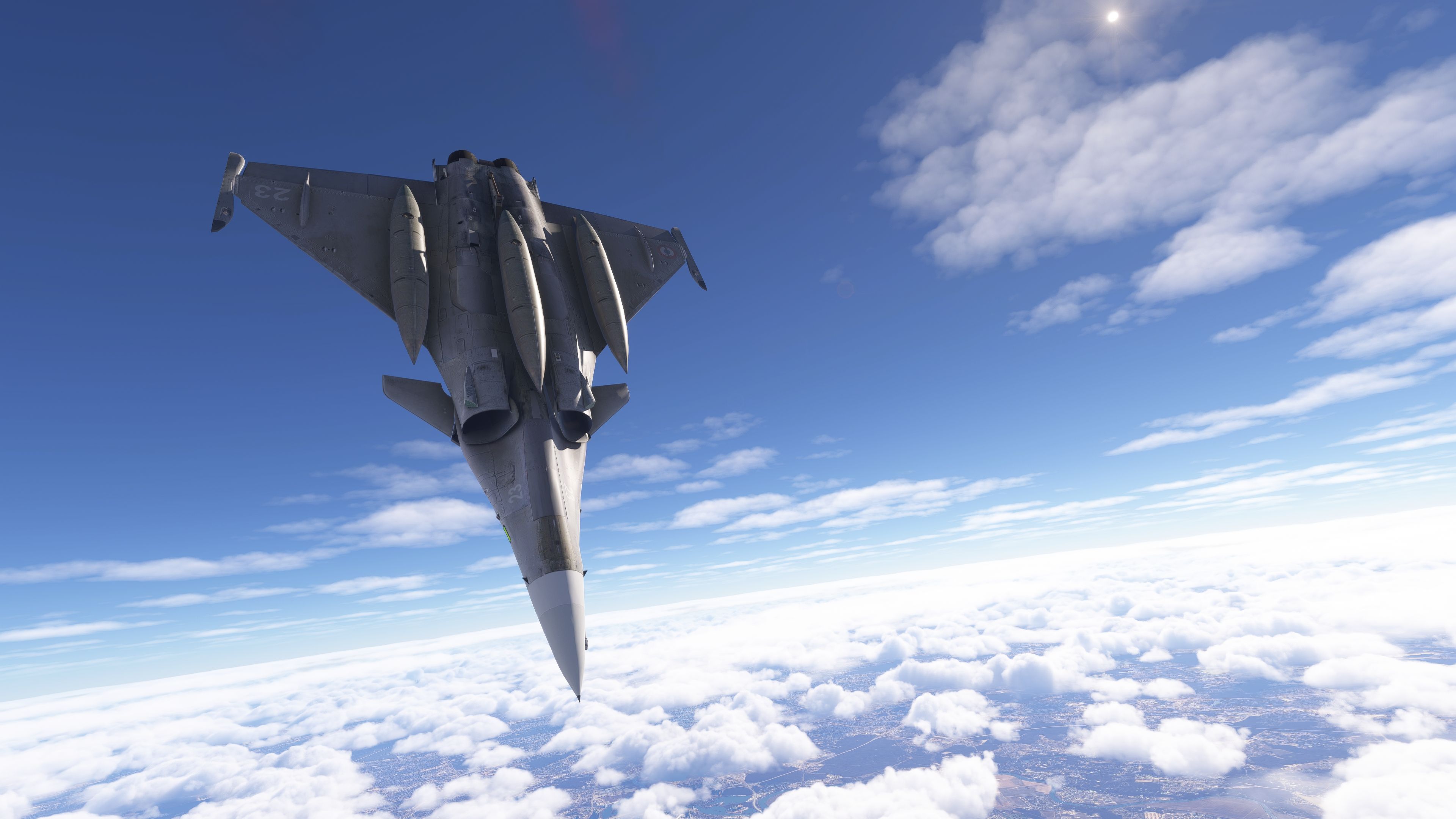
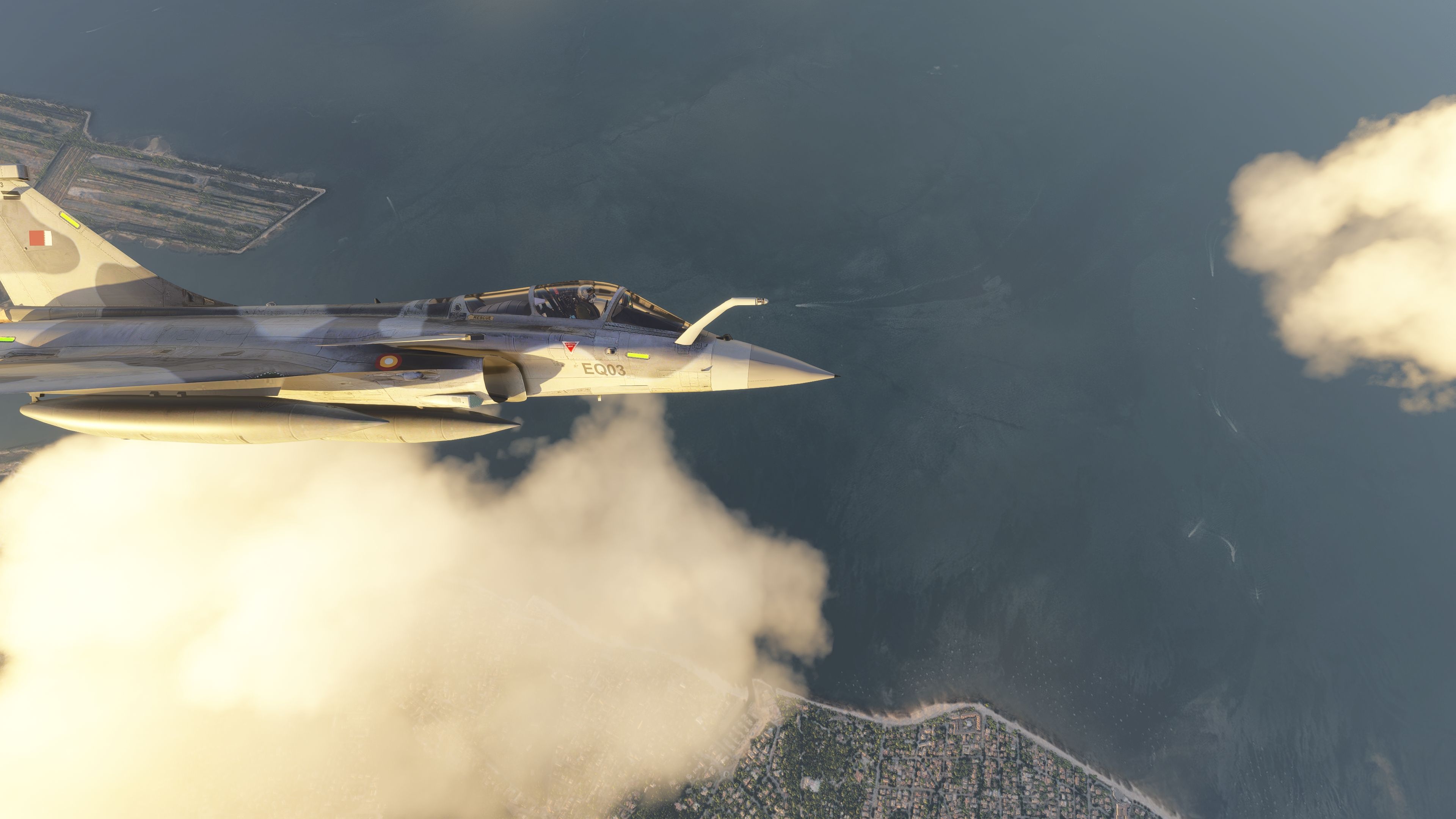
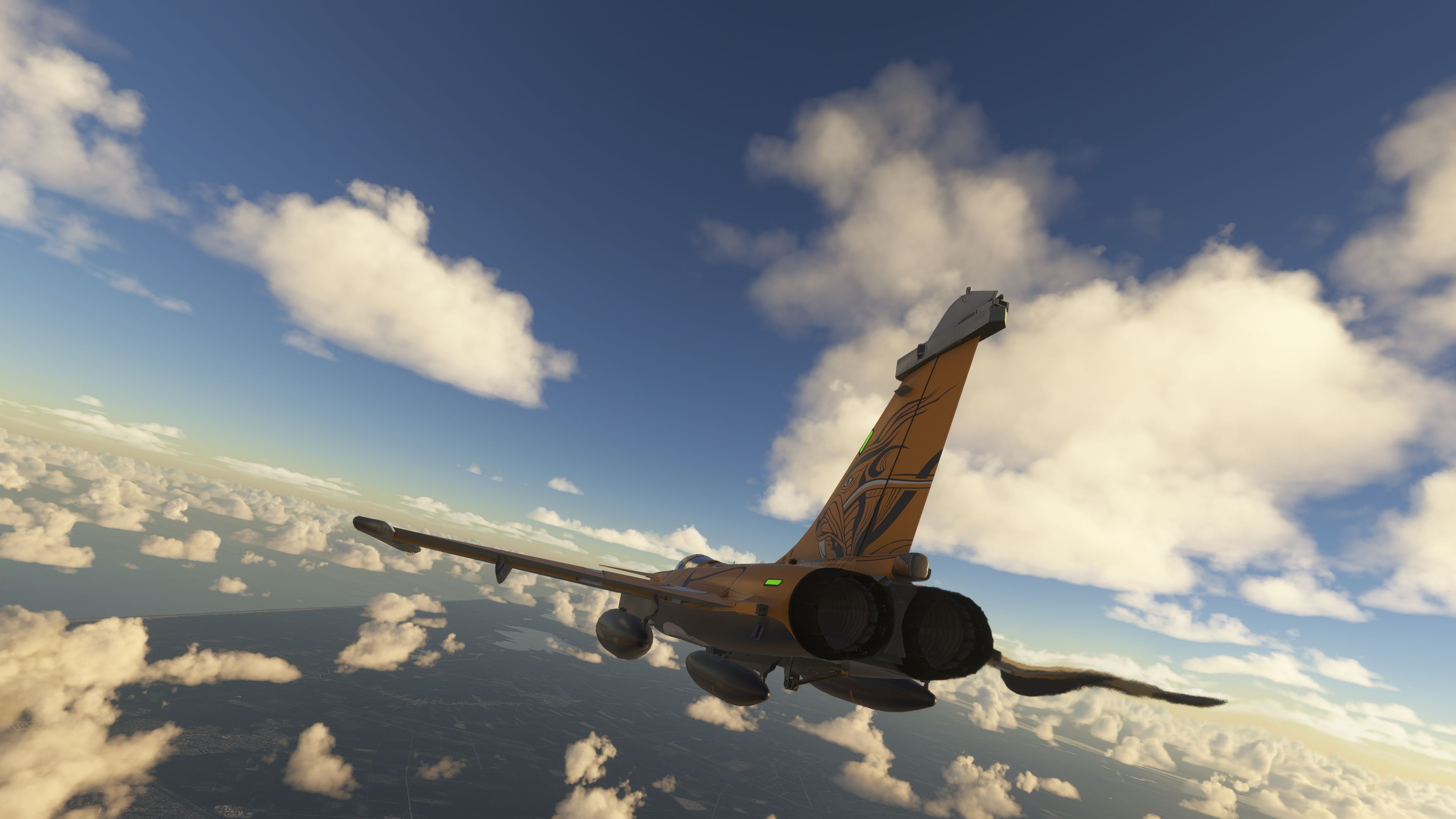
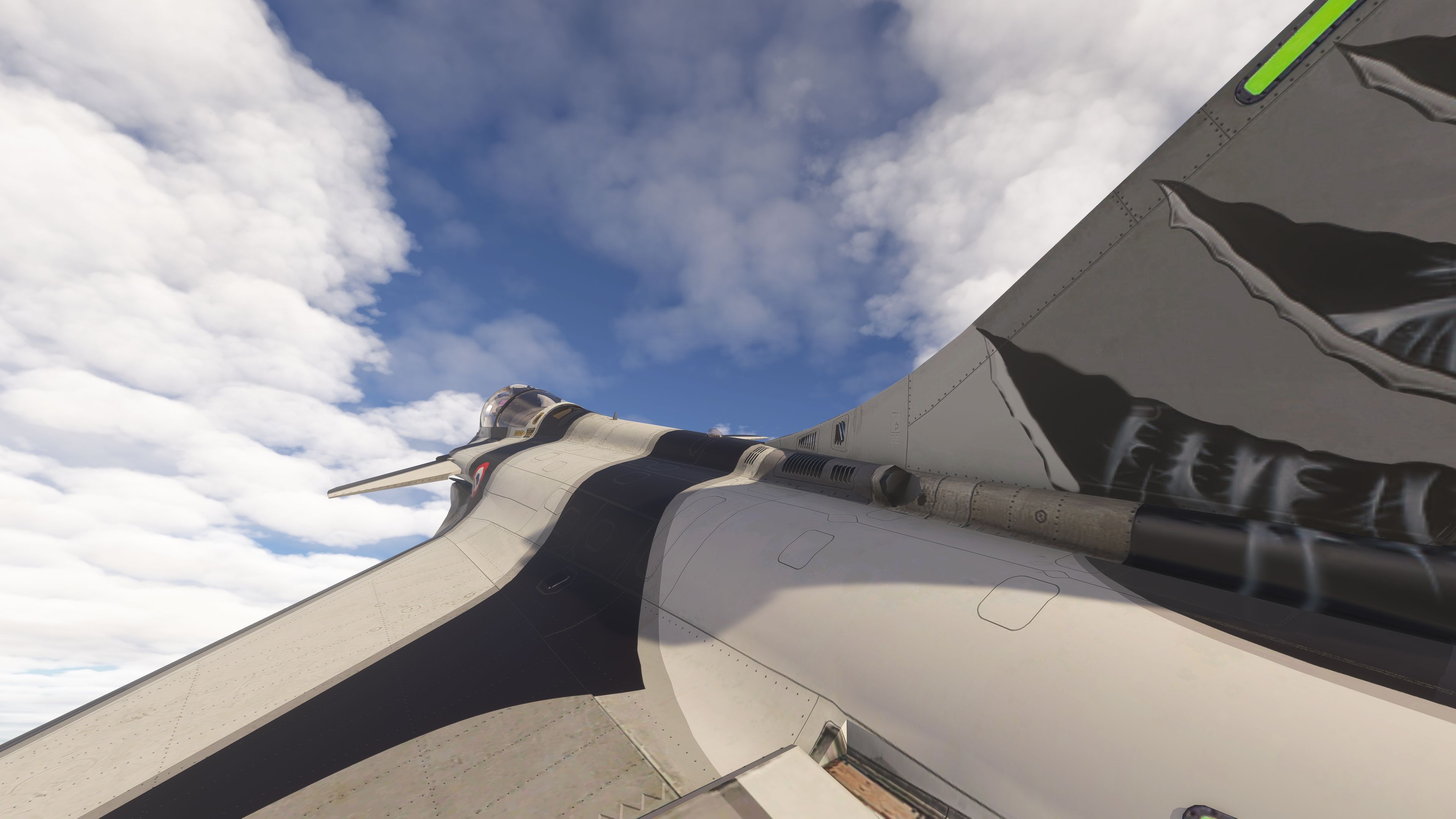
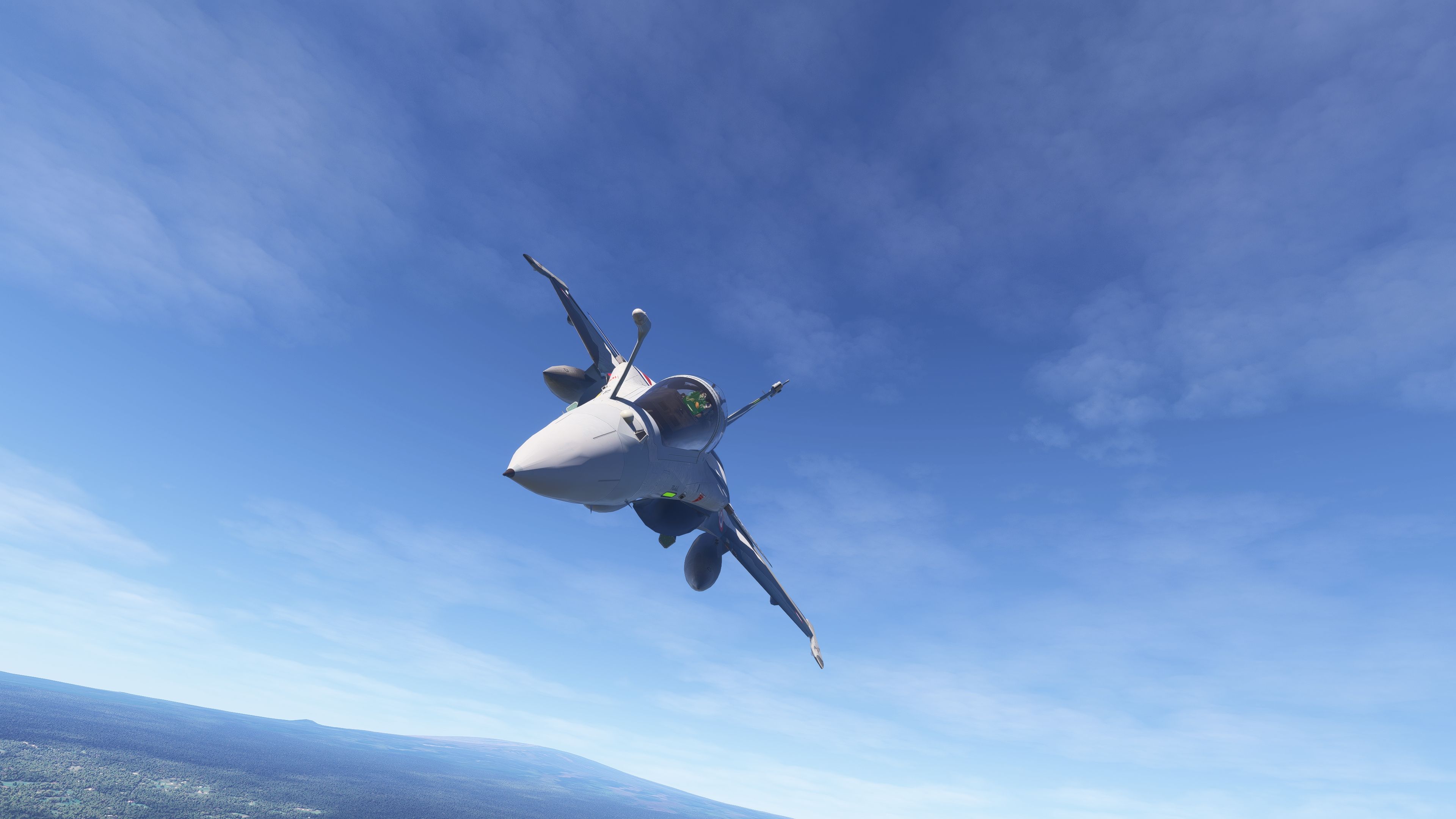
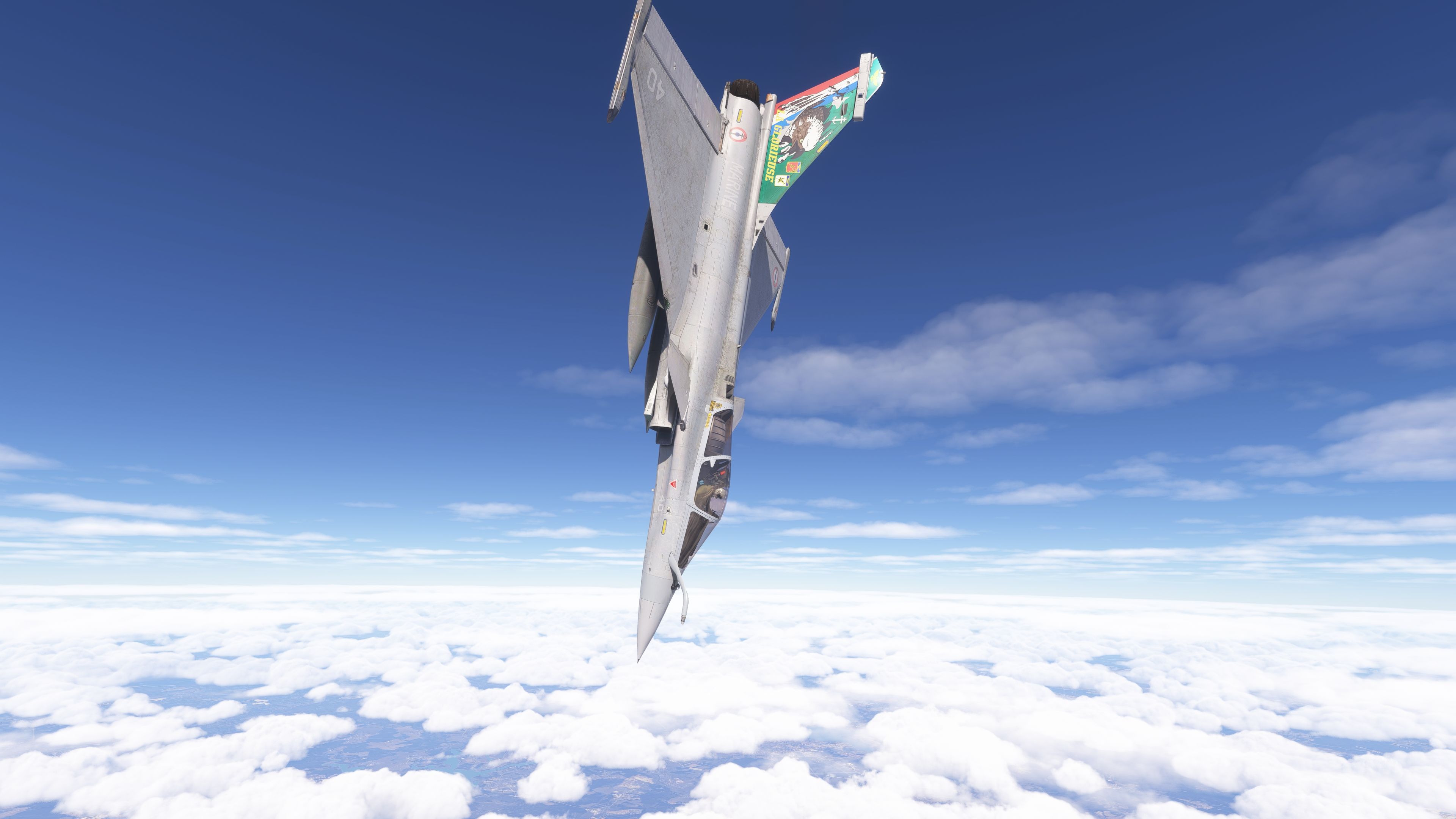
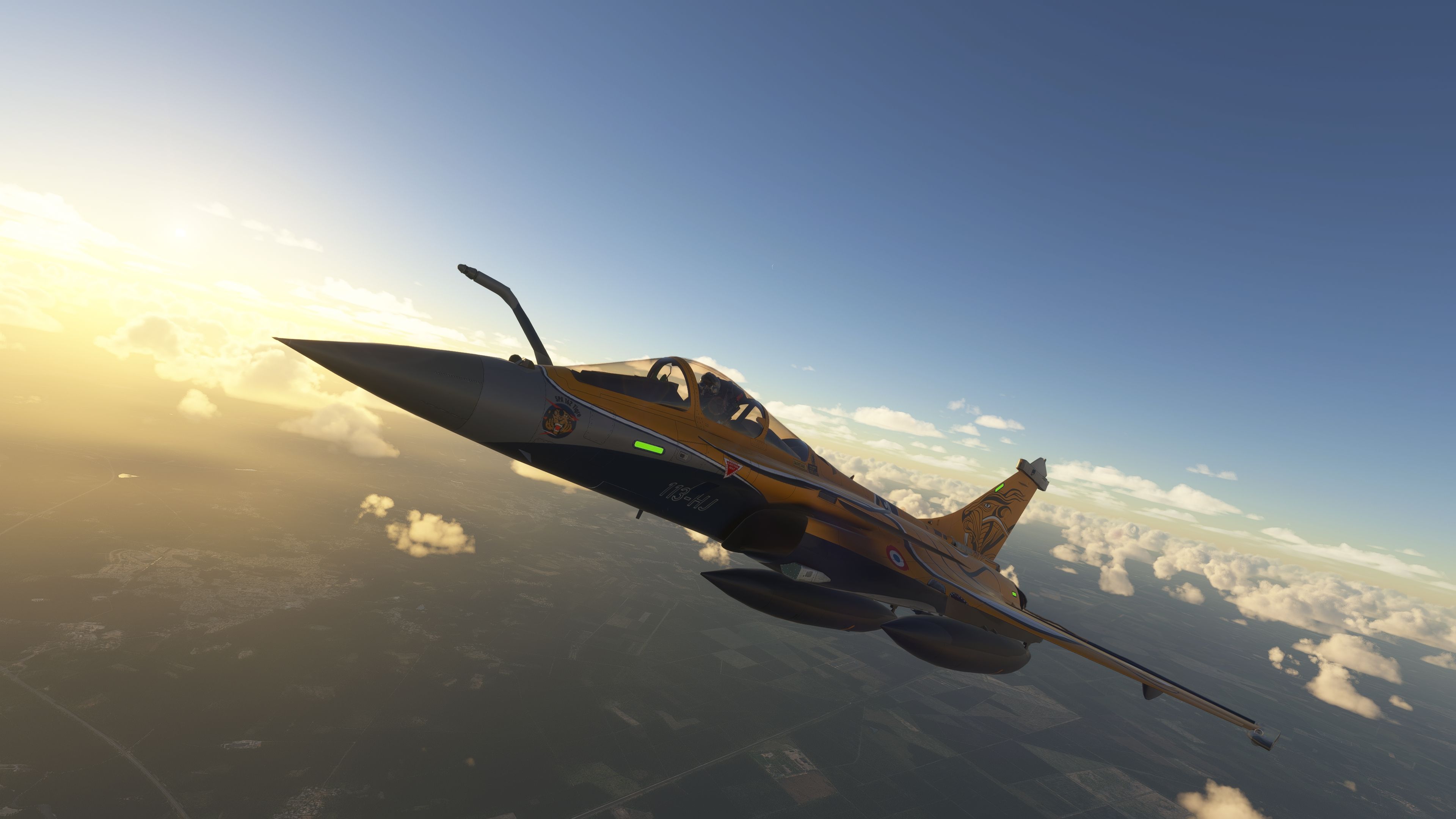
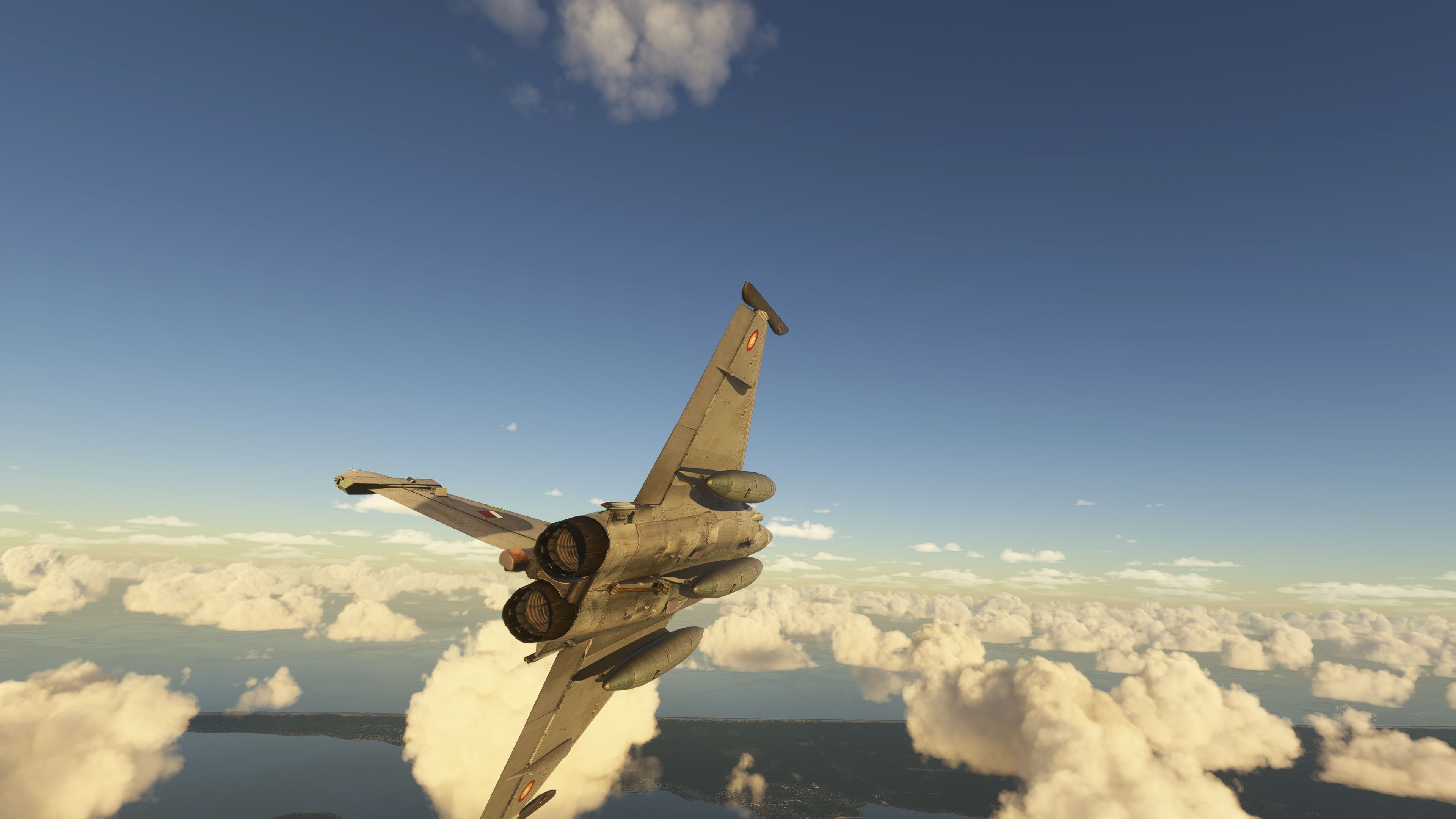
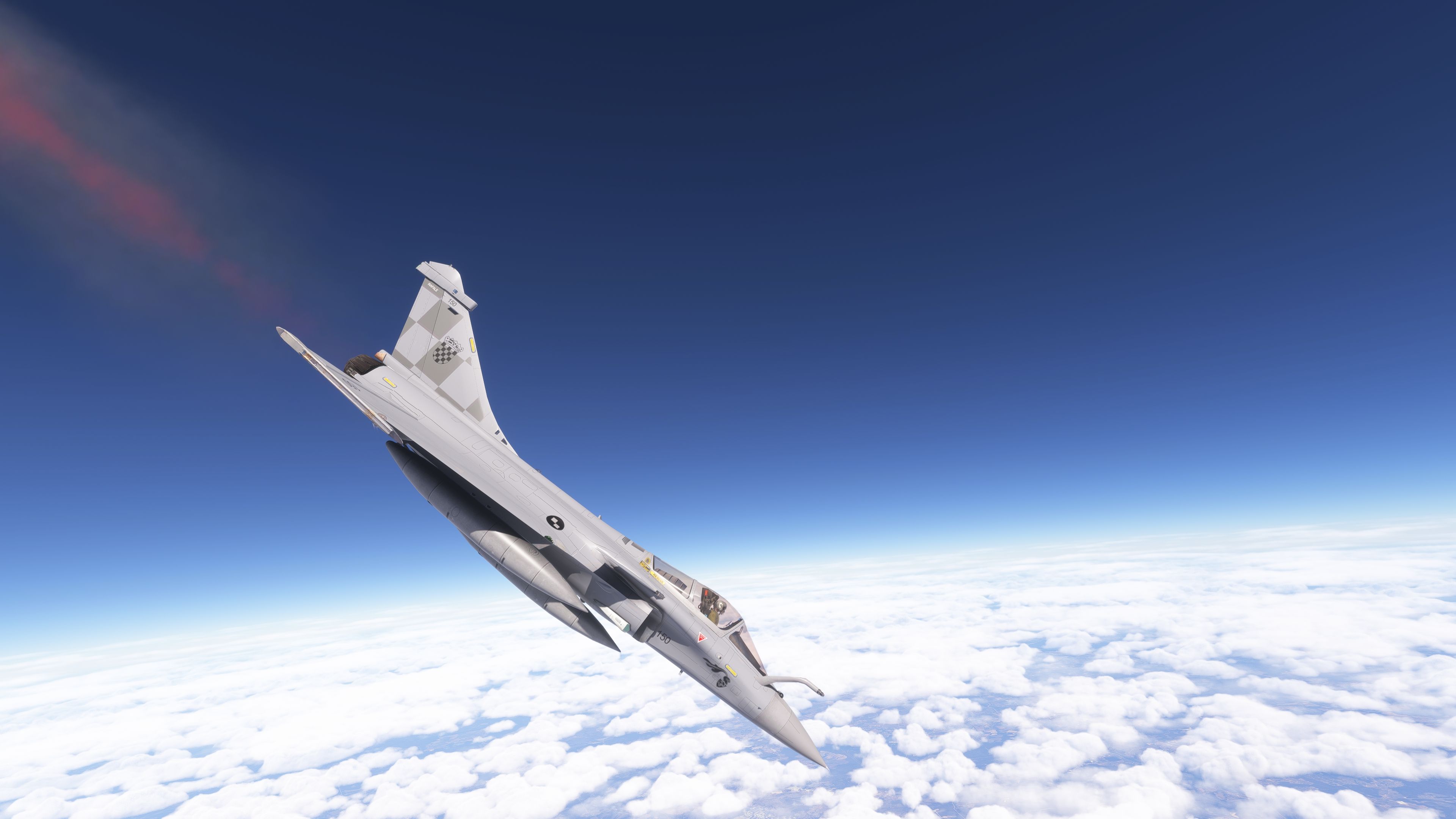
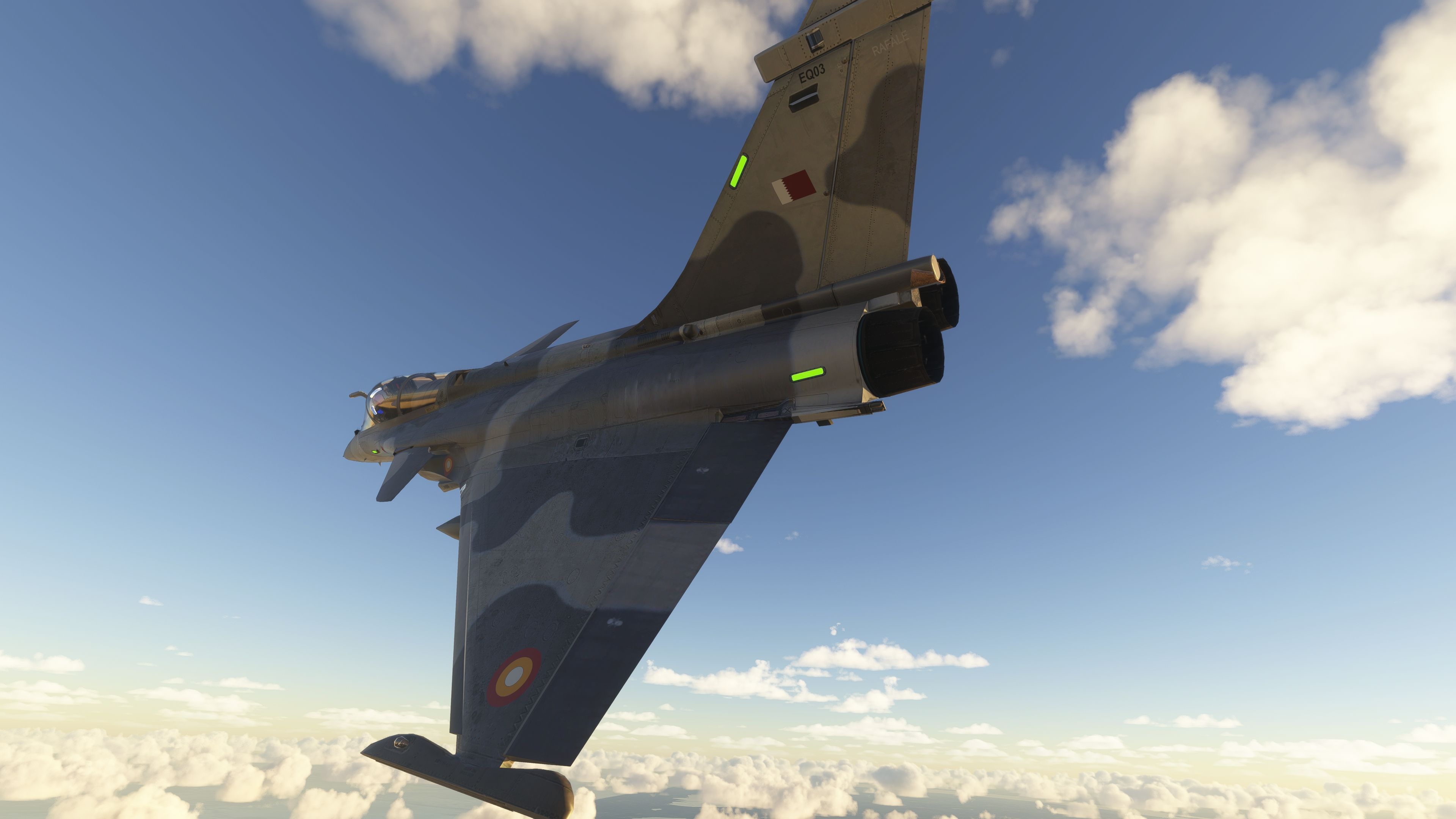
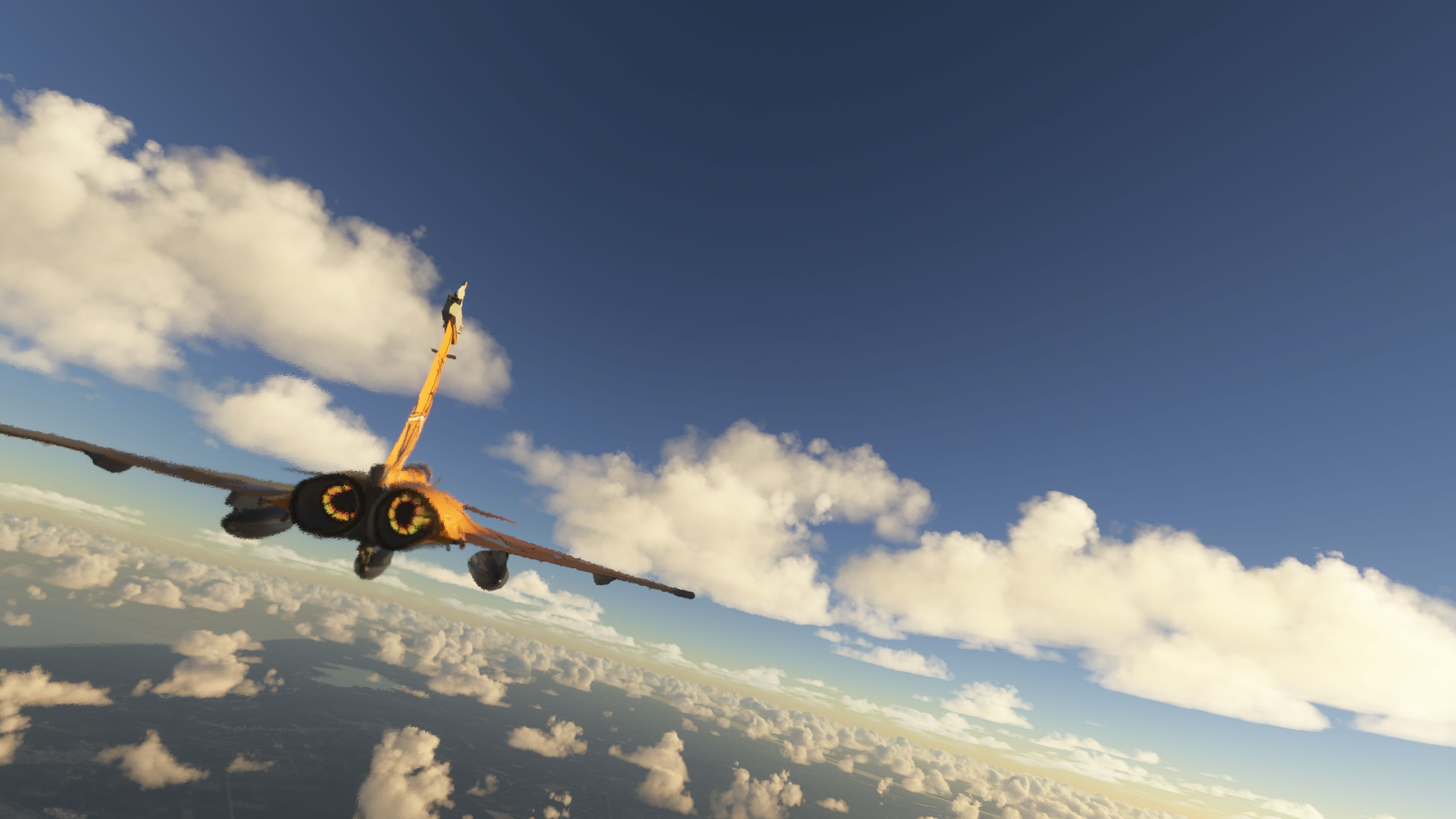
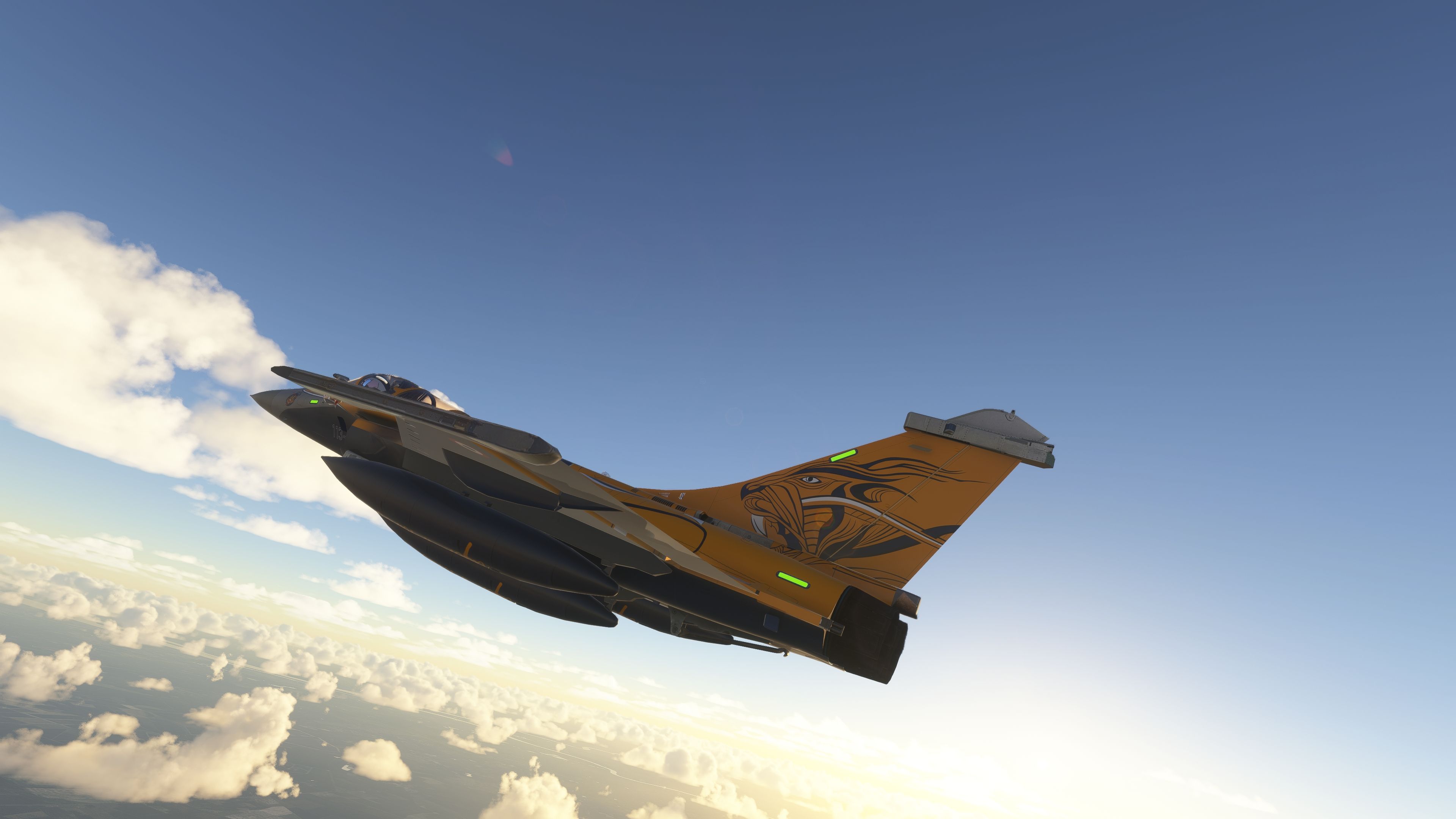
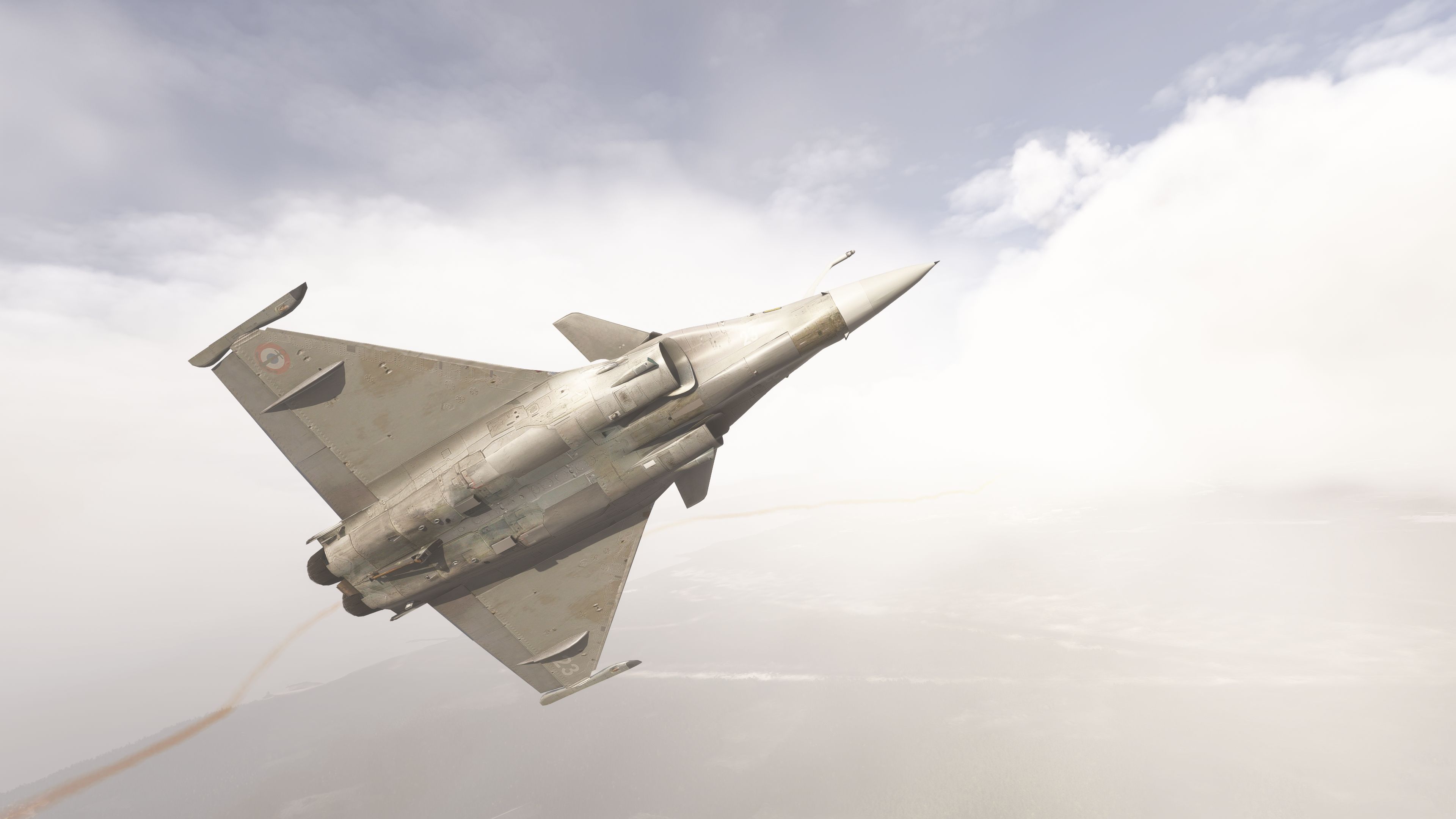
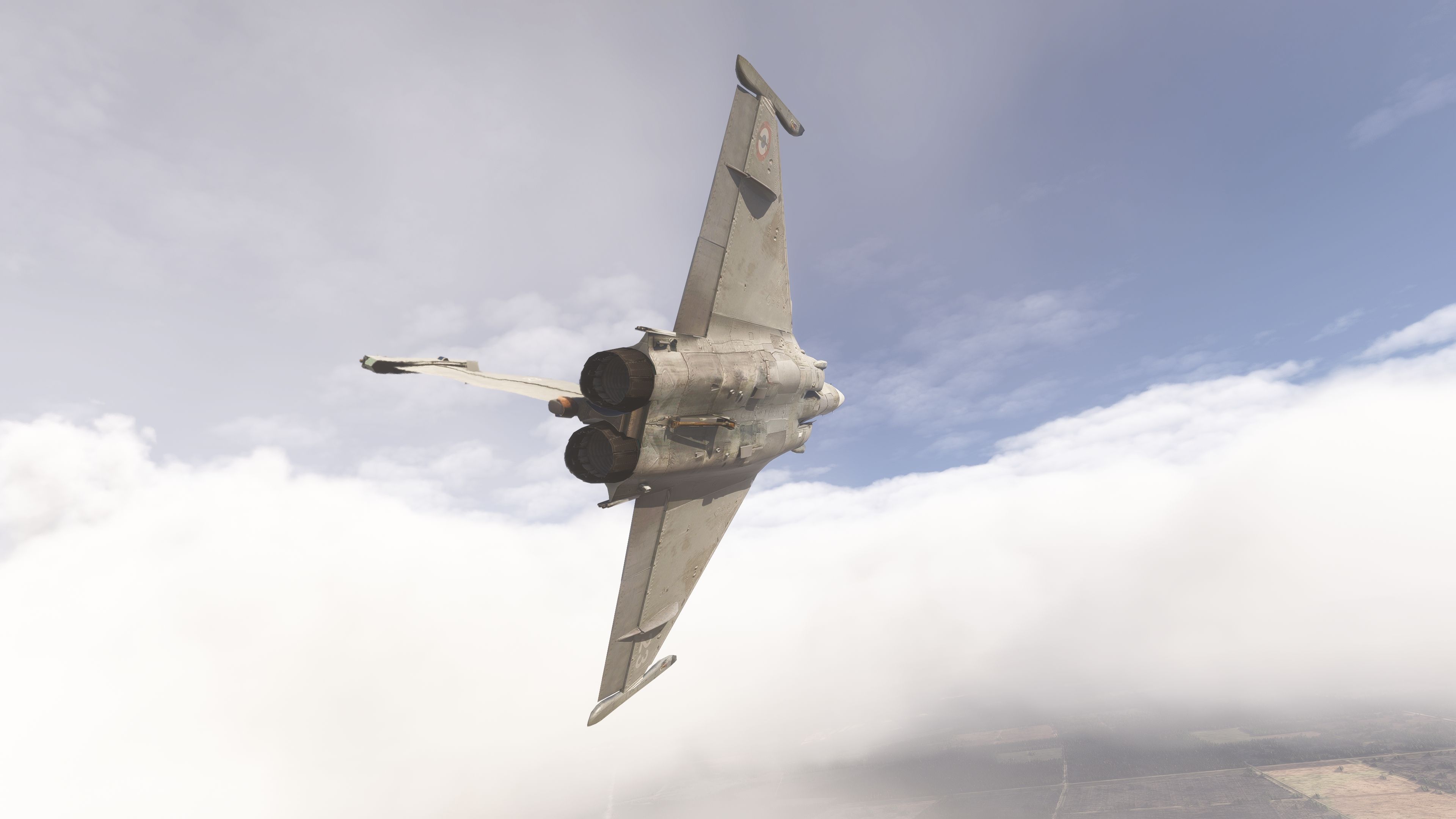
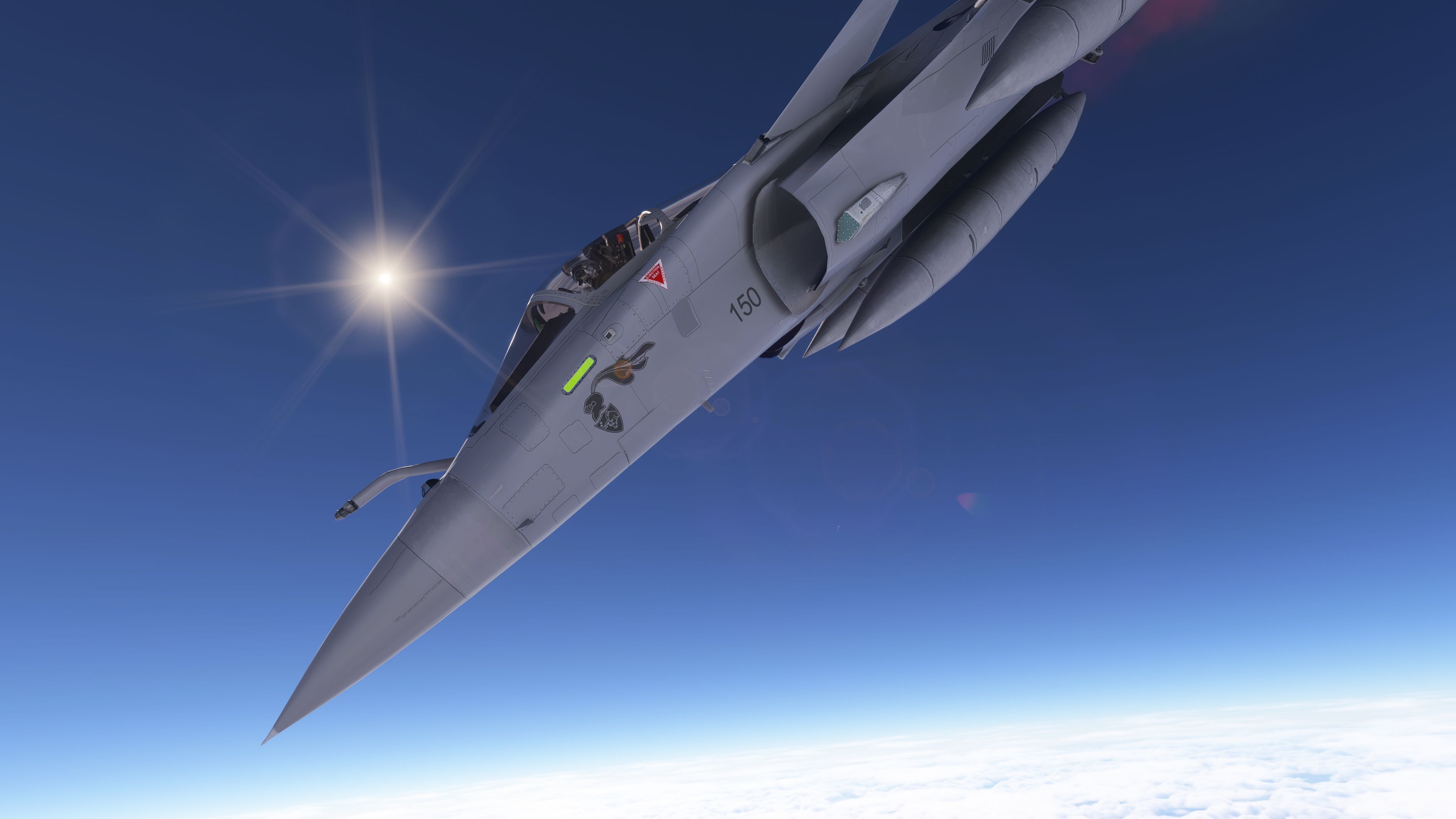
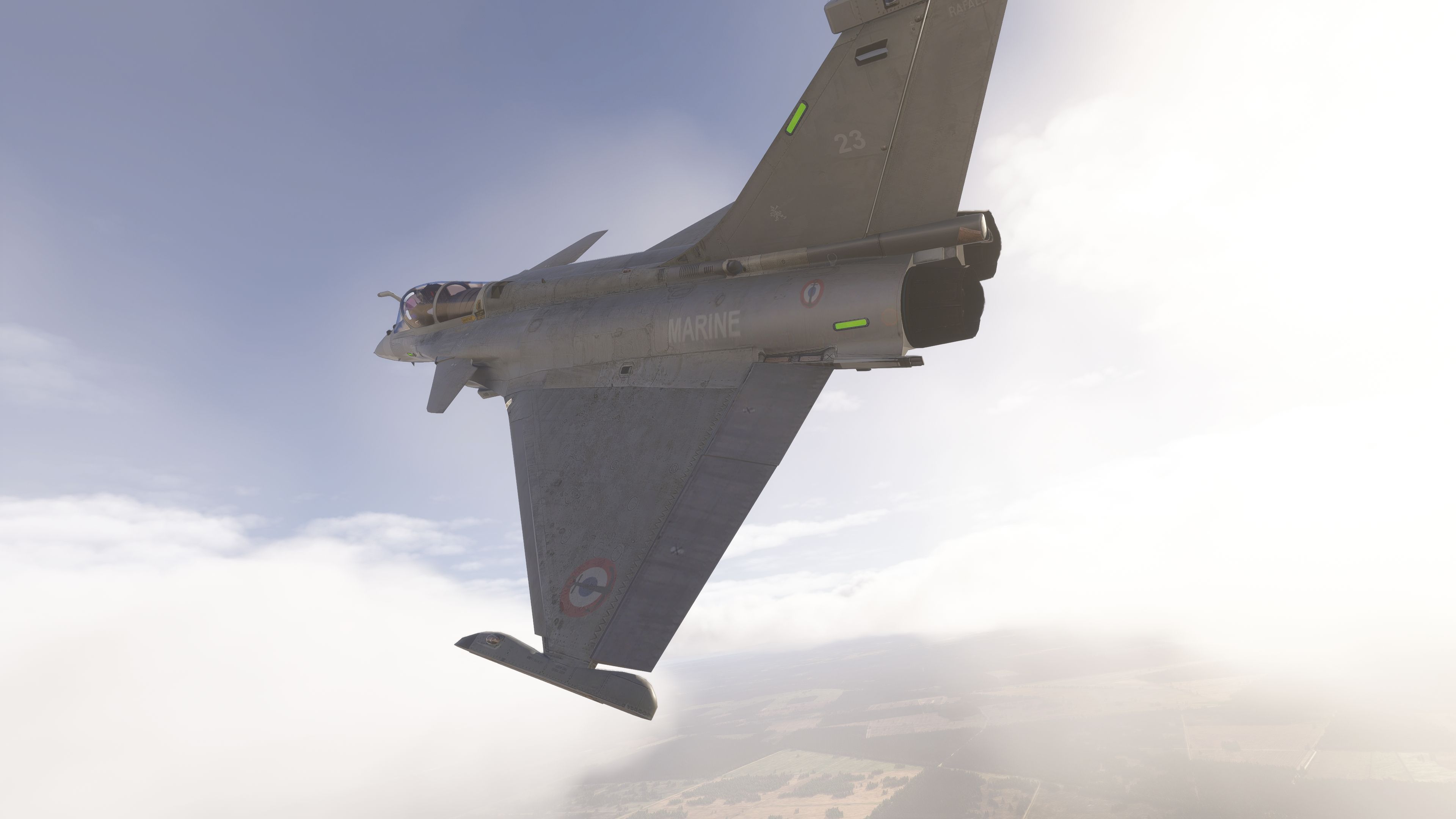
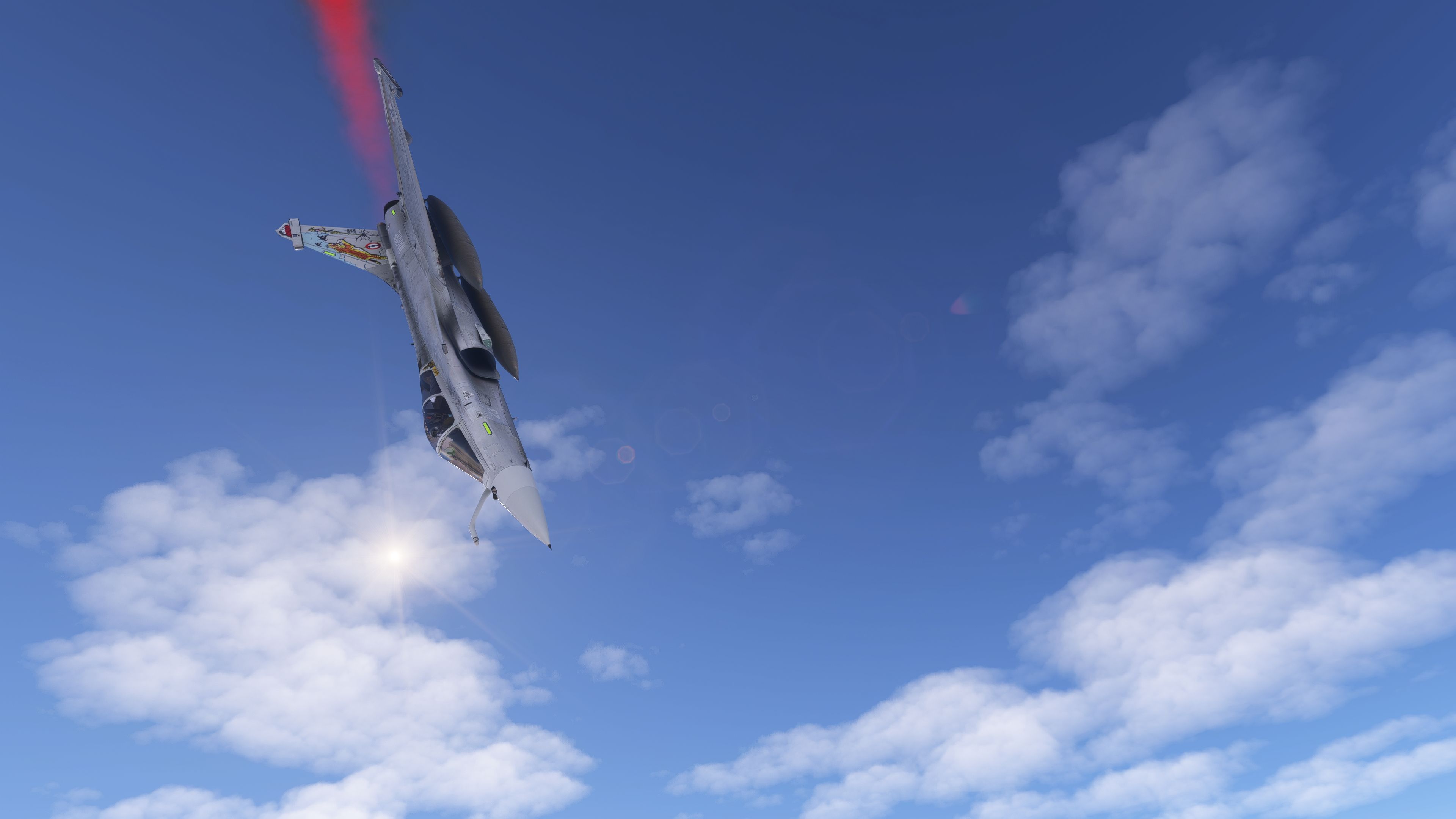
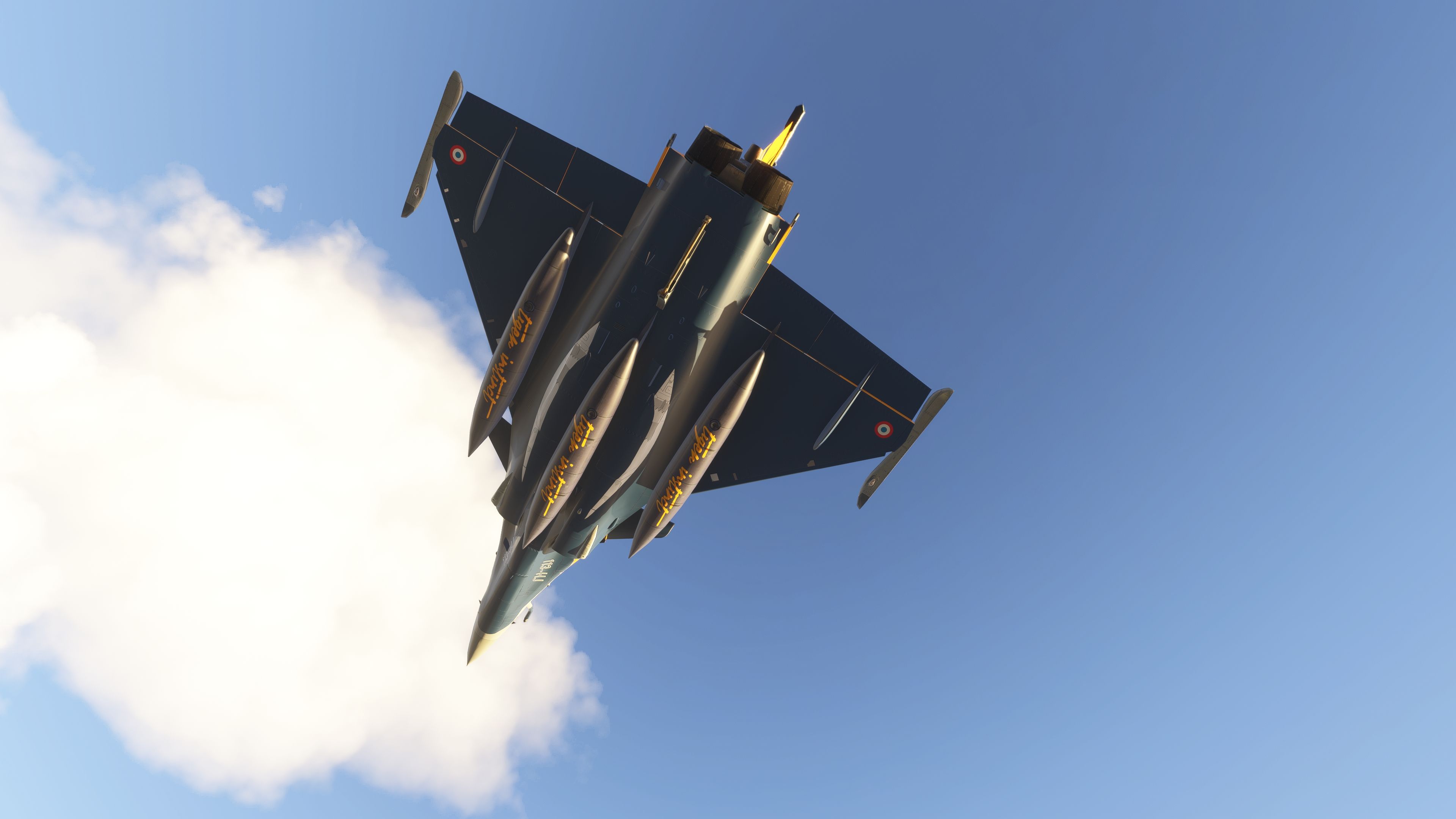
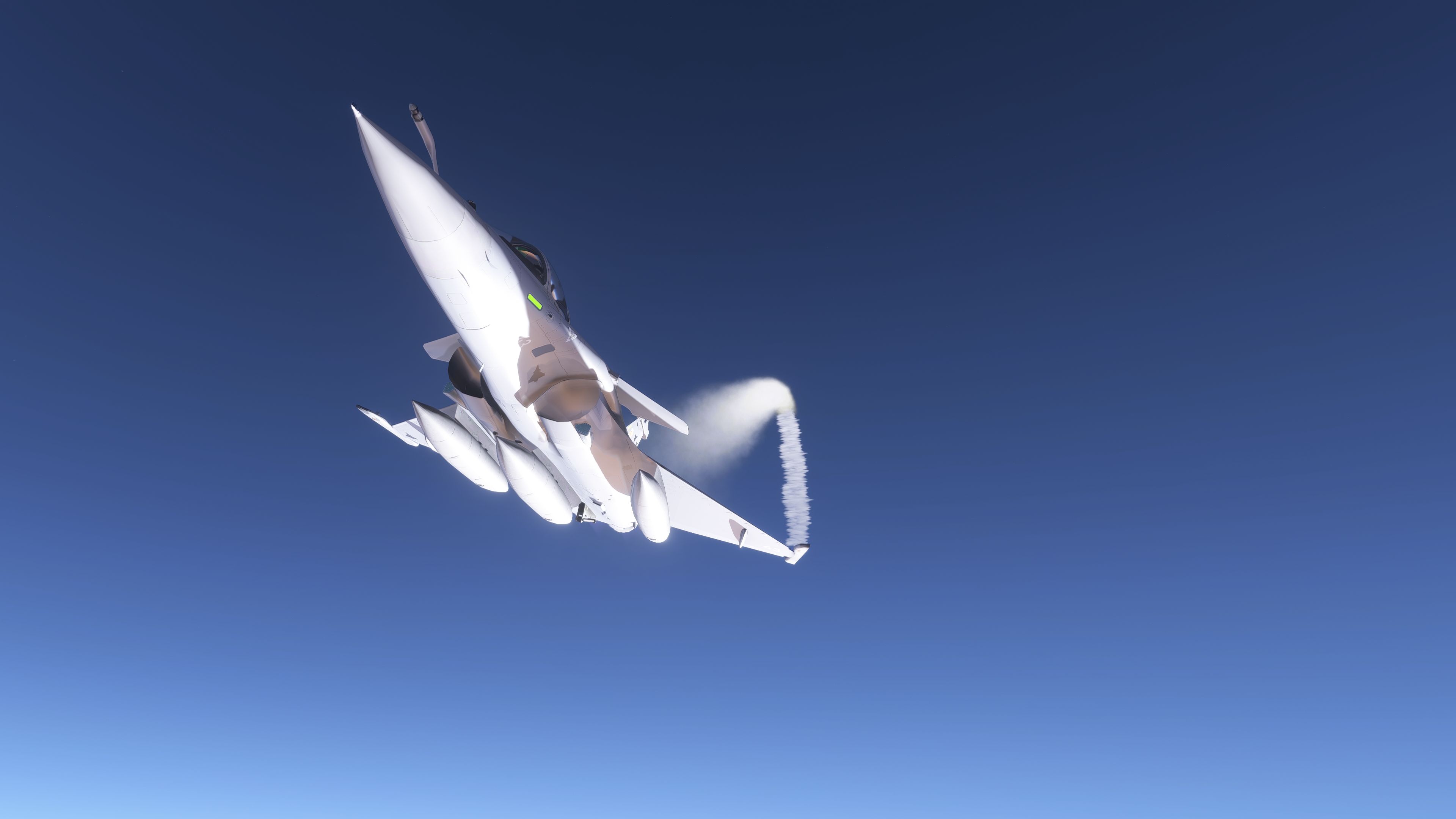

This refined Dassault Rafale M mod offers an authentic naval fighter experience in Microsoft Flight Simulator 2020 and 2024 with carefully adapted canard-delta geometry, robust carrier operations, and upgraded cockpit features. After personally testing it, I can confirm the meticulously reworked animations, pilot model enhancements, and advanced flight model tweaks—such as catapult-ready suspension and optimized control surfaces—deliver both stability and exhilarating high-G maneuvers. Seamless multi-player functionality, acrobatic smoke effects, and updated HUD components come together to elevate the realism during formation flying and complex deck landings alike.
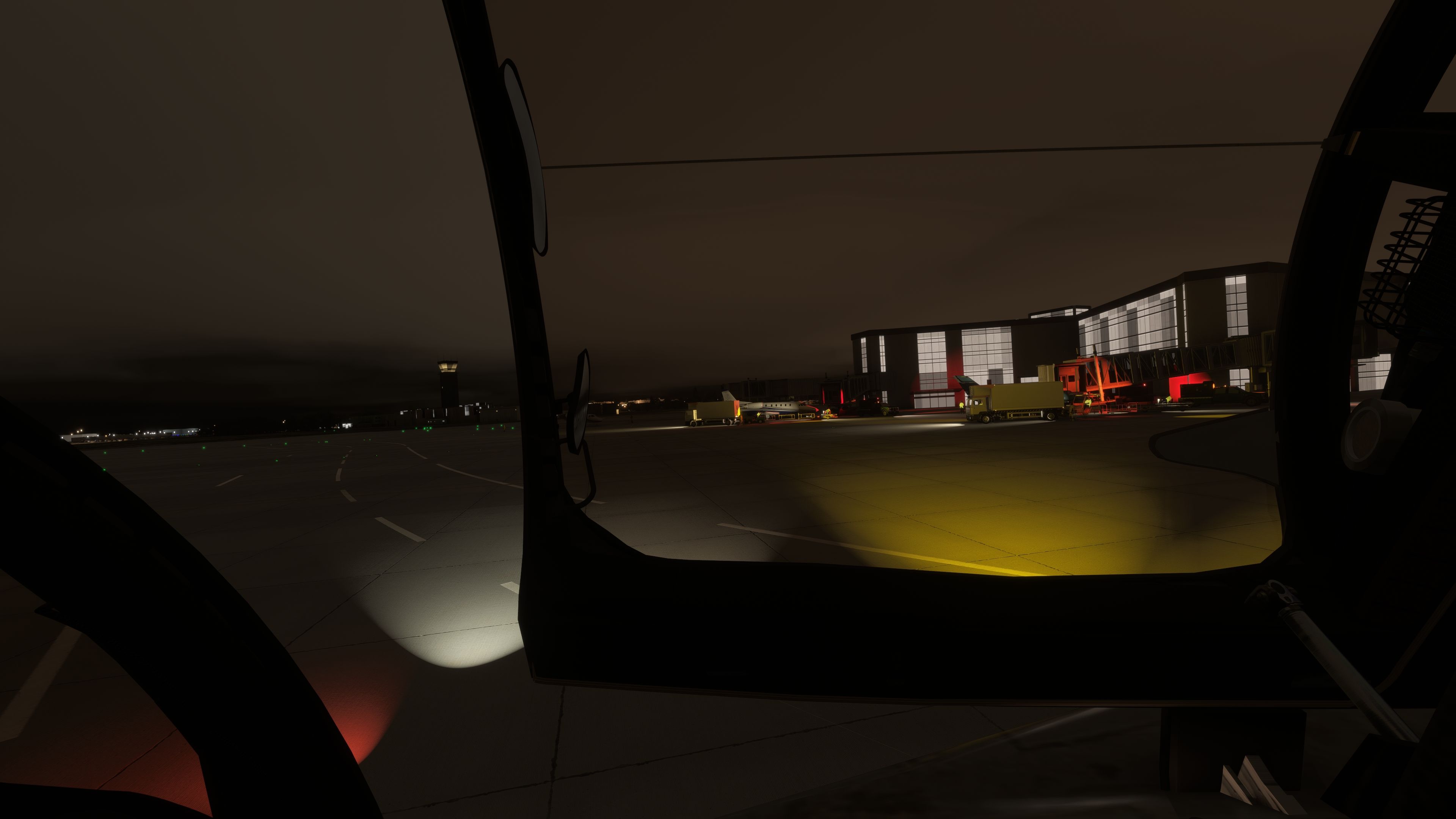
Developed through collaboration between Thor’s Hammer, alpha60, and other talented contributors, this freeware mod also includes a growing collection of vibrant liveries that have been refined for better performance and visual clarity. The cockpit architecture, courtesy of Johnnypropeller, shines with improved avionics brightness and intuitive layout tweaks for easier night or stormy-weather operations. In my decades of flight simulation experience, this Rafale M stands out for its attention to detail and commitment to carrier-based realism, making it a must-have addition to any virtual pilot’s hangar.
This Dassault Rafale M package for the new Microsoft Flight Simulator series presents a meticulously adapted naval fighter, originally developed for Microsoft Flight Simulator X (FSX) and reworked by alpha60 with permission from Thor’s Hammer. It integrates optimized canard-delta geometry, upgraded animations, and substantial performance refinements. This version is available as freeware and packaged entirely with a dedicated base model. Its functionality extends to Microsoft Flight Simulator 2020 and Microsoft Flight Simulator 2024, ensuring enhanced compatibility and seamless carrier operations.
 The Dassault Rafale M serves as the naval variant of the Rafale series, designed around aircraft carrier deployments in the French Navy. Its robust fuselage structure and reinforced undercarriage make it adept at handling catapult launches and arrested recoveries. The conversion featured here maintains that purpose by refining the cockpit layout—thanks to contributions from Johnnypropeller—and upgrading the external geometry to fit carrier-based procedures in modern simulators.
Across sequential releases, numerous revisions have improved the Rafale M’s fidelity. Highlights include a new HMD (Helmet-Mounted Display) feature, adjustments to external tank capacity graphics, catapult-ready front suspension refinements, contact point calibrations to prevent wheel-sink on the tarmac, and modifications for SU1 FS2024 support. The mod now also offers streamlined files, making performance more efficient without compromising any key visuals.
To install, simply extract the delivered archive, then move the “Rafale M” folder into your simulator’s “community” directory. If replacing a previous version, remove or rename the old folder beforehand. Once inside Microsoft Flight Simulator, check the “weight and balance” menu to adjust payload elements such as fuel tanks (up to 2,000-liter external tanks) or armaments. Note that external tanks appear automatically once you allocate fuel to their specific stations and vanish when they dip below certain thresholds.
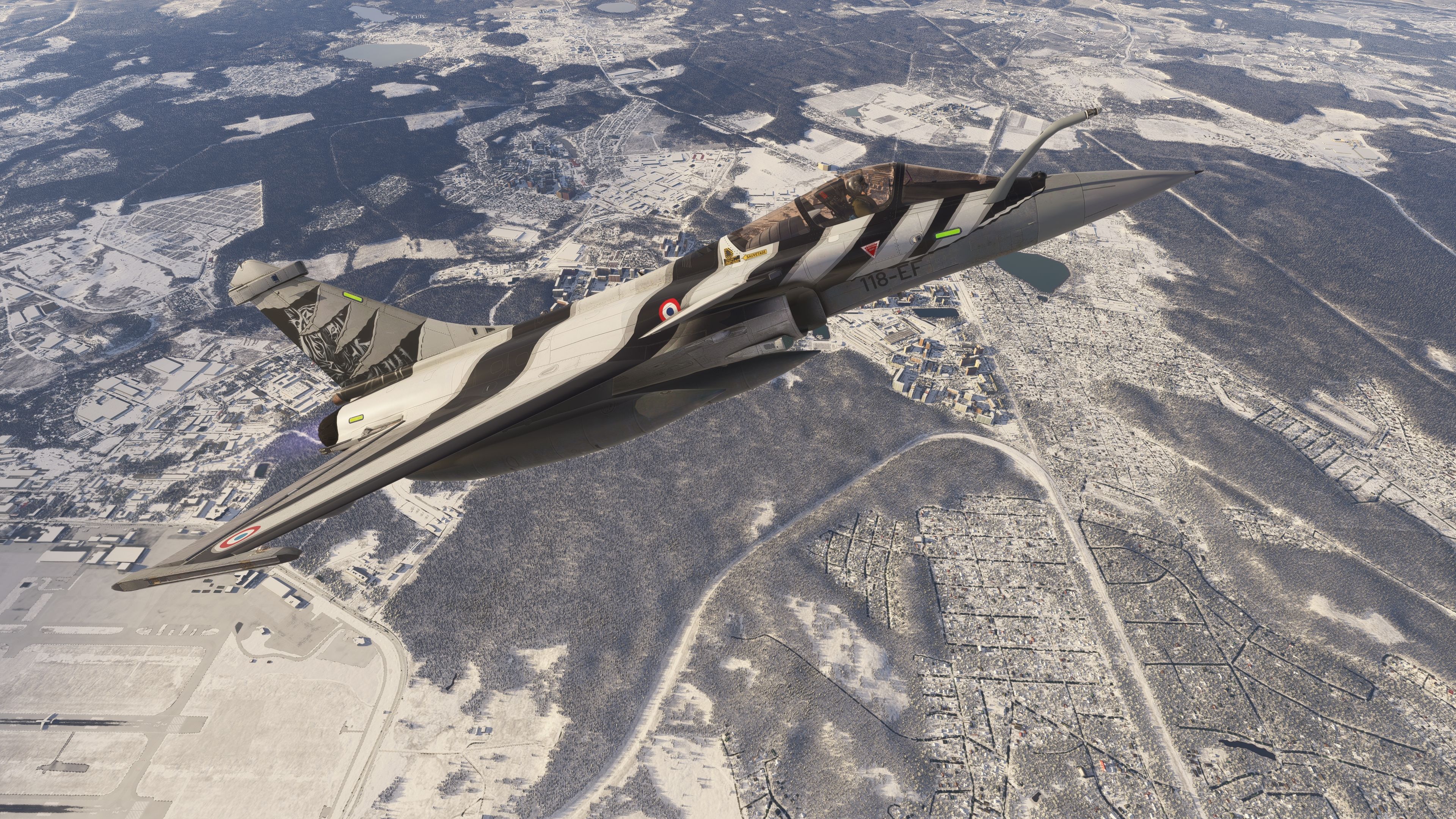
A significant range of liveries has been incorporated by MartyF909, capturing diverse themes such as Brazilian schemes, NATO Tiger Meet tributes, and commemorative flamboyant designs. Some older skins were removed to streamline the file size, but newly added schemes like “Croatia” or “Romain Hugault” provide varied options. Liveries for special events such as the “Solo display 2023” and “DDay 80 years” (for earlier versions) remain part of this evolving collection.
This freeware project is the result of collaborative input. Special acknowledgment goes to Ninja for development and coordination, Thor’s Hammer for the original permission, Johnnypropeller for crafting the 3D cockpit geometry, and MartyF909 for the array of high-quality liveries. Released by alpha60 and sanctioned for distribution on Fly Away Simulation, this package adheres to a strict non-commercial policy—no trading or resale for profit is permitted.
Free for all simmers · 885.01 MB · Scanned clean Oct 2026
Download speed: Free tier is capped at 2 Mbps (this file takes approximately 1h 2m at the cap). PRO members download at full line speed.
%LOCALAPPDATA%\Packages\Microsoft.FlightSimulator_8wekyb3d8bbwe\LocalCache\Packages\Community\. Steam version: %APPDATA%\Microsoft Flight Simulator\Packages\Community\. Tip: enable Developer Mode in MSFS to see your exact Community folder path.readme.txt or README file. It tells you exactly where files go, what dependencies are needed, and any quirks specific to this add-on.Only PRO members can place votes.
More MSFS add-ons hand-picked based on this download.
MSFS Military Aircraft
A fun pack produced by developer Cayden Nguyen bringing the FSX/Acceleration …
 MSFS Military Aircraft
The realm of flight simulation achieves a new pinnacle with the introduction …
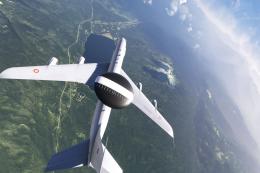 MSFS Military Aircraft
The Microsoft Flight Simulator 2020 community continually expands its horizon…
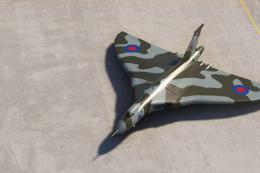 MSFS Military Aircraft
The MSFS Avro Vulcan B2 add-on introduces the iconic Avro Vulcan B2 to the sk…
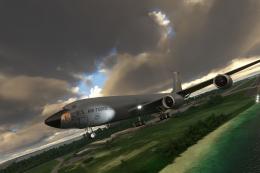 MSFS Military Aircraft
The MSFS Boeing KC-135R Stratotanker, a meticulous freeware add-on for Micros…
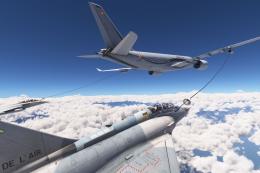 MSFS Military Aircraft
Step into the world of advanced flight simulation with the Airbus A330 MRTT a…
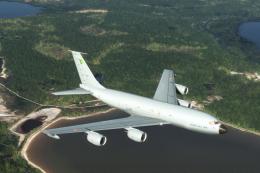 MSFS Military Aircraft
For enthusiasts seeking a unique and immersive experience in Microsoft Flight…
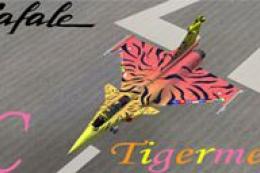 FSX Military Aircraft
FSX Dassault Rafale M, including aircraft and seven textures. Aircraft design…
Read what other simmers think, or add your own.

Hi, question to anyone: I've been on FSX Steam; I know how to put mods where they're supposed to go, but I'm new to MSFS 2020. It might be a dumb question, but which folder is considered the Community folder? Thanks.

Bro, the aircraft is not working on the runway. The throttle is moving, but the aircraft does not move.

Can someone please let me know how to select a weapon for firing and then fire the weapon? What keyboard keys are used? Using the addon with MSFS2020?