



FS2004 AFCAD2 File For VHHH V4
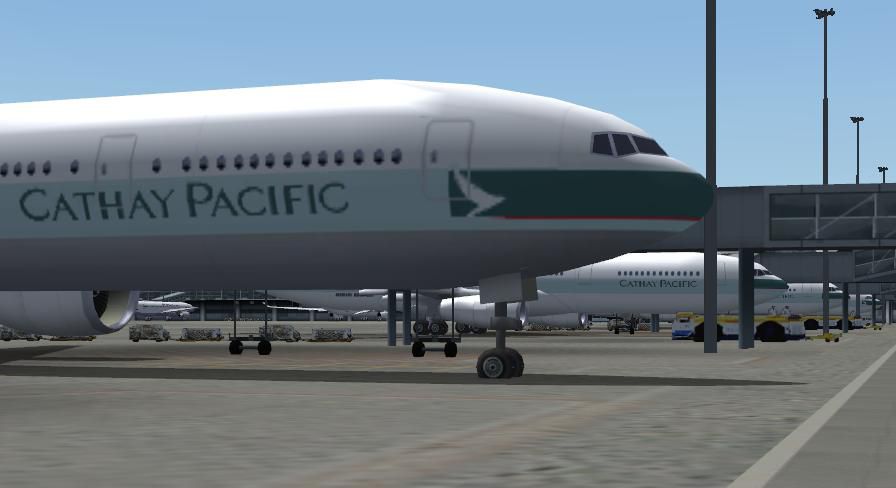
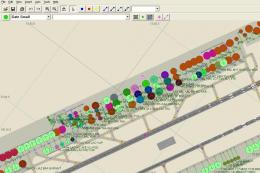
VHHH Chek Lap Kok International Airport gets expanded gate and parking data with accurate airline codes for more believable AI traffic flow in FS2004. Designed to match Thomas Kwong’s VHHH05B.ZIP scenery, the updated AFCAD2 layout adds real-world stand assignments while keeping taxi routing clean and performance friendly.
- Type:Patch
- File: vhhhaf04.zip
- Size:271.88 KB
- Scan:
Clean (27d)

- Access:Freeware
- Content:Everyone

 Description
 Comments
 VHHH, Chek Lap Kok Int'l Airport, Hong Kong, for use with VHHH05B.ZIP scenery. Adds gates and realistic airline assignment parking codes. By Ib Hansen.
Overview of Chek Lap Kok Int'l Airport.
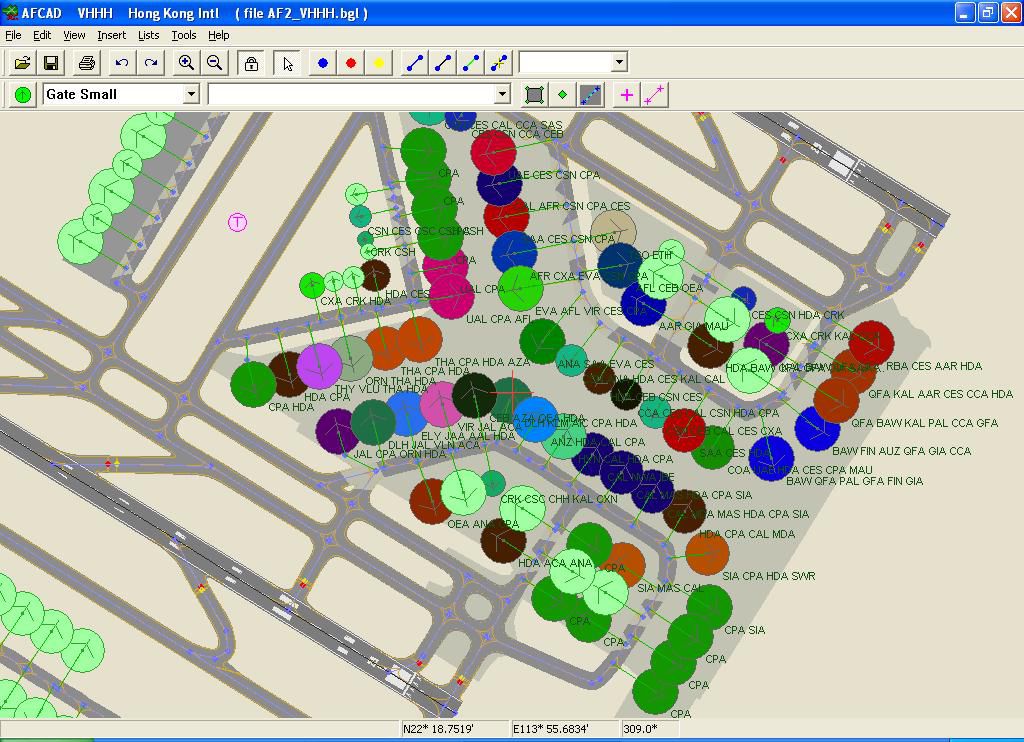
At last - UPDATED AFCAD2 file for Thomas Kwong's fabulous HONG KONG scenery (vhhh2005b.zip) with more real gates and realistic airline assignment "PARKING CODES" (see jpg), taken from the HONG KONG Int. - airport site. All works perfect and are extremely frame rate friendly.
Images & Screenshots

The archive vhhhaf04.zip has 9 files and directories contained within it.
File Contents
This list displays the first 500 files in the package. If the package has more, you will need to download it to view them.
| Filename/Directory | File Date | File Size |
|---|---|---|
| AF2_VHHH.bgl | 12.17.04 | 24.86 kB |
| My system.doc | 12.18.04 | 110.00 kB |
| Readme.txt | 12.18.04 | 1.52 kB |
| thumbnails.GIF | 12.15.04 | 4.77 kB |
| VHHH_Cathay gates.JPG | 12.15.04 | 39.10 kB |
| VHHH_Parking codes.JPG | 12.17.04 | 155.09 kB |
| VHHH_afcad2_0204 | 12.18.04 | 0 B |
| flyawaysimulation.txt | 10.29.13 | 959 B |
| Go to Fly Away Simulation.url | 01.22.16 | 52 B |

Installation Instructions
Most of the freeware add-on aircraft and scenery packages in our file library come with easy installation instructions which you can read above in the file description. For further installation help, please see our Flight School for our full range of tutorials or view the README file contained within the download. If in doubt, you may also ask a question or view existing answers in our dedicated Q&A forum.




0 comments
Leave a Response