

 FS2004 Propeller Aircraft
Trans-Canada Air Lines L-1049G V6
This updated package introduces refined textures for the Trans-Canada Air Lin…
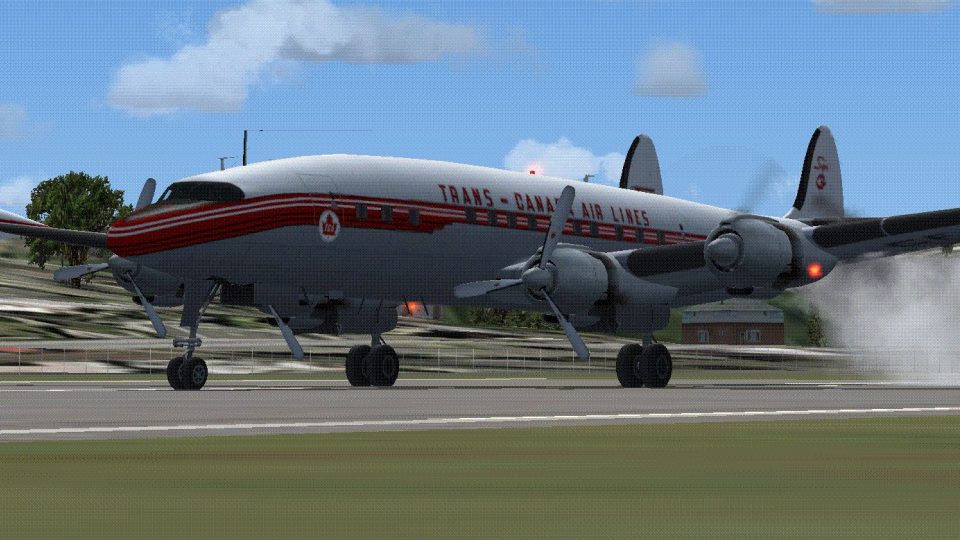
Trans-Canada Air Lines CF-TGE brings the Lockheed L-1049G Super Constellation to life with refreshed V4 textures and period-correct markings that suit both passenger and cargo operations. Built for Microsoft Flight Simulator 2004, it requires Manfred Jahn’s freeware L1049G base package and reflects the Museum of Flight’s Seattle restoration of this historic airliner.
 Rate
Rate
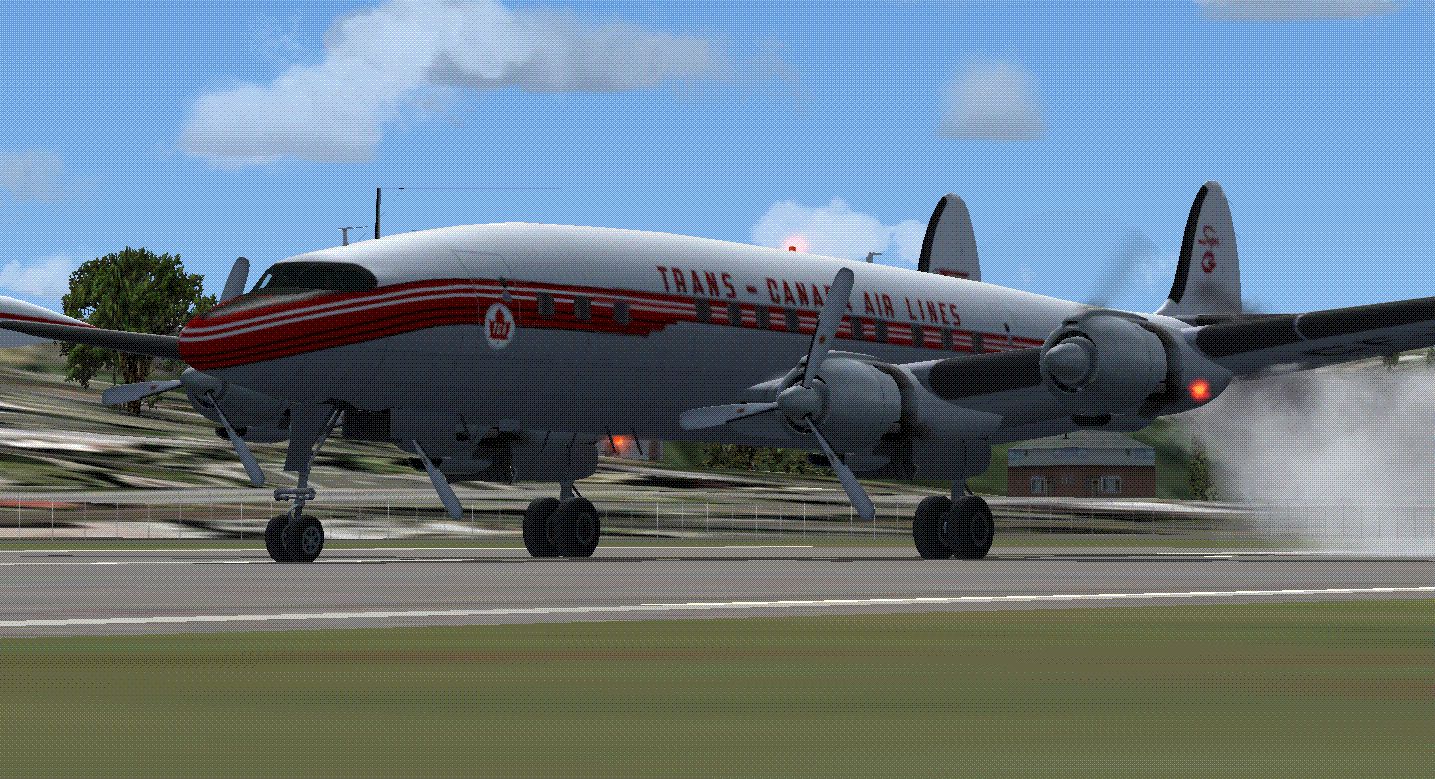

Immerse yourself in a refined version of the Lockheed L-1049G Super Constellation with this carefully updated repaint showcasing Trans-Canada Air Lines CF-TGE. This repaint, created by Matthew Anderson, requires the freeware base package developed by Manfred Jahn and his dedicated team (file name: L1049G.ZIP). In addition, CF-TGE itself was restored by the Museum of Flight located in Seattle, awaiting a suitable enclosure at their airpark site. This version 4 includes refreshed textures for enhanced realism.
Originally delivered as an L-1049C, this aircraft went through multiple modifications, culminating in its L-1049G variant. It served Trans-Canada Air Lines (a key Canadian operator at the time) until it was retired in 1961, in favor of more modern DC-8 jets. By 1968, TCA had rebranded itself as Air Canada. The current restoration in Seattle preserves the aircraft’s legacy, reflecting its former appearance in the distinctive TCA livery.
Depiction of the L-1049G in Trans-Canada Air Lines markings.
The L-1049G was an advanced iteration of Lockheed’s famous Constellation series, renowned for its pressurized cabin design, extended wingtip tanks, and distinctive triple-fin tail arrangement. Trans-Canada Air Lines integrated several of these enhancements in its fleet, operating them efficiently for passenger and cargo services before transitioning to pure-jet models.
For those using Microsoft Flight Simulator X, place the repaint in the corresponding “Sim Objects” and “Lockheed_L1049” folder. If you prefer Microsoft Flight Simulator 2004, move the repaint to the “Aircraft” directory and confirm the folder structure is correct before proceeding with installation.
[fltsim.X]
title=Lockheed L-1049G Trans-Canada Air Lines
sim=L1049G
model=1049vc_rst
panel=
sound=
texture=tca
kb_checklists=L1049_check_EA
kb_reference=L1049G_ref
atc_heavy=0
atc_id=CF-TGE
atc_id_enable=1
atc_flight_number=405
atc_airline=TRANS_CANADA
atc_parking_codes=TCA
atc_parking_types=GATE
prop_anim_ratio=0.99
ui_manufacturer=Lockheed
ui_type=L-1049G Super Constellation
ui_variation="Trans-Canada Air Lines"
atc_id_color=0x00000000
atc_id_font=Verdana,-11,1,600,0
description="c/n 4544. CF-TGE was delivered to Trans-Canada Air Lines in 1954 as a L-1049C. It was converted later to an L-1049E and then an L-1049G. Retired in 1961. Went through many owners between 1961-2005. It was sold to the Museum of Flight in Seattle, Washington in 2005. It was restored between 2007 and 2009 back in her TCA colors. She is now sitting in Seattle, Washington ready to be put on display."
In some configurations, hubcaps appear on the forward landing gear. If you prefer that look, open the texture.tge folder and perform the following step:
Remember, this package only includes the repaint; you can find the freeware base model in the Fly Away Simulation mod library. Experience a piece of aviation heritage by flying CF-TGE in its authentic Trans-Canada Air Lines colors, as restored by the Museum of Flight and brought to your simulator by Matthew Anderson.
Free for all simmers · 10.09 MB · Scanned clean Oct 2026
Download speed: Free tier is capped at 0.5 Mbps (this file takes approximately 3 mins at the cap). PRO members download at full line speed.
This file is a repaint — the package below is the base model it paints onto. Install it first, or the textures will have nothing to load onto.
FS9\Aircraft\, FS9\Addon Scenery\, FS9\Gauges\, or FS9\Effects\.readme.txt or README file. It tells you exactly where files go, what dependencies are needed, and any quirks specific to this add-on.The archive cf-tge.zip has 37 files and directories contained within it.
This list displays the first 500 files in the package. If the package has more, you will need to download it to view them.
| Filename/Directory | File Date | File Size |
|---|---|---|
| Readme.txt | 07.04.10 | 3.09 kB |
| FILE_ID.DIZ | 07.04.10 | 344 B |
| texture.tge | 07.04.10 | 0 B |
| fins_l.bmp | 03.24.09 | 1.07 kB |
| fins_t.bmp | 07.03.10 | 682.75 kB |
| floor_2.bmp | 10.08.08 | 65.05 kB |
| fuse_l.bmp | 07.03.10 | 1.33 MB |
| fuse_t.bmp | 07.04.10 | 682.75 kB |
| propdisk.bmp | 04.01.09 | 256.07 kB |
| shade_01.bmp | 08.14.08 | 64.07 kB |
| thumbnail.jpg | 07.04.10 | 93.90 kB |
| vc01.bmp | 04.22.09 | 1.00 MB |
| vc01a_l.bmp | 02.08.09 | 64.07 kB |
| vc01_l.bmp | 10.24.08 | 64.07 kB |
| vc02.bmp | 04.22.09 | 1.00 MB |
| vc02_l.bmp | 10.24.08 | 64.07 kB |
| vc03.bmp | 04.22.09 | 1.00 MB |
| vc03_l.bmp | 10.23.08 | 64.07 kB |
| vc04.bmp | 04.22.09 | 1.00 MB |
| vc04_l.bmp | 10.24.08 | 64.07 kB |
| vc05.bmp | 04.22.09 | 1.00 MB |
| vc05_l.bmp | 10.24.08 | 64.07 kB |
| vc06.bmp | 04.22.09 | 1.00 MB |
| vc06_l.bmp | 10.24.08 | 64.07 kB |
| wings_l.bmp | 03.24.09 | 1.07 kB |
| wings_t(alternate).bmp | 07.03.10 | 5.33 MB |
| wings_t.bmp | 07.03.10 | 5.33 MB |
| xx1cal.bmp | 10.14.08 | 16.07 kB |
| xxcal_121.bmp | 07.03.10 | 10.75 kB |
| 2010-7-4_11-13-25-270.BMP | 07.04.10 | 4.67 MB |
| 2010-7-4_10-13-57-798.BMP | 07.04.10 | 4.67 MB |
| 2010-7-4_11-10-54-41.BMP | 07.04.10 | 4.67 MB |
| 2010-7-4_11-22-49-494.BMP | 07.04.10 | 4.67 MB |
| 2010-7-4_11-19-1-899.BMP | 07.04.10 | 4.67 MB |
| thumbnail.gif | 07.04.10 | 161.76 kB |
| flyawaysimulation.txt | 10.29.13 | 959 B |
| Go to Fly Away Simulation.url | 01.22.16 | 52 B |
Only PRO members can place votes.
More FS2004 add-ons hand-picked based on this download.
FS2004 Propeller Aircraft
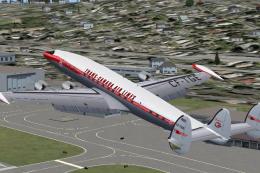
This updated package introduces refined textures for the Trans-Canada Air Lin…
 FS2004 Propeller Aircraft
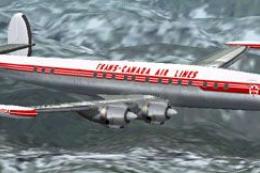
This is version 2 with updated textures. CF-TGE has been restored by the Muse…
 FS2004 Propeller Aircraft
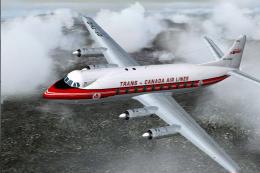
This repaint package brings Trans-Canada Airlines’ classic color scheme to Mi…
 FS2004 Propeller Aircraft
The later TCA deliveries were type 757 including CF-THD. Delivered in Februar…
 FS2004 Propeller Aircraft
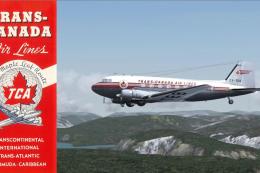
Repaint only for the MAAM-SIM DC-3. By Markus Hellwig. Side view of Trans-Can…
 FS2004 Propeller Aircraft
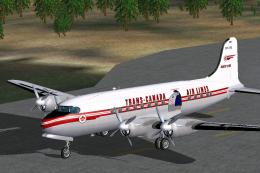
DC-4M2 North Star. Trans-Canada Air Lines (now Air Canada) had twenty Douglas…
 FS2004 Propeller Aircraft
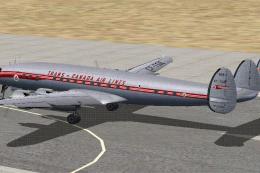
This add-on offers a faithful recreation of Trans-Canada Air Lines’ historic …
 FS2004 Propeller Aircraft
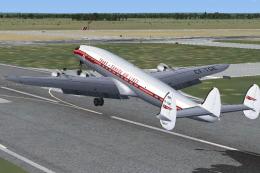
This repaint showcases CF-TGE after it was upgraded to L-1049E standards and …
Be the first to leave a comment on this download.
Be the first to share your thoughts on this download.