


 MSFS General Aviation Aircraft
Asobo Aviat Husky A-1C Multi Color Livery Pack
A pack of multi-color liveries for Asobo's Aviat Husky A-1C. The base aircra…
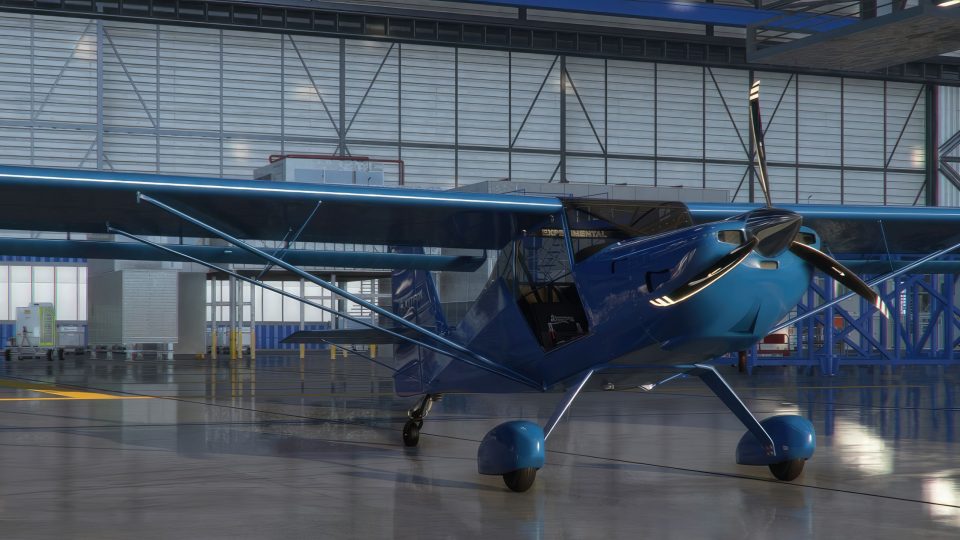
ADI Kitfox Speedster Series 7 gains four high-definition paint schemes in red, blue, pink, and British Racing Green, each tuned for crisp visuals on modern displays. The pack supports both wheel pant and bush wheel variants and runs in Microsoft Flight Simulator, requiring the ADI Kitfox Speedster Series 7 aircraft.
 Rate
Rate
 By AIRPAC1
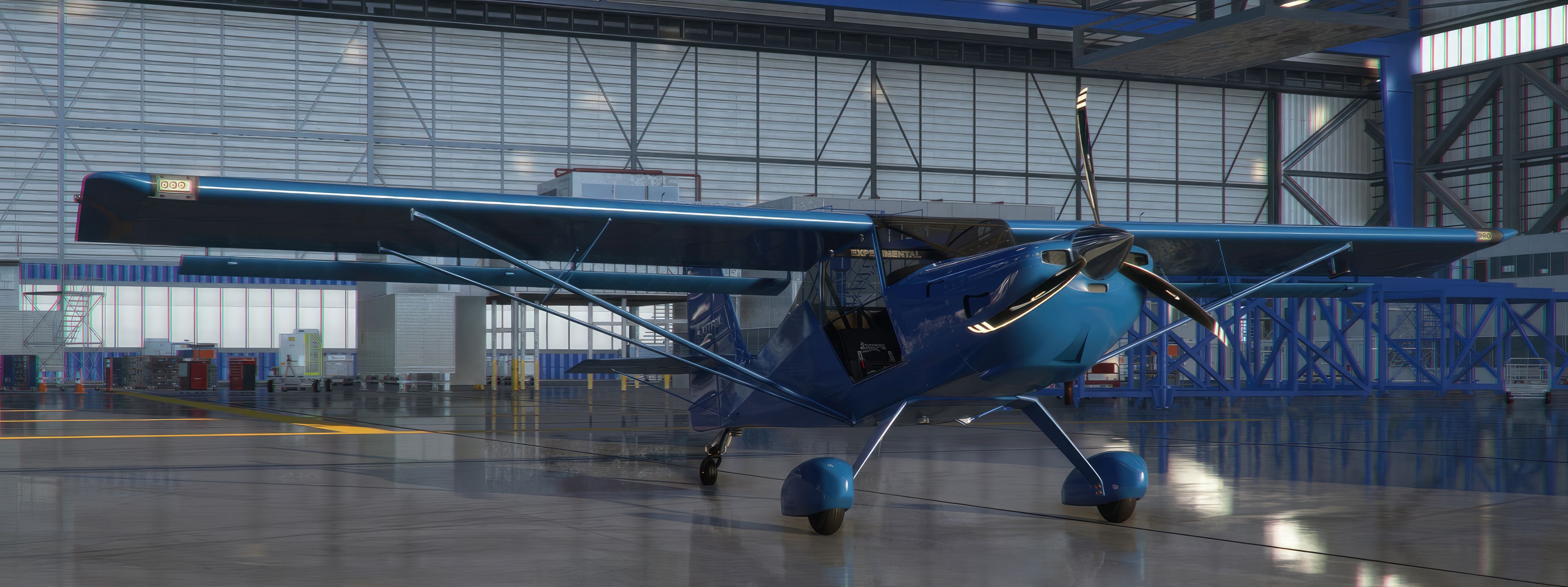
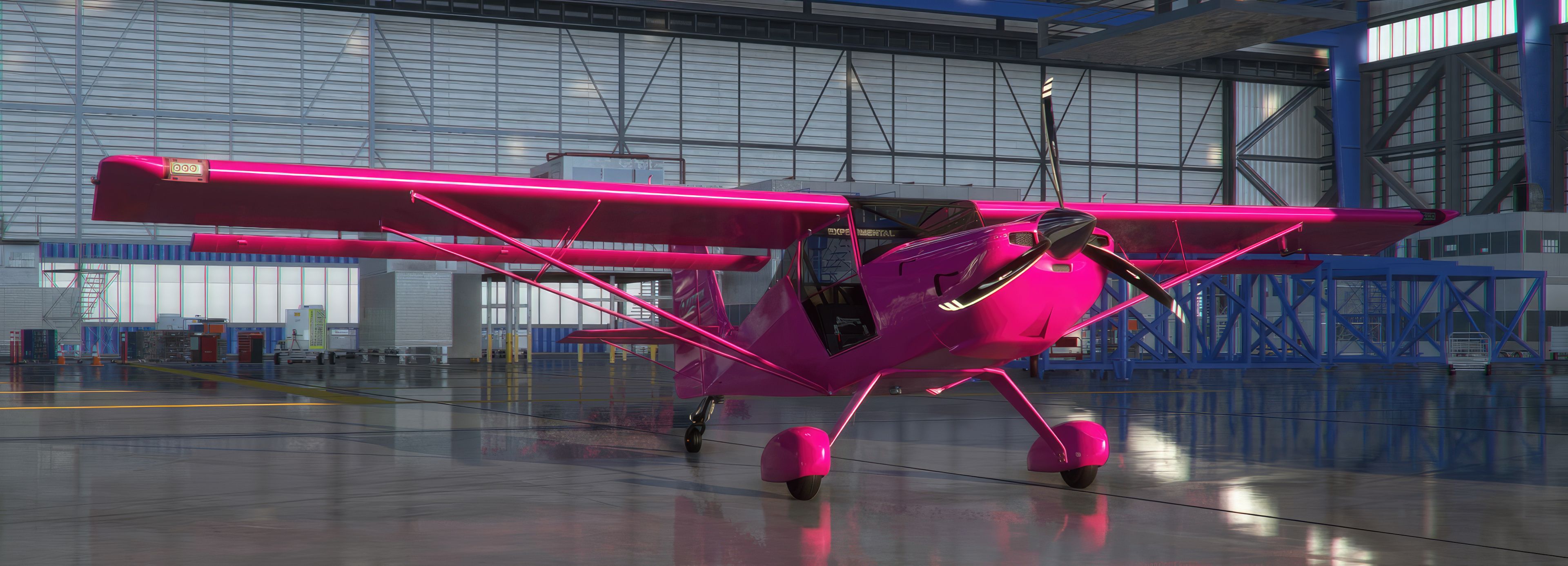
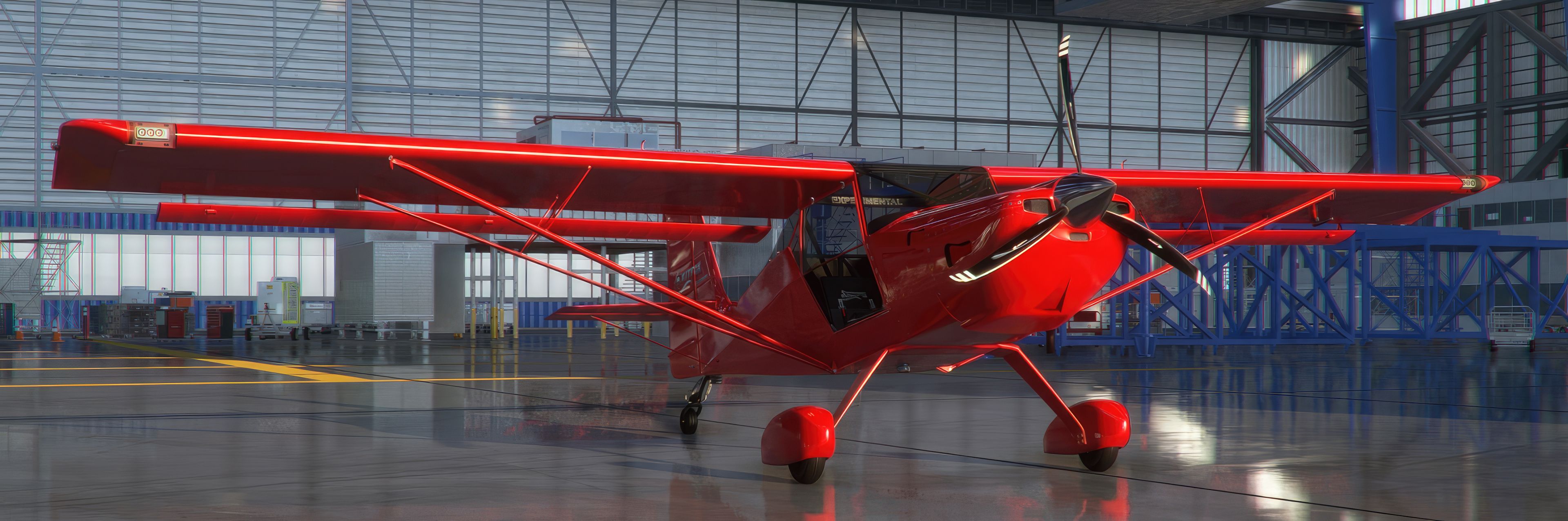
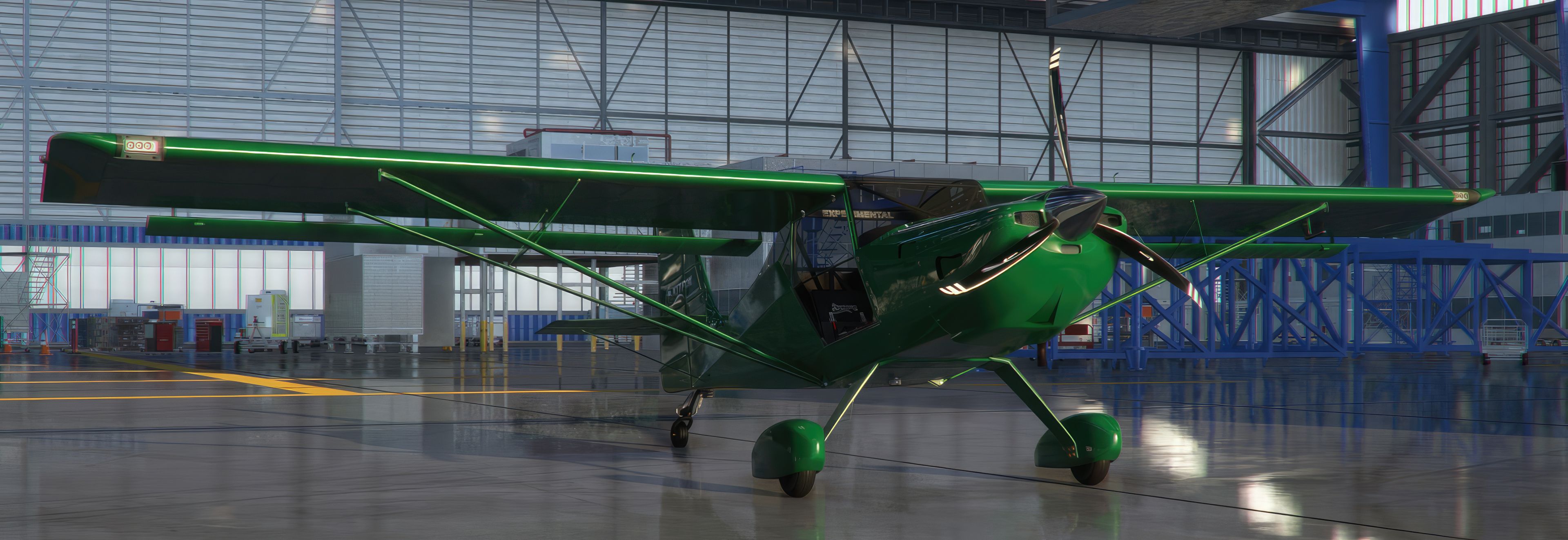

The MSFS ADI Kitfox Speedster Series 7 Color Livery Pack delivers four vividly detailed liveries (Red, Blue, Pink, and British Racing Green) that lend a fresh look to both the wheel pant and bush wheel variants from ADI. Developed by AIRPAC1, these liveries have been carefully crafted with HD textures, ensuring crisp visuals and immersive presentation from every angle.
Having tested this pack extensively in the latest Microsoft Flight Simulator release, I can confirm it loads smoothly and functions flawlessly. Each livery accentuates the Kitfox's rugged-yet-sleek airframe, creating a truly standout experience for pilots who appreciate eye-catching detail and realistic enhancements in their virtual hangars.
A pack of liveries in four colors for the ADI Kitfox Speedster Series 7 (both variants - wheel pant and bush wheel). All repaints (all four) work with both models that ADI provides. Fully compatible with the latest Microsoft Flight Simulator (MSFS) 2020 release.
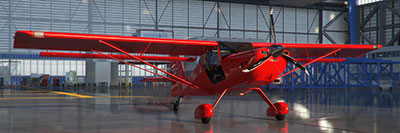 Developed by AIRPAC1, he has spent a huge amount of time crafting these liveries for the aircraft and ensured they are both dramatic and accurate using HD texturing to ensure the best possible visuals even on high-resolution displays.
Livery Schemes Included
Which are compatible with both Series 7 models available:
Simply extract the archive and copy all folders (all the contents of - which are 8 subfolders in total) in the AIRPAC1_ADI KITFOX_S7_ColorPack-v1 folder into your MSFS community folder.
For completeness, the folders to copy into your MSFS community folder are:
AIRPAC1_Adi_KitFox_BLUE-v4AIRPAC1_Adi_KitFox_BRGREEN-v4AIRPAC1_Adi_KitFox_PINK-v4AIRPAC1_Adi_KitFox_RED-v4AIRPAC1_Adi_KitFoxBW_BLUE-v4AIRPAC1_Adi_KitFoxBW_BRGREEN-v4AIRPAC1_Adi_KitFoxBW_PINK-v4AIRPAC1_Adi_KitFoxBW_RED-v4Free for all simmers · 122.26 MB · Scanned clean Oct 2026
Download speed: Free tier is capped at 2 Mbps (this file takes approximately 9 mins at the cap). PRO members download at full line speed.
%LOCALAPPDATA%\Packages\Microsoft.FlightSimulator_8wekyb3d8bbwe\LocalCache\Packages\Community\. Steam version: %APPDATA%\Microsoft Flight Simulator\Packages\Community\. Tip: enable Developer Mode in MSFS to see your exact Community folder path.readme.txt or README file. It tells you exactly where files go, what dependencies are needed, and any quirks specific to this add-on.Hobbyist, retired Graphic Designer, and have been involved in Microsoft Flight Simulator since its very first version.
Are you AIRPAC1? Sign in to Fly Away Creators for download stats, comment replies and updates. Make add-ons? Publish them here.
Only PRO members can place votes.
More MSFS add-ons hand-picked based on this download.
MSFS General Aviation Aircraft
A pack of multi-color liveries for Asobo's Aviat Husky A-1C. The base aircra…
 MSFS General Aviation Aircraft
A repaint pack for the Asobo Aviat Husky A-1C featuring a brand-new Bear Toot…
 MSFS General Aviation Aircraft
A complete repaint/livery pack for the payware Asobo Aviat Husky A-1C which i…
 MSFS General Aviation Aircraft
A complete repaint/livery for the Asobo Aviat Husky A-1C is available for Mic…
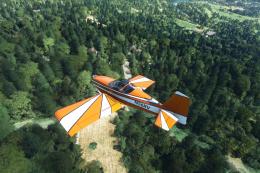 MSFS General Aviation Aircraft
A complete freeware aircraft pack featuring the Van's RV-7 and RV-7A in accur…
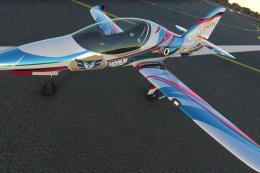 MSFS General Aviation Aircraft
In the realm of Microsoft Flight Simulator 2020, the Beast Horus Microjet sta…
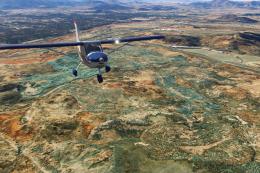 MSFS General Aviation Aircraft
Enhance your Microsoft Flight Simulator (MSFS) 2020 release experience with t…
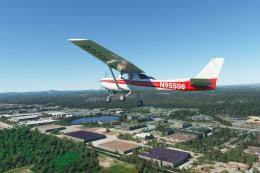 MSFS General Aviation Aircraft
This repaint is for one of the Cessnas I flew out of GFW Aeroservices at Boir…
Be the first to leave a comment on this download.
Be the first to share your thoughts on this download.