

 FSX Civil Aircraft
Air Berlin Boeing 737-800 Project Opensky Model
FSX Air Berlin Boeing 737-800. Model by Project Open Sky. Repaint by Misha Gr…
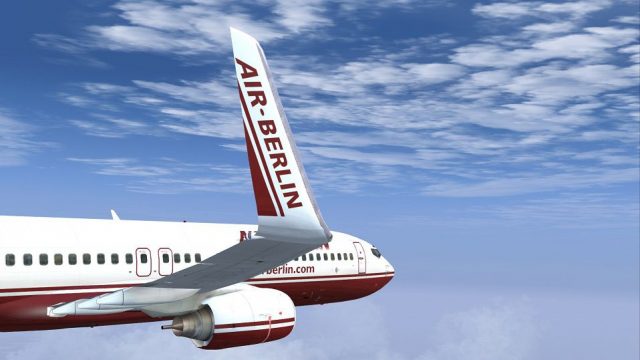
Air Berlin’s Boeing 737-800 D-ABBC returns in the airline’s 2008 “old” scheme with winglets, delivering crisp logos, authentic tail artwork, and carefully mapped fuselage shading for realistic ramp and cruise visuals in FSX. The repaint includes texture files only and requires the payware PMDG 737-800WL base model.
 Rate
Rate
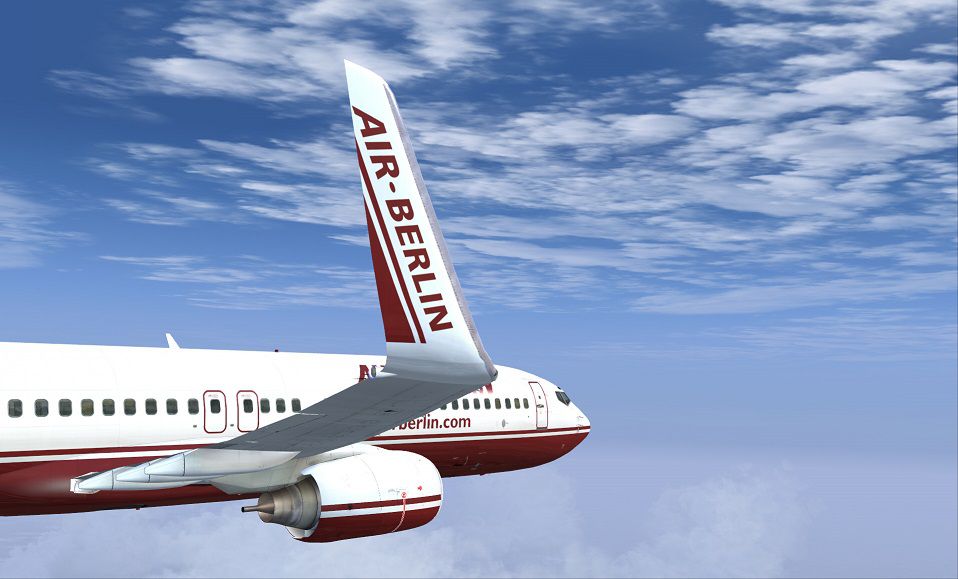
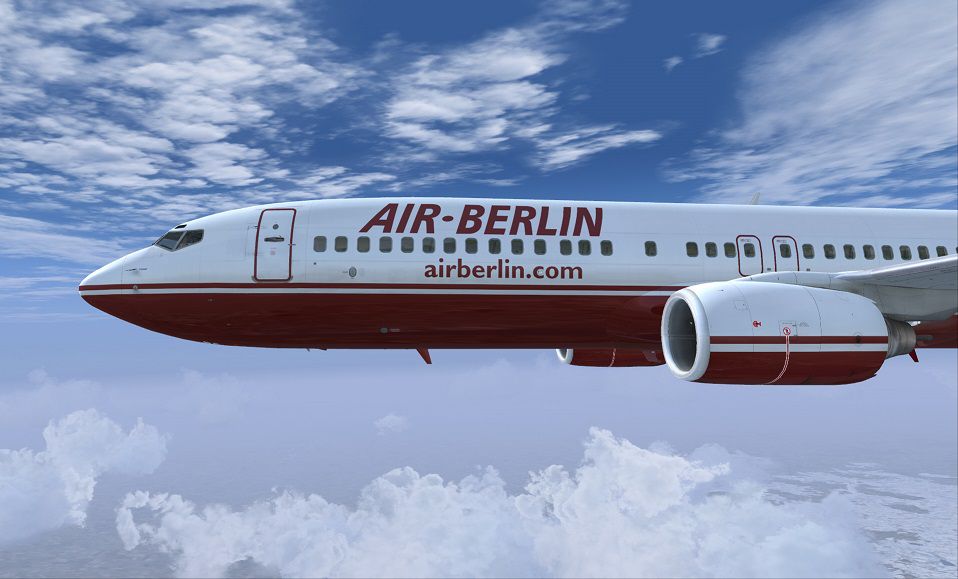
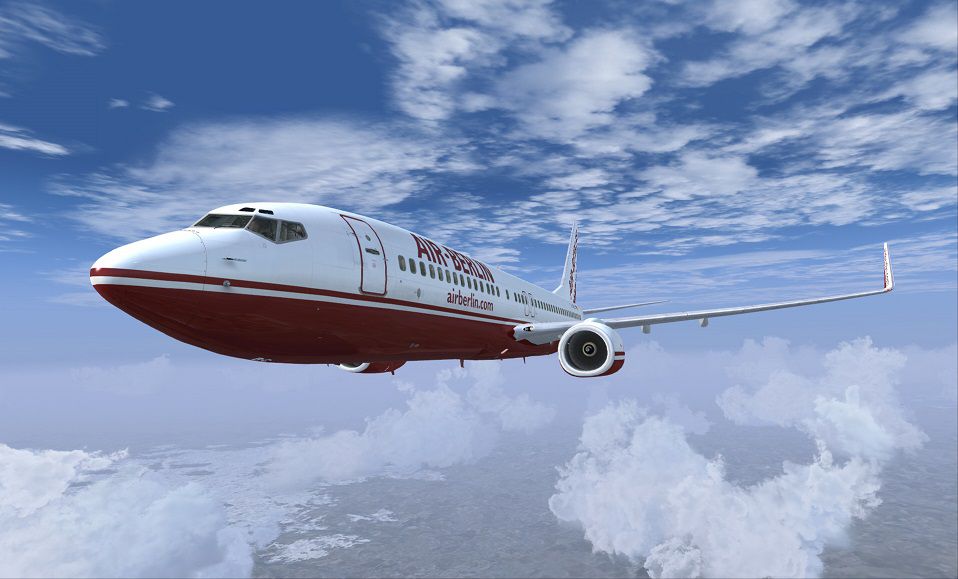
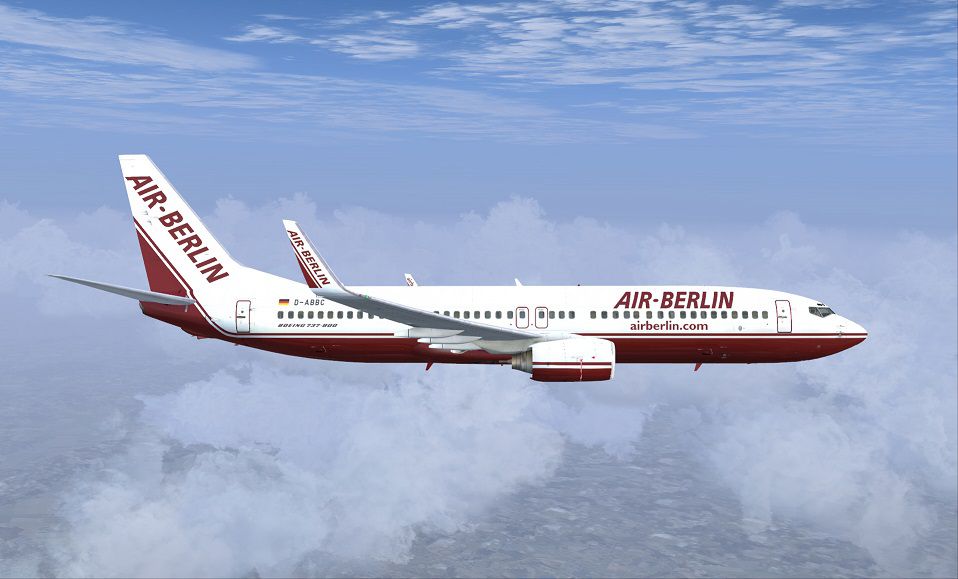
This repaint presents Air Berlin’s Boeing 737-800 (registration D-ABBC) in the airline’s 2008 “old” color arrangement, complete with winglets. It has been crafted by developer/creator, Corina Meyer and is specifically designed to work with the payware PMDG 737-800WL. Only the texture files are provided here, and you will need the original PMDG model from a commercial vendor such as a payware store (for instance, SimShack) to utilize these files. This package will enhance your virtual flying experience significantly, since the 737-800 played a key role in Air Berlin’s short-haul and medium-haul networks throughout Europe.
The livery recreates distinct elements of Air Berlin’s earlier branding, bringing back nostalgic signage and tail art. In particular, the textures capture details around the winglet area, fuselage shading, and the classic Air Berlin lettering of that era. Enthusiasts familiar with the real-world Boeing 737 series will immediately notice the unique transitions of color along the cockpit section and rear fuselage. Since Boeing’s 737-800 series remains an industry staple for efficiency and reliability, it seems only fitting to recreate its distinctive 2008 Air Berlin style within Flight Simulator X.
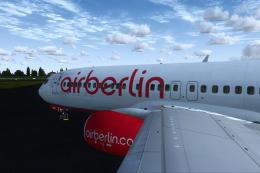
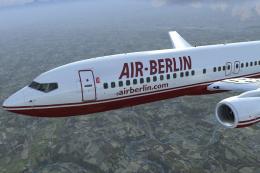
Depiction of the Air Berlin Boeing 737-800 cruising above virtual skies.
The PMDG Livery Manager is used for installing this repaint. After downloading, simply follow these concise steps:
.ptp file..ptp file extracted in the initial step.This add-on does not include aircraft files; only textures are supplied. You will require the payware PMDG 737-800WL package to properly integrate this livery. Once installed, the aircraft model will display Air Berlin’s retro-styled scheme for an authentic FSX immersion.
Credit goes to creator: Corina Meyer, whose work on this repaint captures the essence of Air Berlin’s visual identity during that period. Enjoy piloting this aircraft throughout virtual routes and experience realistic short- or medium-haul operations just as Air Berlin once did across Europe.
Free for all simmers · 31.89 MB · Scanned clean Sep 2026
Download speed: Free tier is capped at 0.5 Mbps (this file takes approximately 9 mins at the cap). PRO members download at full line speed.
texture.{airline}) inside FSX\SimObjects\Airplanes\{base-aircraft}\.aircraft.cfg in Notepad. Add a new [fltsim.X] section per the readme.readme.txt or README file. It tells you exactly where files go, what dependencies are needed, and any quirks specific to this add-on.The archive pmdg737-800_wl_airberlin_d-abbc.zip has 9 files and directories contained within it.
This list displays the first 500 files in the package. If the package has more, you will need to download it to view them.
| Filename/Directory | File Date | File Size |
|---|---|---|
| 1.gif | 11.01.13 | 10.43 kB |
| FS-47615.jpg | 11.01.13 | 133.66 kB |
| FS-47617.jpg | 11.01.13 | 134.92 kB |
| FS-47618.jpg | 11.01.13 | 132.63 kB |
| FS-47619.jpg | 11.01.13 | 122.56 kB |
| PMDG737-800 wl AirBerlin D-ABBC.ptp | 11.01.13 | 31.39 MB |
| ReadMe_Install.txt | 11.01.13 | 1.06 kB |
| flyawaysimulation.txt | 10.29.13 | 959 B |
| Go to Fly Away Simulation.url | 01.22.16 | 52 B |
Only PRO members can place votes.
More FSX & P3D add-ons hand-picked based on this download.
FSX Civil Aircraft
FSX Air Berlin Boeing 737-800. Model by Project Open Sky. Repaint by Misha Gr…
 FSX Civil Aircraft
An Air Berlin B737-800WL with 'BVB Borussia Dortmund' sticker. Highly detaile…
 FSX Civil Aircraft
Immerse yourself in a true representation of Air Berlin’s Boeing 737-800, reg…
 FSX Civil Aircraft
FSX Air Berlin Boeing 737-800, registration D-ABAG. Textures only for the def…
 FSX Civil Aircraft
This repaint set offers a faithful rendition of Air Berlin’s recognizable the…
 FSX Civil Aircraft
This is a B737-800 of AirBerlin in Flying Home For Christmas 2012 colors, reg…
 FSX Civil Aircraft
This repaint brings the Air Berlin Boeing 737-800WL (registration D-ABMP) int…
 FSX Civil Aircraft
Enhance Microsoft Flight Simulator X with a detailed Air Berlin Boeing 737-80…
Be the first to leave a comment on this download.
Be the first to share your thoughts on this download.