

 FSX Civil Aircraft
Lusitaniair Airbus A332 CS-TVA
This freeware package features a bespoke Lusitaniair Airlines Airbus A330-200…
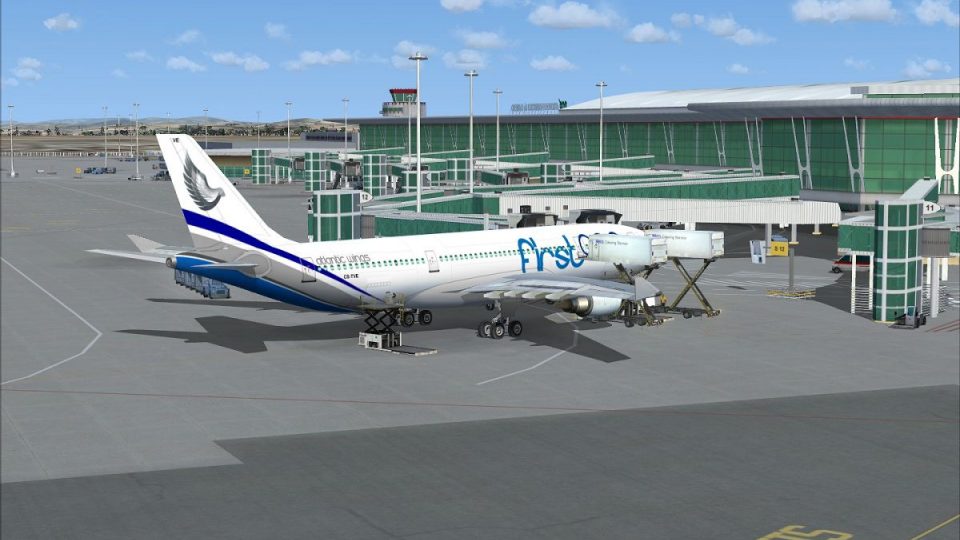
Lusitaniair Airlines’ fictional Airbus A330-200 (A332) repaint brings registration CS-TVE to life with crisp fuselage markings, accurate window and door placement, and tailored GE engine textures. Designed for Microsoft Flight Simulator X, it requires the Wilco/FeelThere Airbus Series Volume 2 A332GE model for seamless integration.
 Rate
Rate
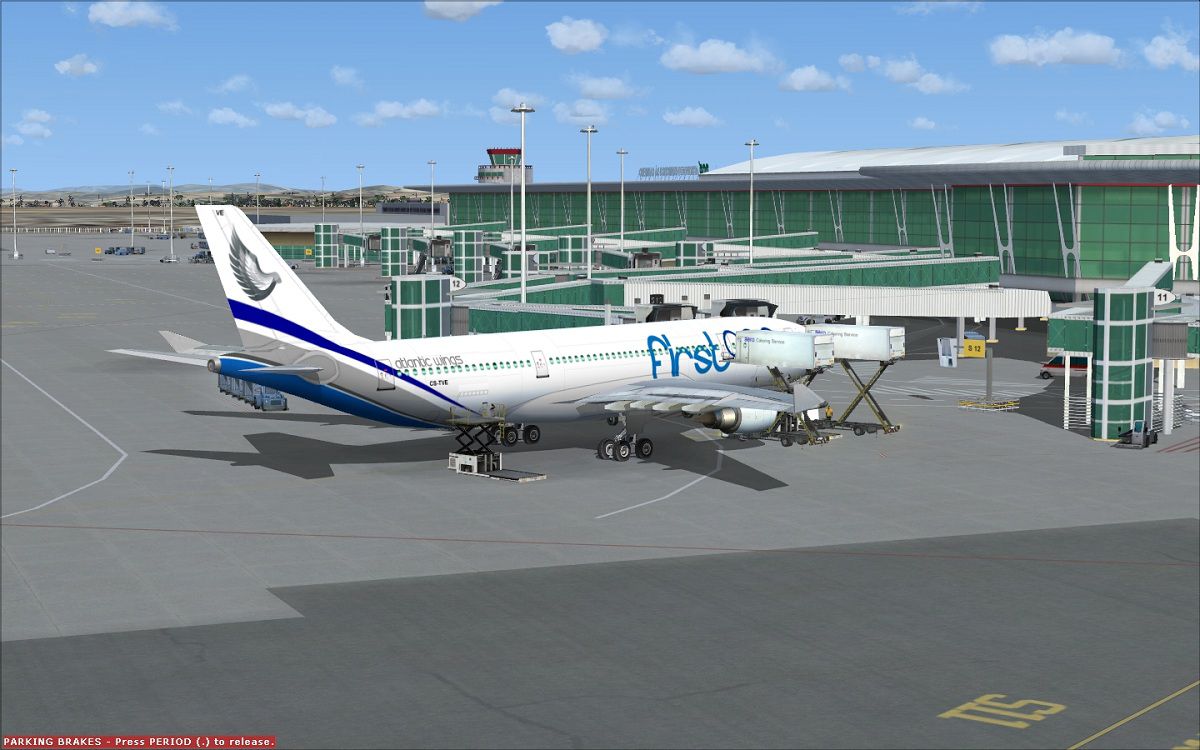

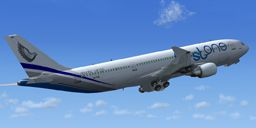
This repaint package introduces a distinctive Lusitaniair Airlines Airbus A330-200 (GE engines) registration CS-TVE, brought into Microsoft Flight Simulator X by creator Joao Paulino. It comes thoughtfully tailored for those who already own the payware Wilco/FeelThere Airbus Series Volume 2. The textures meticulously capture a fictional yet detailed livery intended for the LST “First One” fleet.
Lusitaniair Airlines, recognized for operating various wide-body jets, places emphasis on efficiency and comfort. The Airbus A330-200 model (often designated as A332) aligns well with those requirements. Although fictional in this paint scheme, the aircraft retains realistic proportions, including its wingspan and fuselage length. Powered by General Electric engines ([GE engines refers to General Electric CF6-series powerplants]), the A330-200 is often appreciated for solid fuel efficiency and reliable performance.
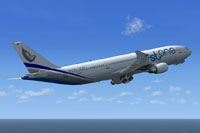
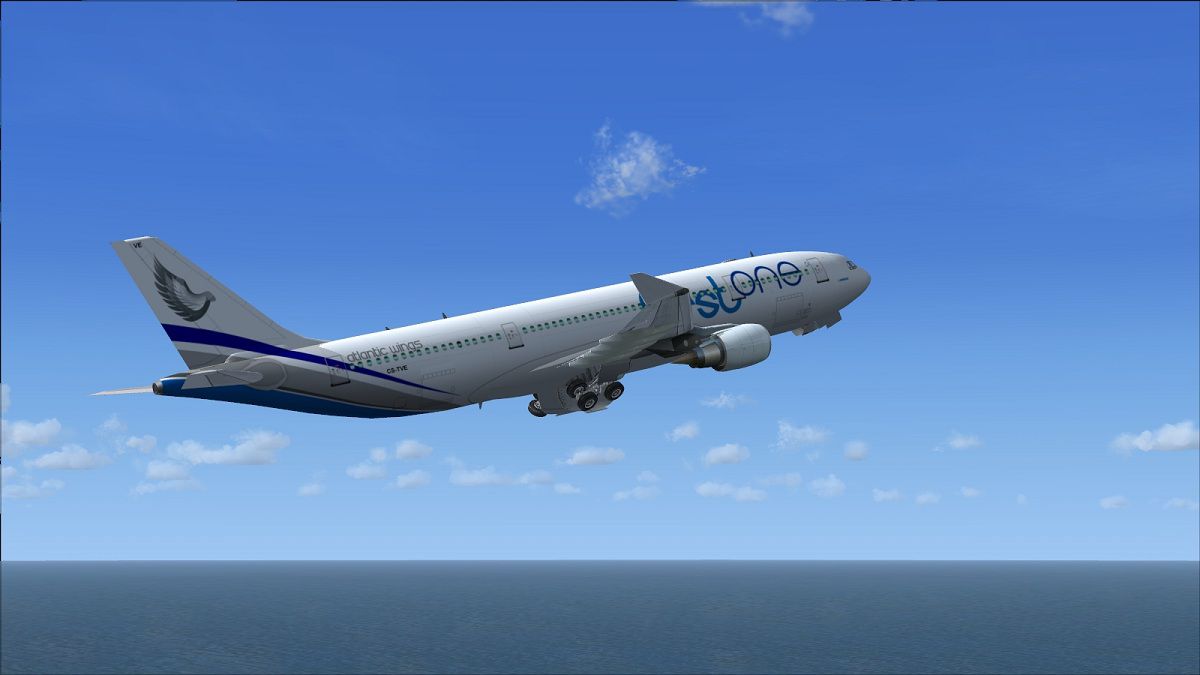
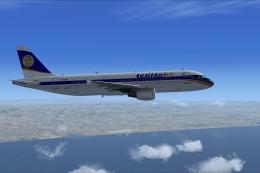
Screenshot of Lusitaniair Airbus A332 in flight.
This repaint depends on the Wilco/FeelThere Airbus Series Volume 2, which must be purchased from official sources such as SimShack before use. Once installed, the textures integrate seamlessly and allow immediate access to the CS-TVE variant.
[fltsim.x] title=Feelthere A330-200 GE First One CS-TVE sim=FeelThere_A330-200 sound=GE model= texture=CS-TVE atc_airline=PRO AIR panel= checklists= atc_id=CS-TVE atc_flight_number=FT332 atc_heavy=0 ui_manufacturer=Frota Lusitaniair ui_type=Airbus A330-200 GE - Wilco ui_variation=First One CS-TVE visual_damage=1 ui_typerole=Commercial Airliner ui_createdby="feelThere/Wilco" description=
This special livery was crafted by Joao Paulino, highlighting Lusitaniair’s fictional First One fleet concept. It is provided solely as a freeware texture package. When you are ready to test the repaint, select the CS-TVE entry within Microsoft Flight Simulator X. Enjoy your virtual flights and experience the A330-200’s versatility under Lusitaniair’s vibrant color scheme.
Free for all simmers · 14.35 MB · Scanned clean Oct 2026
Download speed: Free tier is capped at 0.5 Mbps (this file takes approximately 4 mins at the cap). PRO members download at full line speed.
texture.{airline}) inside FSX\SimObjects\Airplanes\{base-aircraft}\.aircraft.cfg in Notepad. Add a new [fltsim.X] section per the readme.readme.txt or README file. It tells you exactly where files go, what dependencies are needed, and any quirks specific to this add-on.The archive cs-tve_a332_first_one_fsx_wilco.zip has 61 files and directories contained within it.
This list displays the first 500 files in the package. If the package has more, you will need to download it to view them.
| Filename/Directory | File Date | File Size |
|---|---|---|
| cs-tve_a332_first_one_fsx_wilco | 11.19.12 | 0 B |
| CS-TVE_1.jpg | 11.19.12 | 236.52 kB |
| CS-TVE_2.jpg | 11.19.12 | 153.39 kB |
| CS-TVE_3.jpg | 11.19.12 | 112.21 kB |
| Readme.txt | 11.19.12 | 1.08 kB |
| Texture.CS-TVE | 11.19.12 | 0 B |
| carpet_L.bmp | 07.03.07 | 256.07 kB |
| carpet_T.bmp | 06.04.07 | 256.07 kB |
| cockp1_2_L.bmp | 12.02.06 | 4.00 MB |
| cockp1_2_T.bmp | 12.02.06 | 1.00 MB |
| cockp1_L.bmp | 07.03.07 | 1.00 MB |
| cockp1_T.bmp | 07.06.07 | 1.00 MB |
| cockp2_340_L.bmp | 08.23.07 | 4.00 MB |
| cockp2_340_T.bmp | 07.06.07 | 1.00 MB |
| cockp2_L.bmp | 07.03.07 | 4.00 MB |
| cockp2_T.bmp | 07.16.07 | 1.00 MB |
| cockp3_L.bmp | 07.03.07 | 1.00 MB |
| cockp3_T.bmp | 07.06.07 | 1.00 MB |
| cockp4_L.bmp | 07.03.07 | 1.00 MB |
| cockp4_T.bmp | 06.04.07 | 1.00 MB |
| cockp5_L.bmp | 07.03.07 | 1.00 MB |
| cockp5_T.bmp | 12.19.06 | 1.00 MB |
| cockp_mirr_L.bmp | 07.16.07 | 256.07 kB |
| cockp_mirr_T.bmp | 07.16.07 | 1.00 MB |
| cockp_misc_L.bmp | 07.03.07 | 256.07 kB |
| cockp_misc_T.bmp | 06.04.07 | 256.07 kB |
| crew_L.bmp | 06.06.07 | 64.07 kB |
| crew_T.bmp | 06.06.07 | 64.07 kB |
| eng1_L.bmp | 06.04.07 | 4.07 kB |
| eng1_T.bmp | 07.09.07 | 256.07 kB |
| eng2_T.bmp | 06.06.07 | 256.07 kB |
| eng3_T.bmp | 07.09.07 | 256.07 kB |
| interior_L.bmp | 01.10.07 | 4.00 MB |
| interior_T.bmp | 01.10.07 | 4.00 MB |
| int_1_L.bmp | 07.03.07 | 1.00 MB |
| int_1_T.bmp | 06.04.07 | 256.07 kB |
| main_1_200_L.bmp | 10.13.07 | 4.00 MB |
| main_1_200_T.bmp | 11.19.12 | 5.33 MB |
| main_1_L.bmp | 06.28.07 | 1.00 MB |
| main_1_T.bmp | 06.06.07 | 4.00 MB |
| main_2_200_L.bmp | 10.13.07 | 4.00 MB |
| main_2_200_T.bmp | 11.19.12 | 5.33 MB |
| main_2_L.bmp | 06.28.07 | 1.00 MB |
| main_2_T.bmp | 06.06.07 | 4.00 MB |
| misc_L.bmp | 07.03.07 | 1.00 MB |
| misc_T.bmp | 06.04.07 | 256.07 kB |
| pan1_L.bmp | 11.24.05 | 16.07 kB |
| panel01_L.bmp | 11.24.05 | 16.07 kB |
| panel_L.bmp | 11.19.07 | 1.00 MB |
| panel_T.bmp | 06.04.07 | 1.00 MB |
| seat1_L.bmp | 06.04.07 | 16.07 kB |
| seat1_T.bmp | 06.04.07 | 64.07 kB |
| seats_L.bmp | 06.04.07 | 64.07 kB |
| seats_T.bmp | 06.04.07 | 256.07 kB |
| thumbnail.jpg | 11.19.12 | 34.42 kB |
| wheel_L.bmp | 06.04.07 | 4.07 kB |
| wheel_T.bmp | 06.04.07 | 64.07 kB |
| wing_L.bmp | 06.04.07 | 4.07 kB |
| wing_T.bmp | 06.04.07 | 1.00 MB |
| flyawaysimulation.txt | 10.29.13 | 959 B |
| Go to Fly Away Simulation.url | 01.22.16 | 52 B |
Only PRO members can place votes.
More FSX & P3D add-ons hand-picked based on this download.
FSX Civil Aircraft
This freeware package features a bespoke Lusitaniair Airlines Airbus A330-200…
 FSX Civil Aircraft
Enhance your virtual airline collection with a meticulously detailed Lusitani…
 FSX Civil Aircraft
This freeware release adds a meticulously crafted Lusitaniair-inspired Airbus…
 FSX Civil Aircraft
This repaint showcases Lusitaniair Airlines’ Airbus A319 (registration CS-TVF…
 FSX Civil Aircraft
This specialized repaint delivers the Lusitaniair Airlines Airbus A320, ident…
 FSX Civil Aircraft
Lusitaniair Airlines’ Airbus A319 (CS-TSJ) brings a distinctive European conn…
 FSX Civil Aircraft
Explore a distinctive livery for an Airbus A340-300 operated by Lusitaniair A…
 FSX Civil Aircraft
Immerse yourself in an authentic short-to-medium range flying environment wit…
Be the first to leave a comment on this download.
Be the first to share your thoughts on this download.