
 FSX Civil Aircraft
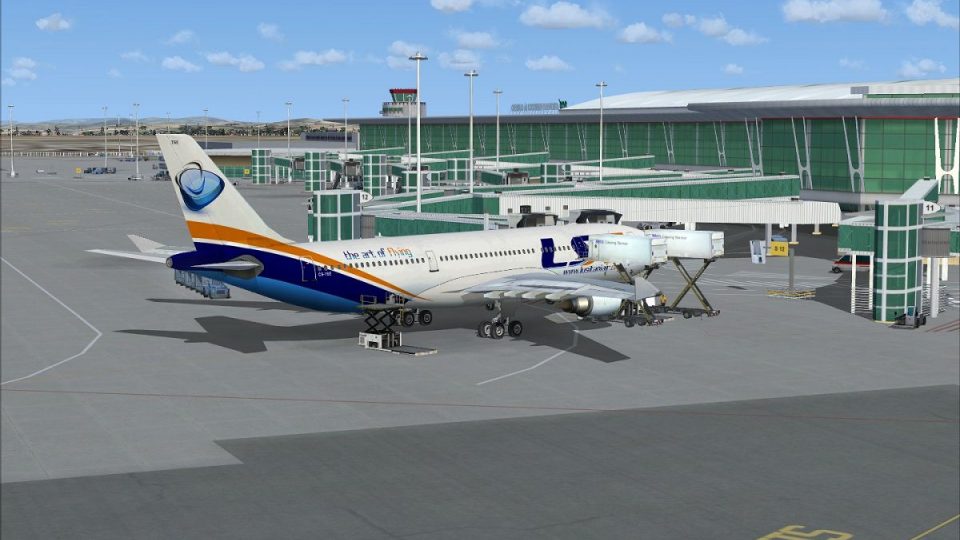
Lusitaniair Airbus A332 CS-TVA
This freeware package features a bespoke Lusitaniair Airlines Airbus A330-200…
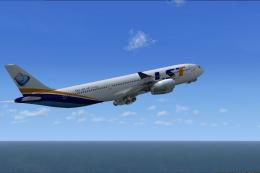
Lusitaniair Airlines’ Airbus A330-200 GE repaint brings the World Connect fleet concept to life with crisp fuselage lines, accurate color matching, and carefully mapped engine textures for a convincing long-haul presence. Built for Microsoft Flight Simulator X, it requires Wilco/FeelThere Airbus Series Volume 2 and adds a polished, Portugal-inspired identity to transcontinental and European operations.
 Rate
Rate
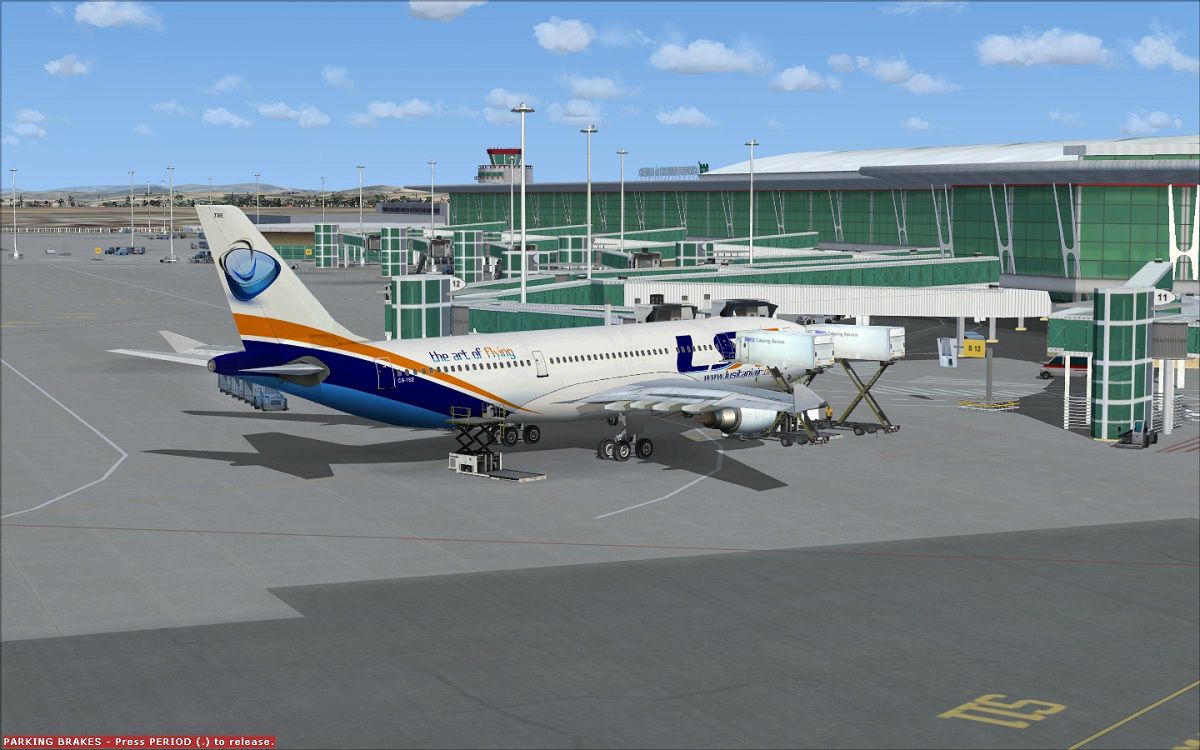

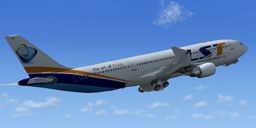
Enhance your virtual airline collection with a meticulously detailed Lusitaniair Airlines Airbus A330-200 (General Electric variant) repaint created by Joao Paulino. This texture set aligns with the World Connect fleet concept for Lusitaniair, capturing the aircraft’s recognizable forward fuselage lines, neatly rendered livery elements, and accurate color matching. Designed for Microsoft Flight Simulator X, it delivers a realistic visual presence when operating transcontinental or local European routes under the Lusitaniair banner.
Lusitaniair fictional operations pay tribute to the cultural background of Portugal (historically referred to as Lusitania), and this Airbus A330-200 repaint revisits that identity with subtle detailing around the fuselage. The original Airbus A330-200 is a wide-bodied, twin-engine aircraft renowned for efficient long-range performance, making it a staple in many commercial fleets worldwide. Here, that efficiency merges seamlessly with Lusitaniair’s concept of global connectivity in a striking new livery.
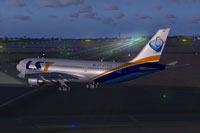
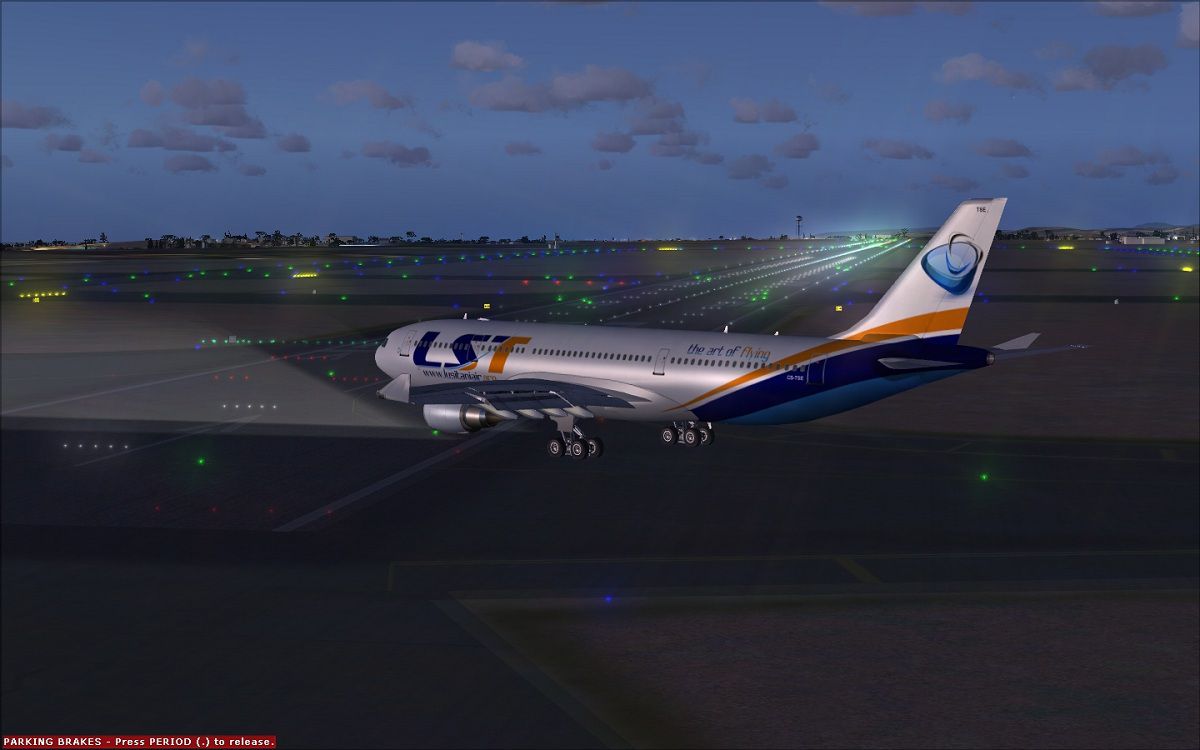
Above, the repaint showcases Lusitaniair visual branding during taxi to the runway.
This package includes textures only. You must own the payware Wilco/FeelThere Airbus Series Volume 2. Remember that the necessary 3D model, systems programming, and other features belong to that product, which is not included with these repainted textures.
Microsoft Flight Simulator X\SimObjects\Airplanes\feelThere PIC A332GE” directory.aircraft.cfg file within the same folder.xx in [fltsim.xx] with your next consecutive number) to register this repaint.
[fltsim.xx]
title=Feelthere A330-200 GE World Connect CS-TSE
sim=FeelThere_A330-200
sound=GE
model=
texture=CS-TSE
atc_airline=PRO AIR
panel=
checklists=
atc_id=CS-TSE
atc_flight_number=FT332
atc_heavy=0
ui_manufacturer=Frota Lusitaniair
ui_type=Airbus A330-200 GE - Wilco
ui_variation=World Connect CS-TSE
visual_damage=1
ui_typerole=Commercial Airliner
ui_createdby="feelThere/Wilco"
description=
All credits go to Joao Paulino for crafting this livery. His attention to detail ensures a convincing representation of Lusitaniair’s fleet identity. This repaint brings an authentic touch to full-scale operations within the simulator, reflecting the Airbus A330’s capability for extended routes across Europe, Africa, or beyond.
Enjoy your flights with the newly painted jet in Microsoft Flight Simulator X, and experience the added immersion of an airline design that merges fictional heritage with modern aircraft engineering.
Free for all simmers · 13.82 MB · Scanned clean Oct 2026
Download speed: Free tier is capped at 0.5 Mbps (this file takes approximately 4 mins at the cap). PRO members download at full line speed.
texture.{airline}) inside FSX\SimObjects\Airplanes\{base-aircraft}\.aircraft.cfg in Notepad. Add a new [fltsim.X] section per the readme.readme.txt or README file. It tells you exactly where files go, what dependencies are needed, and any quirks specific to this add-on.The archive cs-tse_a332_world_connect_fsx_wilco.zip has 61 files and directories contained within it.
This list displays the first 500 files in the package. If the package has more, you will need to download it to view them.
| Filename/Directory | File Date | File Size |
|---|---|---|
| cs-tse_a332_world_connect_fsx_wilco | 11.19.12 | 0 B |
| CS-TSE_1.jpg | 11.19.12 | 237.11 kB |
| CS-TSE_2.jpg | 11.19.12 | 152.91 kB |
| CS-TSE_3.jpg | 11.19.12 | 112.98 kB |
| Readme.txt | 11.19.12 | 1.09 kB |
| Texture.CS-TSE | 11.19.12 | 0 B |
| carpet_L.bmp | 07.03.07 | 256.07 kB |
| carpet_T.bmp | 06.04.07 | 256.07 kB |
| cockp1_2_L.bmp | 12.02.06 | 4.00 MB |
| cockp1_2_T.bmp | 12.02.06 | 1.00 MB |
| cockp1_L.bmp | 07.03.07 | 1.00 MB |
| cockp1_T.bmp | 07.06.07 | 1.00 MB |
| cockp2_340_L.bmp | 08.23.07 | 4.00 MB |
| cockp2_340_T.bmp | 07.06.07 | 1.00 MB |
| cockp2_L.bmp | 07.03.07 | 4.00 MB |
| cockp2_T.bmp | 07.16.07 | 1.00 MB |
| cockp3_L.bmp | 07.03.07 | 1.00 MB |
| cockp3_T.bmp | 07.06.07 | 1.00 MB |
| cockp4_L.bmp | 07.03.07 | 1.00 MB |
| cockp4_T.bmp | 06.04.07 | 1.00 MB |
| cockp5_L.bmp | 07.03.07 | 1.00 MB |
| cockp5_T.bmp | 12.19.06 | 1.00 MB |
| cockp_mirr_L.bmp | 07.16.07 | 256.07 kB |
| cockp_mirr_T.bmp | 07.16.07 | 1.00 MB |
| cockp_misc_L.bmp | 07.03.07 | 256.07 kB |
| cockp_misc_T.bmp | 06.04.07 | 256.07 kB |
| crew_L.bmp | 06.06.07 | 64.07 kB |
| crew_T.bmp | 06.06.07 | 64.07 kB |
| eng1_L.bmp | 06.04.07 | 4.07 kB |
| eng1_T.bmp | 07.09.07 | 256.07 kB |
| eng2_T.bmp | 06.06.07 | 256.07 kB |
| eng3_T.bmp | 07.09.07 | 256.07 kB |
| interior_L.bmp | 01.10.07 | 4.00 MB |
| interior_T.bmp | 01.10.07 | 4.00 MB |
| int_1_L.bmp | 07.03.07 | 1.00 MB |
| int_1_T.bmp | 06.04.07 | 256.07 kB |
| main_1_200_L.bmp | 10.13.07 | 4.00 MB |
| main_1_200_T.bmp | 07.16.10 | 4.00 MB |
| main_1_L.bmp | 06.28.07 | 1.00 MB |
| main_1_T.bmp | 06.06.07 | 4.00 MB |
| main_2_200_L.bmp | 10.13.07 | 4.00 MB |
| main_2_200_T.bmp | 07.16.10 | 4.00 MB |
| main_2_L.bmp | 06.28.07 | 1.00 MB |
| main_2_T.bmp | 06.06.07 | 4.00 MB |
| misc_L.bmp | 07.03.07 | 1.00 MB |
| misc_T.bmp | 06.04.07 | 256.07 kB |
| pan1_L.bmp | 11.24.05 | 16.07 kB |
| panel01_L.bmp | 11.24.05 | 16.07 kB |
| panel_L.bmp | 11.19.07 | 1.00 MB |
| panel_T.bmp | 06.04.07 | 1.00 MB |
| seat1_L.bmp | 06.04.07 | 16.07 kB |
| seat1_T.bmp | 06.04.07 | 64.07 kB |
| seats_L.bmp | 06.04.07 | 64.07 kB |
| seats_T.bmp | 06.04.07 | 256.07 kB |
| thumbnail.jpg | 11.19.12 | 34.50 kB |
| wheel_L.bmp | 06.04.07 | 4.07 kB |
| wheel_T.bmp | 06.04.07 | 64.07 kB |
| wing_L.bmp | 06.04.07 | 4.07 kB |
| wing_T.bmp | 06.04.07 | 1.00 MB |
| flyawaysimulation.txt | 10.29.13 | 959 B |
| Go to Fly Away Simulation.url | 01.22.16 | 52 B |
Only PRO members can place votes.
More FSX & P3D add-ons hand-picked based on this download.
FSX Civil Aircraft
This freeware package features a bespoke Lusitaniair Airlines Airbus A330-200…
 FSX Civil Aircraft
This repaint package introduces a distinctive Lusitaniair Airlines Airbus A33…
 FSX Civil Aircraft
This package introduces a meticulously crafted paint set focusing on Lusitani…
 FSX Civil Aircraft
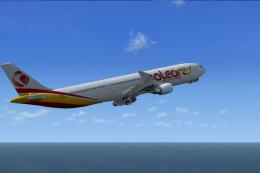
This freeware release adds a meticulously crafted Lusitaniair-inspired Airbus…
 FSX Civil Aircraft
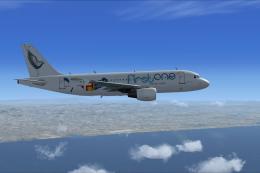
Lusitaniair Airlines Airbus A330-300 GE EC-TSM paint for LST Baleares fleet. …
 FSX Civil Aircraft
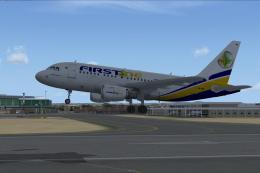
This repaint showcases Lusitaniair Airlines’ Airbus A319 (registration CS-TVF…
 FSX Civil Aircraft
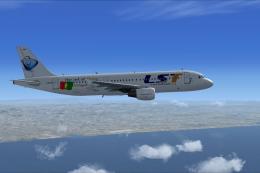
This specialized repaint delivers the Lusitaniair Airlines Airbus A320, ident…
 FSX Civil Aircraft
Lusitaniair Airlines Airbus A340-300 CFM CS-TVJ paint for LST World Connect f…
Be the first to leave a comment on this download.
Be the first to share your thoughts on this download.