

 FSX Civil Aircraft
Hainan Airlines Boeing 787-9 V5
The latest release of this freeware Boeing 787-9 package features a more refi…
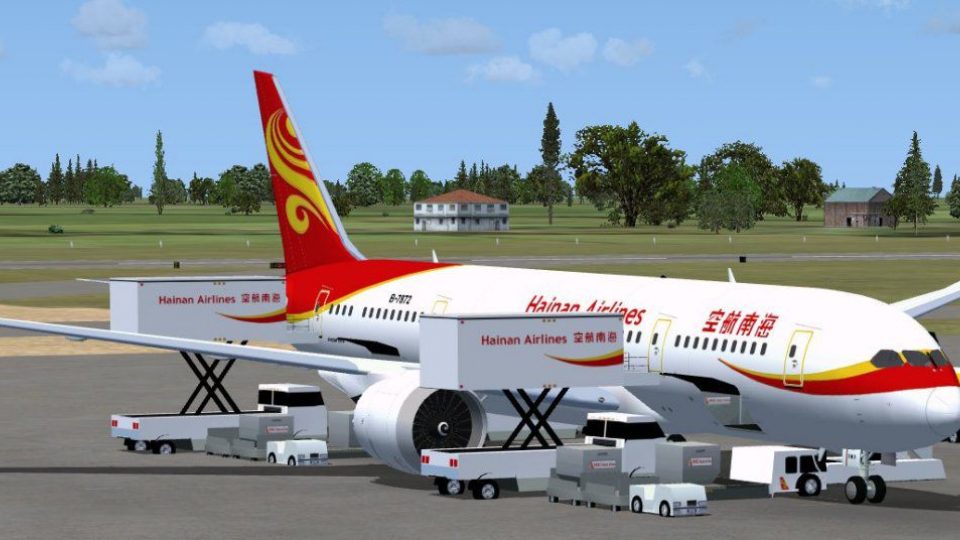
Hainan Airlines’ Boeing 787-8 comes to life with CamSim’s upgraded v2 exterior model, crisp high-resolution textures, and smoothly animated passenger and cargo doors. Refined Animated Ground Servicing adds ramp equipment activity for more believable turnarounds in FSX, giving the Dreamliner a convincing presence from gate to departure.
 Rate
Rate


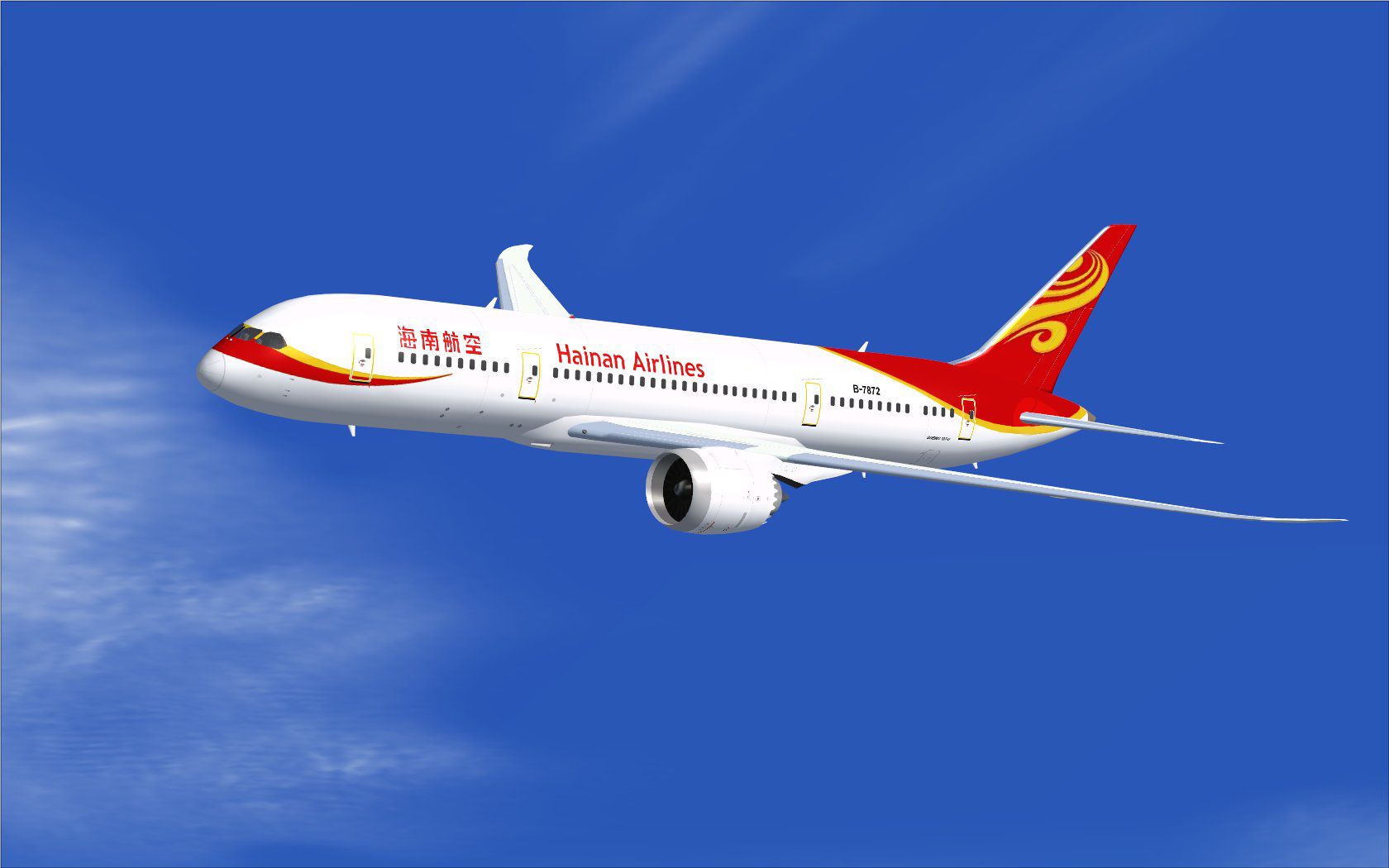
This freeware release introduces a meticulously crafted Hainan Airlines rendition of the Boeing 787-8, designed and painted by Camil Valiquette of CamSim. It provides an upgraded aircraft model along with a refined Animated Ground Servicing feature that enhances realism during ramp operations.
Hainan Airlines, a major carrier headquartered in China, has been operating a modern fleet that includes the Boeing 787 series for medium- and long-haul routes. This virtual adaptation is based on the 787-8 variant, which is known for its composite airframe and advanced aerodynamic profile. It brings high-resolution textures, a detailed external model, and functional ground support animations to your simulator.
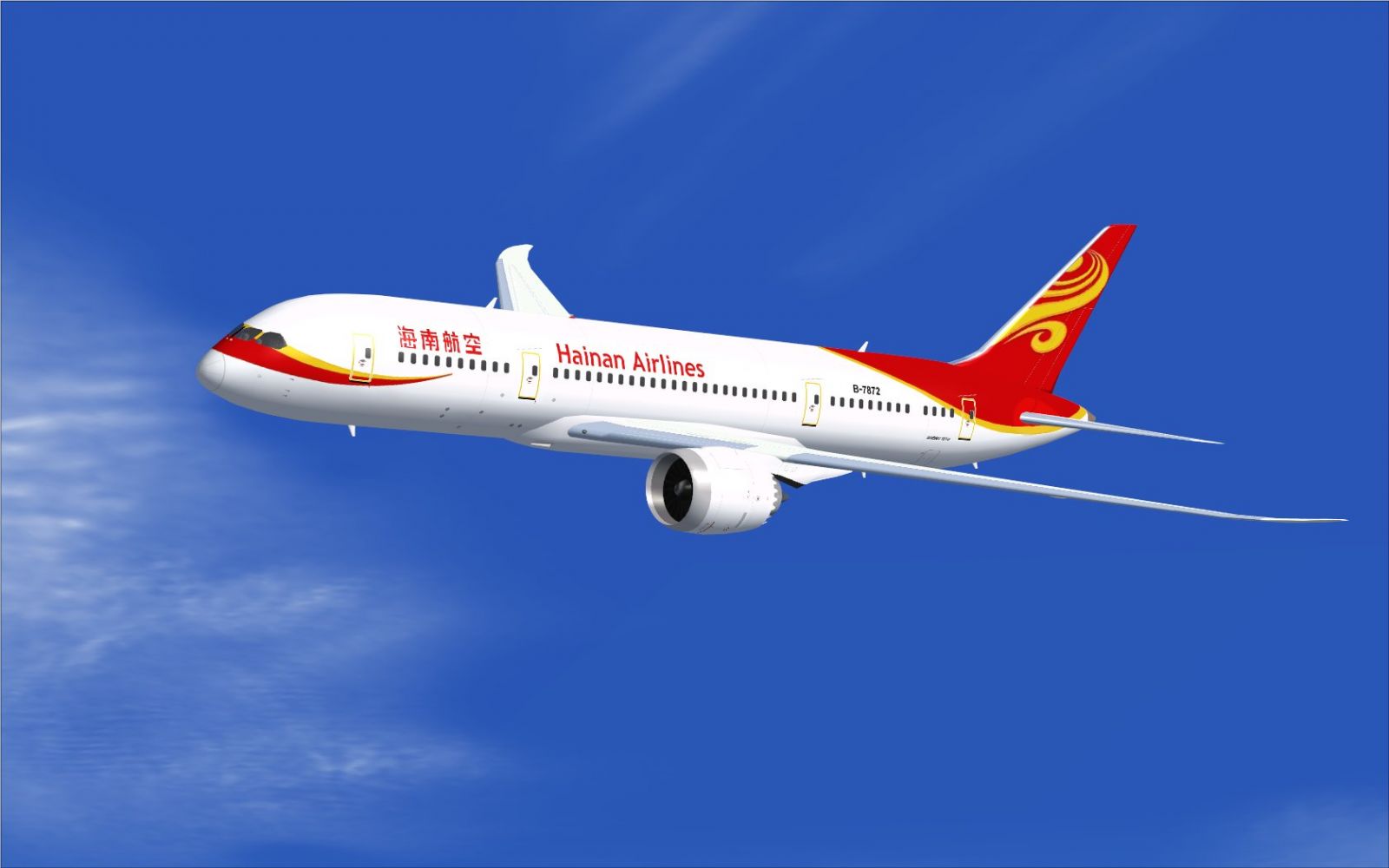
Hainan Airlines Boeing 787-8 in flight.
This release includes animated ground servicing elements, which require mapping specific key commands:
To ensure these inputs work correctly, assign the following in your simulator’s “Options” menu:
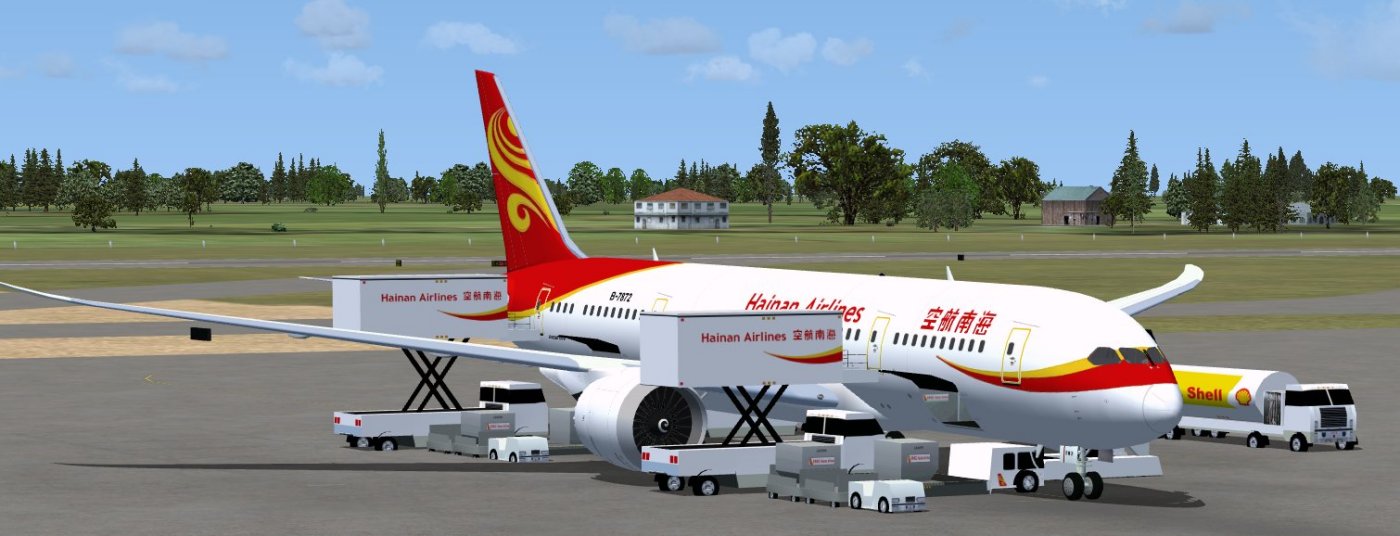
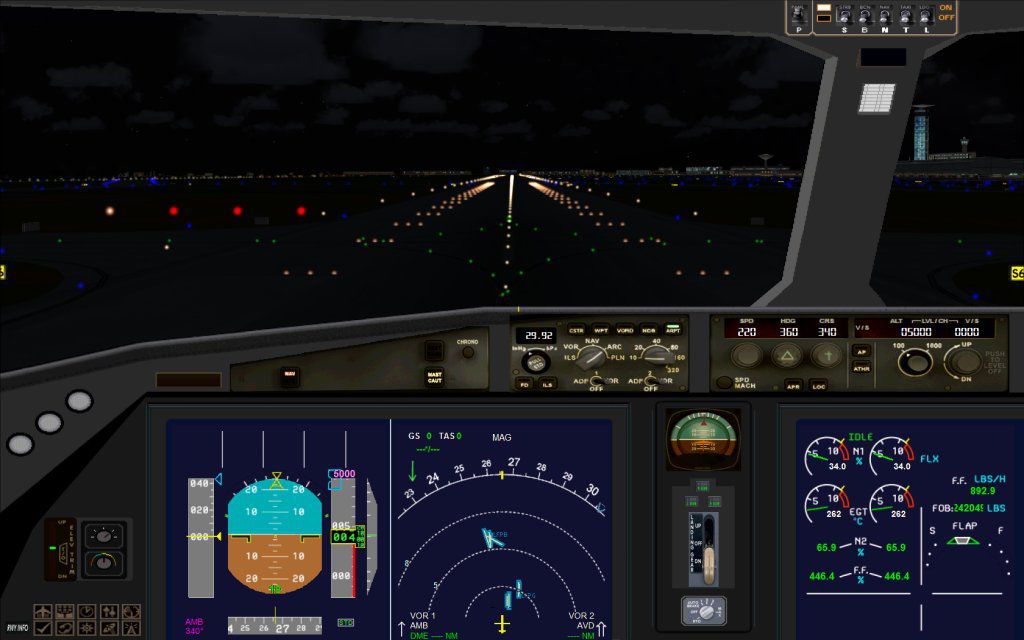
Hainan Airlines Boeing 787-8.
Freeware model design and high-quality texture work by Camil Valiquette of CamSim. This product is freely available and intended for use in FSX.
Free for all simmers · 5.17 MB · Scanned clean Oct 2026
Download speed: Free tier is capped at 0.5 Mbps (this file takes approximately 1 min at the cap). PRO members download at full line speed.
This add-on may require the following files to function properly. If this is a repaint, the dependency below is likely the base aircraft package.
FSX\SimObjects\Airplanes\. The folder must contain an aircraft.cfg file. Effects go into FSX\Effects\; gauges go into FSX\Gauges\.readme.txt or README file. It tells you exactly where files go, what dependencies are needed, and any quirks specific to this add-on.The archive 787v2hu0.zip has 36 files and directories contained within it.
This list displays the first 500 files in the package. If the package has more, you will need to download it to view them.
| Filename/Directory | File Date | File Size |
|---|---|---|
| CamSim Boeing 787-8 V2 Hainan Airlines | 04.06.10 | 0 B |
| 787-8.air | 02.25.10 | 12.76 kB |
| 787v2hu fsx ags.jpg | 04.06.10 | 117.48 kB |
| 787v2hu_.jpg | 04.06.10 | 89.26 kB |
| aircraft.cfg | 04.06.10 | 15.45 kB |
| Effects.zip | 03.25.06 | 1.80 kB |
| file_id.diz | 04.06.10 | 195 B |
| fsx cpit_d.jpg | 03.04.10 | 107.14 kB |
| fsx cpit_n.jpg | 03.04.10 | 85.82 kB |
| model.787-8 ags | 04.06.10 | 0 B |
| 787-8 ags.mdl | 12.21.09 | 2.67 MB |
| Model.cfg | 03.16.06 | 28 B |
| Panel | 04.06.10 | 0 B |
| 787_350_panel_background.bmp | 02.25.10 | 2.25 MB |
| 787_350_panel_background_night.bmp | 02.25.10 | 2.25 MB |
| Airbus_A321.cab | 09.04.06 | 2.72 MB |
| panel.cfg | 02.25.10 | 5.48 kB |
| Read Me_FSX.txt | 04.06.10 | 2.46 kB |
| sound | 04.06.10 | 0 B |
| Sound.cfg | 05.27.09 | 30 B |
| texture.hu | 04.06.10 | 0 B |
| 787eng_t.bmp | 03.29.10 | 1.00 MB |
| 787ext_L.bmp | 04.06.10 | 4.00 MB |
| 787ext_t.bmp | 04.06.10 | 1.00 MB |
| 787int_L.bmp | 04.06.10 | 4.00 MB |
| 787int_t.bmp | 04.06.10 | 1.00 MB |
| 787tail_t.bmp | 03.29.10 | 1.00 MB |
| 788fuse_t.bmp | 03.29.10 | 1.00 MB |
| 789wings_t.bmp | 11.24.09 | 1.00 MB |
| gris_t.bmp | 12.09.09 | 16.07 kB |
| pilot1.bmp | 03.04.10 | 257.05 kB |
| pilot1_l.bmp | 12.06.06 | 1.00 MB |
| thumbnail.jpg | 04.06.10 | 6.12 kB |
| w_t.bmp | 12.06.08 | 16.07 kB |
| flyawaysimulation.txt | 10.29.13 | 959 B |
| Go to Fly Away Simulation.url | 01.22.16 | 52 B |
Only PRO members can place votes.
More FSX & P3D add-ons hand-picked based on this download.
FSX Civil Aircraft
The latest release of this freeware Boeing 787-9 package features a more refi…
 FSX Civil Aircraft
This repaint set offers a vivid recreation of Hainan Airlines’ distinctive co…
 FSX Civil Aircraft
Hainan Airlines Boeing 737-800 WL. The Project Open Sky (Free Sky) B737-800 w…
 FSX Civil Aircraft
Experience a visually accurate Hainan Airlines repaint applied to the default…
 FSX Civil Aircraft
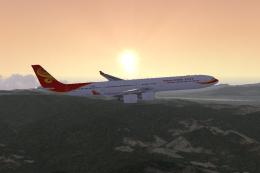
Hainan Airlines Airbus A340-600, registration B-6510. Tom Airbus series Haina…
 FSX Civil Aircraft
This enhanced freeware package features a meticulously updated rendition of t…
 FSX Civil Aircraft
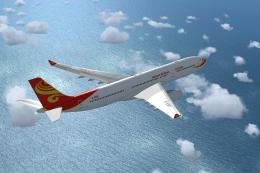
This repaint package features Hainan Airlines liveries applied to the Airbus …
 FSX Civil Aircraft
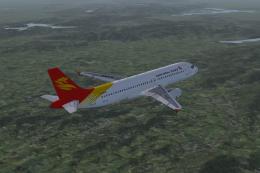
Project Airbus A320-232 Hainan Group package for Flight Simulator X. Aircraft…
Be the first to leave a comment on this download.
Be the first to share your thoughts on this download.