



MSFS Bombardier Global 6000 / E-11A
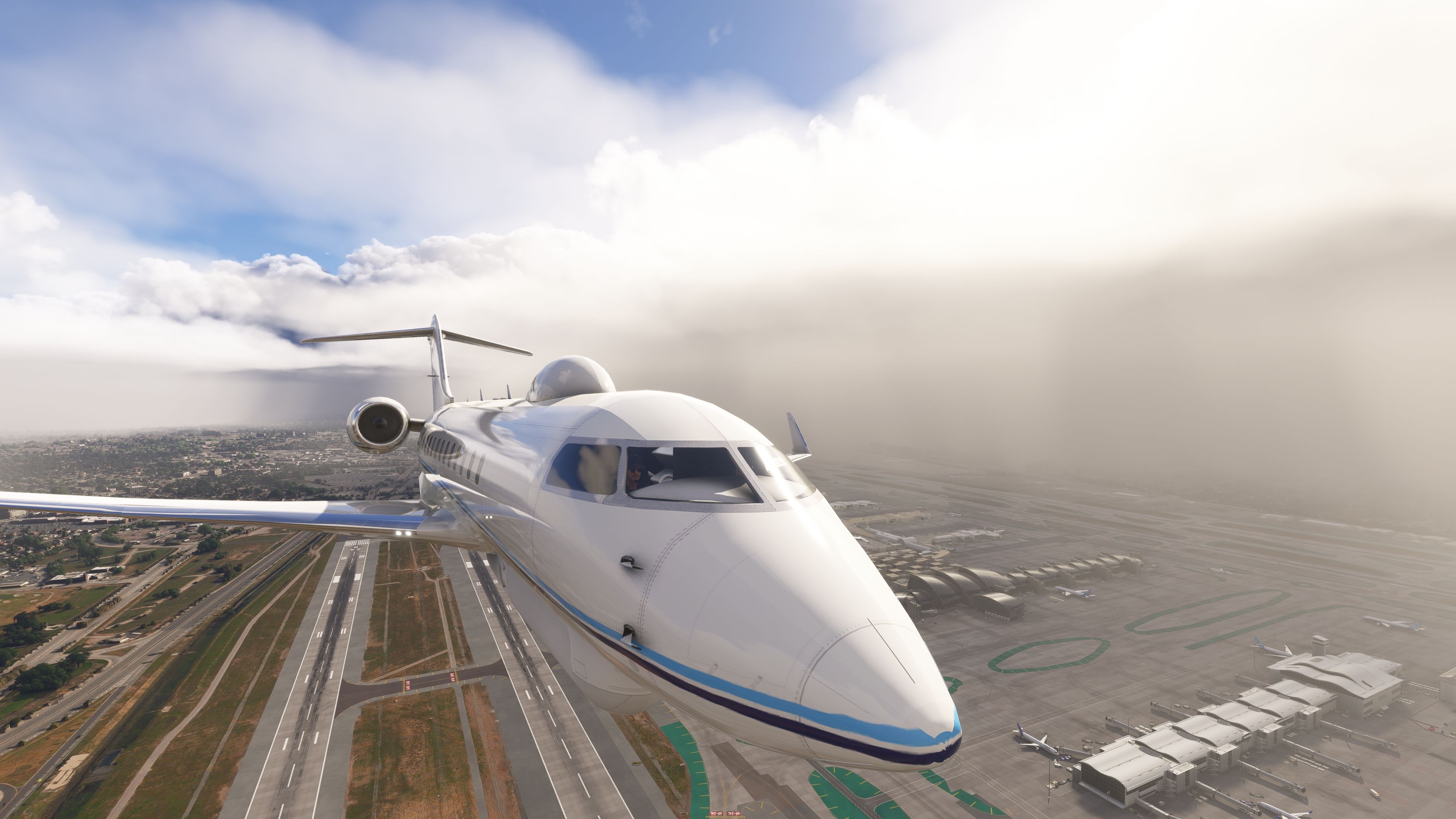
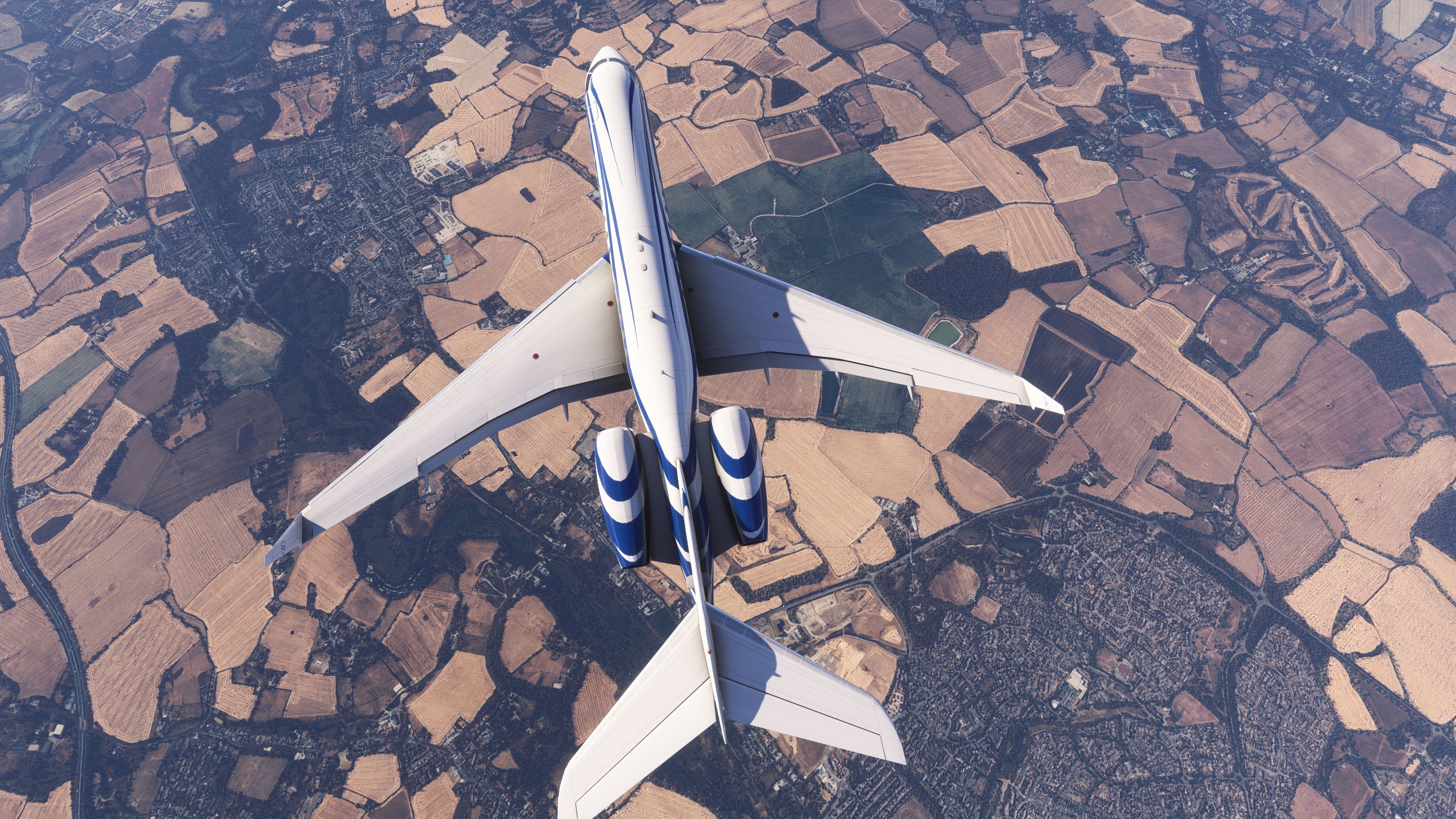
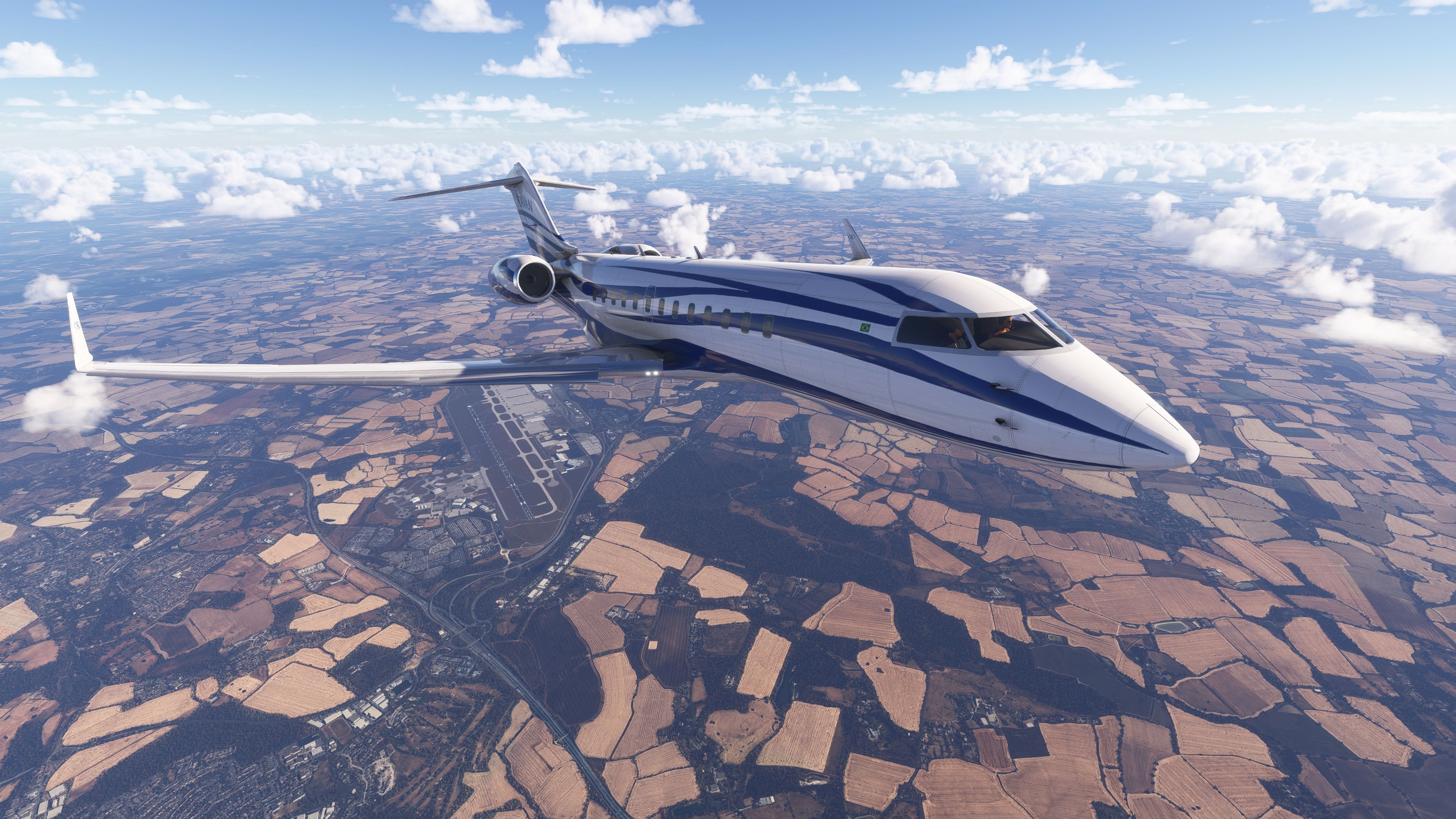
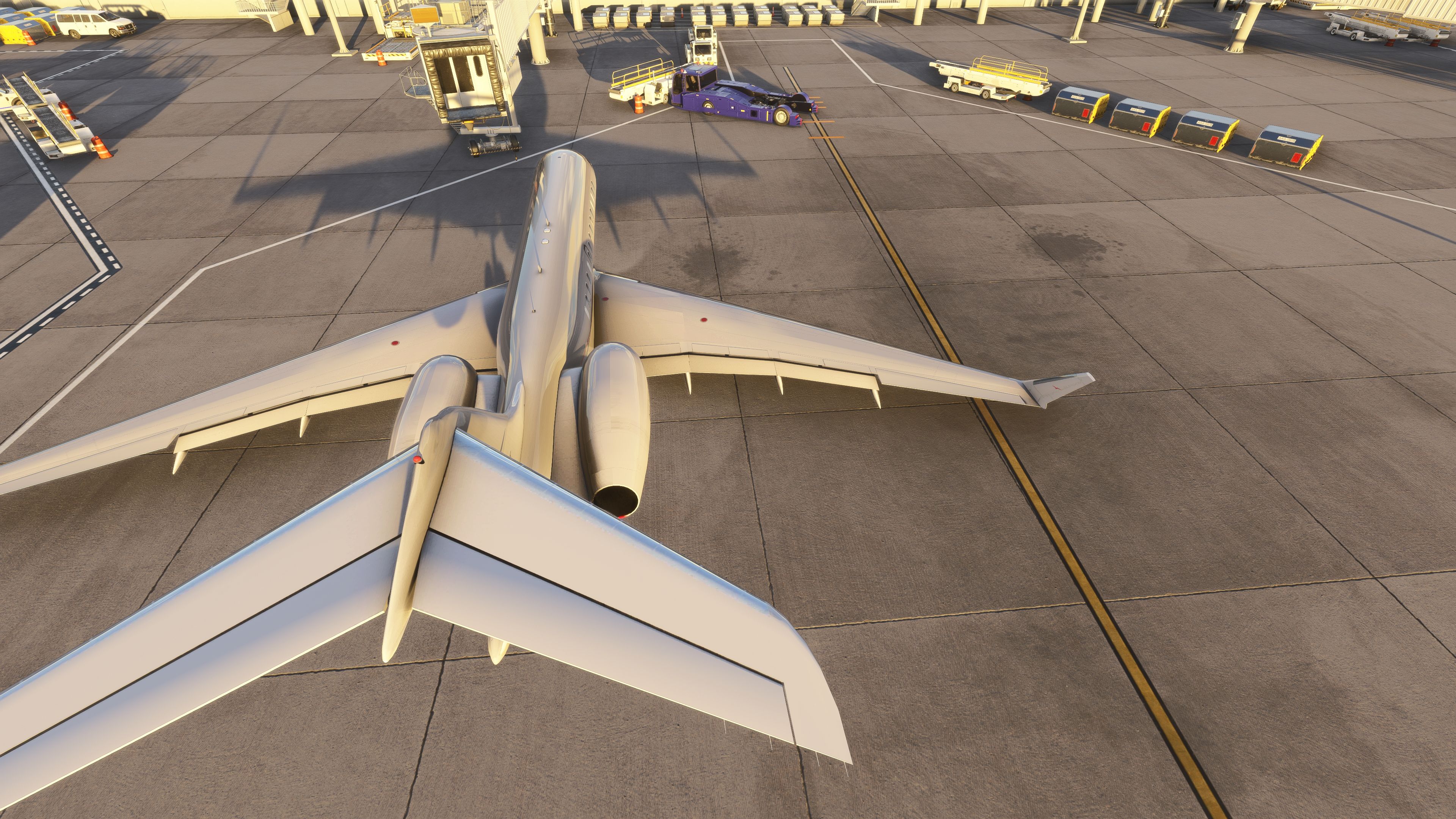
Bombardier Global 6000 and USAF E-11A BACN bring high-altitude long-range flying and a distinctive communications-relay variant to Microsoft Flight Simulator 2024 and 2020, with a functional virtual cockpit using G3000-style displays. AAU2-ready avionics, improved LNAV, FLC Mach tuning, autothrottle behavior, wingflex, refined lighting, and a paint kit round out the package.
 Flight Simulator 2024
- Type:Complete with Base Model
- File: Bombardier-6000-E-11A-MSFS.zip
- Size:662.97 MB
- Scan:
Clean (12d)
- Access:Freeware
- Content:Everyone

 Description
 1 comments
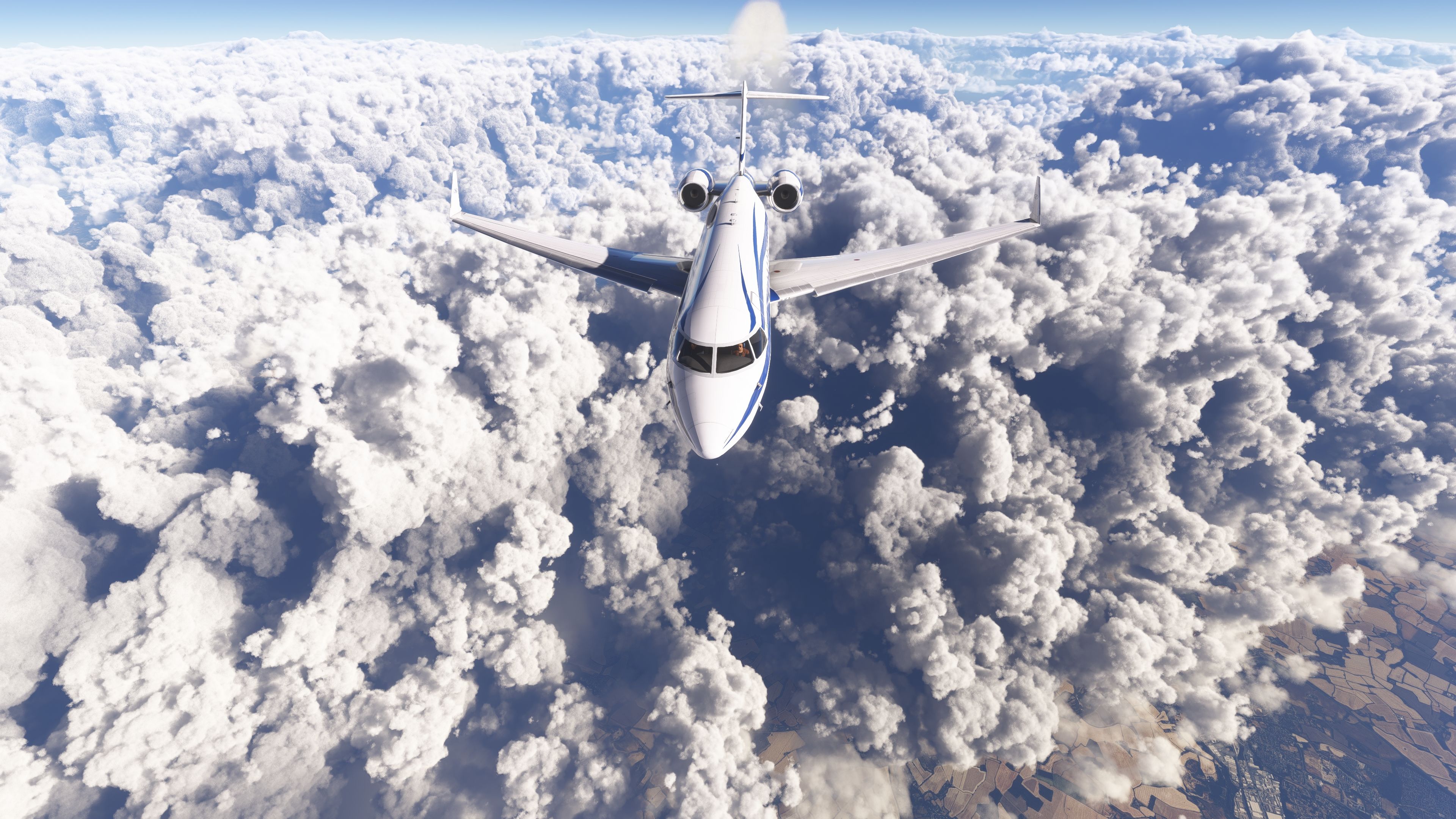
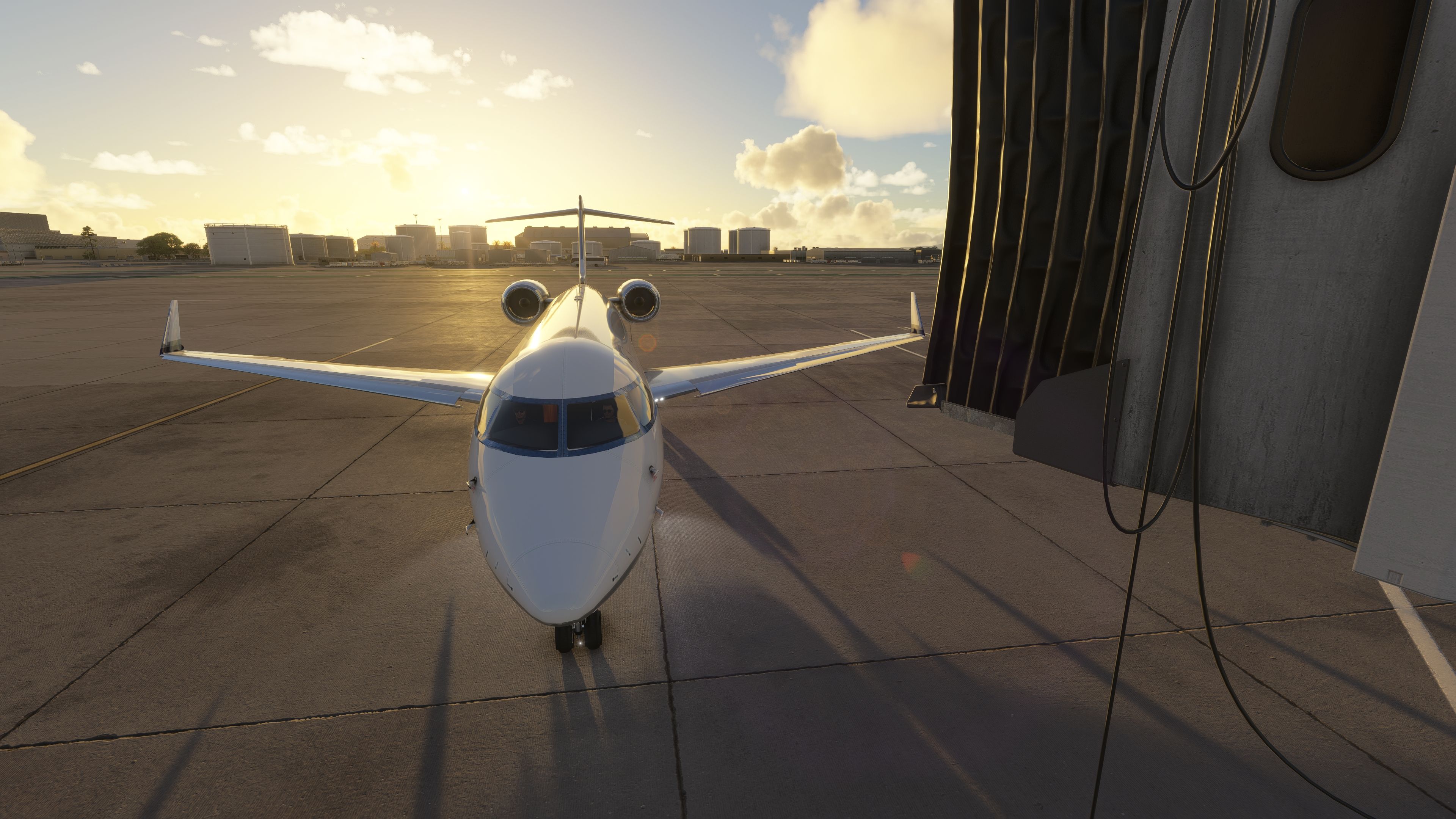
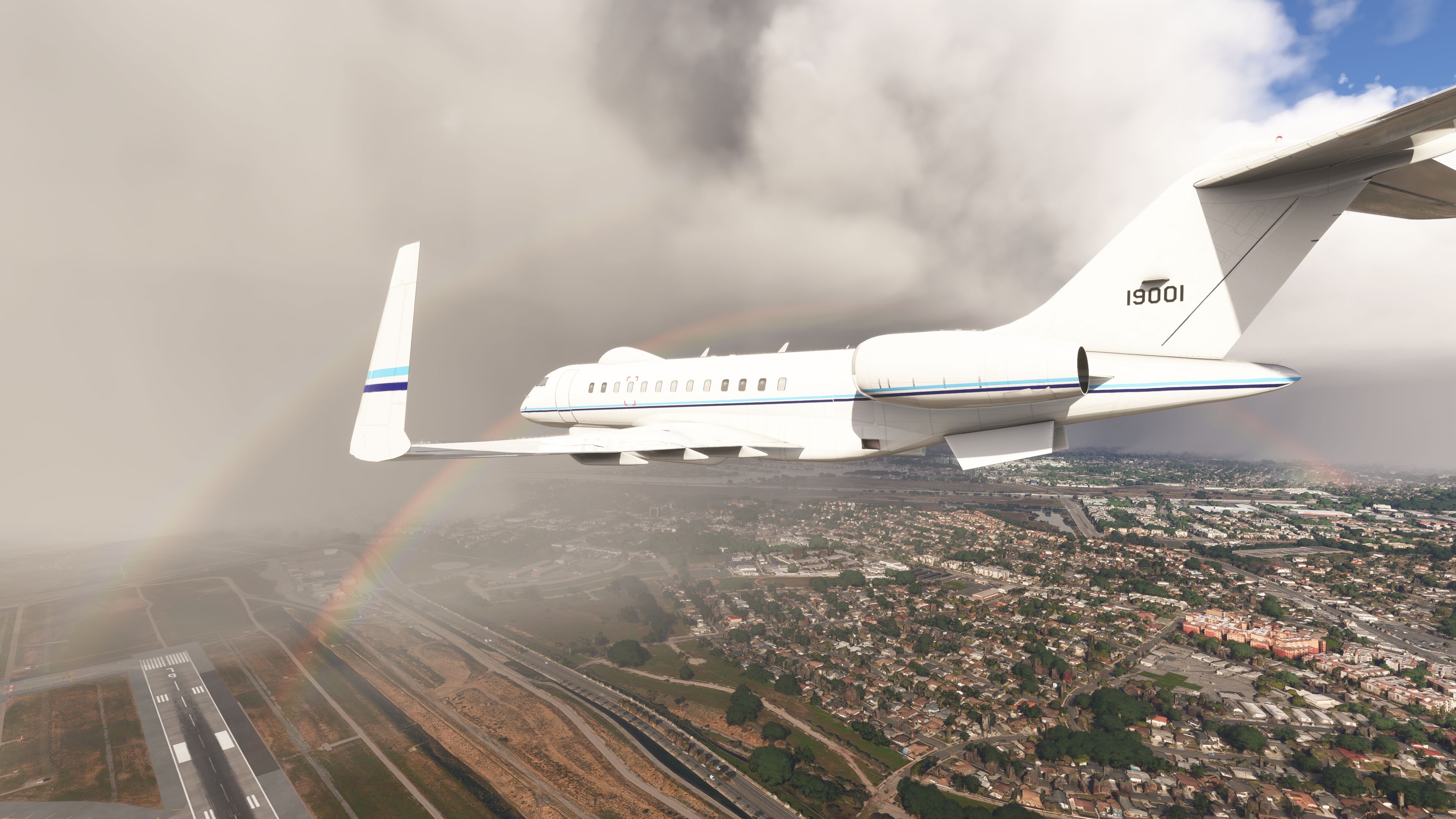
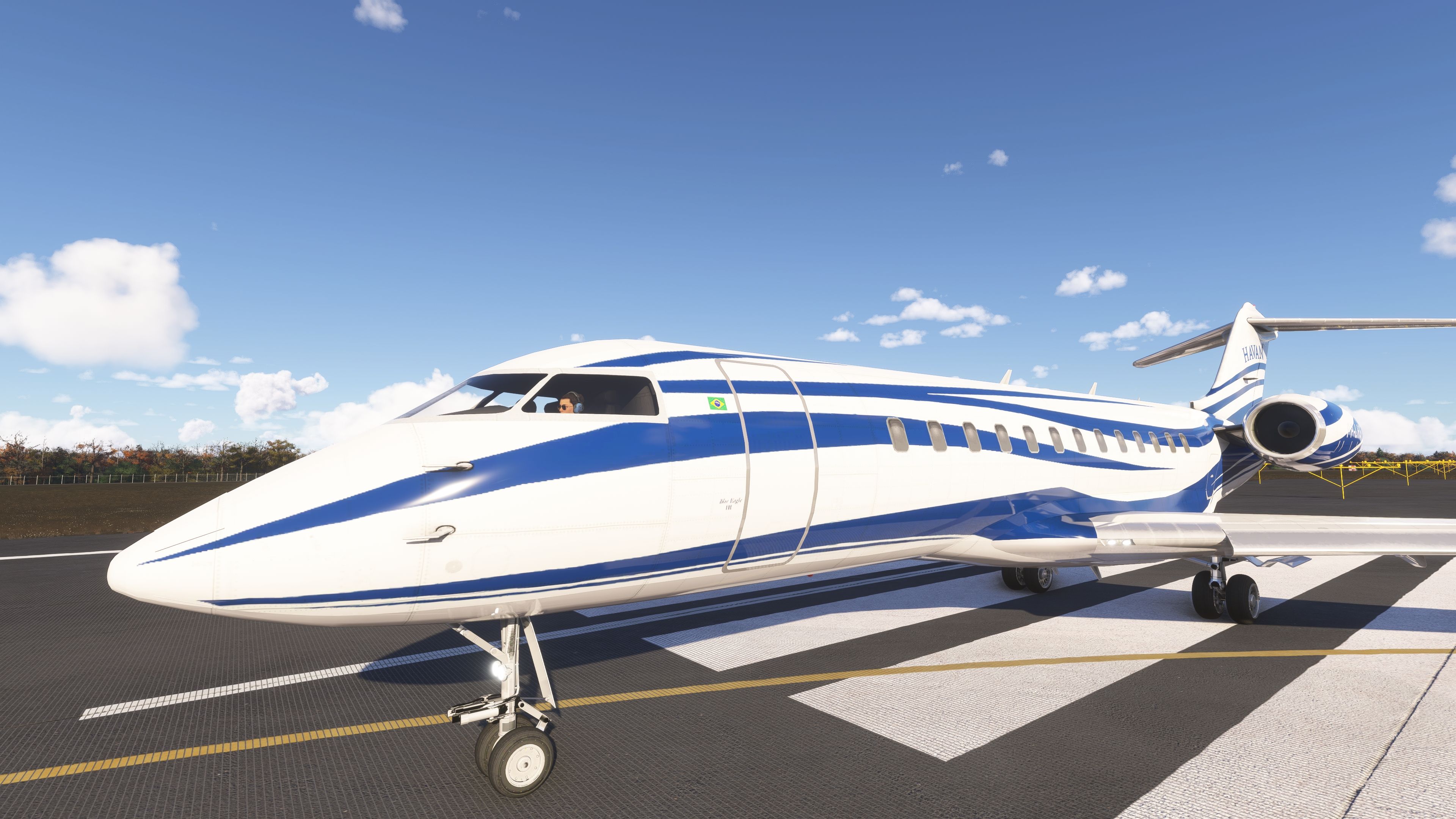
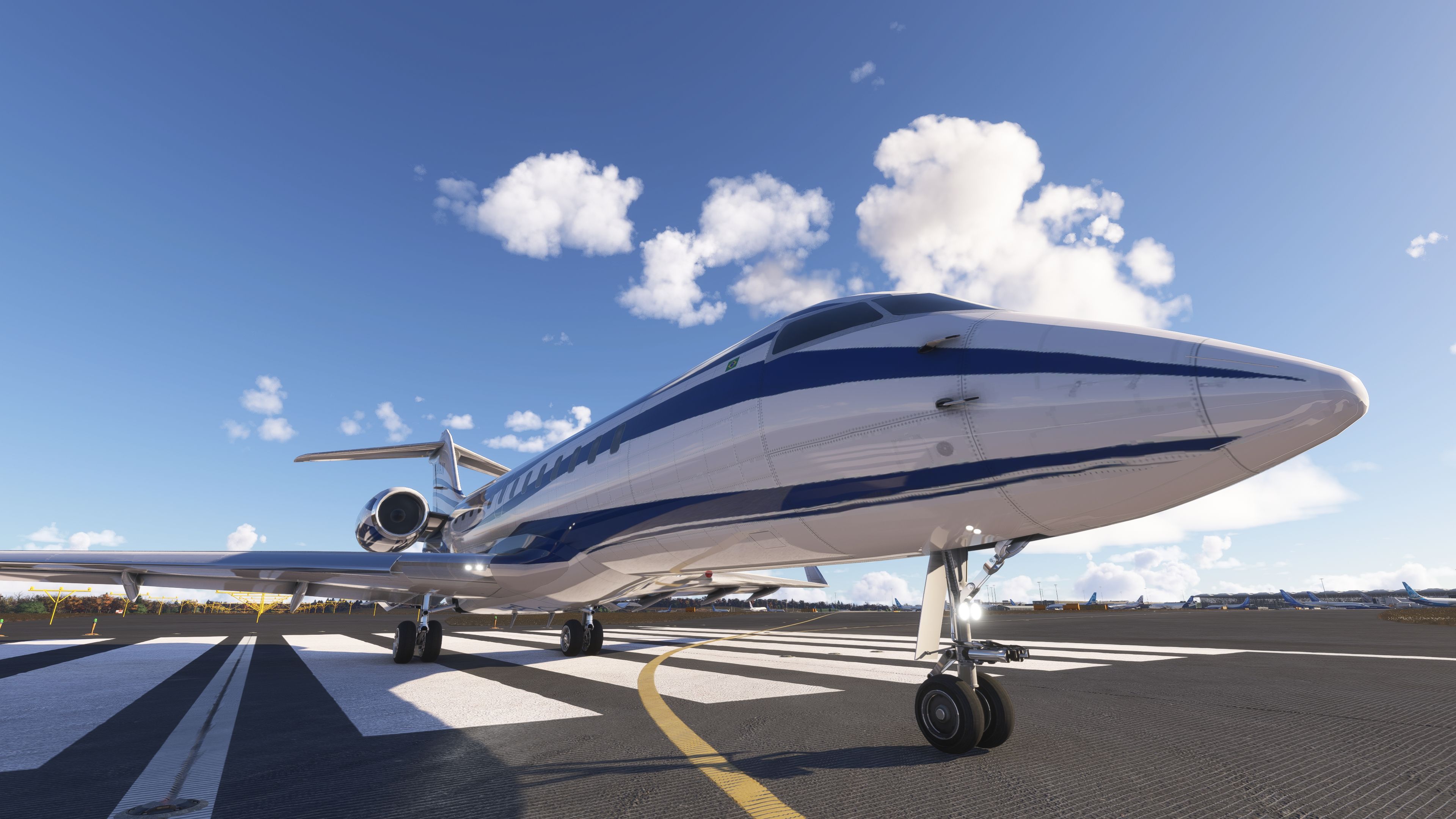
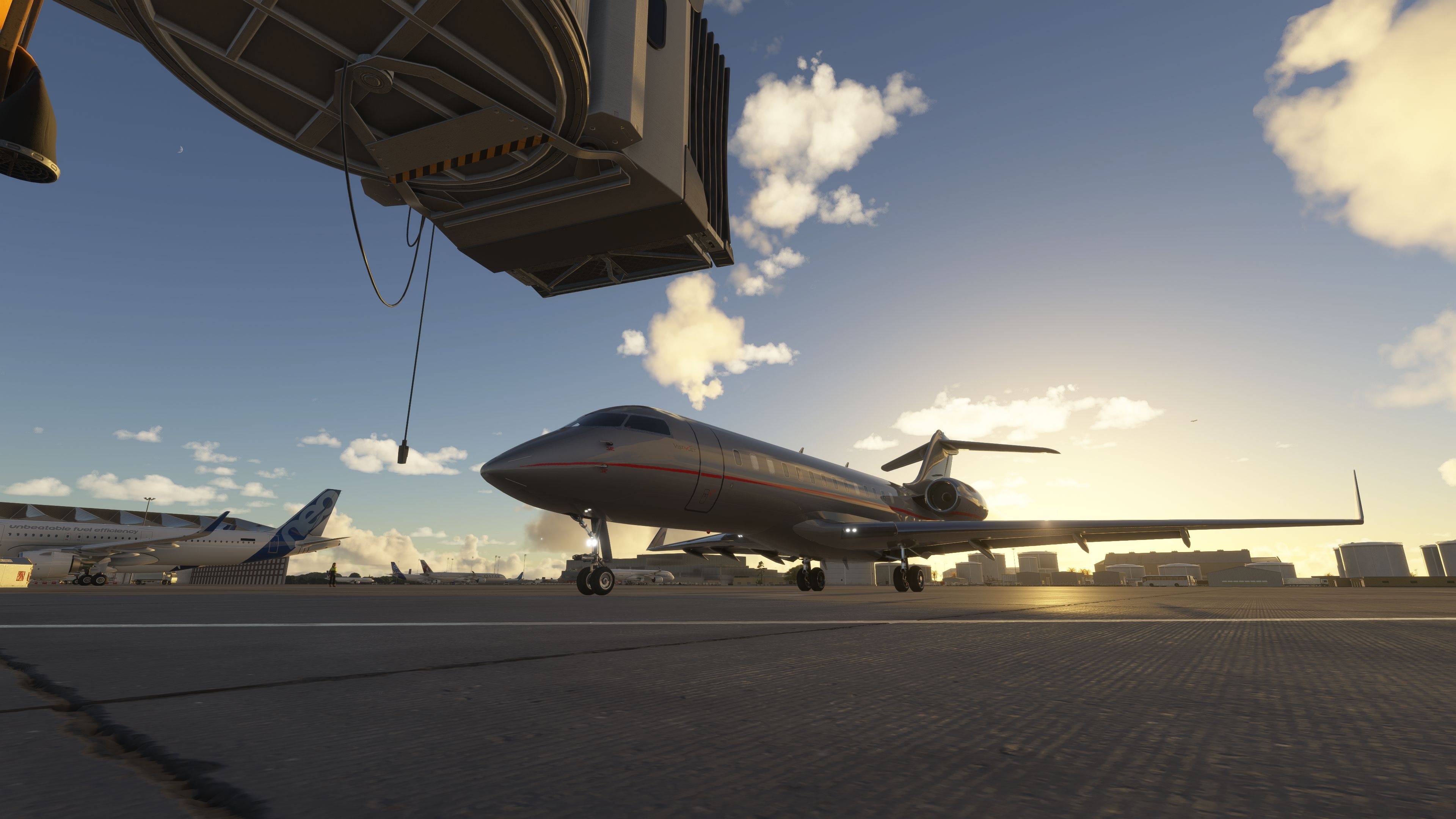
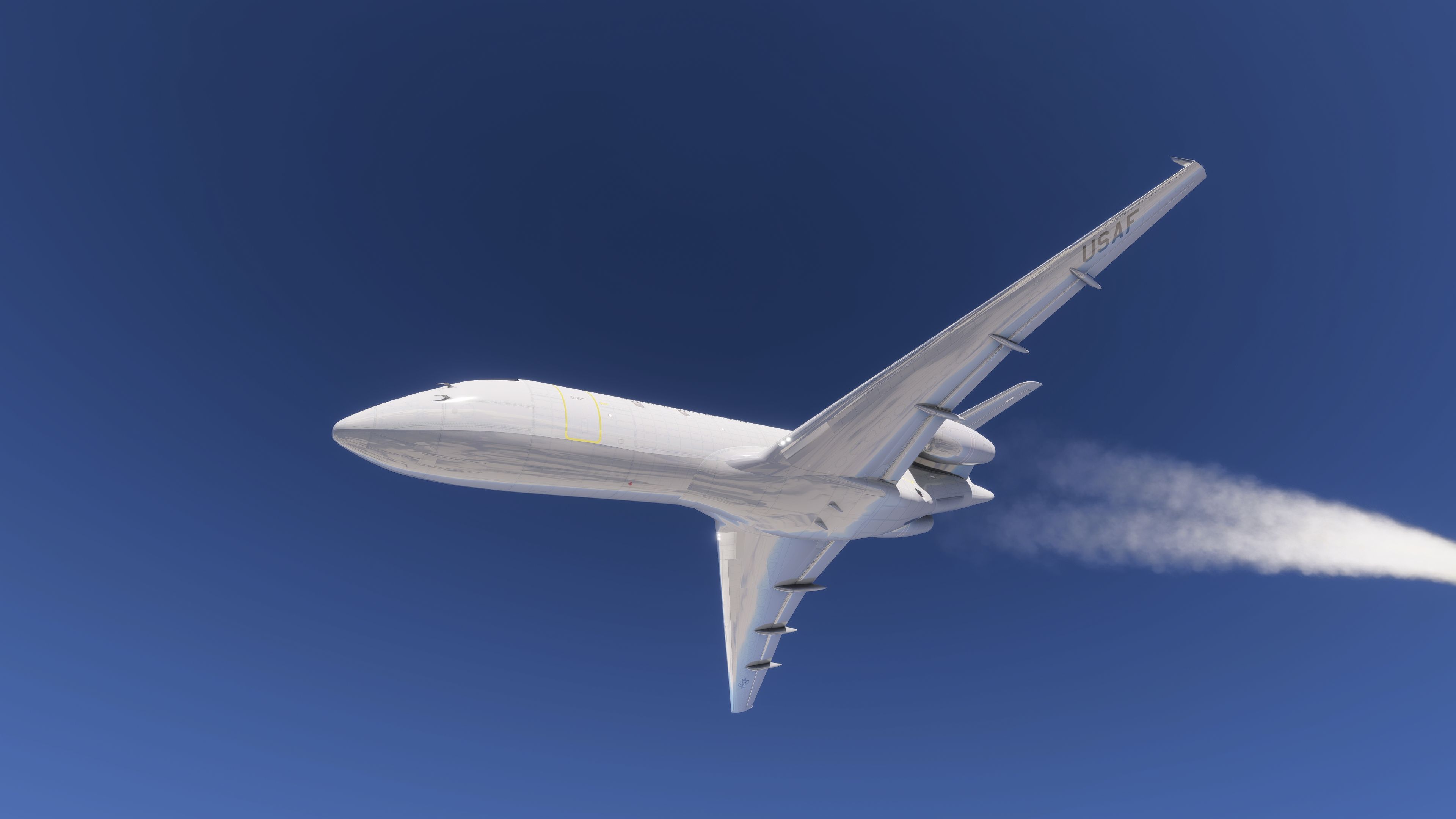
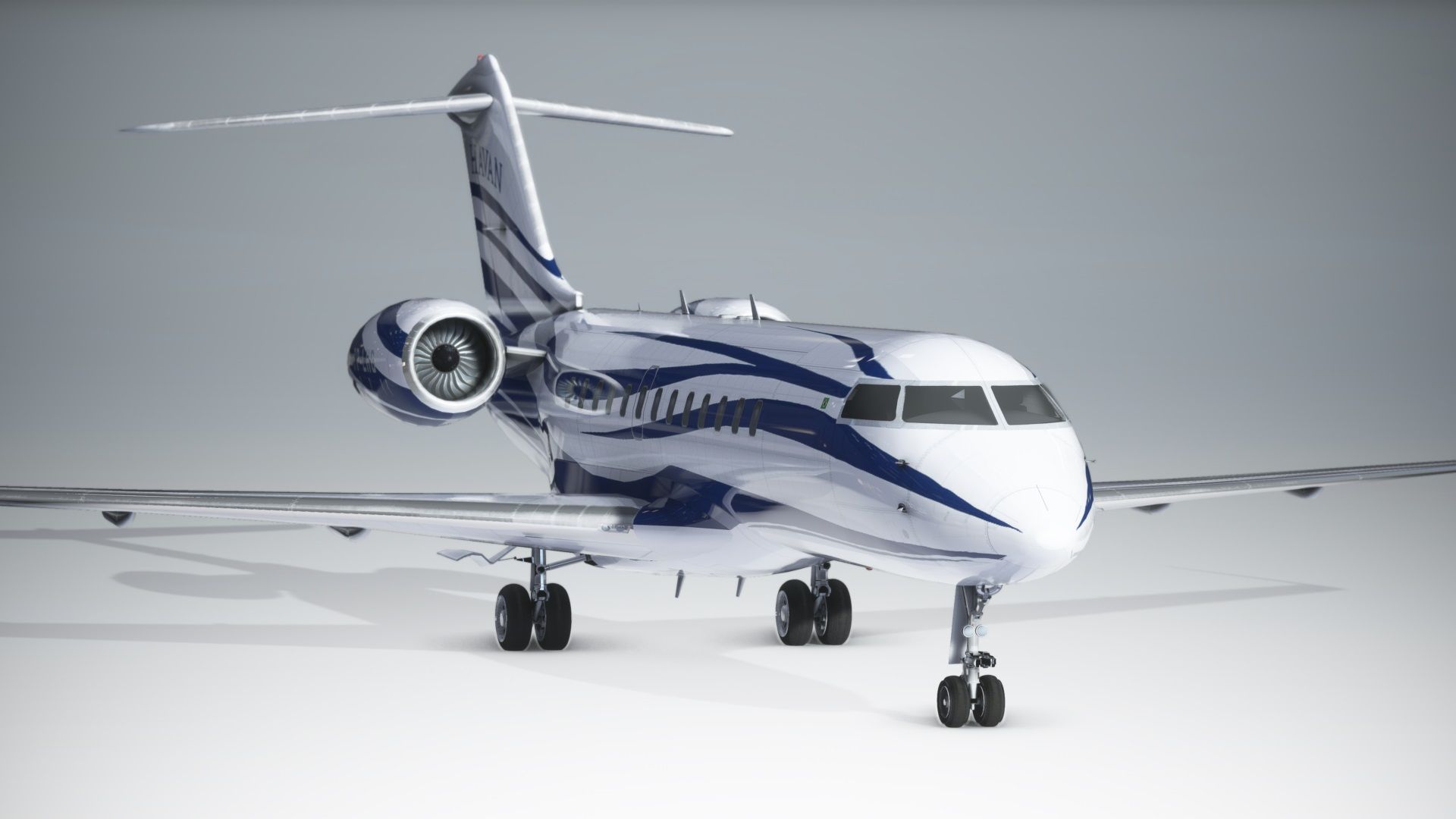
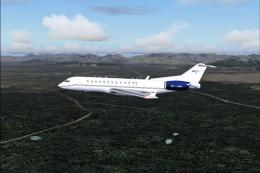
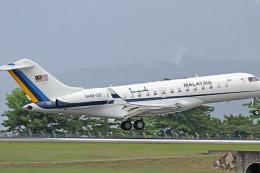
 Fly high at FL510 in a long‑range business jet or switch to a battlefield communications relay in one install: this freeware Bombardier Global 6000 / E‑11A package by giba720 brings a dual‑airframe experience to Microsoft Flight Simulator 2024 and the 2020 release. Converted from a legacy Microsoft Flight Simulator X base with the author’s permission, it delivers a functional cockpit fitted with G3000‑style displays, AAU2 compatibility, and a straightforward drop‑in installation—plus a paint kit for custom liveries.
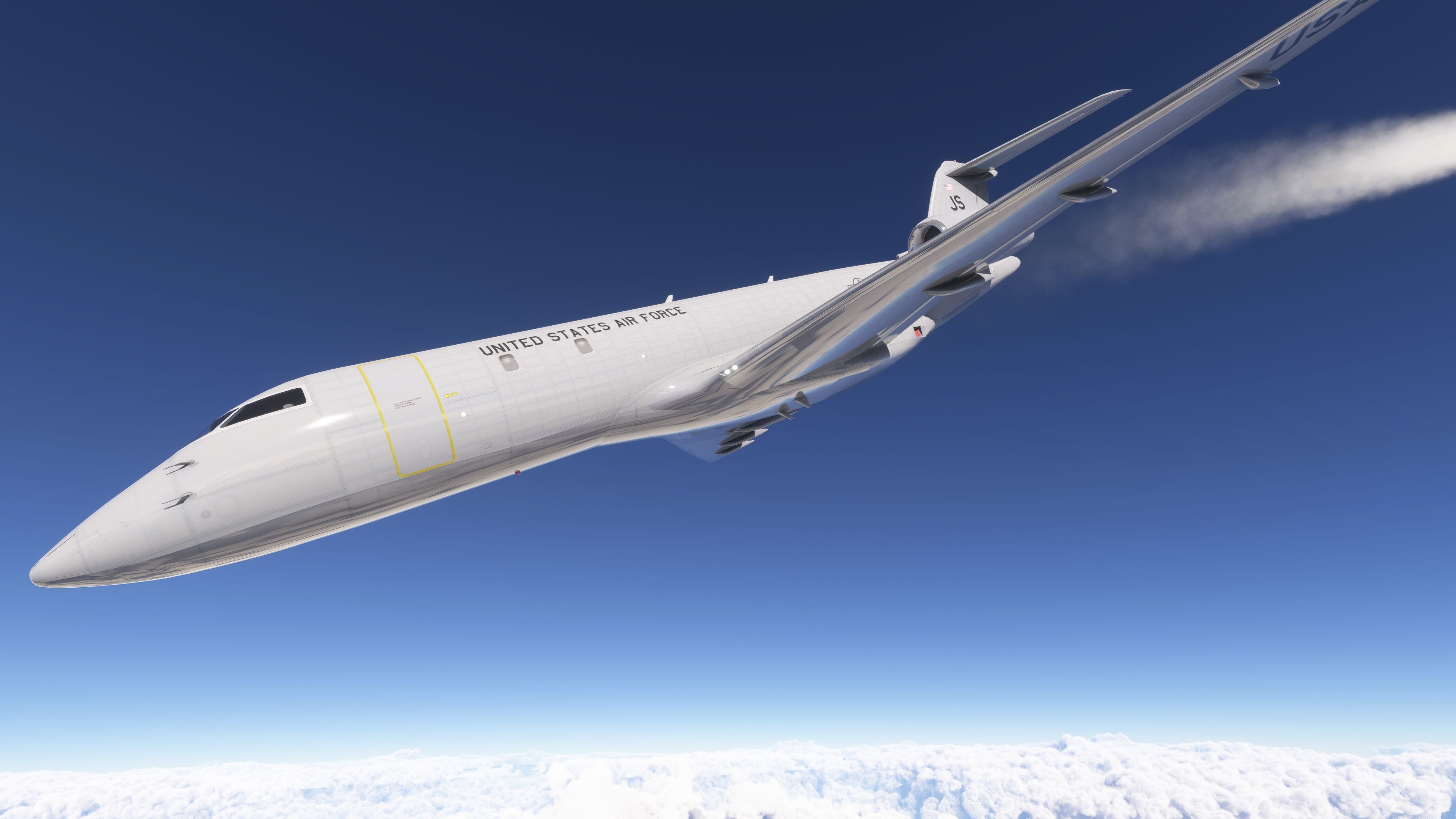
Two Roles, One Download: Global 6000 and E‑11A BACN Variant
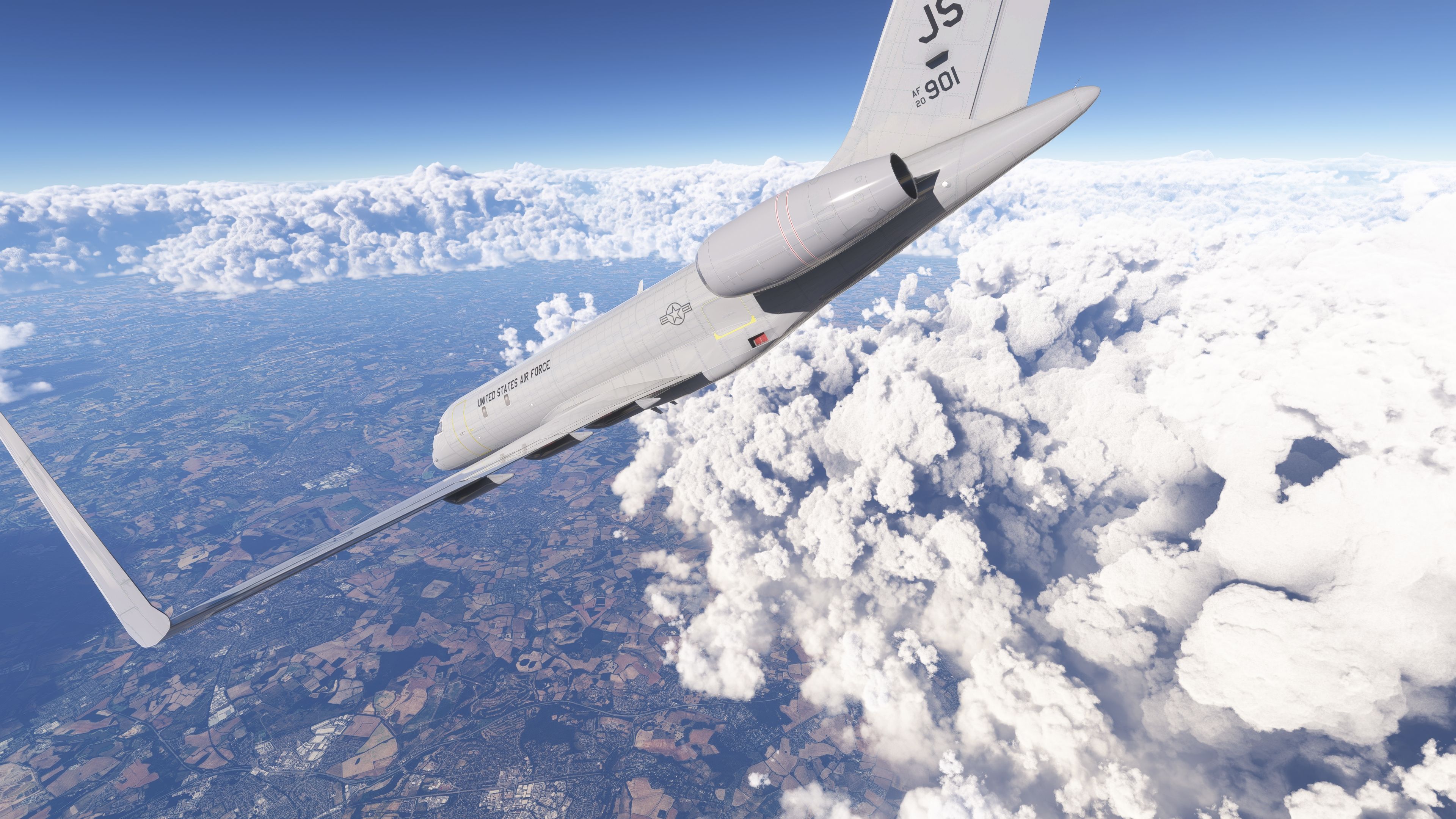
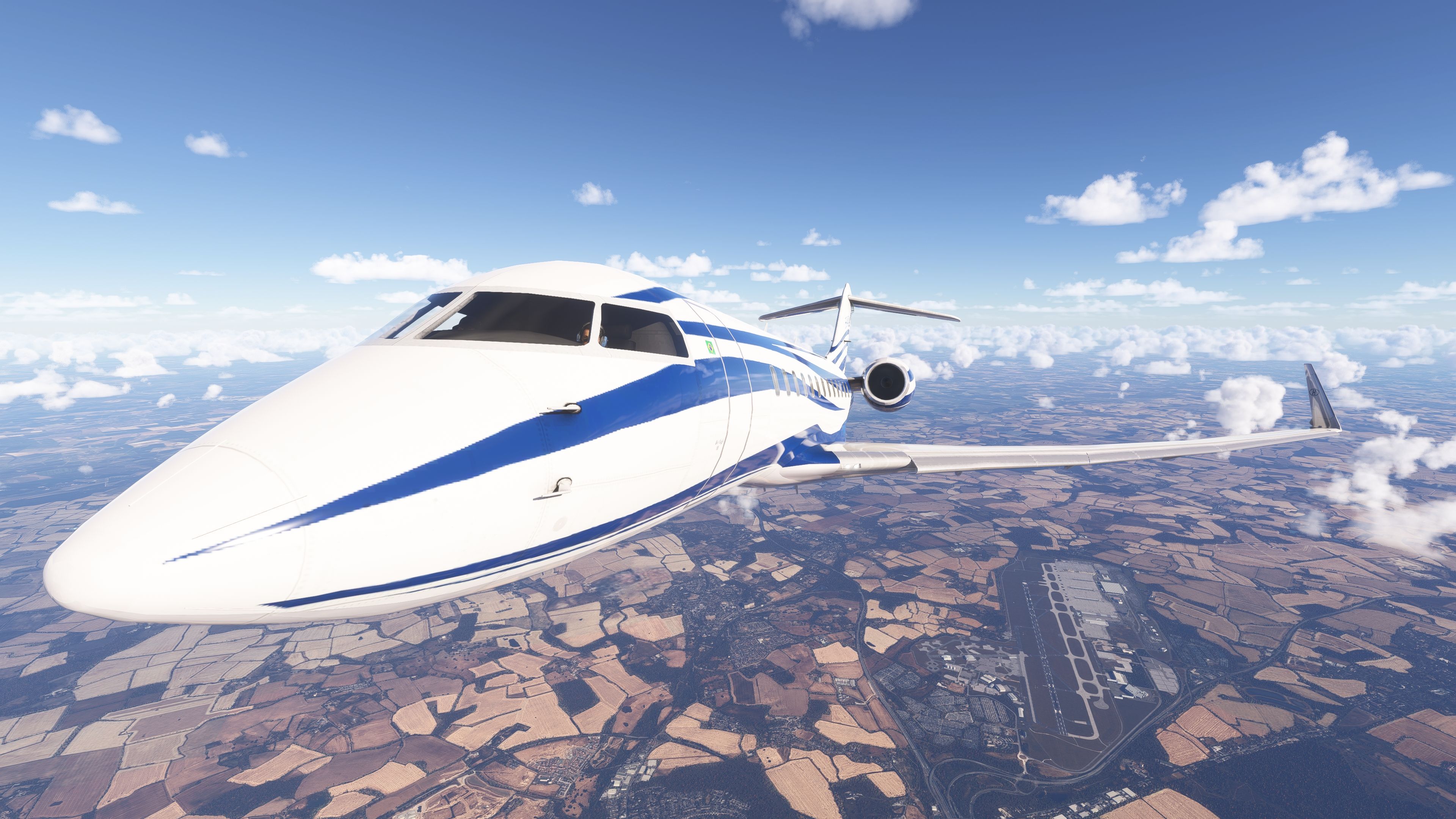
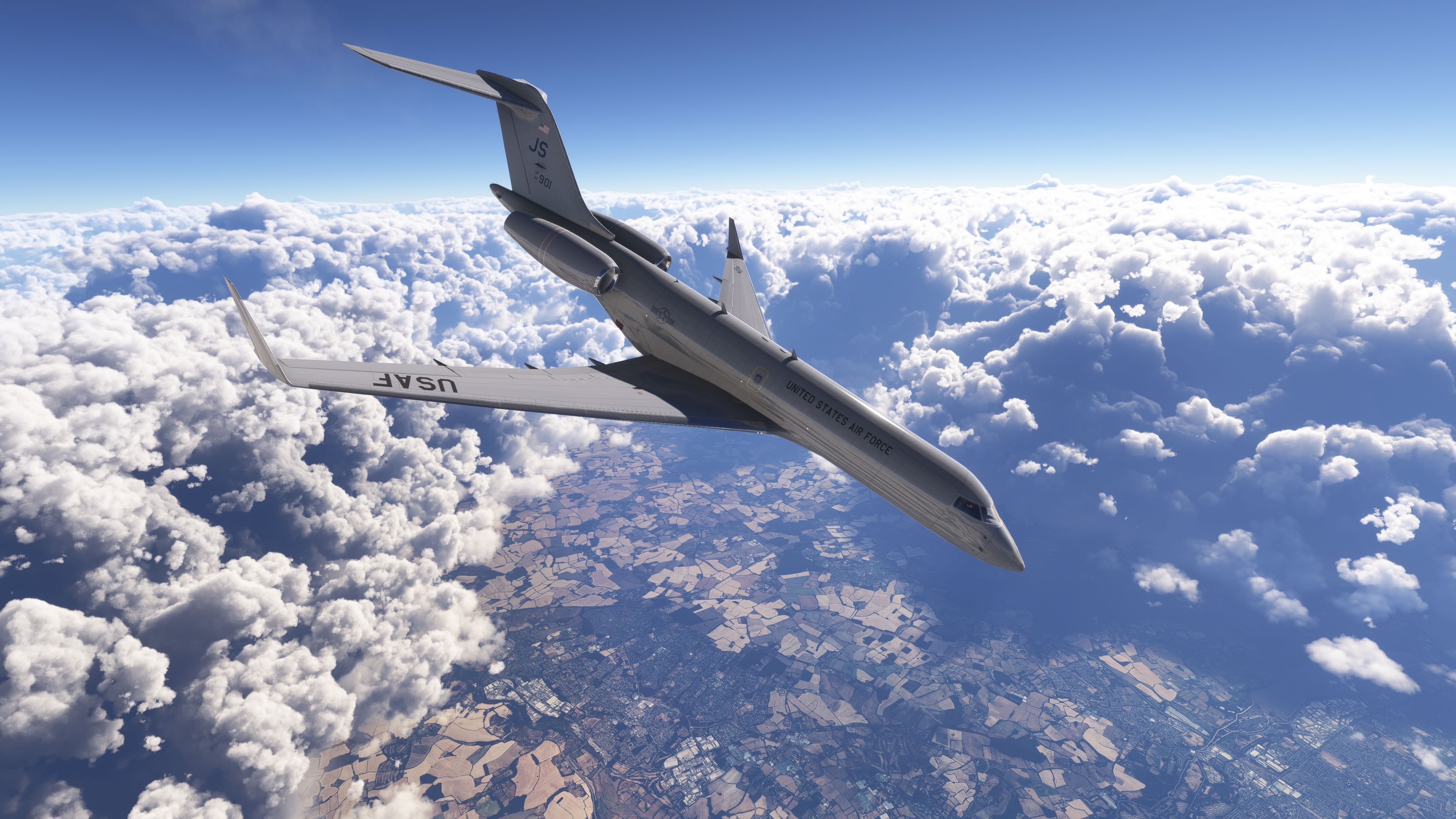
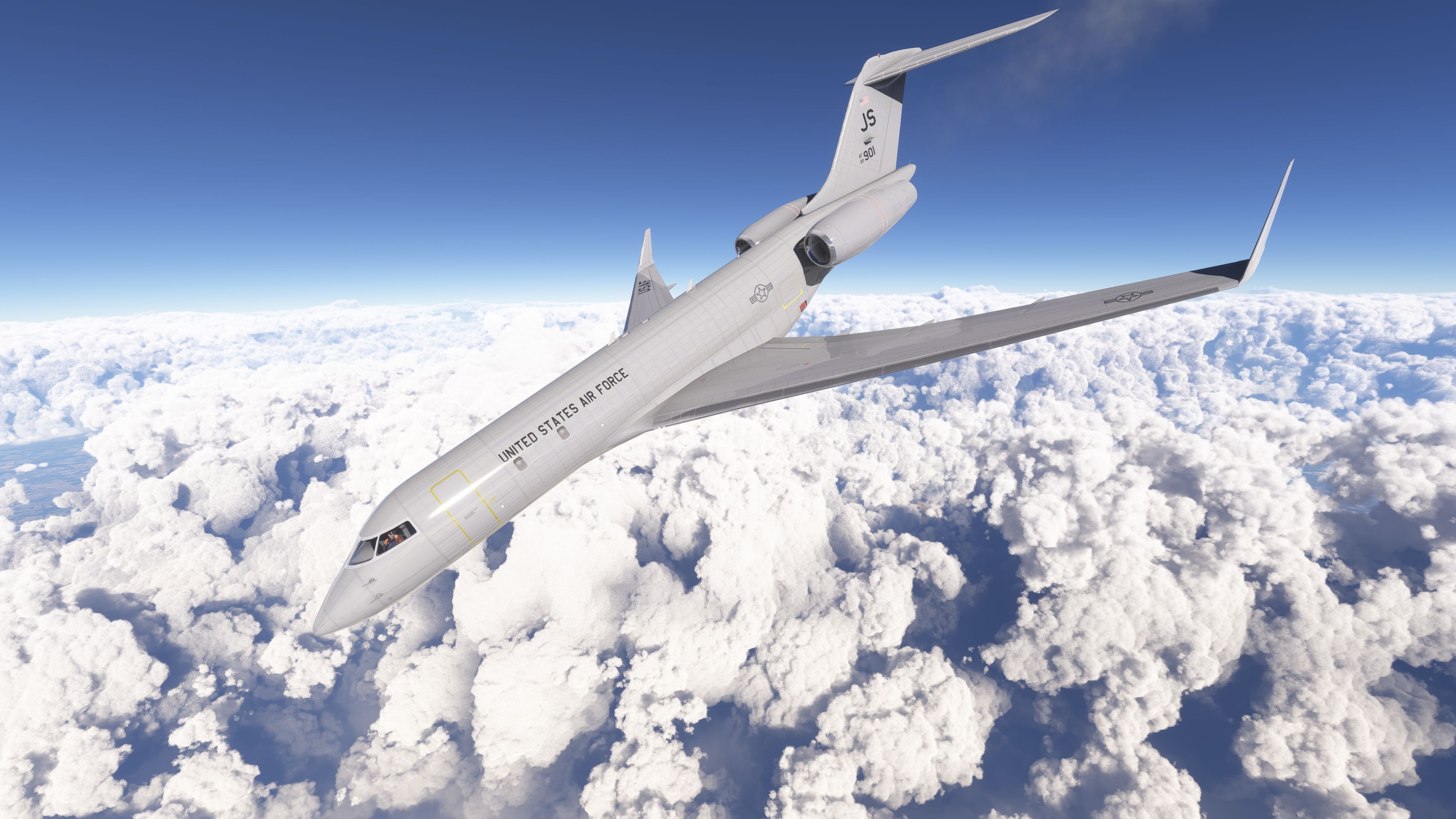
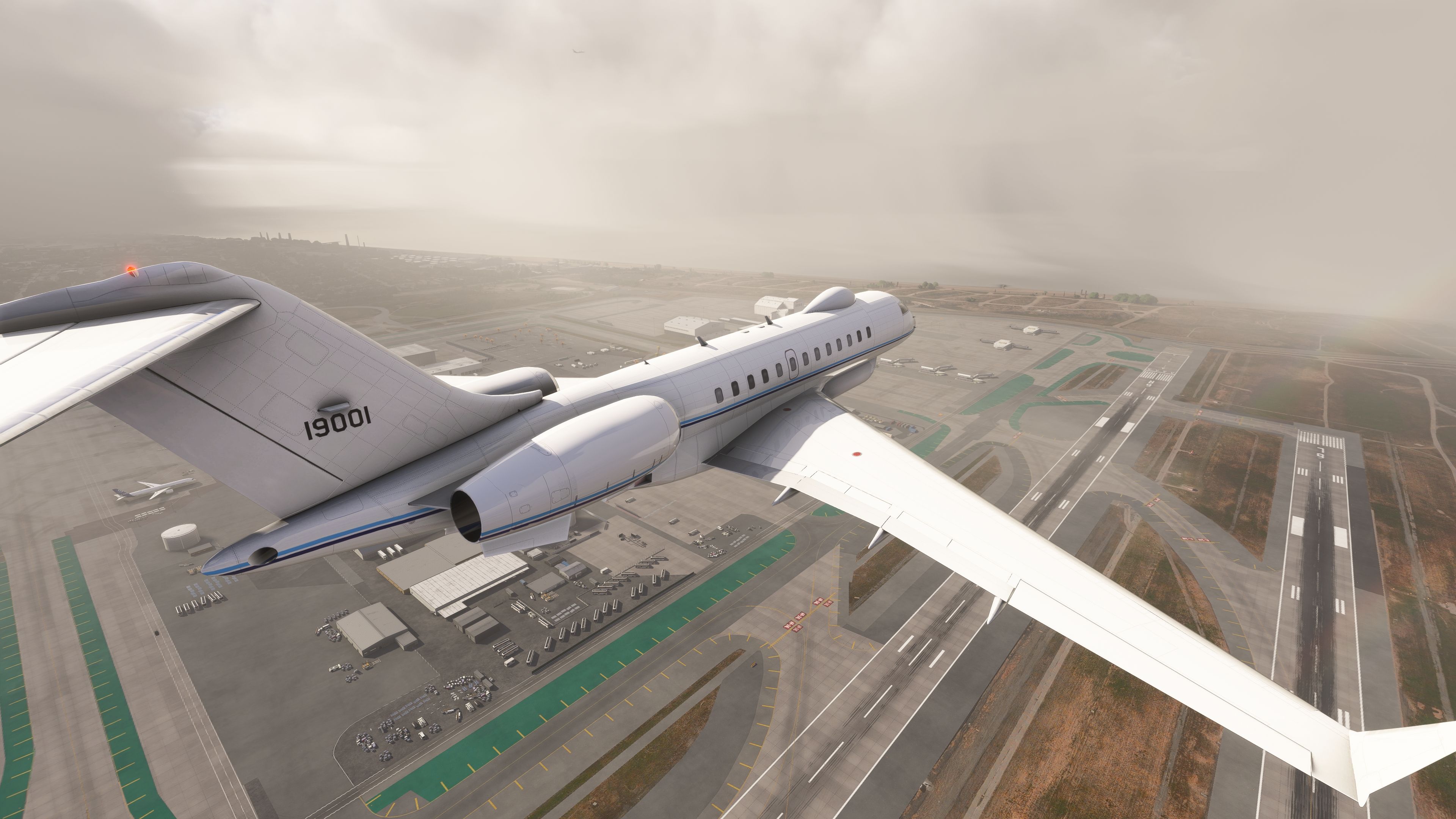
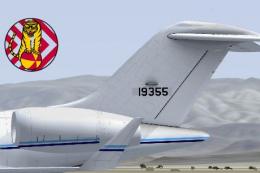
The Global 6000 represents the third generation of Bombardier’s Global Express family, optimized for intercontinental range and high‑altitude cruise. In service, it commonly operates long sectors at near‑Mmo with a certified ceiling of 51,000 ft. Its military cousin, the E‑11A, is a heavily modified Global 6000 carrying the BACN payload—often described as “Wi‑Fi in the sky.” In the real world, this platform acts as a radio and data gateway, bridging dissimilar waveforms and extending line‑of‑sight coverage for ground units in mountainous terrain.
Airframe Context and Real‑World Notes
- Global 6000
- Ultra‑long‑range business jet derived from the Global Express line, typically cruising in the high 30s to mid‑40s with reserves for FL510; designed for roughly 6,000 nm class missions at long‑range cruise (distance varies with payload and winds).
- E‑11A (BACN)
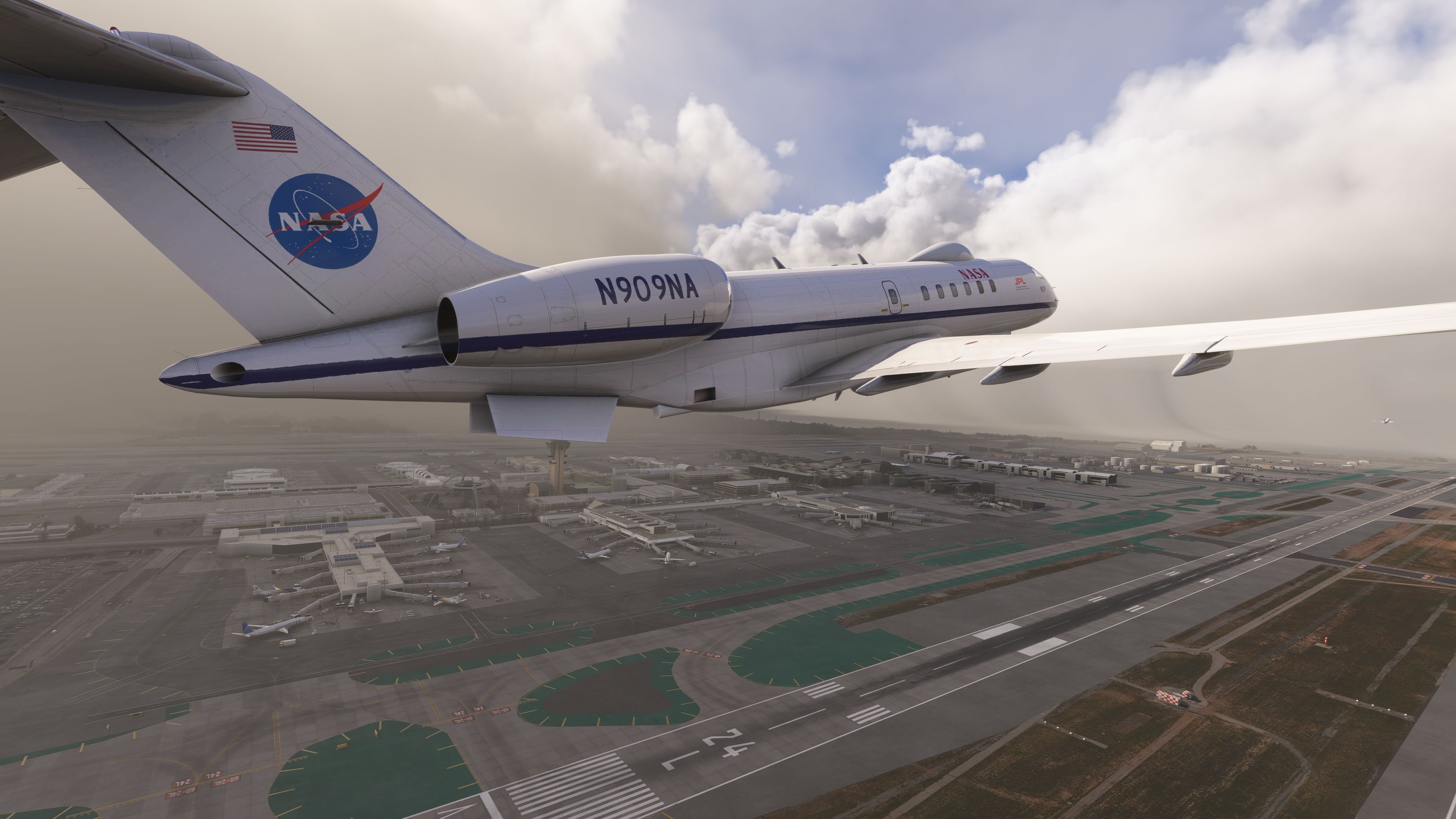
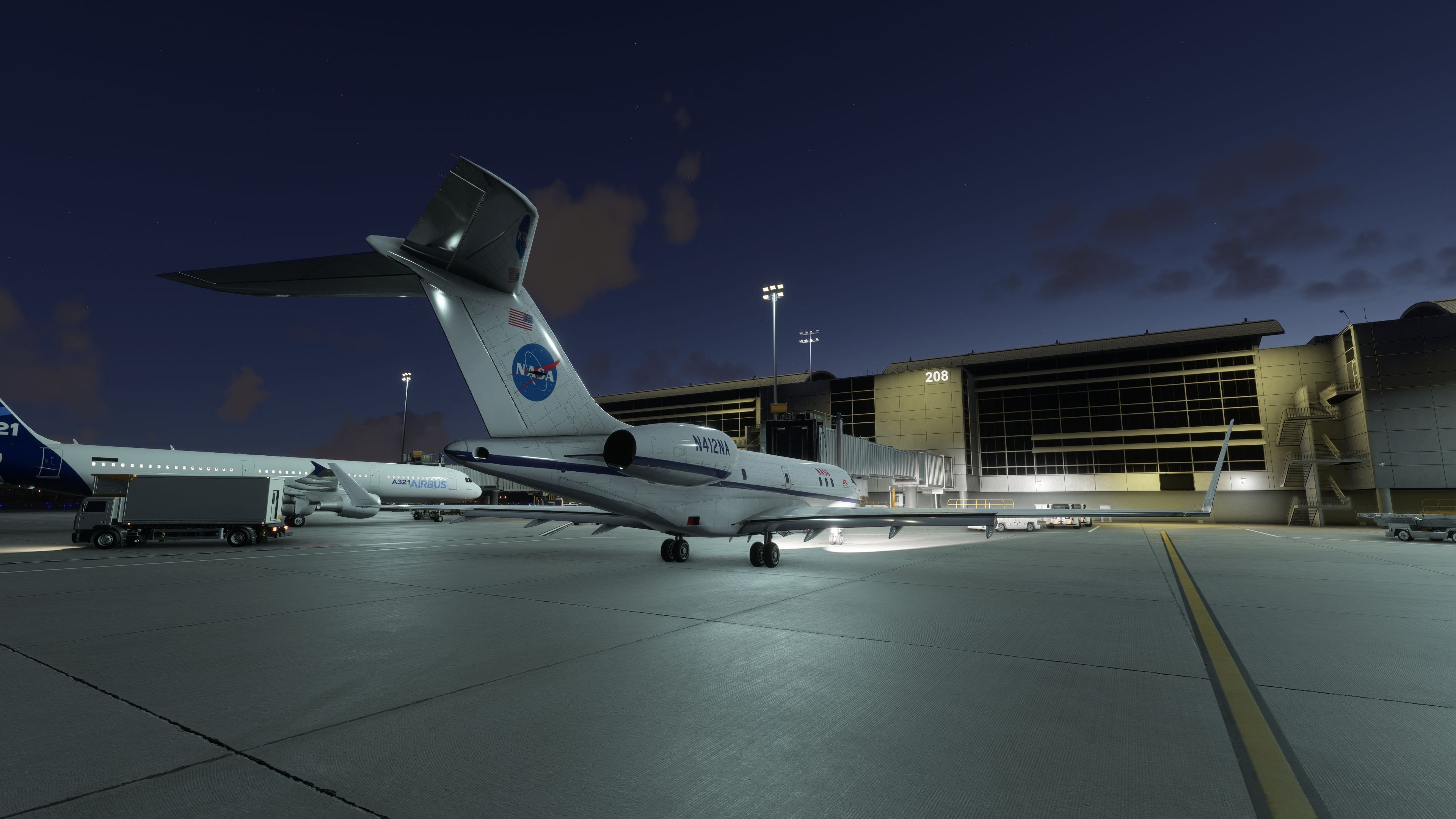
- USAF communications relay platform based on the Global 6000, augmenting tactical and strategic comms by translating and rebroadcasting signals. The simulation variant here visually reflects the mission role while keeping systems approachable.
Conversion Approach and Cockpit Implementation
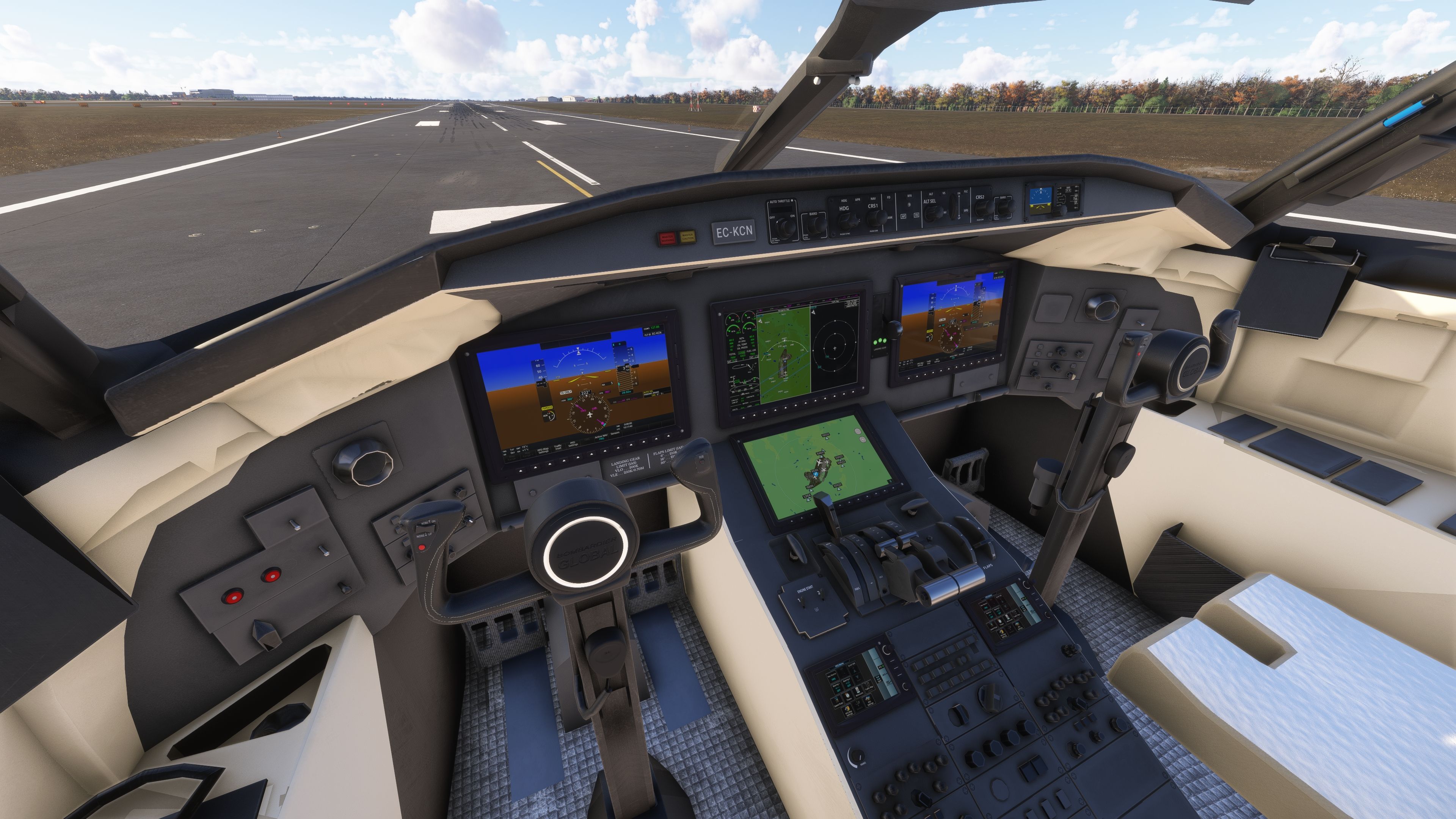
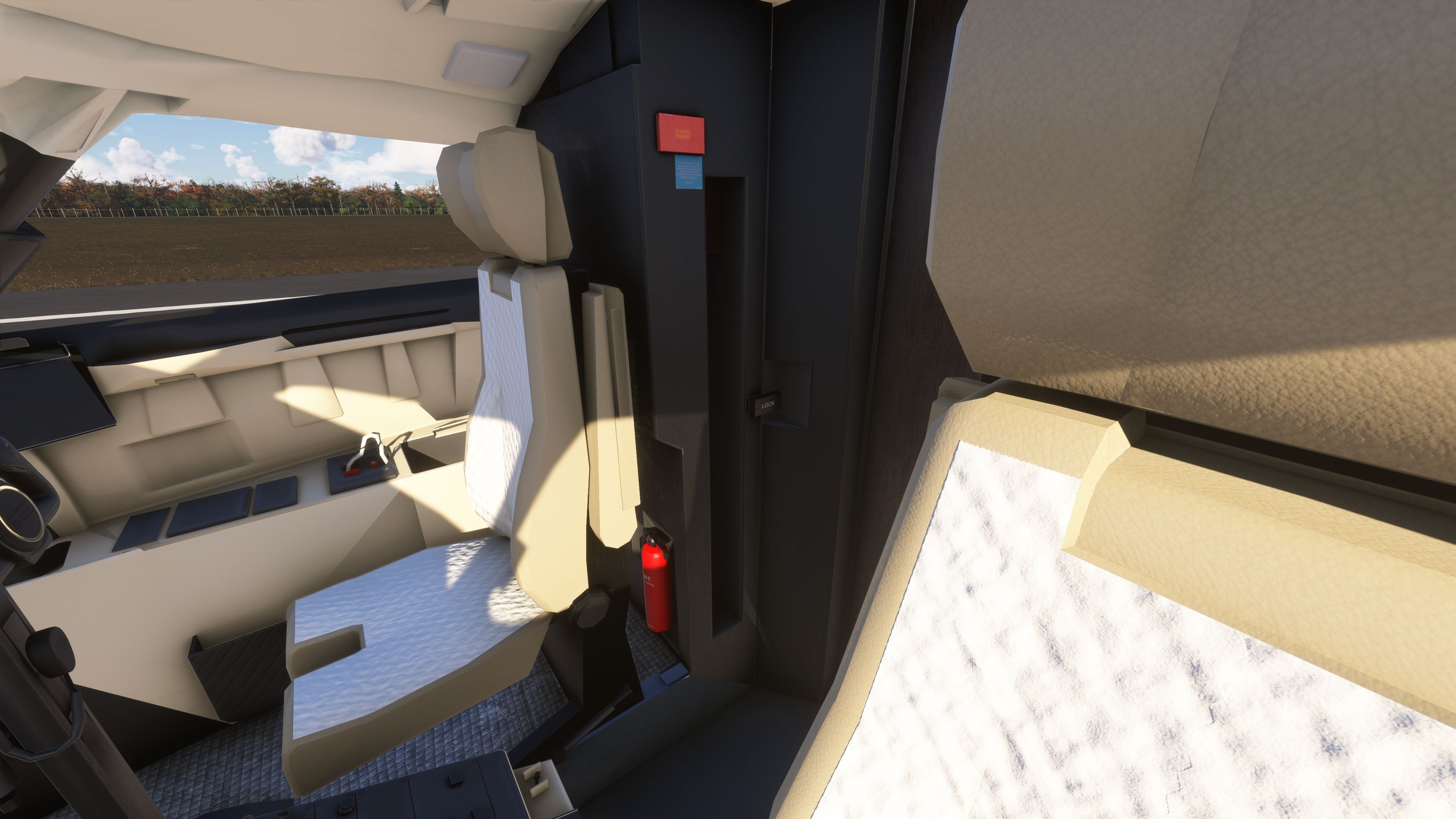
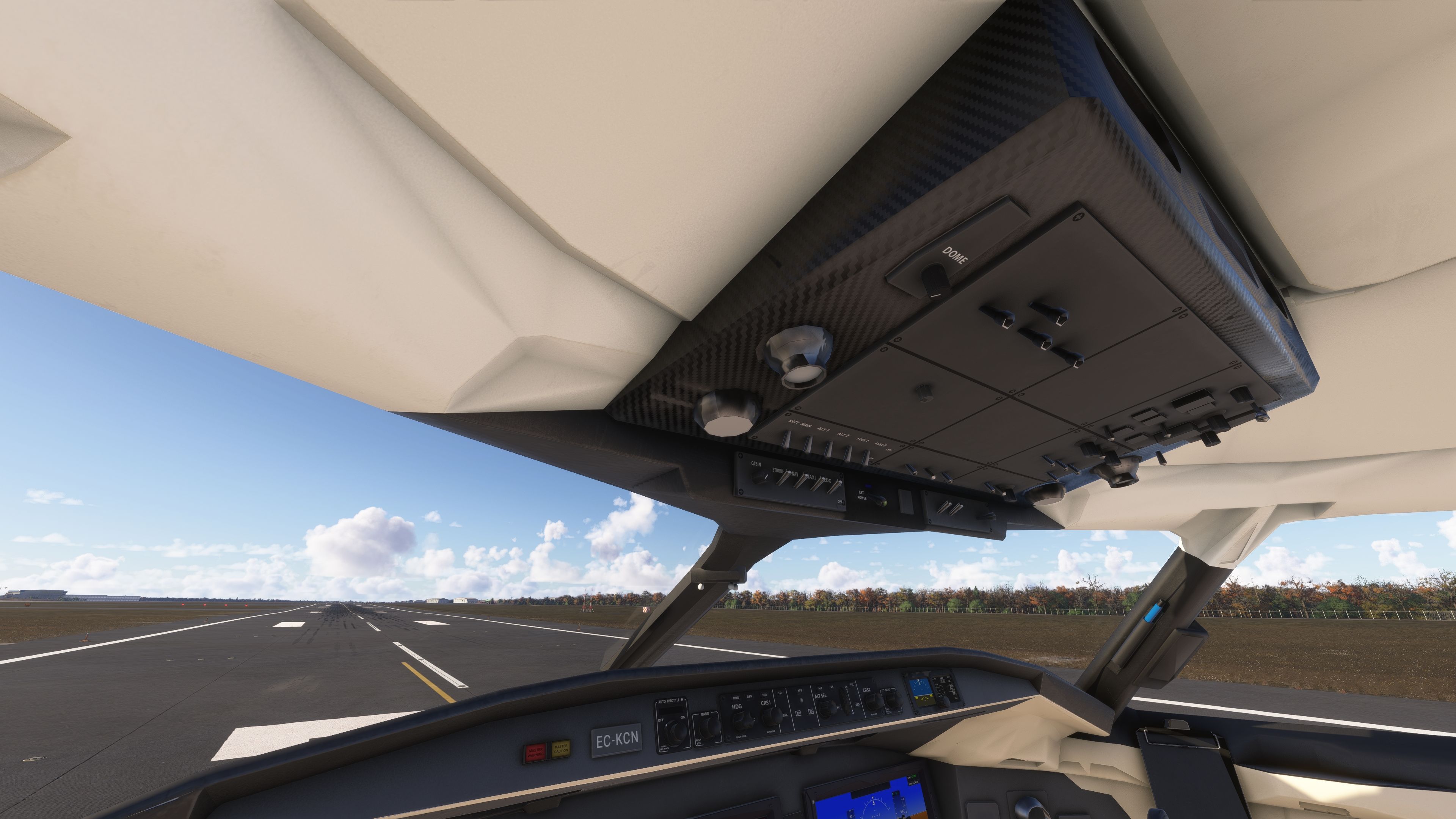
This package is a native MSFS conversion of a freeware Microsoft Flight Simulator X model. As giba720 notes, the interior is not a study‑level rendition of a Vision flight deck; instead, the original FSX cockpit has been adapted, animated, and integrated with G3000‑style PFD/MFD screens for practical IFR usage. Electrical logic and animations have been reworked so common flows (battery, alternators/generators, lighting, and basic environmental controls) are accessible and predictable in the simulator.
Avionics and Autopilot Highlights
- AAU2‑ready avionics behavior in Microsoft Flight Simulator for improved navigation fidelity.
- Enhanced LNAV (lateral navigation) tracking for route following.
- FLC (Flight Level Change) Mach adjustments corrected for smoother high‑altitude speed management.
- Autothrottle (A/T) implemented with touchdown auto‑disengage; pilot input remains required to bring thrust levers to idle before landing.
- G3000‑style displays embedded into the legacy panel, with custom animation work and texture refreshes.
Flight Model Scope and Limitations
Per the author’s clear disclaimer: this aircraft is intended for casual operations and does not attempt to replicate the real Global 6000 or E‑11A flight dynamics or systems in depth. Not all functions of the real airframes are modeled. If a specific system is absent, it is known to the developer. Treat it as a capable freeware flyer rather than a study simulation.
Visual Model, Variants, and Liveries
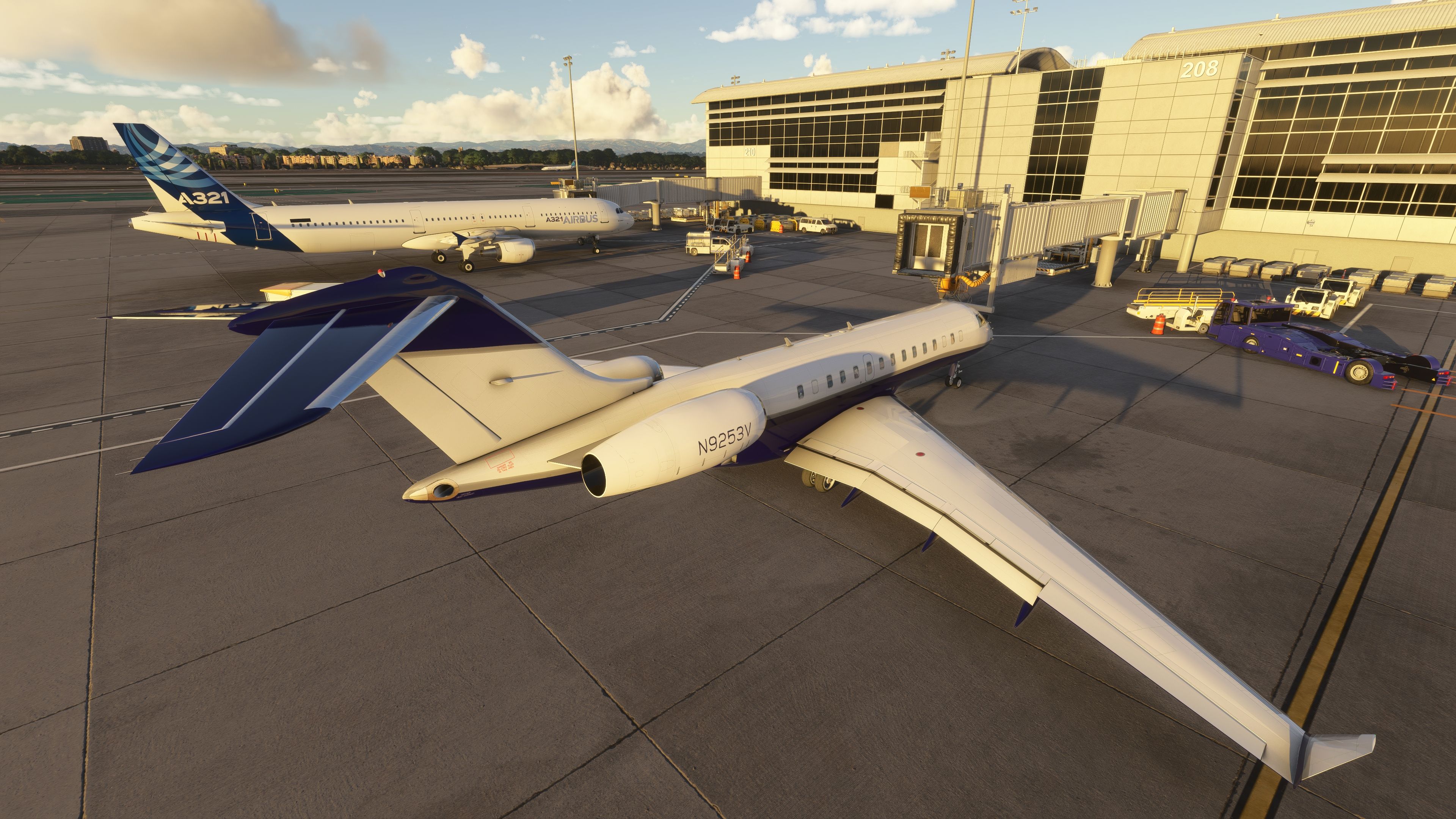
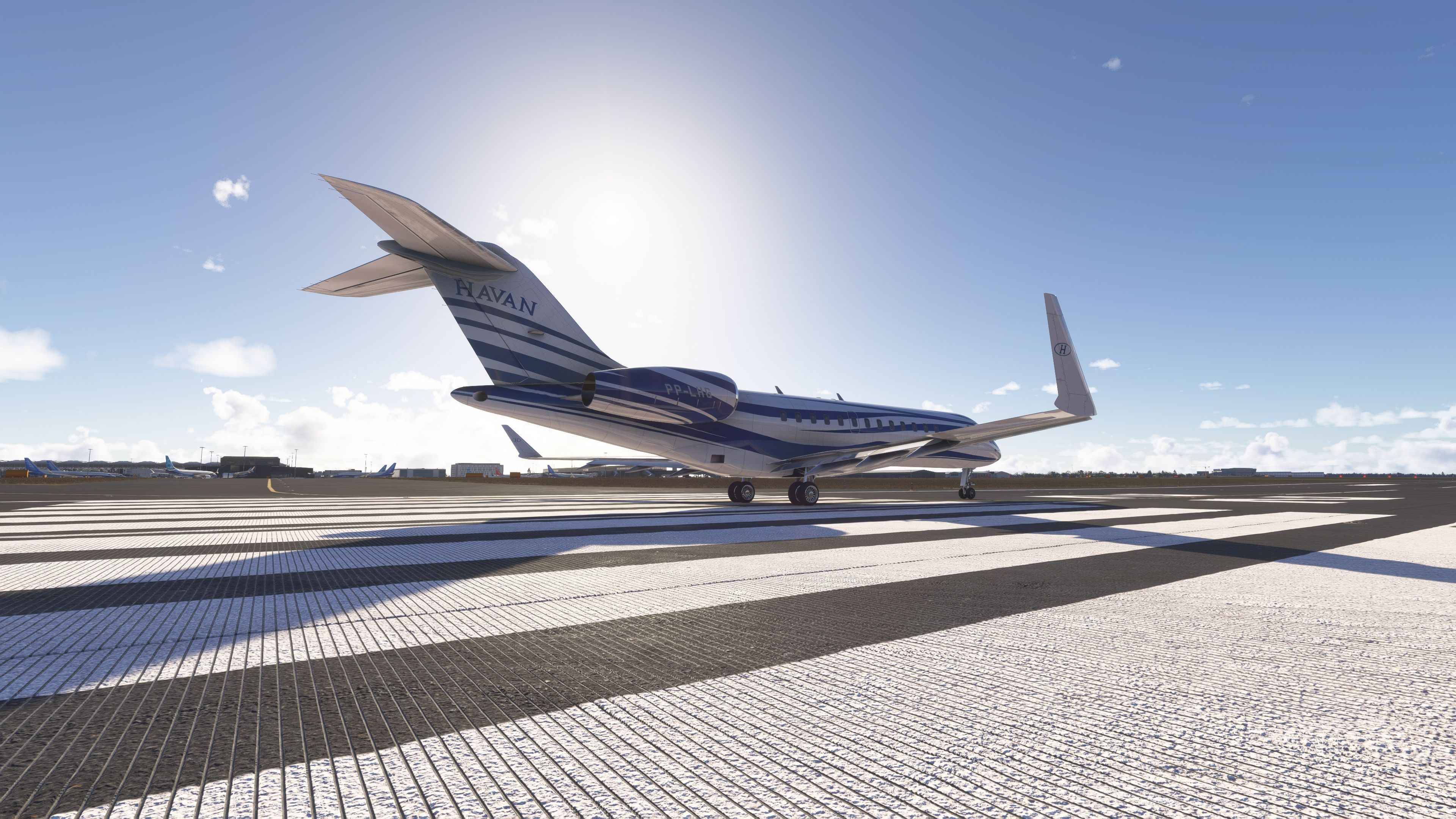
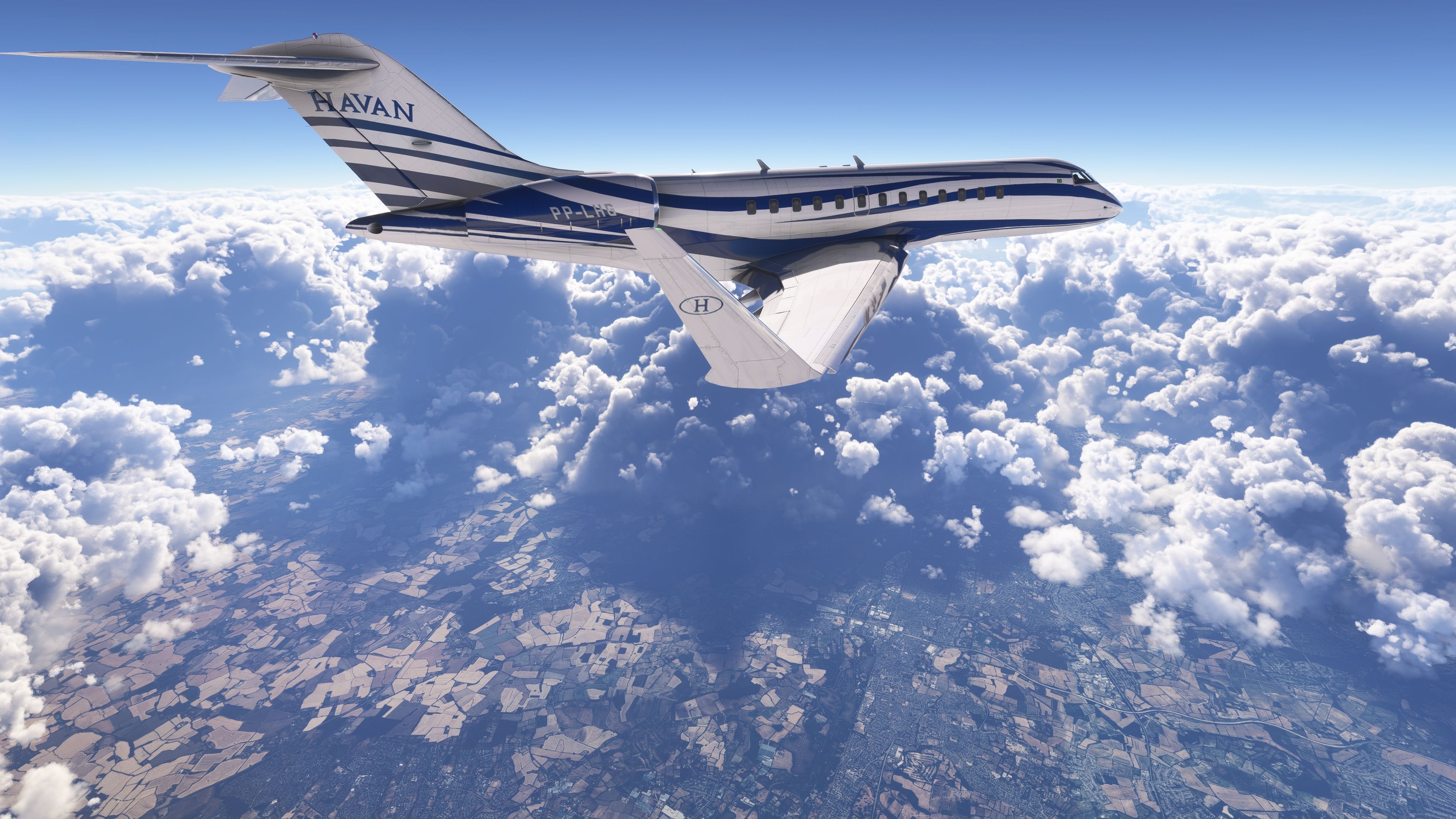
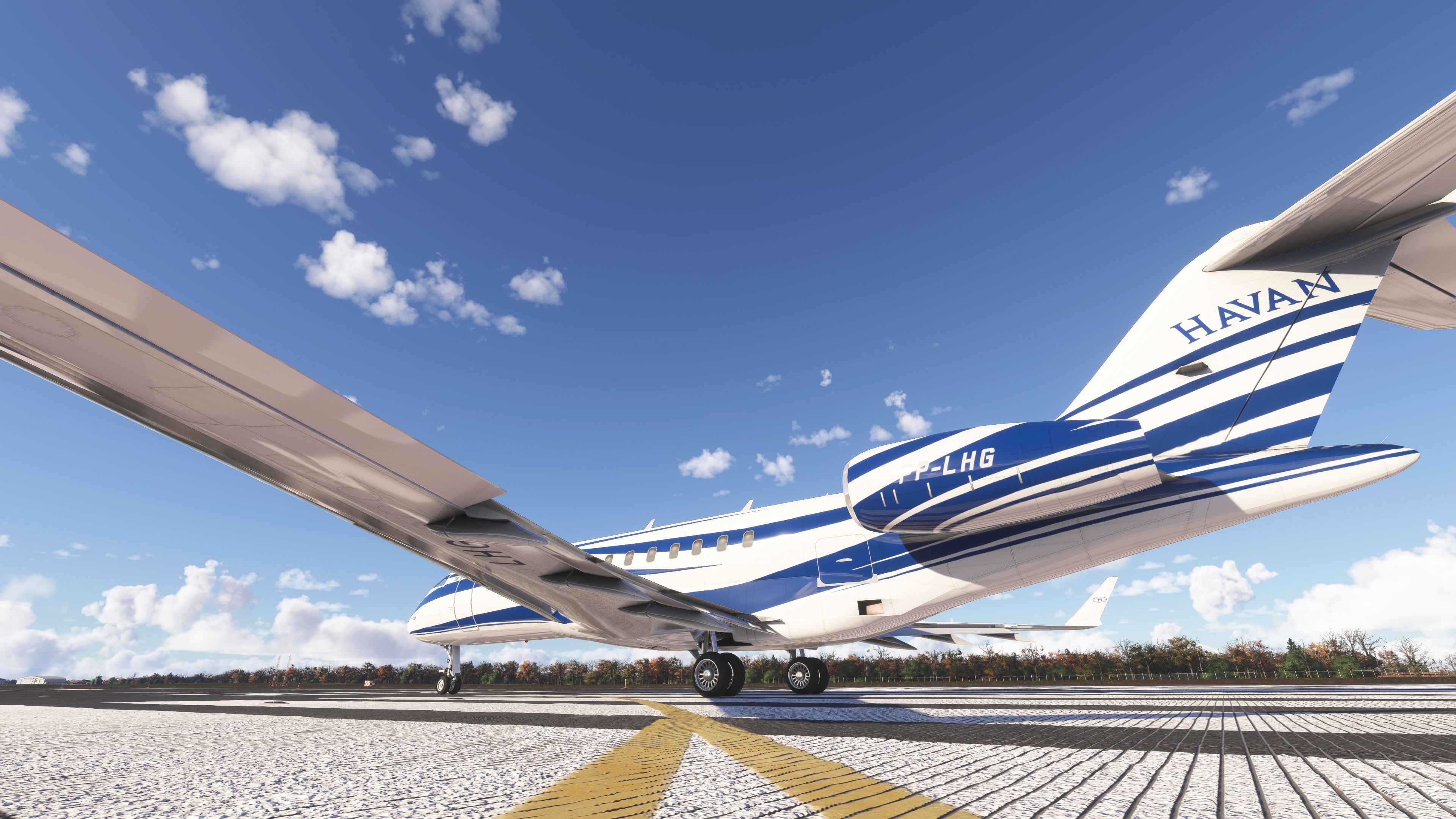
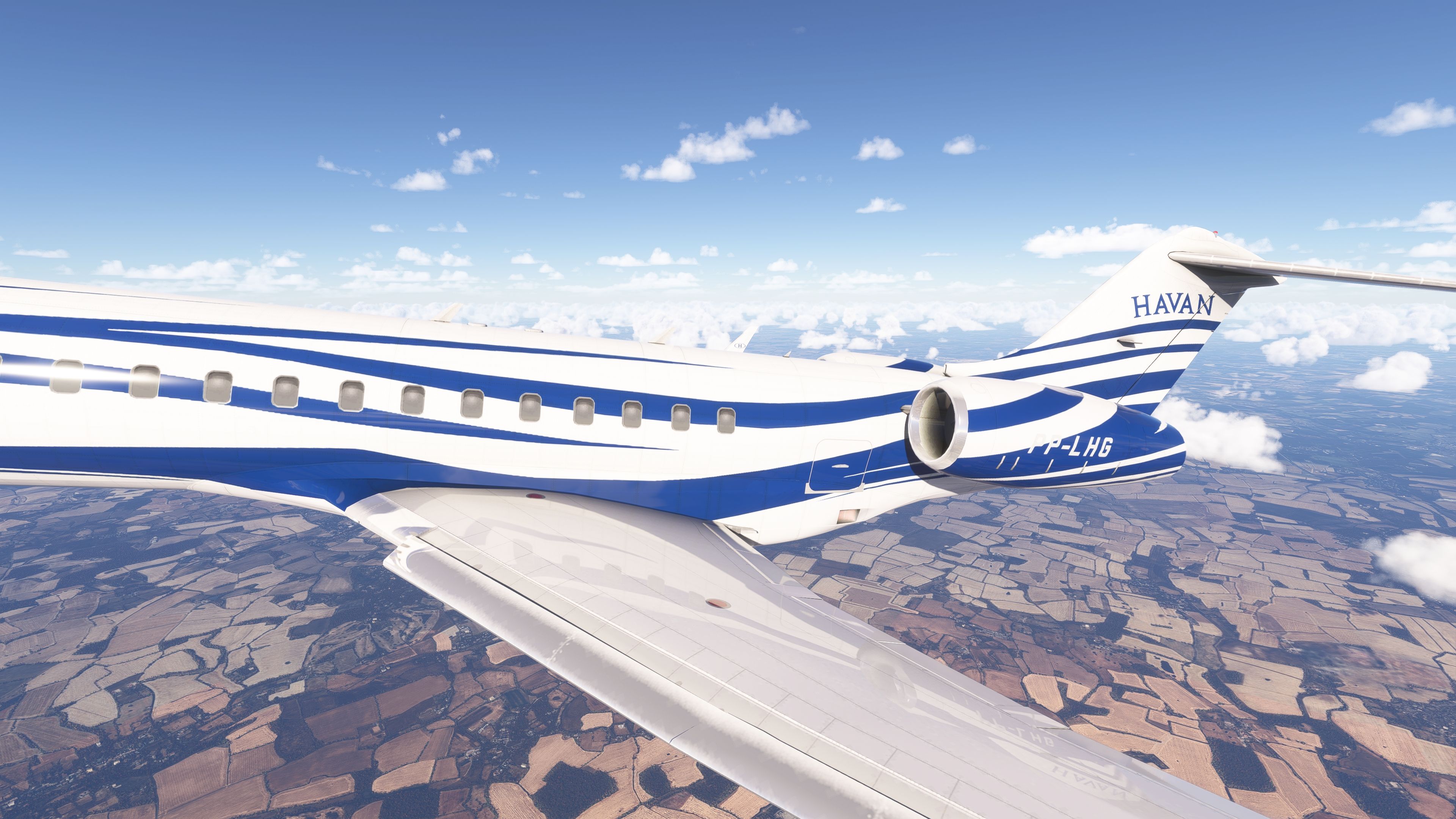
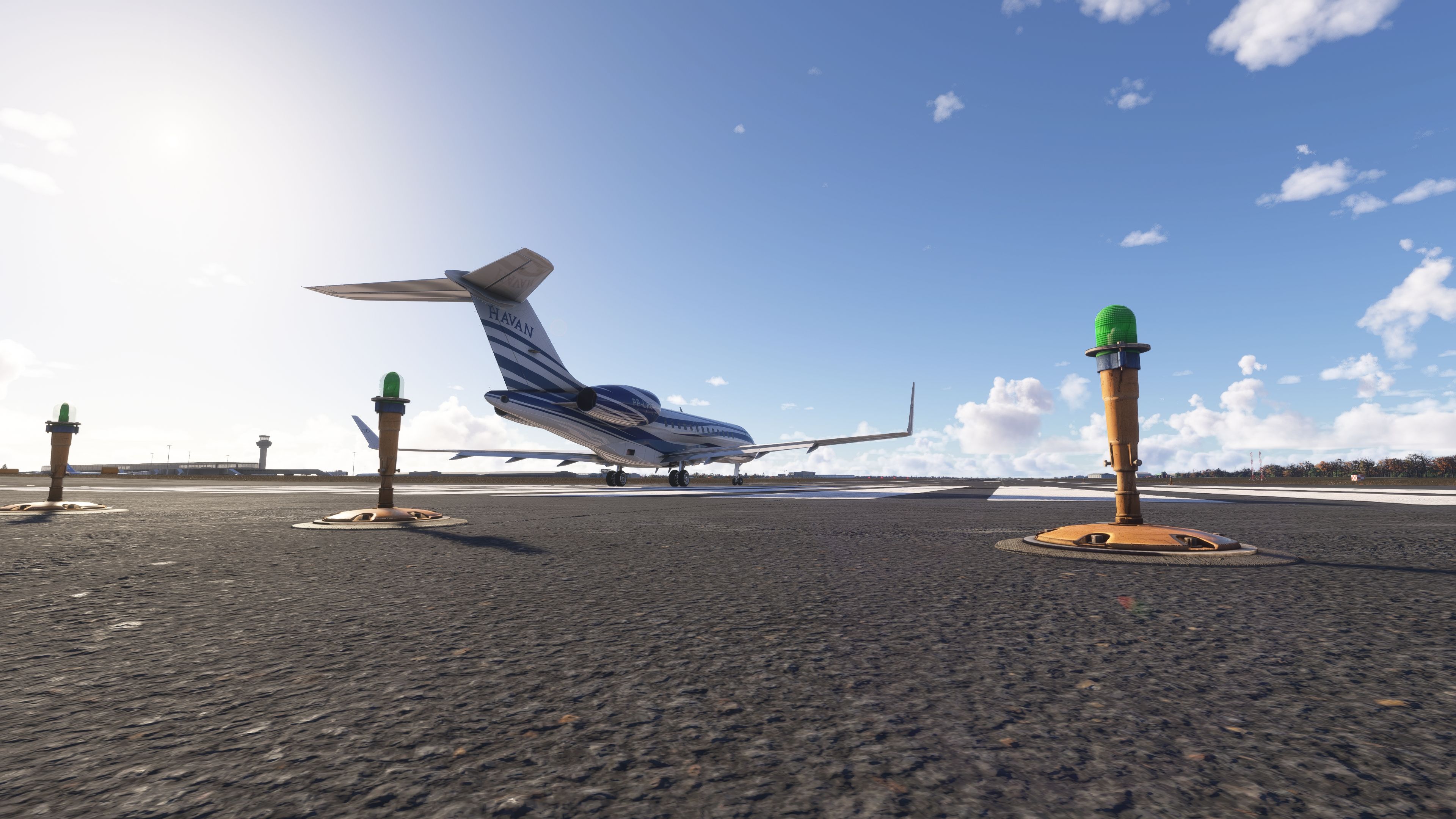
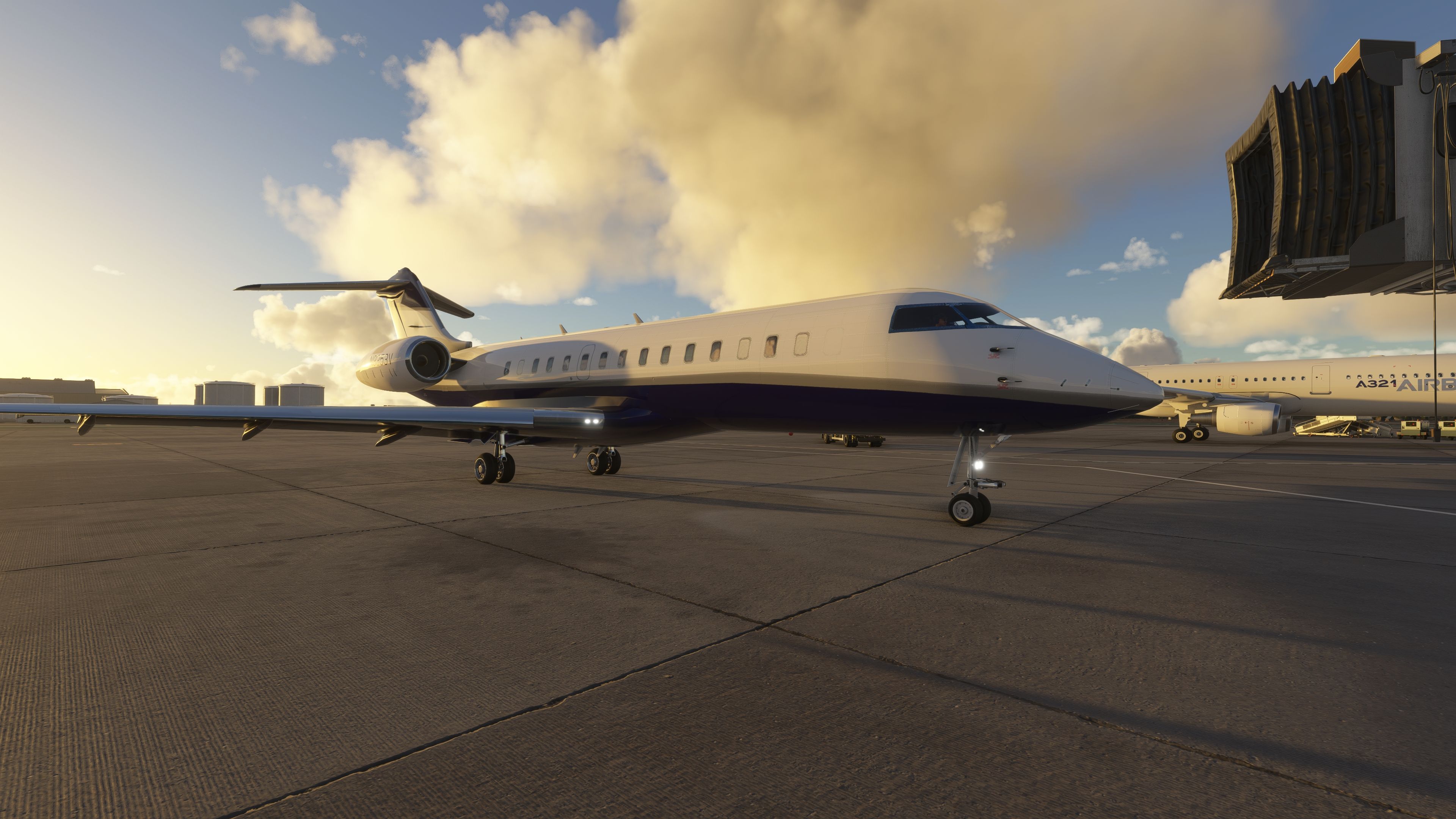
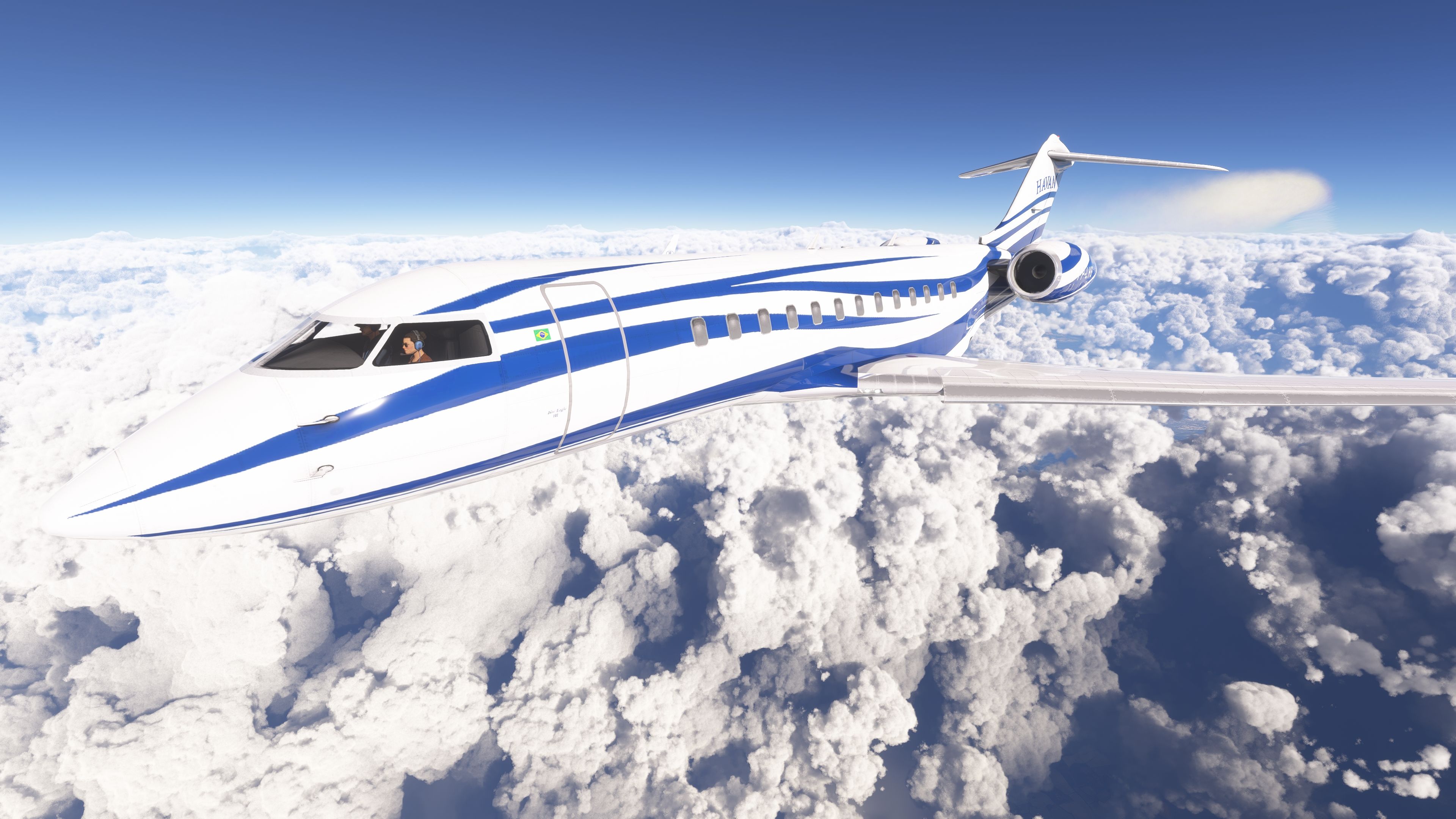
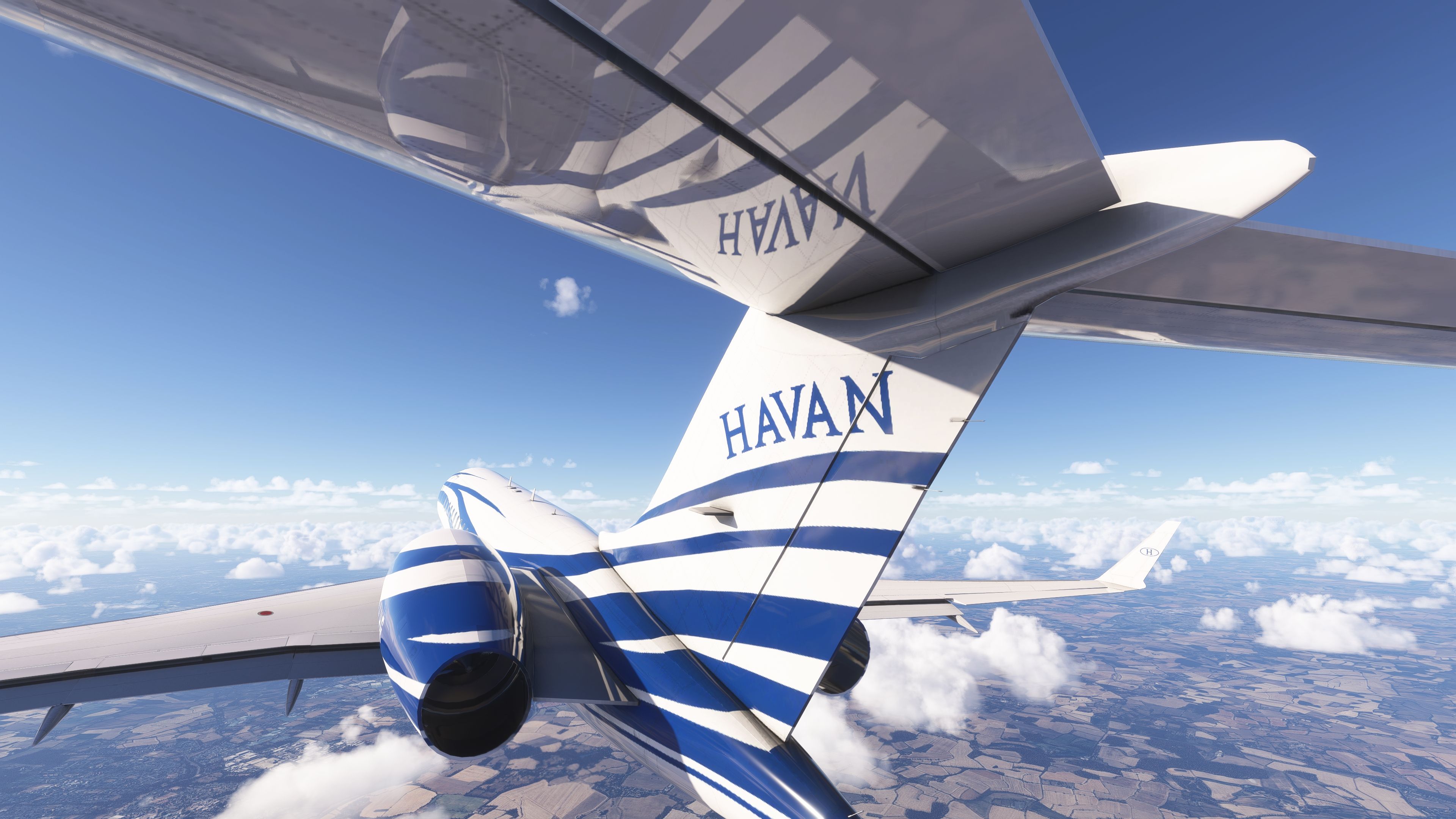
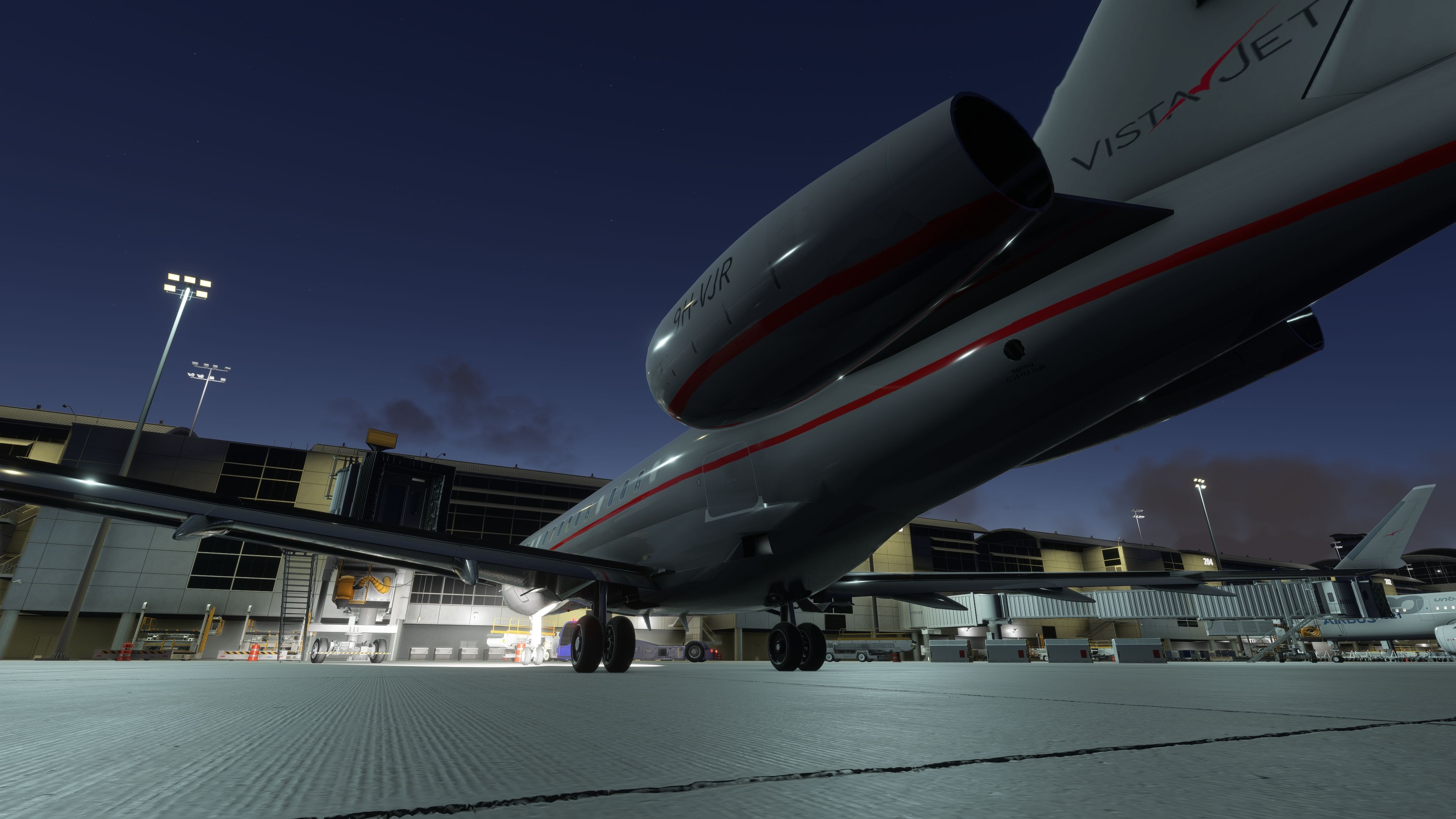
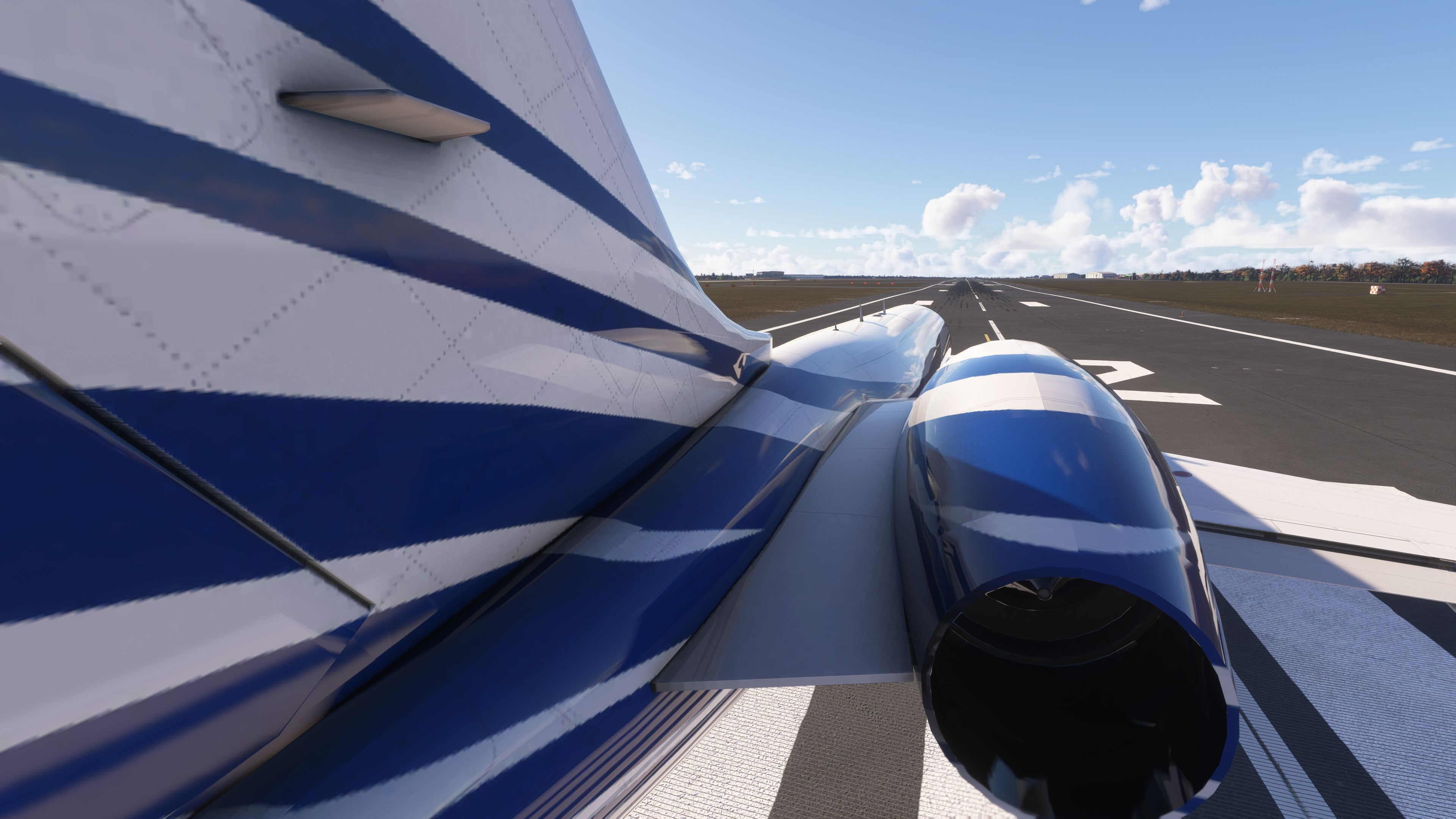
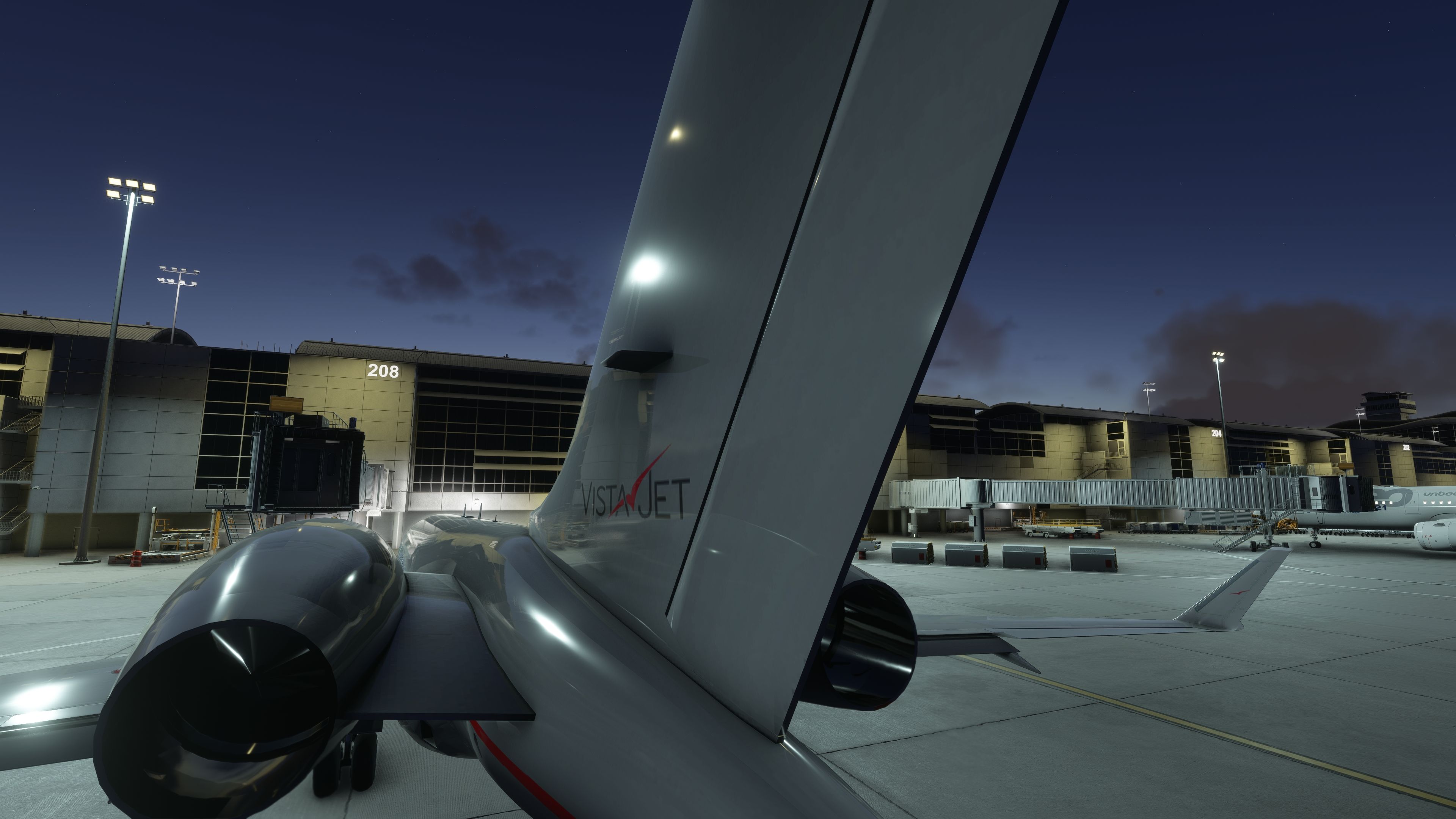
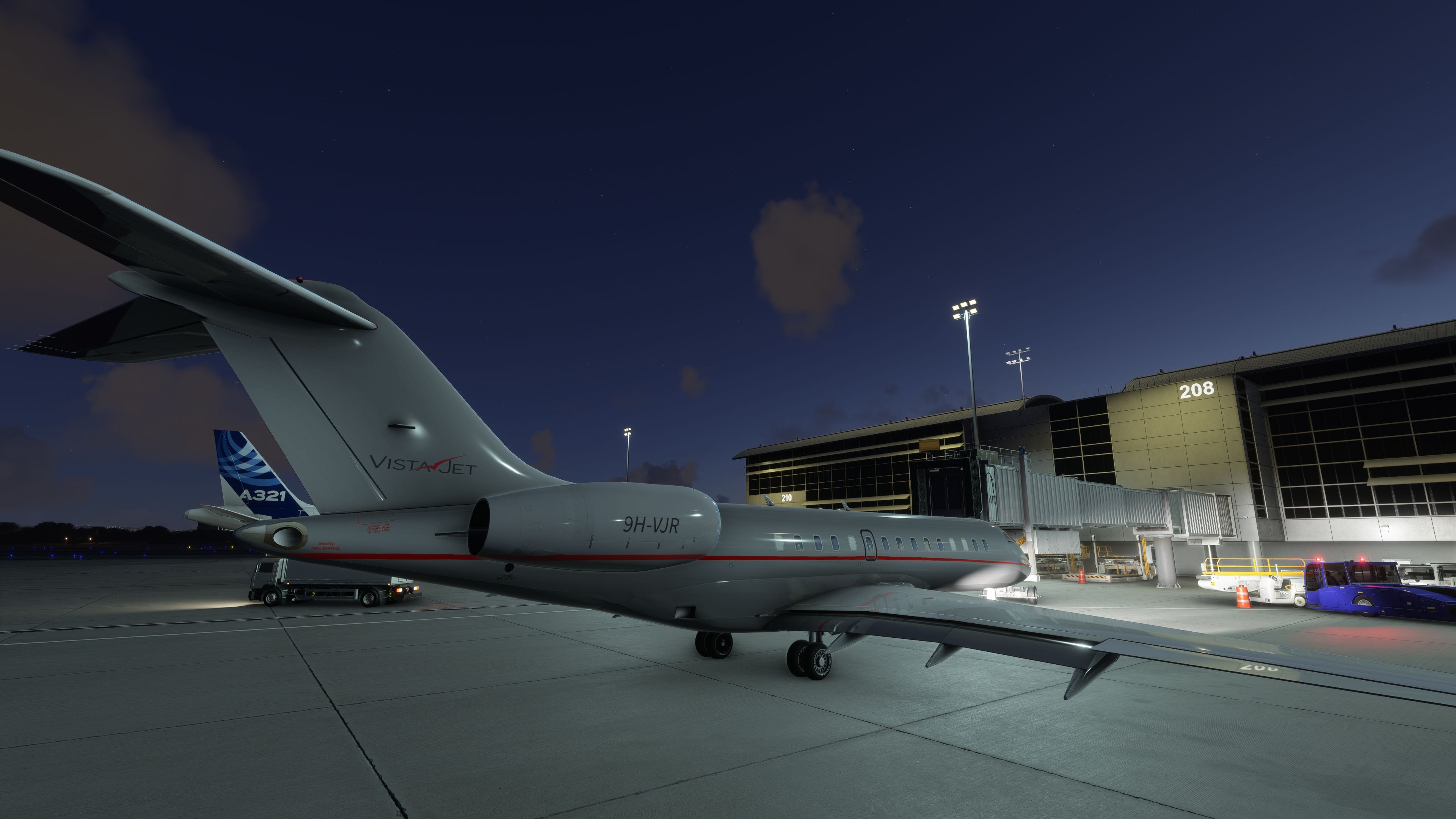
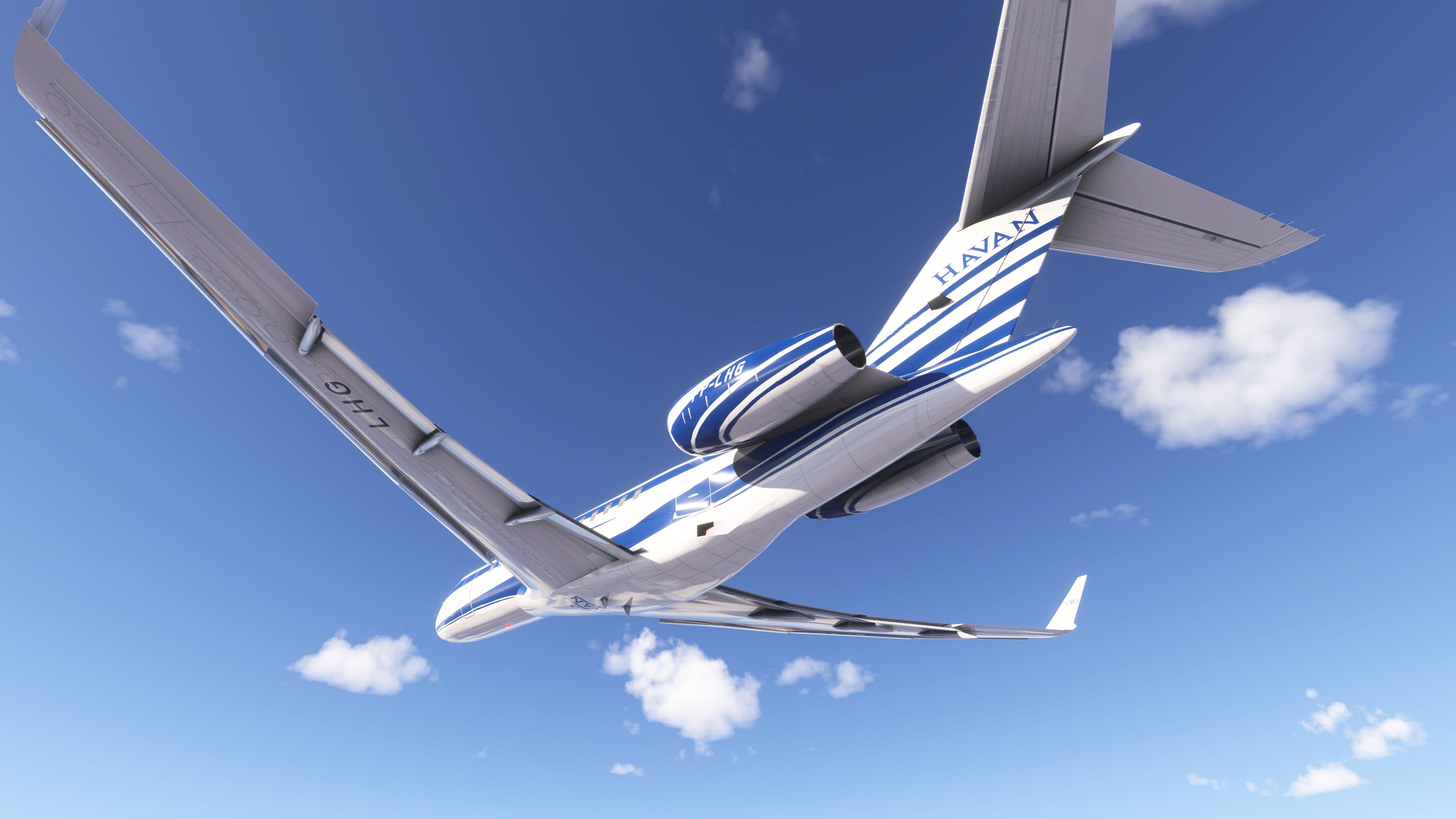
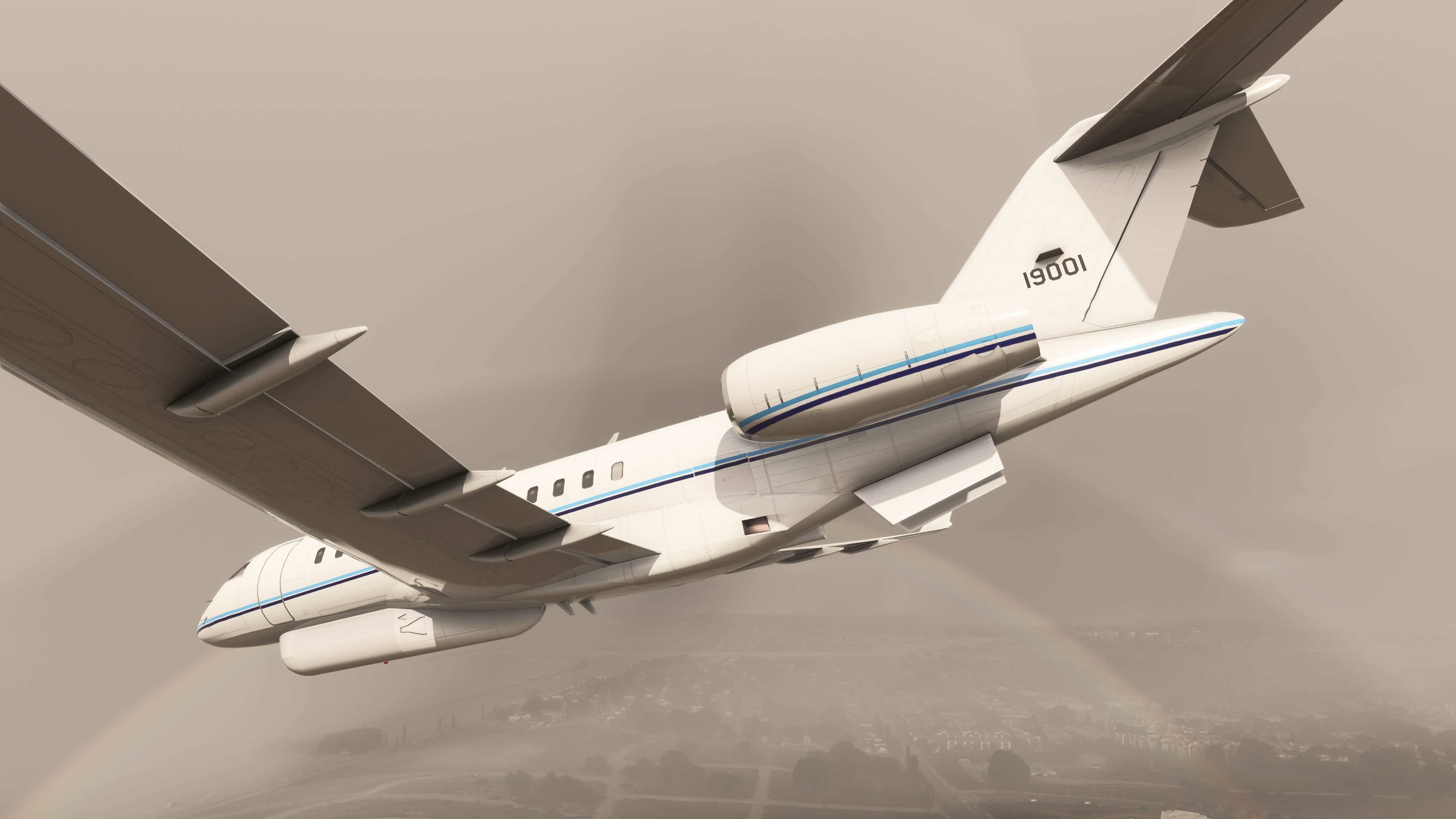
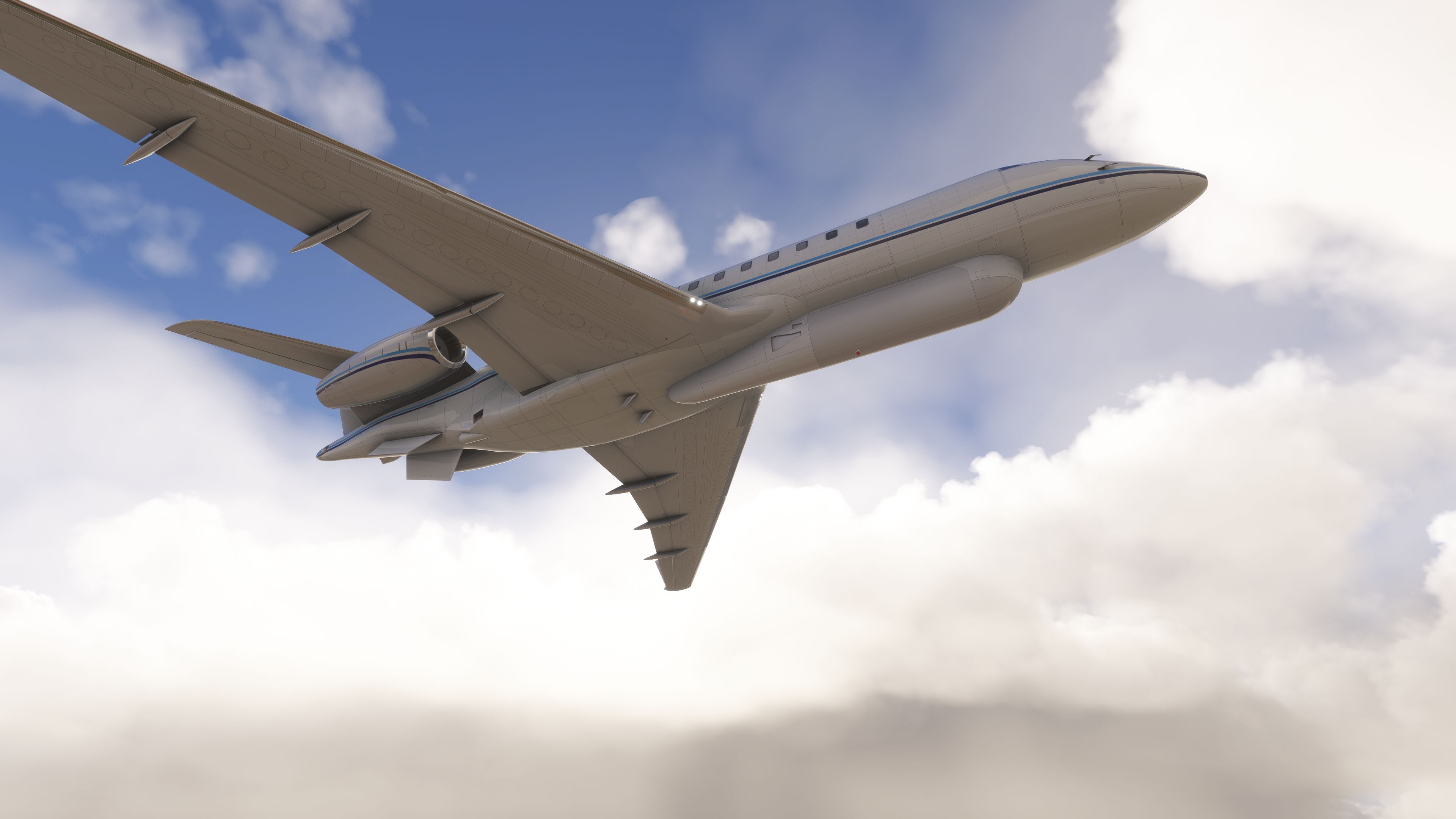
- Native MSFS material conversion from the original IRIS model, including wingflex and corrected cockpit visibility of wings and fuselage.
- Refined cockpit textures, a new yoke model, and fixes for interior flicker artifacts.
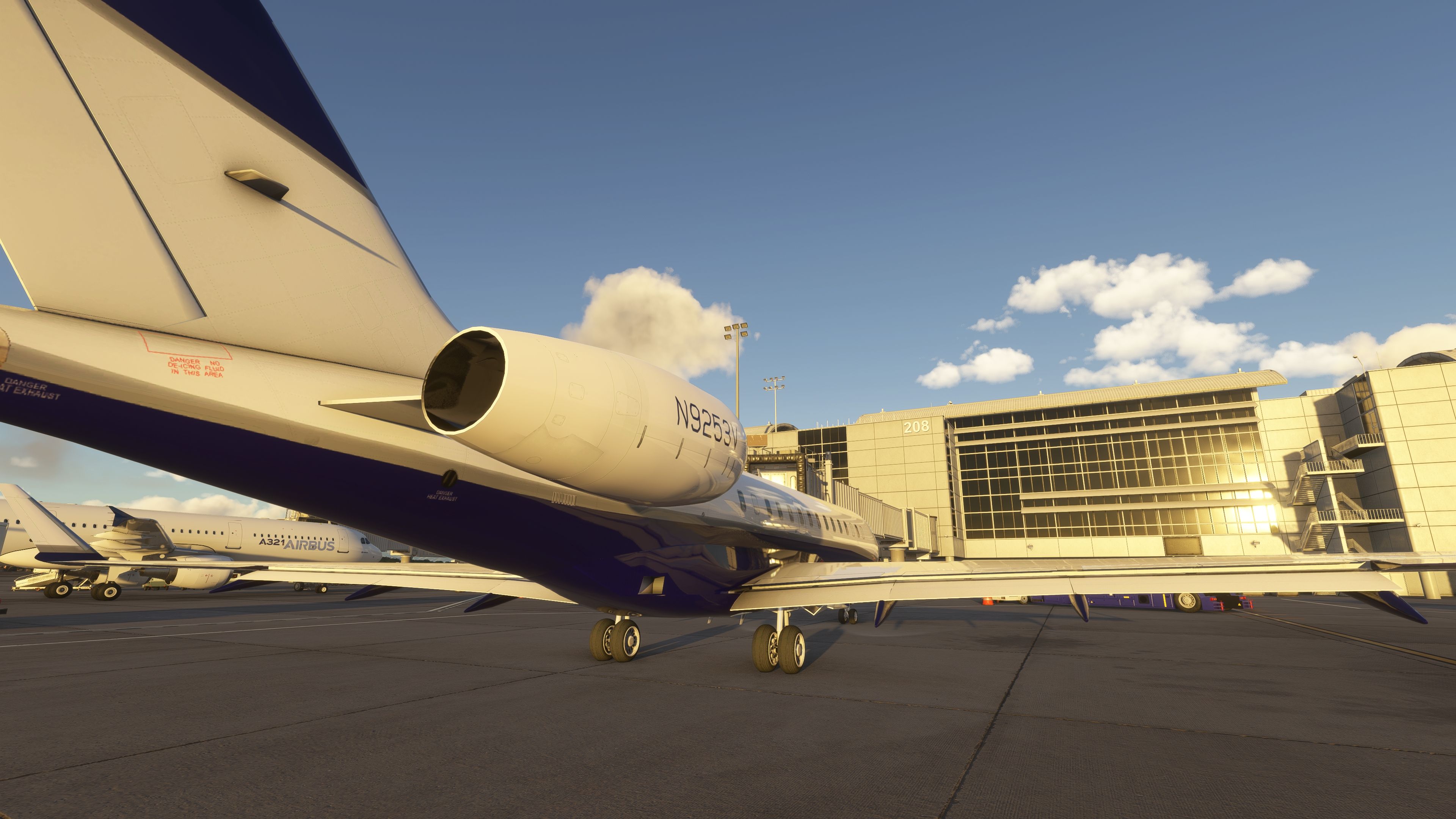
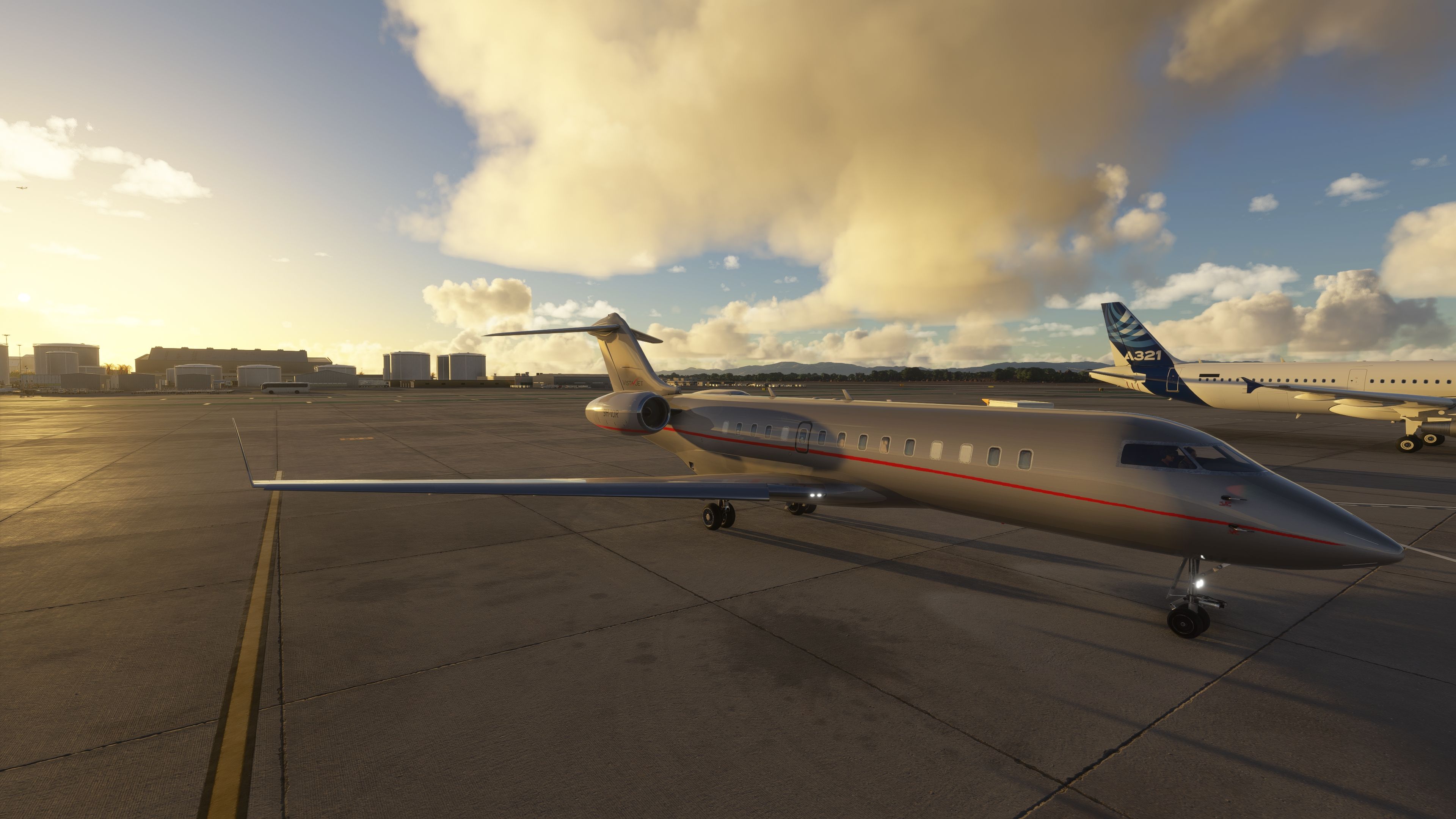
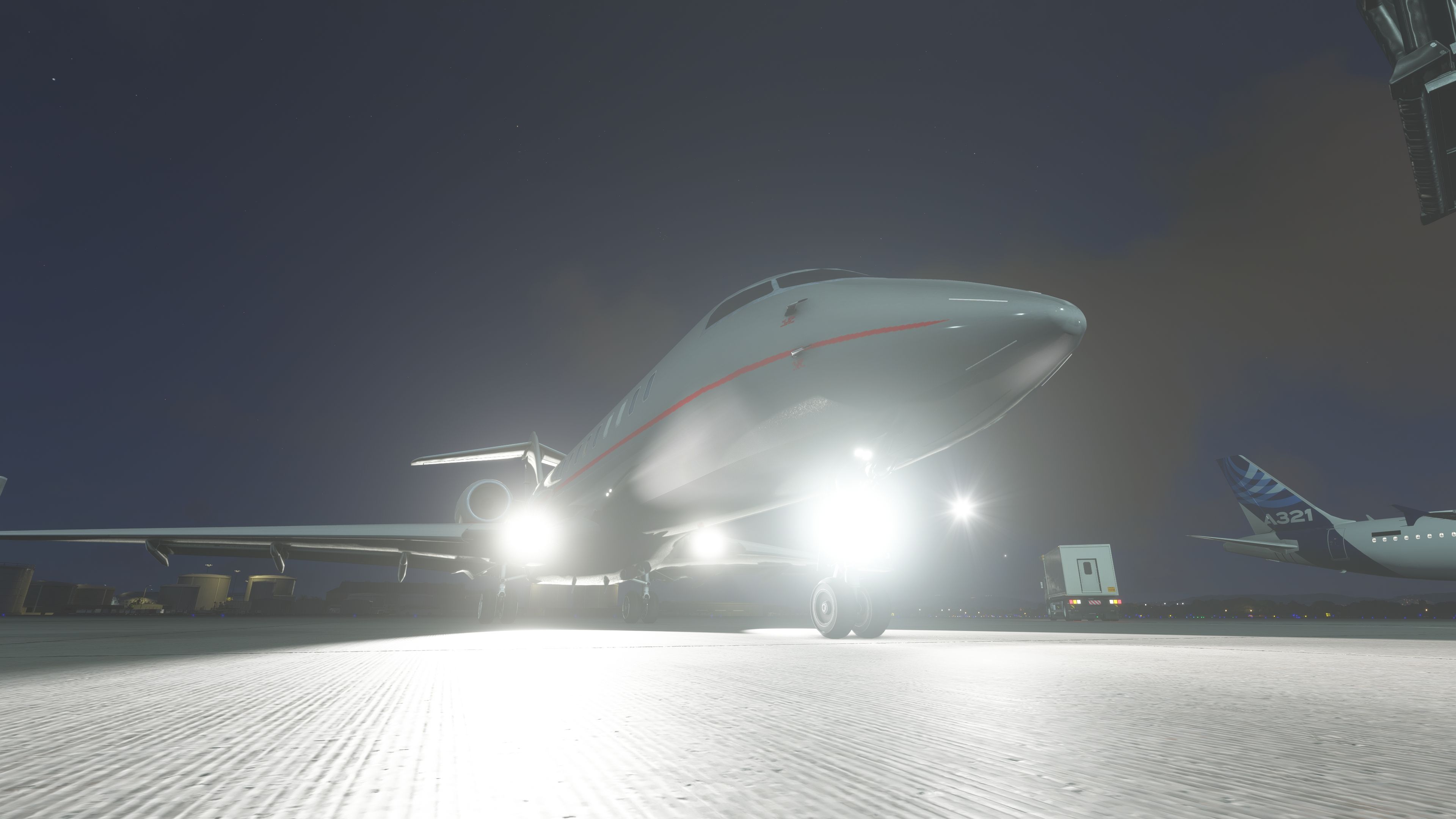
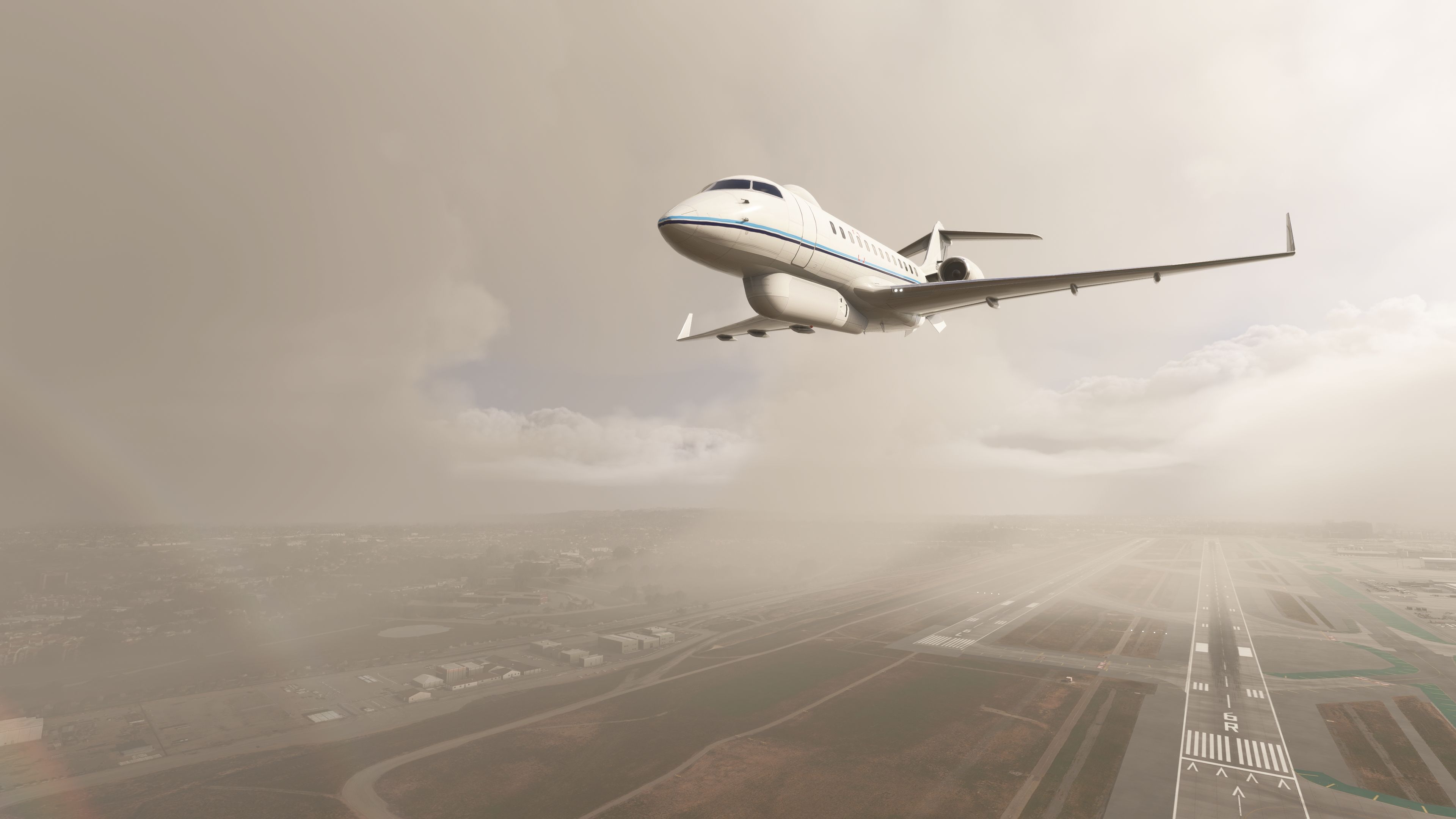
- Improved external lighting: navigation, strobes, landing lights, and windshield rain effects.
- Separate touches for the Global 6000 variant (unwanted E‑11A parts removed where appropriate).
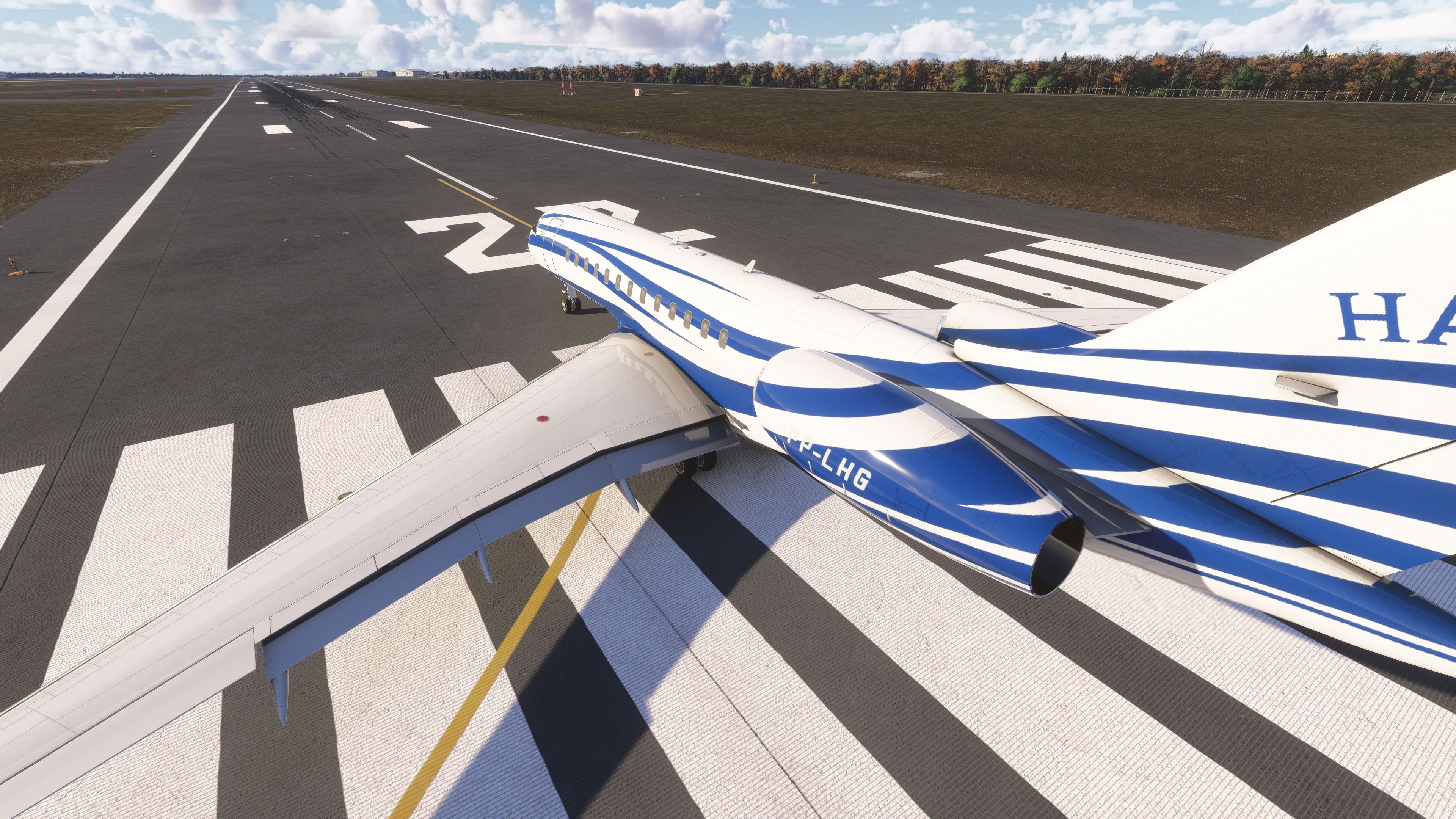
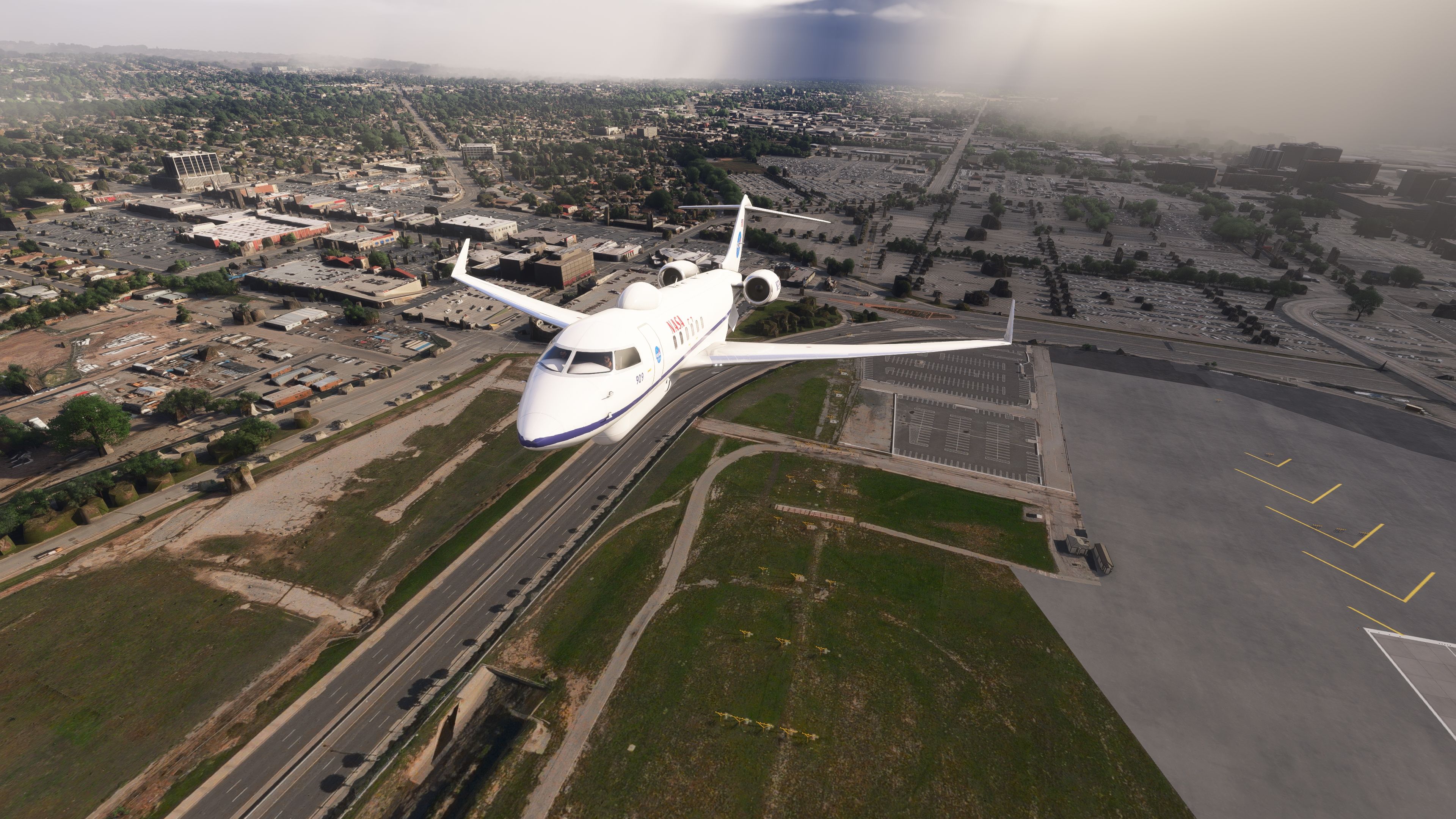
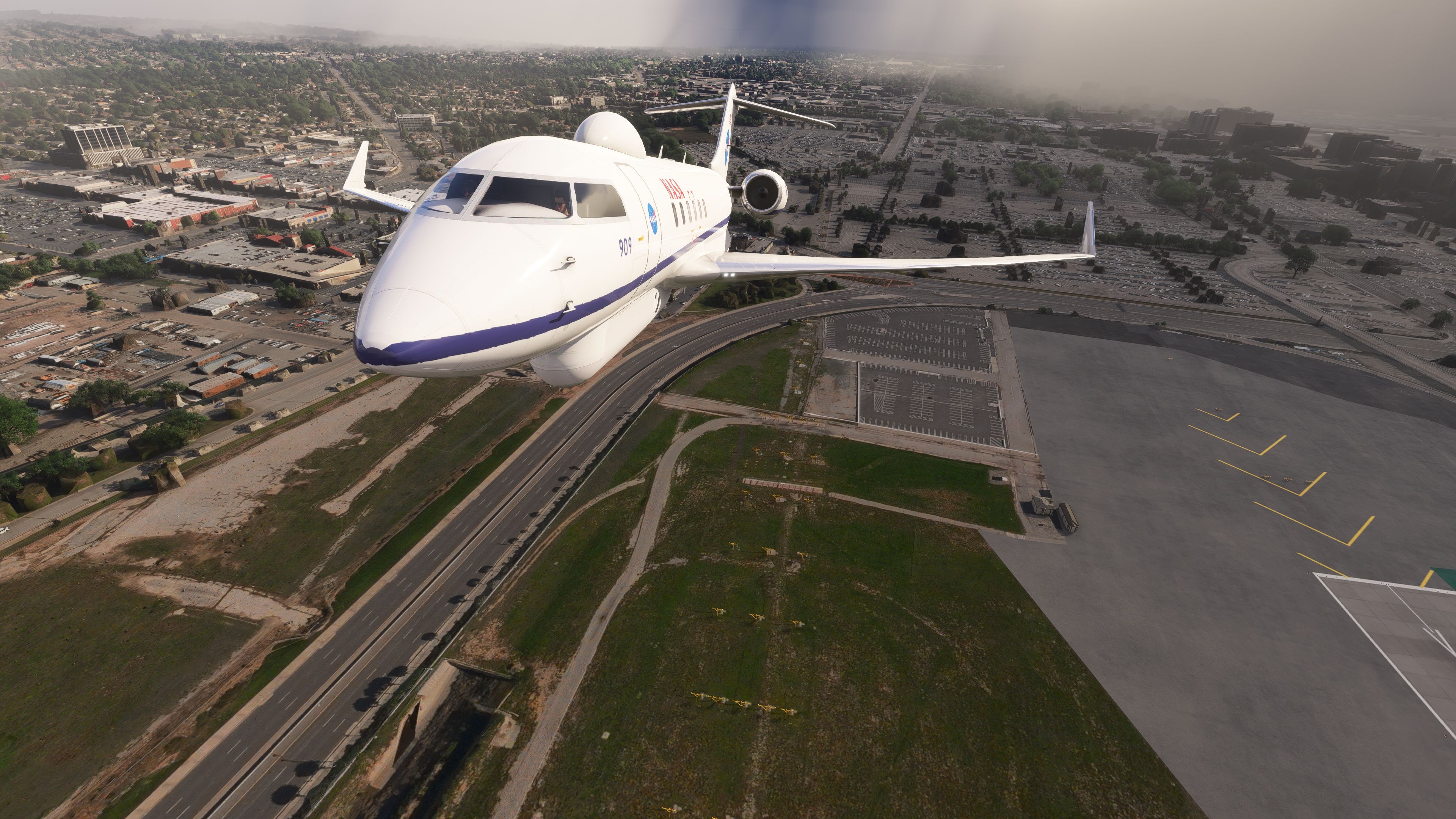
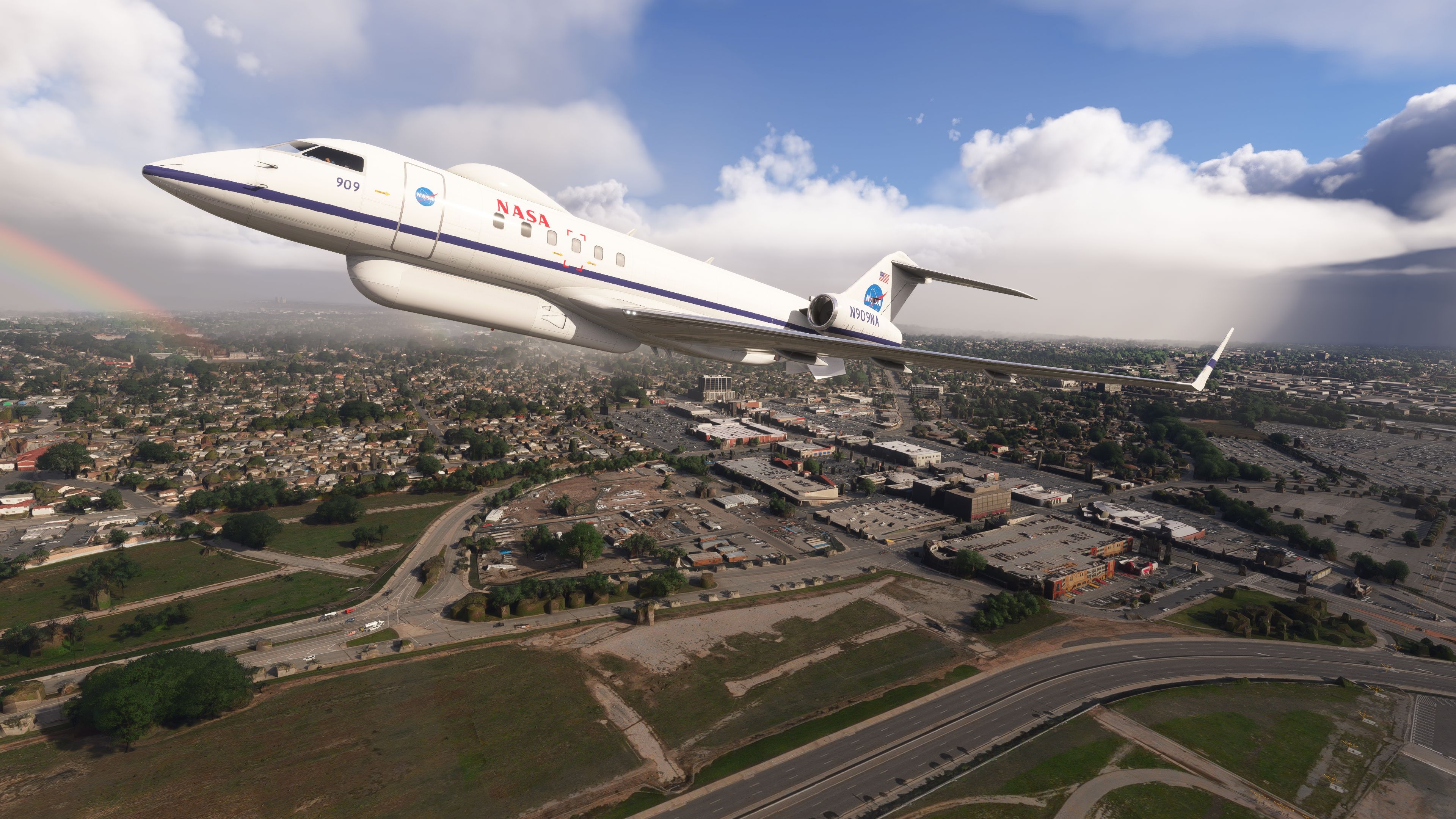
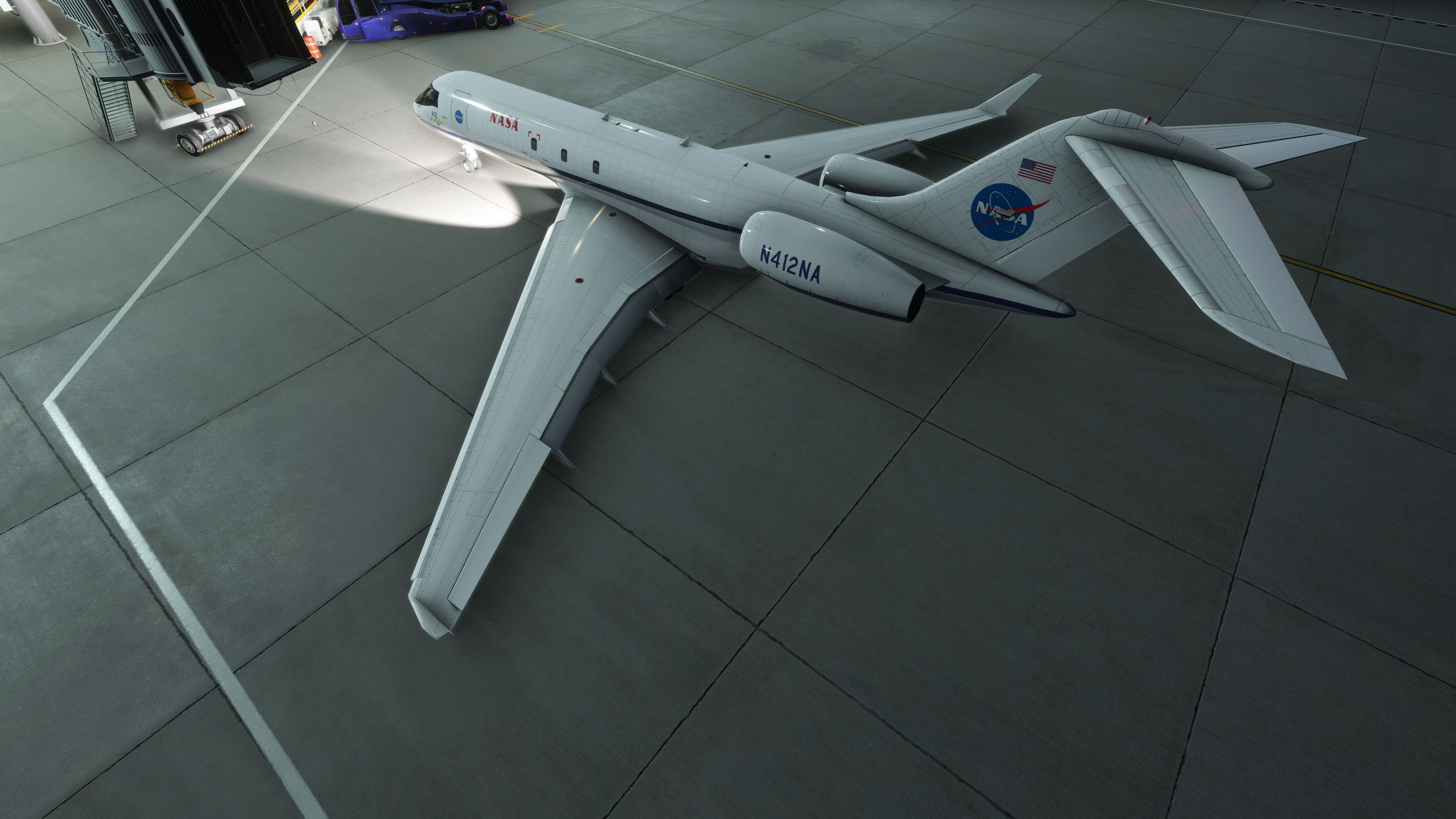
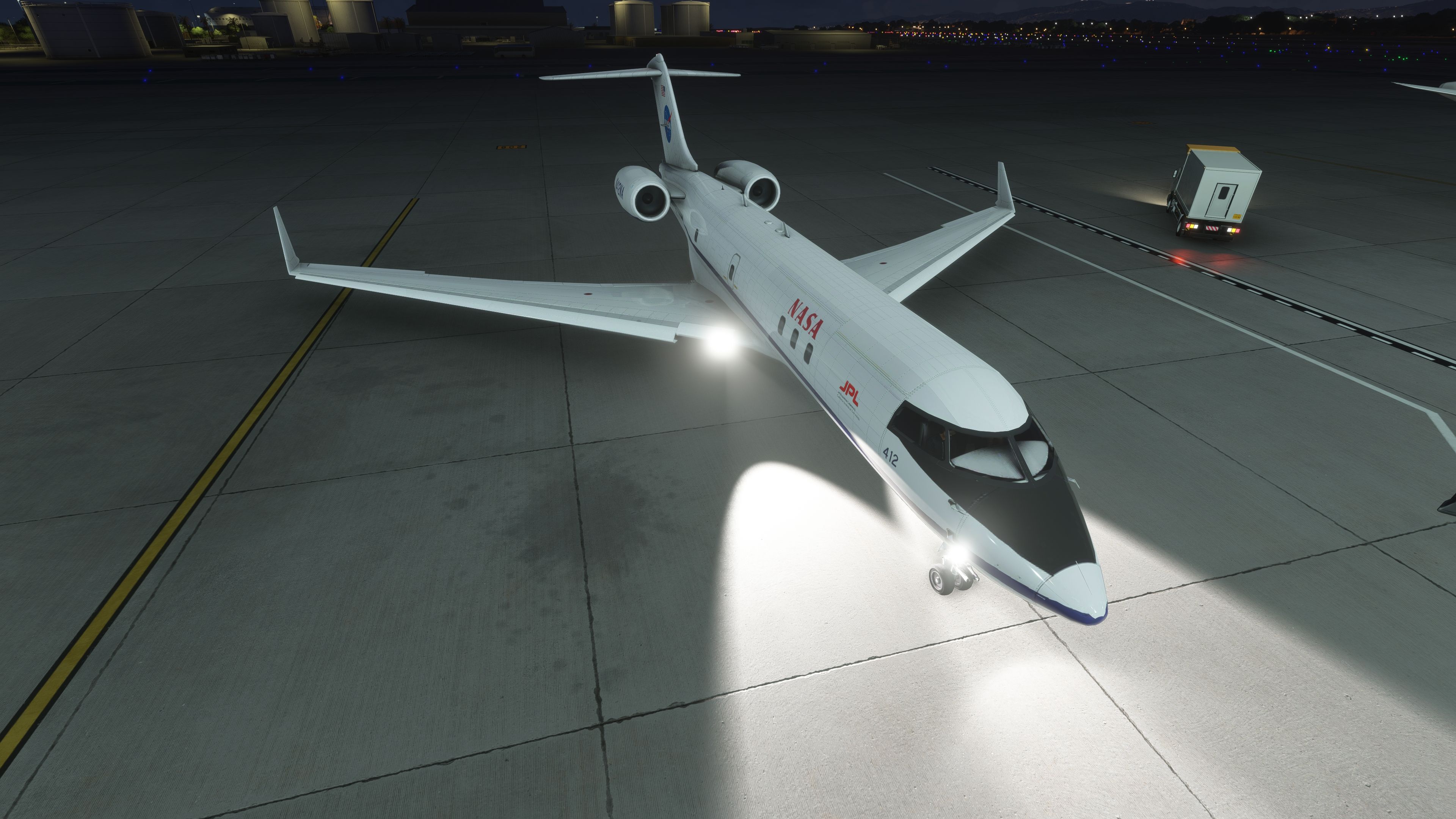
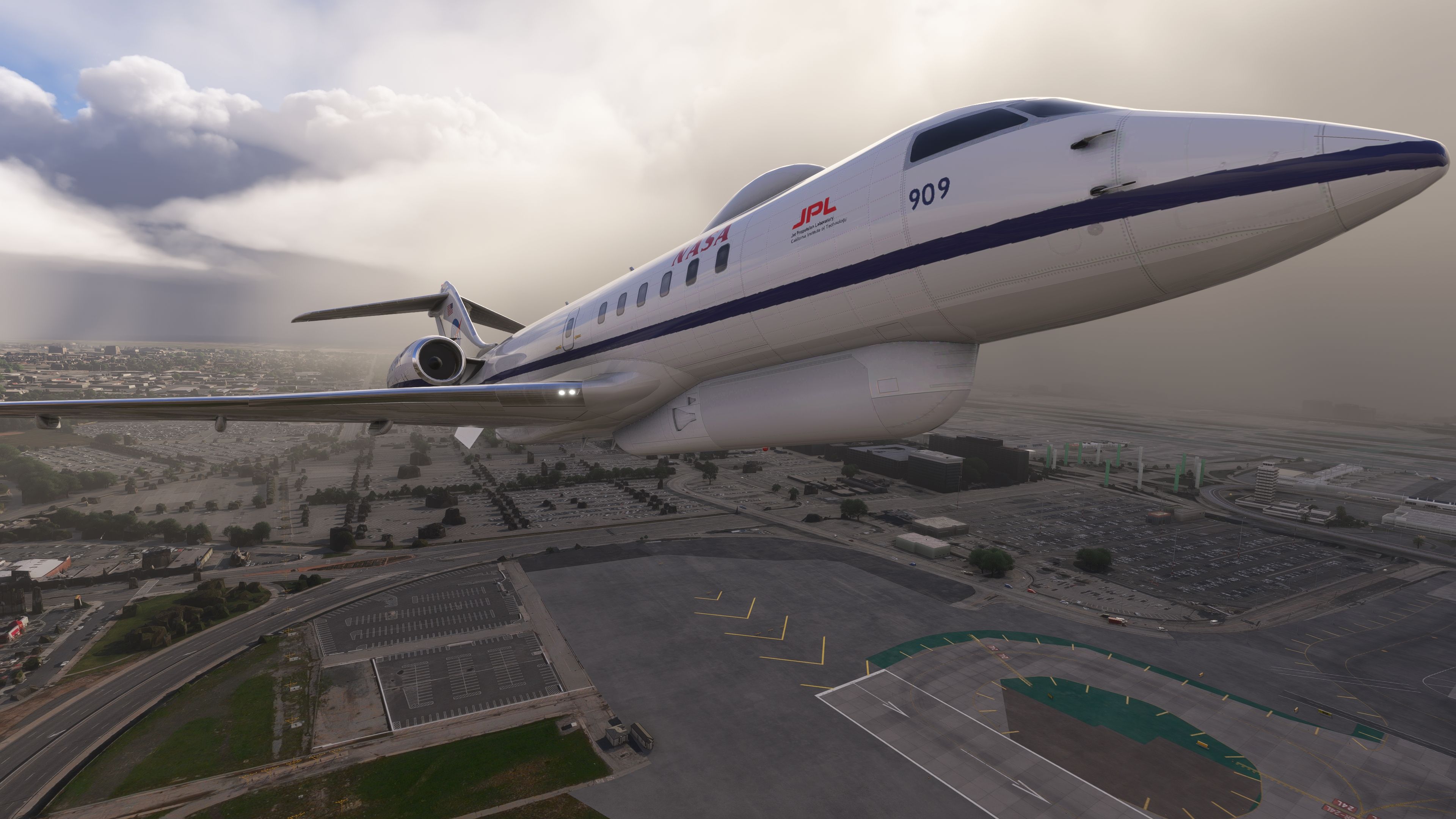
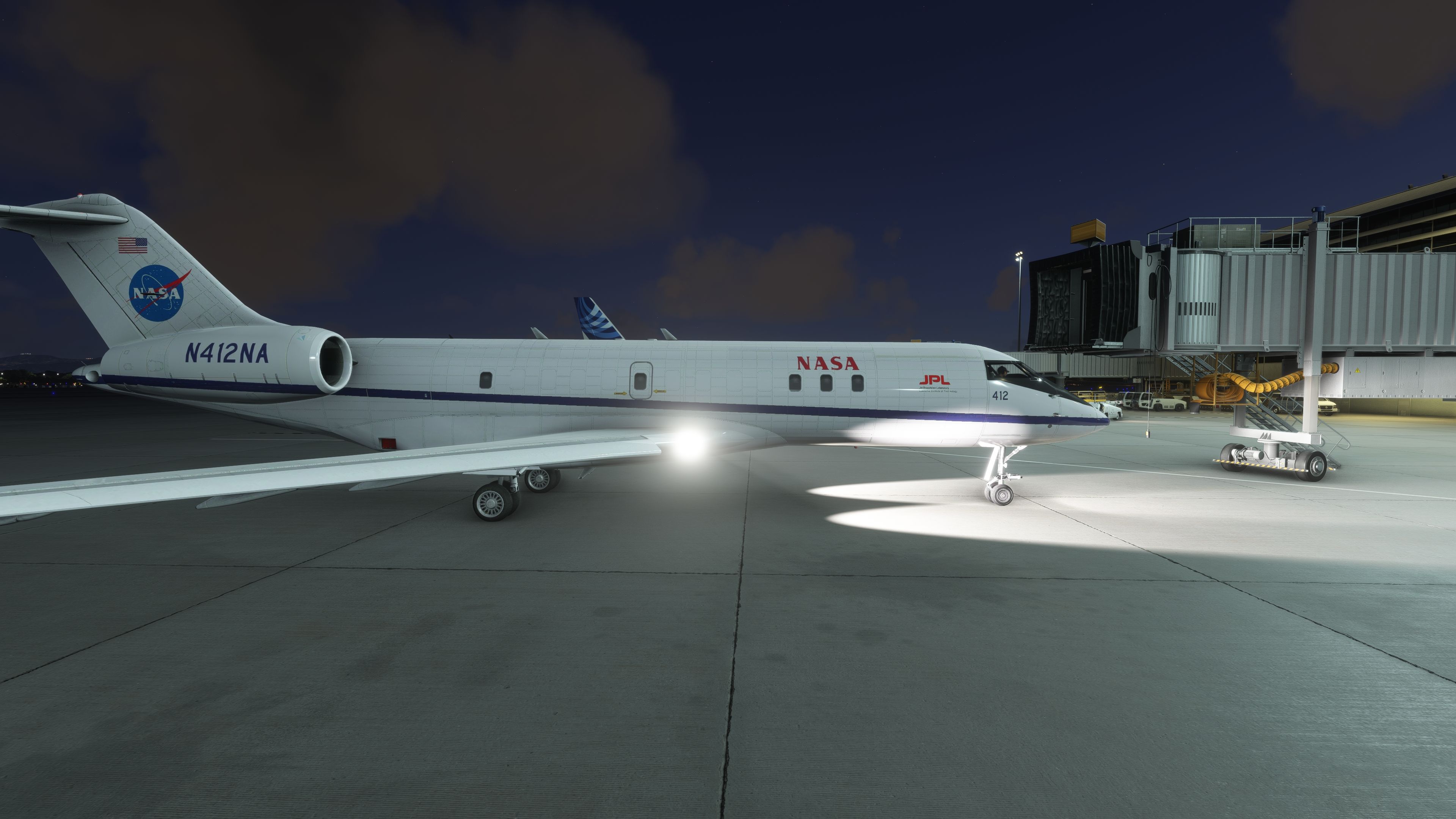
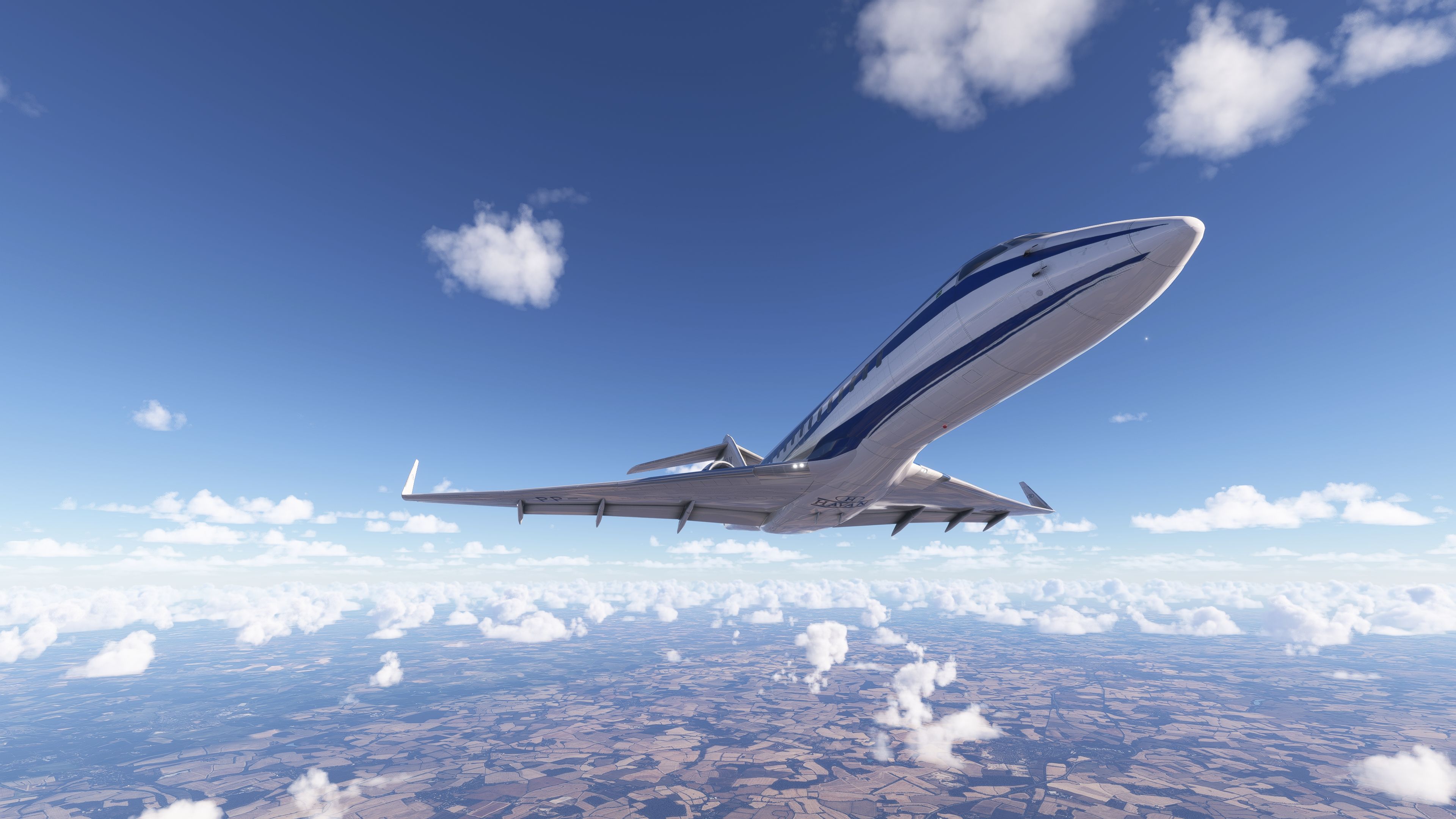
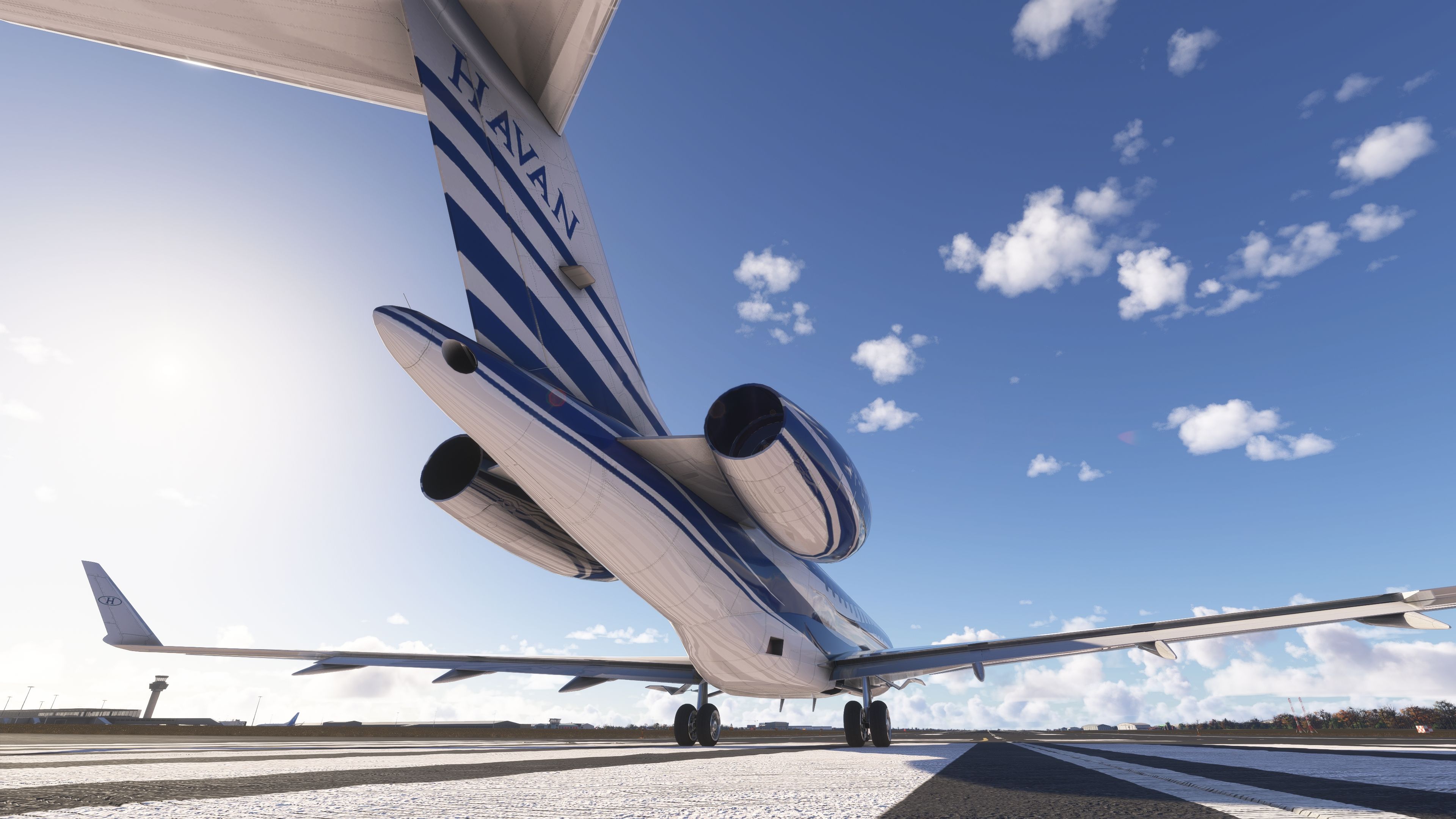
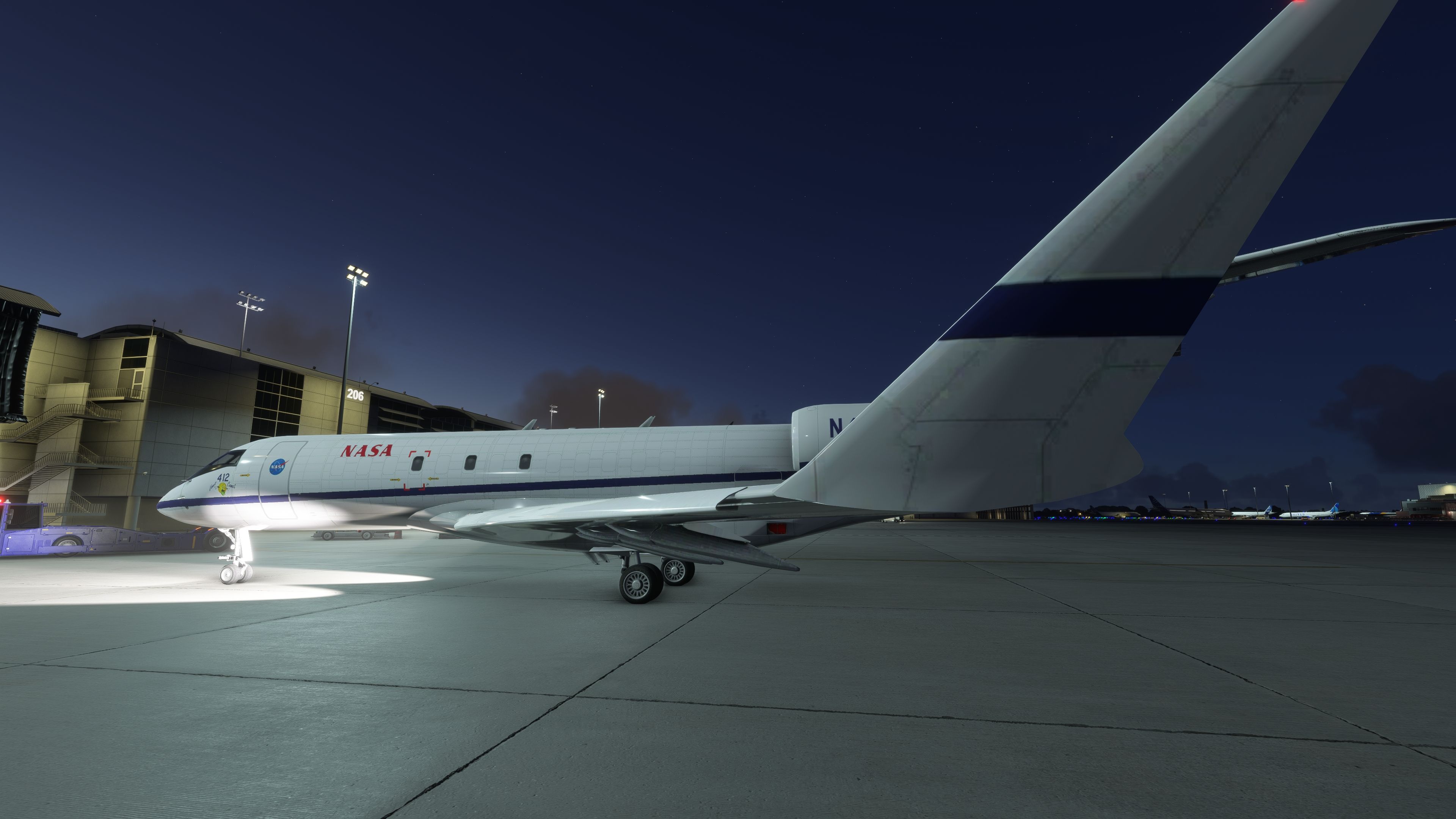
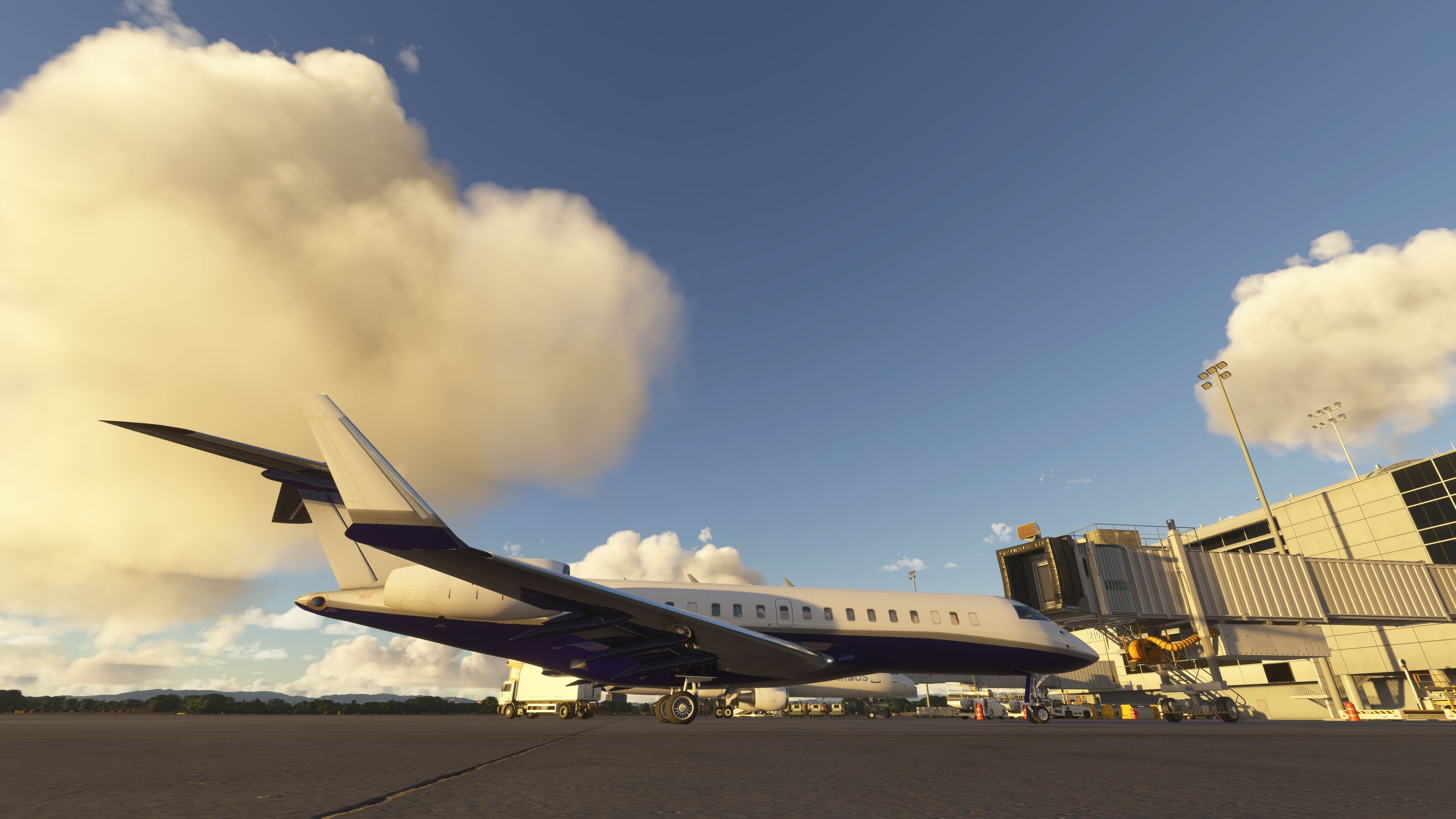
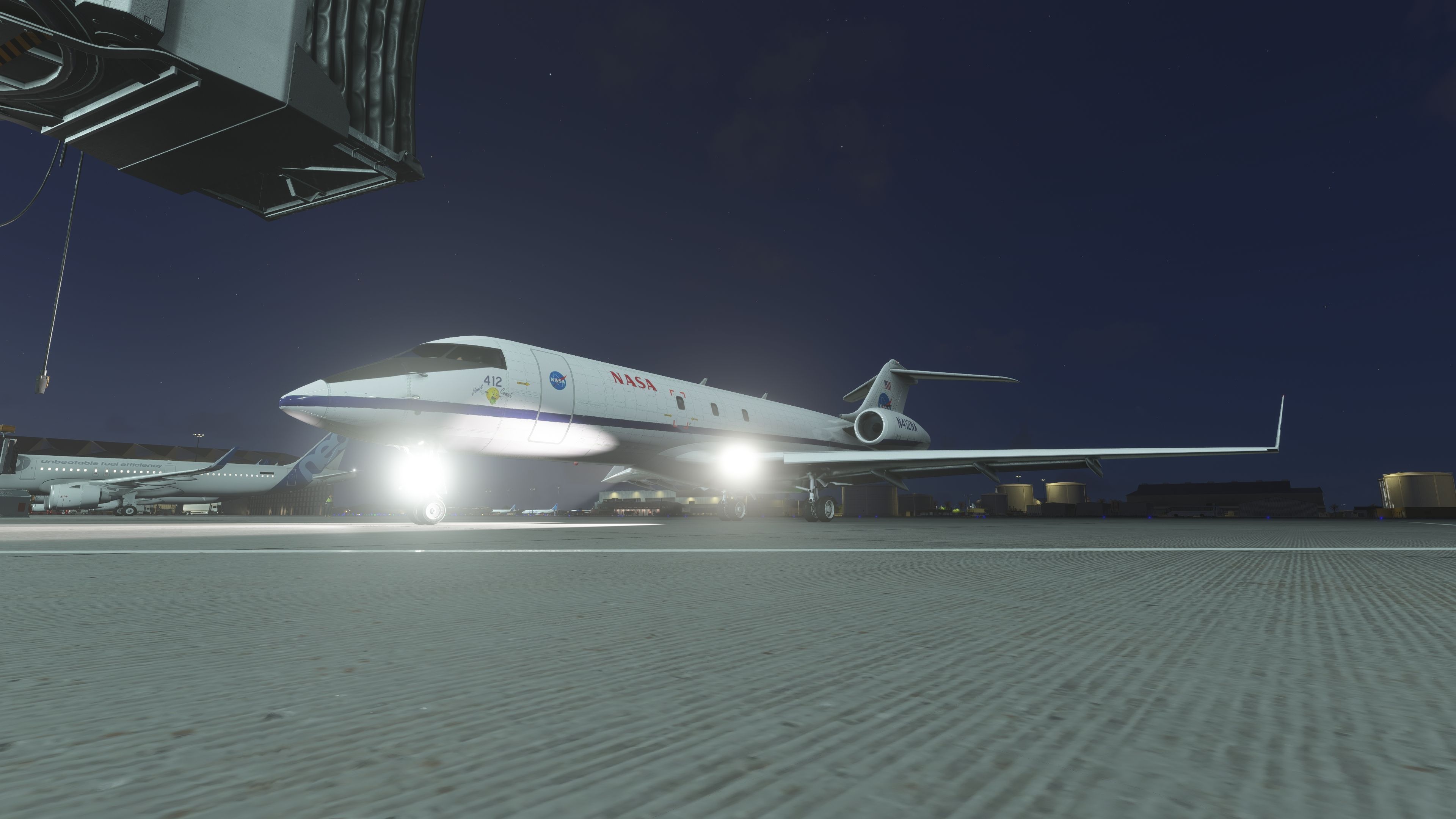
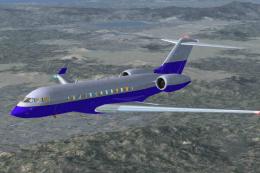
- Included NASA “Vomit Comet” livery among other paints.
Installation and Simulator Compatibility
- Compatible with Microsoft Flight Simulator 2024 and the 2020 release.
- Install by extracting the package and placing the folder into your
Communitydirectory. - AAU2 (Avionics Update 2) ready.
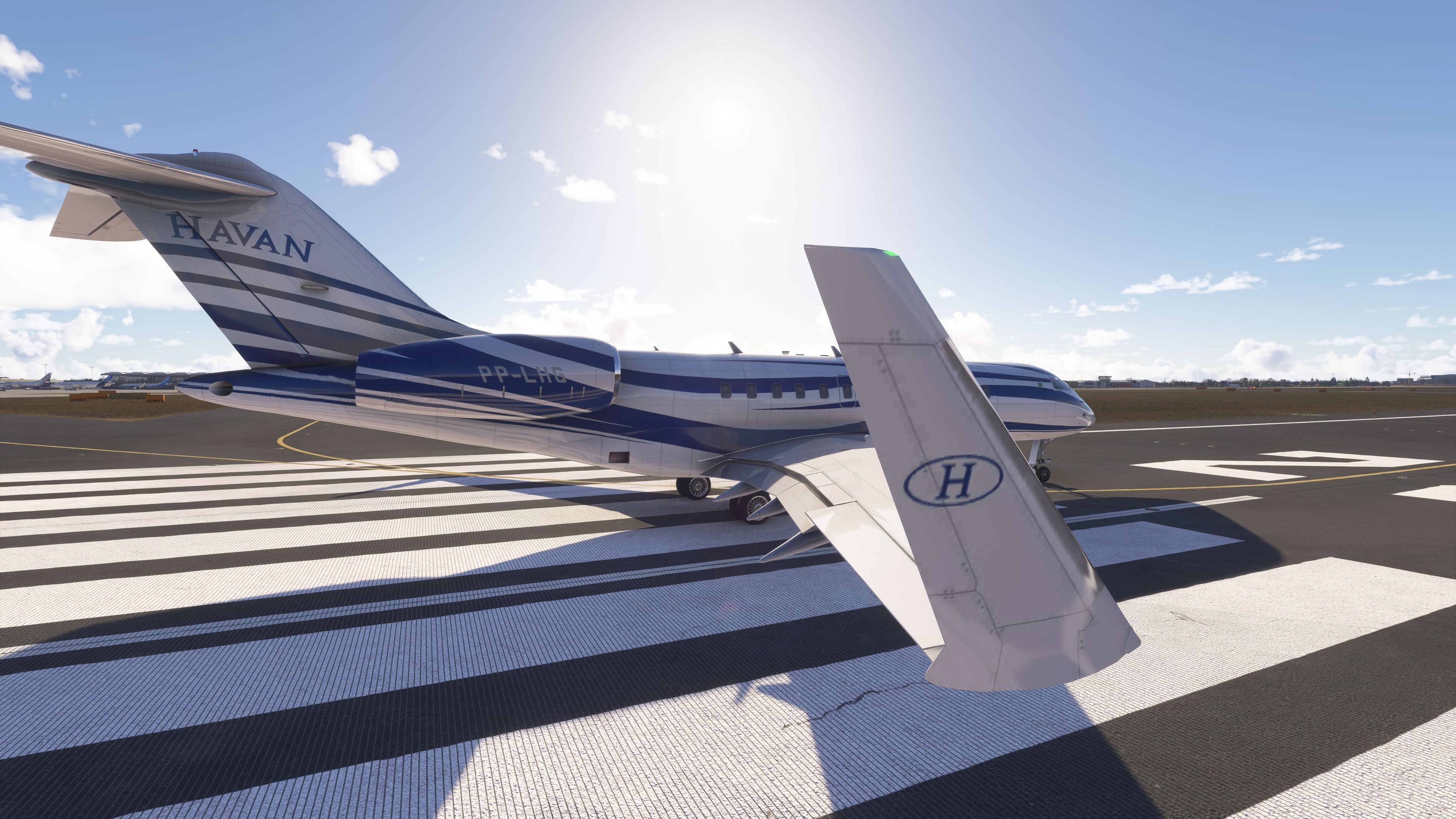
Repaints and Paint Kit
A full paint kit is bundled, enabling creators to produce and test new liveries quickly. Texture maps align with the converted model’s UVs to simplify repaint workflows.
Credits and Acknowledgments
Base model by IRIS Simulations (with a 2013 Easter egg noted by the author). Textures by S. Petersen, Chris Evans, Antony Oakland, Quincio van Henningen, Dylan Agbagni, and David Robles. Conversion, animations, coding, and G3000 screen integration by giba720. Published on Fly Away Simulation with explicit permission. Grateful thanks are extended to IRIS Simulations for allowing use of the model.
Operational Tips
- Ensure alternators/generators are online post‑start; a supplemental warning is included to catch missed steps.
- Autothrottle auto‑disconnects at touchdown; however, reduce thrust levers to idle manually before the flare. Many pilots prefer to disengage A/T prior to the final approach and manage speed by hand.
- ATC model/ICAO identifiers have been corrected for cleaner traffic and ATC handling.
Change Log
v1.1
- Upgraded cockpit textures and a new yoke.
- Removed E‑11A‑specific parts from the standard Global 6000 variant.
- Improved nav/strobe lighting and exterior rain effects.
- Resolved missing wing/airframe visibility from the flight deck view.
- Reduced overall package size and corrected ATC callsign data.
- Miscellaneous fine‑tuning.
v1.2
- Refined LNAV behavior.
- Additional alert to help users who forget alternators.
- EPR display and overspeed logic relaxed.
v1.3
- Wingflex added (not trivial to implement in the legacy geometry).
- Fixed cockpit texture flicker.
v1.4
- Autothrottle introduced.
- Minor gear light fix.
v1.41
- A/T now auto‑disengages on touchdown.
- Note: thrust levers still require manual pull to idle before landing; consider disabling A/T on final.
v1.42
- Corrected FLC Mach increase/decrease behavior.
- Added Global 6000 NASA “Vomit Comet” livery.
v1.5
- Avionics compatibility aligned with AAU2.
- Further landing light improvements.
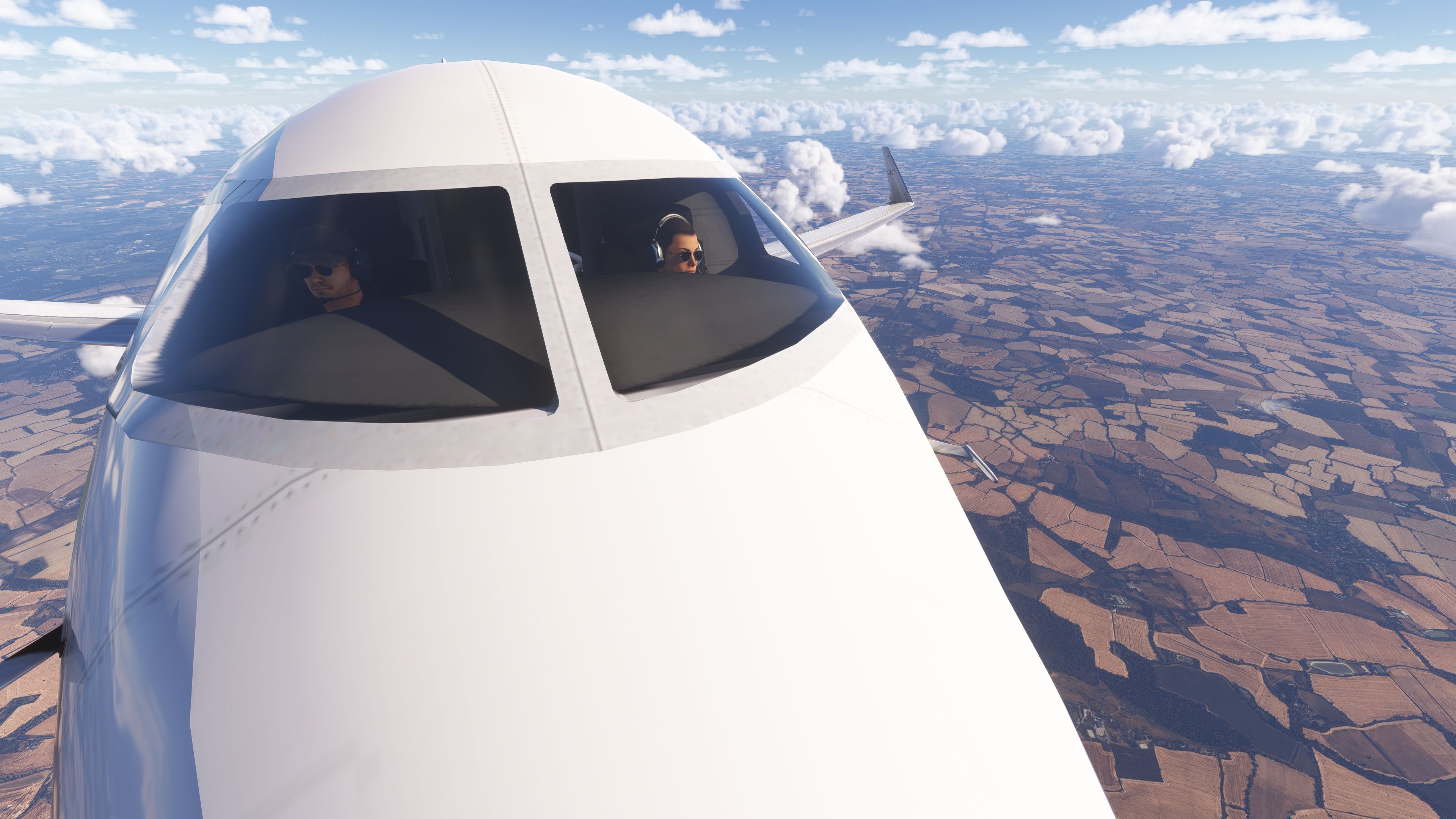
- Pilot avatars can be shown in the interior view (toggle by clicking seats).
- ATC model ICAO values corrected.
Images & Screenshots



Installation Instructions
Most of the freeware add-on aircraft and scenery packages in our file library come with easy installation instructions which you can read above in the file description. For further installation help, please see our Flight School for our full range of tutorials or view the README file contained within the download. If in doubt, you may also ask a question or view existing answers in our dedicated Q&A forum.


1 comments
Leave a ResponseThe content of the comments below are entirely the opinions of the individual posting the comment and do not always reflect the views of Fly Away Simulation. We moderate all comments manually before they are approved.
It seems that I cannot get into My GoPRO mode. Something has changed!