

 FSX Civil Aircraft
Dominican Airways Boeing 737-200
This complete freeware package features a fully modeled Boeing 737-200 in Dom…
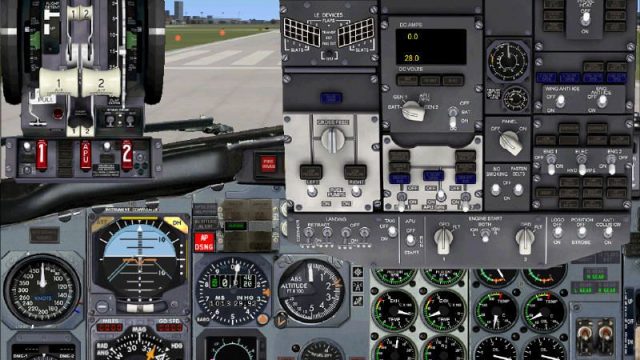
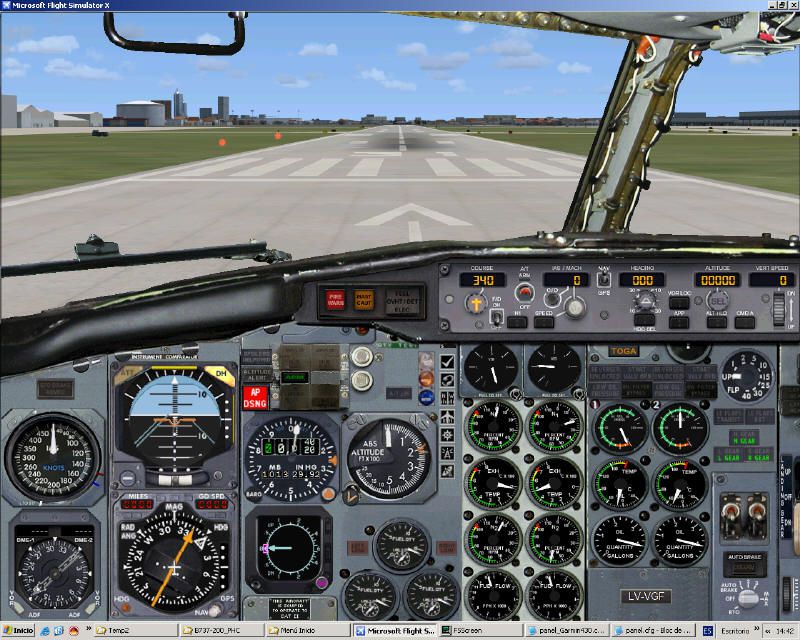
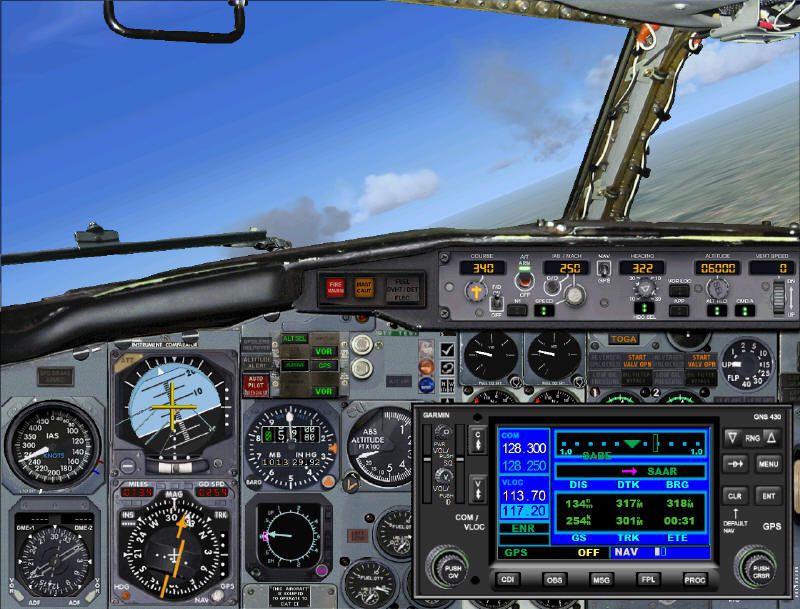
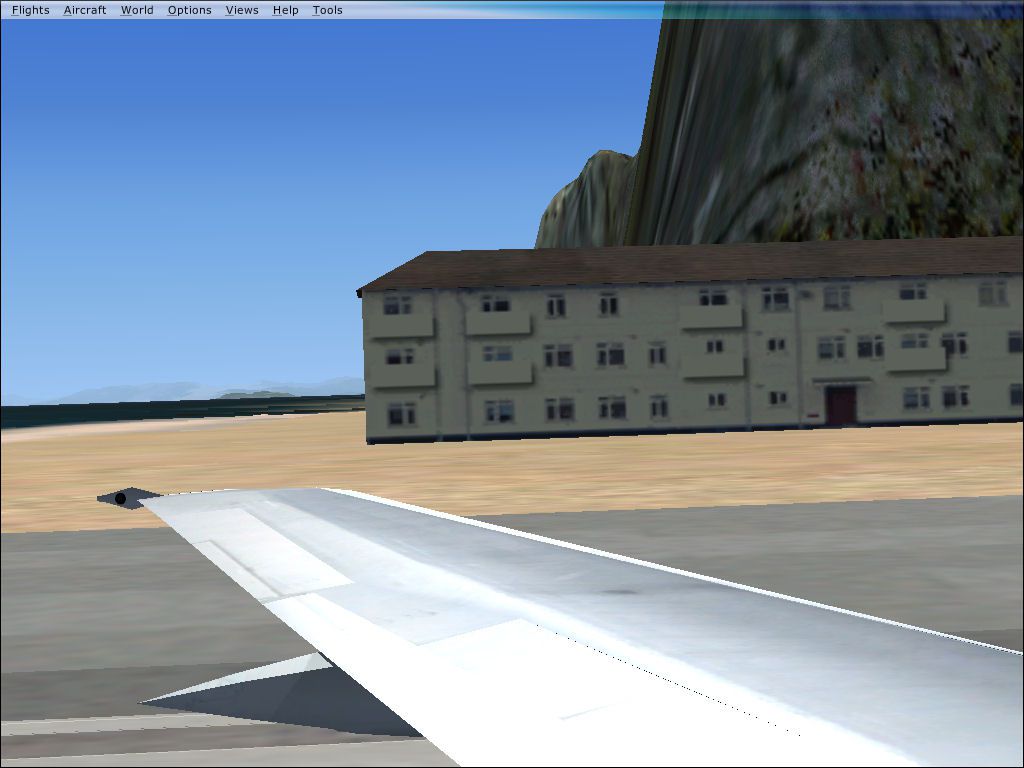
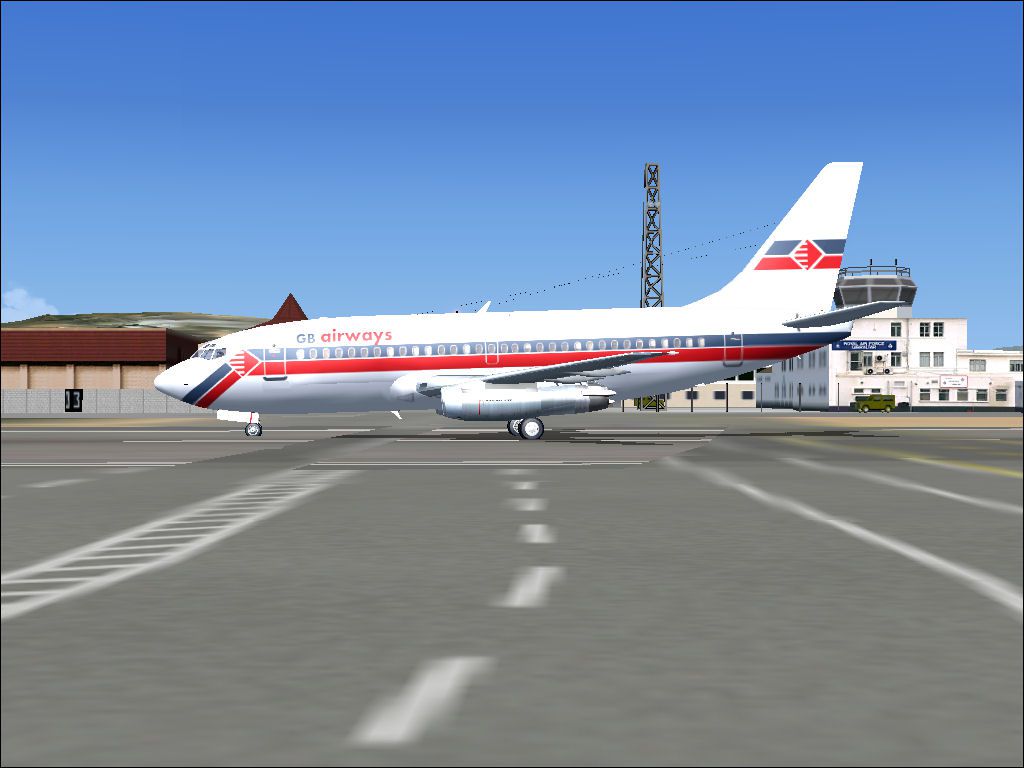
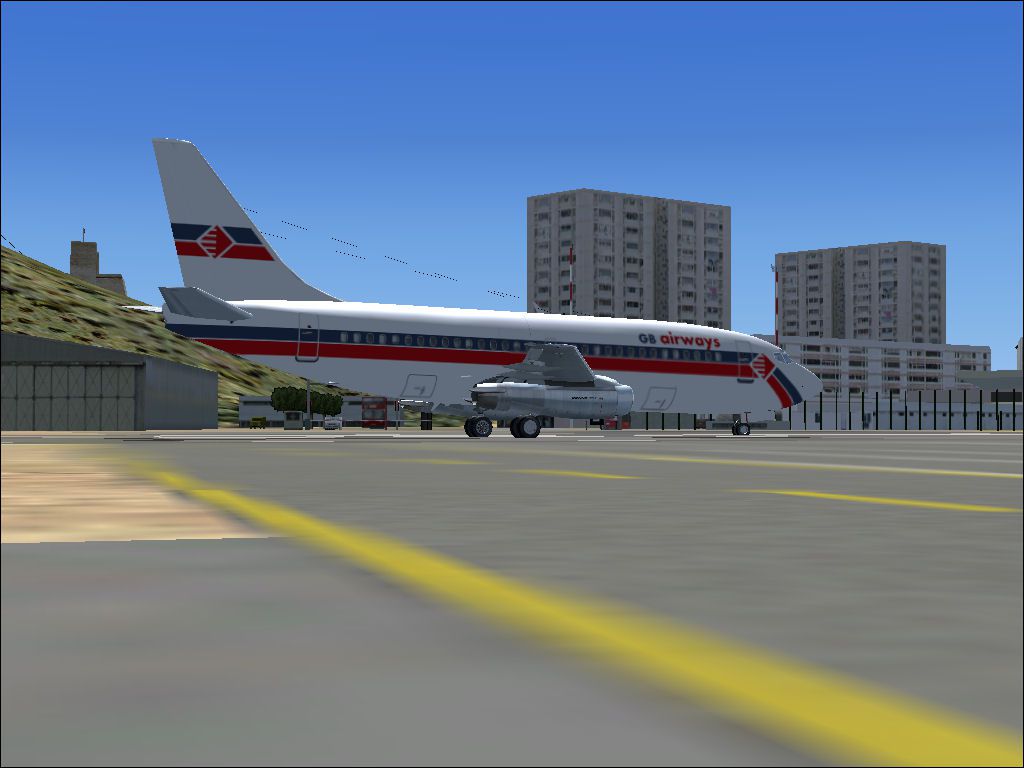
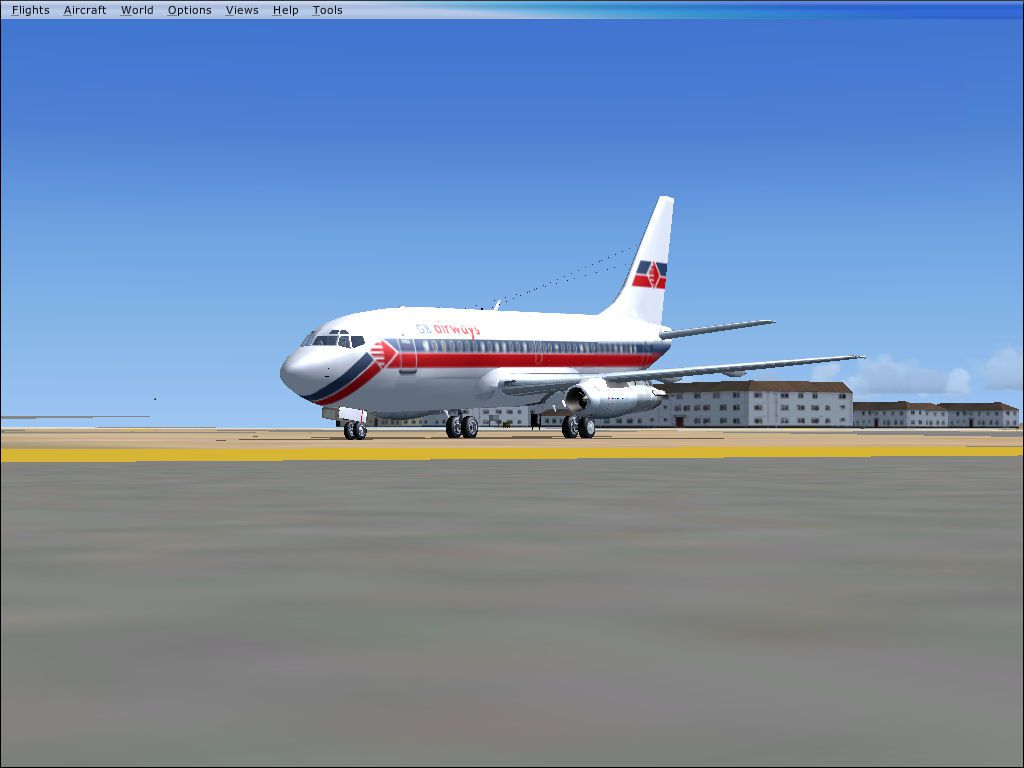
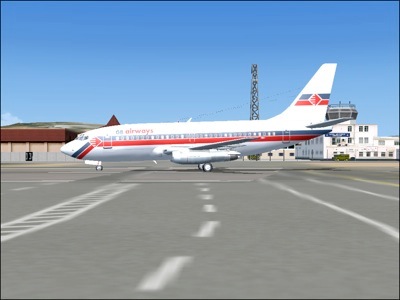
GB Airways’ Boeing 737-200 returns in its classic 1980s-era paint scheme, bringing authentic period airline character to FSX fleets. Clean exterior textures and accurate airline markings suit retro charter routes or nostalgic schedules, pairing well with vintage scenery and liveries while keeping the aircraft’s timeless lines and operational feel front and center.
 Rate
Rate

Free for all simmers · 46.08 MB · Scanned clean Aug 2026
Download speed: Free tier is capped at 0.5 Mbps (this file takes approximately 13 mins at the cap). PRO members download at full line speed.
FSX\SimObjects\Airplanes\. The folder must contain an aircraft.cfg file. Effects go into FSX\Effects\; gauges go into FSX\Gauges\.readme.txt or README file. It tells you exactly where files go, what dependencies are needed, and any quirks specific to this add-on.The archive gb737.zip has 130 files and directories contained within it.
This list displays the first 500 files in the package. If the package has more, you will need to download it to view them.
| Filename/Directory | File Date | File Size |
|---|---|---|
| 7372.air | 11.06.03 | 8.17 kB |
| AIRCRAFT.cfg | 03.02.09 | 13.40 kB |
| Effects | 03.02.09 | 0 B |
| SMOKE_JT8D.fx | 02.23.04 | 1.87 kB |
| gib1.jpg | 03.02.09 | 72.72 kB |
| gib2.jpg | 03.02.09 | 110.71 kB |
| gib3.jpg | 03.02.09 | 92.14 kB |
| gib4.jpg | 03.02.09 | 89.35 kB |
| gib5.jpg | 03.02.09 | 93.27 kB |
| Model | 03.02.09 | 0 B |
| B737_200.mdl | 02.21.04 | 1.31 MB |
| B737_200.OUT | 03.02.09 | 45.17 kB |
| MODEL.CFG | 02.08.03 | 25 B |
| panel | 03.02.09 | 0 B |
| 732KM.cab | 06.20.04 | 1.10 MB |
| 737_compass.BMP | 04.17.01 | 95.51 kB |
| 737_Panel_Decals_2.bmp | 02.16.03 | 257.05 kB |
| 737-400.dll | 09.04.06 | 2.33 MB |
| Airbus_A321.cab | 05.11.07 | 2.72 MB |
| B737_800.cab | 05.11.07 | 2.01 MB |
| Cessna208B_XML.cab | 09.04.06 | 1.48 MB |
| CONCORDE.GAU | 03.05.03 | 3.60 MB |
| Docs | 03.02.09 | 0 B |
| A1.jpg | 04.14.07 | 129.84 kB |
| A2.jpg | 04.14.07 | 135.25 kB |
| A3.jpg | 04.14.07 | 135.20 kB |
| A4.jpg | 04.11.07 | 115.93 kB |
| boeing737-200_check.doc | 04.14.07 | 57.50 kB |
| boeing737-200_check.htm | 04.14.07 | 89.99 kB |
| GARMIN GNS430 Users Guide.doc | 09.22.05 | 206.50 kB |
| Leame - instalacion_B737-200adv PHC_V4_1.doc | 09.21.07 | 42.00 kB |
| Leame - instalacion_B737-200adv PHC_V4_1.txt | 09.21.07 | 5.01 kB |
| Readme - installation_B737-200adv PHC_V4_1.doc | 09.21.07 | 45.00 kB |
| Readme - installation_B737-200adv PHC_V4_1.txt | 09.21.07 | 4.93 kB |
| FS9Garmin430.cab | 04.23.05 | 152.54 kB |
| KingAir.dll | 09.04.06 | 4.01 MB |
| main_1024.bmp | 03.06.07 | 1.25 MB |
| panel.cfg | 09.21.07 | 8.66 kB |
| panel.cp3 | 01.02.07 | 8.85 kB |
| panel_Garmin430.cfg | 04.14.07 | 8.58 kB |
| panel_Garmin500.cfg | 04.14.07 | 8.57 kB |
| PedestalA.bmp | 10.29.06 | 769.05 kB |
| PS737CA.cab | 08.14.04 | 3.09 MB |
| radio_stack_bg.bmp | 07.03.01 | 67.86 kB |
| Thumbs.db | 03.04.07 | 105.50 kB |
| ZbThumbnail.info | 09.21.07 | 26.91 kB |
| readme.txt | 03.02.09 | 415 B |
| sound | 03.02.09 | 0 B |
| 732RODAJE.wav | 05.12.06 | 337.69 kB |
| 732RODAJE2.wav | 05.12.06 | 337.69 kB |
| baapdis.wav | 11.21.06 | 223.08 kB |
| baglide.wav | 10.14.06 | 21.57 kB |
| ban11.wav | 08.10.07 | 1.27 MB |
| ban12.wav | 08.10.07 | 331.13 kB |
| ban13.wav | 08.10.07 | 720.13 kB |
| ban14.wav | 02.18.07 | 447.90 kB |
| ban1shut.wav | 08.01.06 | 207.27 kB |
| ban1strt.wav | 08.01.06 | 388.84 kB |
| ban21.wav | 08.10.07 | 1.09 MB |
| ban22.wav | 08.12.07 | 969.18 kB |
| ban23.wav | 11.13.04 | 271.22 kB |
| ban24.wav | 12.08.03 | 505.37 kB |
| ban2shut.wav | 08.01.06 | 260.27 kB |
| ban2strt.wav | 04.22.06 | 636.09 kB |
| ban2t.wav | 05.18.05 | 1.14 MB |
| baover.wav | 07.18.06 | 59.18 kB |
| bbn11.wav | 03.12.05 | 1.56 MB |
| bbn12.wav | 12.19.04 | 562.56 kB |
| bbn13.wav | 01.10.08 | 235.67 kB |
| bbn14.wav | 08.10.07 | 658.79 kB |
| bbn1shut.wav | 08.01.06 | 212.77 kB |
| bbn1strt.wav | 08.01.06 | 343.34 kB |
| bbn21.wav | 08.10.07 | 1.09 MB |
| bbn22.wav | 08.12.07 | 969.18 kB |
| bbn23.wav | 11.13.04 | 271.22 kB |
| bbn24.wav | 02.18.07 | 447.90 kB |
| bbn2shut.wav | 08.01.06 | 254.77 kB |
| bbn2strt.wav | 04.22.06 | 636.09 kB |
| bbn2t.wav | 12.08.03 | 470.60 kB |
| bmflaps.wav | 08.04.06 | 175.61 kB |
| bmgeardn.wav | 05.25.05 | 1.01 MB |
| bmgearup.wav | 08.07.02 | 275.09 kB |
| bmgwarn.wav | 10.14.06 | 21.57 kB |
| door_large_close.wav | 05.12.06 | 131.81 kB |
| door_large_open.wav | 05.12.06 | 116.30 kB |
| sound.cfg | 04.13.08 | 17.09 kB |
| x737a-n1f01.wav | 05.25.05 | 478.10 kB |
| x737a-n1f02.wav | 05.25.05 | 241.91 kB |
| x737a-n1f03.wav | 05.31.05 | 1.01 MB |
| x737a-n1f04.WAV | 08.10.07 | 1.27 MB |
| x737a-n2r01.wav | 05.25.05 | 478.10 kB |
| x737a-n2r02.wav | 05.25.05 | 241.91 kB |
| x737a-n2r03.wav | 05.31.05 | 1.01 MB |
| x737a-n2r04.WAV | 05.12.06 | 160.90 kB |
| x737b-n1f01.wav | 05.25.05 | 478.10 kB |
| x737b-n1f02.wav | 05.25.05 | 241.91 kB |
| x737b-n1f03.wav | 05.31.05 | 1.01 MB |
| x737b-n1f04.wav | 03.19.05 | 1.19 MB |
| x737b-n2r01.wav | 05.25.05 | 478.10 kB |
| x737b-n2r02.wav | 05.25.05 | 241.91 kB |
| x737b-n2r03.wav | 03.12.05 | 1.56 MB |
| x737b-n2r04.wav | 05.12.06 | 162.78 kB |
| xban1shut.wav | 05.12.06 | 212.25 kB |
| xban1strt.wav | 05.12.06 | 496.81 kB |
| xban2shut.wav | 05.12.06 | 227.75 kB |
| xban2strt.wav | 04.22.06 | 636.09 kB |
| xban2t.wav | 12.22.04 | 3.41 MB |
| xbbn1shut.wav | 05.12.06 | 220.25 kB |
| xbbn1strt.wav | 05.12.06 | 460.81 kB |
| xbbn2shut.wav | 05.12.06 | 217.75 kB |
| xbbn2strt.wav | 04.22.06 | 636.09 kB |
| xbbn2t.wav | 12.22.04 | 3.41 MB |
| Texture.gb732 | 03.02.09 | 0 B |
| 732_B_T.BMP | 03.01.09 | 256.07 kB |
| 737INTERIOR_T.BMP | 03.01.09 | 1.00 MB |
| B732FUSE_L.BMP | 03.01.09 | 1.00 MB |
| B732FUSE_T.BMP | 03.01.09 | 4.00 MB |
| B737TAIL_L.BMP | 03.01.09 | 64.07 kB |
| B737TAIL_T.bmp | 03.02.09 | 1.00 MB |
| ENGINES_L.BMP | 03.01.09 | 64.07 kB |
| ENGINES_T.BMP | 03.01.09 | 256.07 kB |
| MISC_L.BMP | 03.01.09 | 4.07 kB |
| MISC_T.BMP | 03.01.09 | 256.07 kB |
| readme.txt | 03.02.09 | 380 B |
| thumbnail.jpg | 03.02.09 | 89.35 kB |
| Thumbs.db | 12.30.07 | 17.00 kB |
| WINGS_L.BMP | 03.01.09 | 256.07 kB |
| WINGS_T.BMP | 03.01.09 | 1.00 MB |
| flyawaysimulation.txt | 10.29.13 | 959 B |
| Go to Fly Away Simulation.url | 01.22.16 | 52 B |
Only PRO members can place votes.
More FSX & P3D add-ons hand-picked based on this download.
FSX Civil Aircraft
This complete freeware package features a fully modeled Boeing 737-200 in Dom…
 FSX Civil Aircraft
FSX Pacific Sun Airways Boeing 737-200. A repaint of the TinMouse Version II …
 FSX Civil Aircraft
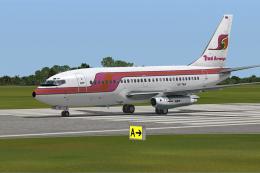
This is the repaint of payware Captain Sim B737-200 model in Thai Airways liv…
 FSX Civil Aircraft
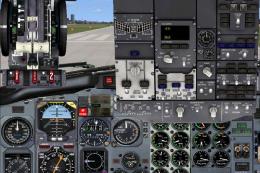
This freeware release replicates British Airways’ Boeing 777-200 (registratio…
 FSX Civil Aircraft
This freeware Dominican Airways Boeing 757-200 package includes winglets and …
 FSX Civil Aircraft
This freeware Boeing 777-200 rendition for FSX features All Nippon Airways’ r…
 FSX Civil Aircraft
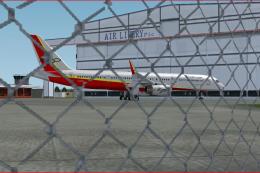
Platinum Airways Boeing 757-200 (no winglets). Platinum Airways is a very vir…
 FSX Civil Aircraft
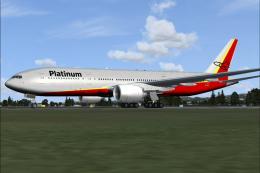
Platinum Airways Boeing 777-200. Platinum Airways is a very virtual KISS airl…
Read what other simmers think, or add your own.

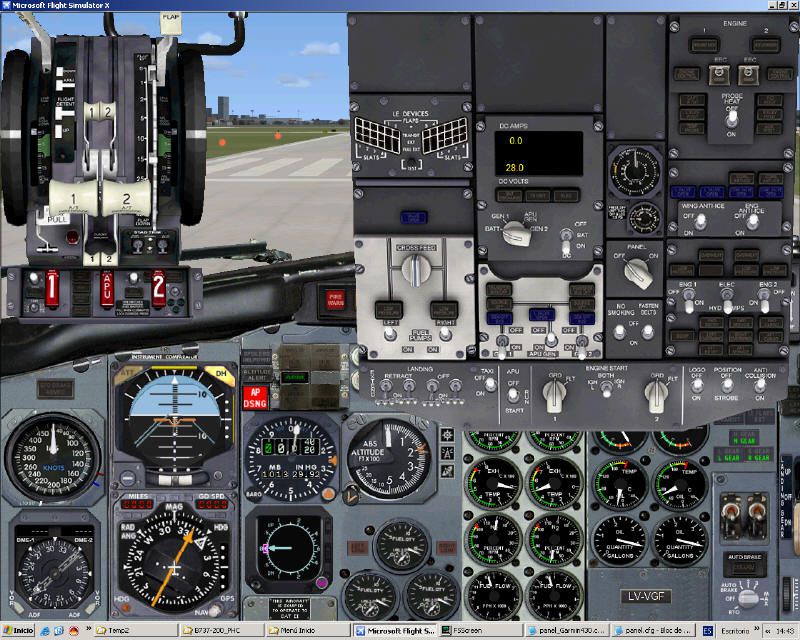
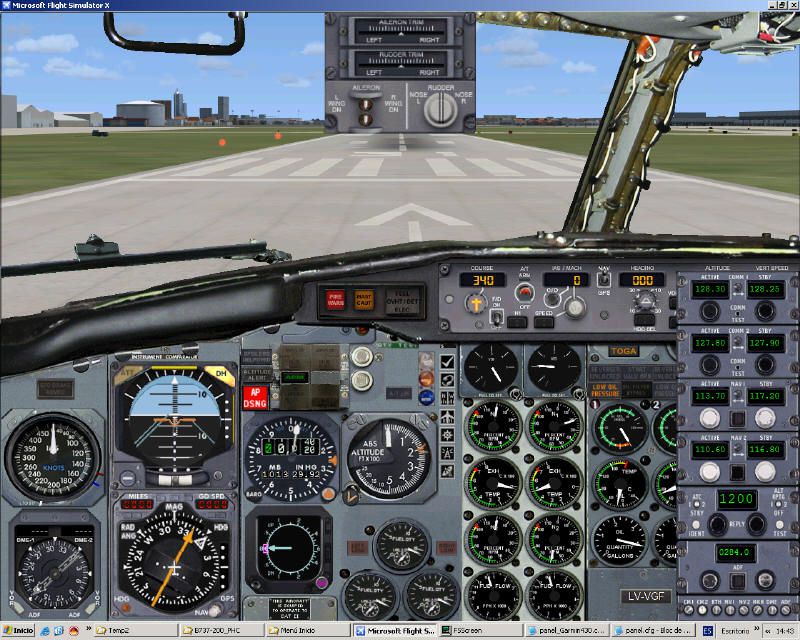
It's a really good aircraft but I wished that it had a virtual cockpit. Good work on the aircraft!