






 FSX Civil Aircraft
Airbus A330-300 Pack
This freeware package introduces a faithful Airbus A330-300 simulation for Mi…
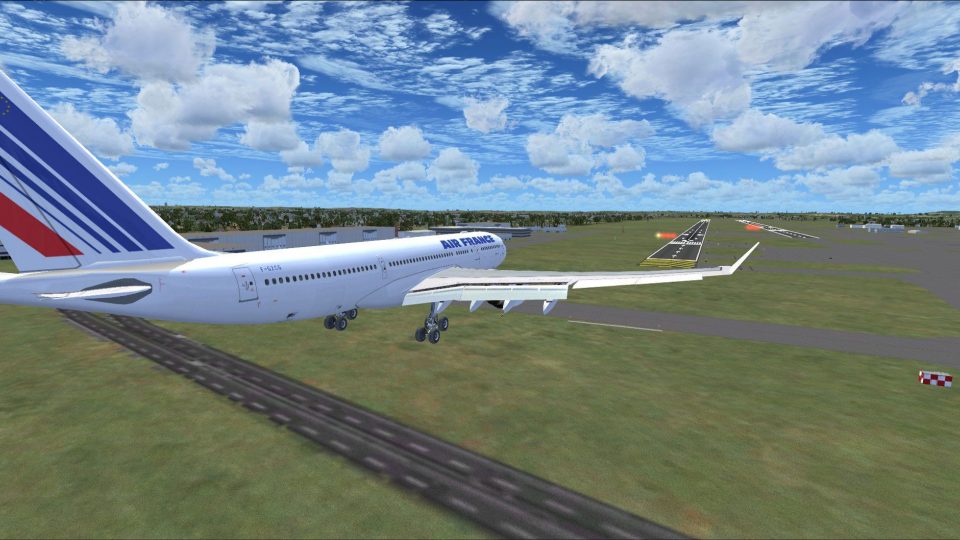
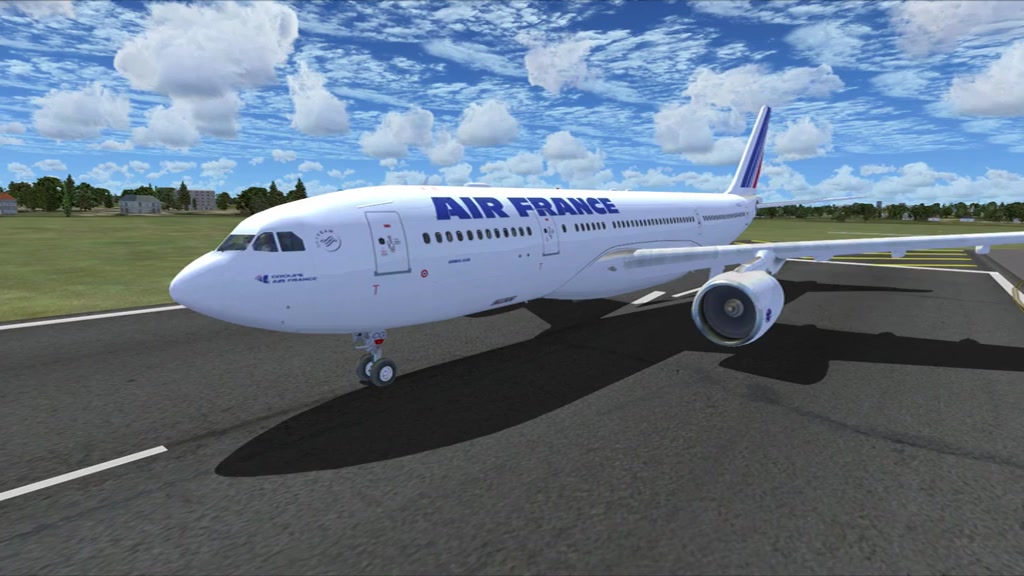
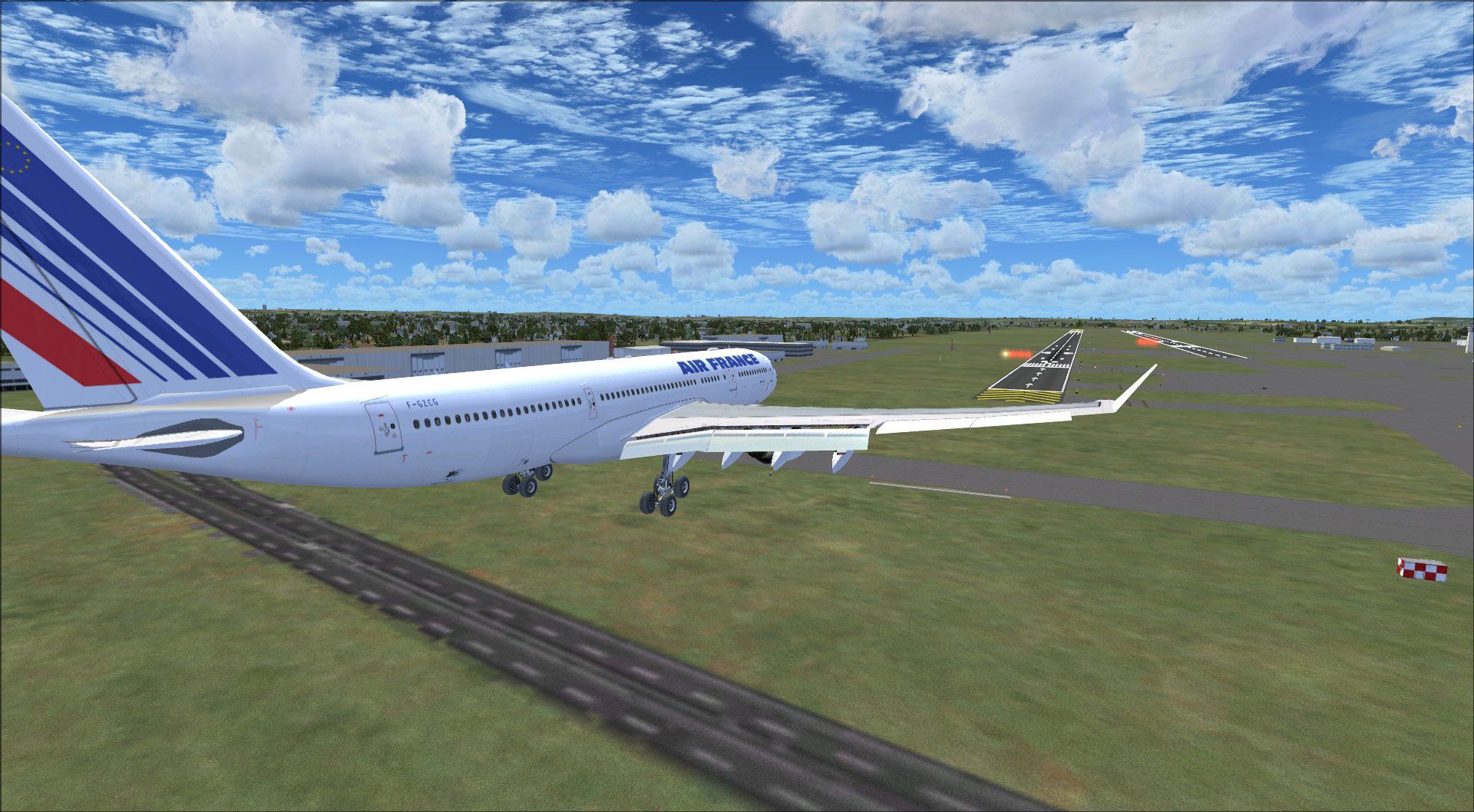
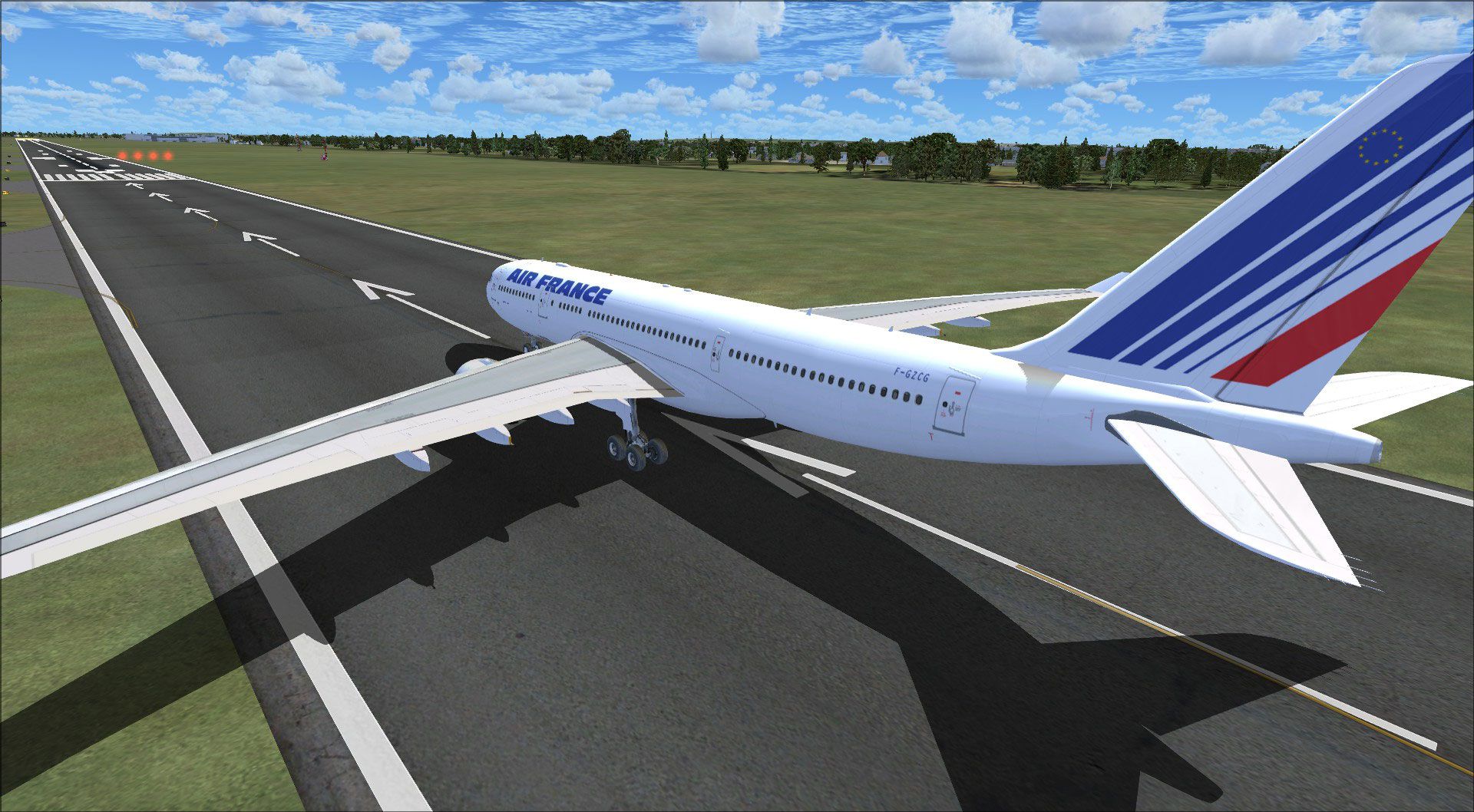
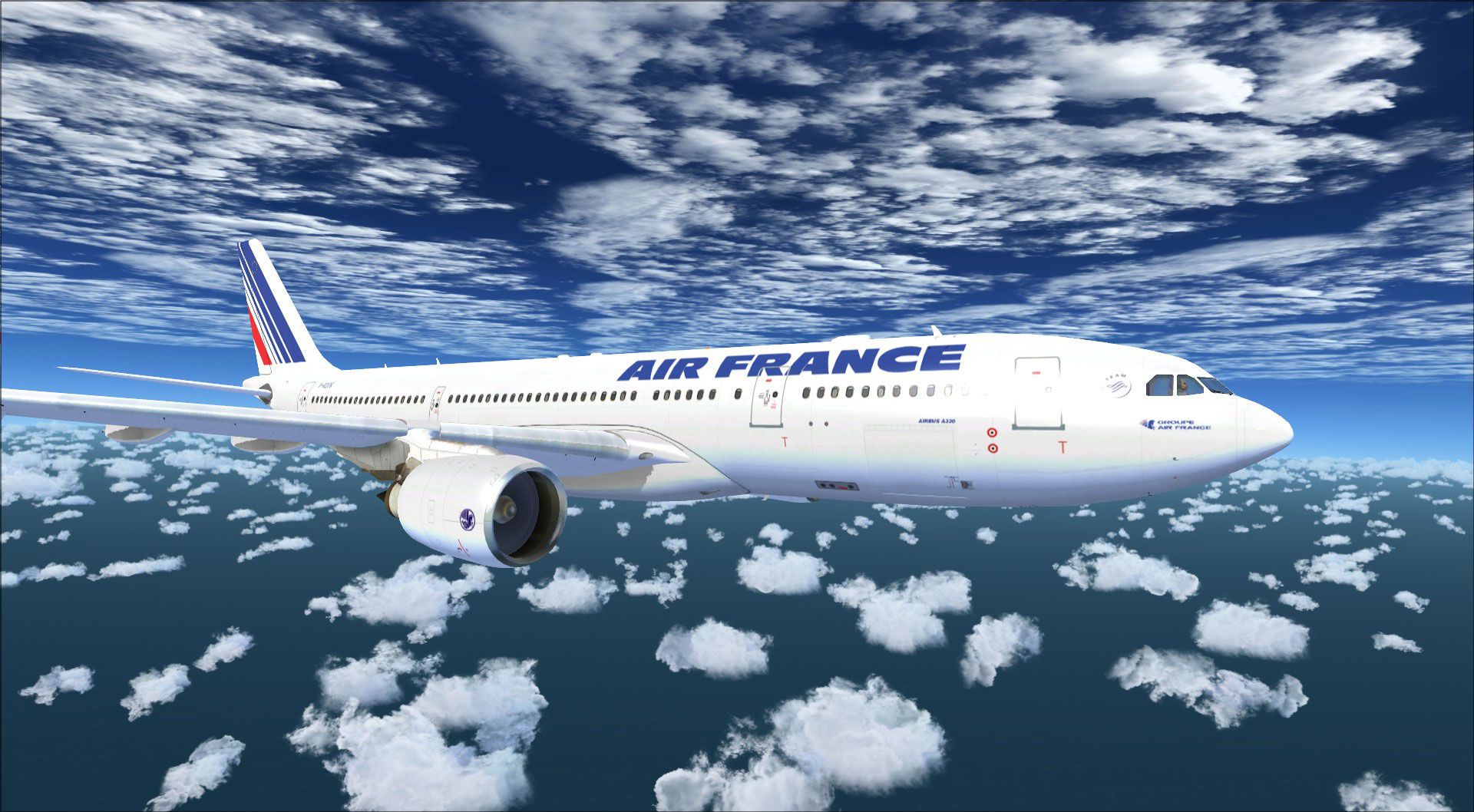
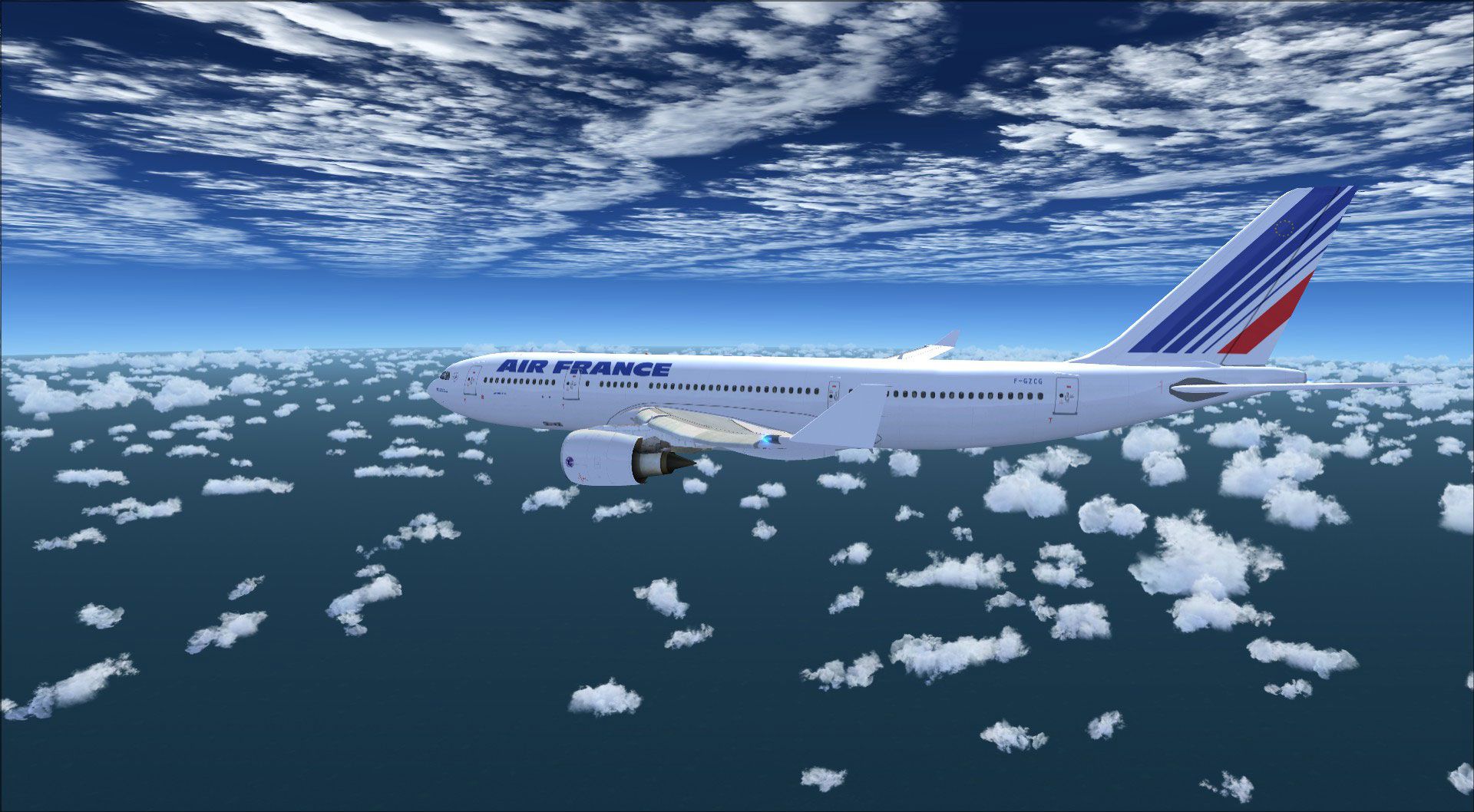
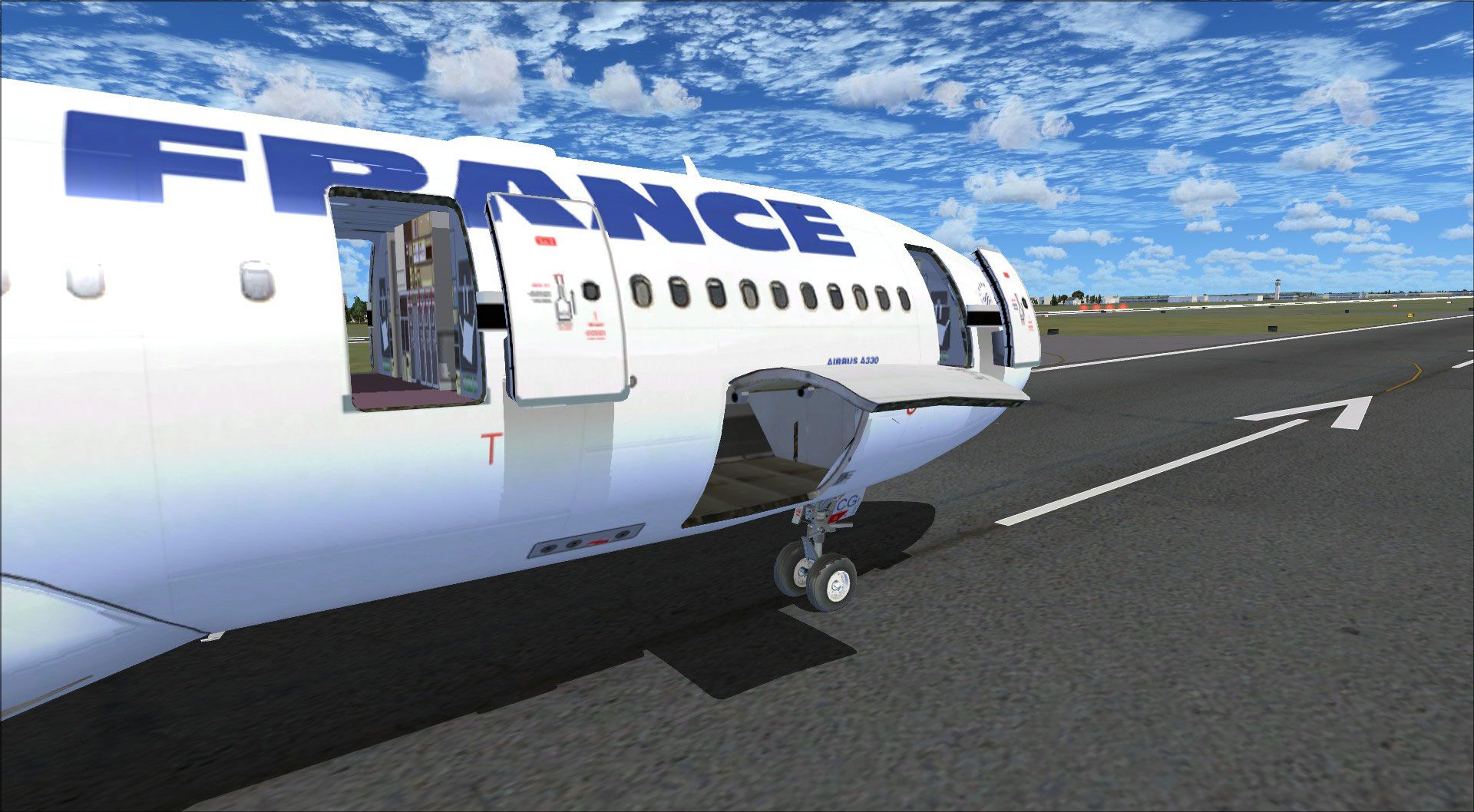
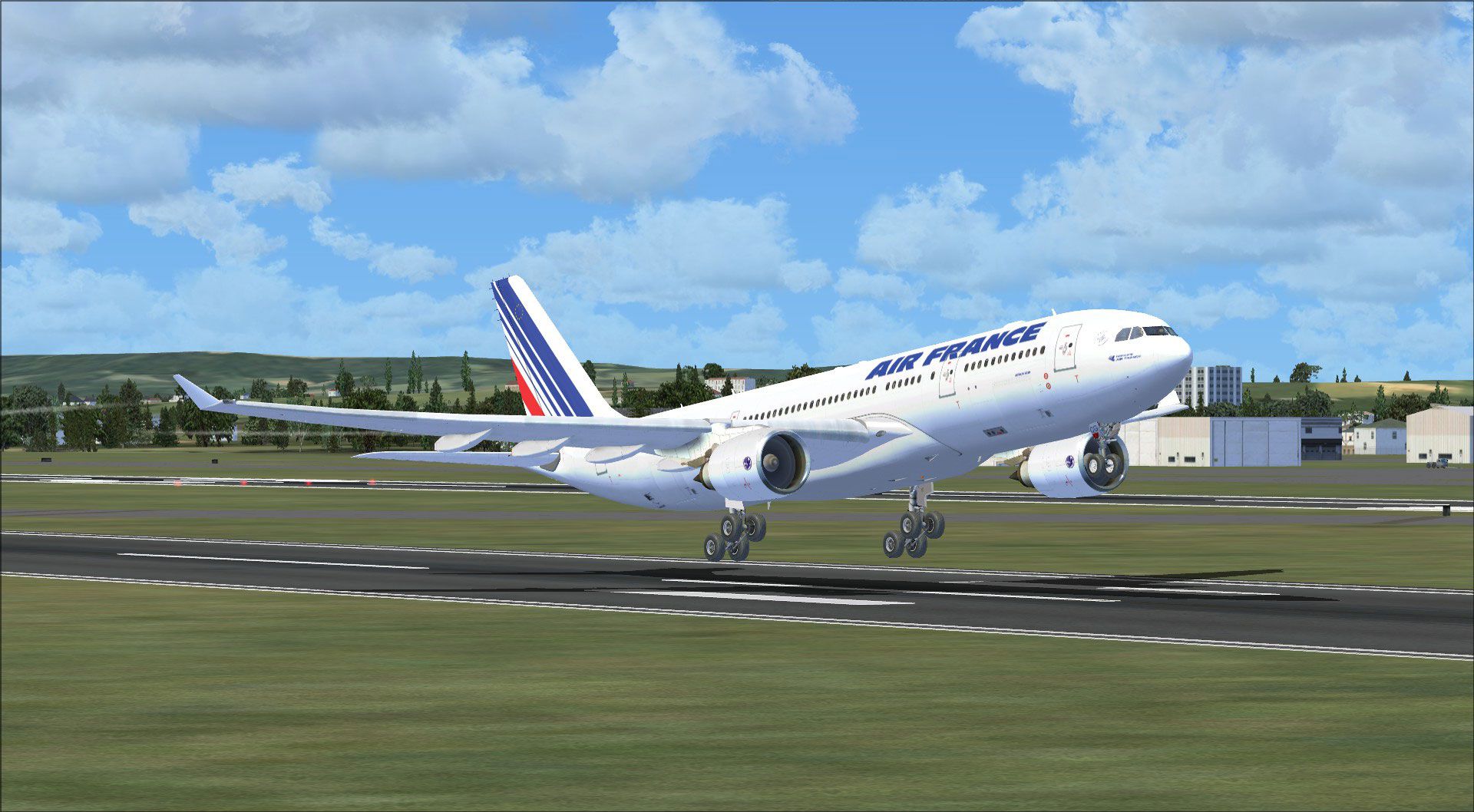
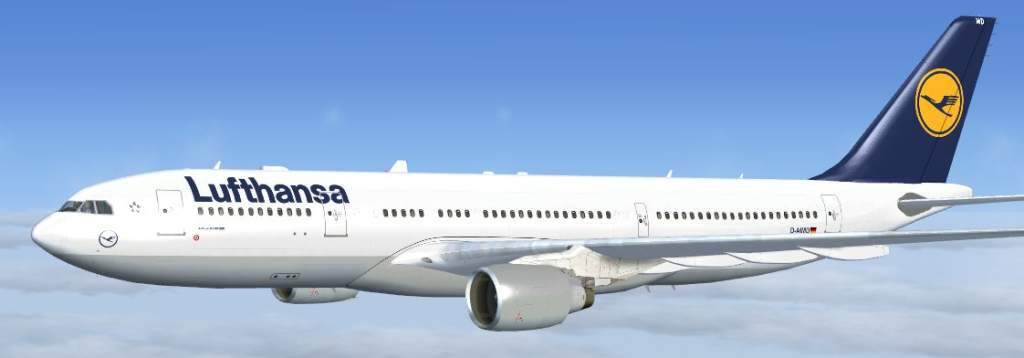
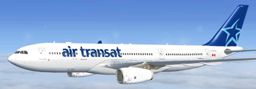
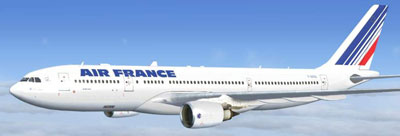
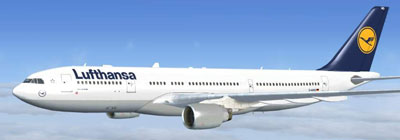
Airbus A330-200 widebody pack for Microsoft Flight Simulator X delivers long-haul capability with integrated Rolls-Royce, General Electric, and Pratt & Whitney engine variants. Realistic textures with diffuse and bump mapping, night lighting, and a functional virtual cockpit are paired with Lufthansa, Air France, and Air Transat liveries for varied airline operations.
 Rate
Rate
This freeware Airbus A330-200 package offers an all-in-one solution for Microsoft Flight Simulator X enthusiasts who want a robust twin-aisle aircraft with multiple engine variants already integrated. Developed by Thomas Ruth, this add-on combines Rolls-Royce, General Electric, and Pratt & Whitney powerplants in a single download, complete with realistic textures and an operational virtual cockpit. It includes key airline liveries such as Lufthansa, Air France, and Air Transat. The Airbus A330-200 is widely known for its efficient design, comfortable fuselage width, and remarkable long-haul performance, making this add-on appealing to sim pilots seeking realistic widebody operations.
Lufthansa: Known for its modern European service, the included Lufthansa repaint showcases the distinctive tail emblem and classic fuselage that fans of the airline will appreciate.
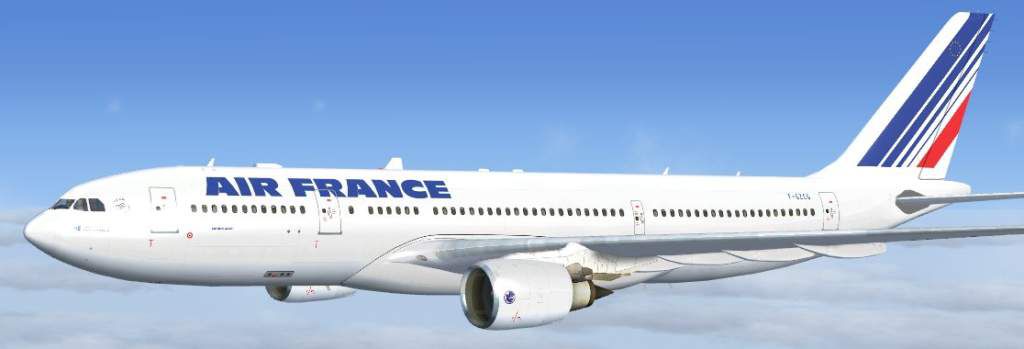
Air France: Capturing the streamlined aesthetic of this French carrier, the Air France version provides a crisp white exterior alongside minimalistic branding.
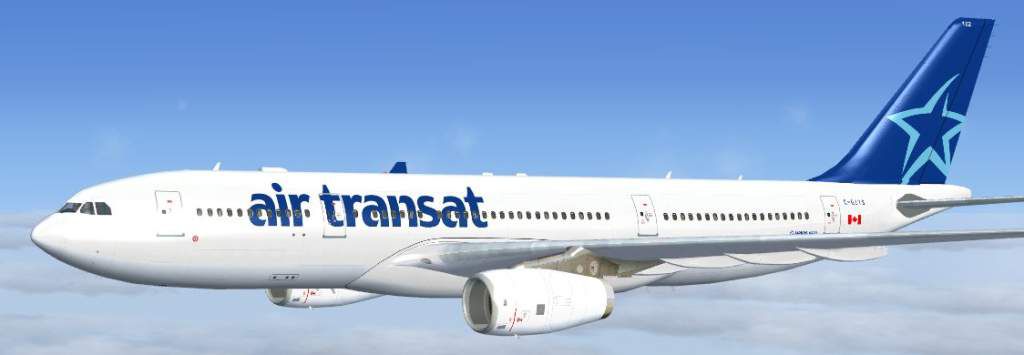
Air Transat: For those who enjoy crossing the Atlantic, the Air Transat texture adds a distinctive, holiday-focused look with thematic coloring that echoes this Canadian airline’s long-haul routes.
In addition, each livery benefits from diffuse and bump mapping for realistic surface highlights, as well as night-map enhancements for flights extending into darker conditions.
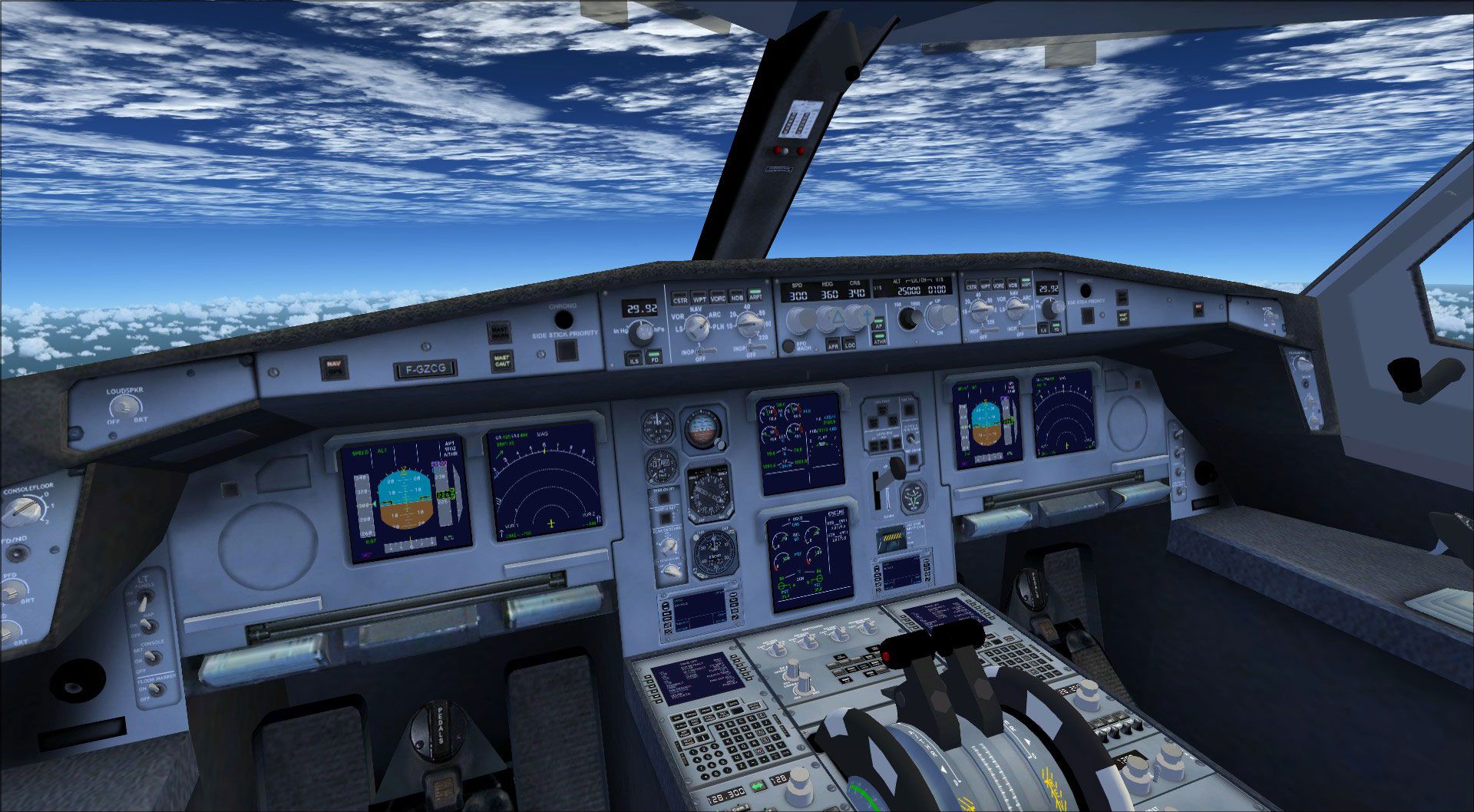
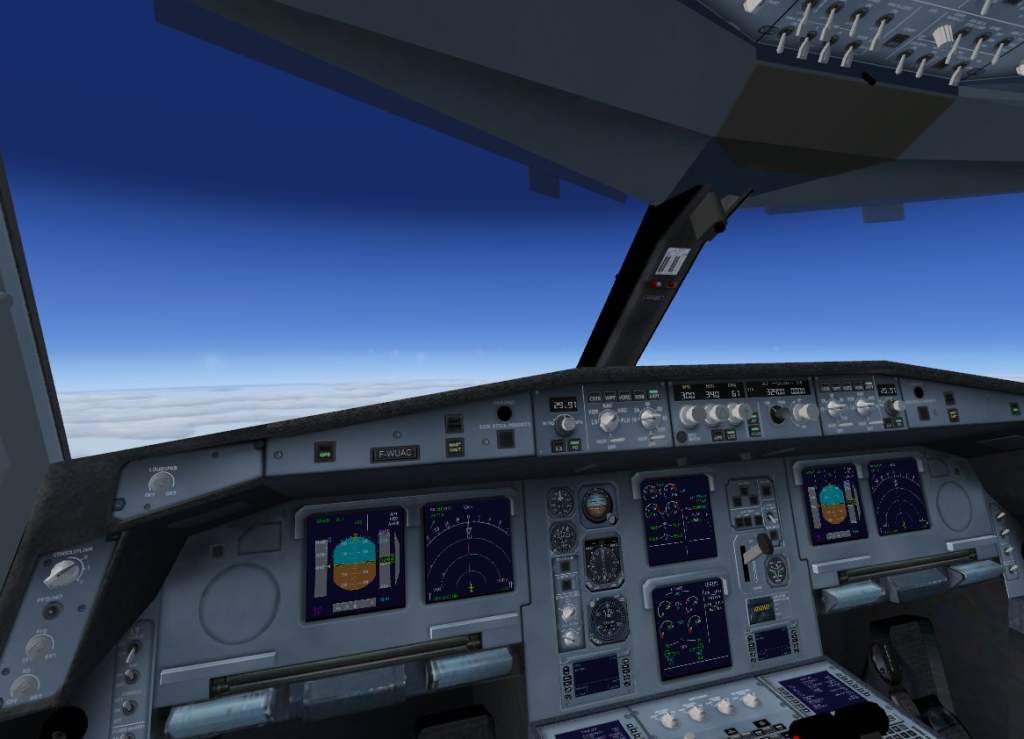
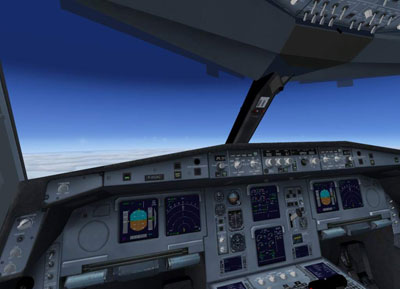
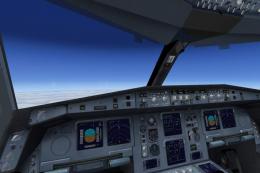
This rendition of the Airbus A330-200 incorporates a working cockpit environment with essential elements such as functional gauges and night lighting. The layout follows the typical Airbus glass cockpit arrangement, offering simmers an authentic feel when operating the overhead and pedestal panels. Compatibility with Service Pack 1 and 2 has been confirmed, although DirectX 10 preview mode has not been officially tested.

Free for all simmers · 20.22 MB · Scanned clean Oct 2026
Download speed: Free tier is capped at 0.5 Mbps (this file takes approximately 6 mins at the cap). PRO members download at full line speed.
FSX\SimObjects\Airplanes\. The folder must contain an aircraft.cfg file. Effects go into FSX\Effects\; gauges go into FSX\Gauges\.readme.txt or README file. It tells you exactly where files go, what dependencies are needed, and any quirks specific to this add-on.The archive tom330.zip has 107 files and directories contained within it.
This list displays the first 500 files in the package. If the package has more, you will need to download it to view them.
| Filename/Directory | File Date | File Size |
|---|---|---|
| install.txt | 04.02.09 | 1.03 kB |
| FILE_ID.DIZ | 04.02.09 | 279 B |
| copyright.txt | 03.25.09 | 732 B |
| 330af.jpg | 03.25.09 | 24.97 kB |
| 330at.jpg | 03.25.09 | 24.40 kB |
| 330lh.jpg | 03.25.09 | 23.36 kB |
| aircraft.cfg | 04.02.09 | 22.67 kB |
| manual | 04.02.09 | 0 B |
| FCM.pdf | 03.25.09 | 2.71 MB |
| MFP.pdf | 04.02.09 | 1.78 MB |
| model.GE | 04.02.09 | 0 B |
| model.cfg | 02.27.09 | 56 B |
| TomA332_GE.mdl | 03.17.09 | 6.77 MB |
| TomA332_interior.MDL | 03.02.09 | 1.42 MB |
| model.PW | 04.02.09 | 0 B |
| model.cfg | 02.27.09 | 56 B |
| TomA332_interior.MDL | 03.02.09 | 1.42 MB |
| TomA332_PW.mdl | 03.17.09 | 6.78 MB |
| model.RR | 04.02.09 | 0 B |
| model.cfg | 02.27.09 | 56 B |
| TomA332_interior.MDL | 03.02.09 | 1.42 MB |
| TomA332_RR.mdl | 03.17.09 | 7.03 MB |
| panel | 04.02.09 | 0 B |
| $A321_2.bmp | 02.20.09 | 768.05 kB |
| panel.cfg | 02.21.09 | 6.31 kB |
| Thumbs.db | 03.31.07 | 7.00 kB |
| texture.AF | 04.02.09 | 0 B |
| A321_1_L.dds | 02.21.09 | 1.00 MB |
| A321_2_L.dds | 02.21.09 | 256.12 kB |
| A330_VC01.dds | 02.05.09 | 1.00 MB |
| A330_VC01L.dds | 02.19.09 | 1.00 MB |
| Airbus_A321_1_L.dds | 02.19.09 | 1.00 MB |
| Airbus_A321_2_L.dds | 02.19.09 | 1.00 MB |
| Airbus_A321_3_L.dds | 02.19.09 | 4.12 kB |
| Airbus_A321_4_L.dds | 02.19.09 | 1.00 MB |
| glass.dds | 02.24.09 | 64.12 kB |
| glass_spec.dds | 11.24.08 | 4.12 kB |
| main.dds | 03.06.09 | 4.00 MB |
| main_bump.dds | 02.28.09 | 4.00 MB |
| main_light.dds | 02.24.09 | 1.00 MB |
| main_spec.dds | 03.02.09 | 64.12 kB |
| texture.cfg | 02.23.09 | 140 B |
| thumbnail.jpg | 03.26.09 | 19.85 kB |
| Thumbs.db | 09.30.08 | 7.00 kB |
| VCblend.dds | 02.09.09 | 1.12 kB |
| wing_bump.dds | 03.17.09 | 1.00 MB |
| wing_l.dds | 02.24.09 | 1.00 MB |
| wing_r.dds | 02.24.09 | 1.00 MB |
| wing_spec.dds | 11.21.08 | 64.12 kB |
| texture.AT | 04.02.09 | 0 B |
| A321_1_L.dds | 02.21.09 | 1.00 MB |
| A321_2_L.dds | 02.21.09 | 256.12 kB |
| A330_VC01.dds | 02.05.09 | 1.00 MB |
| A330_VC01L.dds | 02.19.09 | 1.00 MB |
| Airbus_A321_1_L.dds | 02.19.09 | 1.00 MB |
| Airbus_A321_2_L.dds | 02.19.09 | 1.00 MB |
| Airbus_A321_3_L.dds | 02.19.09 | 4.12 kB |
| Airbus_A321_4_L.dds | 02.19.09 | 1.00 MB |
| glass.dds | 03.02.09 | 64.12 kB |
| glass_spec.dds | 11.24.08 | 4.12 kB |
| main.dds | 03.06.09 | 4.00 MB |
| main_bump.dds | 03.03.09 | 4.00 MB |
| main_light.dds | 02.28.09 | 1.00 MB |
| main_spec.dds | 12.03.08 | 64.12 kB |
| texture.cfg | 02.27.09 | 140 B |
| thumbnail.jpg | 03.26.09 | 19.59 kB |
| Thumbs.db | 09.30.08 | 7.00 kB |
| VCblend.dds | 02.09.09 | 1.12 kB |
| wing_bump.dds | 03.17.09 | 1.00 MB |
| wing_l.dds | 02.28.09 | 1.00 MB |
| wing_r.dds | 02.28.09 | 1.00 MB |
| wing_spec.dds | 11.21.08 | 64.12 kB |
| texture.LH | 04.02.09 | 0 B |
| A321_1_L.dds | 02.21.09 | 1.00 MB |
| A321_2_L.dds | 02.21.09 | 256.12 kB |
| A330_VC01.dds | 02.05.09 | 1.00 MB |
| A330_VC01L.dds | 02.19.09 | 1.00 MB |
| Airbus_A321_1_L.dds | 02.19.09 | 1.00 MB |
| Airbus_A321_2_L.dds | 02.19.09 | 1.00 MB |
| Airbus_A321_3_L.dds | 02.19.09 | 4.12 kB |
| Airbus_A321_4_L.dds | 02.19.09 | 1.00 MB |
| glass.dds | 03.02.09 | 64.12 kB |
| glass_spec.dds | 11.24.08 | 4.12 kB |
| main.dds | 03.06.09 | 4.00 MB |
| main_bump.dds | 03.02.09 | 4.00 MB |
| main_light.dds | 03.01.09 | 1.00 MB |
| main_spec.dds | 03.02.09 | 64.12 kB |
| texture.cfg | 02.27.09 | 140 B |
| thumbnail.jpg | 03.26.09 | 19.40 kB |
| Thumbs.db | 09.30.08 | 7.00 kB |
| VCblend.dds | 02.09.09 | 1.12 kB |
| wing_bump.dds | 03.17.09 | 1.00 MB |
| wing_l.dds | 02.28.09 | 1.00 MB |
| wing_r.dds | 02.28.09 | 1.00 MB |
| wing_spec.dds | 11.21.08 | 64.12 kB |
| TomA332.air | 10.04.08 | 8.26 kB |
| vc330.jpg | 03.25.09 | 53.27 kB |
| fx_T332beacon.fx | 11.11.08 | 3.55 kB |
| fx_T332eng.fx | 11.17.08 | 1.21 kB |
| fx_T332land.fx | 11.11.08 | 1.22 kB |
| fx_T332land2.fx | 07.11.08 | 3.01 kB |
| fx_T332logo.fx | 11.11.08 | 1.21 kB |
| fx_T332wing.fx | 11.17.08 | 1.21 kB |
| install.txt | 04.01.09 | 57 B |
| tom330.gif | 04.02.09 | 11.86 kB |
| flyawaysimulation.txt | 10.29.13 | 959 B |
| Go to Fly Away Simulation.url | 01.22.16 | 52 B |
Only PRO members can place votes.
More FSX & P3D add-ons hand-picked based on this download.
FSX Civil Aircraft
This freeware package introduces a faithful Airbus A330-300 simulation for Mi…
 FSX Civil Aircraft
Airbus NEO livery for the payware Blackbox Simulations A330 Prologue. This is…
 FSX Civil Aircraft
Turkish Airlines Airbus A330-200 GE (new colors). Model by CLS. Repaint by Se…
 FSX Civil Aircraft
Includes RR, GE and PW engine versions for FSX only. FSX model with diffuse, …
 FSX Civil Aircraft
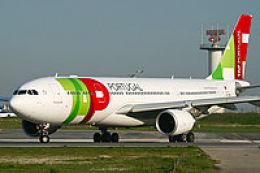
TAP Portugal Airbus A330-200, registration CS-TON. A TAP Portugal repaint for…
 FSX Civil Aircraft
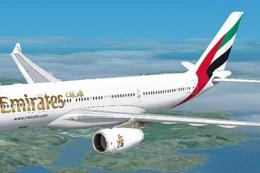
Immerse yourself in a detailed Emirates-themed aircraft repaint designed for …
 FSX Civil Aircraft
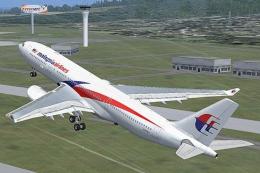
This comprehensive repaint package offers an authentic Malaysia Airlines Airb…
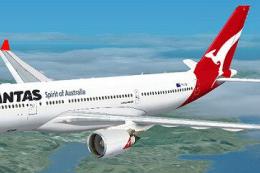 FSX Civil Aircraft
Immerse yourself in the distinctive red-and-white heritage of Australia’s fla…
Read what other simmers think, or add your own.

I am facing the same problem as commented by others earlier, i.e. only the wings can be seen. The aircraft body and wheels are not visible. Is there any more steps to be done from the given instruction to complete the installation? Will greatly appreciate if someone can advise.

Well, I have a problem.
All screens and most of the buttons are black on both virtual and normal cockpits. How can I fix that?
I get this problem on A330-300 also and on ATR.

Very well done mod; it just took me a while to try to fix the panel, but I managed to do it. Congratulations to the creator.


Mine works, but the sounds and the panel doesnt show up for some reason, I followed the installation step-by-step..


If the plane is invisible, then it means that you don't have SP1 and SP2 installed.


Hey guys, I have the same problem as you, only the wings show. I think it will work if you have Acceleration or SP2 installed. I don't so it won't work.


I have the same problem. I get the wings but nothing else. On his a300 and a330-300 from time to time I get the body and wheels to work though I'm not quite sure how.

What do I type into Google "toma332.zip v2"? Where will I find it then? My system comes up with many choices and none give an indication of the version.


I am not sure about the rest. I followed the instructions to the dot and tripled checked but once all done..I could only see the airbus wings. Could be something i did wrong. Did anyone else face this problem and maybe solved it? Please help..