

 FSX Civil Aircraft
China Eastern Airbus A330
This add-on provides repaints of China Eastern Airlines’ Airbus A330 fleet fo…
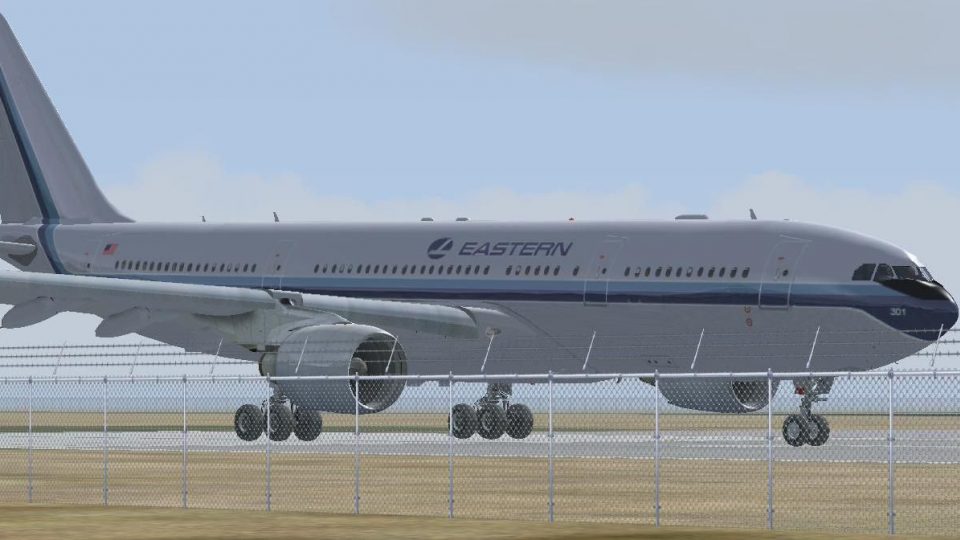
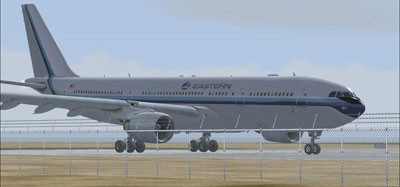
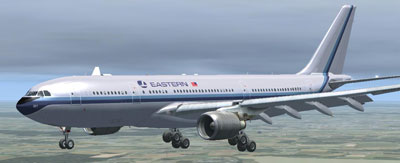
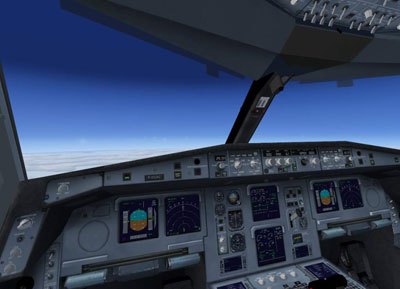
Eastern Airlines-inspired Airbus A330-200 brings a long-haul twinjet to FSX with Pratt & Whitney engine modeling, detailed diffuse, bump, specular, and night textures, plus a working virtual cockpit. Built on Thomas Ruth’s original A330-200 model, it supports SP1 and SP2 and requires the base model for texture-only use.
 Rate
Rate
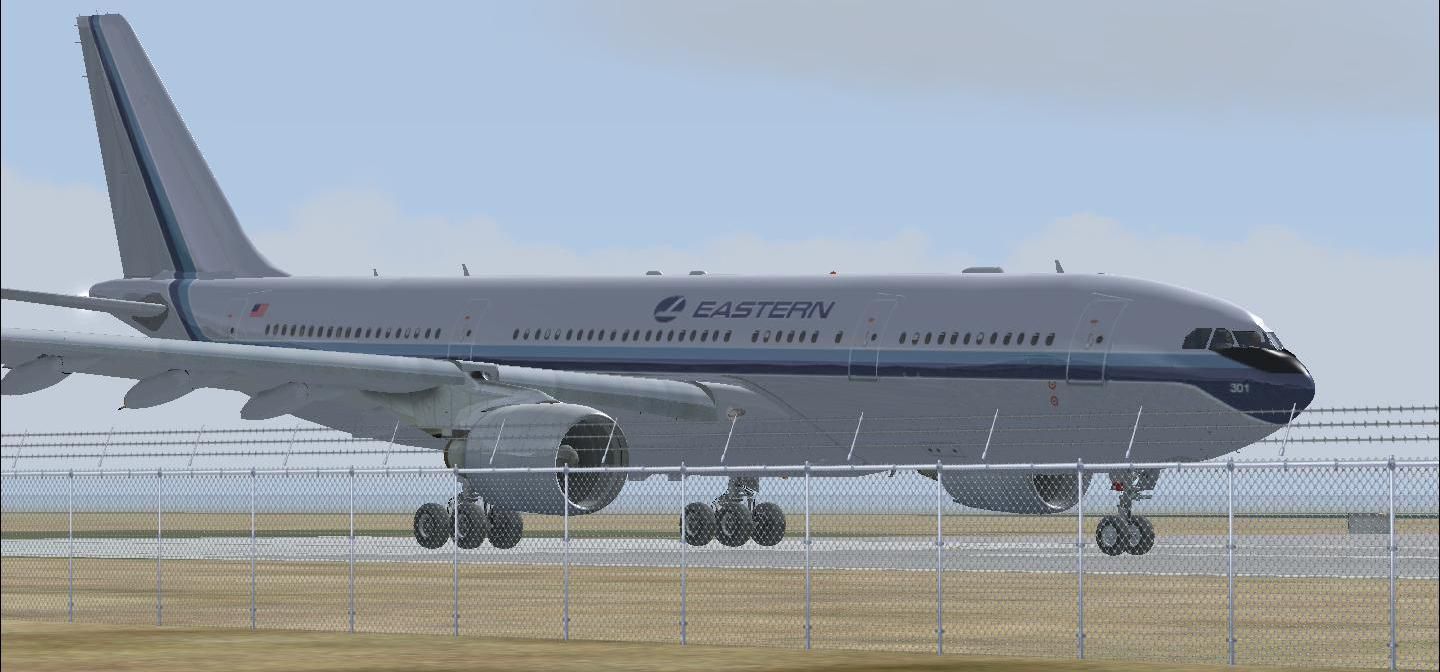
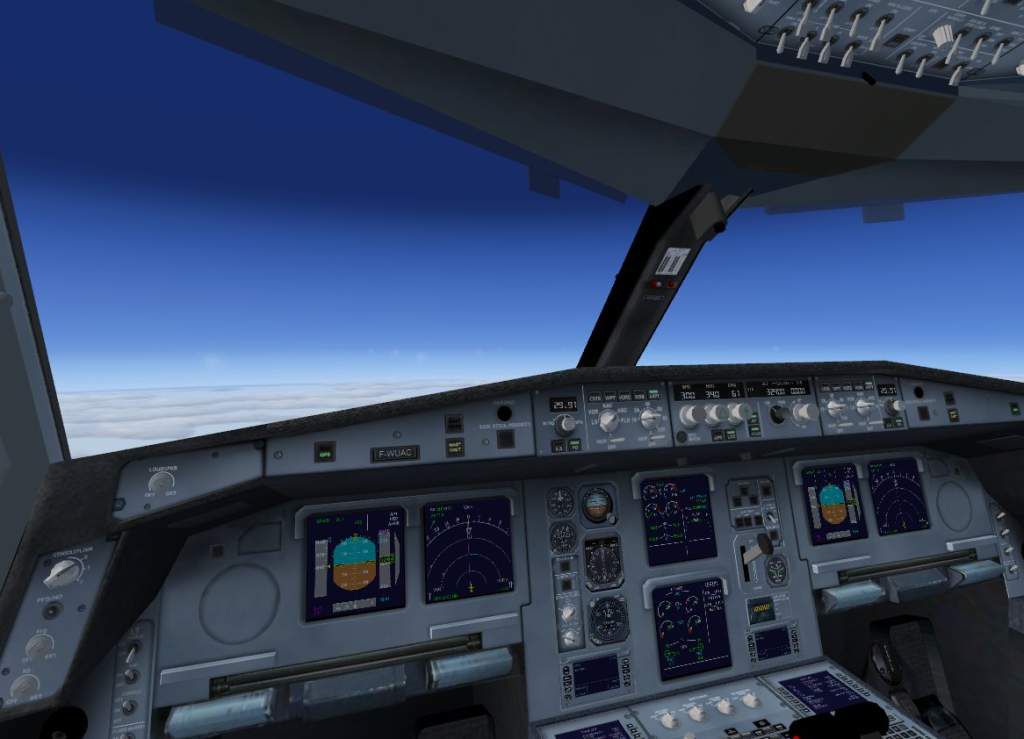
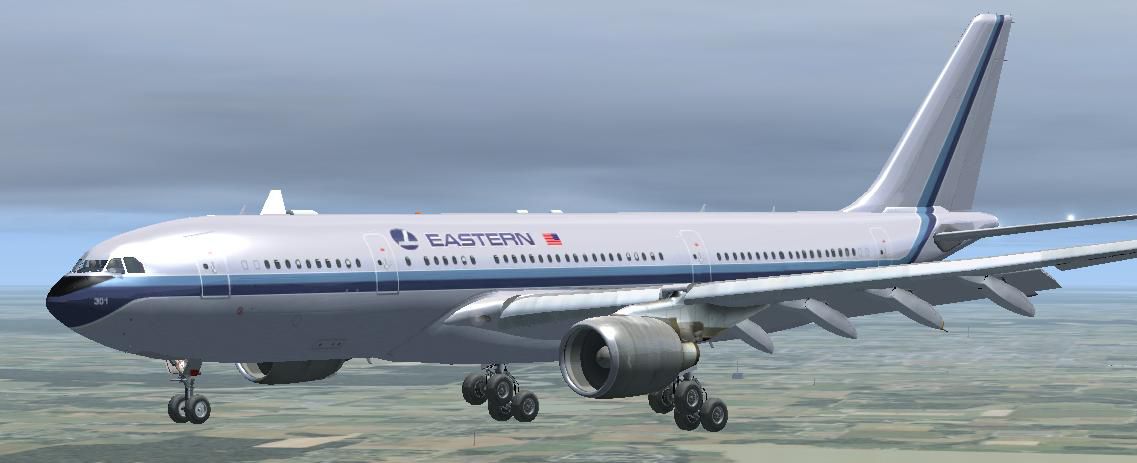
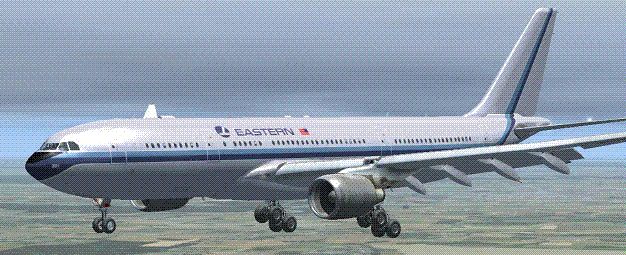

FSX Eastern Airlines Airbus A330-200 (fictional). Includes PW engine version and original model of Thomas Ruth. with diffuse, bump, spec and nightmap. Comes with working virtual cockpit. Works with SP1 and SP2. Eastern repaint by J. Waters.
IF YOU ALREADY HAVE THE EXCELLENT MODEL OF THOMAS RUTH'S A330-200, SIMPLY
COPY FILENAME "TEXTURE.EAL" INTO THAT FILE AND CREATE A DATA DEFINITION FOR THE EASTERN LIVERY.
1) unzip toma332.zip folder to a suitable folder, your desktop for example.
2) copy the sound and sound.ai folders from your default FSX Airbus_A321 into the new Tom_A330-200 folder.
3) copy the following files from your default FSX Airbus_A321/panel folder into the new Tom_A330-200/panel folder:
airbus_a321_panel_background.bmp
airbus_a321_panel_background_night.bmp
Airbus_A321.cab
do not copy other files from this folder!
4) copy the following files from your default FSX Airbus_A321/texture folder into the new Tom_A330-200/texture.AF folder:
Airbus_A321_1_C.dds
Airbus_A321_2_C.dds
Airbus_A321_3_C.dds
Airbus_A321_4_C.dds
do not copy other files from this folder!
5) repeat step (4) with Tom_A330-200/texture.AT and Tom_A330-200/texture.LH as new targets.
6) move the entire Tom_A330-200 folder into your FSX aircraft folder.
7) Unzip all files from the lighteffects folder into your FSX/effects folder
Free for all simmers · 15.69 MB · Scanned clean Oct 2026
Download speed: Free tier is capped at 0.5 Mbps (this file takes approximately 4 mins at the cap). PRO members download at full line speed.
FSX\SimObjects\Airplanes\. The folder must contain an aircraft.cfg file. Effects go into FSX\Effects\; gauges go into FSX\Gauges\.readme.txt or README file. It tells you exactly where files go, what dependencies are needed, and any quirks specific to this add-on.The archive tom33eal.zip has 71 files and directories contained within it.
This list displays the first 500 files in the package. If the package has more, you will need to download it to view them.
| Filename/Directory | File Date | File Size |
|---|---|---|
| copyright.txt | 03.25.09 | 732 B |
| FILE_ID.DIZ | 04.09.09 | 364 B |
| install.txt | 04.09.09 | 1.20 kB |
| lighteffects | 04.08.09 | 0 B |
| fx_T332beacon.fx | 11.11.08 | 3.55 kB |
| fx_T332eng.fx | 11.17.08 | 1.21 kB |
| fx_T332land.fx | 11.11.08 | 1.22 kB |
| fx_T332land2.fx | 07.11.08 | 3.01 kB |
| fx_T332logo.fx | 11.11.08 | 1.21 kB |
| fx_T332wing.fx | 11.17.08 | 1.21 kB |
| install.txt | 04.01.09 | 57 B |
| PIC.JPG | 04.09.09 | 112.90 kB |
| PIC1.GIF | 04.09.09 | 33.48 kB |
| PIC1.JPG | 04.09.09 | 54.09 kB |
| Tom_A330-200_EAL | 04.09.09 | 0 B |
| aircraft.cfg | 04.09.09 | 22.11 kB |
| main_light.dds | 04.09.09 | 1.33 MB |
| main_RR334a2.dds | 04.08.09 | 5.33 MB |
| manual | 04.09.09 | 0 B |
| FCM.pdf | 03.25.09 | 2.71 MB |
| MFP.pdf | 04.02.09 | 1.78 MB |
| model.PW | 04.09.09 | 0 B |
| model.cfg | 02.27.09 | 56 B |
| TomA332_interior.MDL | 04.04.09 | 1.44 MB |
| TomA332_PW.mdl | 03.17.09 | 6.78 MB |
| panel | 04.09.09 | 0 B |
| $A321_2.bmp | 02.20.09 | 768.05 kB |
| Airbus_A321.cab | 09.26.07 | 2.72 MB |
| airbus_a321_panel_background.bmp | 05.12.06 | 769.05 kB |
| airbus_a321_panel_background_night.bmp | 05.12.06 | 769.05 kB |
| panel.cfg | 02.21.09 | 6.31 kB |
| Thumbs.db | 04.08.09 | 14.50 kB |
| PIC.JPG | 04.09.09 | 112.90 kB |
| PIC1.JPG | 04.09.09 | 54.09 kB |
| sound | 04.09.09 | 0 B |
| sound.cfg | 04.09.09 | 35 B |
| soundai | 04.09.09 | 0 B |
| soundai.cfg | 04.09.09 | 37 B |
| texture.EAL | 04.09.09 | 0 B |
| A321_1_L.dds | 02.21.09 | 1.00 MB |
| A321_2_L.dds | 02.21.09 | 256.12 kB |
| A330_VC01.dds | 02.05.09 | 1.00 MB |
| A330_VC01L.dds | 02.19.09 | 1.00 MB |
| Airbus_A321_1_C.dds | 09.04.06 | 682.79 kB |
| Airbus_A321_1_L.dds | 02.19.09 | 1.00 MB |
| Airbus_A321_2_C.dds | 09.04.06 | 682.79 kB |
| Airbus_A321_2_L.dds | 02.19.09 | 1.00 MB |
| Airbus_A321_3_C.dds | 09.04.06 | 682.79 kB |
| Airbus_A321_3_L.dds | 02.19.09 | 4.12 kB |
| Airbus_A321_4_C.dds | 09.04.06 | 682.79 kB |
| Airbus_A321_4_L.dds | 02.19.09 | 1.00 MB |
| glass.dds | 03.02.09 | 64.12 kB |
| glass_spec.dds | 11.24.08 | 4.12 kB |
| main.bmp | 04.09.09 | 5.33 MB |
| main_bump.dds | 03.02.09 | 4.00 MB |
| main_light.dds | 02.24.09 | 1.00 MB |
| main_spec.dds | 03.02.09 | 64.12 kB |
| PIC.JPG | 04.09.09 | 112.90 kB |
| texture.cfg | 02.27.09 | 140 B |
| thumbnail.JPG | 04.09.09 | 35.28 kB |
| Thumbs.db | 04.09.09 | 9.50 kB |
| VCblend.dds | 02.09.09 | 1.12 kB |
| wing_bump.dds | 03.17.09 | 1.00 MB |
| wing_l.dds | 02.24.09 | 1.00 MB |
| wing_r.dds | 02.24.09 | 1.00 MB |
| wing_spec.dds | 11.21.08 | 64.12 kB |
| Thumbs.db | 04.08.09 | 11.50 kB |
| TomA332.air | 10.04.08 | 8.26 kB |
| vc330.jpg | 03.25.09 | 53.27 kB |
| flyawaysimulation.txt | 10.29.13 | 959 B |
| Go to Fly Away Simulation.url | 01.22.16 | 52 B |
Only PRO members can place votes.
More FSX & P3D add-ons hand-picked based on this download.
FSX Civil Aircraft
This add-on provides repaints of China Eastern Airlines’ Airbus A330 fleet fo…
 FSX Civil Aircraft
This is a repaint of China Eastern Airlinrs "Expo 2010 Colors" on the Commerc…
 FSX Civil Aircraft
FSX Eastern Airlines Boeing 757-200 and Delta Airlines B757-200. Liveries for…
 FSX Civil Aircraft
FSX Eastern Airlines Boeing 777-200 (fictional). The Project Open Sky B777-20…
 FSX Civil Aircraft
This freeware package brings you a carefully enhanced Eastern Airlines Boeing…
 FSX Civil Aircraft
Eastern Airlines Airbus A300-B4. Thomas Ruth's A300-B4 Eastern Whisperliner l…
 FSX Civil Aircraft
Eastern Airlines Airbus A300. Model by Thomas Ruth. May work in FS2004. Inclu…
 FSX Civil Aircraft
Version 2 is an all new version with a new nose, new cockpit windows, new win…
Read what other simmers think, or add your own.

The aircraft works just fine. Its 2d panels are working well. The virtual cockpit is also working as said. In case if you want to change the texture, I think you can do that.