

 FSX Civil Aircraft
AI Royal Air Maroc Boeing 787-8
This high-fidelity repaint is intended for simmers looking to incorporate Roy…
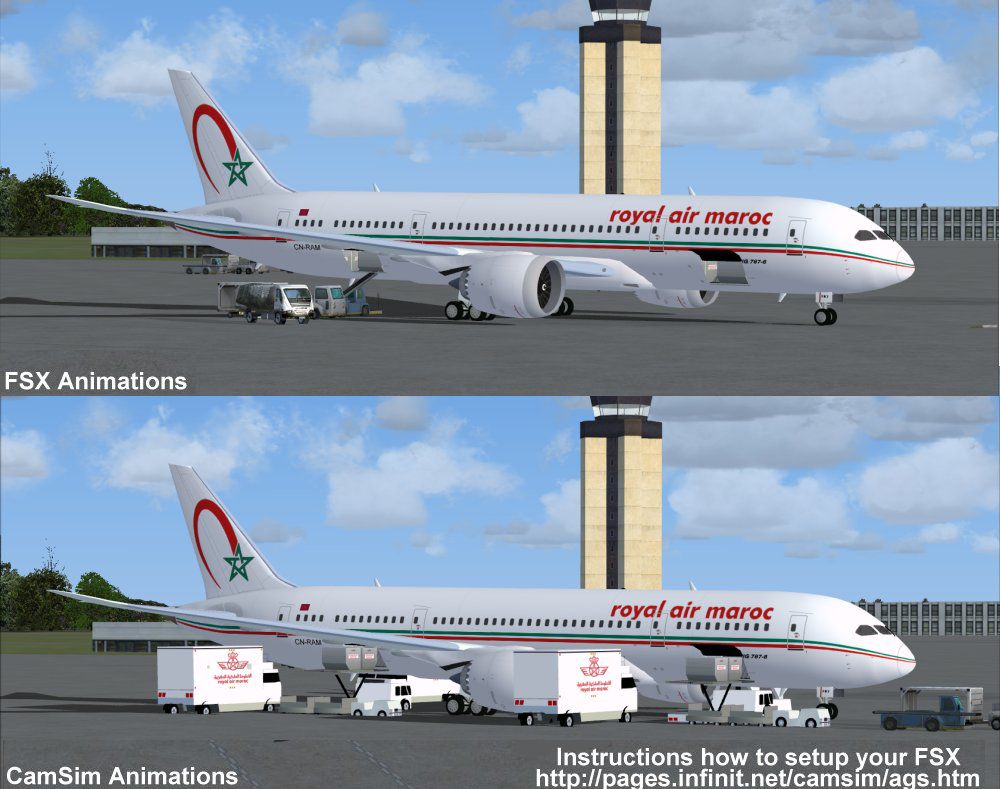
Royal Air Maroc’s Boeing 787-8 Dreamliner arrives as a CamSim v2 freeware package for FSX, pairing a crisp, accurate livery with refreshed exterior shaping, a functional virtual cockpit, and atmospheric night lighting. Dynamic Animated Ground Servicing brings doors, cargo hatches, and ramp activity to life for more believable airline operations.
 Rate
Rate
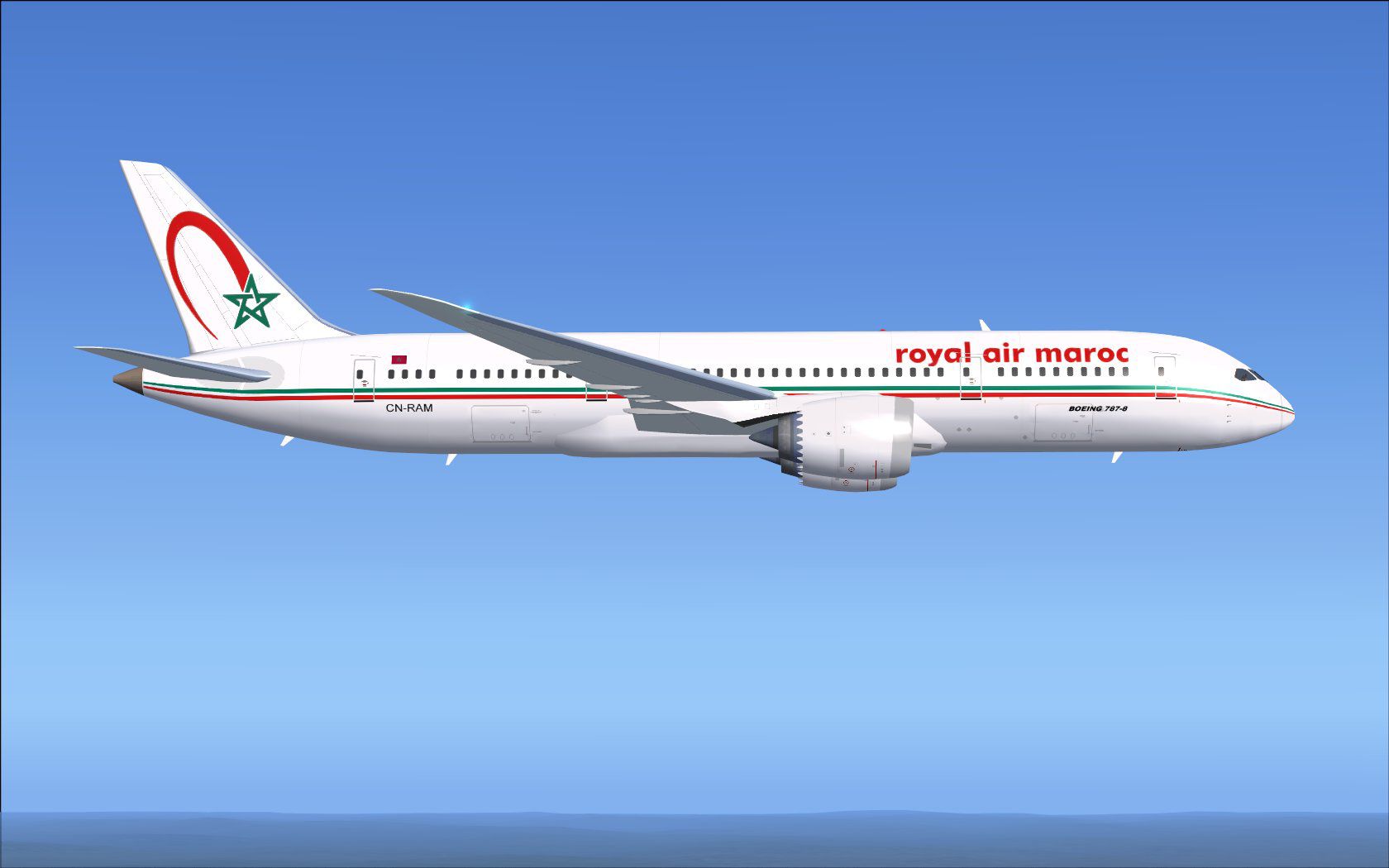
Discover a highly detailed Boeing 787-8 rendition adorned in Royal Air Maroc’s colors, meticulously crafted for FSX. This CamSim v2 freeware release includes dynamic ground servicing animations, refreshed exterior contours, and night lighting effects. The goal is to enhance the overall realism of flying the Dreamliner under Morocco’s flagship carrier. Model design and artwork come from Camil Valiquette, who has taken great care to represent the aircraft’s sleek fuselage and well-known livery. Below, you will find the installation sequence, an outline of the new animations, and related configuration steps to integrate this package seamlessly into your simulator.
Royal Air Maroc operates a modern fleet in real-world aviation, and this Boeing 787-8 model encapsulates many features of the aircraft’s advanced design. The airframe boasts extensive use of composite materials for weight reduction, which results in a more efficient flight profile. The livery offered here captures Morocco’s distinctive national branding, bringing a recognizable style to your virtual sky lanes. Camil Valiquette’s dedication to detail adds an extra layer of immersion, from fuselage geometry to accurate door layouts.
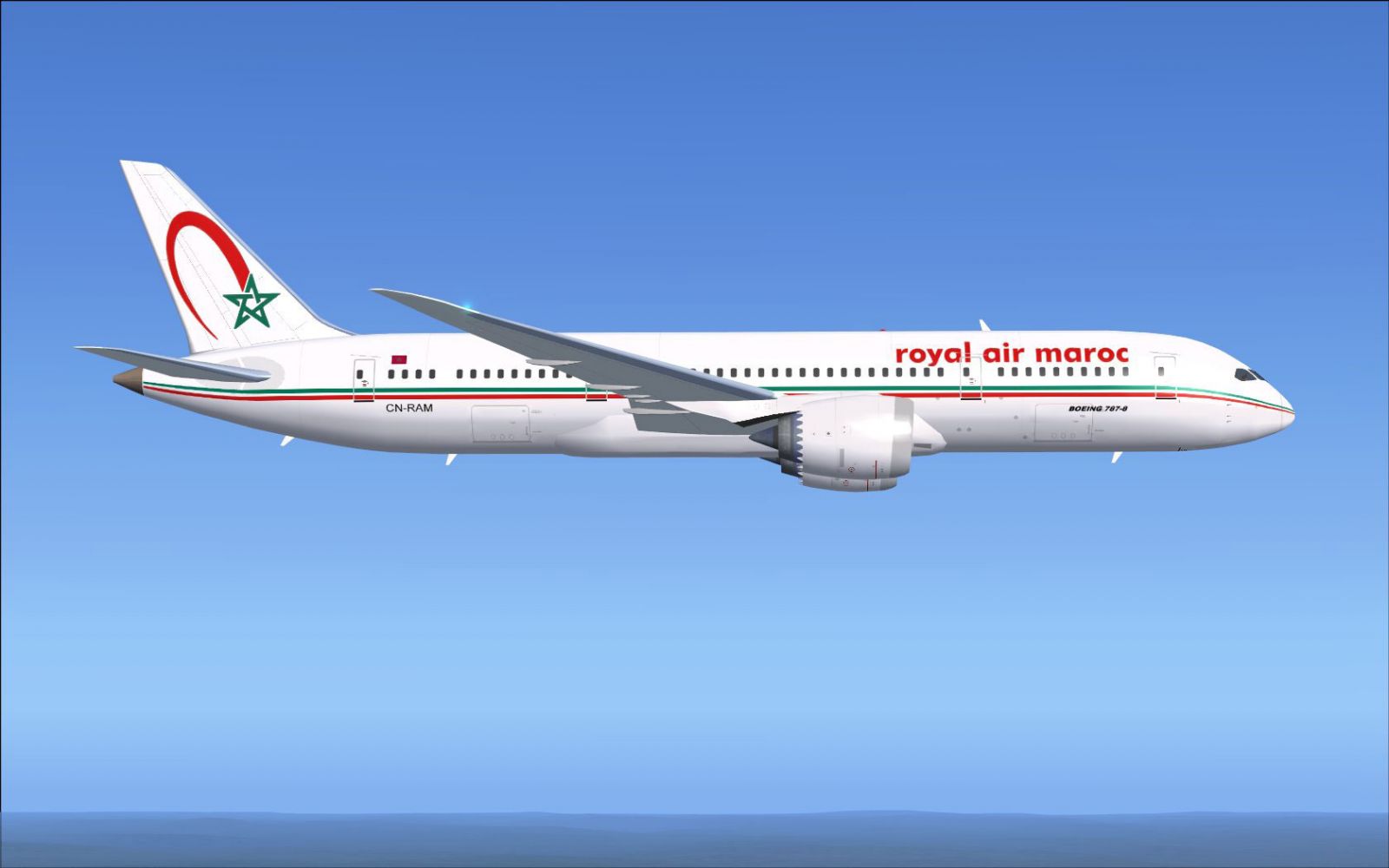
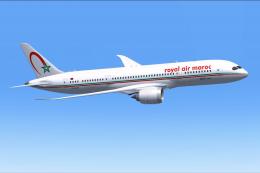
Royal Air Maroc Boeing 787-8 in flight.
All textures and modeling elements have been developed by Camil Valiquette, ensuring an authentic experience that remains true to the original aircraft.
The 787-8 is arranged to accommodate Camil Valiquette’s Animated Ground Servicing (AGS) system. The following key assignments streamline how you interact with passenger and cargo doors:
Ensure that Wing fold/unfold is bound to Shift + C and Tail hook up/down is set to Shift + D within FSX under Options > Settings > Controls > Buttons/Keys to make all animations function properly.
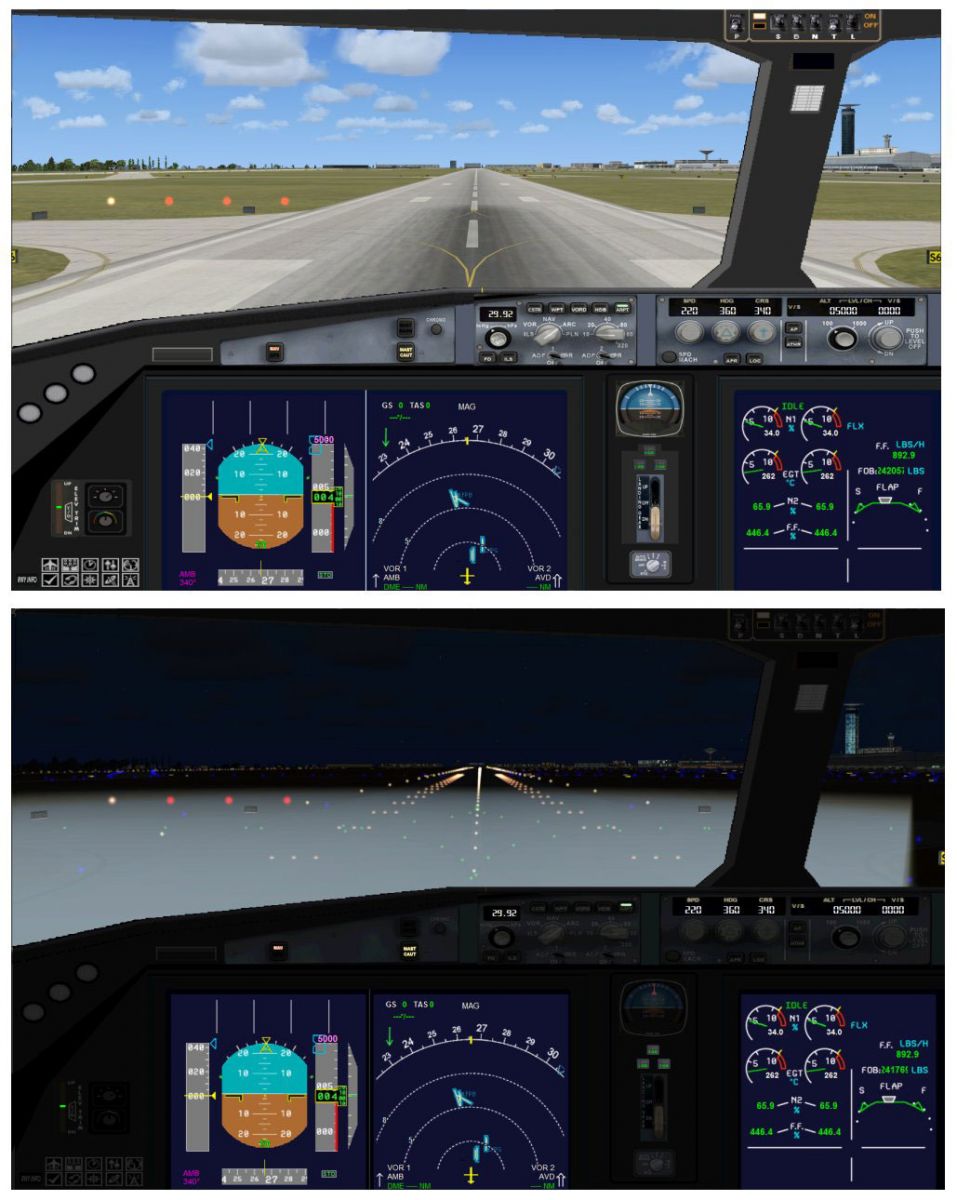
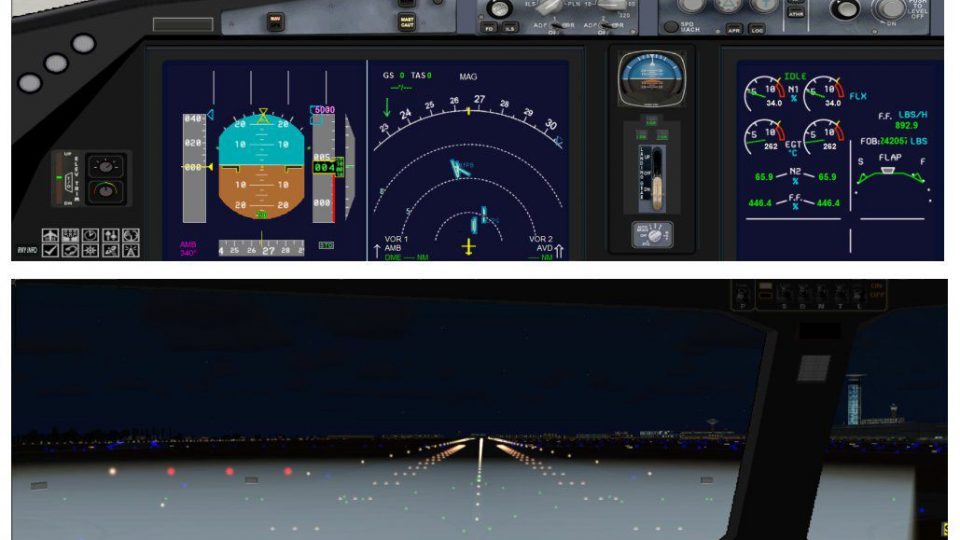
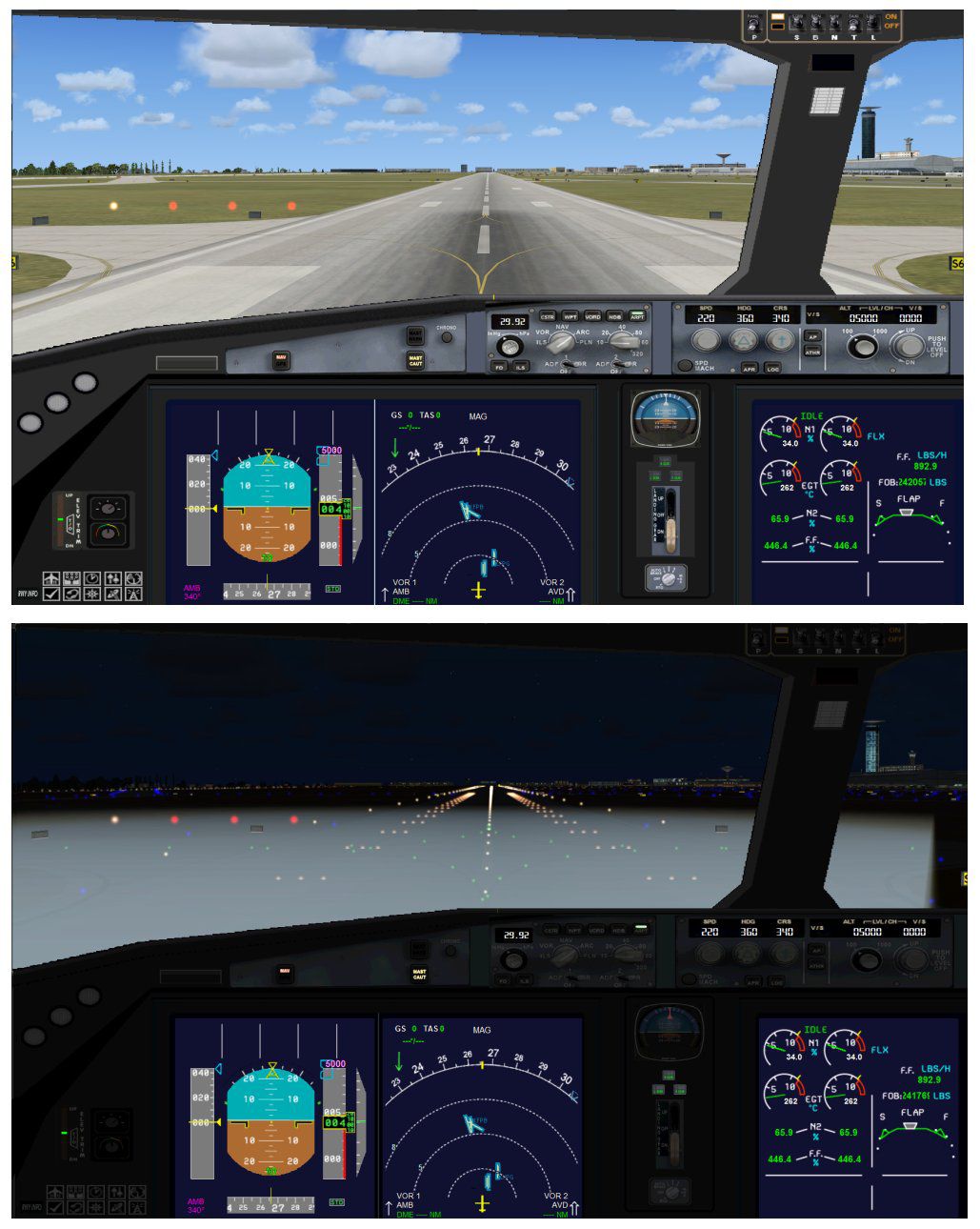
View from the cockpit of Royal Air Maroc Boeing 787-8 on runway.
This updated Boeing 787-8 freeware offers a reliable platform for those looking to simulate long-haul operations with Royal Air Maroc’s signature style. It merges convenience and authenticity, allowing users to explore Morocco’s distinctive routes in a cutting-edge composite airliner. The focus on installation simplicity means you can quickly integrate it into your simulator and begin taxiing.
All credits for the aircraft geometry, textures, and tune-up go to Camil Valiquette. Make sure to check your FSX assignments for the necessary commands. Once installed, you will have a fully functional Dreamliner in Royal Air Maroc’s iconic paint, ready for takeoff.
Free for all simmers · 5.09 MB · Scanned clean Oct 2026
Download speed: Free tier is capped at 0.5 Mbps (this file takes approximately 1 min at the cap). PRO members download at full line speed.
This add-on may require the following files to function properly. If this is a repaint, the dependency below is likely the base aircraft package.
FSX\SimObjects\Airplanes\. The folder must contain an aircraft.cfg file. Effects go into FSX\Effects\; gauges go into FSX\Gauges\.readme.txt or README file. It tells you exactly where files go, what dependencies are needed, and any quirks specific to this add-on.The archive 788v2ramx.zip has 35 files and directories contained within it.
This list displays the first 500 files in the package. If the package has more, you will need to download it to view them.
| Filename/Directory | File Date | File Size |
|---|---|---|
| CamSim Boeing 787-8 V2 RAM royal air maroc | 04.01.11 | 0 B |
| 787-8.air | 02.25.10 | 12.76 kB |
| 788v2ram_.jpg | 04.01.11 | 90.03 kB |
| aircraft.cfg | 04.01.11 | 15.46 kB |
| Effects.zip | 03.25.06 | 1.80 kB |
| file_id.diz | 04.01.11 | 199 B |
| fsx ags.jpg | 04.01.11 | 121.89 kB |
| model.787-8 ags | 04.01.11 | 0 B |
| 787-8 ags.mdl | 12.21.09 | 2.67 MB |
| Model.cfg | 03.16.06 | 28 B |
| Panel | 04.01.11 | 0 B |
| 787_350_panel_background.bmp | 02.25.10 | 2.25 MB |
| 787_350_panel_background_night.bmp | 02.25.10 | 2.25 MB |
| Airbus_A321.cab | 09.04.06 | 2.72 MB |
| panel.cfg | 02.25.10 | 5.48 kB |
| panel camsim 787-350 afx_2.jpg | 04.09.10 | 182.86 kB |
| Read Me_FSX.txt | 04.01.11 | 2.61 kB |
| sound | 04.01.11 | 0 B |
| Sound.cfg | 08.30.09 | 35 B |
| texture.ram | 04.01.11 | 0 B |
| 787eng_t.bmp | 04.01.11 | 1.00 MB |
| 787ext_L.bmp | 04.01.11 | 4.00 MB |
| 787ext_t.bmp | 04.01.11 | 1.00 MB |
| 787int_L.bmp | 04.01.11 | 4.00 MB |
| 787int_t.bmp | 04.01.11 | 1.00 MB |
| 787tail_t.bmp | 03.29.11 | 1.00 MB |
| 788fuse_t.bmp | 04.01.11 | 1.00 MB |
| 789wings_t.bmp | 11.24.09 | 1.00 MB |
| gris_t.bmp | 12.09.09 | 16.07 kB |
| pilot1.bmp | 04.01.11 | 257.05 kB |
| pilot1_L.bmp | 12.06.06 | 1.00 MB |
| thumbnail.jpg | 04.01.11 | 4.33 kB |
| w_t.bmp | 12.06.08 | 16.07 kB |
| flyawaysimulation.txt | 10.29.13 | 959 B |
| Go to Fly Away Simulation.url | 01.22.16 | 52 B |
Only PRO members can place votes.
More FSX & P3D add-ons hand-picked based on this download.
FSX Civil Aircraft
This high-fidelity repaint is intended for simmers looking to incorporate Roy…
 FSX Civil Aircraft
This freeware repaint adds a distinctive Royal Air Maroc theme to the default…
 FSX Civil Aircraft
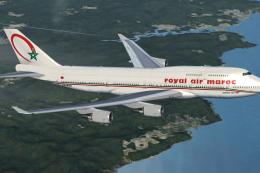
Complete package of the Project Open Sky B747-400 version 4 in Royal Air Maro…
 FSX Civil Aircraft
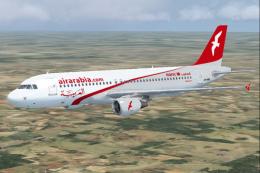
This free add-on package includes a high-fidelity rendition of the Air Arabia…
 FSX Civil Aircraft
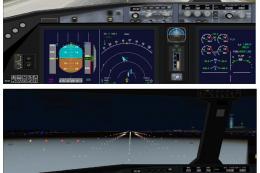
This freeware package features the Boeing 787-8 in Royal Jordanian livery, co…
 FSX Civil Aircraft
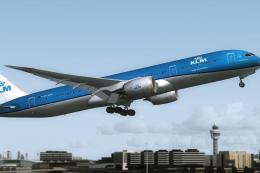
This is the official concept livery of the B787-9 of KLM that will be deliver…
 FSX Civil Aircraft
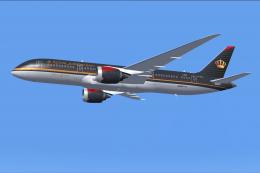
This freeware repaint brings the distinctive Royal Jordanian Boeing 787-8 liv…
 FSX Civil Aircraft
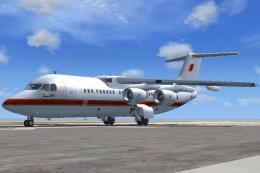
Royal Bahraini Air Force VIP BAe Avro RJ100, aircraft registration (A9C-AWL) …
Read what other simmers think, or add your own.
