

 FSX Civil Aircraft
Aeroflot Airbus A350
This Aeroflot Airbus A350 package provides a finely detailed wide-body aircra…
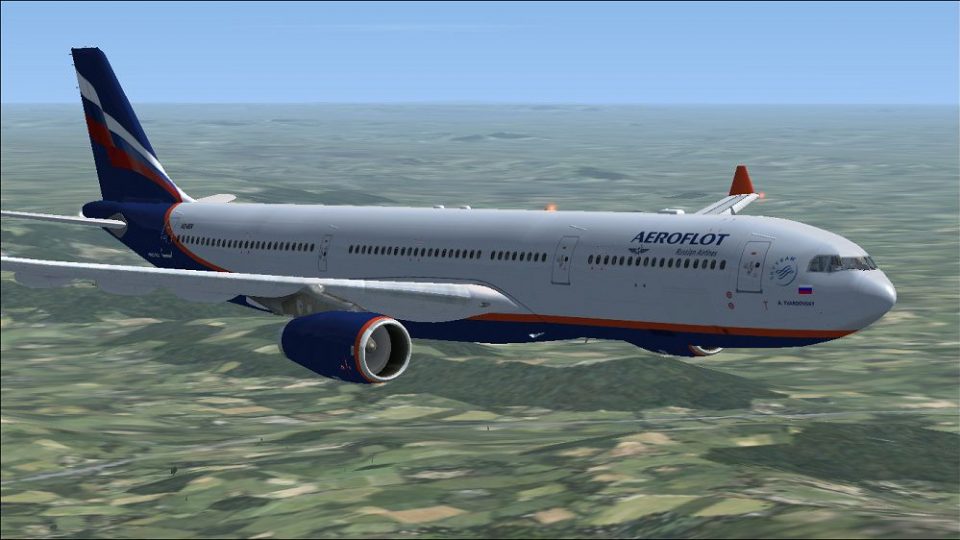
Aeroflot Airbus A330-300 repaint for Microsoft Flight Simulator X depicts A. Tvardovsky aircraft VQ-BEK with accurate fleet colors, registration, and wide-body detailing suited to medium- and long-haul operations. Created for Tom Ruth’s A330-300 in the Rolls-Royce variant, it supplies textures only and requires the freeware base model.
 Rate
Rate
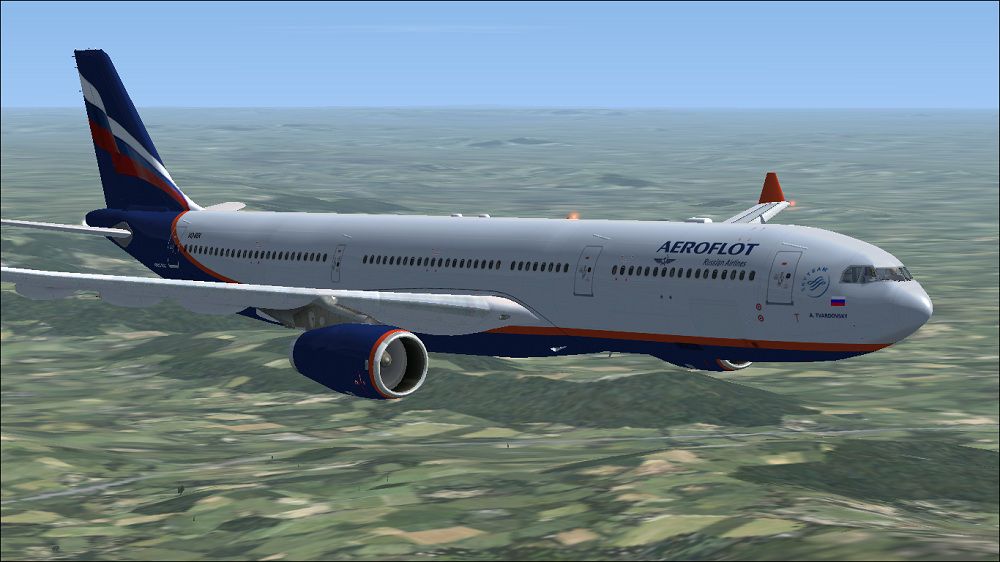
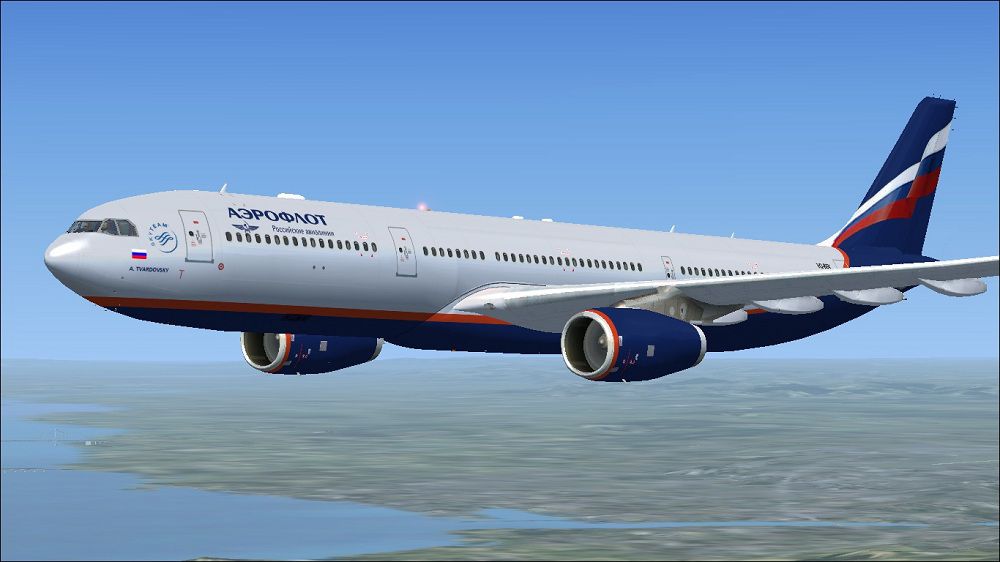
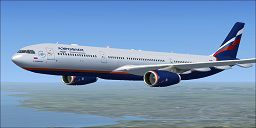
This free repaint showcases an Aeroflot Airbus A330-300 registration VQ-BEK (constructor number 1077) honoring "A. Tvardovsky" for Microsoft Flight Simulator X. It has been meticulously created by Paul Craig for Tom Ruth’s A330-300, yet only provides the texture package. Those looking to fly this wide-body twin-aisle airliner will need the freeware base model from the Fly Away Simulation library (file name: TOMA333B-1.ZIP). Below you will find detailed installation steps, along with some insight into what makes this repaint unique.

Aeroflot Airbus A330-300 in flight.
texture.Aeroflot folder and place it into the main Tom_A330-300 directory. By default, this is located at:[fltsim.x] block, making sure to increment x to the correct sequential number:
[fltsim.x]
title=Aeroflot A330-300
sim=TomA333
model=RR
panel=330
sound=
texture=Aeroflot
kb_checklists=
kb_reference=
atc_id=VQ-BEK
atc_airline=Aeroflot
atc_flight_number=1124
atc_heavy=1
ui_manufacturer=Airbus
ui_typerole=Commercial Airliner
ui_createdby=Tom
ui_type=A330-300
ui_variation=Aeroflot
If you encounter any difficulties saving your edits, move the aircraft.cfg file elsewhere (like your desktop), apply changes, and then return it to the aircraft folder within Microsoft Flight Simulator X.
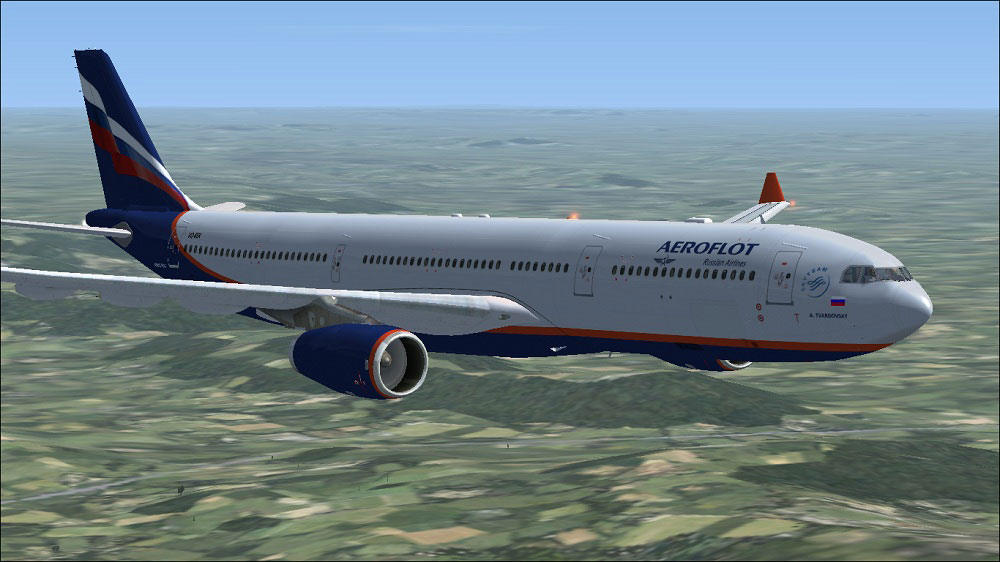
Aeroflot Airbus A330-300 in flight.
All files provided are used at your own risk; neither the authors nor Fly Away Simulation will be liable for potential issues arising from the installation or use of these textures. Special thanks to Paul Craig for the repaint and Tom Ruth for the original A330 model. Always ensure you have the freeware base model installed before adding this package. Enjoy exploring Aeroflot’s global network in a truly authentic A330 experience.
Free for all simmers · 3.76 MB · Scanned clean Oct 2026
Download speed: Free tier is capped at 0.5 Mbps (this file takes approximately 1 min at the cap). PRO members download at full line speed.
texture.{airline}) inside FSX\SimObjects\Airplanes\{base-aircraft}\.aircraft.cfg in Notepad. Add a new [fltsim.X] section per the readme.readme.txt or README file. It tells you exactly where files go, what dependencies are needed, and any quirks specific to this add-on.The archive aeroflot_a330-343.zip has 32 files and directories contained within it.
This list displays the first 500 files in the package. If the package has more, you will need to download it to view them.
| Filename/Directory | File Date | File Size |
|---|---|---|
| Aeroflot Airbus A330-343 (1).jpg | 04.16.11 | 150.48 kB |
| Aeroflot Airbus A330-343.jpg | 04.15.11 | 118.39 kB |
| FILE_ID.DIZ | 04.16.11 | 205 B |
| Readme.txt | 04.16.11 | 1.50 kB |
| texture.Aeroflot | 04.16.11 | 0 B |
| A321_1_L.dds | 02.22.09 | 1.00 MB |
| A321_2_L.dds | 02.22.09 | 256.12 kB |
| A330_VC01.dds | 02.05.09 | 1.00 MB |
| A330_VC01L.dds | 02.19.09 | 1.00 MB |
| Airbus_A321_1_C.dds | 09.04.06 | 682.79 kB |
| Airbus_A321_1_L.dds | 02.19.09 | 1.00 MB |
| Airbus_A321_2_C.dds | 09.04.06 | 682.79 kB |
| Airbus_A321_2_L.dds | 02.19.09 | 1.00 MB |
| Airbus_A321_3_C.dds | 09.04.06 | 682.79 kB |
| Airbus_A321_3_L.dds | 02.19.09 | 4.12 kB |
| Airbus_A321_4_C.dds | 09.04.06 | 682.79 kB |
| Airbus_A321_4_L.dds | 02.19.09 | 1.00 MB |
| glass.dds | 03.02.09 | 64.12 kB |
| glass_spec.dds | 11.24.08 | 4.12 kB |
| main.dds | 04.15.11 | 4.00 MB |
| main_bump.dds | 04.12.09 | 4.00 MB |
| main_light.dds | 04.13.09 | 1.00 MB |
| main_spec.dds | 03.23.09 | 64.12 kB |
| thumbnail.jpg | 04.15.11 | 11.86 kB |
| VCblend.dds | 02.09.09 | 1.12 kB |
| wing_bump.dds | 03.17.09 | 1.00 MB |
| wing_l.dds | 04.15.11 | 1.00 MB |
| wing_r.dds | 04.15.11 | 1.00 MB |
| wing_spec.dds | 11.21.08 | 64.12 kB |
| thumbnail.jpg | 04.15.11 | 11.86 kB |
| flyawaysimulation.txt | 10.29.13 | 959 B |
| Go to Fly Away Simulation.url | 01.22.16 | 52 B |
Only PRO members can place votes.
More FSX & P3D add-ons hand-picked based on this download.
FSX Civil Aircraft
This Aeroflot Airbus A350 package provides a finely detailed wide-body aircra…
 FSX Civil Aircraft
The updated Aeroflot A350-800 package introduces new geometry for the nose se…
 FSX Civil Aircraft
This freeware package features the Aeroflot Airbus A350-900, incorporating an…
 FSX Civil Aircraft
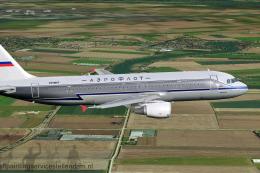
Experience an authentic retro-inspired Airbus A320-200 rendition reflecting A…
 FSX Civil Aircraft
Aeroflot Airbus A350 demo version with banners, new VOR gauge, with new panel…
 FSX Civil Aircraft
The payware PMDG B777-200 LR as Aeroflot VP-BGE. This file contains a repaint…
 FSX Civil Aircraft
Fictional repaint for Project Tupolev FSX Tu-154 B2. CCCP-85360 in red livery…
 FSX Civil Aircraft
This file contains a repaint only of the payware PMDG B777. This is a fiction…
Be the first to leave a comment on this download.
Be the first to share your thoughts on this download.