

 FSX Civil Aircraft
Emirates Airbus A350-1000 XWB
FSX Emirates Airbus A350-1000 XWB, including a new Animated Ground Servicing …
Emirates Airbus A350-1000 XWB V2 brings a refined long-haul wide-body to FSX with updated nose and cockpit window geometry, new wings and enhanced winglets, plus reworked control surfaces for smooth handling. Animated Ground Servicing adds door and cargo animations, delivered as a stand-alone freeware package with authentic exterior detailing.
 Rate
Rate
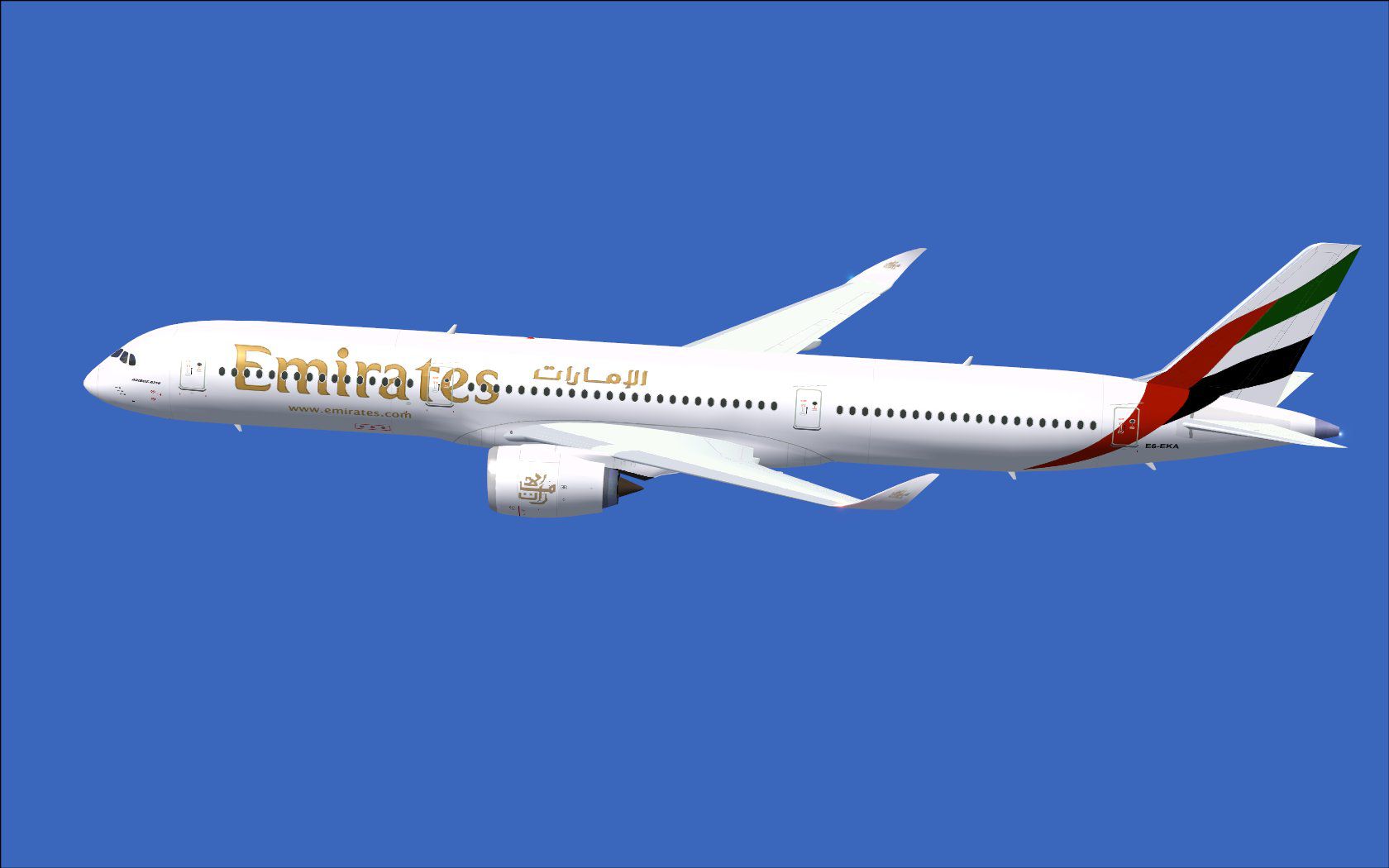
Experience a refined Emirates-liveried Airbus A350-1000 XWB for FSX, featuring updated nose contours, reworked cockpit windows, new wings, and enhanced winglets. This second release also incorporates enhanced Animated Ground Servicing (AGS) capabilities. Model design and paint are credited to Camil Valiquette, who meticulously crafted the details for an authentic simulation experience.
This CamSim-based upgrade showcases improved aerodynamic shaping and revised control surfaces. The Emirates livery has been applied to the fuselage, tail fin, and engine nacelles, bringing out the iconic scheme that fans of the airline will recognize immediately. The Airbus A350-1000 is a wide-body jetliner built for long-haul routes, and in this freeware package, every effort has been made to replicate the real-world aircraft’s aesthetics. The revised wings and advanced flight surfaces deliver smoother handling and precise maneuvers during both cruise and approach phases.
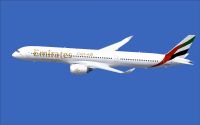
Emirates Airbus A350-1000 XWB in flight.
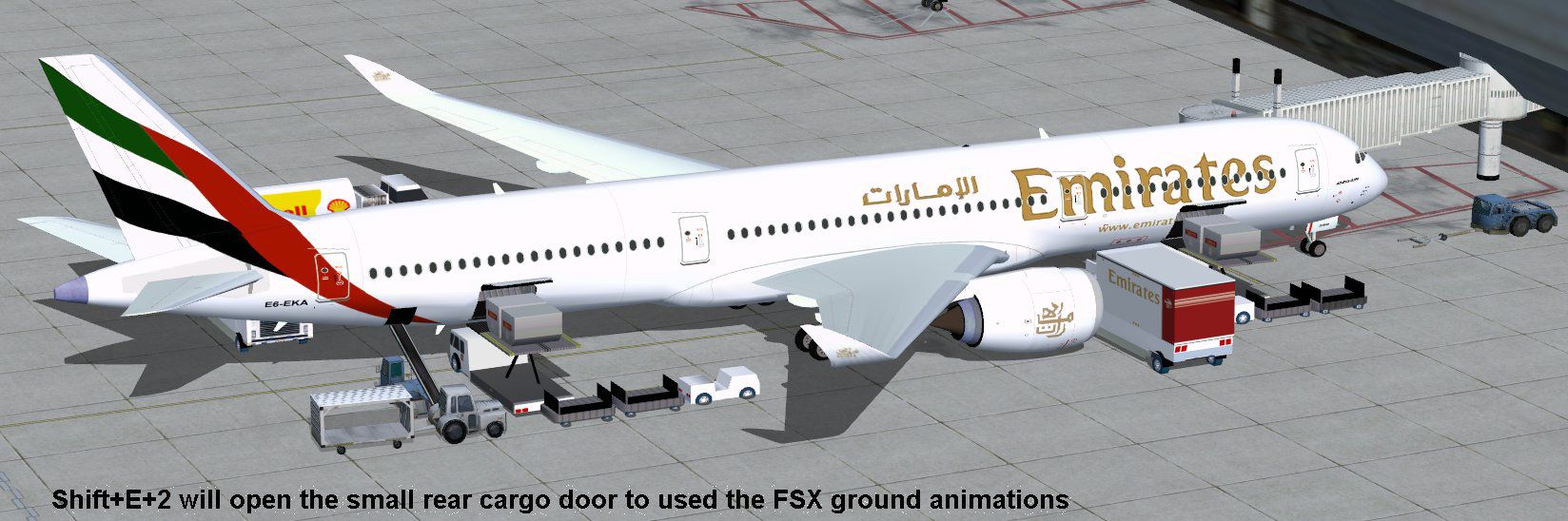
This version includes Animated Ground Servicing to add realism when operating on the ground:
For full functionality, verify these simulator key assignments in “Options”:
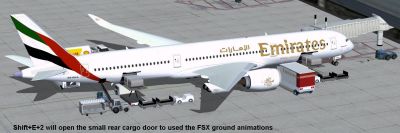
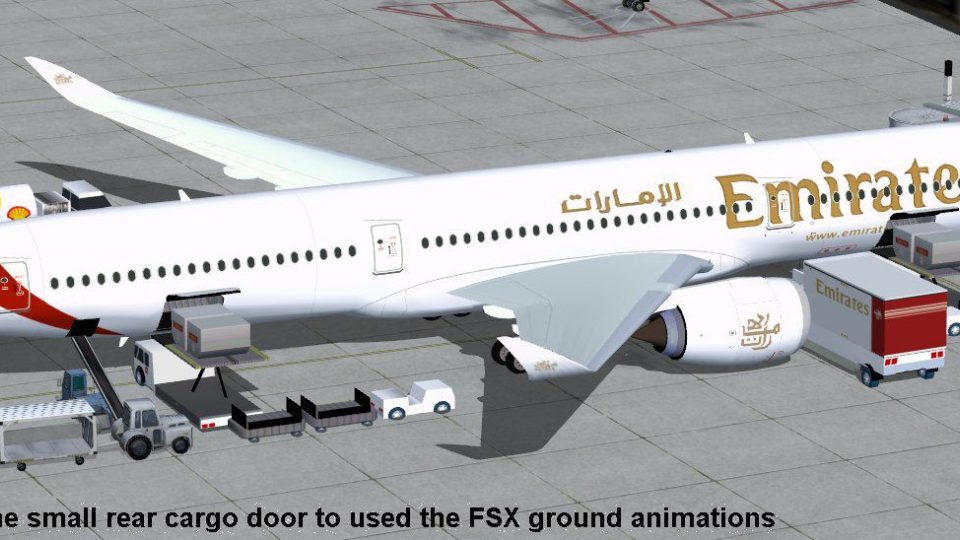
Emirates Airbus A350-1000 XWB at boarding gate.
This fully freeware release comes as a stand-alone package, so no supplementary base model is required. It accurately represents an Emirates A350-1000 configuration, with a focus on geometry accurate to the real airframe. Enthusiasts will also appreciate the refined cockpit window layout, which aligns closer with Airbus’s final design. Camil Valiquette has brought his expertise to this project, ensuring that every exterior surface, engine texture, and airline insignia aligns perfectly.
Free for all simmers · 5.2 MB · Scanned clean Oct 2026
Download speed: Free tier is capped at 0.5 Mbps (this file takes approximately 1 min at the cap). PRO members download at full line speed.
This add-on may require the following files to function properly. If this is a repaint, the dependency below is likely the base aircraft package.
FSX\SimObjects\Airplanes\. The folder must contain an aircraft.cfg file. Effects go into FSX\Effects\; gauges go into FSX\Gauges\.readme.txt or README file. It tells you exactly where files go, what dependencies are needed, and any quirks specific to this add-on.The archive 350v2ek0.zip has 36 files and directories contained within it.
This list displays the first 500 files in the package. If the package has more, you will need to download it to view them.
| Filename/Directory | File Date | File Size |
|---|---|---|
| CamSim Airbus 350-1000 V2 Emirates | 02.23.11 | 0 B |
| 350-1000.air | 02.25.10 | 12.75 kB |
| 350v2ek_agsx.jpg | 02.22.11 | 171.55 kB |
| 350v2ek_FSX.jpg | 02.20.11 | 72.83 kB |
| aircraft.cfg | 02.23.11 | 15.23 kB |
| Effects.zip | 03.25.06 | 1.80 kB |
| file_id.diz | 02.22.11 | 271 B |
| model.350-1000 ags | 02.23.11 | 0 B |
| 350-1000 ags.mdl | 12.03.09 | 2.62 MB |
| Model.cfg | 08.09.07 | 31 B |
| PANEL | 02.23.11 | 0 B |
| 787_350_panel_background.bmp | 02.25.10 | 2.25 MB |
| 787_350_panel_background_night.bmp | 02.25.10 | 2.25 MB |
| Airbus_A321.cab | 09.04.06 | 2.72 MB |
| panel.cfg | 02.25.10 | 5.48 kB |
| Read Me_FSX.txt | 02.22.11 | 2.07 kB |
| SOUND | 02.23.11 | 0 B |
| Sound.cfg | 08.30.09 | 35 B |
| texture.ek | 02.23.11 | 0 B |
| 350v2ek_agsx.jpg | 02.22.11 | 171.55 kB |
| 350v2ek_FSX.jpg | 02.20.11 | 72.83 kB |
| 359fuse_t.bmp | 02.15.11 | 1.00 MB |
| 35eng_t.bmp | 02.22.11 | 1.00 MB |
| 35int_l.bmp | 07.28.09 | 4.00 MB |
| 35int_t.bmp | 02.22.11 | 1.00 MB |
| 35tail_t.bmp | 02.16.11 | 1.00 MB |
| 35wings_t.bmp | 02.16.11 | 1.00 MB |
| 787ext_L.bmp | 07.28.09 | 4.00 MB |
| 787ext_t.bmp | 02.22.11 | 1.00 MB |
| gris_t.bmp | 02.28.06 | 17.05 kB |
| pilot1.bmp | 03.04.10 | 257.05 kB |
| pilot1_l.bmp | 04.19.07 | 1.00 MB |
| thumbnail.jpg | 02.22.11 | 5.55 kB |
| w_t.bmp | 12.06.08 | 16.07 kB |
| flyawaysimulation.txt | 10.29.13 | 959 B |
| Go to Fly Away Simulation.url | 01.22.16 | 52 B |
Only PRO members can place votes.
More FSX & P3D add-ons hand-picked based on this download.
FSX Civil Aircraft
FSX Emirates Airbus A350-1000 XWB, including a new Animated Ground Servicing …
 FSX Civil Aircraft
Experience the second release of this freeware Air Caraibes Airbus A350-1000 …
 FSX Civil Aircraft
This update introduces a refined release of the Airbus A350-1000 for FSX, fea…
 FSX Civil Aircraft
Immerse yourself in a modern wide-body experience with this British Airways A…
 FSX Civil Aircraft
This comprehensive freeware package introduces a Qantas-liveried Airbus A350-…
 FSX Civil Aircraft
FSX Thai Airways International Airbus A350-1000 XWB (Extra Wide Body). Featur…
 FSX Civil Aircraft
This updated freeware package depicts the House Colors Airbus A350-1000 XWB V…
 FSX Civil Aircraft
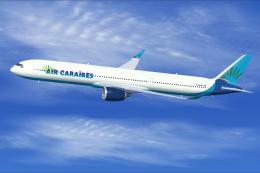
Experience a distinctive upgrade to your simulator with this freeware Air Car…
Be the first to leave a comment on this download.
Be the first to share your thoughts on this download.