

 FSX Missions
Midway 1942 Mission
Midway 1942 v1.40. Fly as a Japanese or U.S. Navy pilot in a mission of June …
Operation “Wherewolf 1942” delivers a WWII search-and-destroy mission in FSX, sending a B-24 from Quantico to patrol the eastern U.S.–Bermuda shipping lanes after U-boat attacks, with route plans, charts, and defined submarine search areas. Requires a compatible B-24 and the Navy blimp with WWII textures.
 Rate
Rate
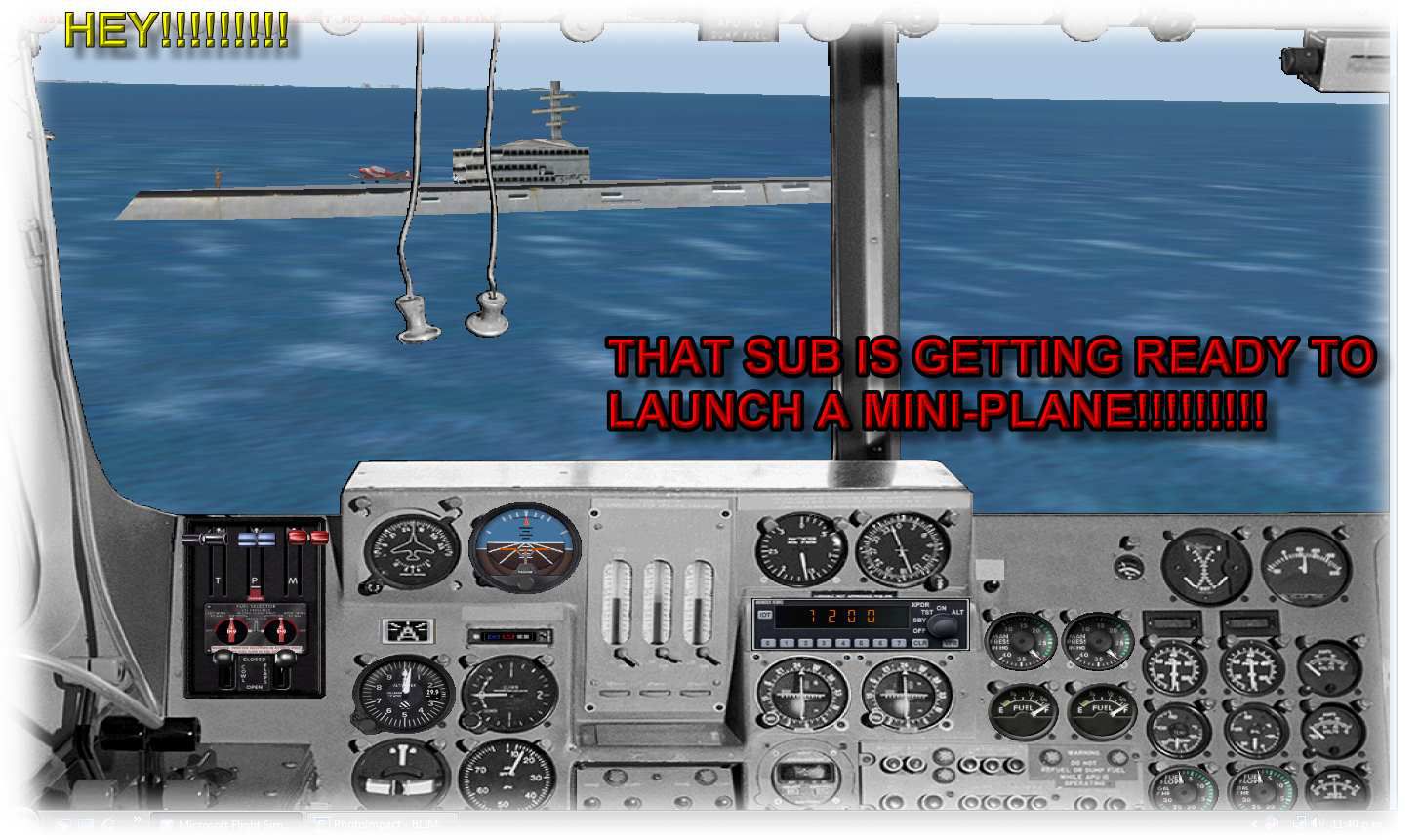
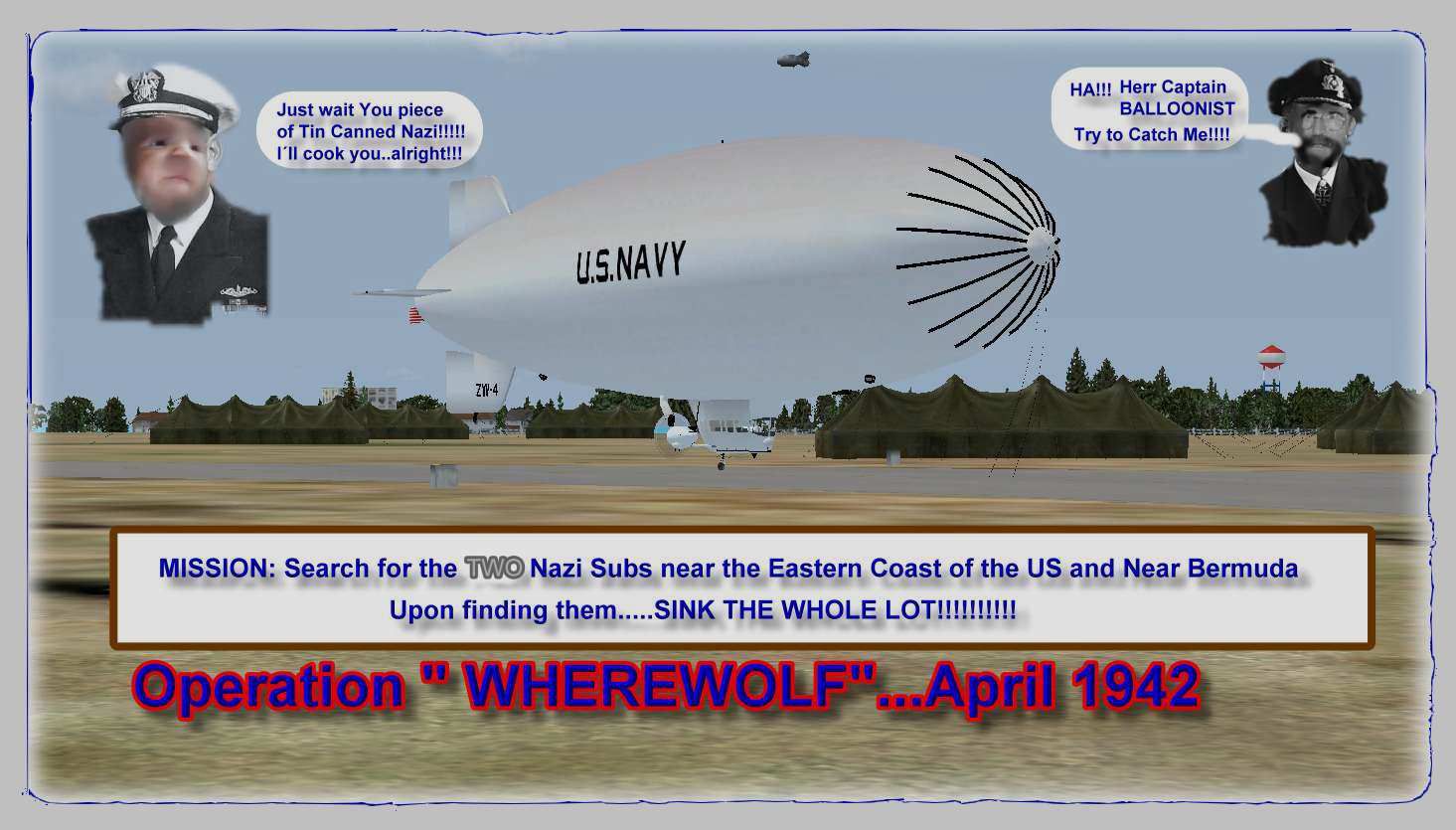

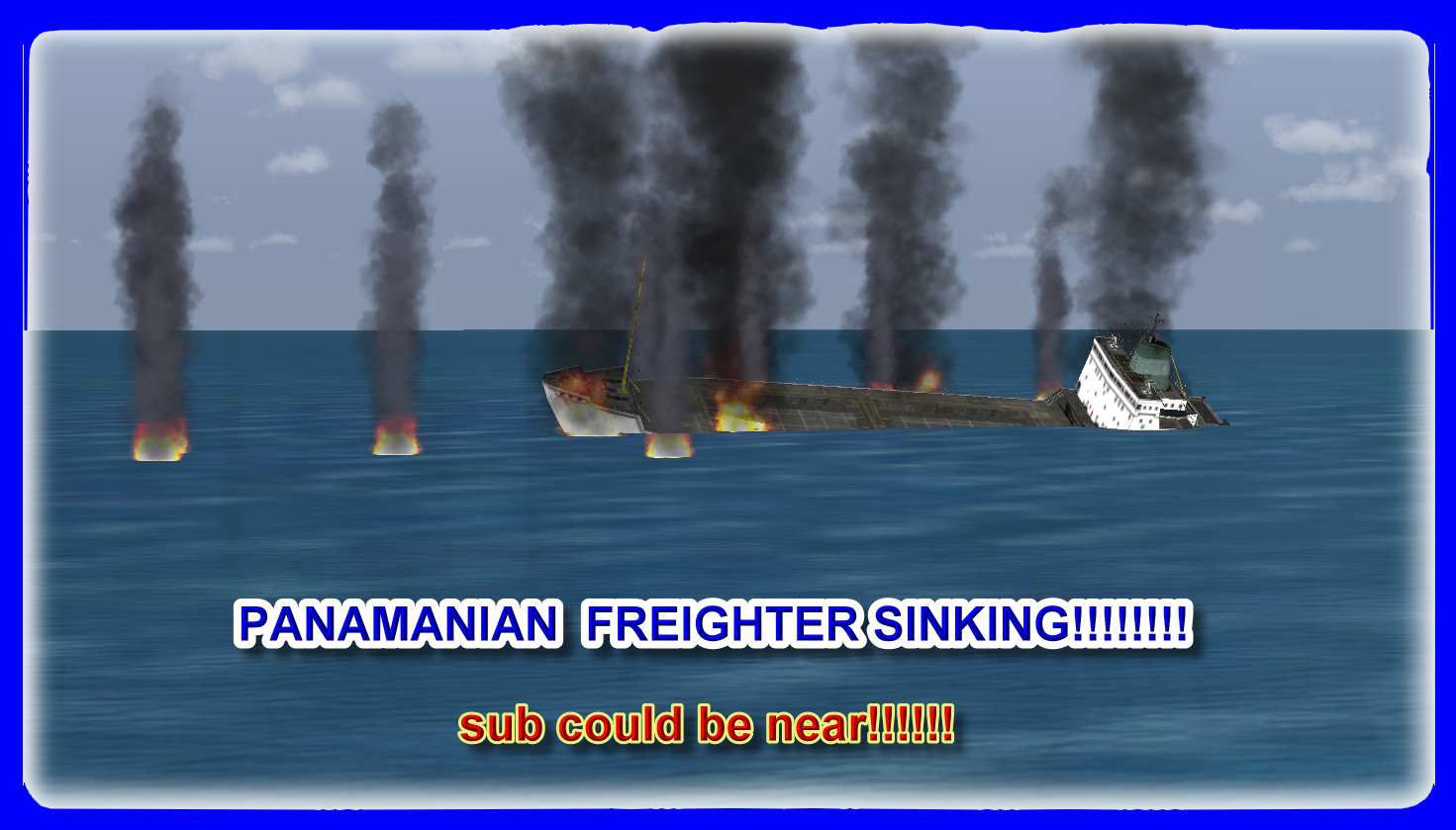
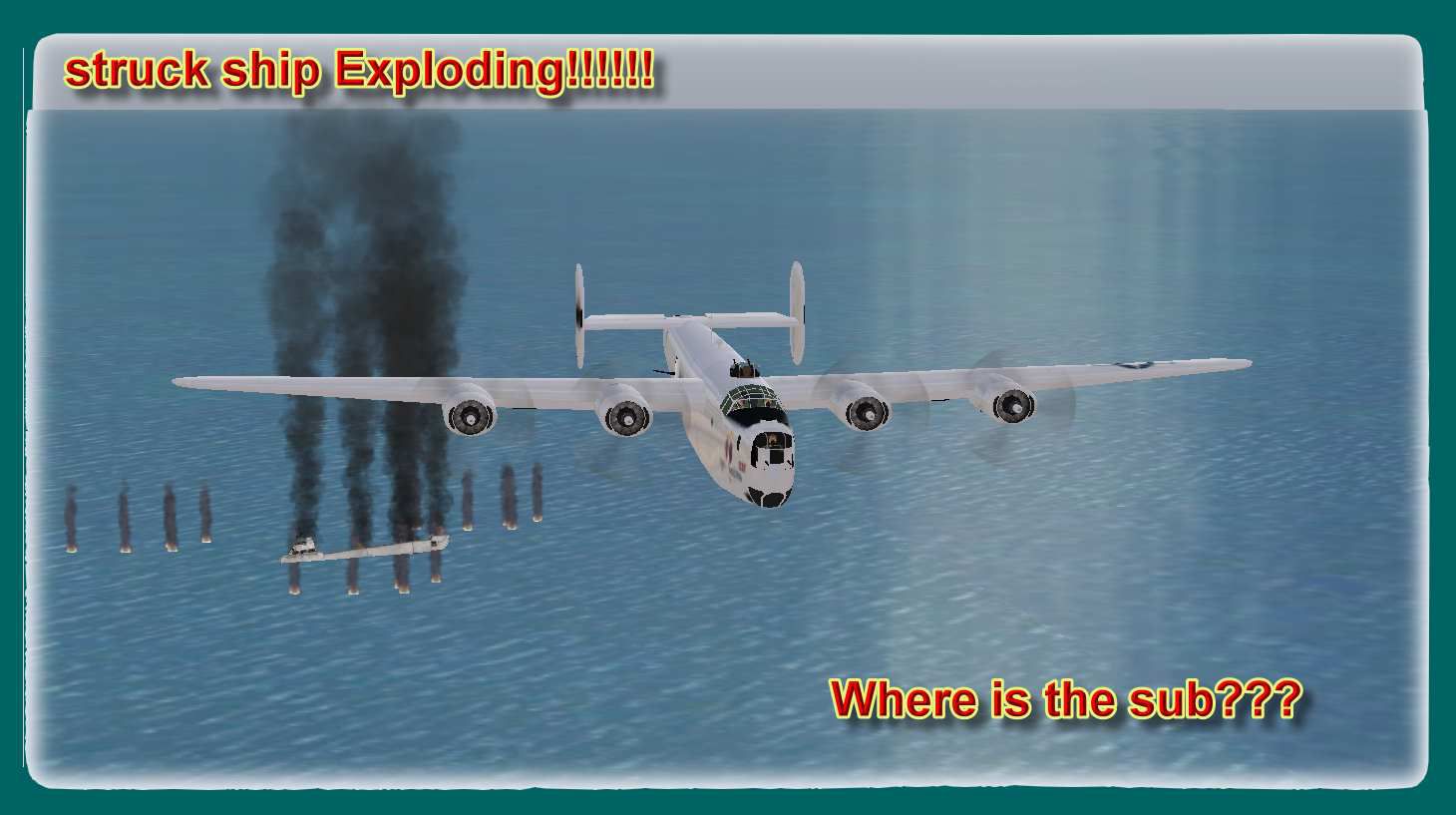
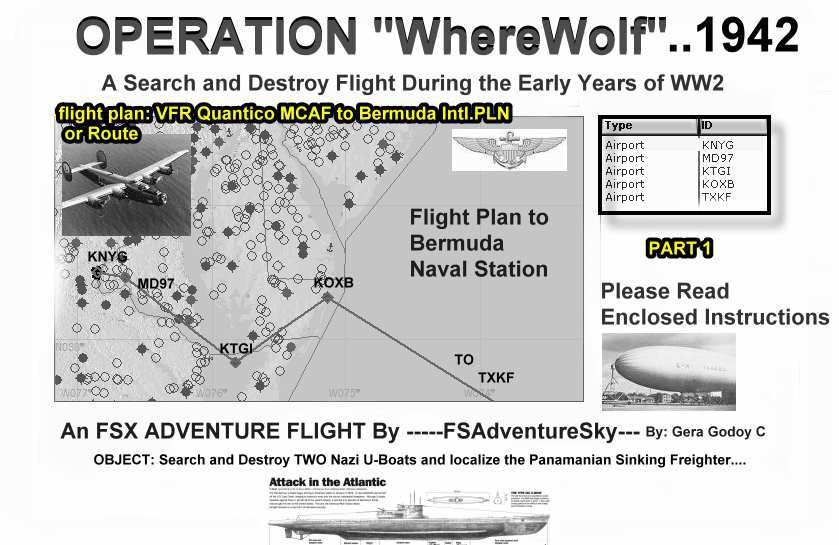

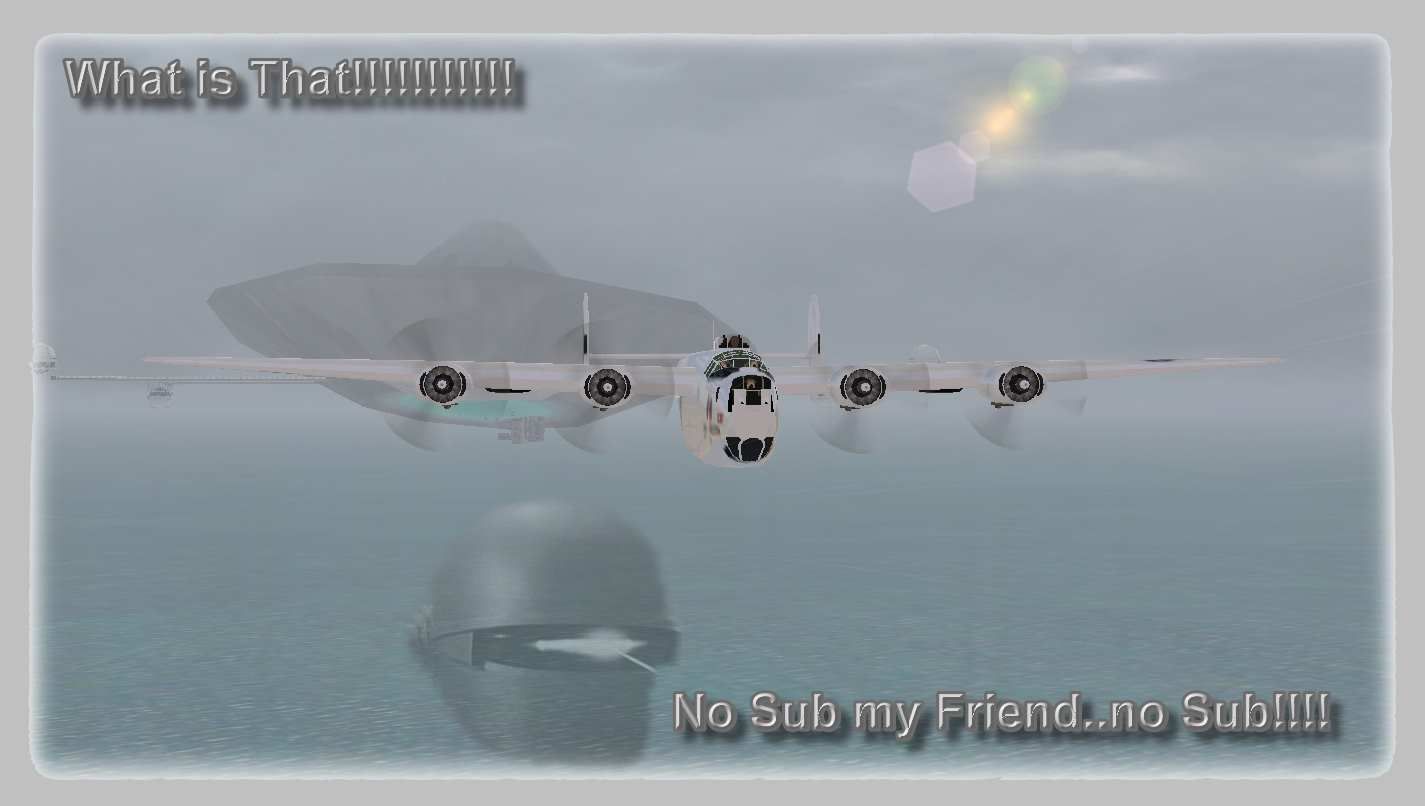
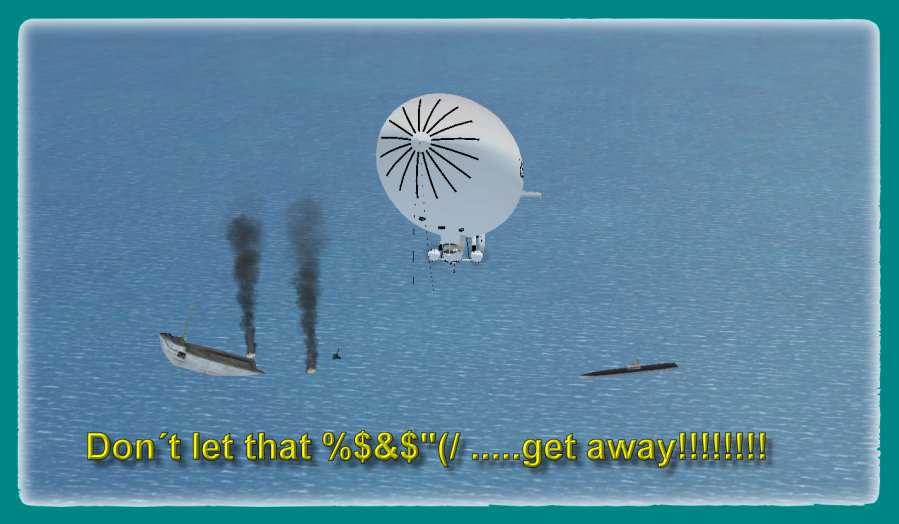
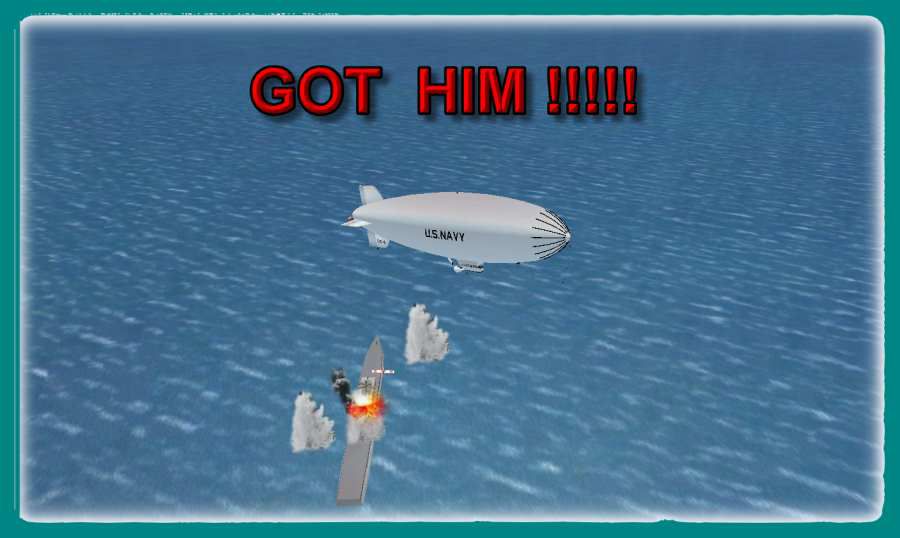
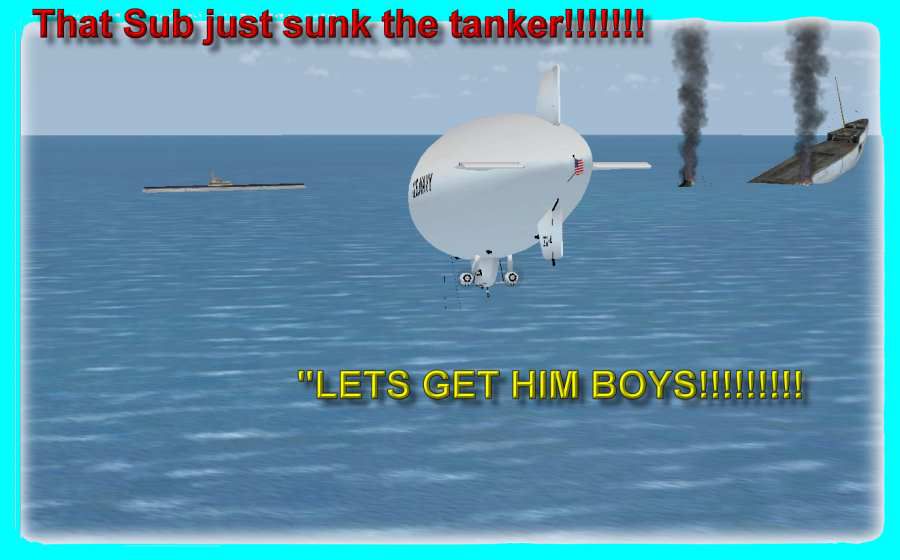
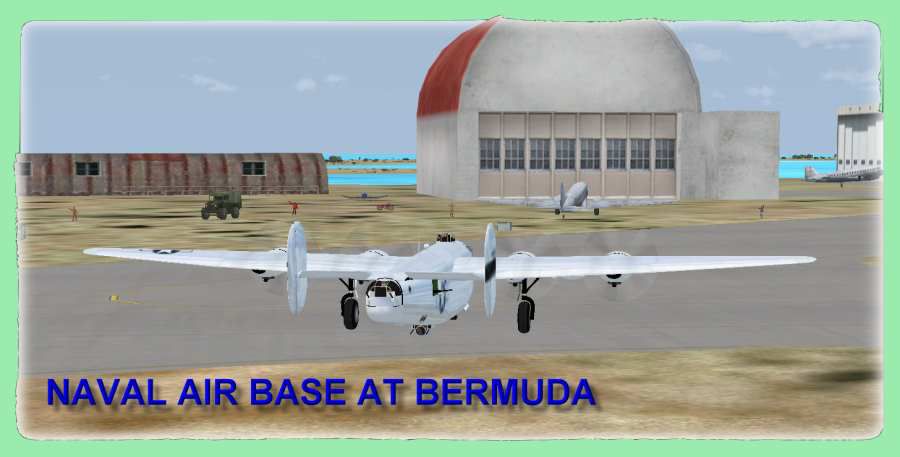
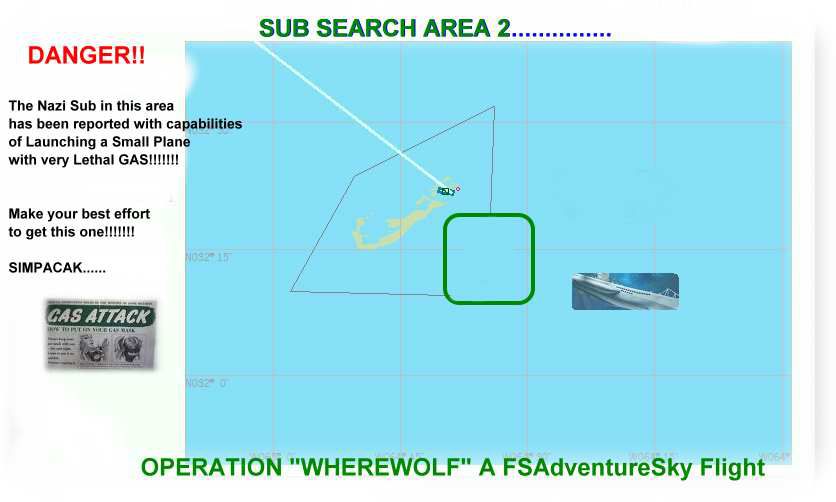
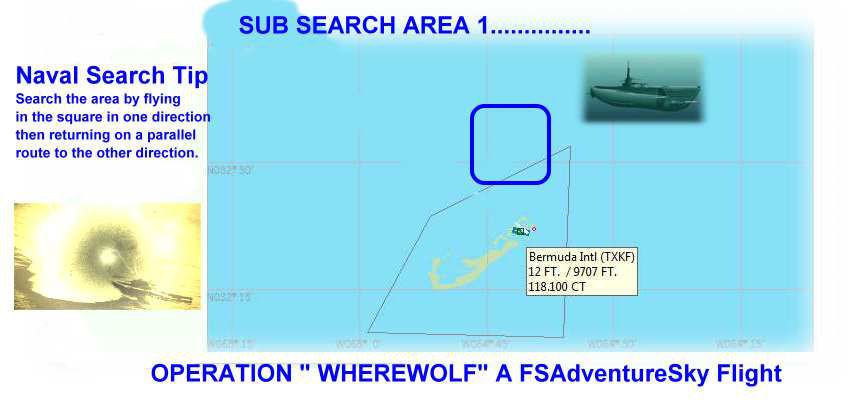
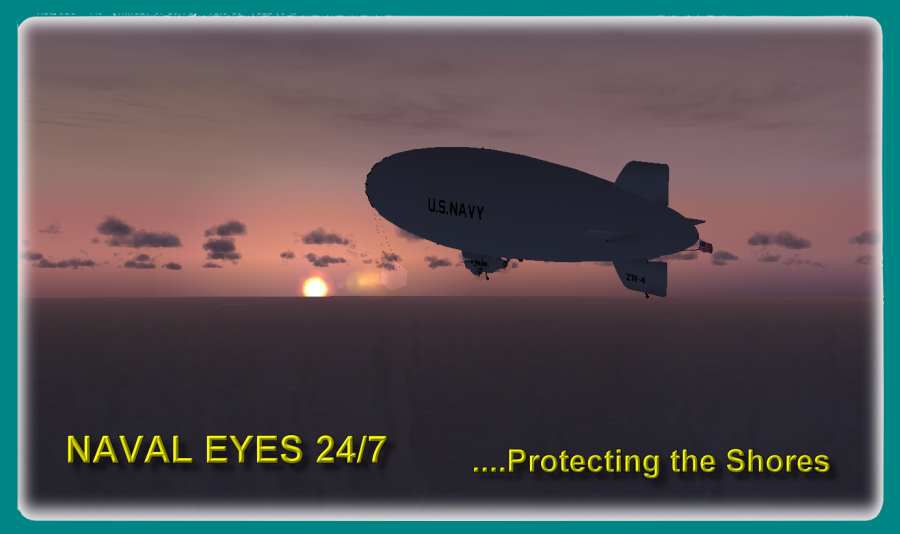
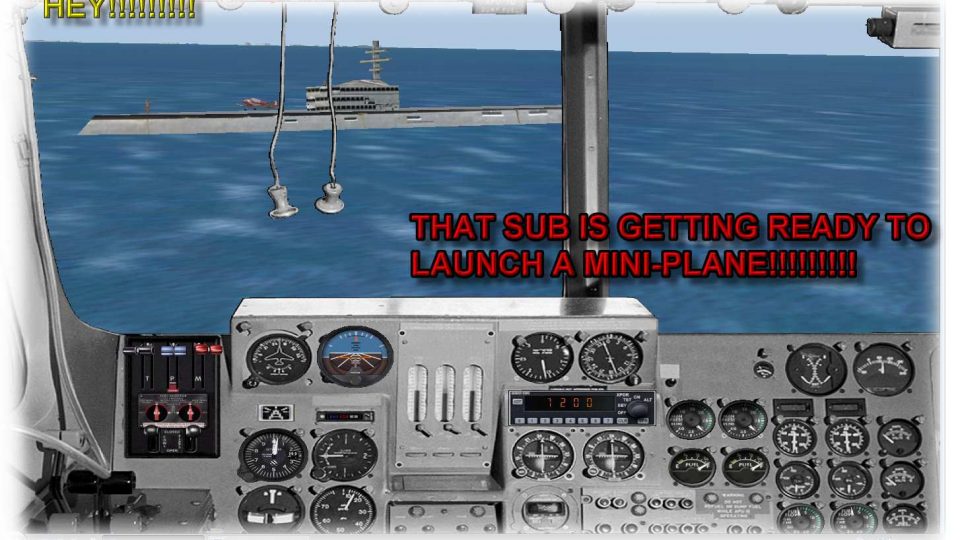
Operation "Wherewolf 1942". Captain Swanzy Clickaram Buckter, top Navy submarine destroyer pilot, has been ordered to take a B-24 from Quantico Naval base and check the shipping lane between the coast of eastern USA and Bermuda. Two ships, the USS Marin, a coastal patrol destroyer and the Norwegian freighter, Sunnycoast, were sunk two days ago. It was reported, by coastal observers in Bermuda, that at least two Nazi submarines of the SDR type have been seen near these coasts. Captain Clickaram has gathered a special crew, you among them, to carry out the "search and destroy operation". Flying a B-24 and US Navy blimp...a hard operation is on its way! By Gera Godoy C.
Operation "Wherewolf 1942" Mission.
In order to fly the advenure in a B-24 and a Navy WW2 Blimp as required:
YOU NEED TO DOWNLOAD BLIMP (gdyr2k2.zip) The Blimp for the Adventure and Textures (milblimp.zip) The WW2 Navy Textures.........B-24 FILE ( b-24-up.zip)or any other, available at the usual sites.
1) Place SEAWOLF.bgl file in your FSX/Addon Scenery/Scenery Directory
2) Place "VFR Bermuda Intl to Brunswick Co.PLN" File in your SFX Plans directory
3) Place " VFR Quantico MCAF to Bermuda Intl.PLN" File in your SFX Plans directory
4) PRINT and READ:- flight Route-Chart to Bermuda.jpg
flight Route-Chart to Brusnwick.jpg
Search Area Blue.jpg--------------------Submarine Search Area 1
Search Area Green.jpg-------------------Submarine Search Area 2
CAREFULLY READ AND FOLLOW INSTRUCTIONS: Operation "WhereWolf" 1942:SD Inmediatly"
5)..........fly
Gera Godoy C
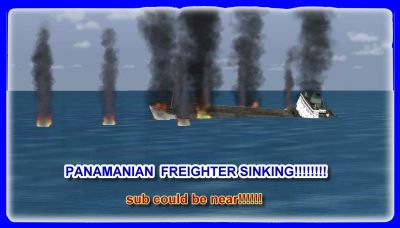
Operation "Wherewolf 1942" Mission.
Free for all simmers · 932.49 KB · Scanned clean Oct 2026
Download speed: Free tier is capped at 0.5 Mbps. PRO members download at full line speed.
FSX\Missions\ as a sub-folder. The folder must contain an XML file describing the mission.readme.txt or README file. It tells you exactly where files go, what dependencies are needed, and any quirks specific to this add-on.The archive wherewol.zip has 23 files and directories contained within it.
This list displays the first 500 files in the package. If the package has more, you will need to download it to view them.
| Filename/Directory | File Date | File Size |
|---|---|---|
| flight ROUTE-CHART-TO BERMUDA.jpg | 10.25.07 | 73.95 kB |
| flight ROUTE-CHART-TO- BRUNSWICK.jpg | 10.25.07 | 55.59 kB |
| SEARCH AREA GREEN.jpg | 10.25.07 | 34.75 kB |
| SEARCH AREA BLUE.jpg | 10.25.07 | 33.23 kB |
| SEAWOLF.bgl | 10.23.07 | 7.98 kB |
| VFR Bermuda Intl to Brunswick Co.PLN | 10.23.07 | 1.46 kB |
| VFR Quantico MCAF to Bermuda Intl.PLN | 10.23.07 | 2.30 kB |
| FileID.diz | 10.25.07 | 999 B |
| READ-ME-FIRST.txt | 10.25.07 | 1.42 kB |
| OP-WHEREWOLF-INSTRUCTIONS.txt | 10.25.07 | 7.56 kB |
| BERMUDA AIR BASE.jpg | 10.22.07 | 38.18 kB |
| BLIMP 5.jpg | 10.22.07 | 139.07 kB |
| BLIMP-1.jpg | 10.25.07 | 122.08 kB |
| BLIMP-2.jpg | 10.22.07 | 43.66 kB |
| BLIMP-3.jpg | 10.22.07 | 44.51 kB |
| BLIMP-4.jpg | 10.22.07 | 29.98 kB |
| BLIMP-5.jpg | 10.22.07 | 43.90 kB |
| BLIMP-6.jpg | 10.23.07 | 118.60 kB |
| panam-freighter-sinking.jpg | 10.23.07 | 92.54 kB |
| panam-freighter-sinking222.jpg | 10.23.07 | 84.67 kB |
| THE UFO---.jpg | 10.23.07 | 50.65 kB |
| flyawaysimulation.txt | 10.29.13 | 959 B |
| Go to Fly Away Simulation.url | 01.22.16 | 52 B |
Only PRO members can place votes.
More FSX & P3D add-ons hand-picked based on this download.
FSX Missions
Midway 1942 v1.40. Fly as a Japanese or U.S. Navy pilot in a mission of June …
 FSX Missions
Operation Bible Sweep v2. Pilot a De Havilland Beaver into the heart of mainl…
 FSX Missions
Operation PAMPA-4 - The Doomsday Flight, February 1944. It has been reported …
 FSX Missions
Flight Plans--Operation Odyssey Dawn, Libya 19-30 March 2011. By S. Peterson.…
 FSX Missions
Adventure--Operation "Sky Light". In the early cold dawn of January, 25, 2008…
 FSX Missions
Madagascar Mission. The Madagascarian Military pays you for a transport fligh…
 FSX Missions
Experience a daring alpine approach with this immersive mission set amid the …
 FSX Missions
Discover a daring and immersive freeware add-on that challenges your landing …
Be the first to leave a comment on this download.
Be the first to share your thoughts on this download.