


 Belgium
  FSX Scenery
Irish Sea Ferries
Irish Sea Ferries. This is a small dynamic scenery project which models the H…
North Sea Scenery populates the waters off Belgium with detailed tankers, passenger craft, fishing boats, and military cruisers, many designed to be landable for creative SAR practice and naval-style missions in FSX. It requires the FSX Acceleration Pack (SP2) SDK scenery format for full compatibility and placement.
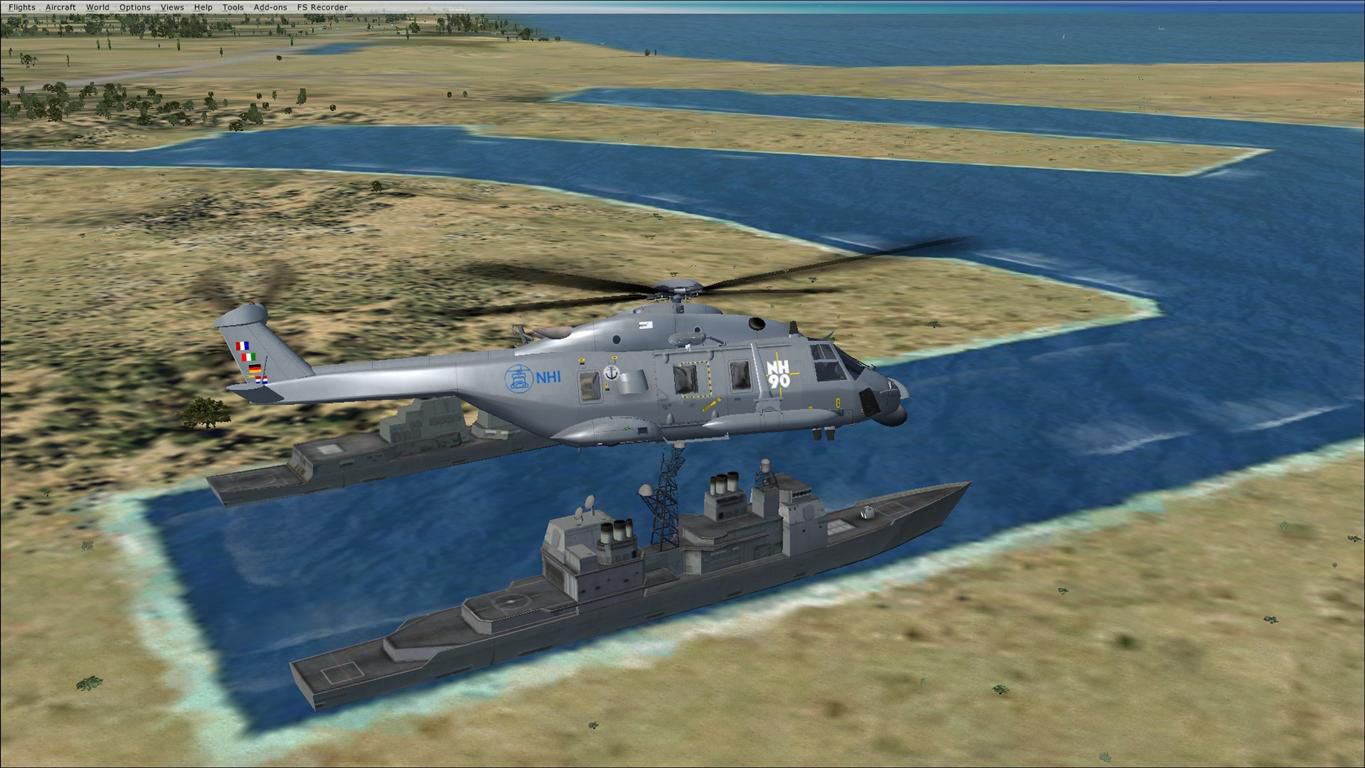
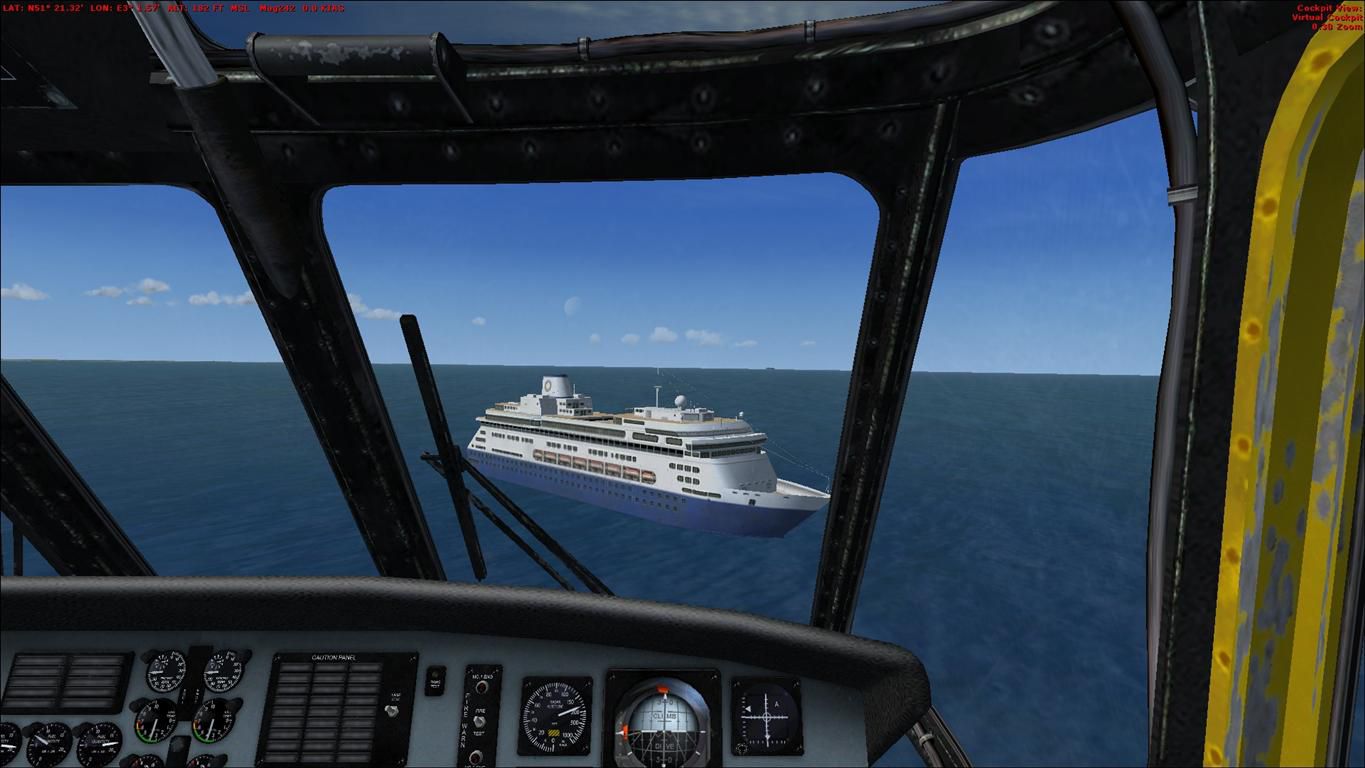
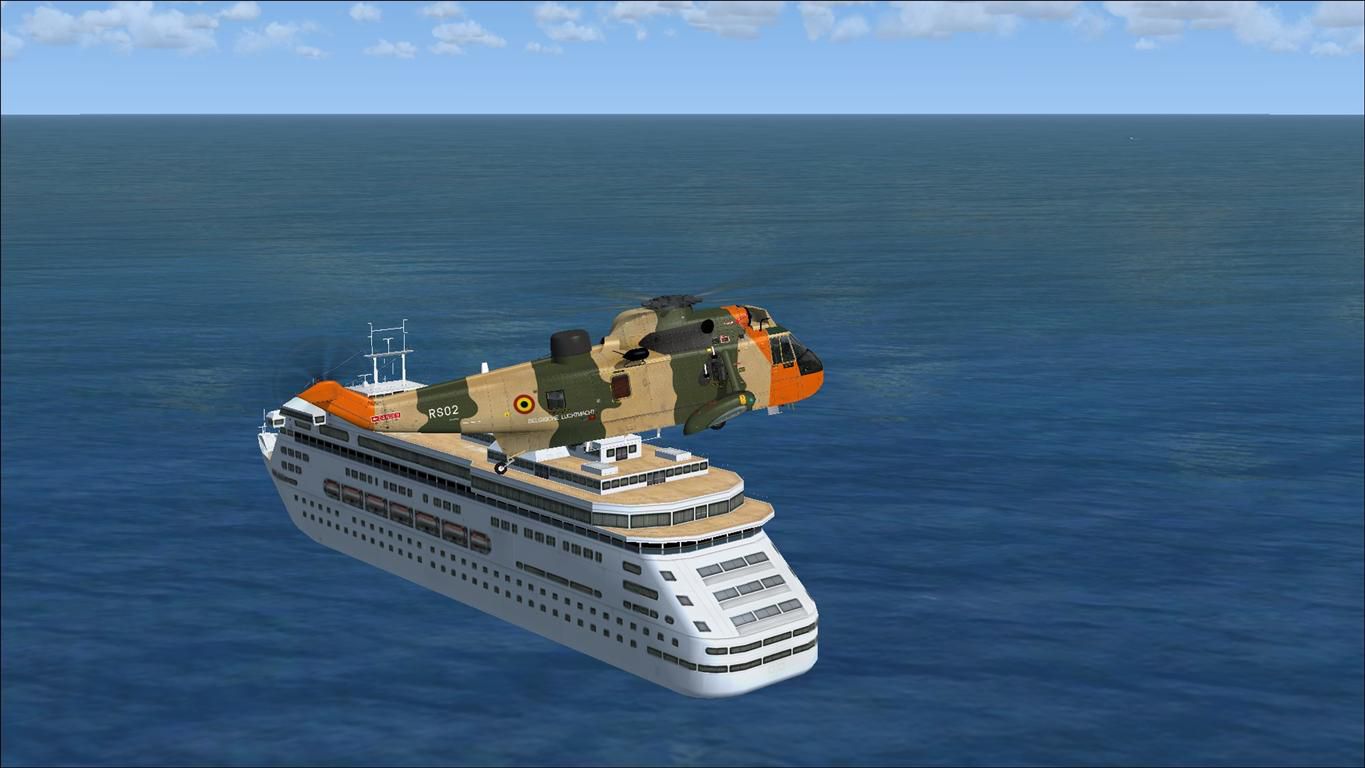
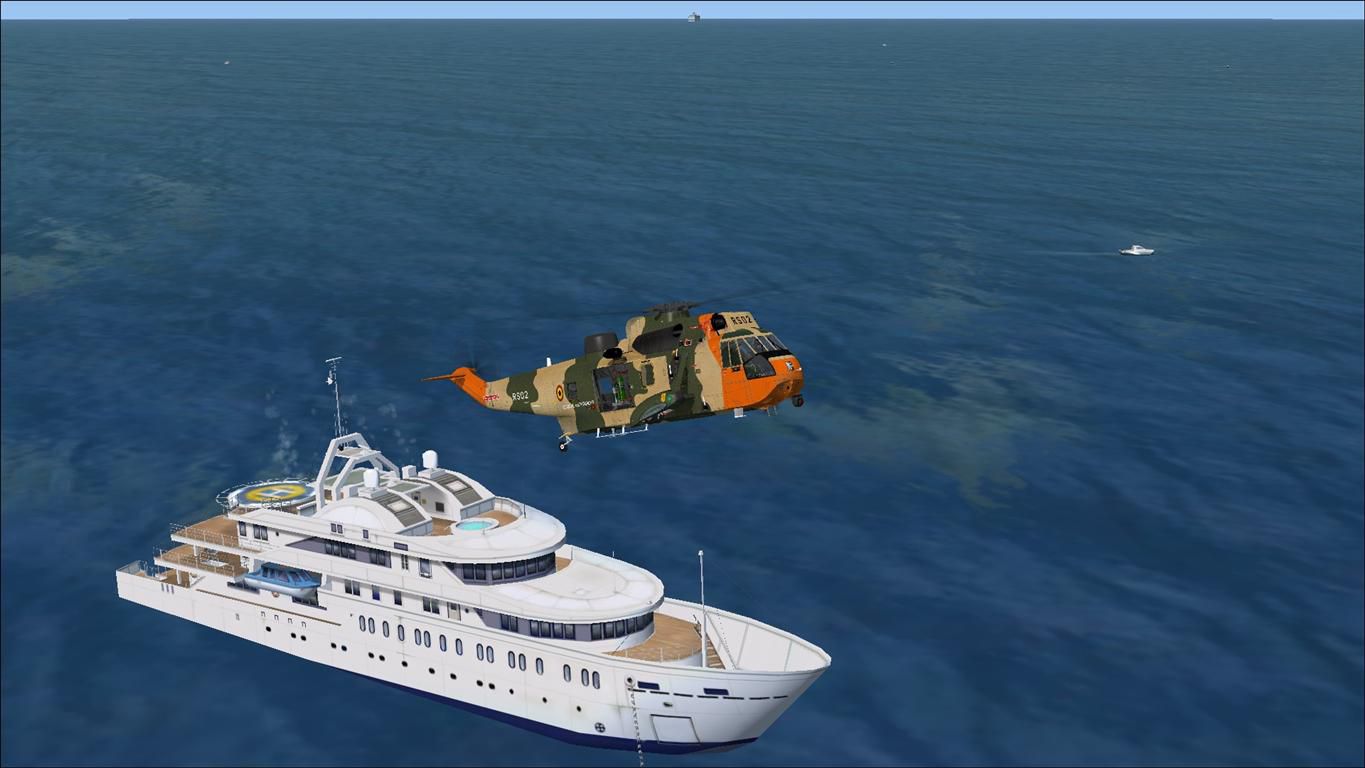
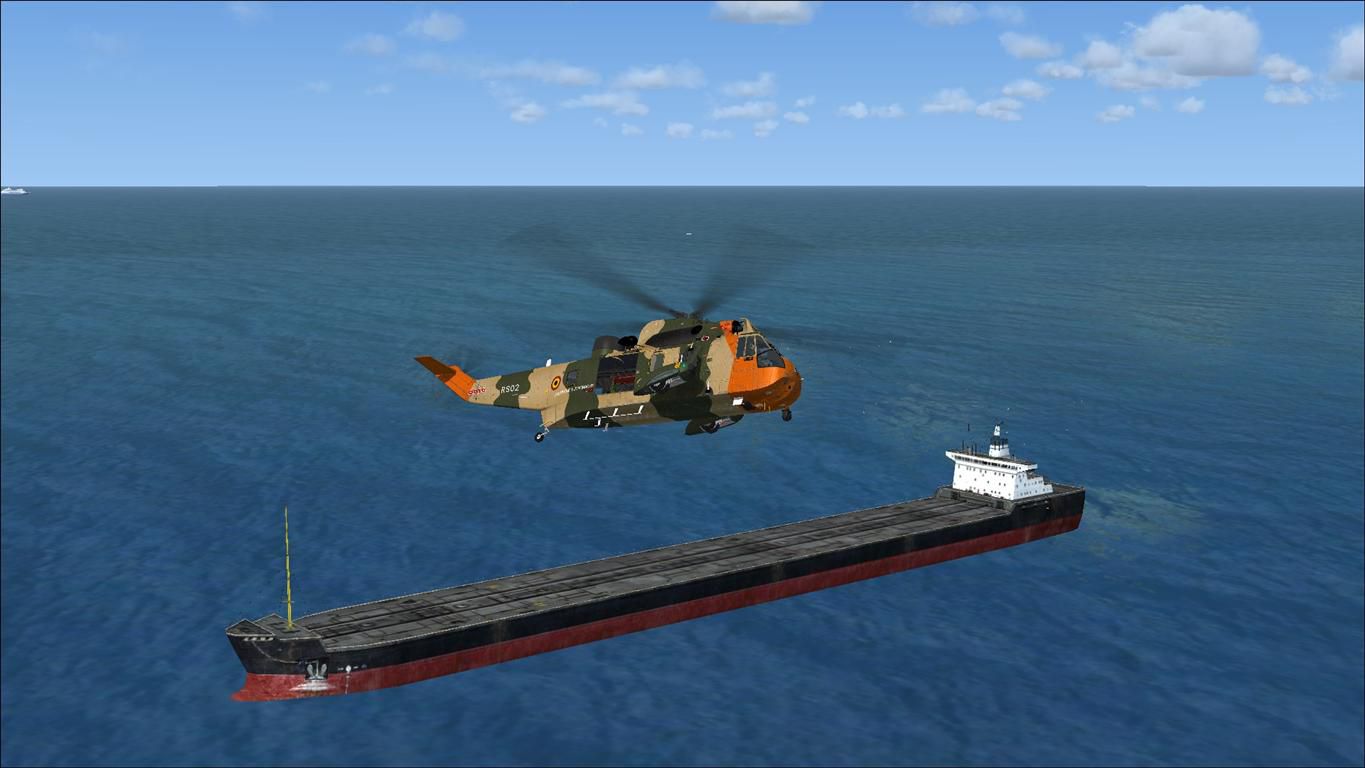
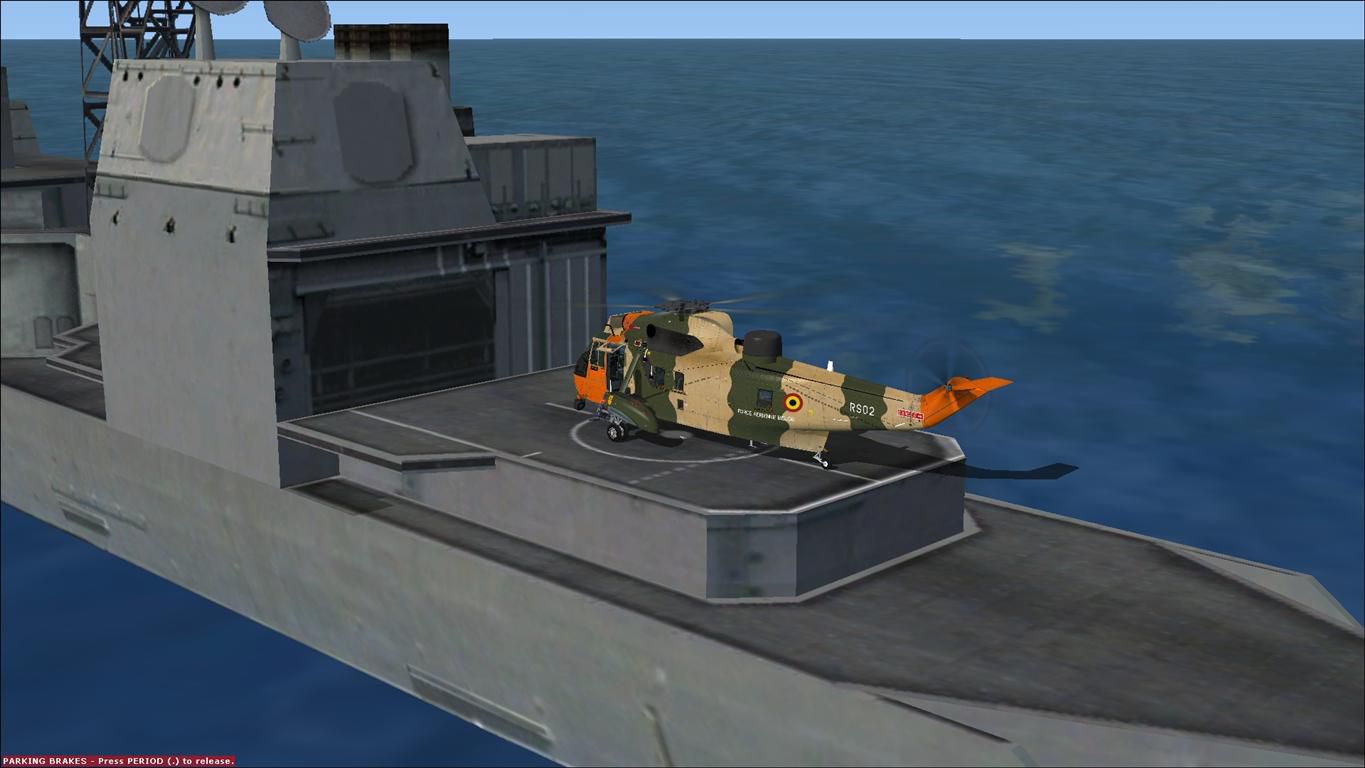
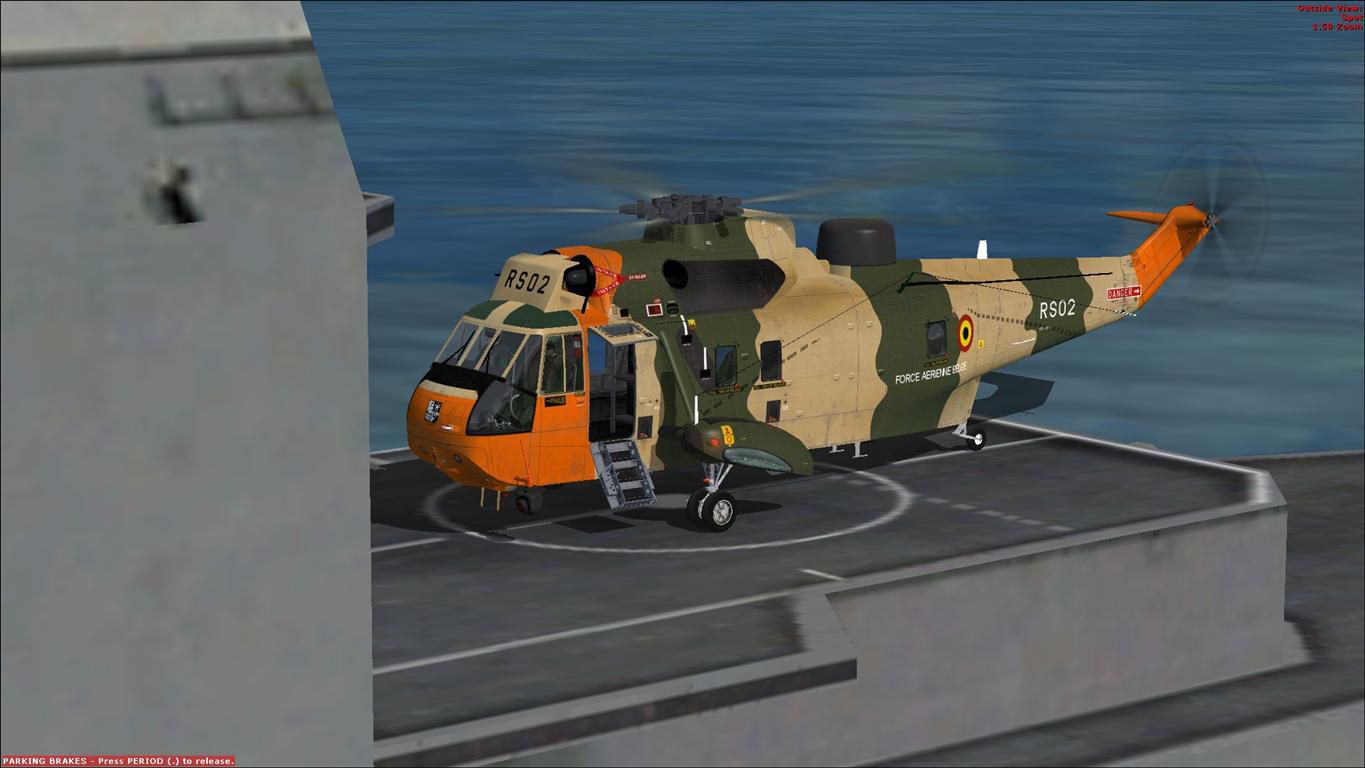
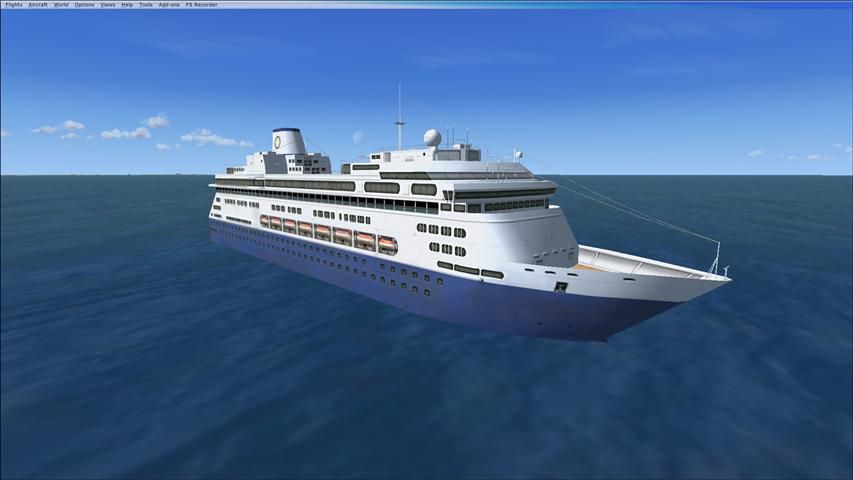
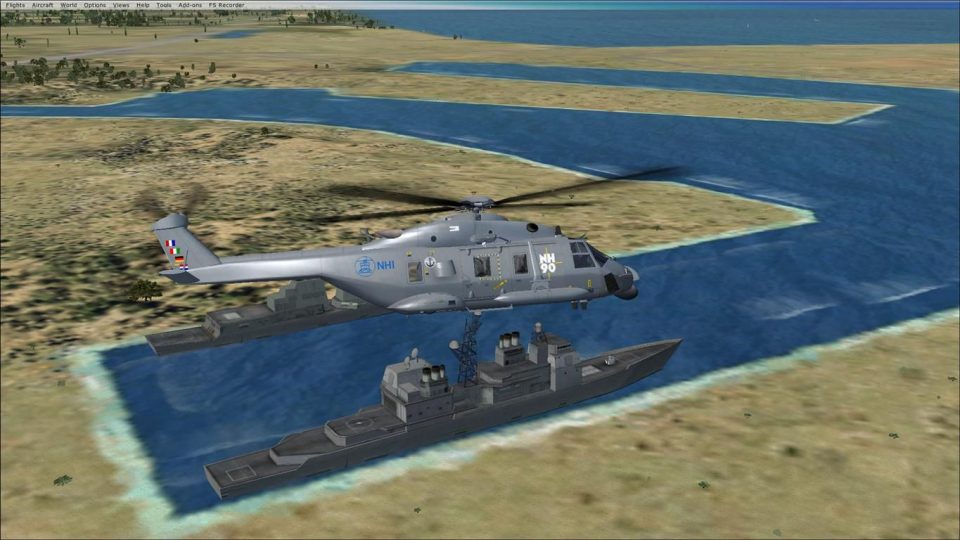
North Sea Scenery, places several ships in the North Sea, in front of the Belgium coast. Features tankers, passenger boats, fishing vessels and military cruisers. Most of them are landable! Can be used for SAR or naval operations. Created with SDK/FSX Acceleration Pack (SP2), don't know if this works with other versions. By Bert D'Hondt.
Screenshot of North Sea Scenery.
INSTALLATION:
Copy the North Sea folder to, your FSX ADDON SCENERY folder.
With FSX running, add the scenery through Scenery Library.
That's it!
With kind regards,
Bert D'Hondt
Belgium
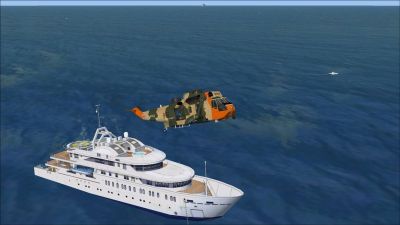
Screenshot of North Sea Scenery.
Free for all simmers · 697.74 KB · Scanned clean Oct 2026
Download speed: Free tier is capped at 0.5 Mbps. PRO members download at full line speed.
FSX\Addon Scenery\ containing scenery and texture sub-folders.readme.txt or README file. It tells you exactly where files go, what dependencies are needed, and any quirks specific to this add-on.Use these coordinates to fly directly to this location once the mod is installed.
51.22390000,2.92250000
Launch FSX or Prepar3D and use Flights → Load to open the downloaded .pln file. Your aircraft will be positioned at this location.
The archive north_sea_scenery.zip has 16 files and directories contained within it.
This list displays the first 500 files in the package. If the package has more, you will need to download it to view them.
| Filename/Directory | File Date | File Size |
|---|---|---|
| file_id.diz | 04.24.11 | 353 B |
| North Sea Scenery | 04.24.11 | 0 B |
| Scenery | 04.24.11 | 0 B |
| North Sea.BGL | 04.24.11 | 1.46 kB |
| READ ME.txt | 04.24.11 | 241 B |
| Screenshots | 04.24.11 | 0 B |
| Screenshot (1).jpg | 04.24.11 | 97.38 kB |
| Screenshot (2).jpg | 04.24.11 | 92.73 kB |
| Screenshot (3).jpg | 04.24.11 | 87.04 kB |
| Screenshot (4).jpg | 04.24.11 | 85.27 kB |
| Screenshot (5).jpg | 04.24.11 | 82.23 kB |
| Screenshot (6).jpg | 04.24.11 | 105.76 kB |
| Screenshot (7).jpg | 04.24.11 | 137.30 kB |
| Thumbnail.jpg | 04.24.11 | 34.59 kB |
| flyawaysimulation.txt | 10.29.13 | 959 B |
| Go to Fly Away Simulation.url | 01.22.16 | 52 B |
Only PRO members can place votes.
More FSX & P3D add-ons hand-picked based on this download.
FSX Scenery
Irish Sea Ferries. This is a small dynamic scenery project which models the H…
 FSX Scenery
FSadventureSky scenery and flights. Sainte-Anne-des-Monts is a city in the Ga…
 FSX Scenery
Sea Harbor Washington (WA). These are two water ports in the Seattle Bay. Bot…
 FSX Scenery
Your Own Sea Port Part II. This is part II of the "Your Own" series. The firs…
 FSX Scenery
Washington Hansville Sea Planes Scenery is a small sea plane base. All it is …
 FSX Scenery
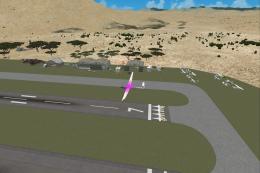
Salton Sea Airport. This is a fictional sailplane airport located near Salton…
 FSX Scenery
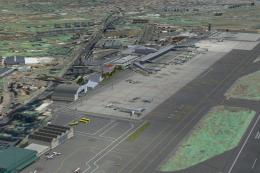
Tenerife North - Los Rodeos GCXO. This update has been designed with the vers…
 FSX Scenery
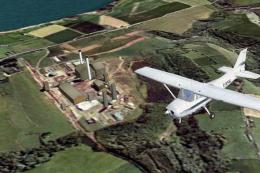
North England Landmark Scenery Vol 1.a Geoff Smith To install If you have alr…
Be the first to leave a comment on this download.
Be the first to share your thoughts on this download.