


 Canada
  FSX Scenery
CWY9 - Your Own Airport
CWY9 - Your Own Airport. You download a plane...where do you go and fly it? N…
Your Own Sea Port Part II builds a lively coastal hub with two airfields, a floatplane base, and a lit hospital helipad, plus themed missions like rescues, patrols, racing, and sightseeing around bridges and oil facilities. Designed for FSX, it adds moving traffic and roleplay-friendly routes that connect the wider “Your Own” community.
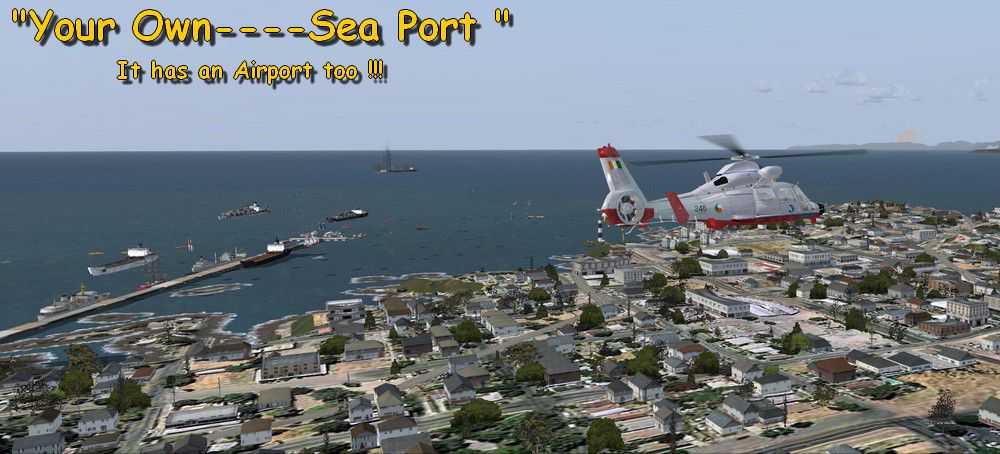
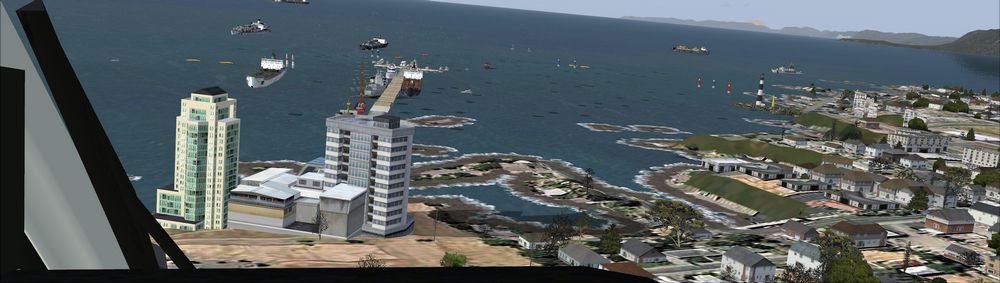
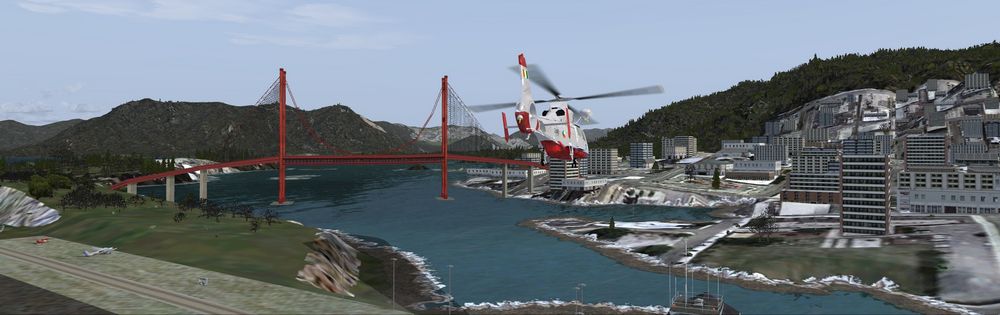
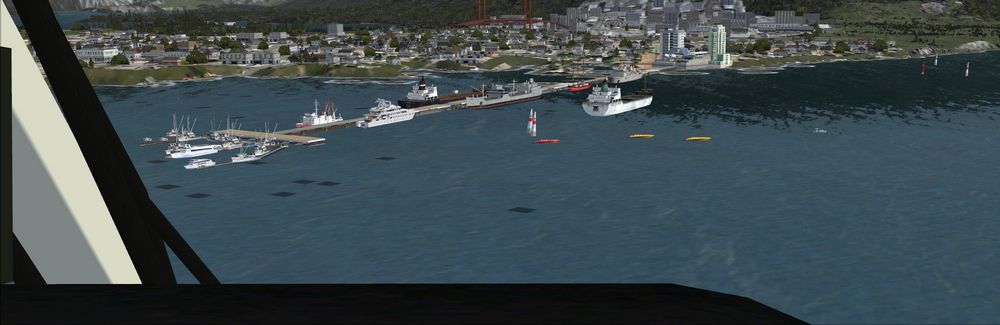
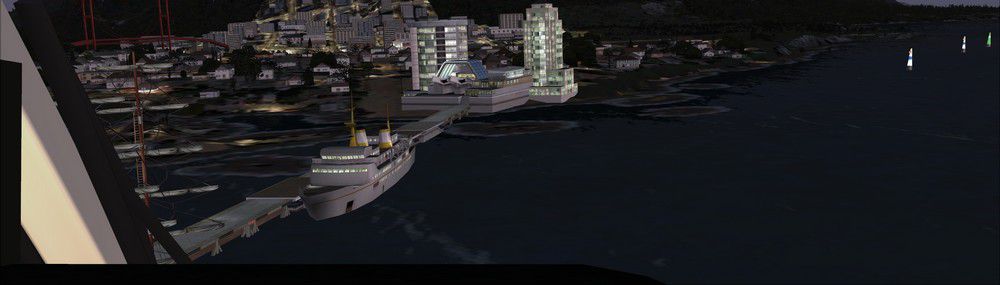
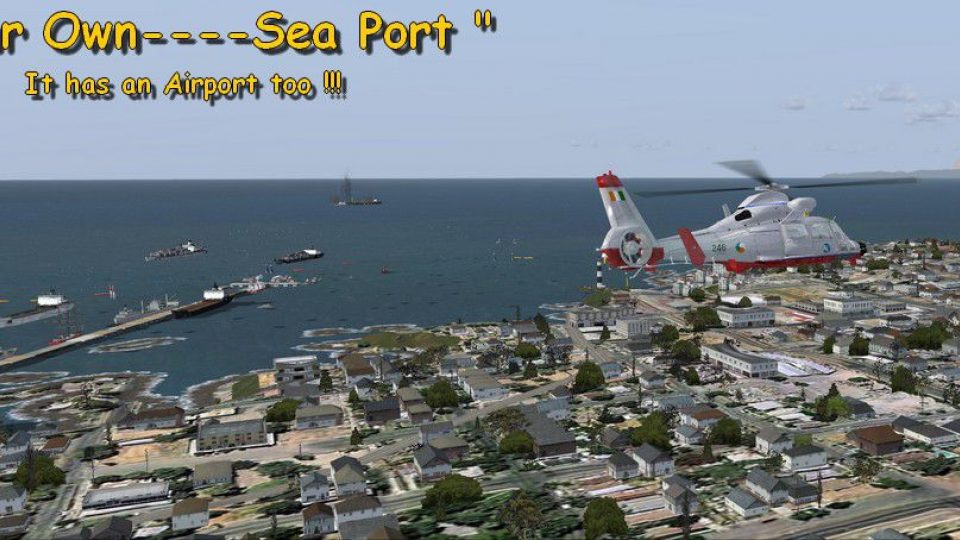
Your Own Sea Port Part II. This is part II of the "Your Own" series. The first one was "Your Own Airport"...slowly but surely a community is being born. What do you get with YOSP? "YO Airport" has contracted the "Marching Band and Construction Ltd" to construct the "YO-Seaport" near the rich oil fields of the coast. MBC Ltd, has thus proceeded full blast on this major important sea port which will give traffic to YO Airport and surroundings. Now planes will fly on rigid schedules between these two airfields. Later YO-Hill Airfields (Part III) will come along in the mountains in small lakes and sea stops or small seaplane destinations for more fun and activities! What does "Your Own Sea Port" have for you?
Your Own Sea Port Part II Scenery.
1) Two Airfields, one grass for small private planes and one concrete for commercial traffic plus a floatplane base.
2) Helicopter pad at the Port Hospital (lighted).
3) Rescue sailors at burning ship (ship sinking fast!); take them to the port's hospital.
4) Check moving traffic with any chopper (there is a red Corvette which must be checked with some women driving too fast!)
5) Participate in a road race (you need a car). Boat Race around Red Bull pylons (you need a boat). Red Bull guys left them here for good. Fly a race at the same pylons (really hard!)
6) Fly tourists to fishing lake where bass abounds (need a floatplane).
7) Fly with your Navy Patrol plane and check on some "strange submarine taking pictures of the port"...if necessary blow it to Balooba!
8) Open a new airline: YO Air Service Inc.
9) Fly around and take pictures.
10) Take executives to the oil facilities in the interior (Episode III) or just fly around with your gal, wife or hummmm...or go fly under its three bridges.
11) Take passenger from the "float plane" airpark, near the hospital, to lakes and rivers. The Mayor of YOSP will be giving the "city keys" to all pilots who make four consecutive loops in a helicopter on Sunday at 11:42:45. By Gera Godoy Canova.
Place all .BGL files in your FSX/Addon scenery/scenery directory and activate them. Go to your FSX Airport Menu and under Canada you will find CWX9 Yopor Air Port....
Your Own Sea Port with an Airport....
Follow Instructions.
That´s it.
Have a nice flight.
Gera.
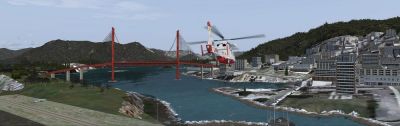
Your Own Sea Port Part II Scenery.
Free for all simmers · 900.66 KB · Scanned clean Oct 2026
Download speed: Free tier is capped at 0.5 Mbps. PRO members download at full line speed.
FSX\Addon Scenery\ containing scenery and texture sub-folders.readme.txt or README file. It tells you exactly where files go, what dependencies are needed, and any quirks specific to this add-on.Use these coordinates to fly directly to this location once the mod is installed.
45.42150000,-75.69720000
Launch FSX or Prepar3D and use Flights → Load to open the downloaded .pln file. Your aircraft will be positioned at this location.
The archive porto-1.zip has 19 files and directories contained within it.
This list displays the first 500 files in the package. If the package has more, you will need to download it to view them.
| Filename/Directory | File Date | File Size |
|---|---|---|
| PORTO1.bgl | 11.26.08 | 732 B |
| CVX_YOUR-PORT.BGL | 11.24.08 | 2.22 kB |
| PUERTO.bgl | 11.27.08 | 4.46 kB |
| PISTA-2-1000P.bgl | 11.23.08 | 3.72 kB |
| Yopor Air Port CWX9.bgl | 11.28.08 | 433 B |
| AFX_CWY9.bgl | 11.22.08 | 3.71 kB |
| 7.jpg | 11.28.08 | 219.13 kB |
| Port1.jpg | 11.28.08 | 135.63 kB |
| Port1.png | 11.28.08 | 18.70 kB |
| Port3.jpg | 11.28.08 | 49.40 kB |
| Port5.jpg | 11.28.08 | 229.74 kB |
| Port6.jpg | 11.28.08 | 229.86 kB |
| Portitos.gif | 11.28.08 | 7.22 kB |
| prtito.jpg | 11.28.08 | 4.41 kB |
| FileID.diz | 11.28.08 | 110 B |
| Follow these Instructions....txt | 11.28.08 | 2.70 kB |
| READ ME.txt | 11.28.08 | 451 B |
| flyawaysimulation.txt | 10.29.13 | 959 B |
| Go to Fly Away Simulation.url | 01.22.16 | 52 B |
Only PRO members can place votes.
More FSX & P3D add-ons hand-picked based on this download.
FSX Scenery
CWY9 - Your Own Airport. You download a plane...where do you go and fly it? N…
 FSX Scenery
Scenery Port Columbus (KCMH), Columbus, Ohio (OH). This scenery is for FSX SP…
 FSX Scenery
Port Elizabeth Harbor, South Africa. By Frits Beyer. Remove Port Elizabeth Ha…
 FSX Scenery
BC PNW Port McNeill. Welcome to Port McNeill, British Columbia, Canada. Inclu…
 FSX Scenery
Scenery Port Blair, Andaman Islands. FSX version consists of a lone runway. T…
 FSX Scenery
Scenery Islay/Port Ellen Airport, Scotland, UK, v2. This version uses darker …
 FSX Scenery
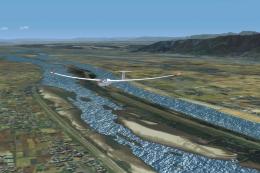
Kisogawa Glider Port Japan Real Scenery. Scenery by Kenichi Ochiai. Kisogawa …
 FSX Scenery
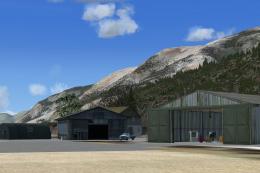
Port Stewart Area And Airport, AK. Remodels the area of Stewart and Hyder, Al…
Be the first to leave a comment on this download.
Be the first to share your thoughts on this download.