

 FSX Historic & Vintage Aircraft
Spiteful Guns Firing Effect
Spiteful Guns Firing Effect, for use with SPITFFSX.ZIP. A small update for th…
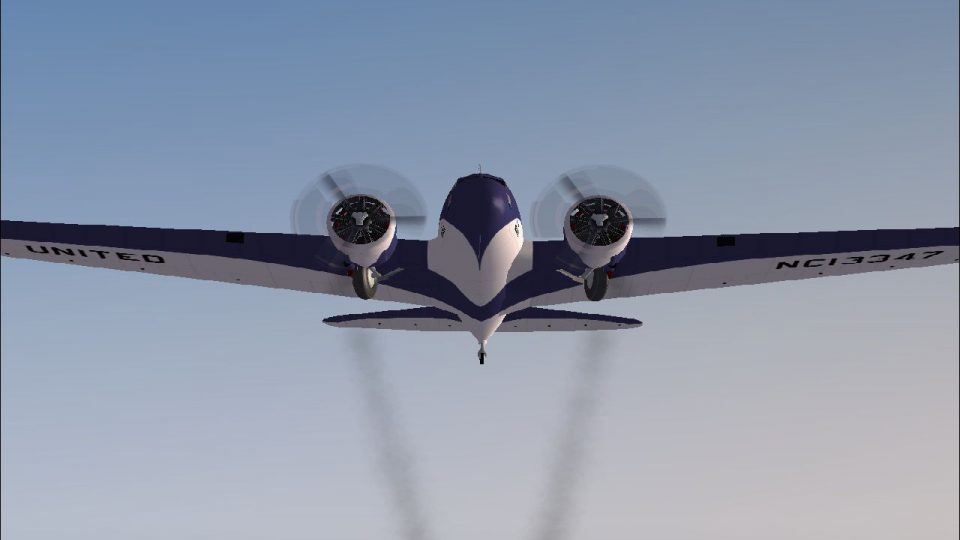
Engine smoke effects tailored for the Jens B. Kristensen Boeing 247D add atmosphere with a choice of thin light trails or thicker, darker exhaust. Designed for FSX SP2 compatibility, it updates the smoke system entries and effect files so the classic twin looks more alive in flight, especially during climbs and power changes.
 Rate
Rate
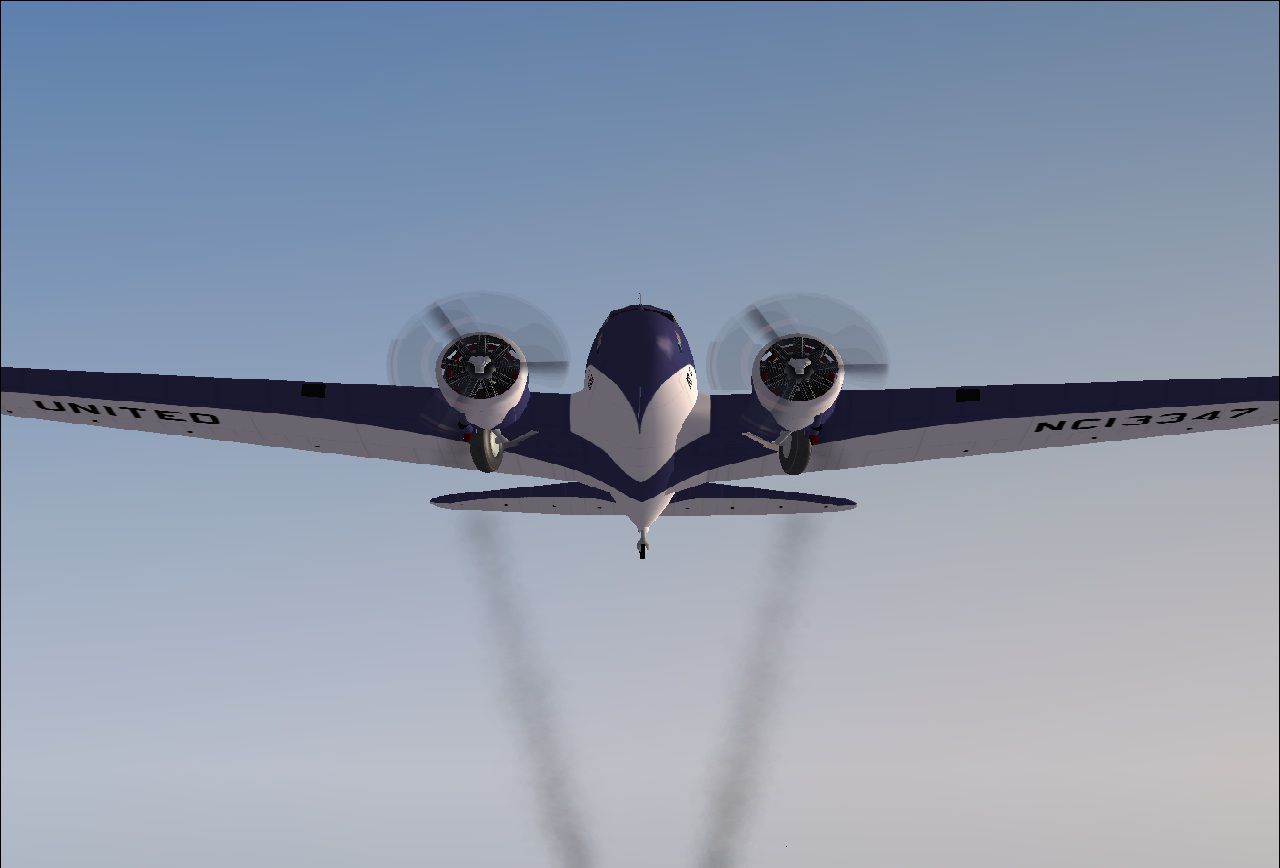
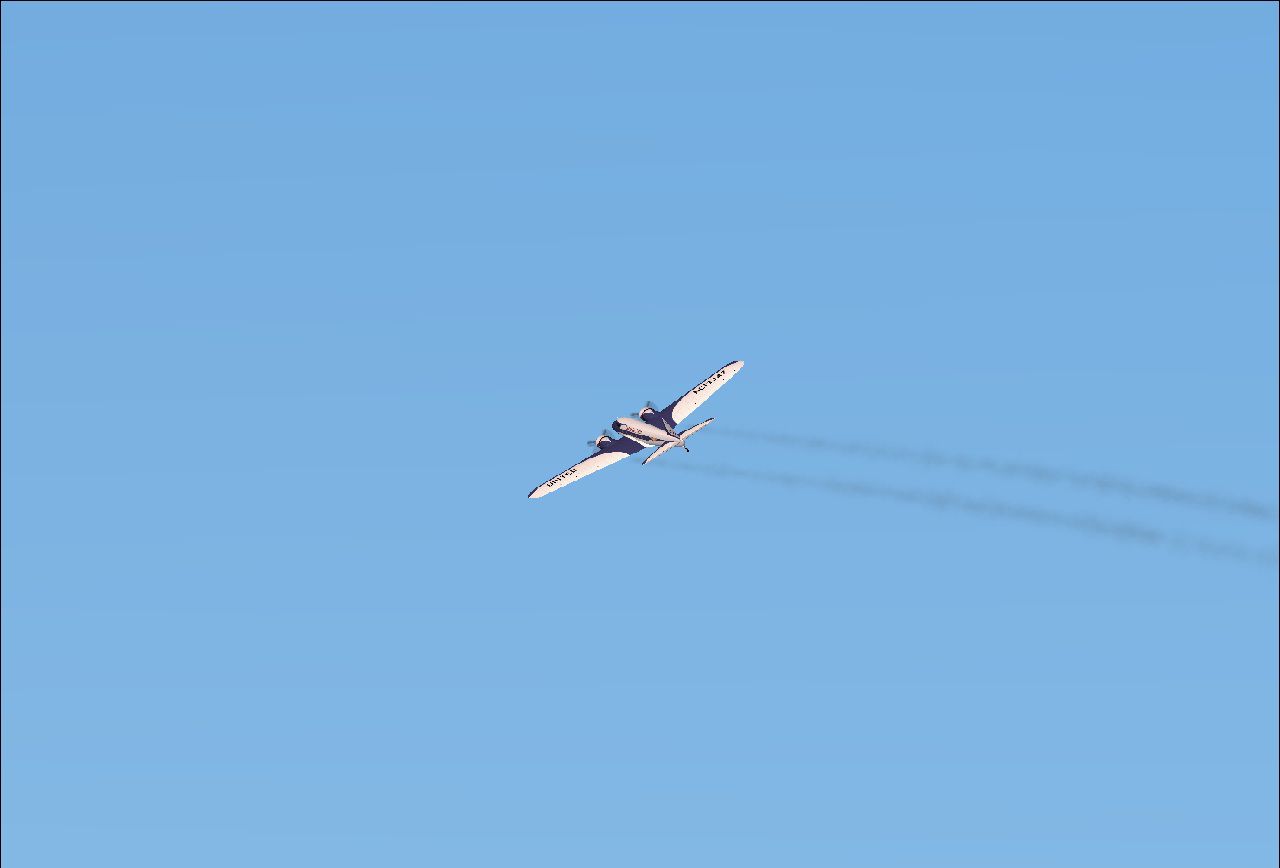
SP2 Compatible Engine Smoke Effect for the freeware Jens B. Kristensen Boeing 247D (B247_V20.ZIP). Your choice of thin light smoke or thicker darker smoke. Easy installation. By Tom Tiedman.
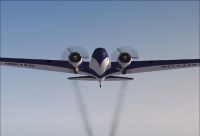
Aircraft in flight leaving smoke trails.
CREDITS:
The original authors of the 2 enclosed smoke effects files, whoever you are. I take no credit for any of this.
INSTALLATION:
1.) For thicker smoke, copy and paste the enclosed "fx_smoke_f6" file into your FSX "Effects" folder. (It's probably there already).
2.) For thinner smoke, do the same except use the "fx_enginesmoke" file instead.
3.) Copy and paste the enclosed [SMOKESYSTEM] info. found below into your 247D "aircraft.cfg" file. I pasted mine at the bottom with good results. Then click 'file', then click 'save', of course.
4.) Press your "I" key while flying your Jens B. 247D in FSX and enjoy the smoke!
[SMOKESYSTEM]

smoke.0=-6.002, -8.806, -1.601, fx_smoke_f6

smoke.1=-6.002, 8.806, -1.601, fx_smoke_f6
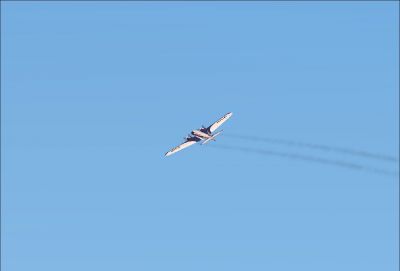
Aircraft in the air leaving smoke trails.
Free for all simmers · 108.35 KB · Scanned clean Oct 2026
Download speed: Free tier is capped at 0.5 Mbps. PRO members download at full line speed.
SimObjects\Airplanes\, Addon Scenery\, Effects\, or Gauges\.readme.txt or README file. It tells you exactly where files go, what dependencies are needed, and any quirks specific to this add-on.The archive fsx-sp2_boeing_247d_engine_smoke.zip has 8 files and directories contained within it.
This list displays the first 500 files in the package. If the package has more, you will need to download it to view them.
| Filename/Directory | File Date | File Size |
|---|---|---|
| file_id.diz | 03.12.11 | 219 B |
| fx_enginesmoke.fx | 05.12.10 | 1.33 kB |
| fx_smoke_f6.fx | 04.19.04 | 1.17 kB |
| READ ME and INSTALLATION.txt | 03.12.11 | 1.05 kB |
| Smoke 1.jpg | 03.12.11 | 95.63 kB |
| Smoke 2.jpg | 03.12.11 | 42.80 kB |
| flyawaysimulation.txt | 10.29.13 | 959 B |
| Go to Fly Away Simulation.url | 01.22.16 | 52 B |
Only PRO members can place votes.
More FSX & P3D add-ons hand-picked based on this download.
FSX Historic & Vintage Aircraft
Spiteful Guns Firing Effect, for use with SPITFFSX.ZIP. A small update for th…
 FSX Historic & Vintage Aircraft
Fairchild PT-19B, WW2 USAAF basic training aircraft. This release comes with …
 FSX Historic & Vintage Aircraft
Waco UPF-7. An FSX rebuild of the earlier Waco UPF7 biplane. Includes updated…
 FSX Historic & Vintage Aircraft
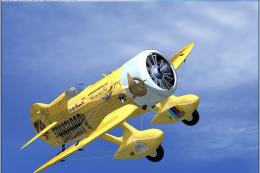
Gee Bee Model Z Supersports. Winner of the 1931 Thompson Trophy Dash, the Mod…
 FSX Historic & Vintage Aircraft
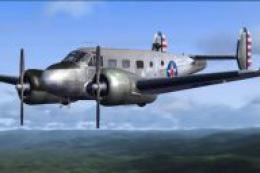
These two files are for the Beechcraft D18S for FS2004 by Milton Shupe, Scott…
 FSX Historic & Vintage Aircraft
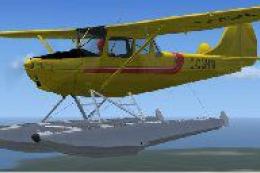
Cessna L-19D (O-1) model 305C Bird Dog; wheels, floats and skis version, both…
 FSX Historic & Vintage Aircraft
Paintshop Pro paintkit for FSX SP2/A Martin B-26 B/C Marauder bomber by W. E.…
 FSX Historic & Vintage Aircraft
Now version 3.14 (V3.1406). This package includes the latest Douglas C-47 Sky…
Be the first to leave a comment on this download.
Be the first to share your thoughts on this download.