

 FSX Historic & Vintage Aircraft
Short Empire Flying Boat
These famous aircraft formed the backbone of the Imperial Airways, it's suces…
Short Empire flying boat package brings Imperial Airways-era C-class operations to Microsoft Flight Simulator X with three variants and six historically themed liveries spanning Imperial Airways, BOAC, Qantas Empire Airways, and TEAL. Version 3 uses a native FSX model, a more accurate virtual cockpit and panel, refined wartime camouflage, and improved flight dynamics for smoother water takeoffs.
 Rate
Rate
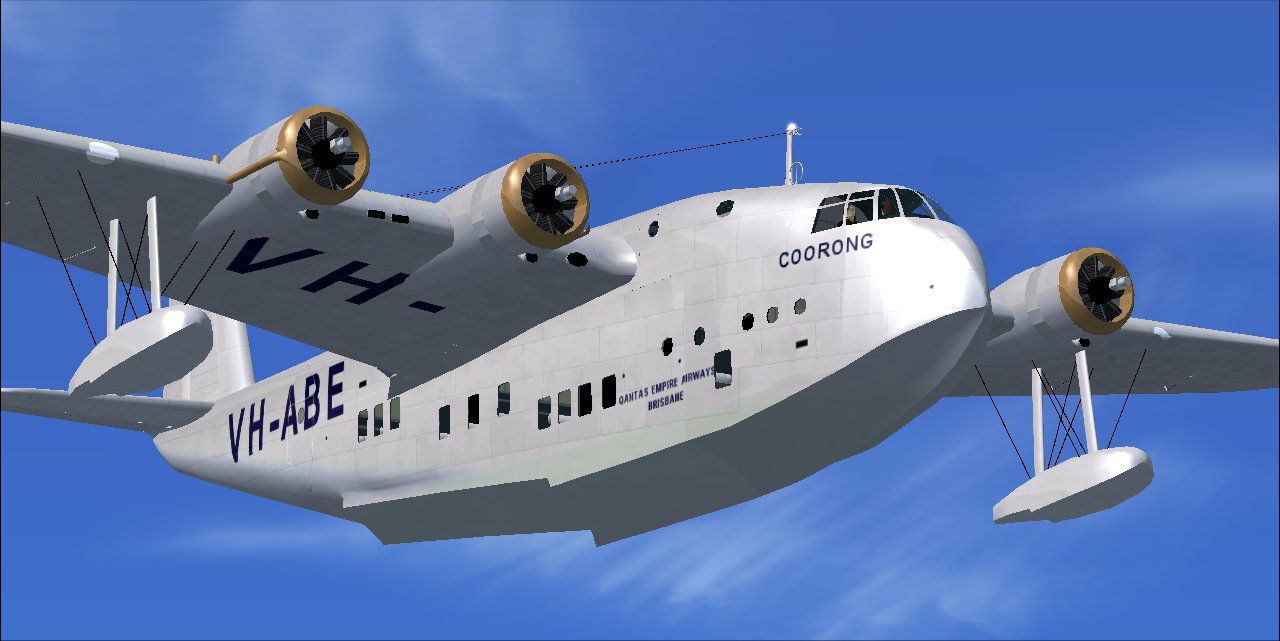
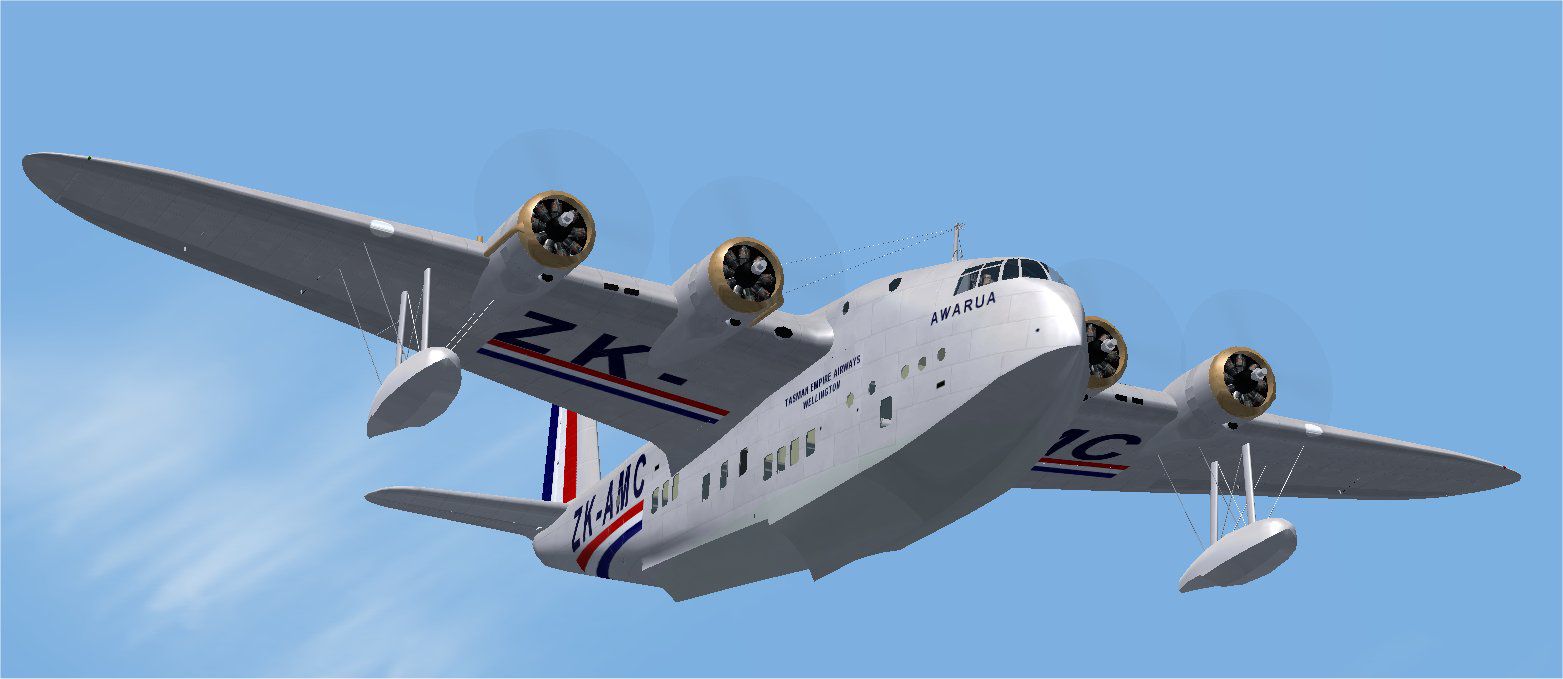

Short Empire flying boat, v3.0. These famous aircraft formed the backbone of the Imperial Airways, its successor BOAC, and its partners Qantas Empire Airways and TEAL from the mid 1930s and through World War Two. Three variants in six color schemes included. Version 3 model in the native FSX format, with more accurate cockpit. By Jens B. Kristensen.
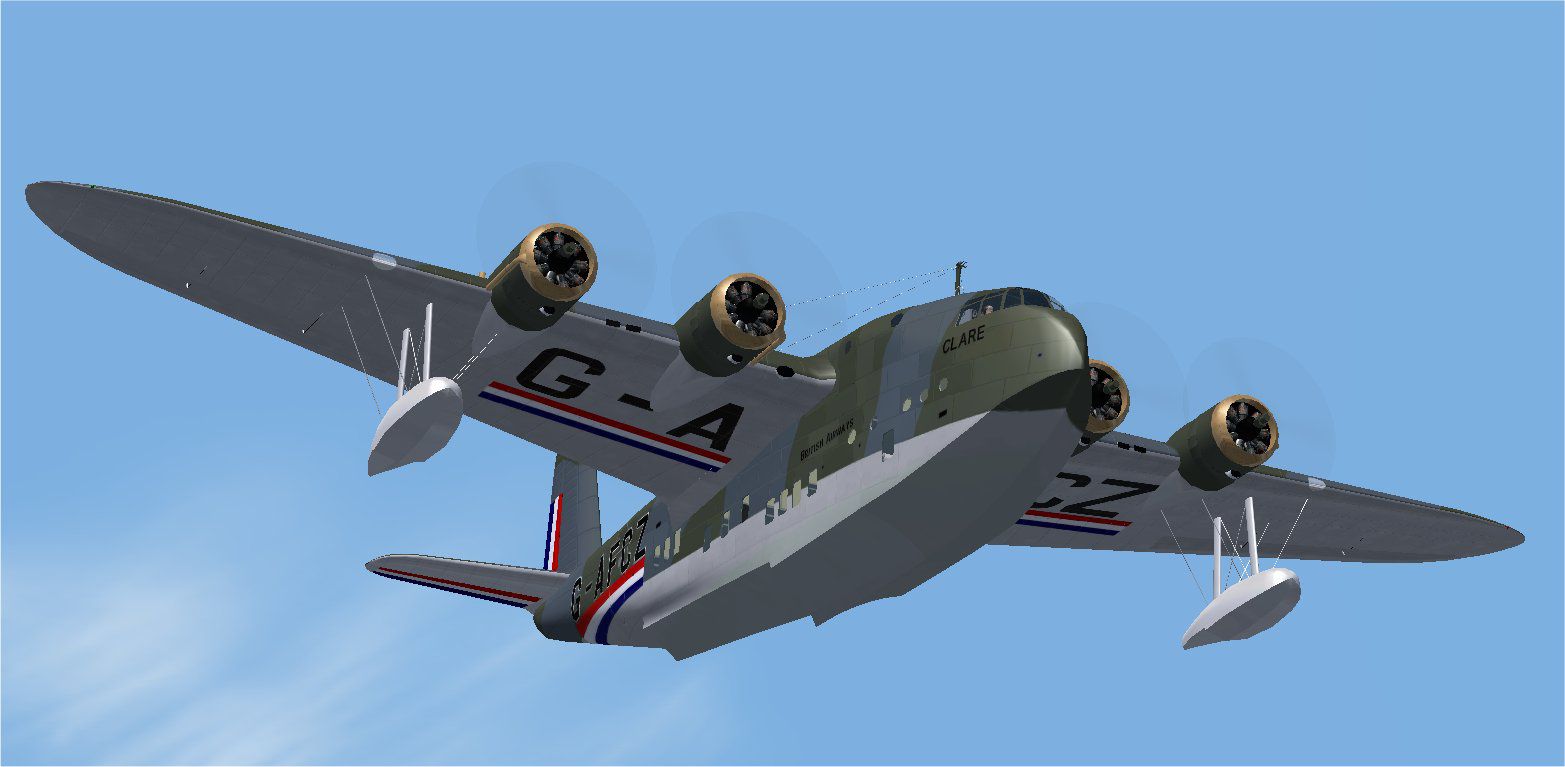
Screenshot of Short Empire 'Clare' in flight.
Version 3.0 february 2011, by Jens B. Kristensen. This is a model in the native FSX format, an FS2004 version is available separately.
These famous aircraft formed the backbone of the British national airline, Imperial Airways, it's sucessor B.O.A.C. and its partners Qantas Empire Airways and TEAL from the mid ‘thirties and through World War Two. The aircraft that survived the war were replaced by more modern aircraft in 1946-47. The C-class also served as the basis of a famous, military flying boat, the Short Sunderland.
For more details and flying instructions see the pdf document installed in the JBK Short S23\Manual folder.
This package includes three variant in six colour schemes:
Normal, short-range S.23:
Imperial Airways 'Canopus', Qantas 'Coorong'.
Medium-range S.30 and S.33:
TEAL 'Awarua', BOAC 'Cleopatra'.
Extended-range S.30:
Imperial Airways 'Cabot', and BOAC 'Clare' in war-time camouflage.
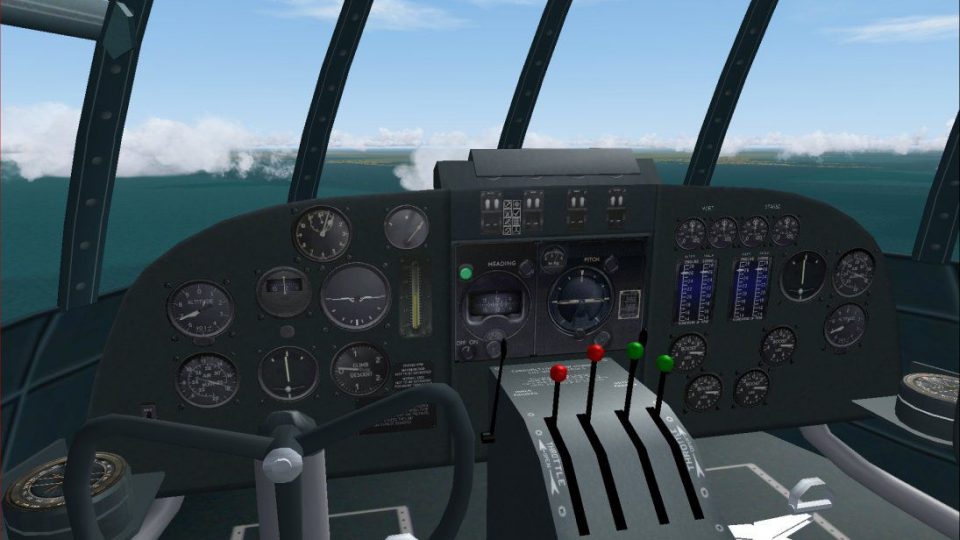
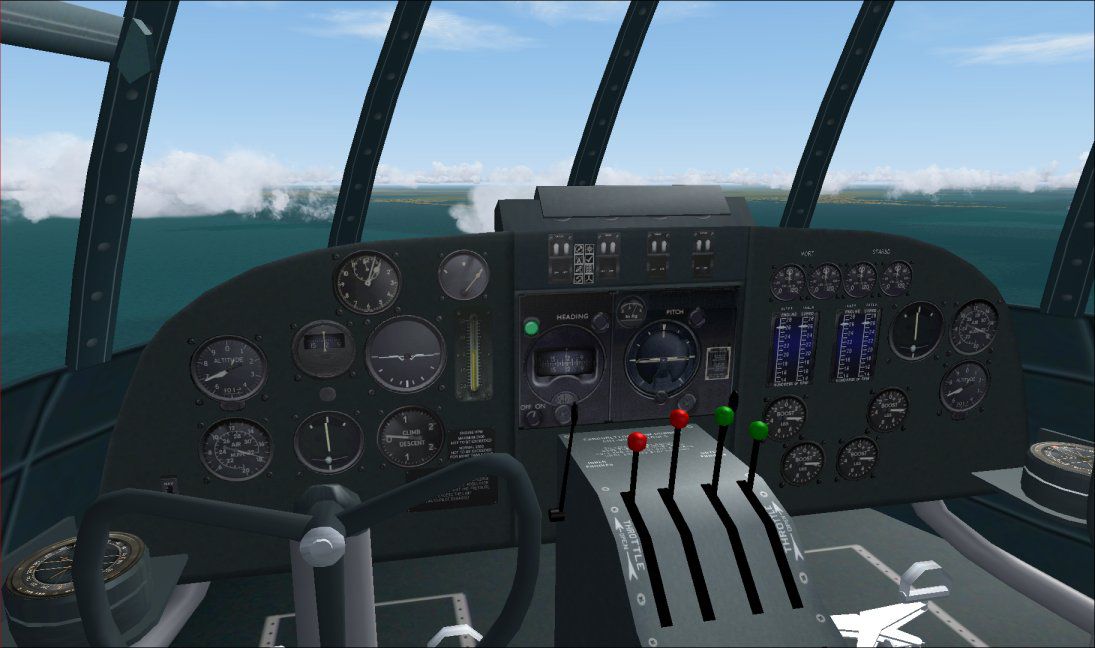
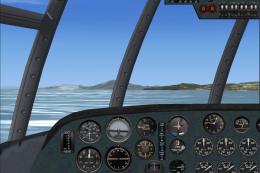
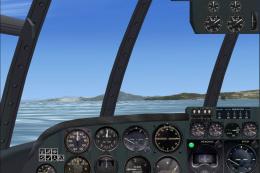
New in this version: the panel and virtual cockpit are more accurate, and the virtual cocpit has more detail. There are now sepapate downloads for FSX and FS2004. The camouflage textures for 'Clare' are more accurate.
This FSX version is in the 'native' FSX model format.
The Flight Dynamics have been improved, it is no longer necessary to trim the aircraft for takeoff!
Installation:
Just run the included setup program.
Sounds:
The stock Douglas DC-3 sounds are used. Replace with more interesting propliner sounds if you wish.
The gauges are to a large extent default gauges of Flight Simulator 2004, a few of them modified for four engines. Magneto switches, starter buttons, prop feathering buttons and engine gauges are based on public domain gauges by Mike (MoparMike) Wagner, converted to XML by Jens B. Kristensen.
This plane was originally made in may 2004 with FSDS 2.24, this new version with FSDS 3.5.1; textures with Paint Shop Pro and DxtBmp, panel with FS Panel Studio.
It is freeware and must stay that way.
Good luck flying the Short Empire!
Jens B. Kristensen
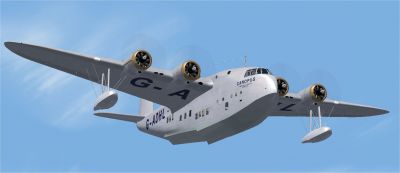
Screenshot of Short Empire 'Canopus' in flight.
Free for all simmers · 11.23 MB · Scanned clean Oct 2026
Download speed: Free tier is capped at 0.5 Mbps (this file takes approximately 3 mins at the cap). PRO members download at full line speed.
SimObjects\Airplanes\, Addon Scenery\, Effects\, or Gauges\.readme.txt or README file. It tells you exactly where files go, what dependencies are needed, and any quirks specific to this add-on.The archive empire_v30x.zip has 14 files and directories contained within it.
This list displays the first 500 files in the package. If the package has more, you will need to download it to view them.
| Filename/Directory | File Date | File Size |
|---|---|---|
| thumbnail.gif | 05.15.04 | 8.04 kB |
| Awarua.jpg | 02.01.11 | 86.69 kB |
| Canopus.jpg | 02.01.11 | 81.09 kB |
| Clare.jpg | 02.01.11 | 90.12 kB |
| cockpit.jpg | 02.01.11 | 97.31 kB |
| Coorong.jpg | 02.10.07 | 88.24 kB |
| FileID.diz | 03.19.11 | 402 B |
| FileID.txt | 03.19.11 | 402 B |
| FSX Short C-class flights.zip | 02.11.07 | 91.87 kB |
| Licence.rtf | 12.16.10 | 36.94 kB |
| Readme.txt | 03.19.11 | 2.18 kB |
| setup.exe | 03.19.11 | 11.01 MB |
| flyawaysimulation.txt | 10.29.13 | 959 B |
| Go to Fly Away Simulation.url | 01.22.16 | 52 B |
Only PRO members can place votes.
More FSX & P3D add-ons hand-picked based on this download.
FSX Historic & Vintage Aircraft
These famous aircraft formed the backbone of the Imperial Airways, it's suces…
 FSX Historic & Vintage Aircraft
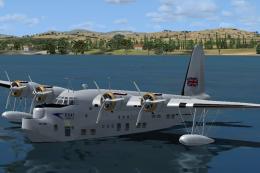
The Solent was a large and powerful flying boat airliner of 1946 built for BO…
 FSX Historic & Vintage Aircraft
The Short S.25V Sandringham is a freeware add-on that recreates a commercial …
 FSX Historic & Vintage Aircraft
The Short Hythe was a civil conversion of the Short Sunderland III patrol fly…
 FSX Historic & Vintage Aircraft
Now version 3.14 (V3.1406). This package includes the latest Douglas C-47 Sky…
 FSX Historic & Vintage Aircraft
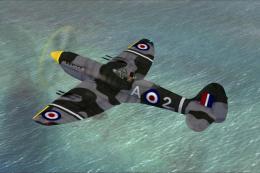
This is A.F. Scrub's Submarine MK-22 Spitfire Updated For Flight Simulator X.…
 FSX Historic & Vintage Aircraft
Note this aircraft originally was made by Gary Herbert due to the fact that h…
 FSX Historic & Vintage Aircraft
An FSX-native Boeing-Stearman Model 75 freeware aircraft add-on with a range …
Read what other simmers think, or add your own.

I had no trouble doing the installation on FSX. Just look for the setup.exe file. Great model.

Having downloaded the Short Empire for FSX and pasted it into my fsx files I am sadly limited to admiring the pictures as it will not go into FSX.