

FSX North American P-51D Mustang V1.1
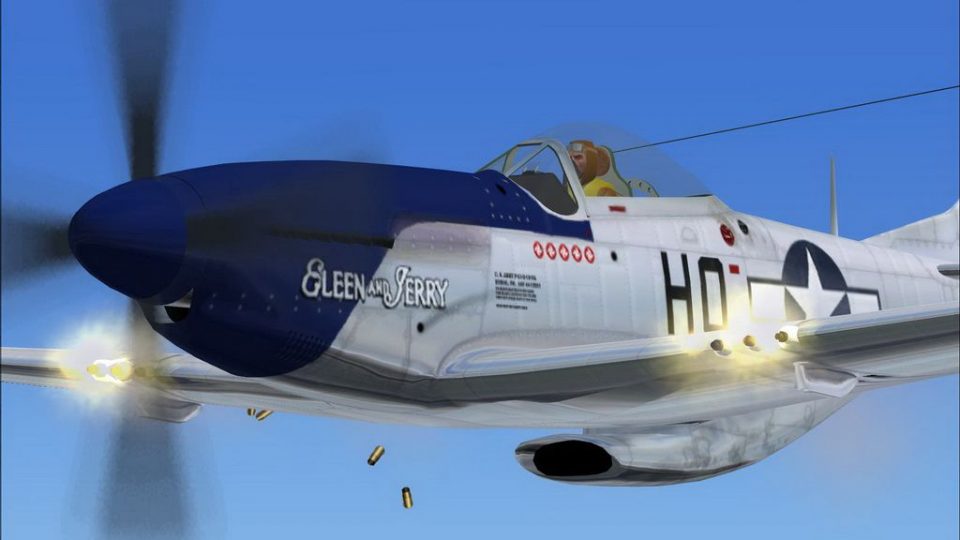
North American P-51D Mustang v1.1 brings the classic Alphasim warbird to FSX with refreshed 2D panels and a fully compatible virtual cockpit, plus firing gun smoke effects and a 3D landing light. Enjoy smooth external and cockpit animations, interactive levers and controls, five additional textures, and lightweight Merlin audio tuned for performance.
 Rate
Rate
Images & Screenshots
1 total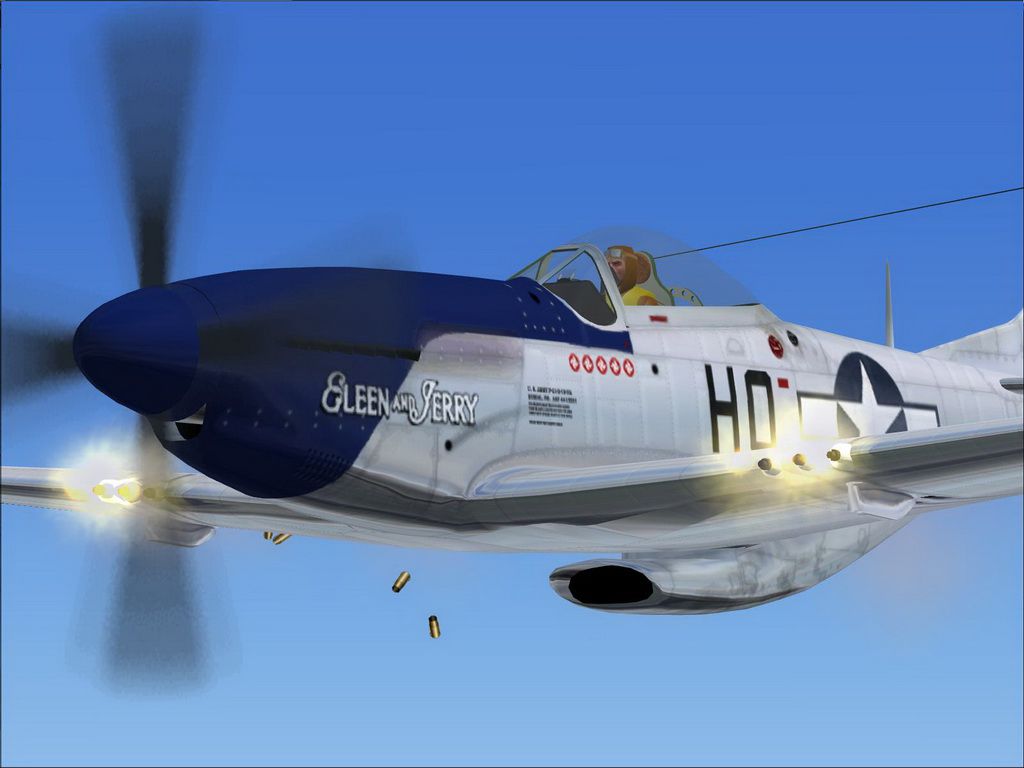
North American P-51D Mustang v1.1. The freeware Alphasim P-51 Mustang upgraded for FSX. The author has upgraded the 2D and VC cockpits to work in FSX, added firing gun effects and 3D landing light effect. Version 1.1 includes minor updates and five new textures. By Steve Hess.
Screenshot of North American P-51D Mustang firing guns.
Added Features for FSX:
1. Gun effect Smoke Effect Key - i
2. 3D landing light (ctrl + L)
FEATURES:
1) External Animations.
Canopy : shift-e
Radiator flap - ctrl-shift C and ctrl-shift-V to open/close in incremements.
2) Internal Animations.
In the v-c view, you can click and drag the following levers -
Throttle / mixture / prop pitch (all on throttle quadrant, upper right).
Parking brake (red T-bar at base of panel).
Radiator flap (red knob at your feet).
Undercarriage raise/lower, flaps extend/retract (left side console).
SOUNDS:
The 'Lite' Merlin sounds provided are a very FPS-friendly set of sounds which provide a highly authentic representation of the Merlin engine. In order to be easy on the FPS, the startup and shutdown sounds were omitted.
AlphaSim
Ready to download North American P-51D Mustang V1.1?
Free for all simmers · 18.56 MB · Scanned clean Sep 2026
File information
Download speed: Free tier is capped at 0.5 Mbps (this file takes approximately 5 mins at the cap). PRO members download at full line speed.
How to install this mod
FSX / P3D
Complete with Base Model
How to install this mod
-
Extract the downloaded archive
Use 7-Zip (free) or WinRAR to extract the ZIP to a temporary folder. Don't install while still zipped — the simulator can't read inside ZIP files. -
Place files per the readme
Most FSX add-ons go into one of:SimObjects\Airplanes\,Addon Scenery\,Effects\, orGauges\. -
Always read the included readme
Every mod ships with areadme.txtorREADMEfile. It tells you exactly where files go, what dependencies are needed, and any quirks specific to this add-on.
What’s inside this archive
The archive fsx_p-51d_ver_1_1.zip has 9 files and directories contained within it.
File Contents
This list displays the first 500 files in the package. If the package has more, you will need to download it to view them.
| Filename/Directory | File Date | File Size |
|---|---|---|
| Archive created by free jZip.url | 01.04.11 | 58 B |
| Readme.txt | 06.14.08 | 1.15 kB |
| EULA.txt | 05.13.11 | 712 B |
| FSX Readme.txt | 05.13.11 | 1.11 kB |
| orgReadme.txt | 10.22.04 | 1.33 kB |
| FSX P-51D ver 1.1.exe | 05.15.11 | 18.57 MB |
| p51 guns 2.jpg | 05.13.11 | 127.46 kB |
| flyawaysimulation.txt | 10.29.13 | 959 B |
| Go to Fly Away Simulation.url | 01.22.16 | 52 B |
Rate this add-on
PRO perkOnly PRO members can place votes.
2 comments
Read what other simmers think, or add your own.
-
I thought I was downloading the P-51D Mustang for my FSX program. The file name is
FSX P-51D version 1 1 zip, and the directions say to put it into the FS2004 version. I don't have that version—will this file still work? -
Finally, a P51 that does not pull to the left on takeoff. This beats the stock FSX P51's hands down! This has solved the "pull to the left" FSX P51's.

