

 Spain
Spain  MSFS Scenery
Grand Canyon National Park Airport (KGCN)
This mod developed by JustOkayPilot brings Grand Canyon National Park Airport…
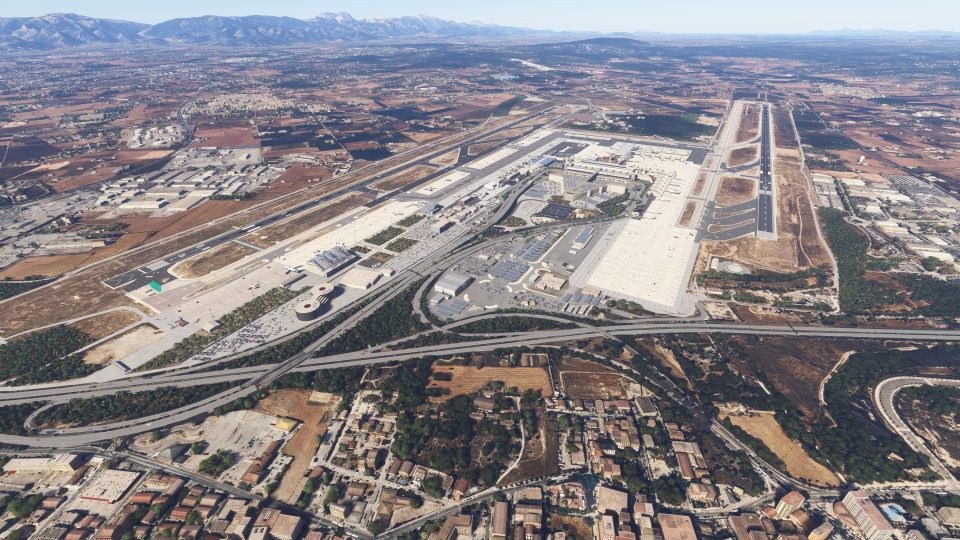
Palma de Mallorca Airport (LEPA) scenery recreates Son Sant Joan for Microsoft Flight Simulator 2020 and 2024 with custom terminals, jetways and night-lit interiors. Detailed aprons, ground markings, taxiway lighting, navigation equipment and airport buildings complement military facilities, static aircraft and selected roads and car parks, while an included GSX profile supports ground operations.
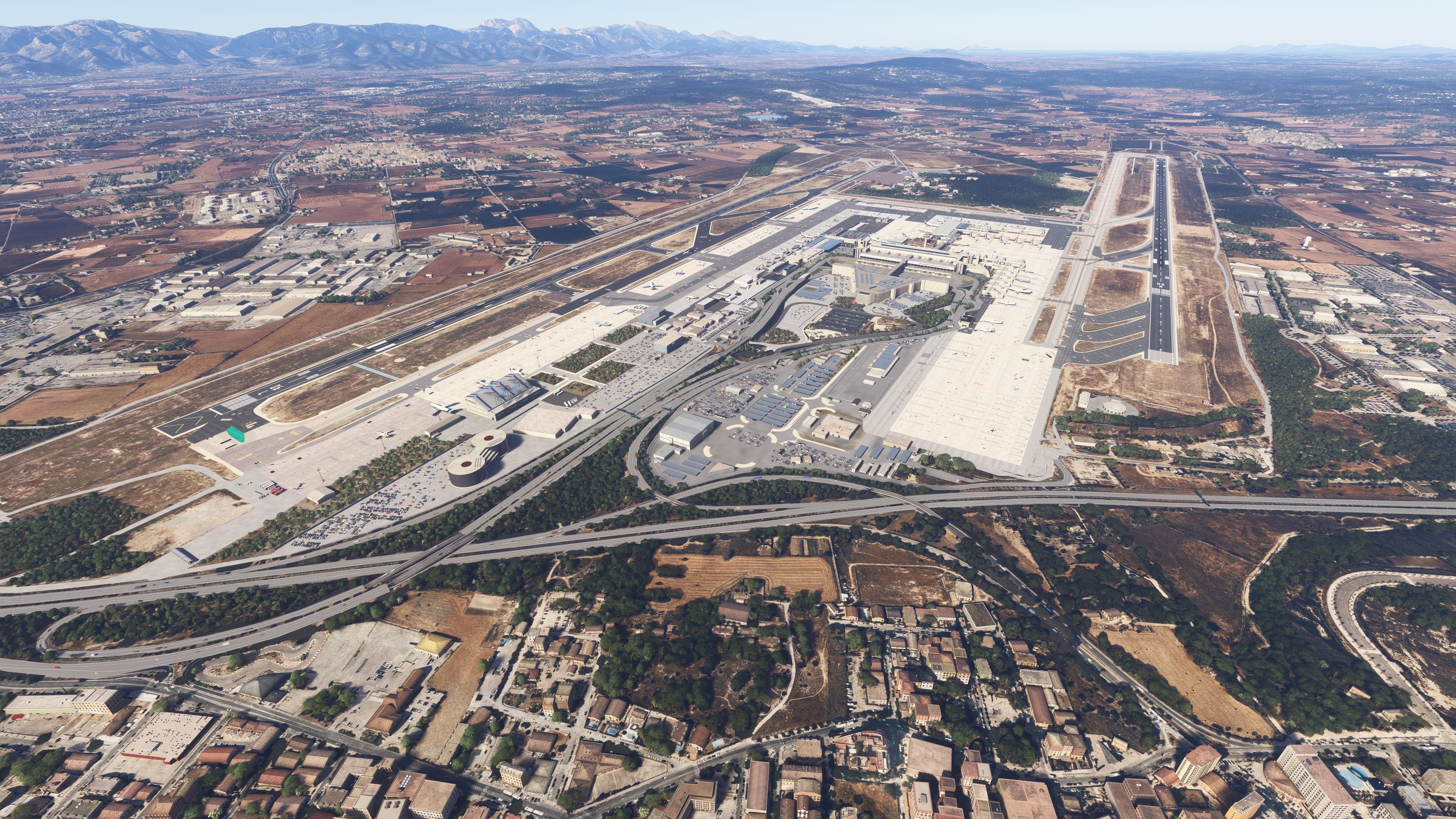
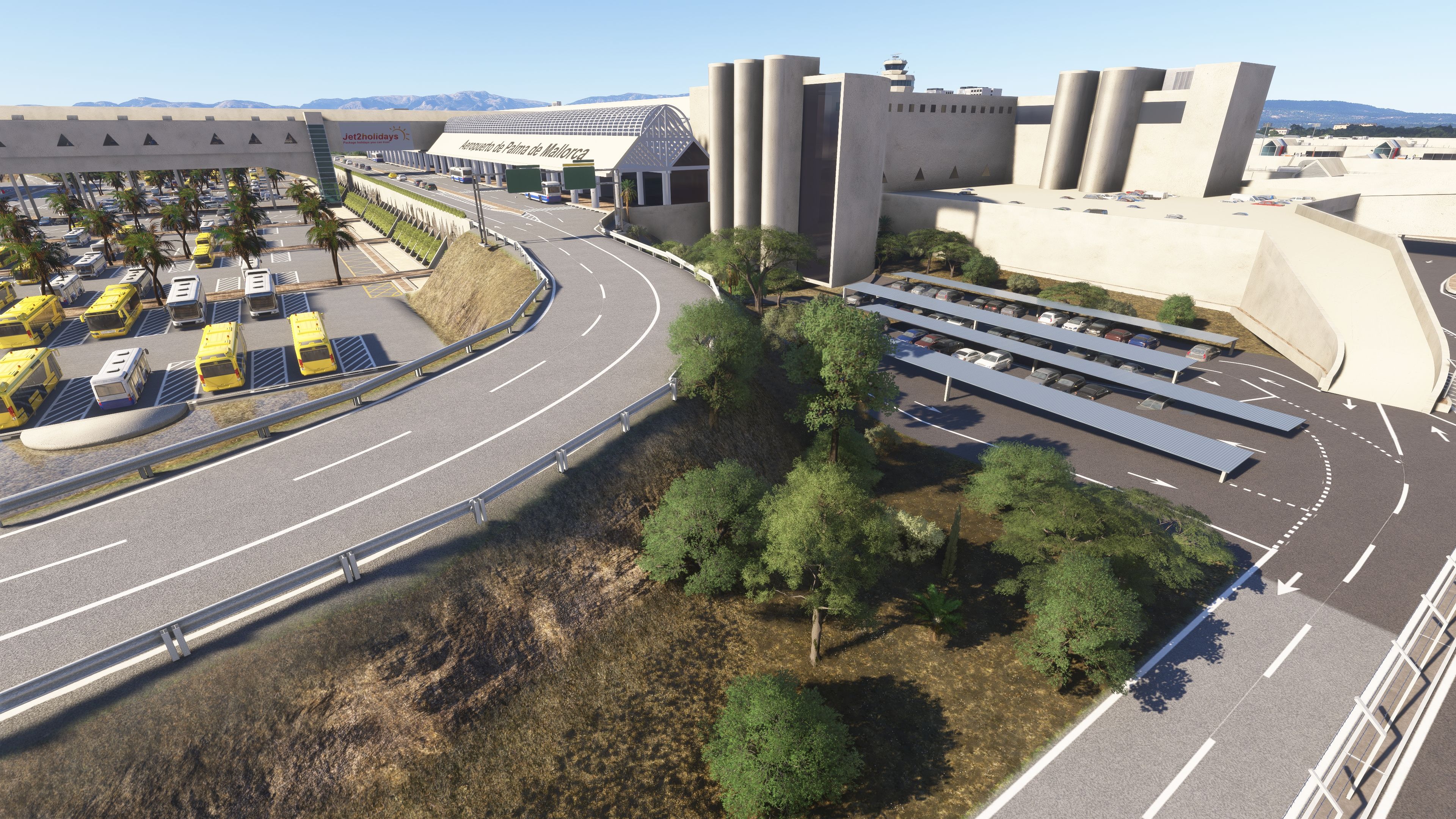
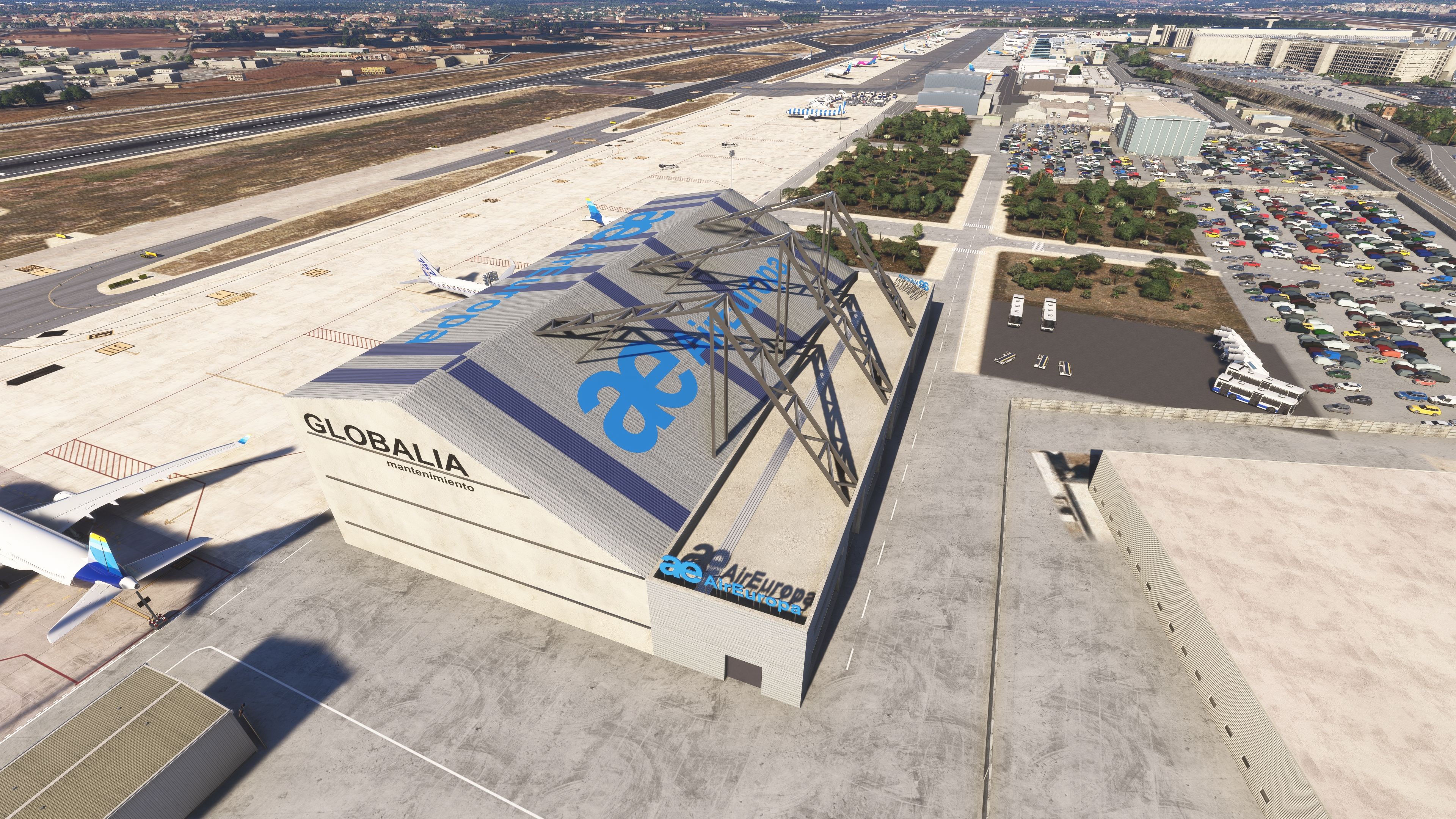
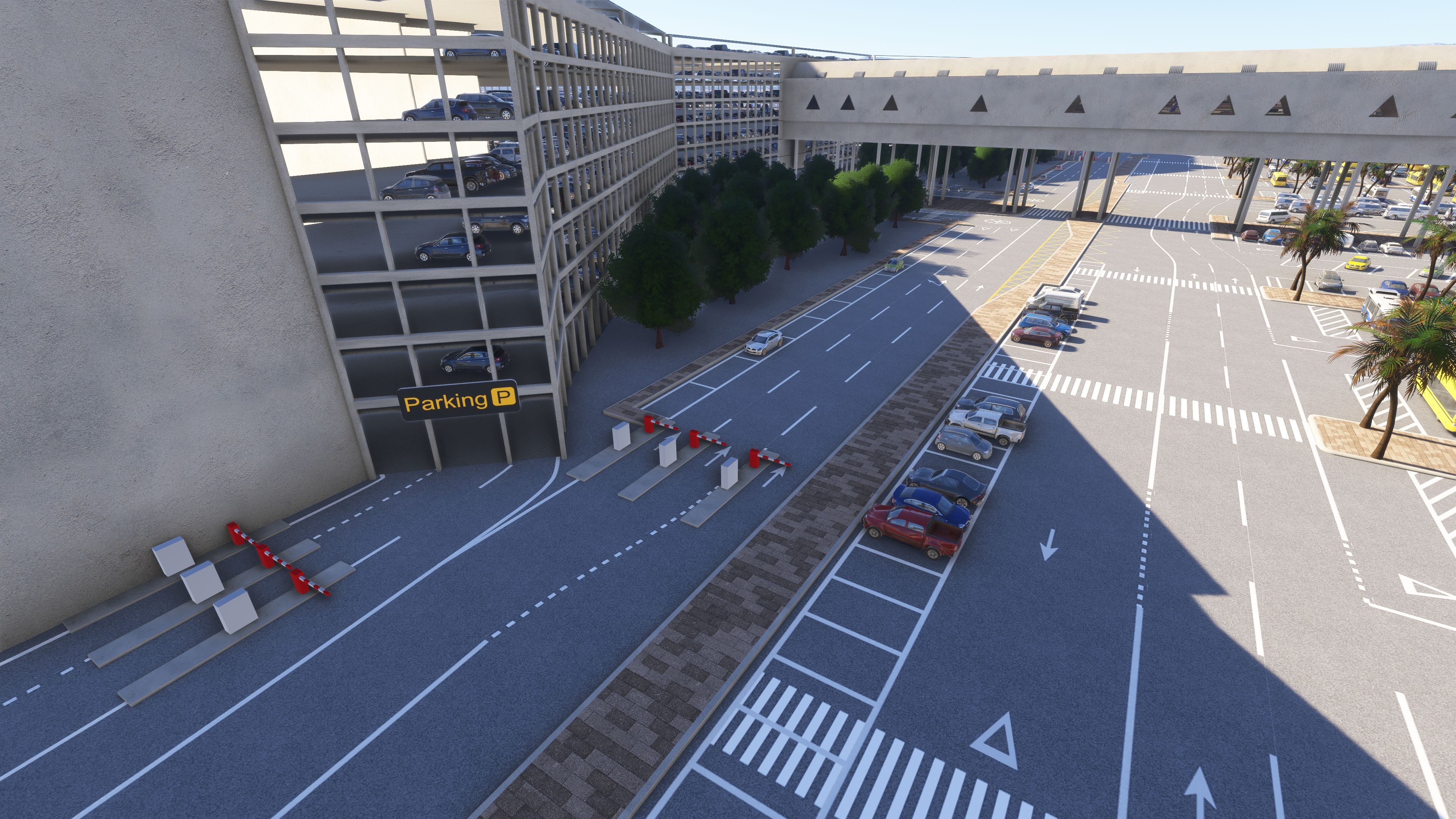
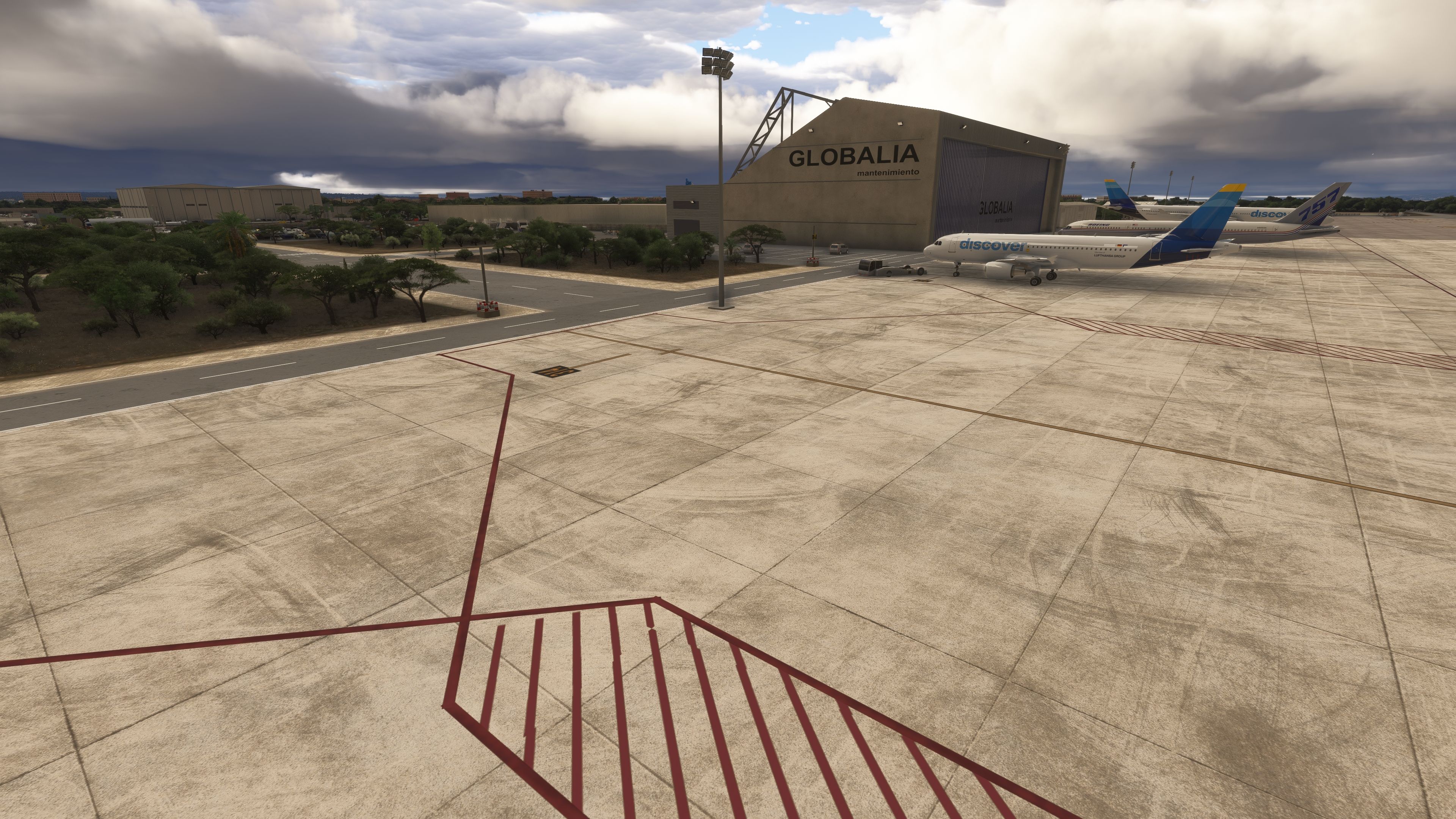
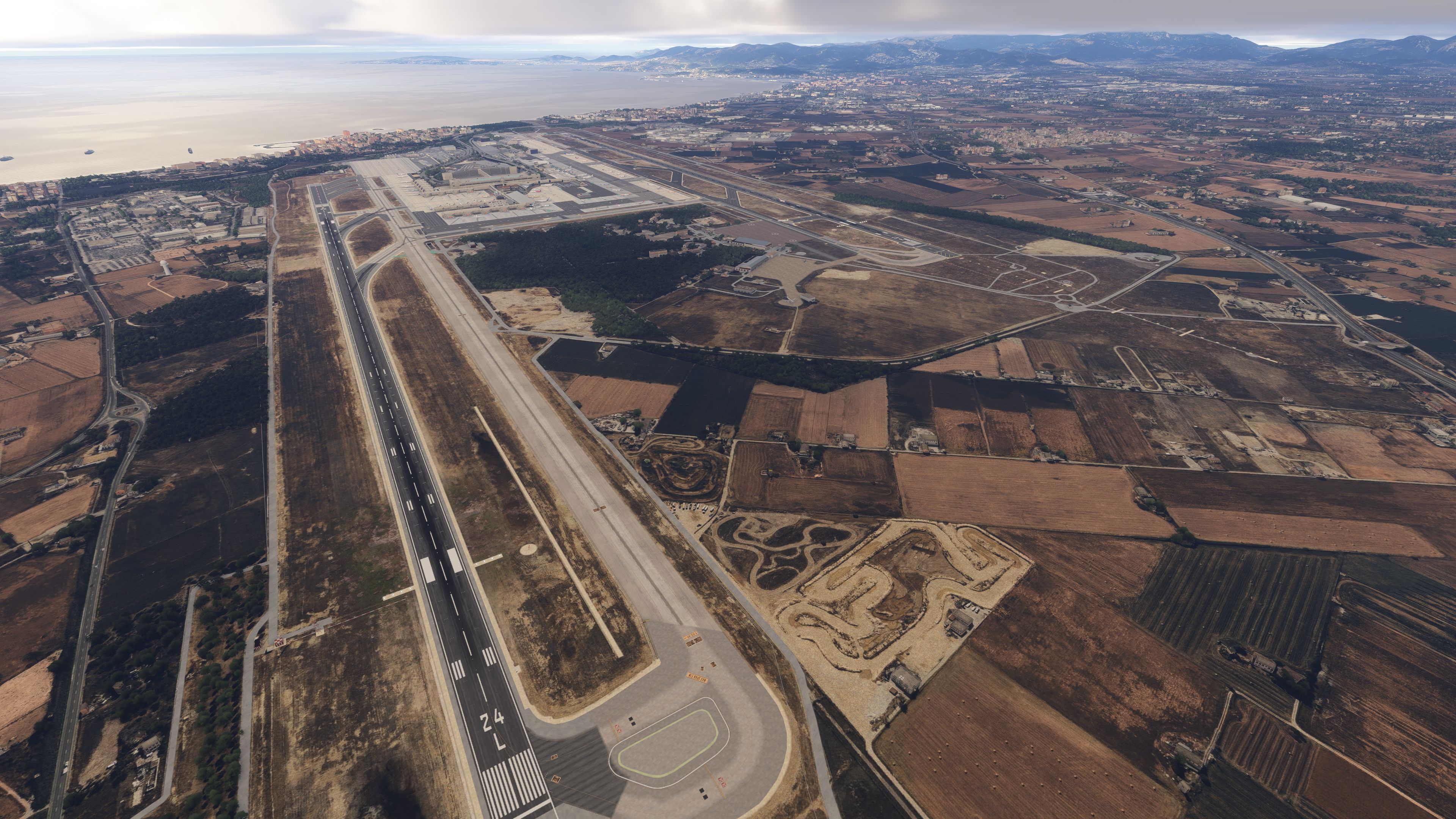
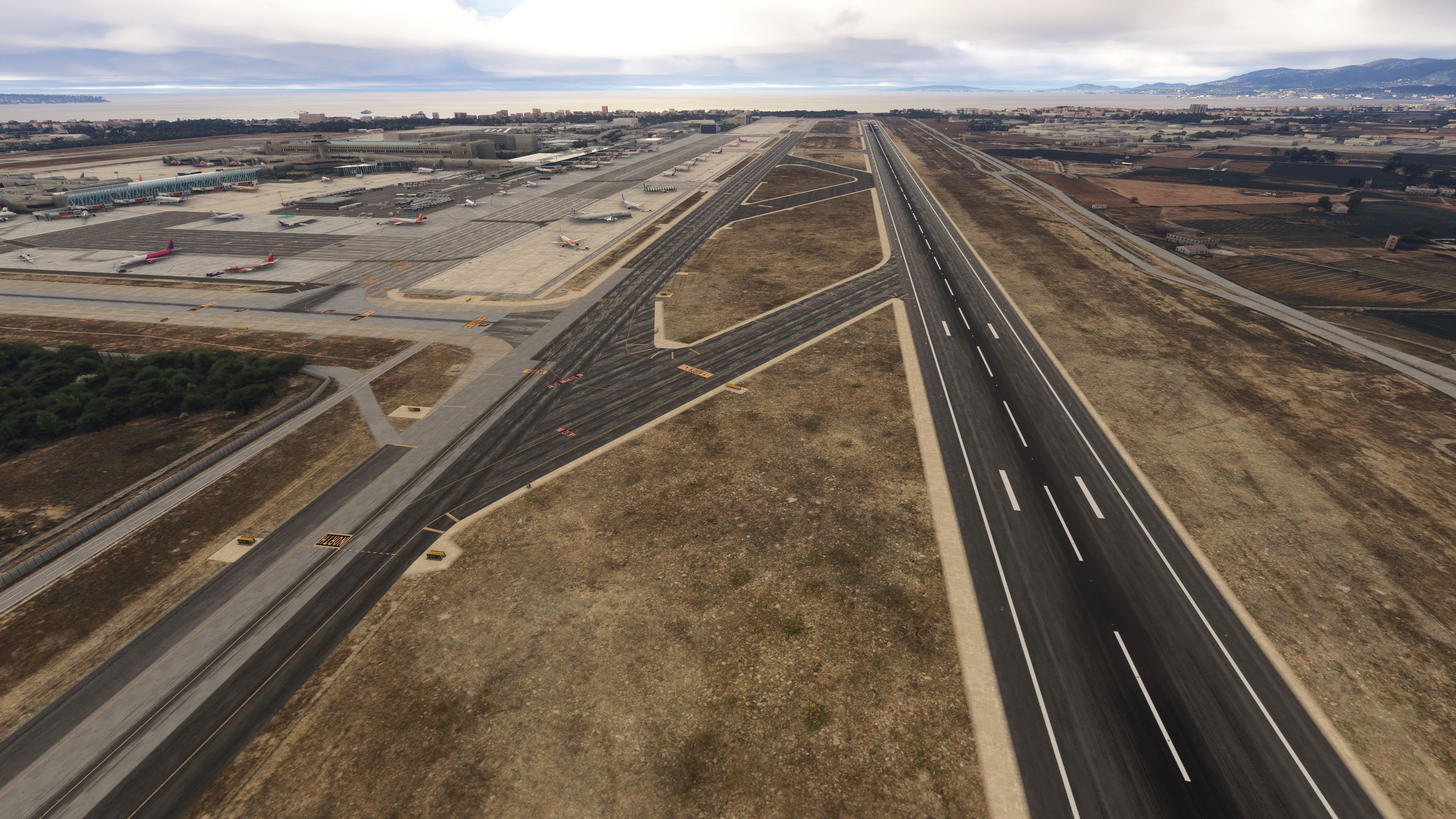
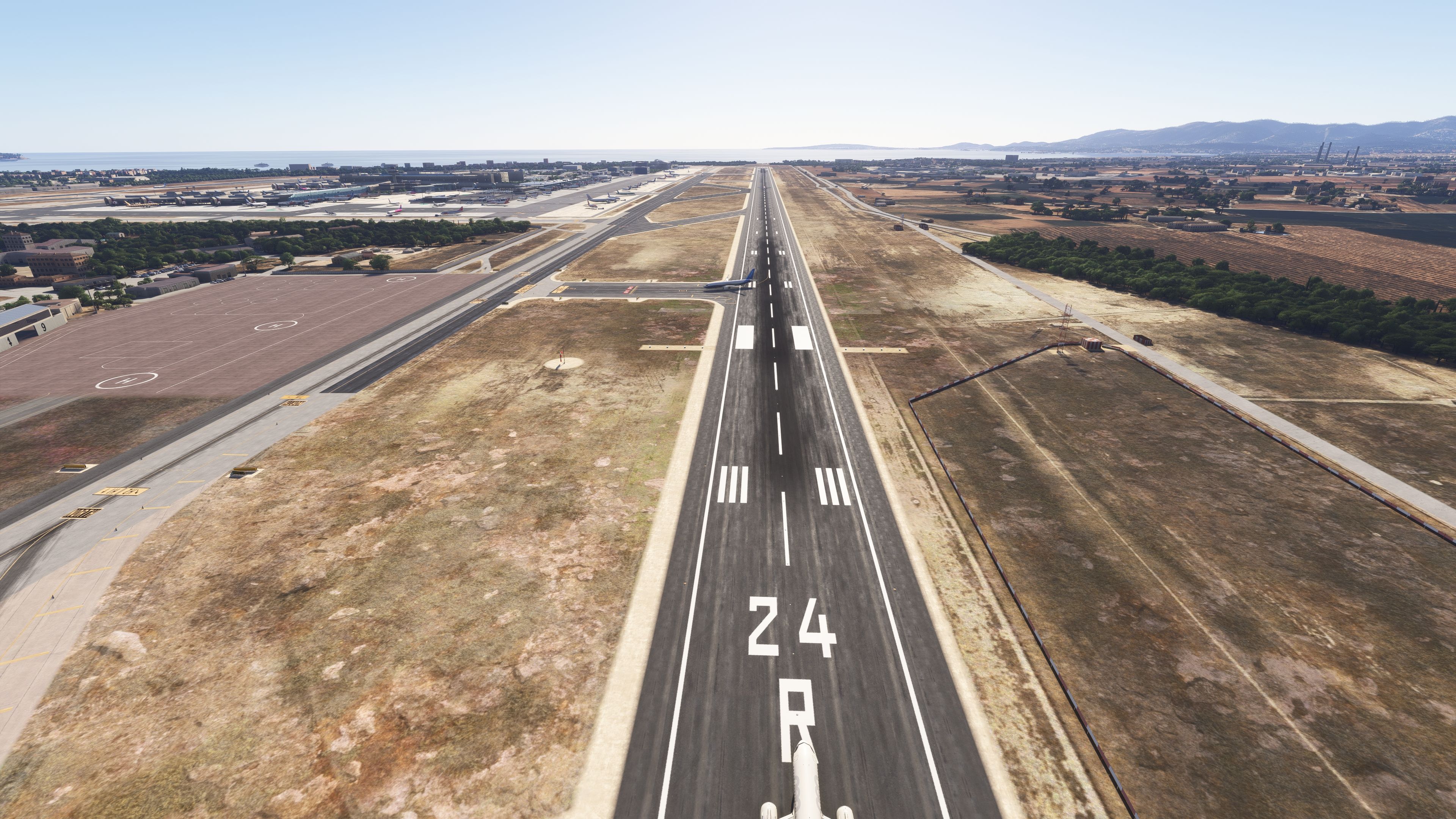
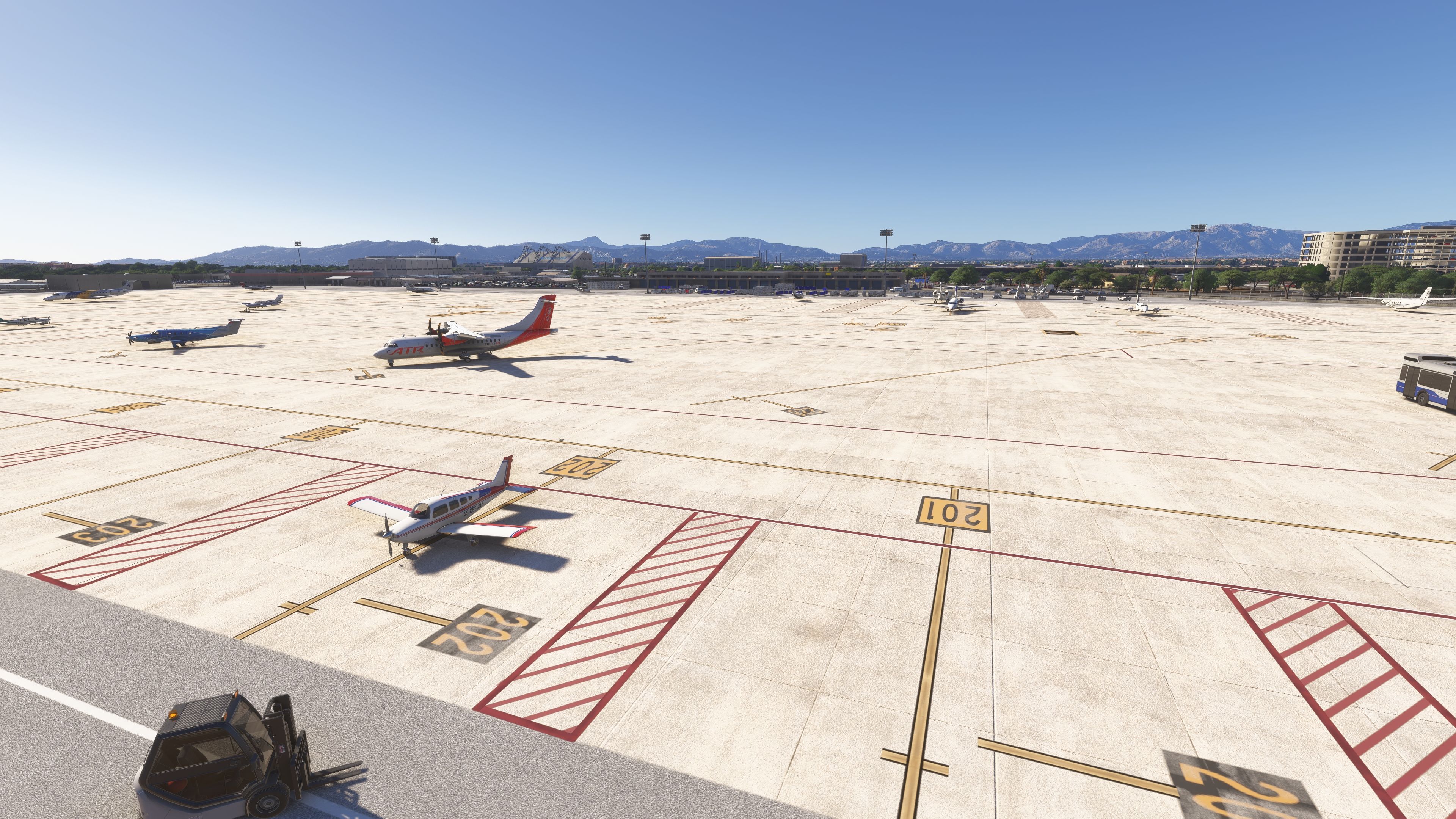
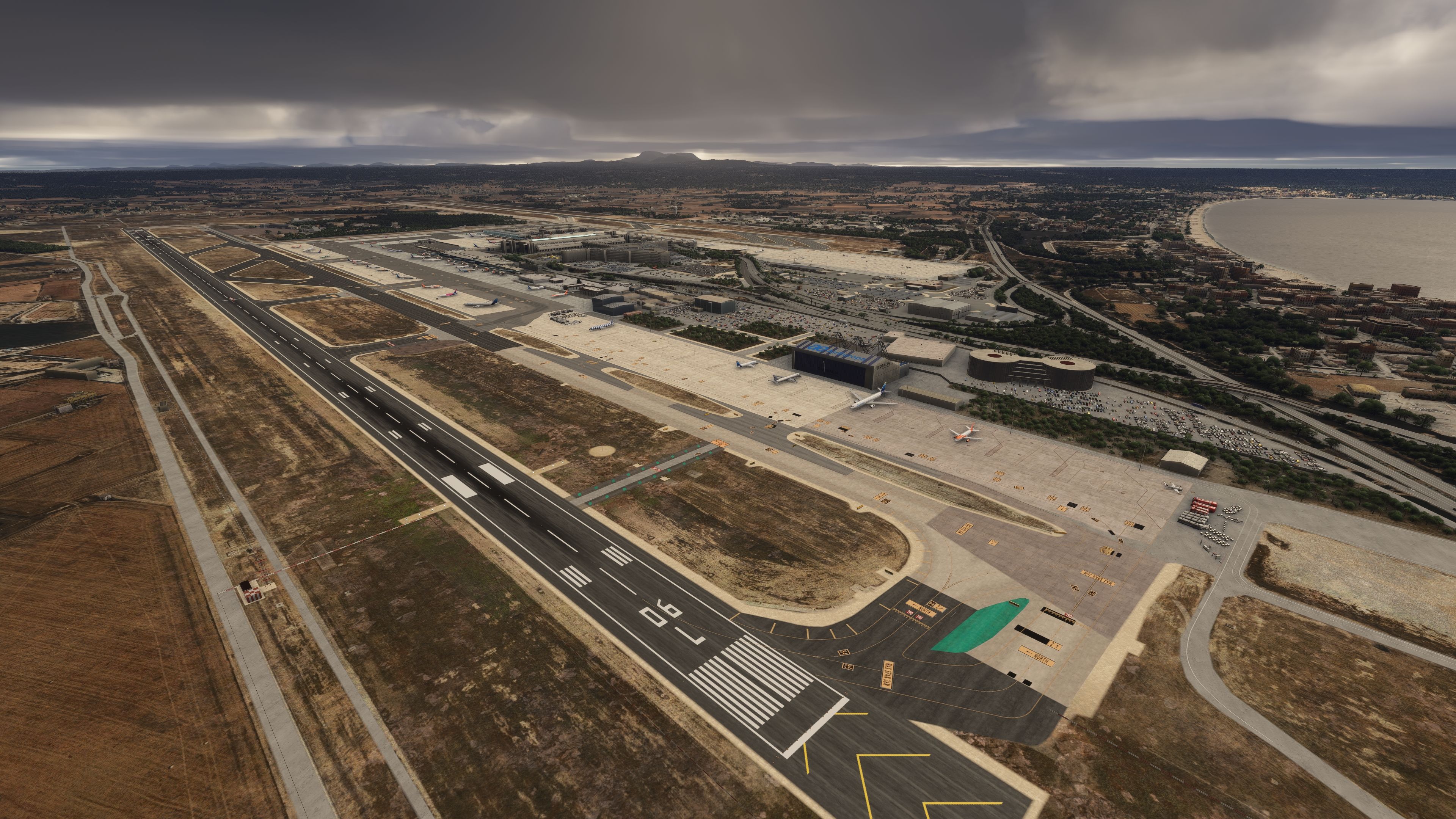
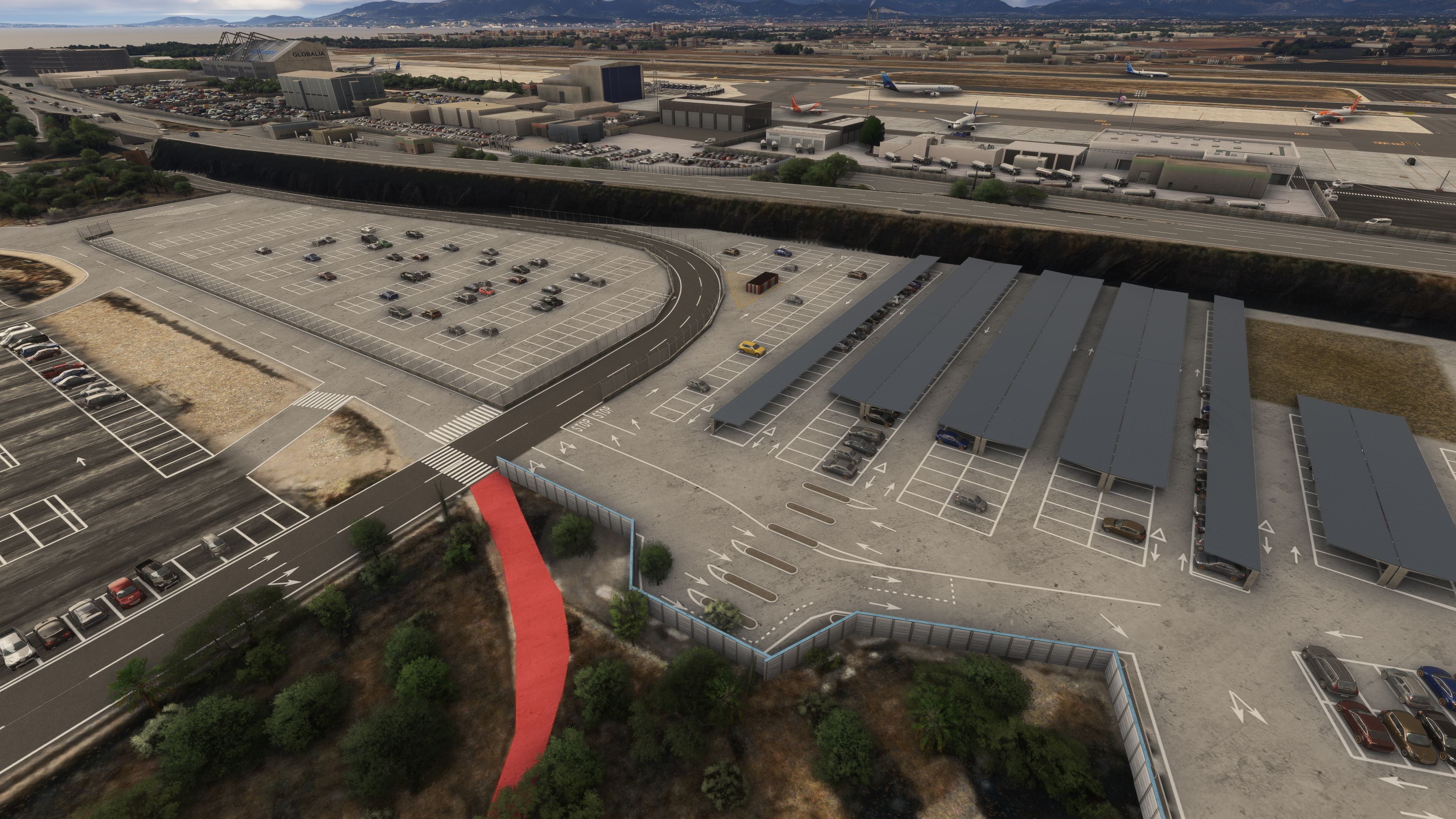
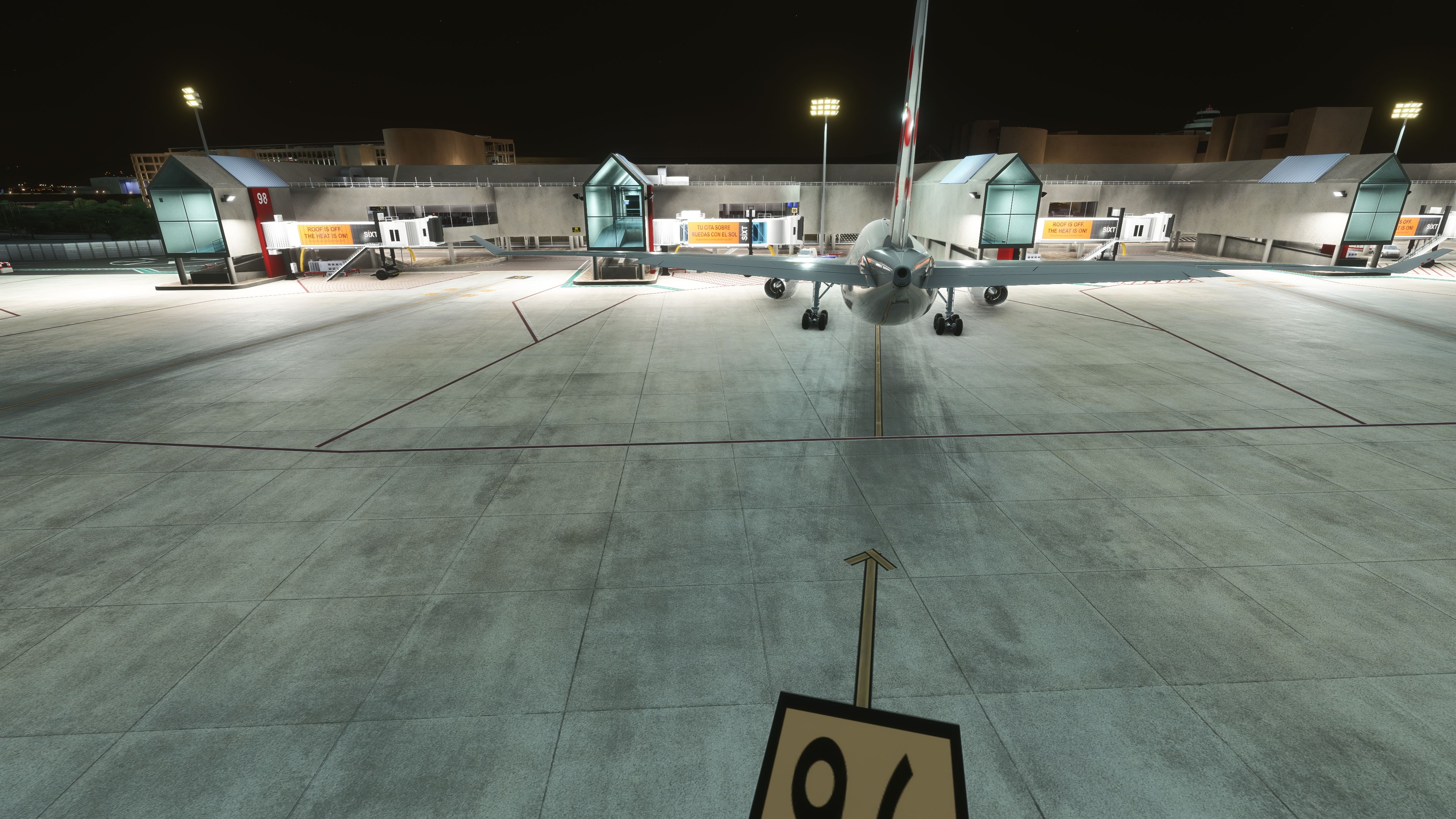
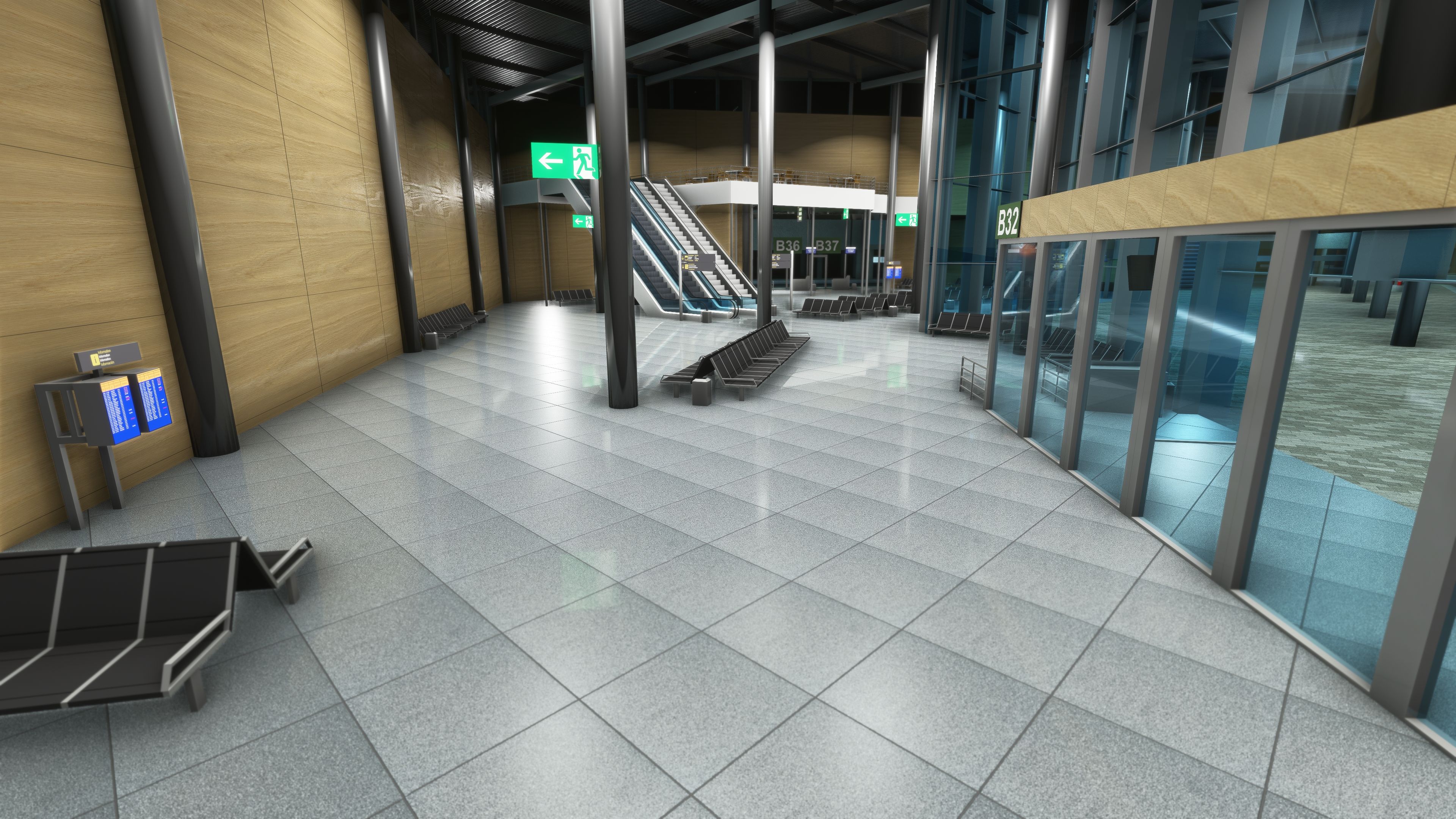
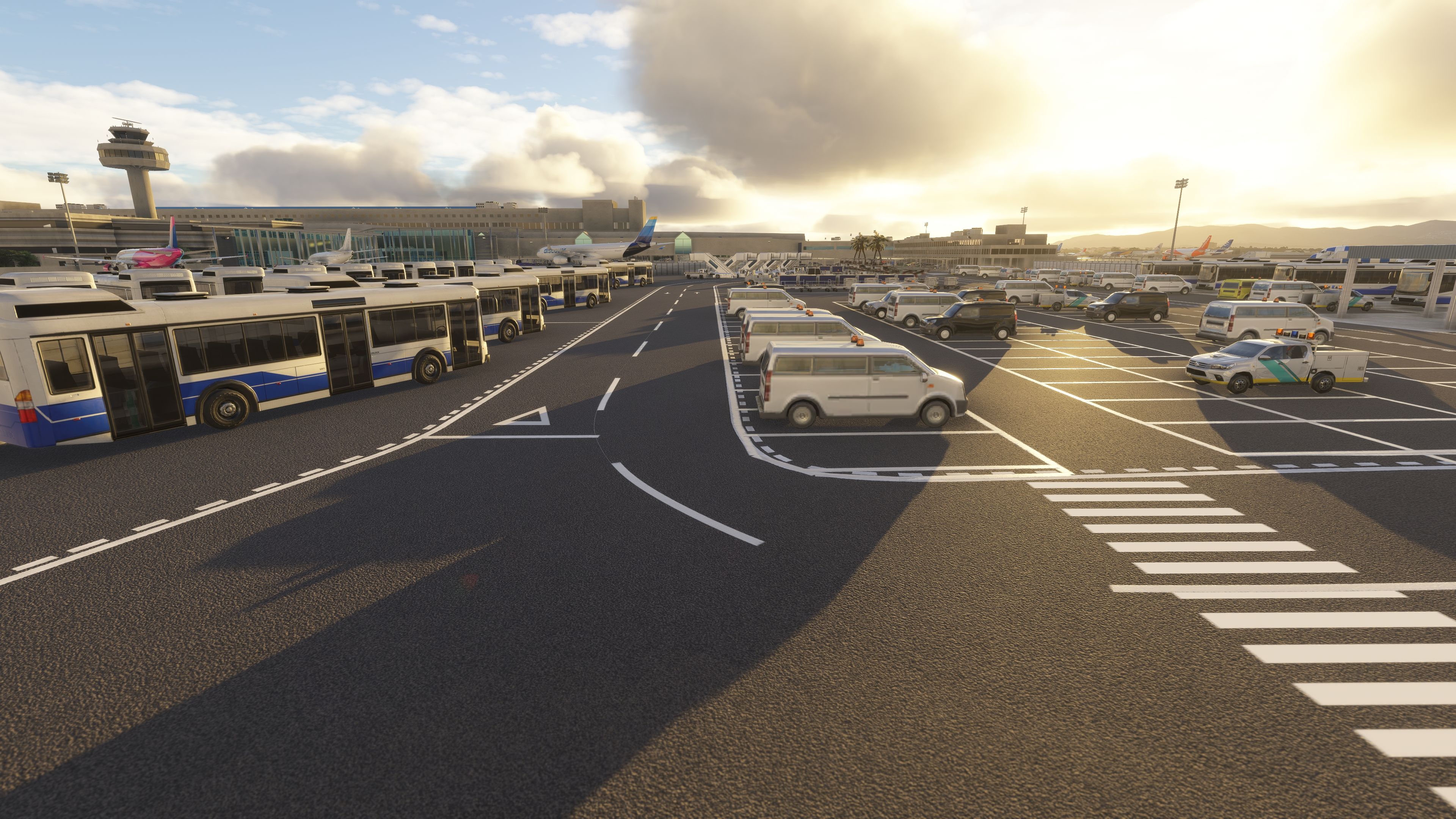
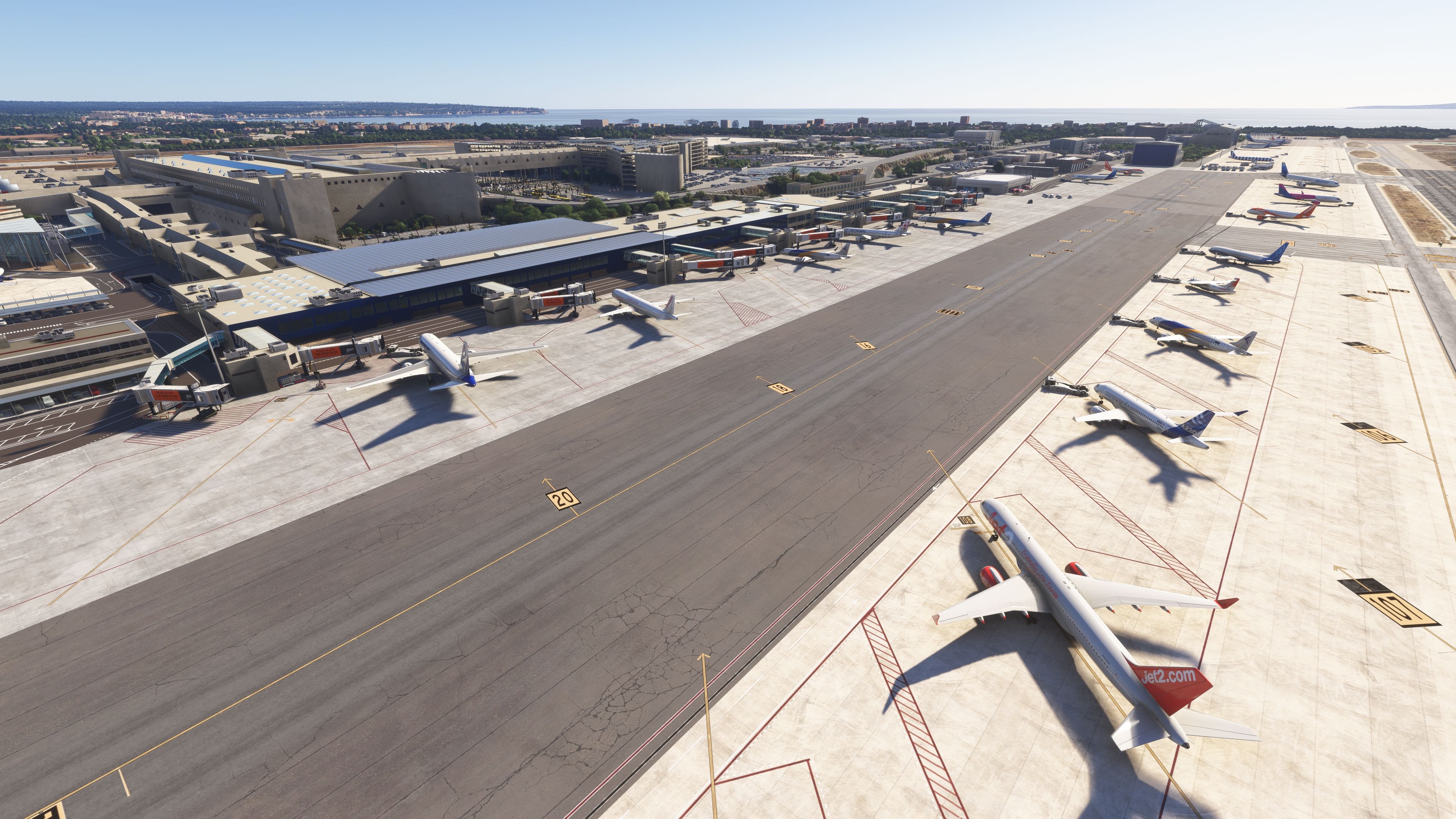
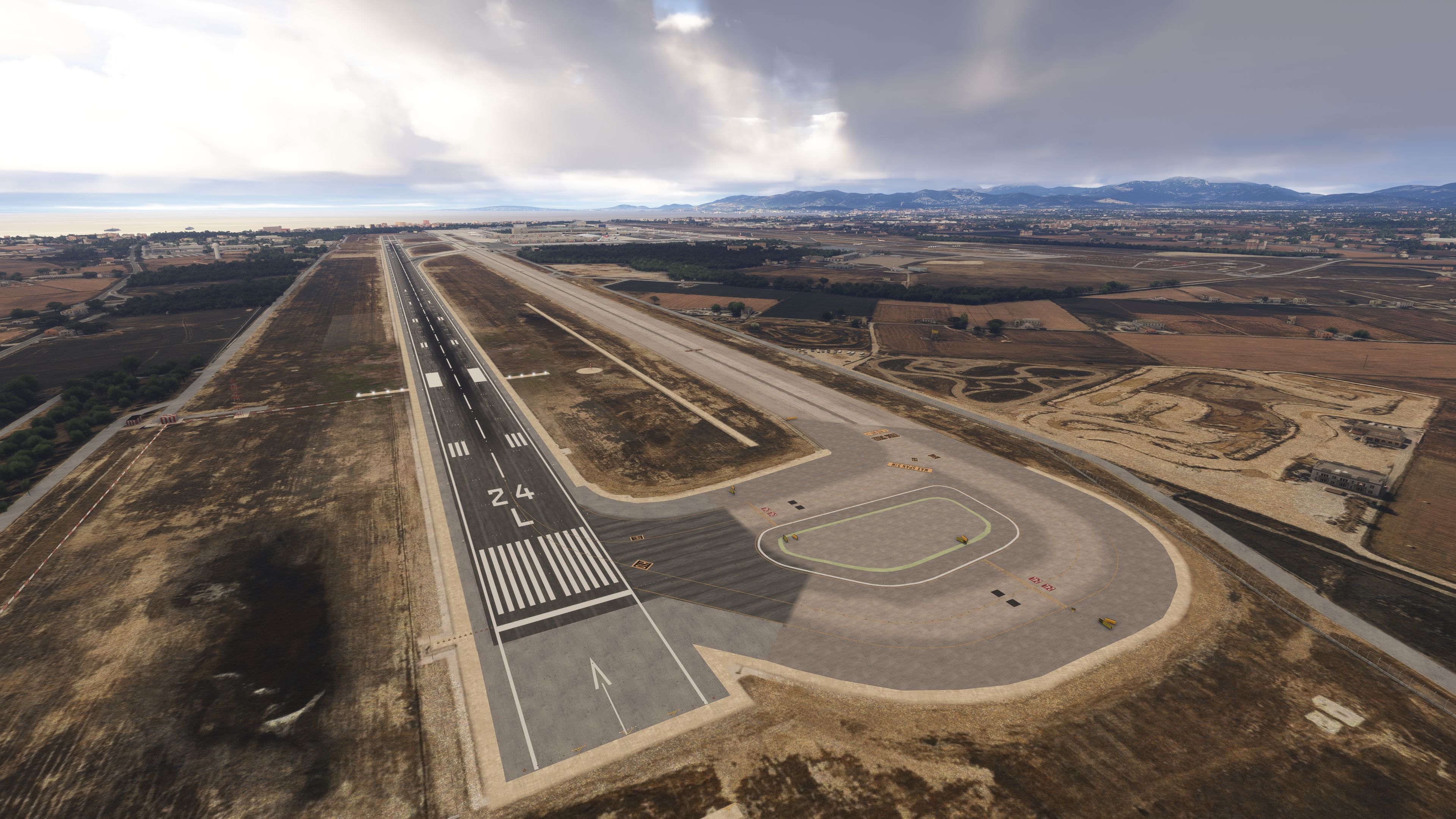
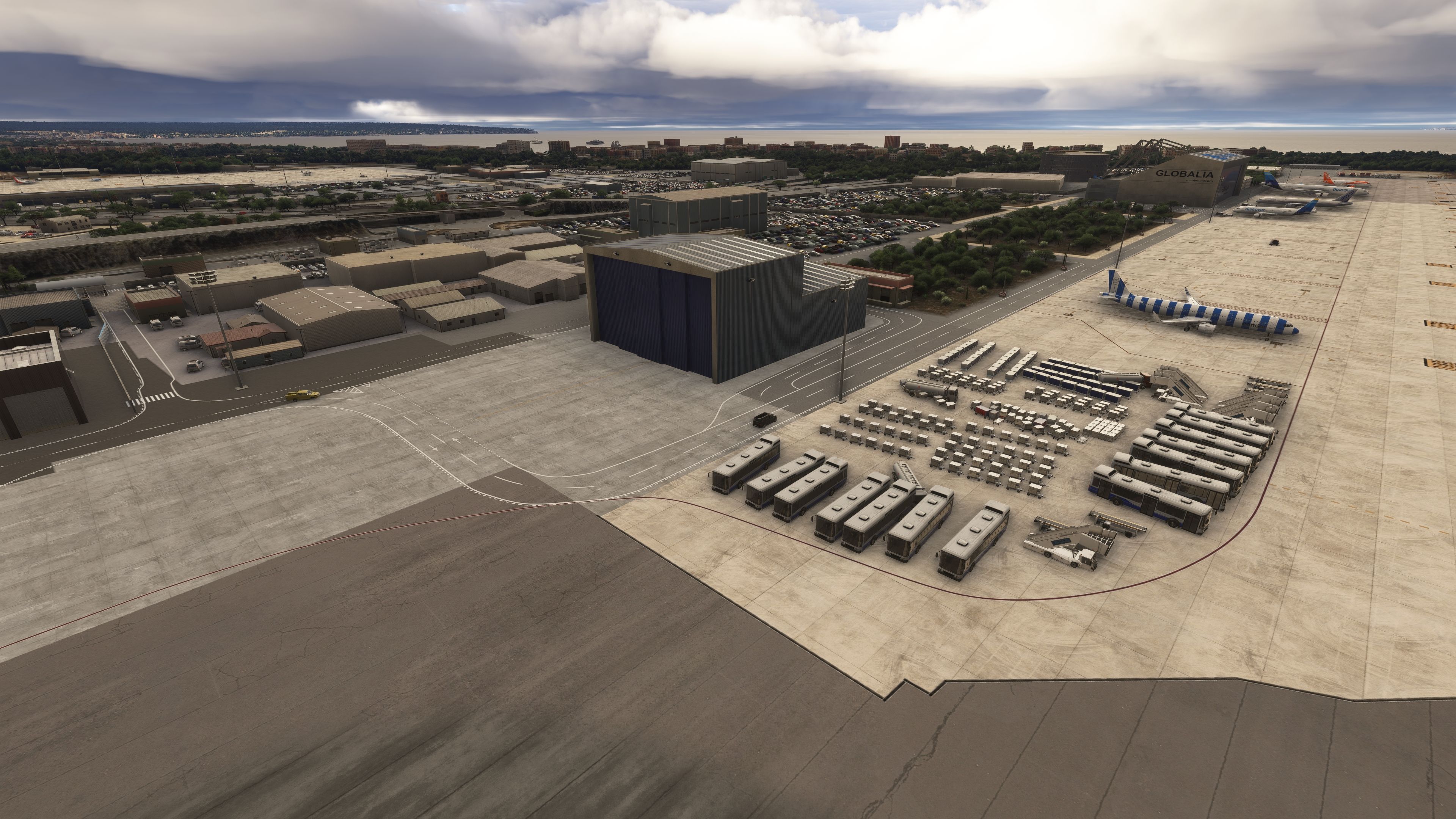
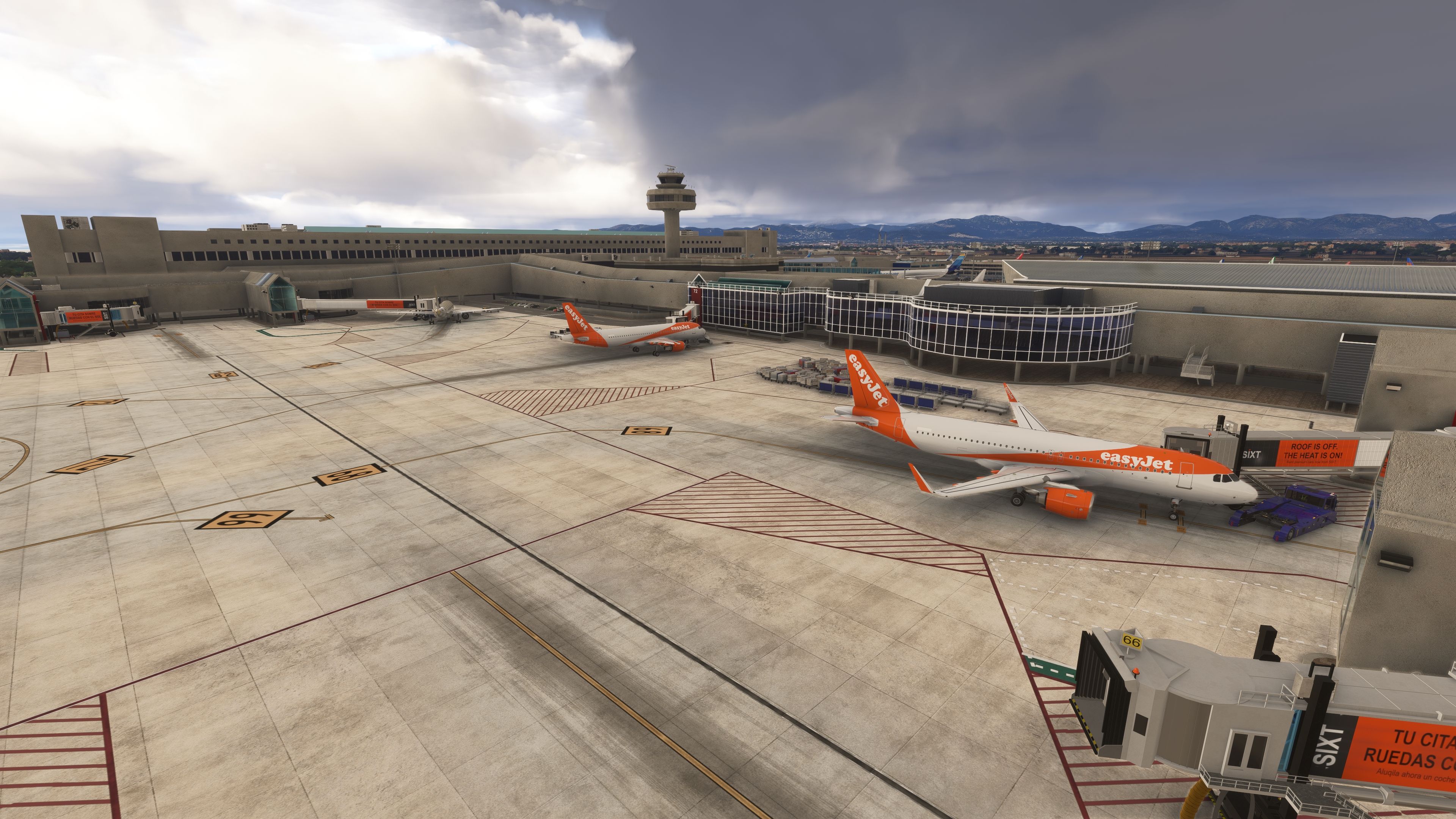
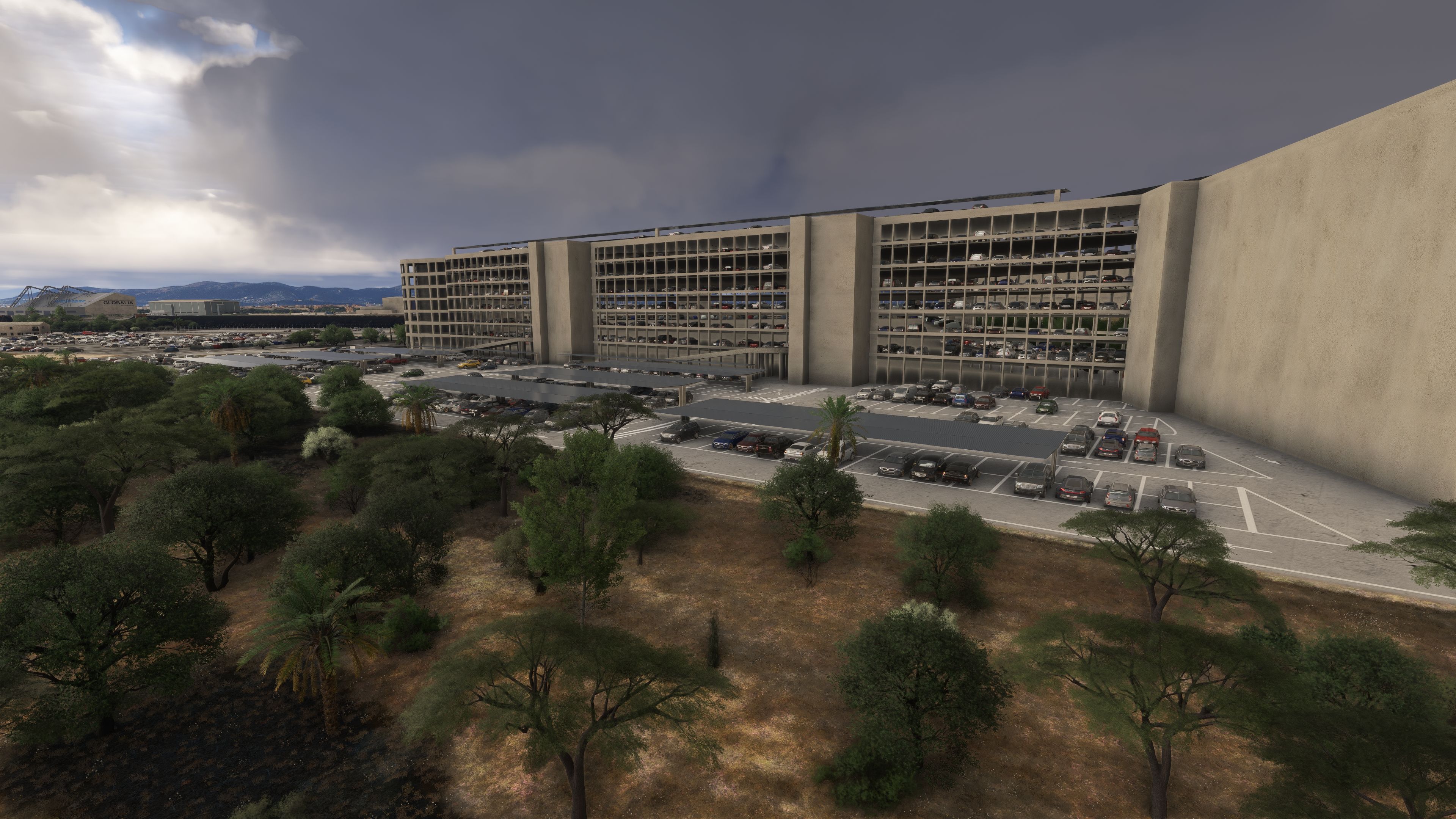
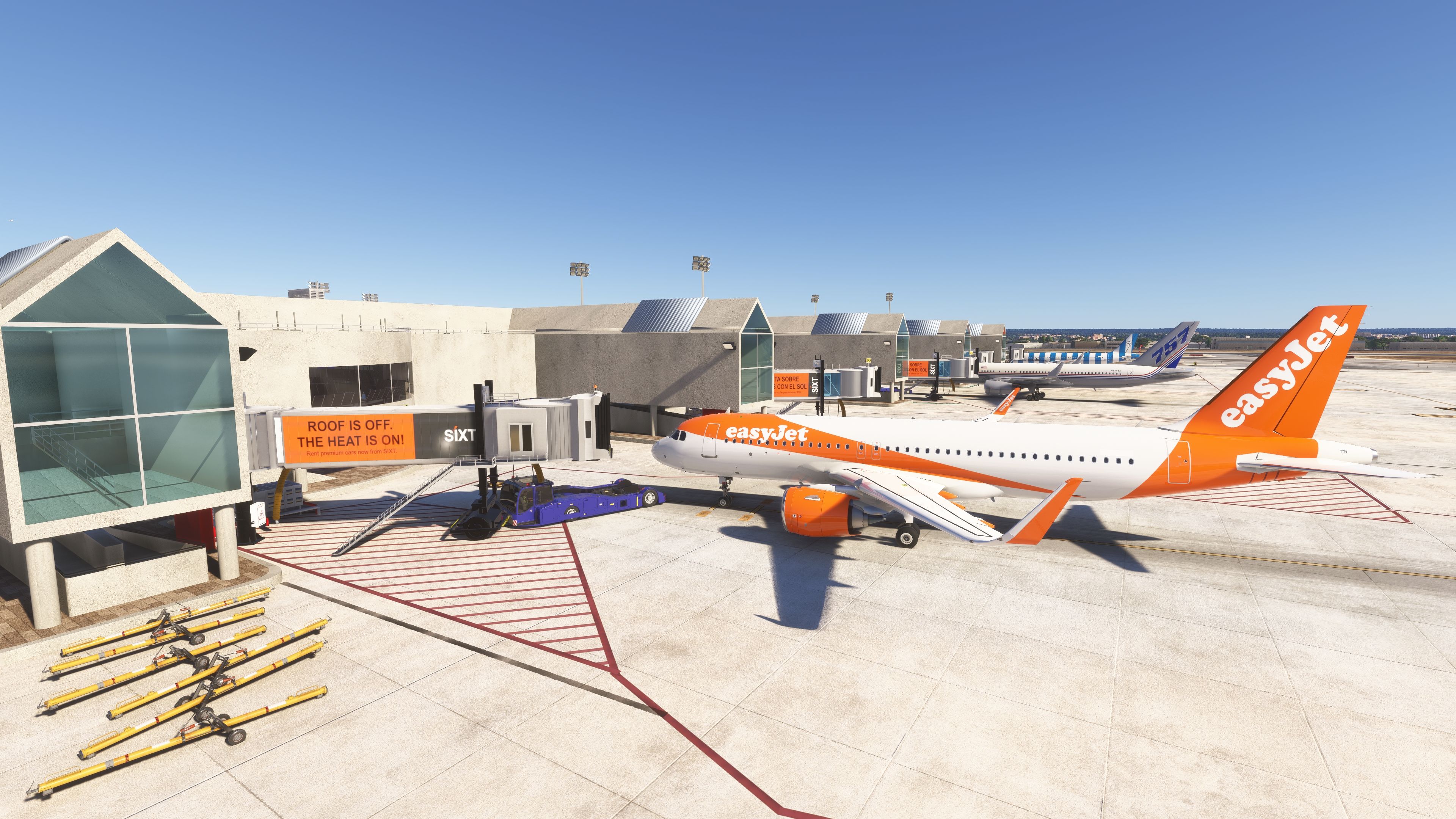
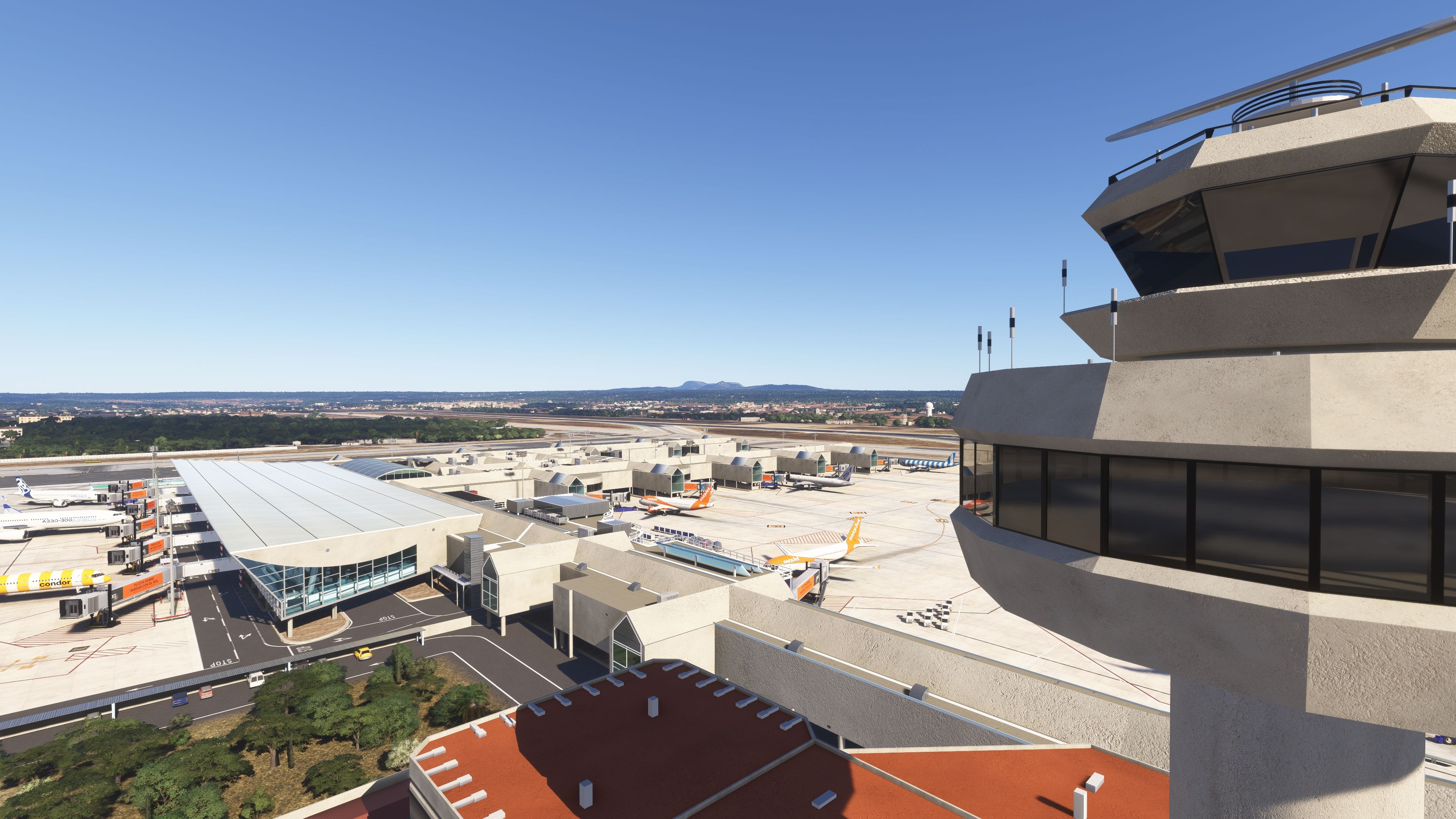
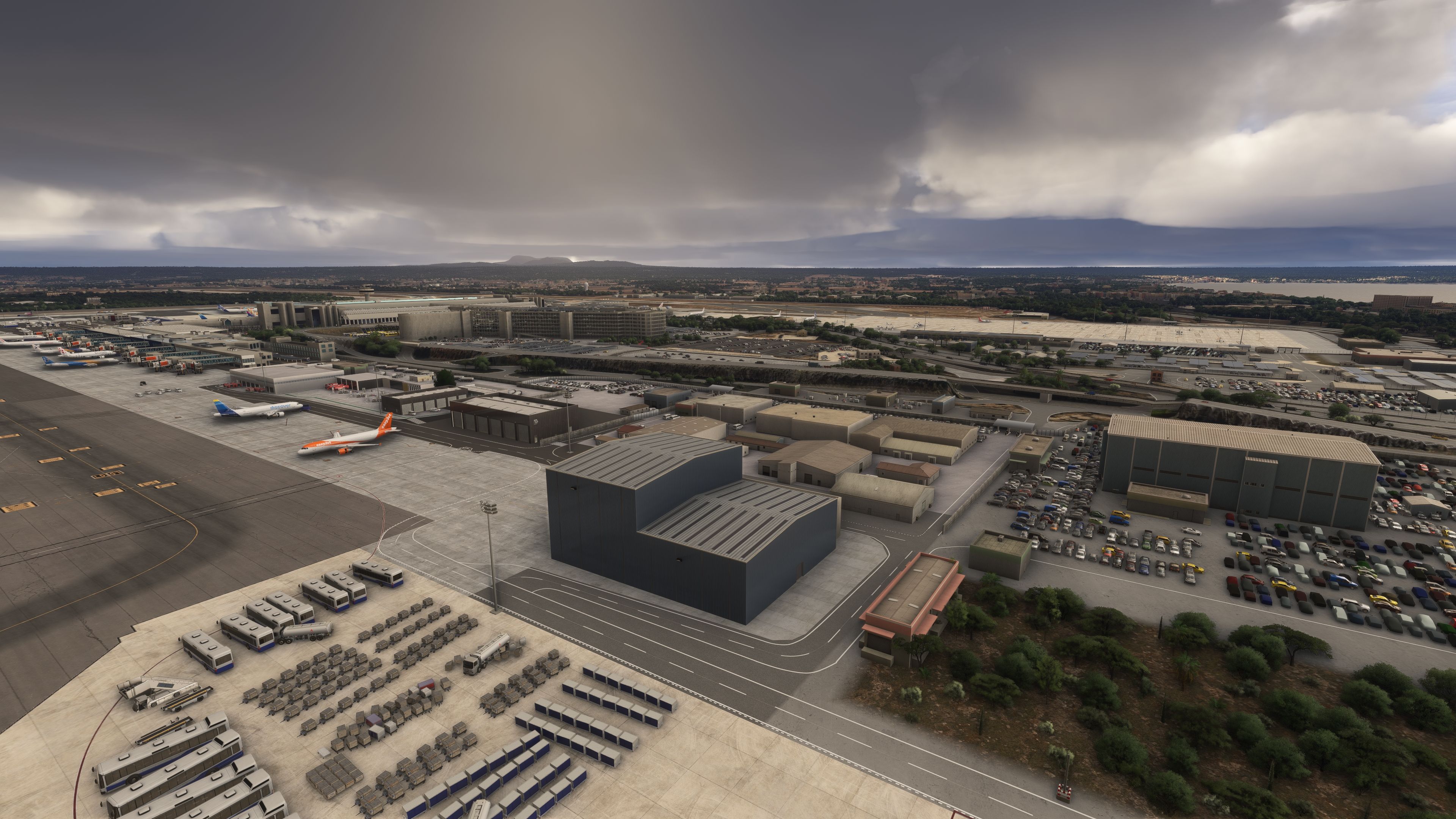
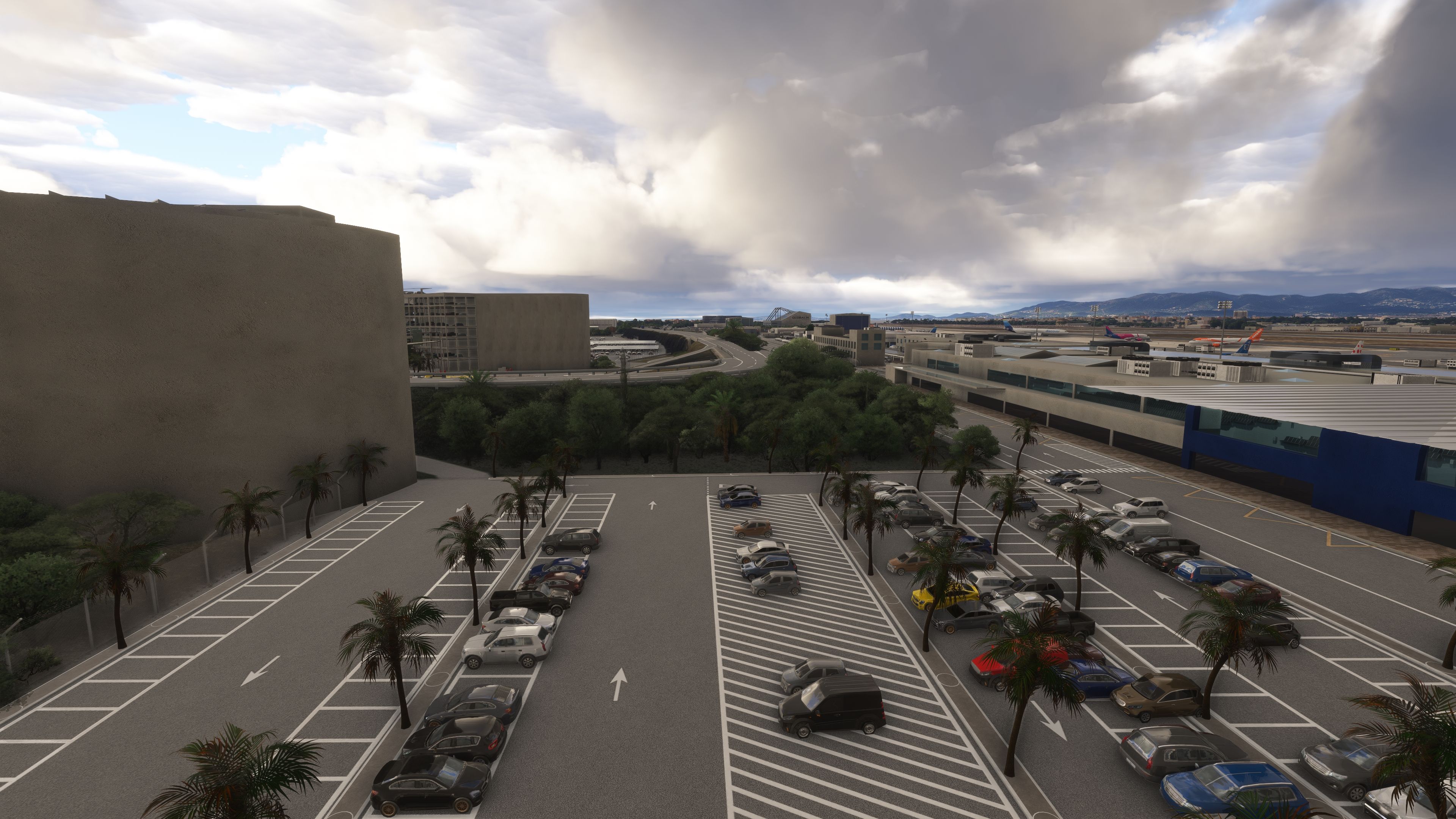
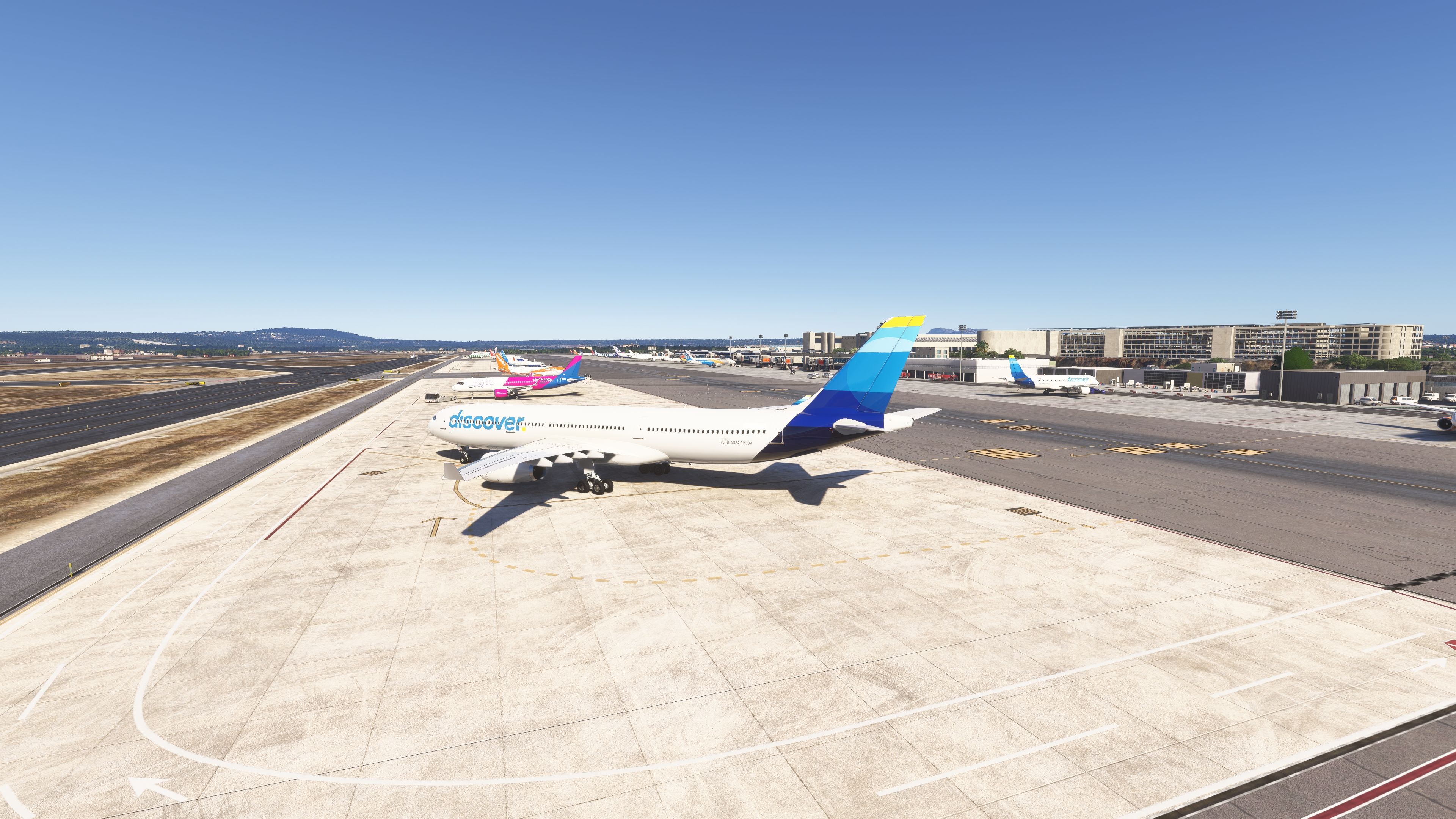
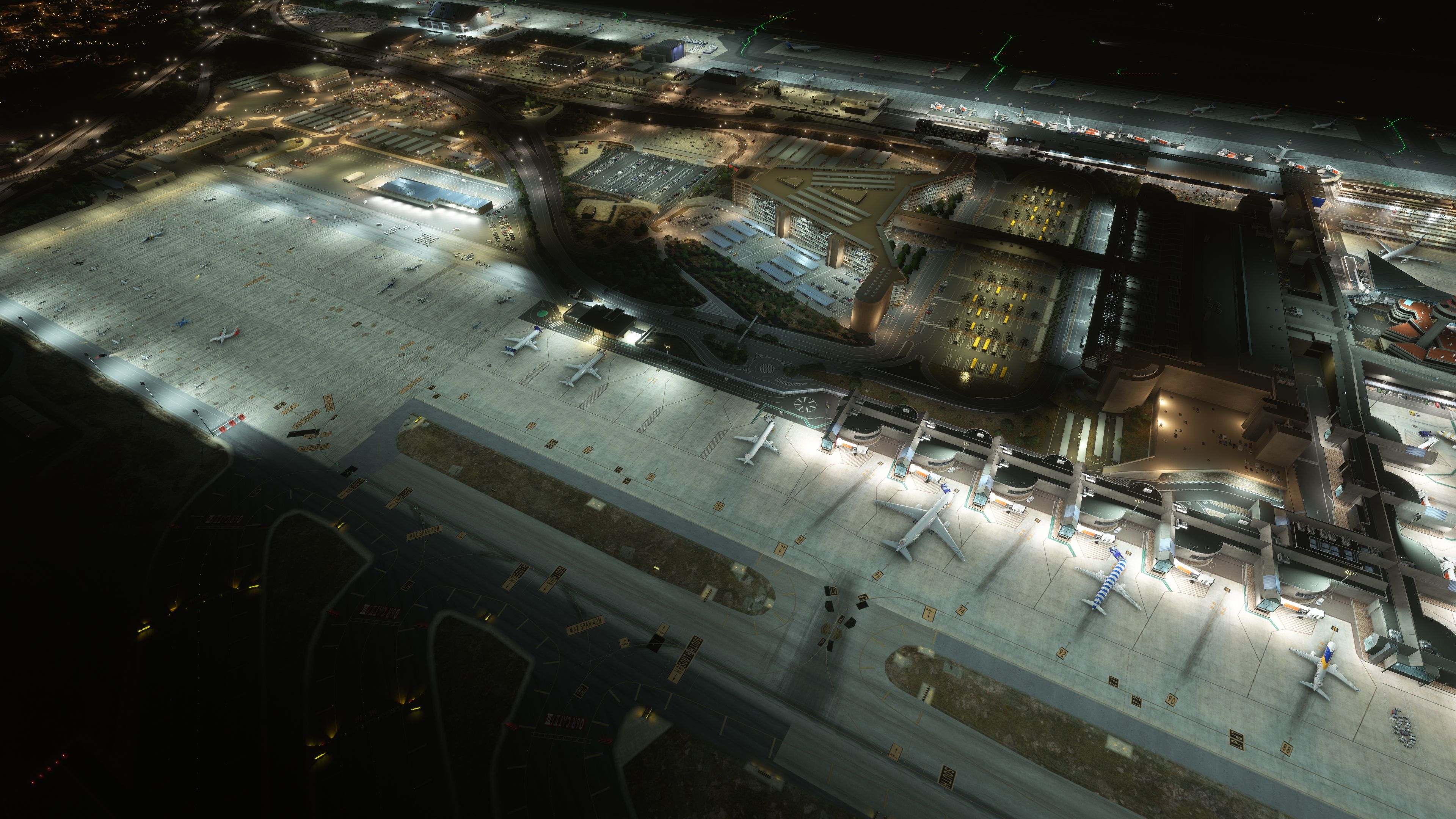
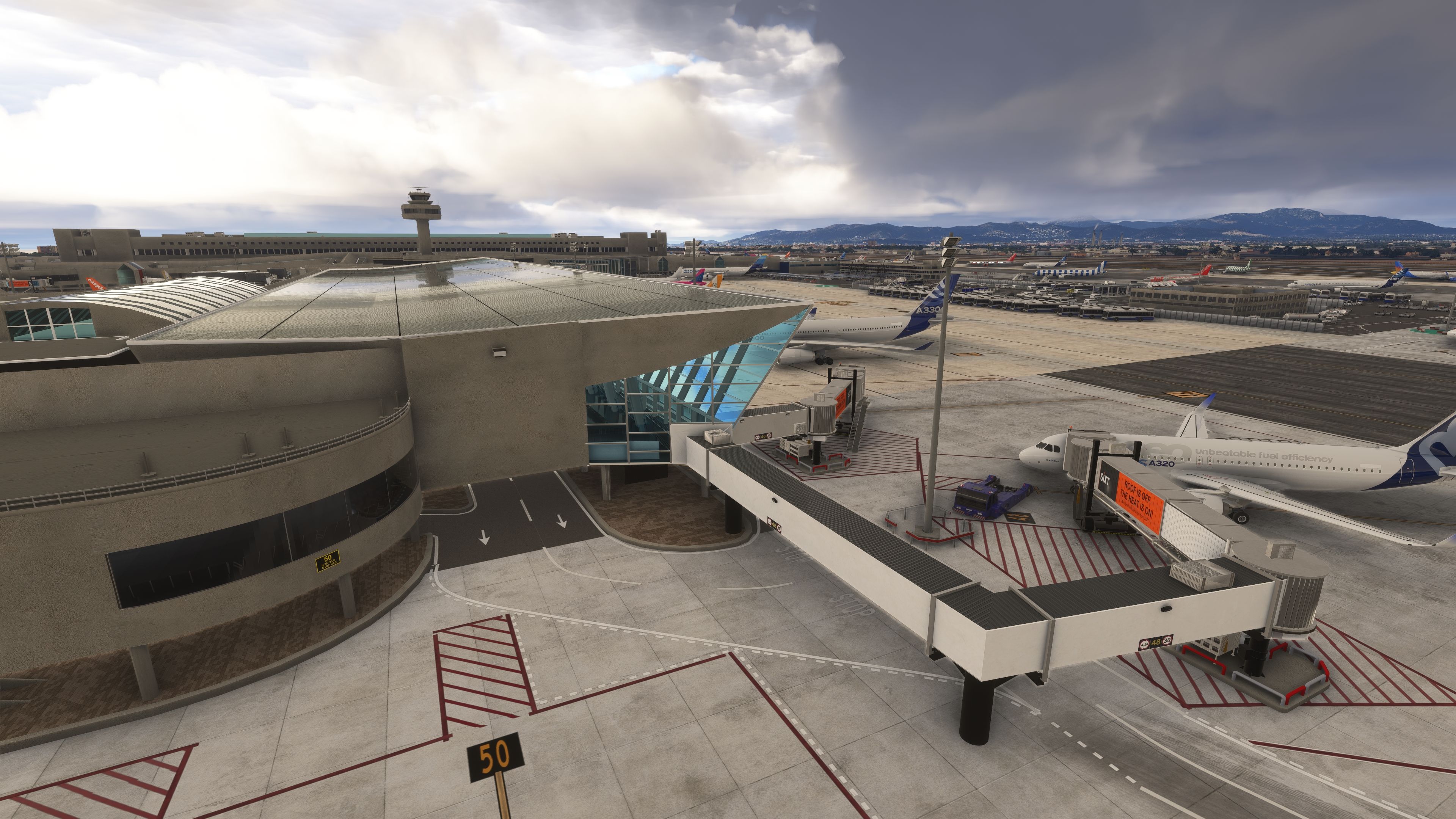
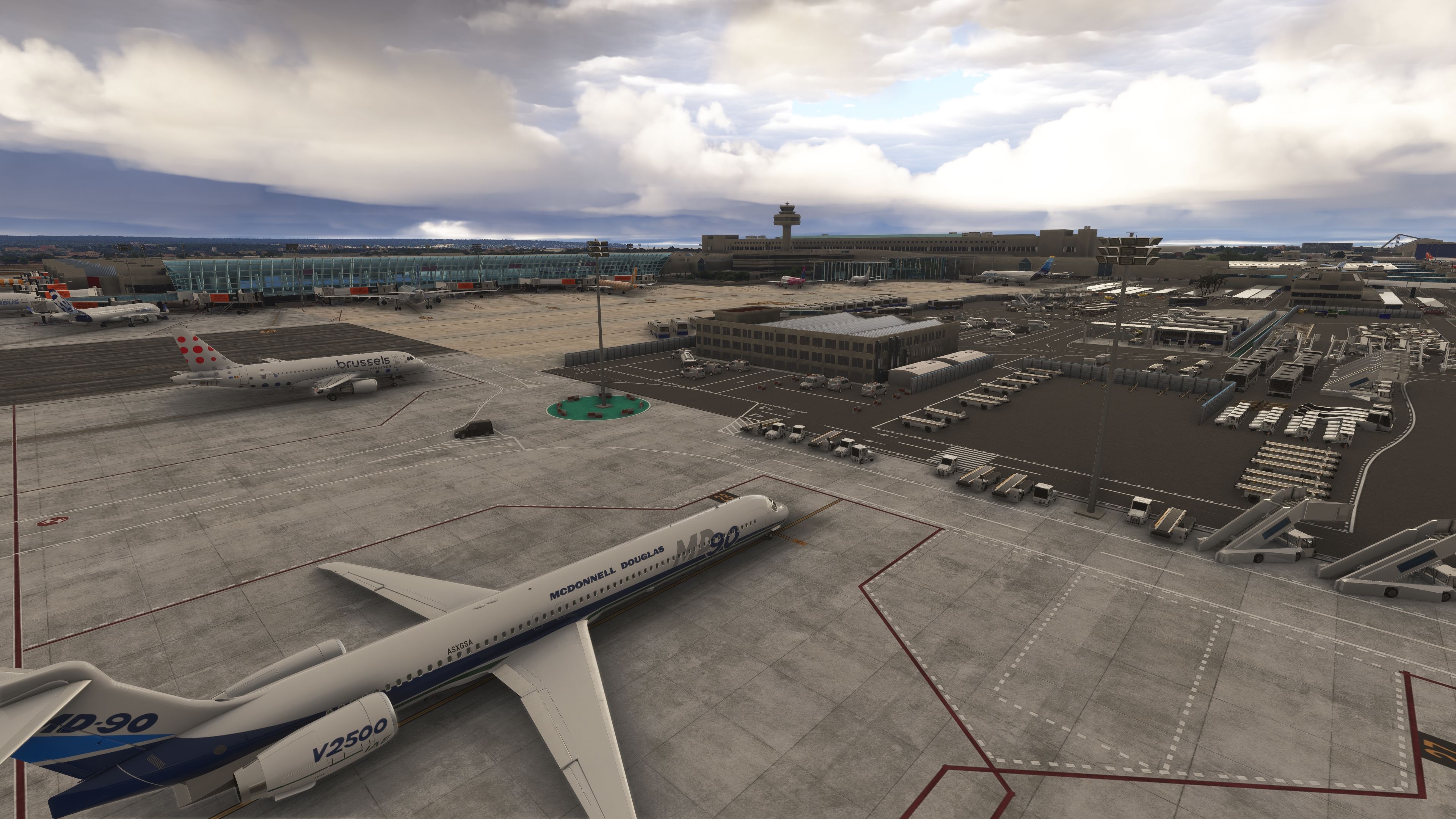
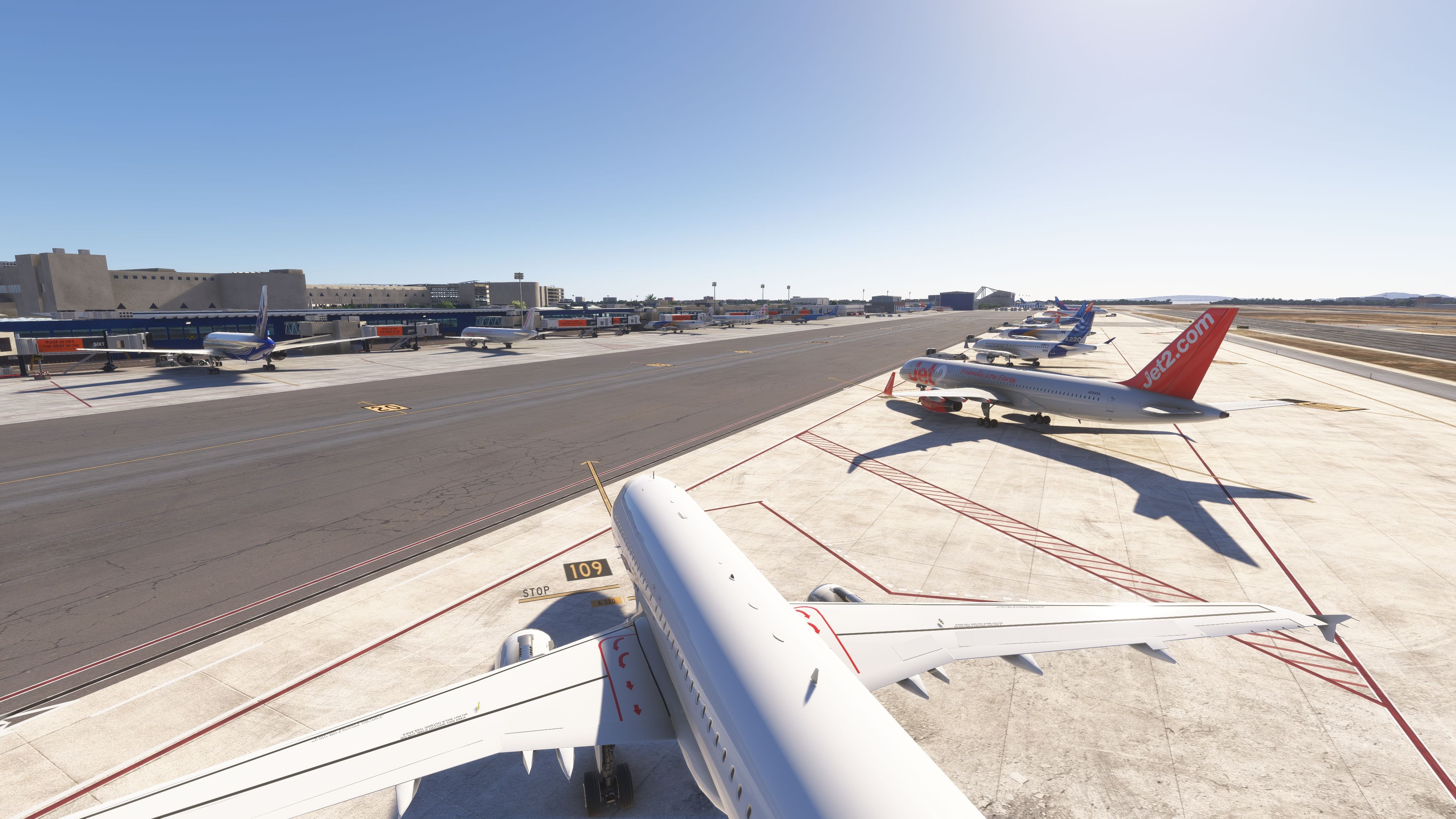
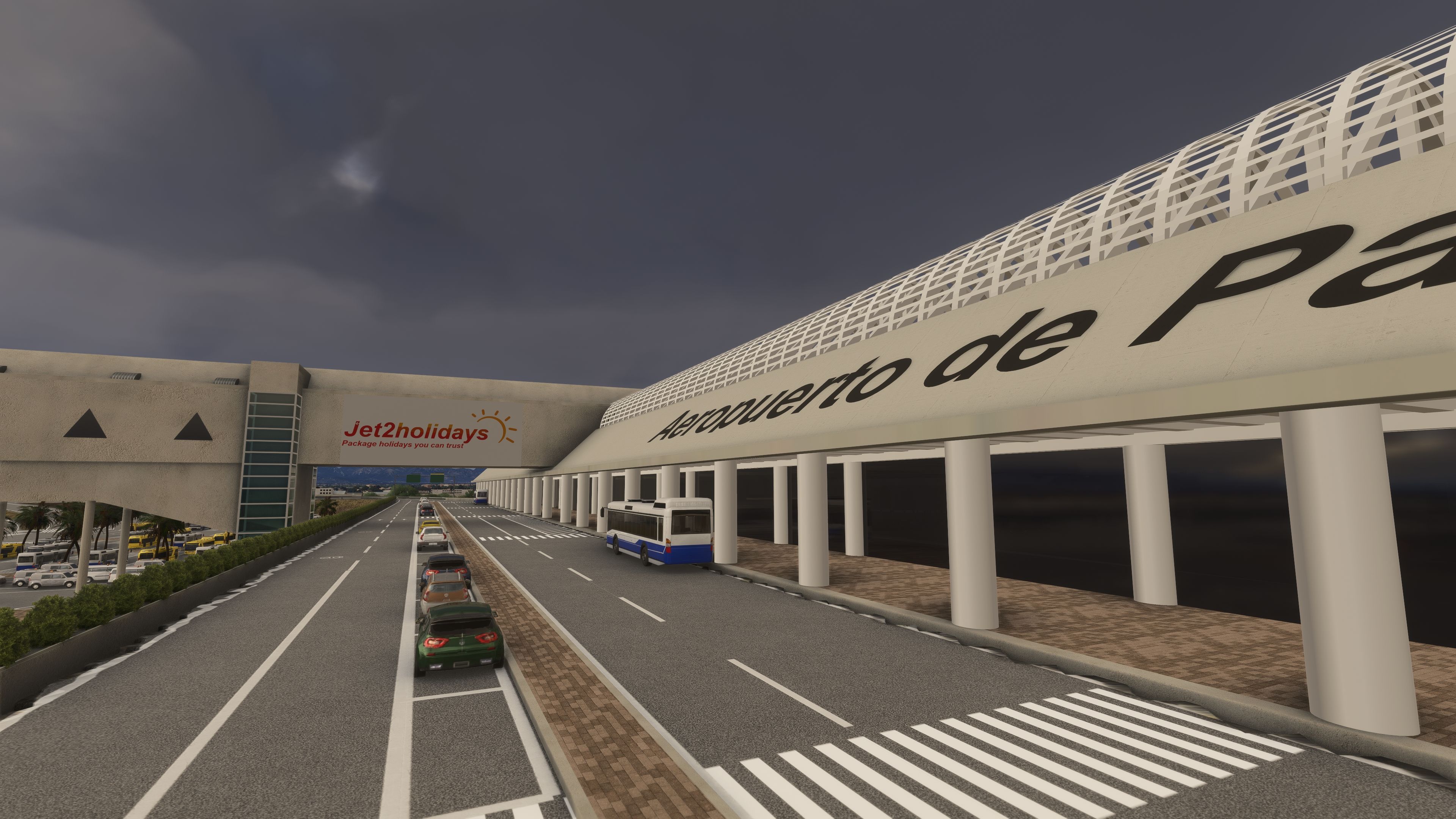
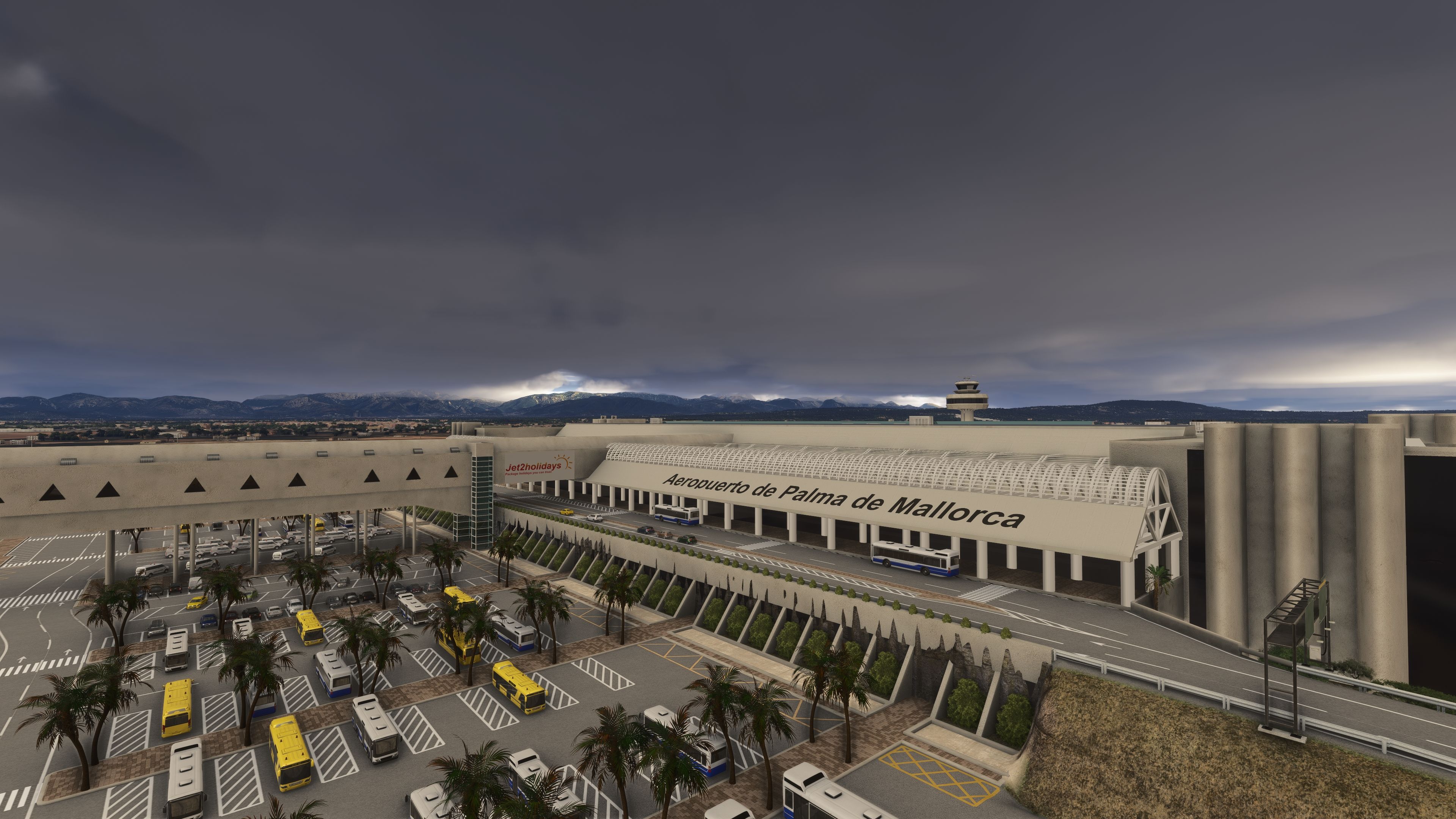
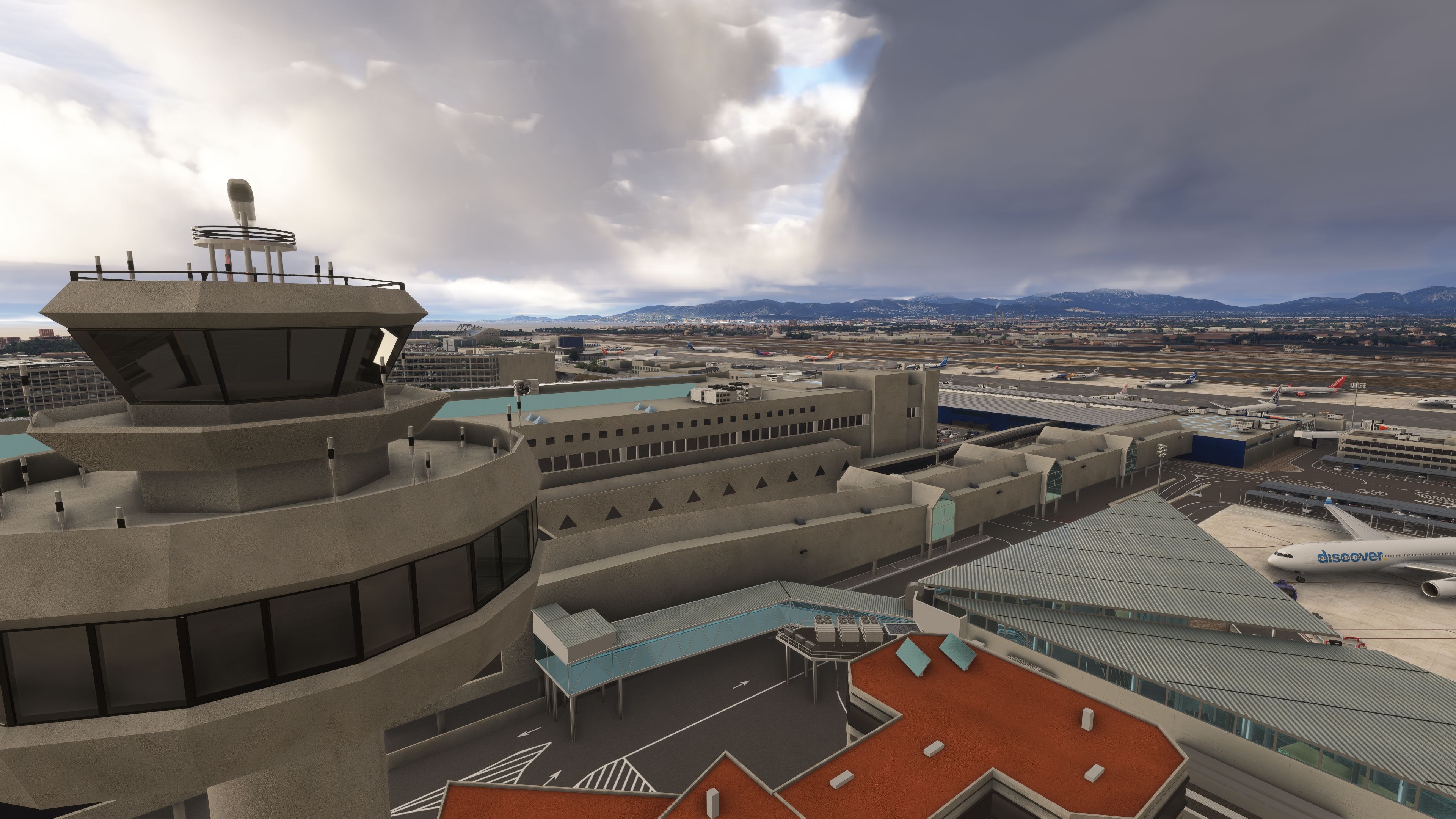
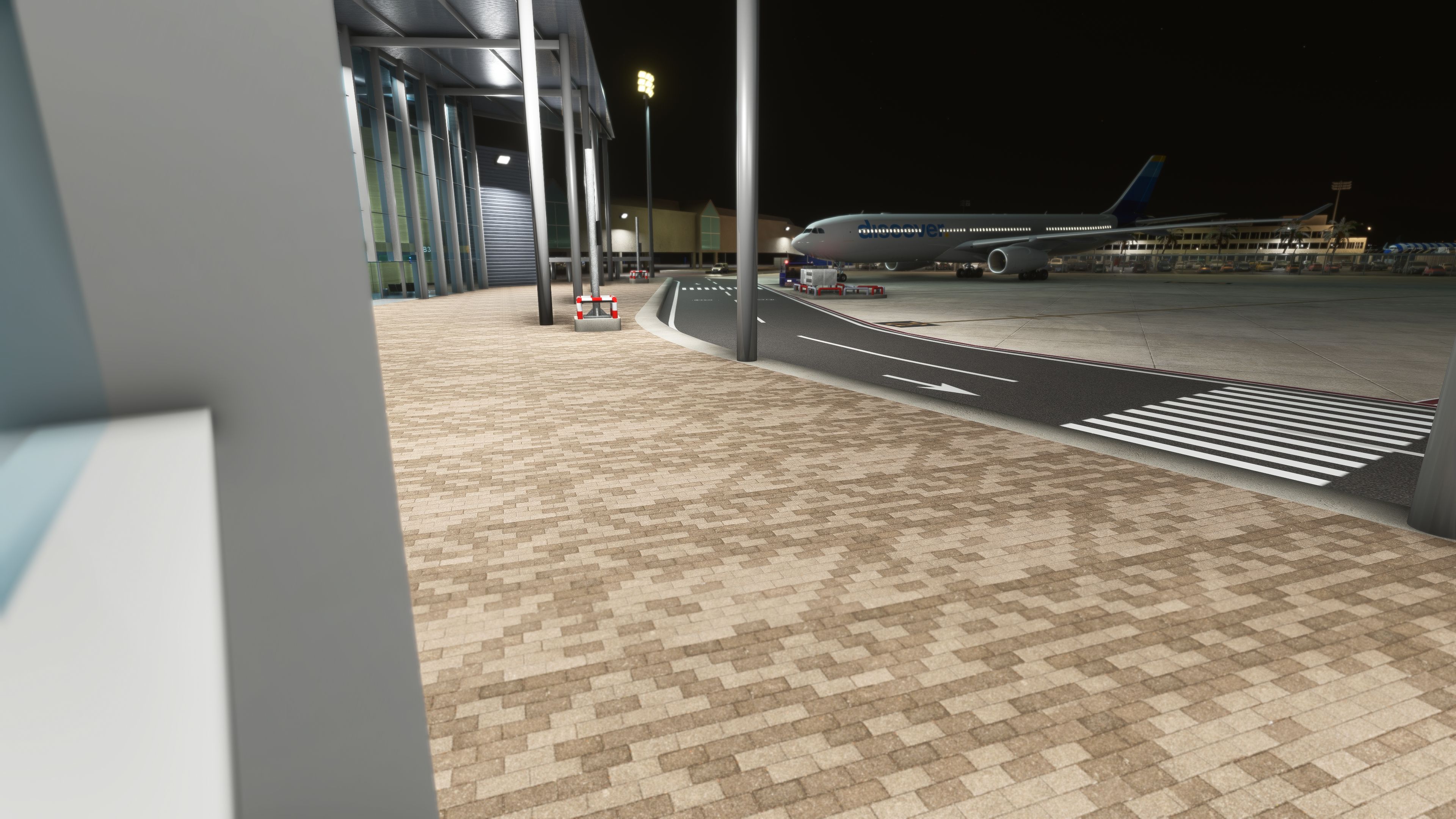
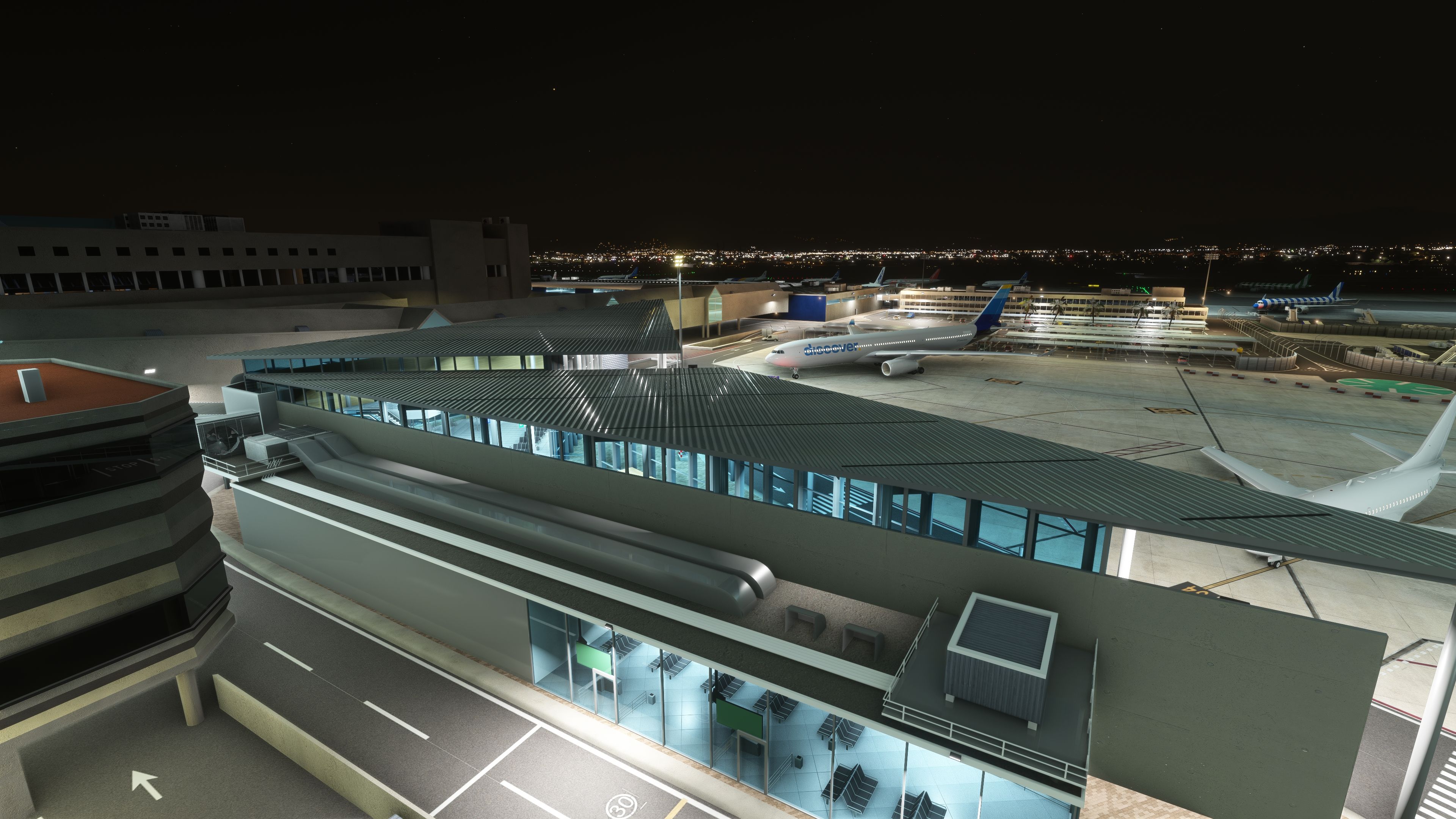
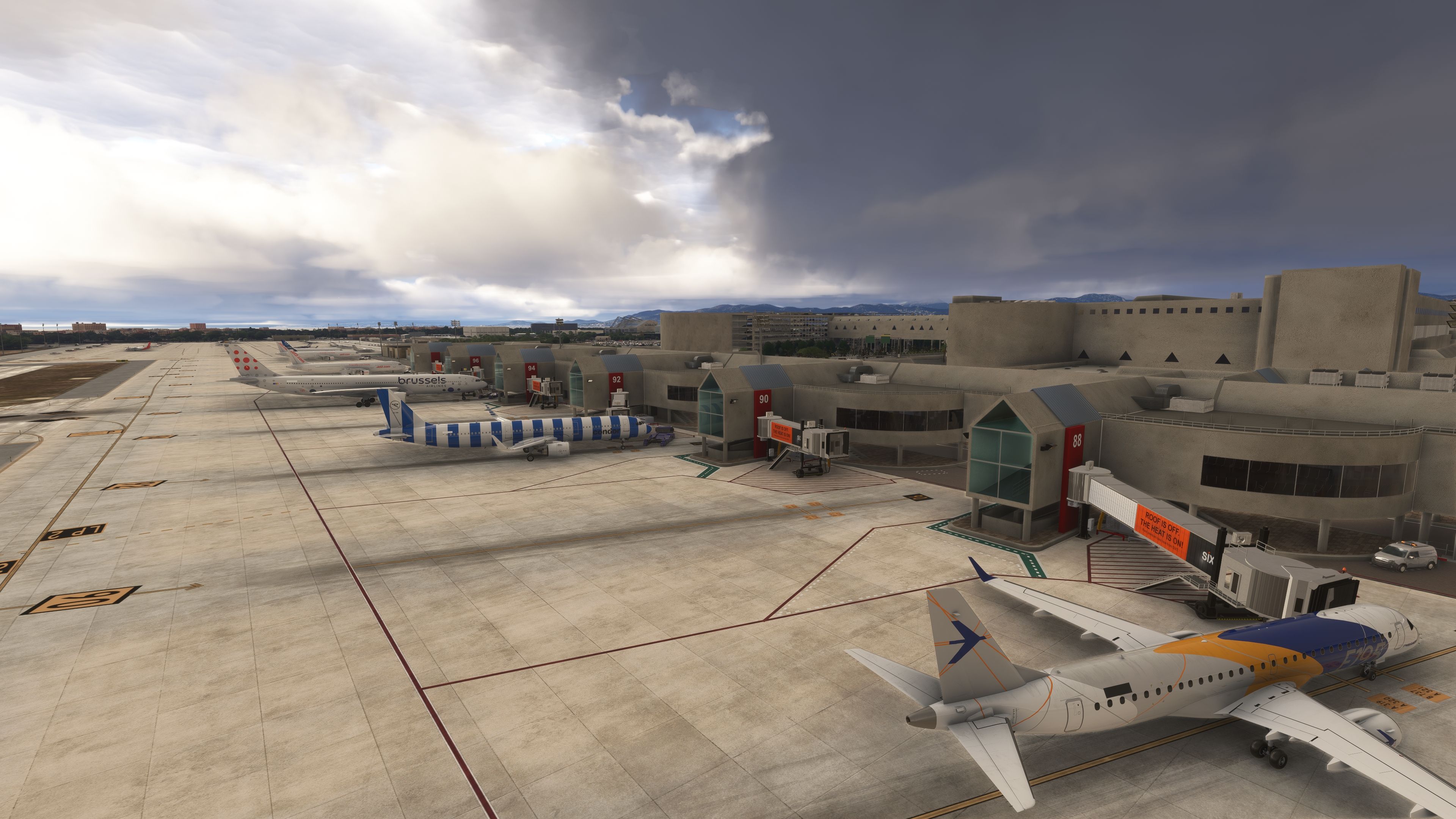
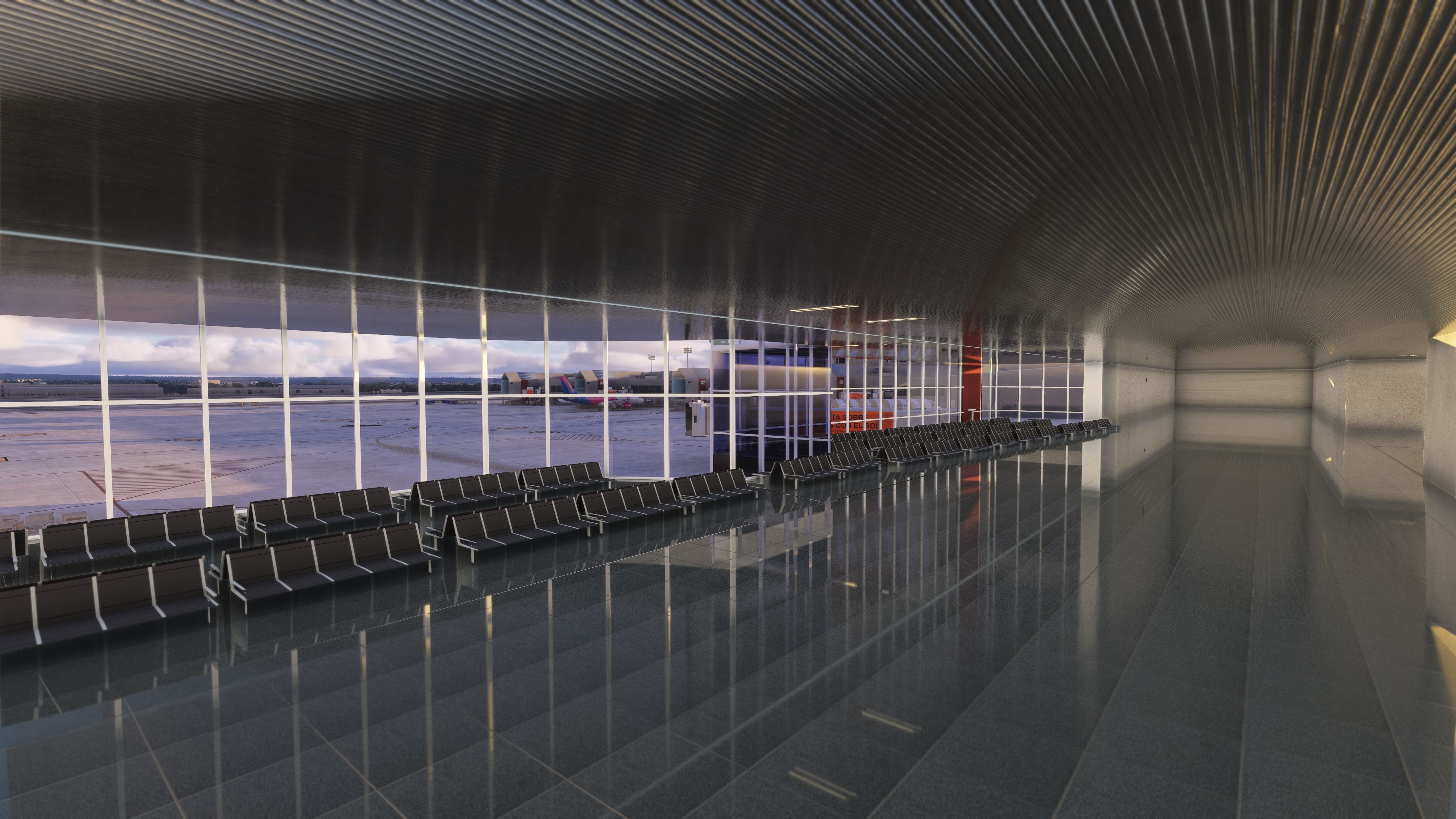
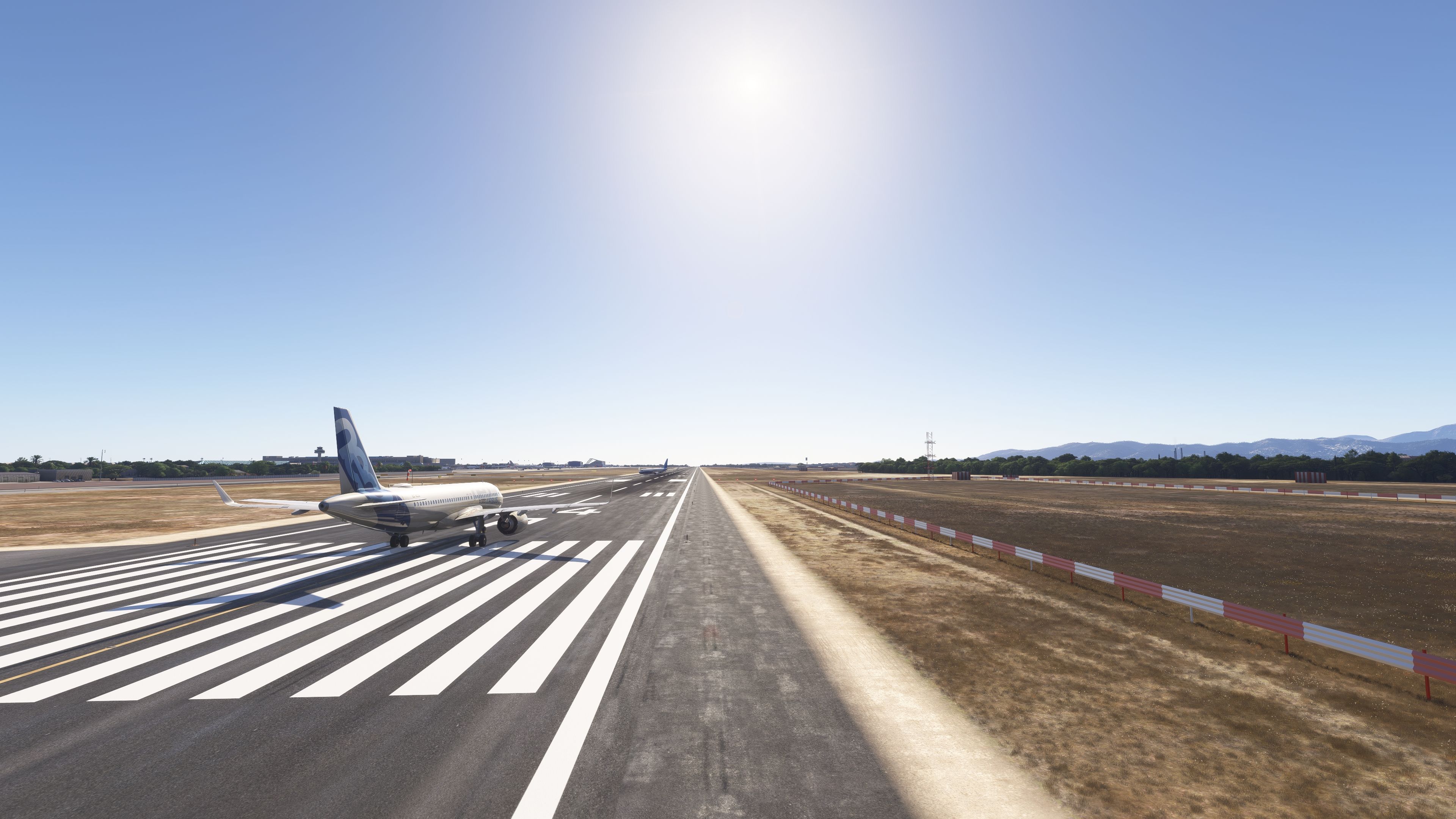
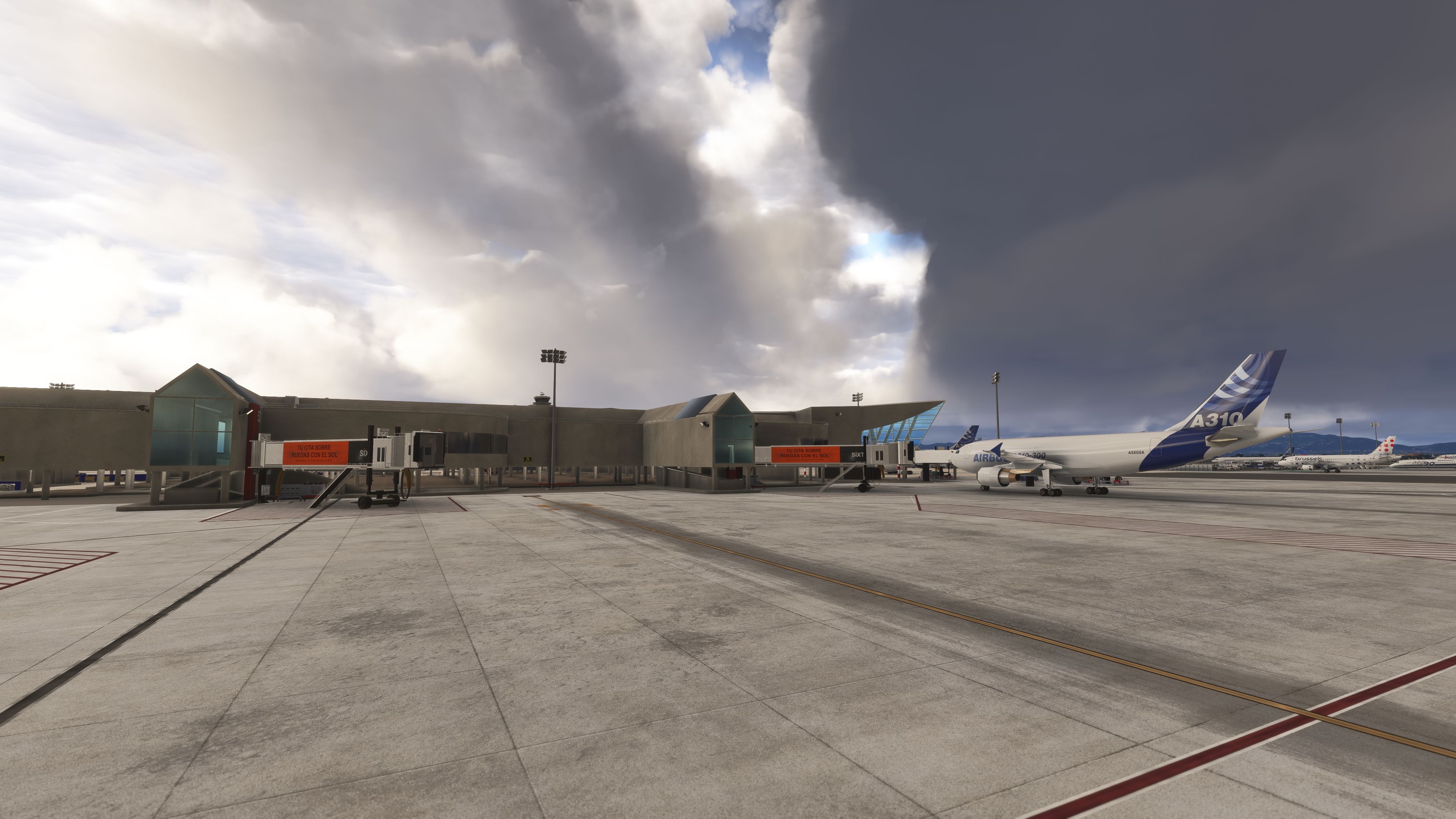
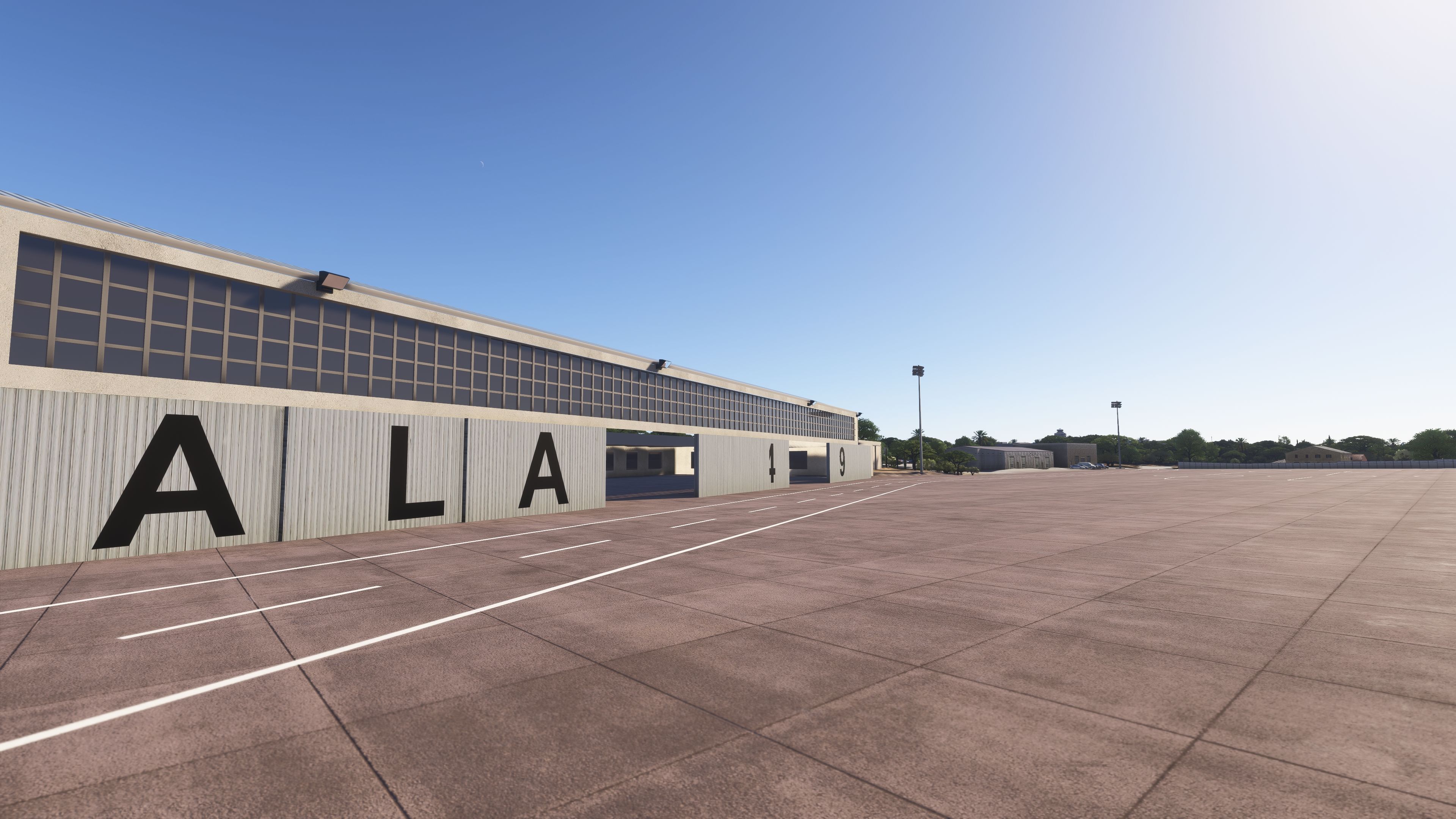
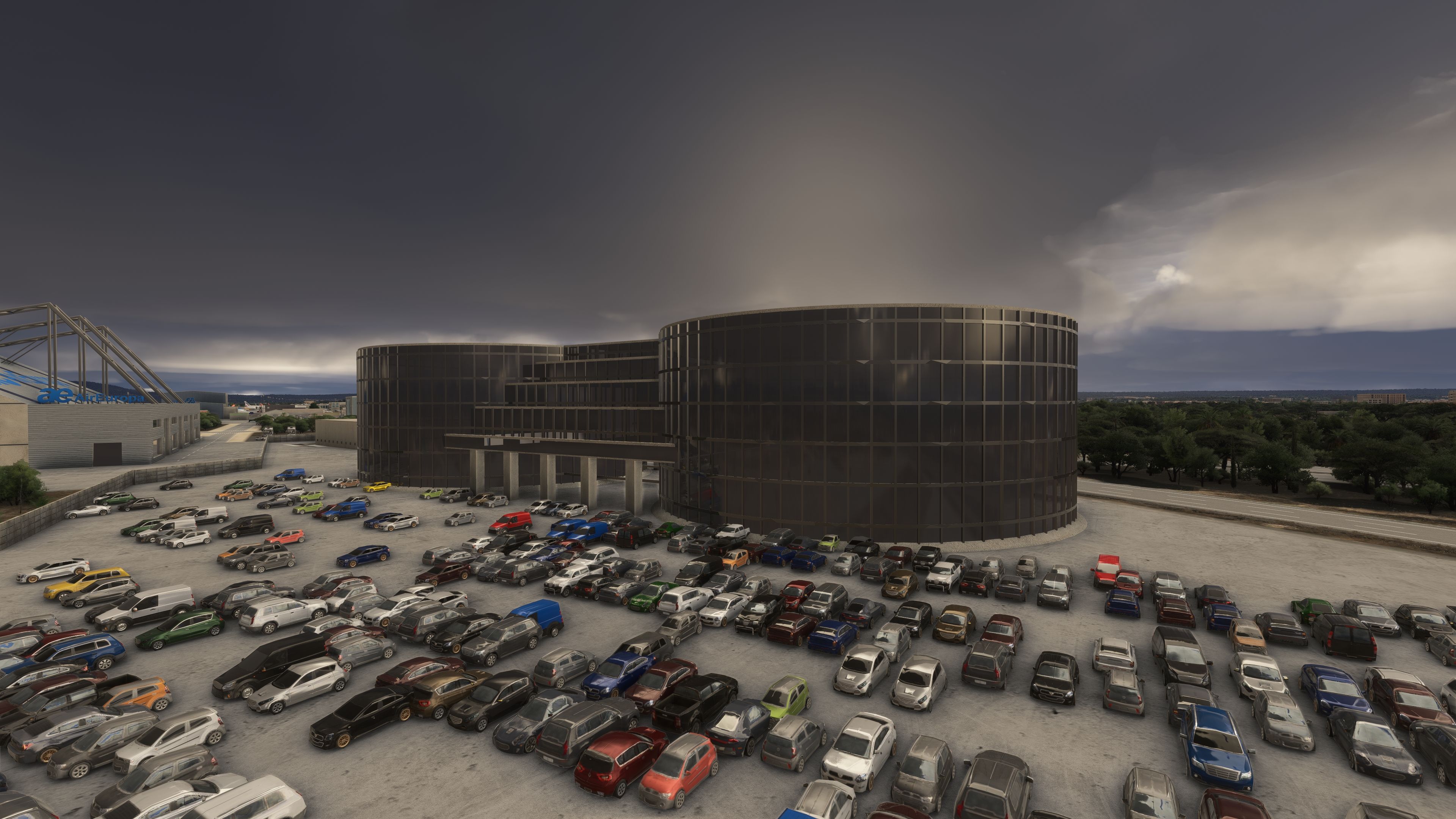
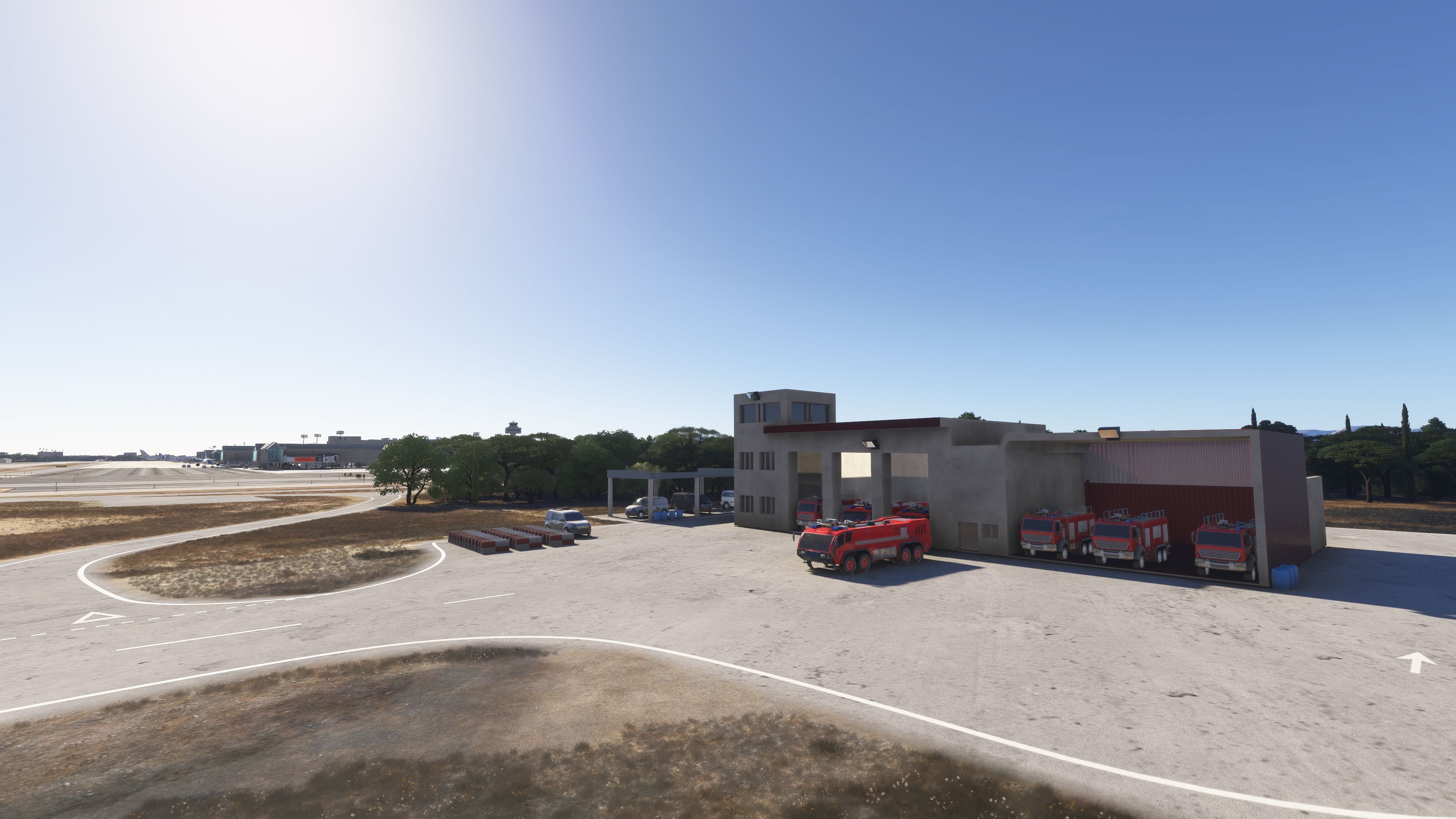
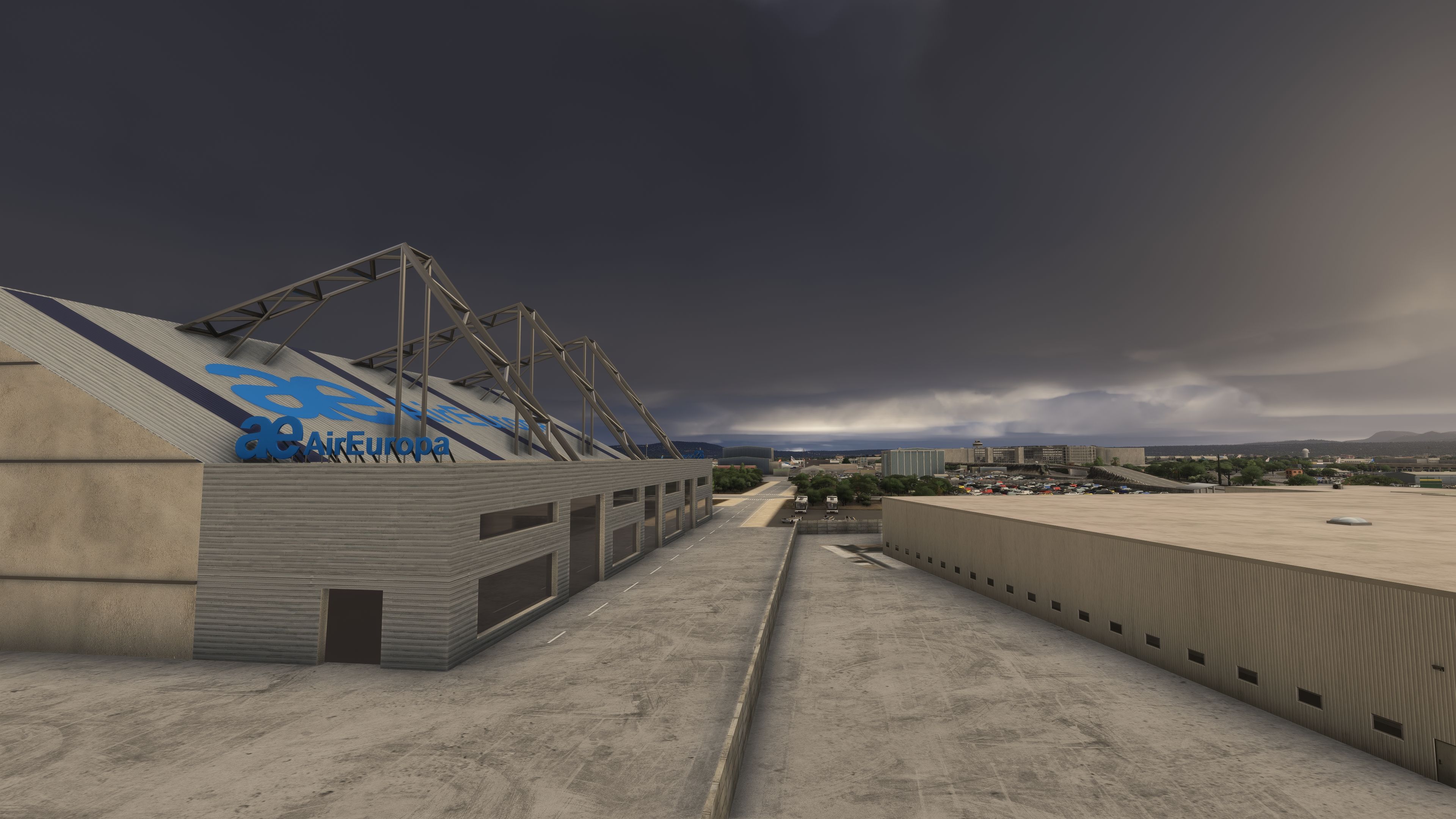
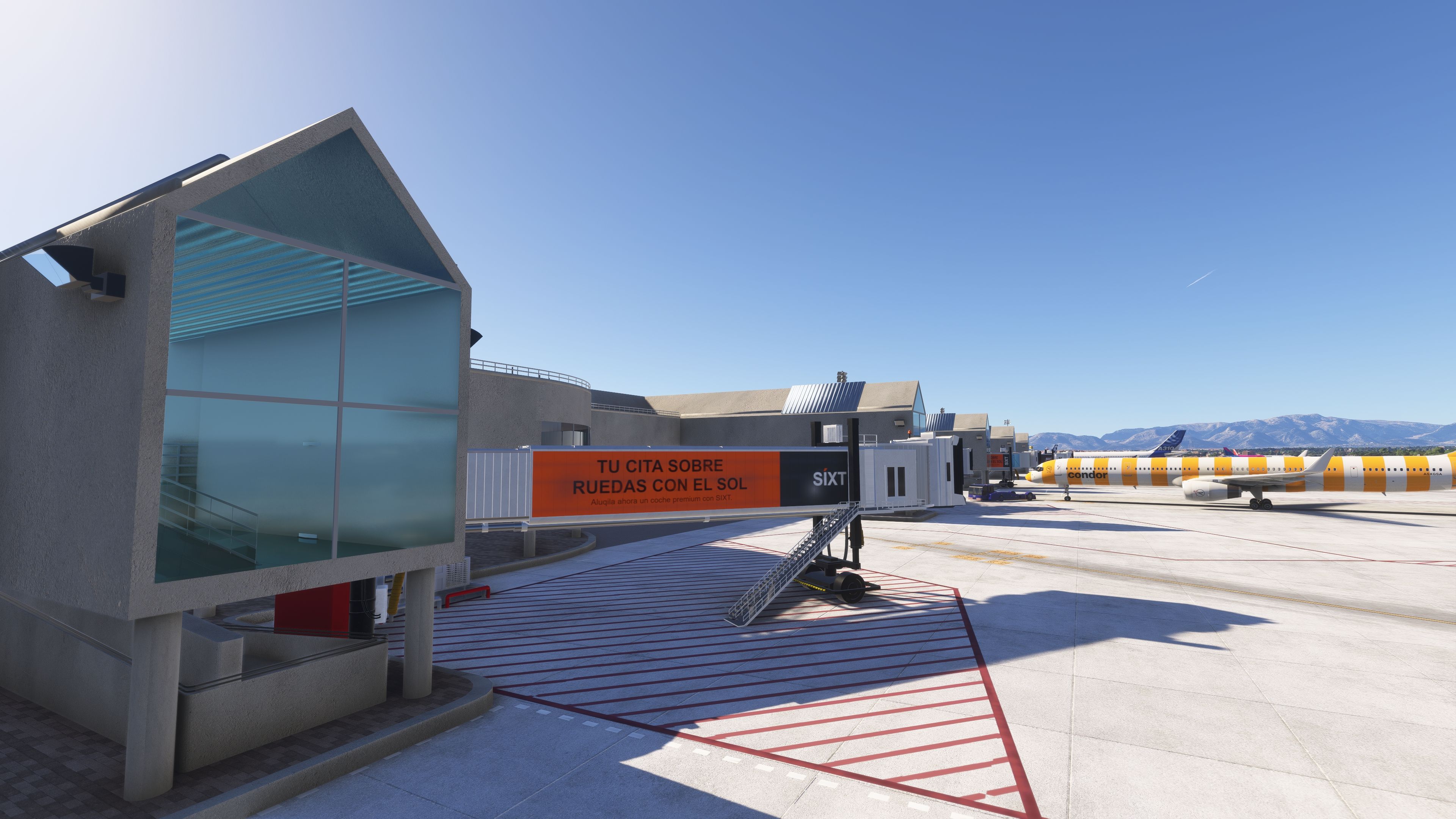
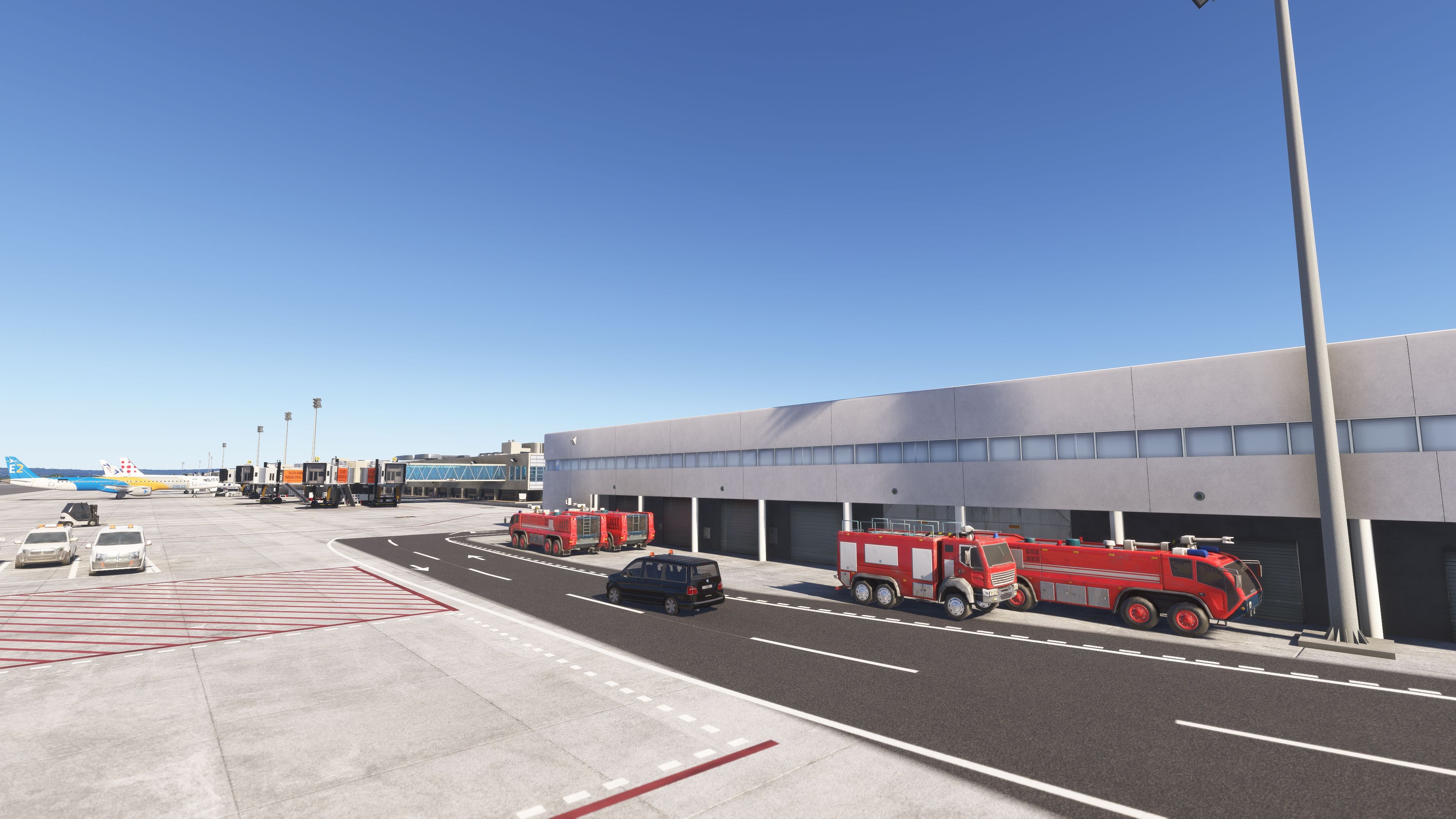
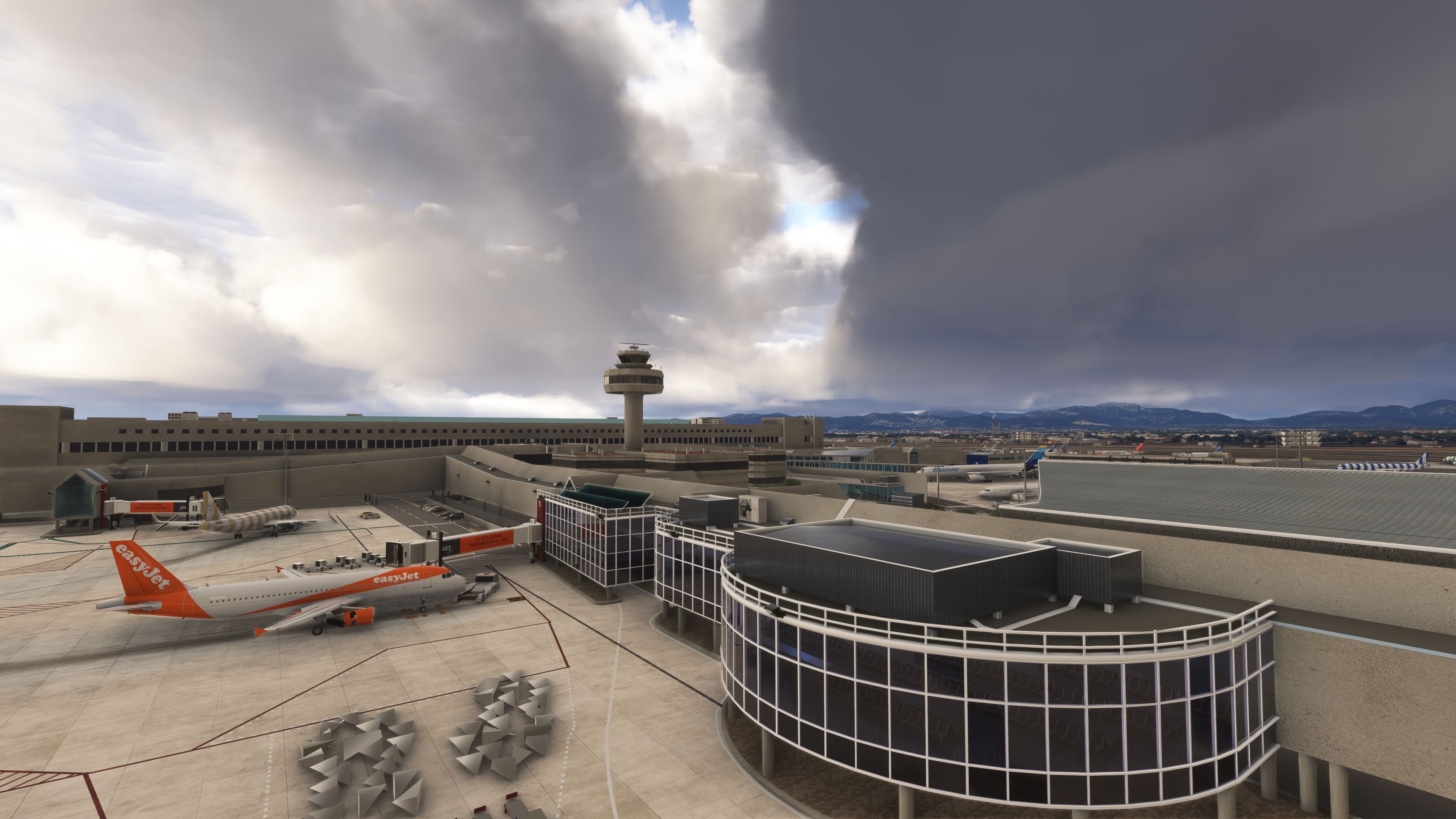
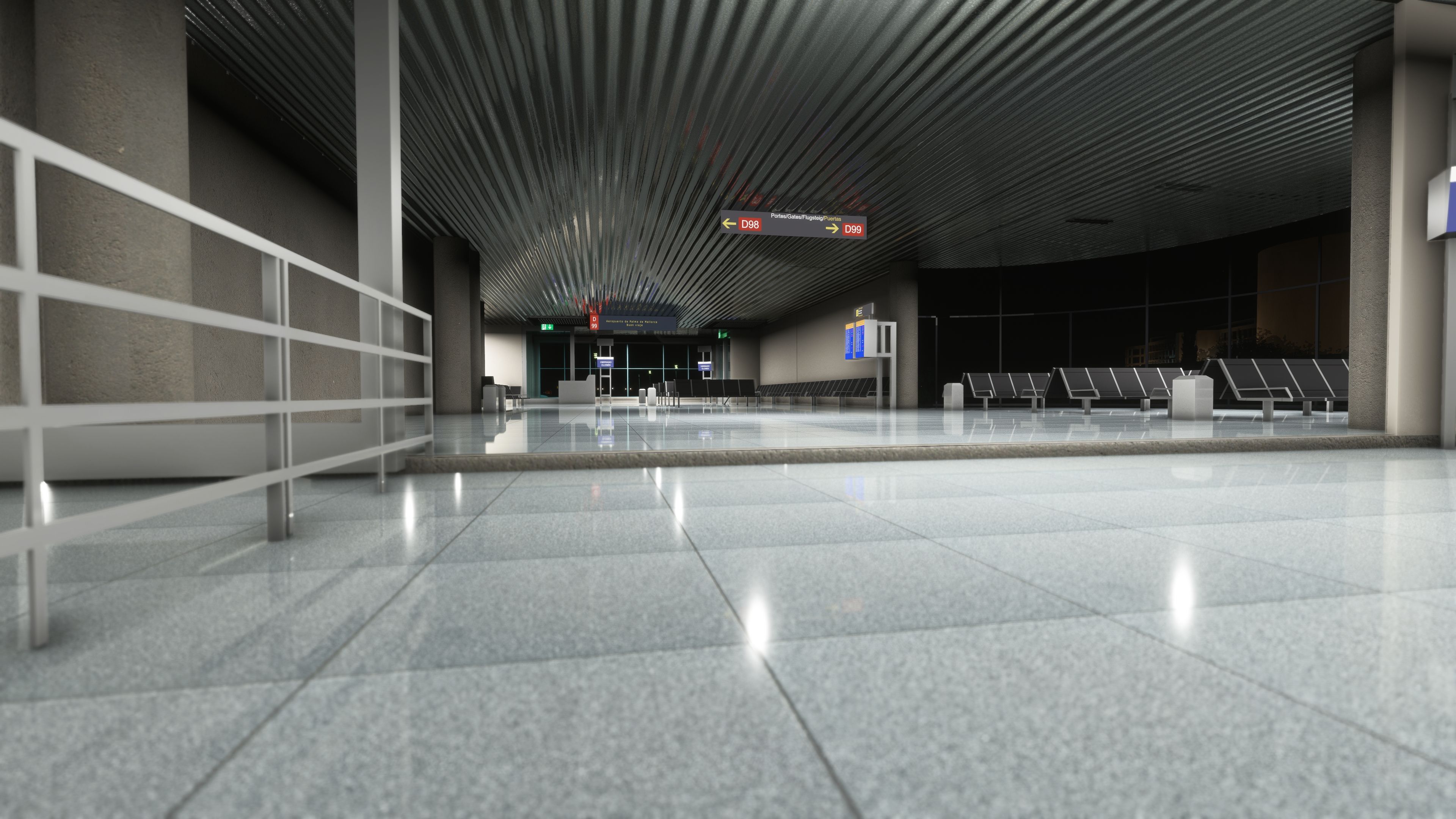
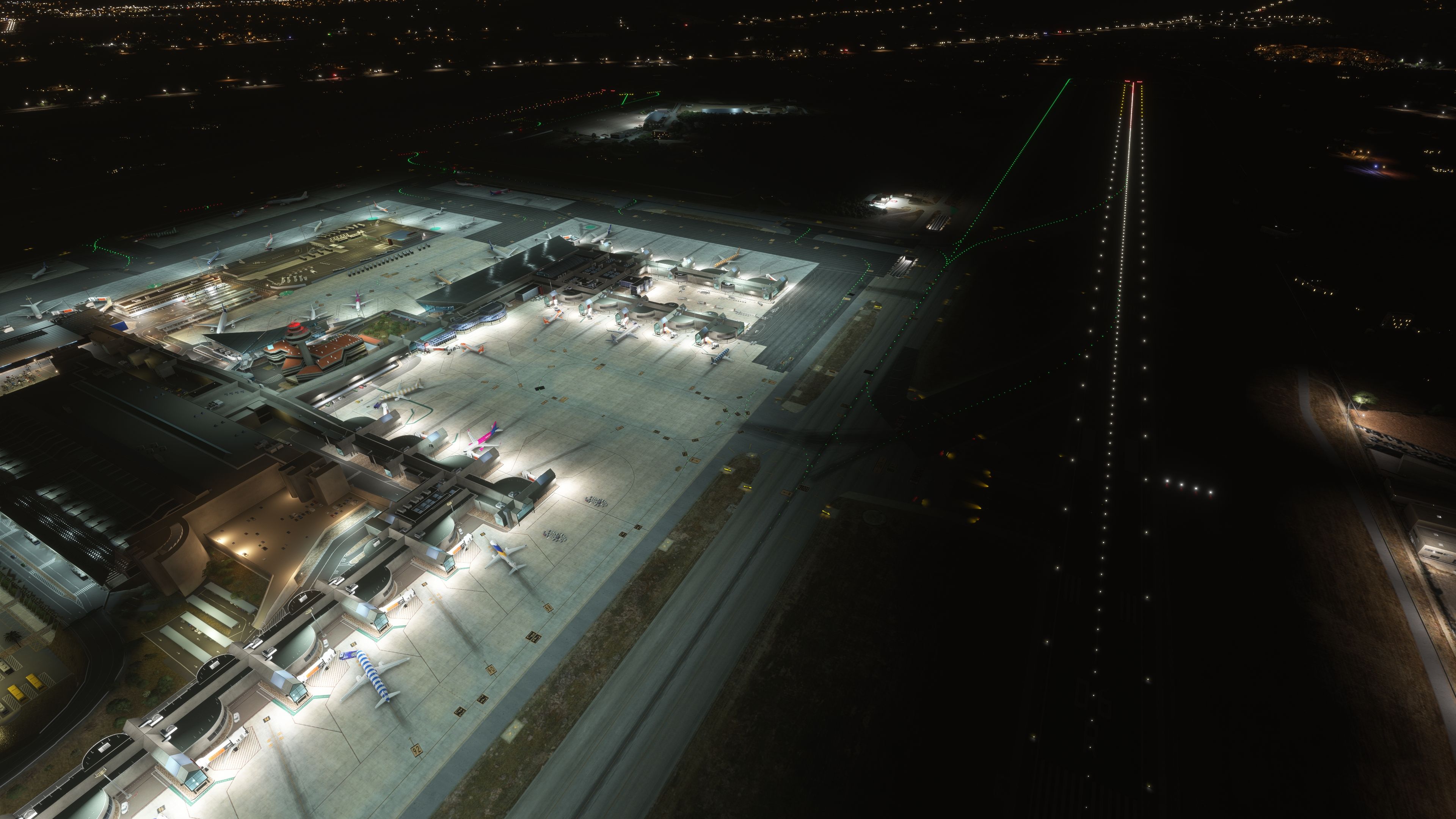
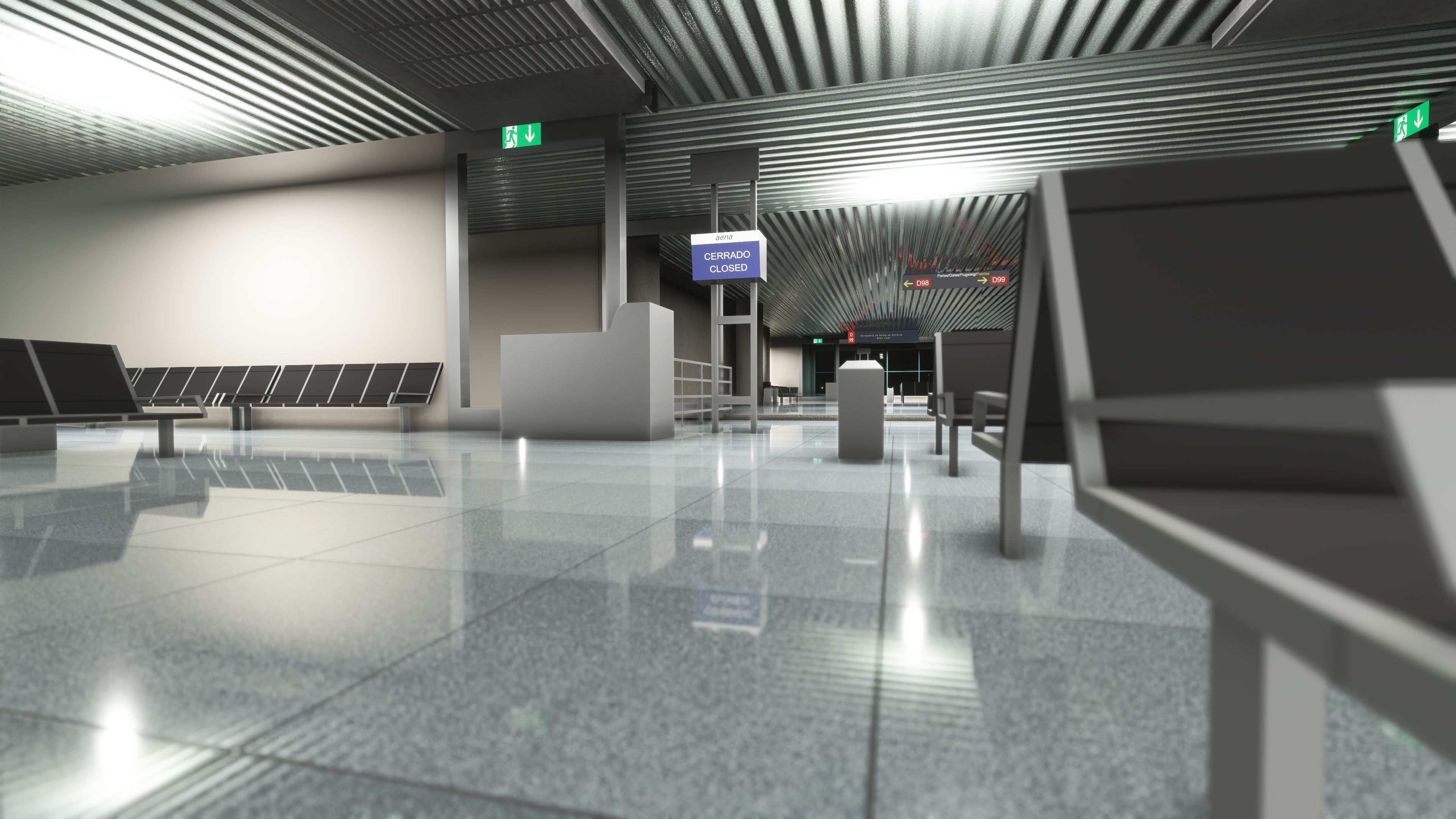
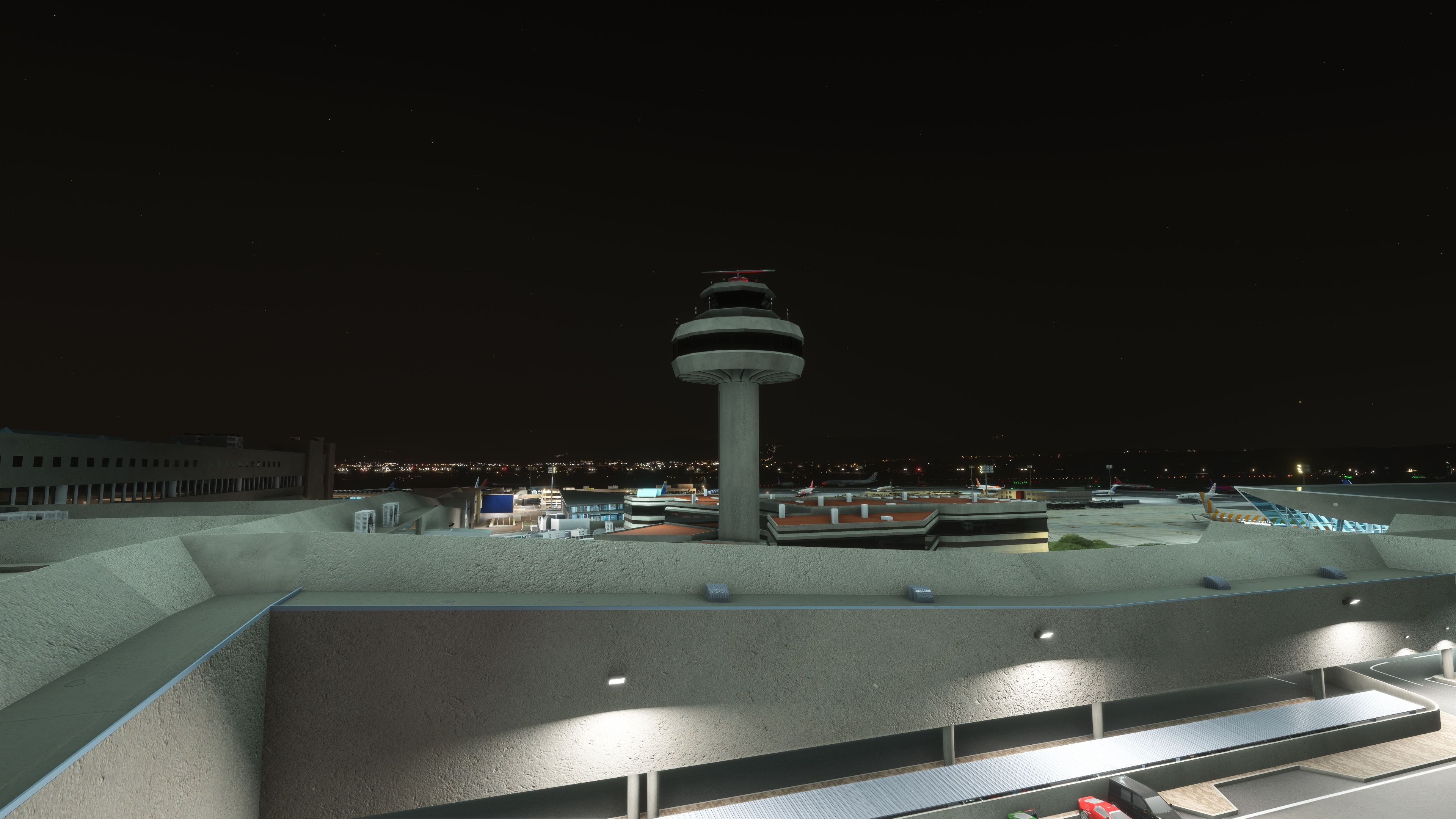
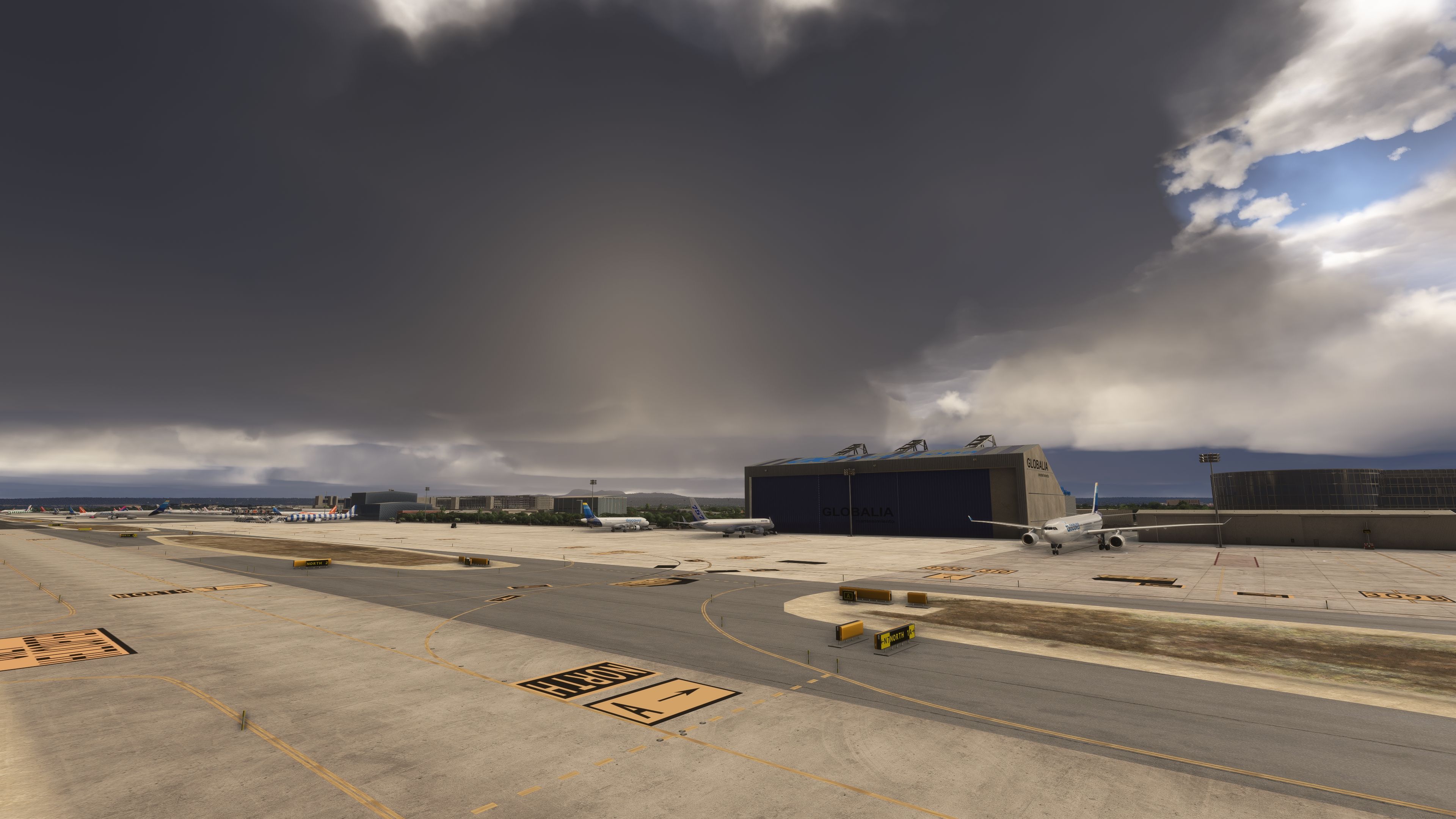
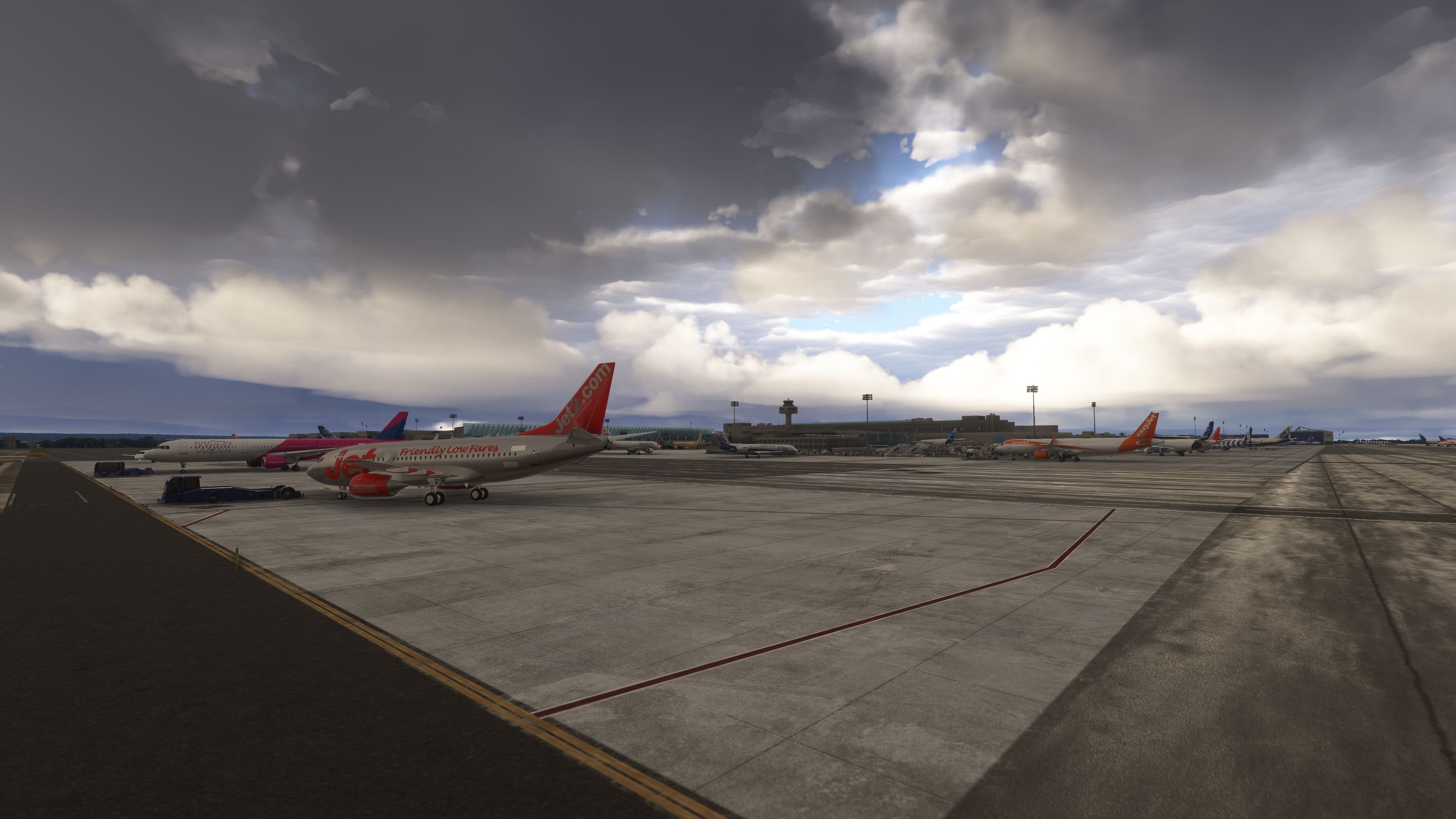
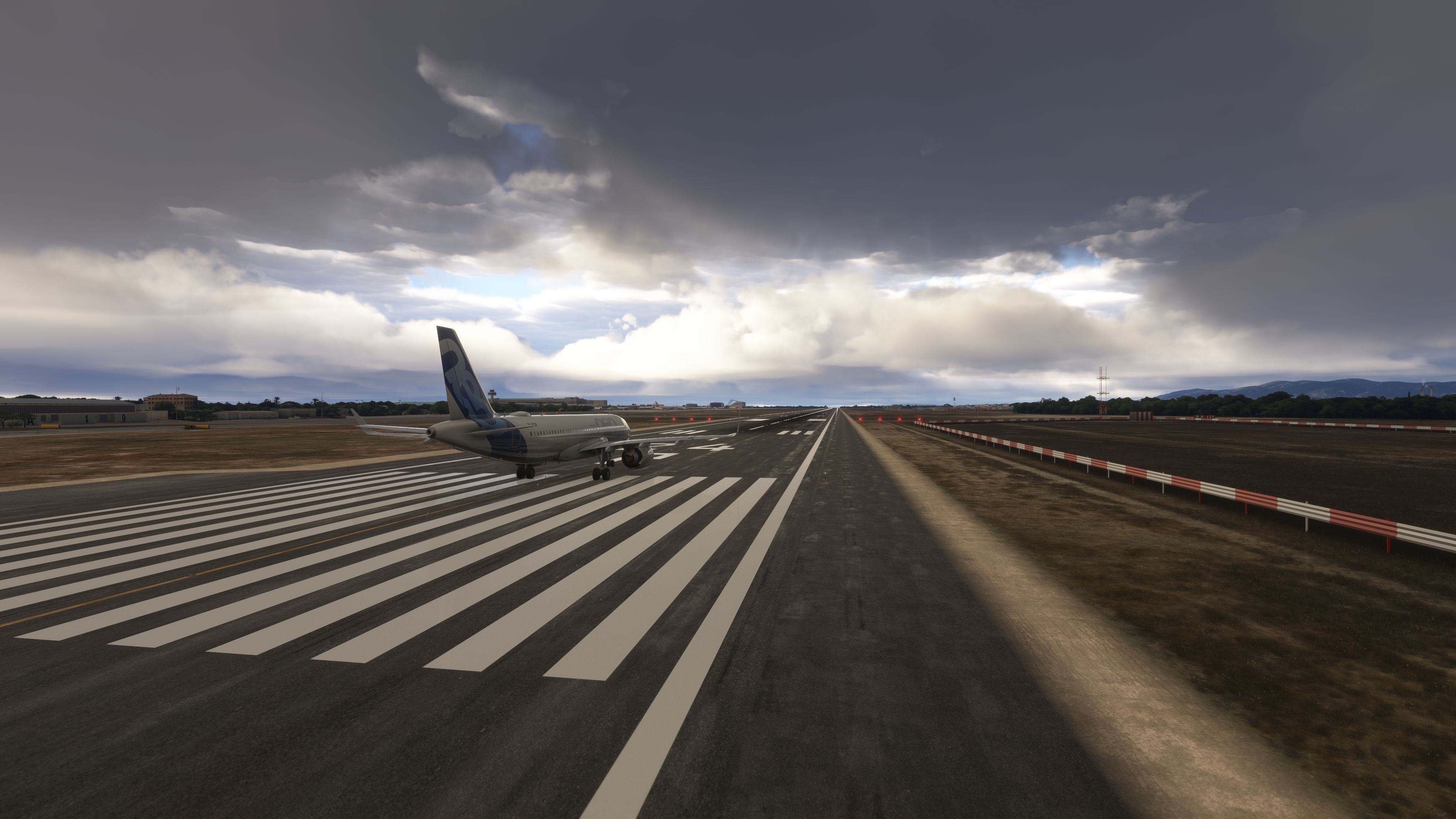
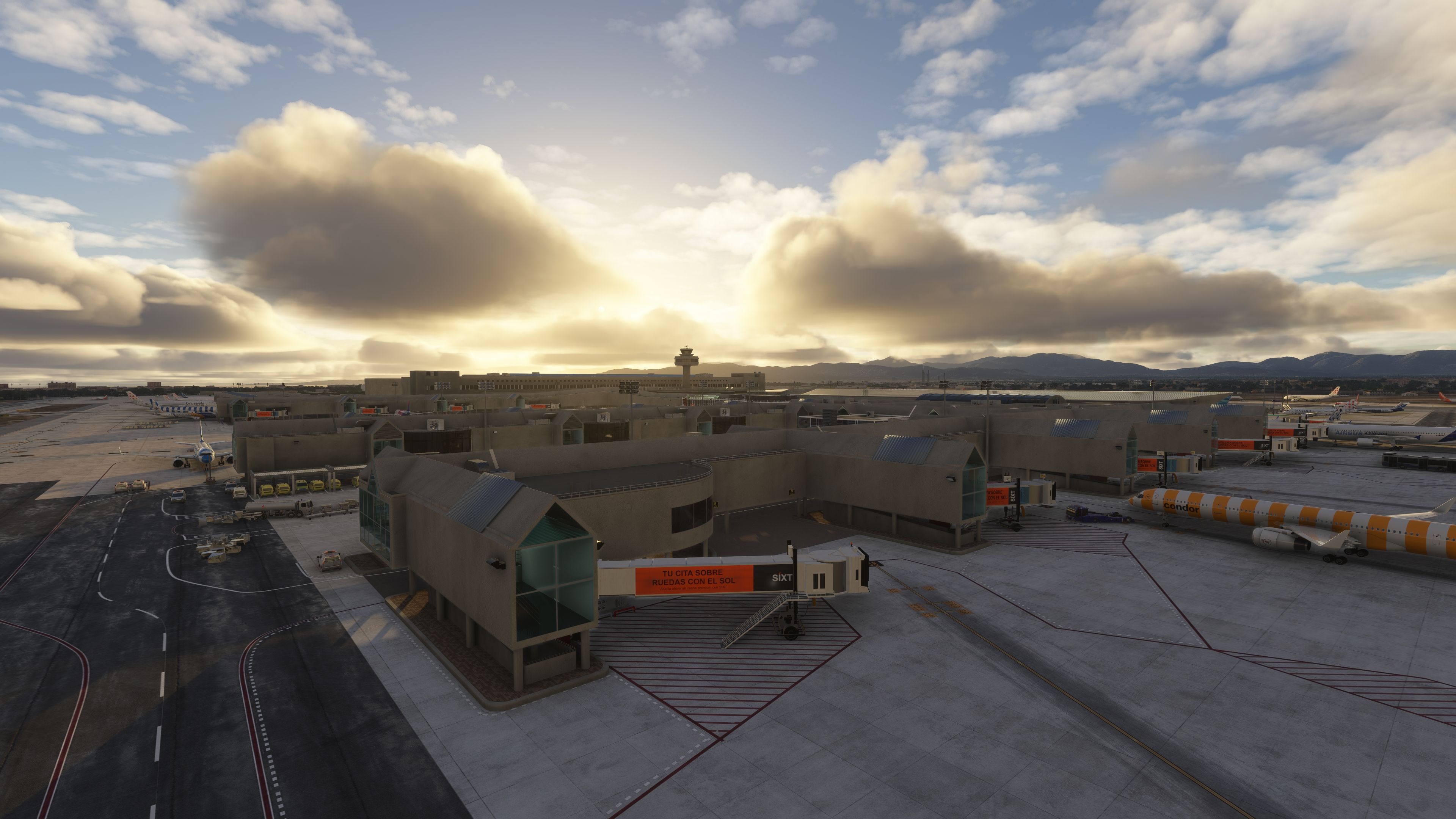
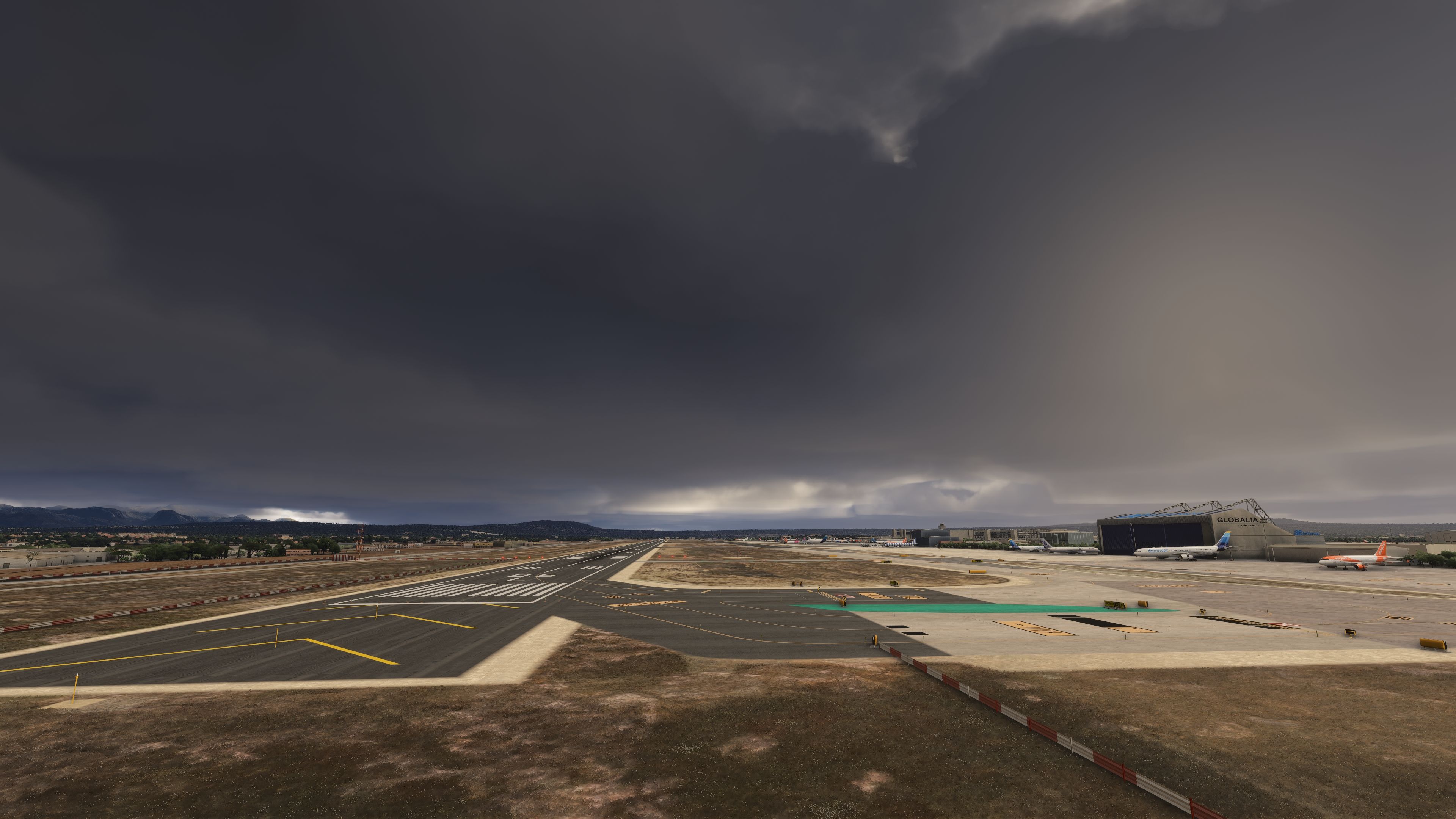
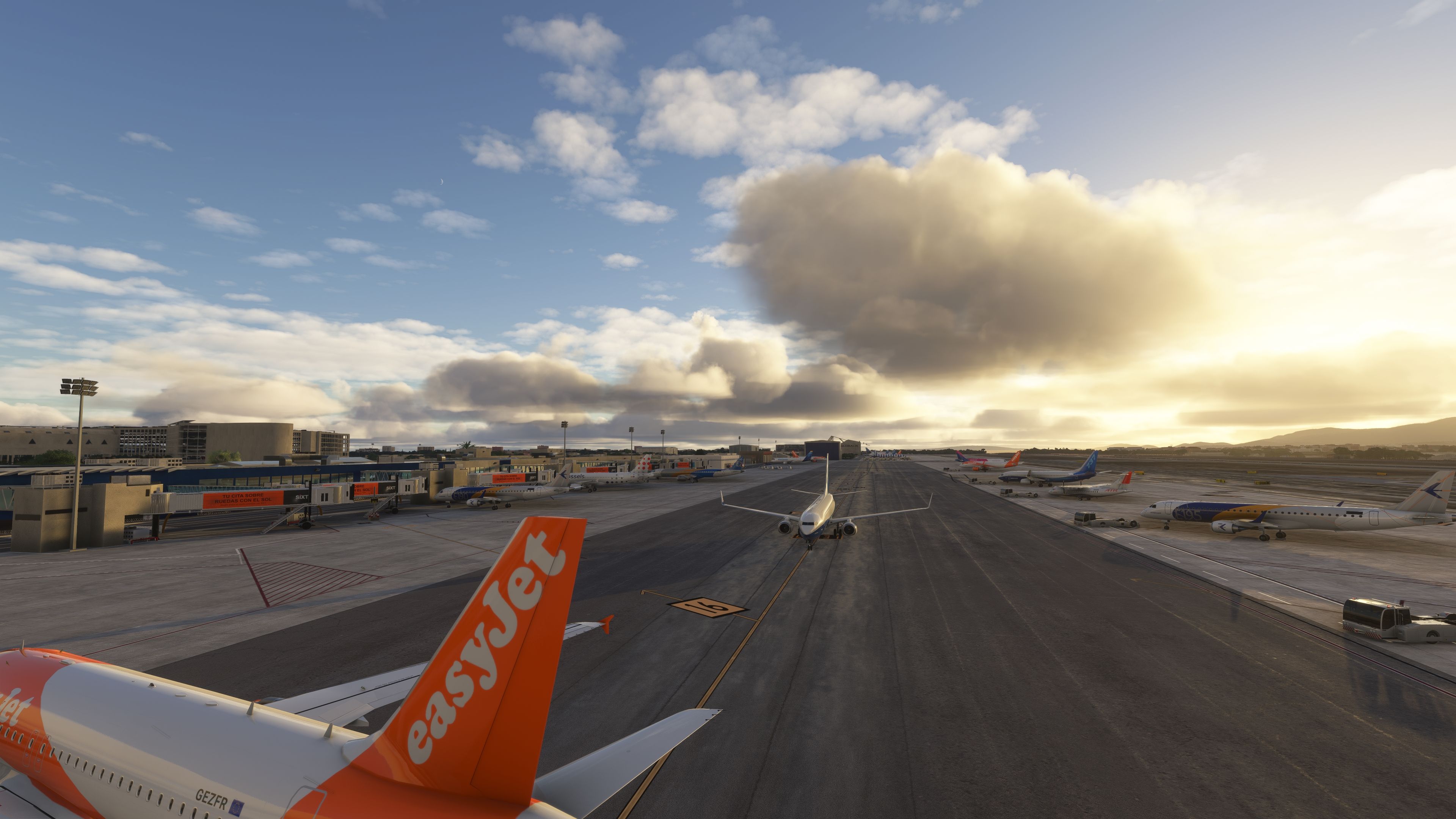
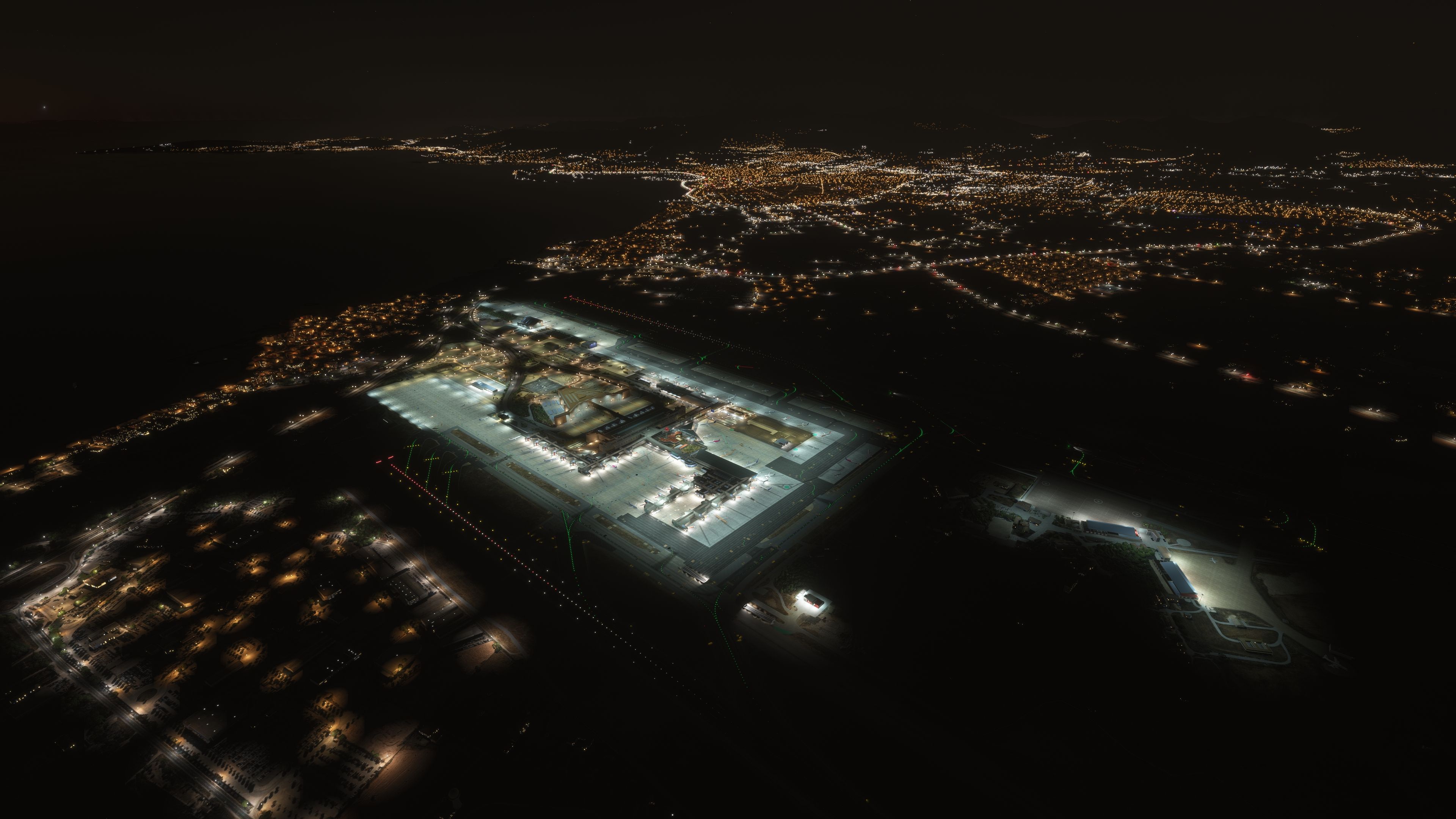
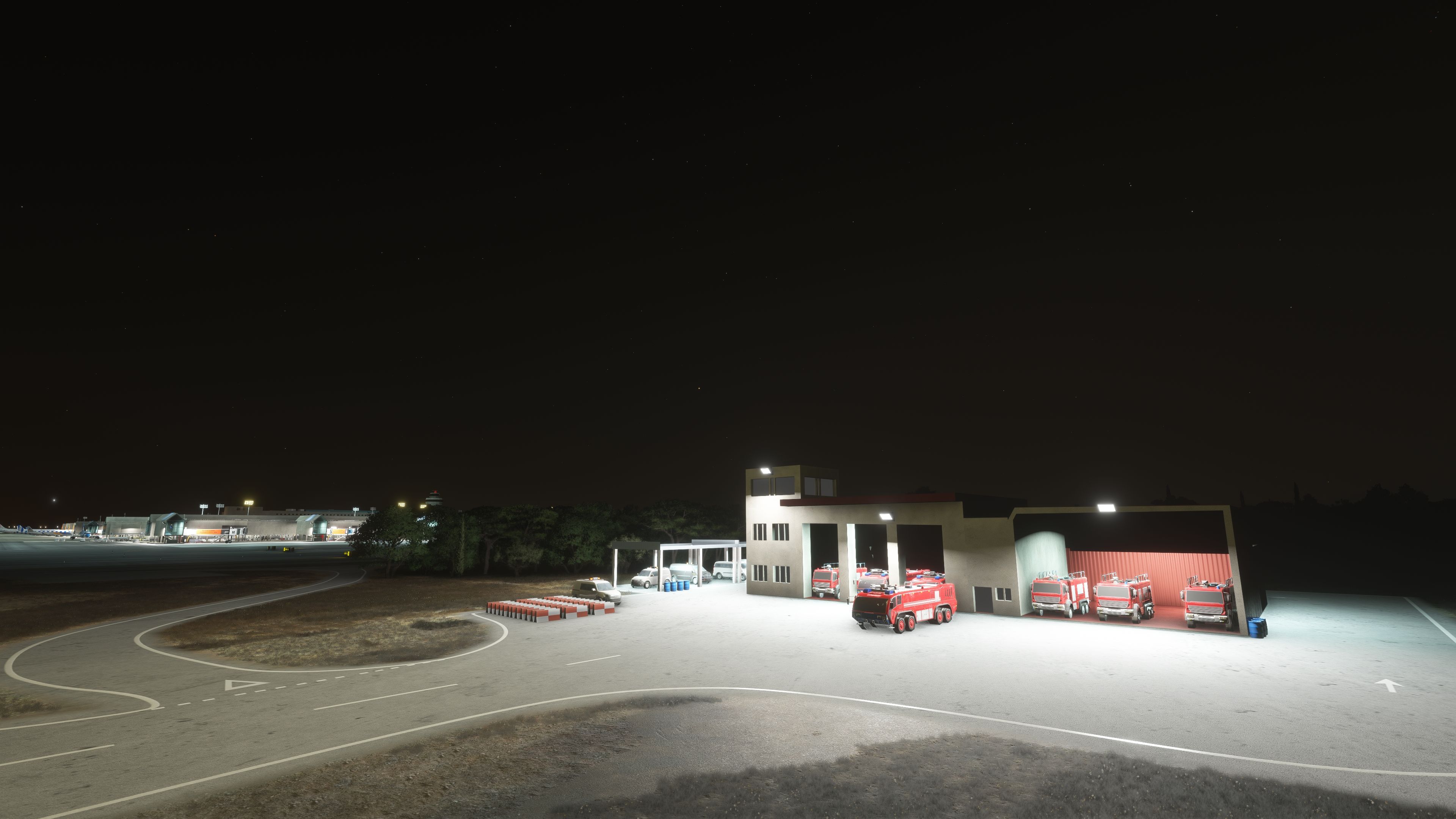
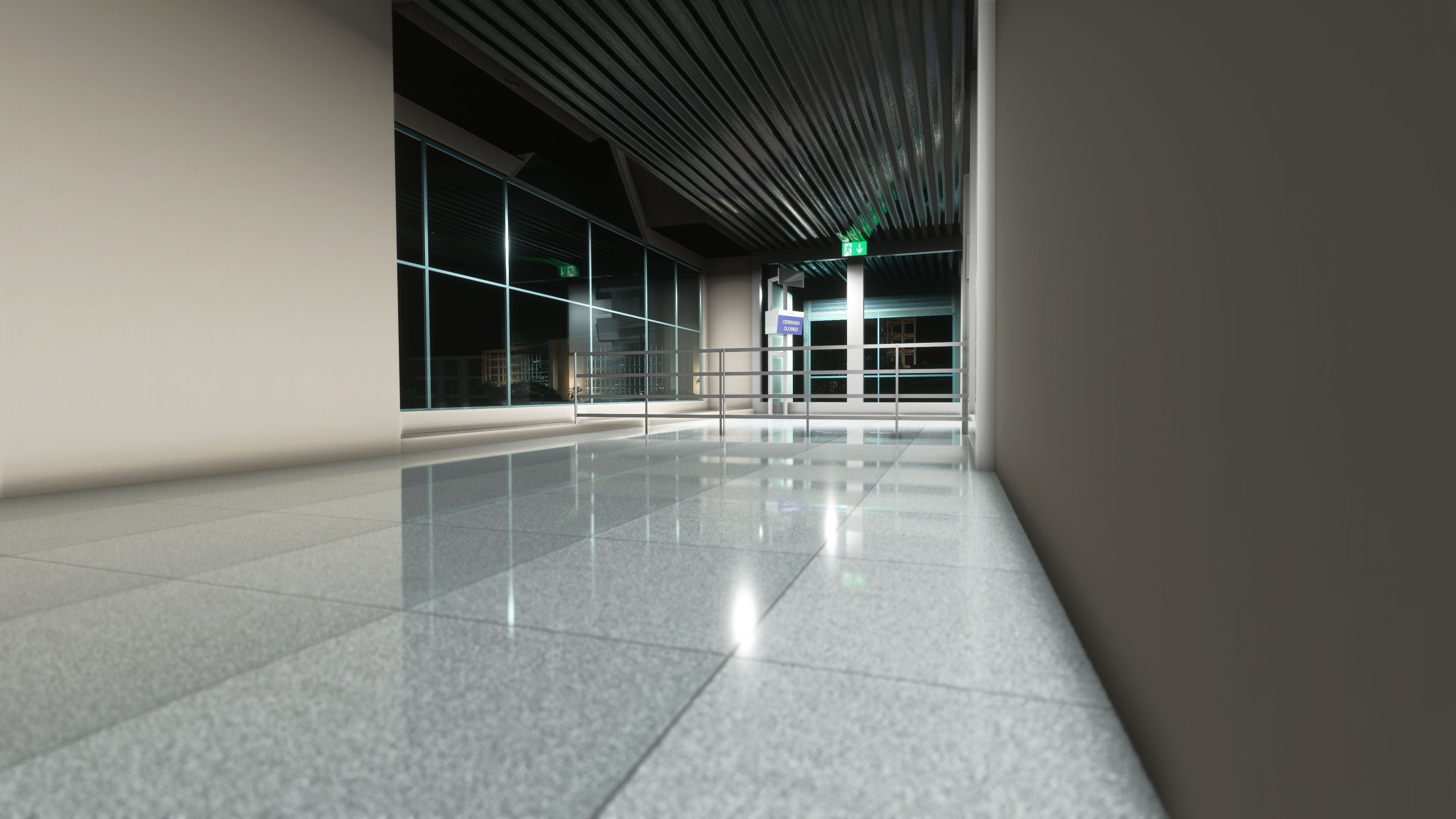
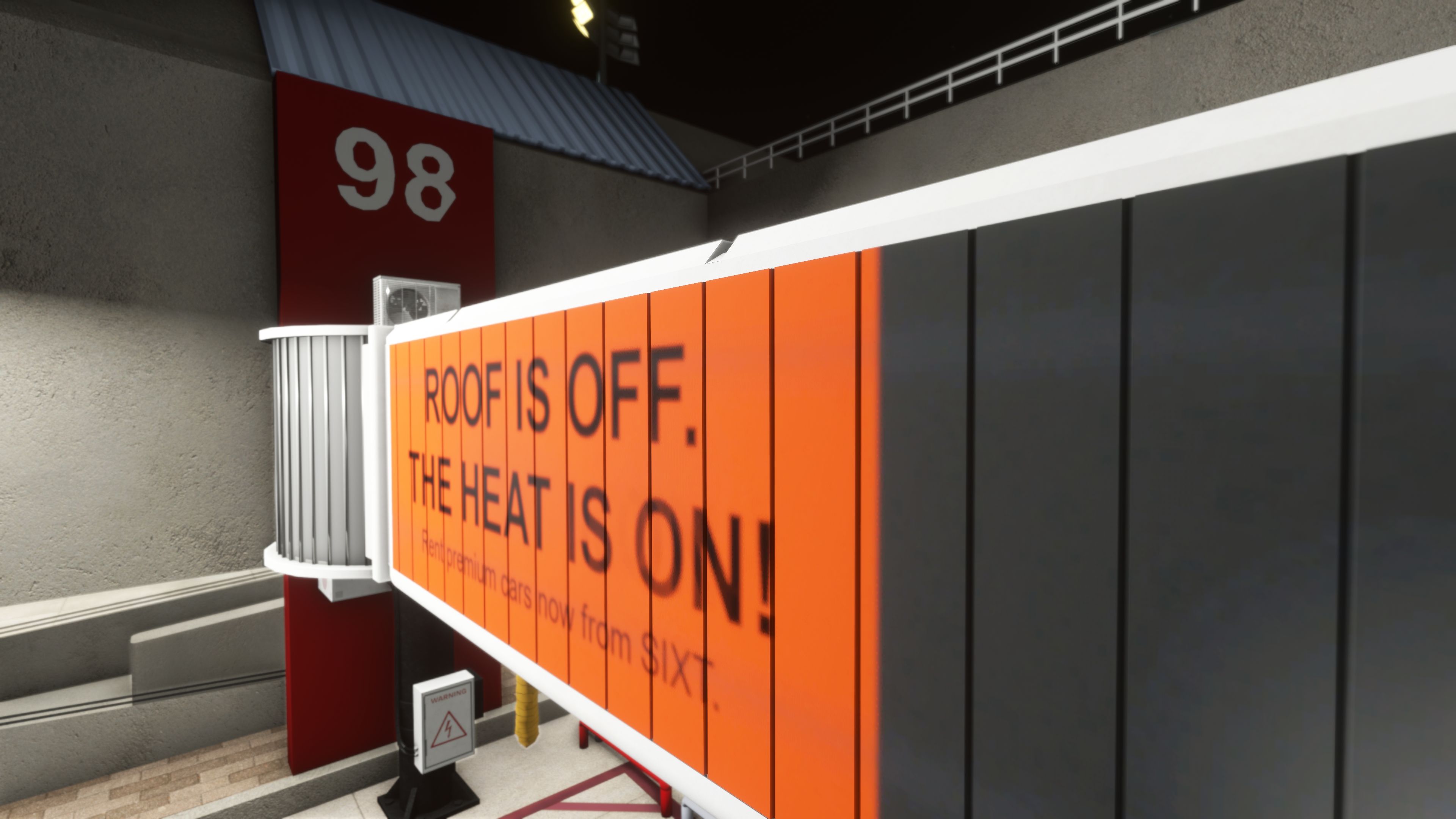
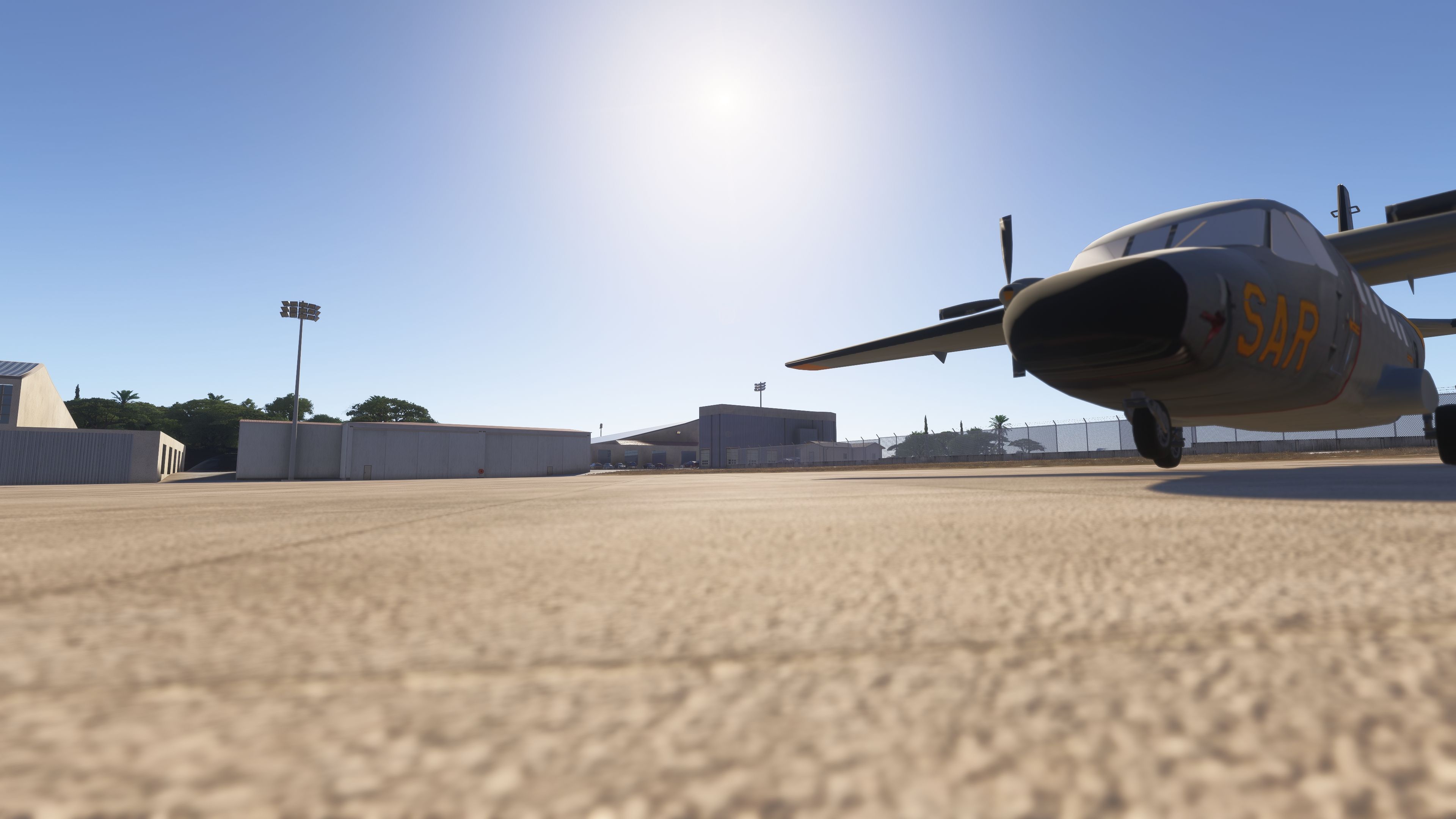

I flew into EuroScene’s Palma de Mallorca in Microsoft Flight Simulator 2024, then spent time around the passenger stands. The aircraft-type stop markings and custom jetways gave the apron a convincing airport-specific character, particularly around Terminal A’s Sixt-branded gates. At night, I found the visible terminal interiors added welcome depth to the gate views, although that lighting treatment does not extend to the main building or control tower.
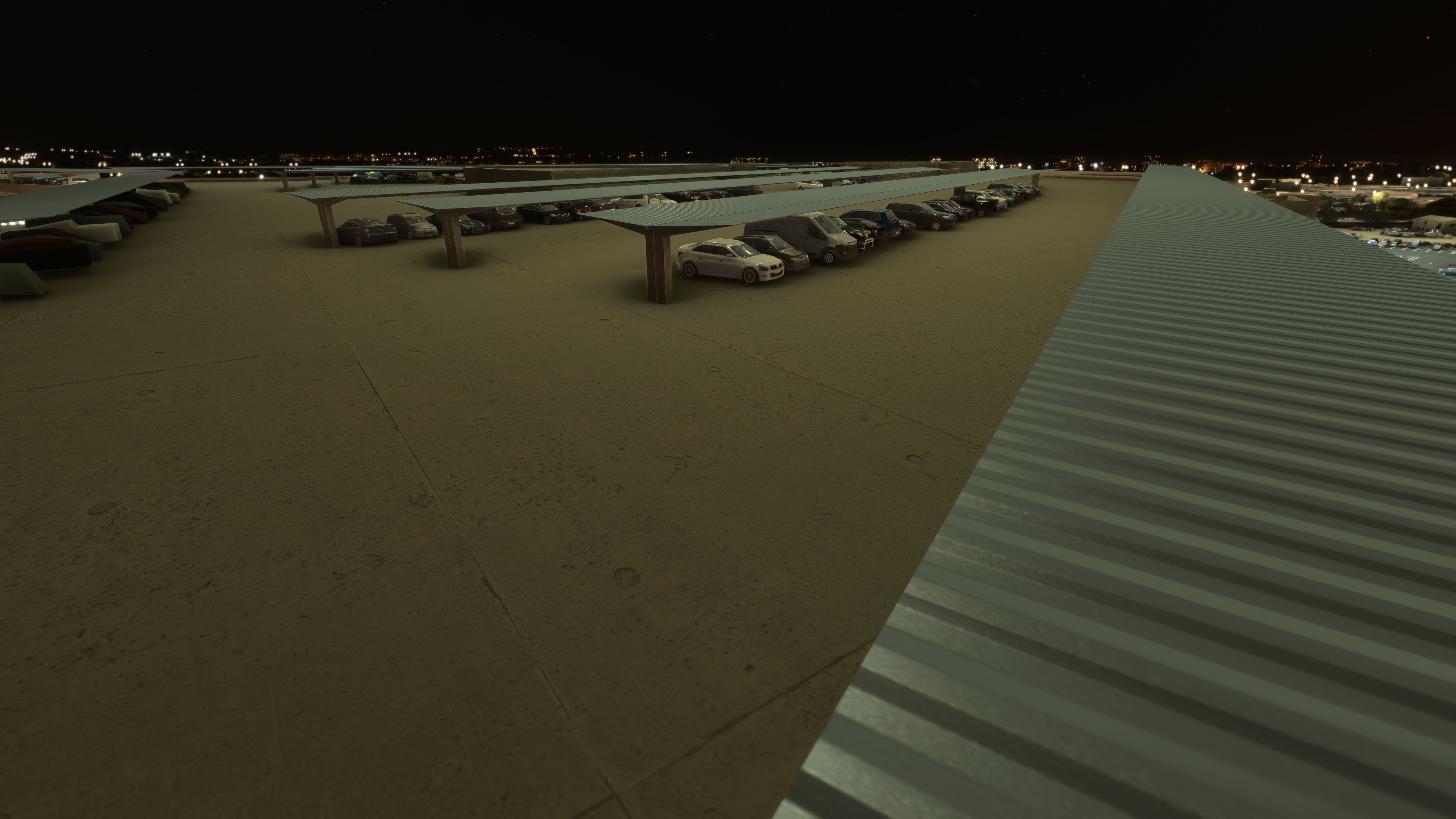
The scenery’s scope reaches beyond the terminals, with a cargo facility, fire station, Globalia hangar and selected landside roads and parking areas. Raye’s included GSX profile complements the stand work. I treated the custom VDGS poles as visual details rather than working docking guidance; functional operation is not claimed. AI runway-direction behaviour also remains a documented limitation.
EuroScene’s freeware Palma de Mallorca Airport (LEPA) scenery for Microsoft Flight Simulator recreates Son Sant Joan with custom terminals, jetways, apron detail and night-lit interiors. The package also supports Microsoft Flight Simulator 2024 and includes a GSX profile by Raye.
Palma de Mallorca serves Mallorca in Spain’s Balearic Islands, making it a natural destination for Mediterranean holiday traffic. EuroScene brings the airport into the simulator with custom 3D models for every terminal, selected hangars, the control tower and VOR/ILS antennas [navigation and instrument-landing-system equipment]. Custom ground textures, markings, taxiway signs, lighting and parking positions extend the work across the airfield.
The terminal interiors feature night lighting and remain visible from both inside and outside; however, the main building and control tower do not include this treatment. Meanwhile, custom-modelled and textured jetways provide the gate infrastructure, including Sixt-branded examples at Terminal A. EuroScene also models portions of the surrounding roads and car parks rather than claiming complete coverage of the airport’s surroundings.
EuroScene developed this as a first scenery project, working alone on the original airport. Subsequent releases refine the buildings, stand layout and lighting, while Raye contributes the GSX profile. The following history consolidates the repeated entries in the developer’s release notes.
euroscene-airport-lepa-palma-de-mallorca folder into your simulator’s Community folder.EuroScene welcomes bug reports and feedback to help improve the project; the developer provides euroscenesimulations@gmail.com as a contact address. Credit goes to Raye for the GSX profile and TigerCat for the contribution acknowledged with the added aircraft models. Fly Away Simulation lists this freeware scenery with permission granted directly by EuroScene.
Free for all simmers · 499.78 MB · Scanned clean Oct 2026
Download speed: Free tier is capped at 2 Mbps (this file takes approximately 35 mins at the cap). PRO members download at full line speed.
%LOCALAPPDATA%\Packages\Microsoft.FlightSimulator_8wekyb3d8bbwe\LocalCache\Packages\Community\. Steam version: %APPDATA%\Microsoft Flight Simulator\Packages\Community\. Tip: enable Developer Mode in MSFS to see your exact Community folder path.readme.txt or README file. It tells you exactly where files go, what dependencies are needed, and any quirks specific to this add-on.Use these coordinates to fly directly to this location once the mod is installed.
39.55170000,2.73880000
Paste these coordinates into the Microsoft Flight Simulator search bar when planning a flight, or into the Developer Mode Teleport window, to fly directly to this location.
Only PRO members can place votes.
More MSFS add-ons hand-picked based on this download.
MSFS Scenery
This mod developed by JustOkayPilot brings Grand Canyon National Park Airport…
 MSFS Scenery
Sandane Airport (ENSD) is located on the beautiful west coast of Norway and i…
 MSFS Scenery
Enhance your flight simulation experience with this mod for Microsoft Flight …
 MSFS Scenery
The Disney World airport/STOLport (also known as the Lake Buena Vista airport…
 MSFS Scenery
Enhance your flight simulation experience with a detailed rendition of Madrid…
 MSFS Scenery
A complete and extensive replacement freeware scenery package for Paris–Le Bo…
 MSFS Scenery
A highly detailed rendition of Gainesville Regional Airport (KGNV), Florida (…
 MSFS Scenery
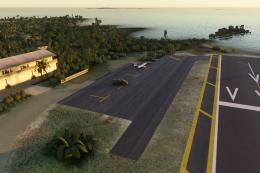
A rendition of George T. Lewis Airport for Microsoft Flight Simulator (MSFS) …
Be the first to leave a comment on this download.
Be the first to share your thoughts on this download.