


 United Kingdom
 MSFS Scenery
RAF Lossiemouth (EGQS)
This freeware rebuild of RAF Lossiemouth (EGQS) for Microsoft Flight Simulato…
RAF Marham (EGYM) scenery recreates Norfolk’s military airfield in Microsoft Flight Simulator with custom buildings, illuminated taxi-through F-35 shelters, proximity-triggered gates and animated hardened aircraft shelters. Revised ground layouts connect parking, taxiways and runways for ATC, airport services and GSX, while optional static Tornado GR4s and a 617 Squadron tail memorial reflect the station’s heritage.
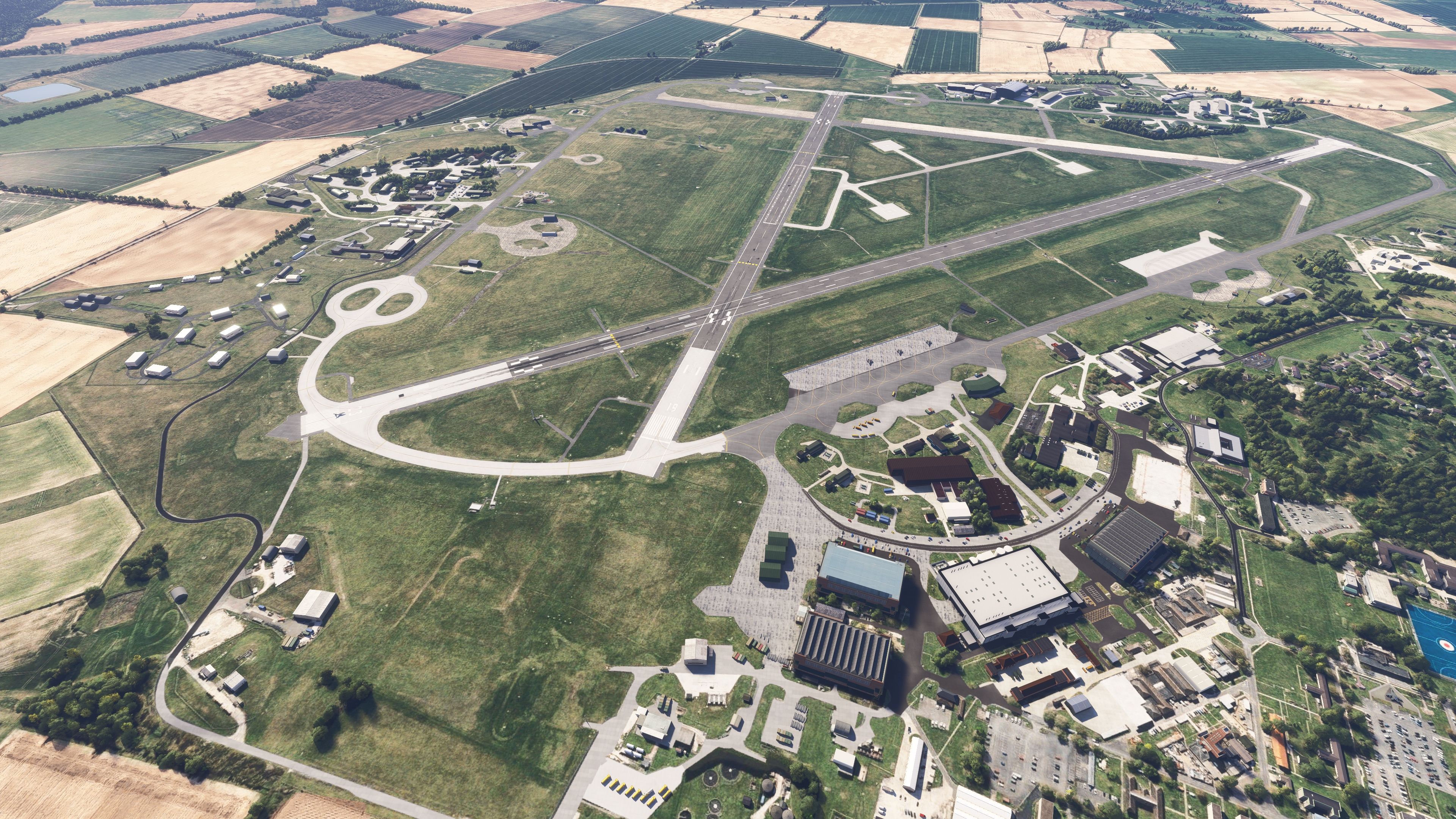
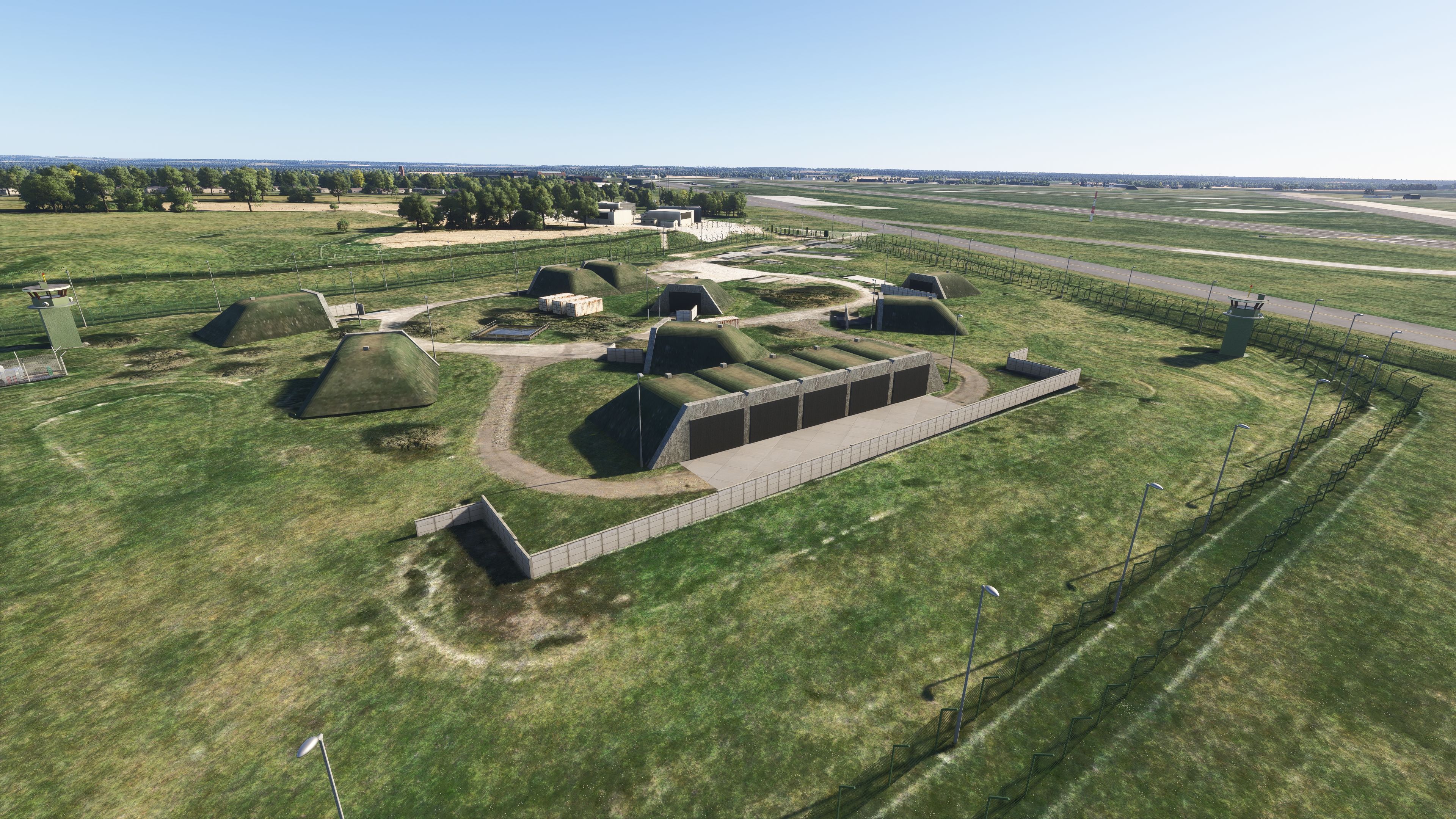
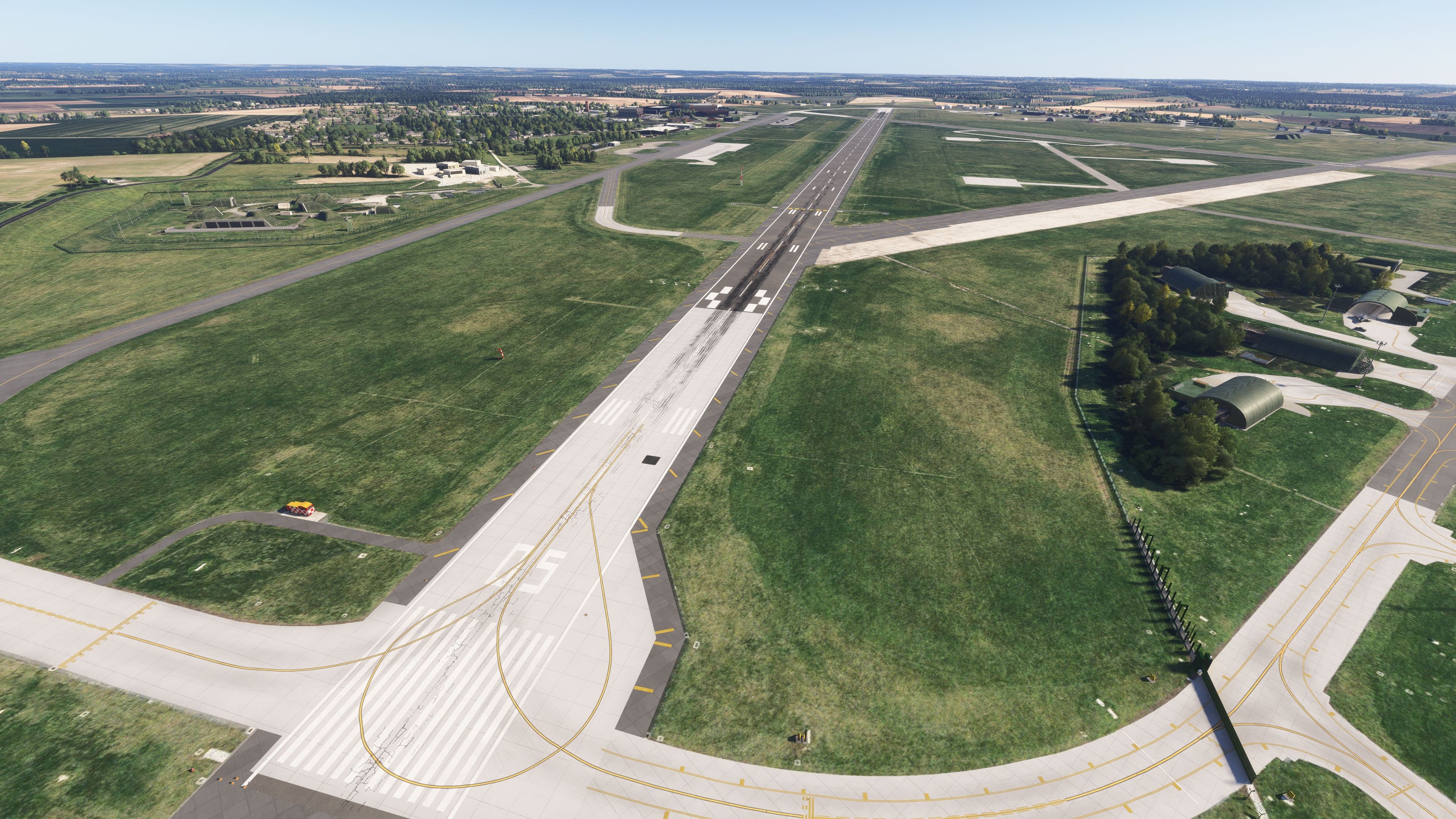
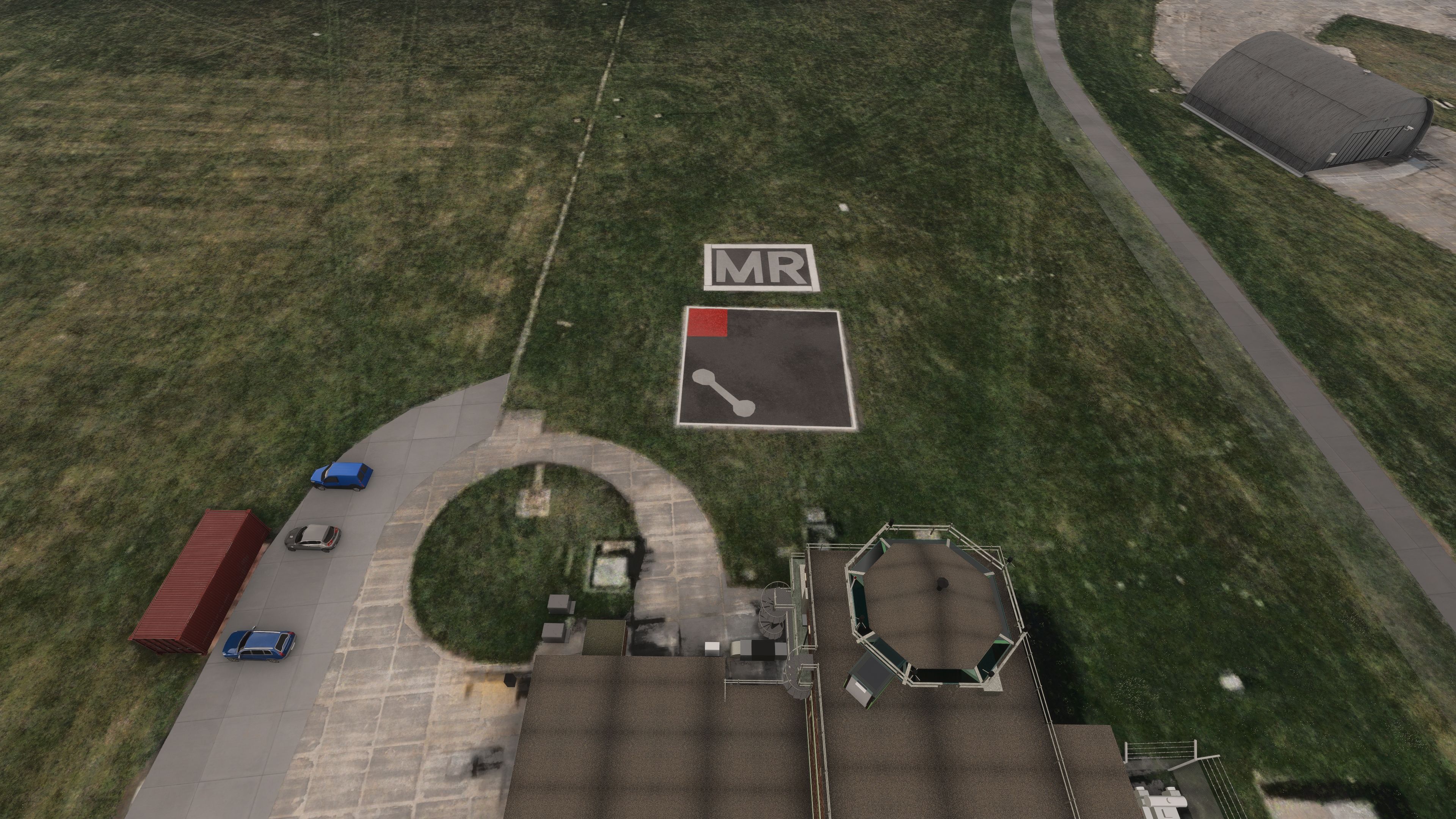
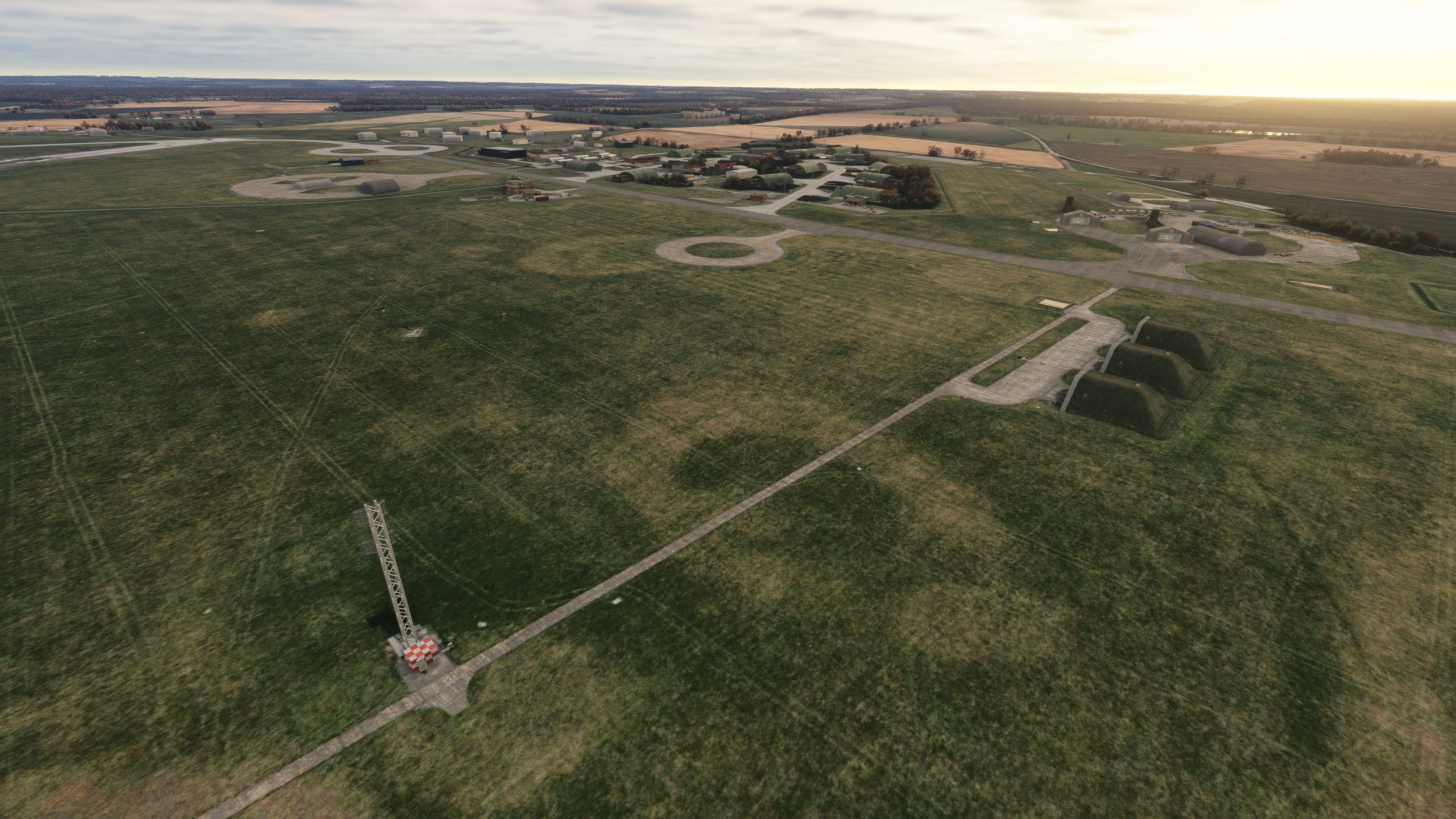
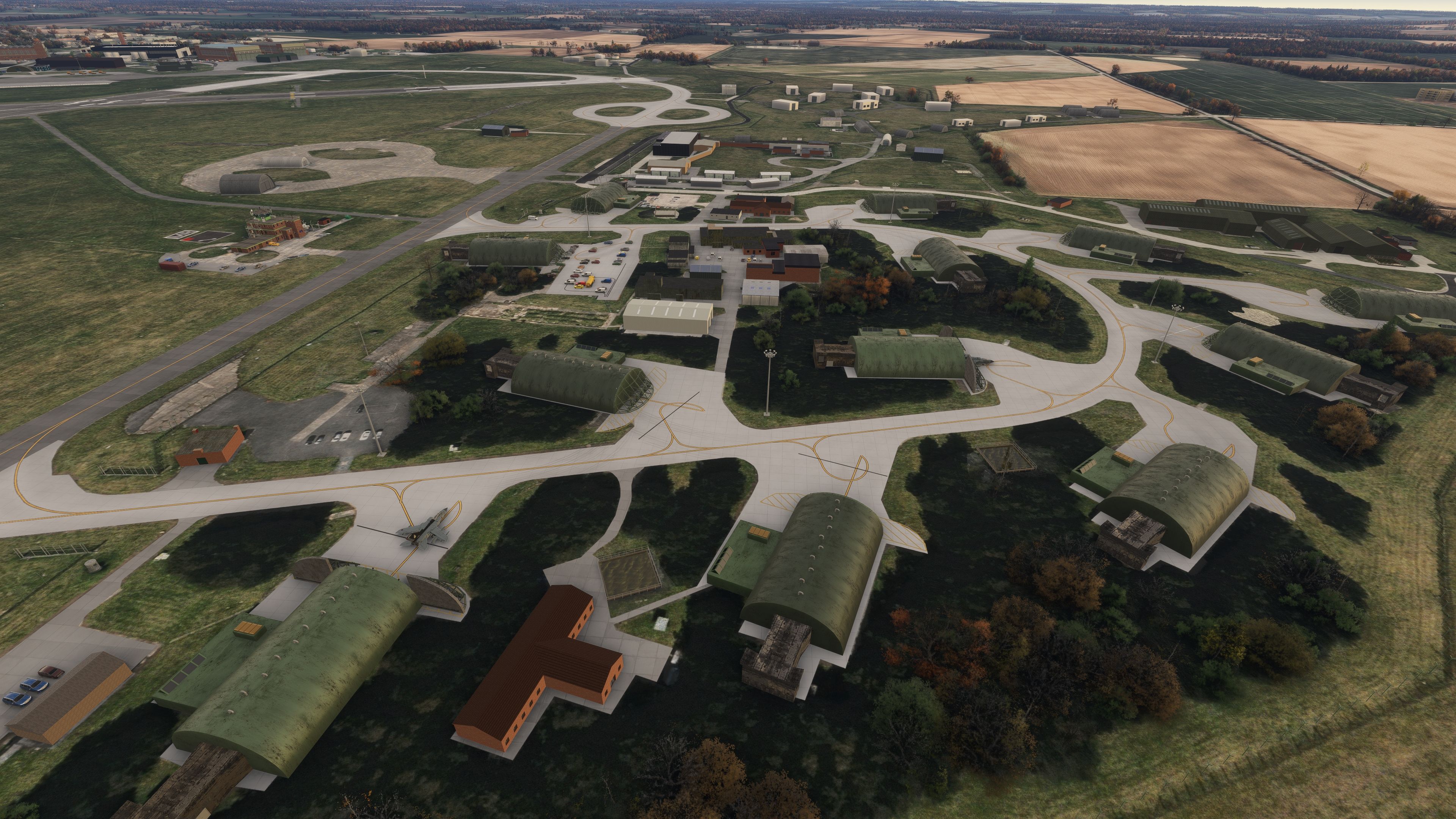
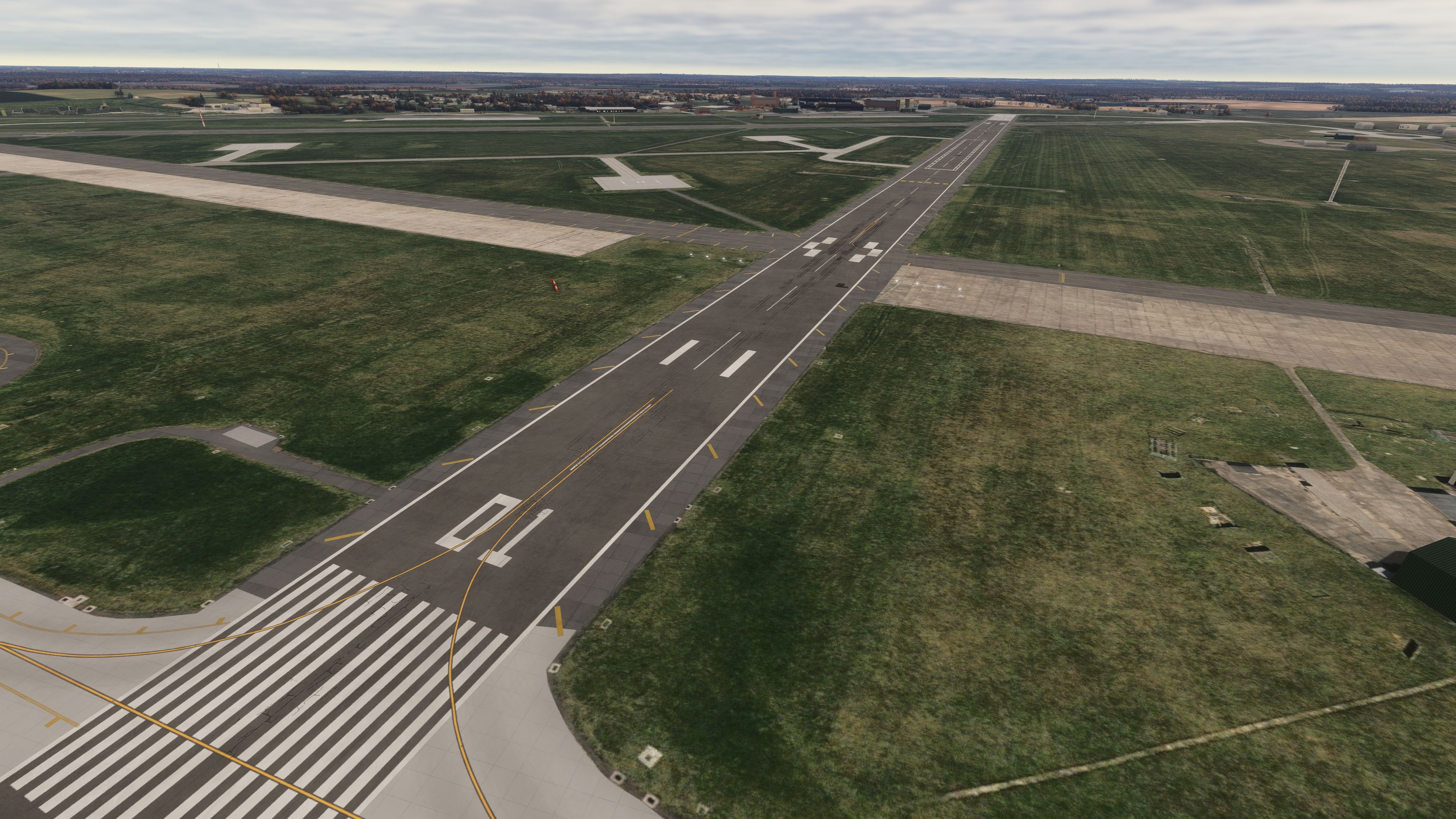
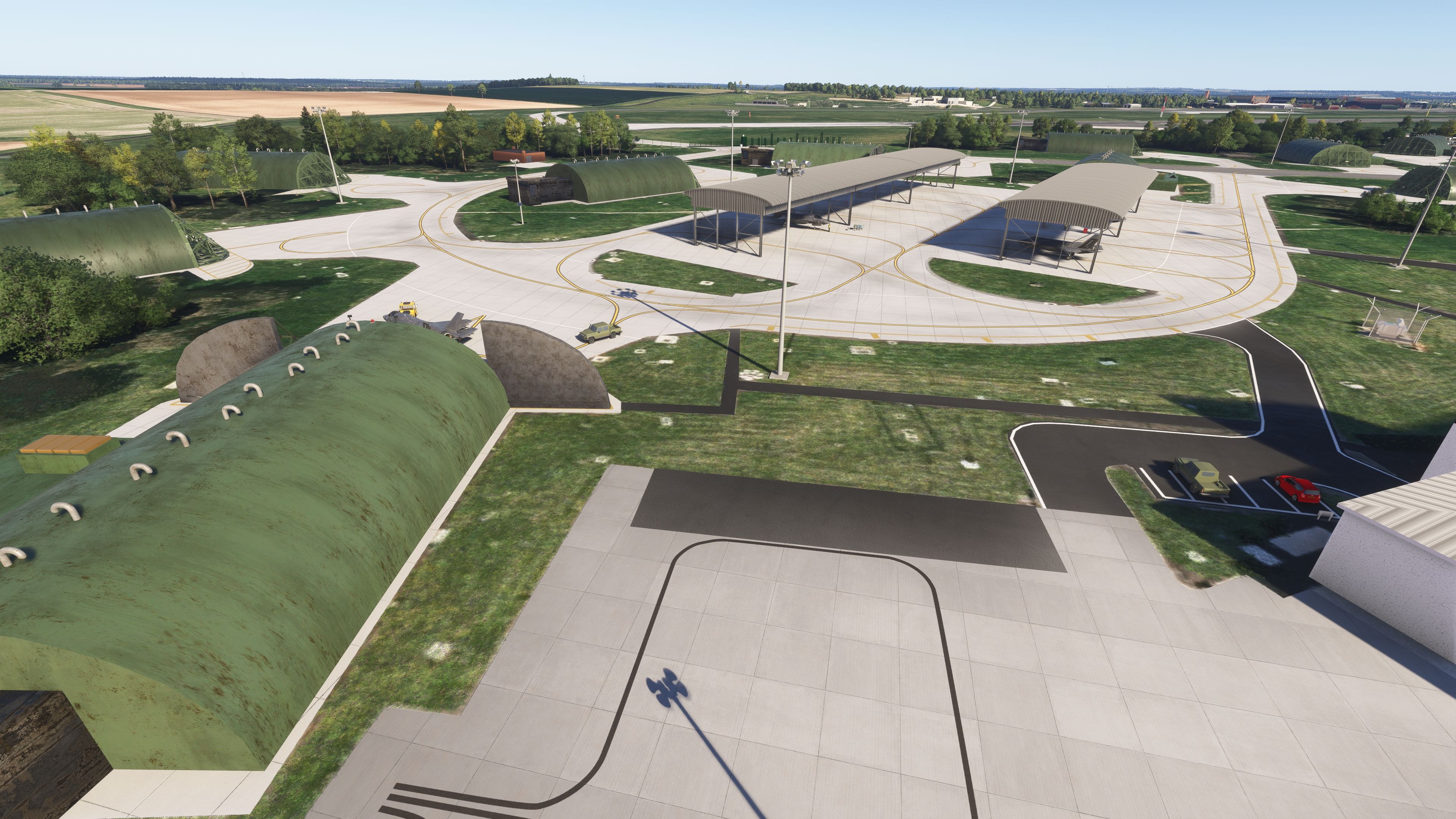
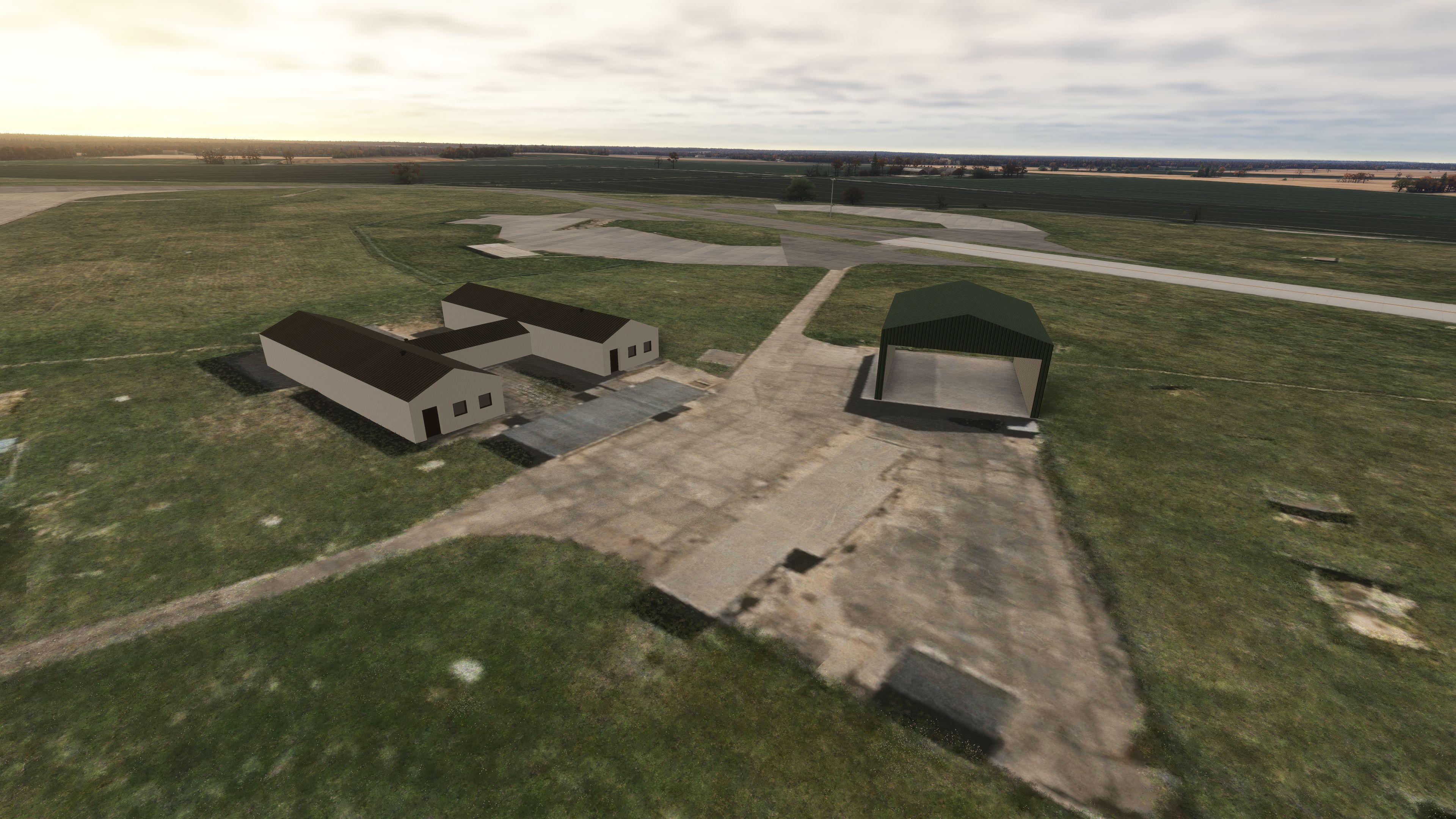
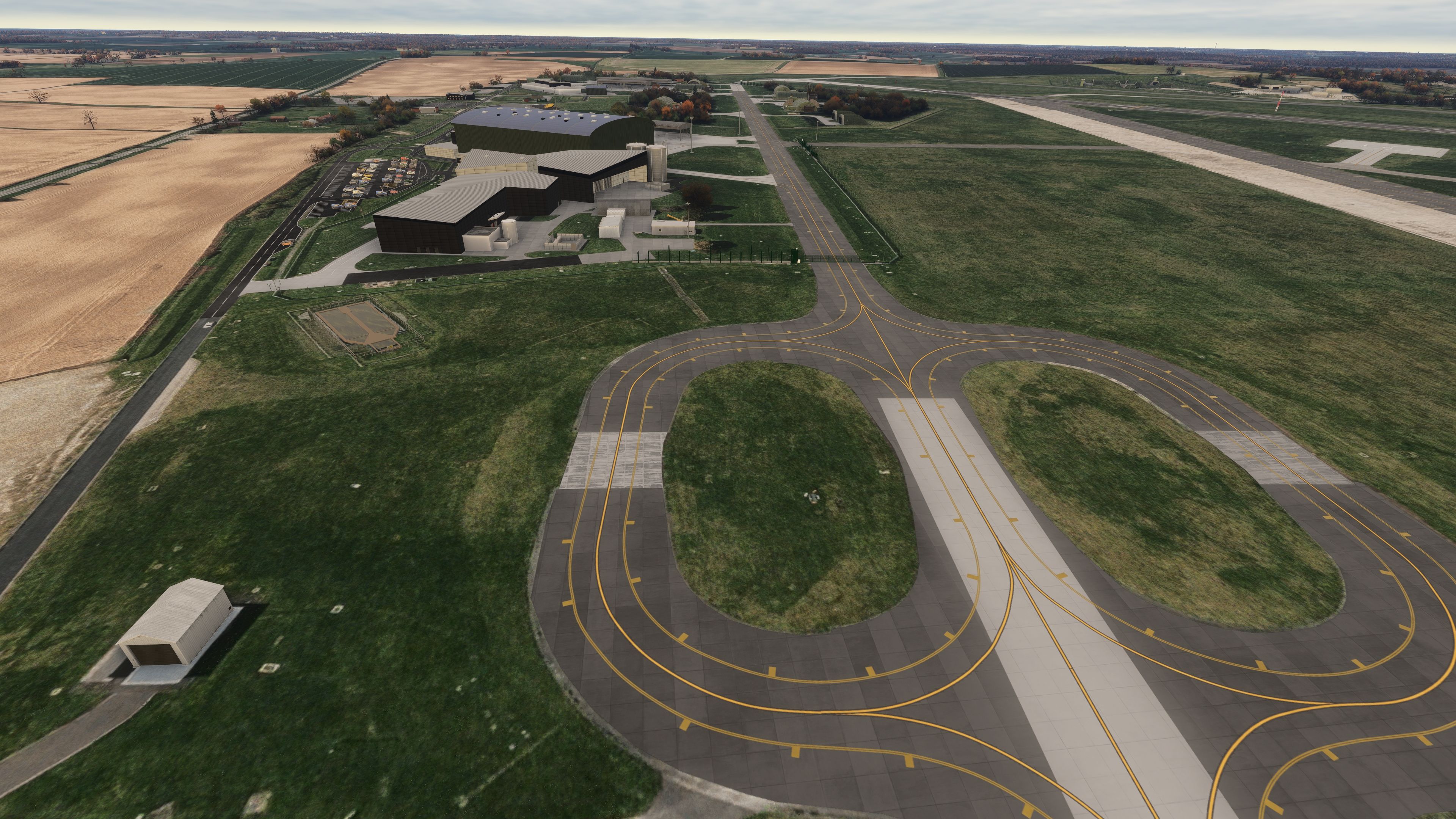
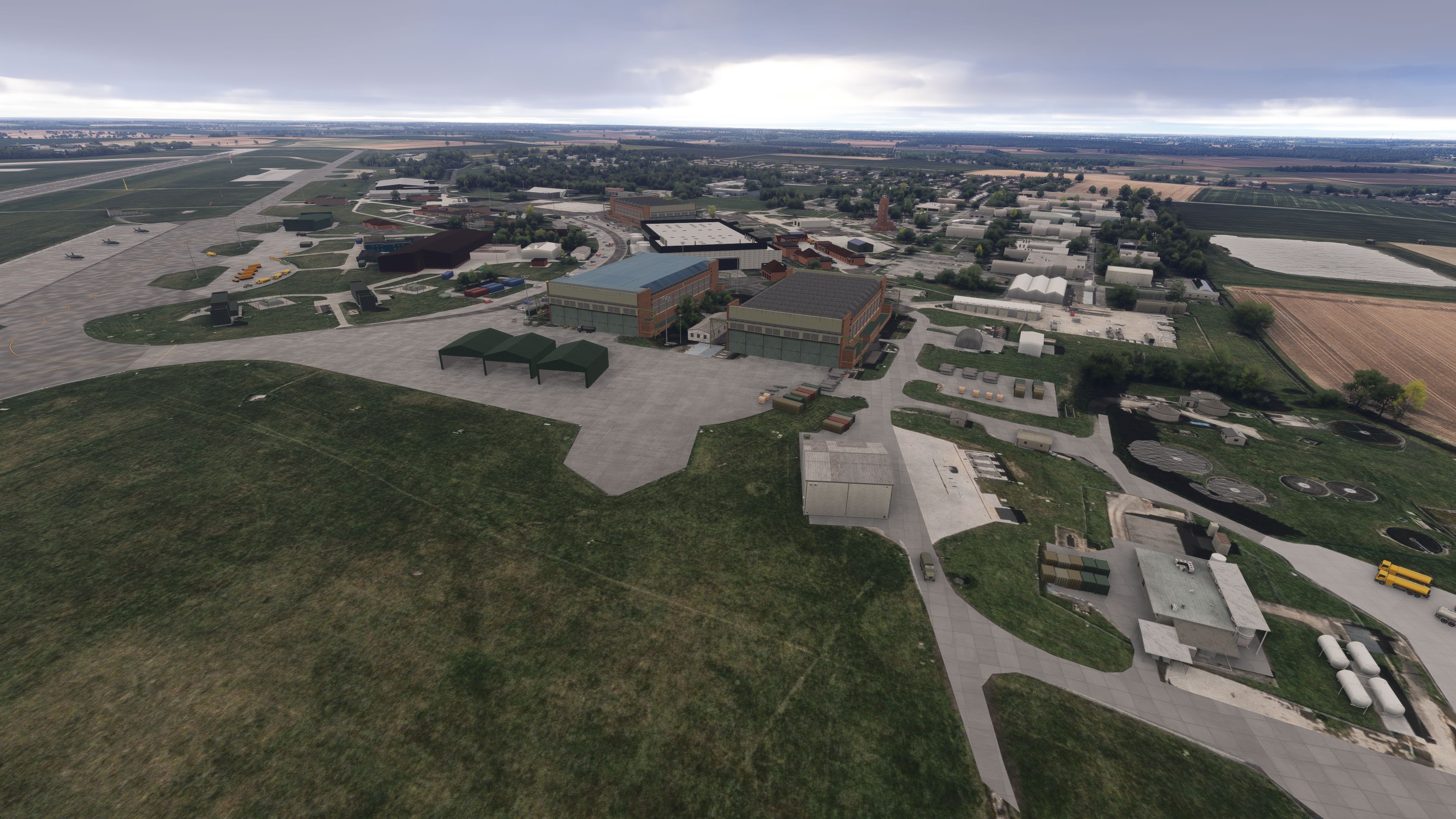
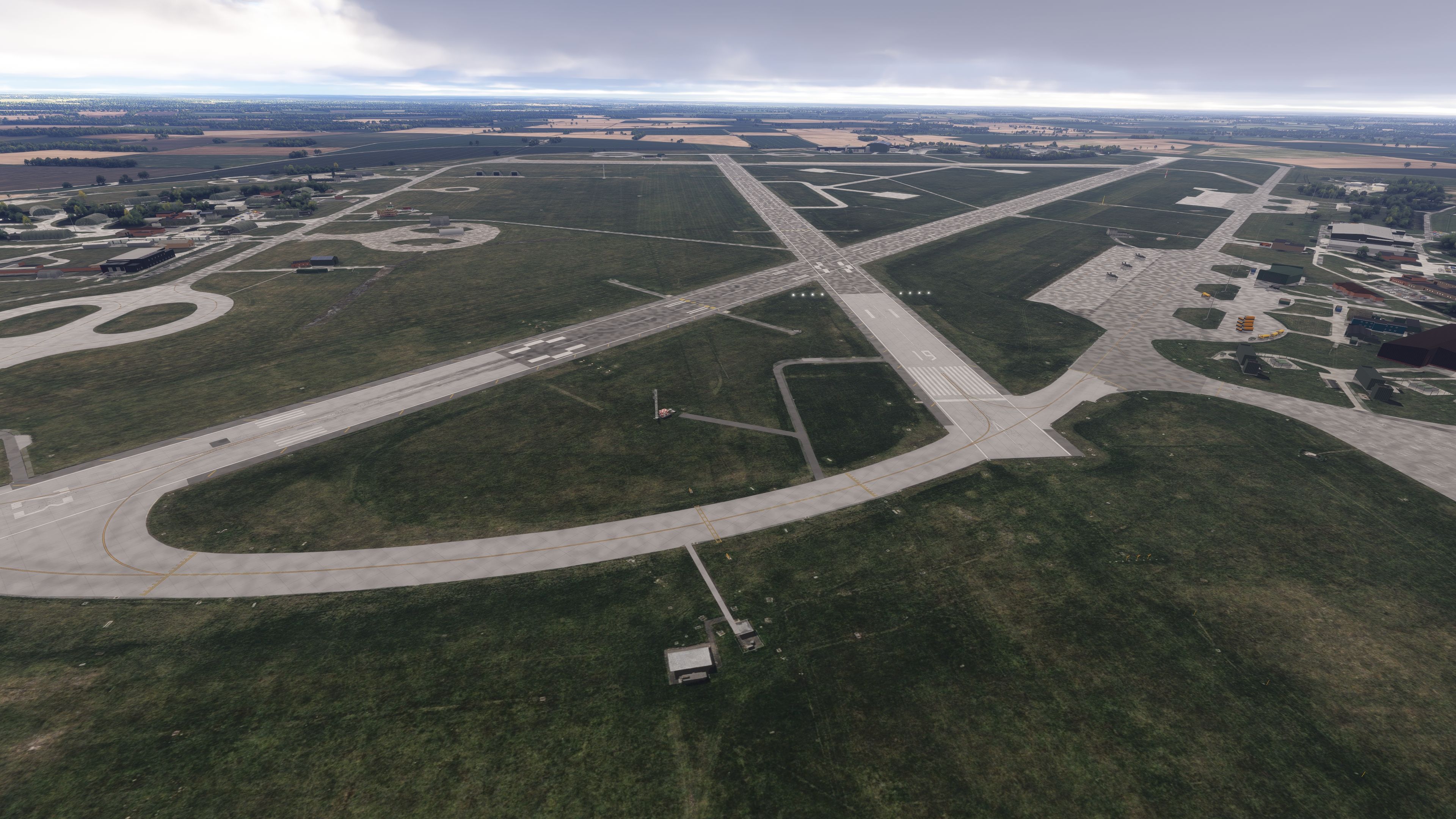
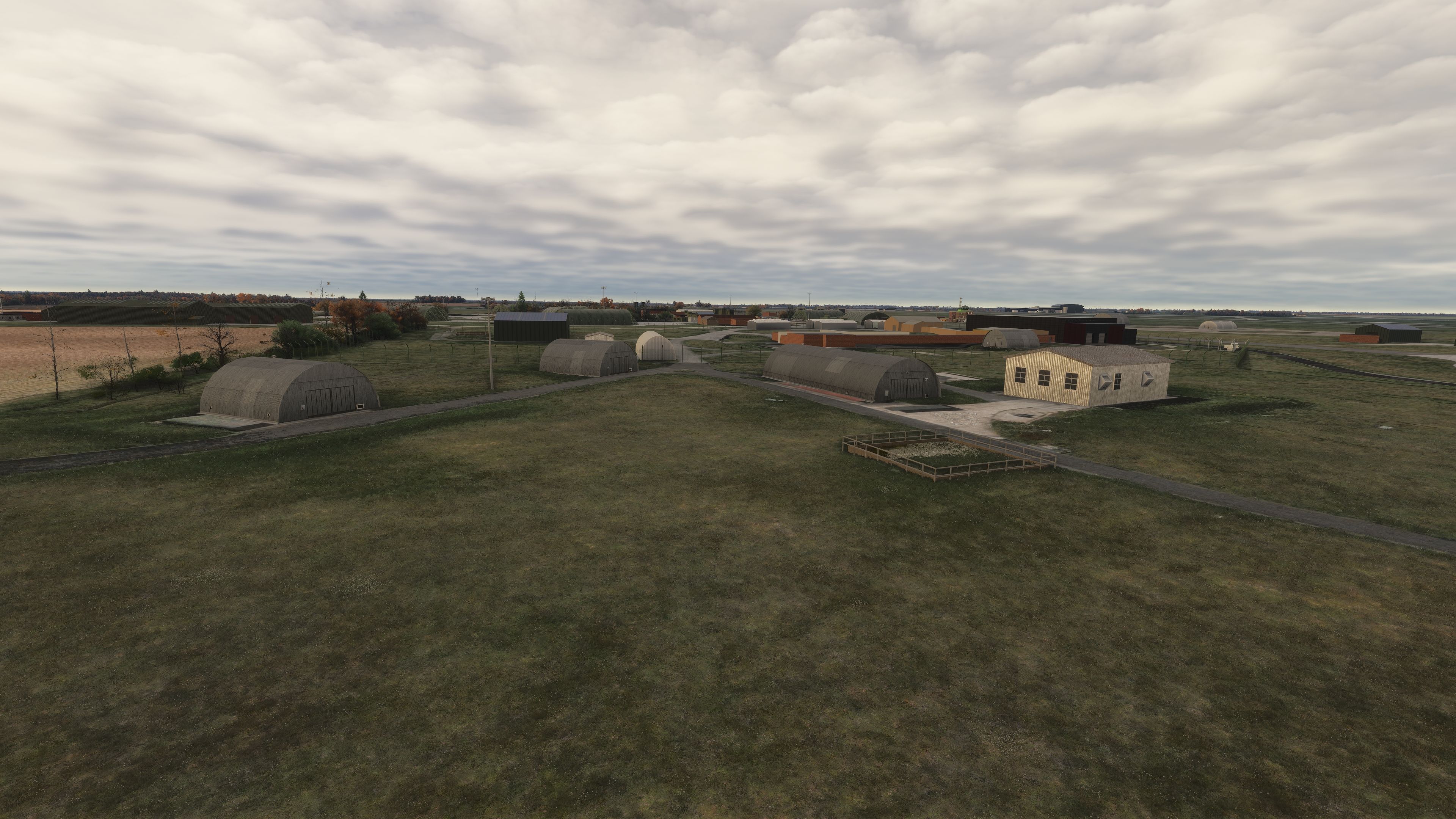
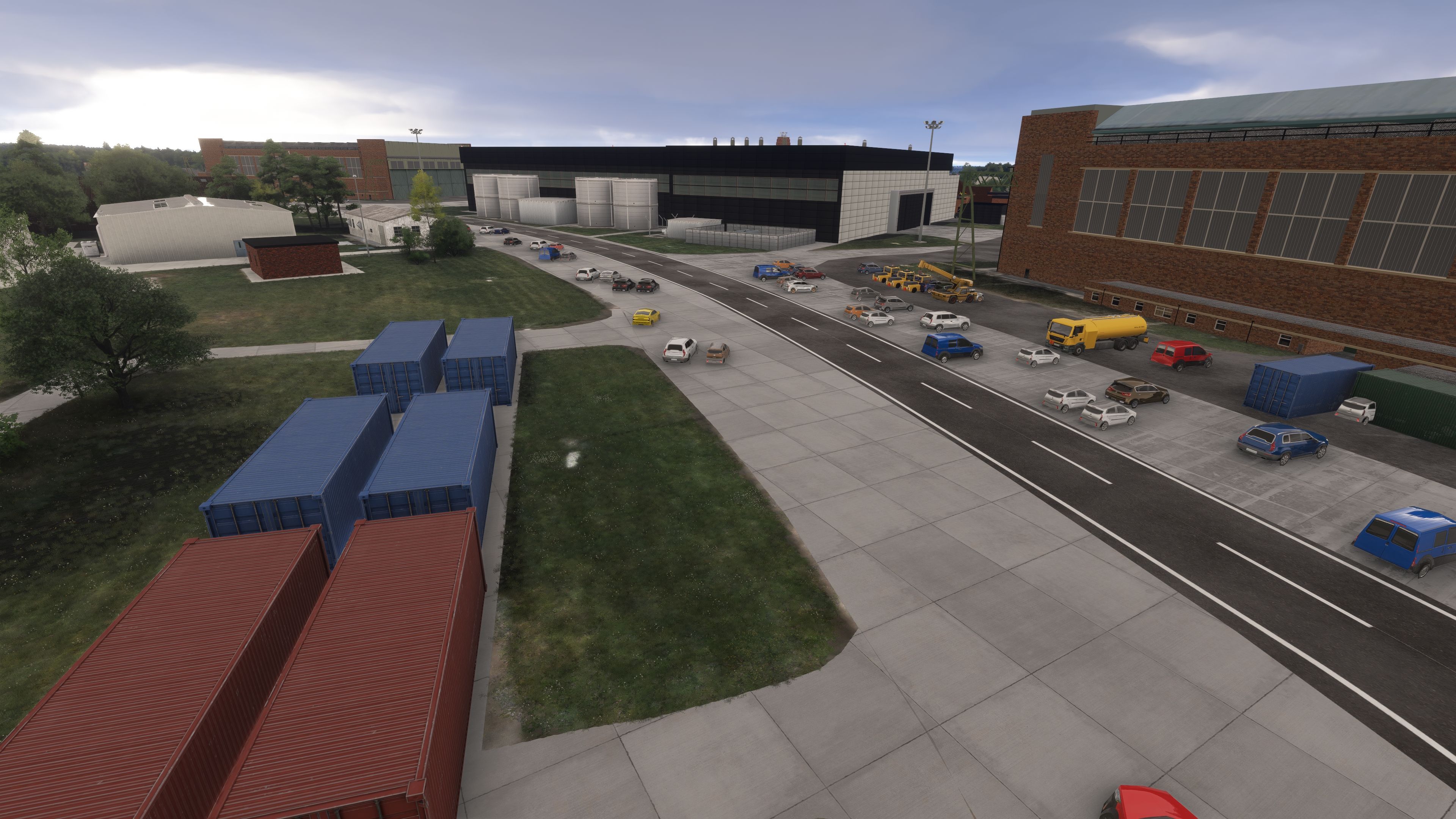
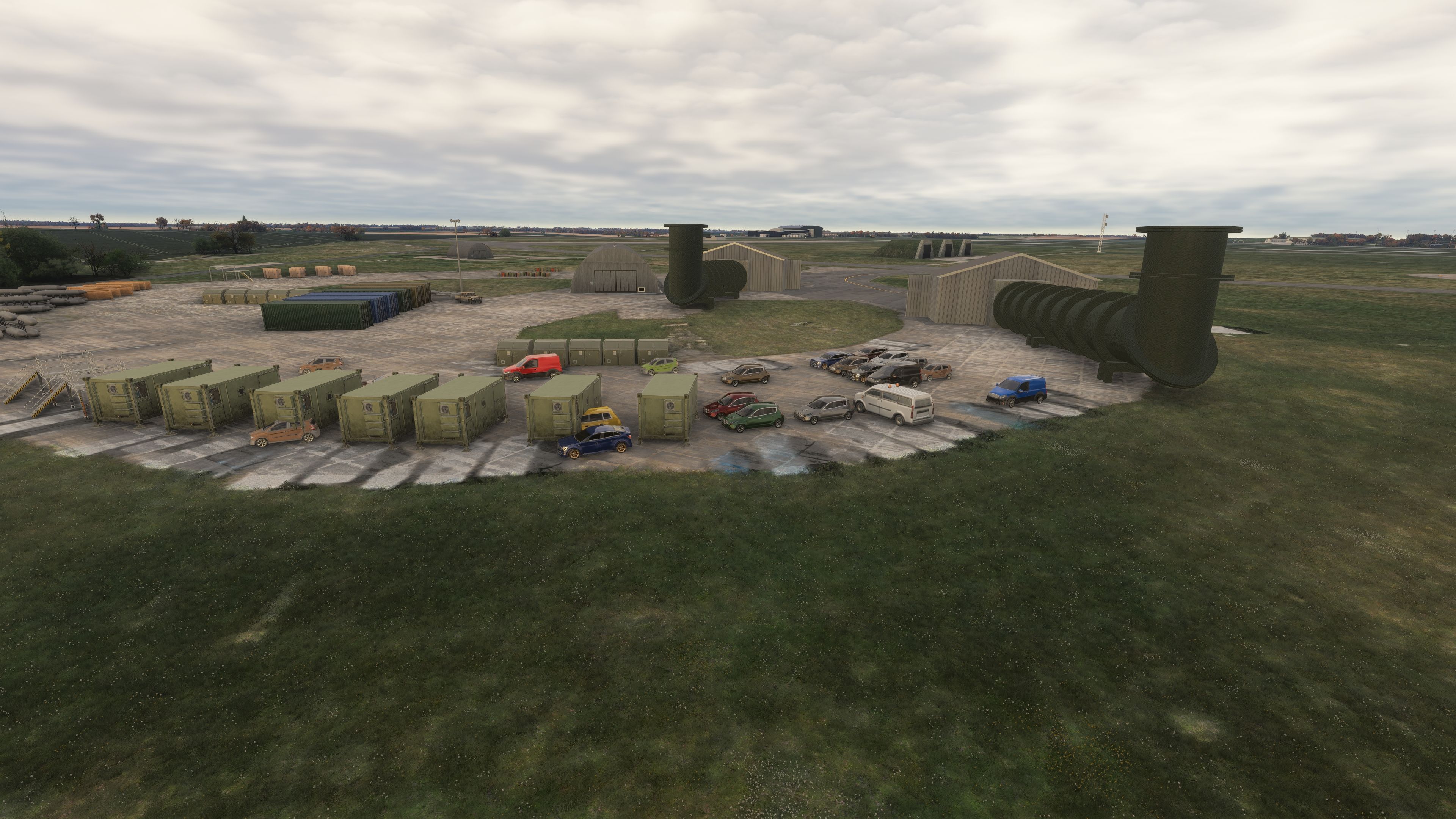
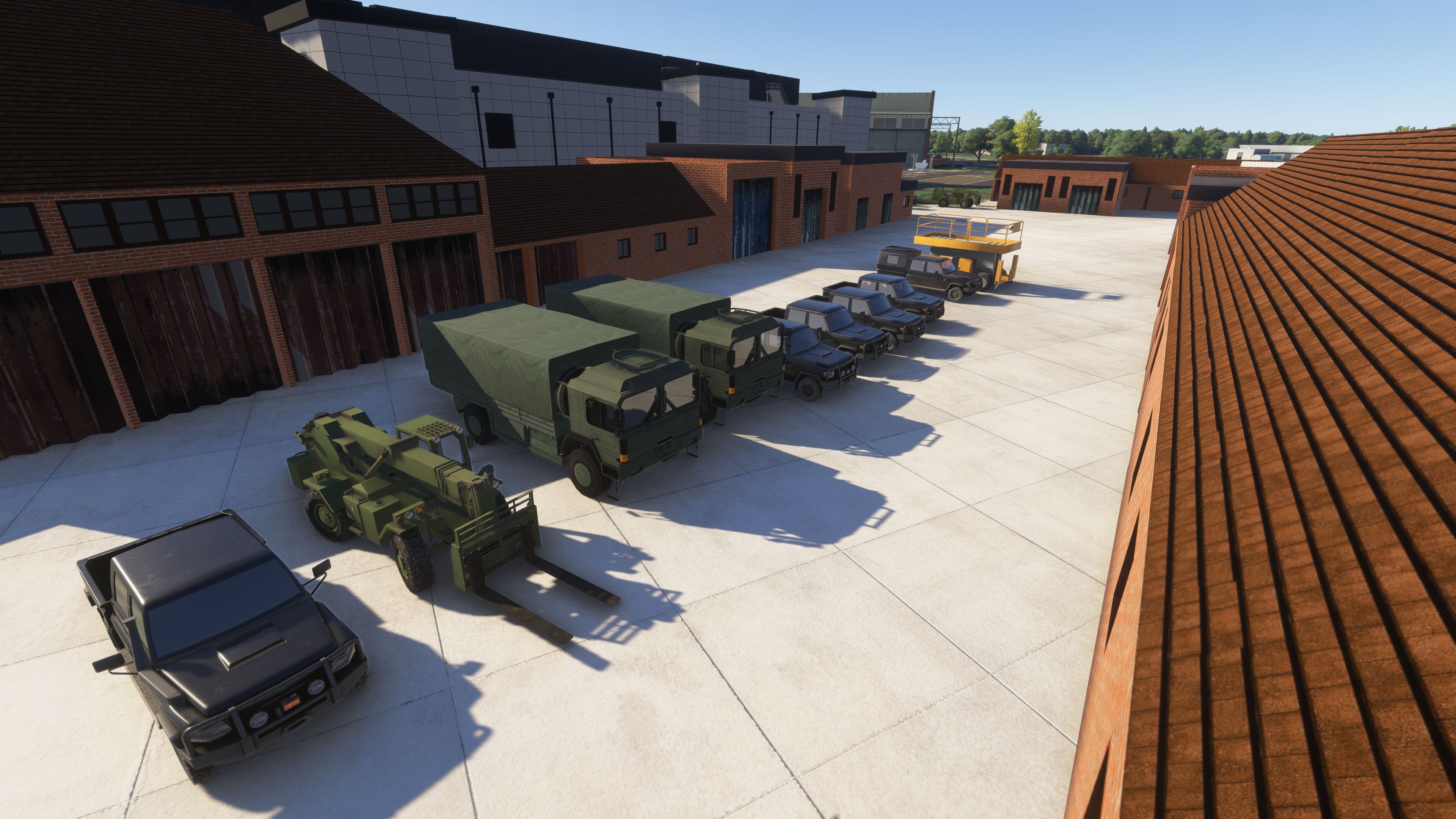
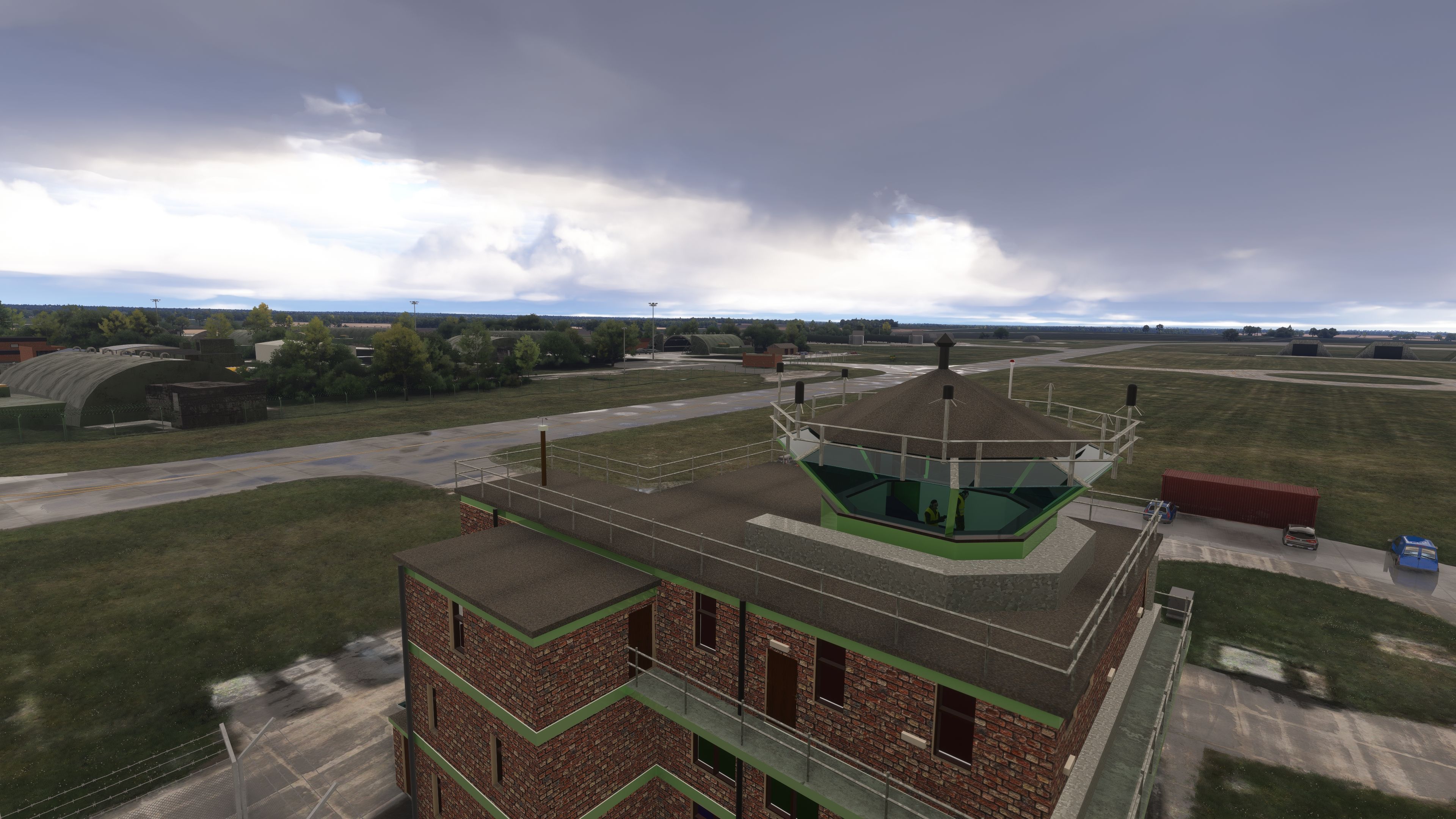
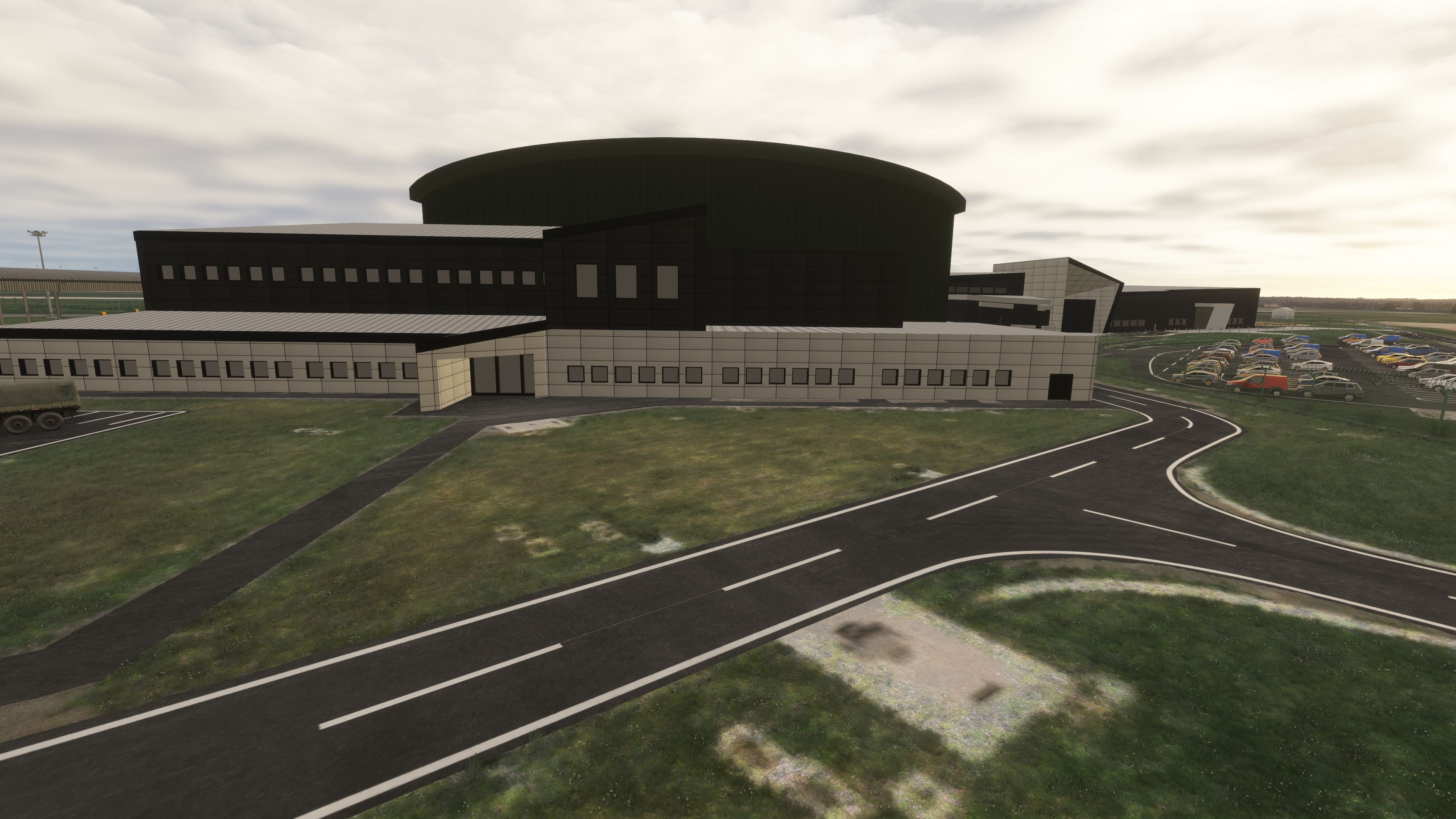
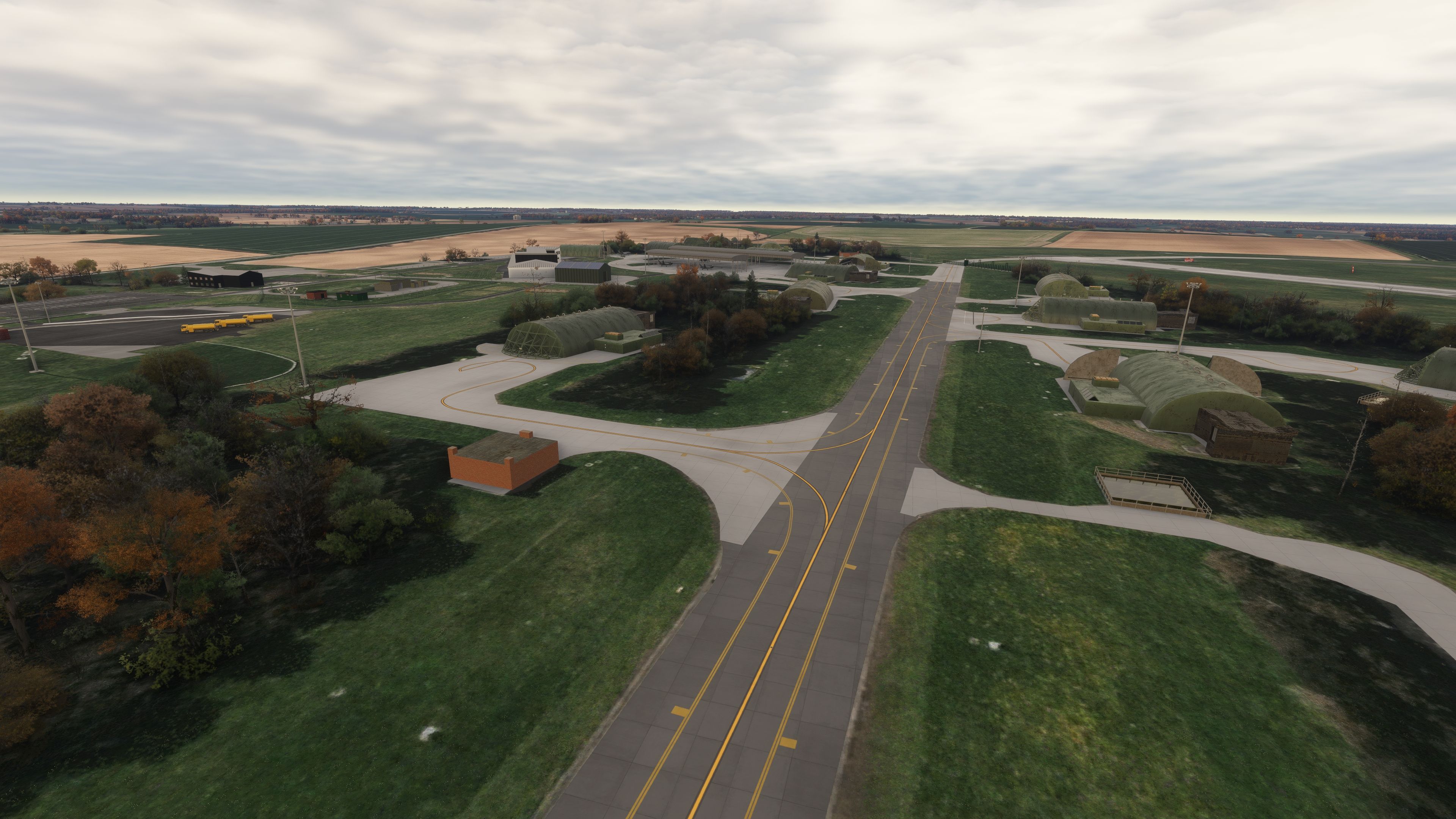
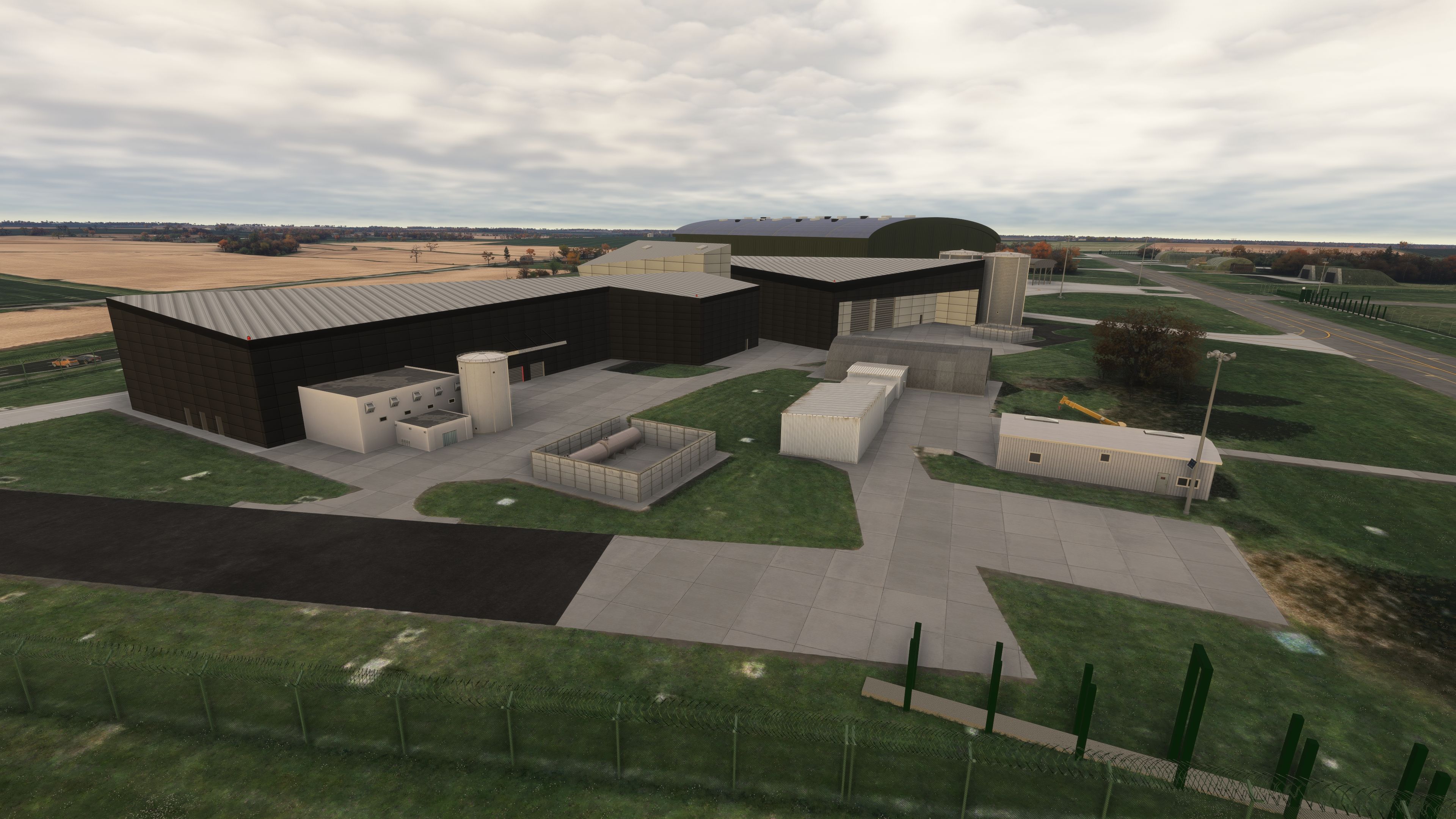
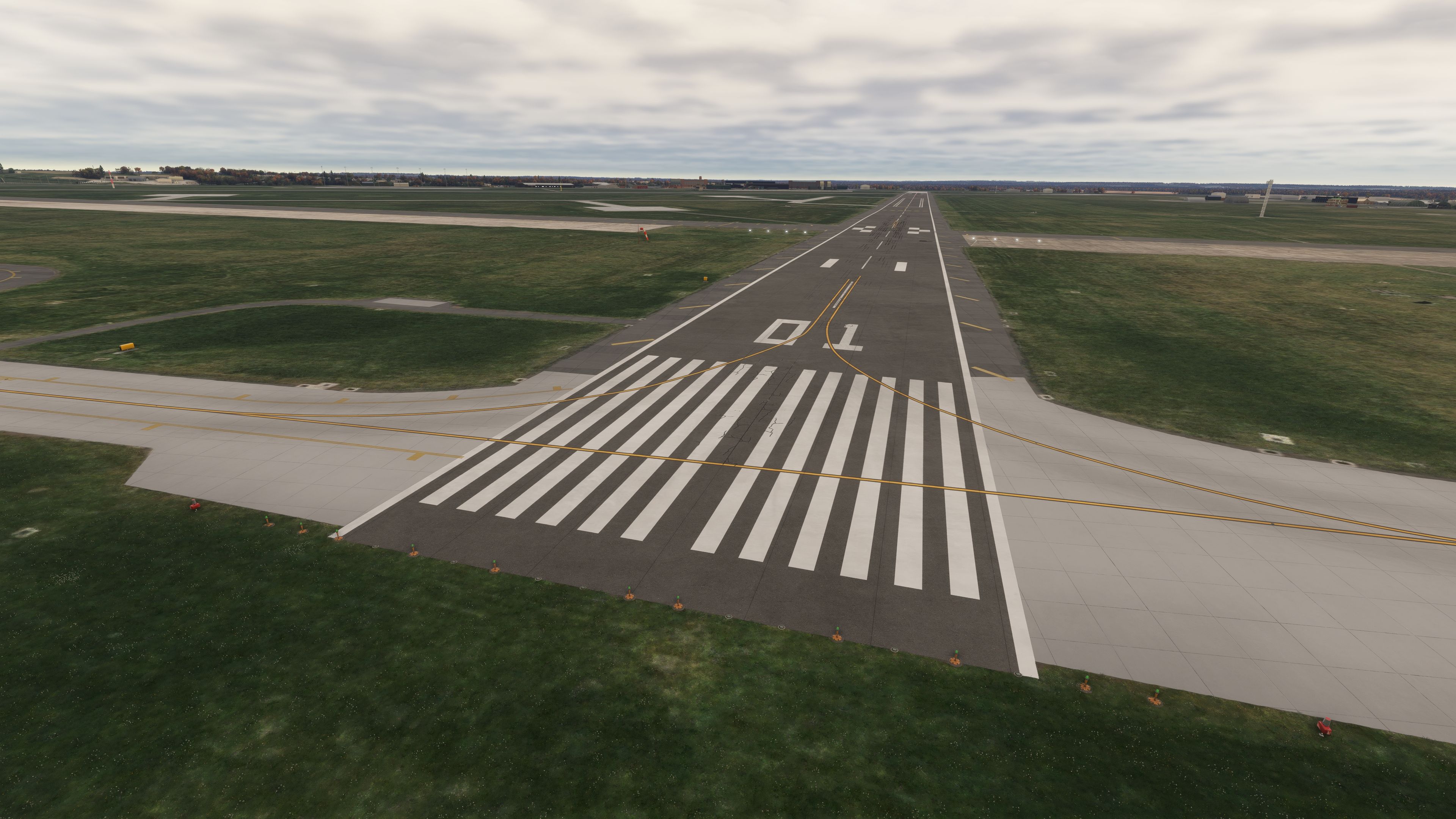
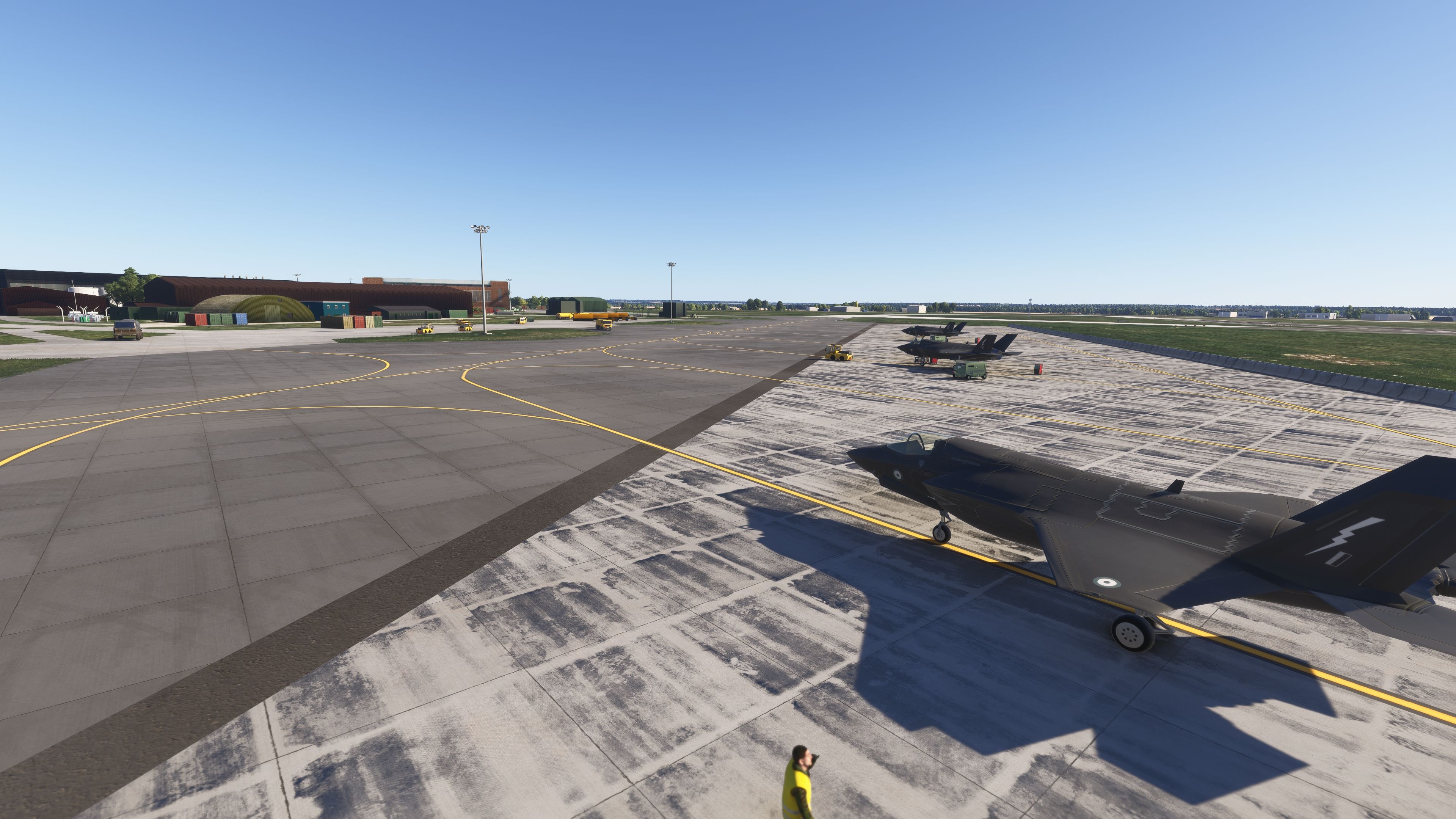
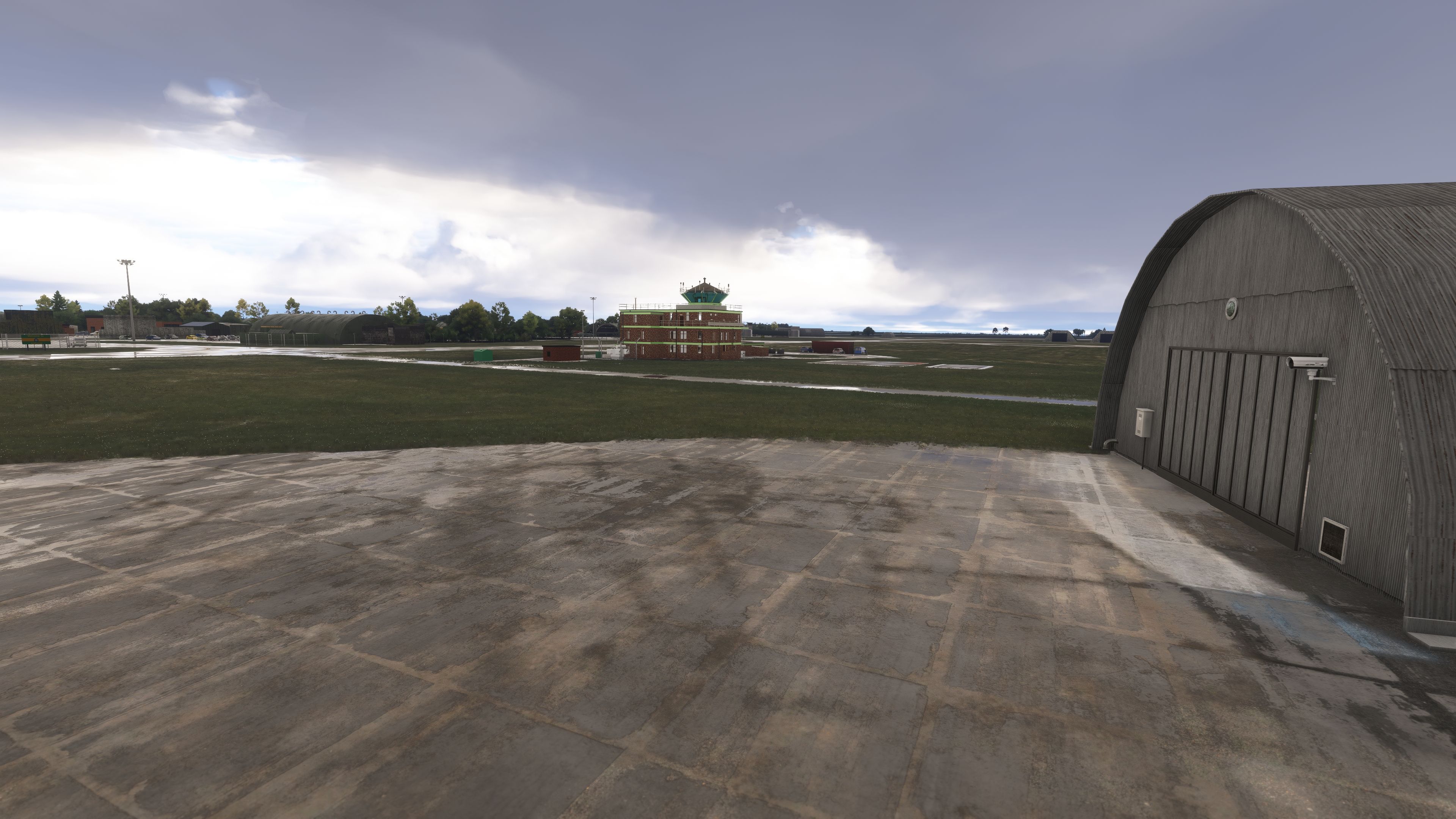
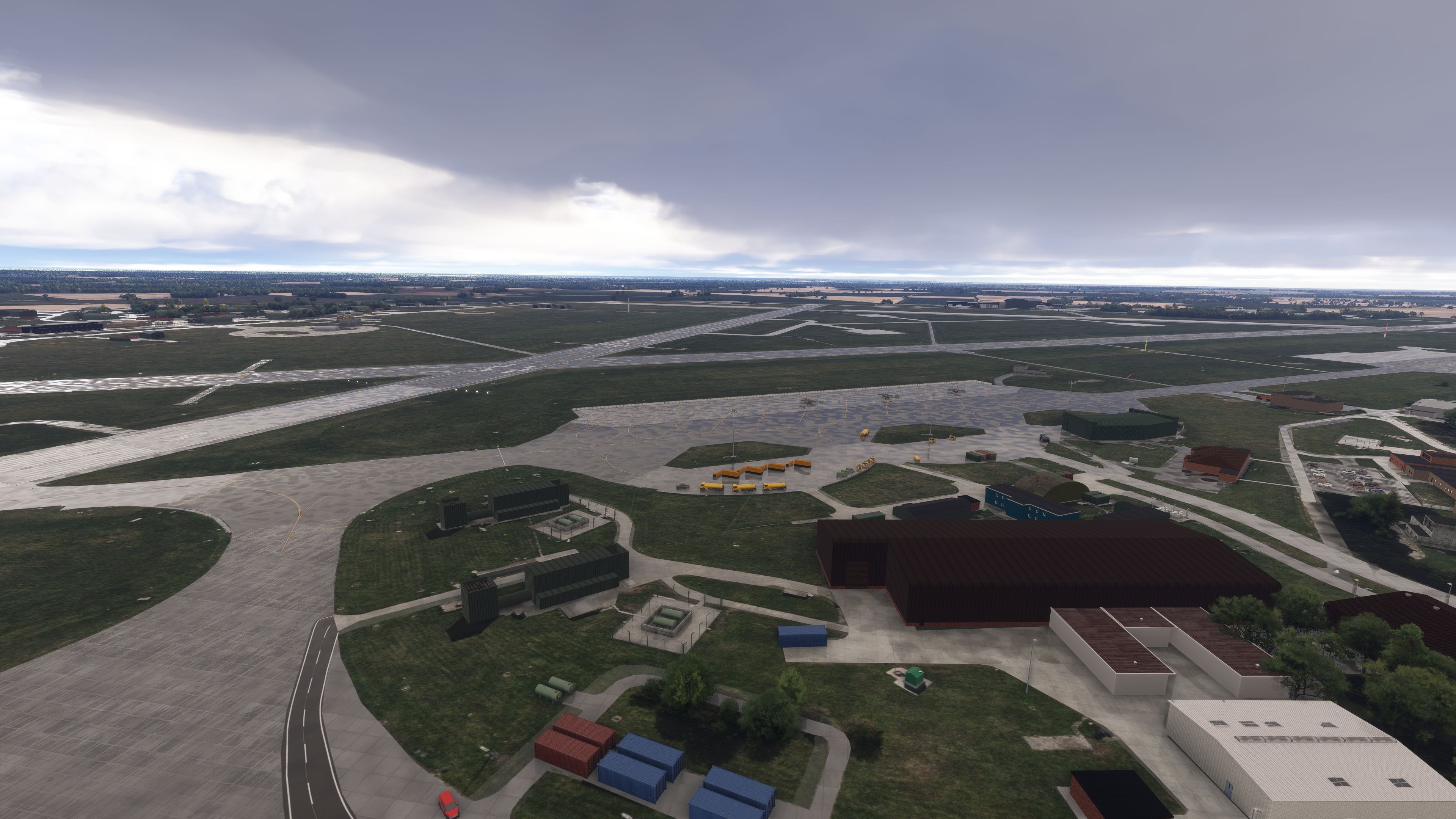
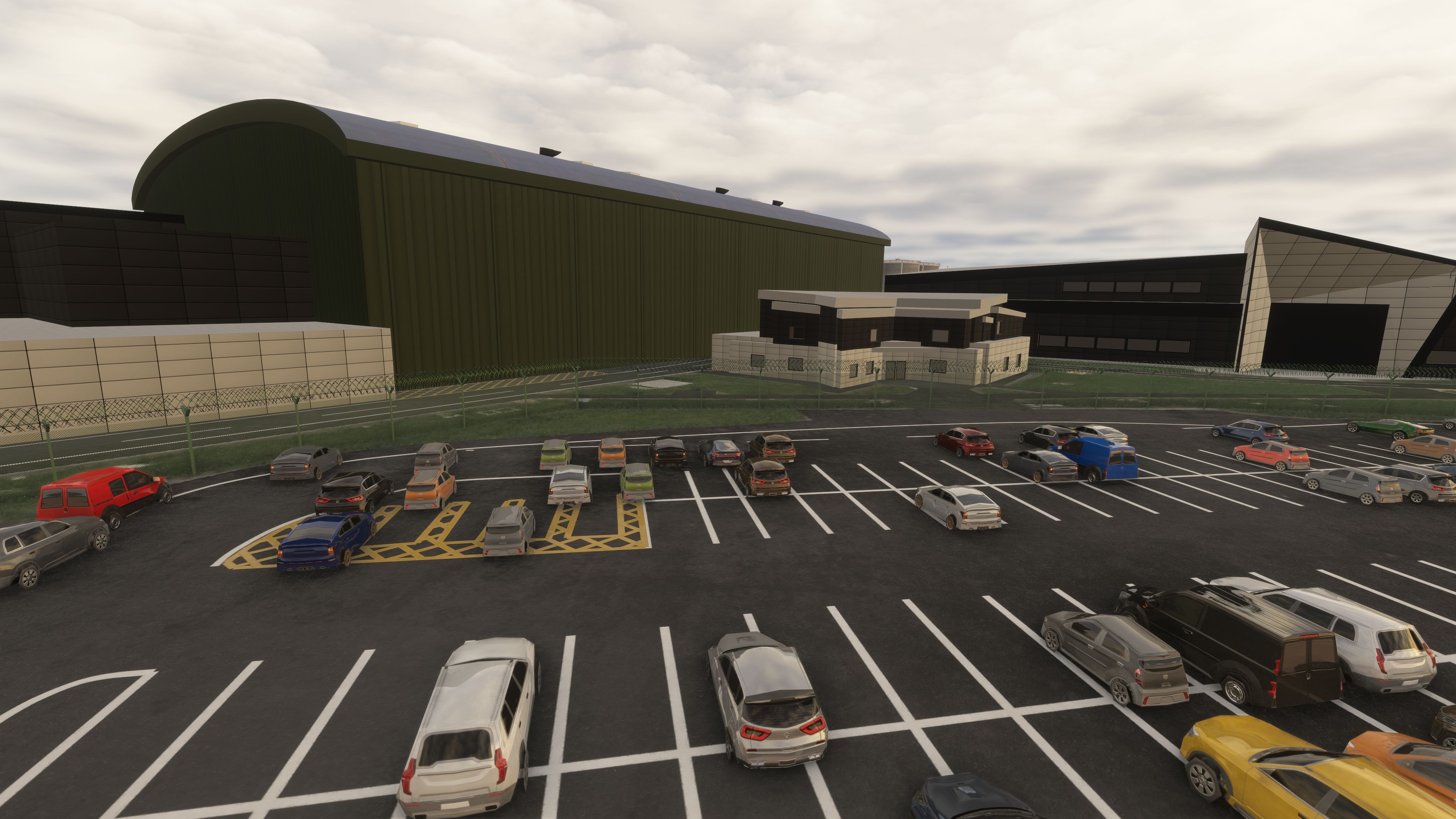
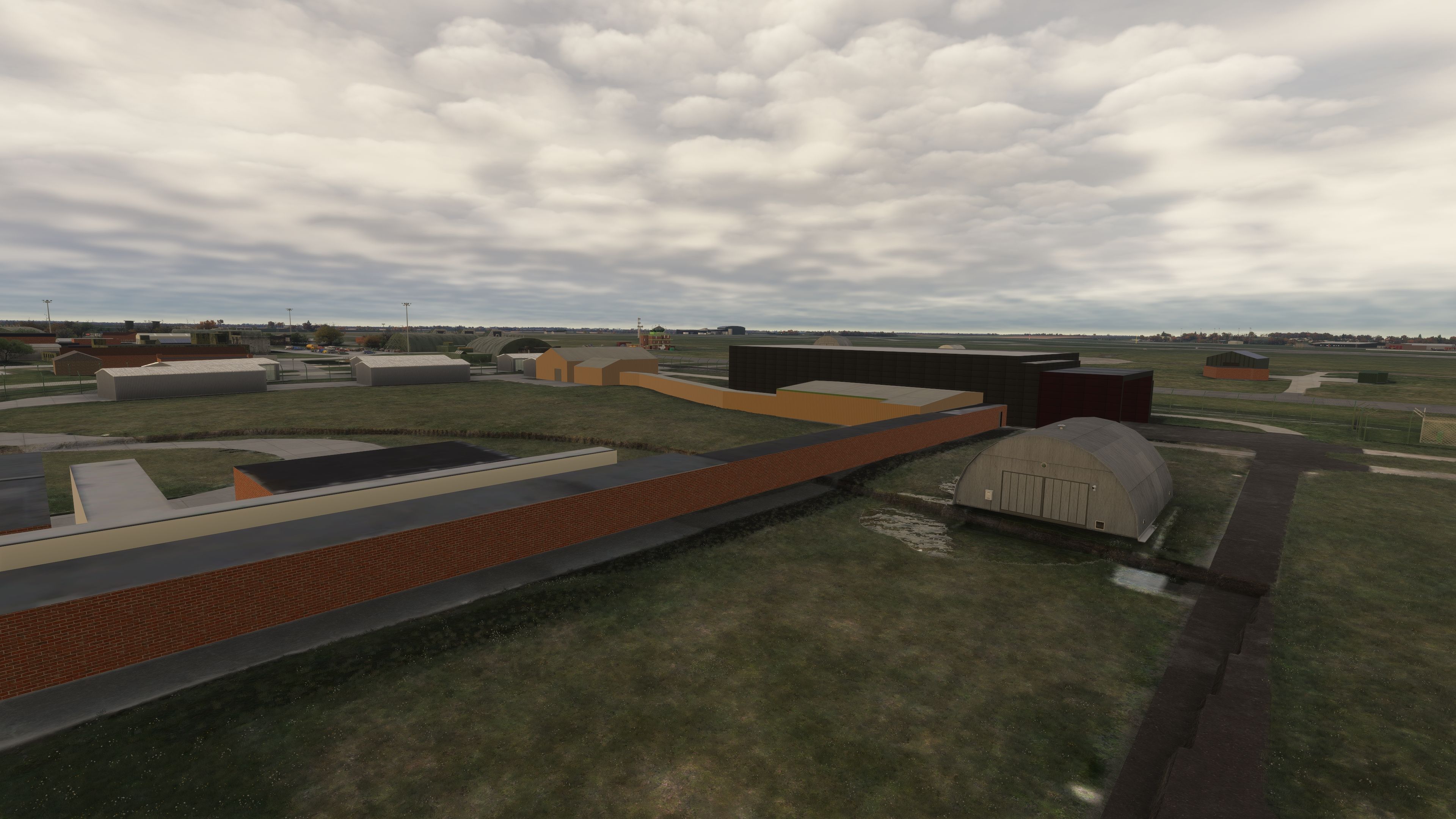
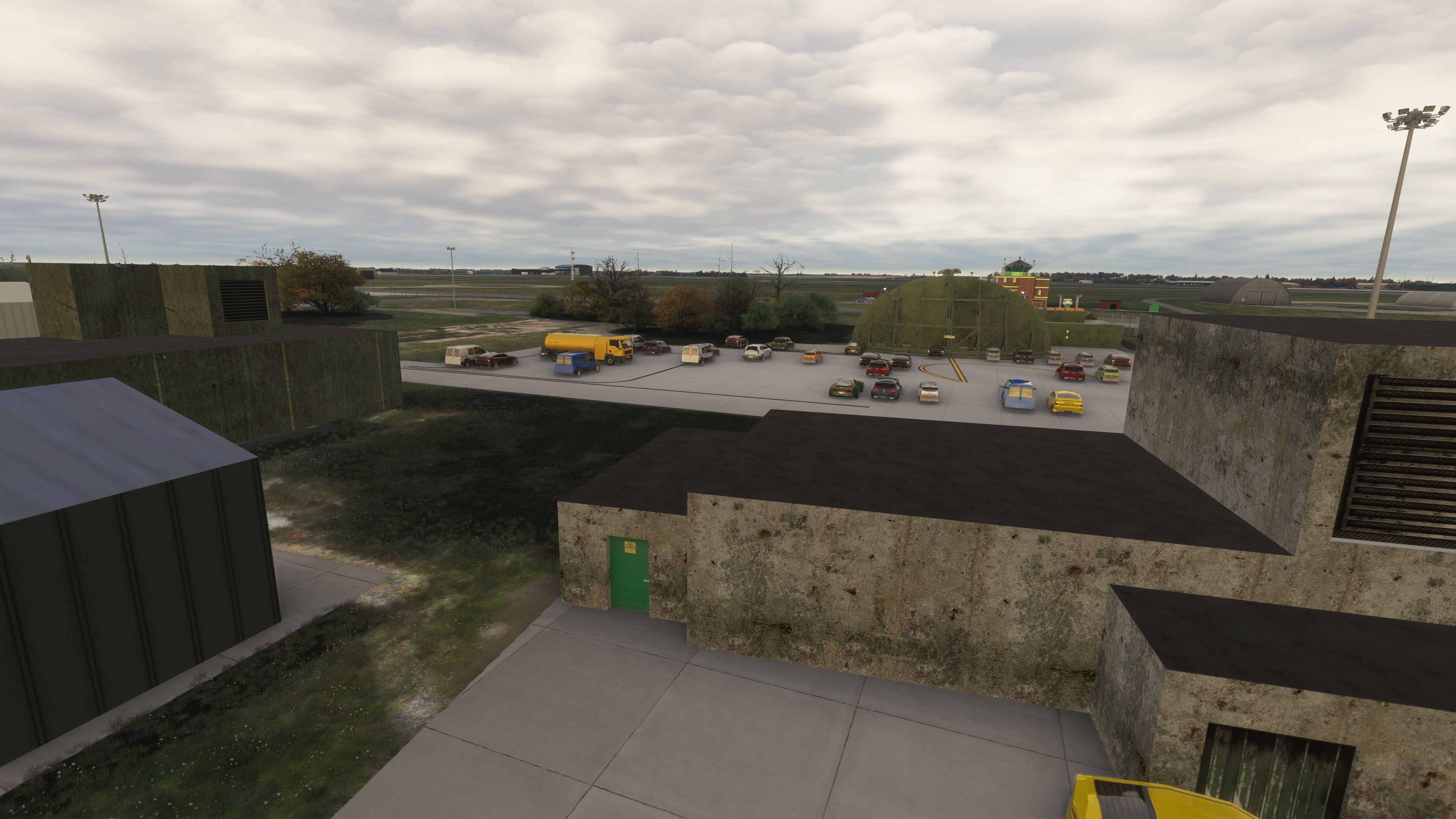
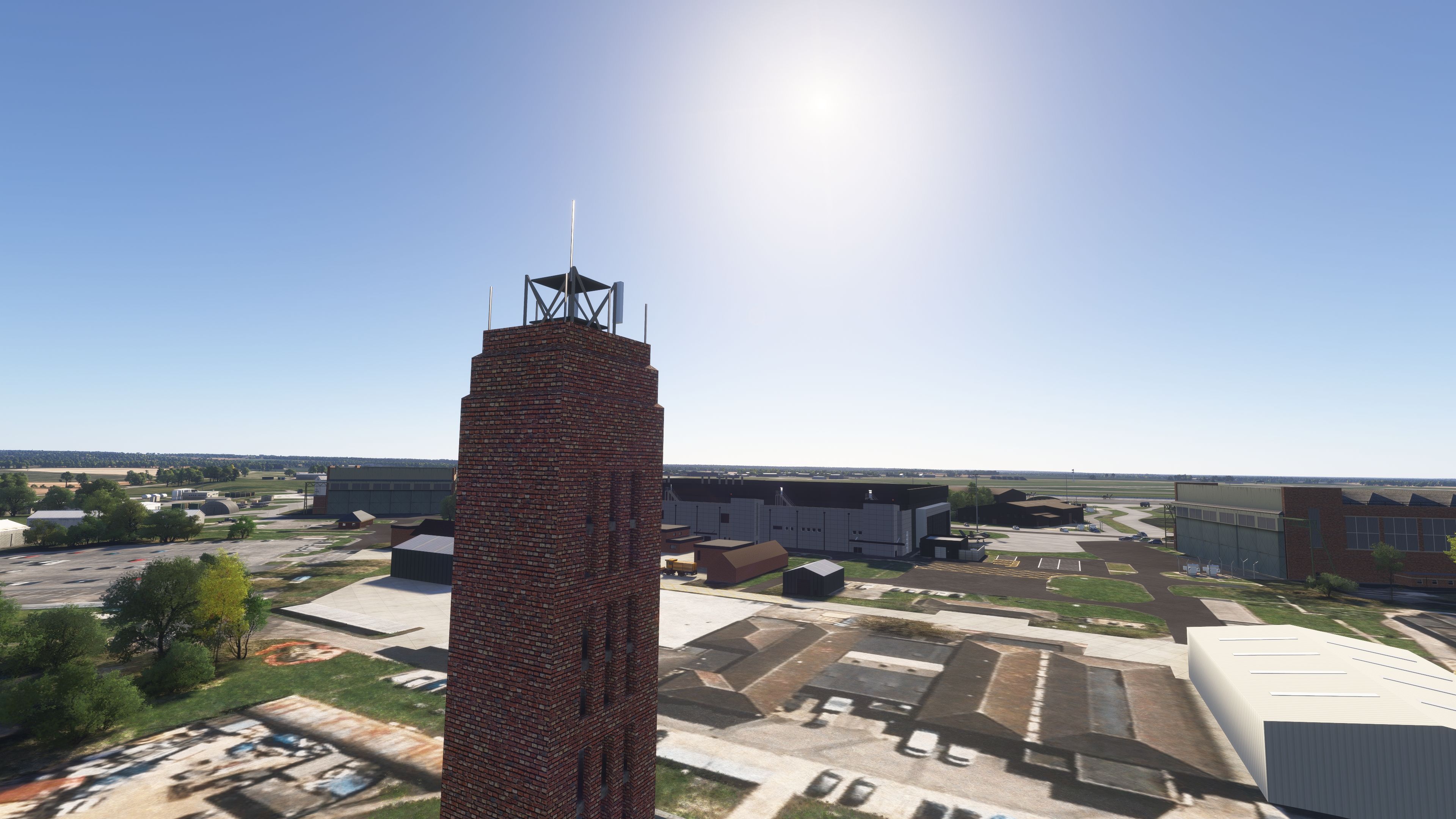
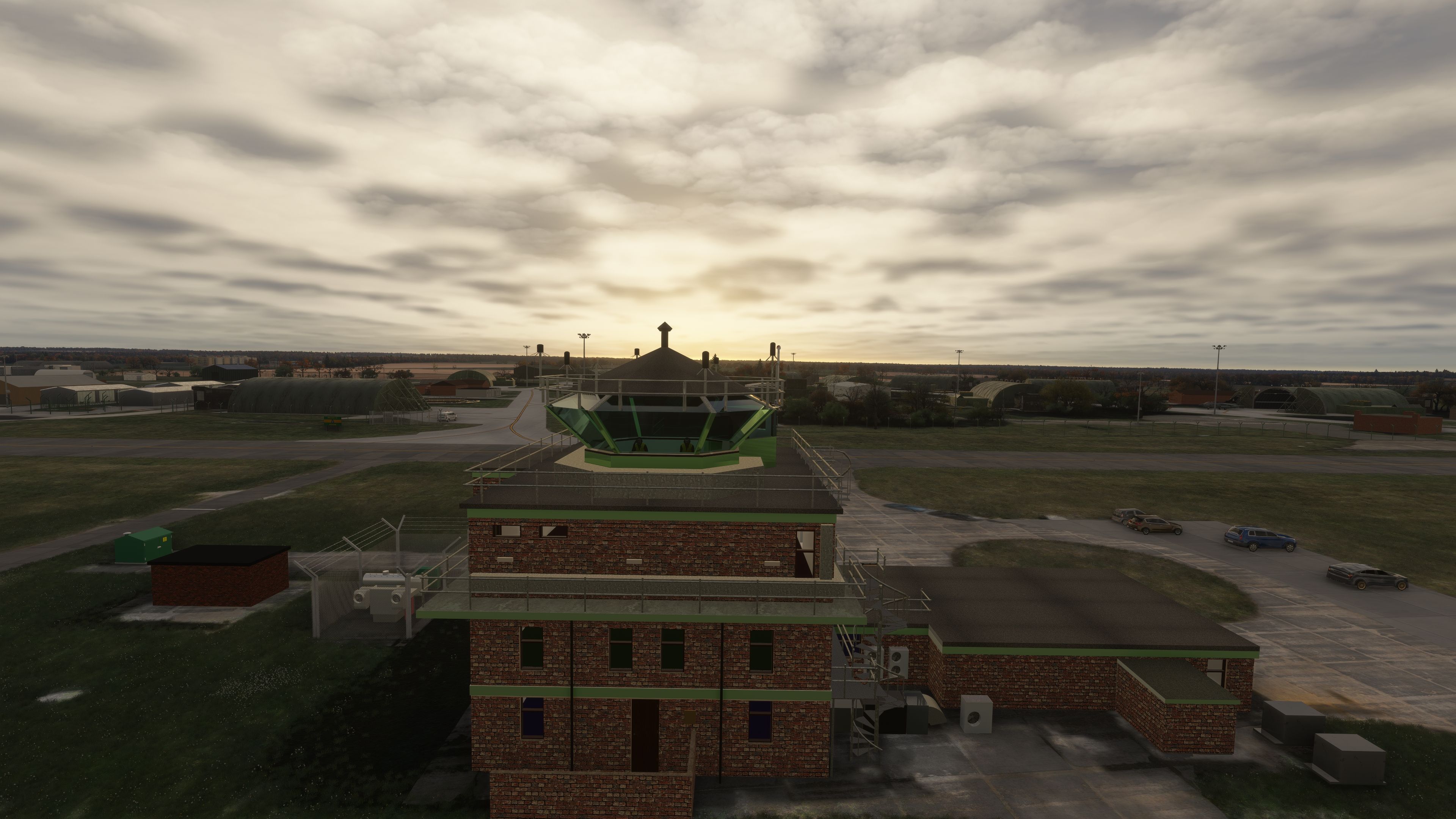
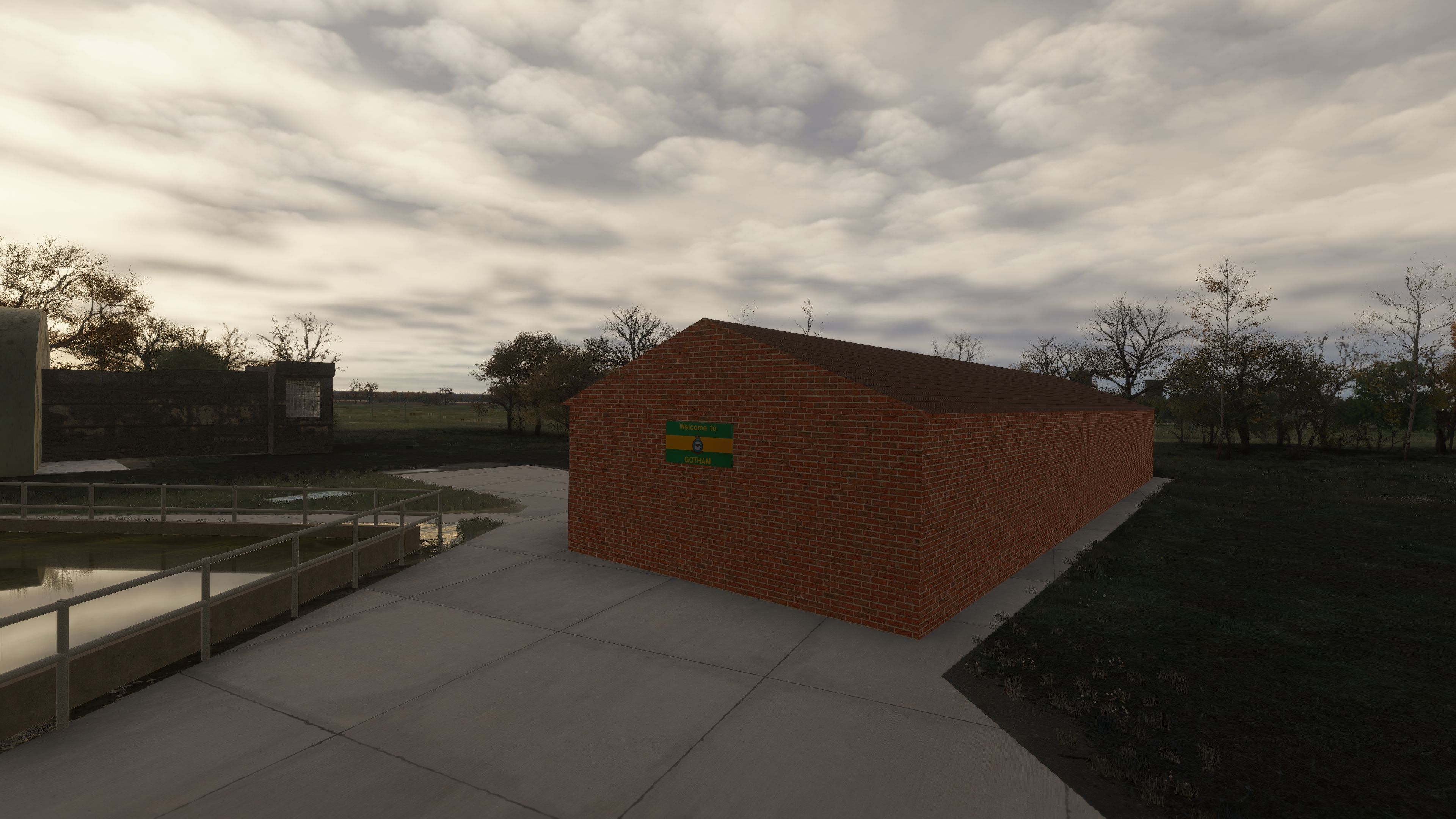
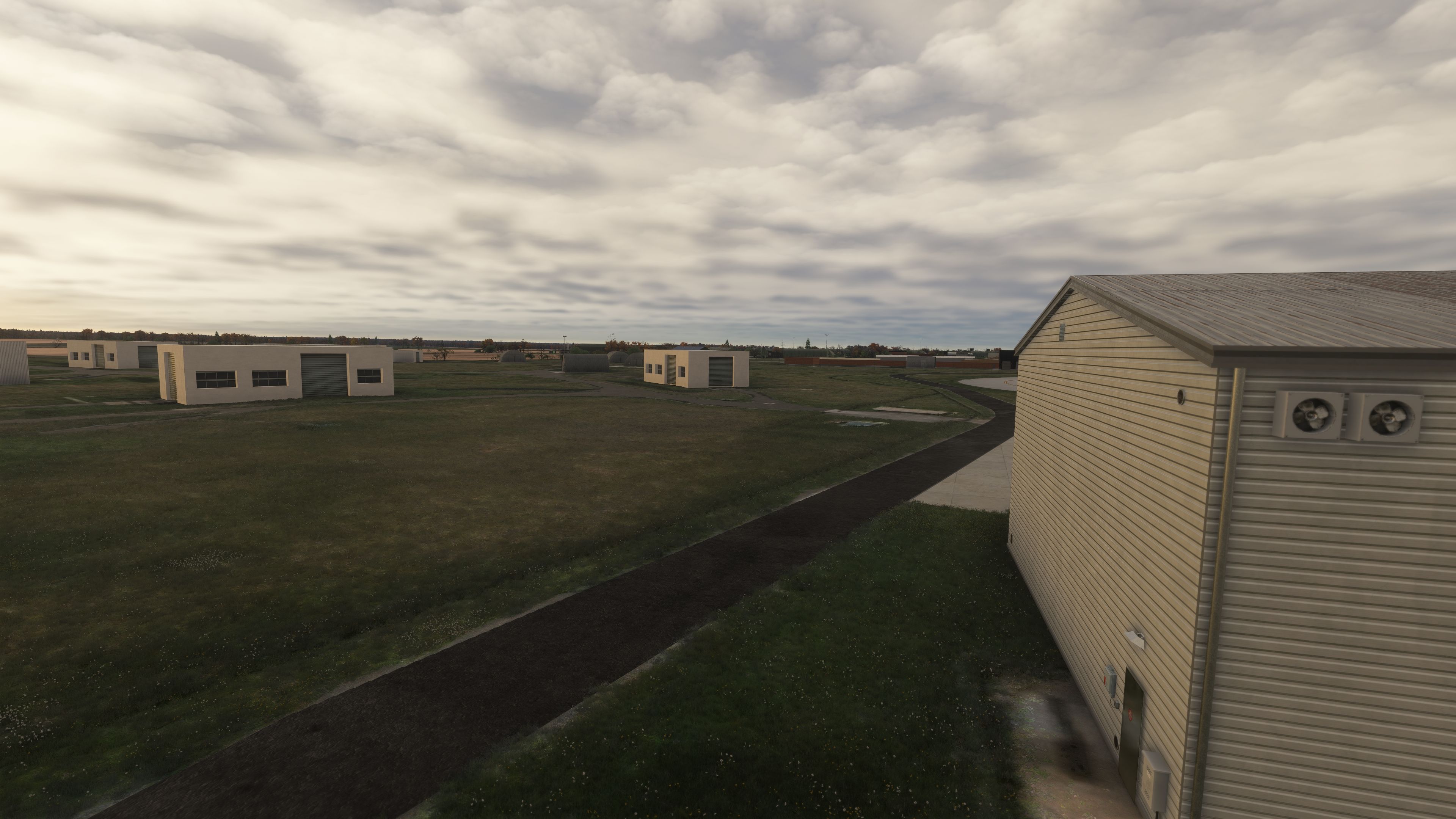
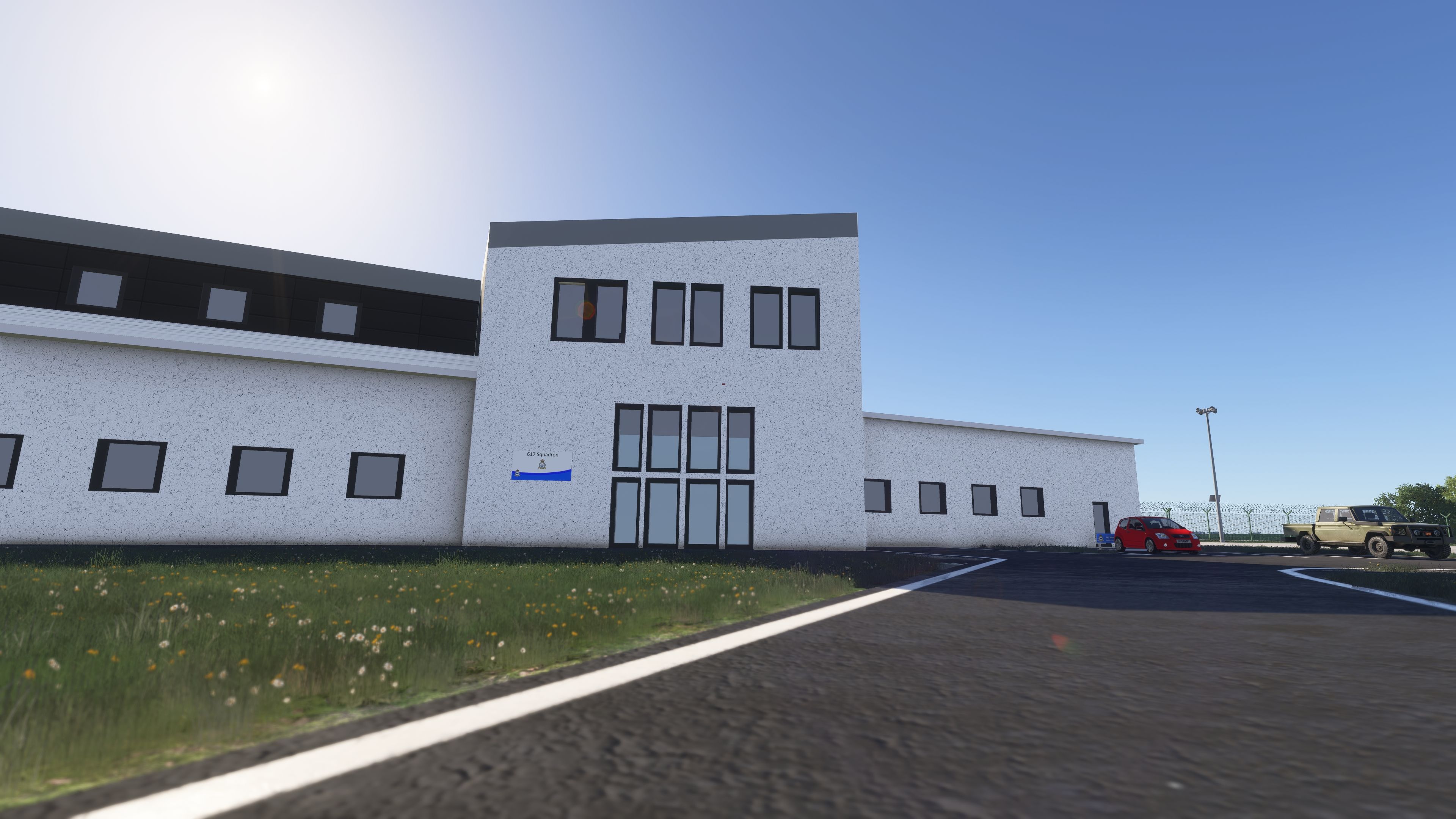
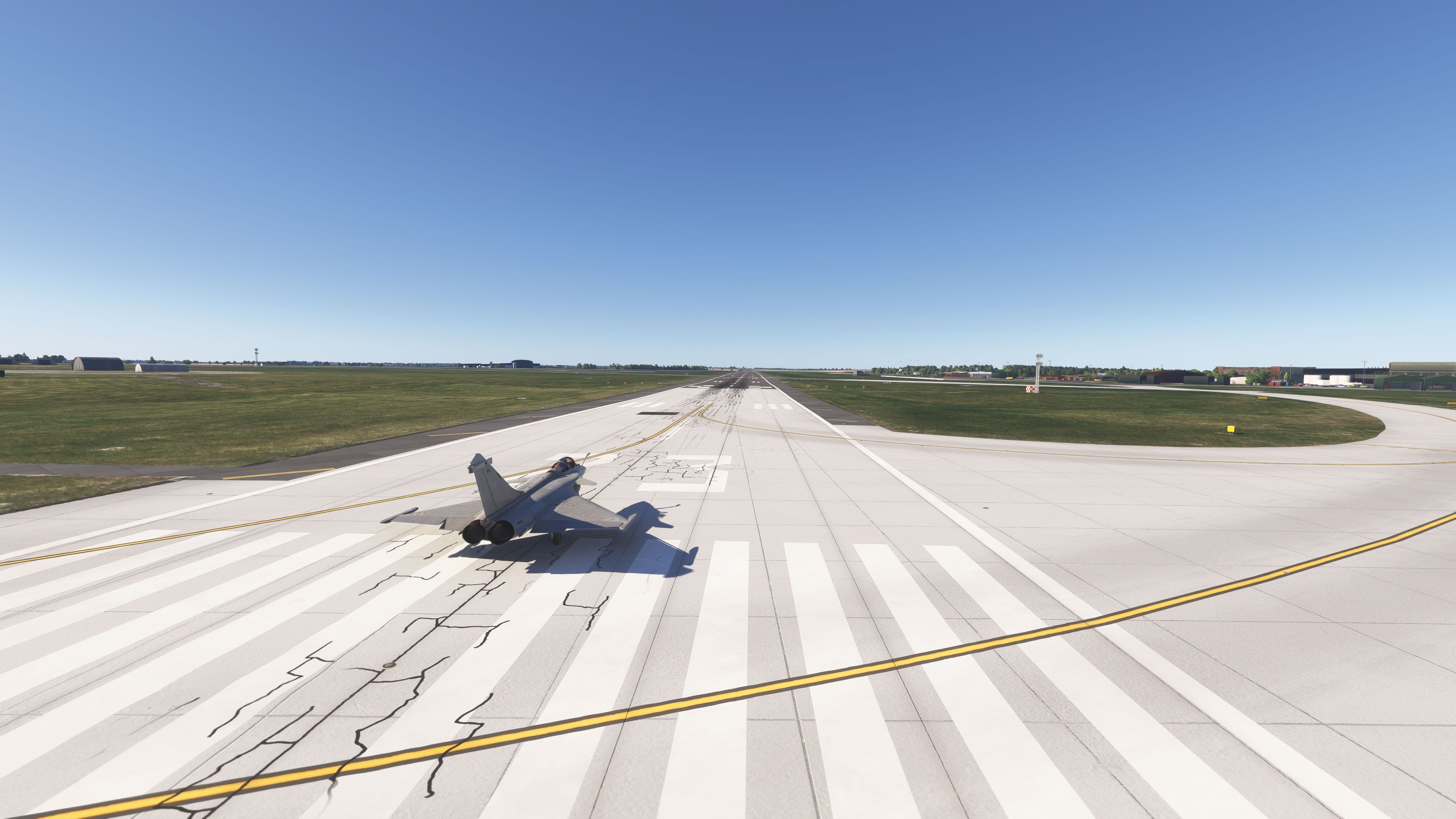
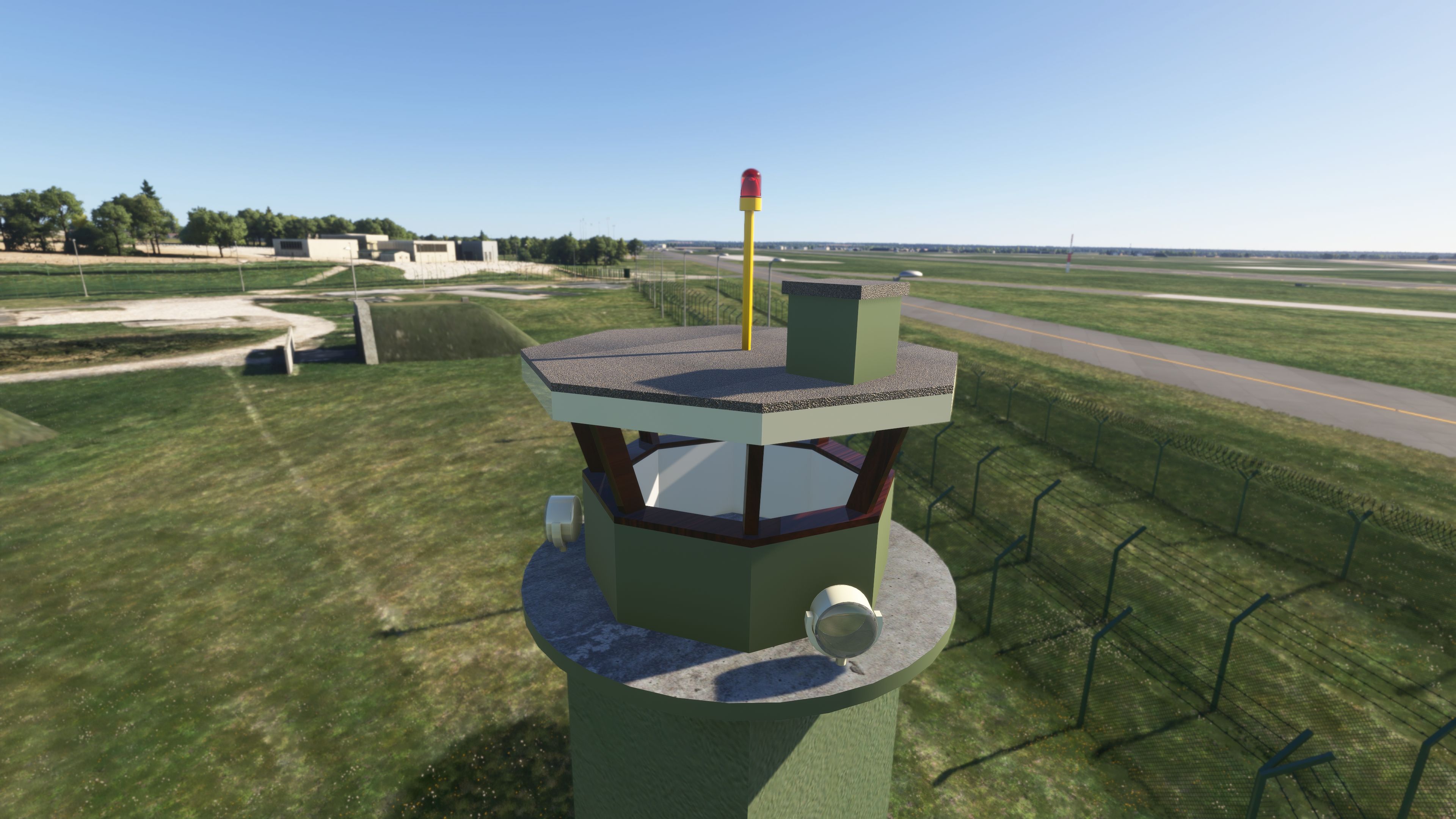
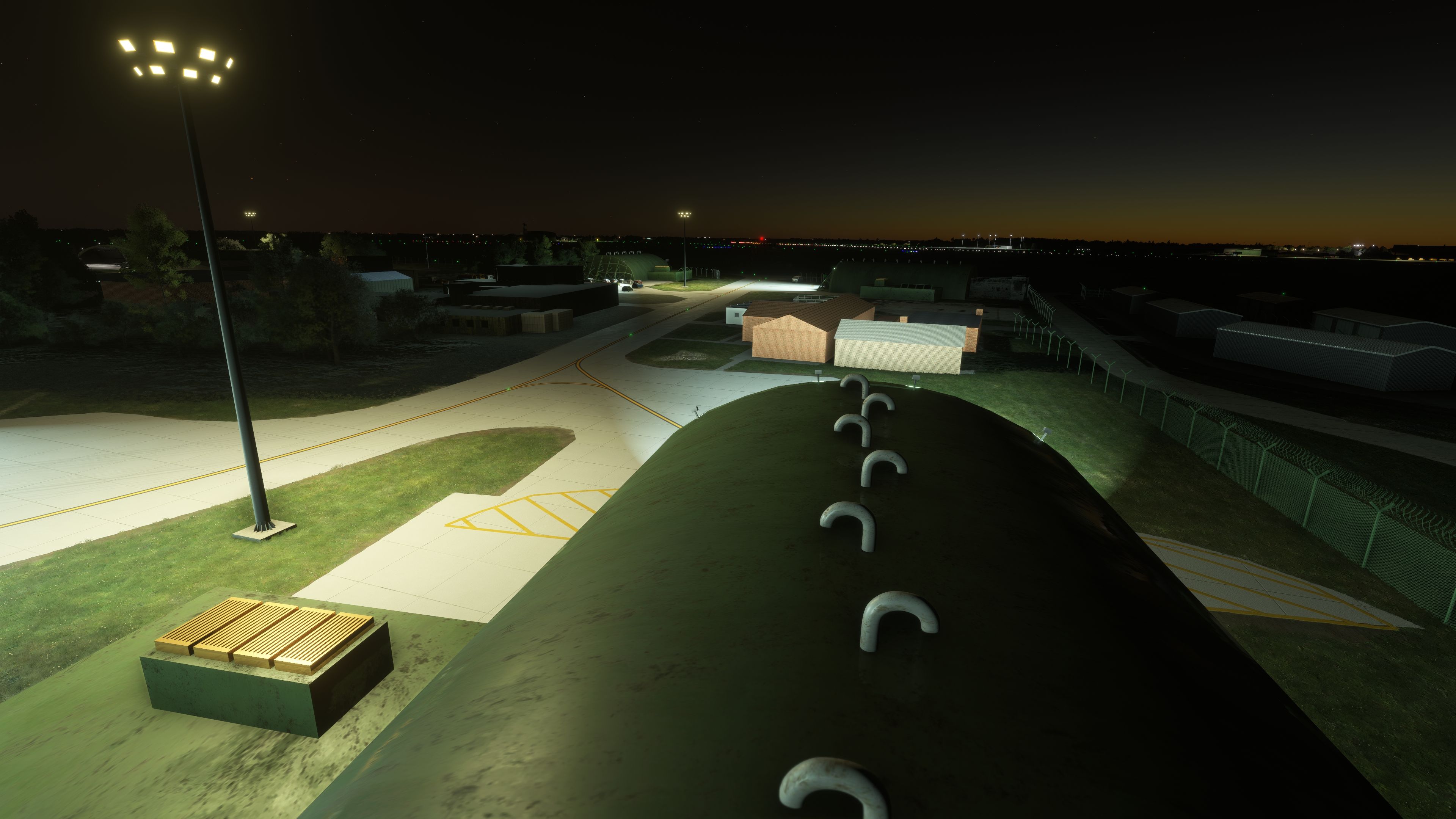
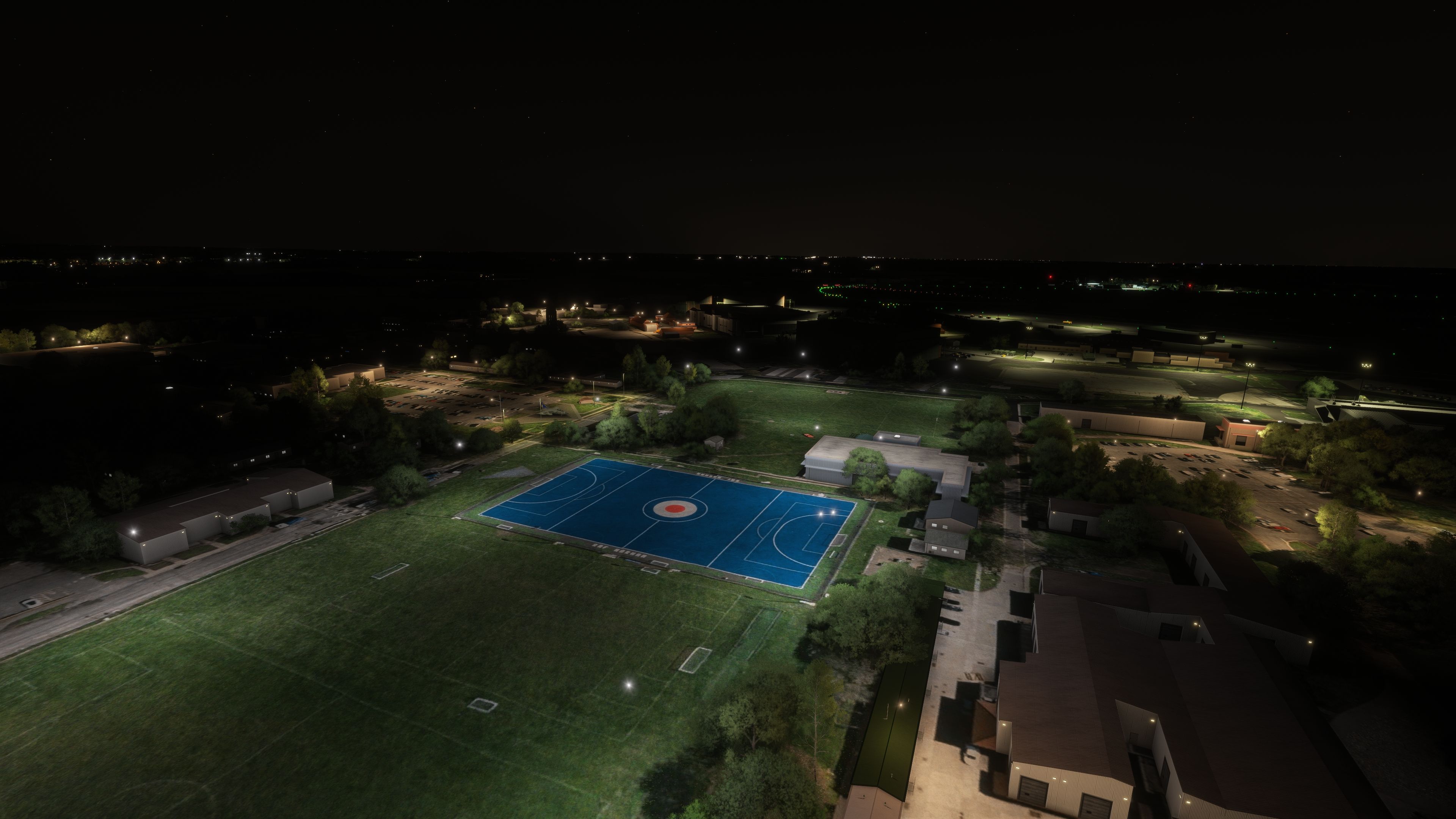
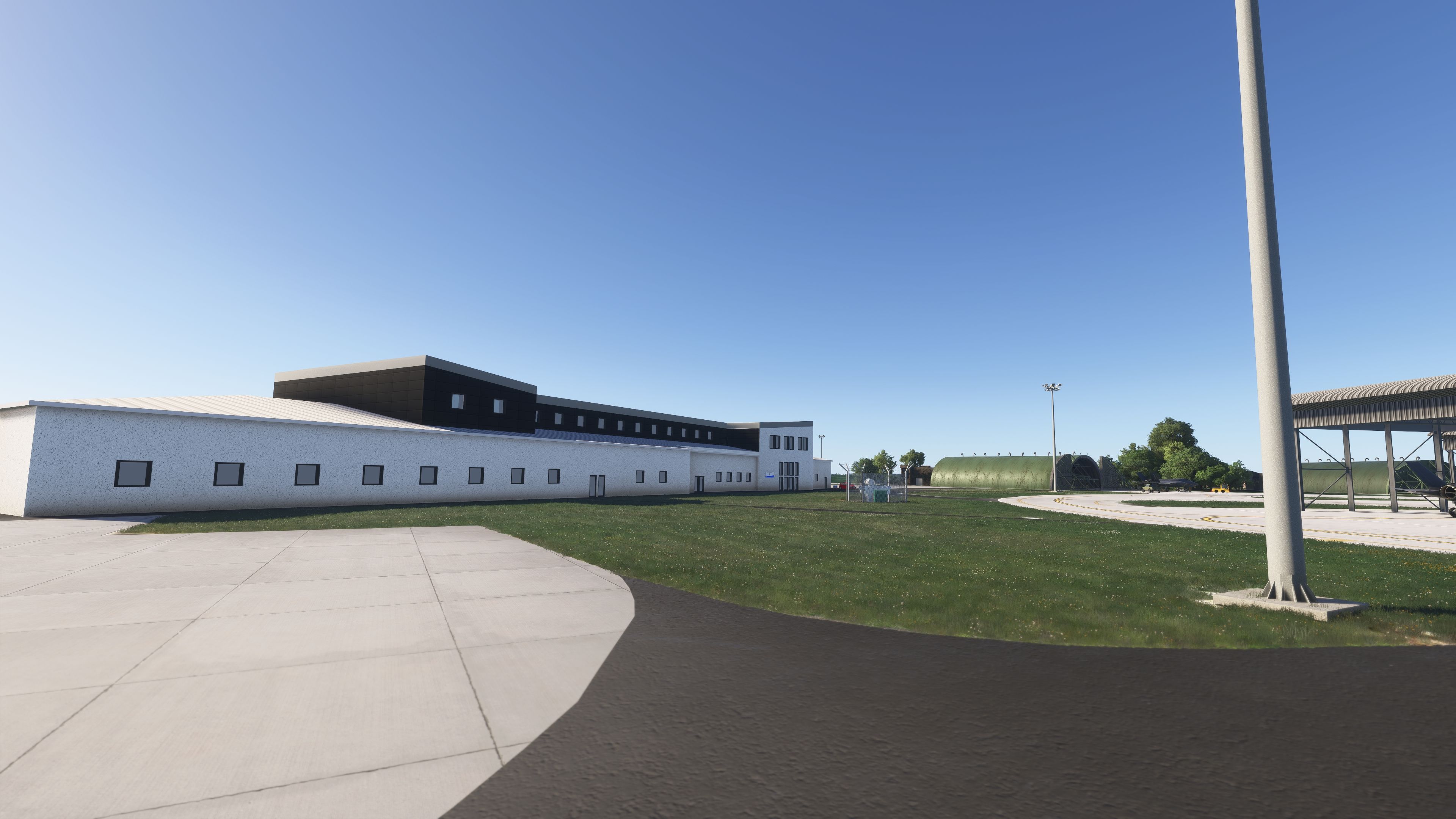
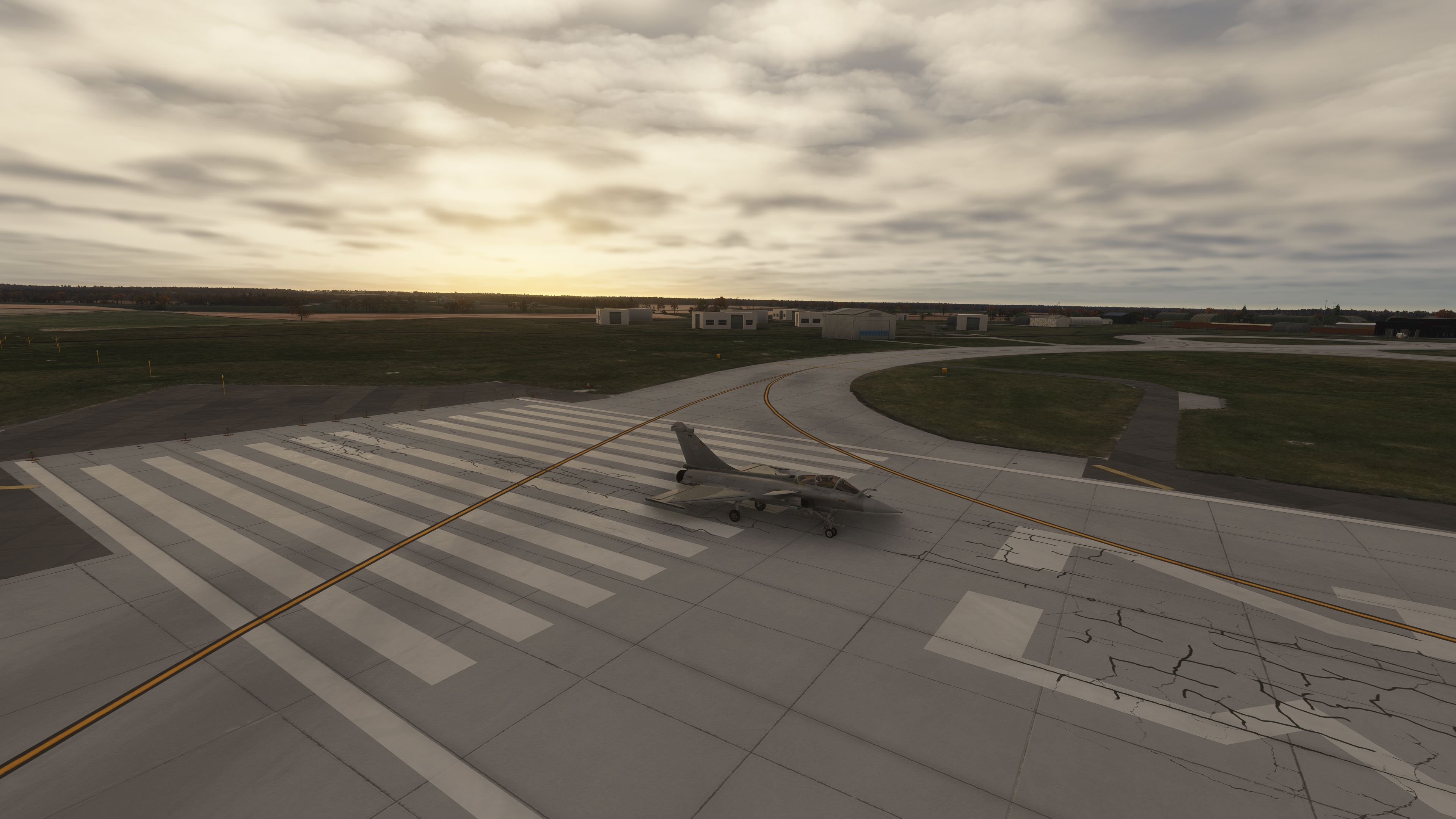
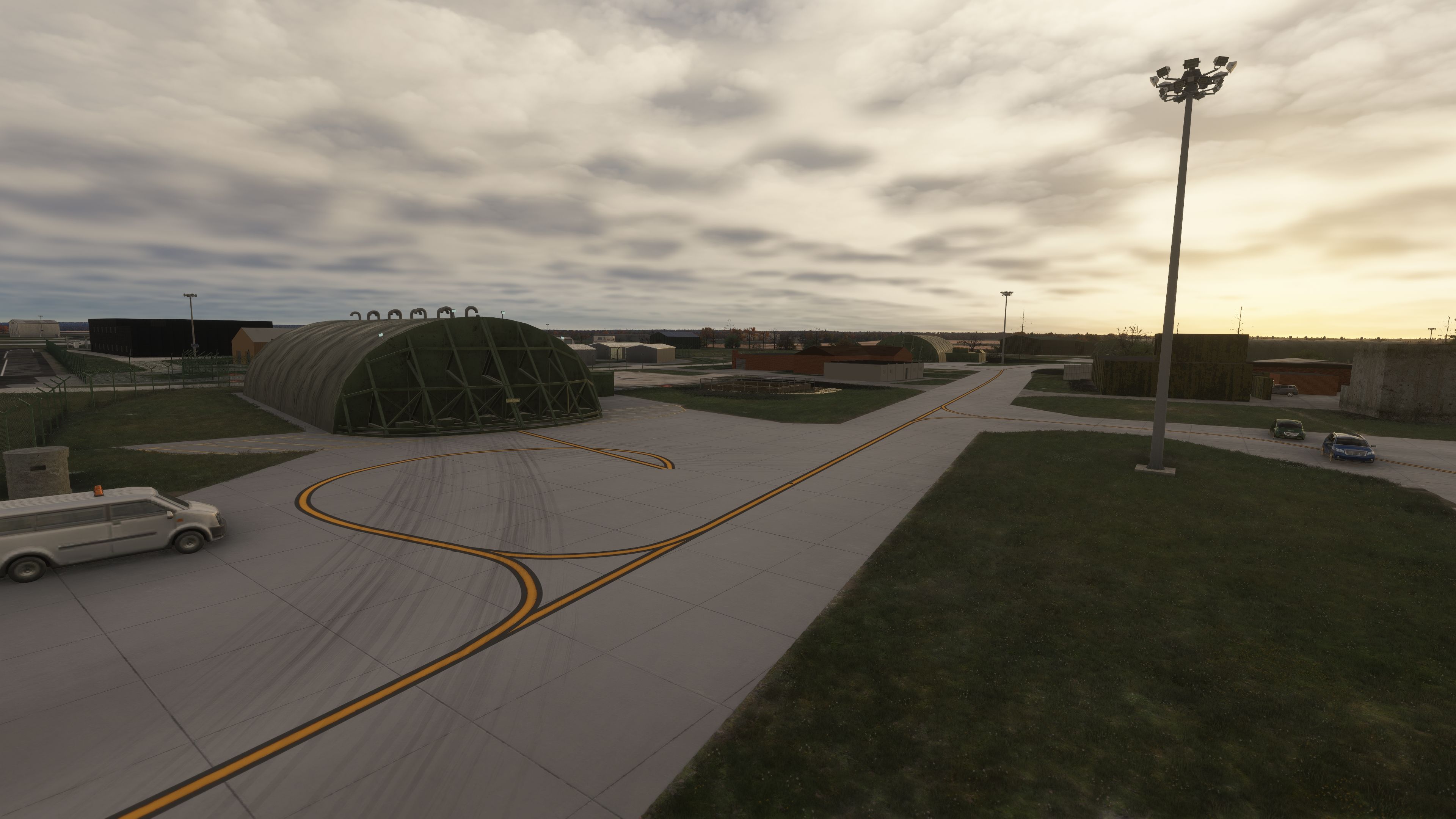
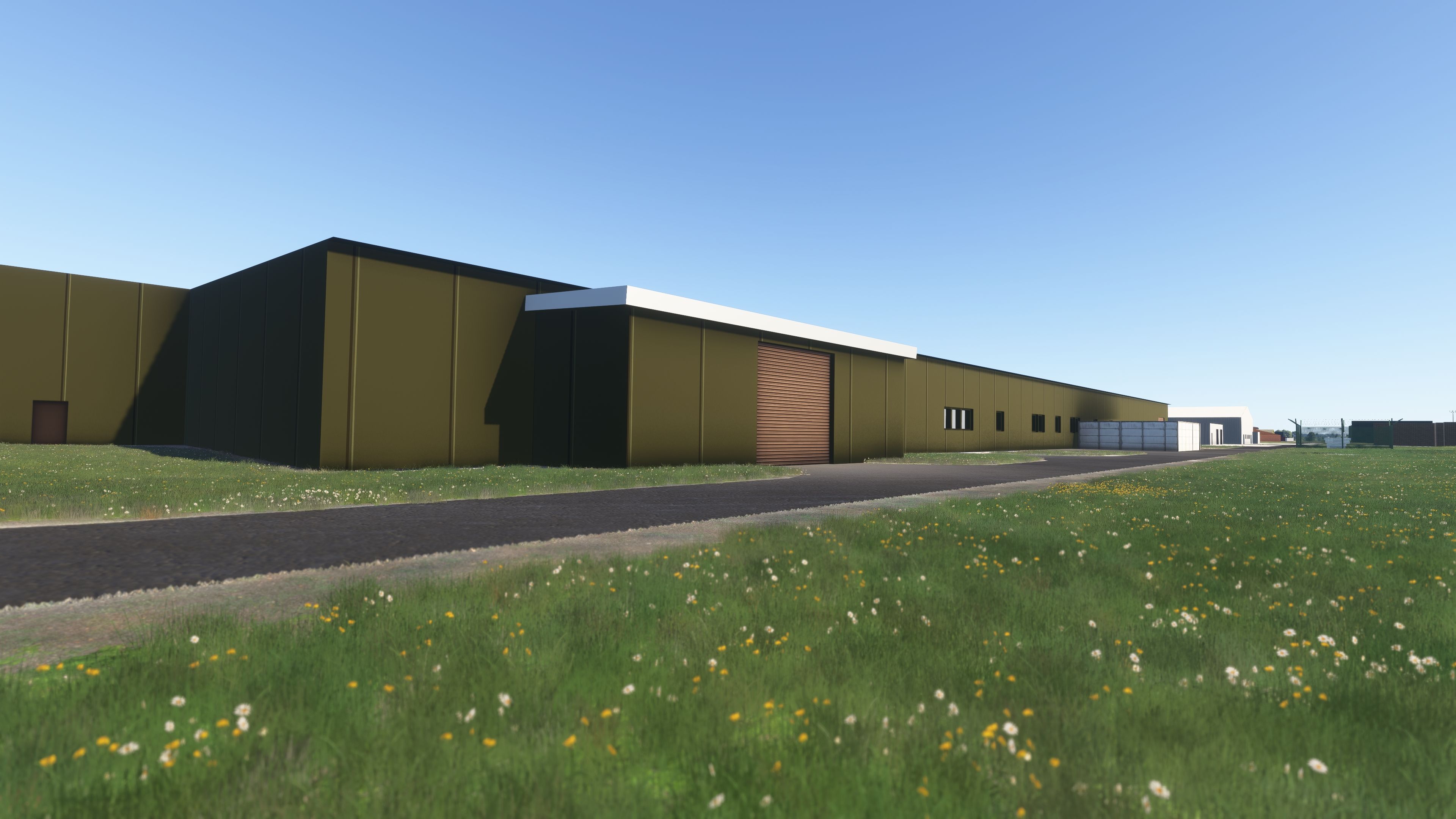
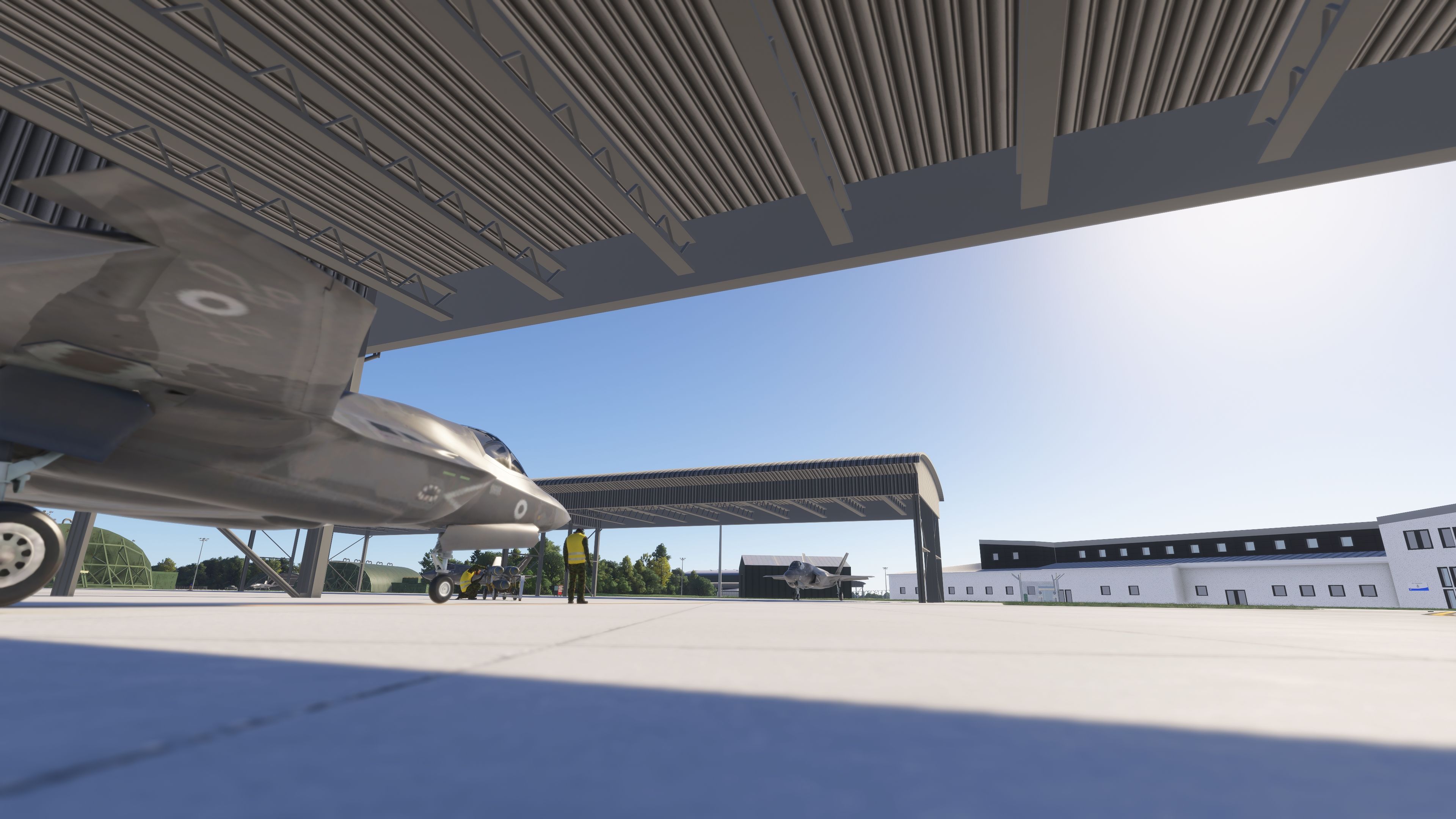
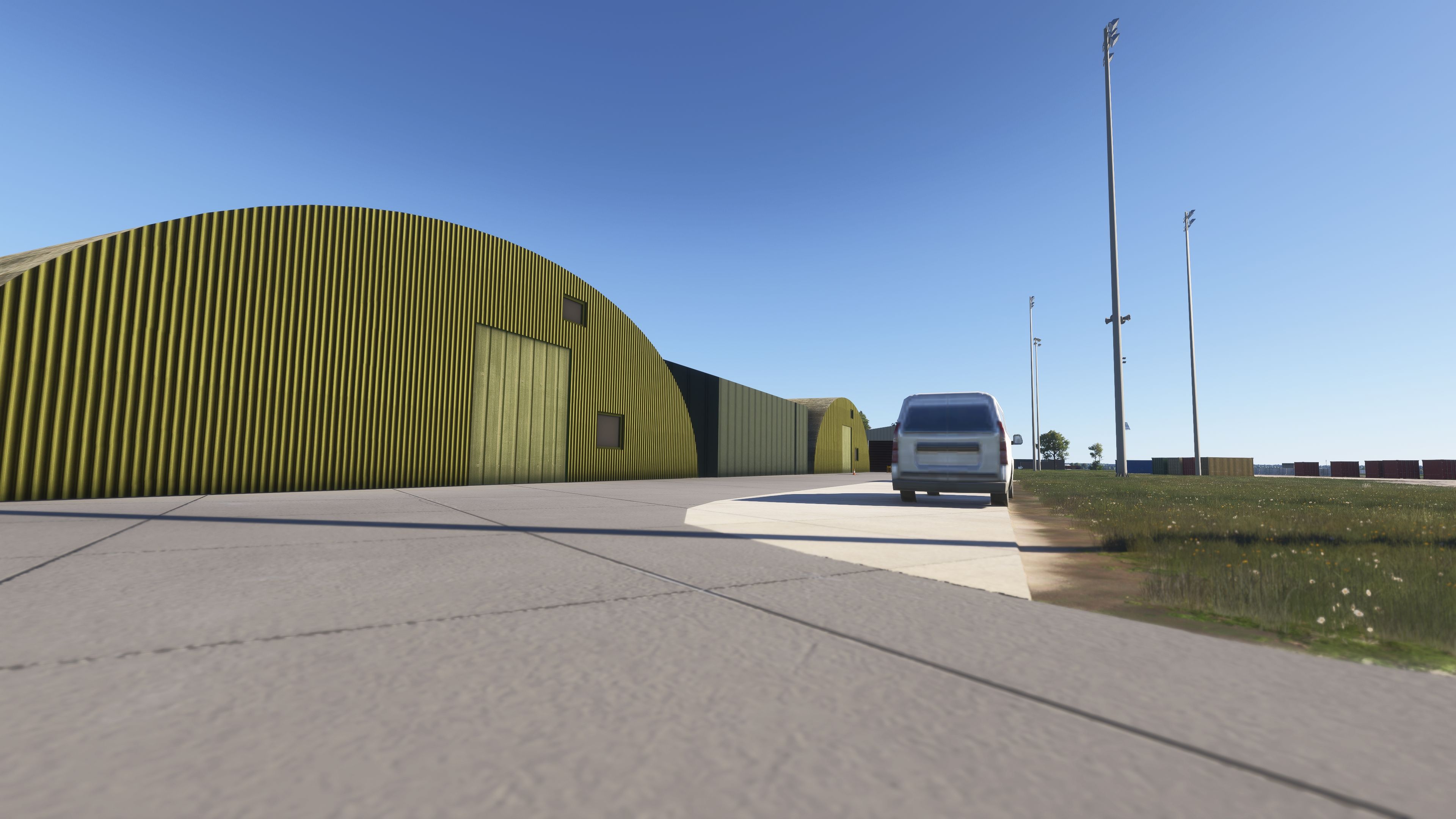
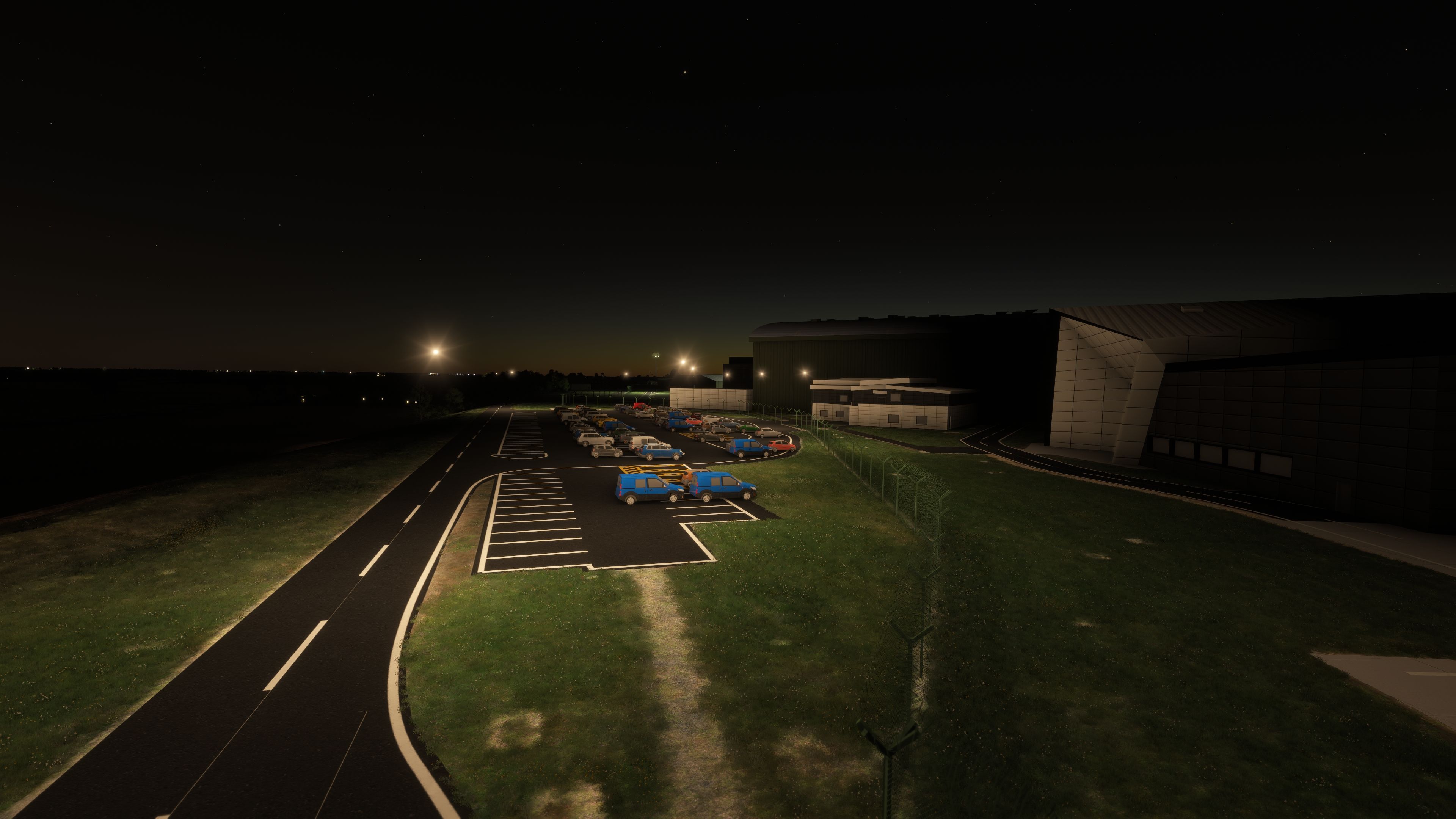
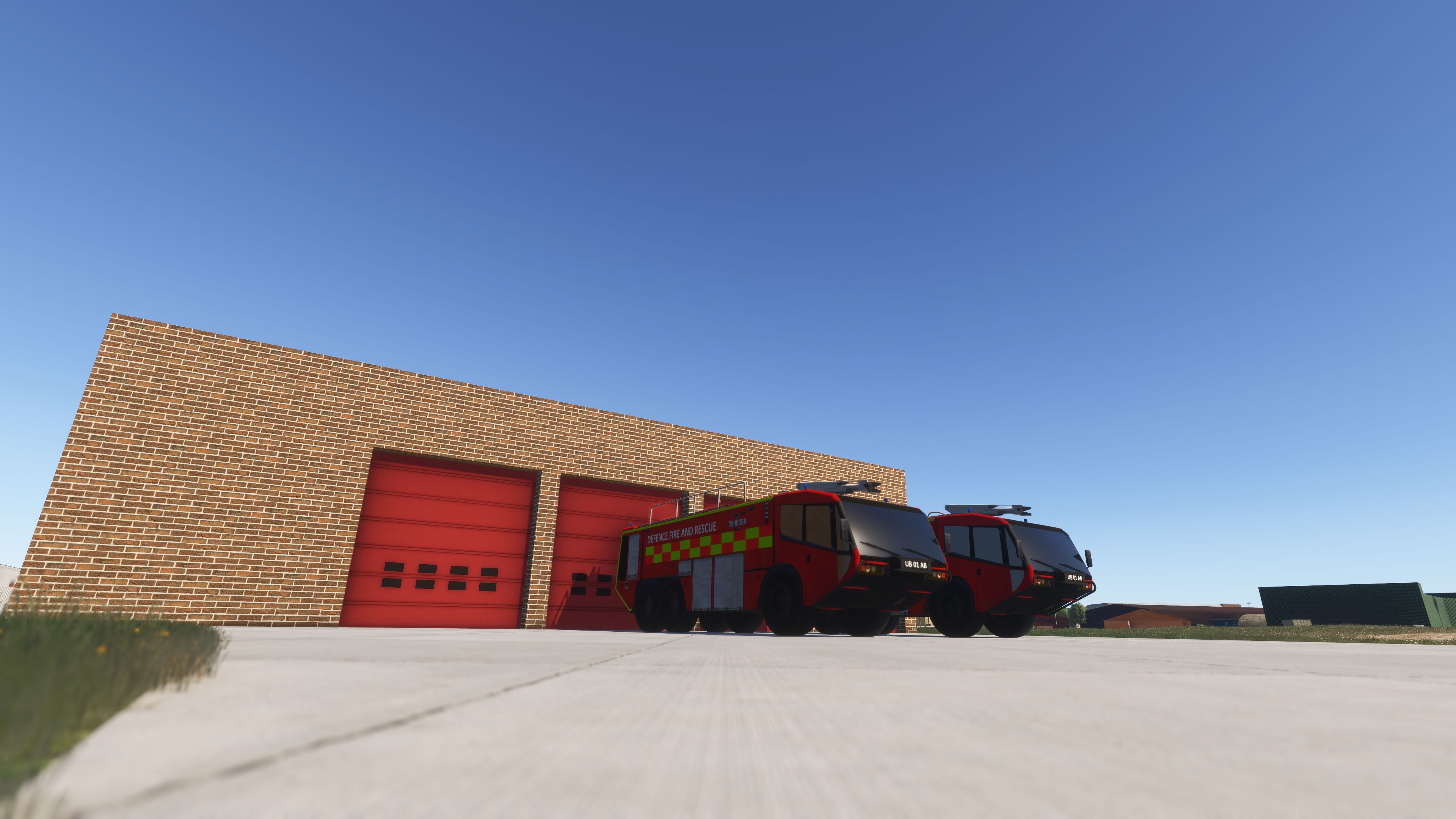
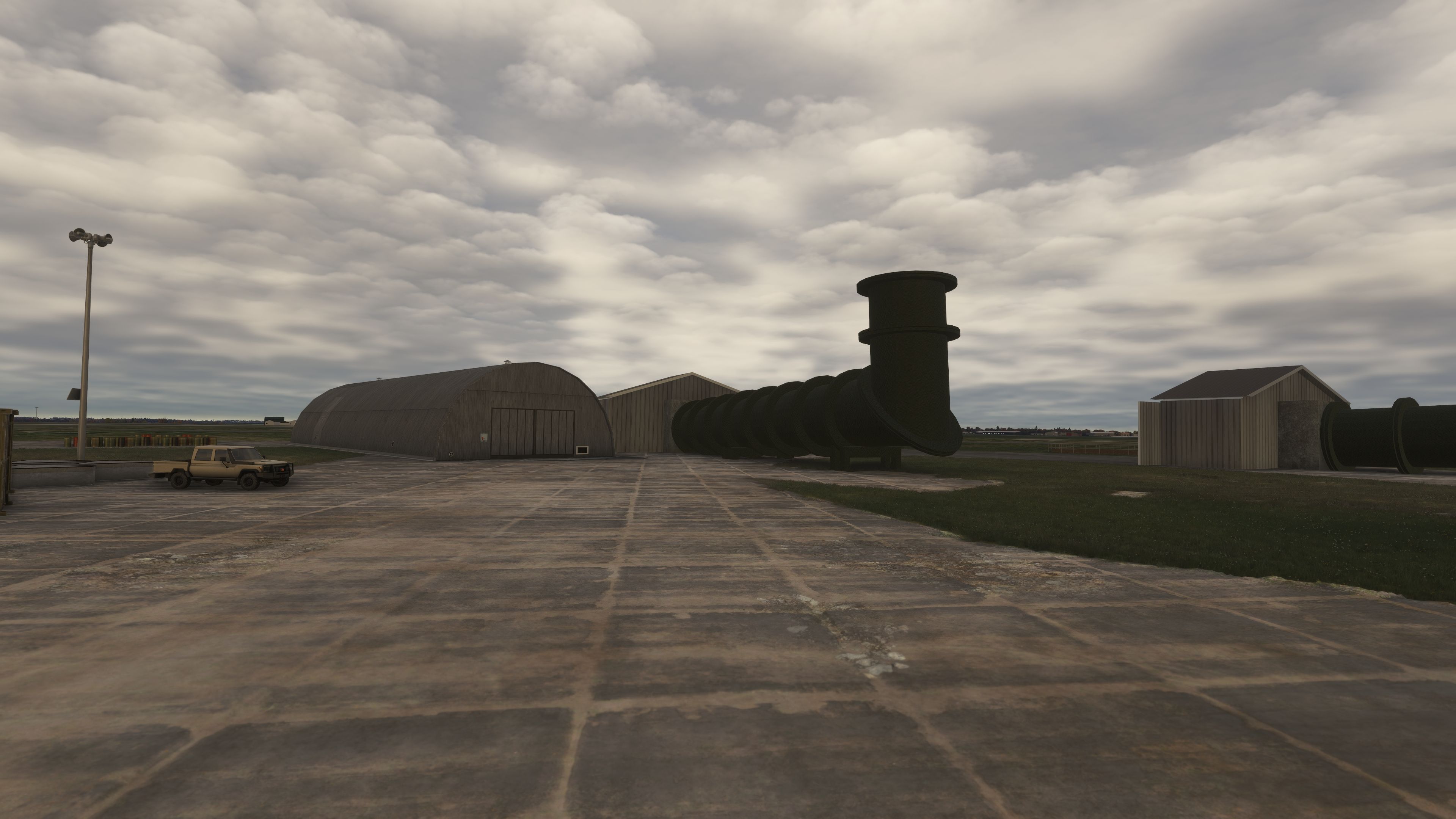
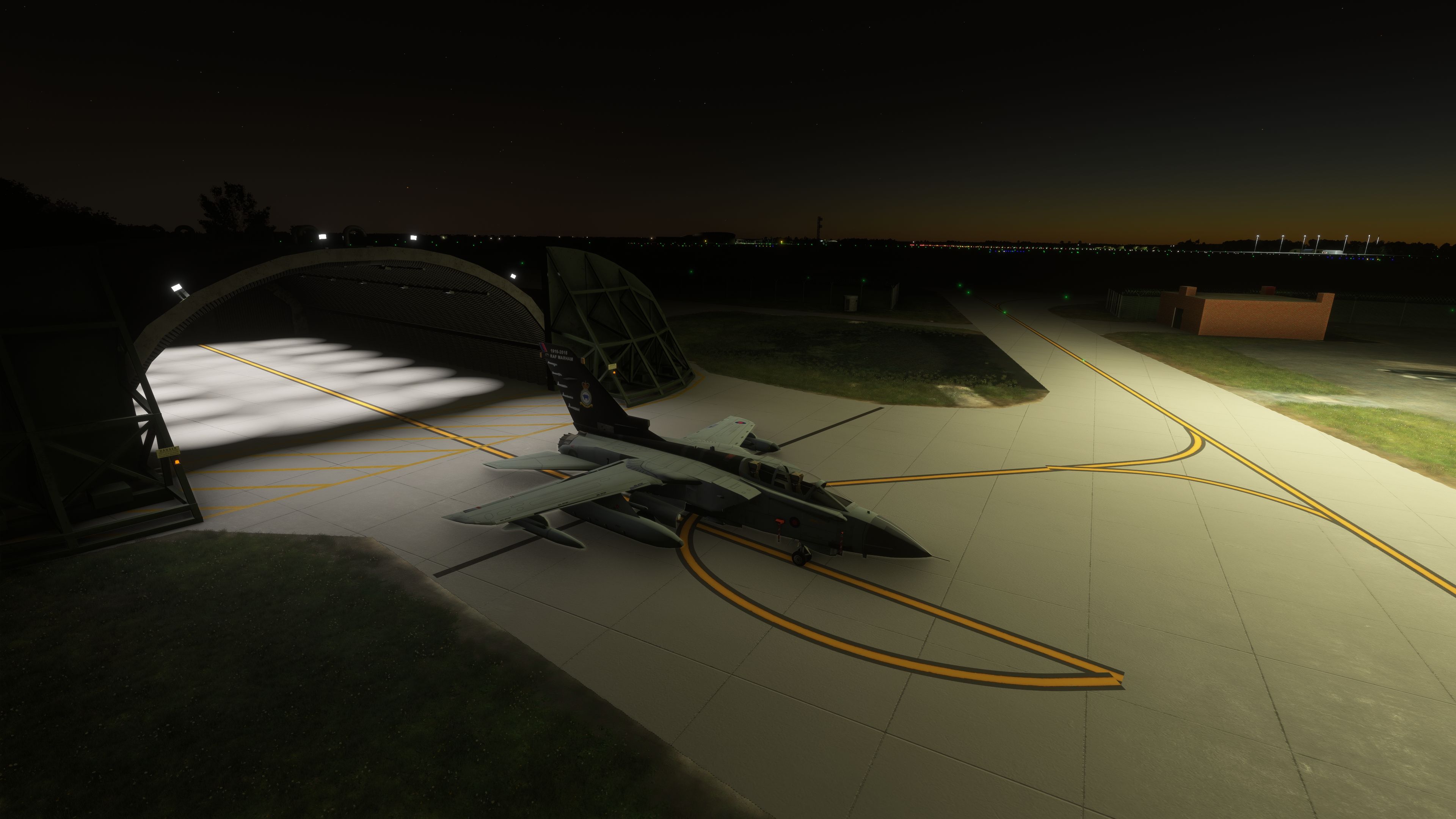
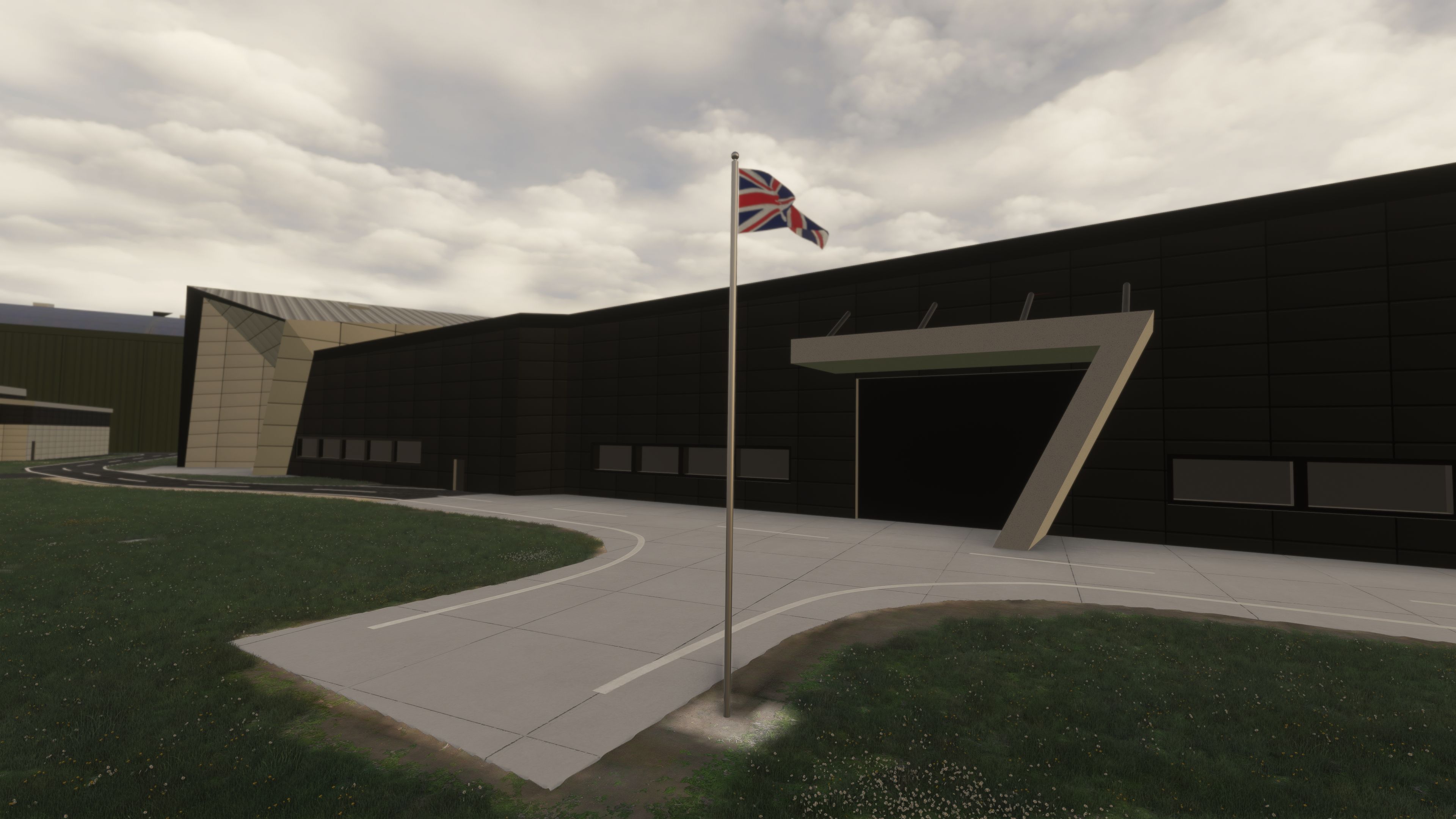
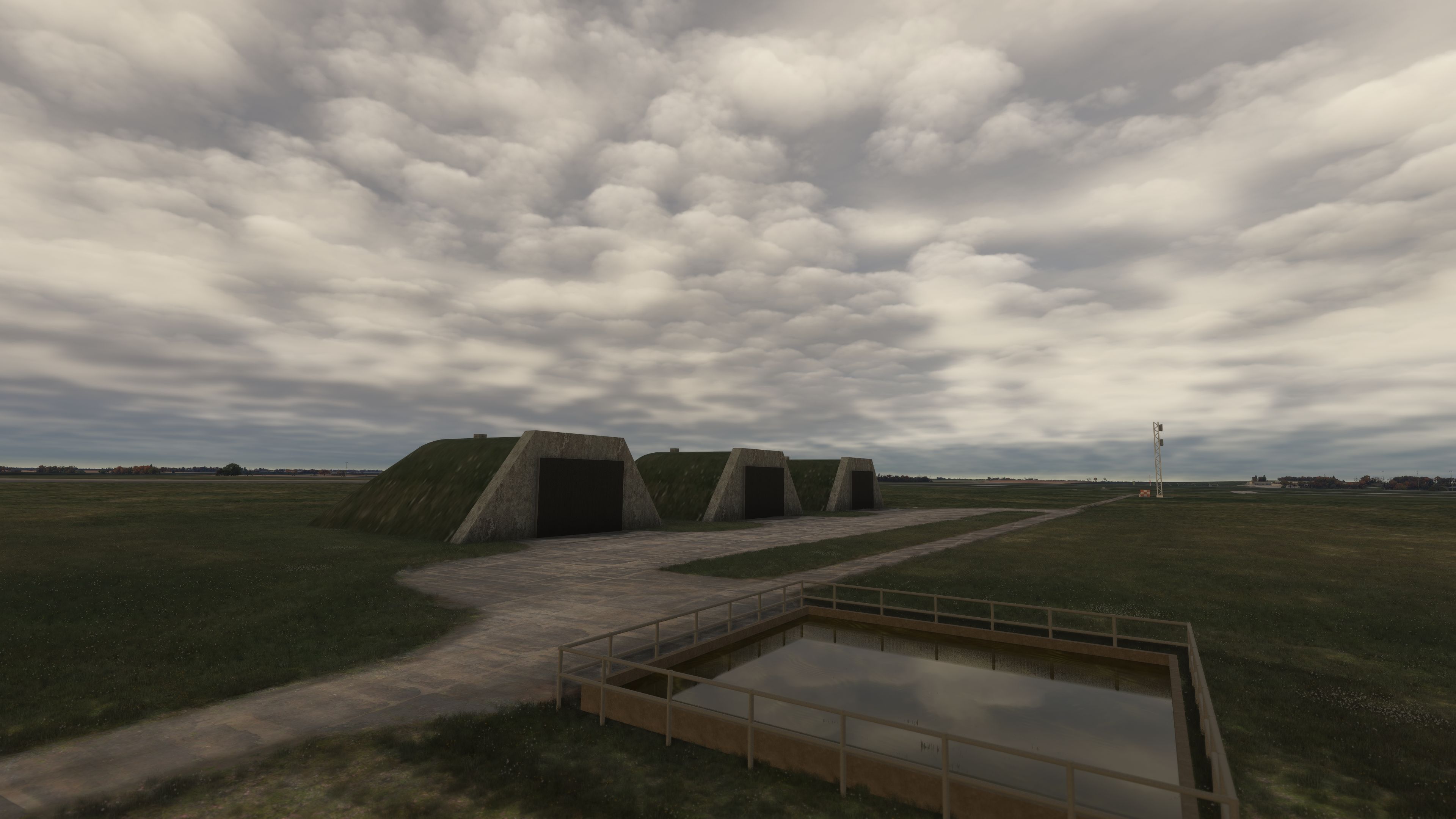
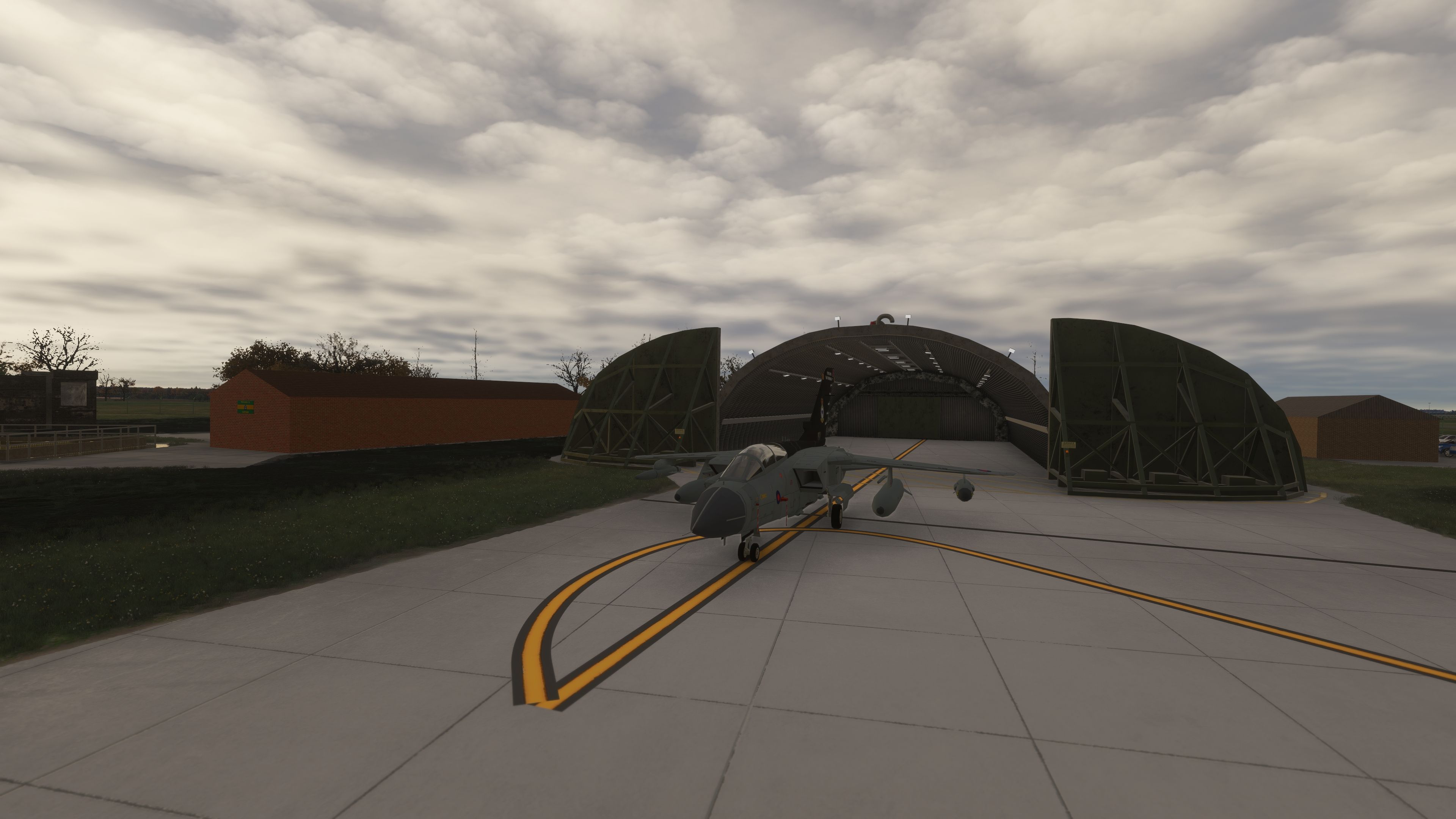
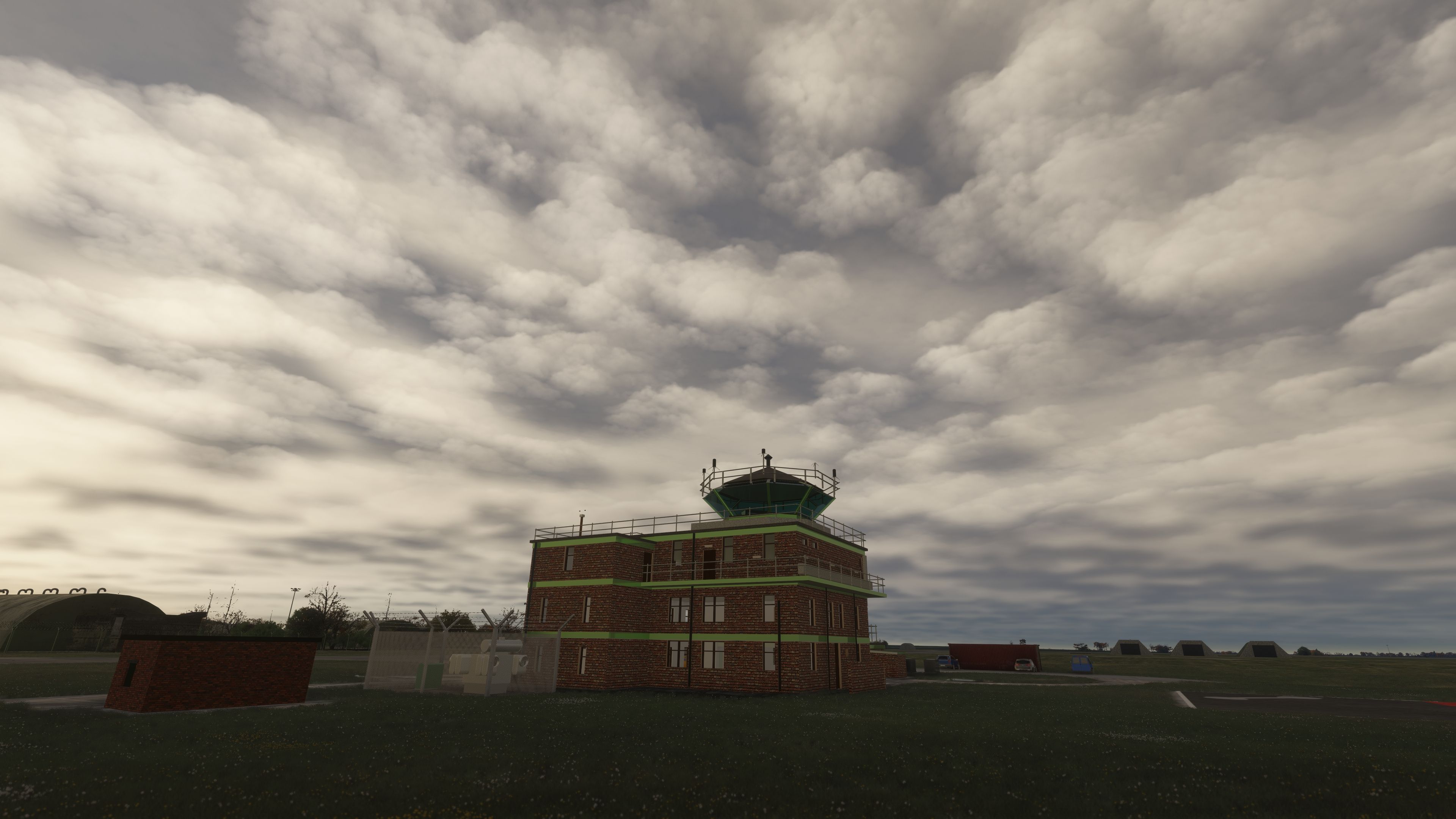
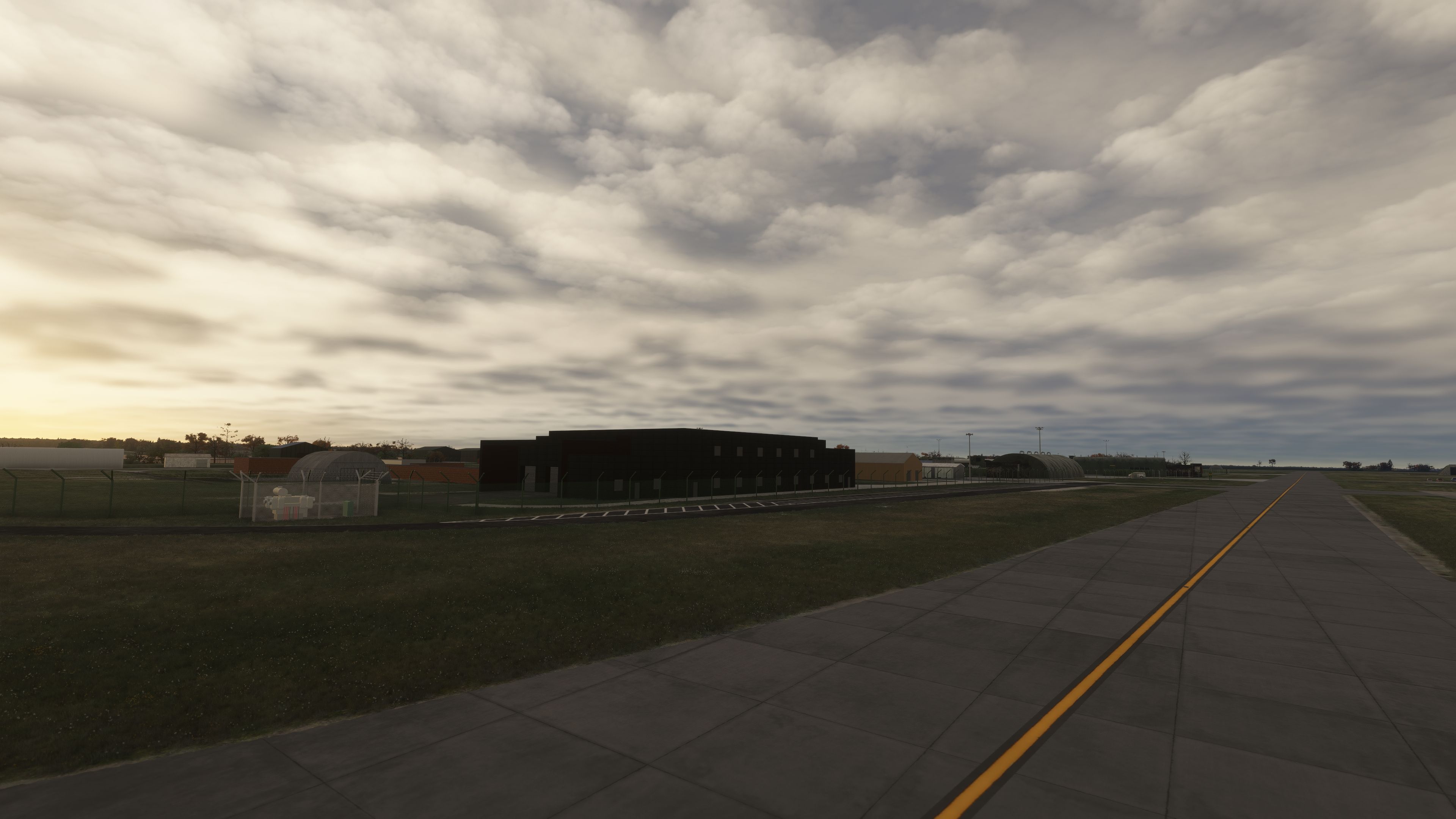
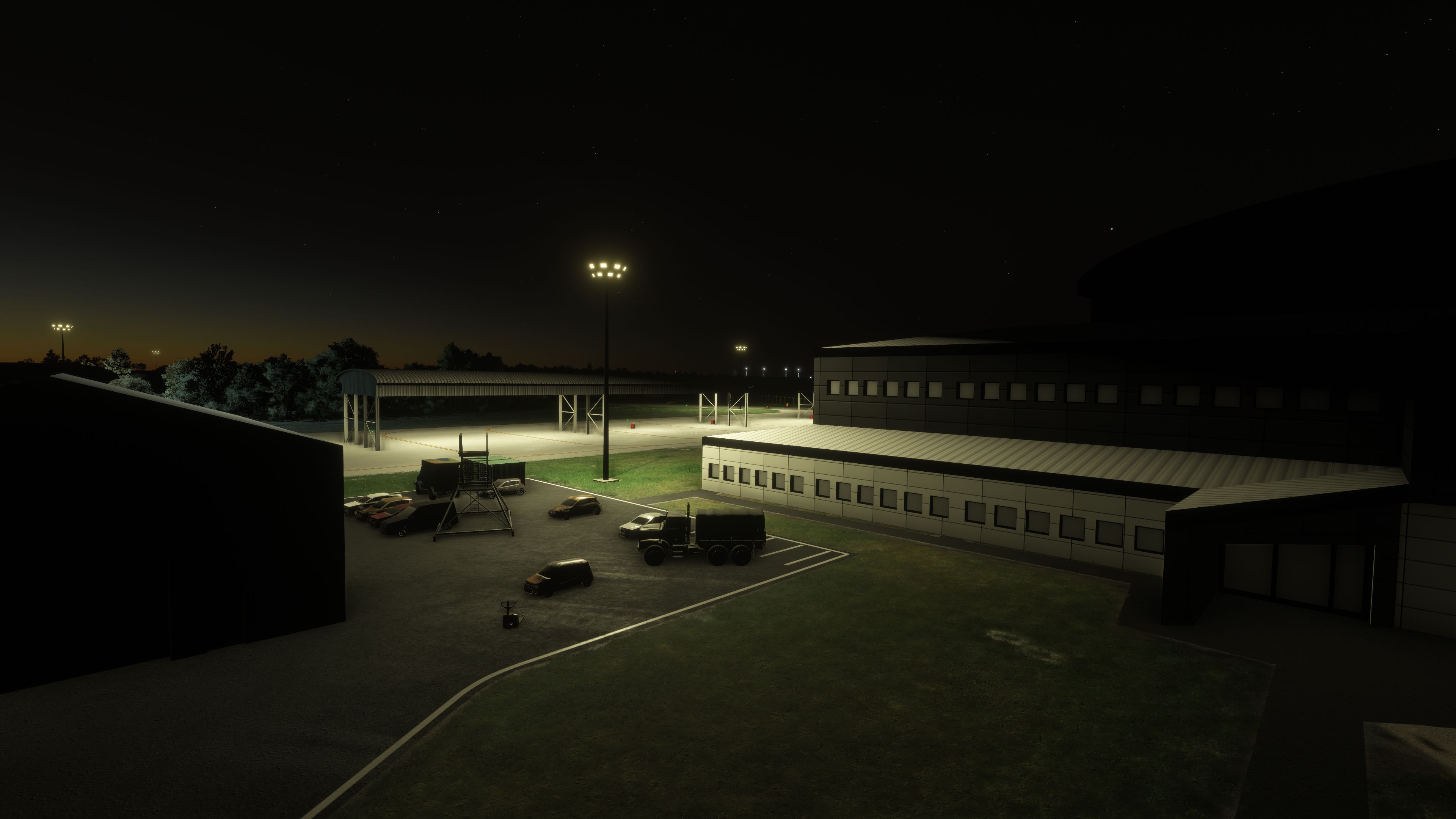
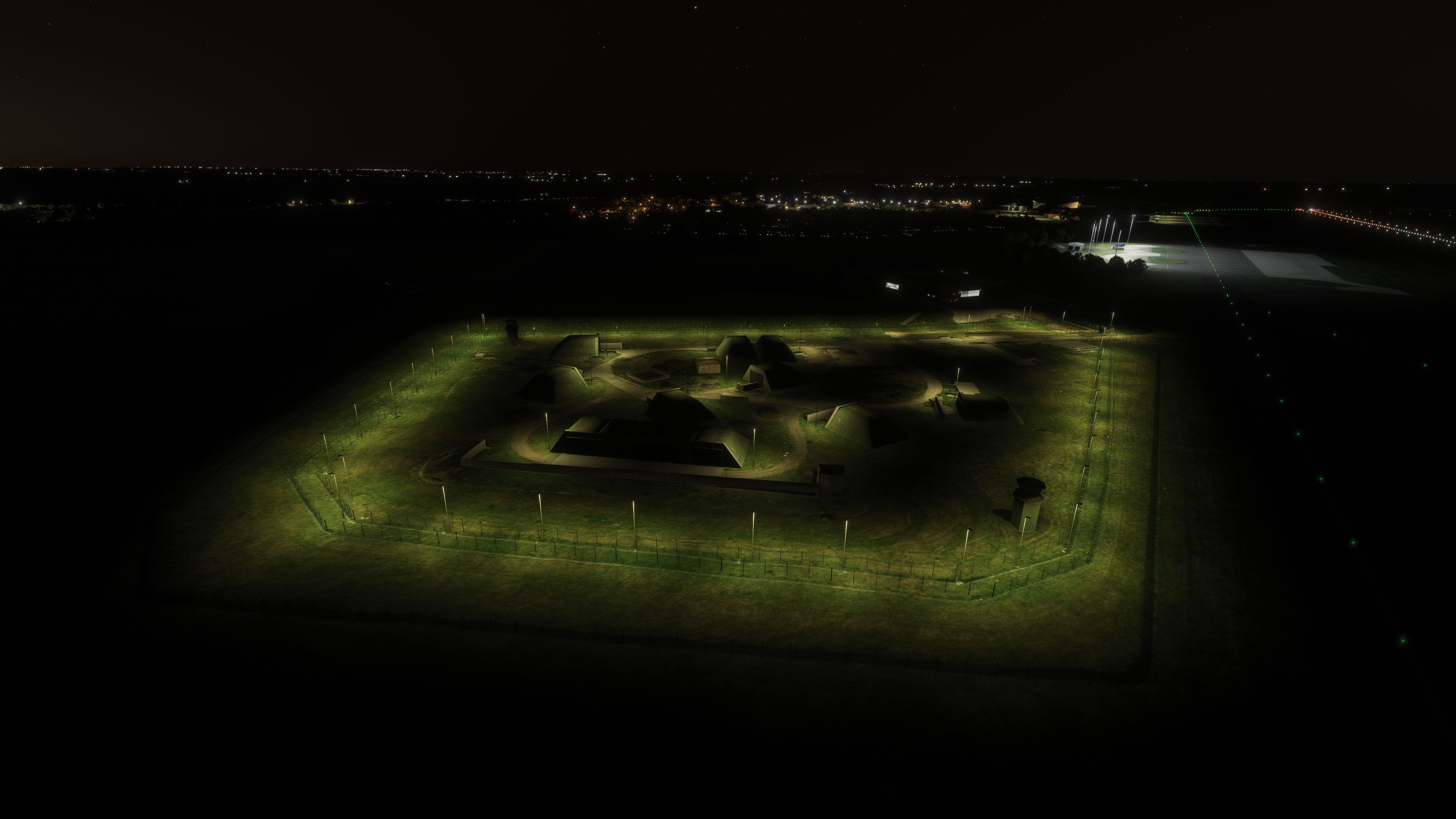
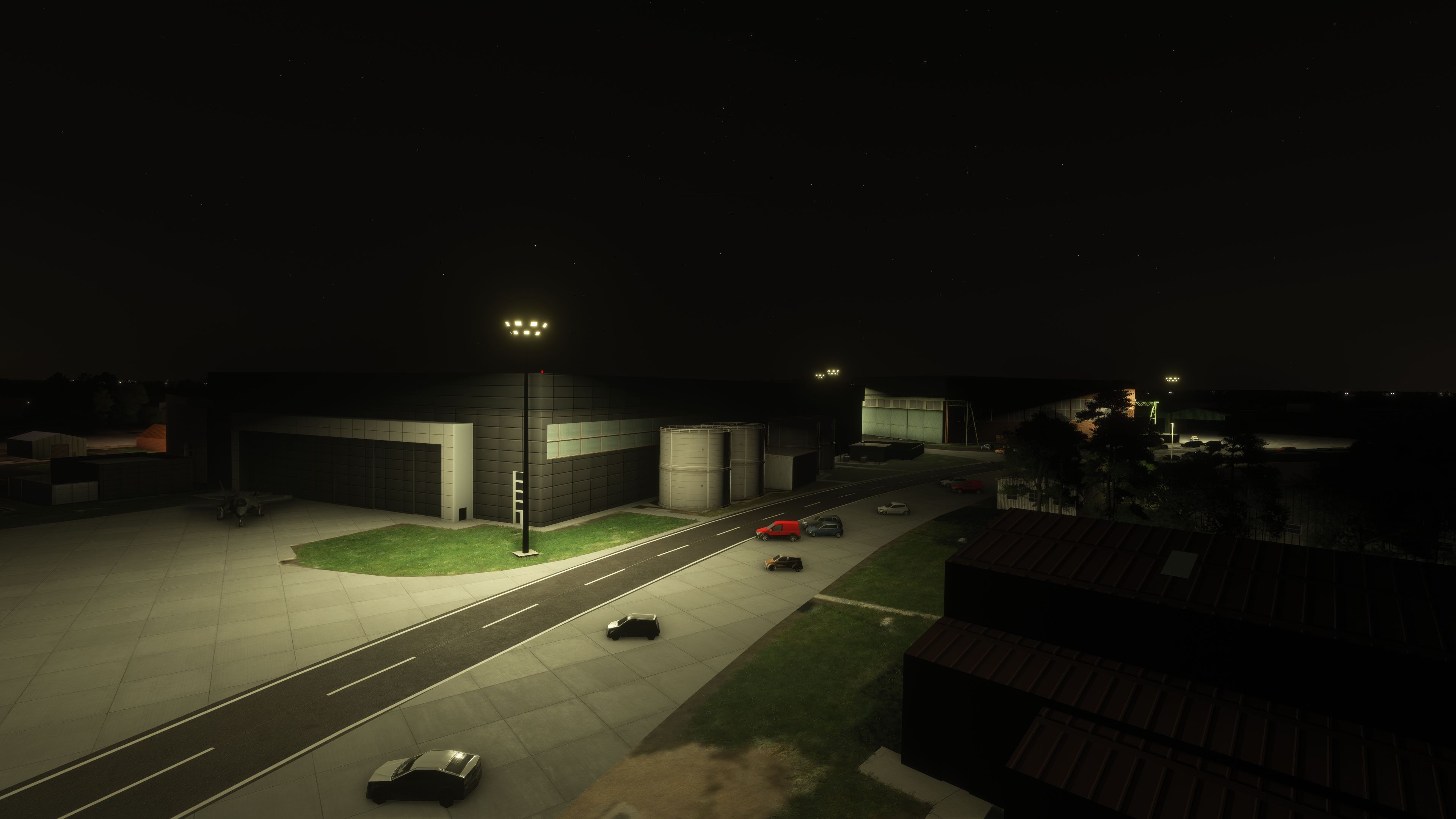
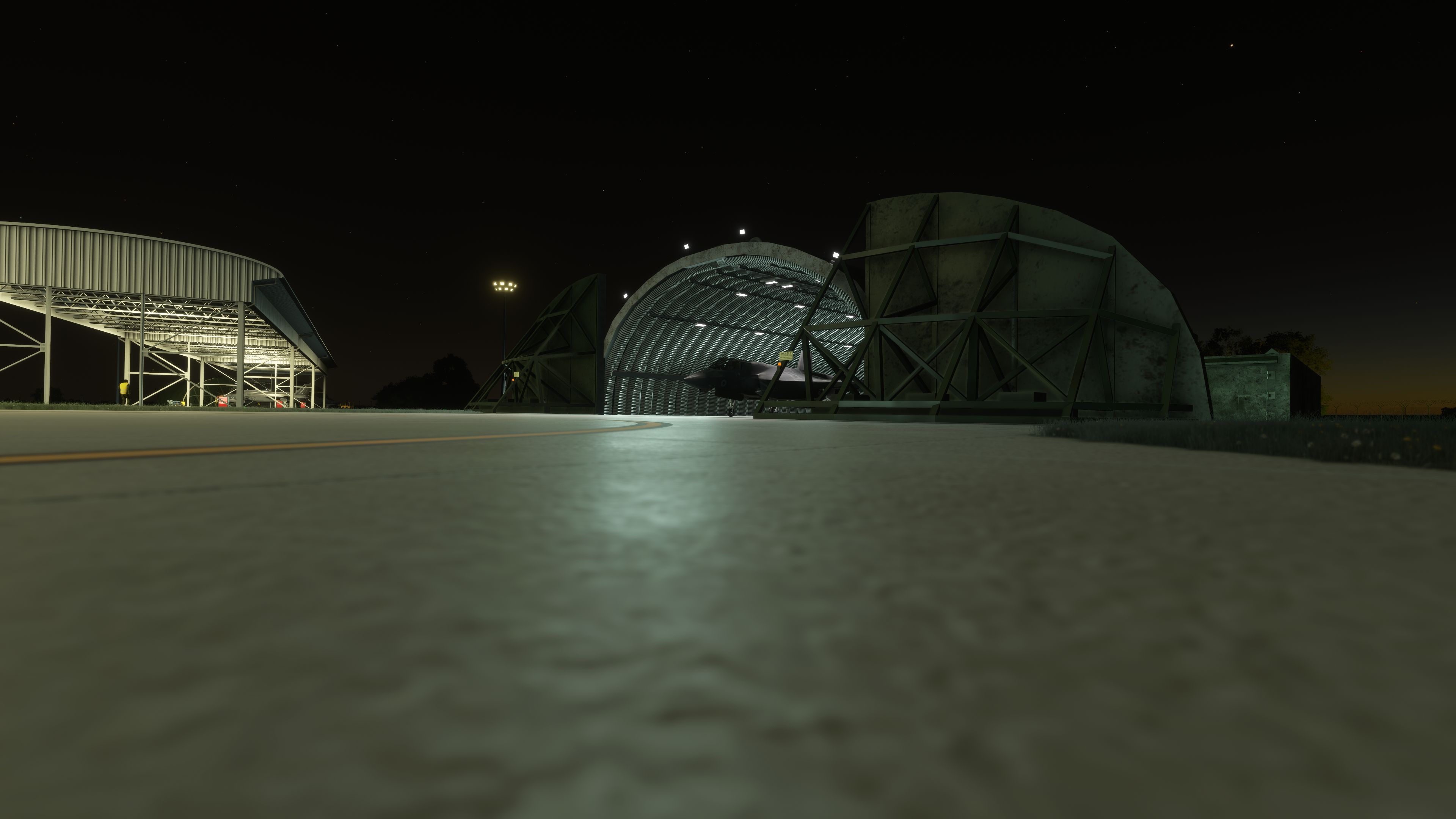
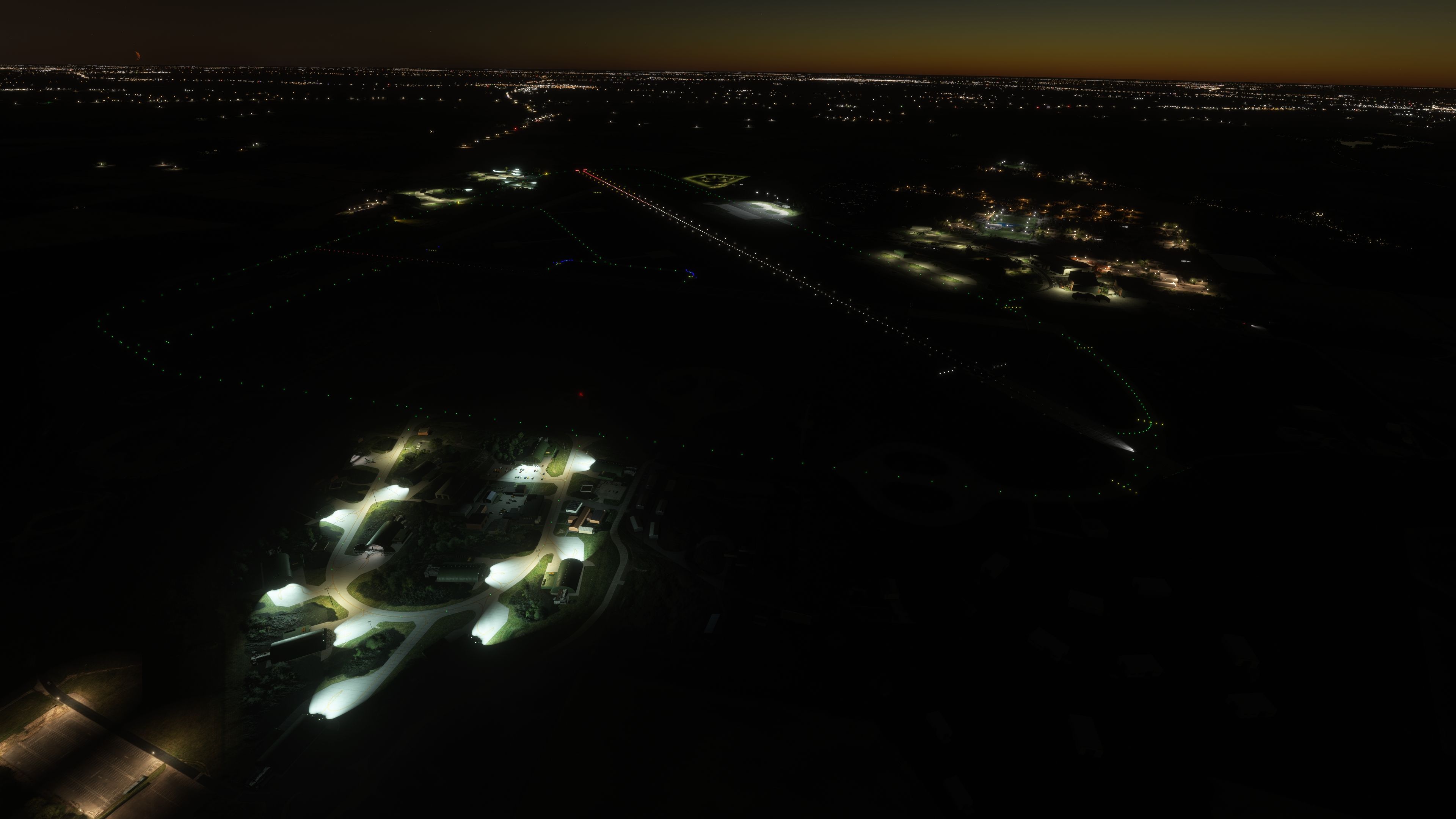
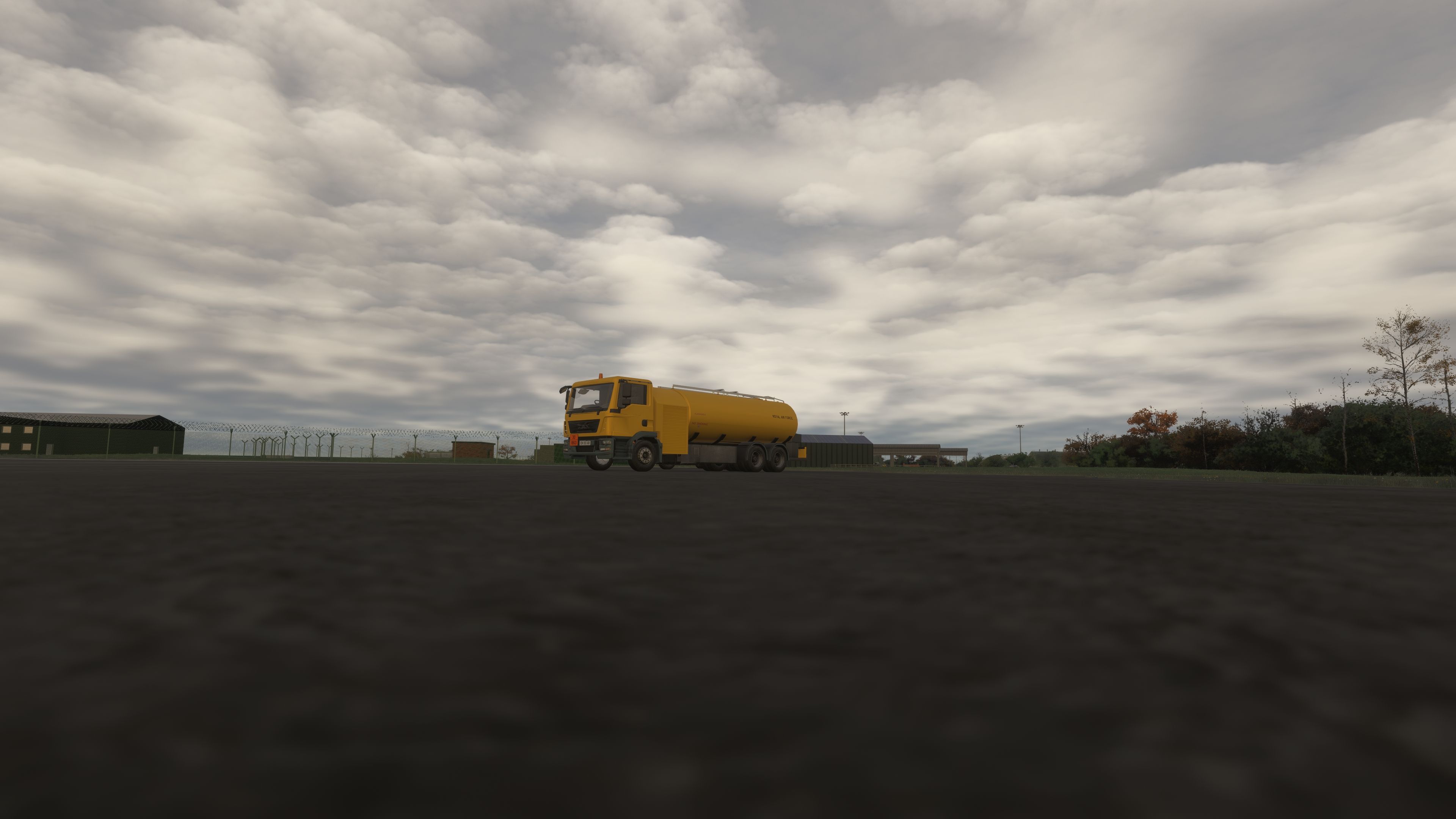
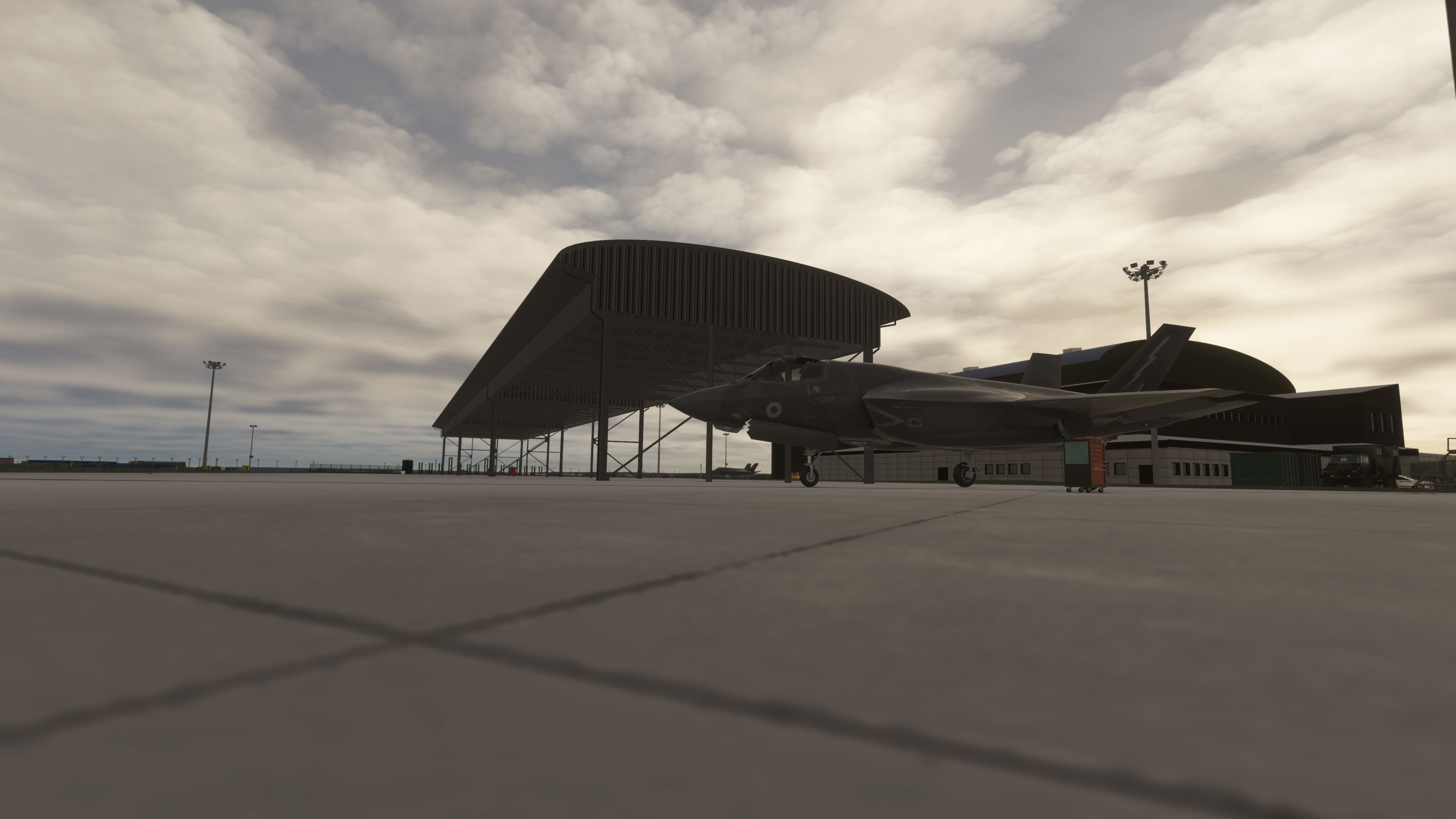
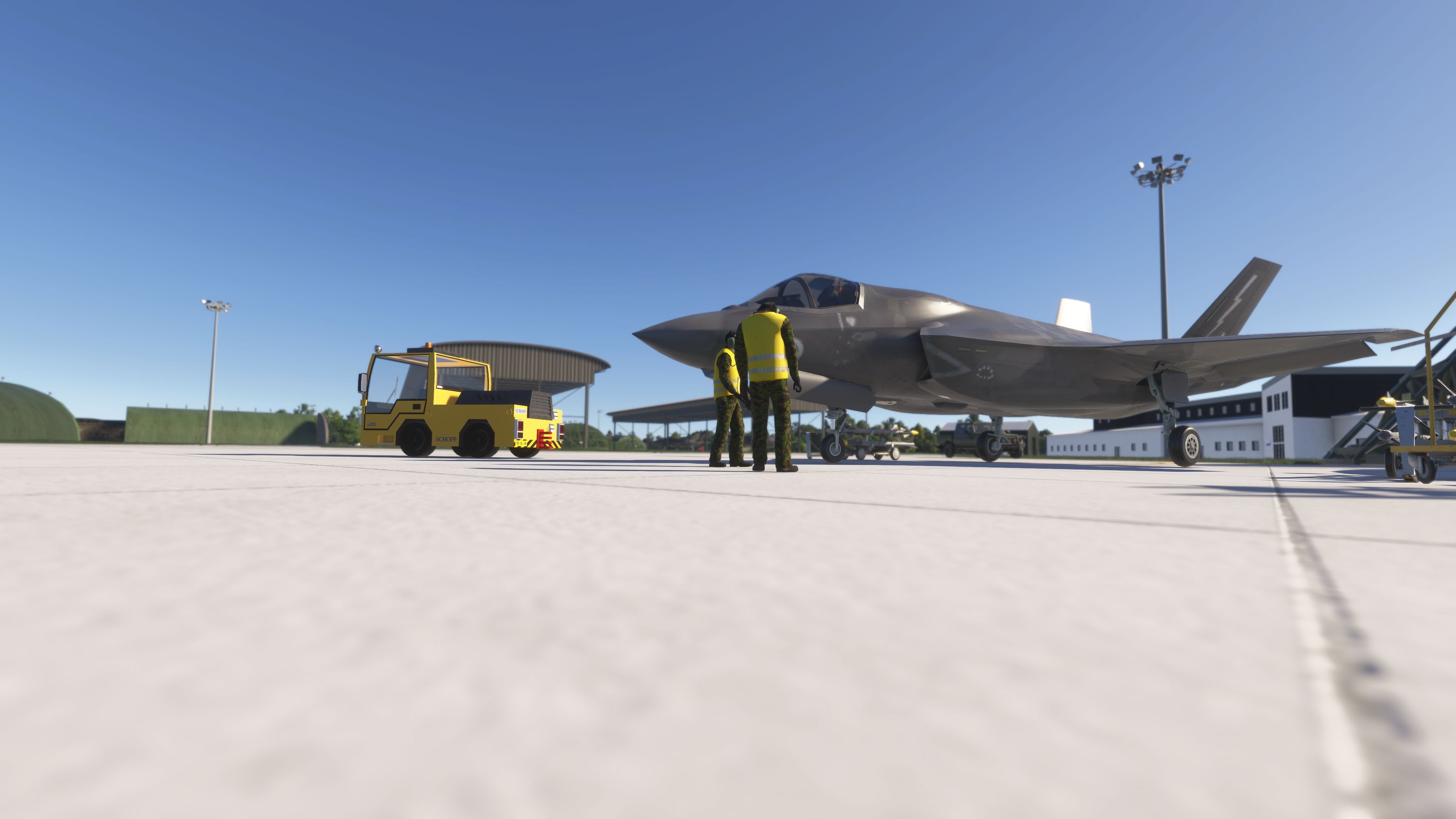
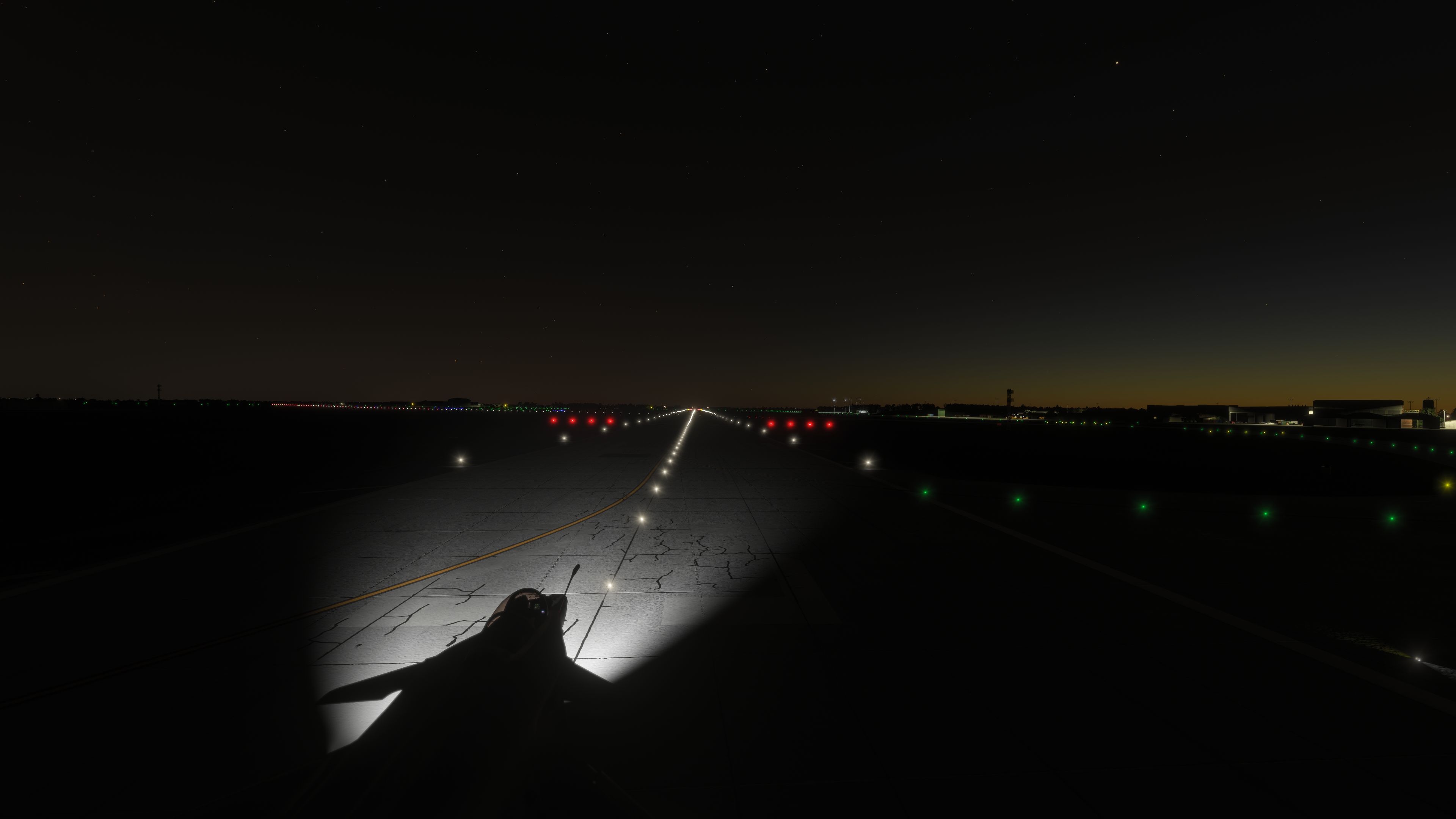

I installed nickb007’s RAF Marham (EGYM) in Microsoft Flight Simulator and flew a short circuit before exploring the parking areas. At ground level, I found the illuminated F-35 shelter interiors particularly effective, giving those spaces more depth than closed structures. The shelters allow taxi-through access, and nearby aircraft trigger the parking-area gates. Custom buildings and revised ground markings give the station a distinct military character.
I appreciated the Tornado heritage alongside the newer facilities: optional GR4 statics populate the eastern shelter area, while a 617 Squadron tail memorial provides a quieter historical detail. The connected ground network supports GSX, ATC and airport services. One reservation remains worth noting: the developer describes the latest correction for floating or sunken hardened aircraft shelters as tentative, rather than a guaranteed fix.
RAF Marham (EGYM) by nickb007 brings custom airfield buildings, animated shelters and revised ground layouts to Microsoft Flight Simulator. This freeware scenery recreates the Norfolk military station with F-35 parking areas, optional static Tornado GR4s and a connected taxiway network for ATC, airport services and GSX.
Marham serves as the UK’s main operating base for the F-35B Lightning, following its long association with the Tornado force. The scenery reflects both periods: F-35 shelters accommodate taxi-through access, interior lighting and parking, while the eastern HAS [Hardened Aircraft Shelter] area houses Tornado statics. A 617 Squadron Tornado tail memorial adds another reference to the station’s operational history.
Across successive releases, nickb007 has replaced default runway elements, rebuilt taxiways and added custom structures throughout the airfield. The substantial version 3 update aligned taxiways and painted lines with updated map imagery. However, the developer acknowledges some artistic licence in the buildings because reference photographs remain scarce for parts of Marham.
Alongside nickb007’s own buildings, the scenery includes a control tower by DeadJen and a C Type hangar from Vortex_SD. Sperx, also the creator of Bitburg scenery, contributed the animated gates and shelters. John Young granted permission for the Tornado models, and the developer also uses figures from the Animated Humans library.
For pilots flying the Indiafoxtecho F-35B, nickb007 has also created a separate full RAF tails pack. That companion repaint collection remains distinct from this airfield scenery.
Version 4.0, dated 15 March 2026, introduces a possible remedy for HAS shelters that sometimes float above or sink below ground level. The developer describes this as a hopeful fix rather than a confirmed resolution. Earlier attempts included removing the shelters’ snap-to-ground option.
Marham-2024 fix and nickb-airport-egym-marham into your Microsoft Flight Simulator Community folder.The developer identifies the static Tornado GR4 content as a separate, optional folder: leave that folder out if you do not want those aircraft to appear.
nickb007 continues to develop the airfield and welcomes suggestions for additions. The developer has explicitly authorised Fly Away Simulation to host this freeware package.
Free for all simmers · 577.65 MB · Scanned clean Oct 2026
Download speed: Free tier is capped at 2 Mbps (this file takes approximately 40 mins at the cap). PRO members download at full line speed.
%LOCALAPPDATA%\Packages\Microsoft.FlightSimulator_8wekyb3d8bbwe\LocalCache\Packages\Community\. Steam version: %APPDATA%\Microsoft Flight Simulator\Packages\Community\. Tip: enable Developer Mode in MSFS to see your exact Community folder path.readme.txt or README file. It tells you exactly where files go, what dependencies are needed, and any quirks specific to this add-on.Use these coordinates to fly directly to this location once the mod is installed.
52.64840000,0.55070000
Paste these coordinates into the Microsoft Flight Simulator search bar when planning a flight, or into the Developer Mode Teleport window, to fly directly to this location.
nickb007 is a freeware scenery developer for Microsoft Flight Simulator 2020 and 2024 specialising in Royal Air Force stations and UK military aviation.
Are you nickb? Sign in to Fly Away Creators for download stats, comment replies and updates. Make add-ons? Publish them here.
Only PRO members can place votes.
More MSFS add-ons hand-picked based on this download.
MSFS Scenery
This freeware rebuild of RAF Lossiemouth (EGQS) for Microsoft Flight Simulato…
 MSFS Scenery
Created as a freeware, in-progress scenery refresh for Microsoft Flight Simul…
 MSFS Scenery
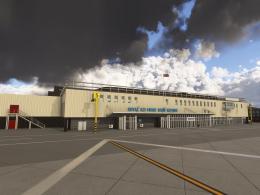
RAF Brize Norton (EGVN) by nickb brings custom military airfield scenery to M…
 MSFS Scenery
The latest version 6 of the GAIST global ship, boat, and maritime traffic add…
 MSFS Scenery
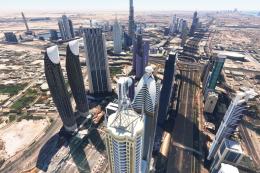
A large freeware scenery add-on pack put together by the developer who goes b…
 MSFS Scenery
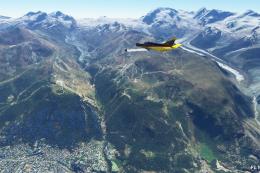
A quick rework of several Swiss cities and landmarks such as the Matterhorn u…
 MSFS Scenery
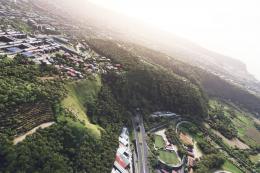
This pack by the developer who simply goes by the name of Chris brings the me…
 MSFS Scenery
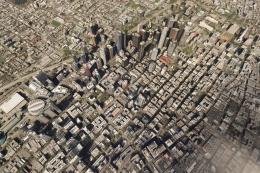
Enhance your Microsoft Flight Simulator experience with the Downtown Los Ange…
Be the first to leave a comment on this download.
Be the first to share your thoughts on this download.