

 Norway
  MSFS Scenery
Grand Canyon National Park Airport (KGCN)
This mod developed by JustOkayPilot brings Grand Canyon National Park Airport…
Ålesund Vigra Airport (ENAL) scenery recreates Norway’s exposed island gateway in Microsoft Flight Simulator 2020 and 2024, with custom buildings, AIP-based lighting and markings, and distinctive runway elevations. A detailed terminal, tower interior, seasonal lights, nearby bridges and landmarks, refined coastal terrain, expanded parking and an included GSX profile enrich approaches and ground operations.
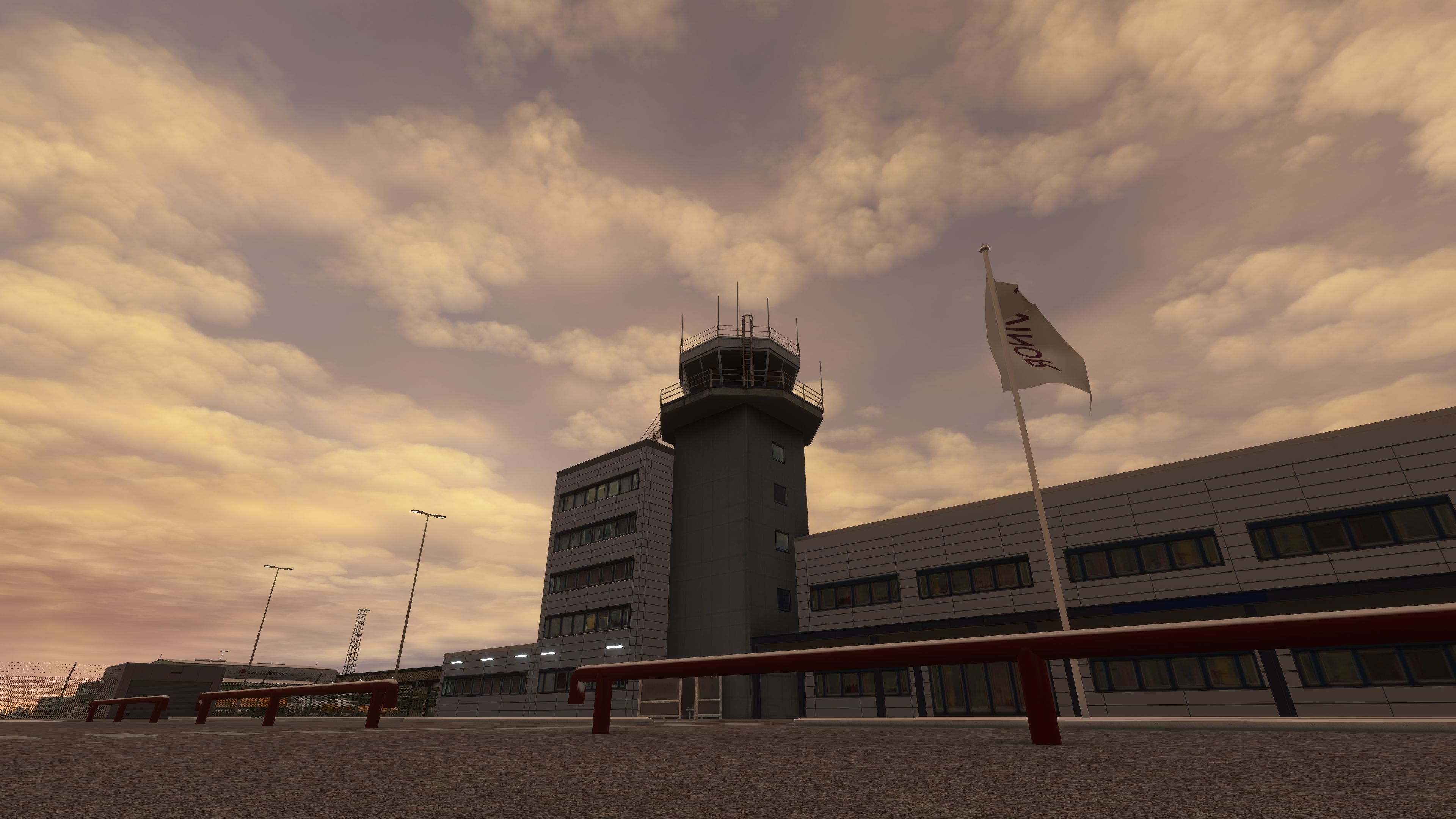
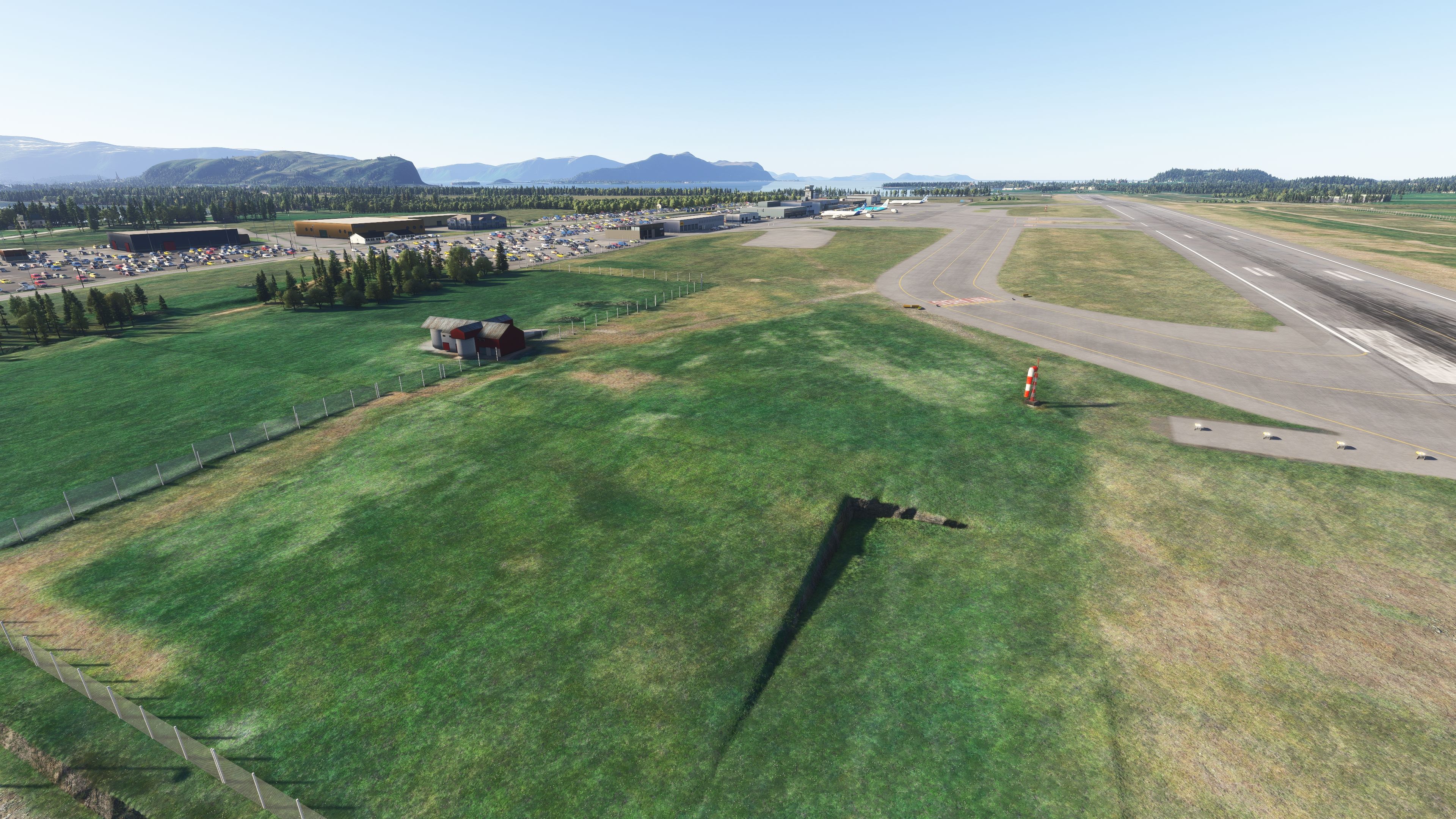
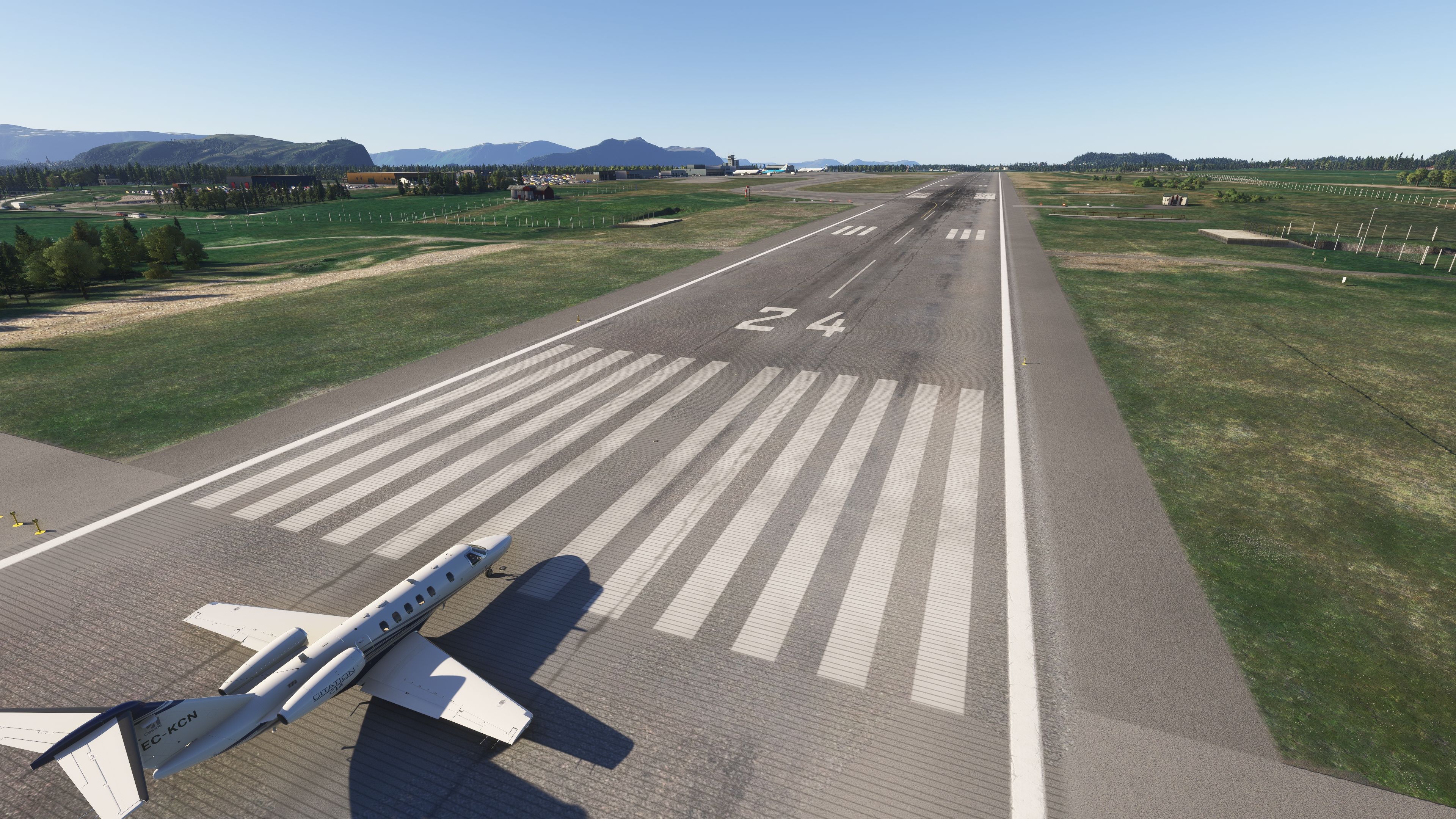
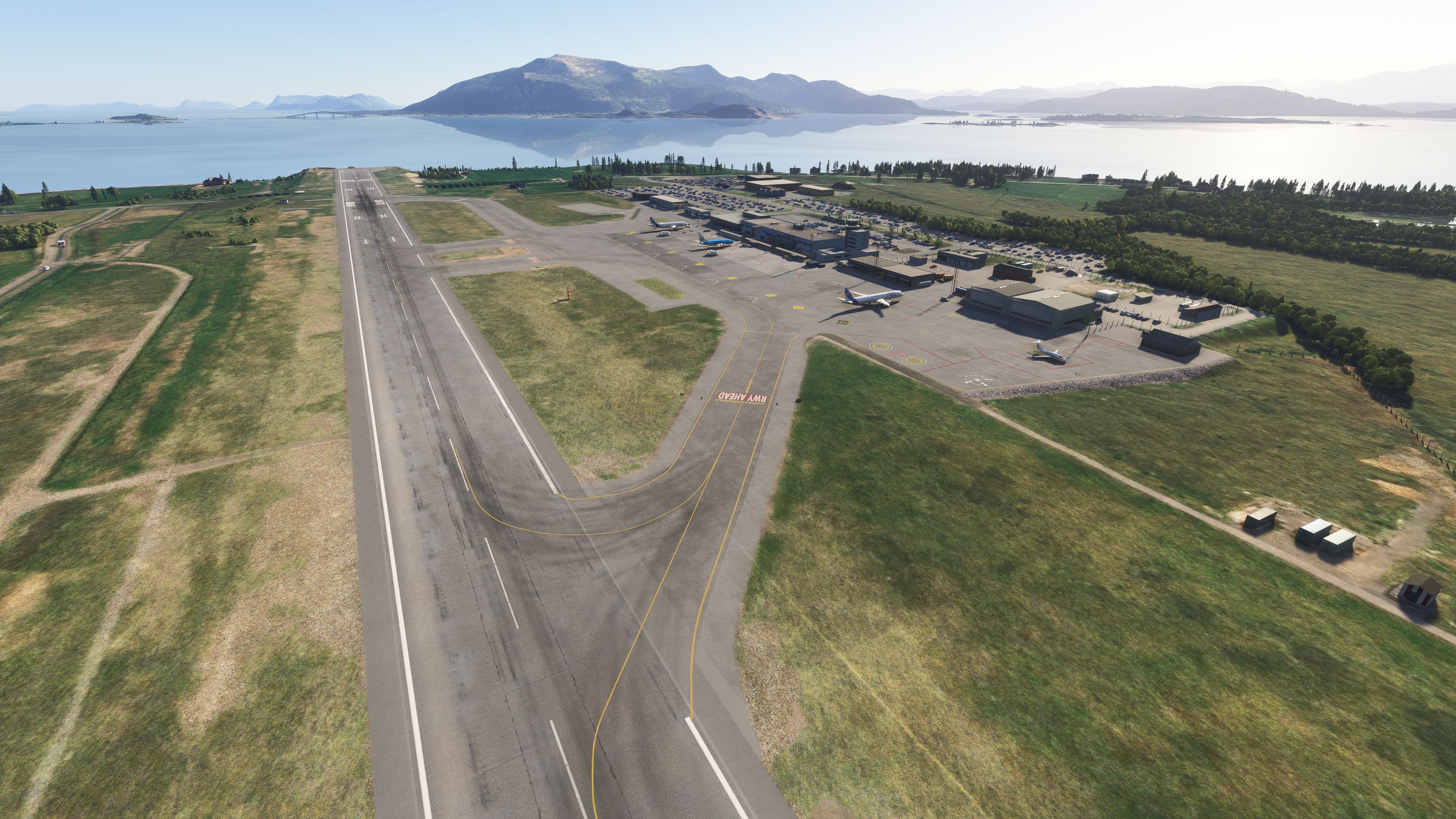
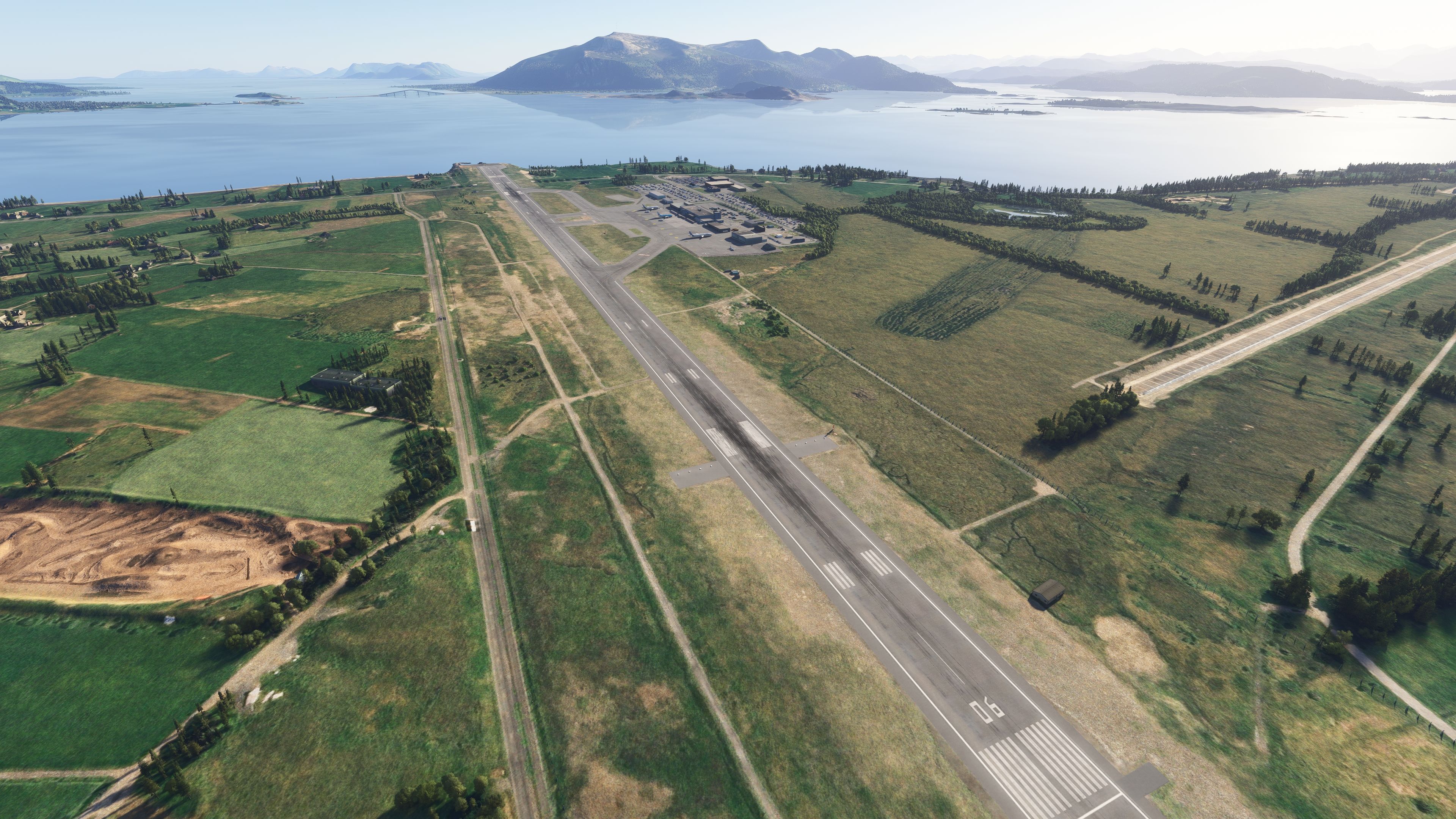
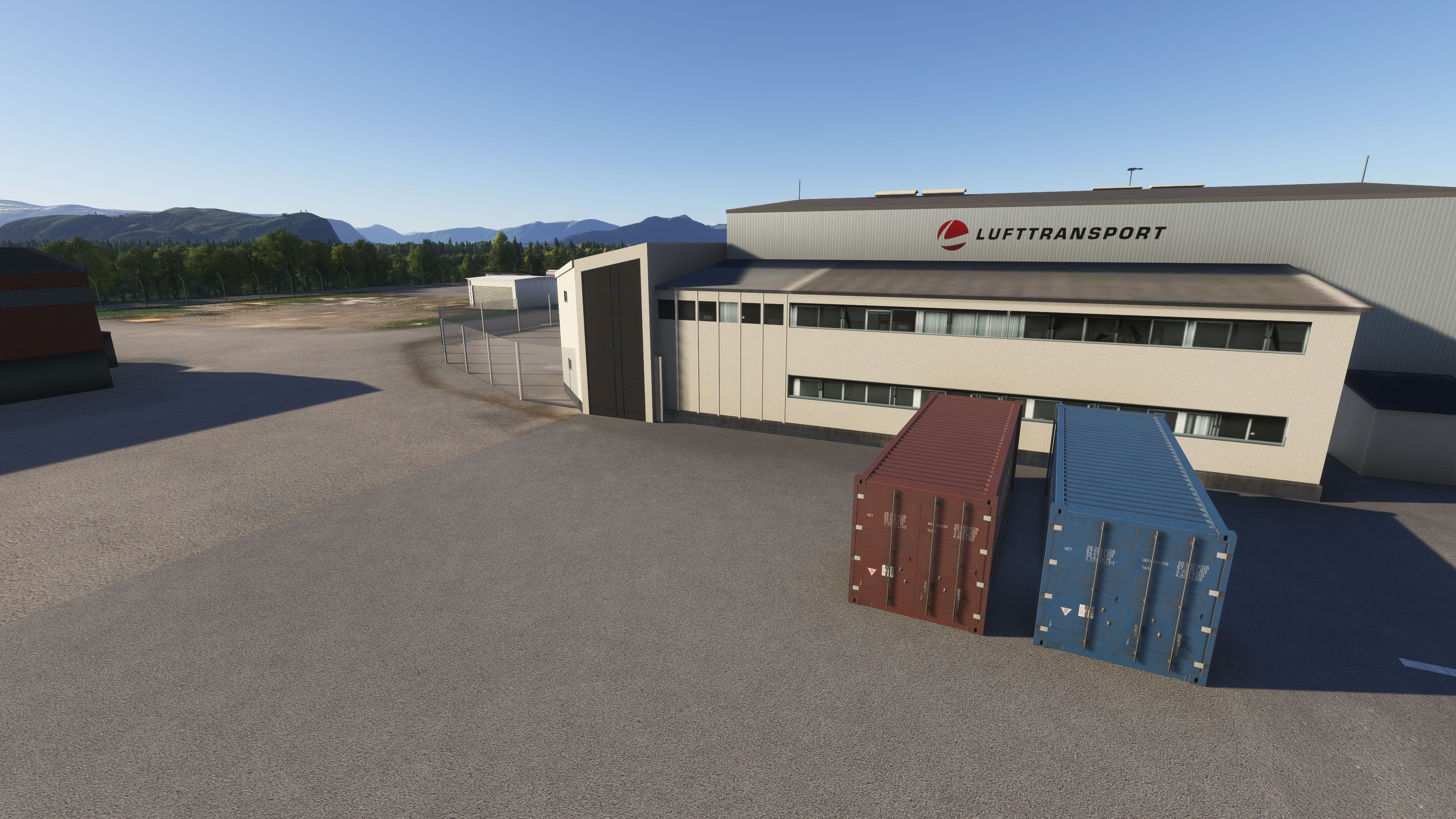
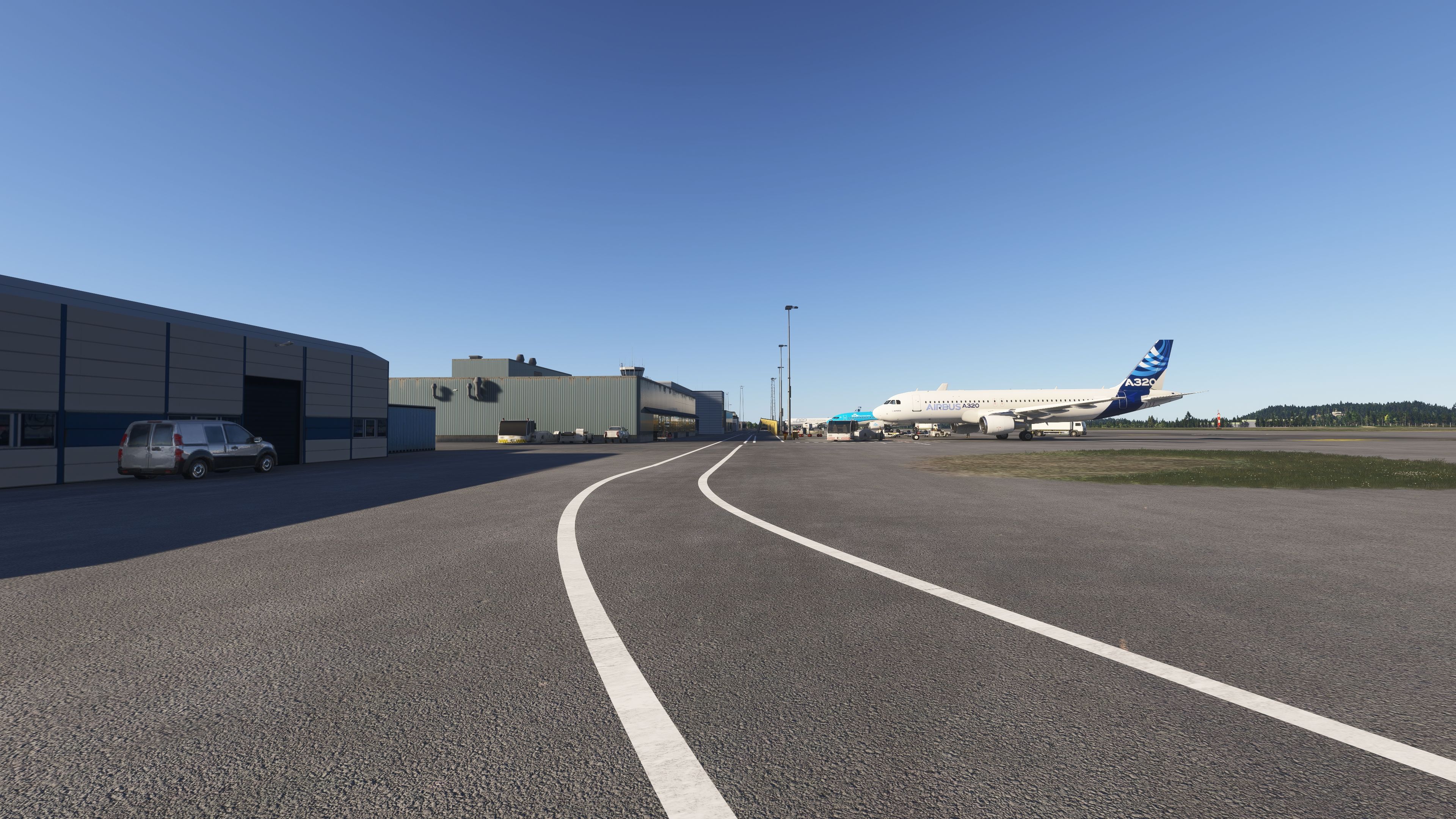
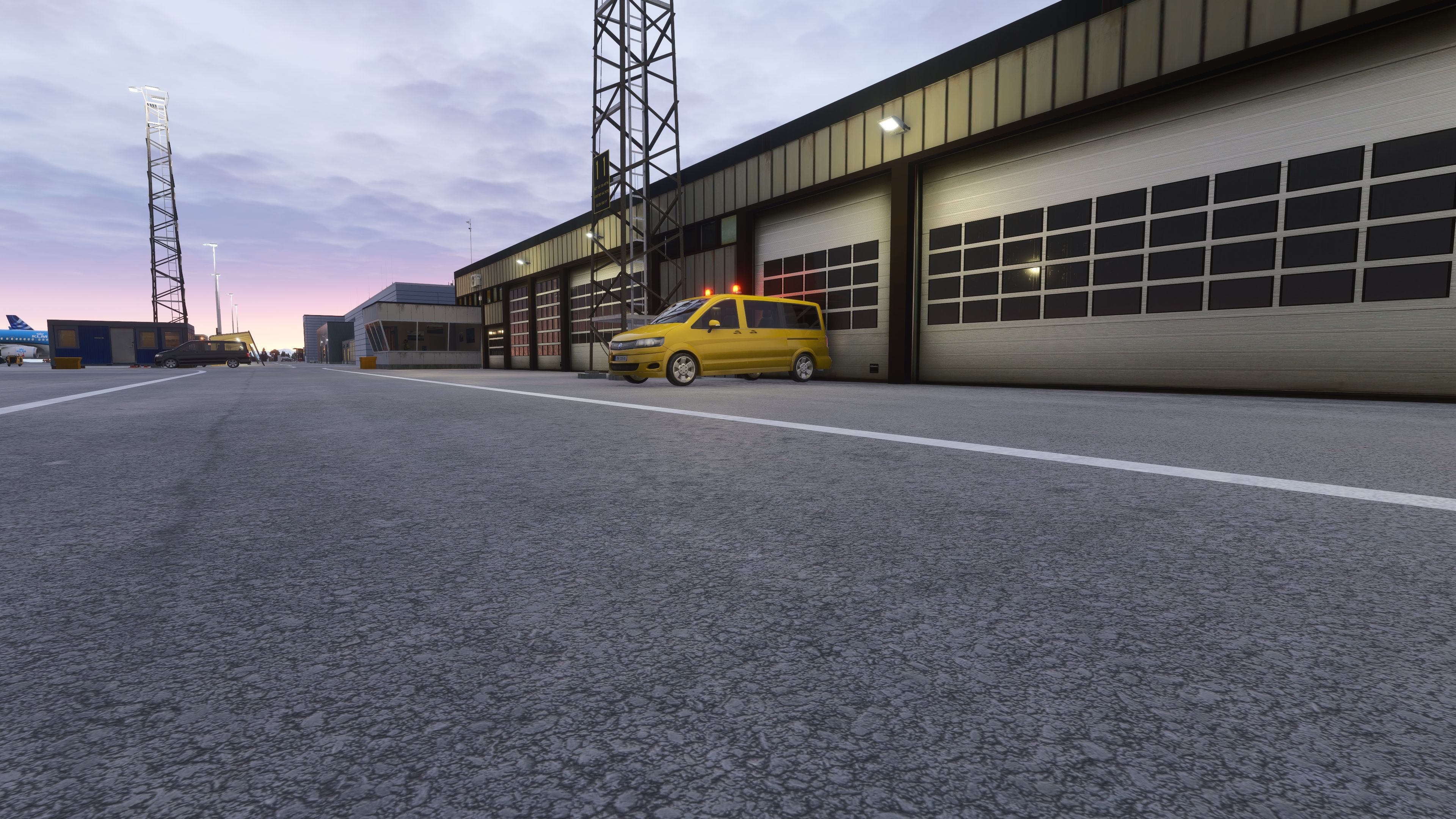
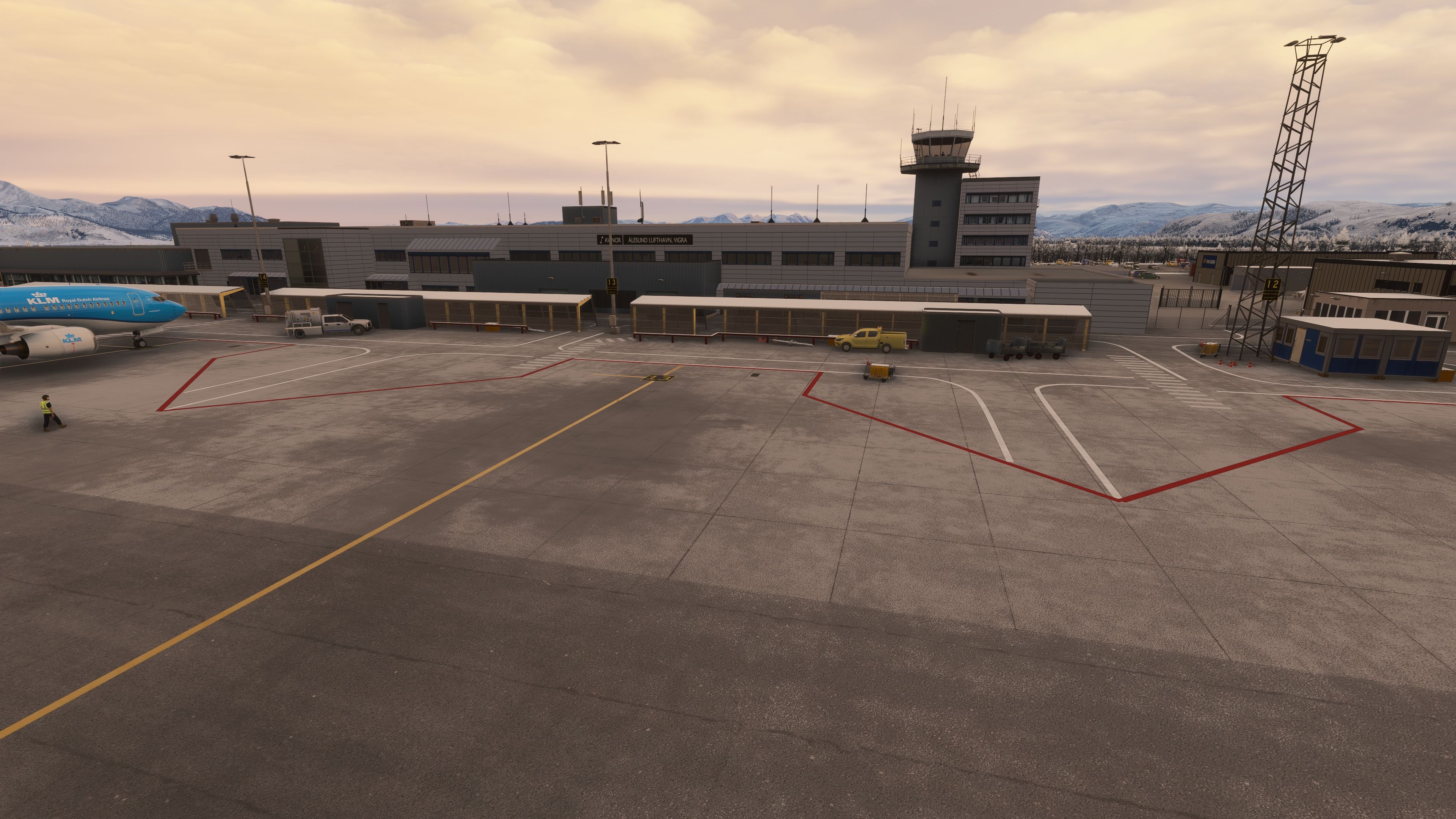
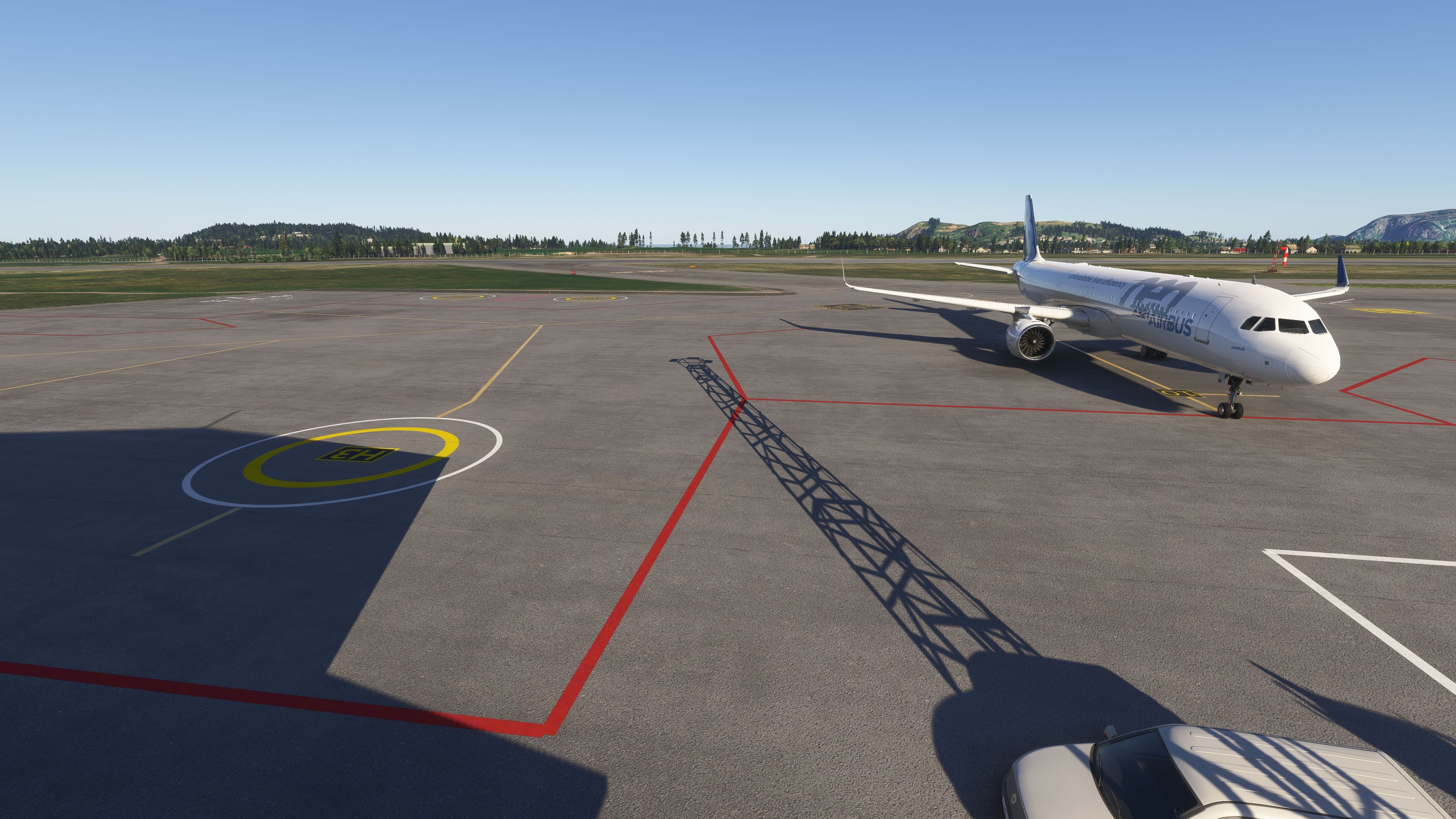
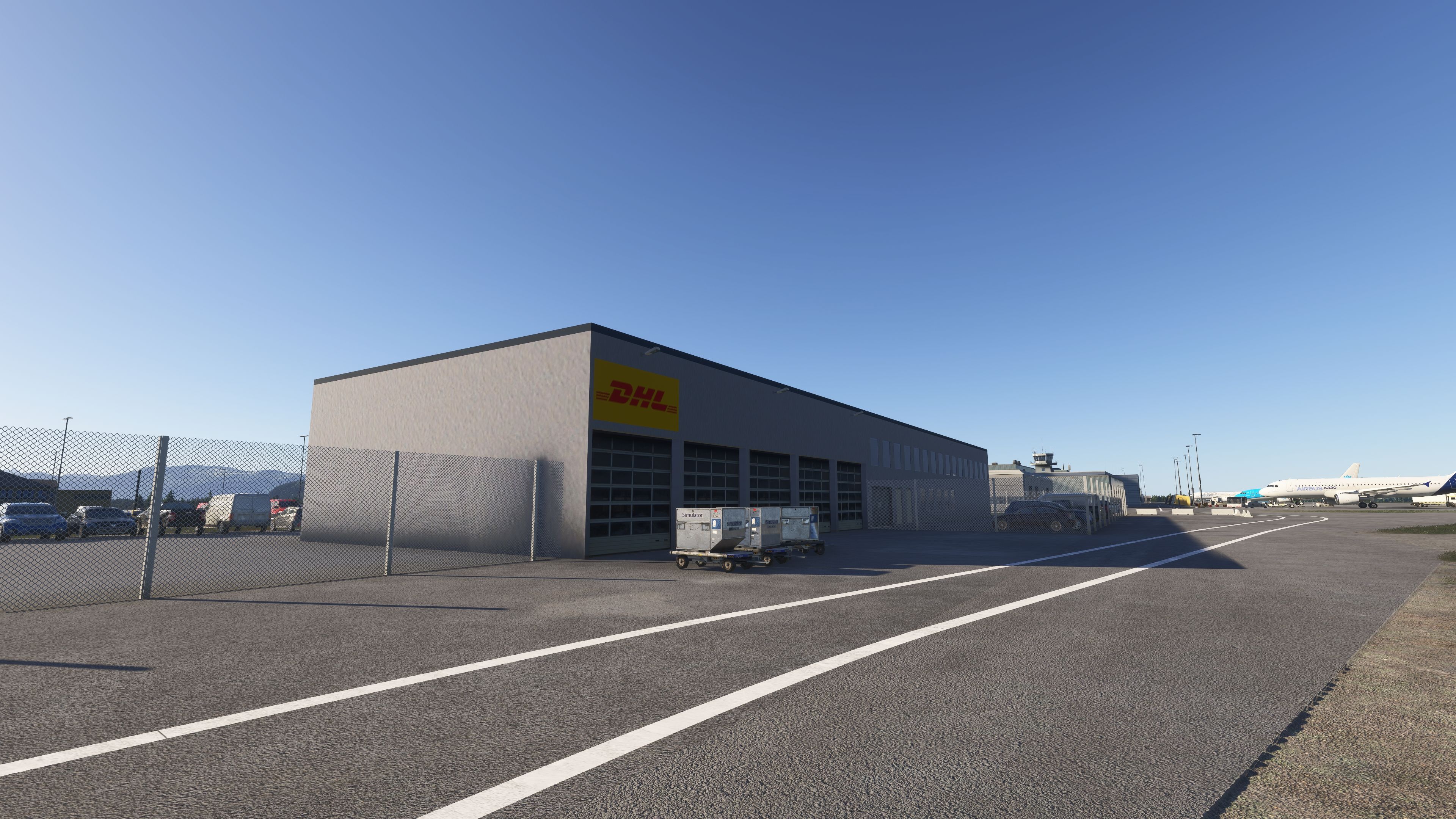
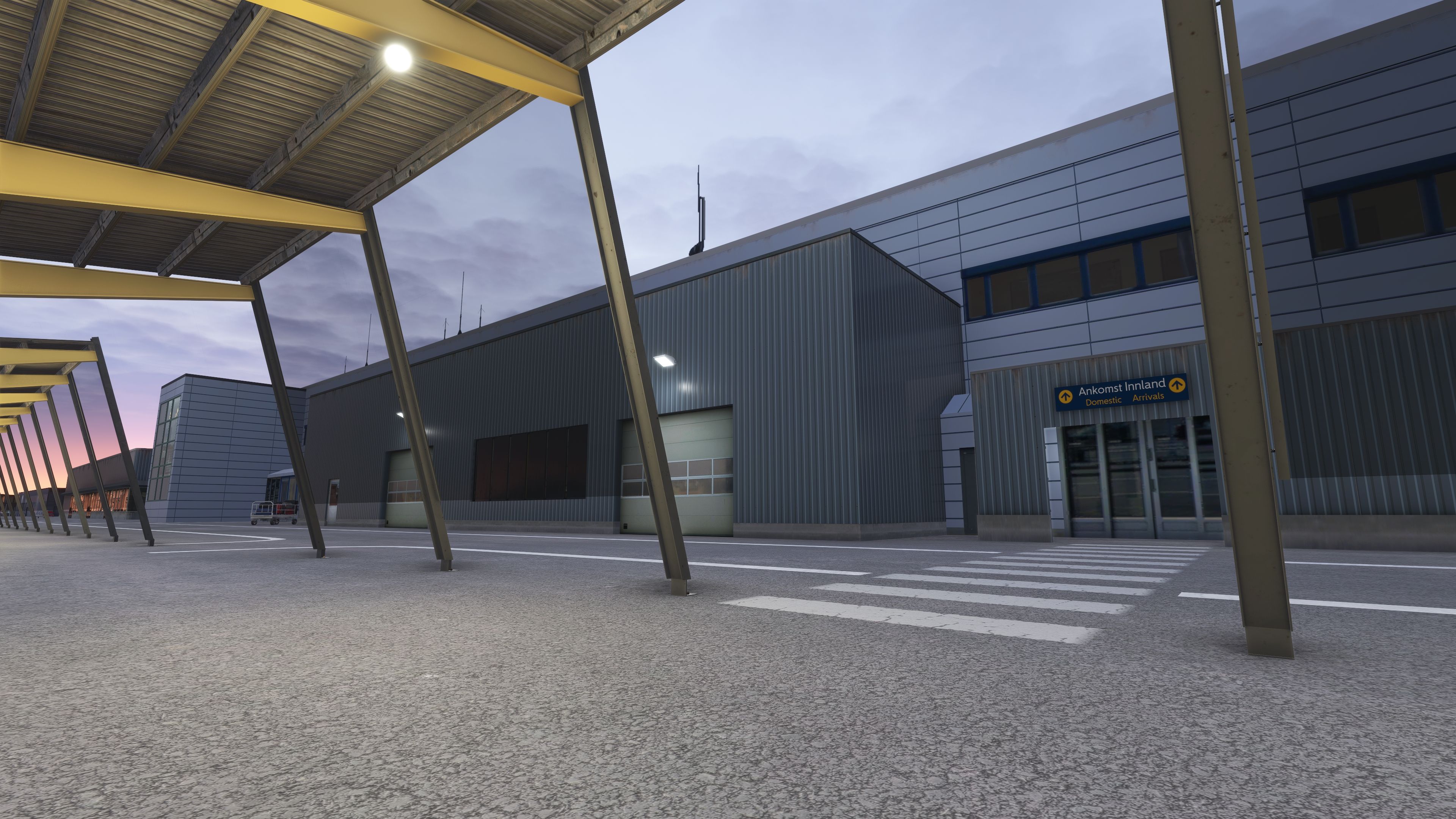
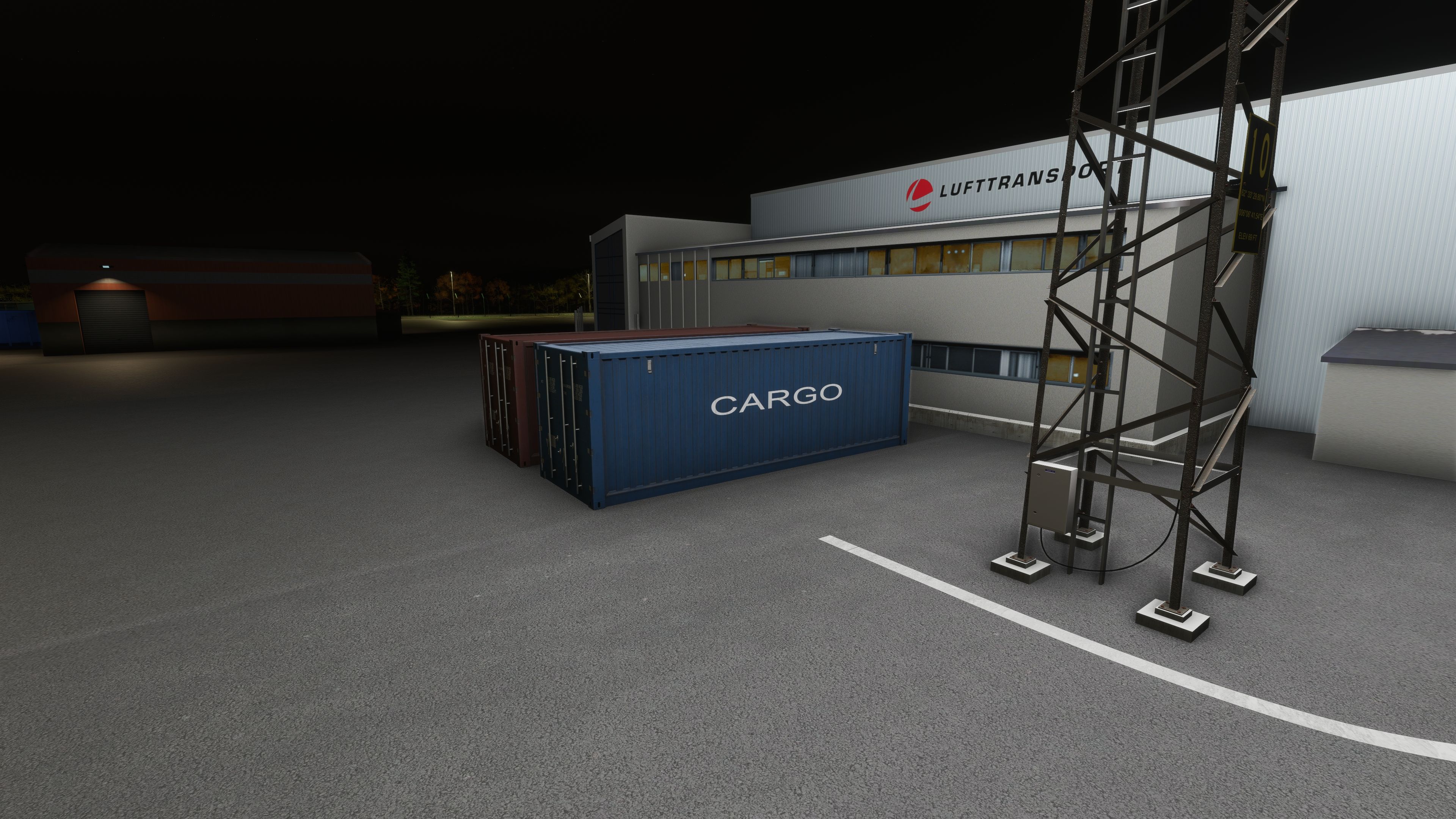
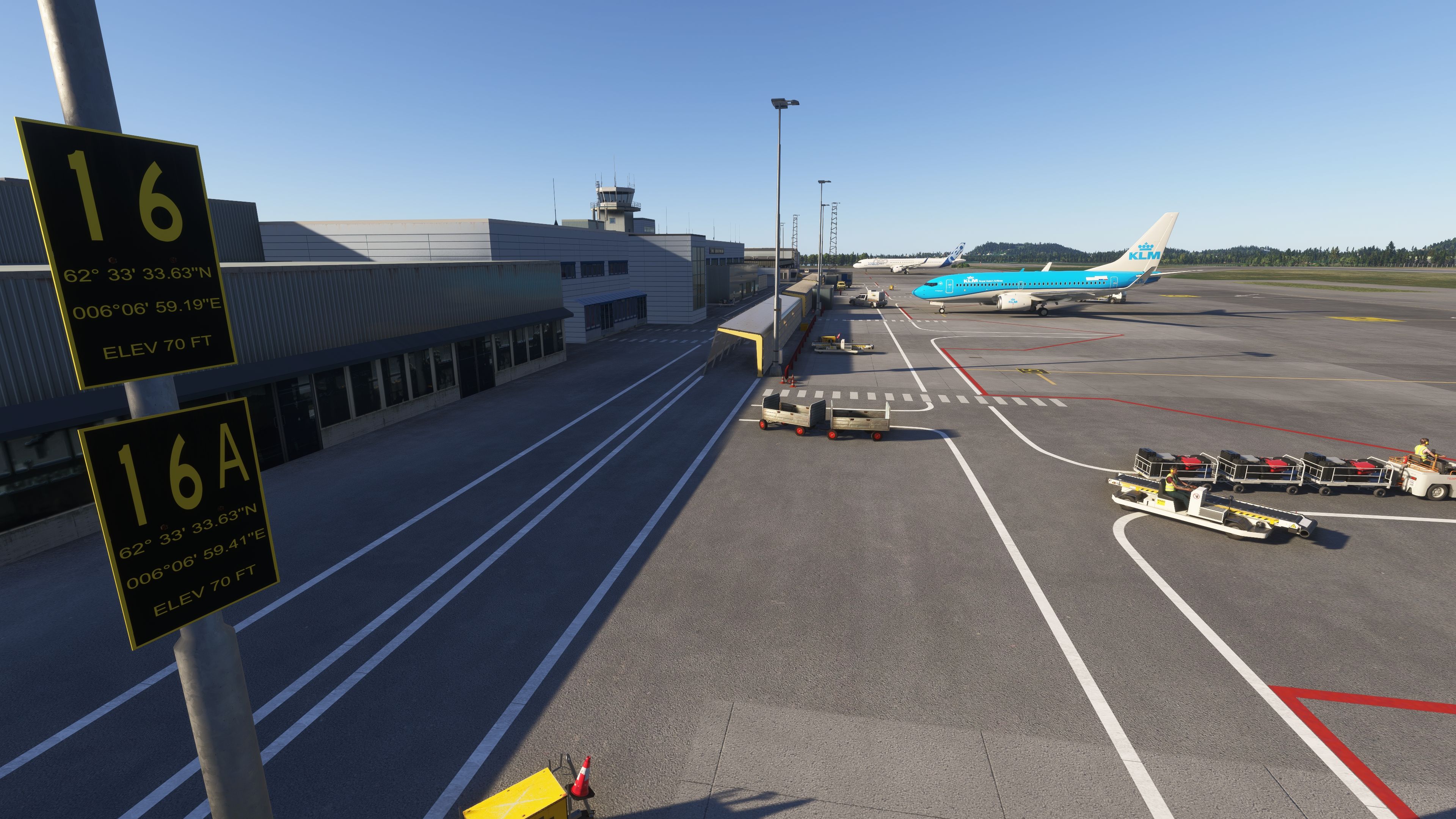
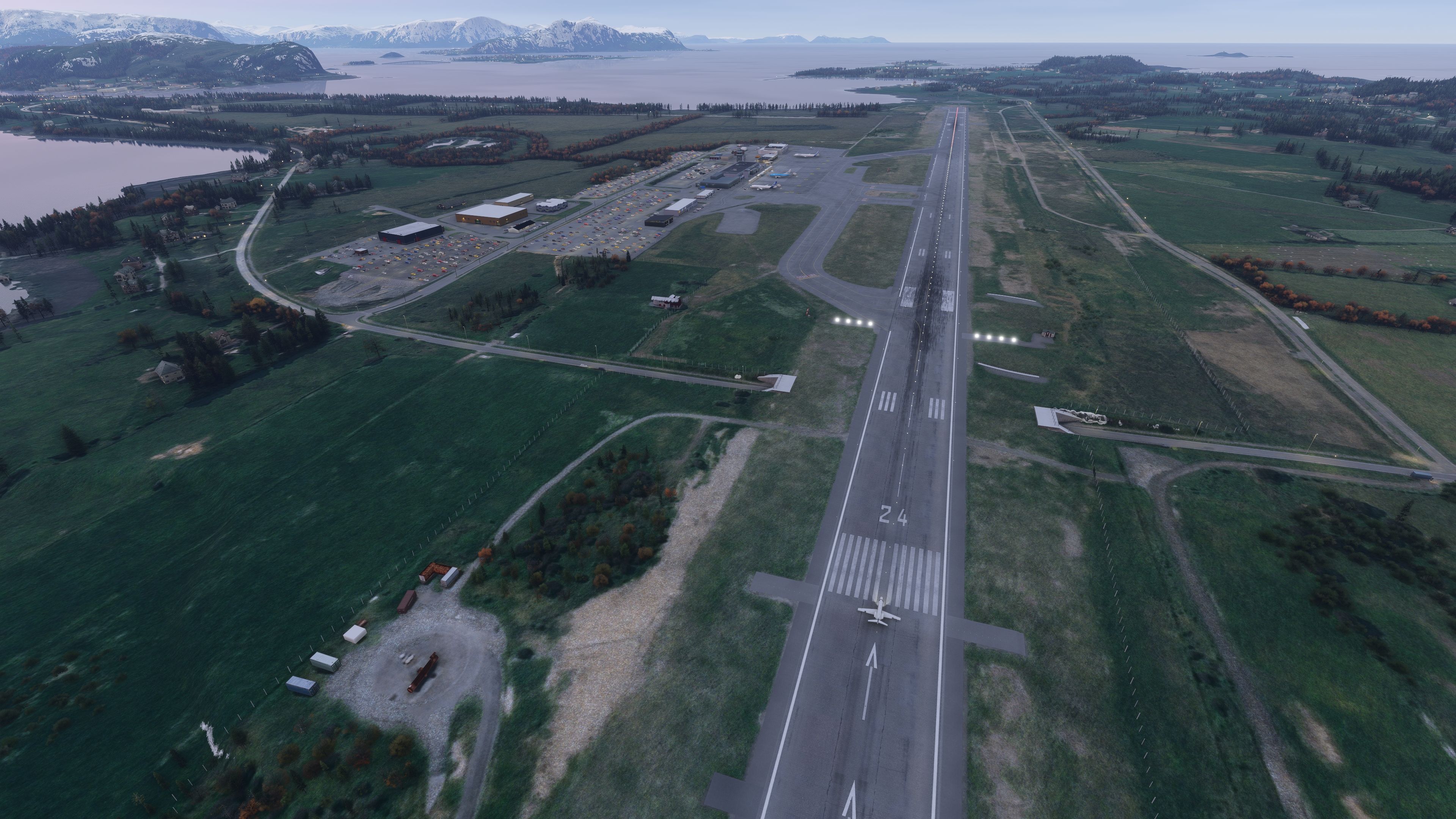
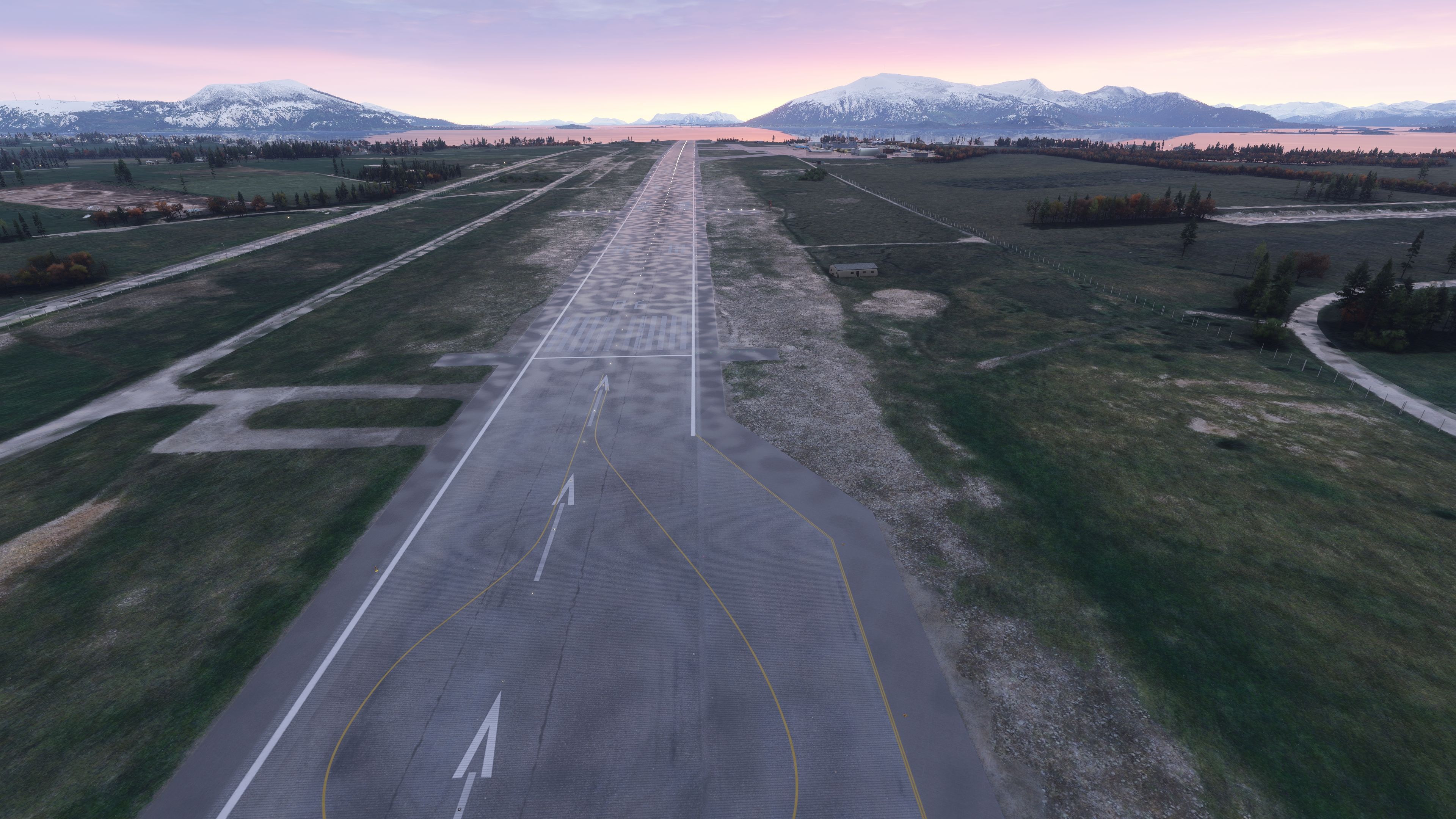
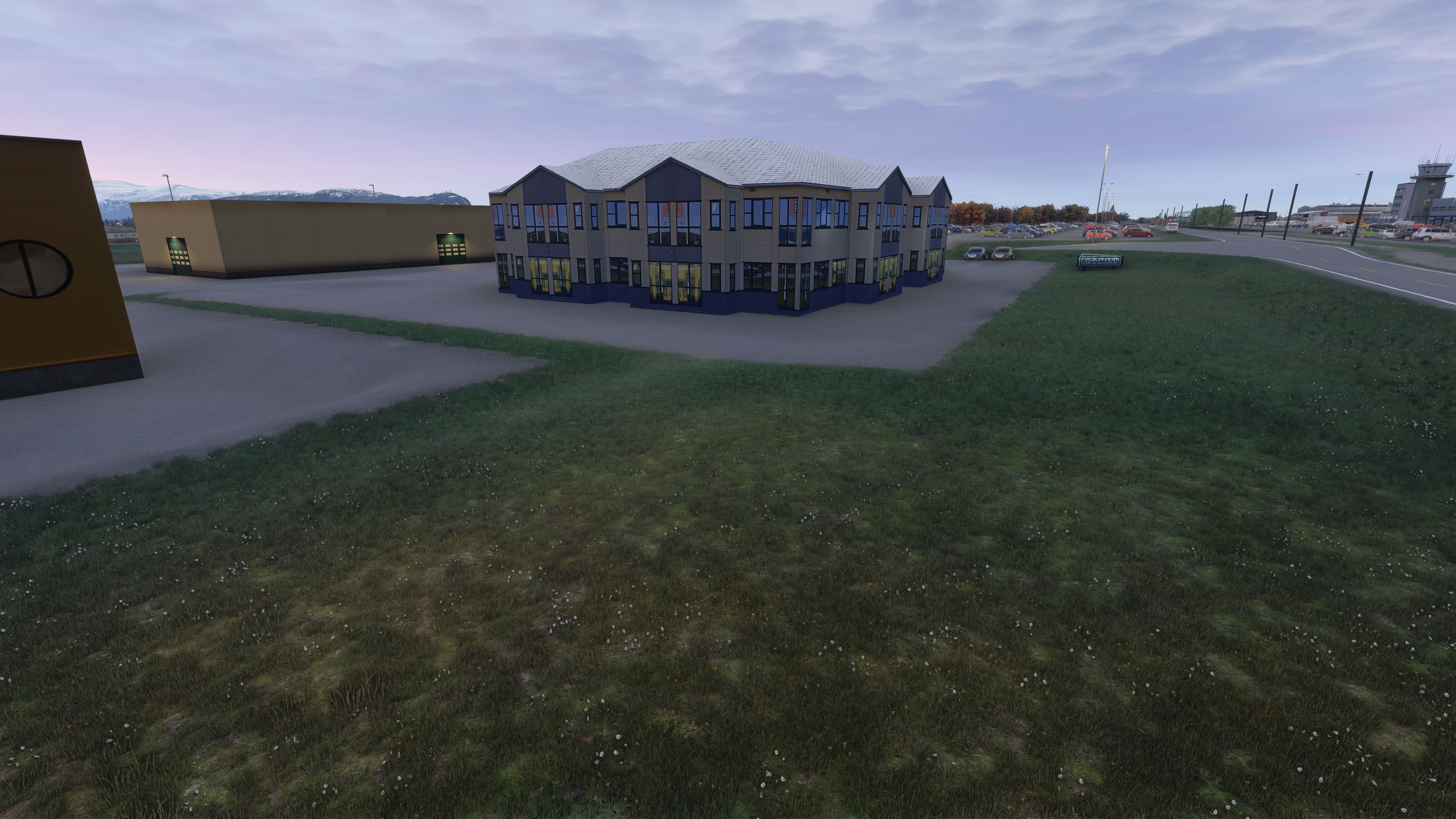
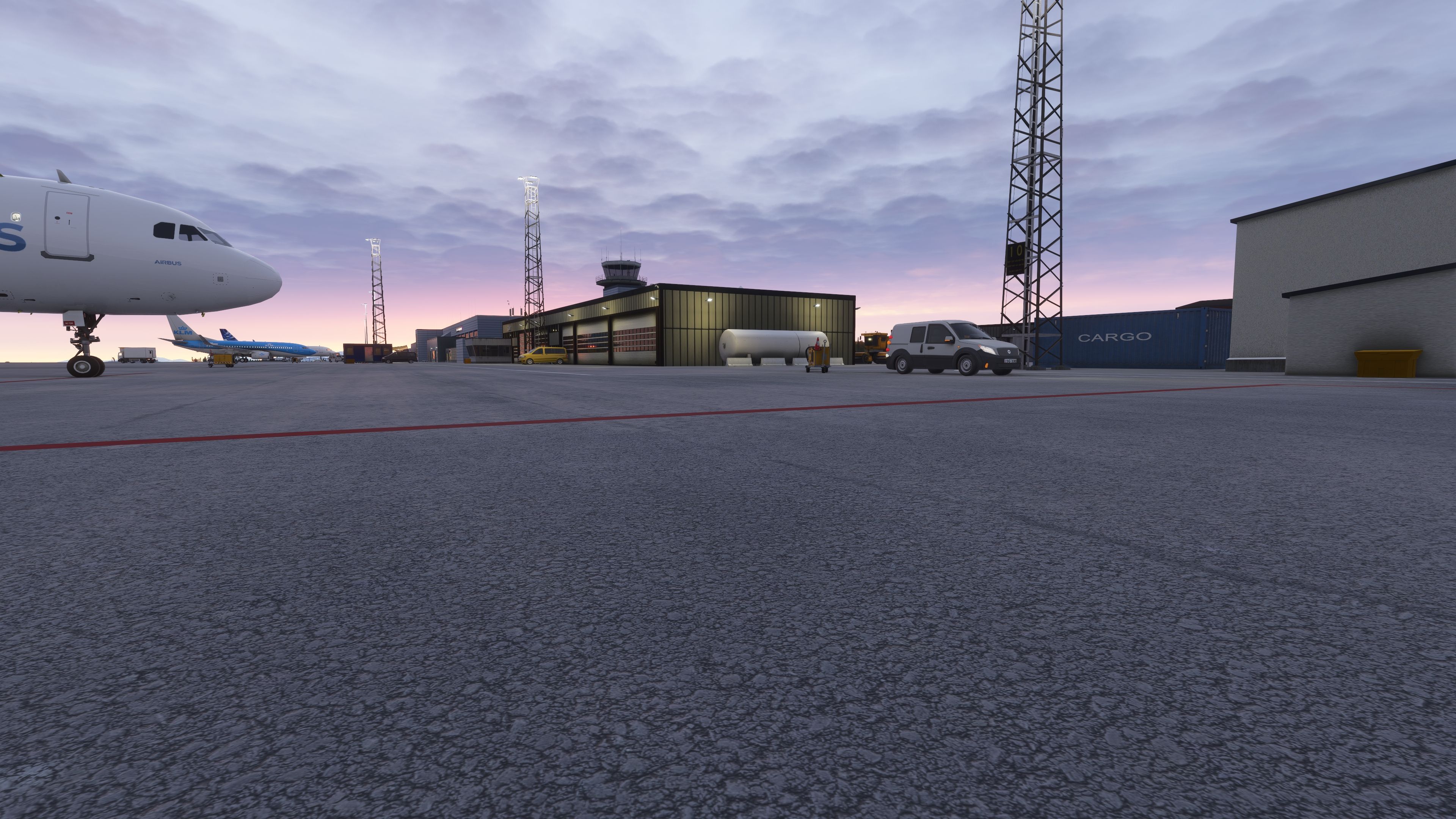
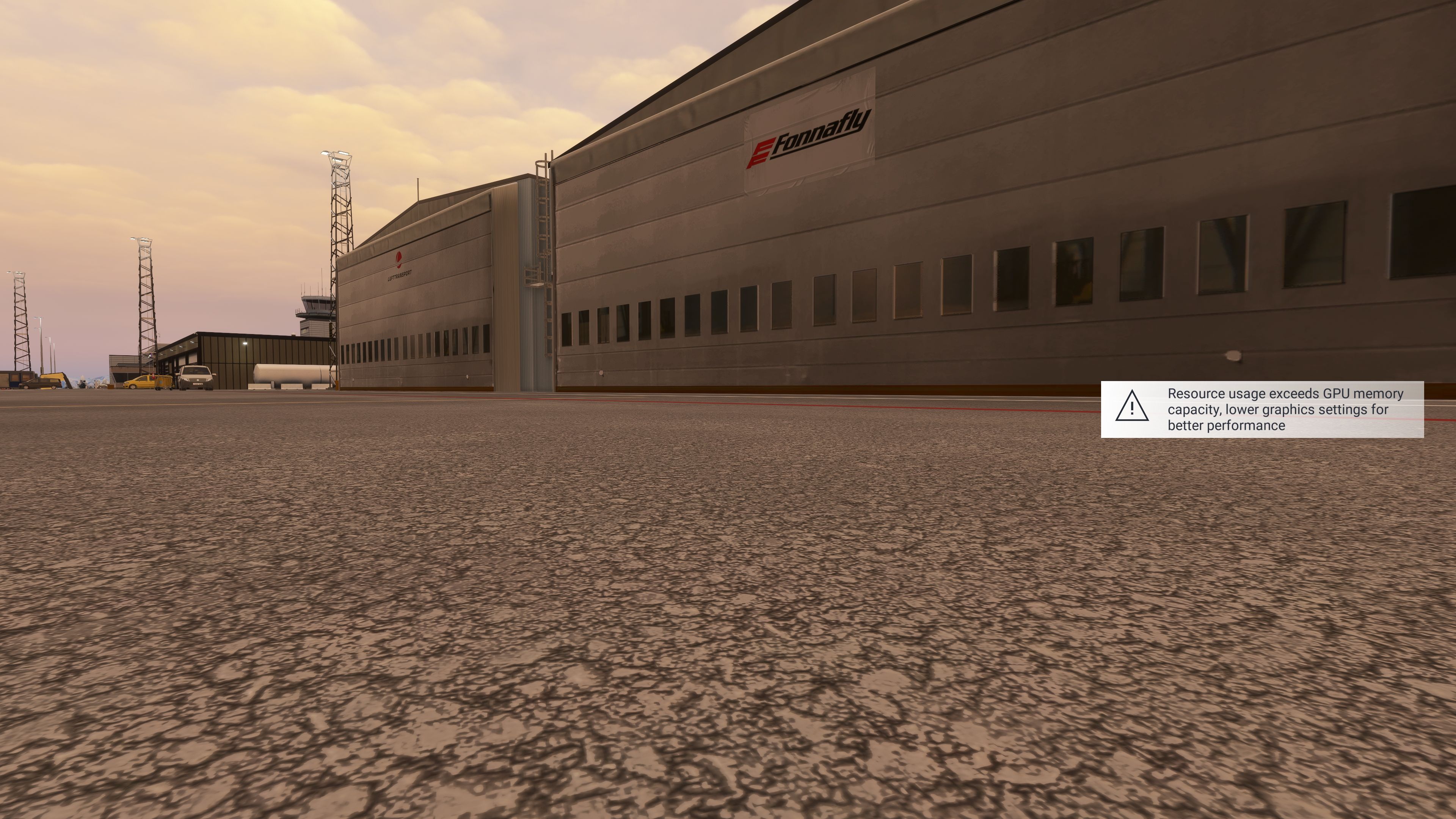
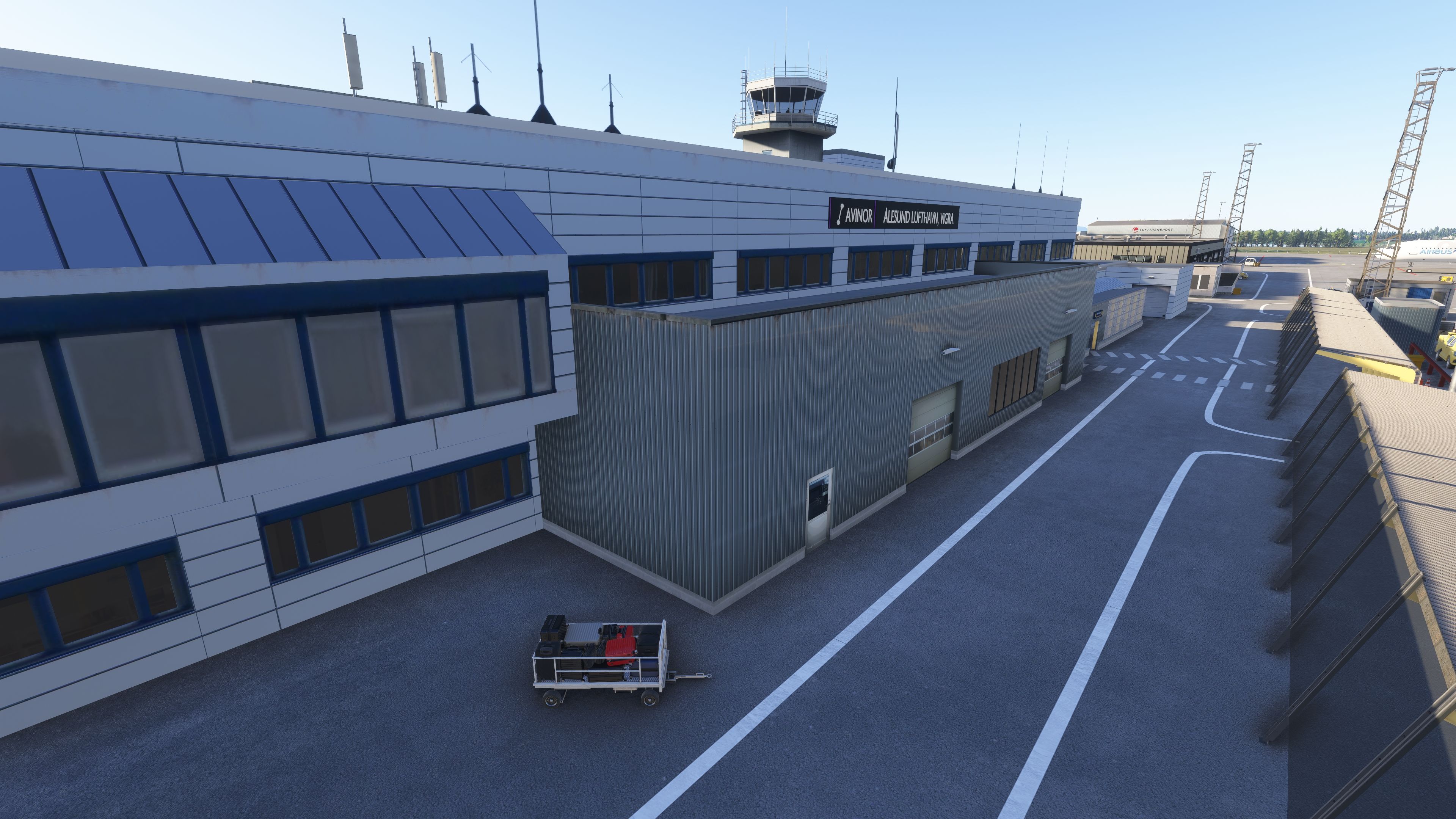
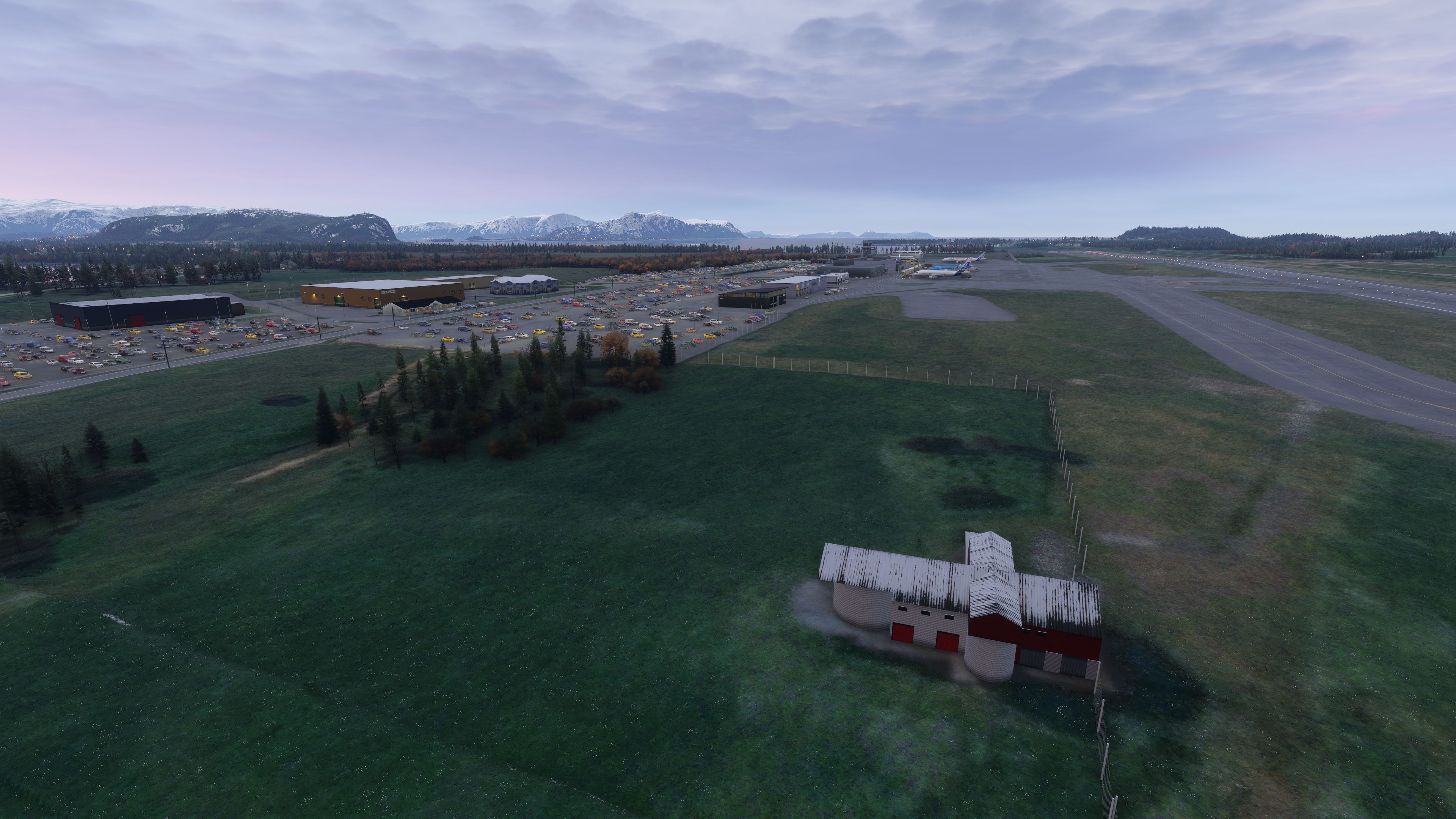
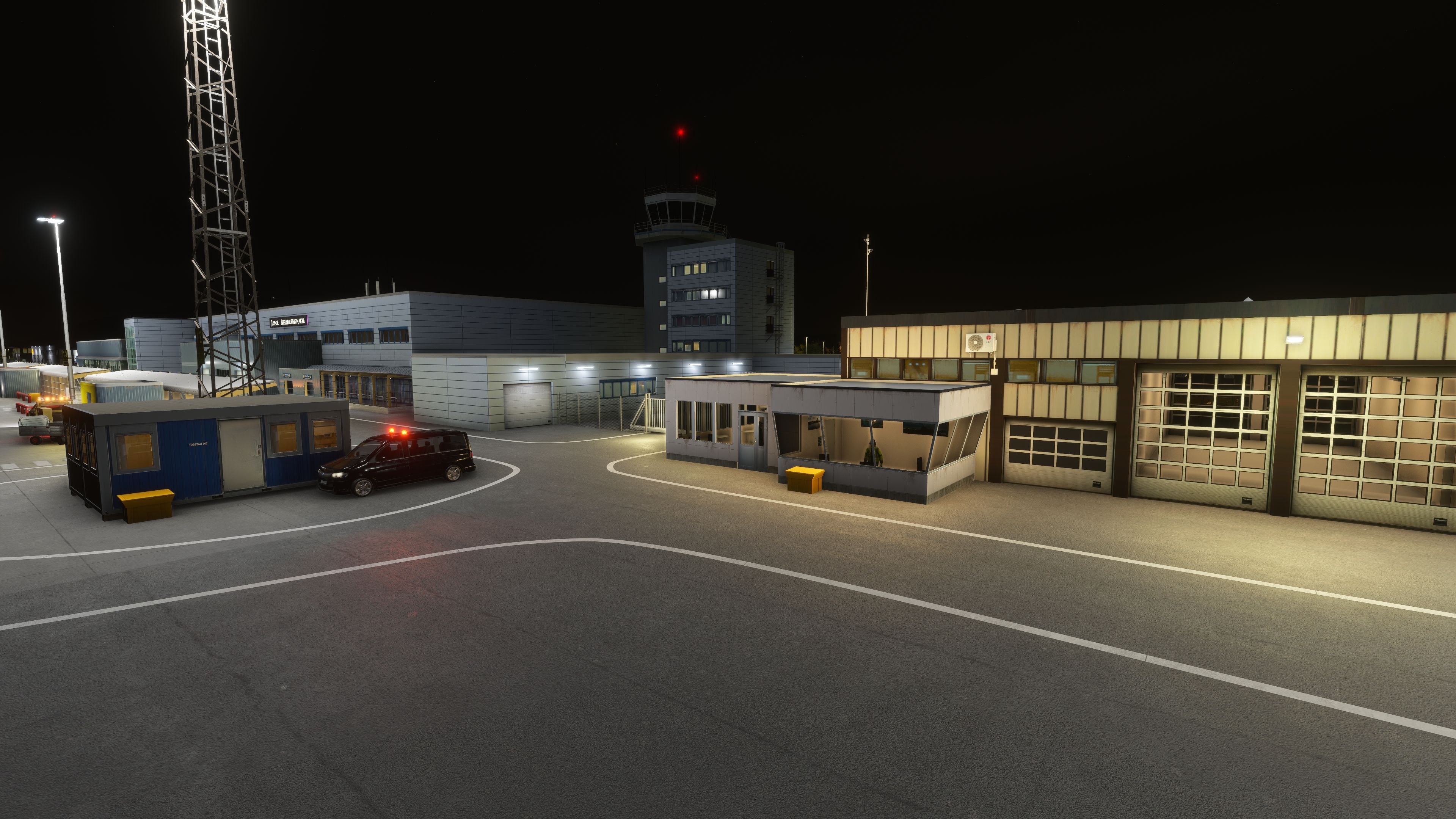
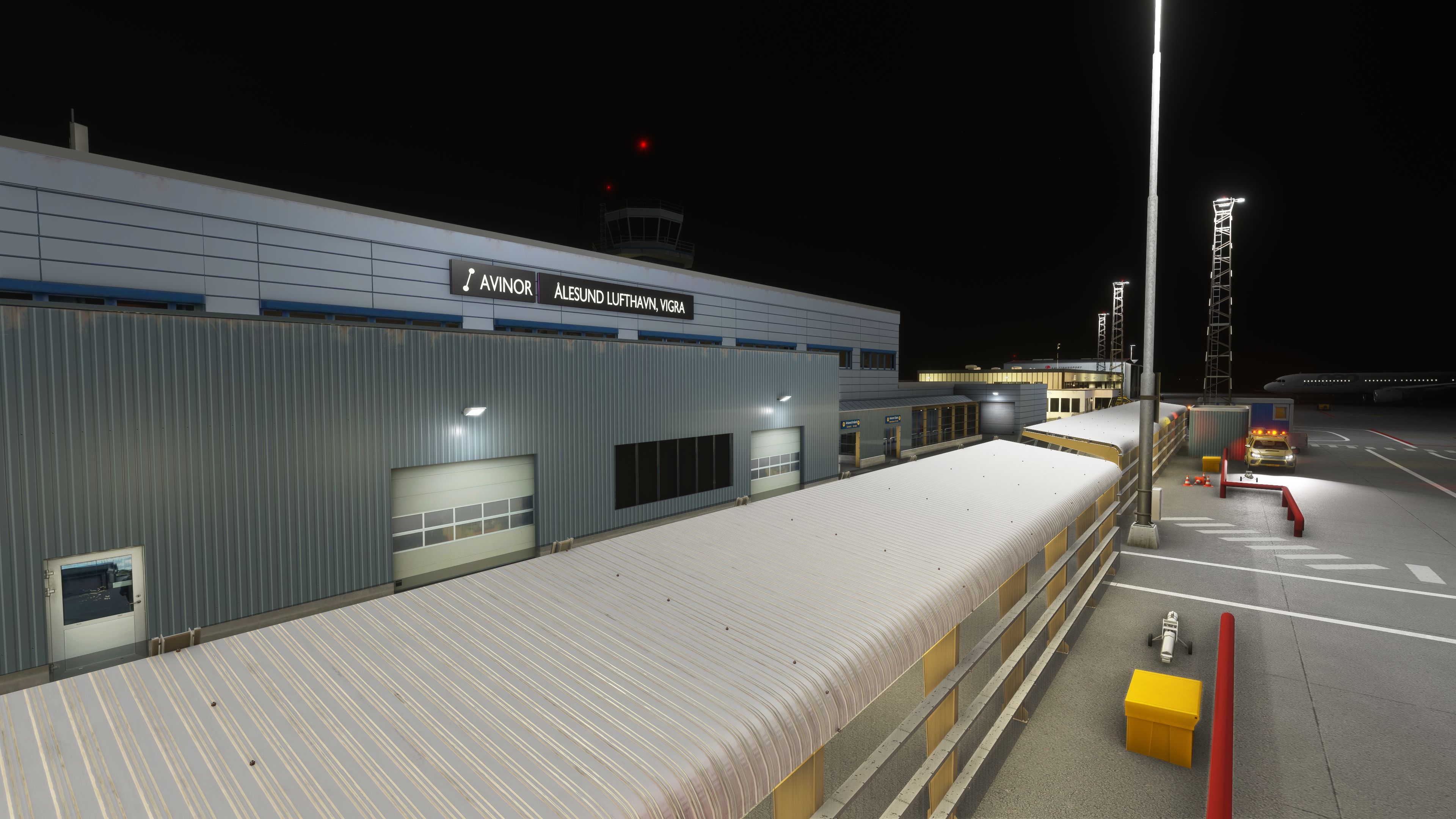
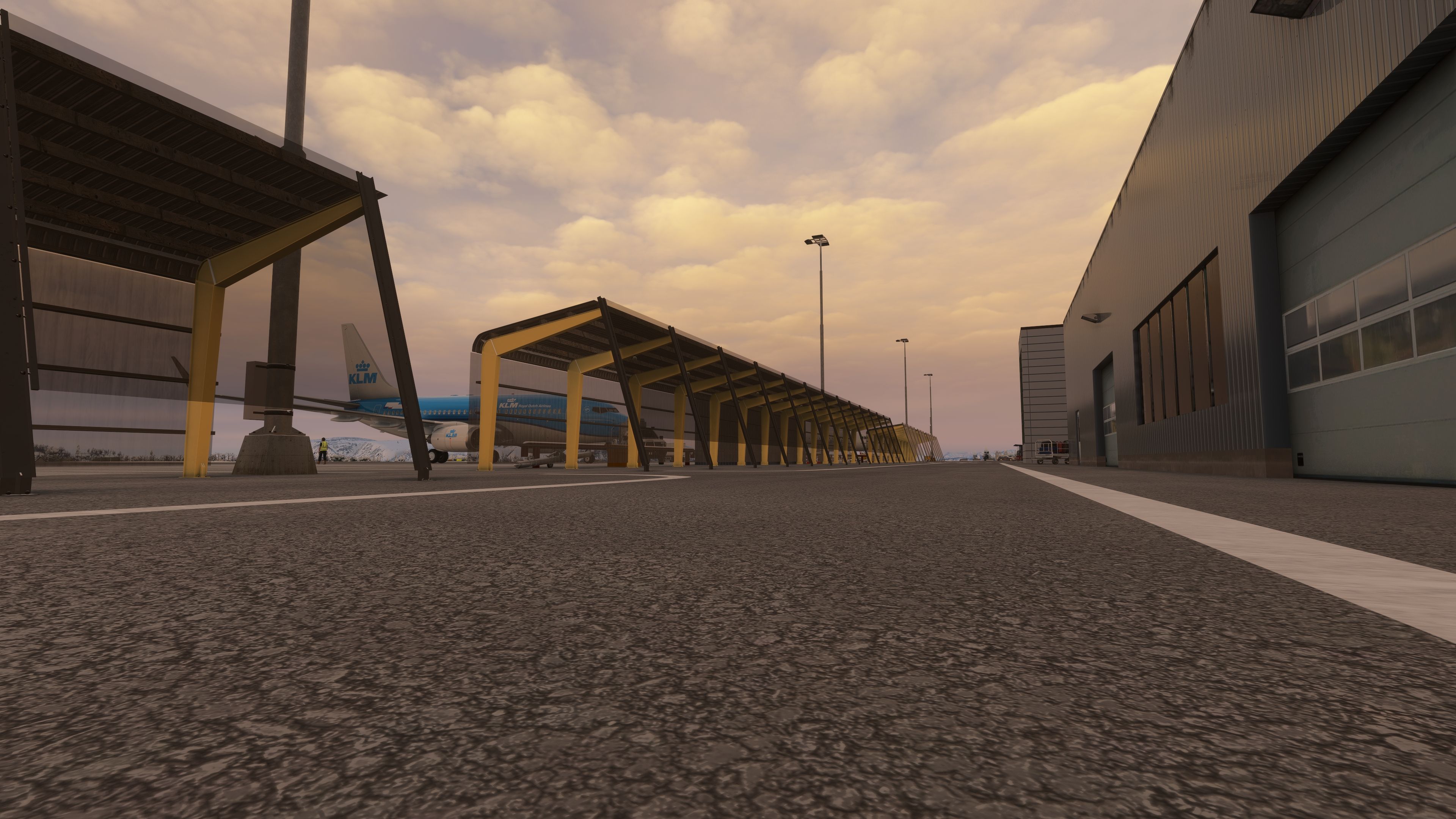
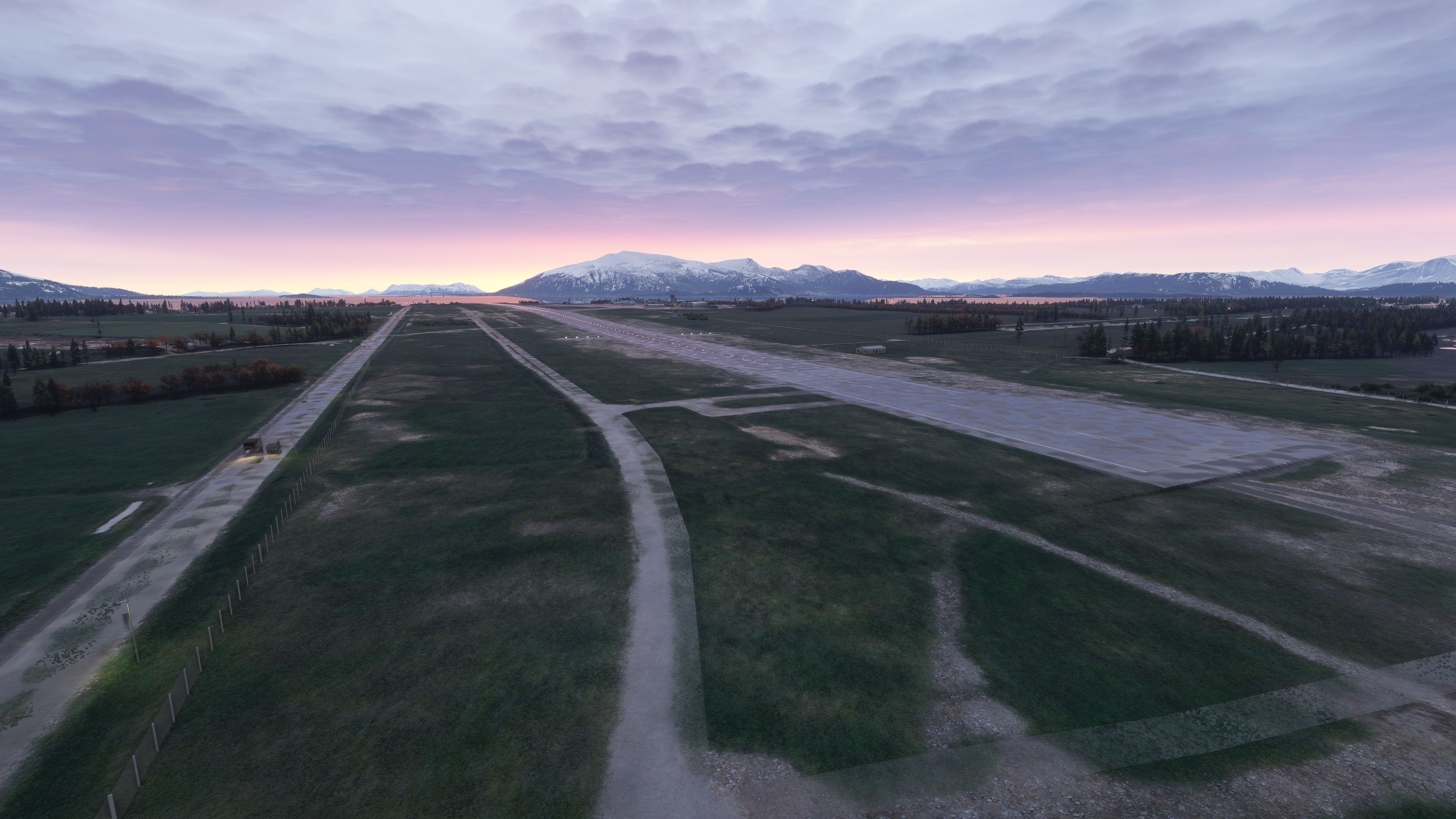
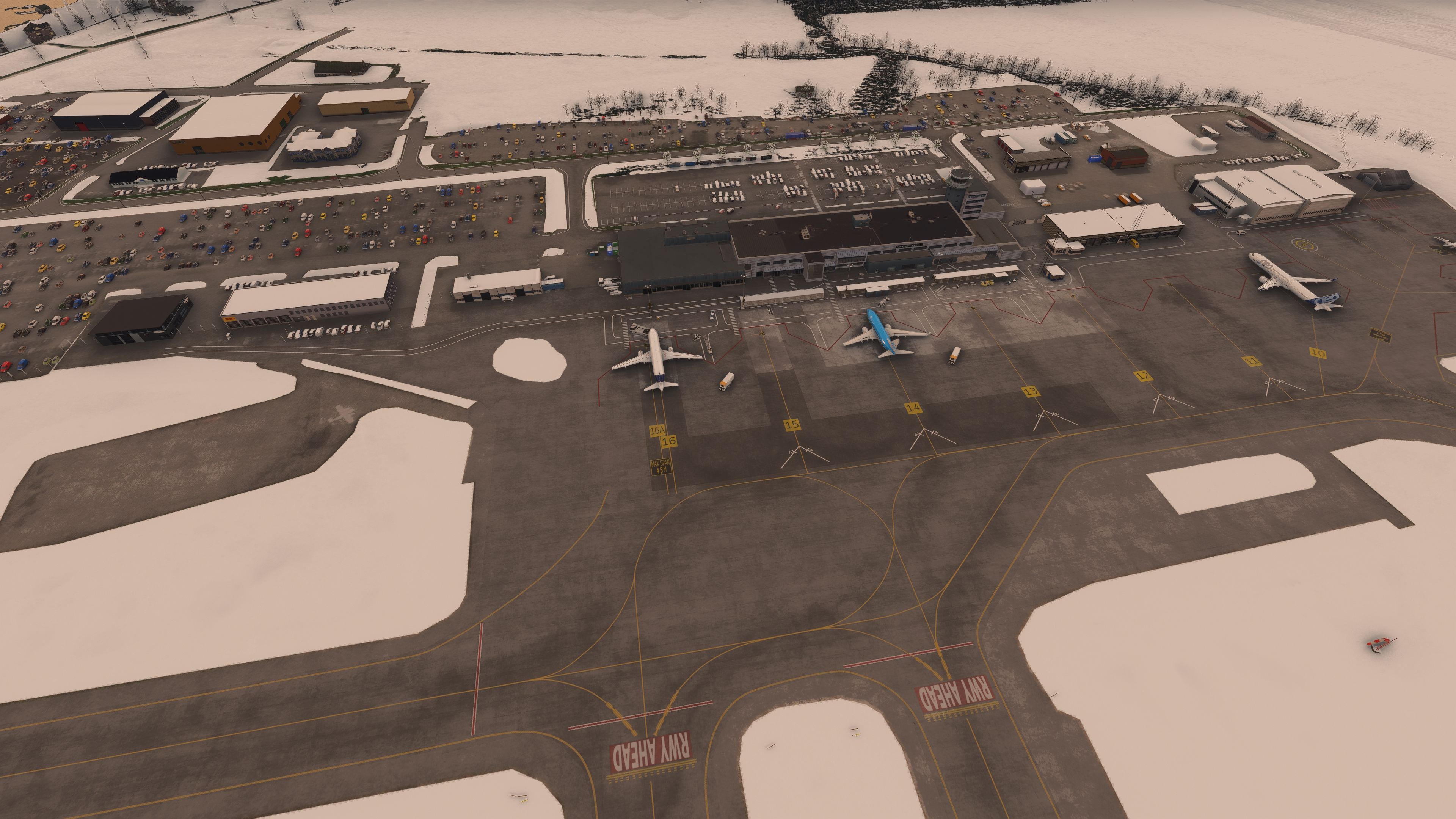
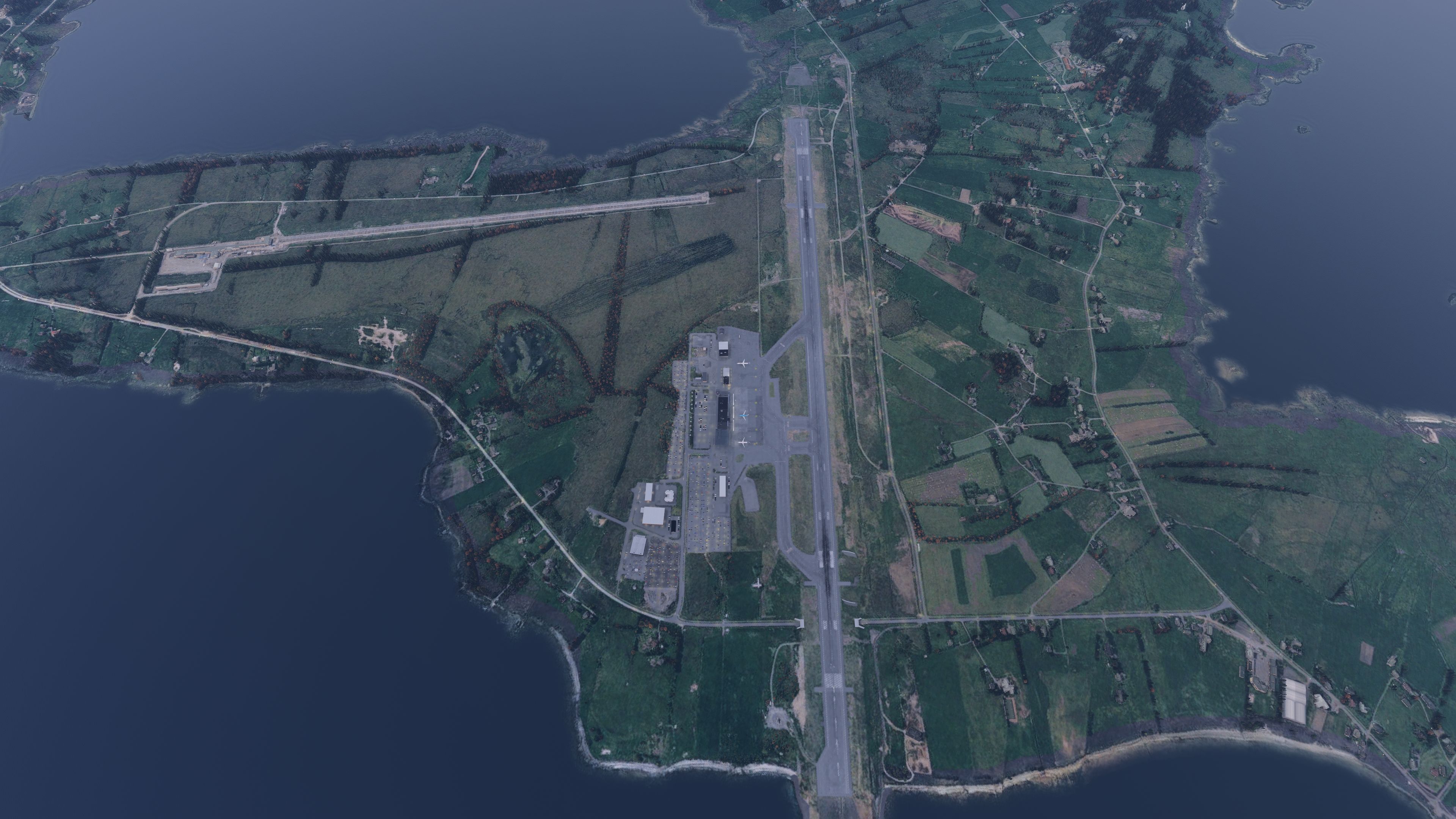
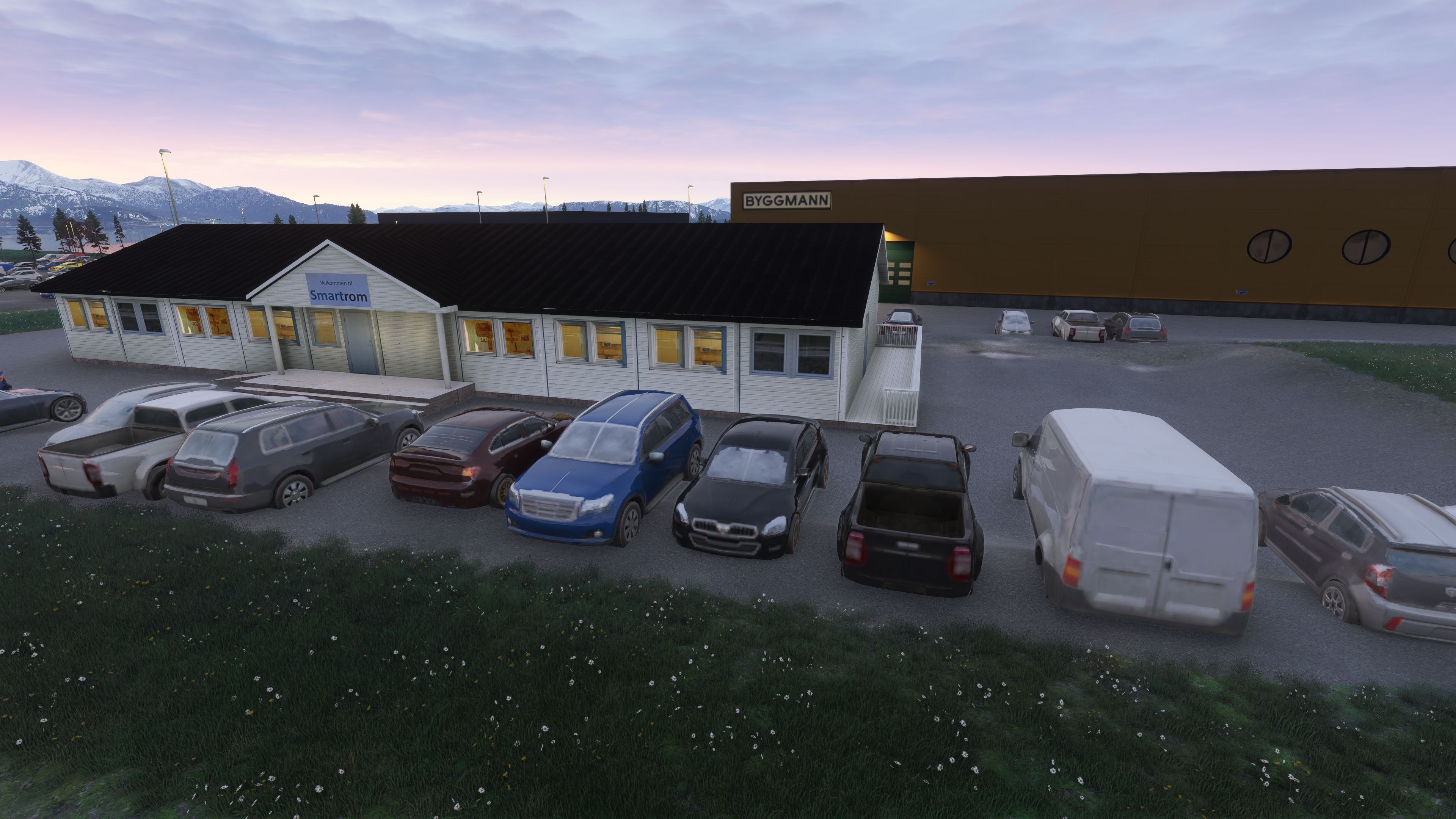
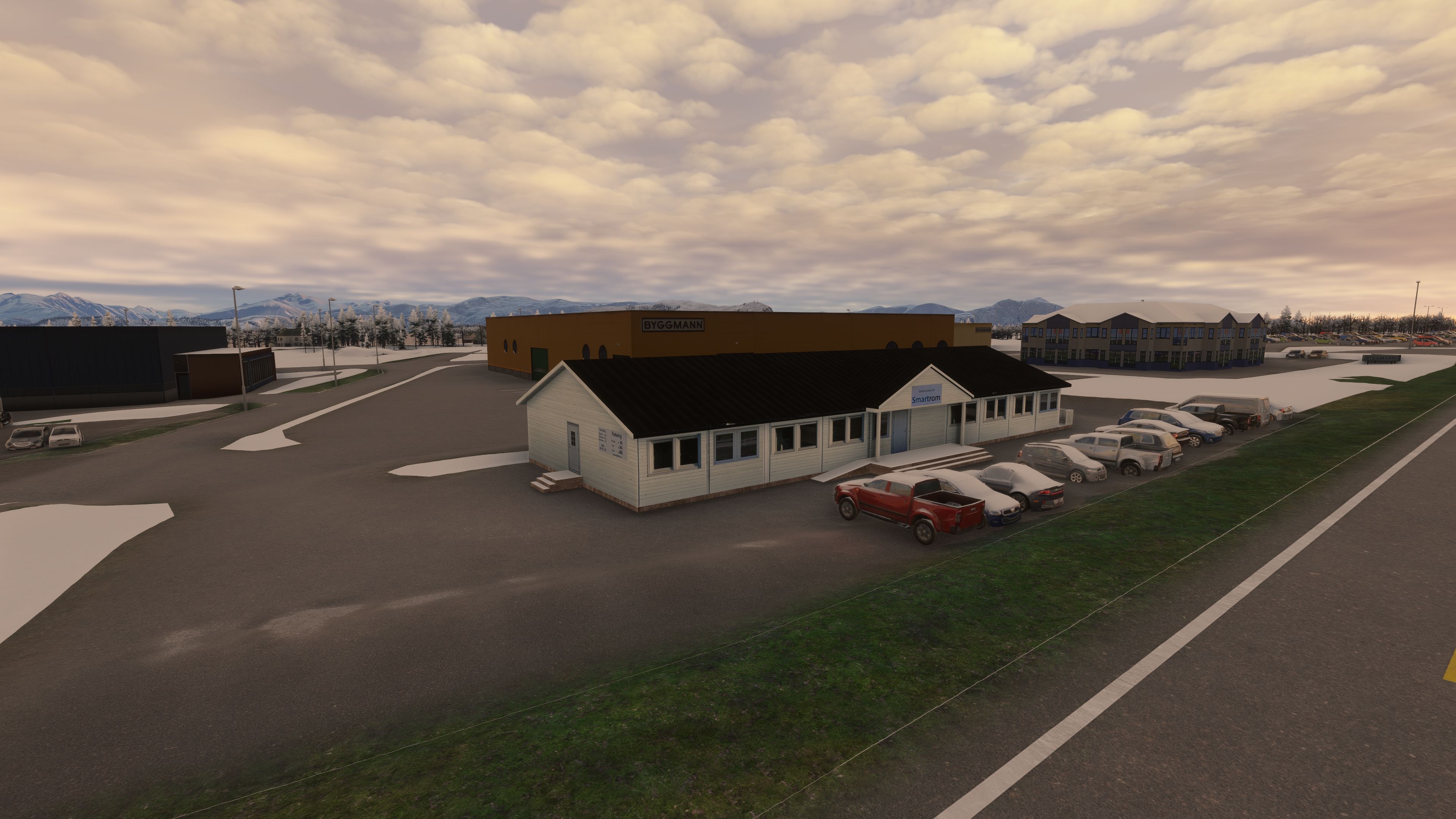
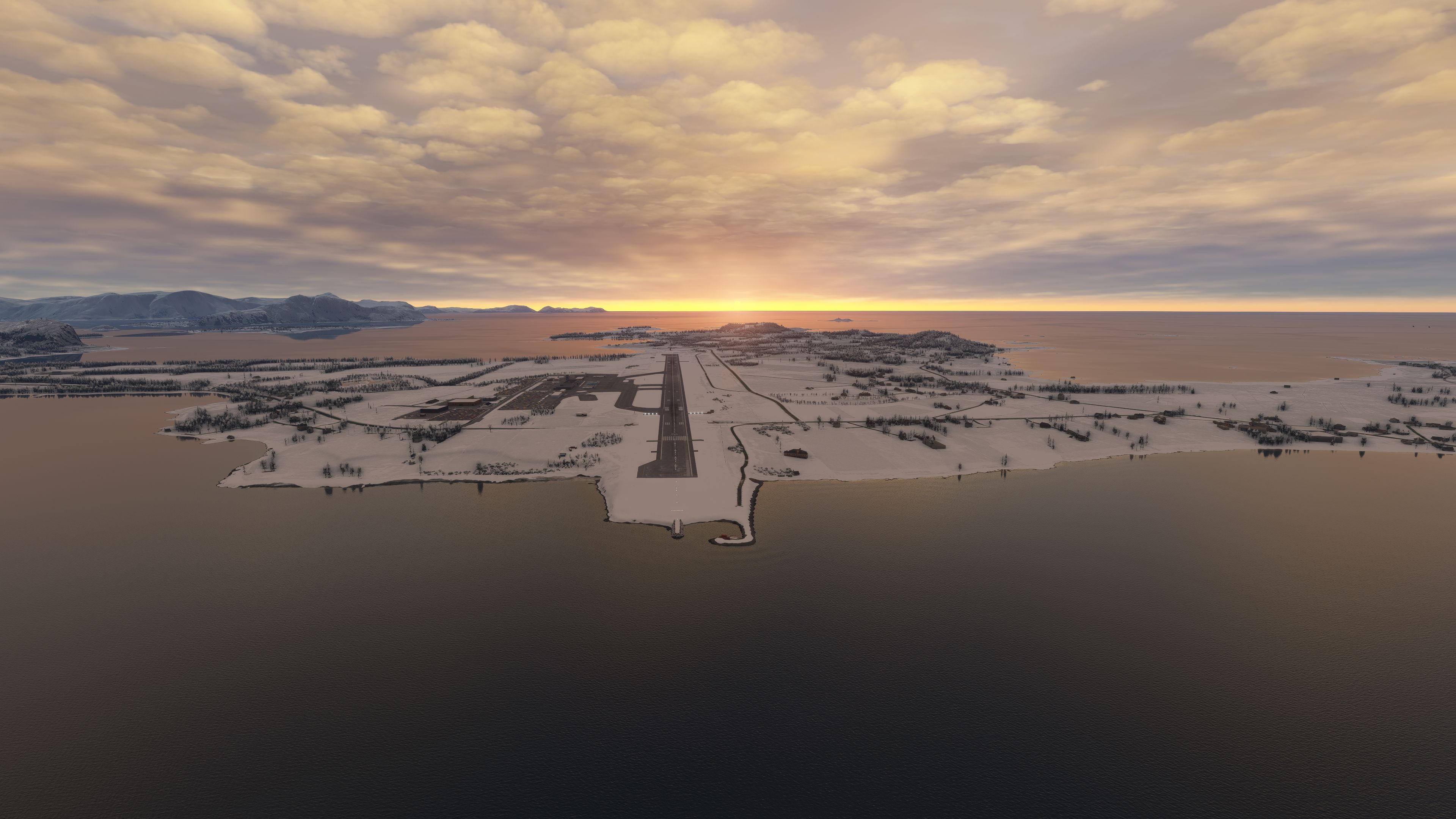
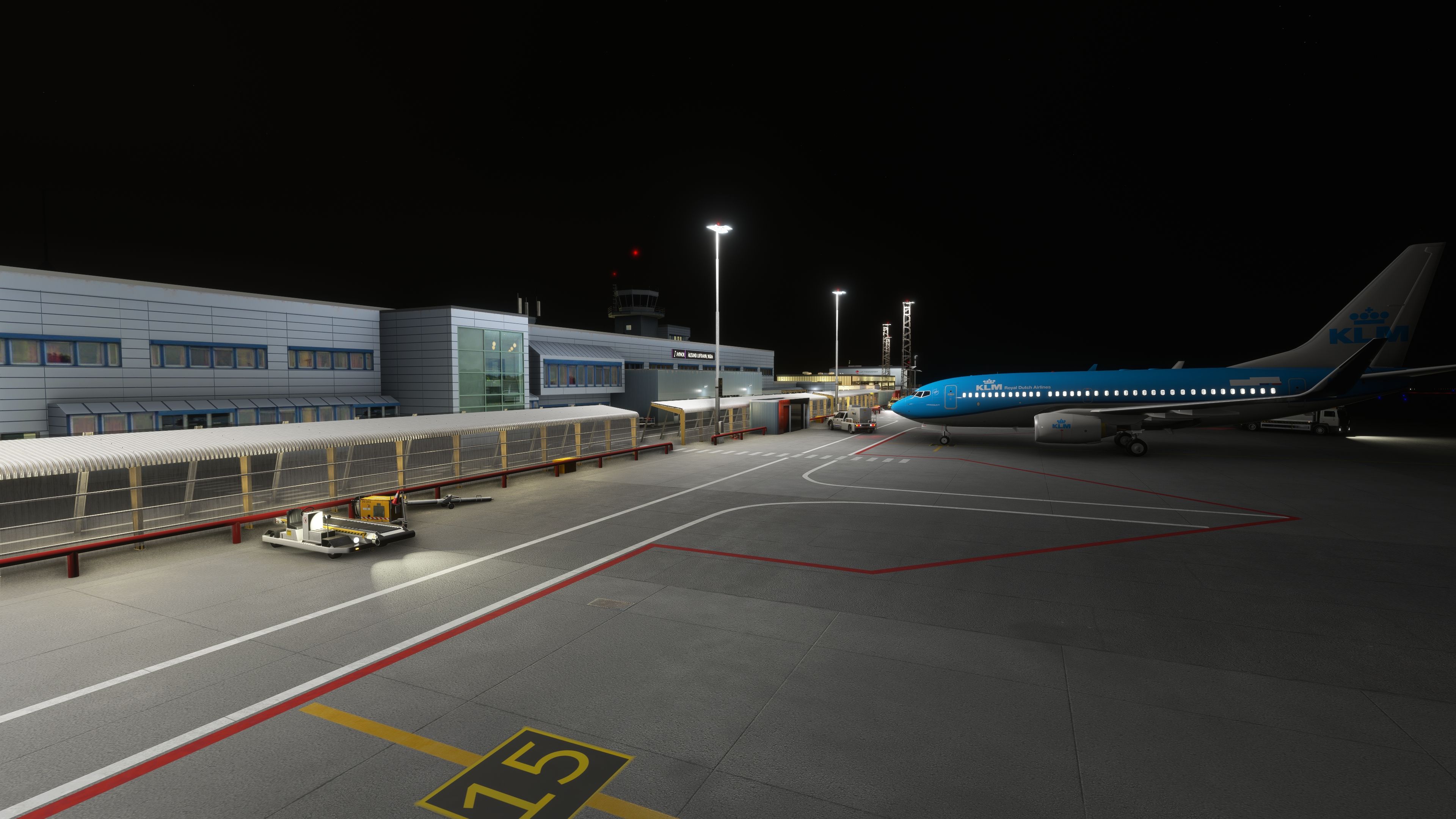
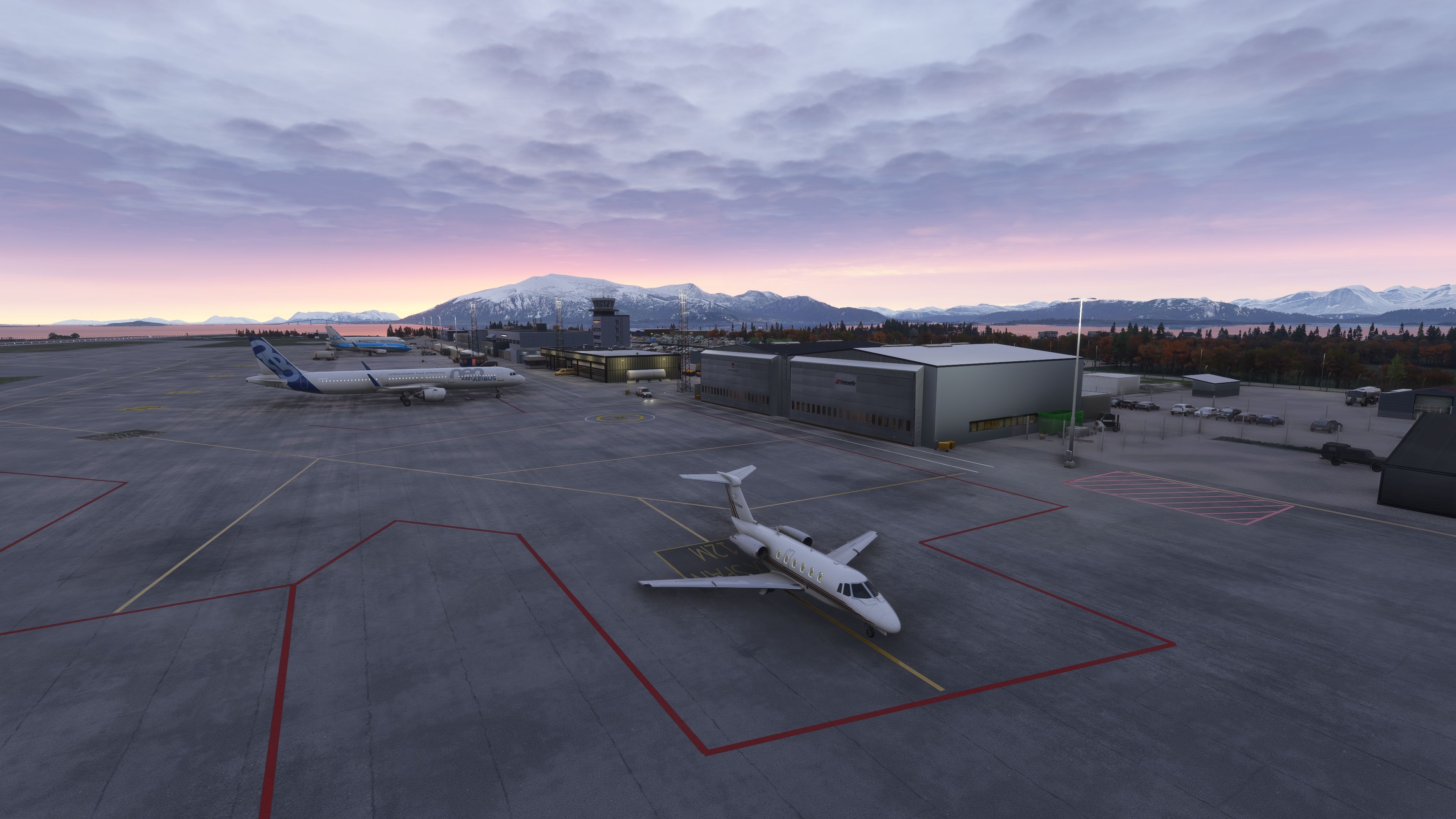
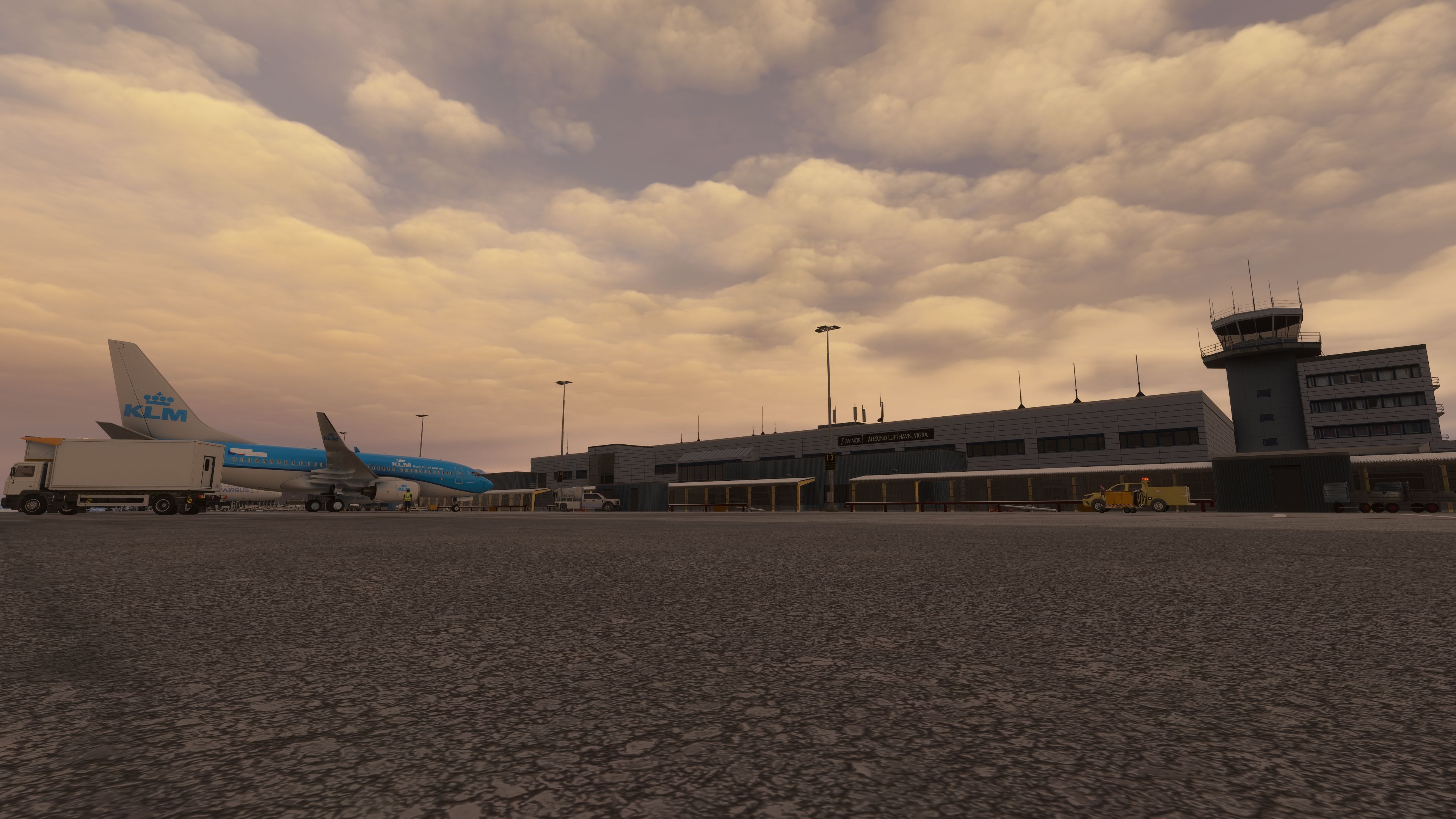
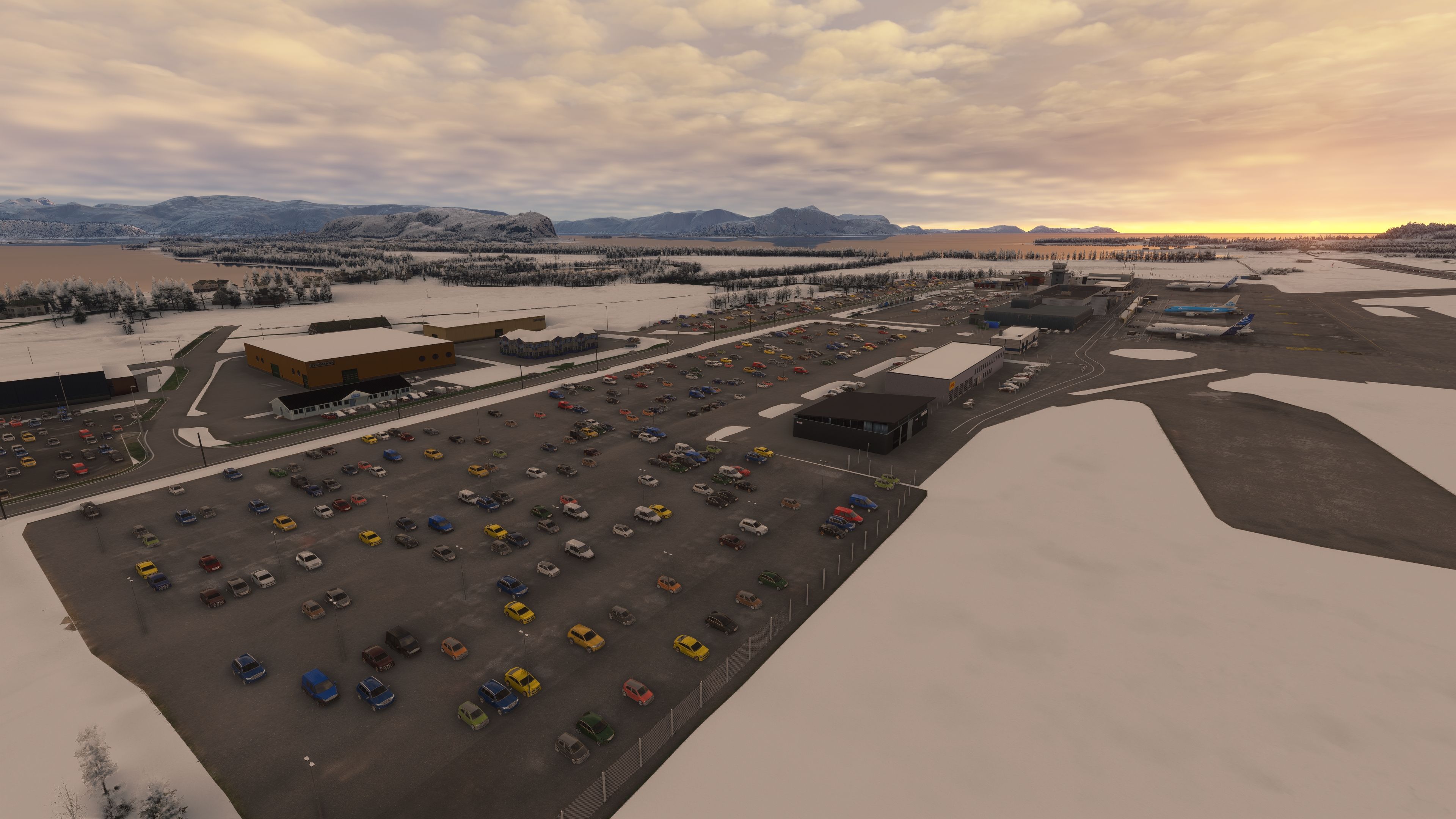
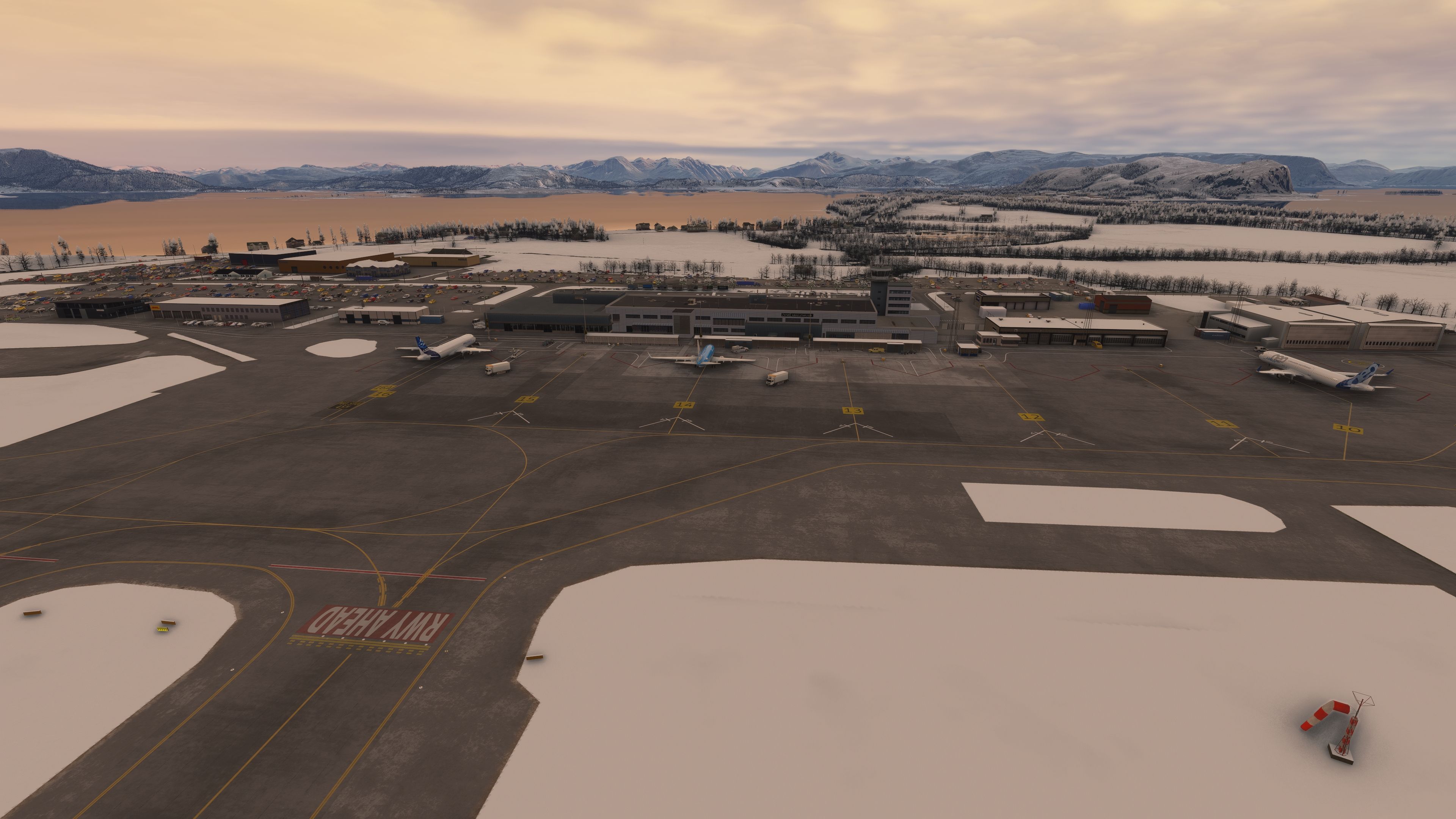
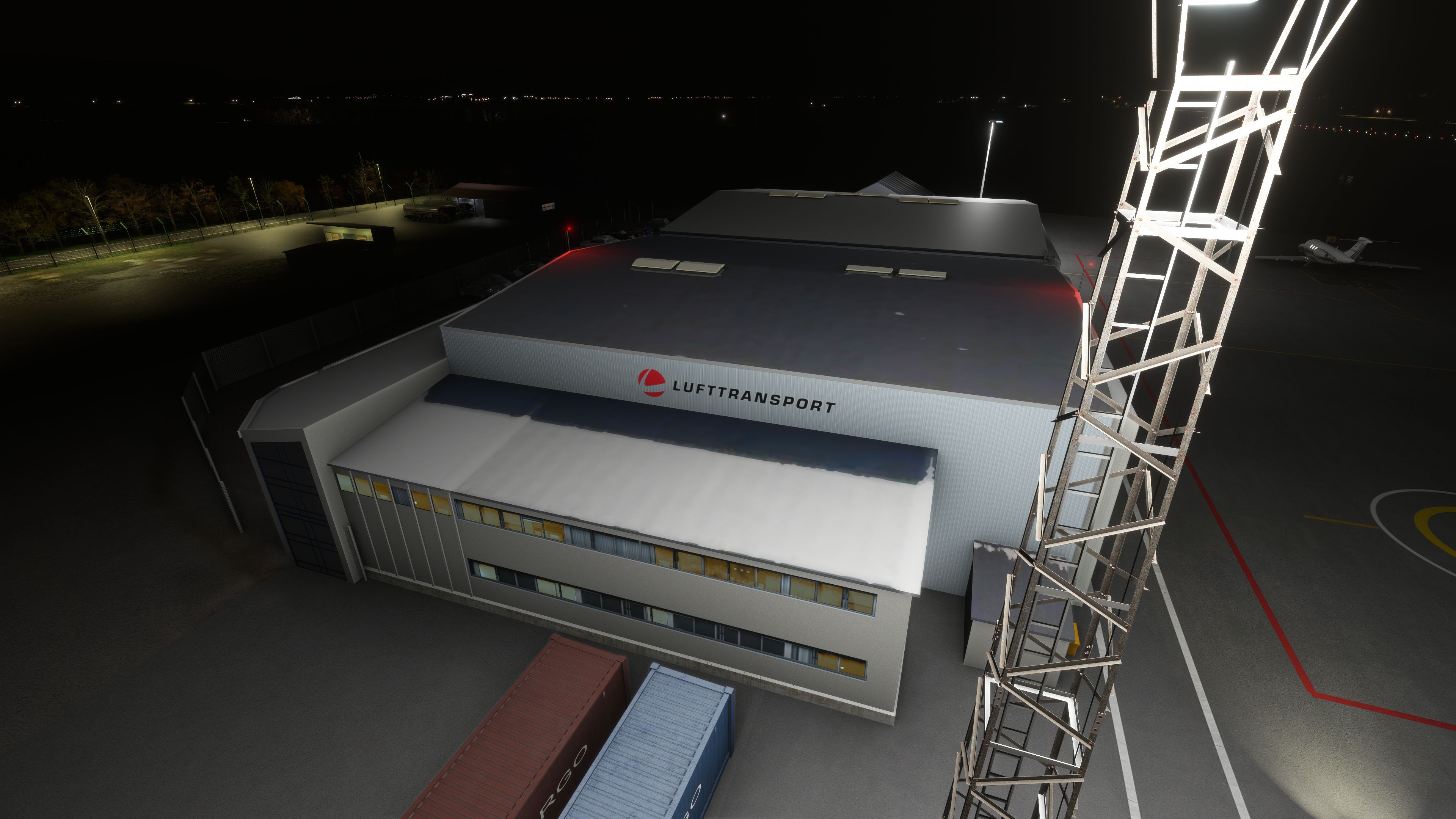
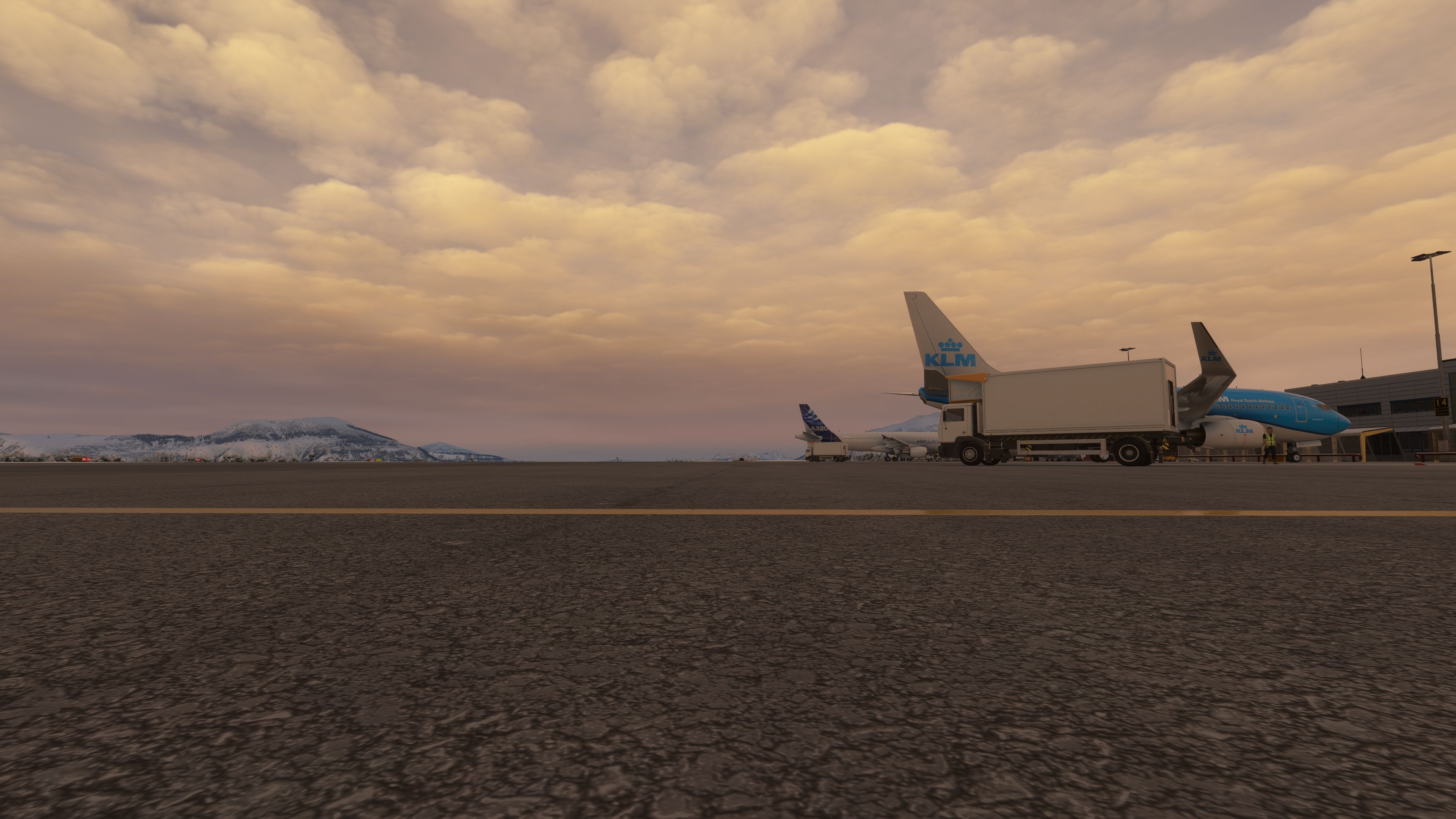
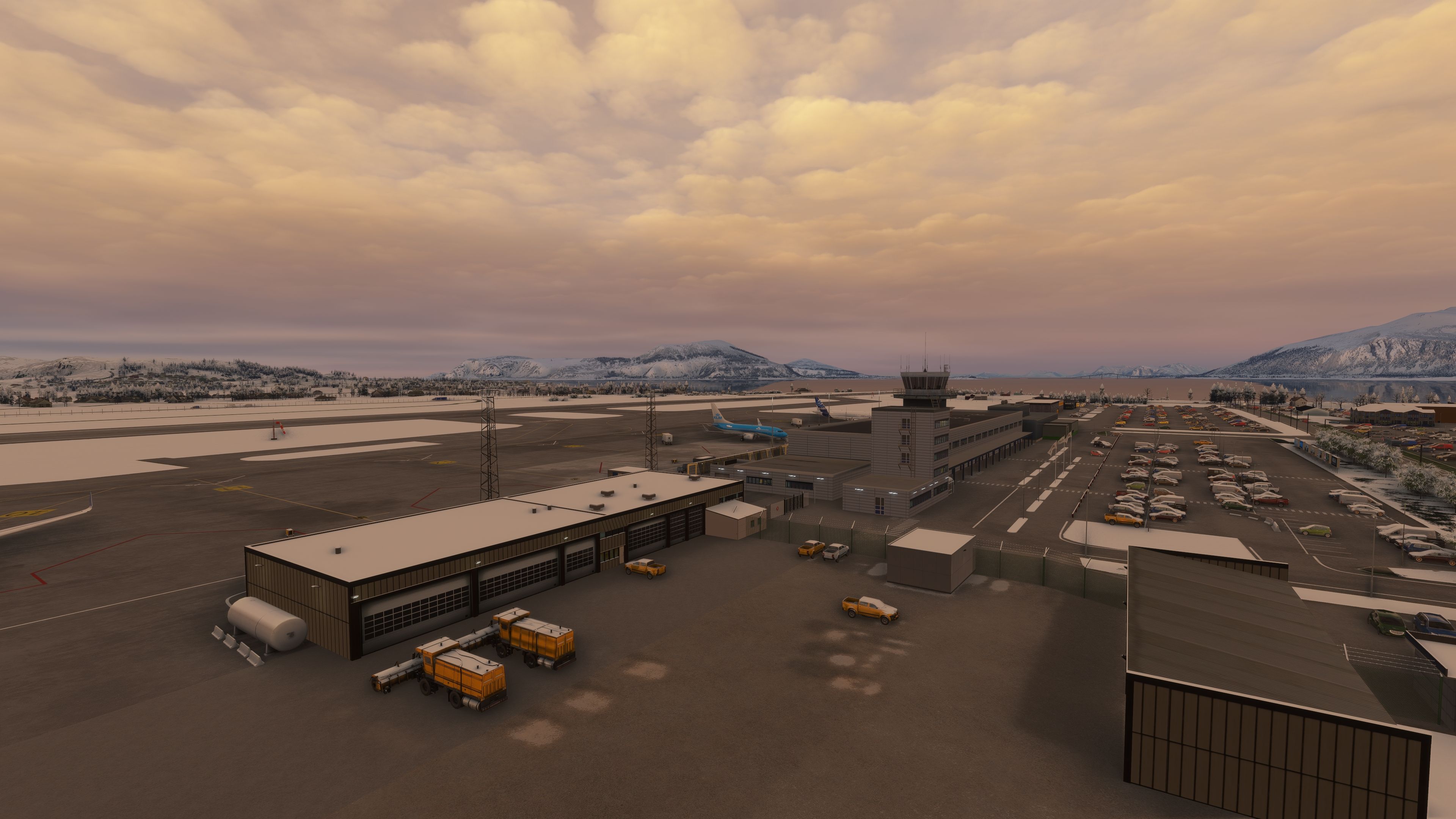
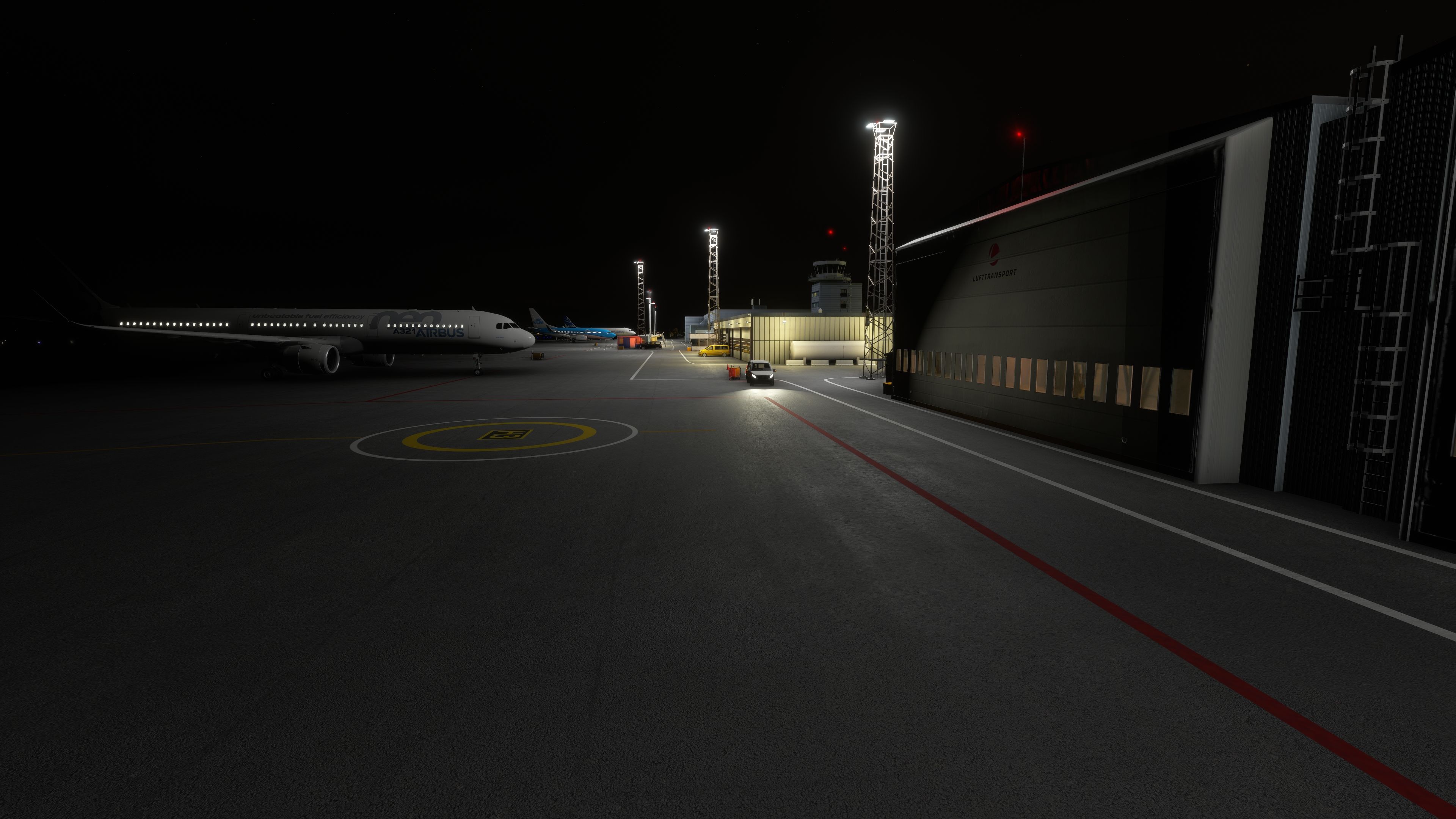
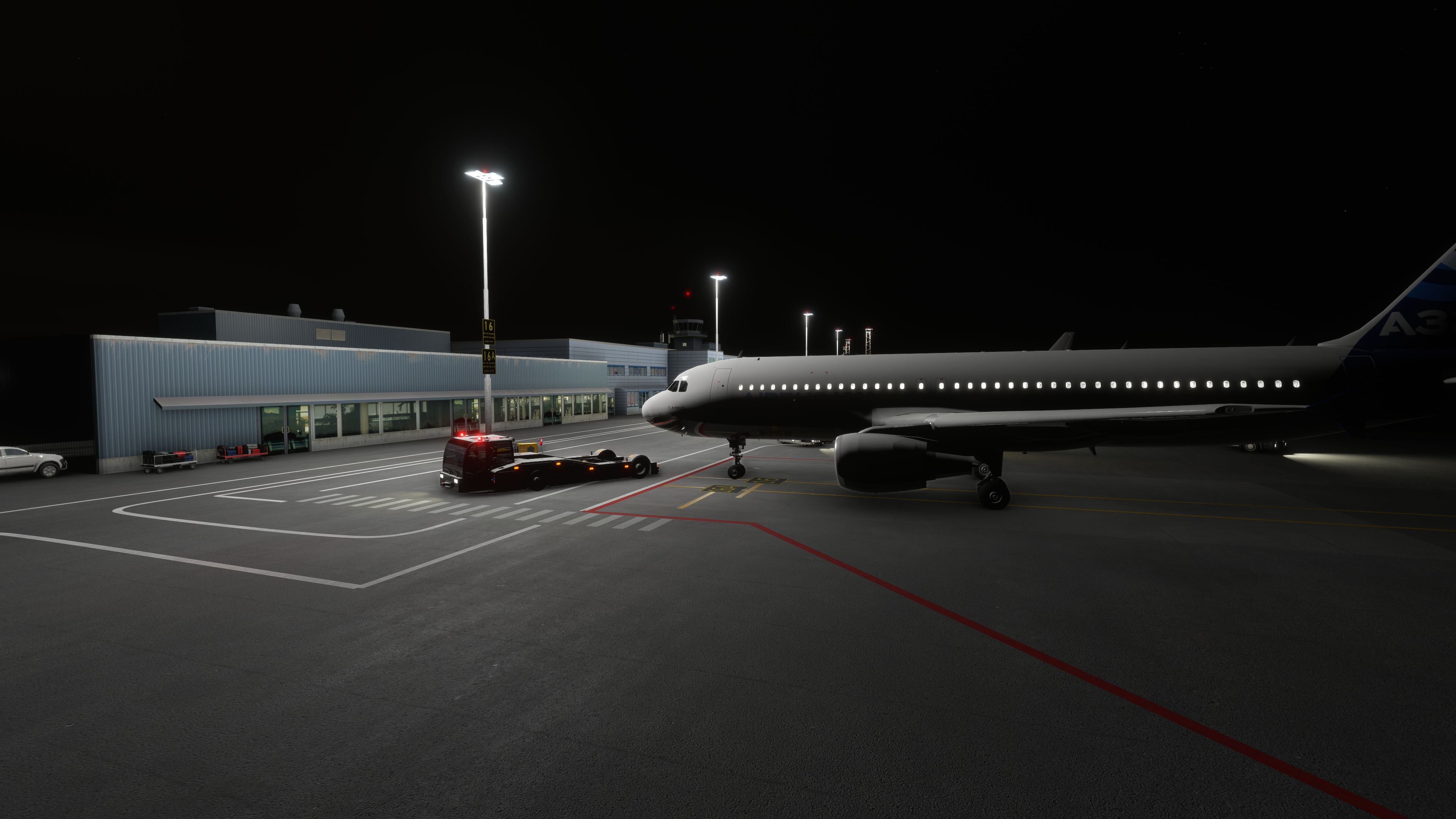
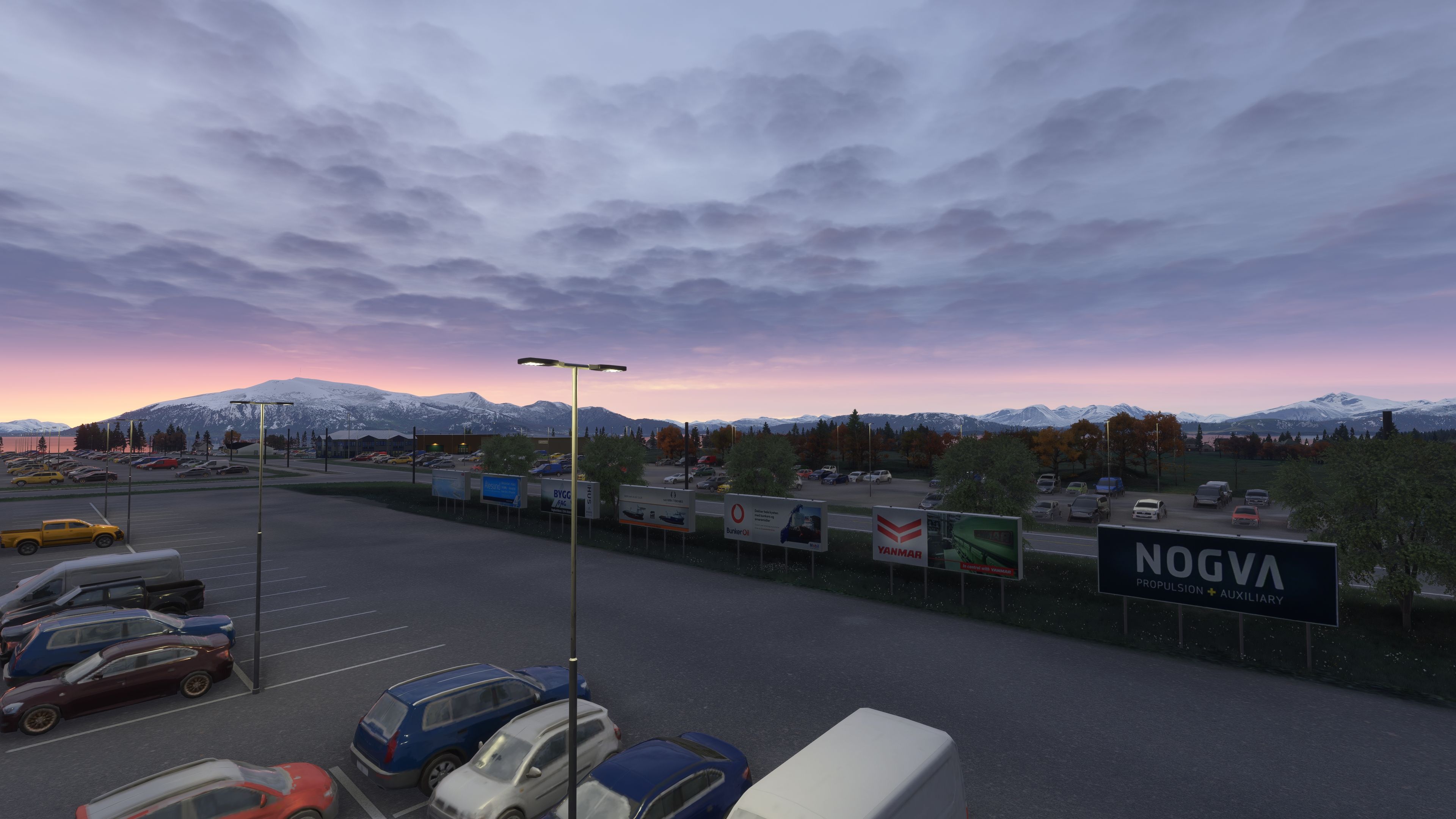
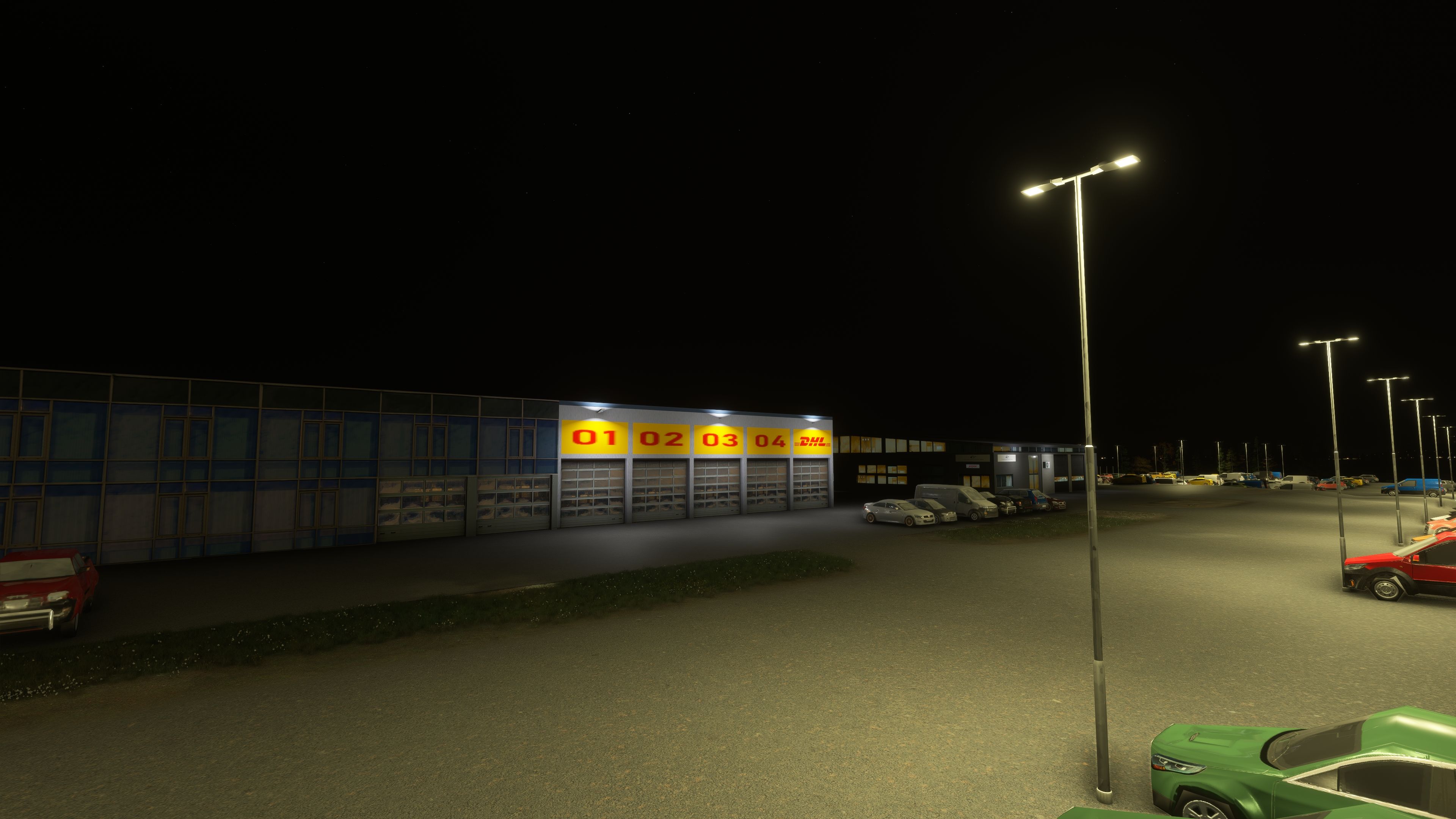
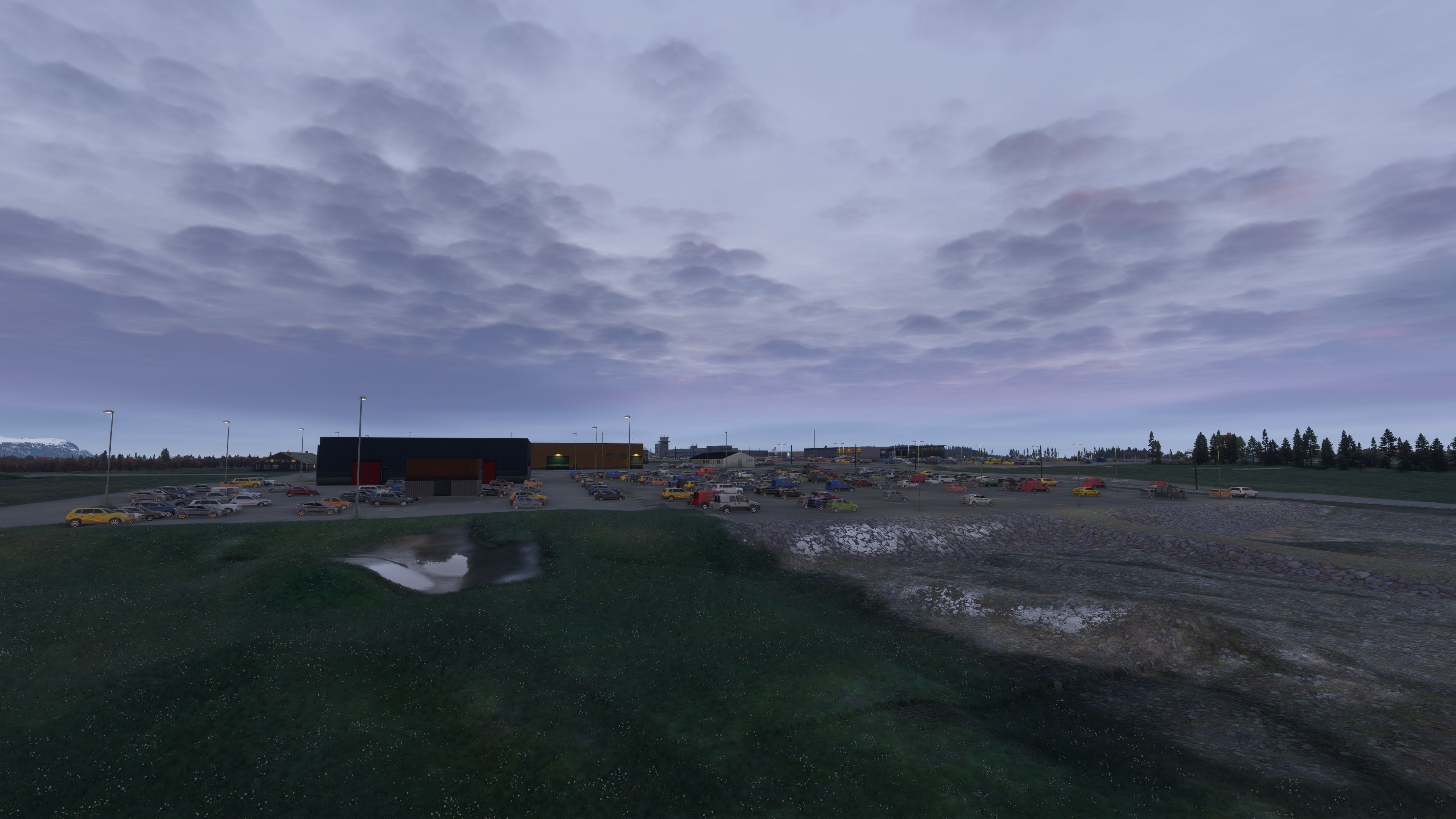
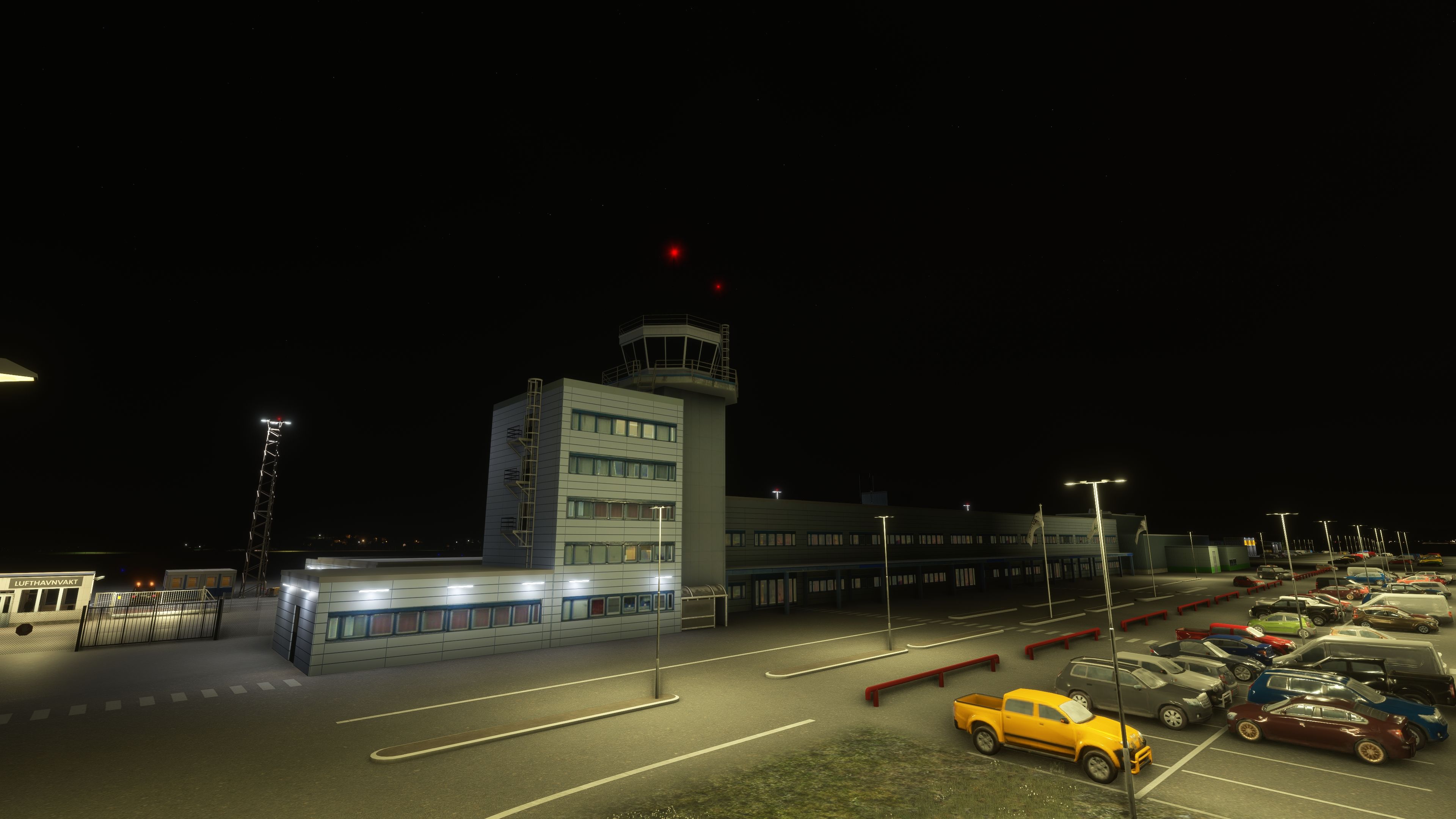
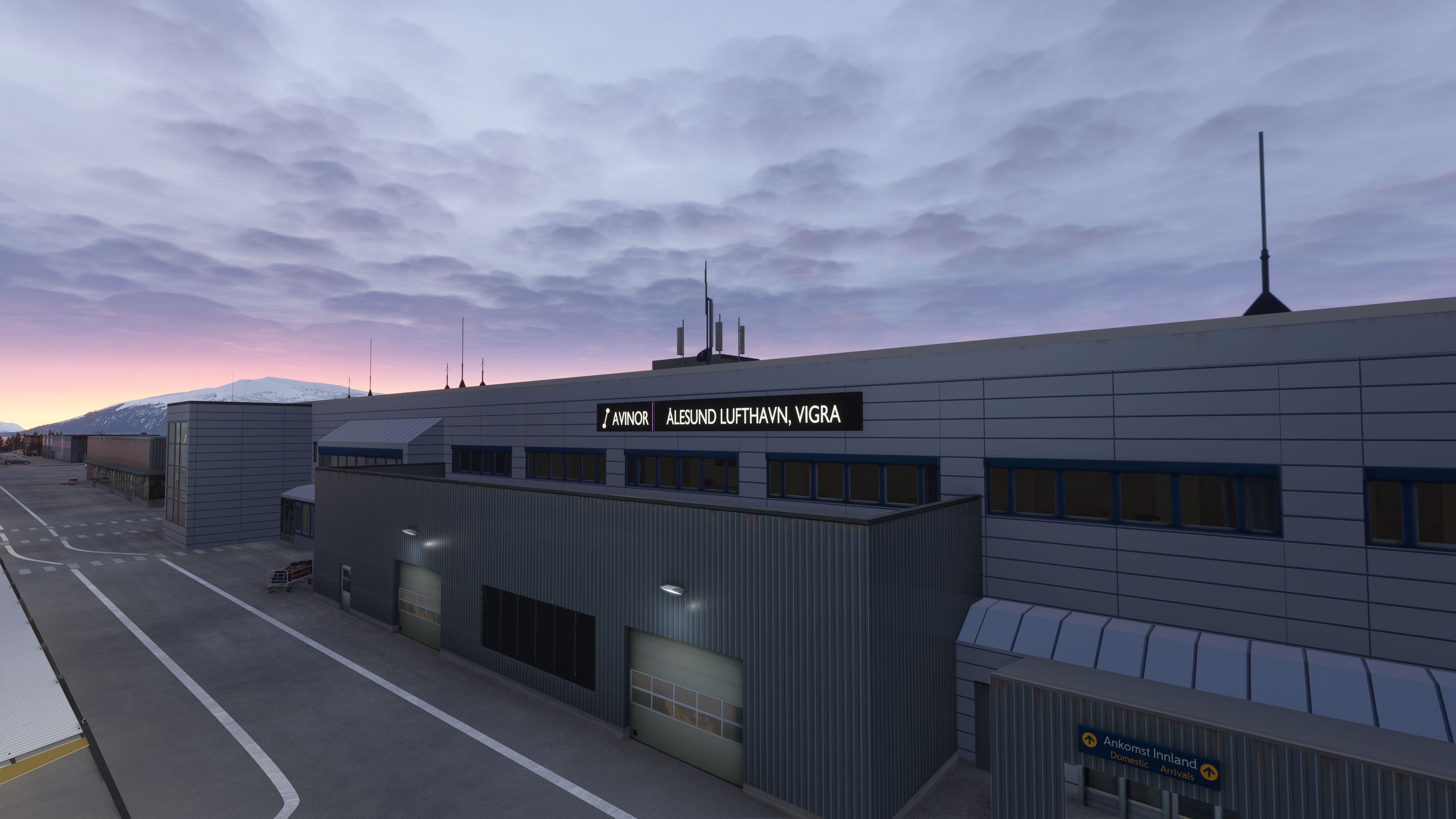
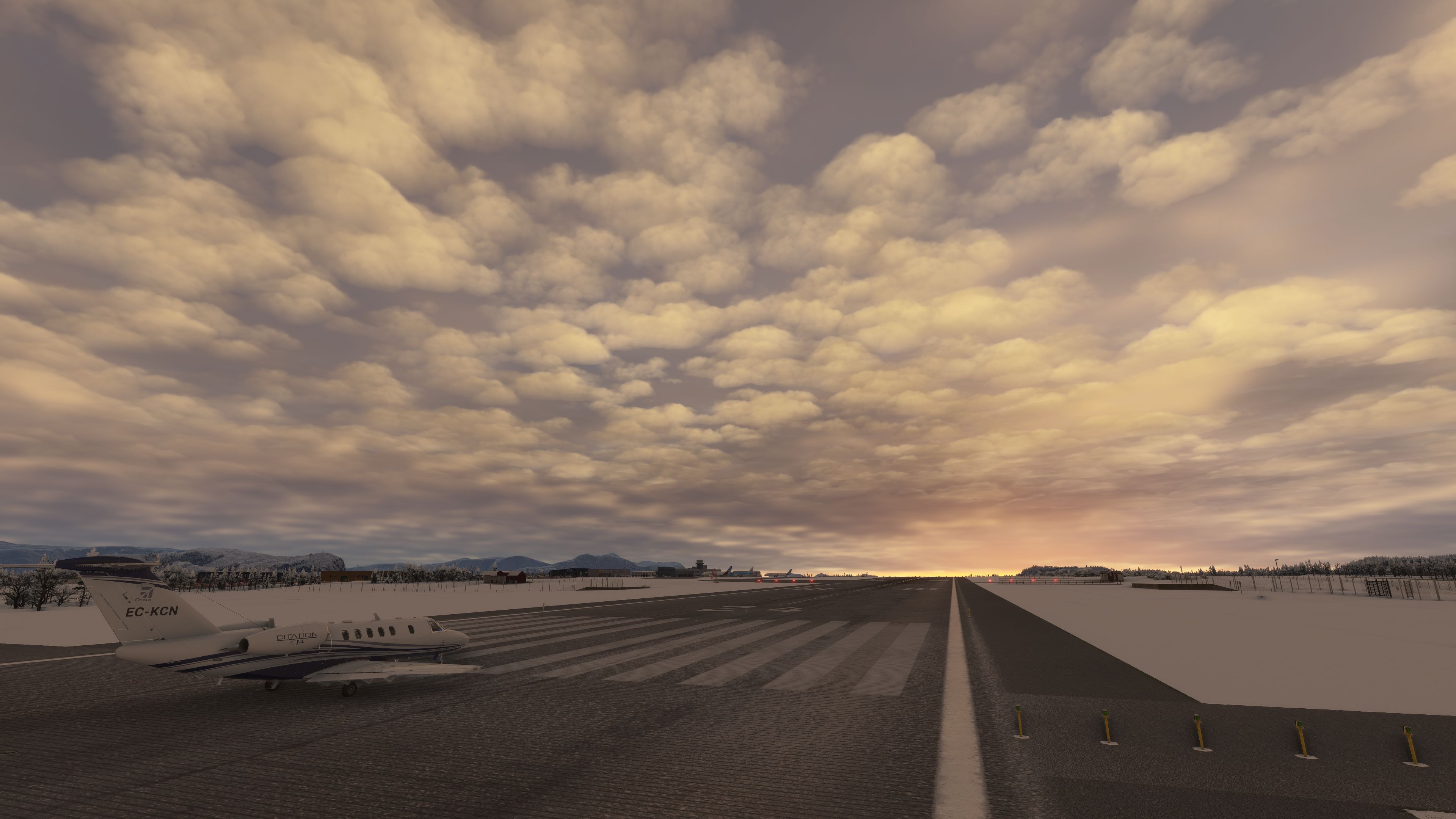
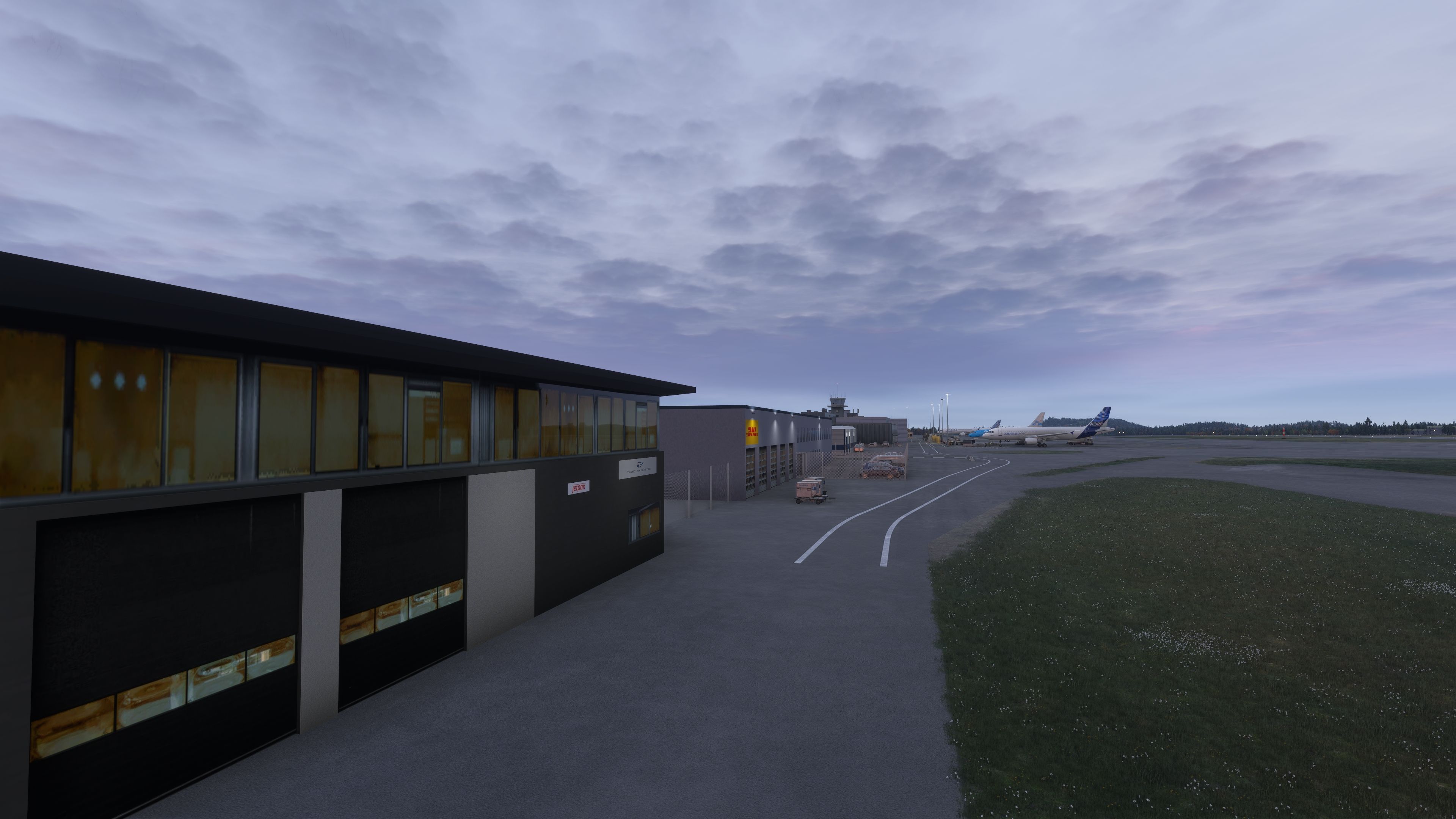
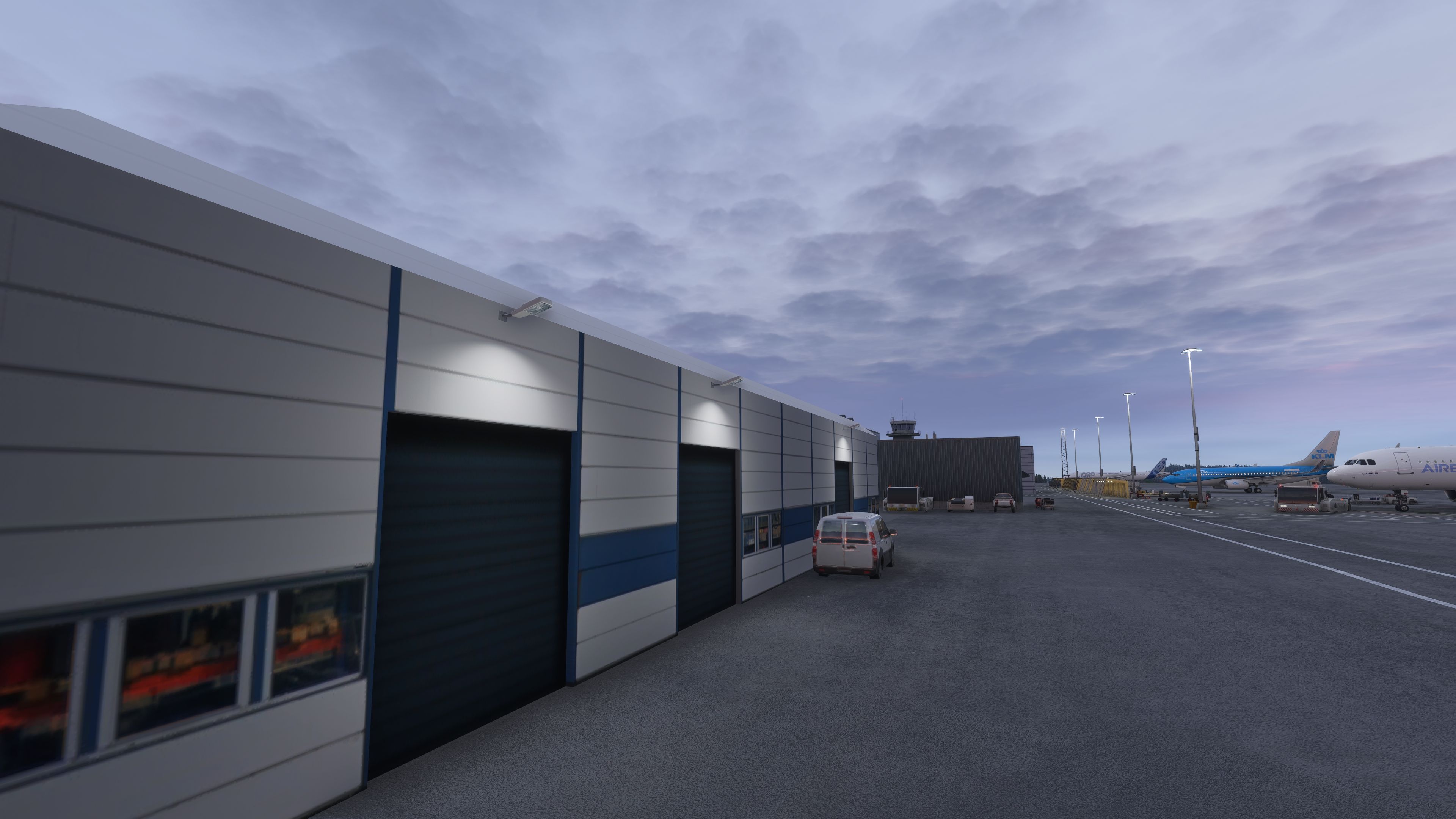
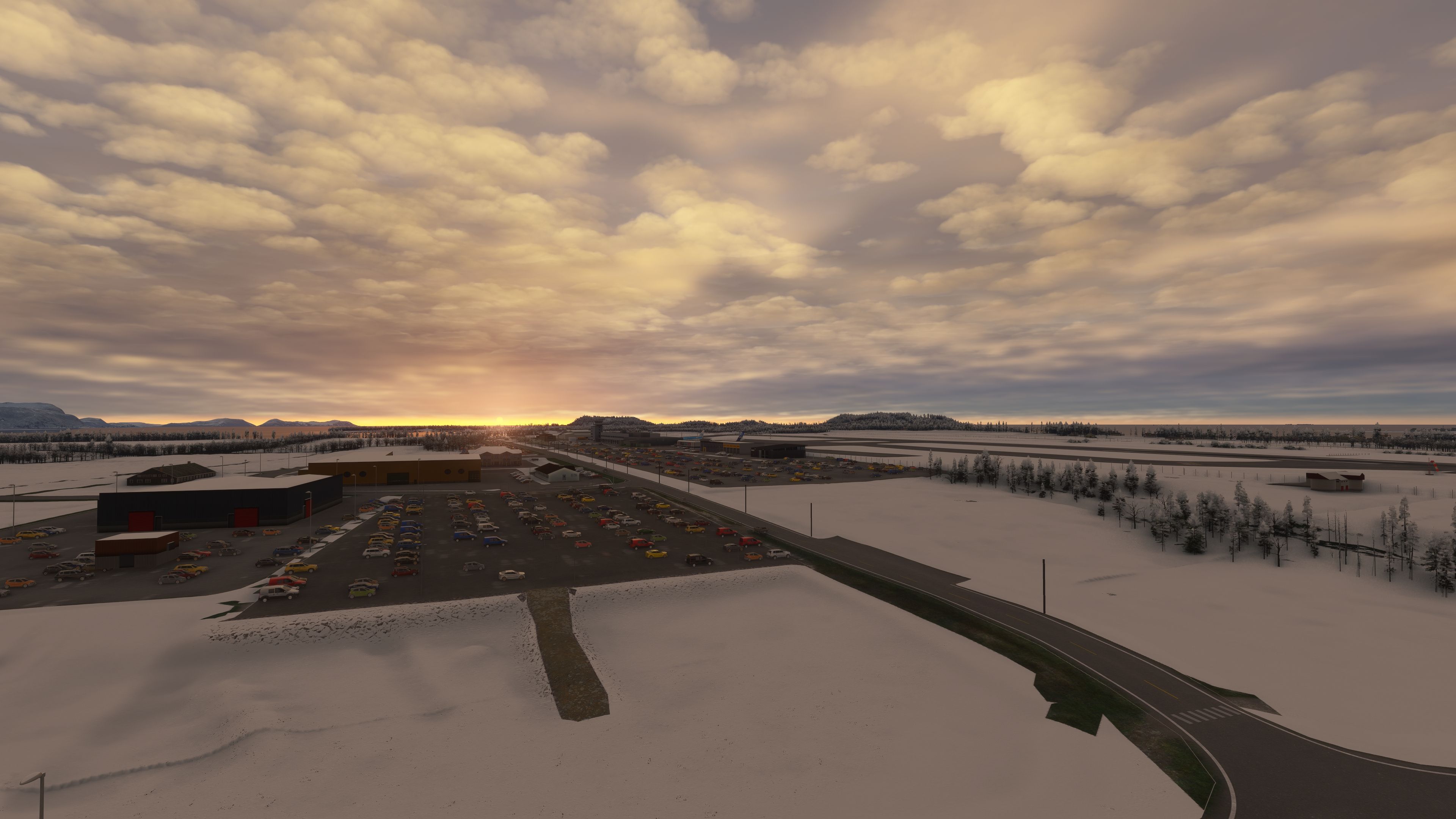
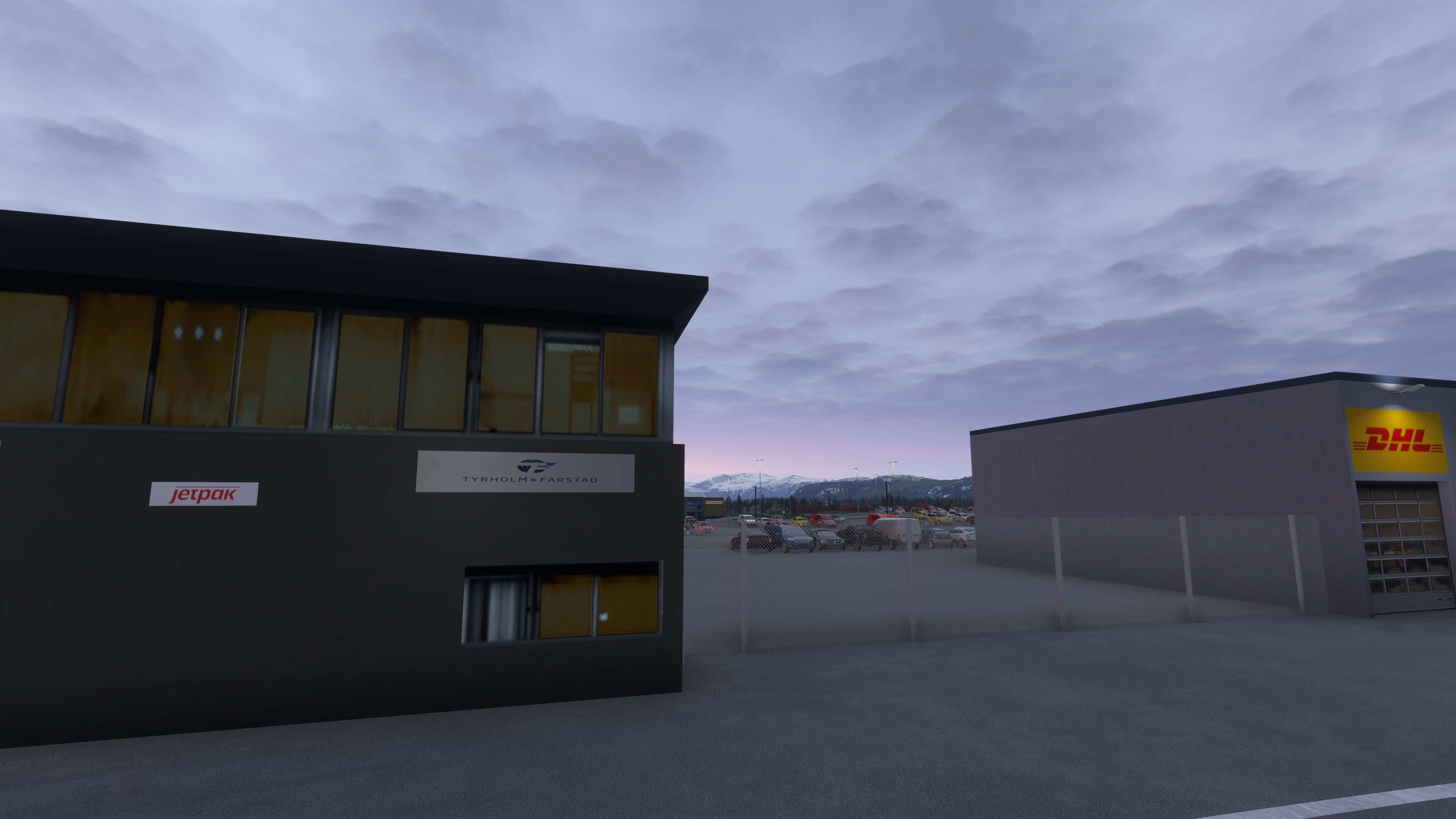
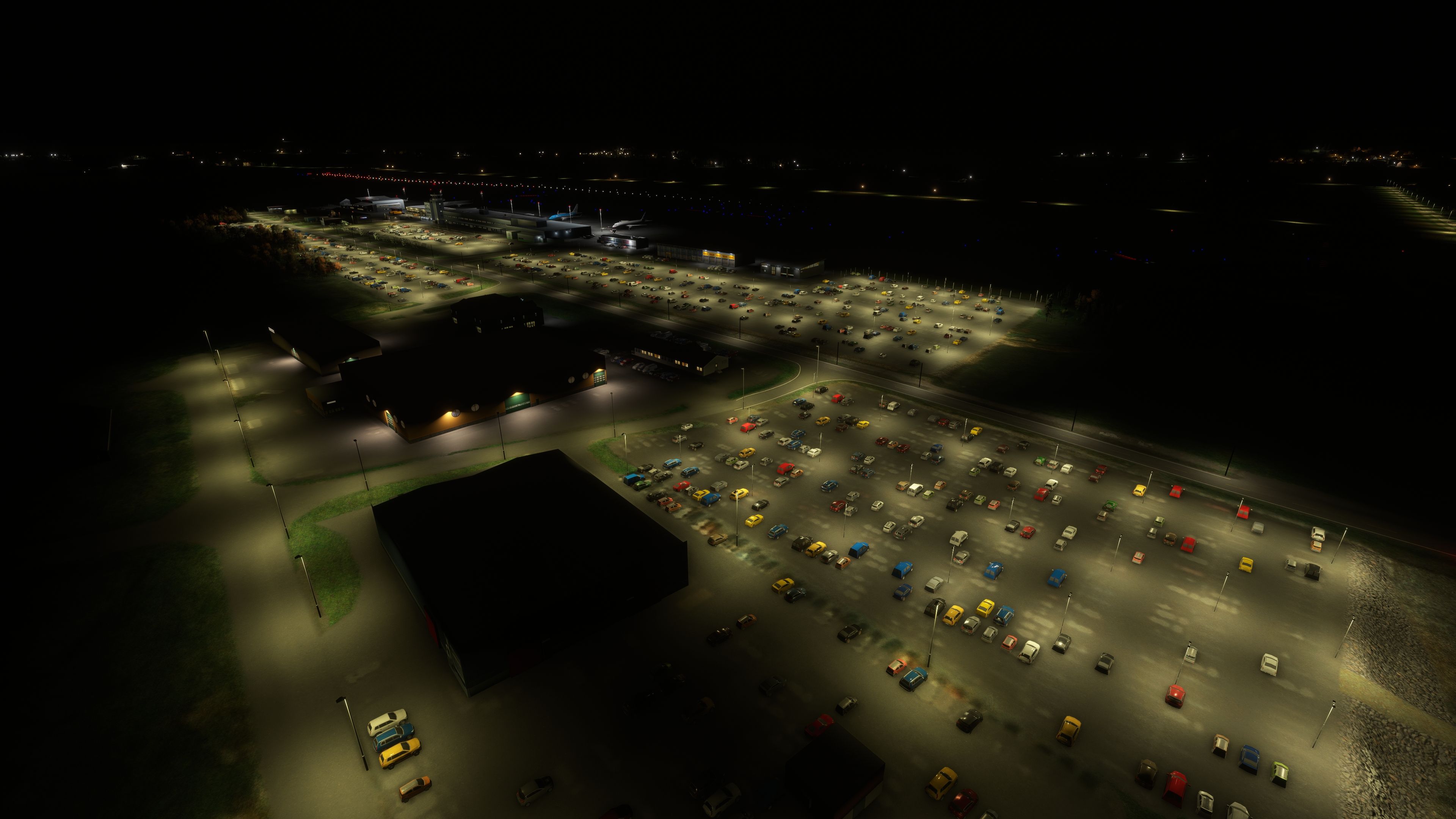
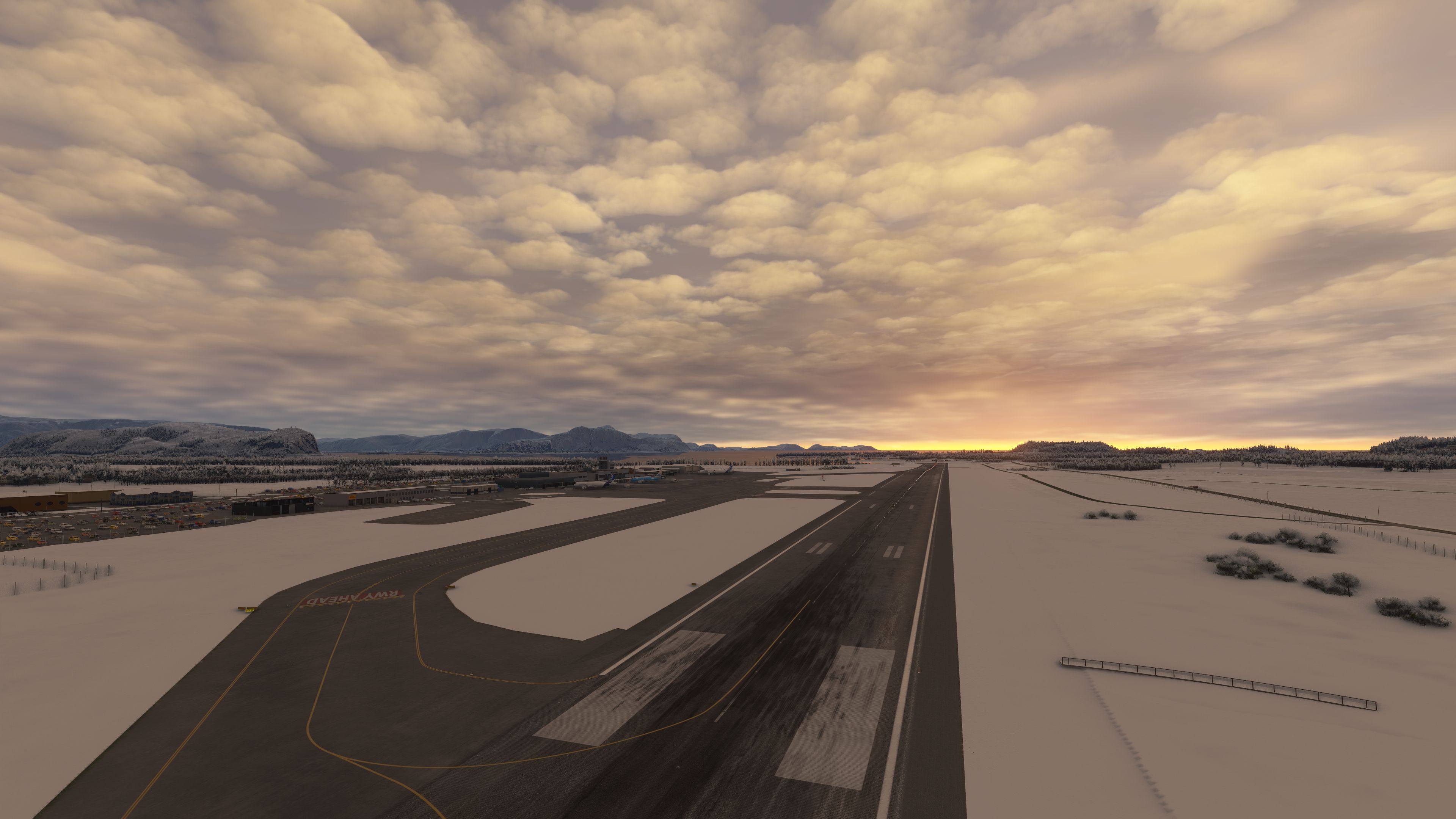
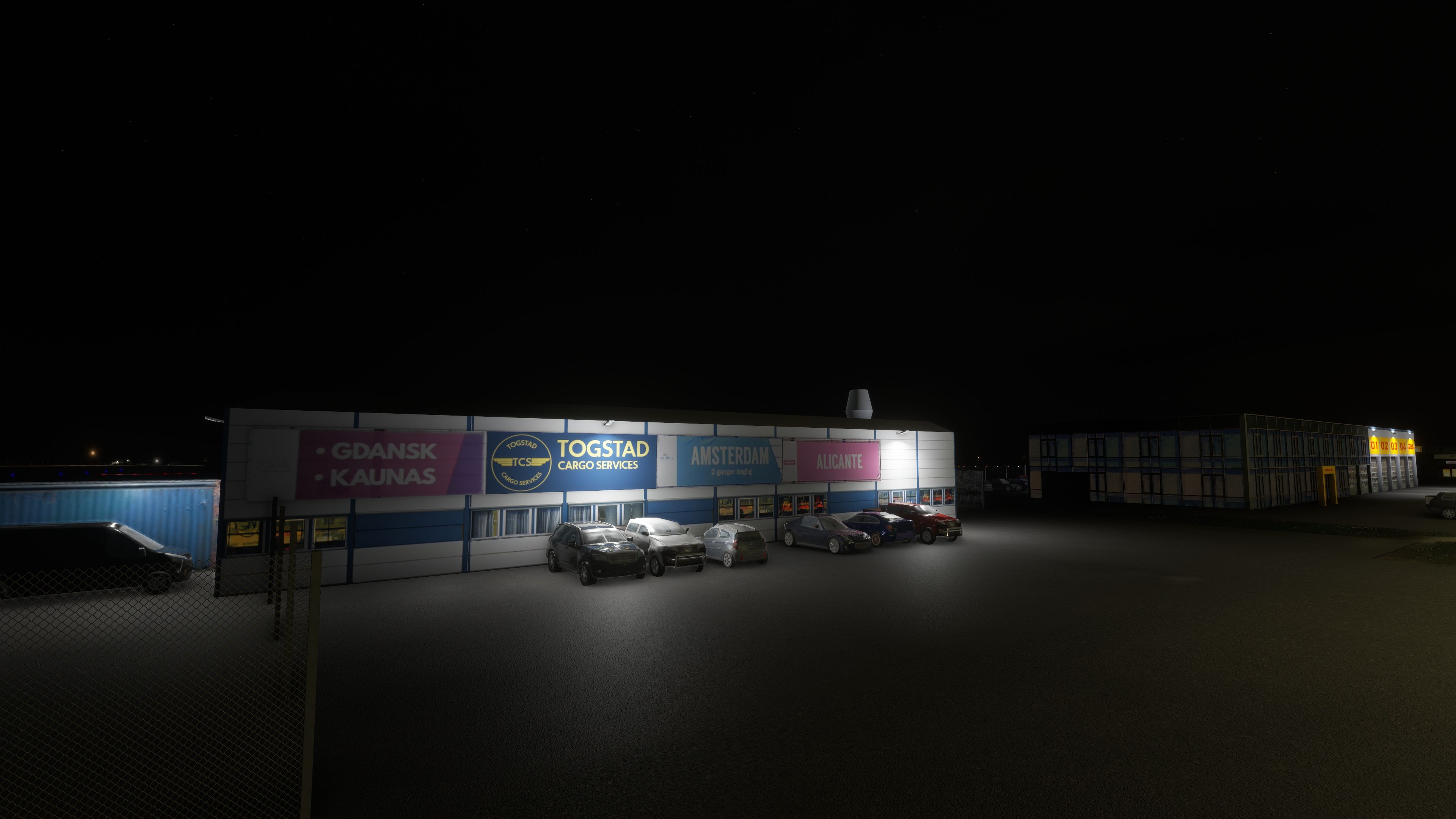
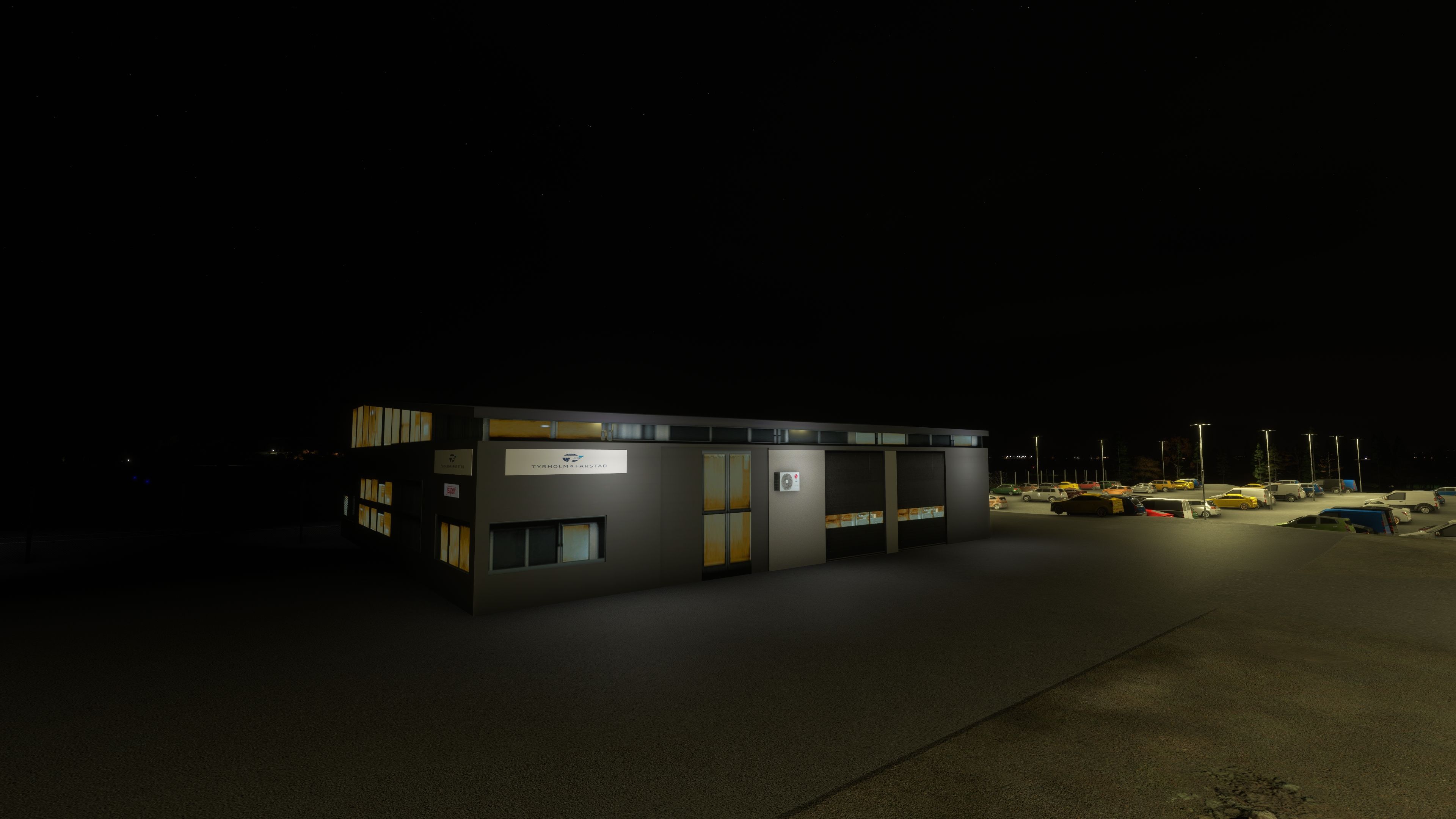
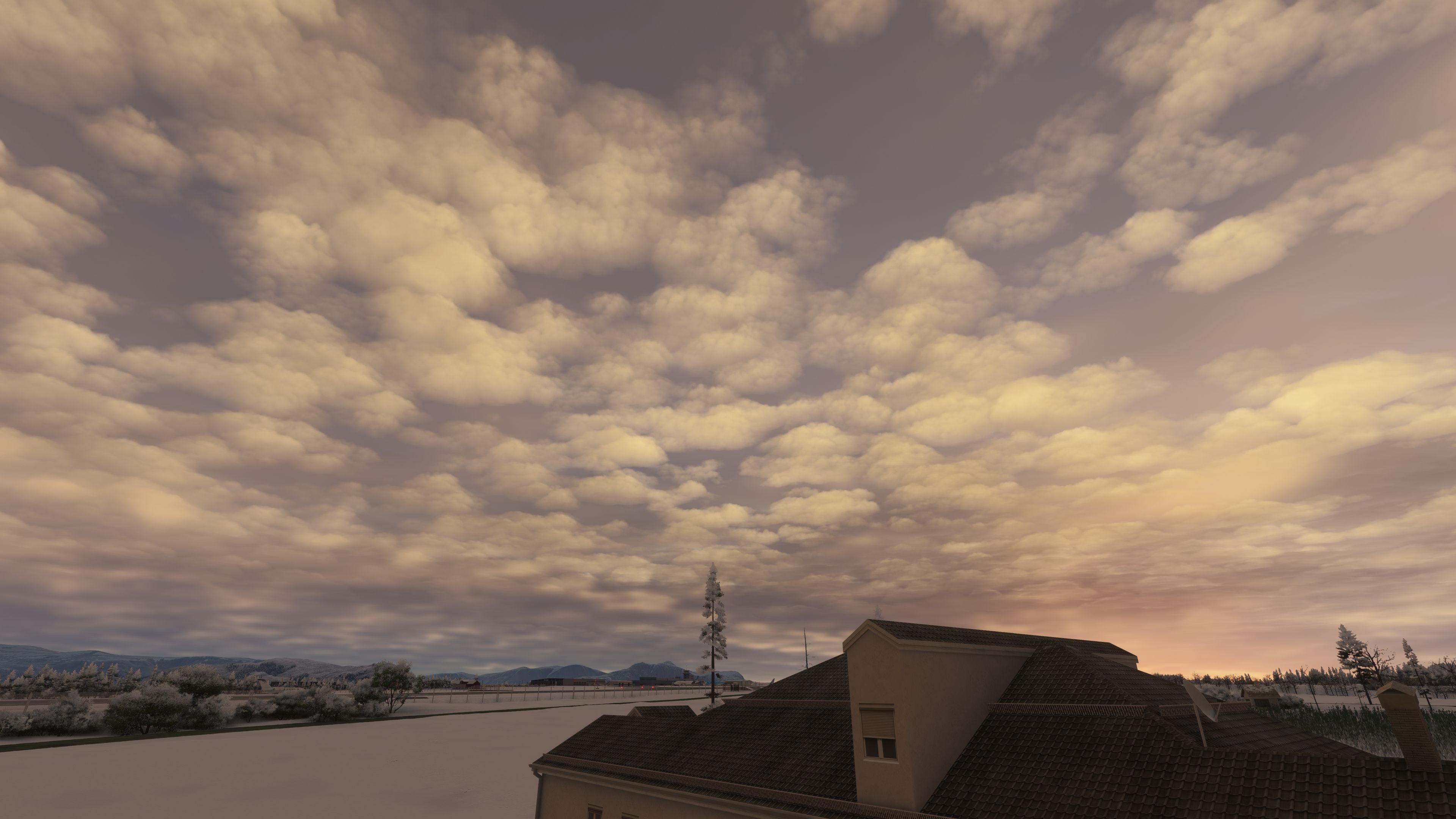
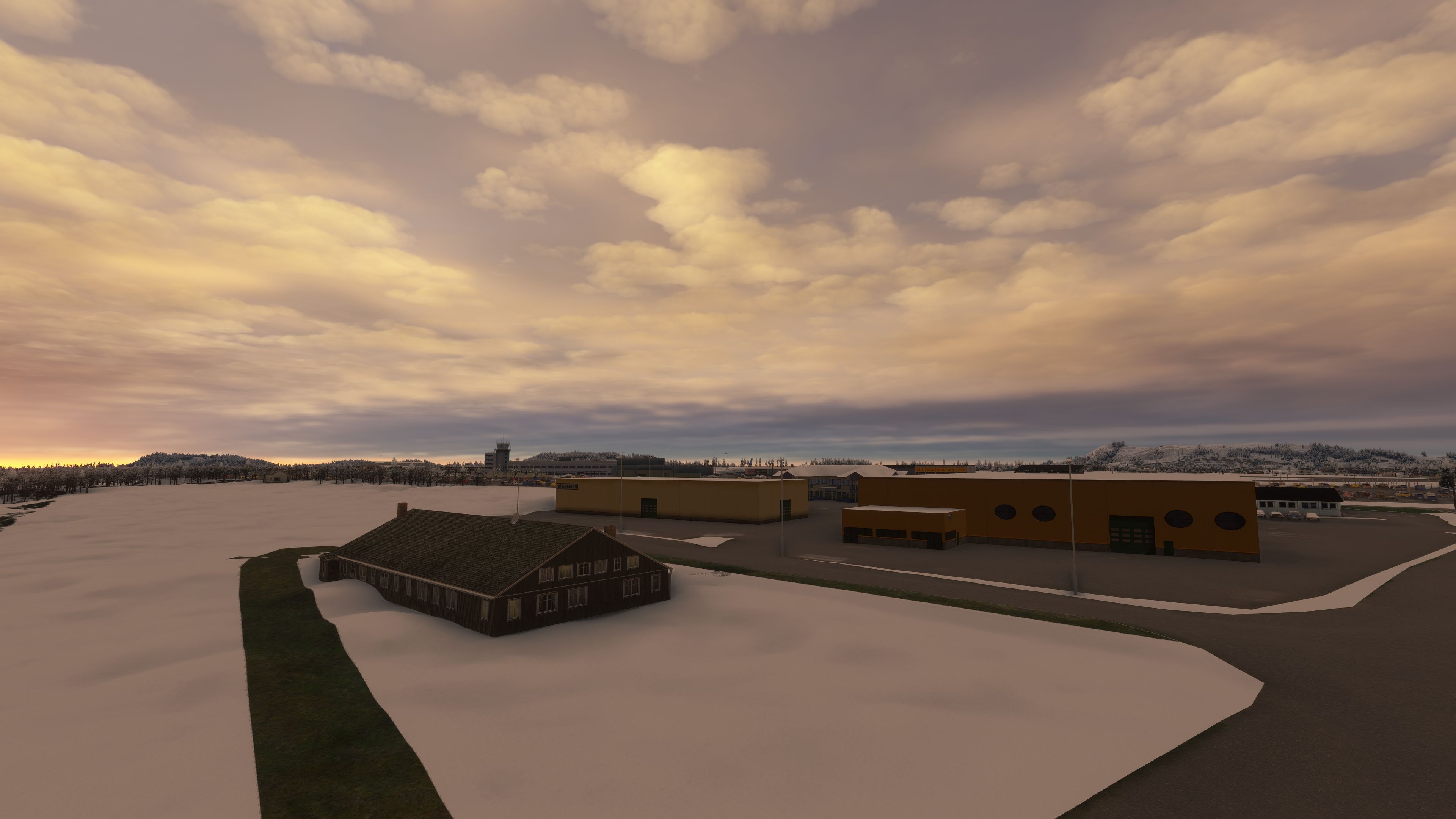
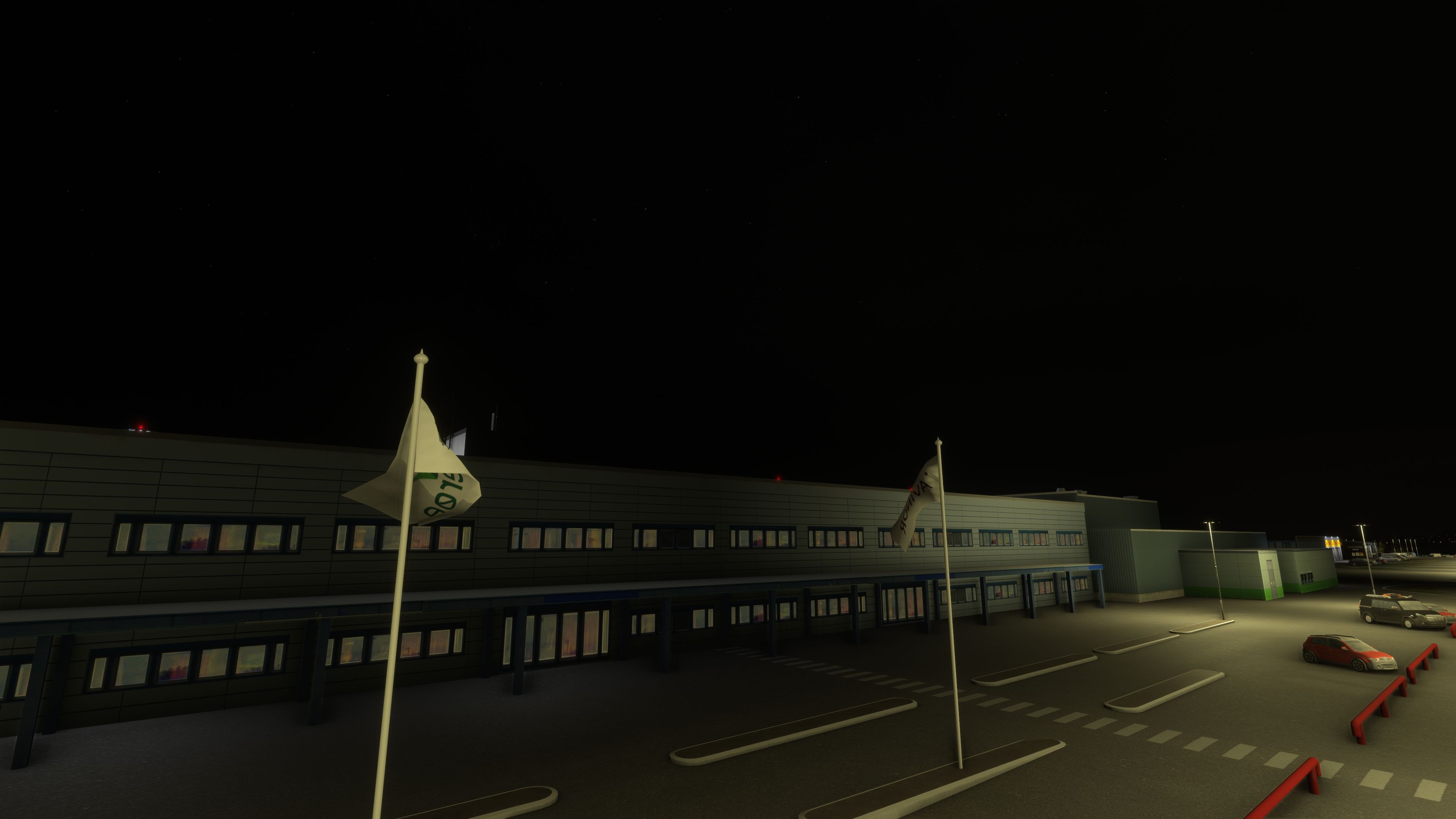
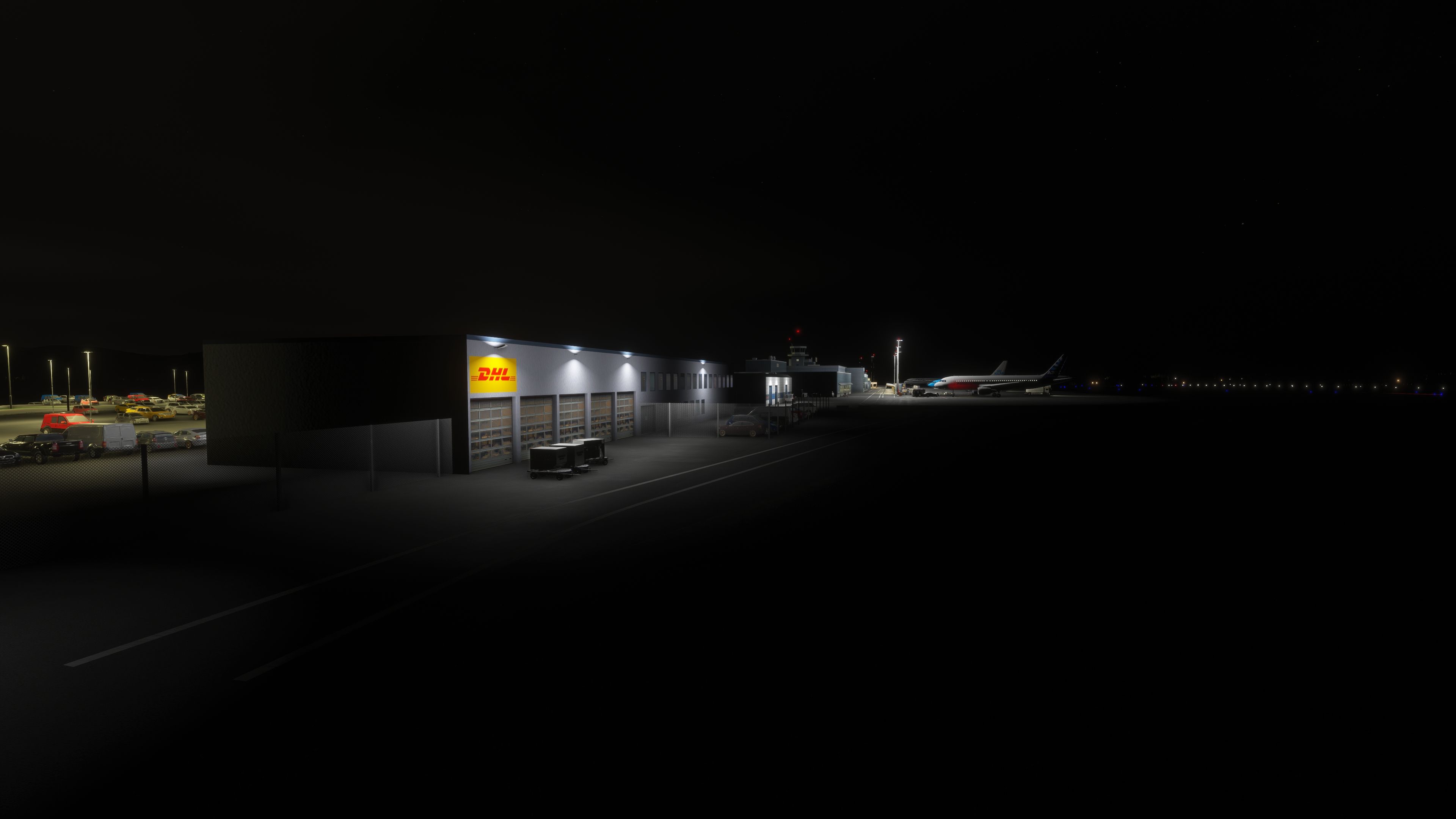
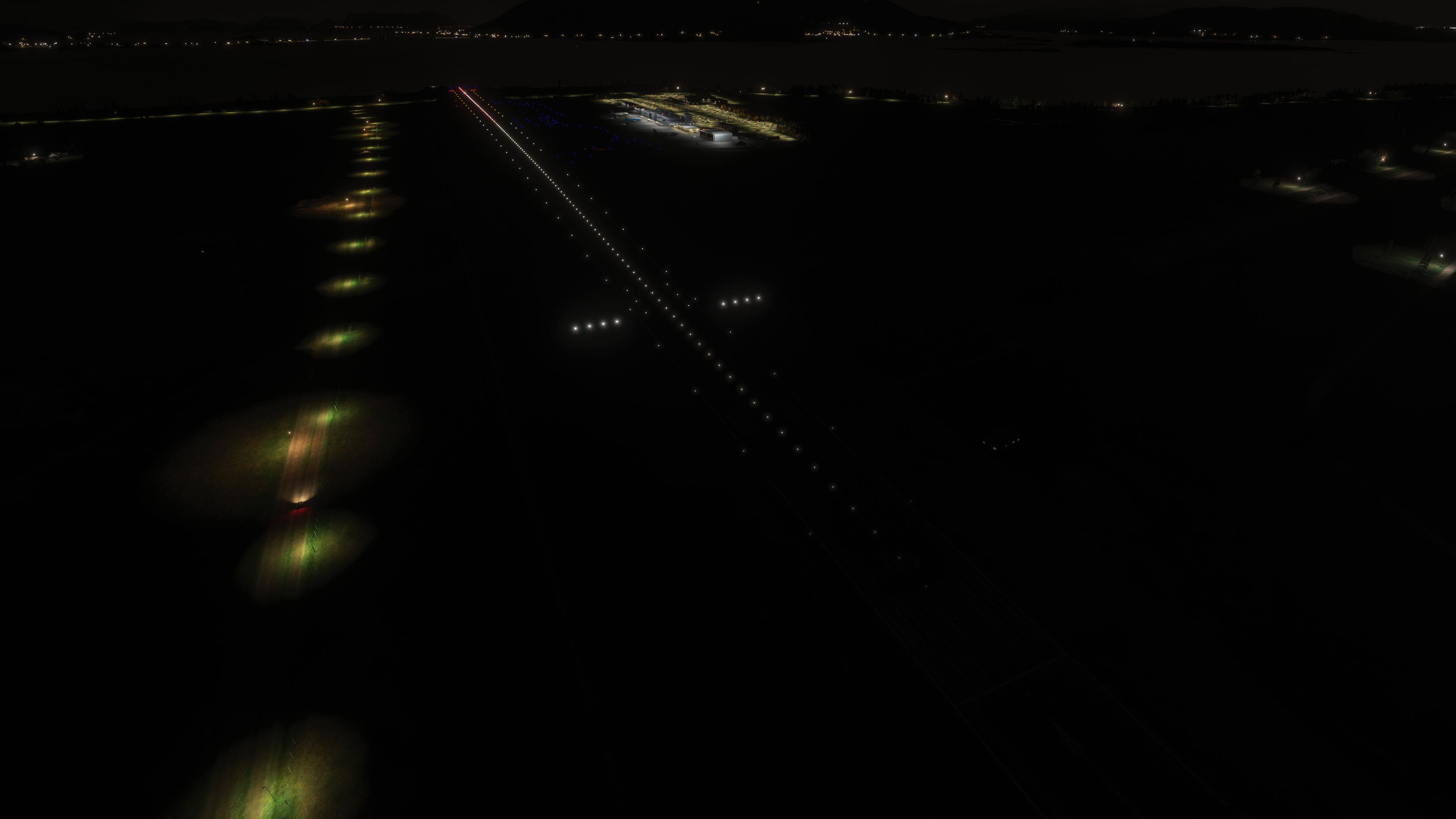
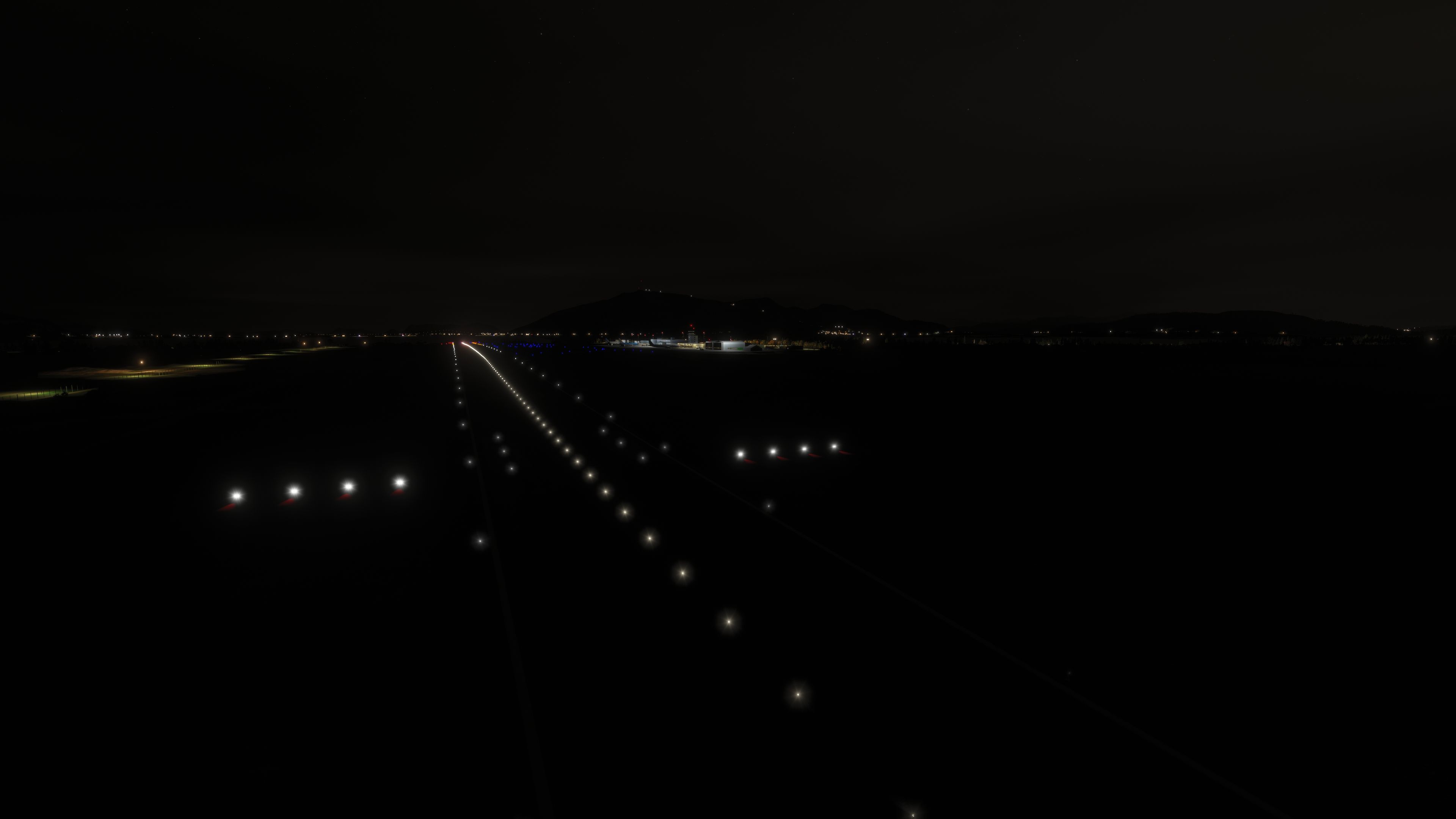

I installed Ålesund Vigra in Microsoft Flight Simulator 2024 and flew an approach before exploring the apron. The runway’s changing elevation stood out on arrival, giving the airfield a character that goes beyond its buildings. During taxi, I found the custom blue edge lights and revised apron markings useful visual references. The relatively simple building models gain character from weathering and the terminal’s revised metal-panel materials.
I also appreciated the scenery’s reach beyond the perimeter, with Vigra Church and the nearby bridges providing local reference points. An included GSX profile and extra general aviation stands broaden its ground-handling scope. The release notes still describe gate-flicker reduction and AI taxiway use as work in progress, so I would not treat either as fully resolved.
This freeware Ålesund Vigra Airport (ENAL) scenery brings custom airport buildings, AIP-based airfield details and an included GSX profile to Microsoft Flight Simulator 2020 and Microsoft Flight Simulator 2024. It covers the exposed island airport and nearby landmarks, with version 1.30 adding replacement streetlight models and further texture improvements.
Vigra serves Ålesund and the Sunnmøre district on Norway’s west coast. Its island location leaves the airfield exposed to strong Atlantic winds, while the runway’s distinctive elevation profile gives approaches another local characteristic. Alongside domestic services, the developer’s description lists international connections to Alicante, Copenhagen, Kaunas, Amsterdam and Gdańsk; these describe the airport’s route network rather than an included traffic schedule.
The scenery uses custom-built, relatively simple models alongside runway lighting and taxiway markings that follow the AIP [Aeronautical Information Publication]. Updates have refined the runway elevations, terminal materials, apron layout and surrounding terrain rather than concentrating solely on the main buildings.
The terminal receives successive detail and texture passes, including metallic and roughness adjustments to its metal panels. Later revisions add building weathering and further terminal detail, while version 1.26 introduces a tower interior and adjusts the tower window glass. Seasonal Christmas lights appear on the tower during December only.
Elsewhere on the airport, updates correct hangar geometry, revise the Lufttransport hangar and utility building, tune barrack windows, replace the fire-training model and fix a missing roof texture. The developer also adds parking-area garages, car-park details, roads and further parking spaces. Lightmast work covers the hangar area, additional mast detail and rebuilt older masts; version 1.30 replaces default Asobo streetlights with scenery-object lightmasts.
The supplied release history identifies version 1.30, dated 5 April 2026, as the current release. Its changes replace default streetlights with scenery lightmasts and improve several textures. The project’s listed updates run from the initial version 1.1 release on 29 January 2023 through this build.
For Microsoft Flight Simulator 2024, version 1.16 corrects the display of some markings, and version 1.18 fixes the taxiway terrain bumps noted in earlier releases. The developer reports that Microsoft Flight Simulator 2020 did not show those bumps.
Two other update details matter when checking the package’s scope:
Free for all simmers · 412.36 MB · Scanned clean Oct 2026
Download speed: Free tier is capped at 2 Mbps (this file takes approximately 29 mins at the cap). PRO members download at full line speed.
%LOCALAPPDATA%\Packages\Microsoft.FlightSimulator_8wekyb3d8bbwe\LocalCache\Packages\Community\. Steam version: %APPDATA%\Microsoft Flight Simulator\Packages\Community\. Tip: enable Developer Mode in MSFS to see your exact Community folder path.readme.txt or README file. It tells you exactly where files go, what dependencies are needed, and any quirks specific to this add-on.Use these coordinates to fly directly to this location once the mod is installed.
62.56250000,6.11970000
Paste these coordinates into the Microsoft Flight Simulator search bar when planning a flight, or into the Developer Mode Teleport window, to fly directly to this location.
Only PRO members can place votes.
More MSFS add-ons hand-picked based on this download.
MSFS Scenery
This mod developed by JustOkayPilot brings Grand Canyon National Park Airport…
 MSFS Scenery
Sandane Airport (ENSD) is located on the beautiful west coast of Norway and i…
 MSFS Scenery
Enhance your flight simulation experience with this mod for Microsoft Flight …
 MSFS Scenery
The Disney World airport/STOLport (also known as the Lake Buena Vista airport…
 MSFS Scenery
Enhance your flight simulation experience with a detailed rendition of Madrid…
 MSFS Scenery
A complete and extensive replacement freeware scenery package for Paris–Le Bo…
 MSFS Scenery
A highly detailed rendition of Gainesville Regional Airport (KGNV), Florida (…
 MSFS Scenery
A rendition of George T. Lewis Airport for Microsoft Flight Simulator (MSFS) …
Be the first to leave a comment on this download.
Be the first to share your thoughts on this download.