
 MSFS Civil Jet Aircraft
Ryanair Santa Livery Mega Pack for A320 Stock/Flybywire & PMDG 737
Introducing the comprehensive Ryanair Santa Repaint Mega Pack, meticulously c…
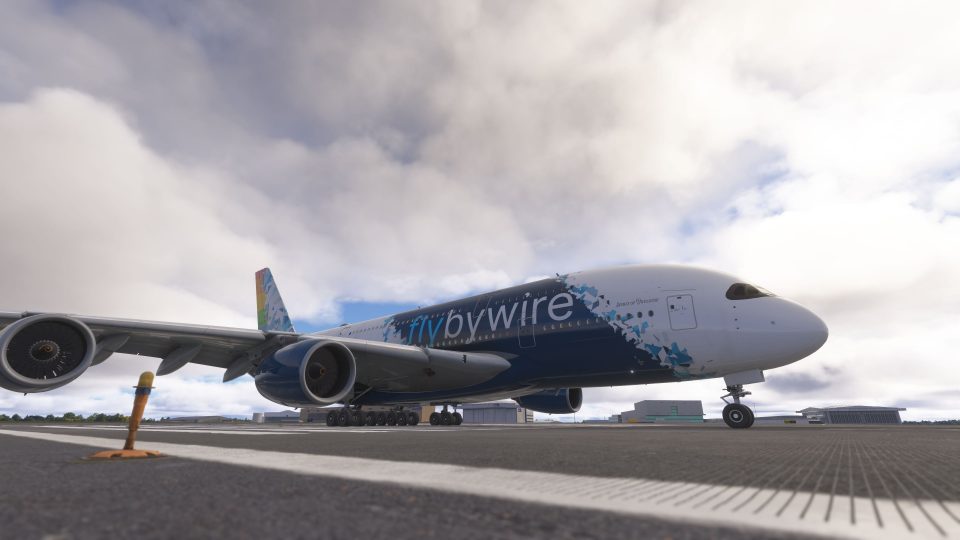
The FlyByWire A380X models the Airbus A380-842 for Microsoft Flight Simulator 2020 and 2024, combining both builds with 4K and 8K textures in one pack. Custom flight management, fly-by-wire controls, detailed aircraft systems, electronic checklists, Brake to Vacate and flyPad performance tools complement a virtual cockpit, double-deck cabin, dynamic wing flex, custom audio and VR support.
 Rate
Rate
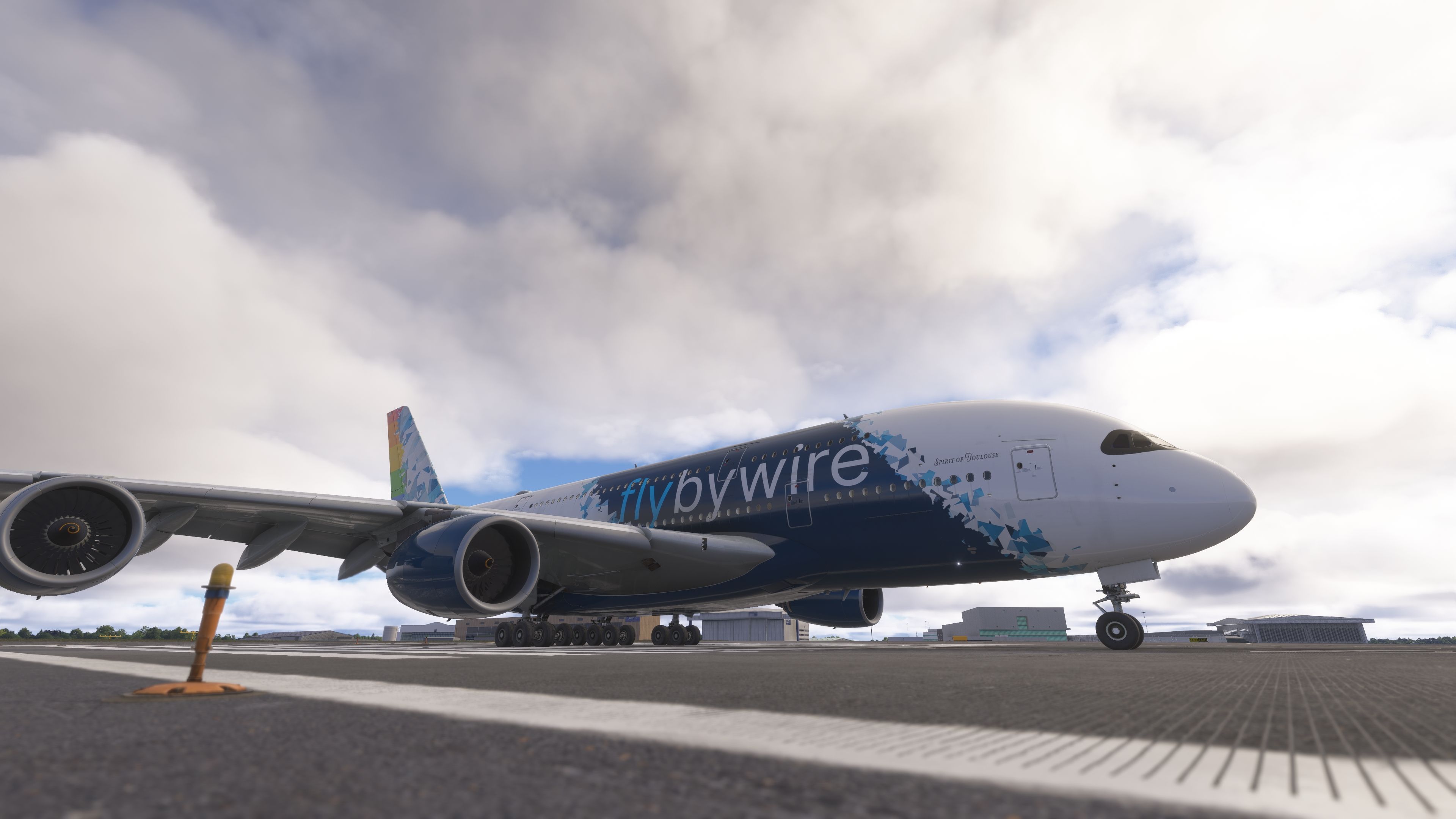
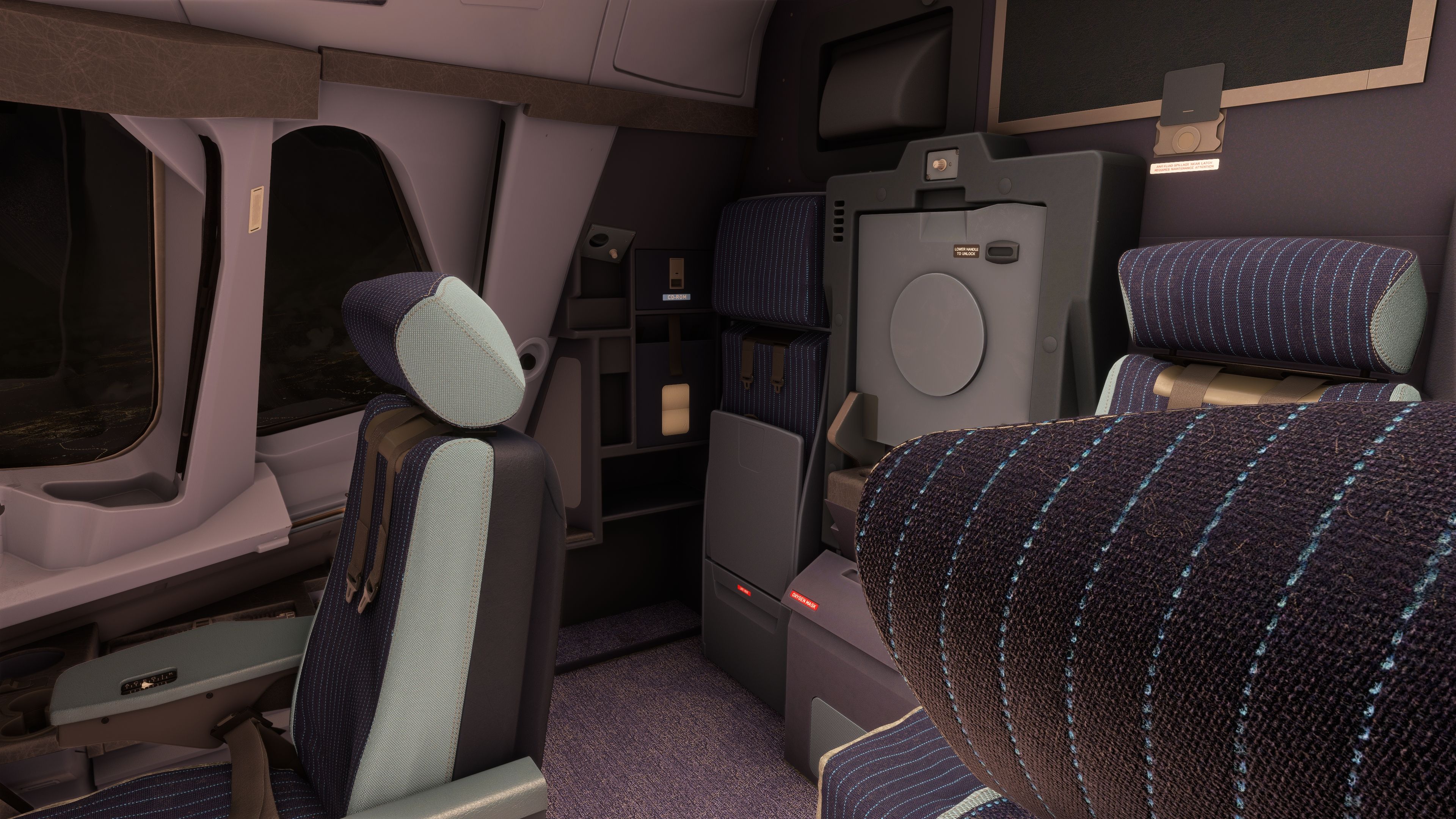
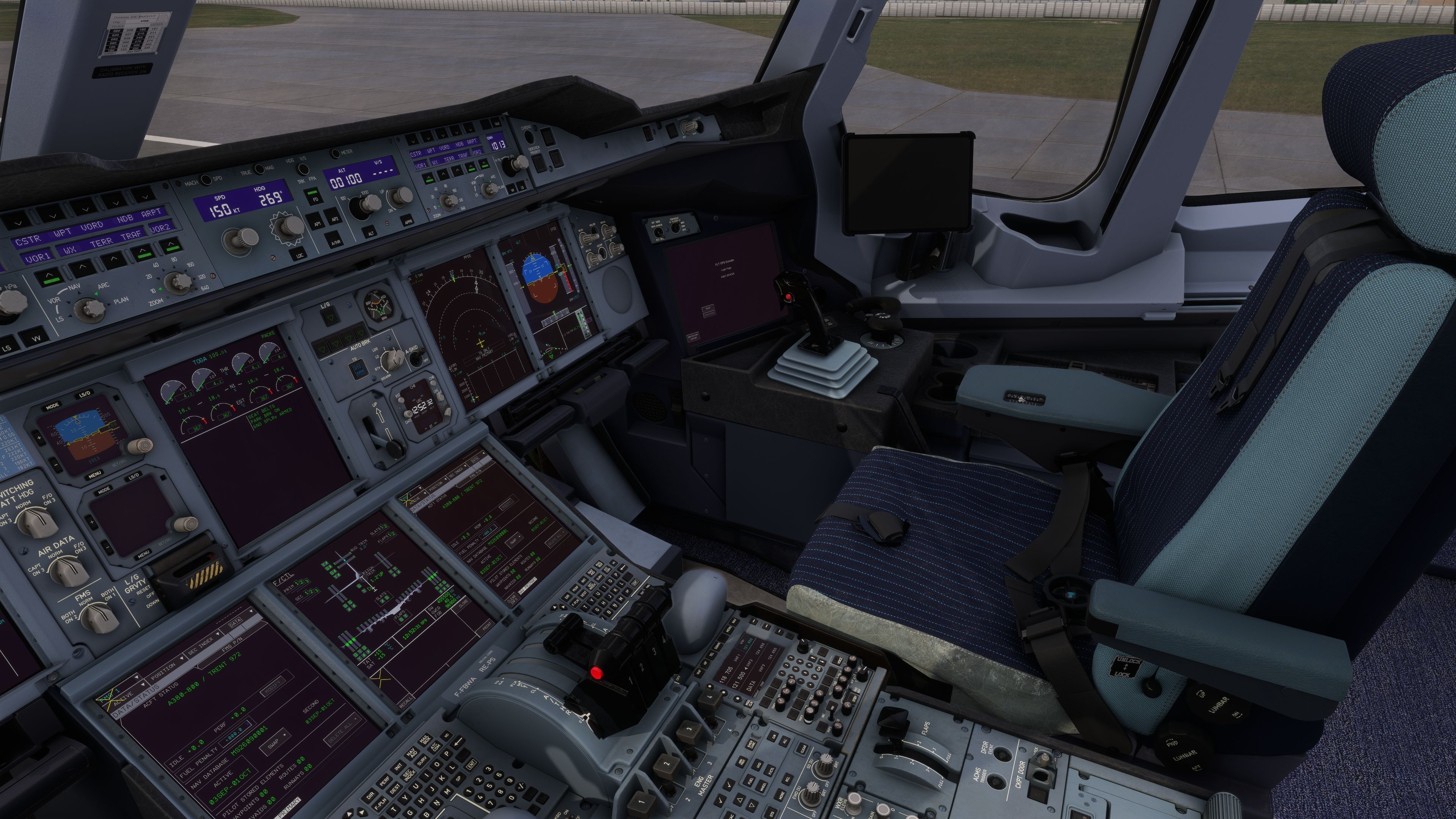
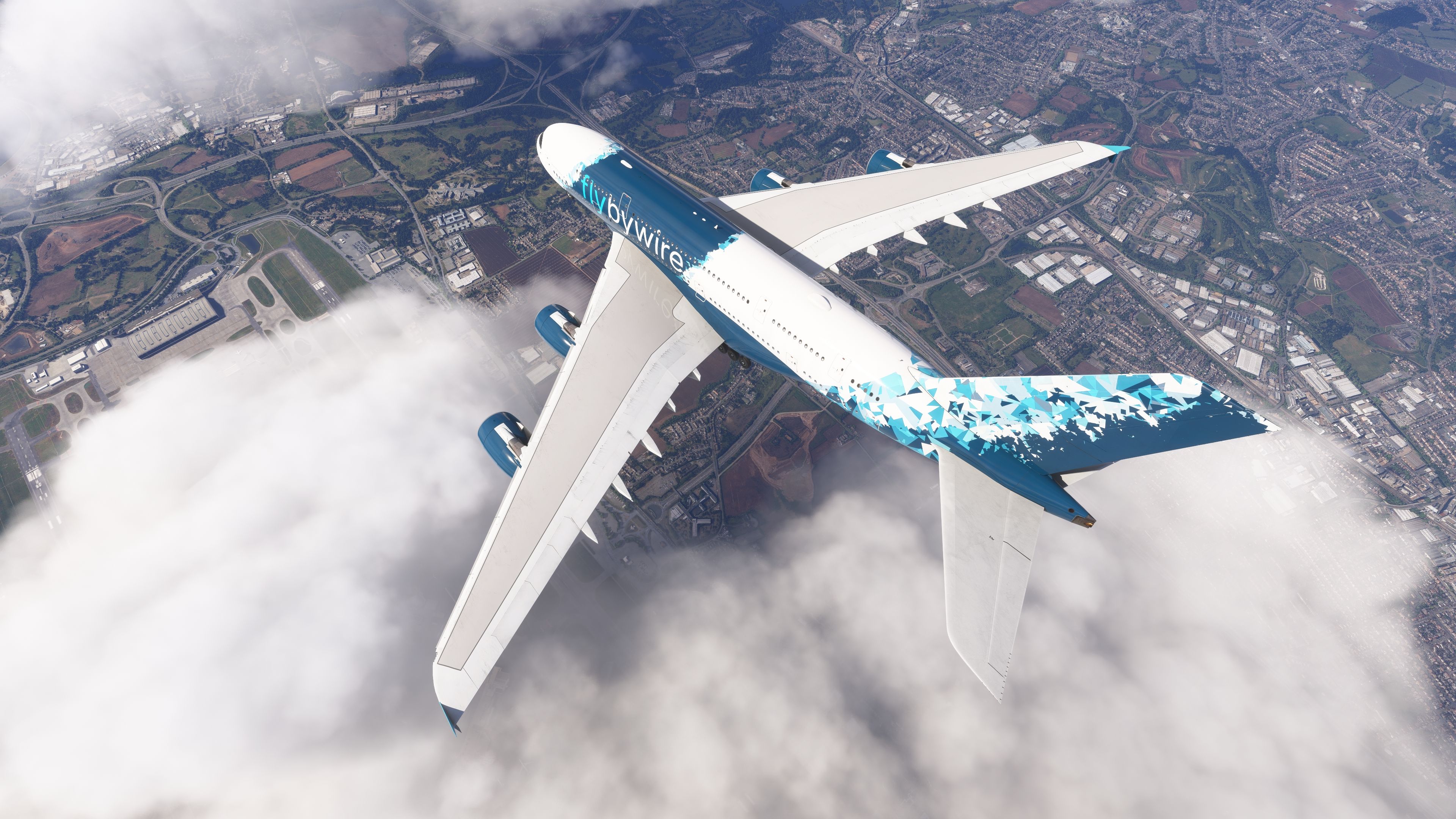
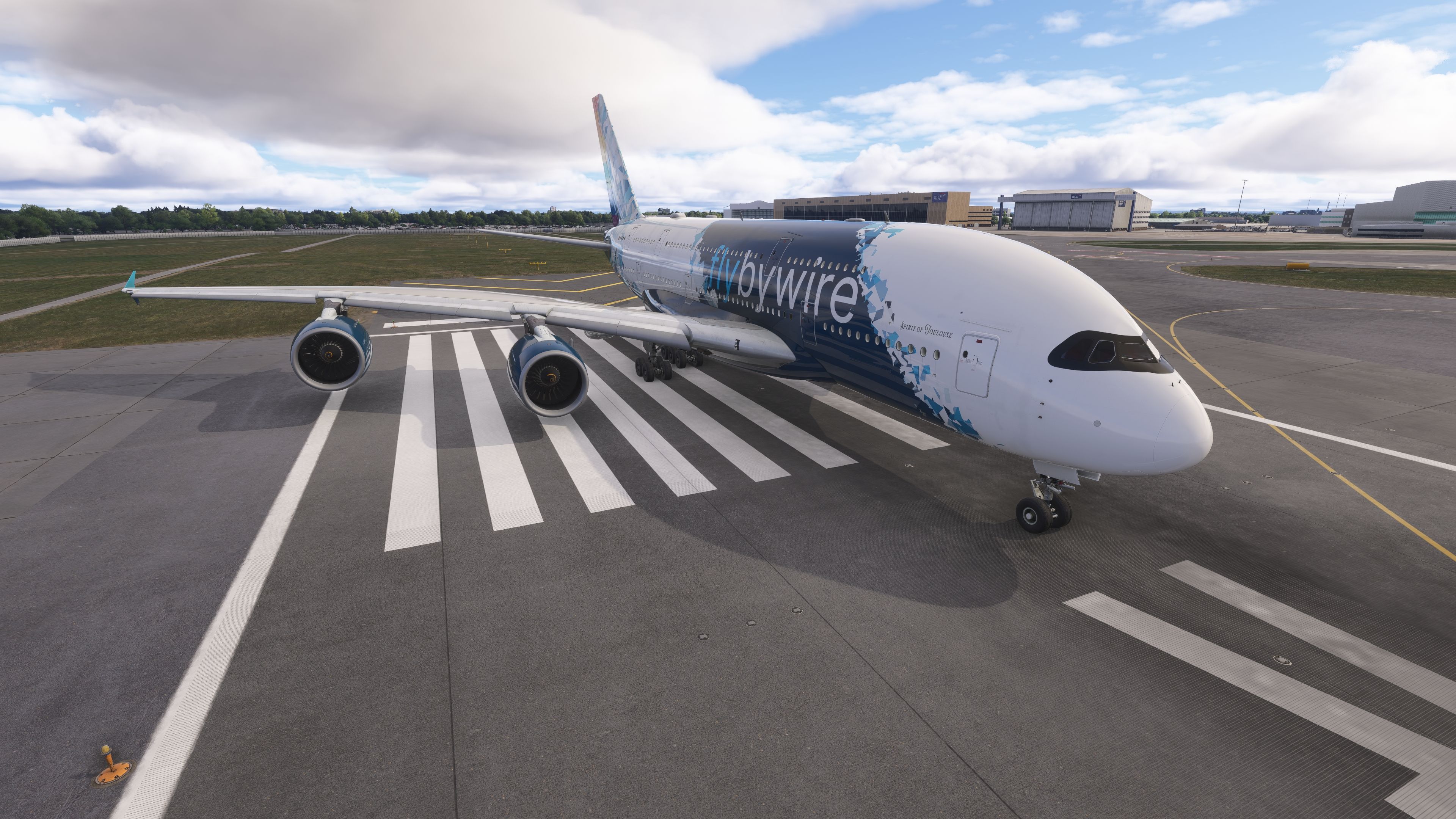
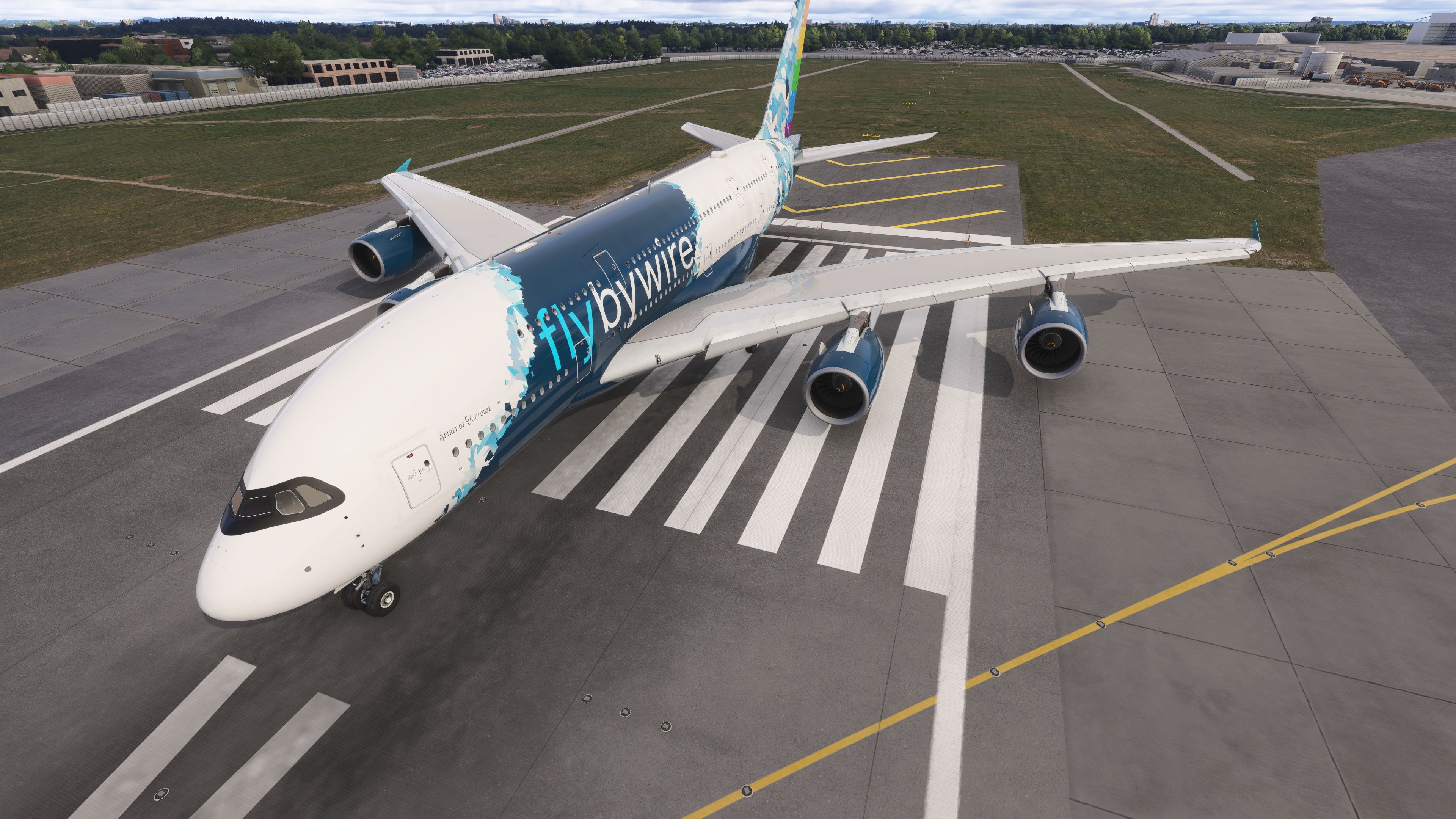
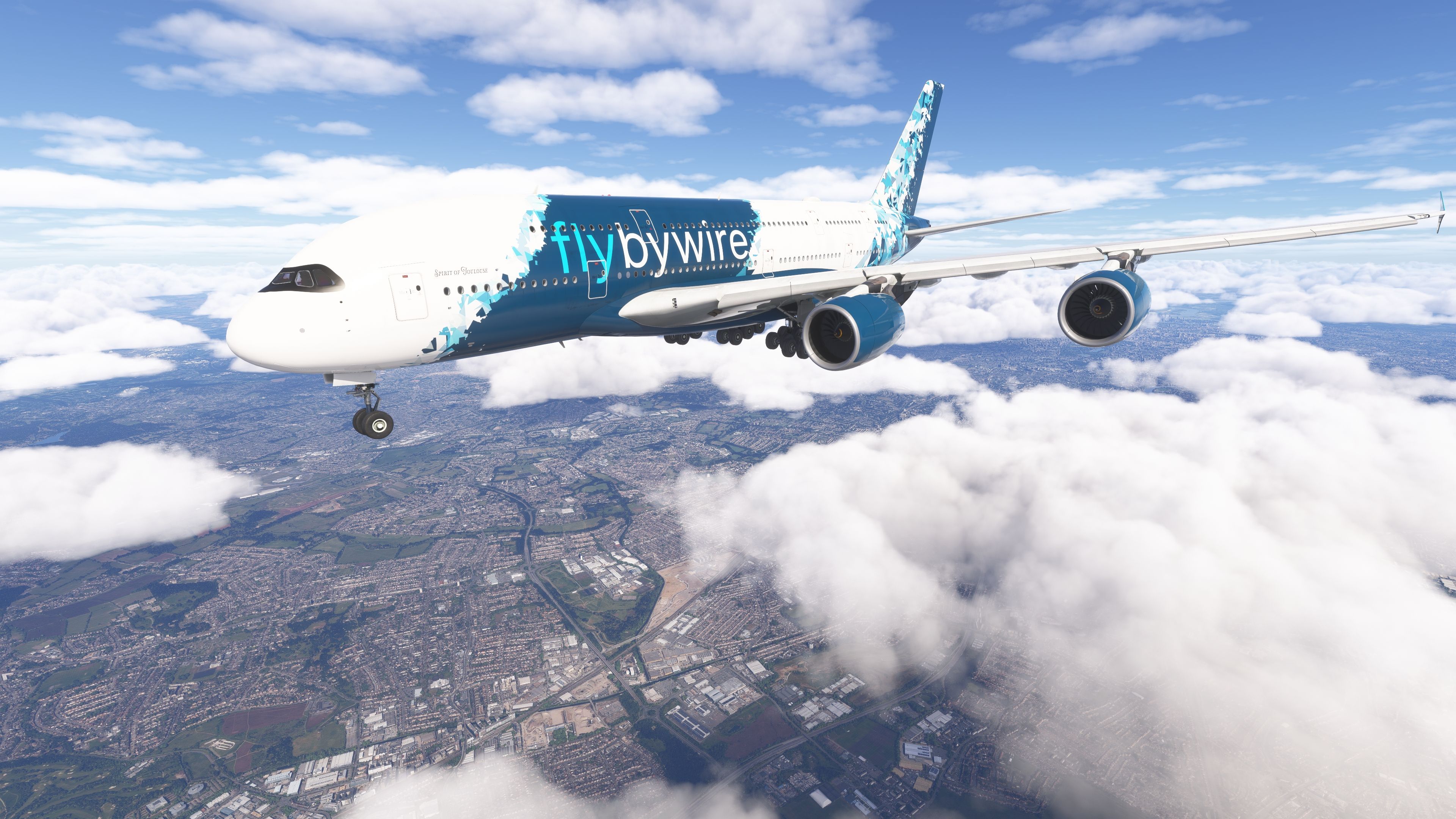
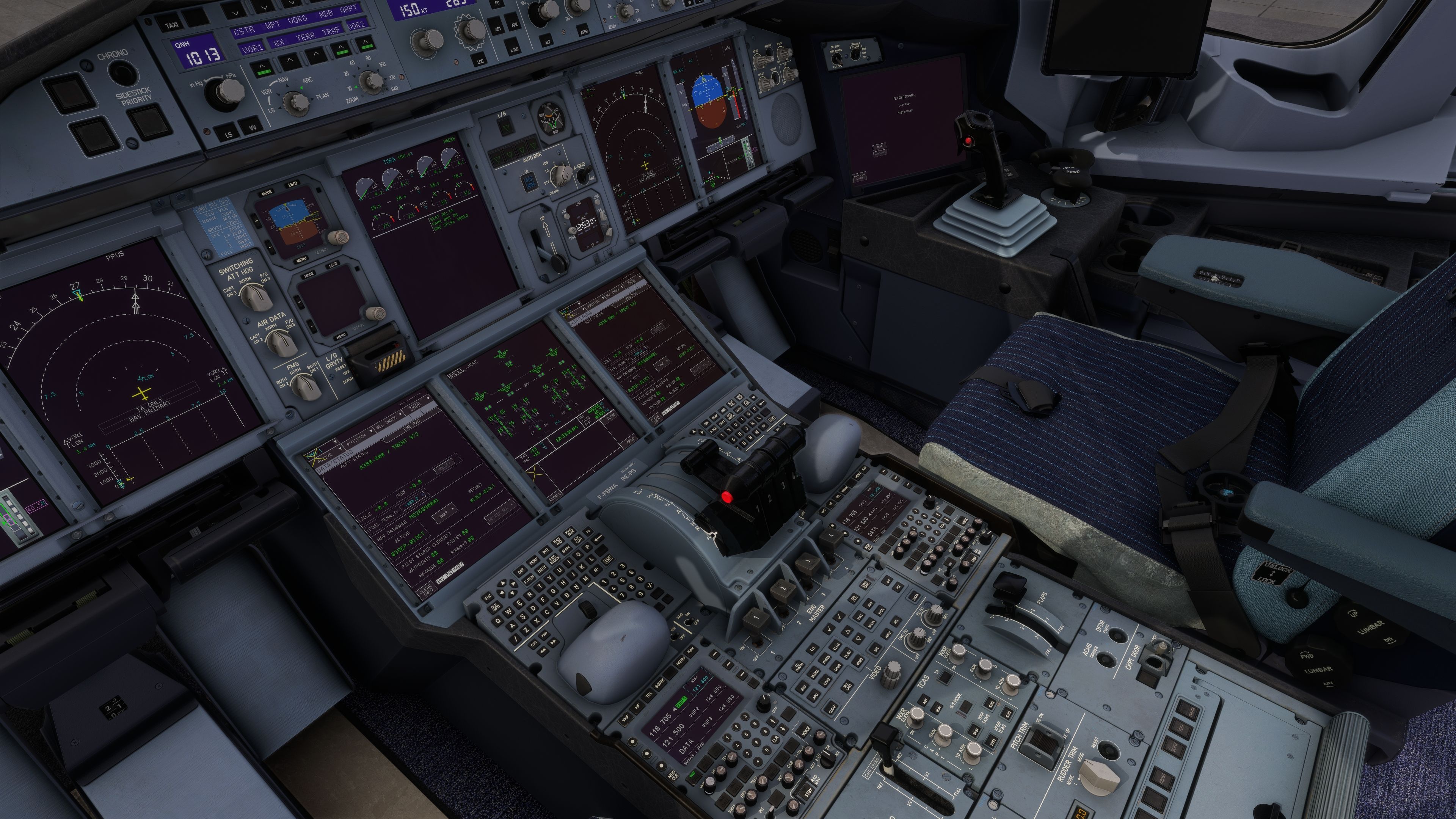
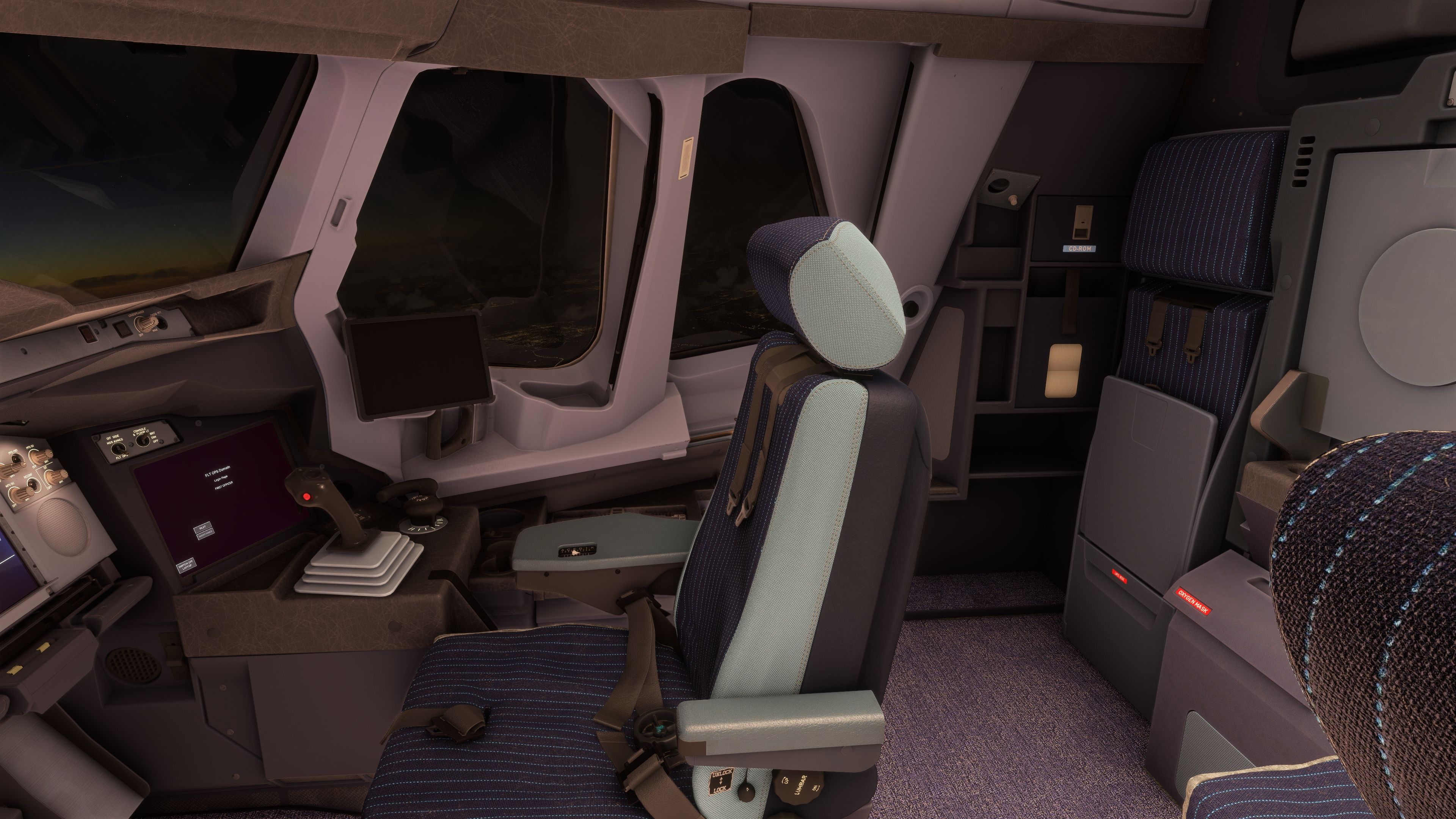
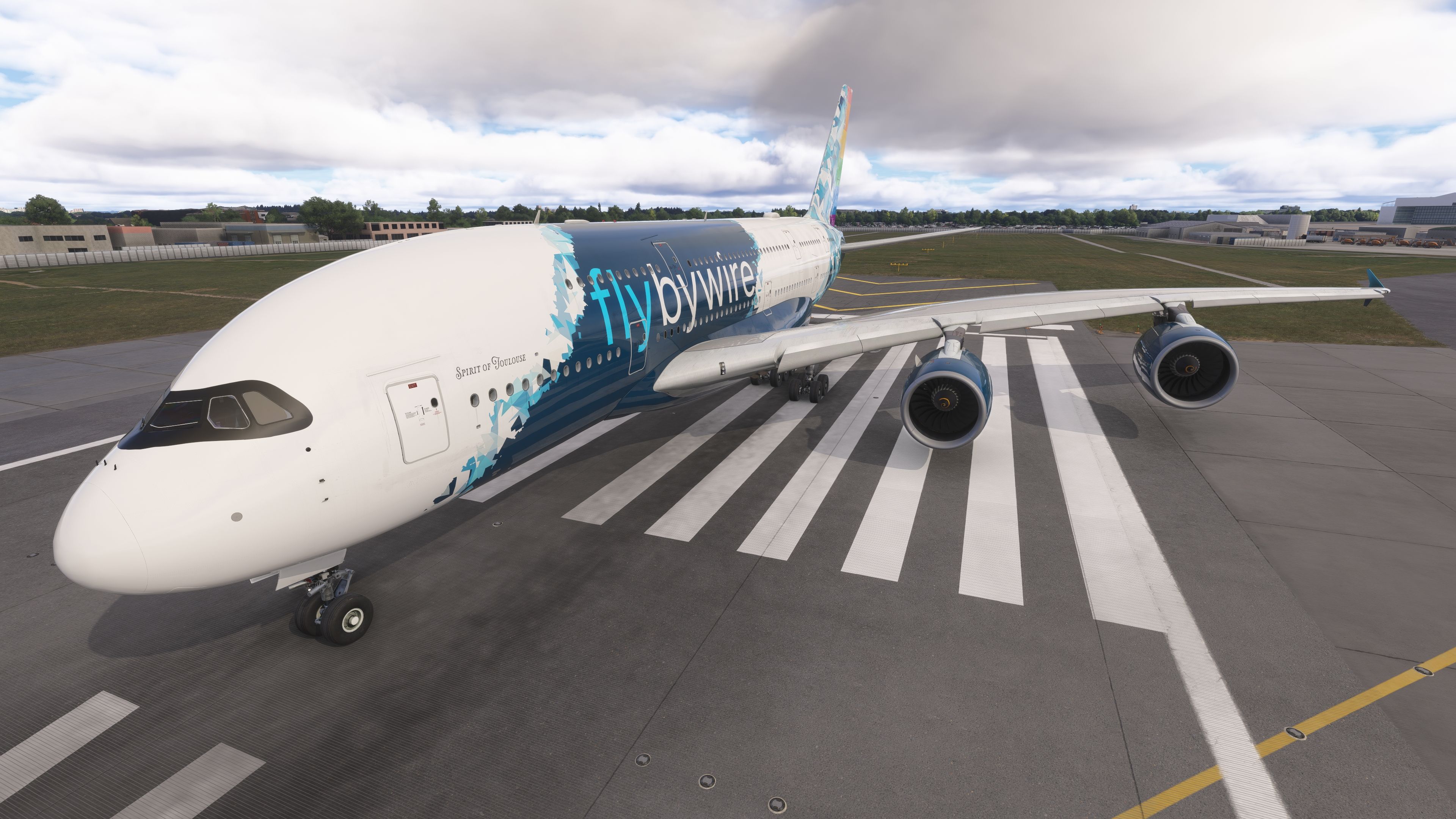
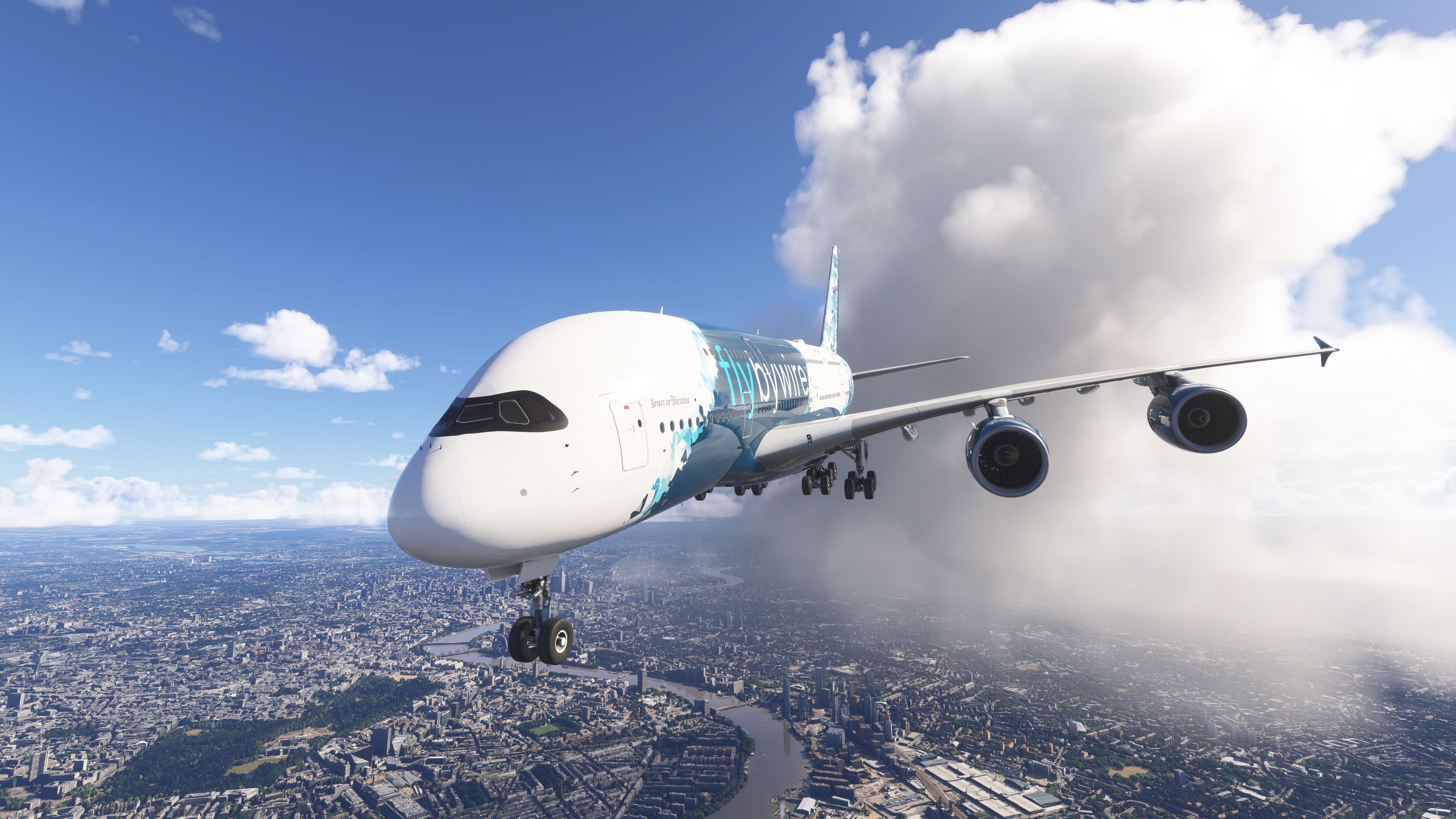
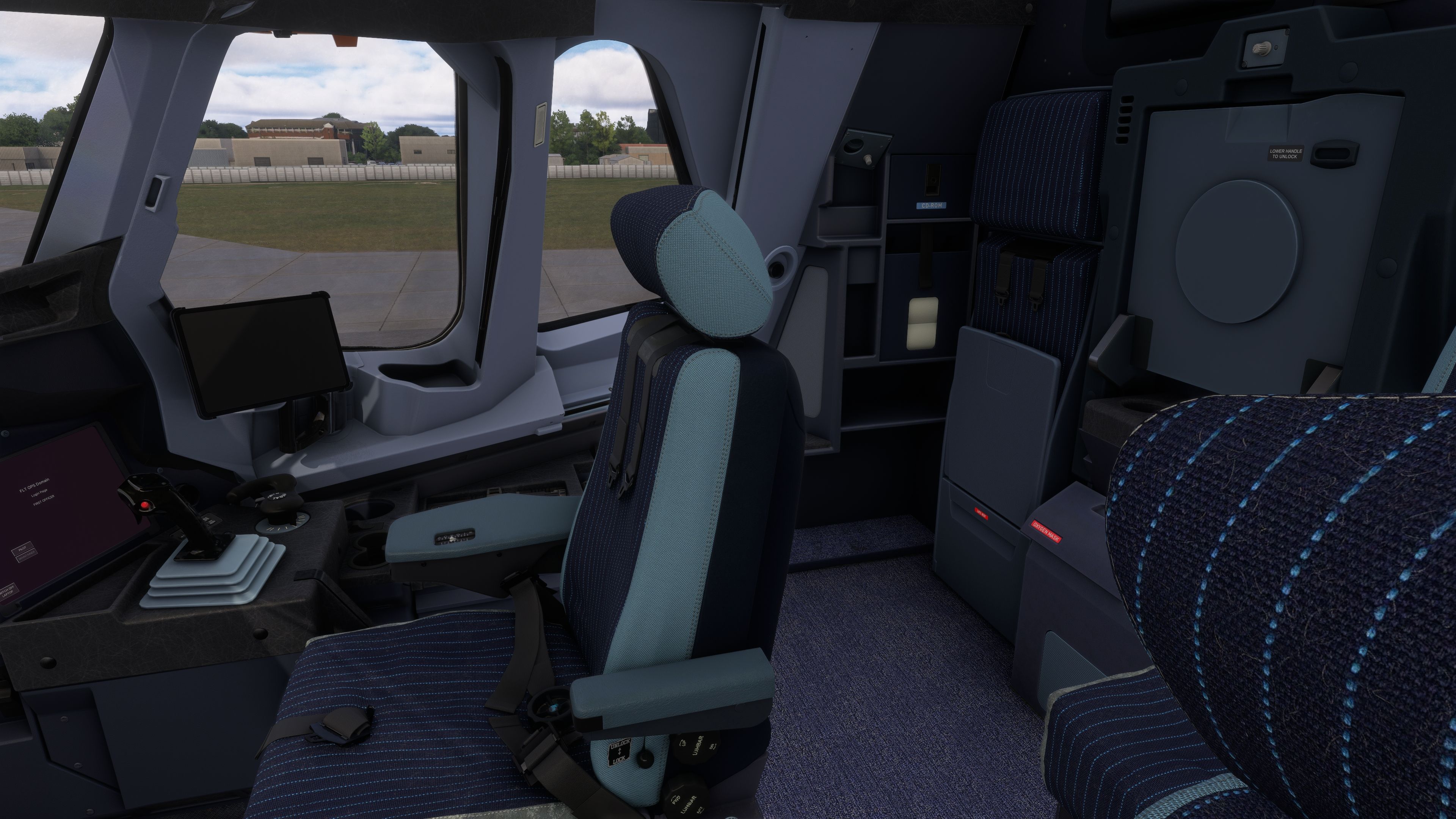
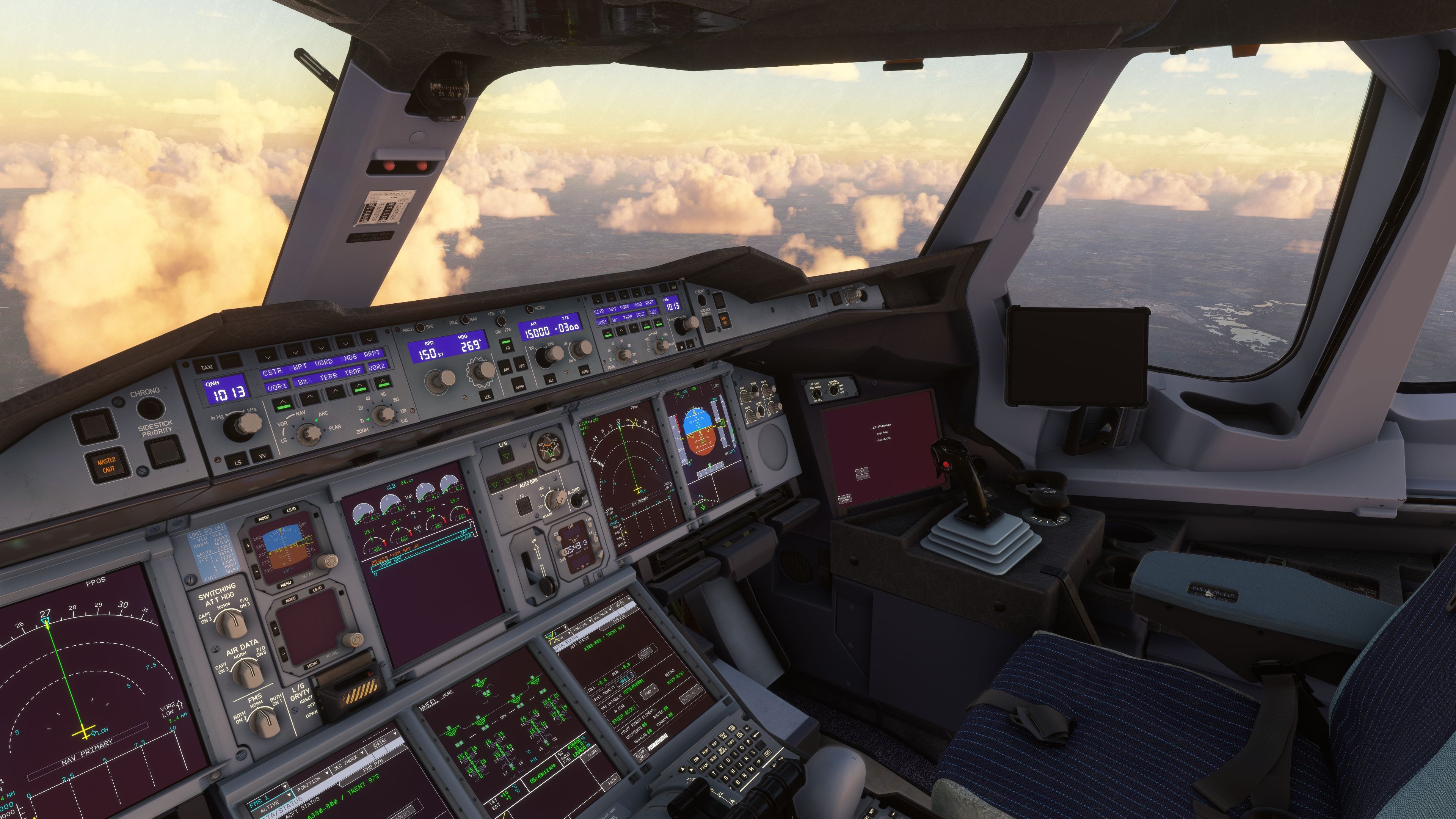
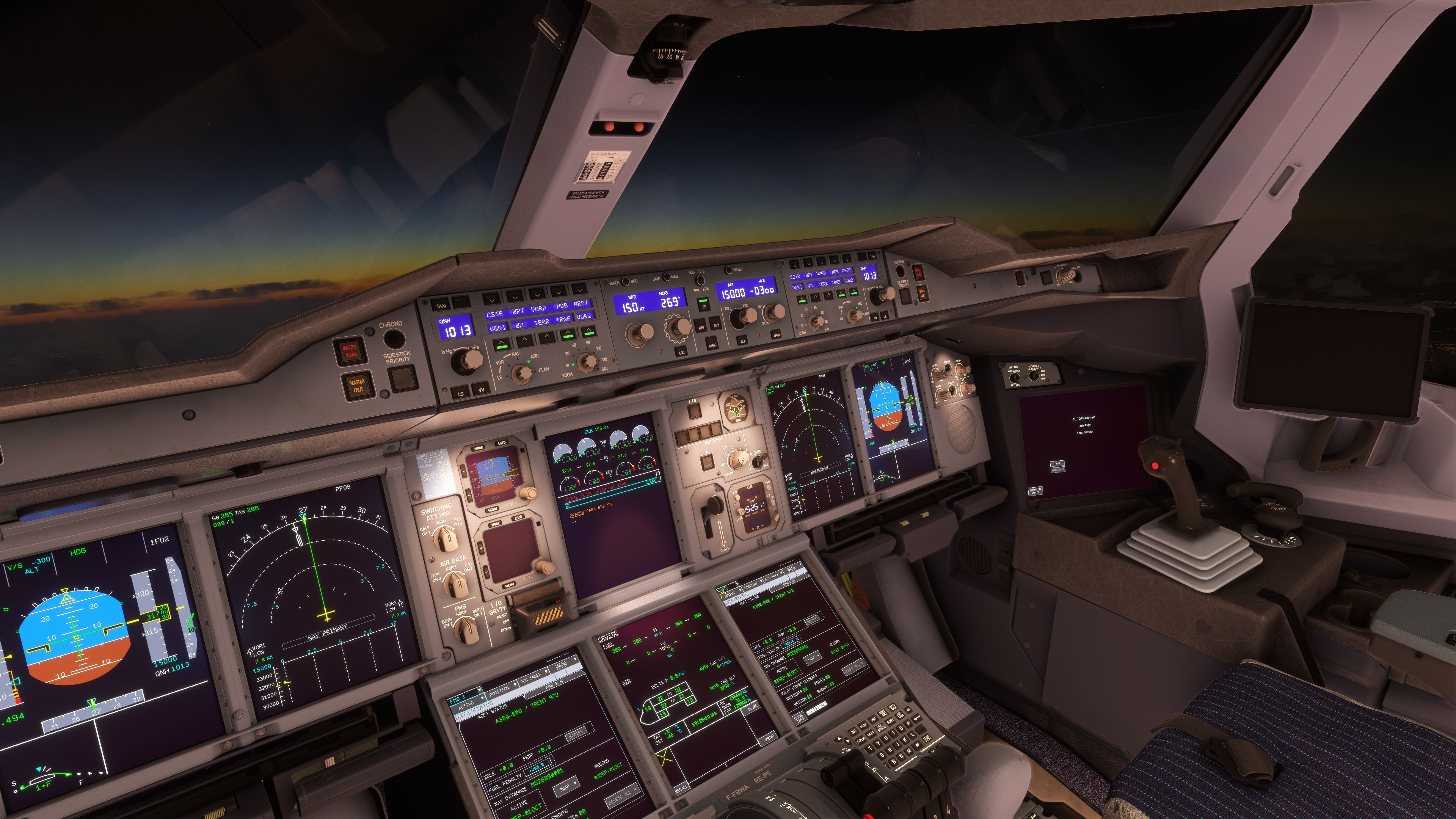
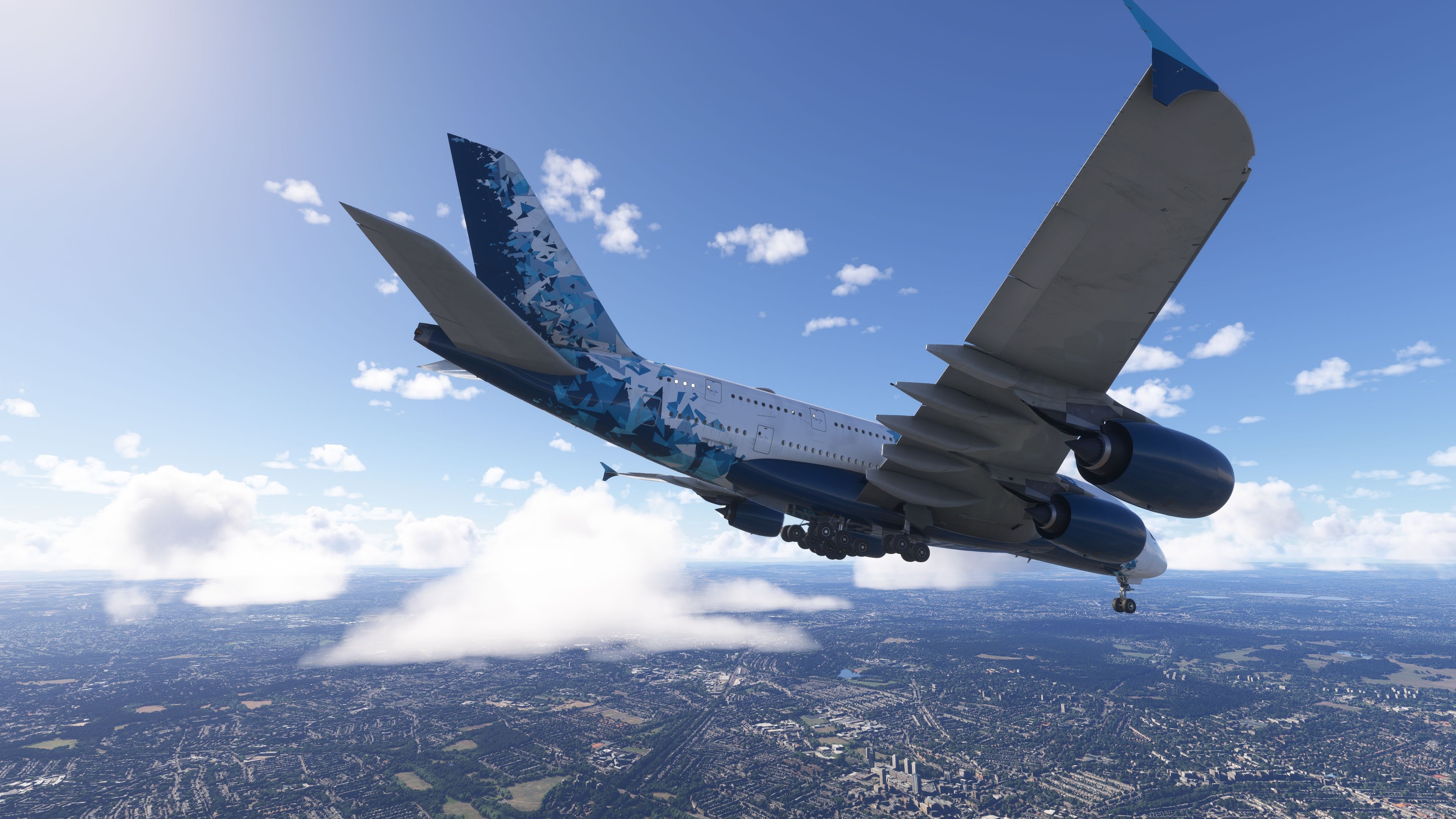
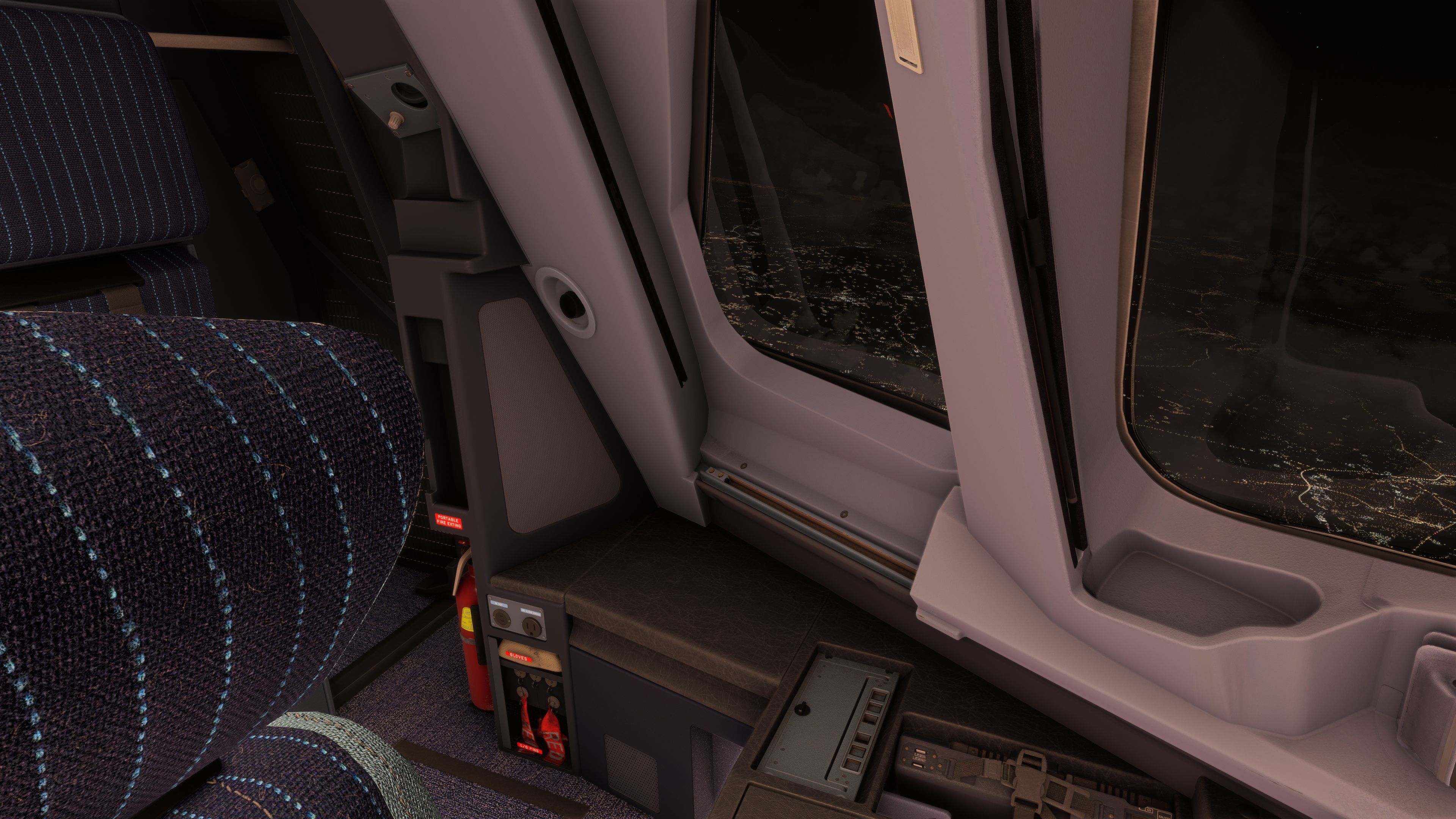
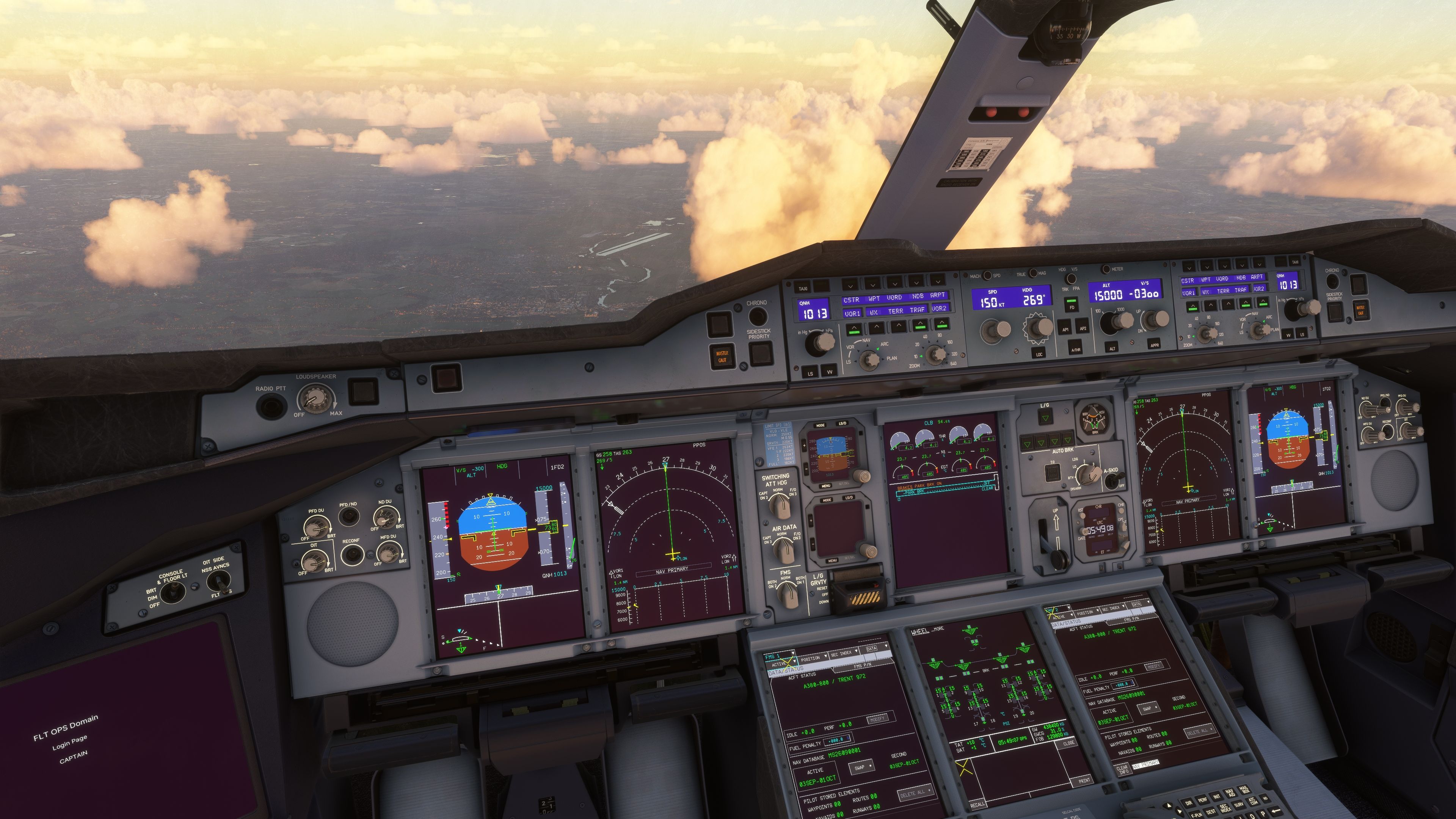
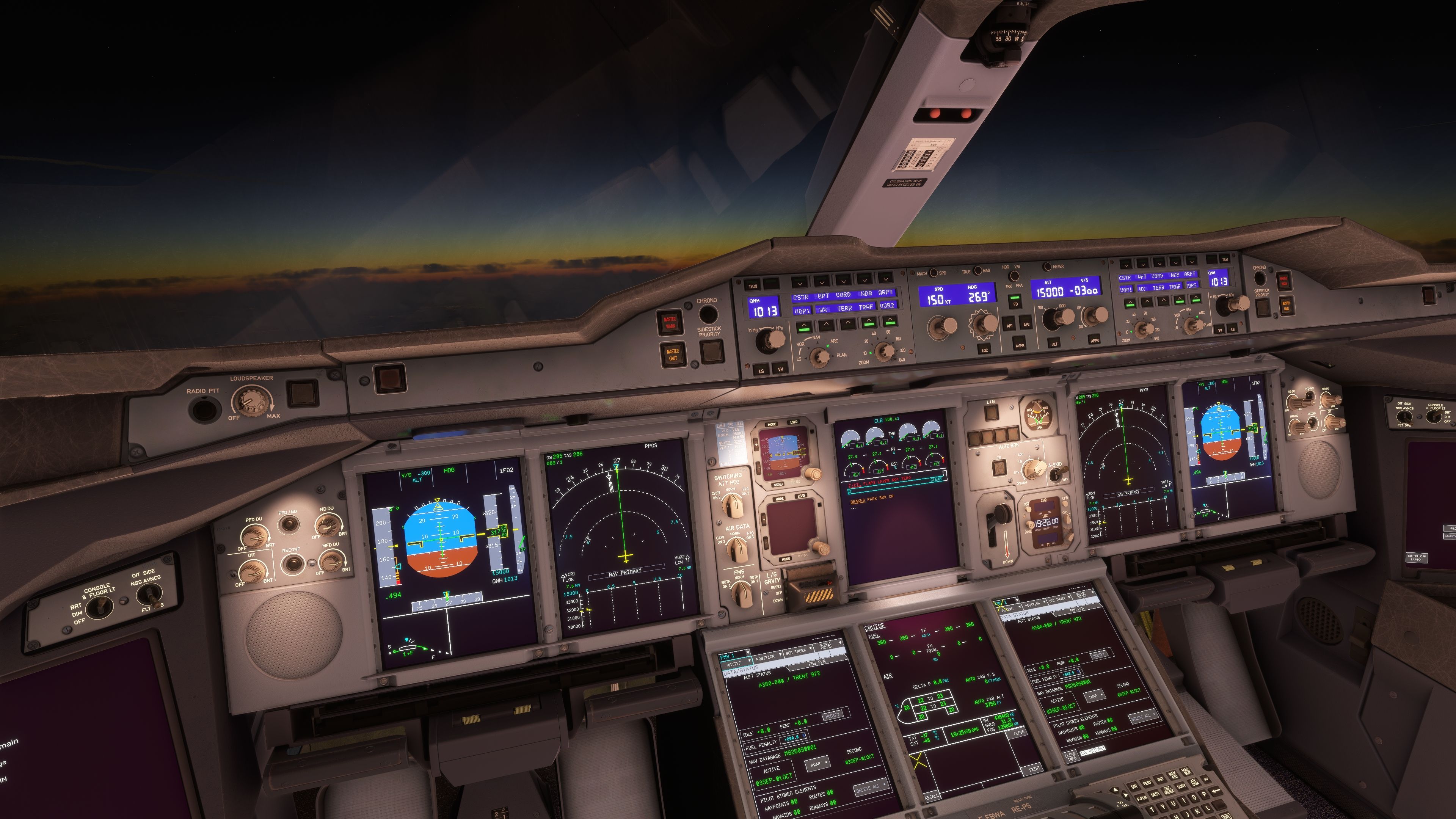
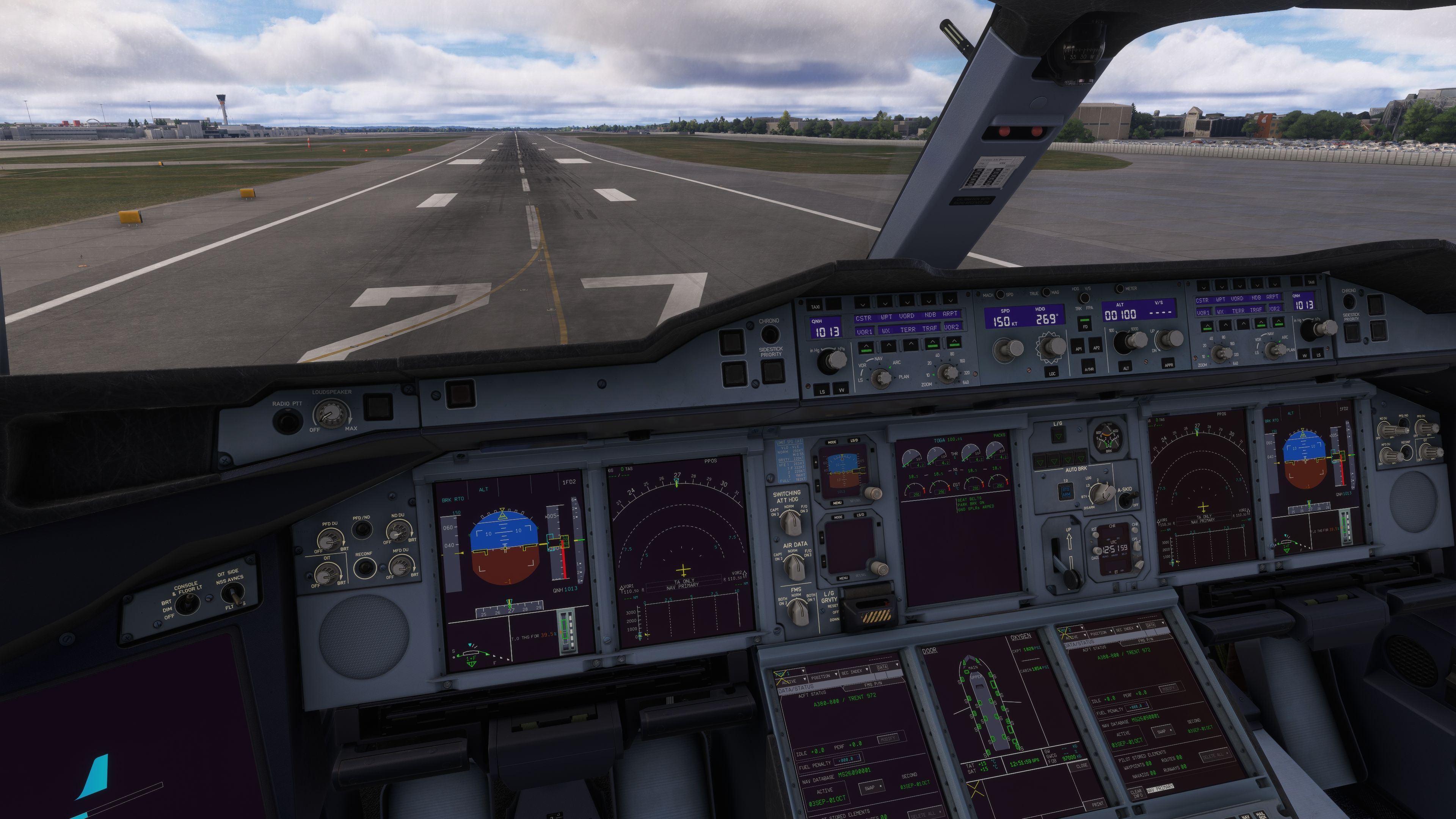
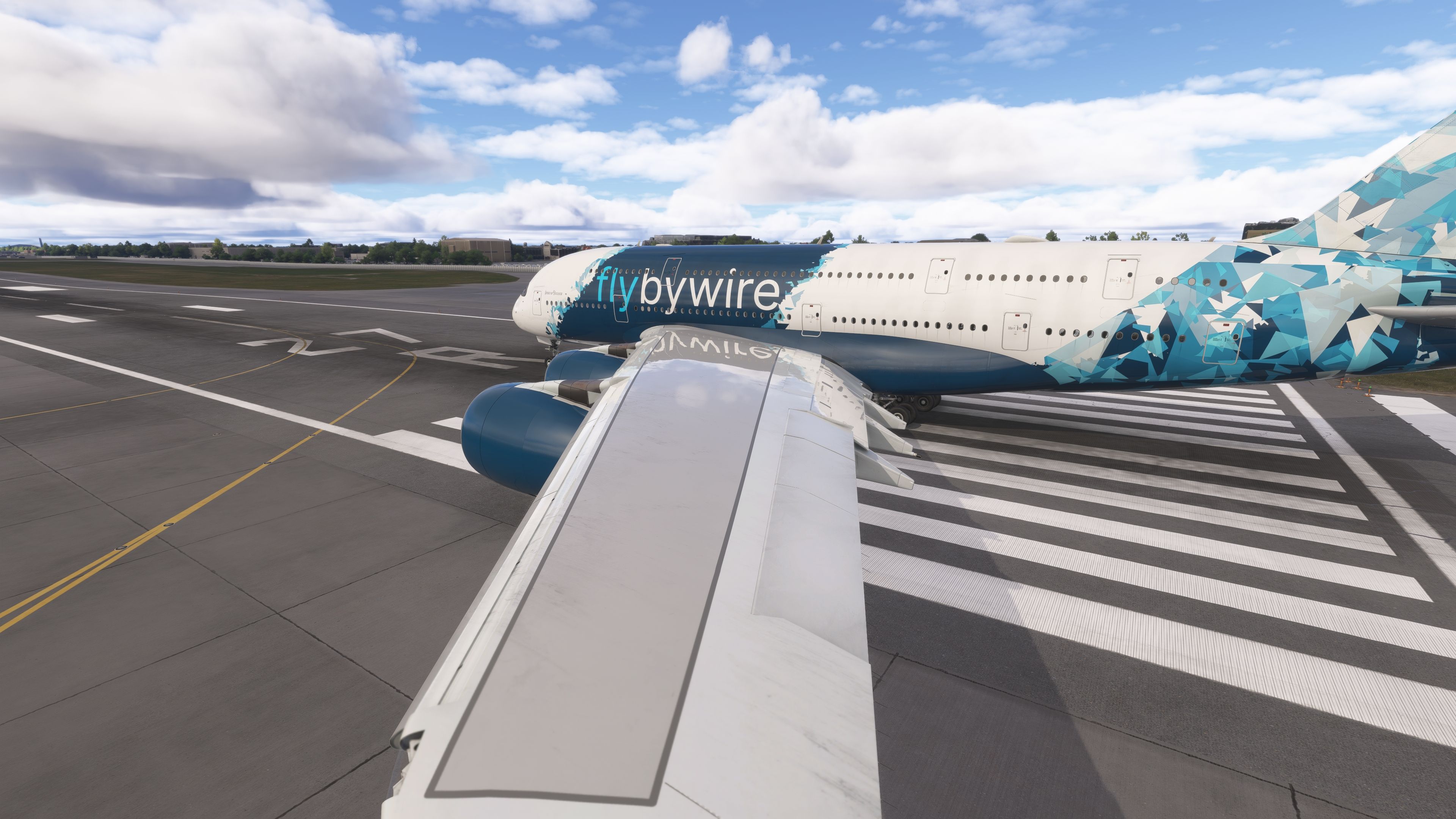
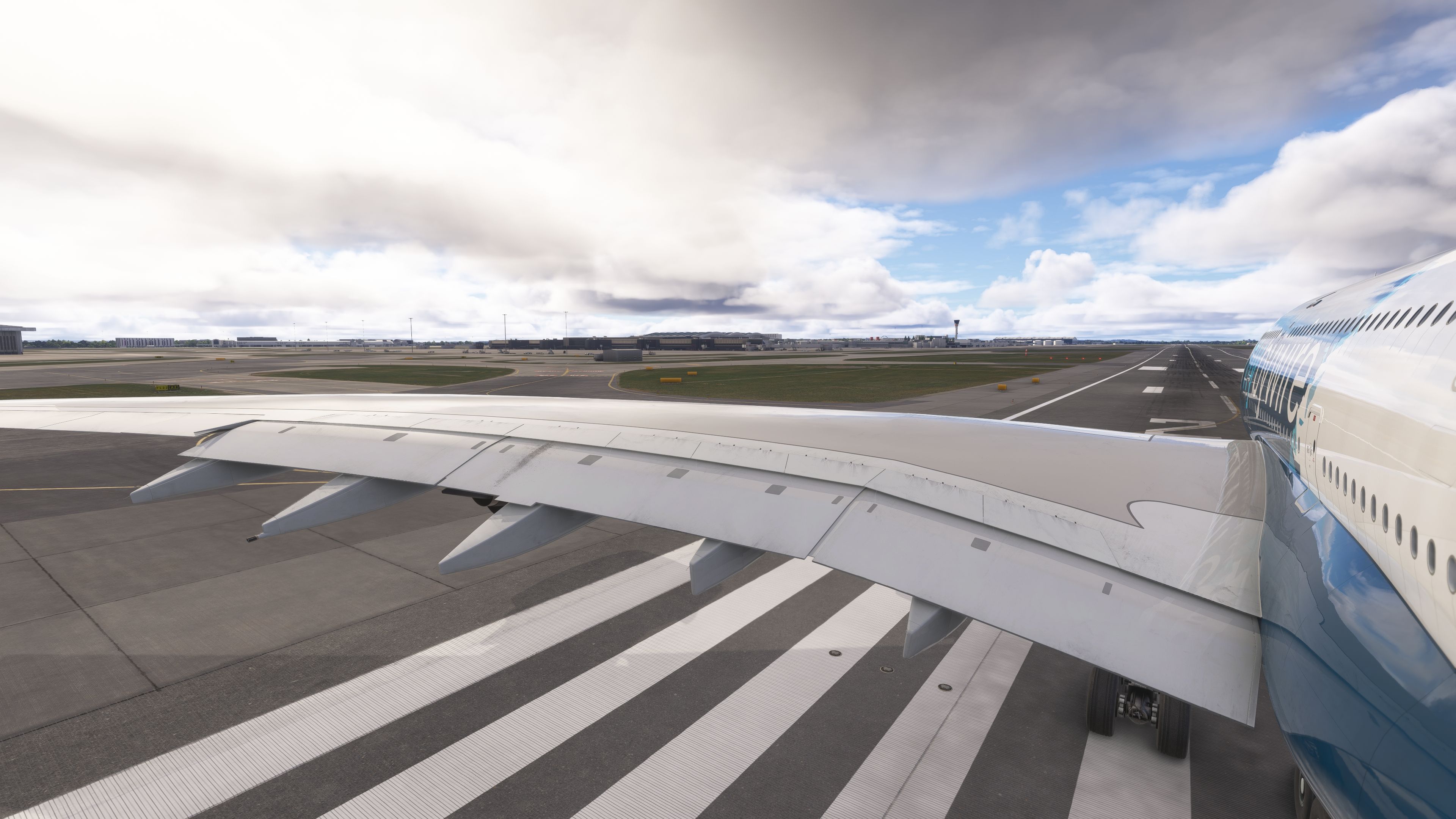
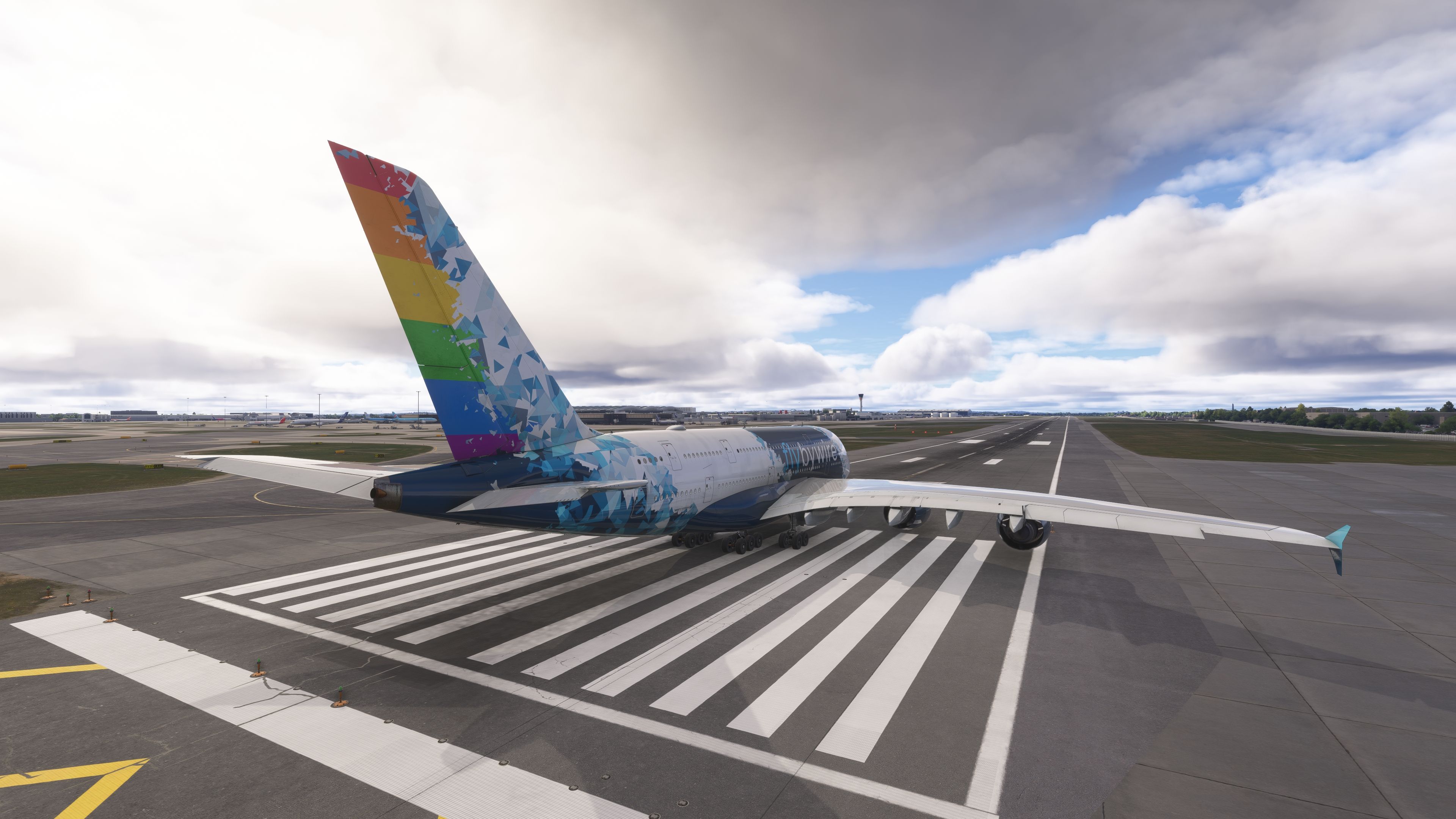
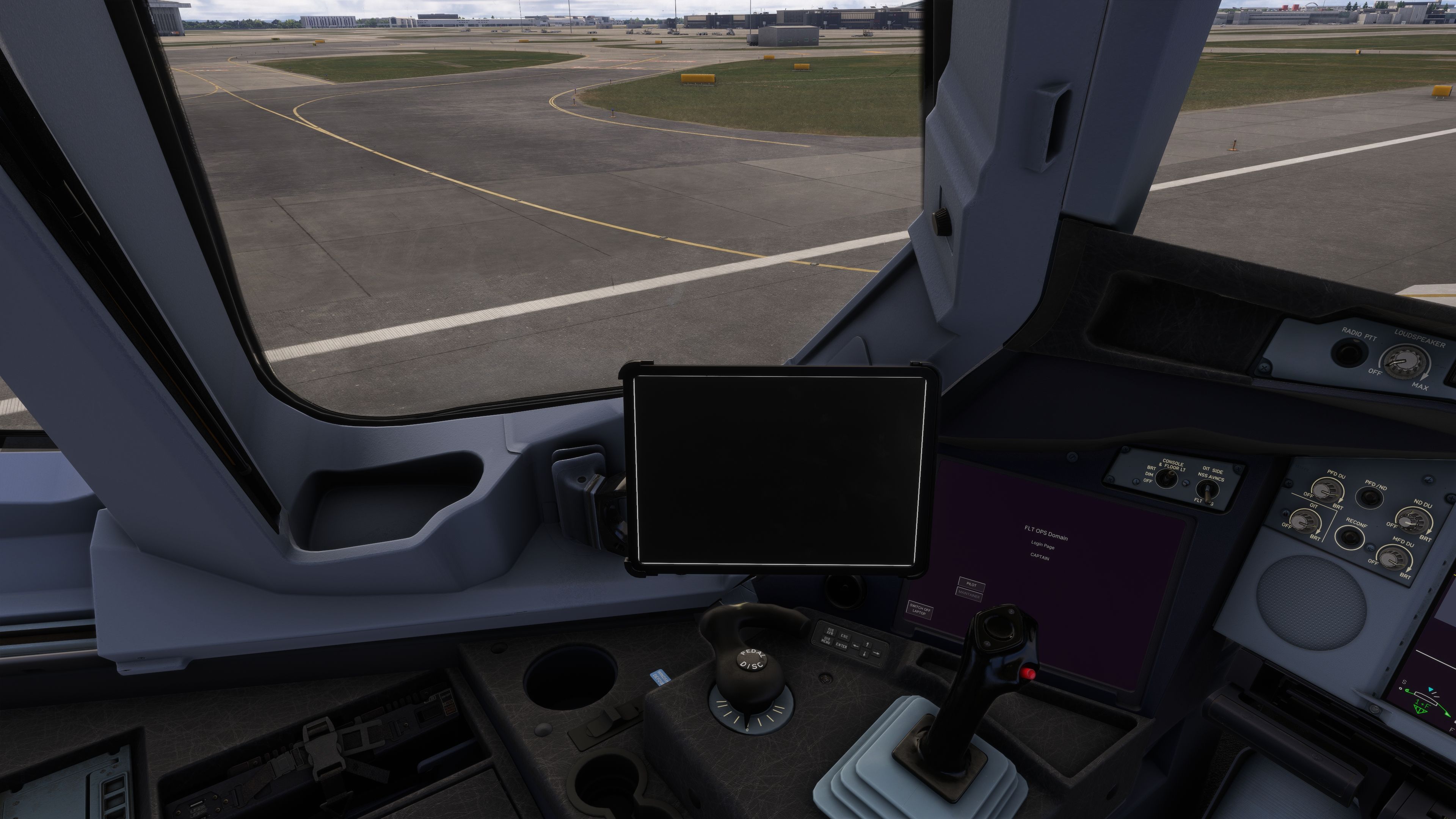
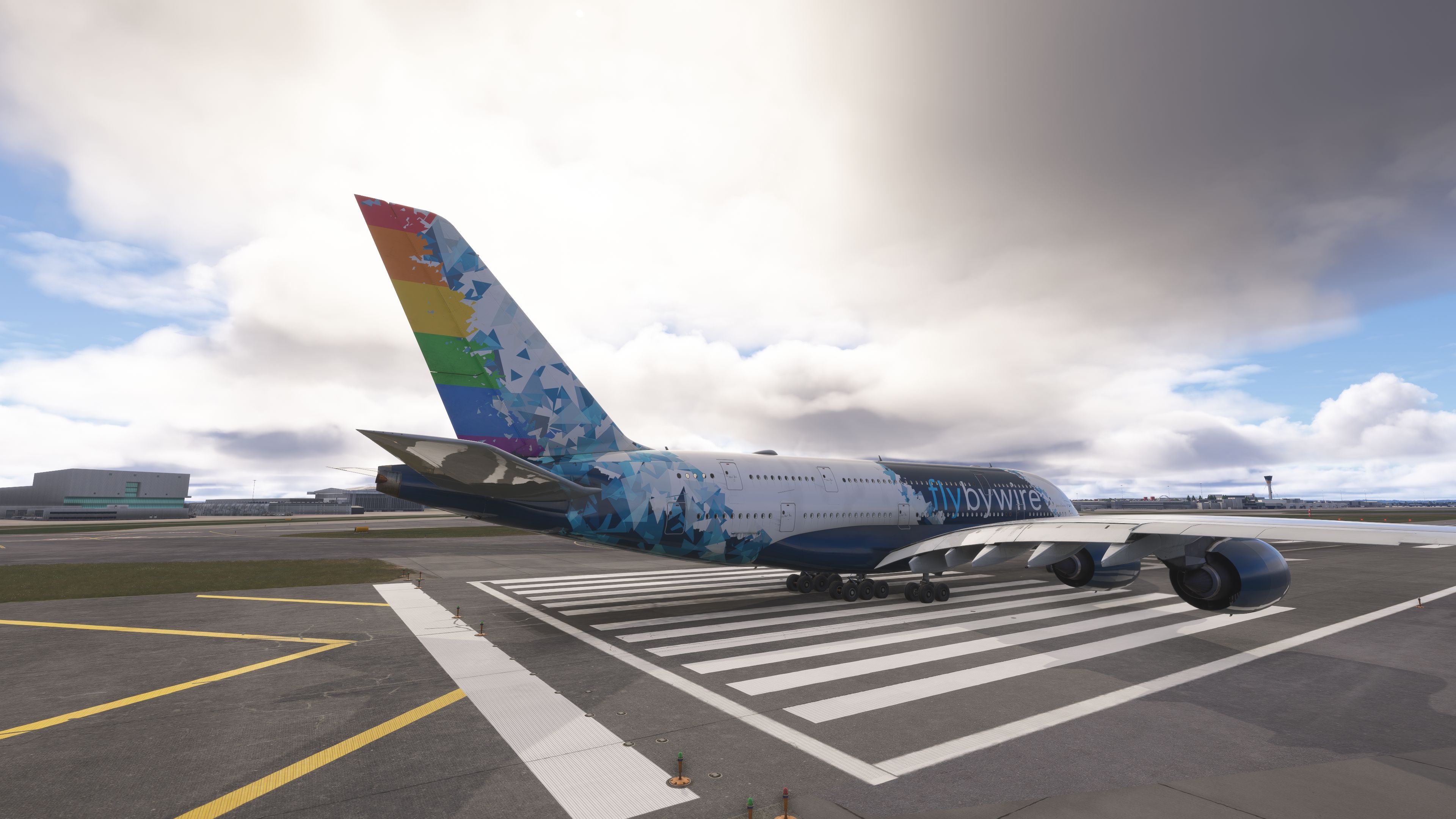
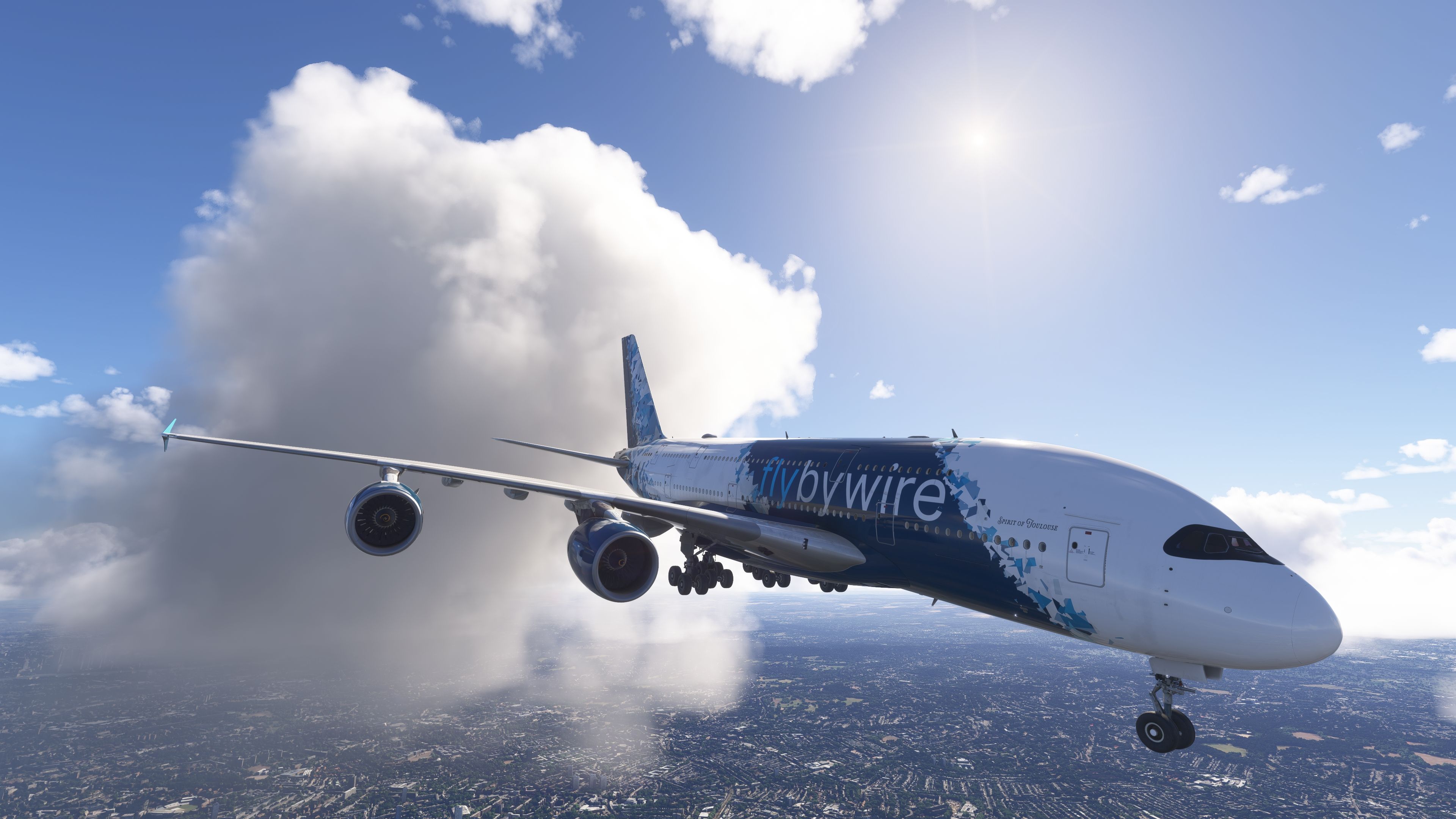
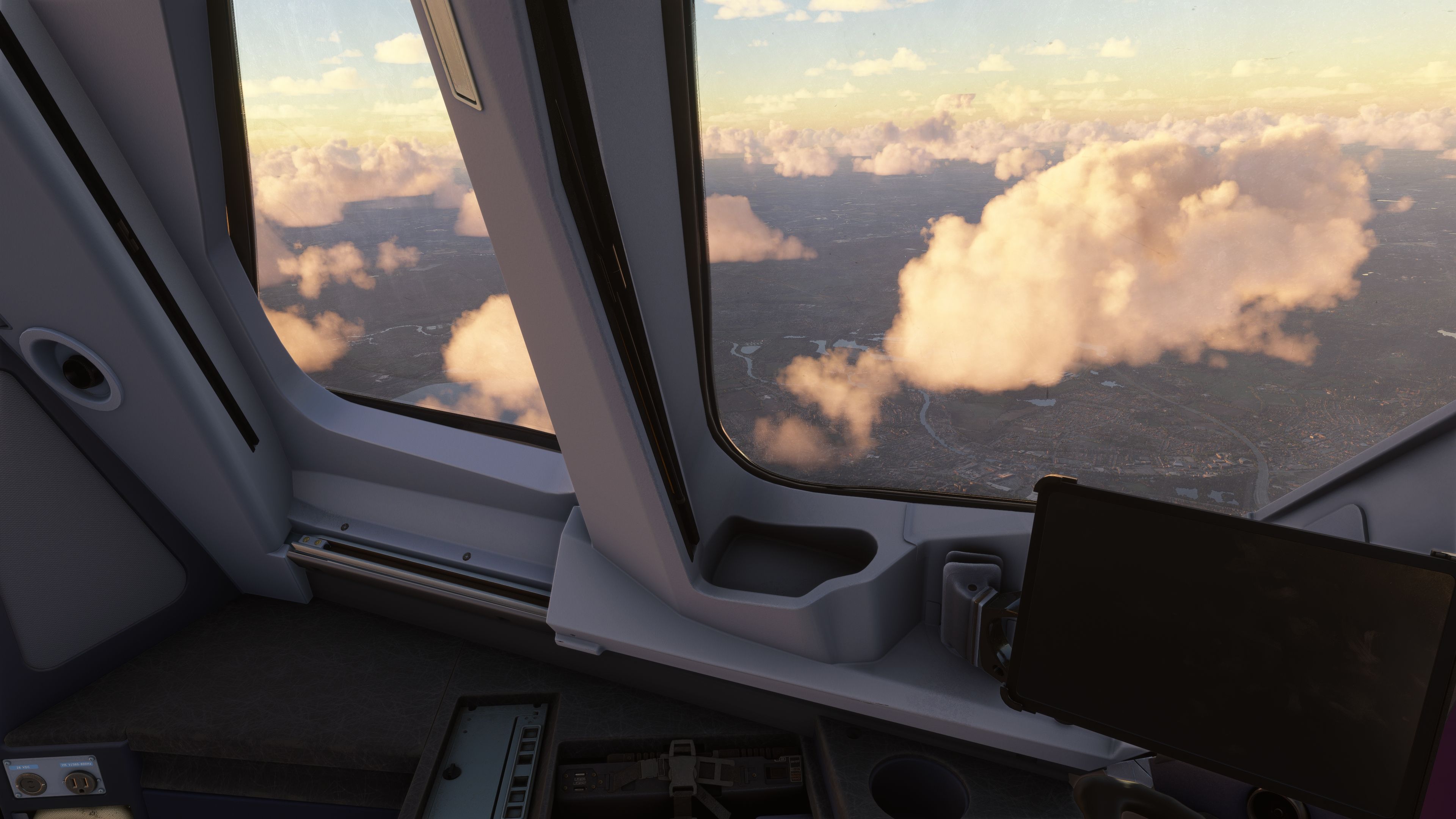
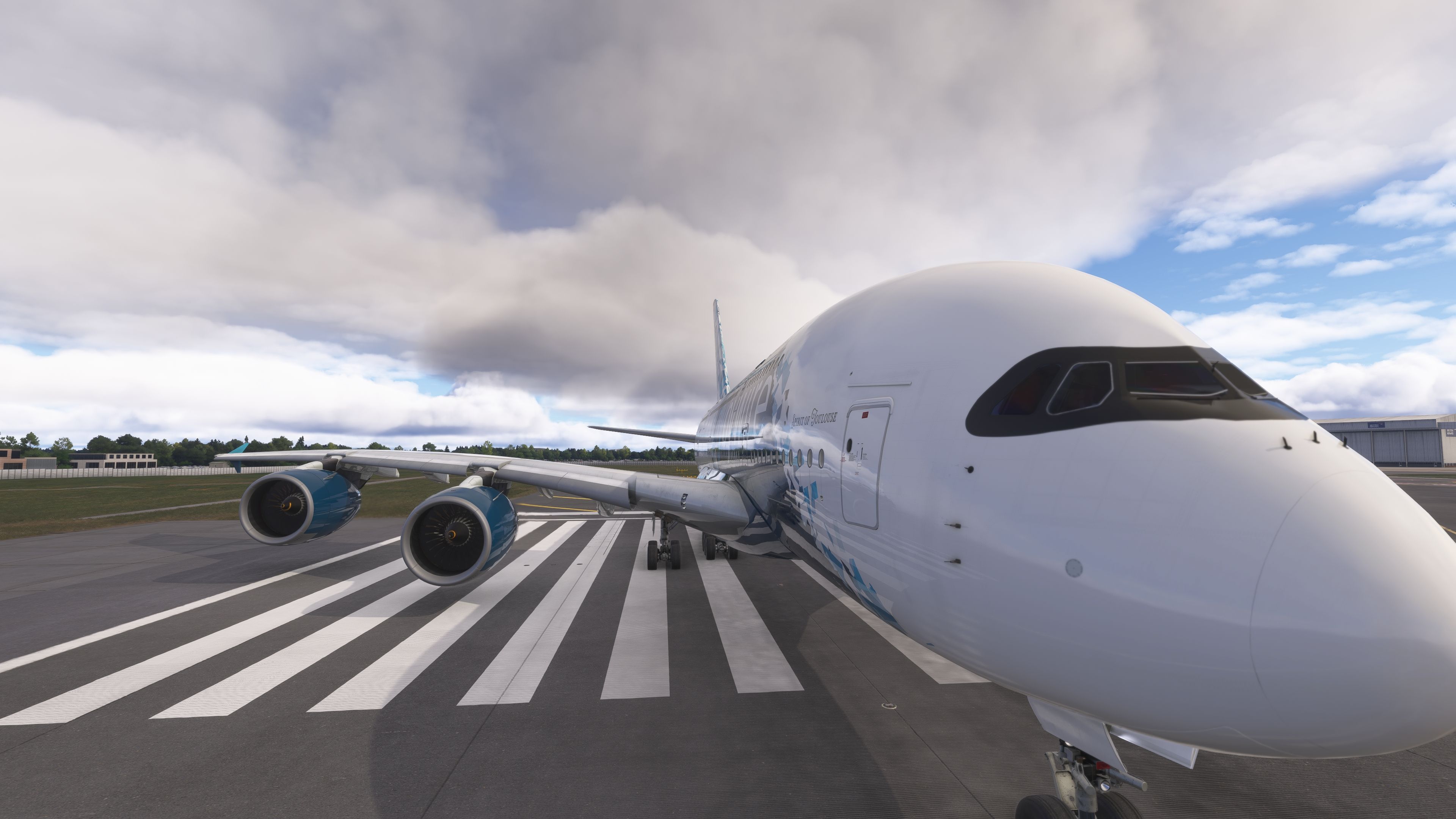
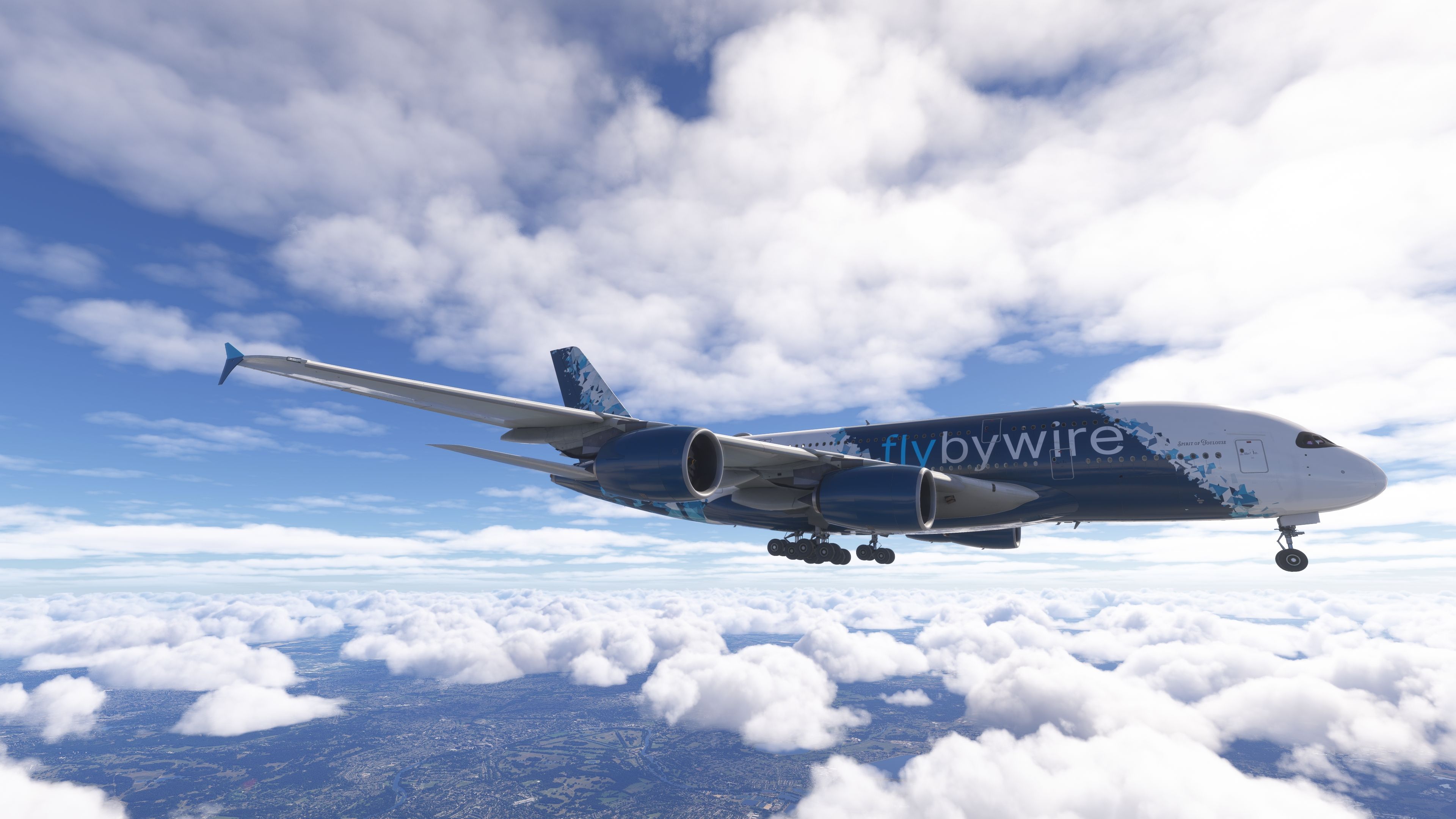
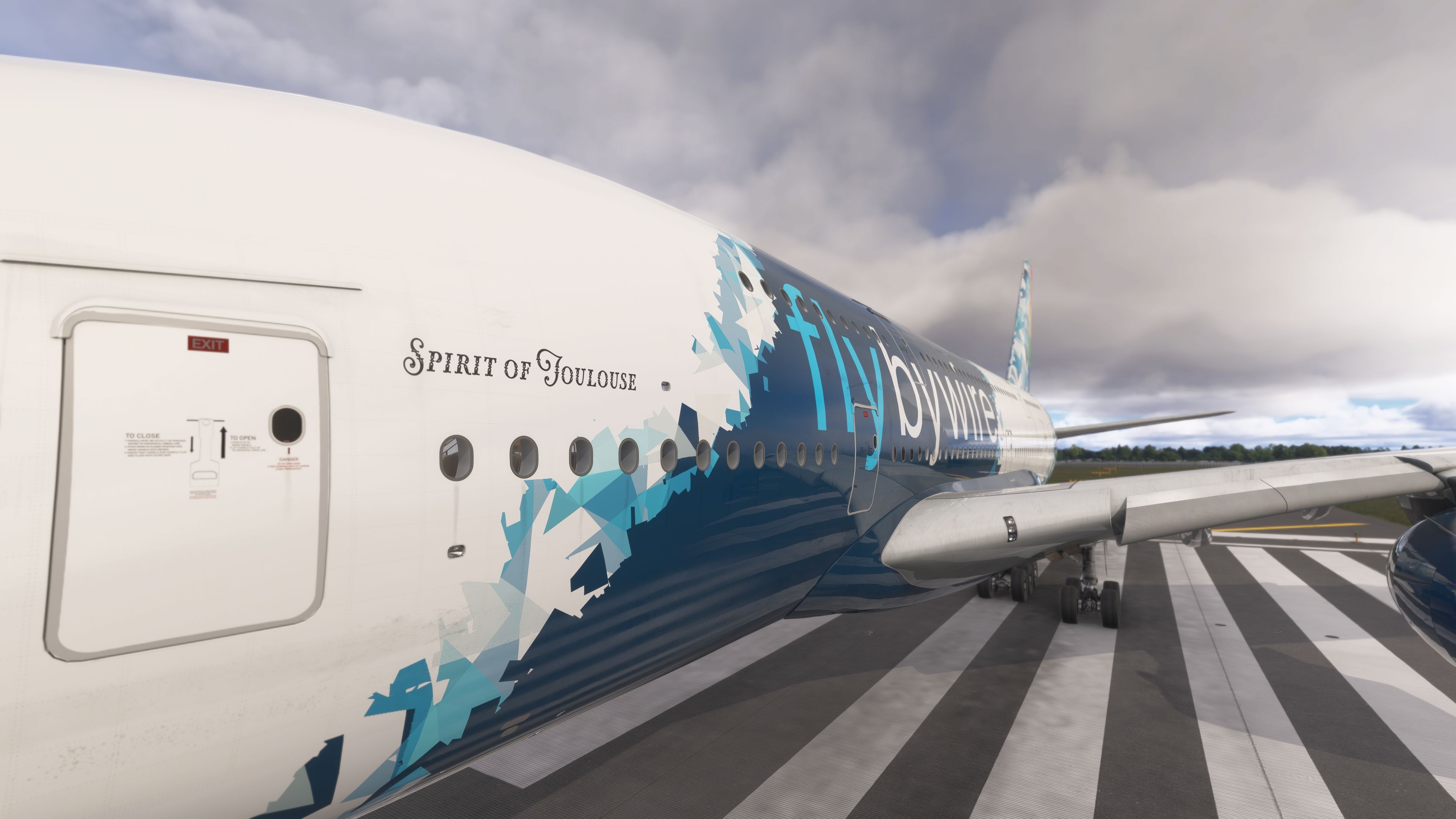
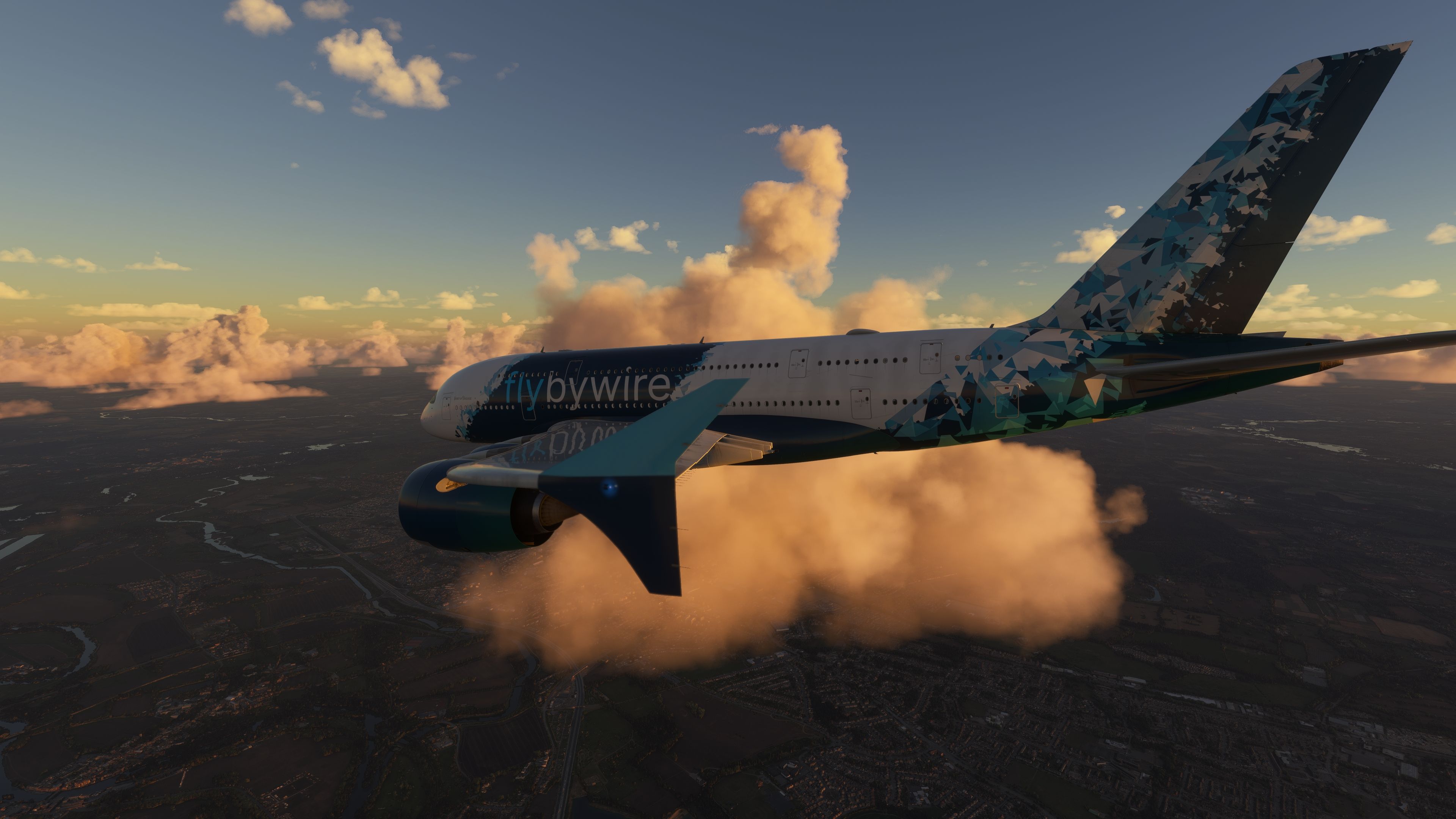
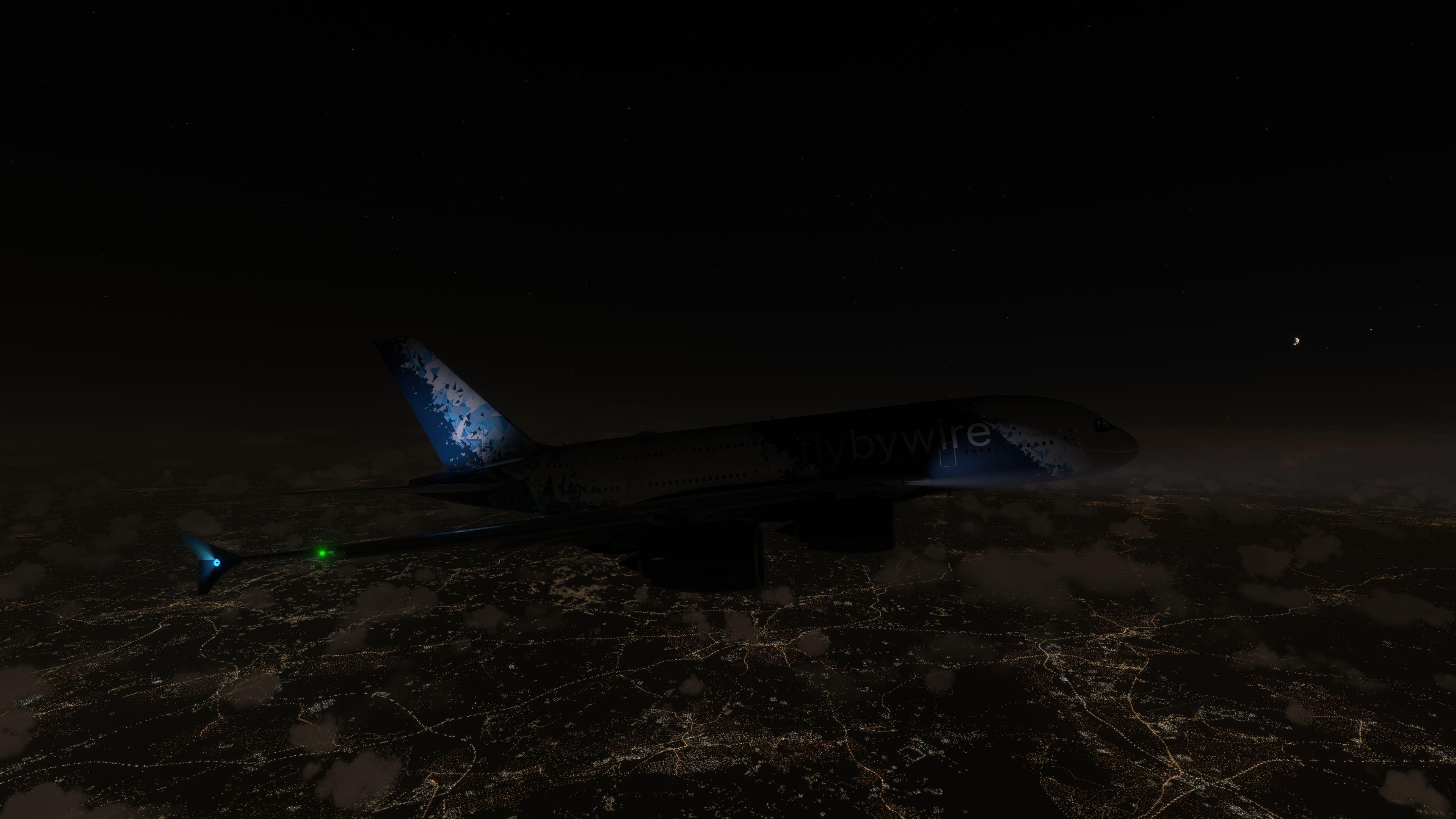
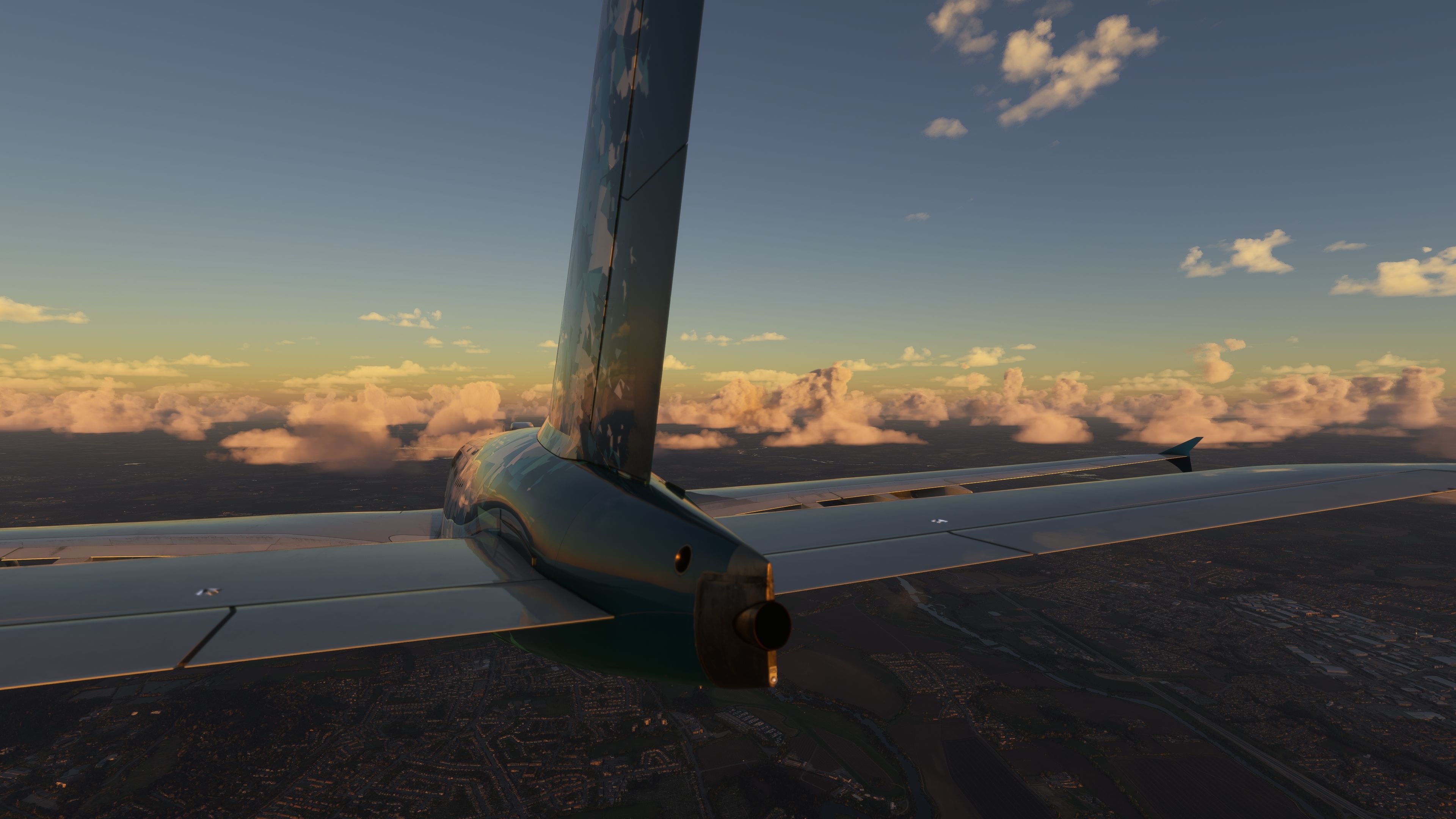
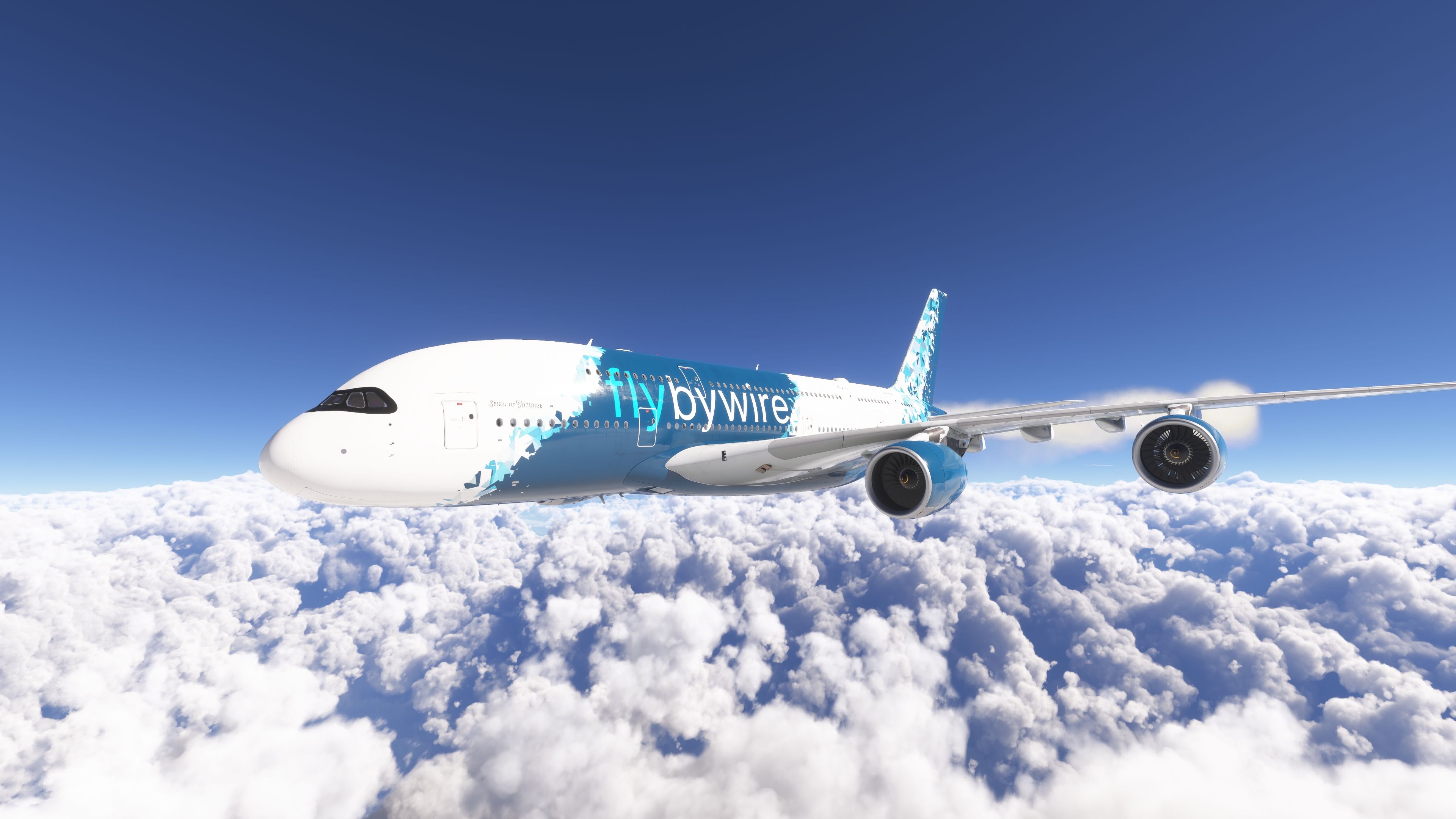
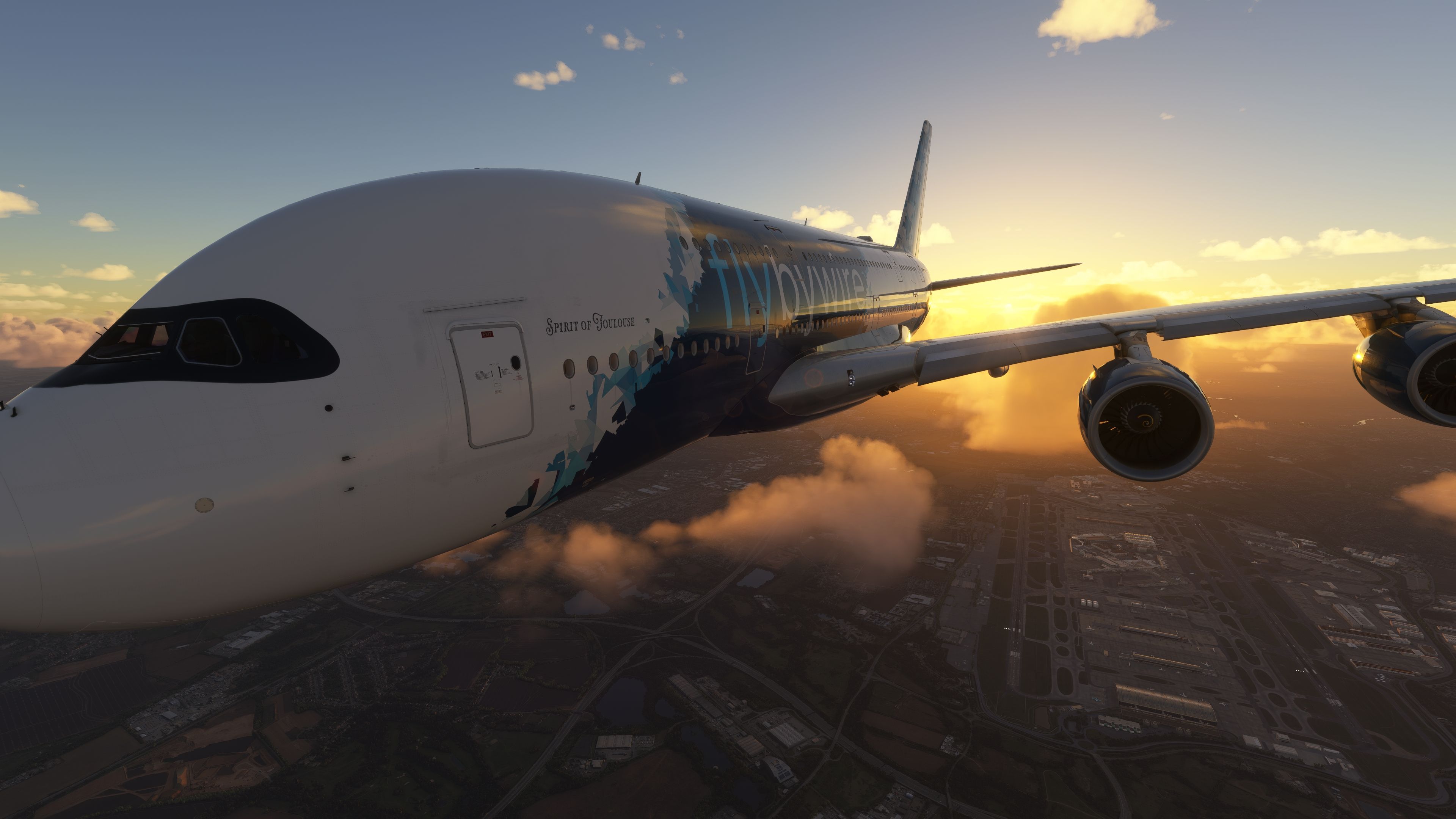
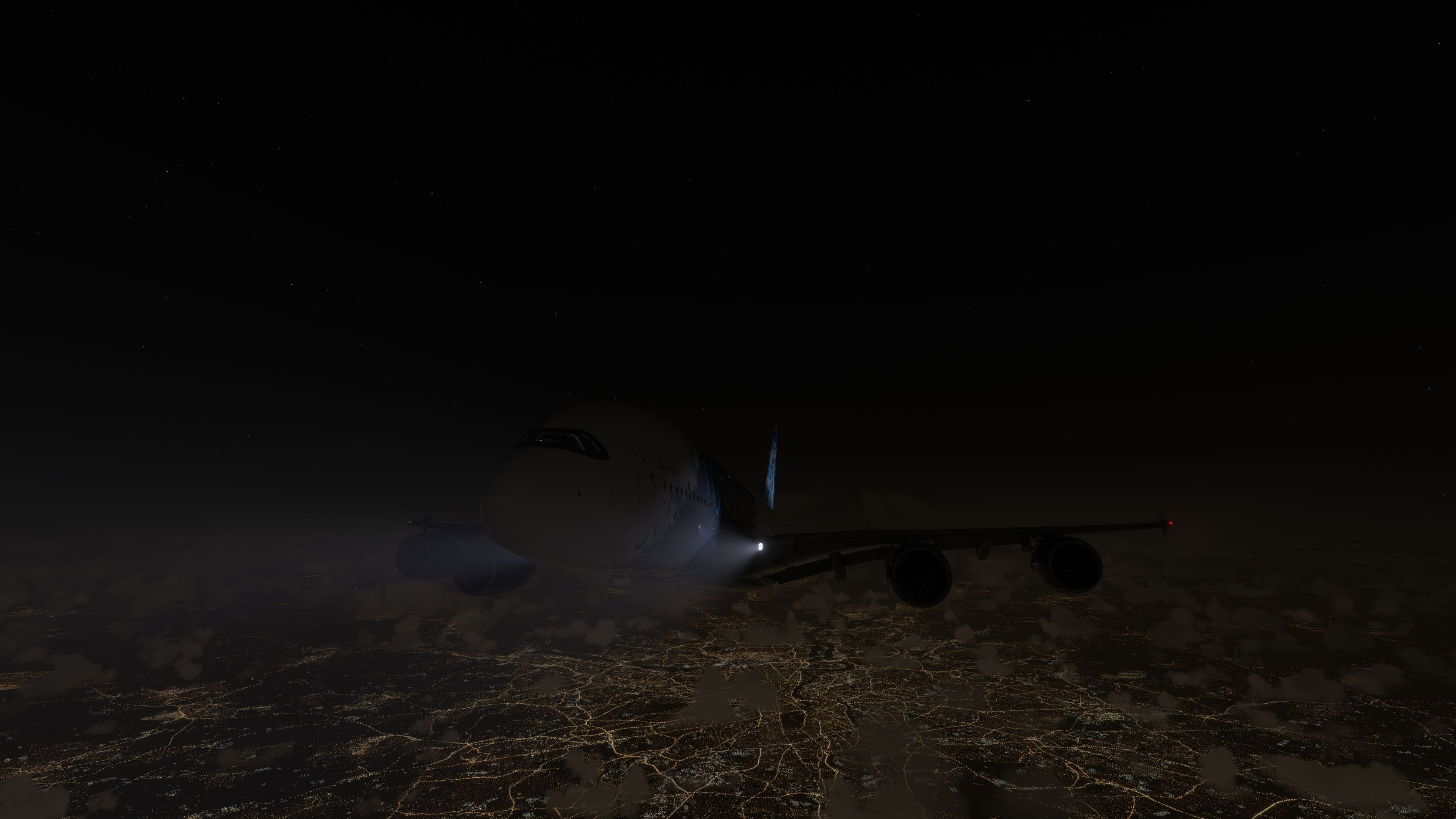
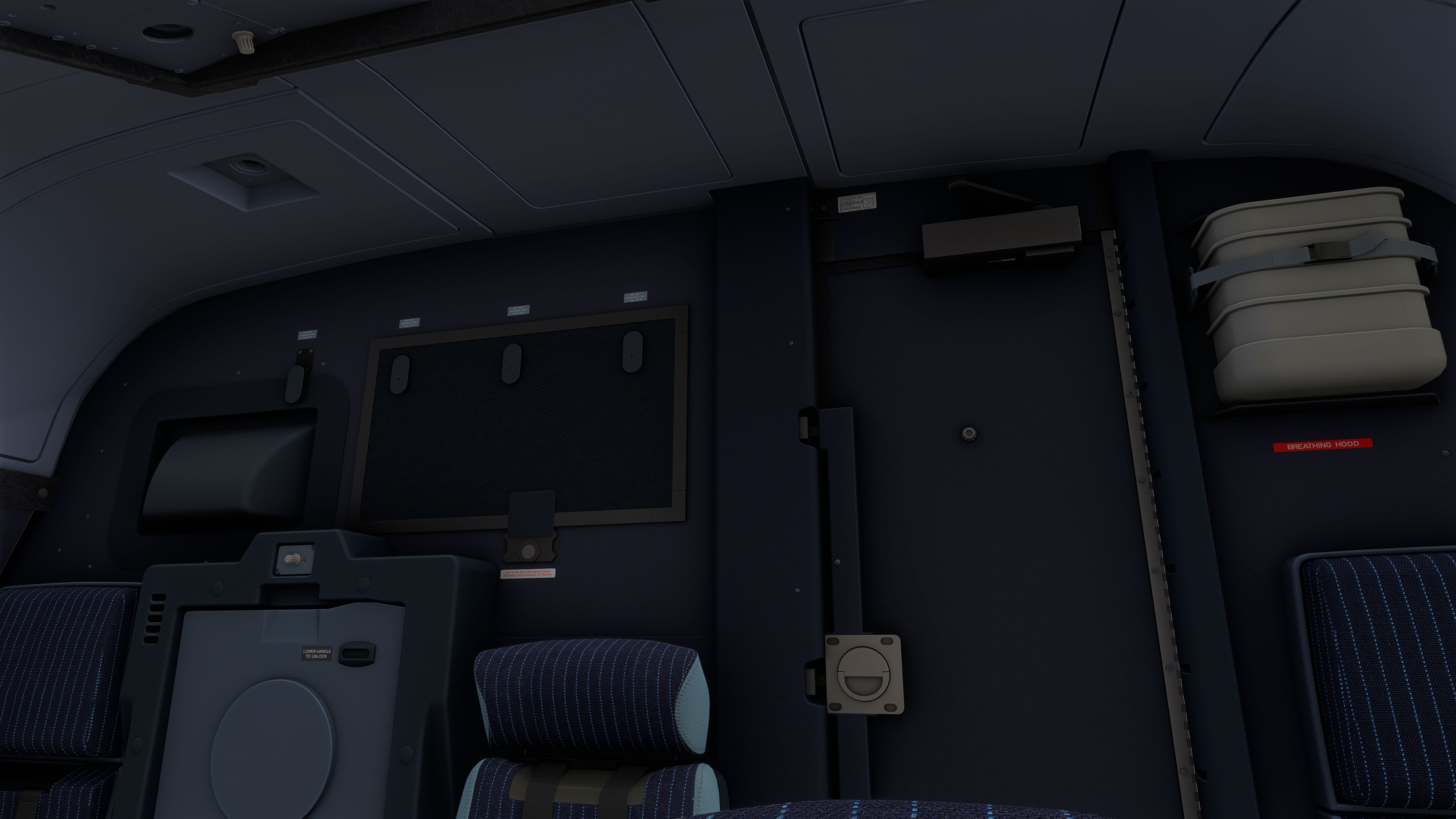
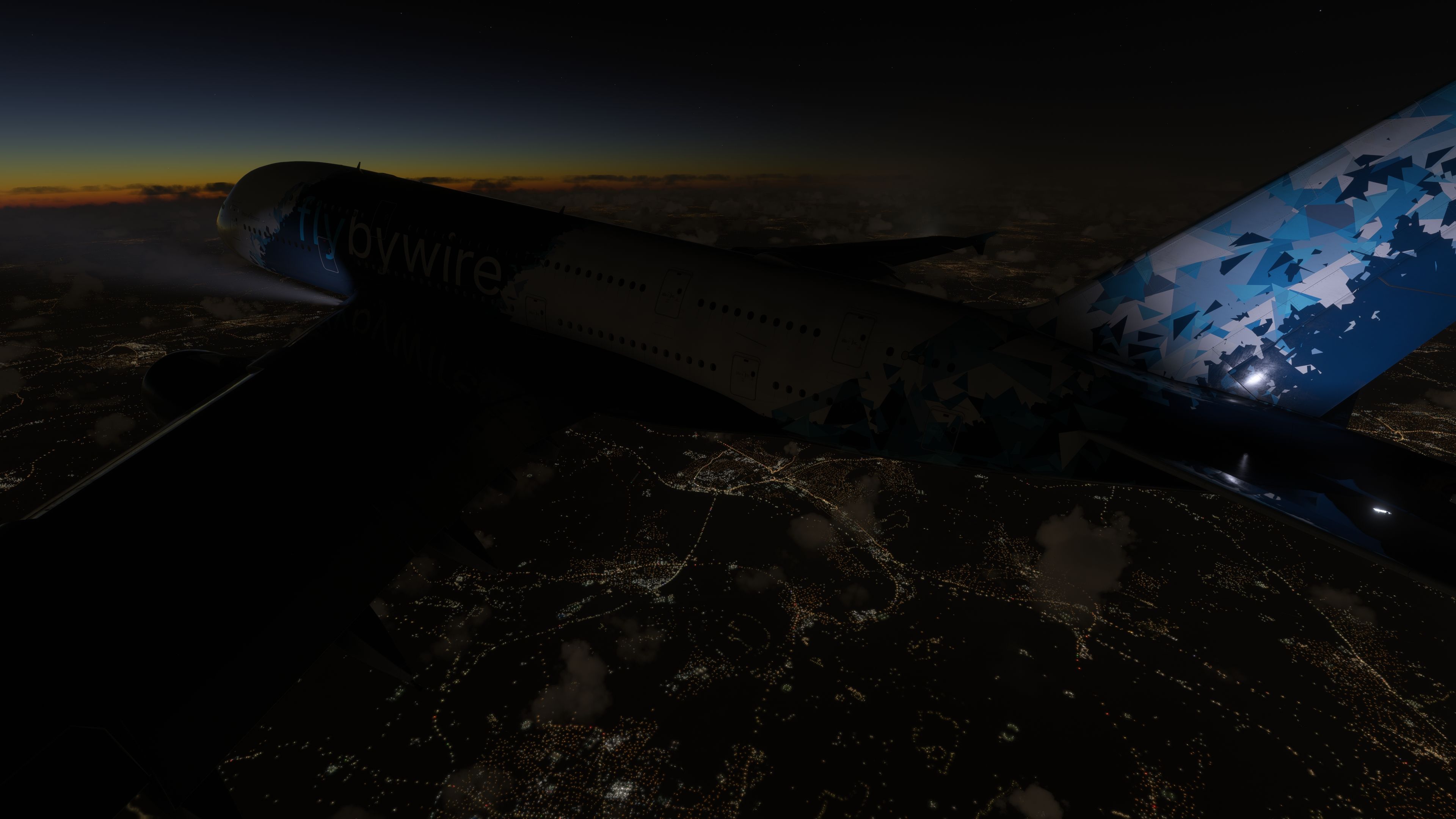
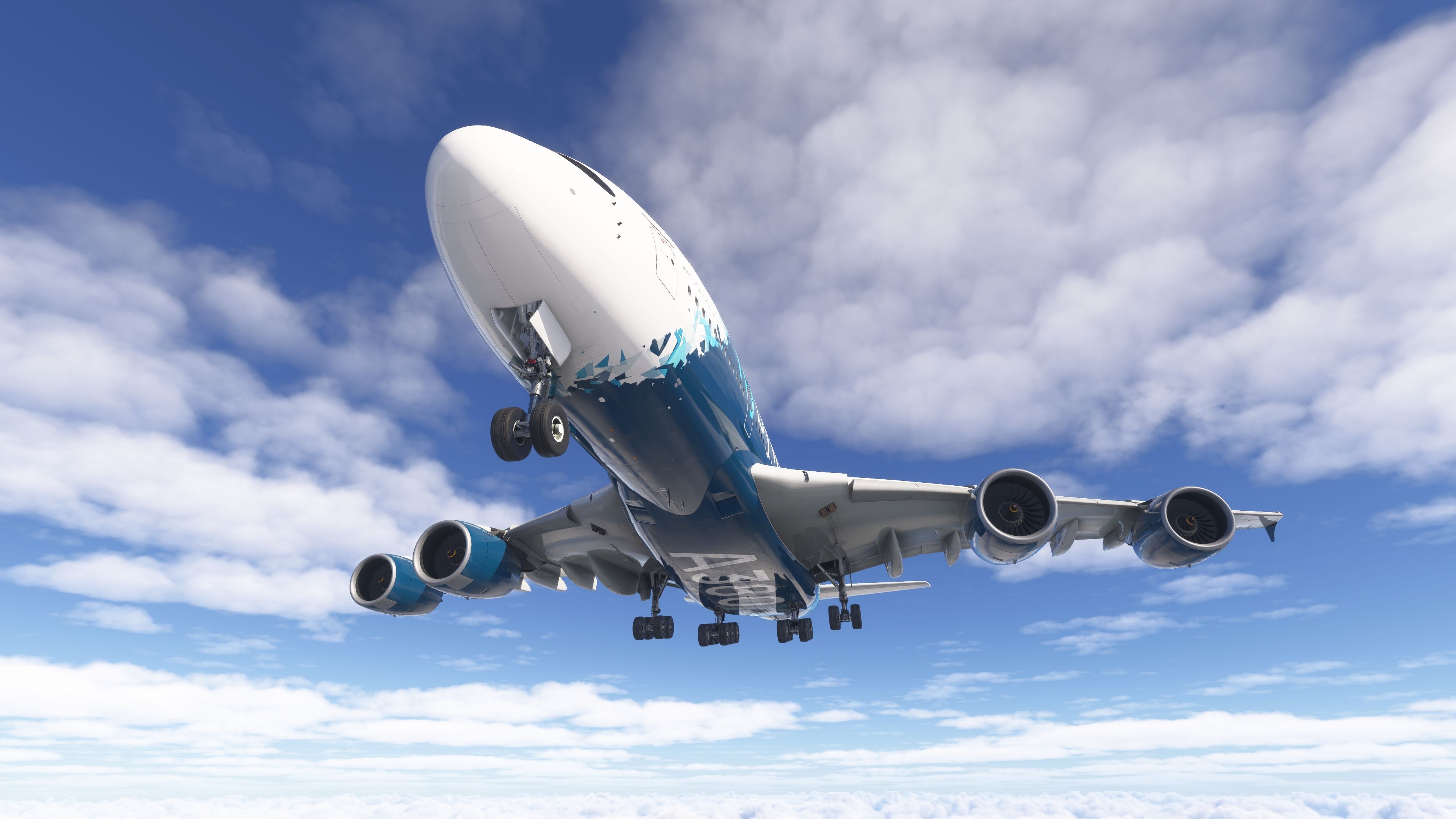
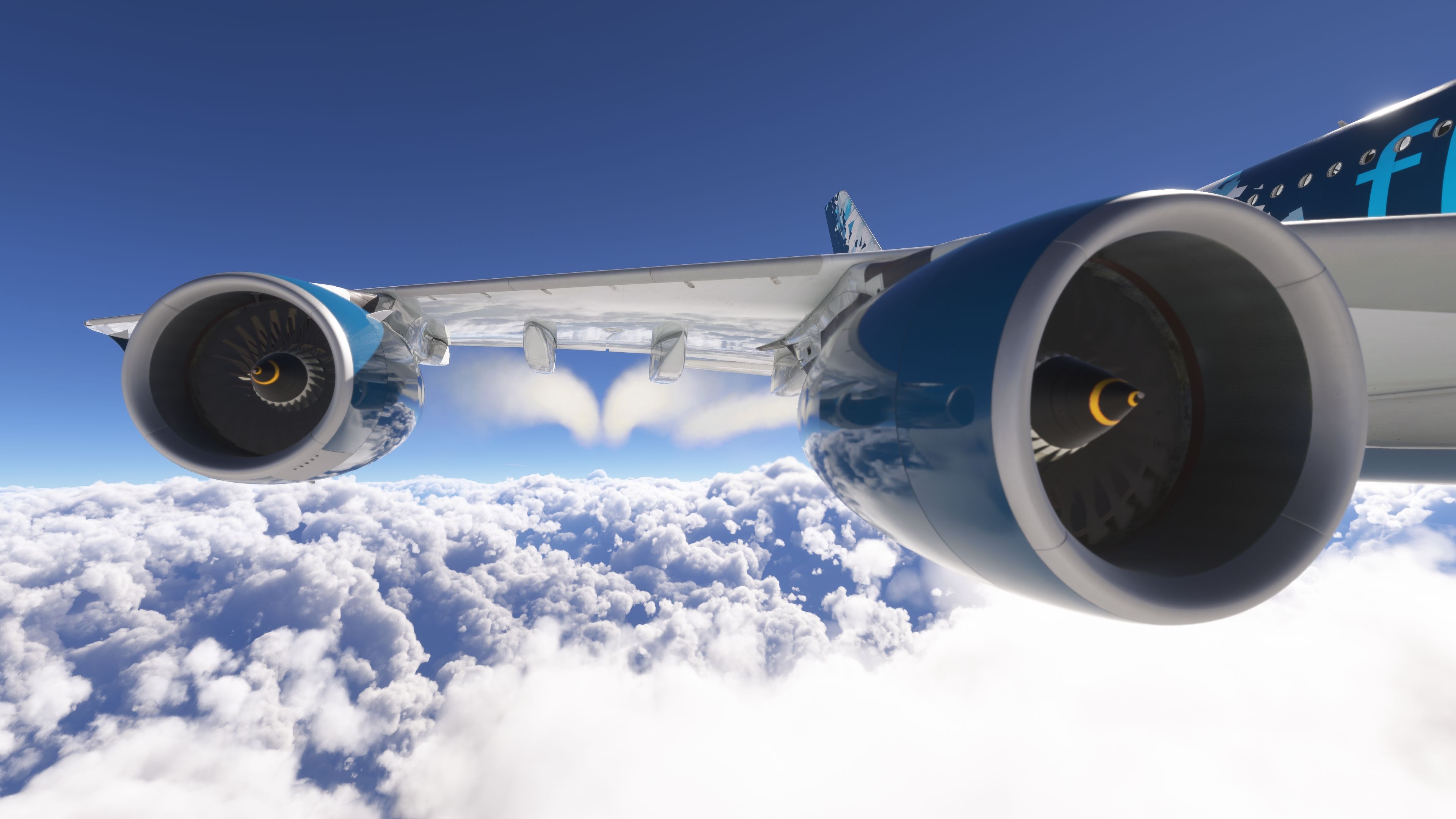
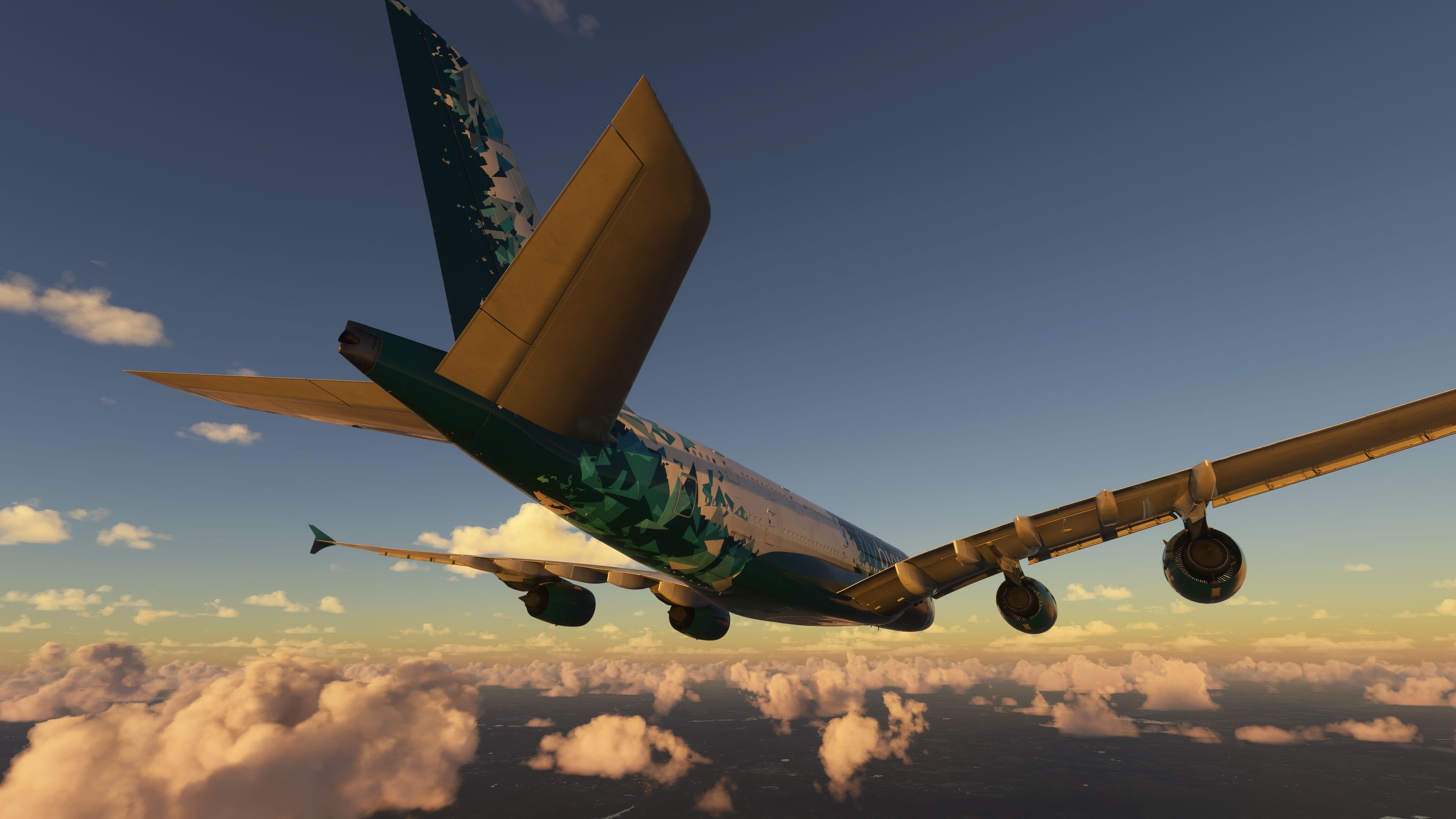
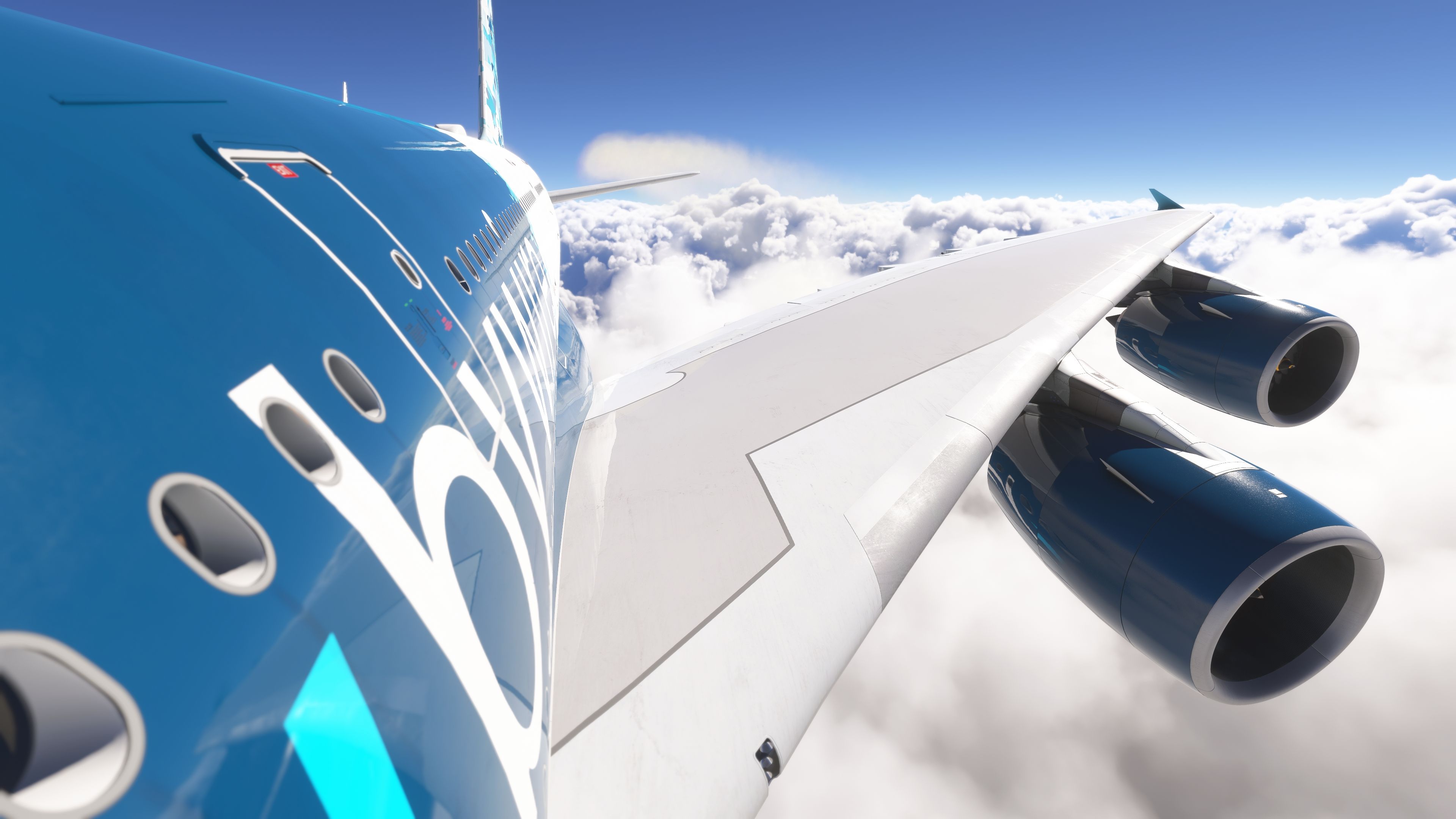
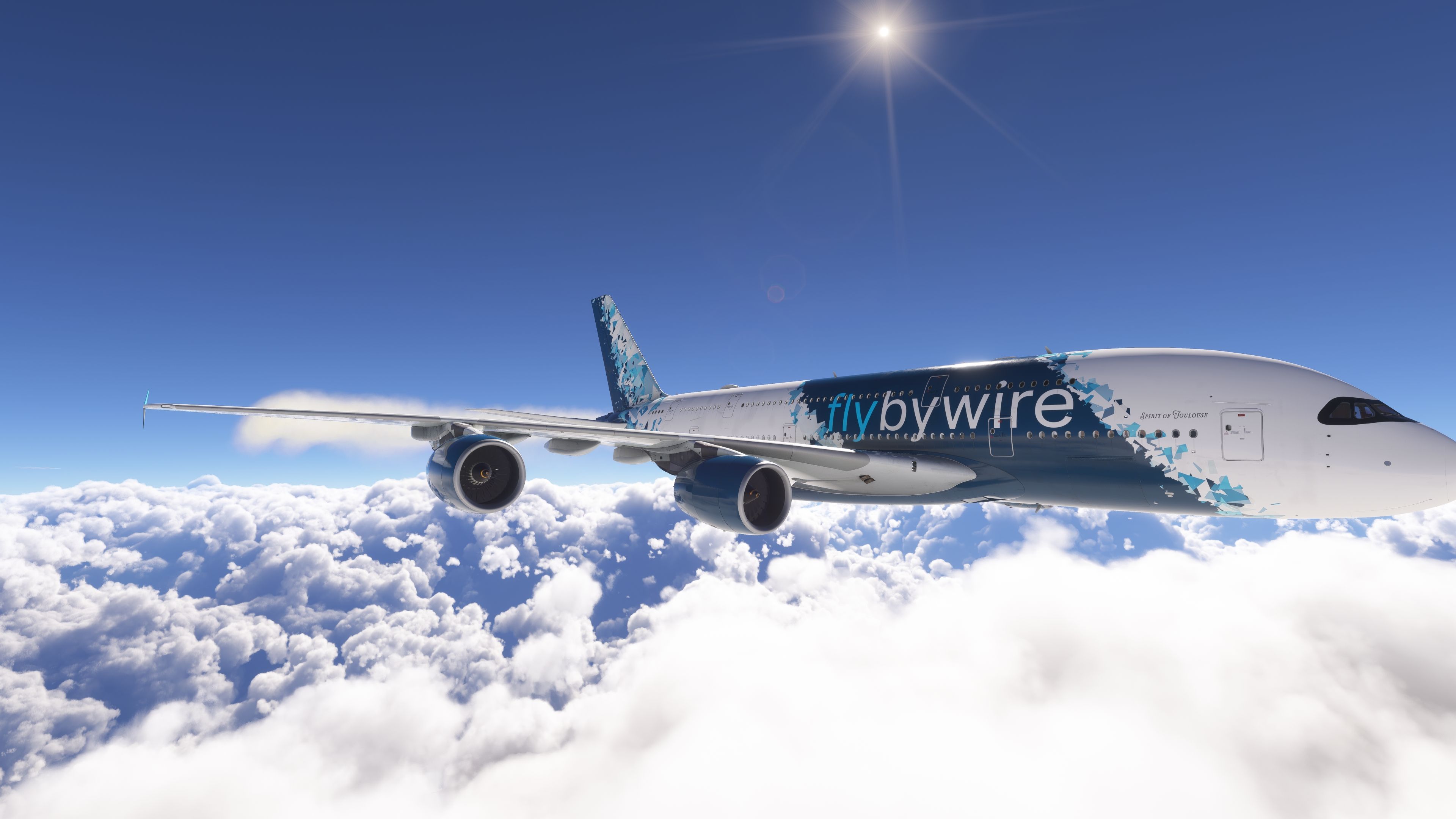
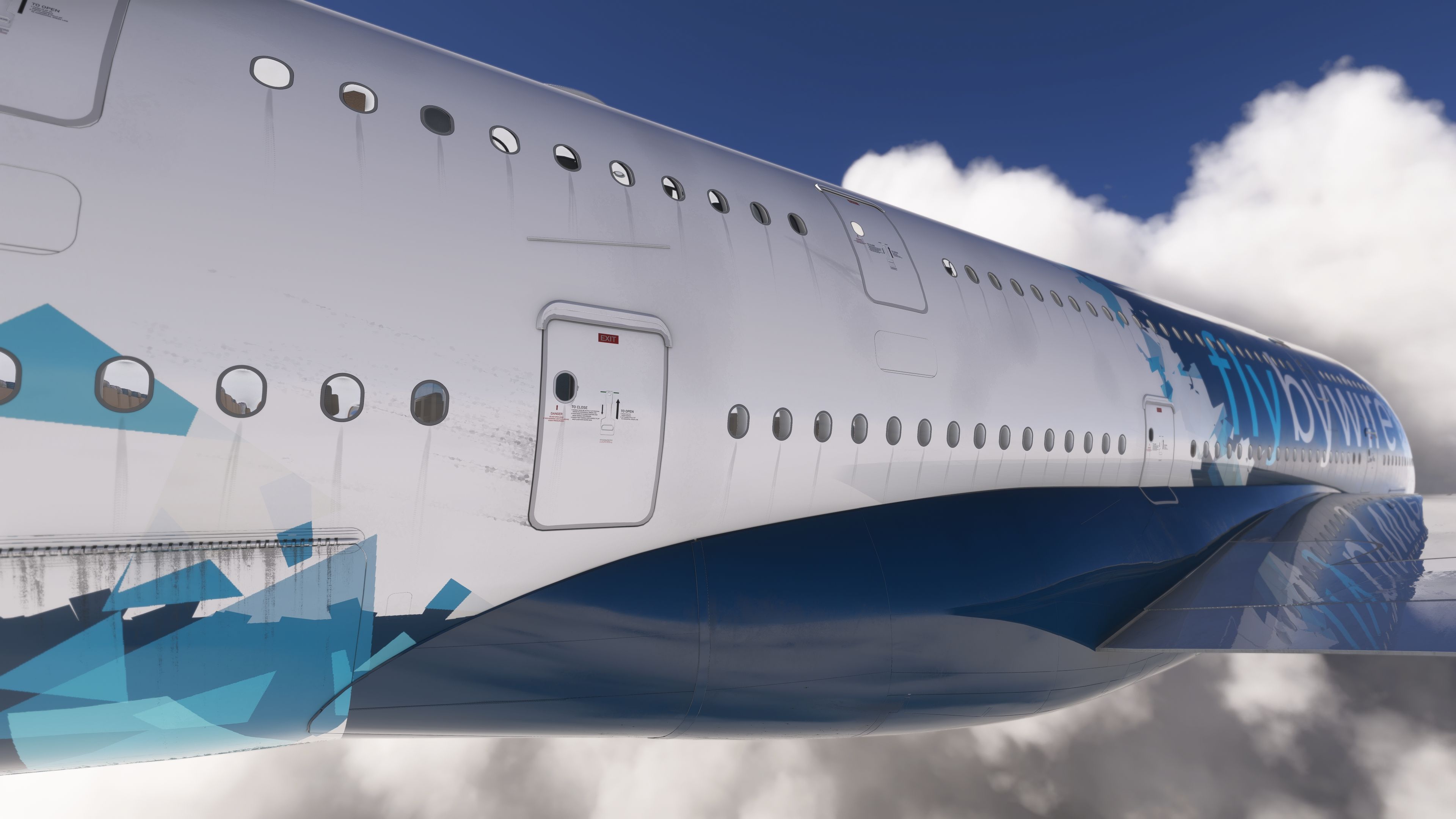
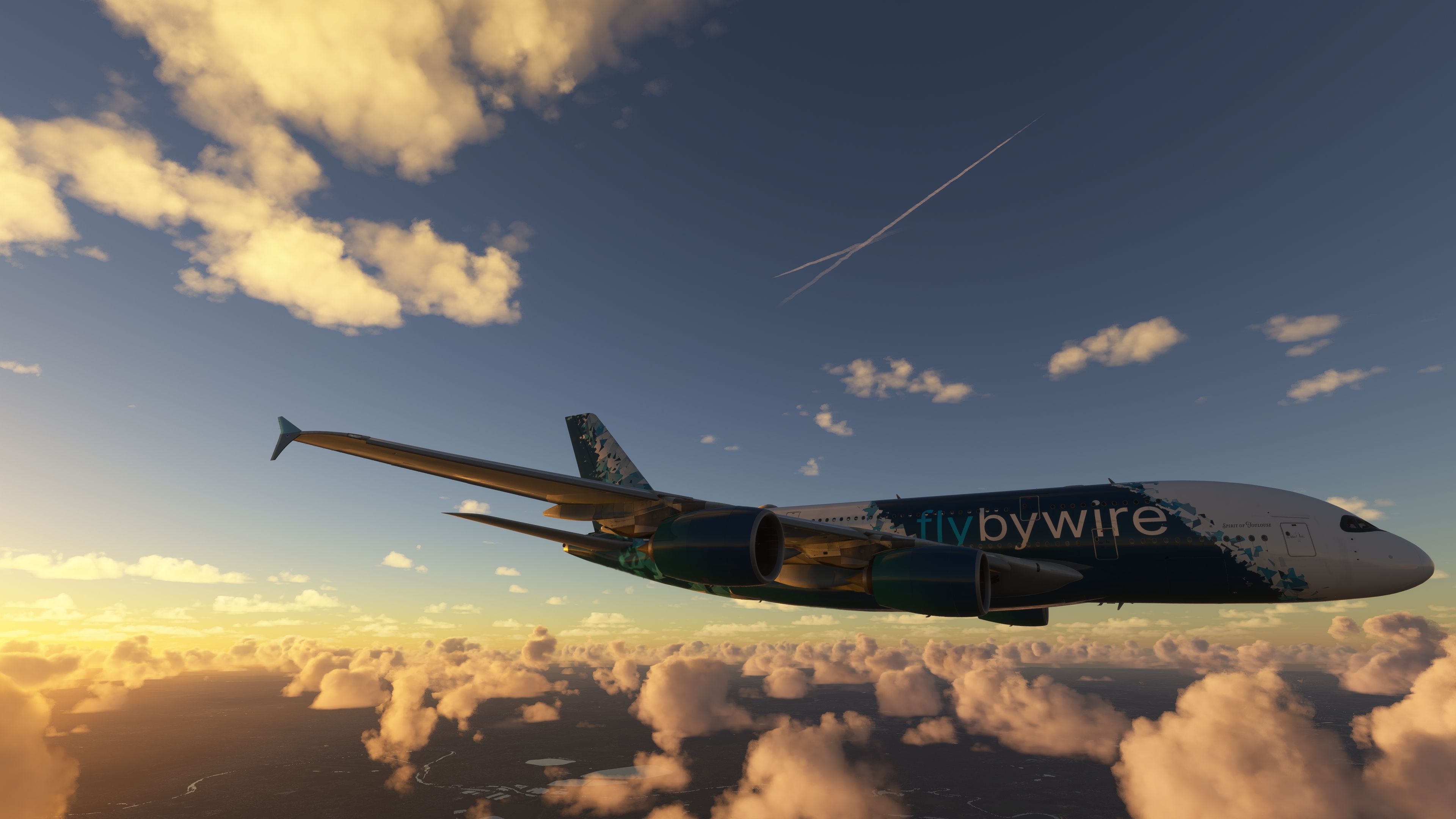
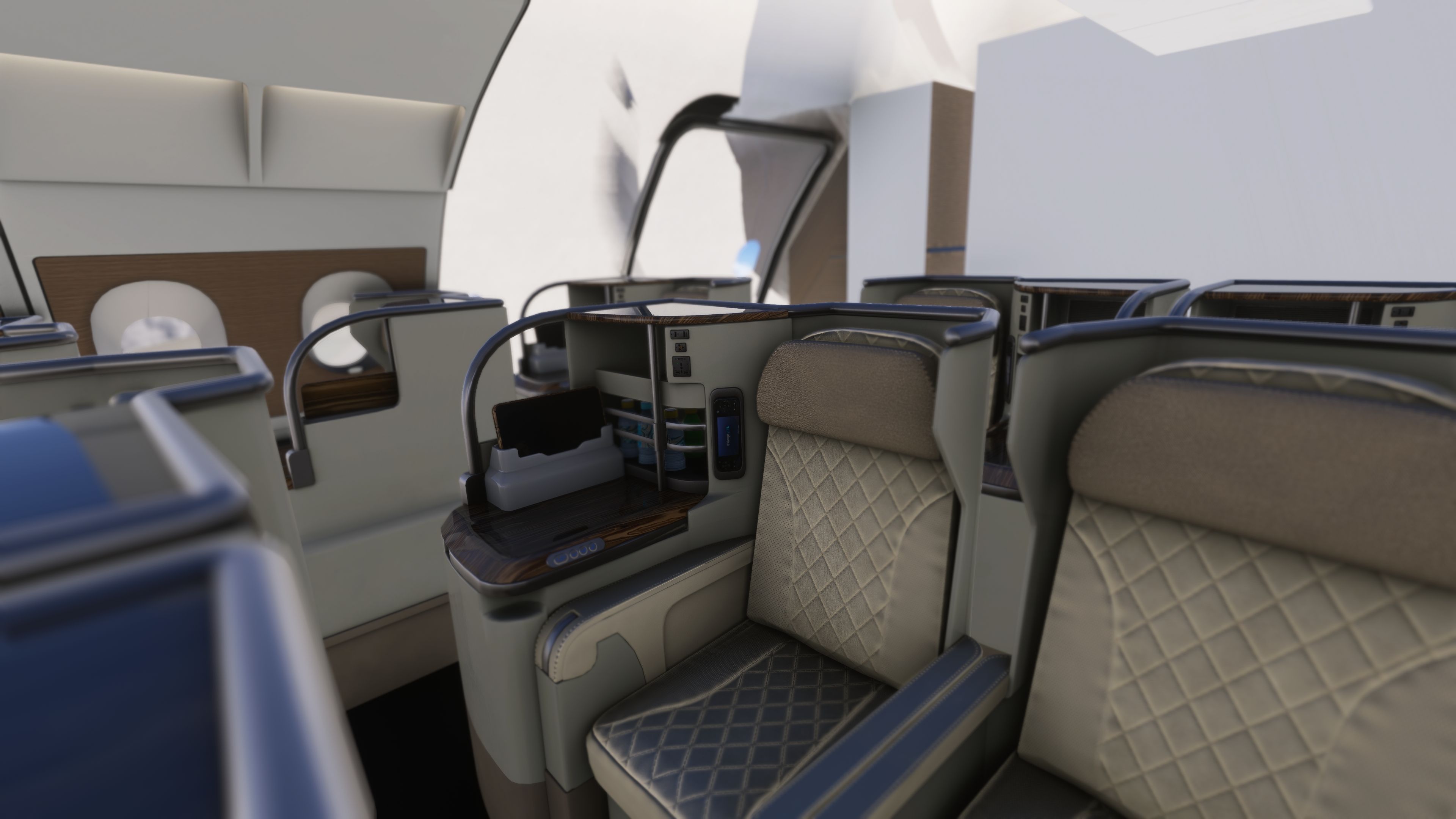
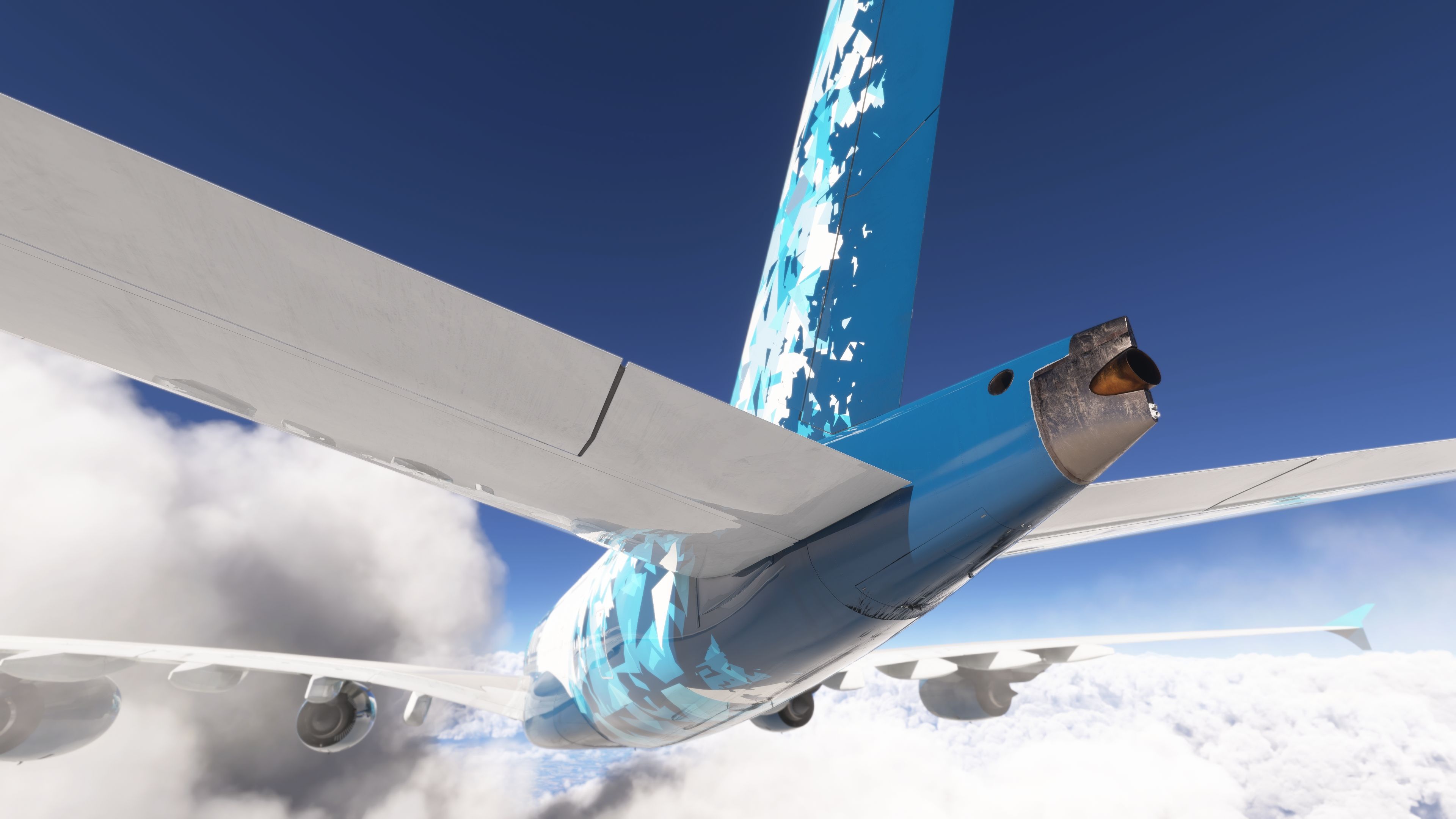
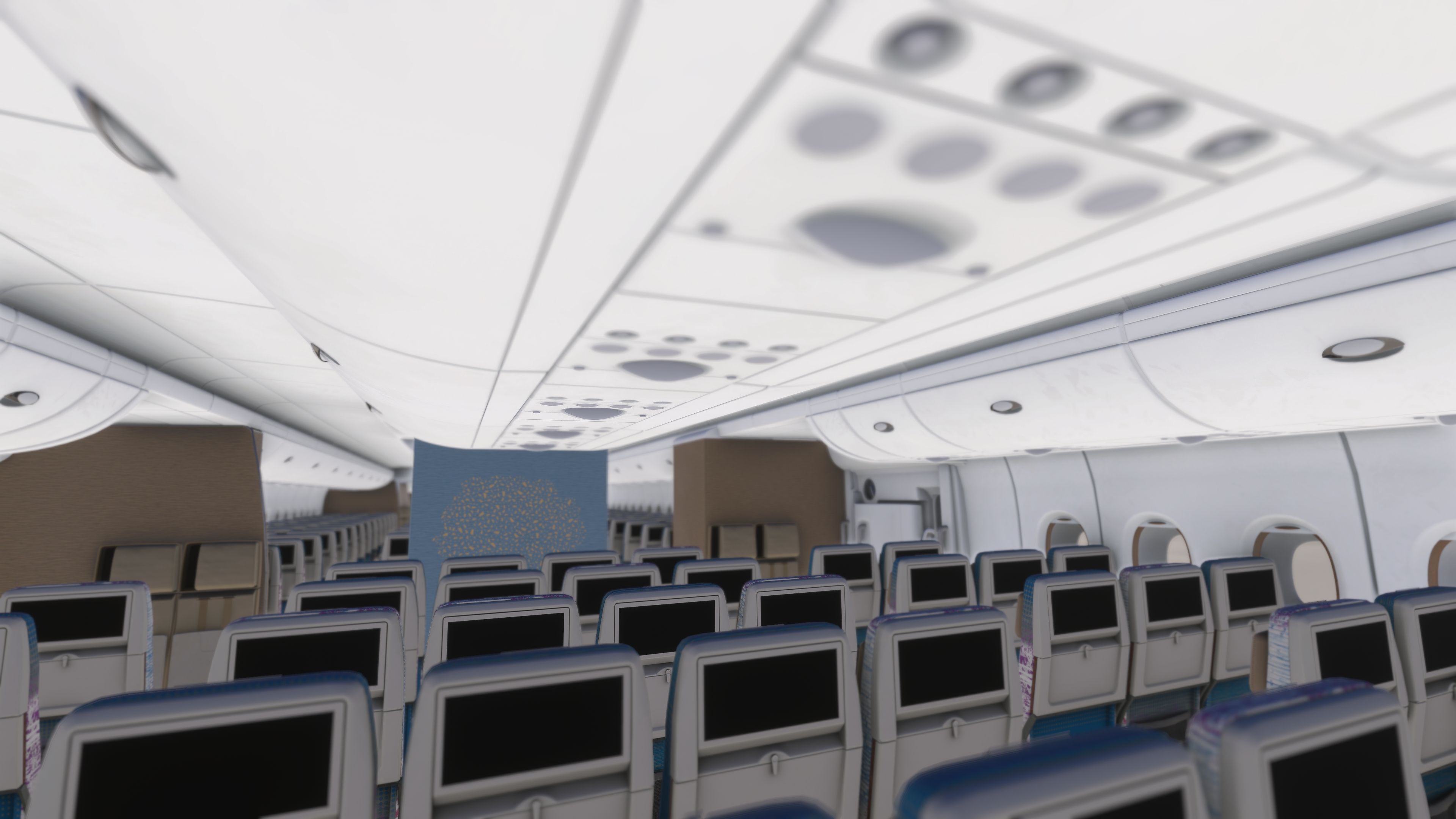

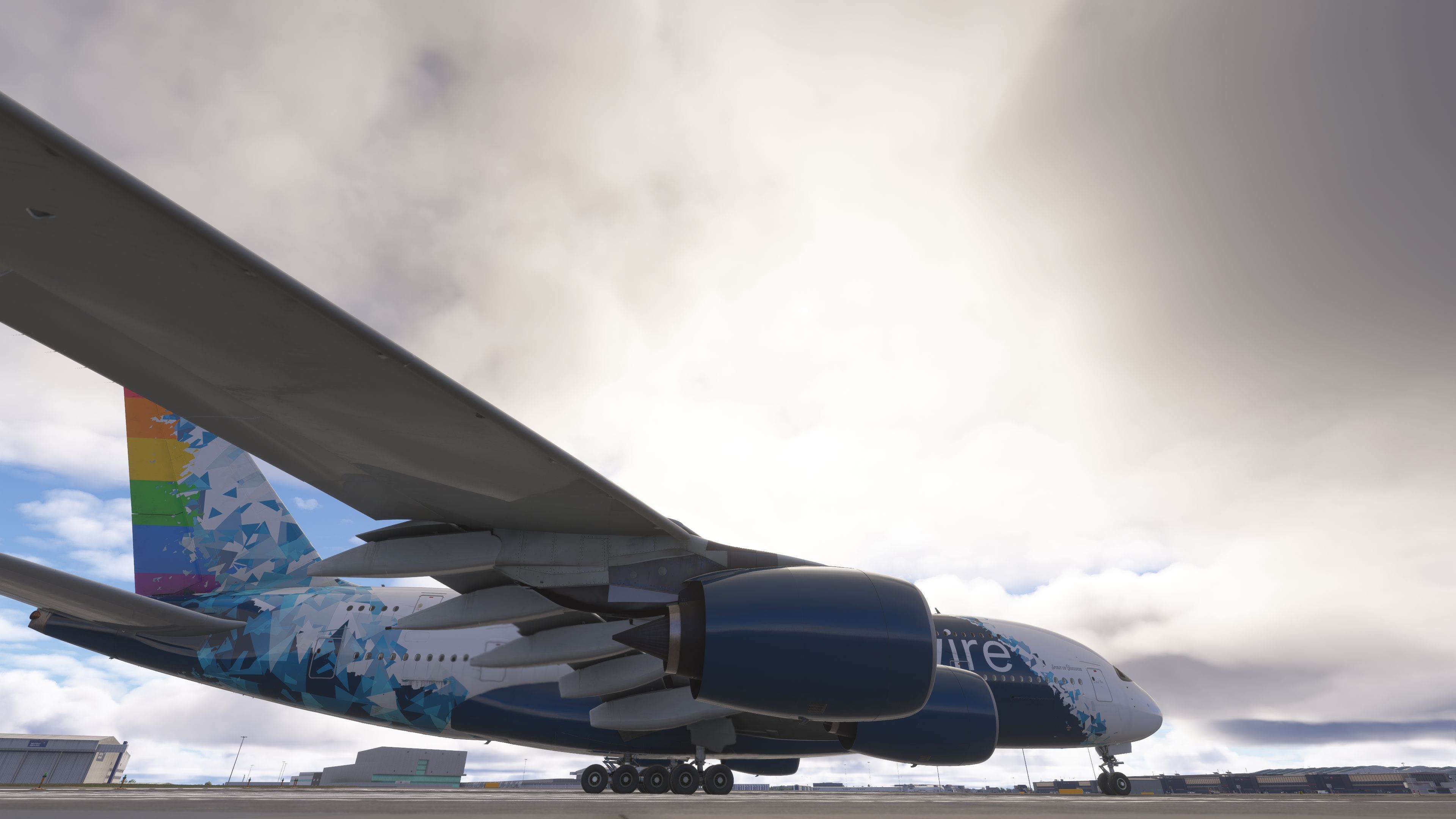
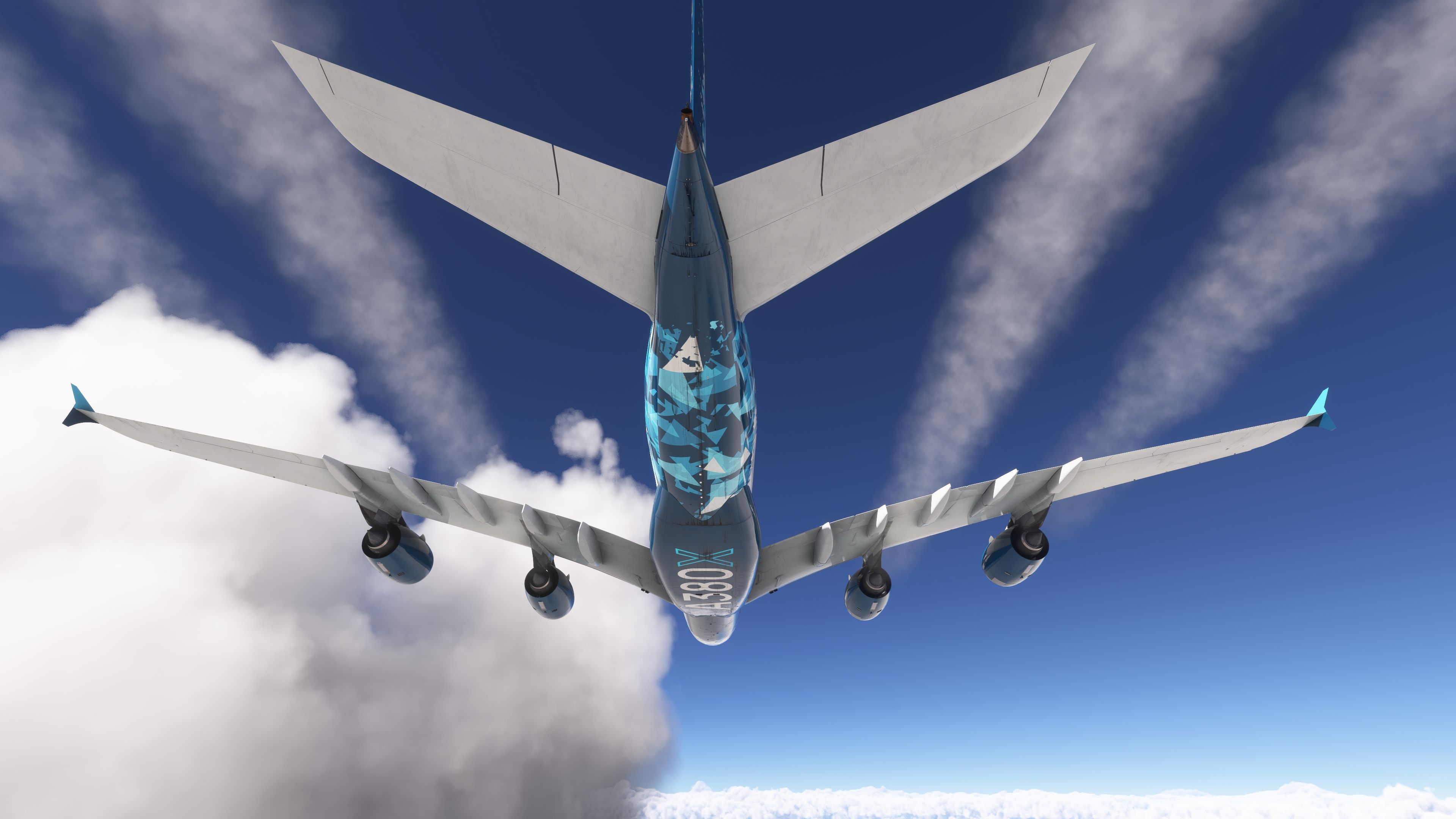
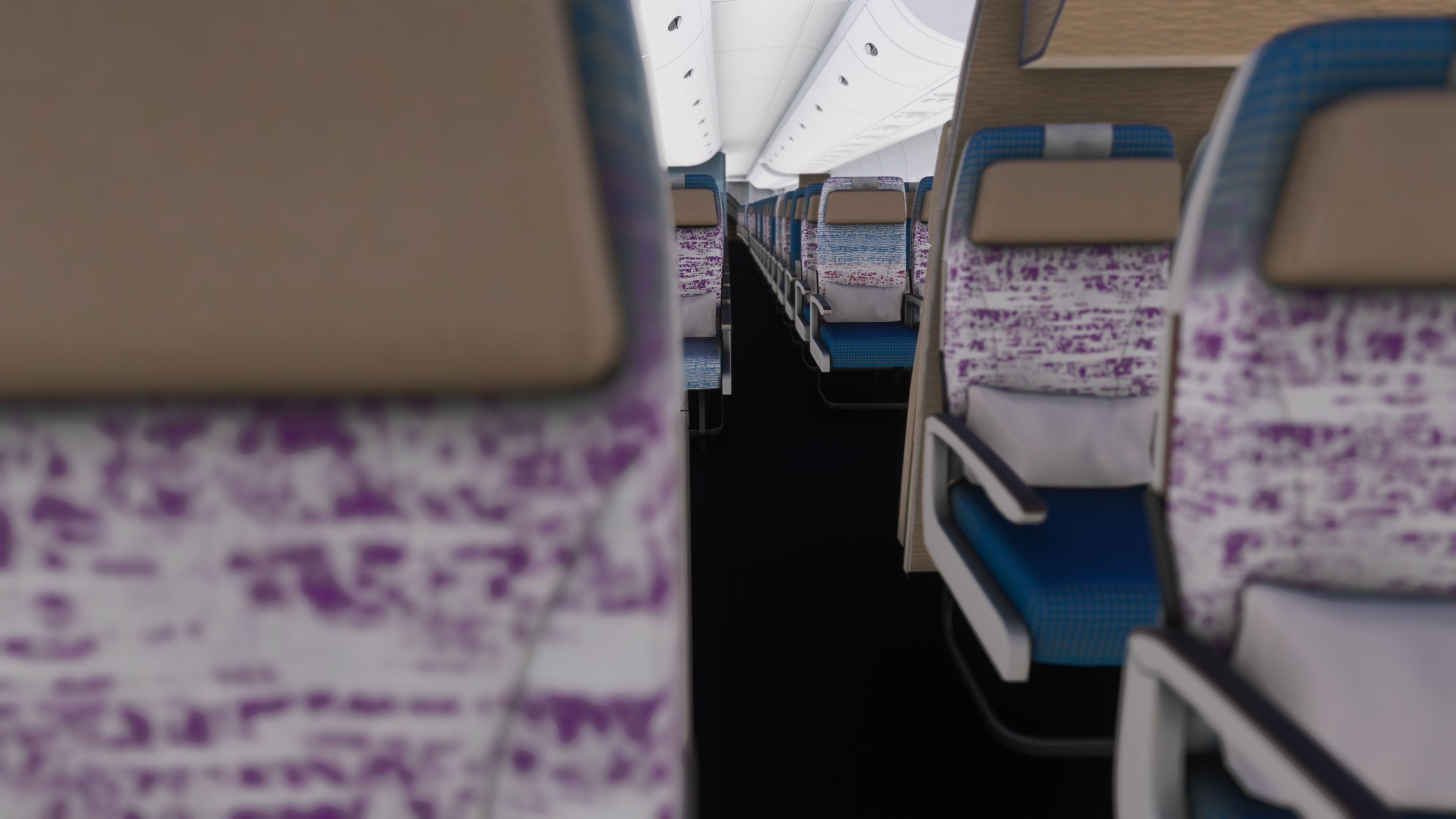
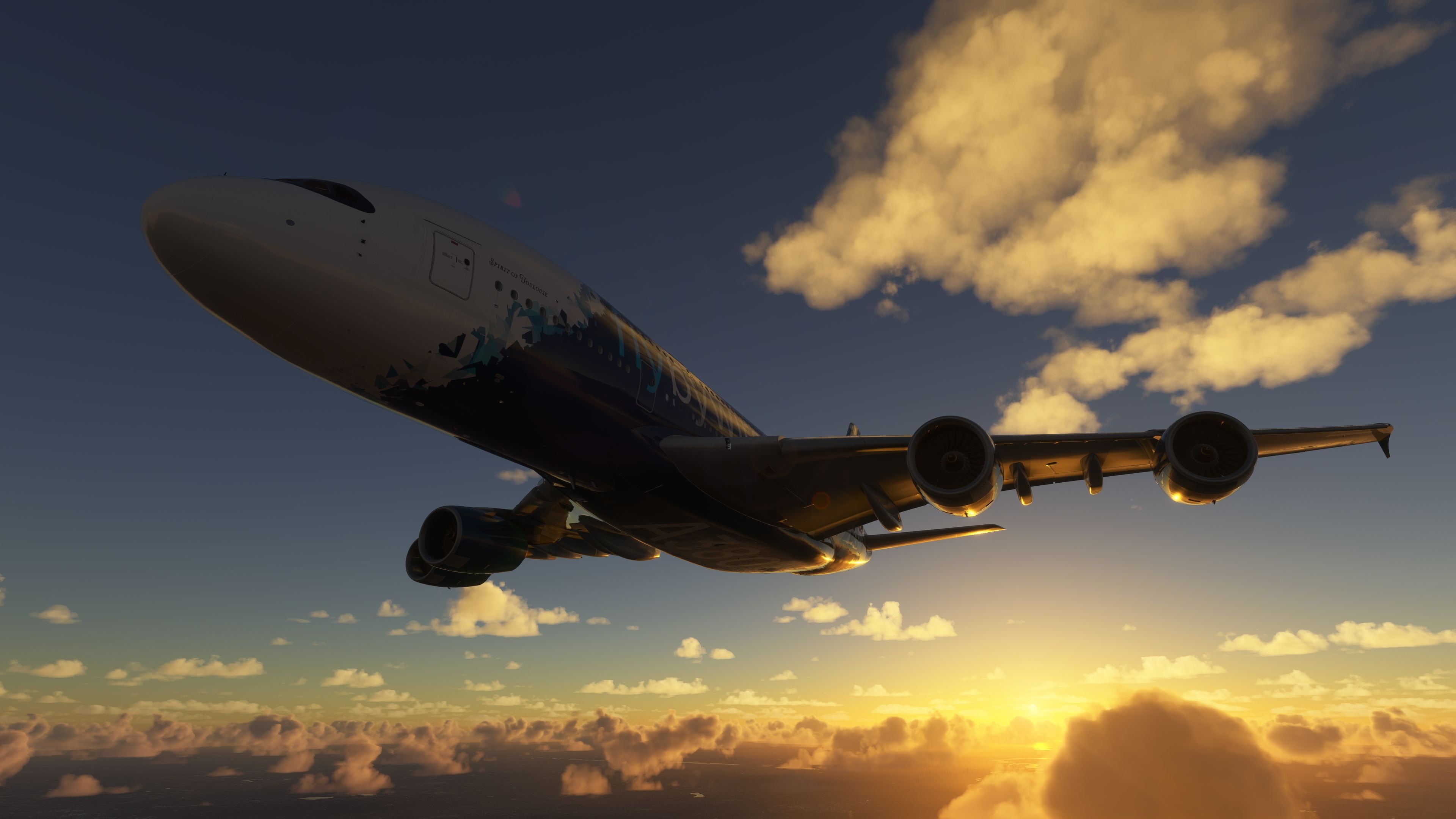
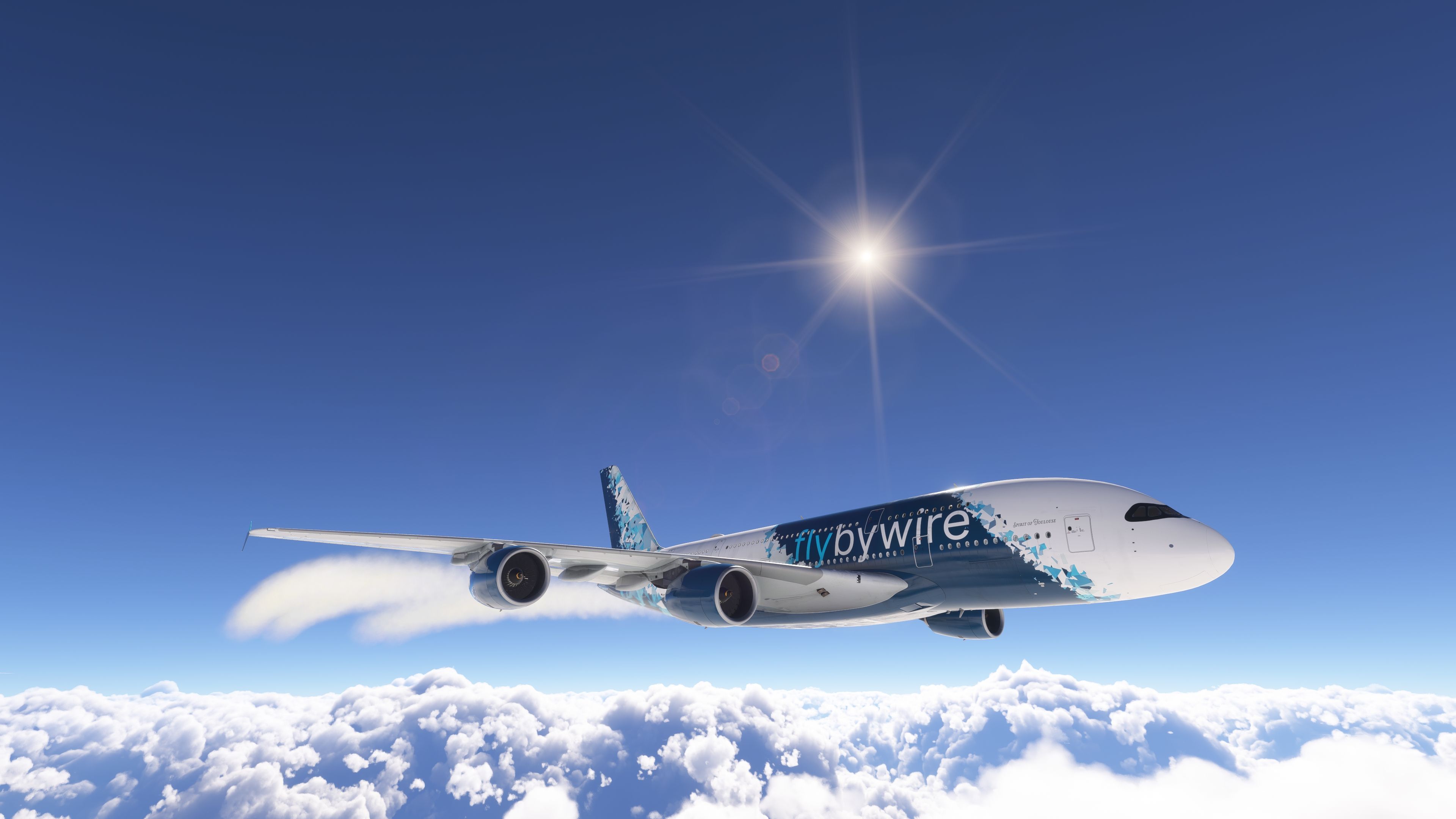
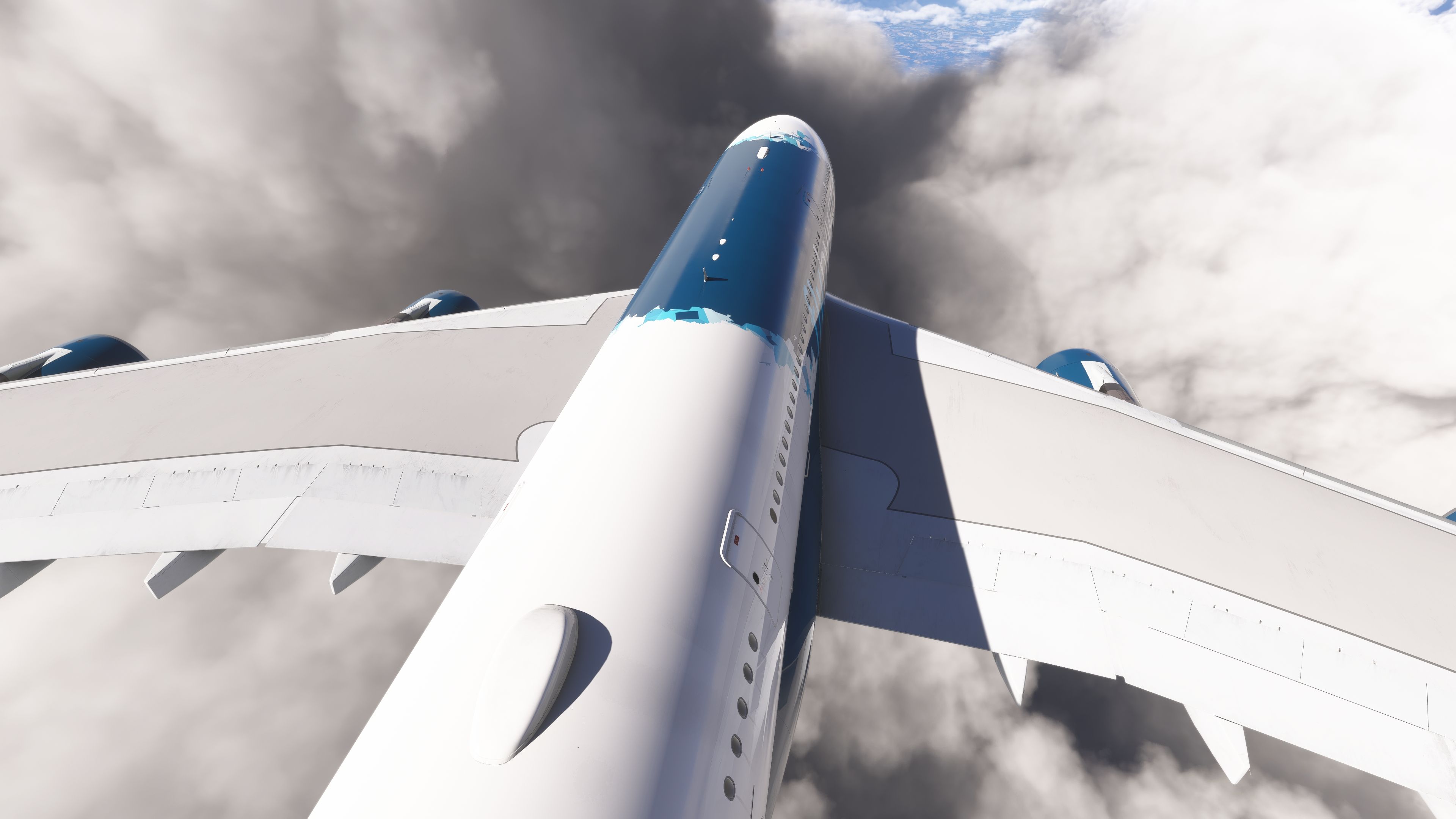
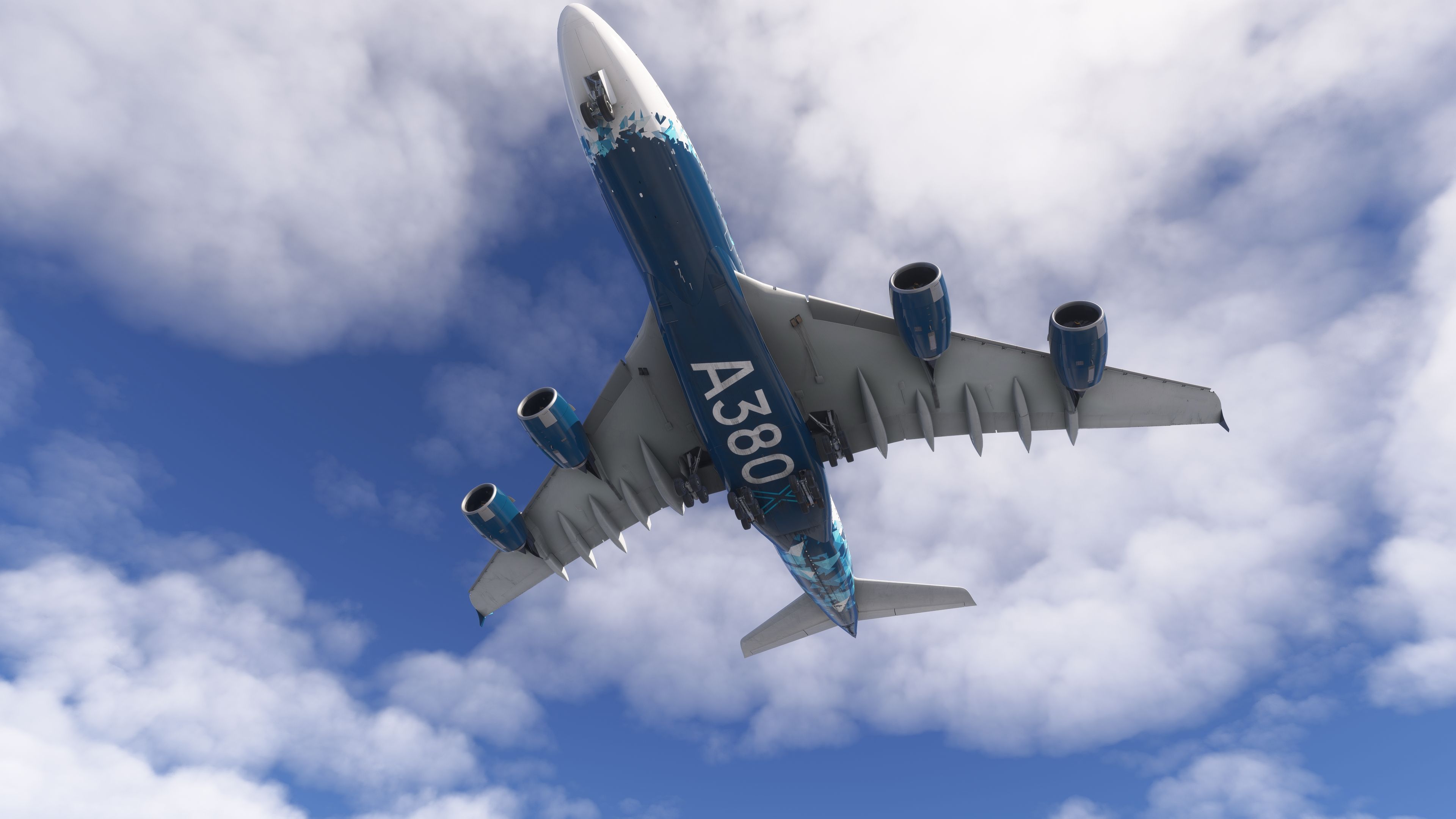
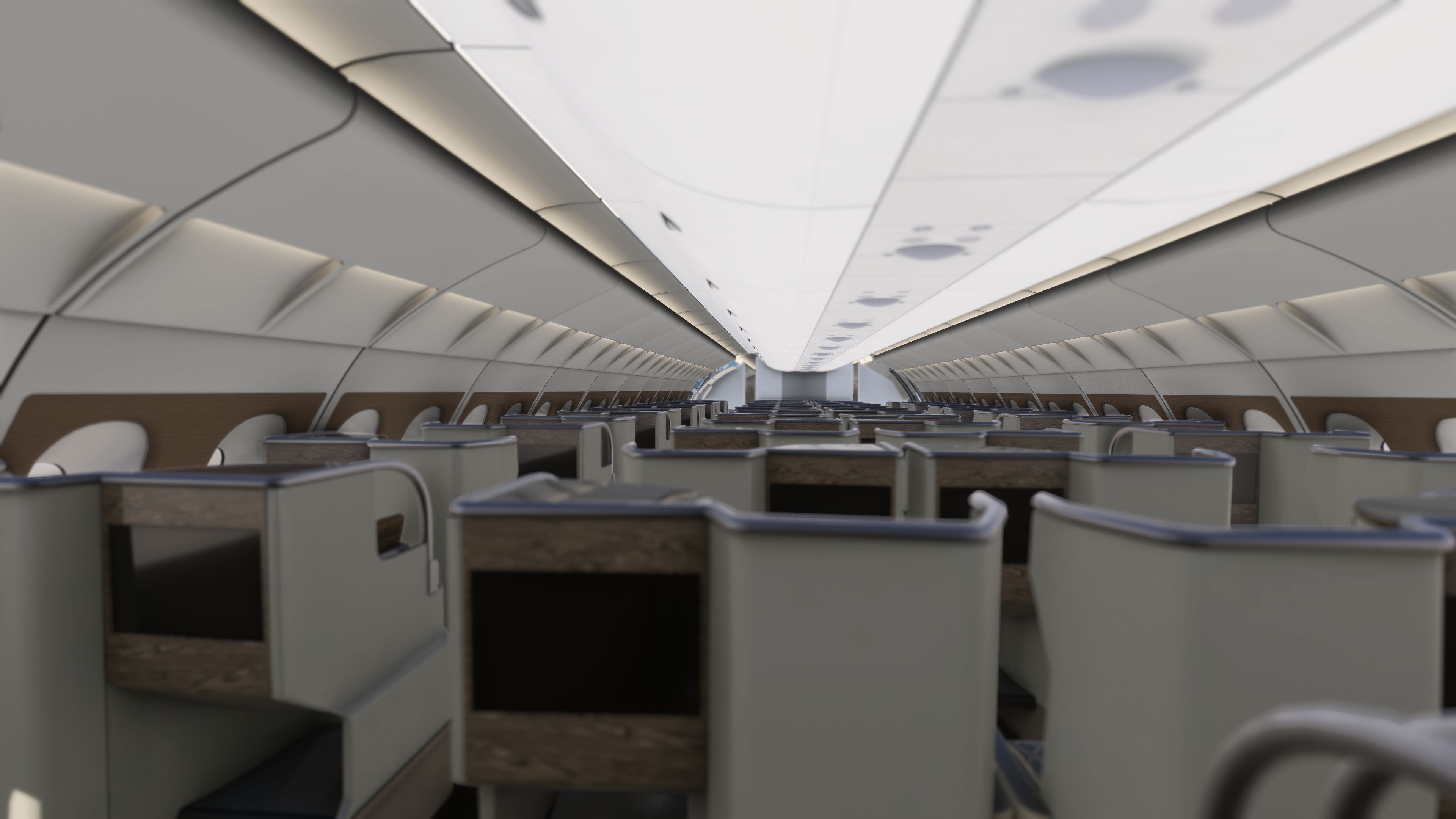

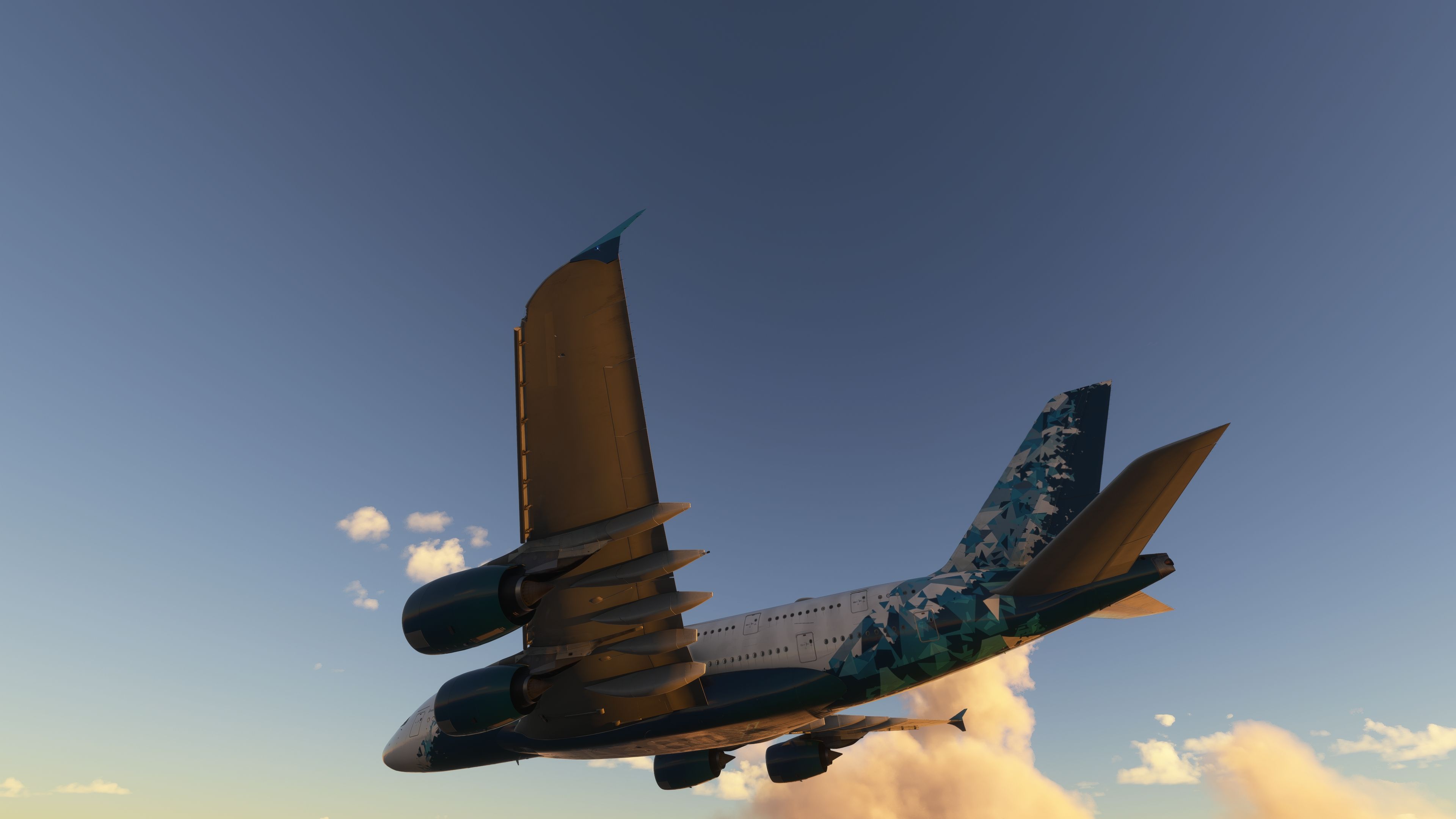


I flew the FlyByWire A380X in Microsoft Flight Simulator 2024, concentrating on the flight deck rather than the cabin. The electronic normal checklists helped me keep cockpit preparation organised, while the airport moving map made the taxi layout easier to follow. Underneath those practical aids, the custom FMS supports holds, secondary flight plans and step climbs, giving the A380-842 considerable scope for longer airline operations.
I also spent time inspecting the exterior, where the load-responsive wing flex gave the aircraft a convincing sense of weight. The pack offers 4K and 8K textures without changing system functionality, a useful distinction for different hardware budgets. I would temper expectations of completeness: development continues, some systems remain inoperative, and the included build is compatible rather than native.
The FlyByWire A380X is a free, open-source, high-fidelity Airbus A380-800 for Microsoft Flight Simulator, built by the volunteer team behind the A32NX. This universal pack contains every build in one archive: MSFS 2020 and MSFS 2024, each in 4K and 8K texture versions. No installer is required. Pick your simulator and texture quality, then copy one folder.
4K uses downscaled cabin, cockpit and exterior textures. Choose it for GPUs with 8–12 GB VRAM, VR, frame generation, or if you get stutters. 8K is the full-resolution version for high-end GPUs. Systems are identical in both. Install one only.
flybywire-aircraft-a380-842 folder into your MSFS Community folder.Remove any existing flybywire-aircraft-a380-842 folder first. Do not use the 2020 build in MSFS 2024 or the reverse.
The A380X is created by FlyByWire Simulations and its contributors. Fly Away Simulation is not affiliated with FlyByWire and did not develop this aircraft. It is hosted here legitimately because FlyByWire publishes it under open licenses that permit copying and redistribution:
In line with those terms, this pack is offered completely free, unmodified, with full credit and all original license files included. Complete source code is available at github.com/flybywiresim/aircraft, with documentation at docs.flybywiresim.com. Microsoft Flight Simulator © Microsoft Corporation. This add-on is not endorsed by or affiliated with Microsoft or Airbus.
Is the FlyByWire A380X really free? Yes. It is freeware and open source, and always will be under its license.
Is this the native MSFS 2024 version? No. It is FlyByWire's stable MSFS 2024-compatible build. The native 2024 version is currently a development build distributed through the FlyByWire Installer.
How do I update? Download the newest pack and replace the folder in Community, or switch to the FlyByWire Installer for automatic updates.
Do A380X liveries work? Yes. Liveries made for the stable A380X work with both builds in this pack.
Free for all simmers · 17.34 GB · Scanned clean Oct 2026
Download speed: Free tier is capped at 2 Mbps (this file takes approximately 20h 41m at the cap). PRO members download at full line speed.
%LOCALAPPDATA%\Packages\Microsoft.FlightSimulator_8wekyb3d8bbwe\LocalCache\Packages\Community\. Steam version: %APPDATA%\Microsoft Flight Simulator\Packages\Community\. Tip: enable Developer Mode in MSFS to see your exact Community folder path.readme.txt or README file. It tells you exactly where files go, what dependencies are needed, and any quirks specific to this add-on.Only PRO members can place votes.
More MSFS add-ons hand-picked based on this download.
MSFS Civil Jet Aircraft
Introducing the comprehensive Ryanair Santa Repaint Mega Pack, meticulously c…
 MSFS Civil Jet Aircraft
The FlyByWire Airbus A320 Neo A32NX is a complete freeware aircraft package f…
 MSFS Civil Jet Aircraft
The MSFS Native Airbus A330-900neo Mega Pack by Headwind Simulations brings a…
 MSFS Civil Jet Aircraft
Step into the cockpit of the Airbus A330-200, affectionately dubbed the "butt…
 MSFS Civil Jet Aircraft
Explore the skies with the iconic Airbus A300-600ST Beluga in Microsoft Fligh…
 MSFS Civil Jet Aircraft
A livery pack for the default Airbus A320neo in Microsoft Flight Simulator (M…
 MSFS Civil Jet Aircraft
A fictional Frontier Airlines scheme for the default MSFS2020 A320Neo, combin…
 MSFS Civil Jet Aircraft
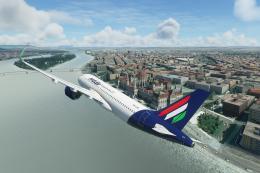
A highly detailed repaint of the default Airbus A320 NEO in Malev (Hungarian …
Be the first to leave a comment on this download.
Be the first to share your thoughts on this download.