







 FSX Misc
High Resolution Moon V2
These are higher resolution images for the default moon textures. The default…
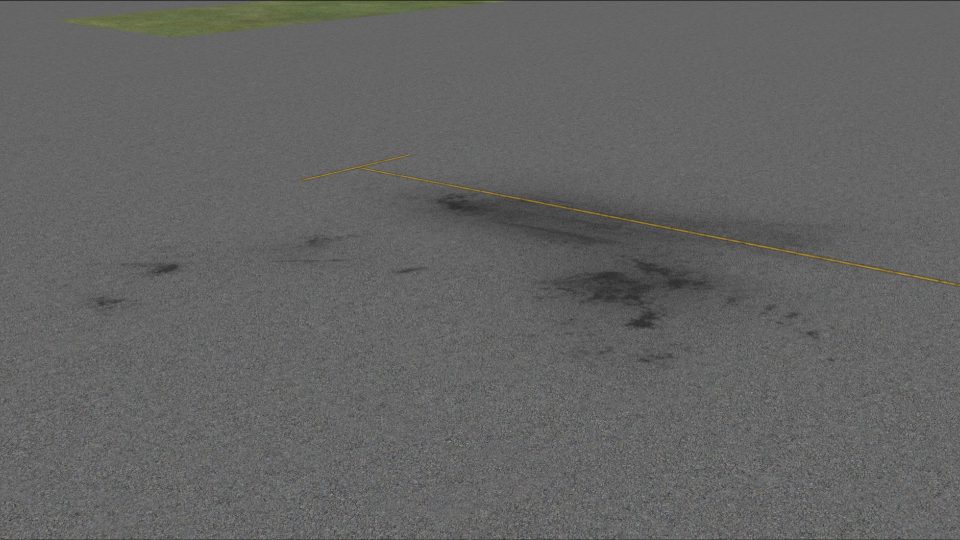
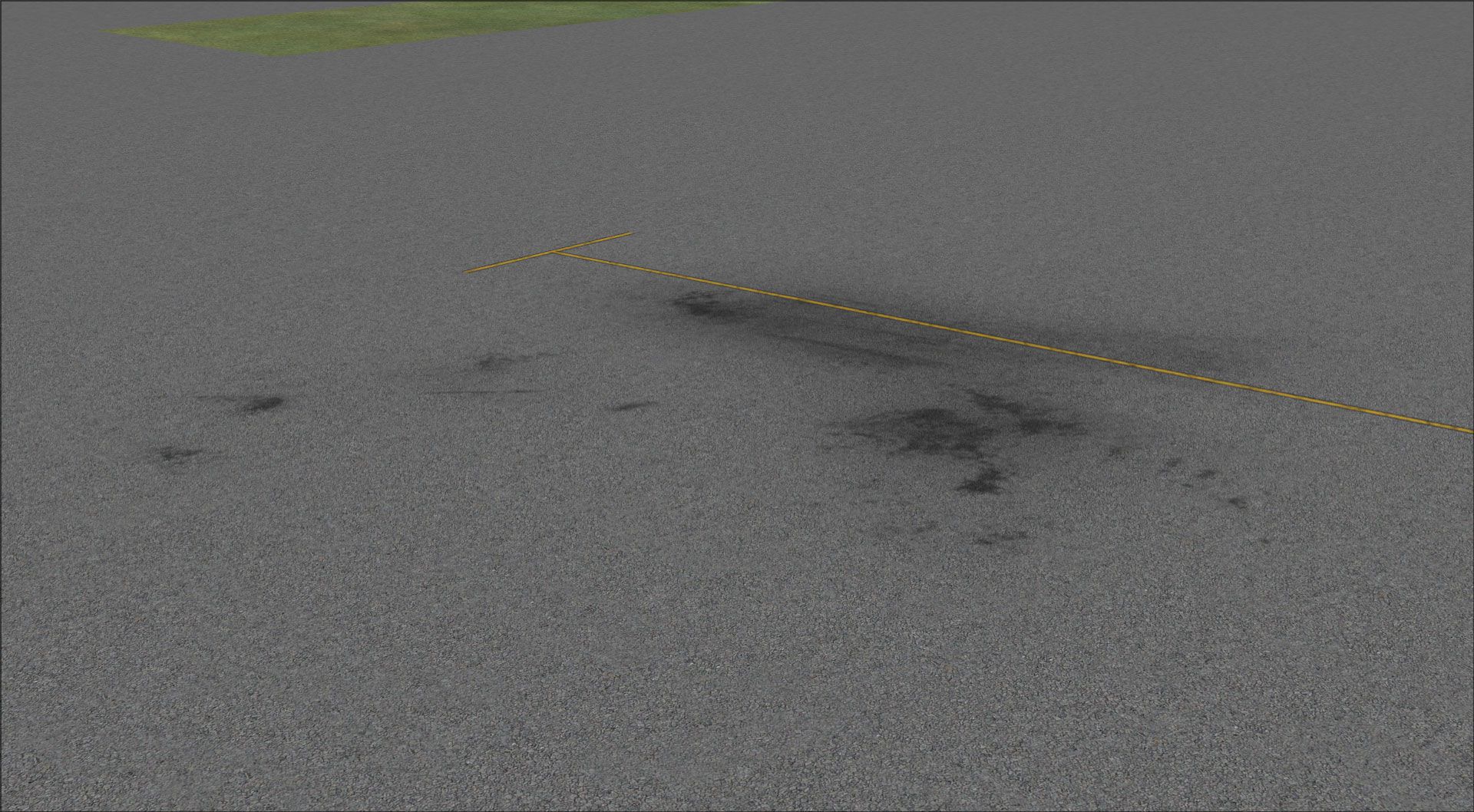
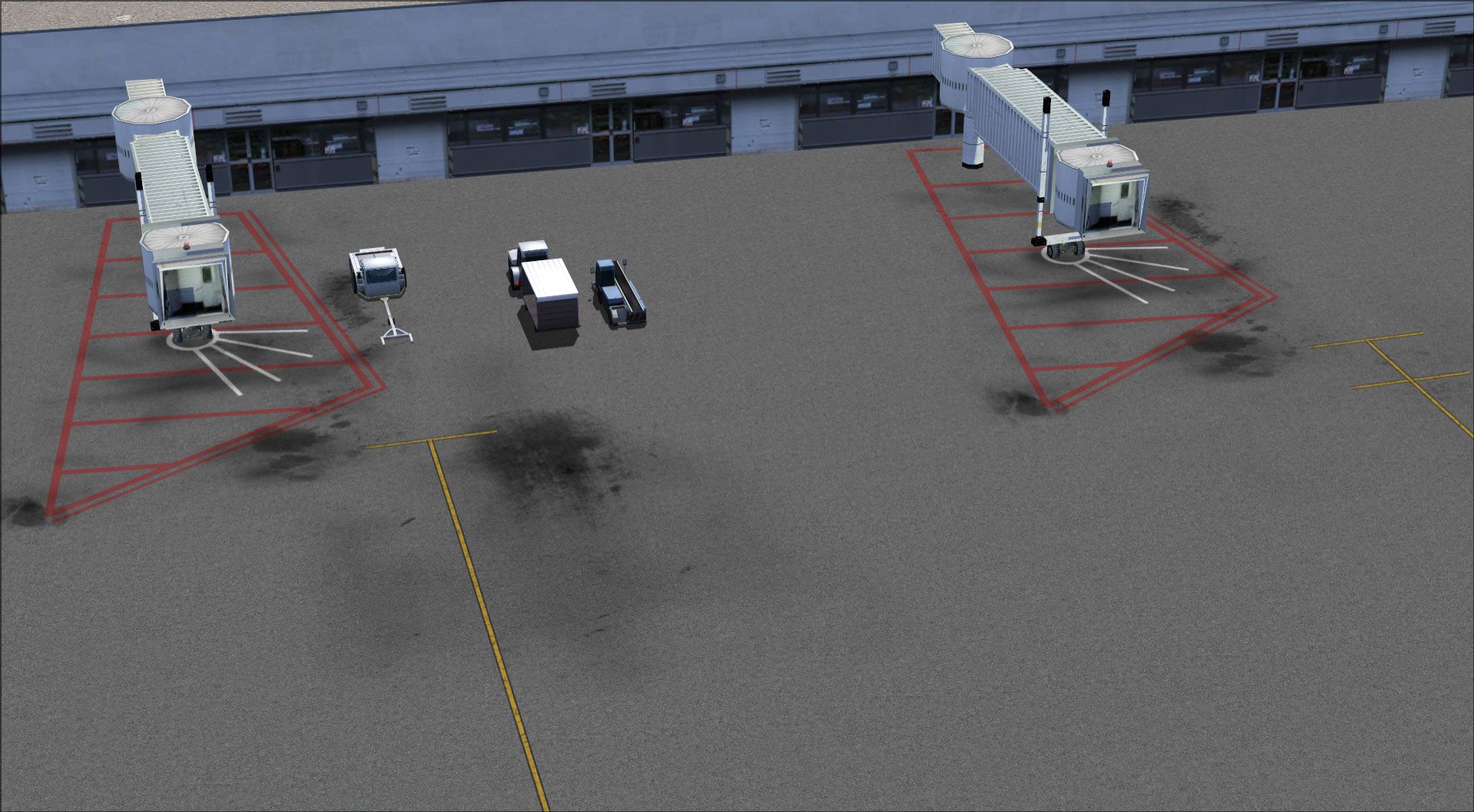
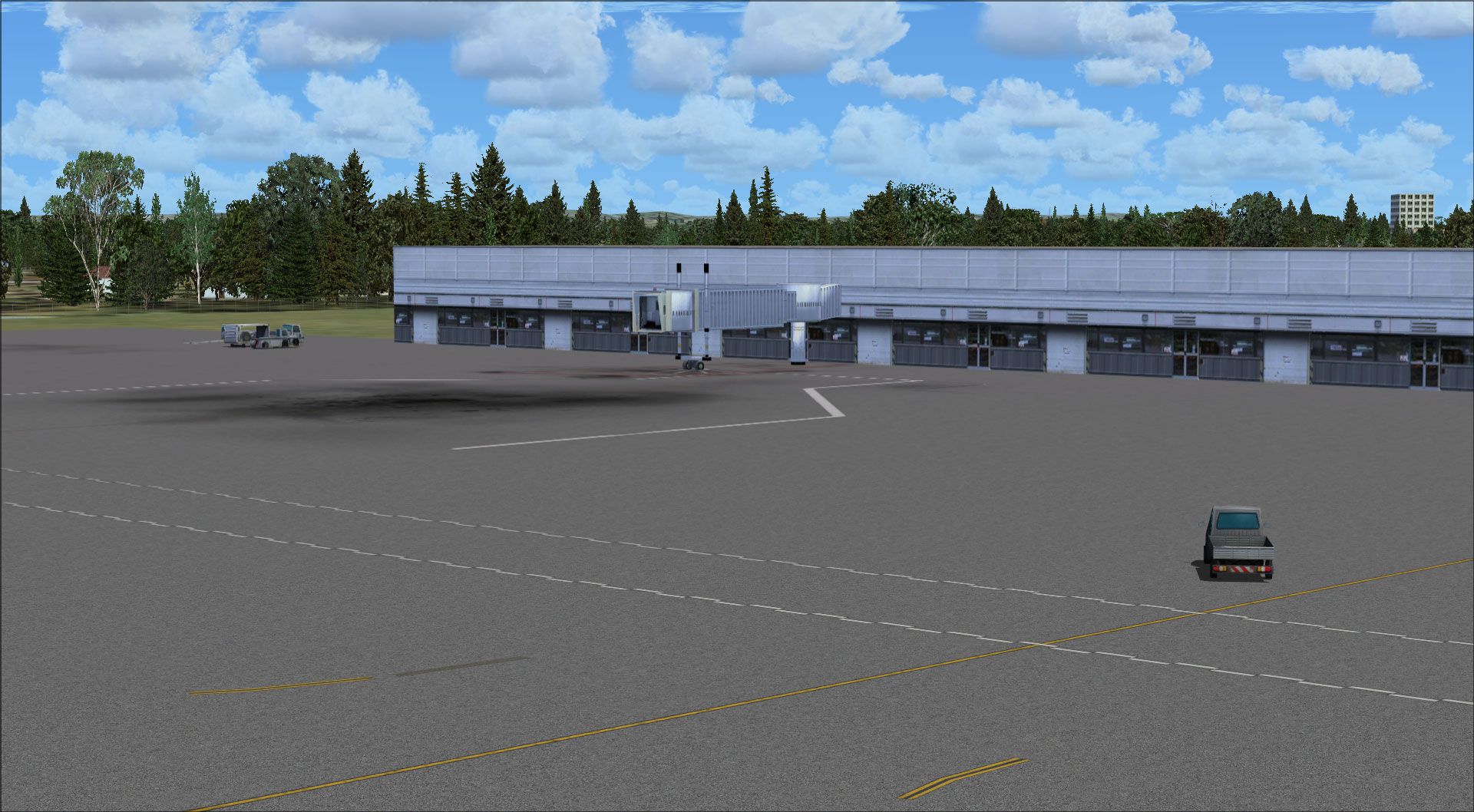
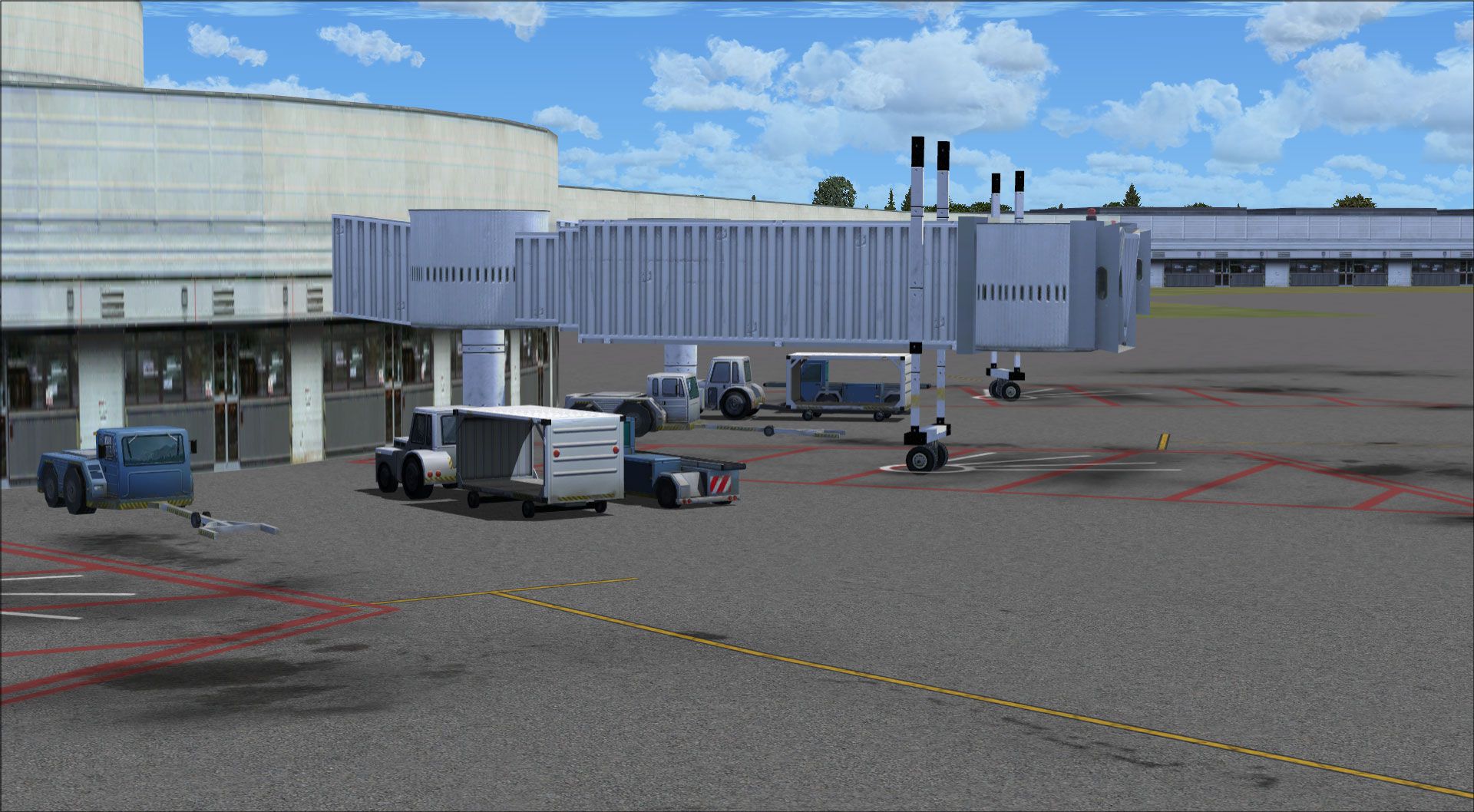
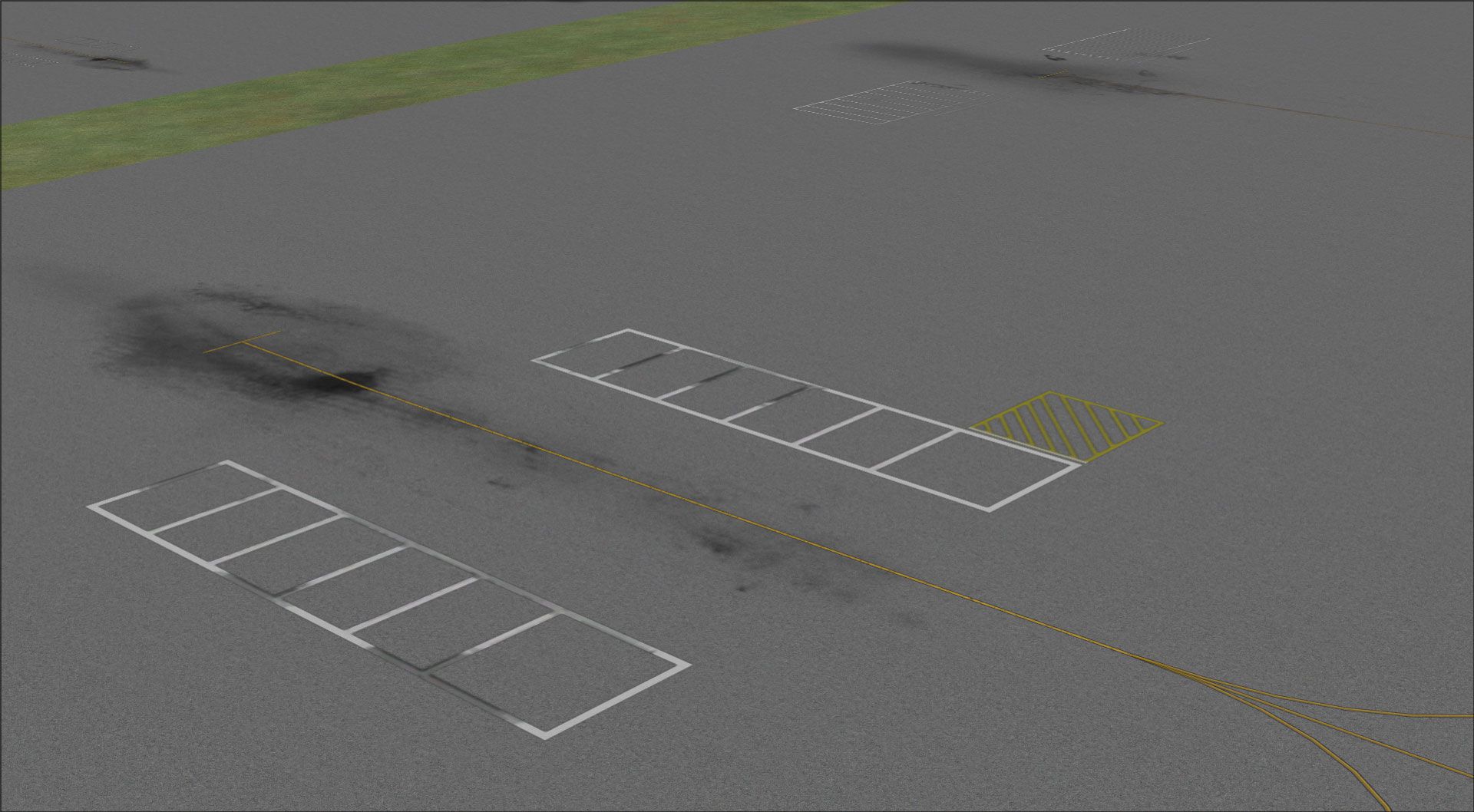
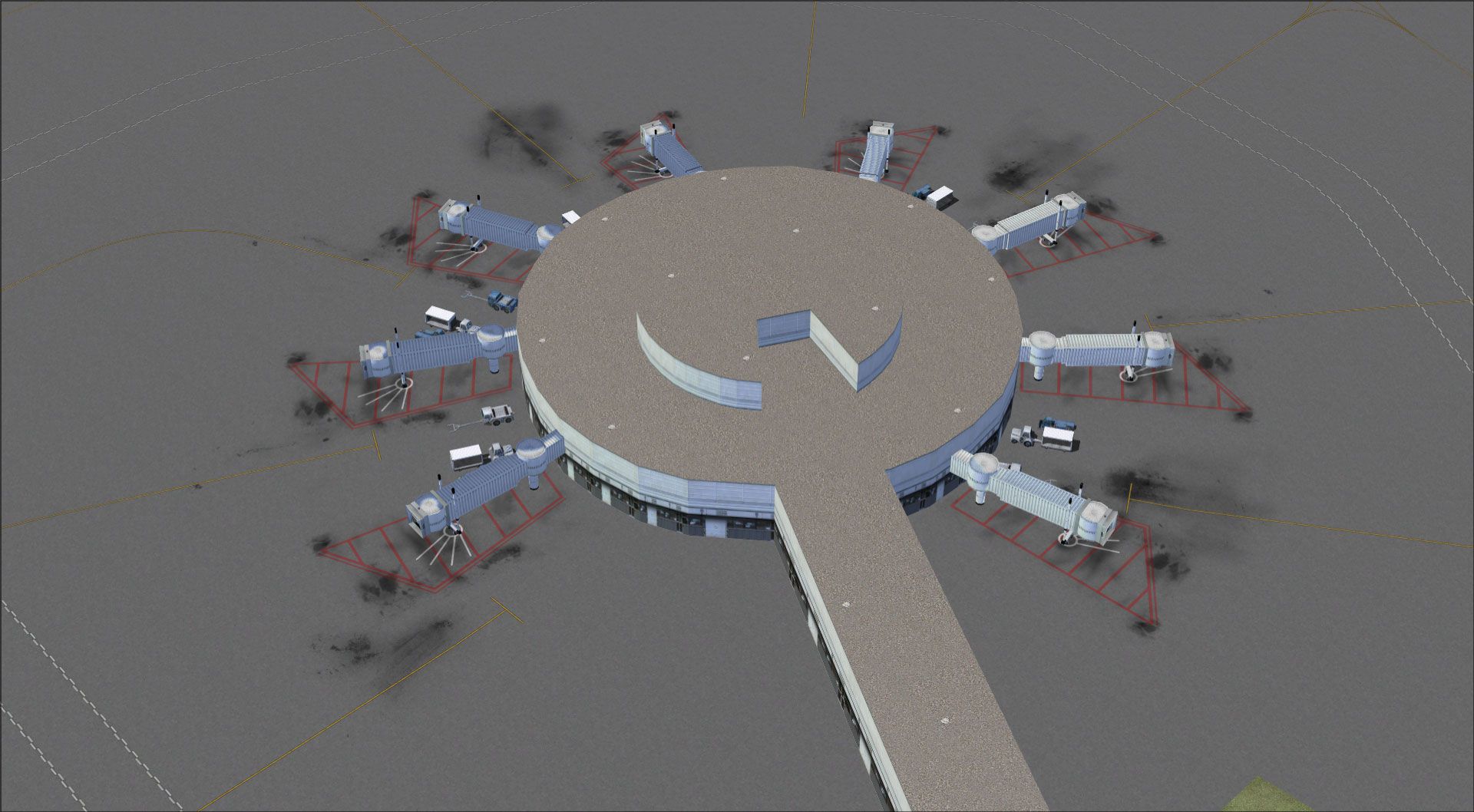
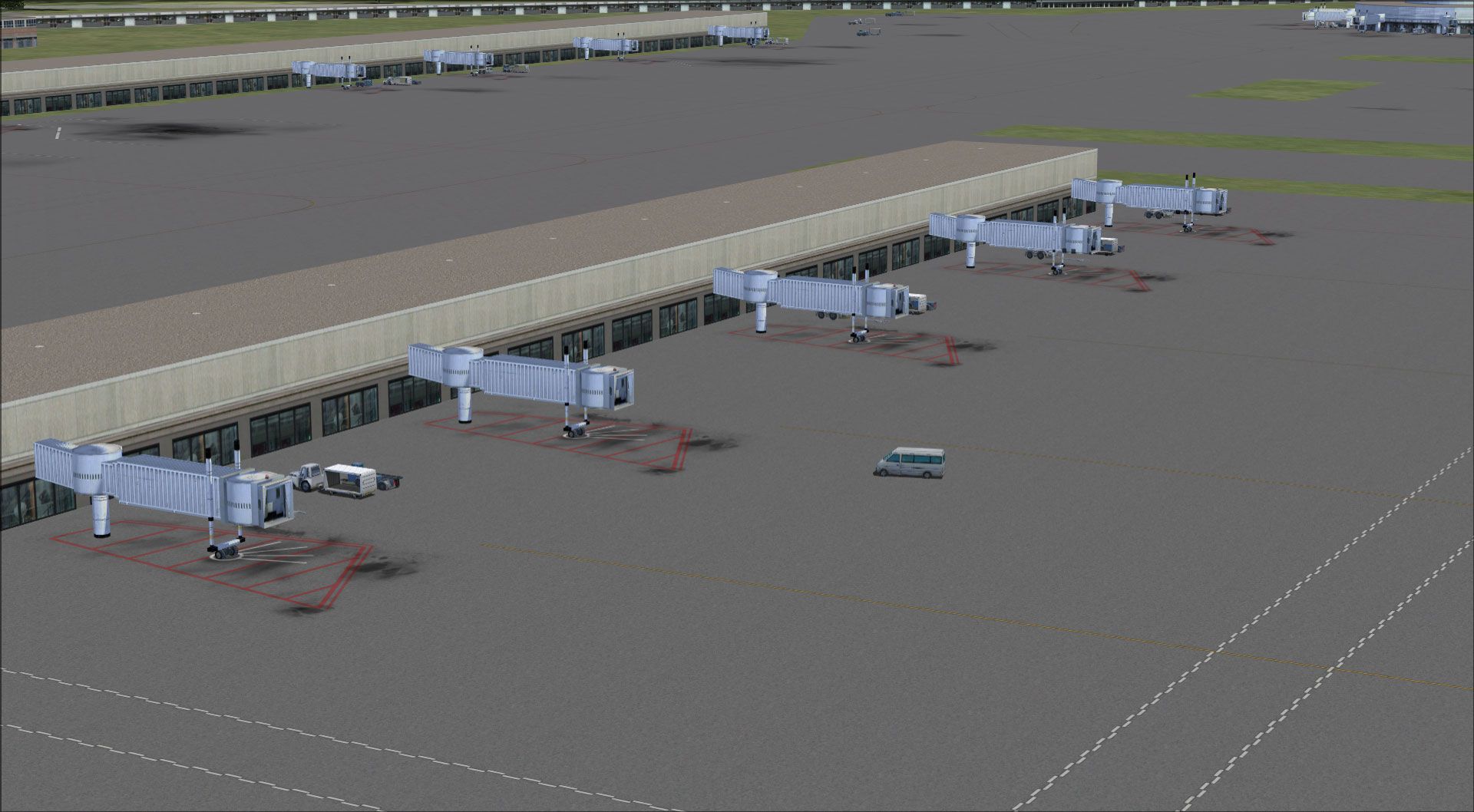
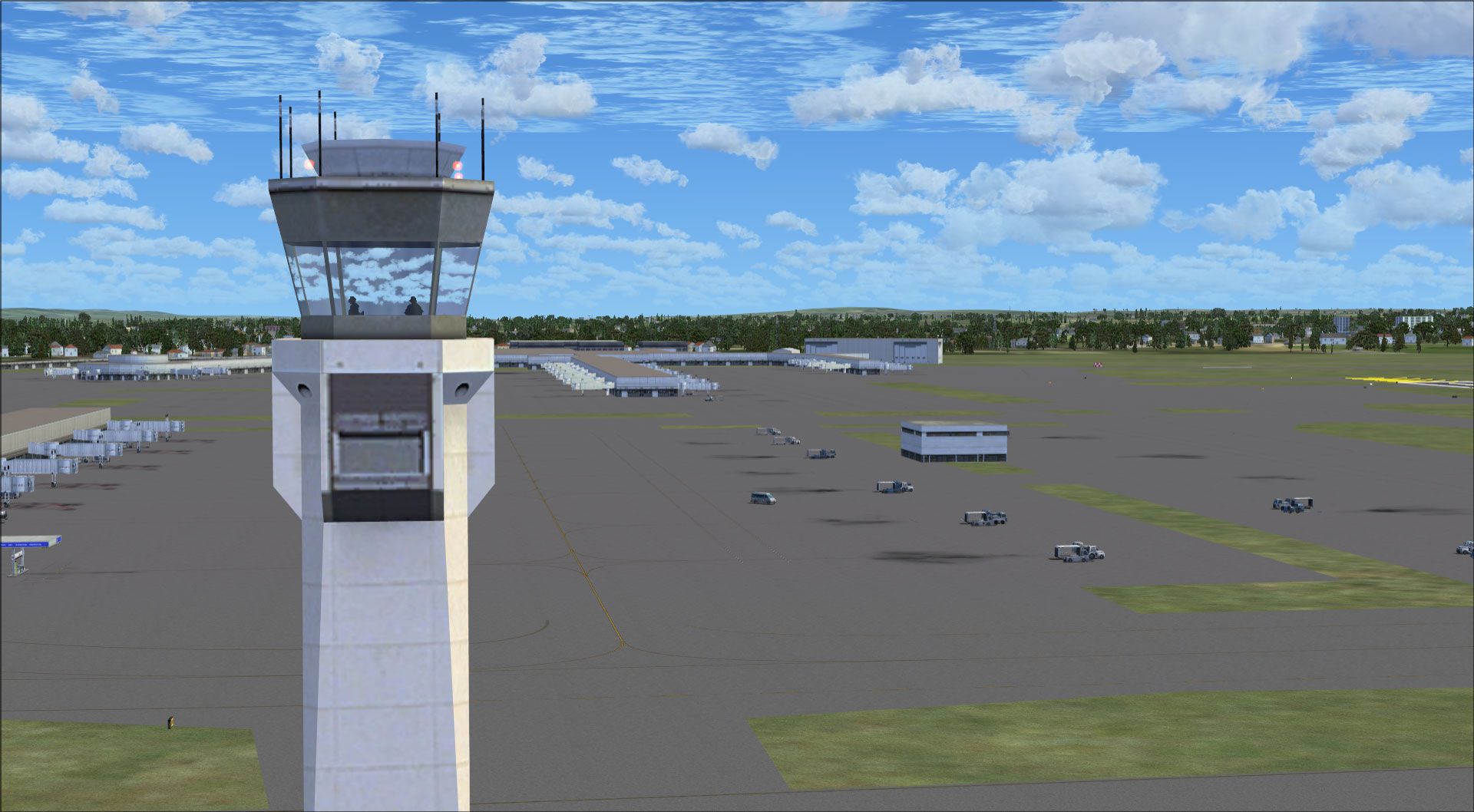
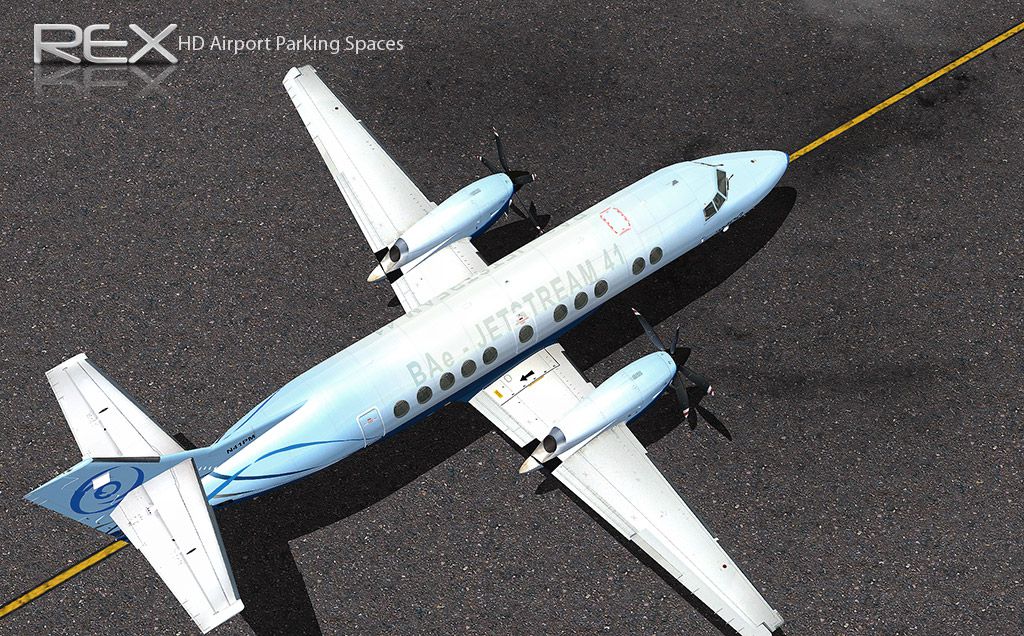
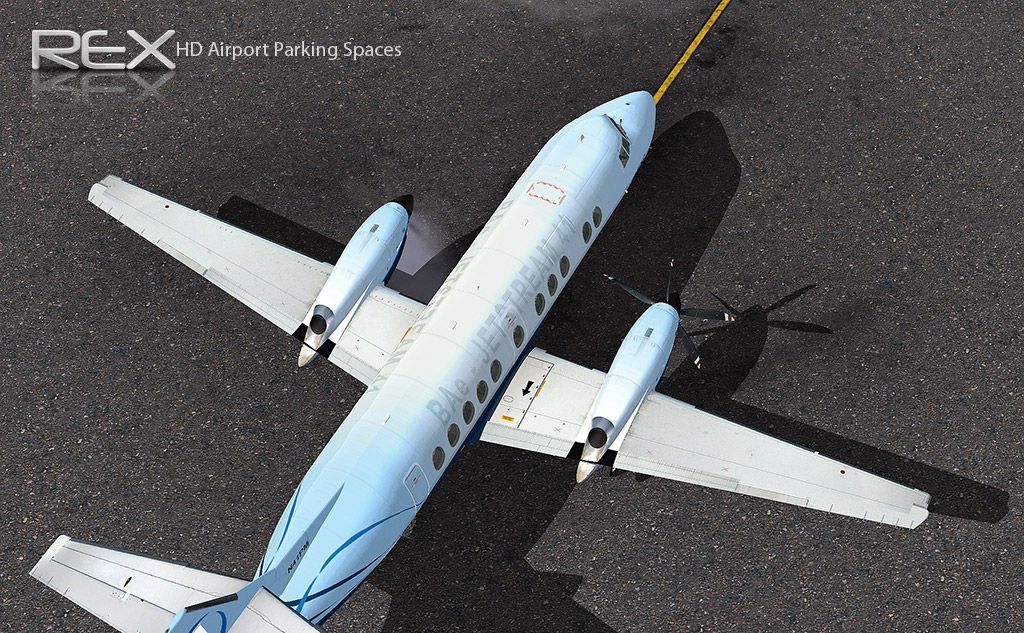
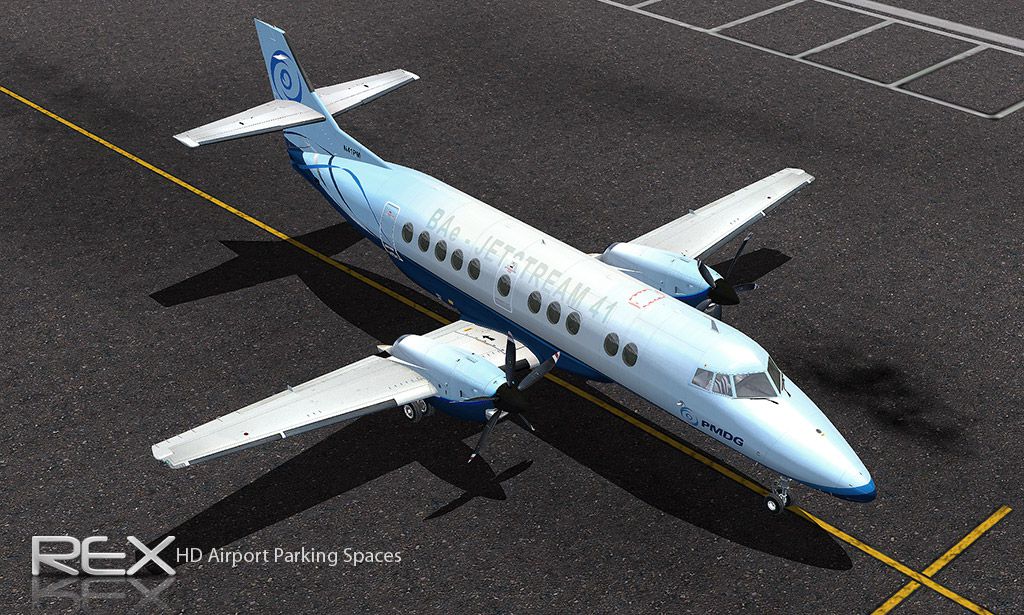
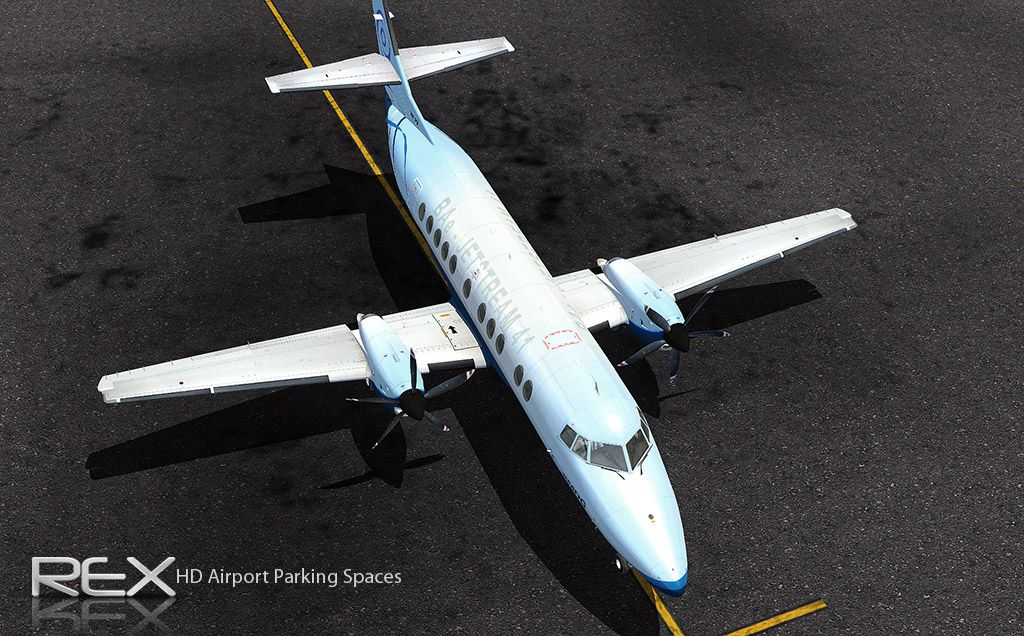
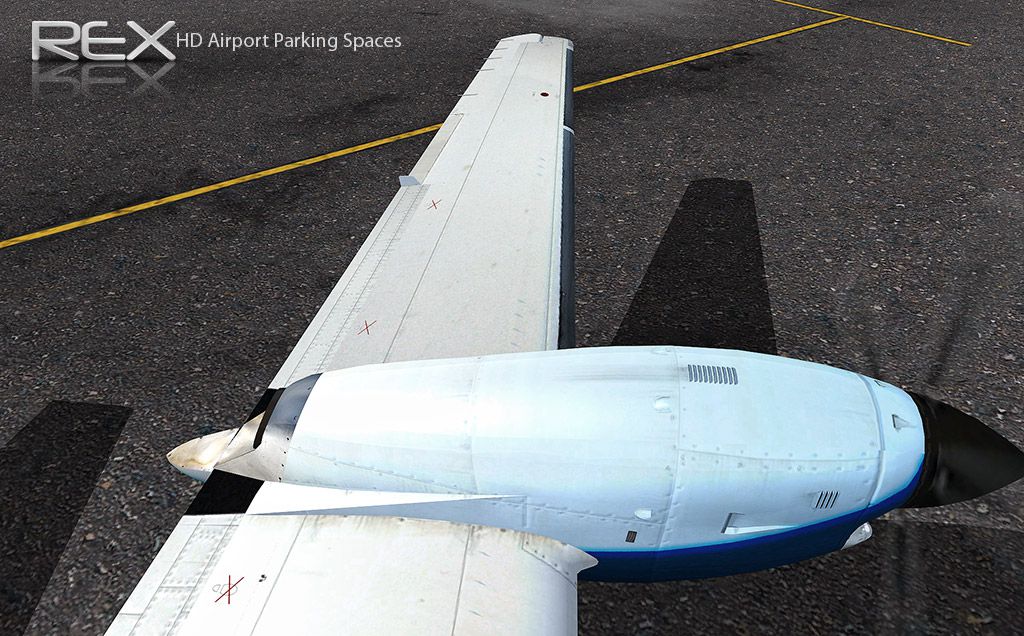
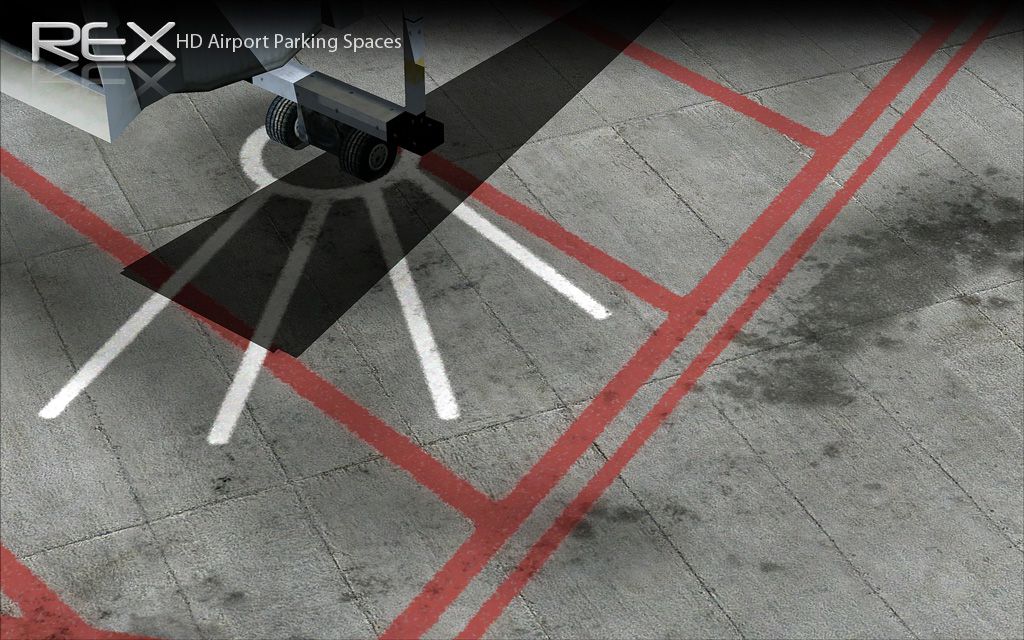
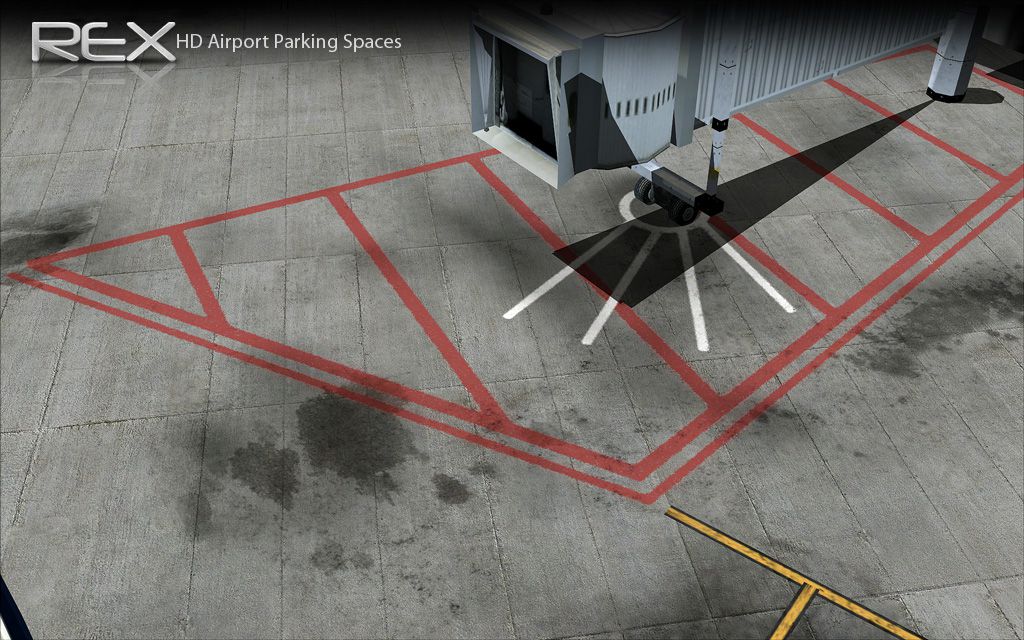
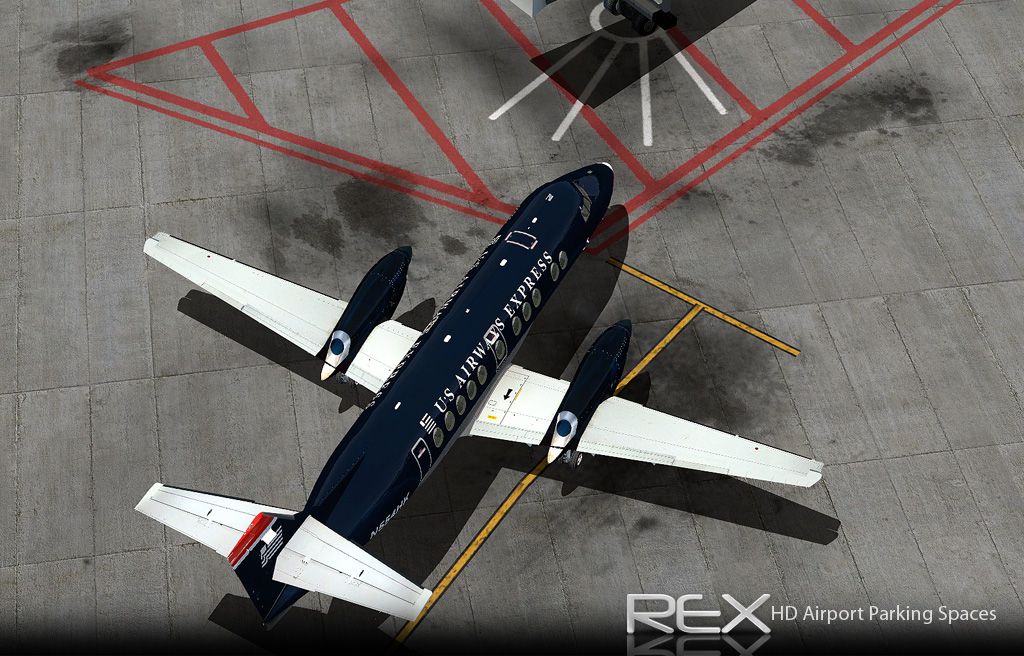
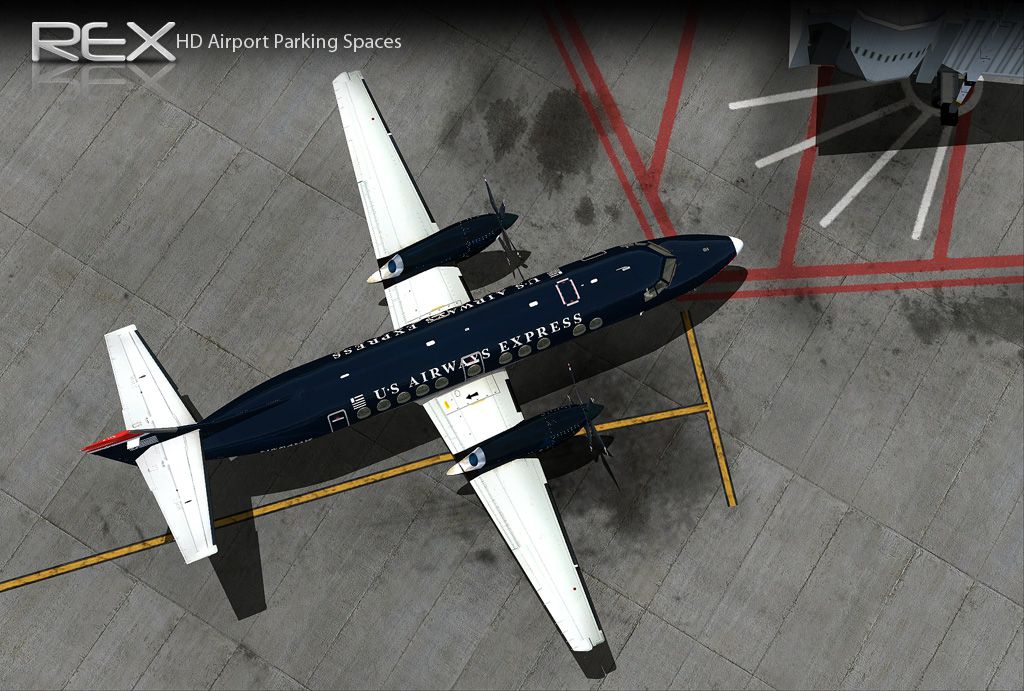
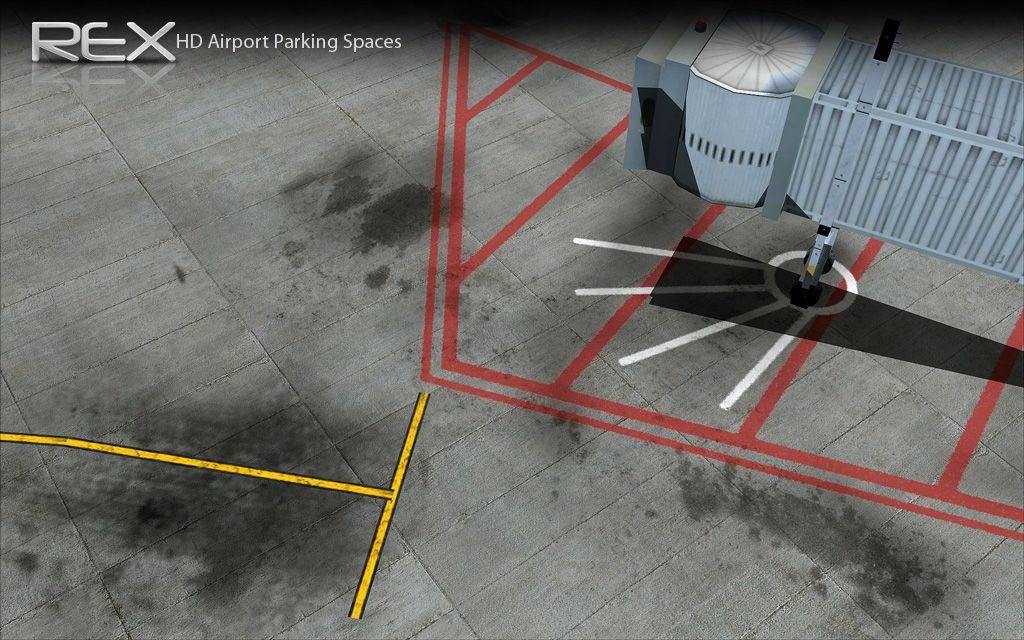
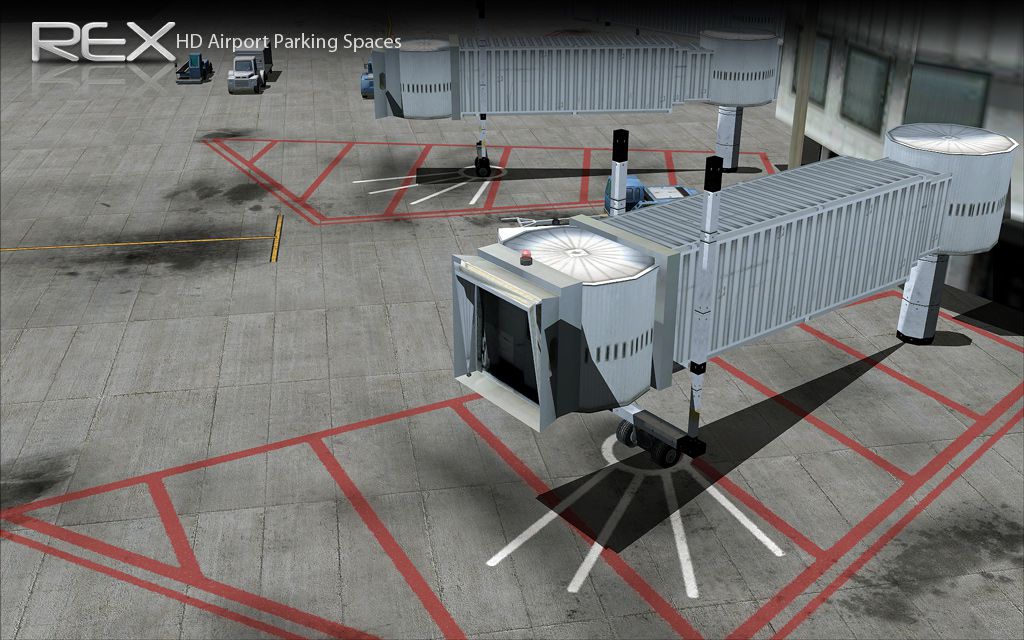
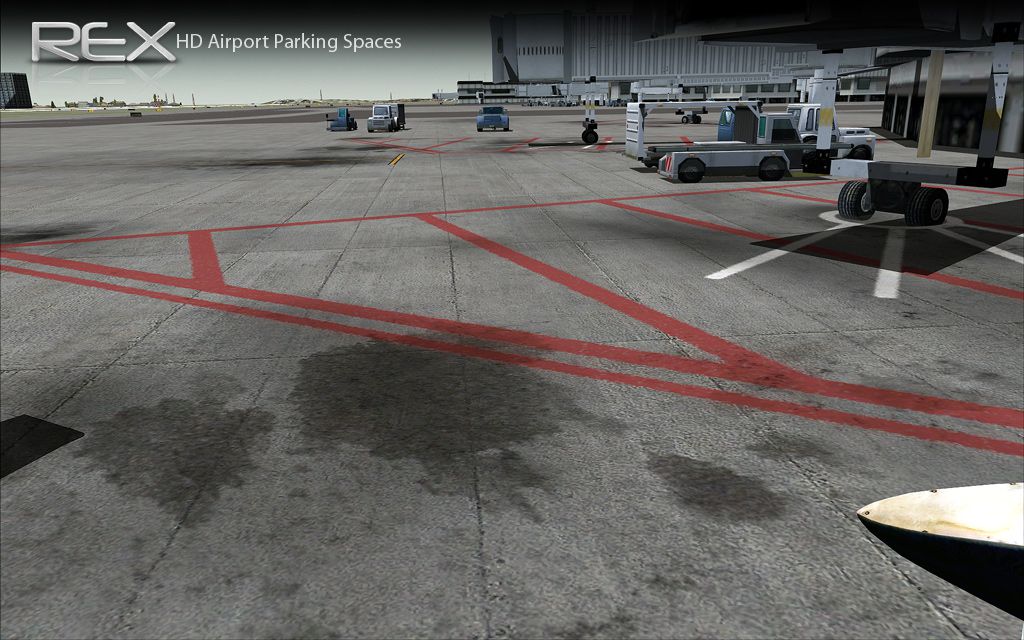
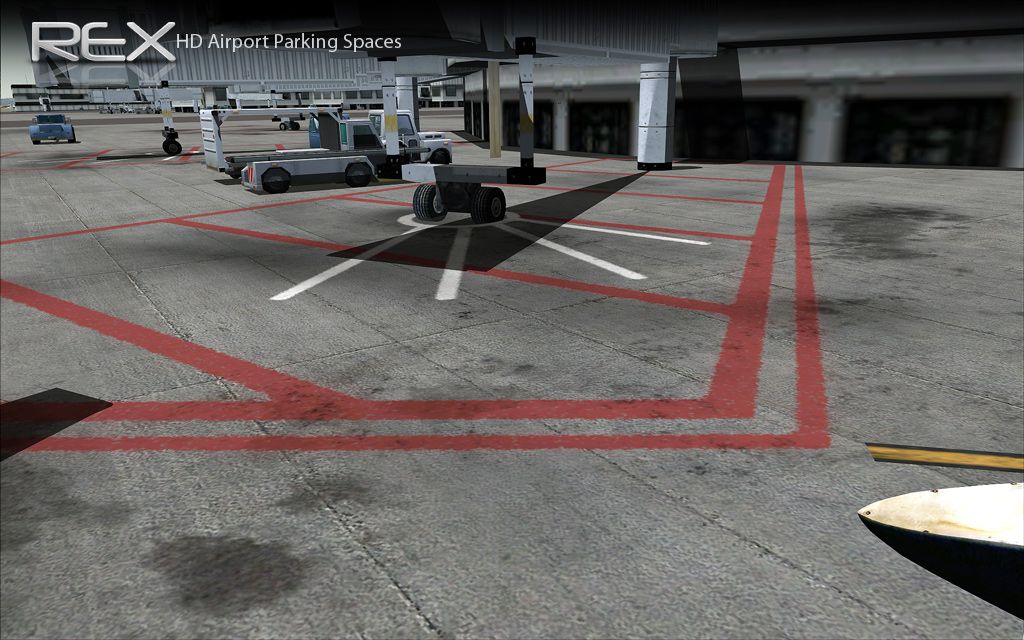
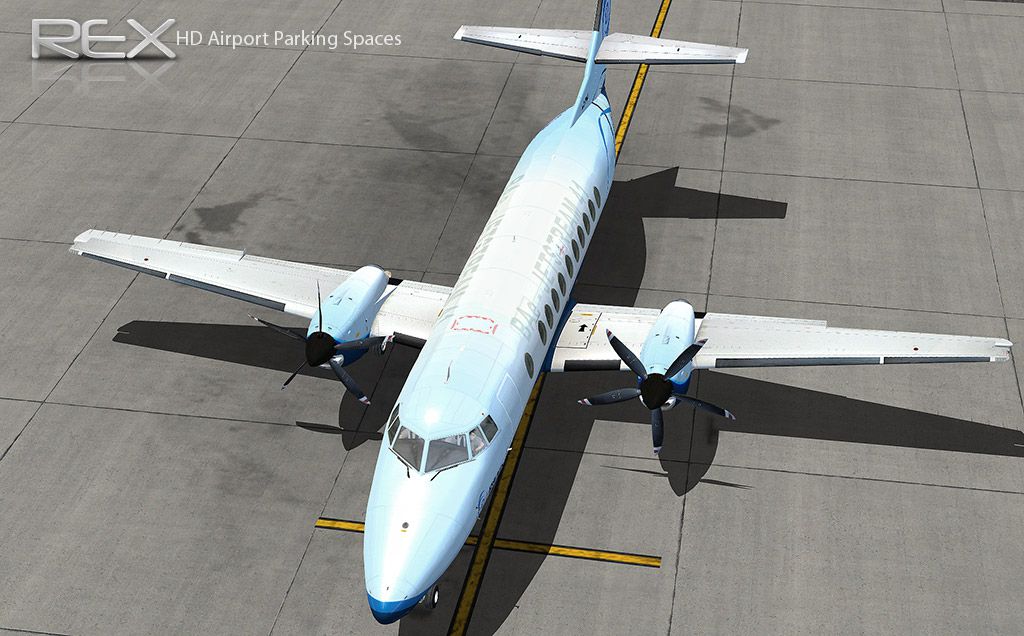
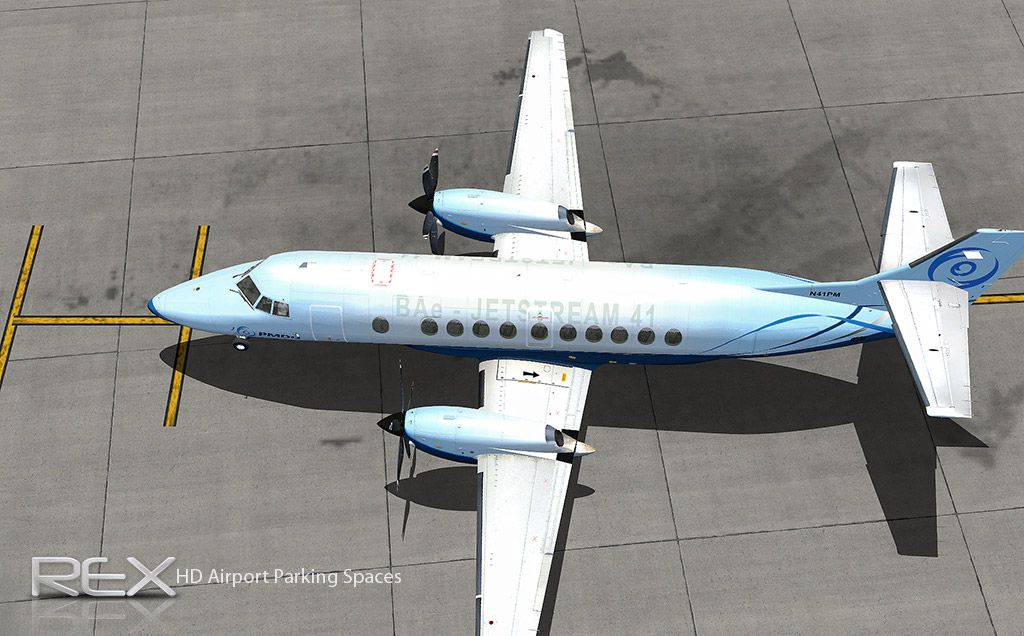
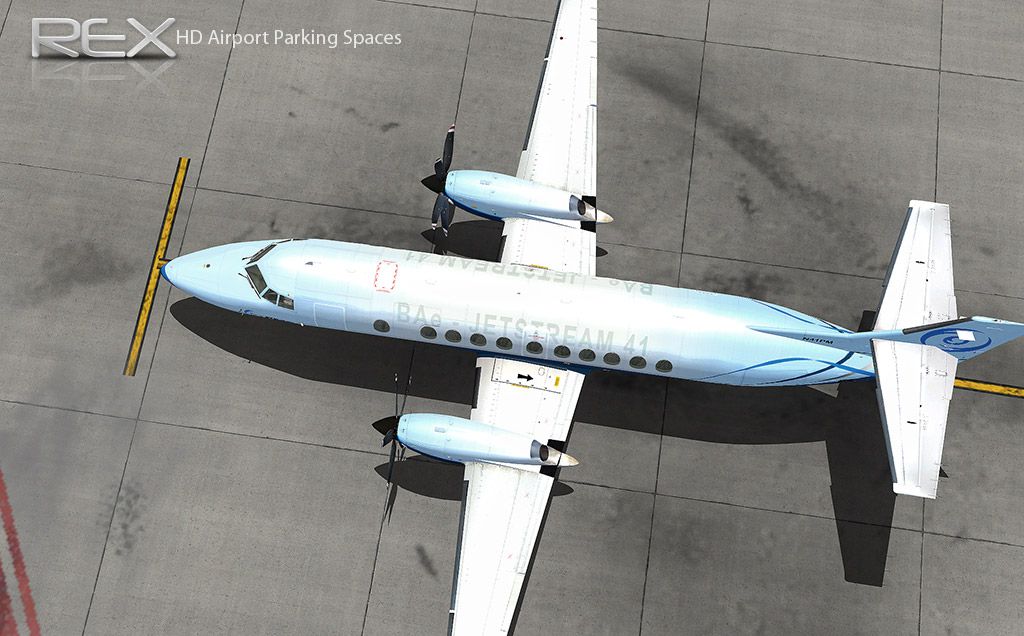
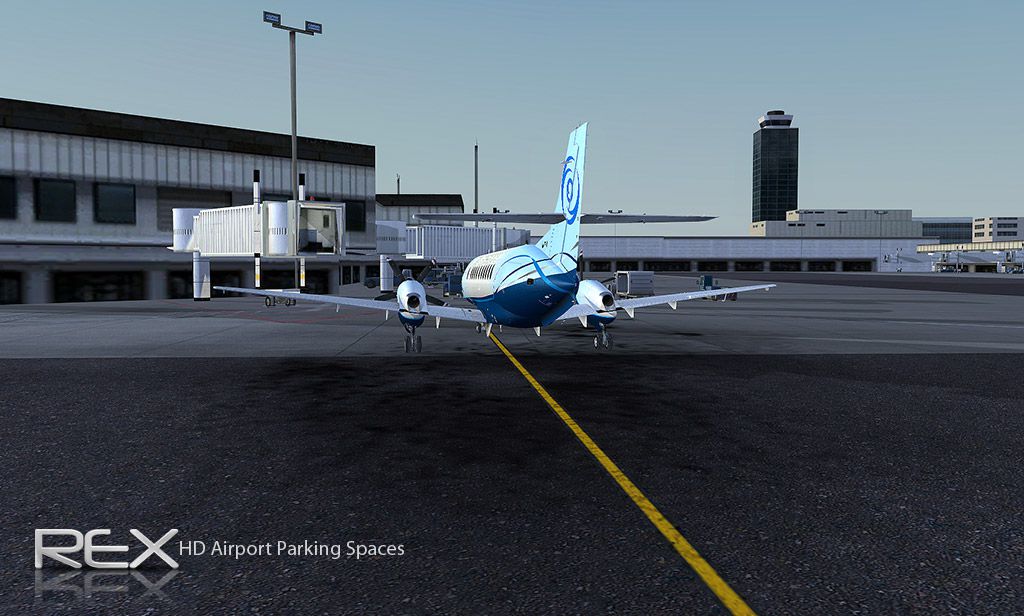
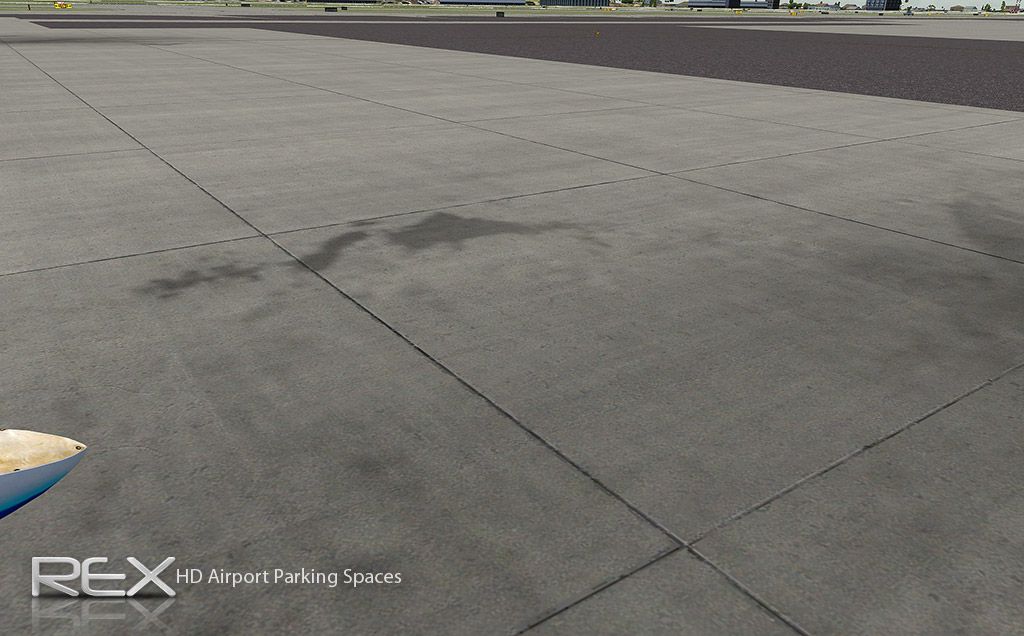
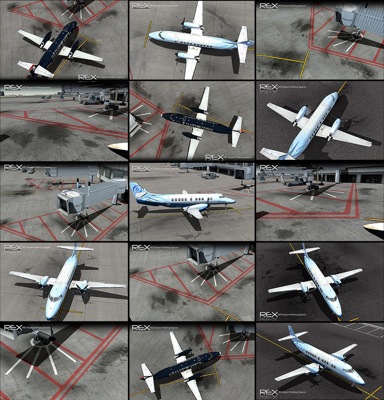
High-definition jetway textures and crisp airport parking space markings sharpen ramp detail across default scenery in FSX, improving gate realism in both day and night lighting. The package replaces core texture files and supports 4096-resolution visuals, which requires setting TEXTURE_MAX_LOAD=4096 in fsx.cfg to display the full-quality version.
In order to view the full high definition resolution within FSX, you will need to edit your fsx.cfg file and alter the entry:
TEXTURE_MAX_LOAD=4096
If the entry doesn't exist, copy the above and paste it under the [GRAPHICS] section in the fsx.cfg file. Example below:
[GRAPHICS]
TEXTURE_MAX_LOAD=4096
NOTE: This value resets to 1024 each time you make ANY adjustments in the FSX DISPLAY settings, so you'll need to reset it back to 4096 if you want the high definition version displayed.
[Installation]
Make sure to install both the HD Jetways AND Airport Parking Spaces available in this package for best effect.
To install the High Definition Jetways
Copy the two files named AIR_Jetway2 and AIR_Jetway2_lm in the "High Definition Jetways" folder to your FSX SceneryGlobalTexture folder. Replace the files when asked. In case you would like to revert back to the original files, a backup is located in this package in the "Original Backup Files" folder.
To install the High Definition Airport Parking Spaces
Copy the file named AirportParkingSpace in the "High Definition Airport Parking Spaces" folder to your FSXTexture folder. Replace the file when asked. In case you would like to revert back to the original file, a backup is located in this package in the "Original Backup File" folder.
Free for all simmers · 19.14 MB · Scanned clean
Download speed: Free tier is capped at 0.5 Mbps (this file takes approximately 5 mins at the cap). PRO members download at full line speed.
FSX\Addon Scenery\ containing scenery and texture sub-folders.readme.txt or README file. It tells you exactly where files go, what dependencies are needed, and any quirks specific to this add-on.The archive jetway_parking.zip has 48 files and directories contained within it.
This list displays the first 500 files in the package. If the package has more, you will need to download it to view them.
| Filename/Directory | File Date | File Size |
|---|---|---|
| HD Jetway and Airport Parking | 11.25.09 | 0 B |
| High Definition Airport Parking Spaces | 11.25.09 | 0 B |
| AirportParkingSpace.dds | 11.25.09 | 5.33 MB |
| Original Backup File | 11.25.09 | 0 B |
| AirportParkingSpace.dds | 07.11.06 | 1.33 MB |
| High Definition Jetways | 11.25.09 | 0 B |
| AIR_Jetway2.dds | 11.24.09 | 5.33 MB |
| AIR_Jetway2_lm.dds | 11.24.09 | 5.33 MB |
| Original Backup Files | 11.25.09 | 0 B |
| AIR_Jetway2.dds | 08.16.06 | 341.45 kB |
| AIR_Jetway2_lm.dds | 08.16.06 | 341.45 kB |
| Read Me.txt | 11.25.09 | 2.02 kB |
| Screenshot Samples | 11.25.09 | 0 B |
| 1.jpg | 11.25.09 | 305.79 kB |
| 10a.jpg | 11.15.09 | 264.64 kB |
| 11a.jpg | 11.15.09 | 318.19 kB |
| 12a.jpg | 11.15.09 | 162.53 kB |
| 13a.jpg | 11.15.09 | 247.74 kB |
| 1a.jpg | 11.15.09 | 188.75 kB |
| 2.jpg | 11.25.09 | 297.78 kB |
| 2a.jpg | 11.15.09 | 188.78 kB |
| 3.jpg | 11.25.09 | 297.84 kB |
| 3a.jpg | 11.15.09 | 304.18 kB |
| 4.jpg | 11.25.09 | 310.61 kB |
| 4a.jpg | 11.15.09 | 233.90 kB |
| 5.jpg | 11.25.09 | 305.15 kB |
| 5a.jpg | 11.15.09 | 178.99 kB |
| 6.jpg | 11.25.09 | 307.84 kB |
| 6a.jpg | 11.15.09 | 157.78 kB |
| 7.jpg | 11.25.09 | 307.38 kB |
| 7a.jpg | 11.15.09 | 176.70 kB |
| 8.jpg | 11.25.09 | 327.38 kB |
| 8a.jpg | 11.15.09 | 185.57 kB |
| 9.jpg | 11.25.09 | 298.90 kB |
| 9a.jpg | 11.15.09 | 171.03 kB |
| flyawaysimulation.txt | 10.29.13 | 959 B |
| Go to Fly Away Simulation.url | 01.22.16 | 52 B |
| Screenshots | 07.20.16 | 0 B |
| 001.jpg | 07.20.16 | 244.87 kB |
| 002.jpg | 07.20.16 | 355.53 kB |
| 003.jpg | 07.20.16 | 348.26 kB |
| 004.jpg | 07.20.16 | 243.65 kB |
| 005.jpg | 07.20.16 | 356.03 kB |
| 006.jpg | 07.20.16 | 442.64 kB |
| 007.jpg | 07.20.16 | 249.35 kB |
| 008.jpg | 07.20.16 | 264.25 kB |
| 009.jpg | 07.20.16 | 260.59 kB |
| 010.jpg | 07.20.16 | 178.21 kB |
More FSX & P3D add-ons hand-picked based on this download.
FSX Misc
These are higher resolution images for the default moon textures. The default…
 FSX Misc
These are higher resolution images for the default moon textures. The default…
 FSX Misc
An illustrated guide. After landing your favorite FSX aircraft, are you frust…
 FSX Misc
Installation and Configuration. A tutorial based on ADE 1.20. Detailed step b…
FSX Misc
Paths, Parking And Aprons. A tutorial based on ADE 1.05. Follows a step by st…
FSX Misc
Using background images. Tutorial based on ADE 1.05. Follows a step by step p…
FSX Misc
This fixes the two variants of airport baggage carts which sink into the grou…
FSX Misc
This handy reference compiles detailed listings of aviation facilities drawn …
Read what other simmers think, or add your own.

For everyone that does not know where FSX.cfg is, well here :
Go to start menu -> Type ‘run’ -> click on the program and type %appdata% -> Microsoft -> FSX > fsx.cfg
There you go. Now just open it with notepad and make the changes :)

The author should have posted the location of the folders and files he's referencing, very frustrating indeed.

Hello,
KFLL (Fort Lauderdale Intl Airport) has been changed, but there's no update anywhere to update in the FSX Sim World?


This is where the location of the file is in steam
AppDataRoamingMicrosoftFSX-SEfsx_se.cfg


