


 FSX Civil Aircraft
House Colors Airbus A350-900 XWB
FSX House Colors Airbus A350-900 XWB (Extra Wide Body) including Animated Gro…
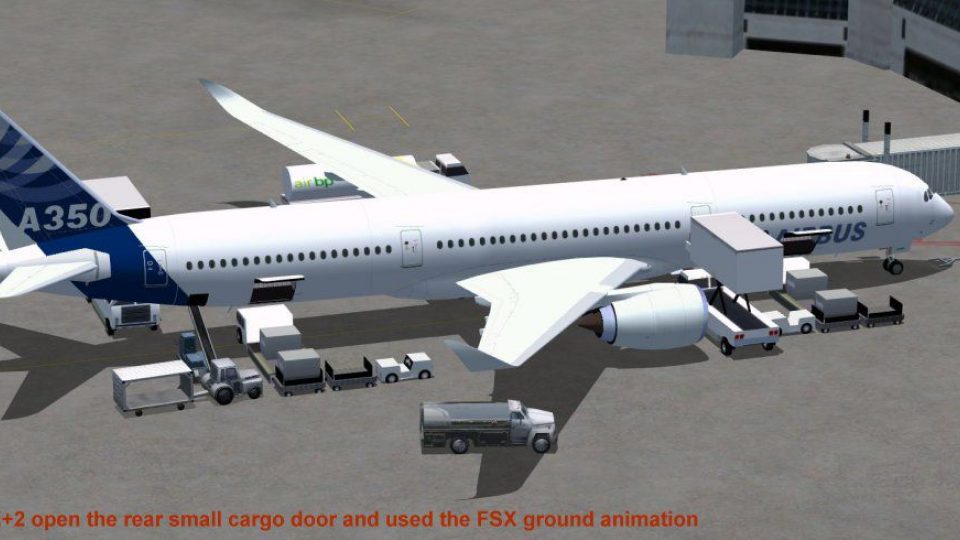
House Colors Airbus A350-900 XWB V2 brings Airbus’s Paris Air Show wide-body to life in FSX with a refined external model, updated nose and cockpit window contours, and improved wings and winglets for a sleeker profile. An enhanced Animated Ground Servicing system adds door operations and ramp activity for more immersive turnaround scenes.
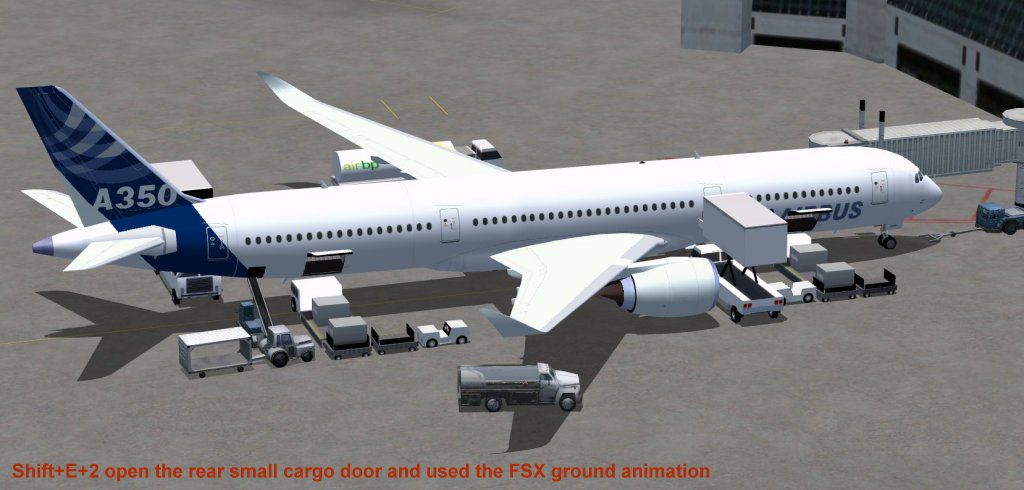
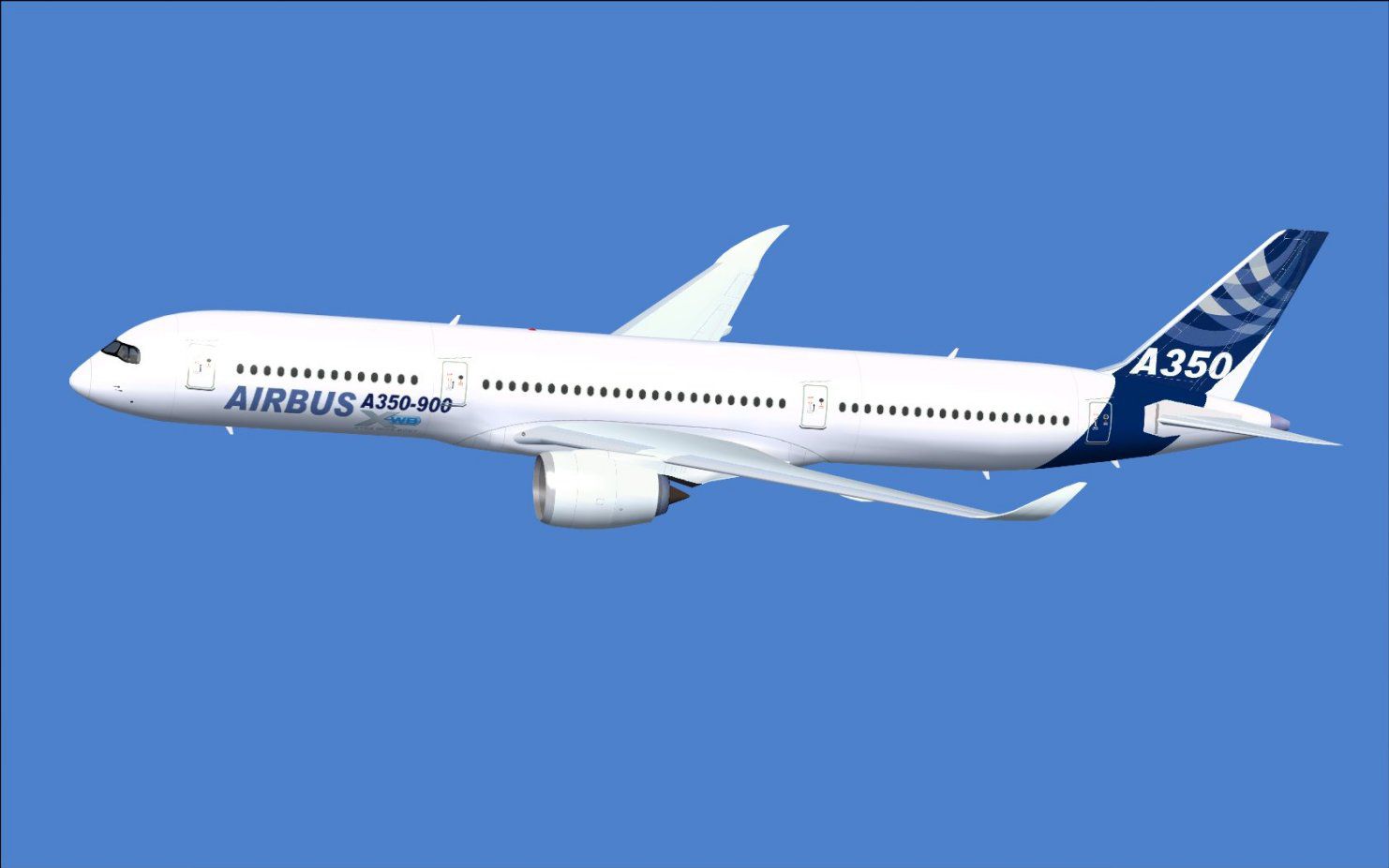

This package features the refined House Colors Airbus A350-900 XWB in Version 2, offering a meticulous depiction of Airbus’s innovative wide-body jet showcased at the 2009 Paris Air Show. Crafted by Camil Valiquette from CamSim, it includes reworked visuals such as an updated nose profile, redesigned cockpit window contours, and aerodynamically improved wings and winglets. Furthermore, an enhanced Animated Ground Servicing (AGS) system has been integrated to provide a more immersive ramp experience in Microsoft Flight Simulator X.
The A350-900 XWB stands as Airbus’s advanced twin-engine long-hauler. This representation highlights Version 2 refinements, including a reshaped fore section and upgraded winglets that align with the real-world design language. The model’s structure showcases a sleek airframe, reflecting the aircraft’s carbon-fiber fuselage technology, while the cockpit windows have been adjusted to mirror Airbus’s signature contours. These updates aim to replicate the jet’s aerodynamic efficiency and visual appeal.
In this release, the AGS functionality brings ground operations to life. With the correct keyboard inputs, you can deploy ground vehicles and open various doors to simulate realistic boarding processes. This system has been further optimized to ensure smoother transitions when loading cargo or allowing passenger entry. The House Colors livery, often used by Airbus demonstration aircraft, amplifies the sense of authenticity during ramp procedures.
These keyboard commands activate specific doors and ground service features:
Additionally, assign these controls under Options for maximum compatibility:
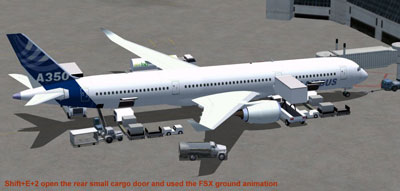
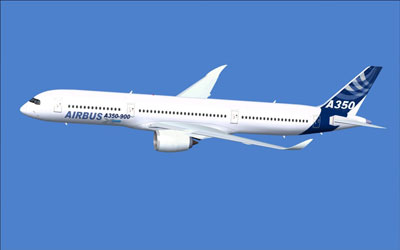
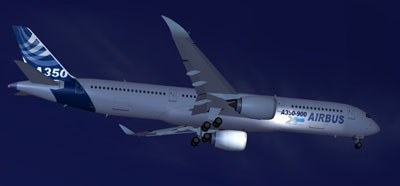
This freeware package includes the complete base model for convenient installation and immediate flight. Credit goes to the developer, Camil Valiquette, for both design and repaint work. Pilots seeking to experience the Airbus A350 family in a realistic context will benefit from the upgraded visual fidelity and interactive ground operations introduced in this Version 2 release.
Free for all simmers · 2.36 MB · Scanned clean
Download speed: Free tier is capped at 0.5 Mbps. PRO members download at full line speed.
This add-on may require the following files to function properly. If this is a repaint, the dependency below is likely the base aircraft package.
FSX\SimObjects\Airplanes\. The folder must contain an aircraft.cfg file. Effects go into FSX\Effects\; gauges go into FSX\Gauges\.readme.txt or README file. It tells you exactly where files go, what dependencies are needed, and any quirks specific to this add-on.The archive 359ab2_x.zip has 33 files and directories contained within it.
This list displays the first 500 files in the package. If the package has more, you will need to download it to view them.
| Filename/Directory | File Date | File Size |
|---|---|---|
| CamSim Airbus 350-900 V2 House Colors | 07.22.09 | 0 B |
| 359.air | 02.09.07 | 12.75 kB |
| a358ab2_1024.jpg | 07.22.09 | 75.93 kB |
| a359ab2_1482.jpg | 07.22.09 | 57.25 kB |
| a359ab_nuit_1024.jpg | 07.22.09 | 29.31 kB |
| aircraft.cfg | 07.22.09 | 14.57 kB |
| Effects.zip | 03.25.06 | 1.80 kB |
| file_id.diz | 07.22.09 | 343 B |
| model.359 ags | 07.22.09 | 0 B |
| 359 ags.mdl | 07.22.09 | 2.53 MB |
| Model.cfg | 03.27.07 | 26 B |
| PANEL | 07.22.09 | 0 B |
| panel.cfg | 05.27.09 | 33 B |
| Read Me_FSX.txt | 07.22.09 | 1.83 kB |
| SOUND | 07.22.09 | 0 B |
| Sound.cfg | 05.27.09 | 30 B |
| texture.ab | 07.22.09 | 0 B |
| 359fuse_t.bmp | 07.19.09 | 1.00 MB |
| 35eng_t.bmp | 04.18.08 | 1.00 MB |
| 35int_L.bmp | 07.09.07 | 4.00 MB |
| 35int_t.bmp | 07.17.09 | 1.00 MB |
| 35tail_t.bmp | 06.23.09 | 1.00 MB |
| 35wings_t.bmp | 07.19.09 | 1.00 MB |
| 787ext_L.bmp | 07.20.09 | 4.00 MB |
| 787ext_t.bmp | 07.22.09 | 1.00 MB |
| 787ext_t_24BP Serv.bmp | 07.19.09 | 3.00 MB |
| gris_t.bmp | 03.17.06 | 16.07 kB |
| pilot1.bmp | 12.06.06 | 256.07 kB |
| pilot1_l.bmp | 12.06.06 | 1.00 MB |
| thumbnail.jpg | 07.22.09 | 5.56 kB |
| w_t.bmp | 12.06.08 | 16.07 kB |
| flyawaysimulation.txt | 10.29.13 | 959 B |
| Go to Fly Away Simulation.url | 01.22.16 | 52 B |
More FSX & P3D add-ons hand-picked based on this download.
FSX Civil Aircraft
FSX House Colors Airbus A350-900 XWB (Extra Wide Body) including Animated Gro…
 FSX Civil Aircraft
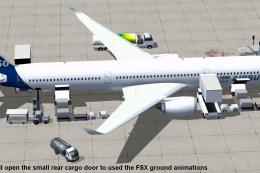
This package introduces a newly refined rendition of the popular twin-engine,…
 FSX Civil Aircraft
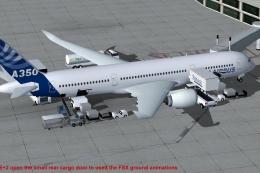
This updated freeware package depicts the House Colors Airbus A350-1000 XWB V…
 FSX Civil Aircraft
This CamSim version 4 features more Animated Ground Servicing (AGS), featurin…
 FSX Civil Aircraft
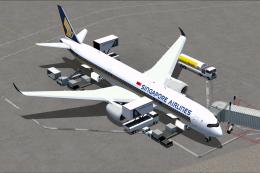
Singapore Airlines Airbus A350-900 XWB v2. Versions 2 is an all new version o…
 FSX Civil Aircraft
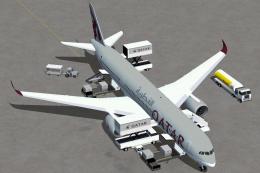
Experience an updated rendition of Qatar’s acclaimed Airbus A350-900 XWB, met…
 FSX Civil Aircraft
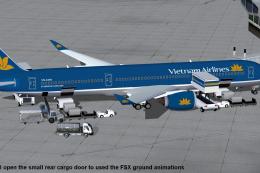
This comprehensive freeware package features Vietnam Airlines' Airbus A350-90…
 FSX Civil Aircraft
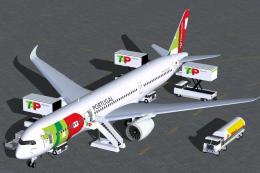
TAP Portugal Airbus A350-900 XWBv2. Versions 2 is an all new version of theA3…
Be the first to leave a comment on this download.
Be the first to share your thoughts on this download.