


 FSX Civil Aircraft
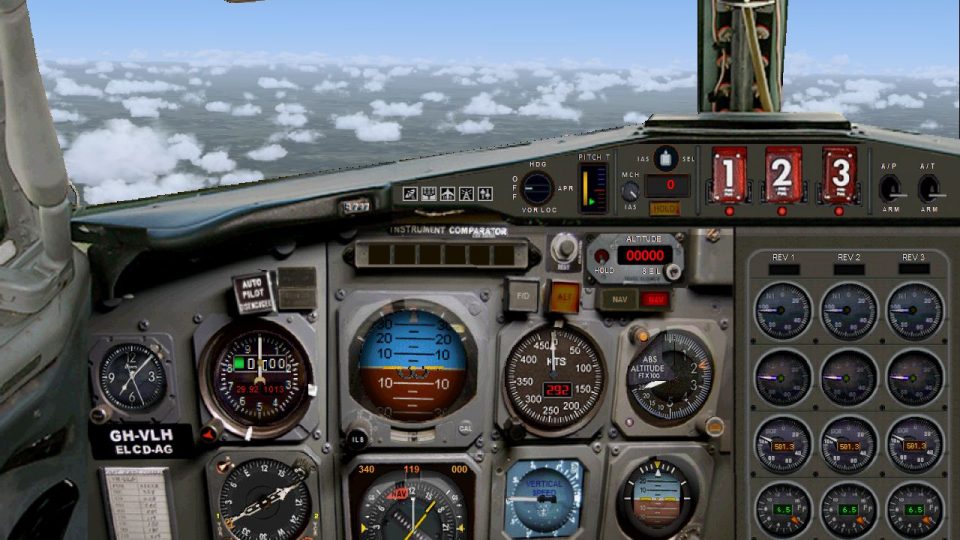
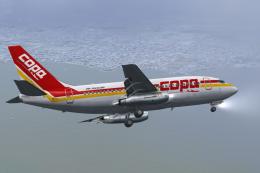
COPA Panama Boeing 737-200ADV
This is a repaint for the payware Captain Sim B737-200ADV. These textures rep…
Air Panama Boeing 727-100 brings four classic repaints to life in FSX with a working 2D panel, authentic Boeing sounds, corrected engine smoke positioning, and clean aircraft menu thumbnails. Requires the original airpanama727-100.zip base package for the Erick Cantu Vistaliners 727 model, then applies FSX-ready updates for smooth operation.
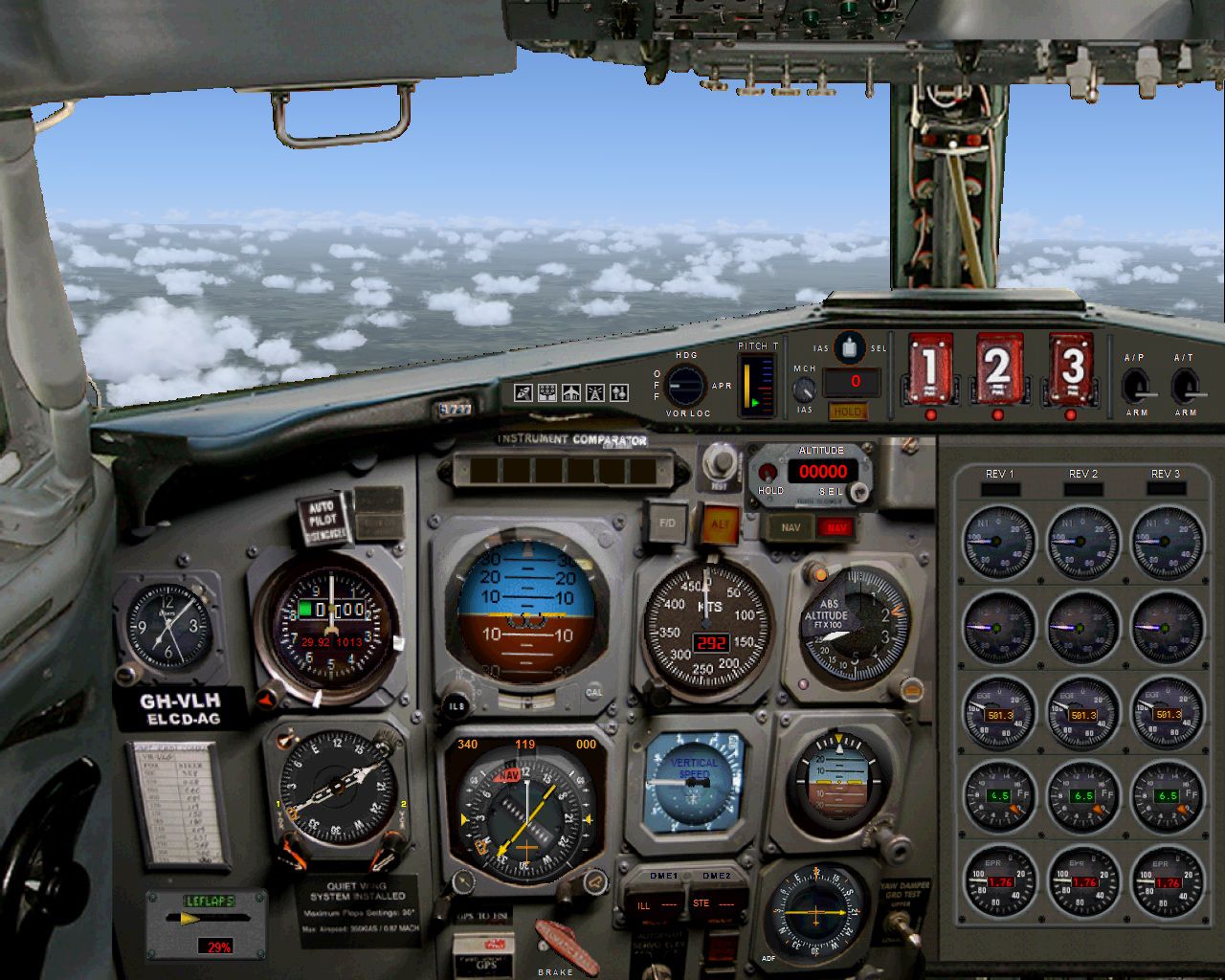
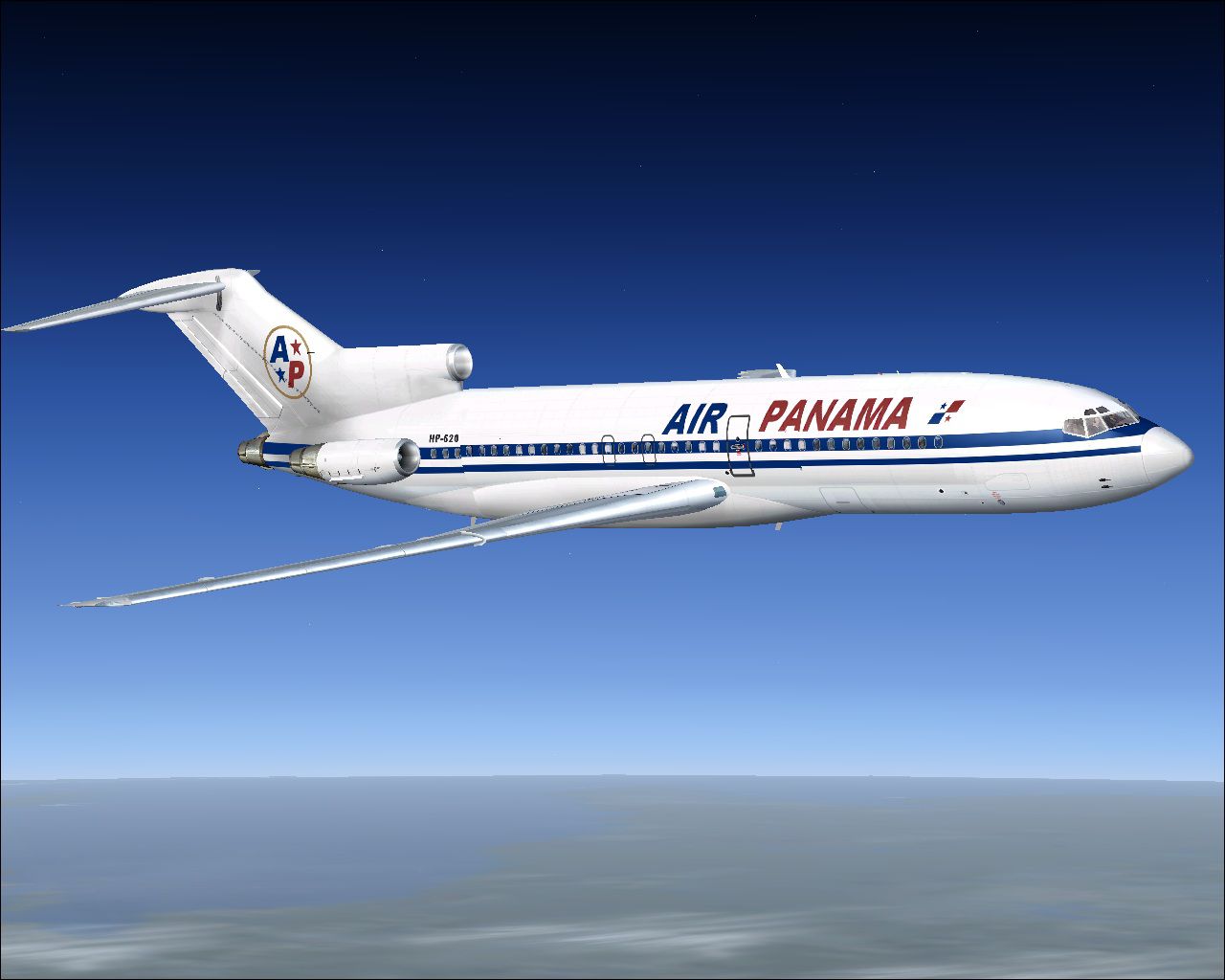
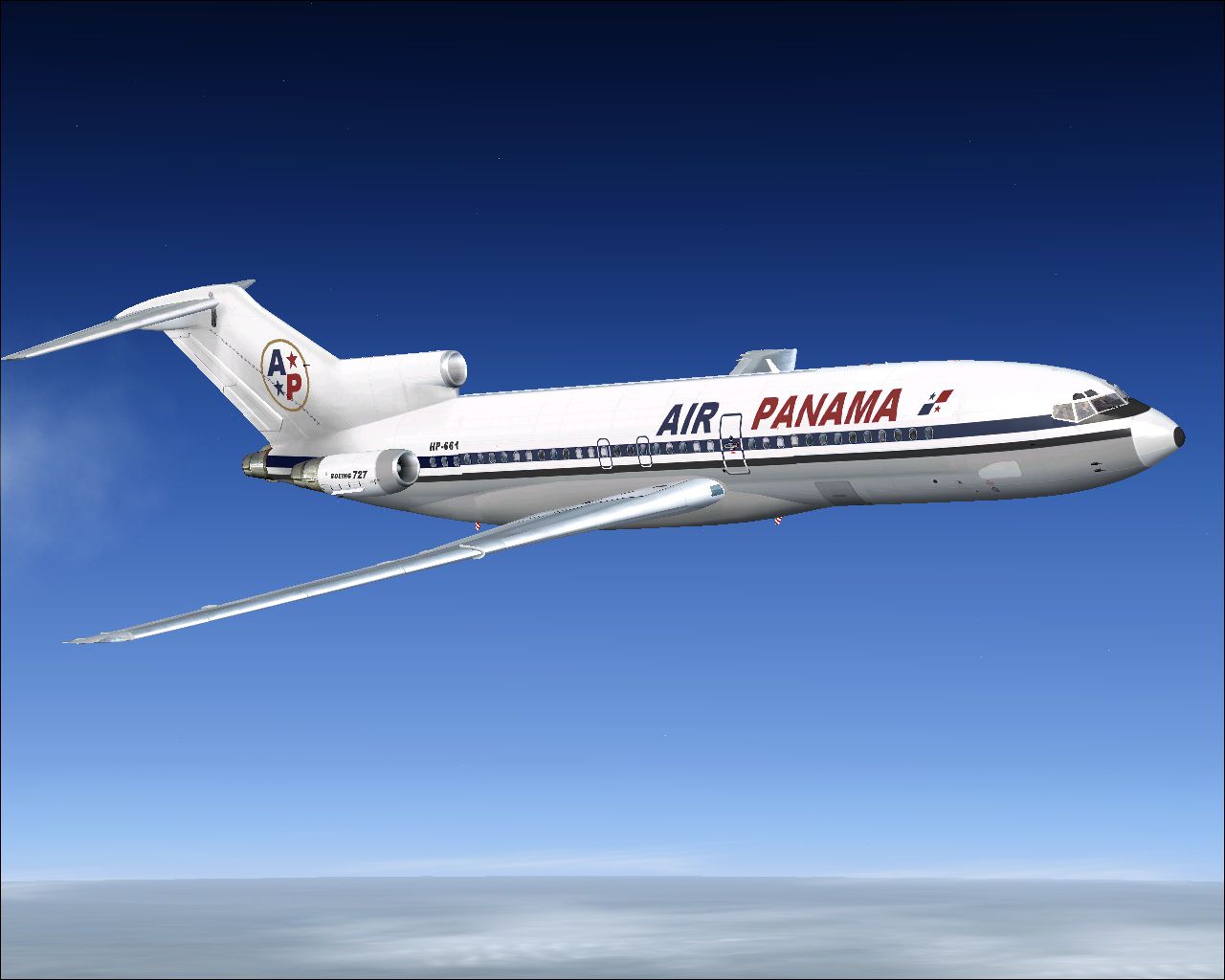
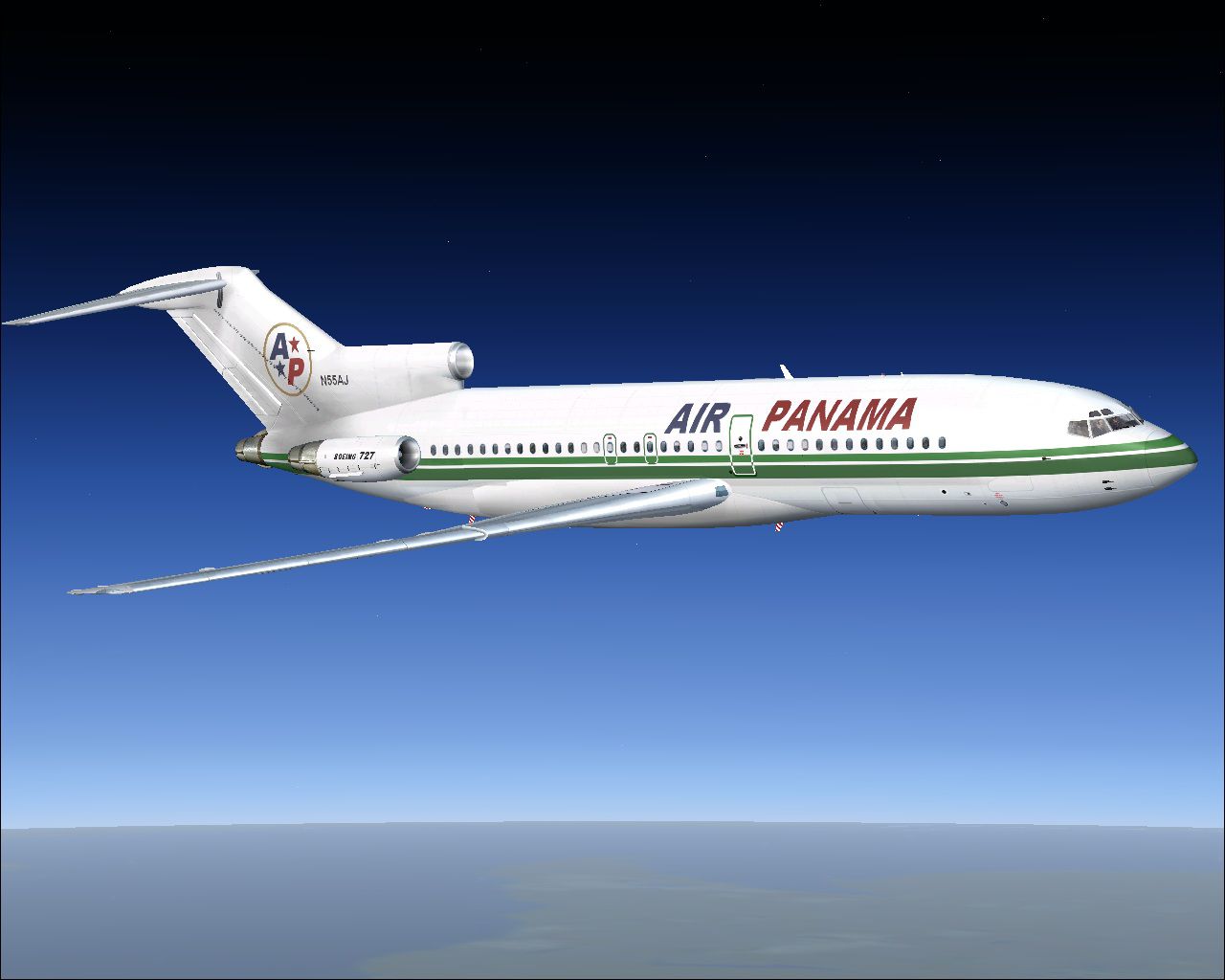
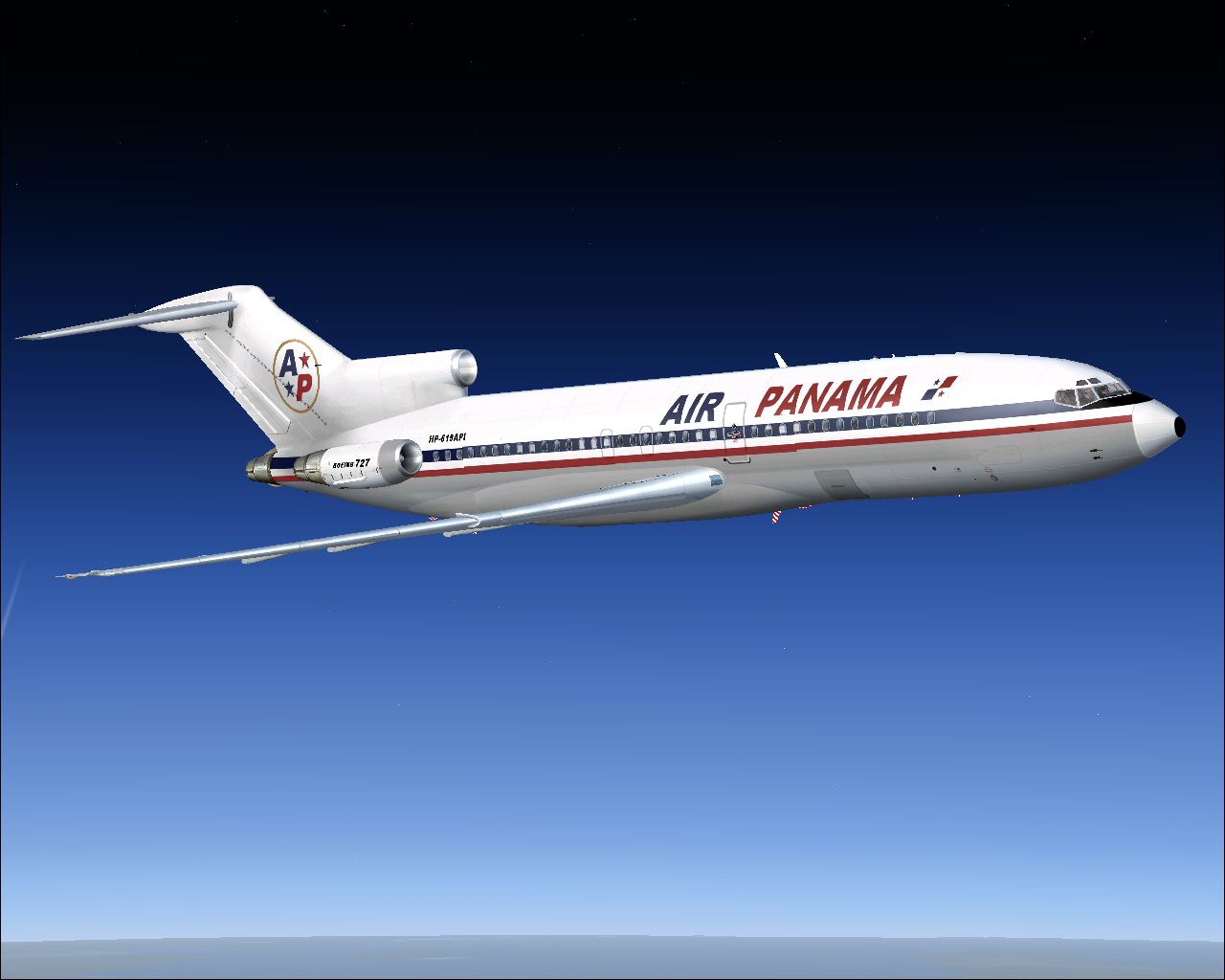

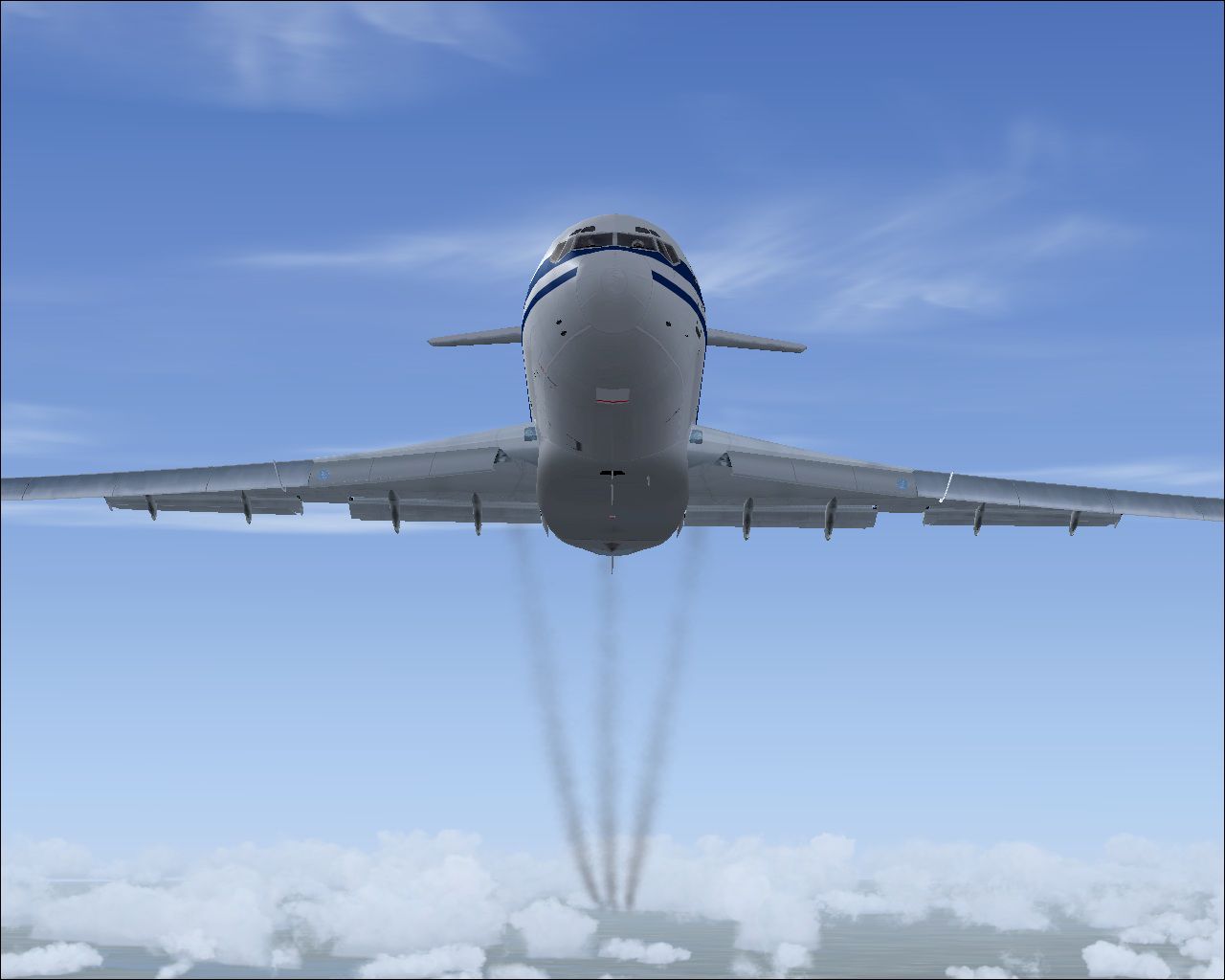
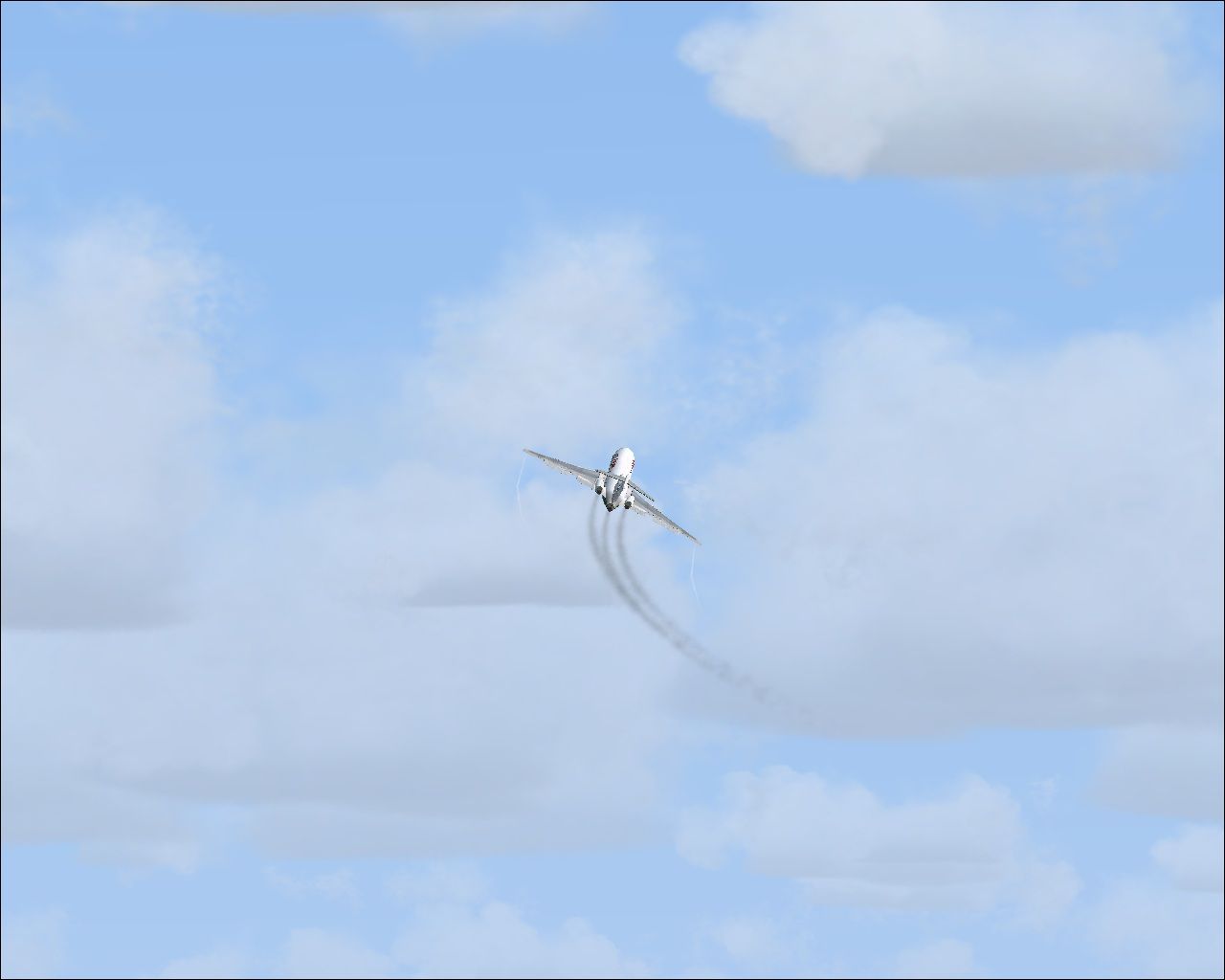
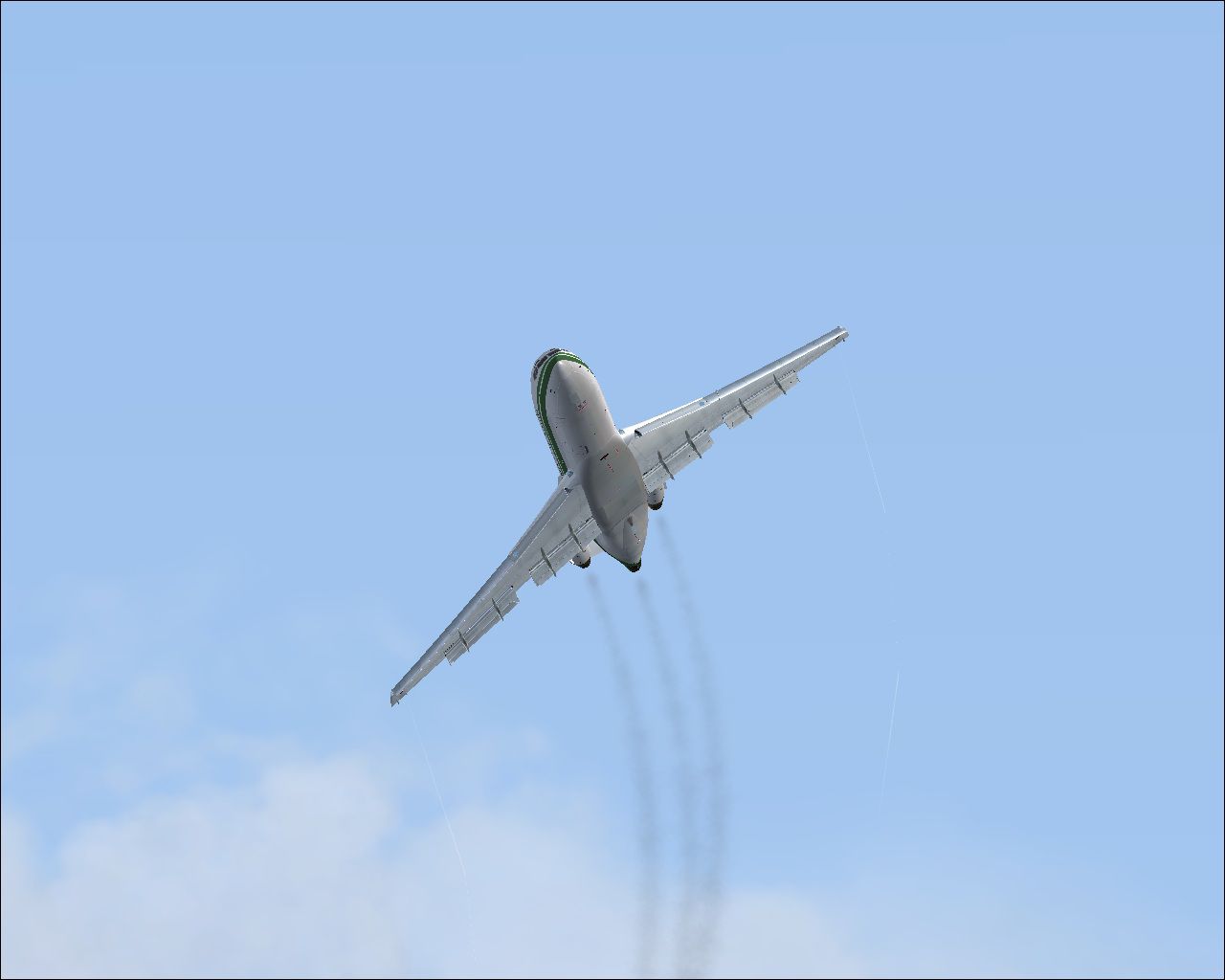
Air Panama Boeing 727-100. Update for Enrique and Ernesto Vega's FS2004 Air Panama Boeing 727-100 repaint 4-pack for Erick Cantu's FS2004 Vistaliners Boeing 727, which can not be seen or heard in FSX. First install AIRPANAMA727-100.ZIP. Then install these enclosed FSX updates: 727 2D panel by Pasquale Rinaldi, Boeing sound file by Ali Zied, FSX-compatible engine smoke system by Tom Tiedman, and thumbnail pictures for your airplane menu by Tom Tiedman. Fast and easy instructions. Compiled by Tom Tiedman for all you FSXers.
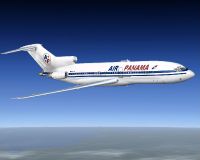
Air Panama Boeing 727-100.
DESCRIPTION:
Update for Enrique & Ernesto Vega's FS2004 Air Panama Boeing 727-100 repaint
4-pack for Eric Cantu's FS2004 Vistaliners Boeing 727, which can not be seen or
heard in FSX. First install Flightsim's "airpanama727-100.zip". Then install these
enclosed freeware FSX updates: 727 2D panel by Pasquale Rinaldi, Boeing sound file
by Ali Zied, FSX-compatible engine smokesystem by Tom Tiedman, and thumbnail
pictures for your airplane menu by Tom Tiedman. Fast and easy instructions.
Compiled by Tom Tiedman for all you FSXers.
CREDITS: All credit goes to the fine freeware artists mentioned above! All I did
was add some thumbnails and figure out the engine smoke mathematics.
Tom Tiedman
INSTALLATION: Seven easy steps!
1.) Download from Flightsim and install the "airpanama727-100.zip" into your FSX.
At this point, you cannot see or hear the airplane in FSX.
2.) Delete the panel folder and add the new enclosed panel folder.
Now you can see the aircraft in FSX!
3.) Delete the sound folder and add the new enclosed sound folder.
Now you can hear the aircraft in FSX!
4.) a.) Rename the enclosed "thumbnail HP-620" to just "thumbnail" then
drag and drop it into the "texture.HP620" folder.
b.) Rename the enclosed "thumbnail HP-661" to just "thumbnail" then
drag and drop it into the "texture.HP661" folder.
c.) Rename the enclosed "thumbnail N55CJ" to just "thumbnail" then
drag and drop it into the "texture.N55CJ" folder.
d.) Rename the enclosed "thumbnail HP-619-AIP" to just "thumbnail" then
drag and drop it into the "texture" folder.
Now you can find all 4 aircraft in your FSX airplane menu!
5.) Open the 727-100 "aircraft.cfg" file and delete the entire FS2004
[SMOKESYSTEM] section. Next, copy and paste the enclosed
FSX [SMOKESYSTEM] section found below back into the "aircraft.cfg" file.
I pasted mine between the [GeneralEngineData] section and the [effects]
section with good results.
Now you have engine smoke that comes out of the engines instead of
the left wingtip!
6.) Copy and paste the enclosed "fx_smoke_f6.fx" file into your FSX "Effects"
folder. (It's probably there already, so look first).
7.) Press your "I" key while flying your new gorgeous FSX 727-100 and enjoy
the ride! compliments of Eric, Pasquale, Ali, Enrique, Ernesto, and Tom.
[SMOKESYSTEM]
smoke.1=-39.732, -8.716, 5.101, fx_smoke_f6
smoke.2=-57.732, 0.000, 4.001, fx_smoke_f6
smoke.3=-39.732, 8.716, 5.101, fx_smoke_f6

Air Panama Boeing 727-100.
Free for all simmers · 32.22 MB · Scanned clean
Download speed: Free tier is capped at 0.5 Mbps (this file takes approximately 9 mins at the cap). PRO members download at full line speed.
FSX\SimObjects\Airplanes\. The folder must contain an aircraft.cfg file. Effects go into FSX\Effects\; gauges go into FSX\Gauges\.readme.txt or README file. It tells you exactly where files go, what dependencies are needed, and any quirks specific to this add-on.The archive fsx_update_727-100_air_panama.zip has 89 files and directories contained within it.
This list displays the first 500 files in the package. If the package has more, you will need to download it to view them.
| Filename/Directory | File Date | File Size |
|---|---|---|
| a MUST READ ME NOW to INSTALL.txt | 06.28.10 | 2.57 kB |
| AFTER.jpg | 06.27.10 | 136.93 kB |
| BEFORE.jpg | 06.27.10 | 147.91 kB |
| blue-white.jpg | 06.28.10 | 162.91 kB |
| Climb Out.jpg | 06.27.10 | 92.04 kB |
| file_id.diz | 06.28.10 | 539 B |
| FSX_Update_727-100_Air_Panama.jpg | 06.27.10 | 136.93 kB |
| fx_smoke_f6.fx | 06.04.10 | 1.17 kB |
| green-white.jpg | 06.28.10 | 150.36 kB |
| PANEL AFTER.jpg | 06.27.10 | 433.80 kB |
| panel | 06.28.10 | 0 B |
| gear_panel.bmp | 06.26.10 | 87.59 kB |
| main_panel.bmp | 06.26.10 | 2.25 MB |
| panel.cfg | 06.26.10 | 3.27 kB |
| radio_panel.bmp | 06.26.10 | 401.43 kB |
| throttle.bmp | 06.26.10 | 464.57 kB |
| upper_panel.bmp | 06.26.10 | 1014.66 kB |
| Right Bank.jpg | 06.27.10 | 75.19 kB |
| sound | 06.28.10 | 0 B |
| 732RODAJE.wav | 06.28.10 | 337.69 kB |
| 732RODAJE2.wav | 06.28.10 | 337.69 kB |
| baapdis.wav | 06.28.10 | 223.08 kB |
| baglide.wav | 06.28.10 | 21.57 kB |
| ban11.wav | 06.28.10 | 1.27 MB |
| ban12.wav | 06.28.10 | 331.13 kB |
| ban13.wav | 06.28.10 | 720.13 kB |
| ban14.wav | 06.28.10 | 447.90 kB |
| ban1shut.wav | 06.28.10 | 207.27 kB |
| ban1strt.wav | 06.28.10 | 388.84 kB |
| ban21.wav | 06.28.10 | 1.09 MB |
| ban22.wav | 06.28.10 | 969.18 kB |
| ban23.wav | 06.28.10 | 271.22 kB |
| ban24.wav | 06.28.10 | 505.37 kB |
| ban2shut.wav | 06.28.10 | 260.27 kB |
| ban2strt.wav | 06.28.10 | 636.09 kB |
| ban2t.wav | 06.28.10 | 1.14 MB |
| baover.wav | 06.28.10 | 59.18 kB |
| bbn11.wav | 06.28.10 | 1.56 MB |
| bbn12.wav | 06.28.10 | 562.56 kB |
| bbn13.wav | 06.28.10 | 235.67 kB |
| bbn14.wav | 06.28.10 | 658.79 kB |
| bbn1shut.wav | 06.28.10 | 212.77 kB |
| bbn1strt.wav | 06.28.10 | 343.34 kB |
| bbn21.wav | 06.28.10 | 1.09 MB |
| bbn22.wav | 06.28.10 | 969.18 kB |
| bbn23.wav | 06.28.10 | 271.22 kB |
| bbn24.wav | 06.28.10 | 447.90 kB |
| bbn2shut.wav | 06.28.10 | 254.77 kB |
| bbn2strt.wav | 06.28.10 | 636.09 kB |
| bbn2t.wav | 06.28.10 | 470.60 kB |
| bmflaps.wav | 06.28.10 | 175.61 kB |
| bmgeardn.wav | 06.28.10 | 1.01 MB |
| bmgearup.wav | 06.28.10 | 275.09 kB |
| bmgwarn.wav | 06.28.10 | 21.57 kB |
| door_large_close.wav | 06.28.10 | 131.81 kB |
| door_large_open.wav | 06.28.10 | 116.30 kB |
| sound.cfg | 06.28.10 | 17.09 kB |
| x737a-n1f01.wav | 06.28.10 | 478.10 kB |
| x737a-n1f02.wav | 06.28.10 | 241.91 kB |
| x737a-n1f03.wav | 06.28.10 | 1.01 MB |
| x737a-n1f04.WAV | 06.28.10 | 1.27 MB |
| x737a-n2r01.wav | 06.28.10 | 478.10 kB |
| x737a-n2r02.wav | 06.28.10 | 241.91 kB |
| x737a-n2r03.wav | 06.28.10 | 1.01 MB |
| x737a-n2r04.WAV | 06.28.10 | 160.90 kB |
| x737b-n1f01.wav | 06.28.10 | 478.10 kB |
| x737b-n1f02.wav | 06.28.10 | 241.91 kB |
| x737b-n1f03.wav | 06.28.10 | 1.01 MB |
| x737b-n1f04.wav | 06.28.10 | 1.19 MB |
| x737b-n2r01.wav | 06.28.10 | 478.10 kB |
| x737b-n2r02.wav | 06.28.10 | 241.91 kB |
| x737b-n2r03.wav | 06.28.10 | 1.56 MB |
| x737b-n2r04.wav | 06.28.10 | 162.78 kB |
| xban1shut.wav | 06.28.10 | 212.25 kB |
| xban1strt.wav | 06.28.10 | 496.81 kB |
| xban2shut.wav | 06.28.10 | 227.75 kB |
| xban2strt.wav | 06.28.10 | 636.09 kB |
| xban2t.wav | 06.28.10 | 3.41 MB |
| xbbn1shut.wav | 06.28.10 | 220.25 kB |
| xbbn1strt.wav | 06.28.10 | 460.81 kB |
| xbbn2shut.wav | 06.28.10 | 217.75 kB |
| xbbn2strt.wav | 06.28.10 | 636.09 kB |
| xbbn2t.wav | 06.28.10 | 3.41 MB |
| thumbnail HP-619-AIP.jpg | 06.28.10 | 146.47 kB |
| thumbnail HP-620.jpg | 06.28.10 | 165.20 kB |
| thumbnail HP-661.jpg | 06.28.10 | 162.91 kB |
| thumbnail N55CJ.jpg | 06.28.10 | 150.36 kB |
| flyawaysimulation.txt | 10.29.13 | 959 B |
| Go to Fly Away Simulation.url | 01.22.16 | 52 B |
More FSX & P3D add-ons hand-picked based on this download.
FSX Civil Aircraft
This is a repaint for the payware Captain Sim B737-200ADV. These textures rep…
 FSX Civil Aircraft
A complete package featuring three different Boeing 727 models along with a h…
 FSX Civil Aircraft
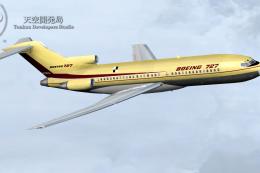
FSX/P3D TDS Boeing 727-100 Passenger Base Package. Developed by Tenkuu Develo…
 FSX Civil Aircraft
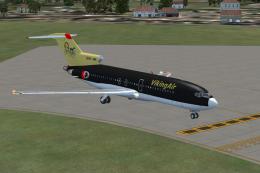
VikingAir Boeing 727-100 SuperPerformer www.vikingair.dk. Boeing 727-100 Supe…
 FSX Civil Aircraft
The first Icelandic jet, Boeing 727-108C TF-FIE "Gullfaxi", owned by Flugfela…
 FSX Civil Aircraft
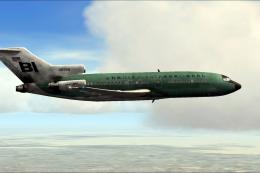
This vivid repaint captures Braniff’s iconic Boeing 727-100 in a distinctive …
 FSX Civil Aircraft
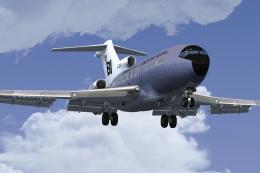
This freeware repaint brings a classic Braniff International Airways lavender…
 FSX Civil Aircraft
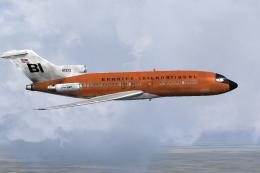
This repaint celebrates Braniff International’s distinctive “Jellybean Orange…
Be the first to leave a comment on this download.
Be the first to share your thoughts on this download.