

 FSX Civil Aircraft
Braniff Light Green Jellybean Boeing 707
This repaint for the Captain Sim B707-300 features Braniff International’s di…
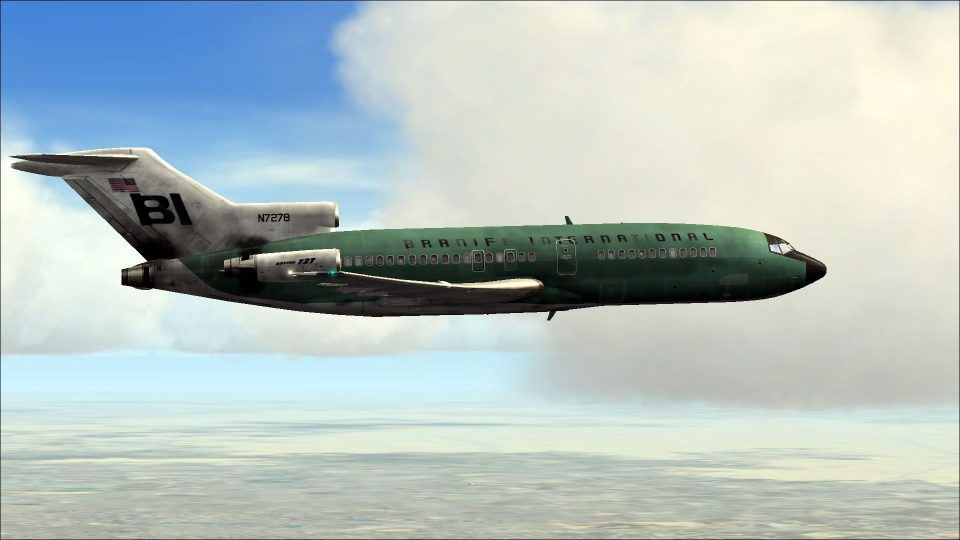
Braniff Boeing 727-100 “Jellybean Green” N7278 brings the airline’s bold color-era branding to life with crisp markings, accurate registration details, and a period-correct finish. Built for Microsoft Flight Simulator X, these textures integrate cleanly with the Captain Sim 727-100 expansion and require the payware base aircraft.
 Rate
Rate
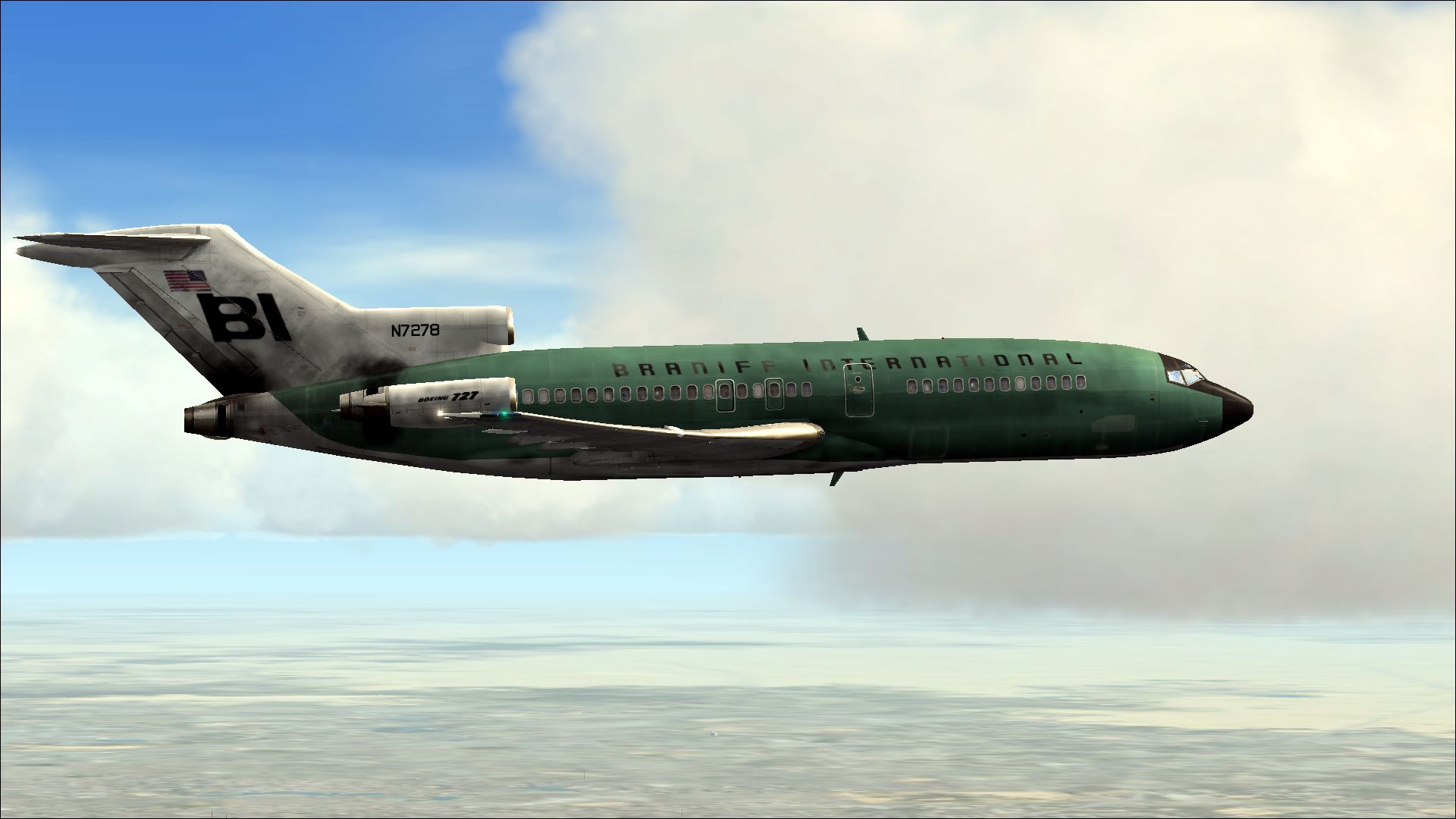
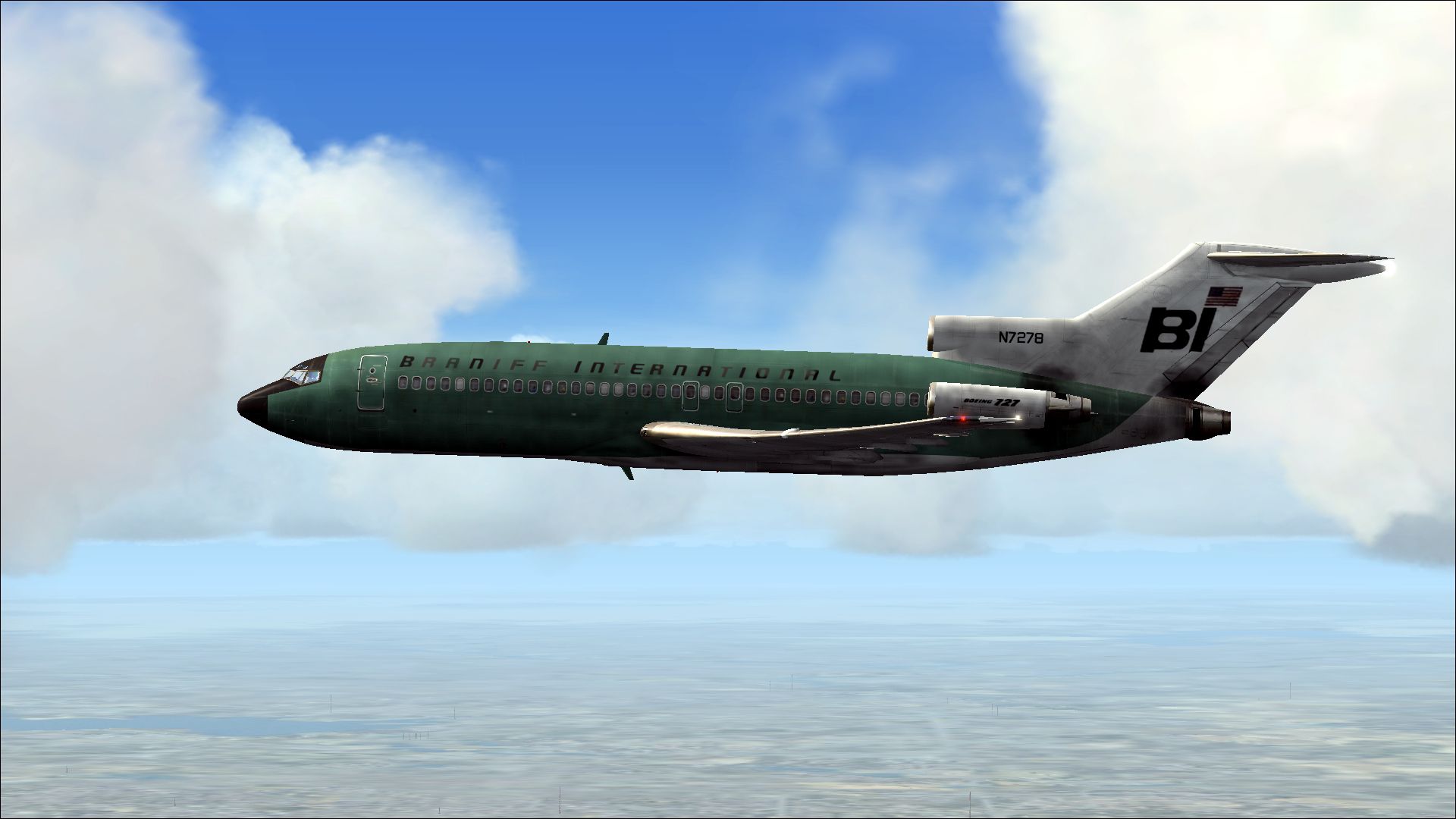

This vivid repaint captures Braniff’s iconic Boeing 727-100 in a distinctive “Jellybean Green” scheme. Created by Marc Brown, it is specifically designed for the payware Captain Sim B727-100 add-on and offers Microsoft Flight Simulator X users a nostalgic look back at Braniff’s creative livery approach.
The Boeing 727-100 was among the early commercial tri-jet aircraft, sporting a three-engine configuration that delivered strong climb performance. Braniff, known for its eye-catching liveries, introduced the “Jellybean” series in multiple vibrant colors. This special green variant, identified by registration N7278, harkens to an era when carriers embraced bold visual branding.
All texture work presented here has been skillfully assembled by Marc Brown. He painstakingly recreated every detail of the “Jellybean Green” paint scheme, ensuring historical authenticity and refined aesthetics. These textures only are intended for Captain Sim’s 727 Captain: 727-100 Expansion Model.
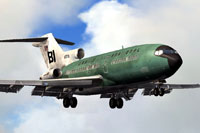
Above: The Braniff 727-100 “Jellybean Green” cruising aloft.
aircraft.cfg file. Ensure you update the [fltsim.x] entry to sequence correctly after your existing liveries (for instance, if the last entry is fltsim.6, the next should be fltsim.7).
[fltsim.x]
title=CS 727-100 Braniff Jellybean Green
sim=cs727100
model=
panel=
sound=
texture=N7278
kb_checklists=
kb_reference=
atc_id=N7278
atc_airline=Braniff
atc_flight_number=133
ui_manufacturer=Boeing
ui_type=727-100
ui_variation=Braniff Green Jellybean
ui_typerole=Commercial Airliner
ui_createdby=Captain Sim
description=727 Captain: 727-100 Expansion Model v2.2
visual_damage=1
This download consists of textures only and does not include the base payware Captain Sim B727-100 model. You will need to secure the original aircraft separately from a reputable store, such as SimShack, in order to utilize these files in your simulator.
Enjoy this “Jellybean Green” tribute to Braniff, and experience the spirited look of a bygone airline era high above the virtual skies!
Free for all simmers · 6.64 MB · Scanned clean Oct 2026
Download speed: Free tier is capped at 0.5 Mbps (this file takes approximately 2 mins at the cap). PRO members download at full line speed.
texture.{airline}) inside FSX\SimObjects\Airplanes\{base-aircraft}\.aircraft.cfg in Notepad. Add a new [fltsim.X] section per the readme.readme.txt or README file. It tells you exactly where files go, what dependencies are needed, and any quirks specific to this add-on.The archive n7278-1.zip has 14 files and directories contained within it.
This list displays the first 500 files in the package. If the package has more, you will need to download it to view them.
| Filename/Directory | File Date | File Size |
|---|---|---|
| 2014-1-10_21-20-4-600.jpg | 01.10.14 | 737.41 kB |
| 2014-1-10_21-20-9-560.jpg | 01.10.14 | 734.95 kB |
| readme.txt | 01.16.14 | 1.55 kB |
| texture.N7278 | 01.15.14 | 0 B |
| 727_100_2_T.dds | 01.10.14 | 4.00 MB |
| 727_100_3_T.dds | 01.09.14 | 4.00 MB |
| 727_100_4_T.dds | 01.10.14 | 4.00 MB |
| 727_100_A_T.dds | 01.10.14 | 4.00 MB |
| description.txt | 01.08.14 | 380 B |
| texture.cfg | 12.06.13 | 227 B |
| thumbnail.jpg | 01.09.14 | 406.79 kB |
| thumbnail.jpg | 01.09.14 | 406.79 kB |
| flyawaysimulation.txt | 10.29.13 | 959 B |
| Go to Fly Away Simulation.url | 01.22.16 | 52 B |
Only PRO members can place votes.
More FSX & P3D add-ons hand-picked based on this download.
FSX Civil Aircraft
This repaint for the Captain Sim B707-300 features Braniff International’s di…
 FSX Civil Aircraft
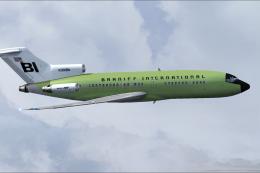
Immerse yourself in a classic Boeing 727-100 livery that captures Braniff Int…
 FSX Civil Aircraft
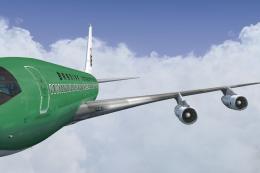
This repaint brings the rare Braniff International Panagra “Green Jellybean” …
 FSX Civil Aircraft
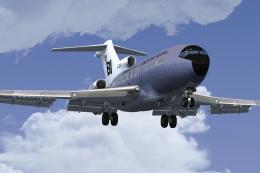
This freeware repaint brings a classic Braniff International Airways lavender…
 FSX Civil Aircraft
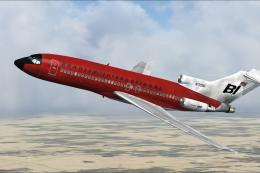
This repaint offers a faithful rendition of Braniff’s bold “Jellybean Red” sc…
 FSX Civil Aircraft
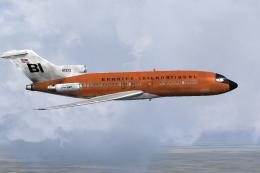
This repaint celebrates Braniff International’s distinctive “Jellybean Orange…
 FSX Civil Aircraft
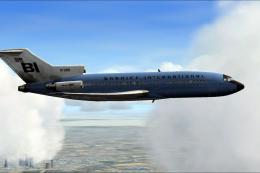
This high-fidelity repaint depicts Braniff International’s eye-catching “Jell…
 FSX Civil Aircraft
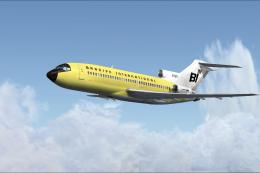
Experience a classic tri-jet revival in Microsoft Flight Simulator X with thi…
Be the first to leave a comment on this download.
Be the first to share your thoughts on this download.