


 Ireland
  FSX Scenery
Dublin Airport EIDW 2010
This is a complete package of Dublin 2010 for FSX/P3D. This package includes …
Dublin Airport (EIDW) scenery refreshes FSX with Pier D, updated West and GA aprons, new taxiways and north-side hangars, plus jetways on Piers B and C. It adds true-to-life stand numbering and assigned parking, corrects the RWY10 ILS to 108.90, and updates LINK signage while keeping performance smooth.
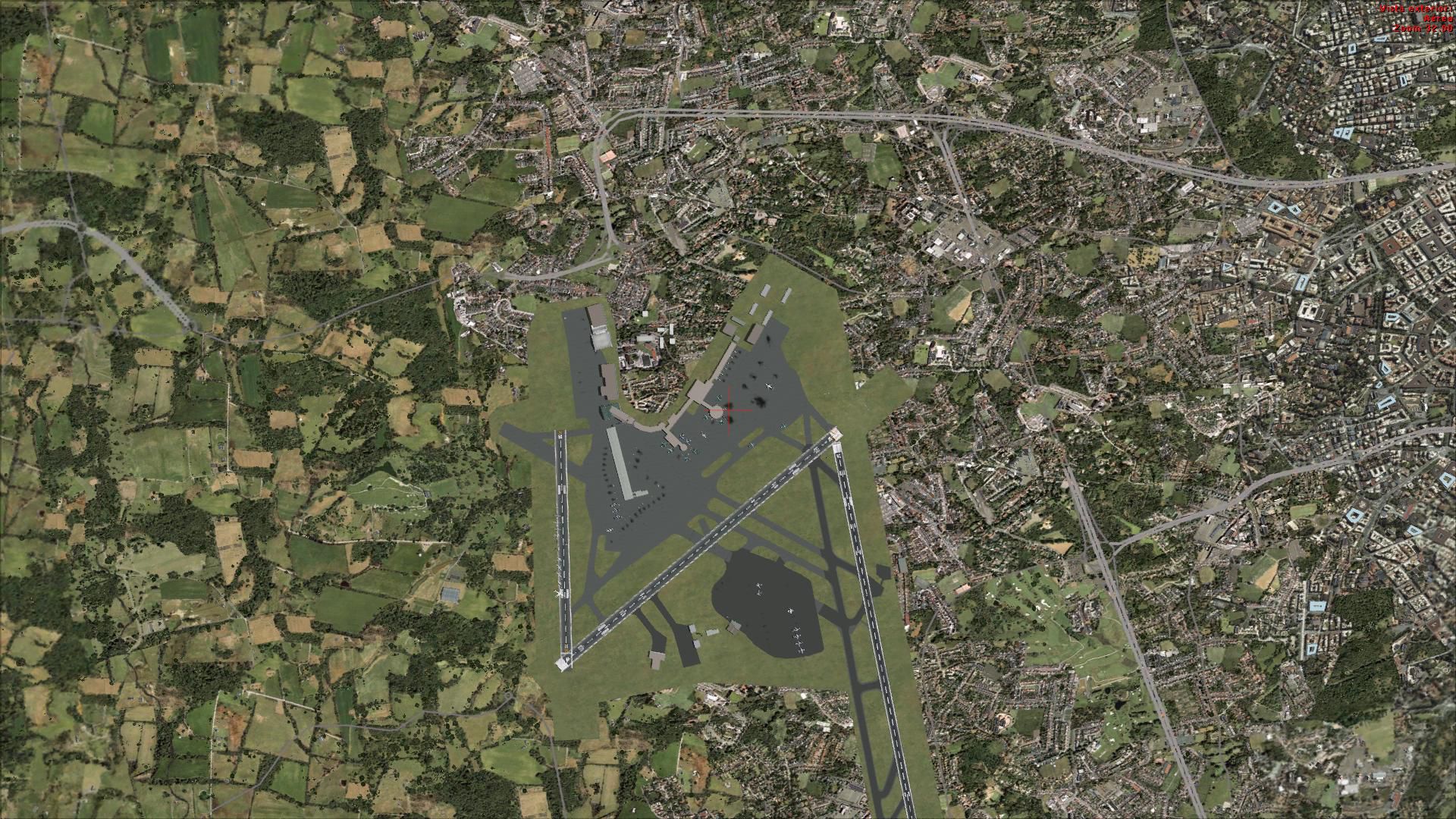
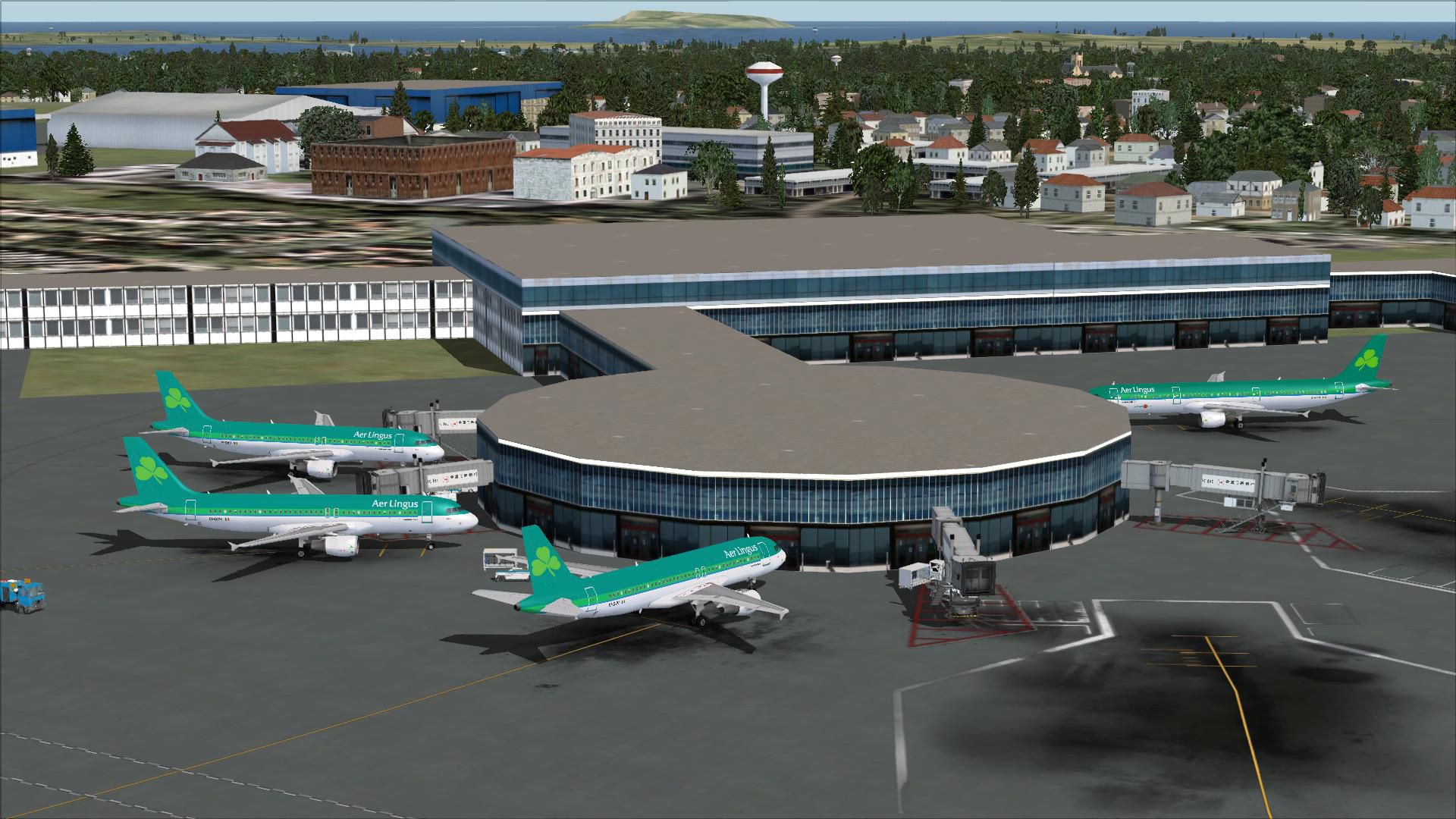
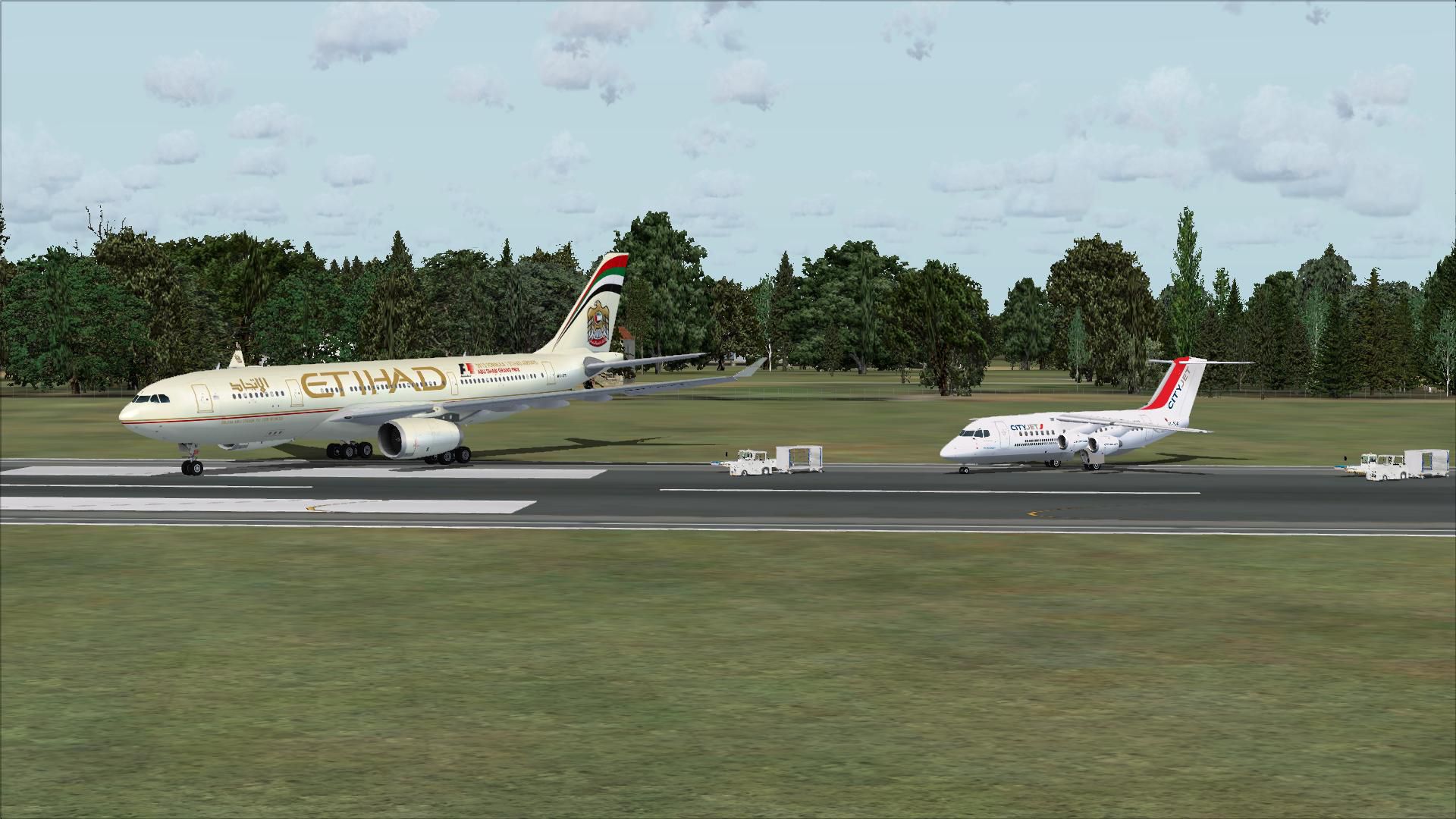
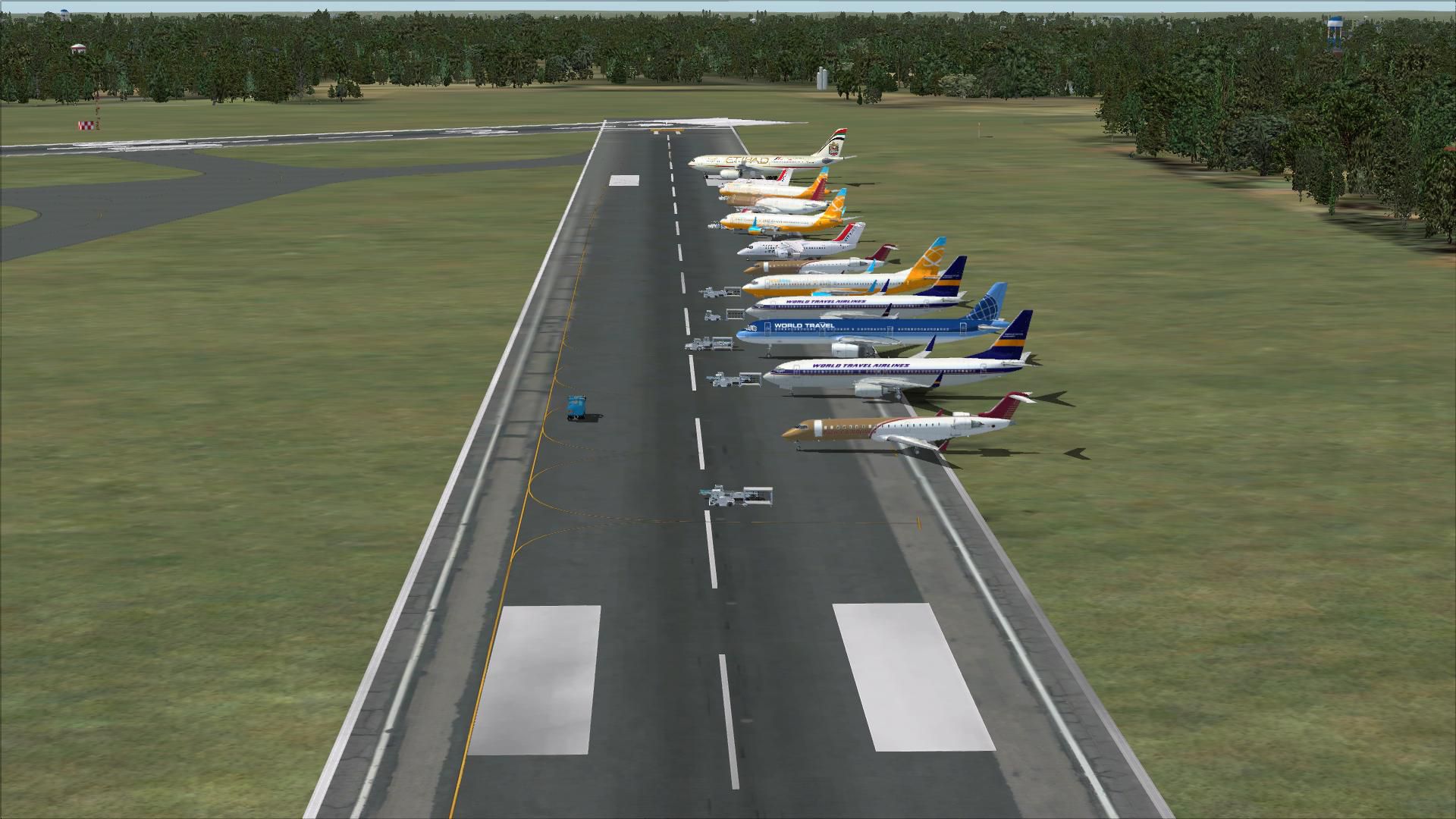
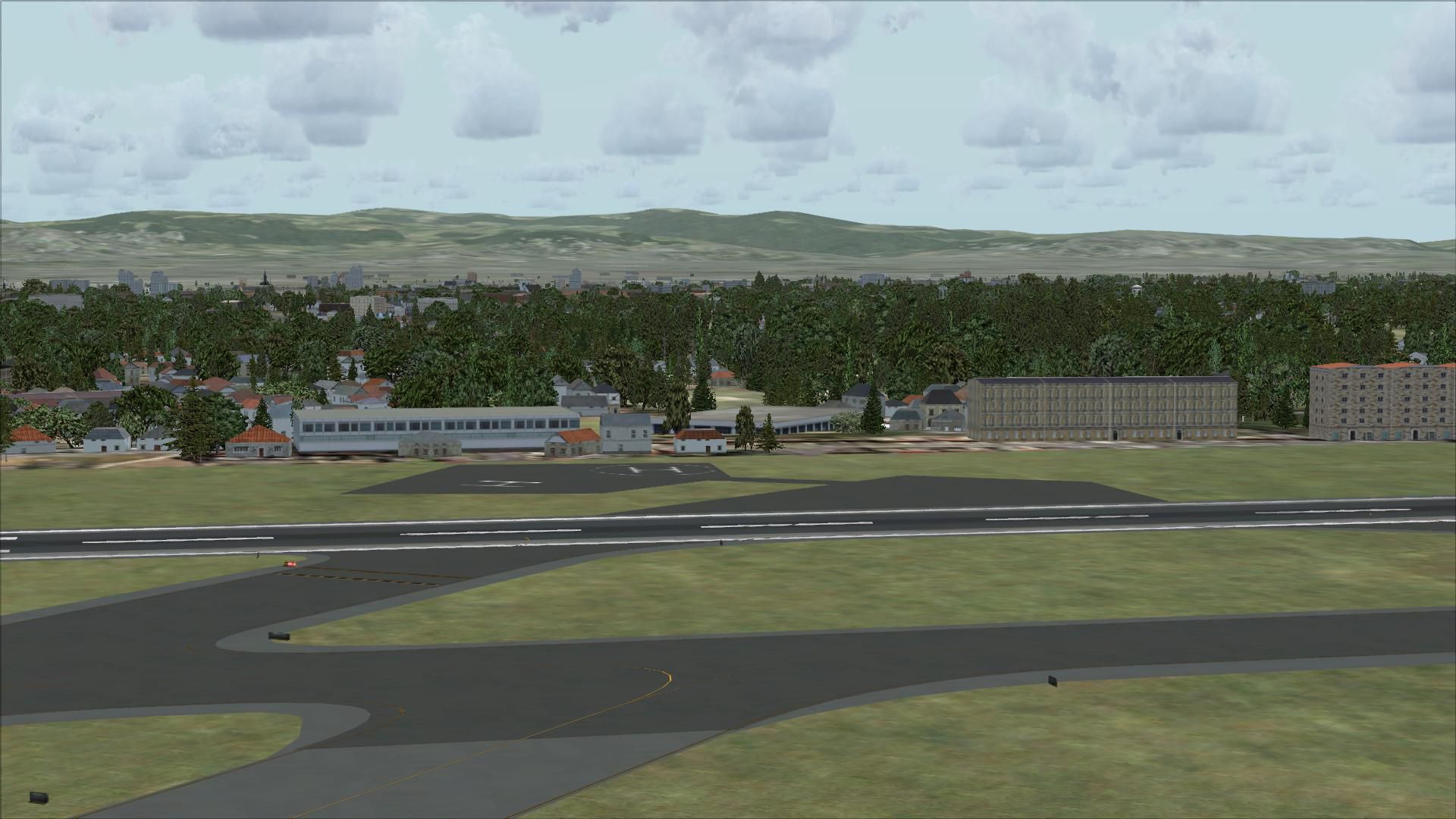
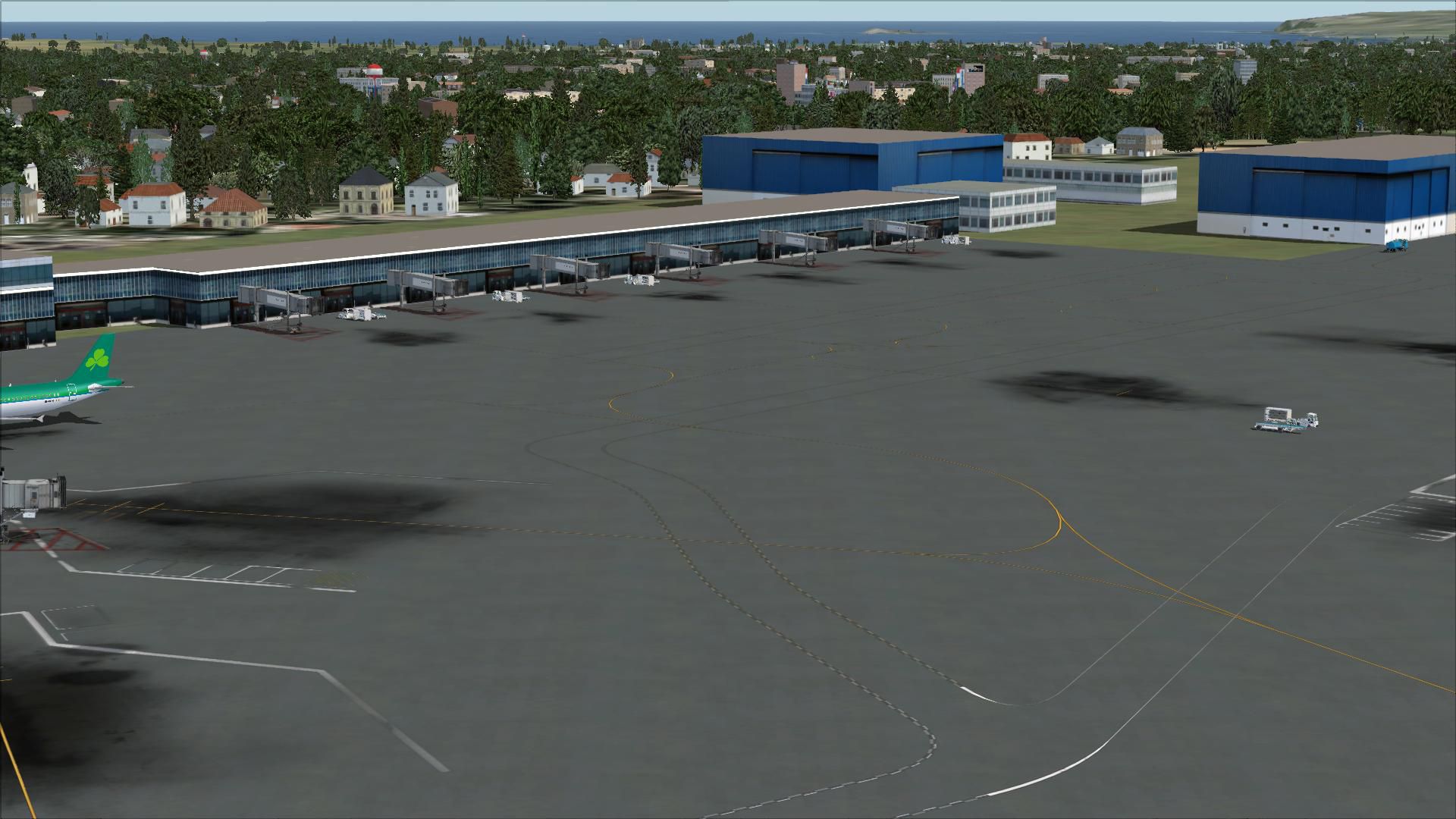
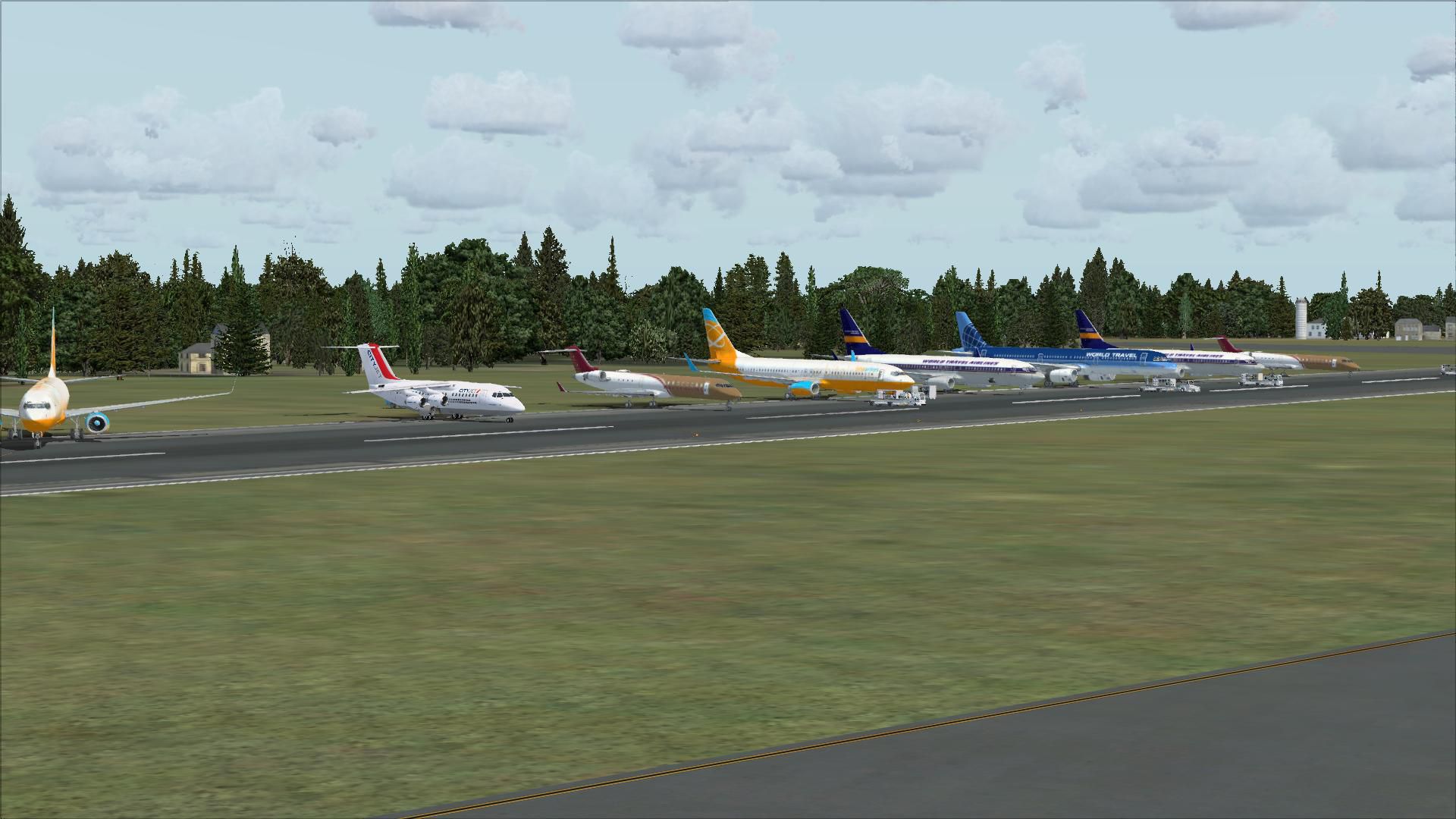
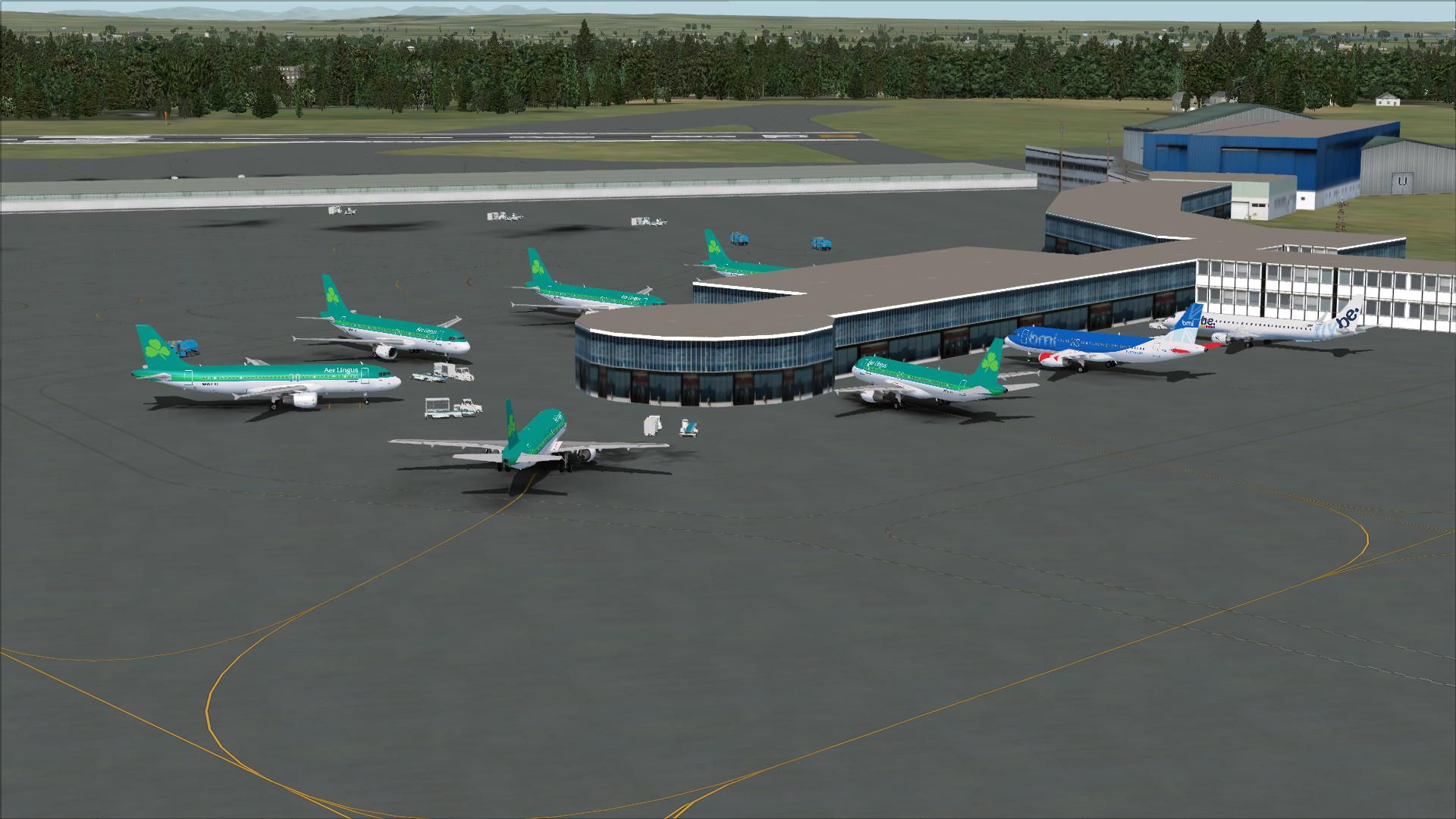
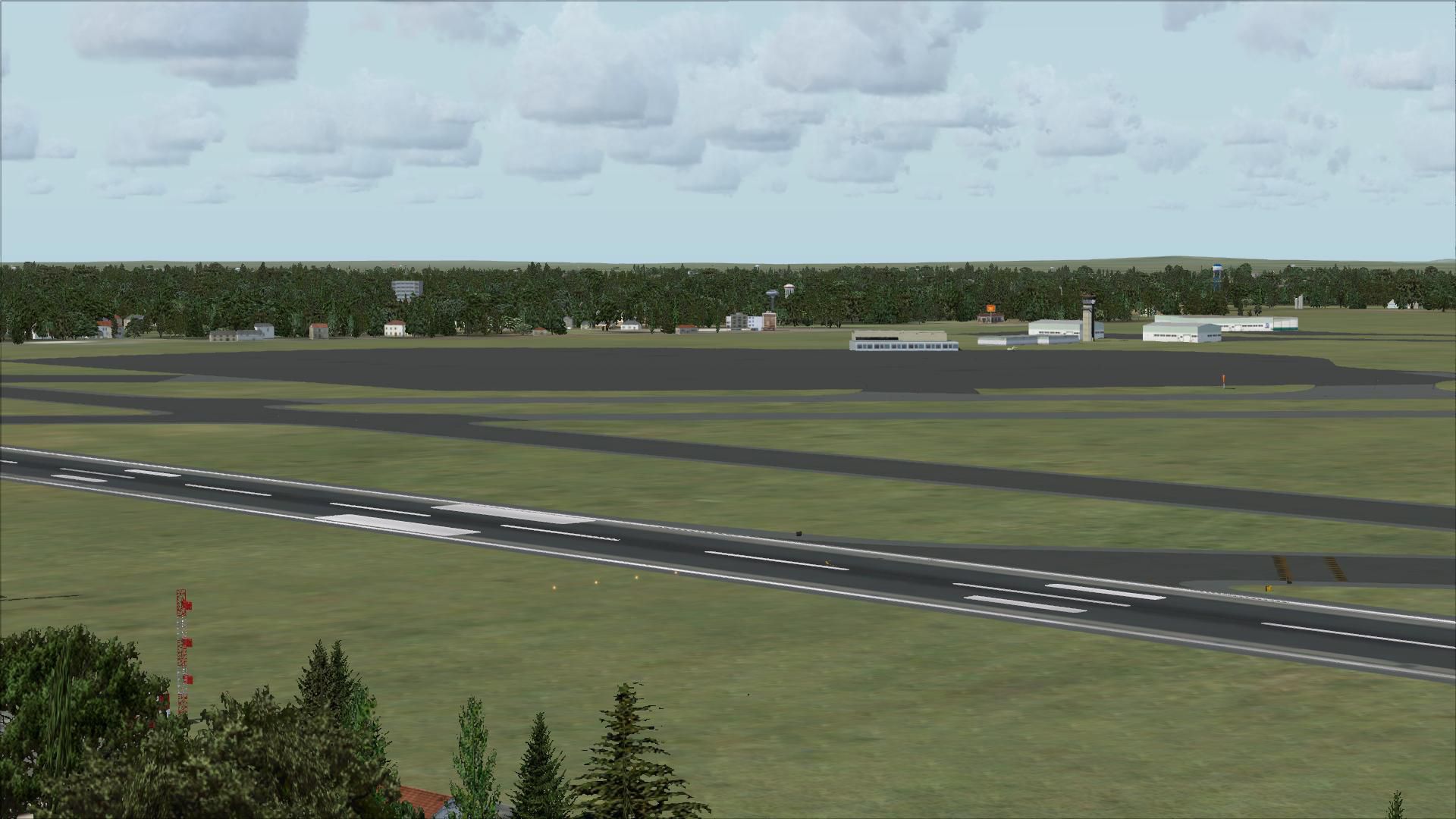
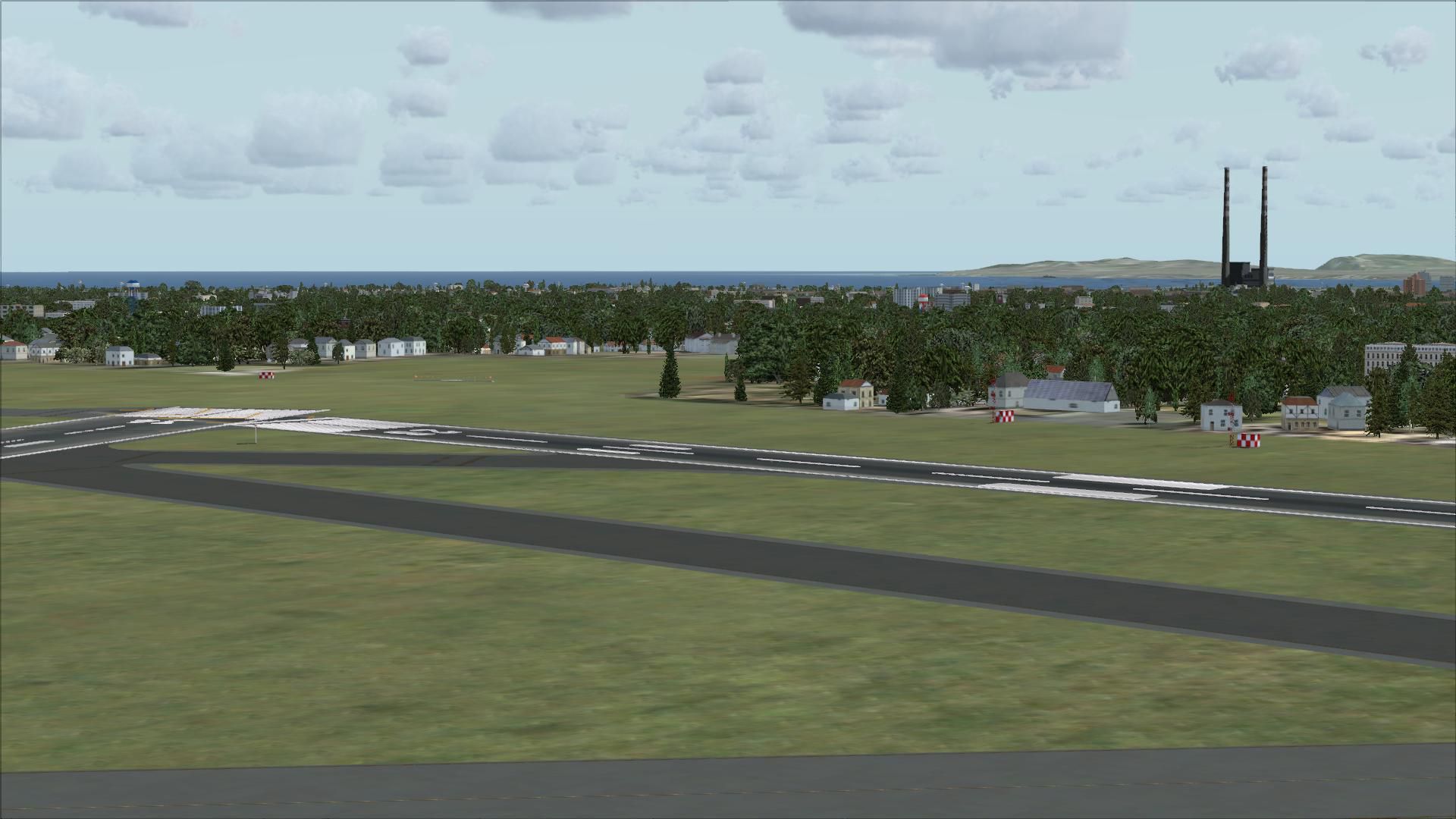
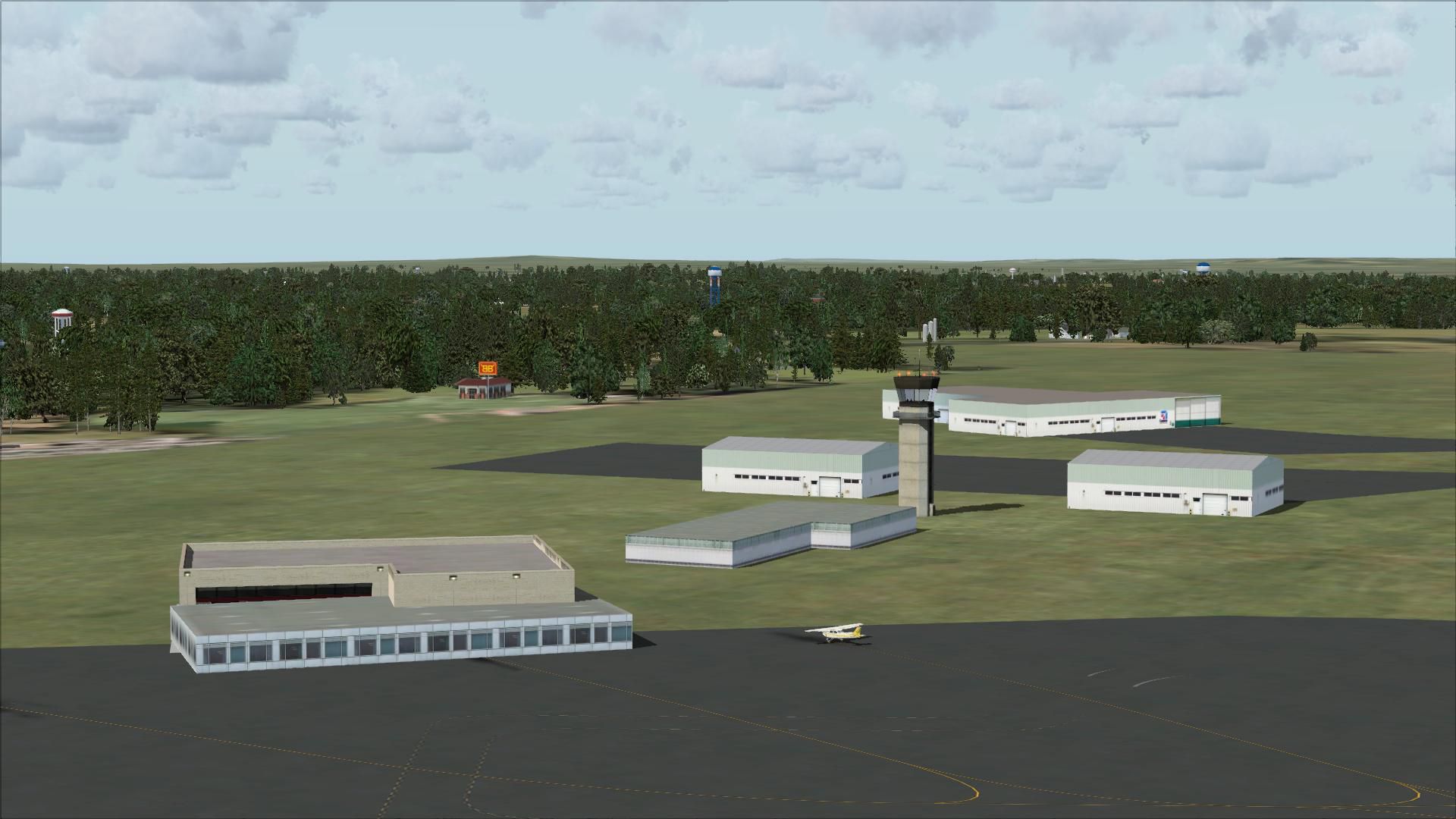
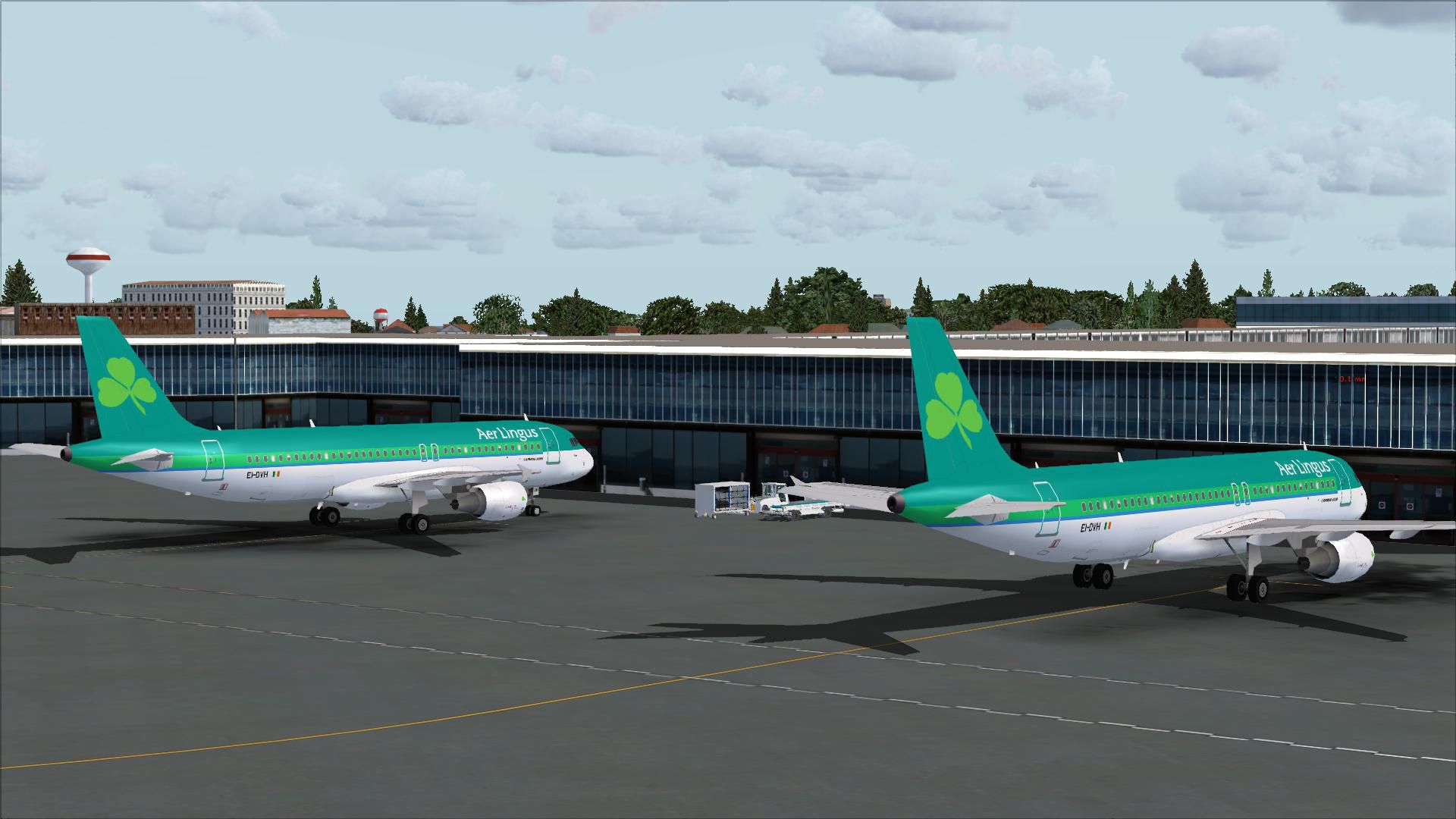
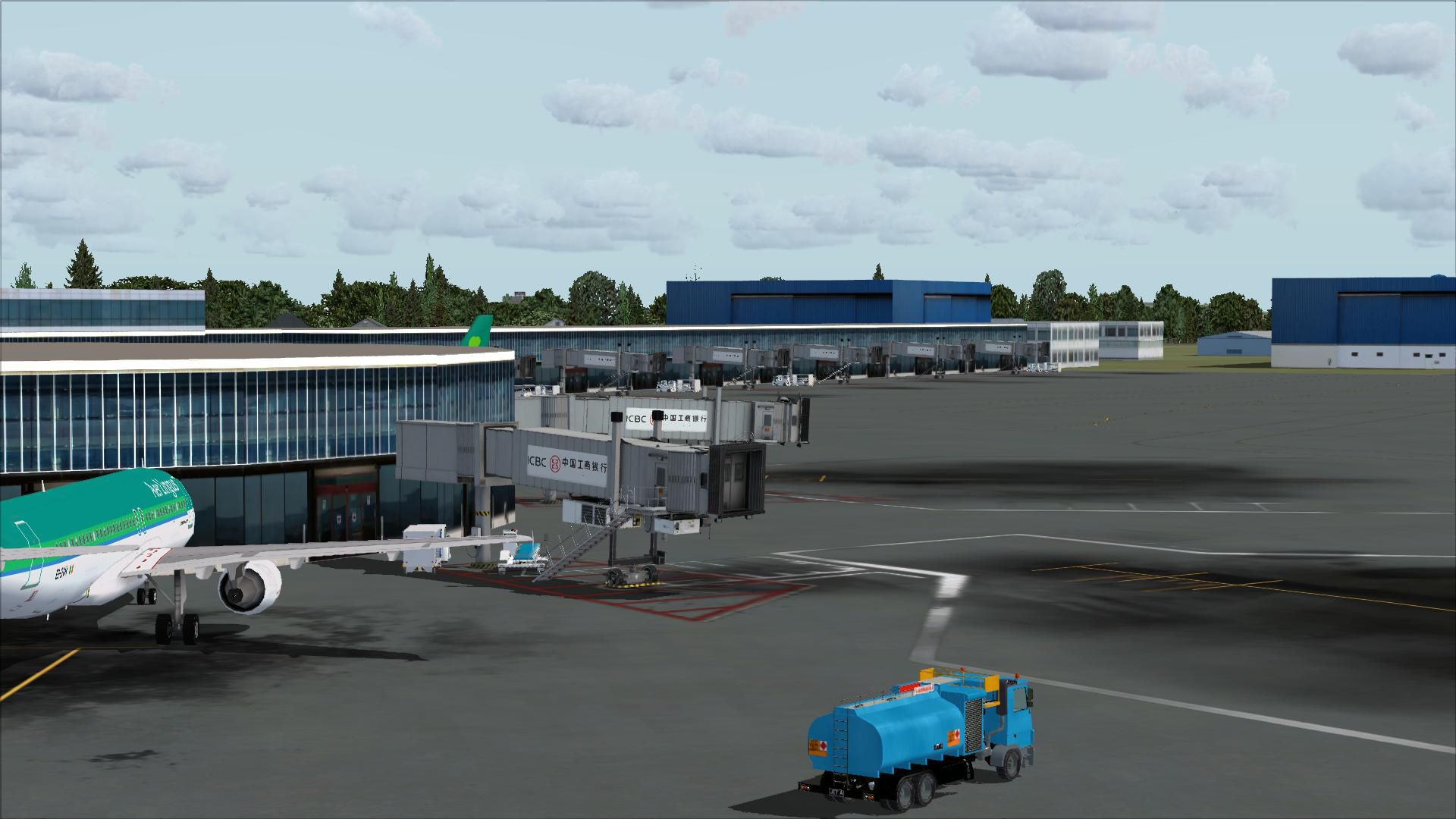
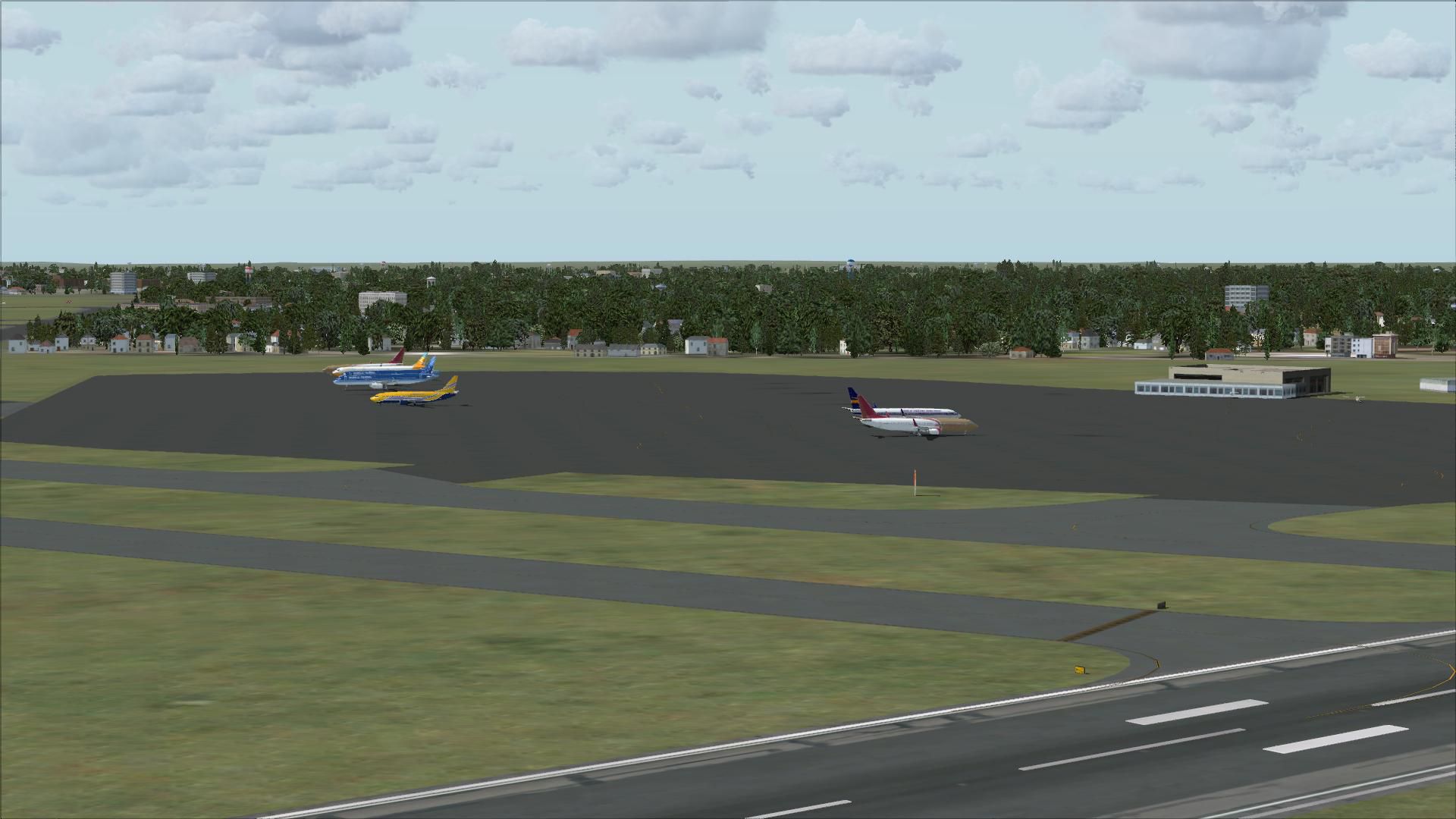
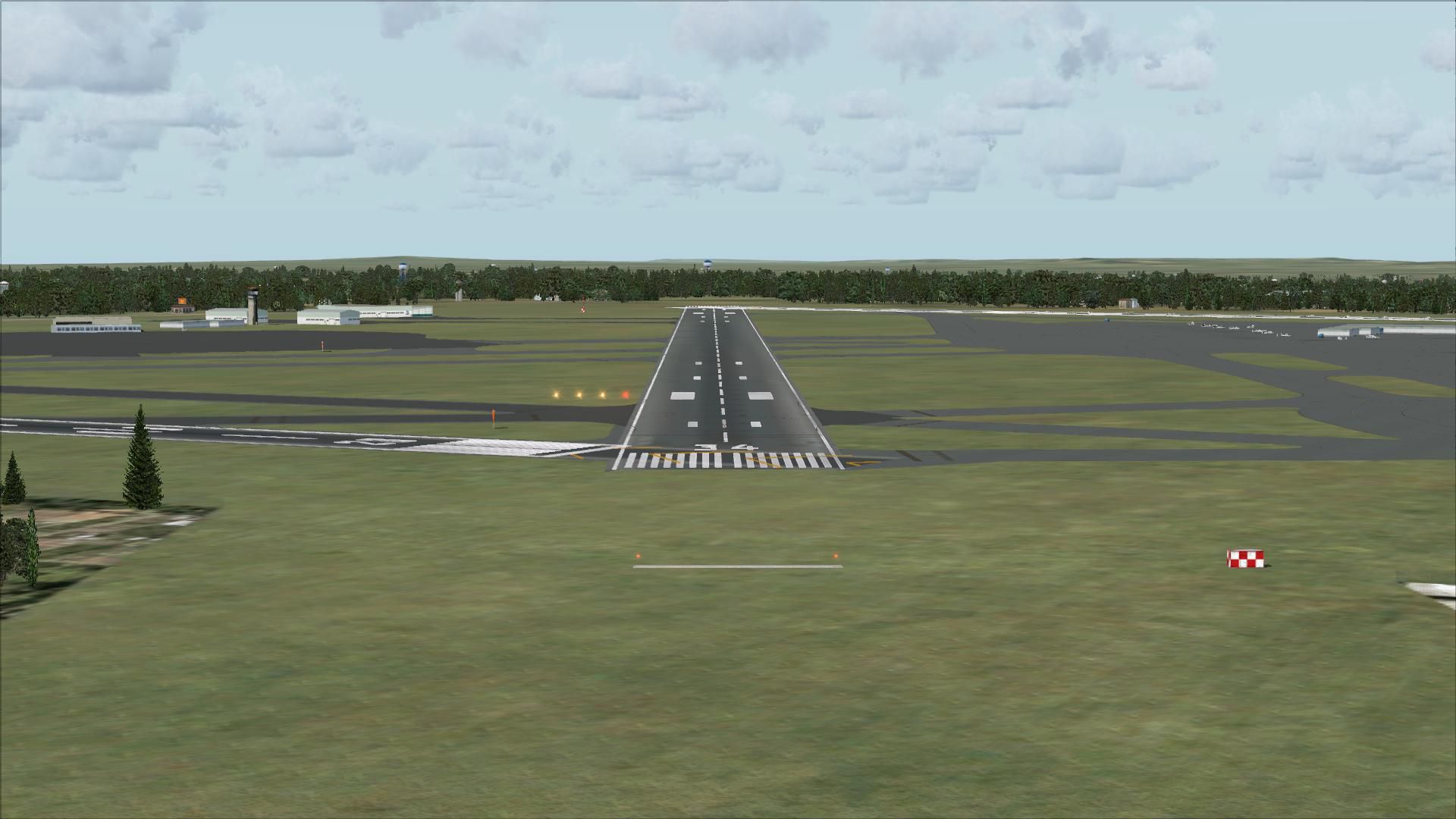
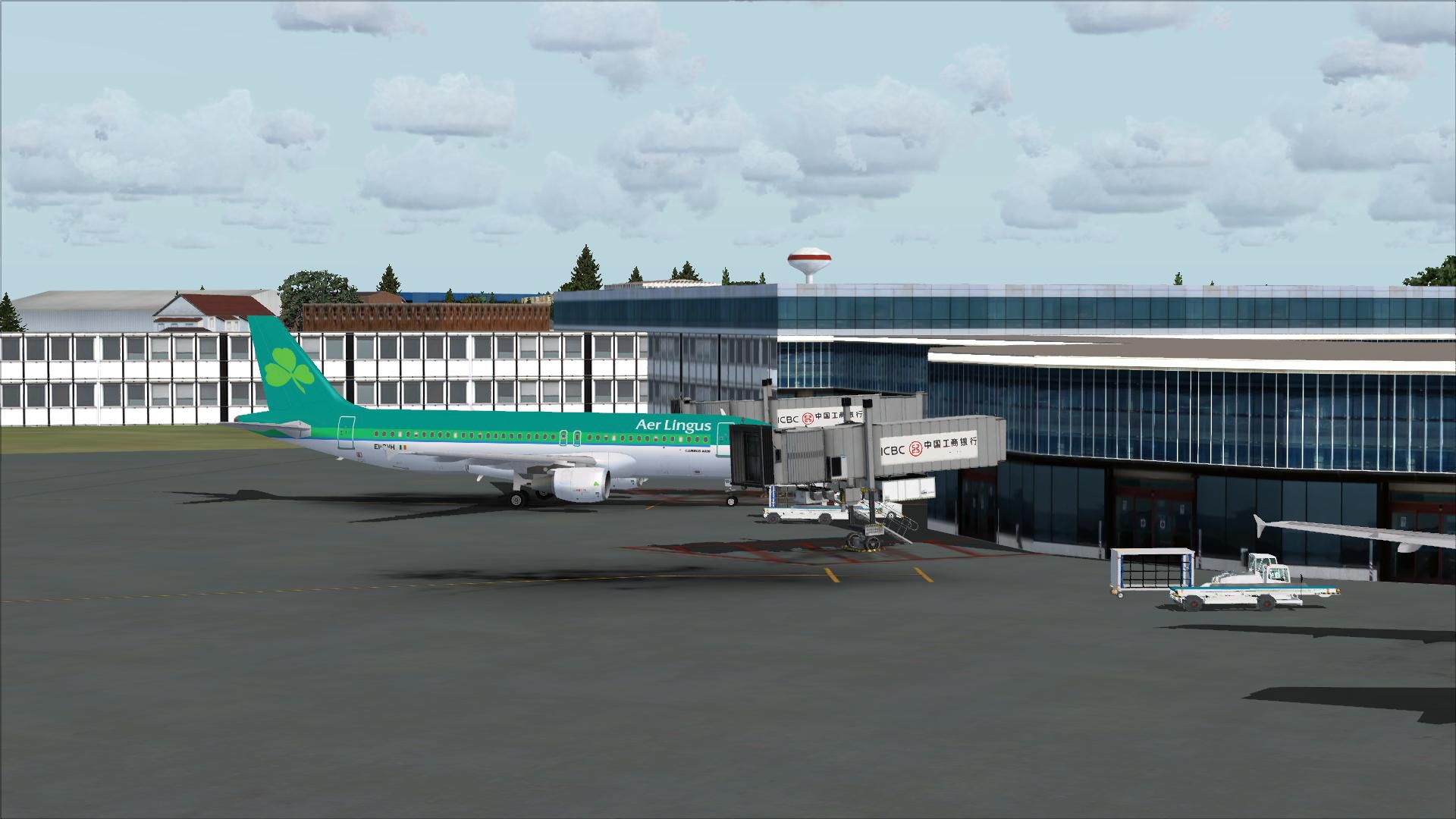
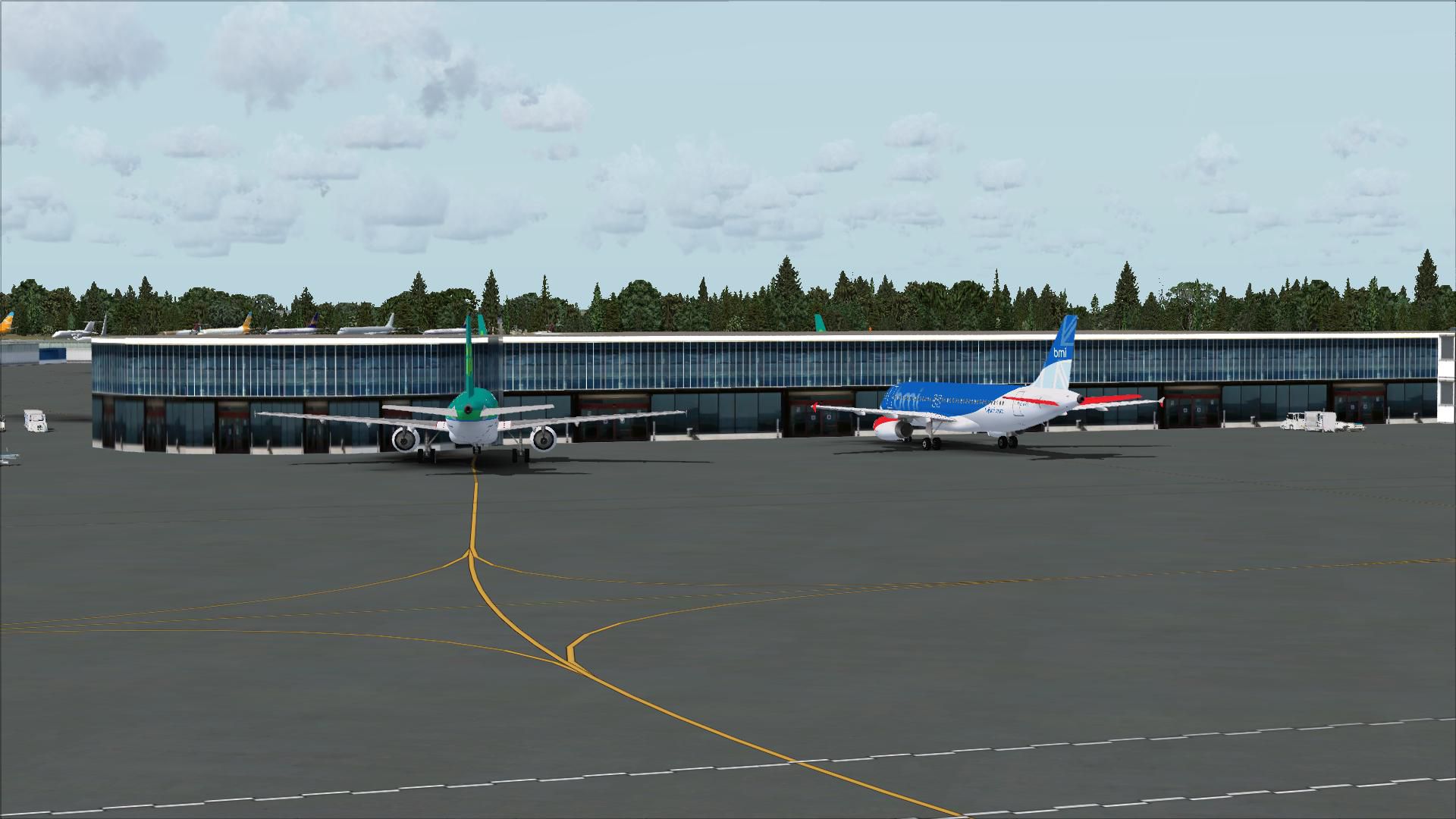
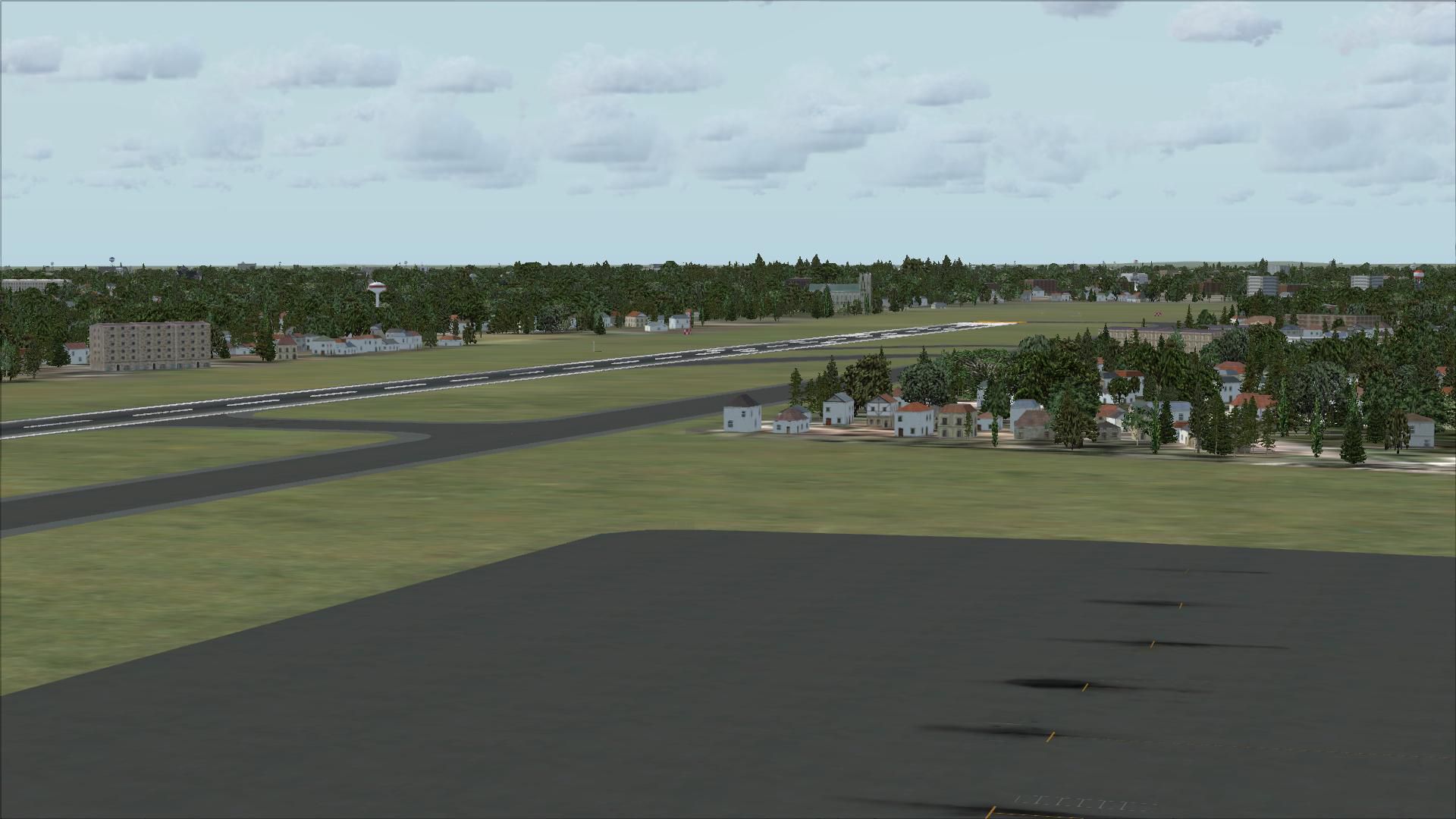
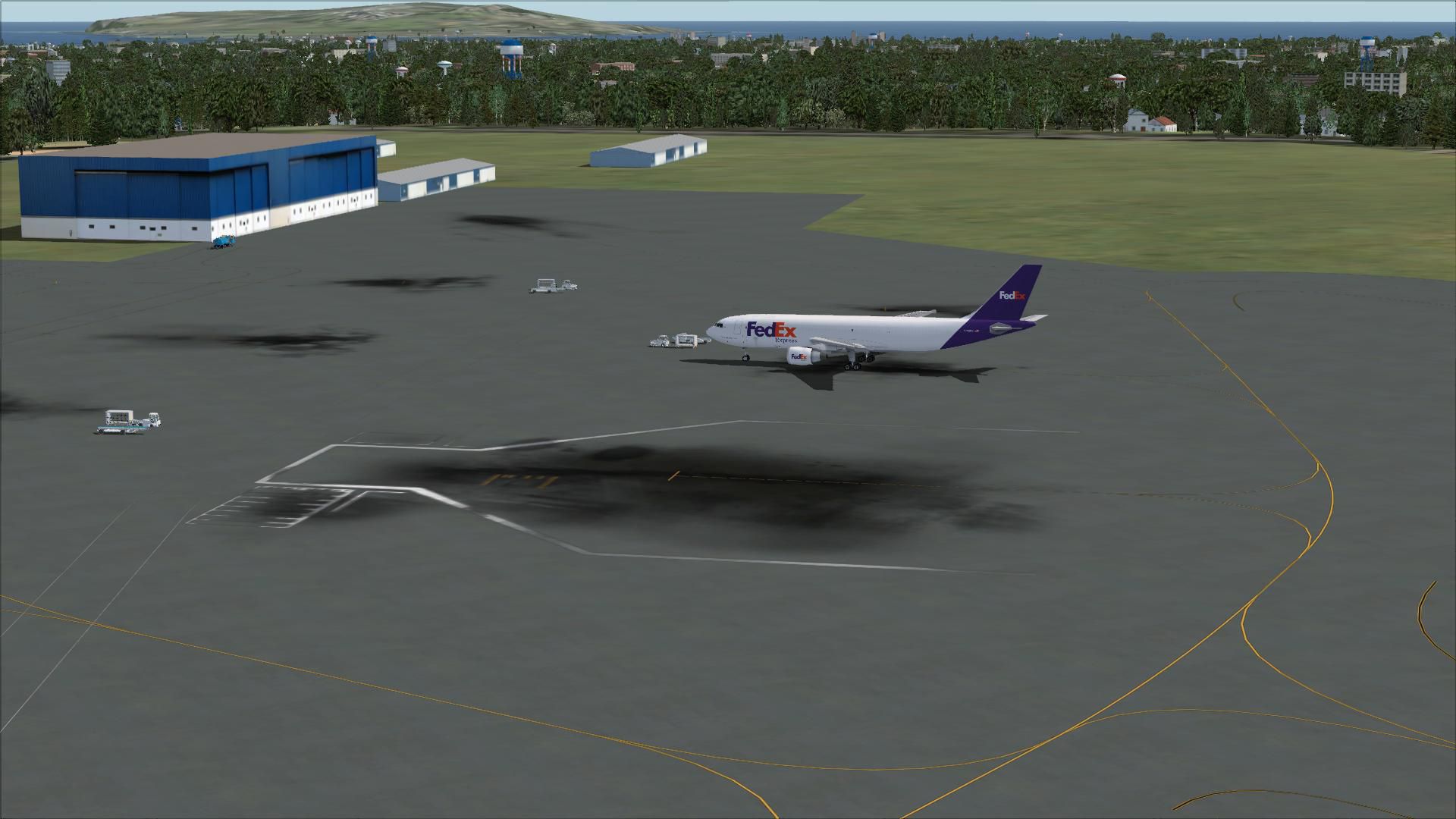
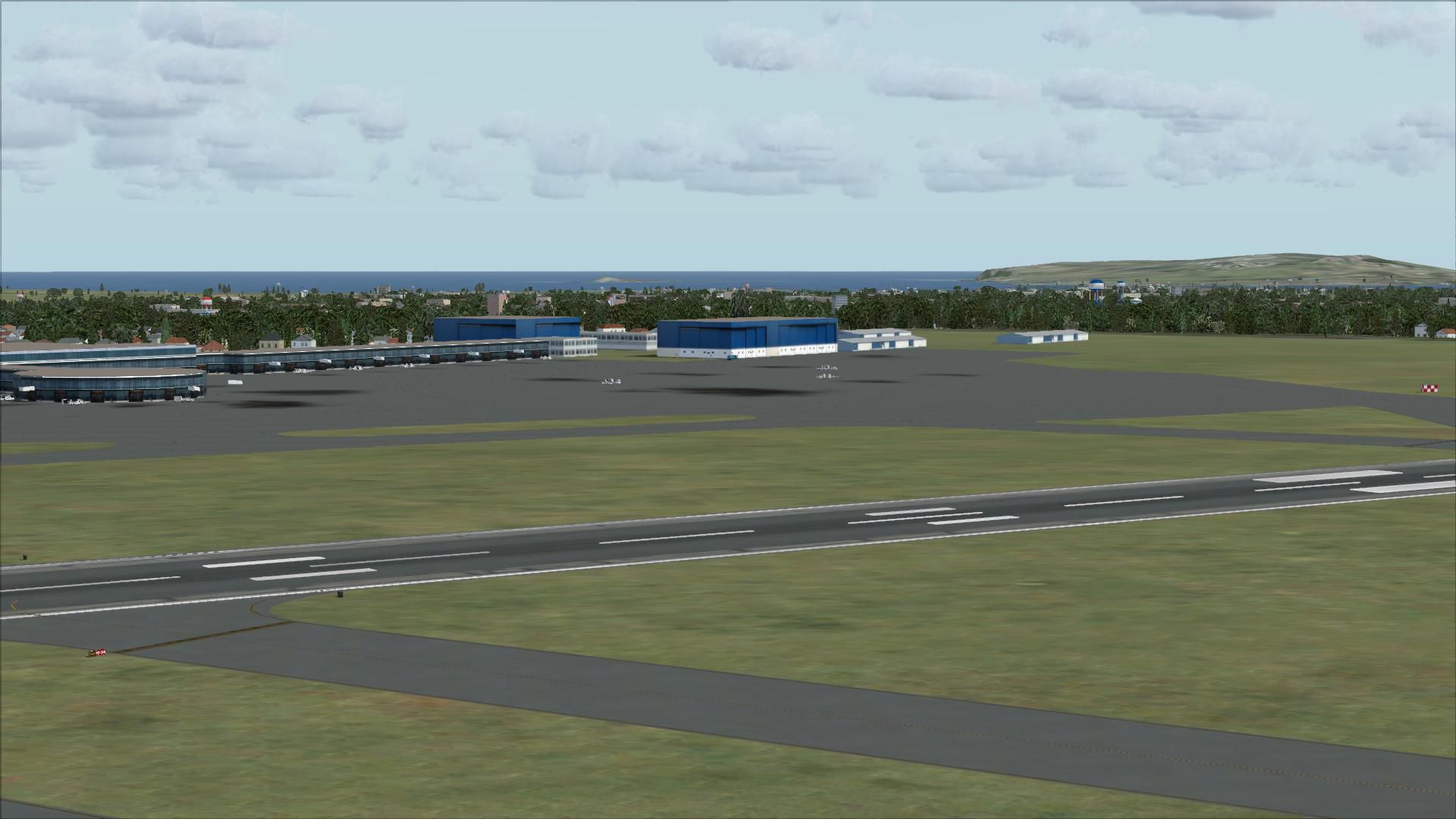
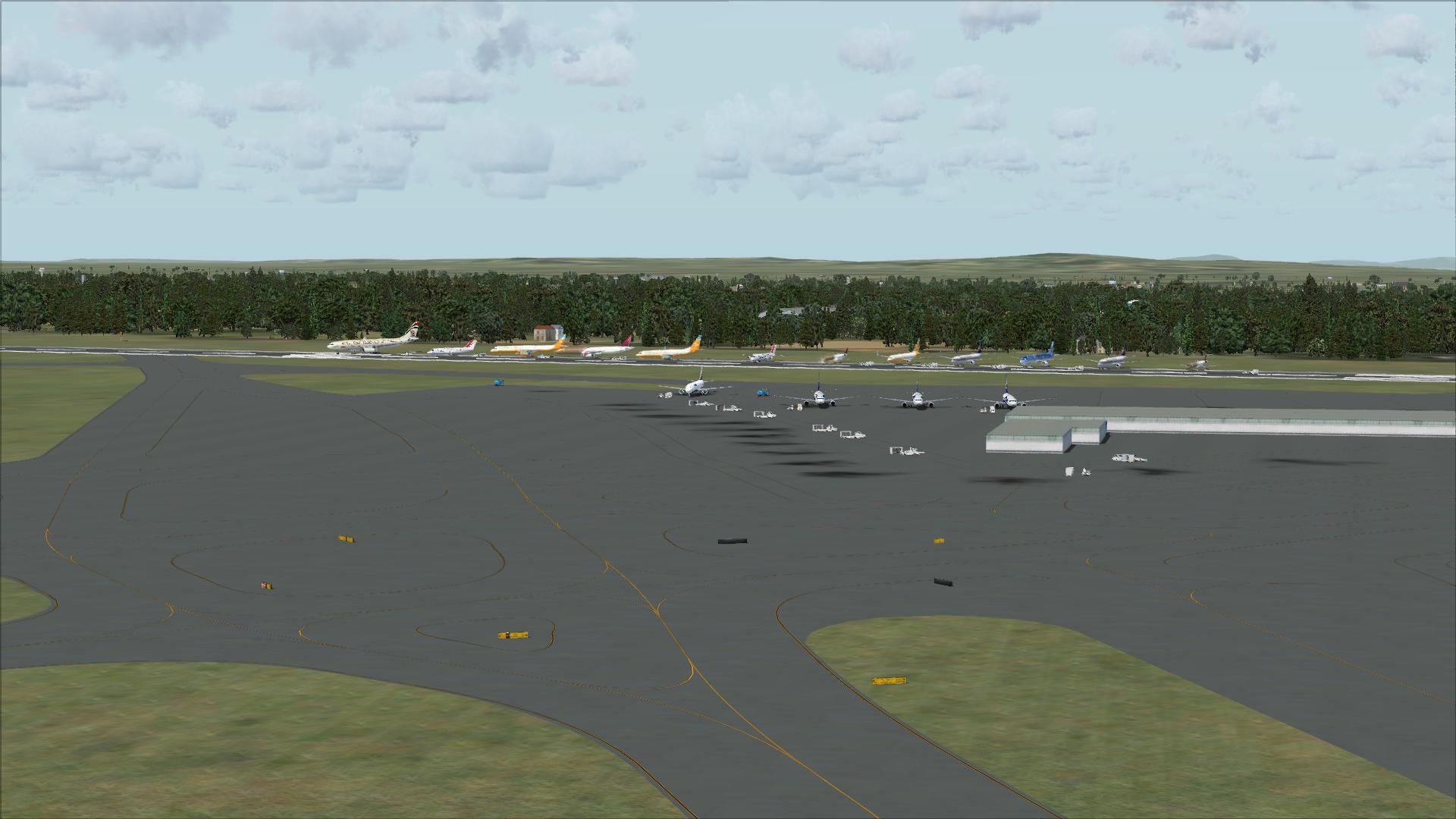
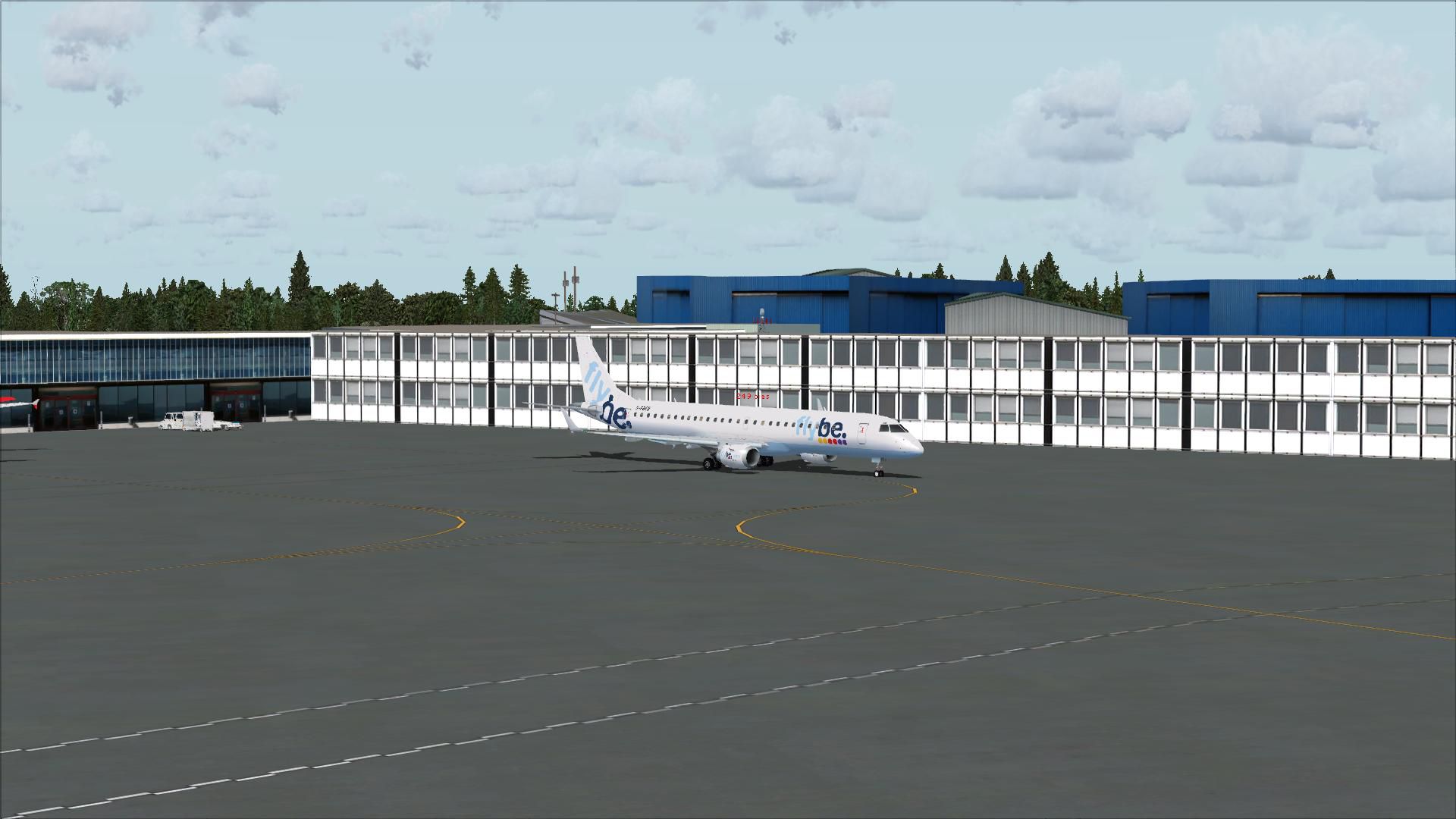
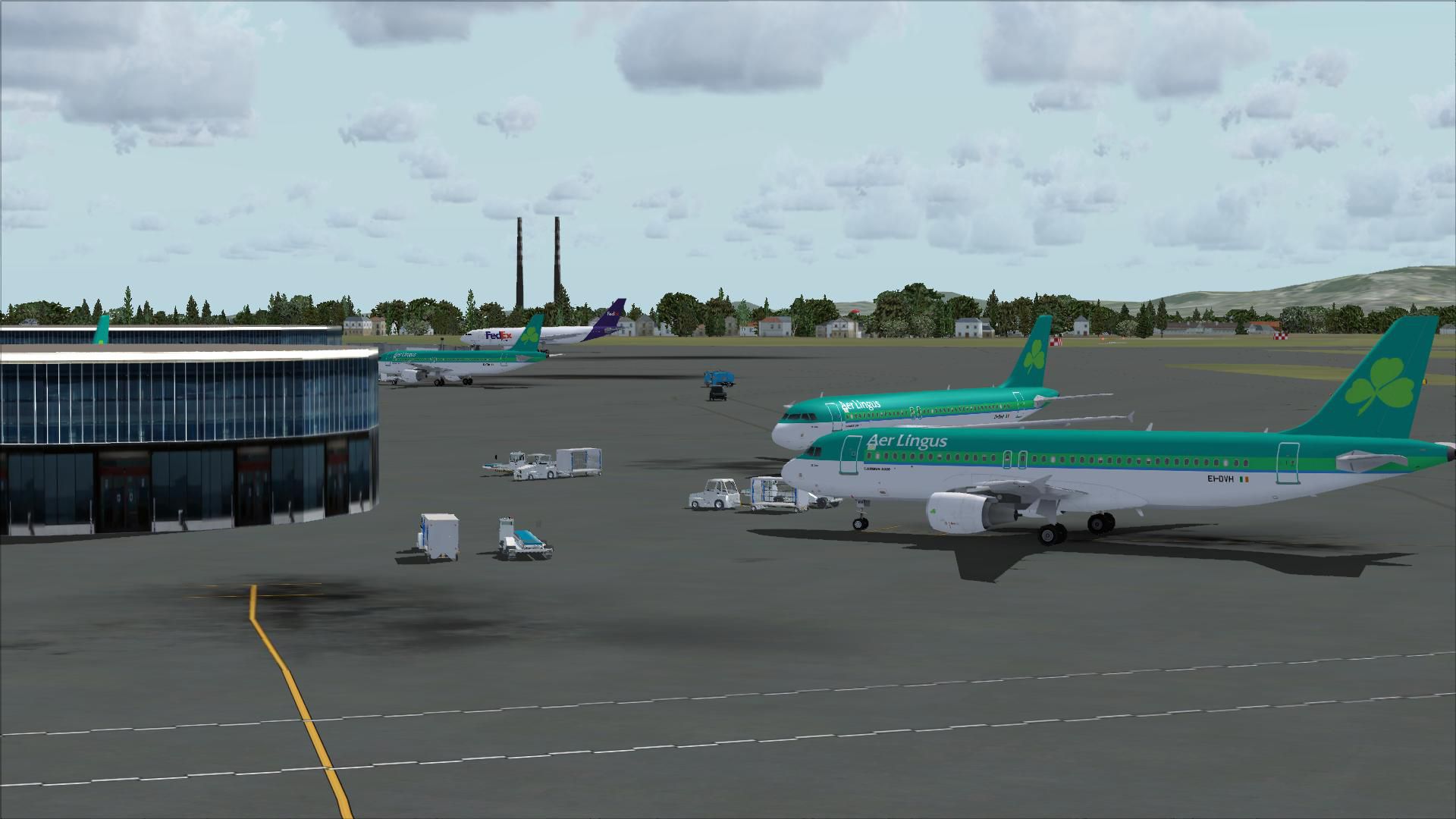
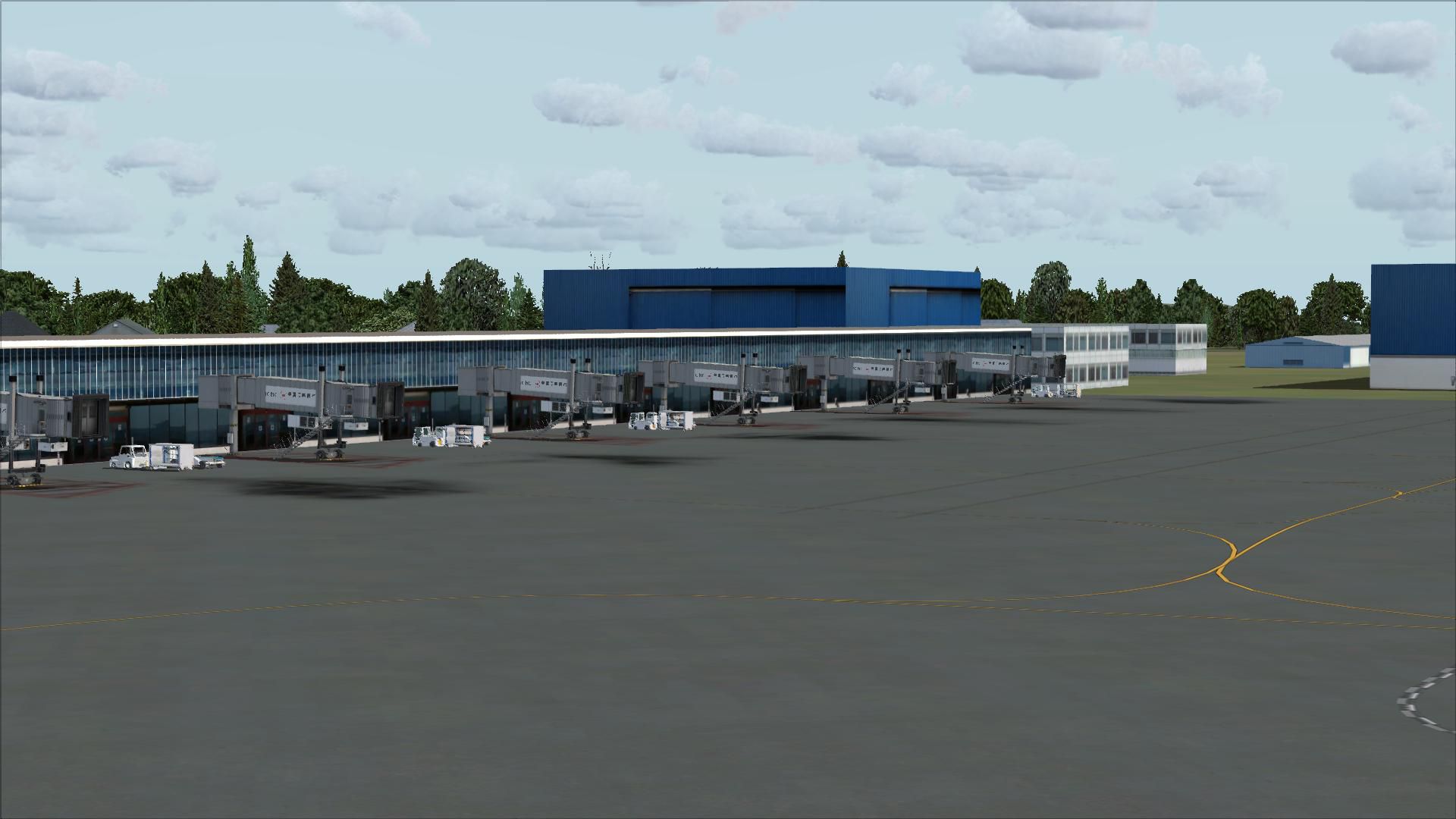
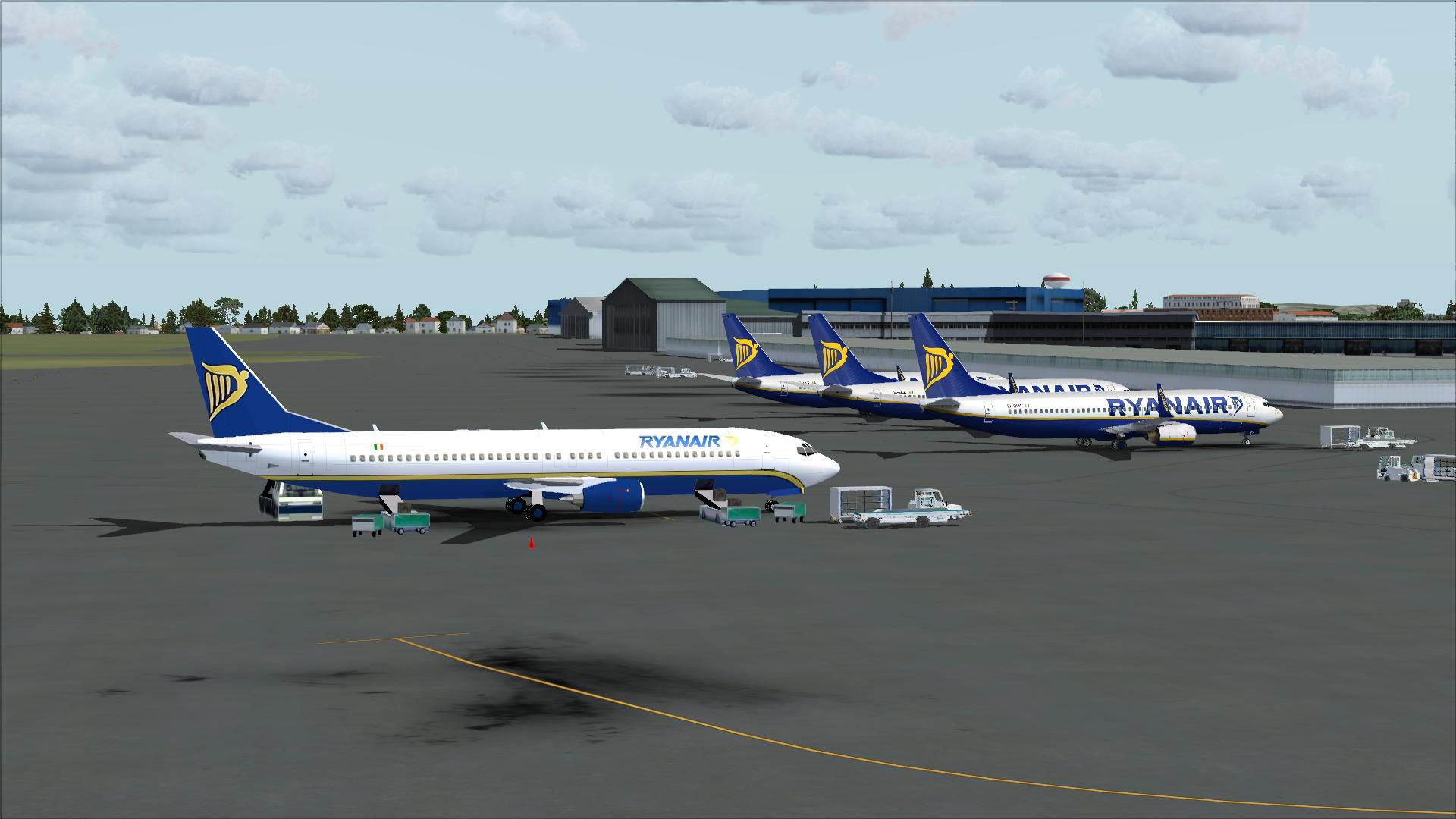
Included are Pier D, West Apron, GA Apron, True-to-life Assigned parking (addon AI folder), New taxiways (F-INN, F-OUT, Y, M), correct stand numbers (as in Parking-Docking Chart), New hangars in North of the Airport, Jetways on Pier B and C.
This file includes ALL that is needed from the 'Complete Dublin 2008' series, for convenience.
The ILS for RWY10 has been fixed to its real-world state 108.90 (ONLY RWY28 was changed to 111.35), and also replaces the 'L1, etc' signs with 'LINK 1, etc', as per the REAL EIDW.
This was created using default scenery and will not affect frame rates.
MAKE SURE you use the right installation package. One is for Addon AI Traffic and the other is for default FSX AI. (For online flying, use the default AI)
Developer: Neil Keane.
Free for all simmers · 6.6 MB · Scanned clean
Download speed: Free tier is capped at 0.5 Mbps (this file takes approximately 2 mins at the cap). PRO members download at full line speed.
FSX\Addon Scenery\ containing scenery and texture sub-folders.readme.txt or README file. It tells you exactly where files go, what dependencies are needed, and any quirks specific to this add-on.Use these coordinates to fly directly to this location once the mod is installed.
53.42805600,-6.24333300
Launch FSX or Prepar3D and use Flights → Load to open the downloaded .pln file. Your aircraft will be positioned at this location.
The archive complete_dublin_scenery_2008_easy_installation.zip has 31 files and directories contained within it.
This list displays the first 500 files in the package. If the package has more, you will need to download it to view them.
| Filename/Directory | File Date | File Size |
|---|---|---|
| Readme PLEASE.txt | 08.21.08 | 781 B |
| Complete Dublin 2008 Addon AI Traffic.exe | 08.21.08 | 986.16 kB |
| Complete Dublin 2008 Default AI Traffic.exe | 08.21.08 | 984.86 kB |
| flyawaysimulation.txt | 10.29.13 | 959 B |
| Go to Fly Away Simulation.url | 01.22.16 | 52 B |
| Screenshots | 08.28.19 | 0 B |
| screen-1.jpg | 08.24.19 | 169.07 kB |
| screen-10.jpg | 08.24.19 | 198.53 kB |
| screen-11.jpg | 08.24.19 | 284.55 kB |
| screen-12.jpg | 08.24.19 | 210.50 kB |
| screen-13.jpg | 08.24.19 | 167.02 kB |
| screen-14.jpg | 08.24.19 | 232.62 kB |
| screen-15.jpg | 08.24.19 | 250.14 kB |
| screen-16.jpg | 08.24.19 | 209.47 kB |
| screen-17.jpg | 08.24.19 | 146.22 kB |
| screen-18.jpg | 08.24.19 | 182.61 kB |
| screen-19.jpg | 08.24.19 | 151.62 kB |
| screen-2.jpg | 08.24.19 | 196.46 kB |
| screen-20.jpg | 08.24.19 | 155.10 kB |
| screen-21.jpg | 08.24.19 | 167.85 kB |
| screen-22.jpg | 08.24.19 | 167.81 kB |
| screen-23.jpg | 08.24.19 | 179.95 kB |
| screen-24.jpg | 08.24.19 | 147.20 kB |
| screen-25.jpg | 08.24.19 | 534.95 kB |
| screen-3.jpg | 08.24.19 | 184.58 kB |
| screen-4.jpg | 08.24.19 | 167.60 kB |
| screen-5.jpg | 08.24.19 | 221.77 kB |
| screen-6.jpg | 08.24.19 | 188.23 kB |
| screen-7.jpg | 08.24.19 | 164.36 kB |
| screen-8.jpg | 08.24.19 | 170.09 kB |
| screen-9.jpg | 08.24.19 | 160.35 kB |
More FSX & P3D add-ons hand-picked based on this download.
FSX Scenery
This is a complete package of Dublin 2010 for FSX/P3D. This package includes …
 FSX Scenery
Princess Juliana International Airport (TNCM) in Saint Marteen, Netherlands A…
 FSX Scenery
Los Angeles Airport Scenery v3, California (CA). This photoreal scenery is a …
 FSX Scenery
Barbados International Airport (TBPB). Grantley Adams International Airport f…
 FSX Scenery
Paris Charles de Gaulle Airport (CDG, LFPG), France. The entire airport has b…
 FSX Scenery
John F. Kennedy Airport (KJFK), New York, NYU. This is a photoreal scenery re…
 FSX Scenery
Dubai International Airport (OMDB), Dubai. Includes a new passenger terminal …
 FSX Scenery
Soekarno-Hatta International Airport (WIII), Jakarta, Indonesia. An update to…
Read what other simmers think, or add your own.

I downloaded this file which has installer apps that are the only means of uploading the scenery. It defaulted to the C drive pathway so I had to change the pathway (which I have done successfully with the addon Aircraft) to my F drive which is where I keep MSFSX Steam Edition and all its files.
So I changed the pathway to F/Steam Apps/Common/FSX/AddonScenery/scenery as usual. The installation seemed very very fast but when I looked, the files did get to their destination. However, when I tried to find them to add them to the active scenery list in MSFSX they did not appear in the Addon Scenery folder. I would drop and copy them without using the installer but I can’t get past the installer app. It’s a pity because it’s my home airport and the MSFSX model is old and inaccurate.
The main runway has the wrong ILS frequency of 108.9 and this scenery, it seems, fixes that. Any suggestions are most welcome. Also if I ever do install the scenery I think I have to use the default AI installation to use the airport on VATSIM but does that mean that I’m stuck with the default scenery if I fly offline? Thanks and best wishes to all simmers out there. Keep safe.
