

 FS2004 Civil Jet Aircraft
FS2002/FS2004 Air France Boeing 737-500
FS2002/FS2004 Air France Boeing 737-500 with dirty textures. Model by FFX. Pa…
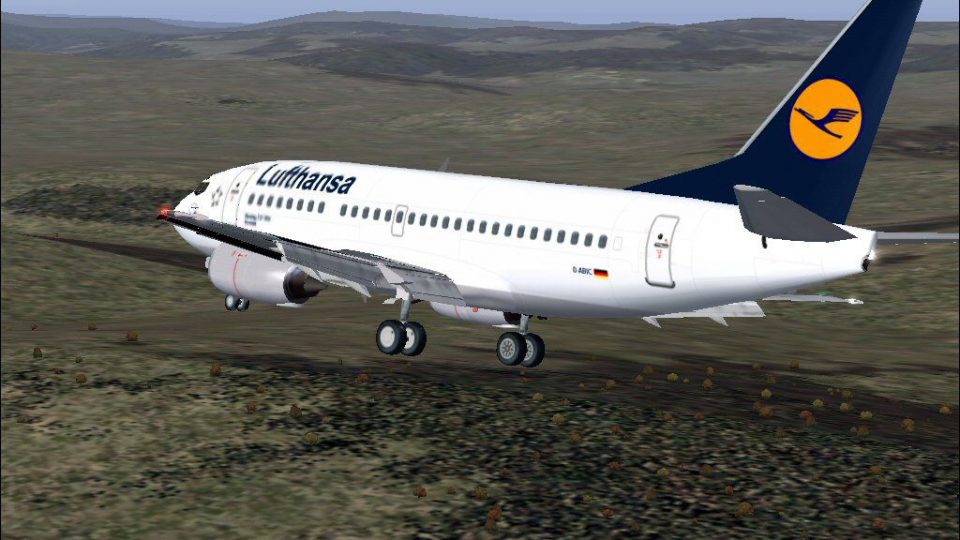
Lufthansa’s Boeing 737-500 brings a classic short-haul jet into FS2004 with the respected FFX model and a crisp Irhad Durakovic repaint. Expect authentic airline visuals across the exterior and a clean virtual cockpit presentation for everyday European routes, ideal for fleet building and period-accurate schedules.
 Rate
Rate
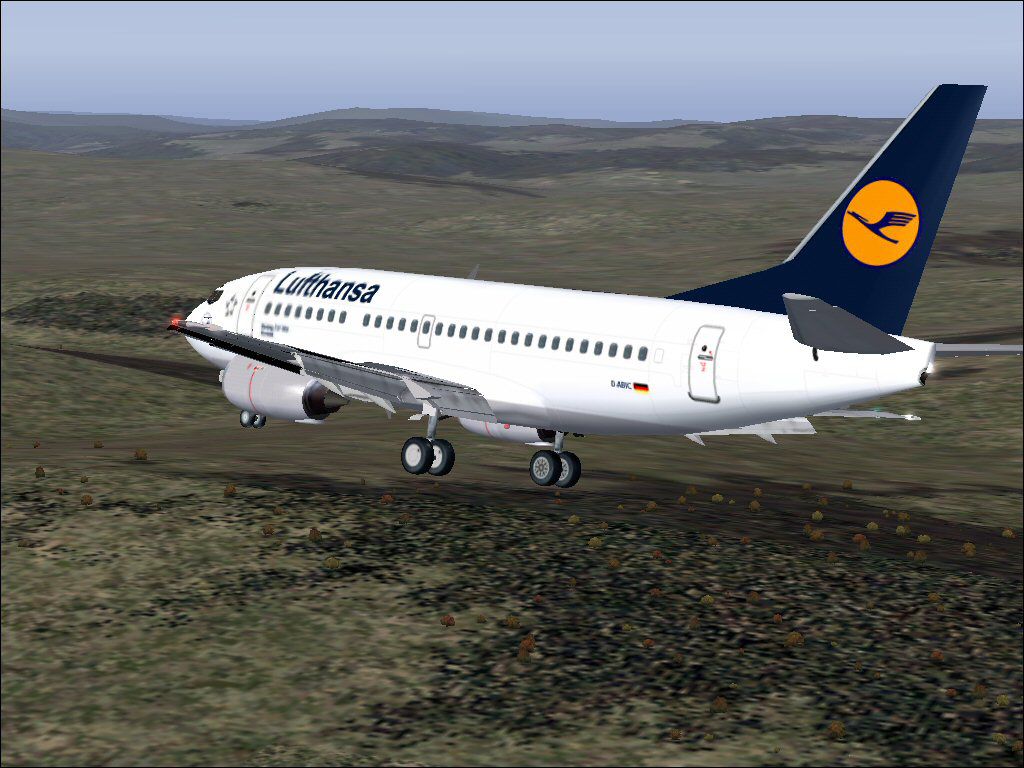
Model by FFX. Repainted by Irhad Durakovic.
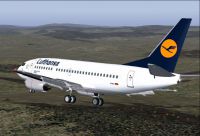
Screenshot of Lufthansa Boeing 737-500 in flight.
Install:
This aircraft is released as FREEWARE.
I'd like to credit Erick Cantu from "FFX" for giving me permission to paint thier CRJ-200LR in flybosna.com Virtual colours.
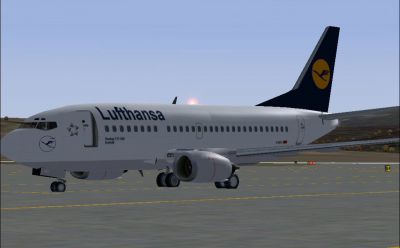
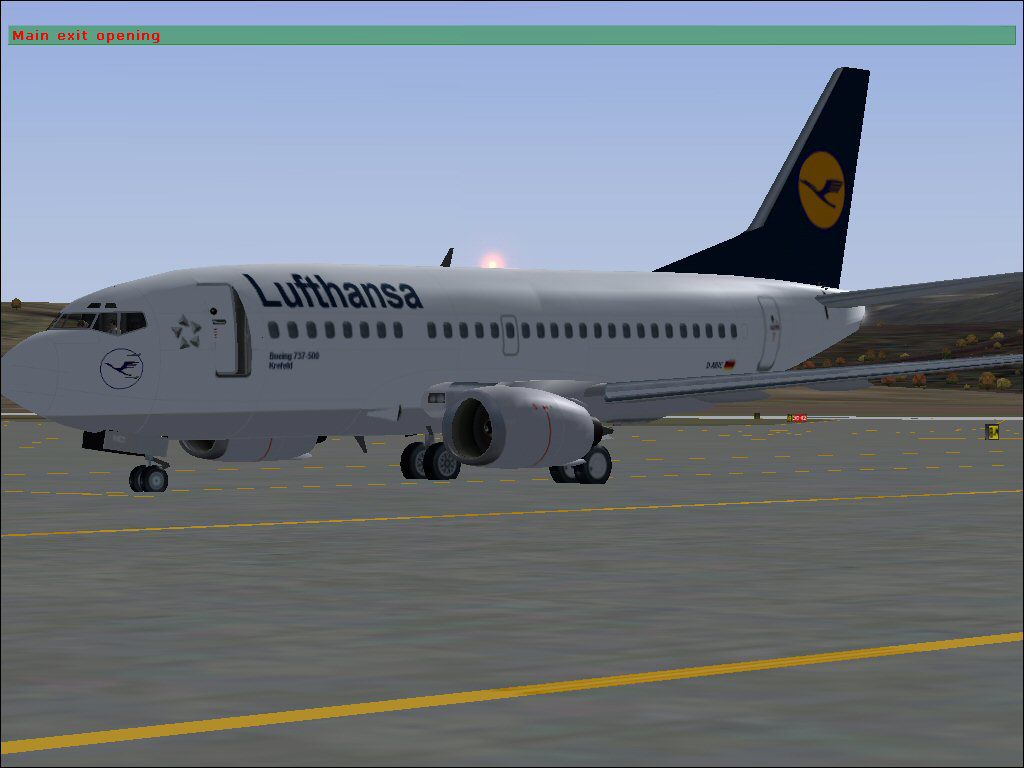
Screenshot of Lufthansa Boeing 737-500 on the ground.
Free for all simmers · 2.07 MB · Scanned clean Sep 2026
Download speed: Free tier is capped at 0.5 Mbps. PRO members download at full line speed.
FS9\Aircraft\, FS9\Addon Scenery\, FS9\Gauges\, or FS9\Effects\.readme.txt or README file. It tells you exactly where files go, what dependencies are needed, and any quirks specific to this add-on.The archive b7350luf.zip has 74 files and directories contained within it.
This list displays the first 500 files in the package. If the package has more, you will need to download it to view them.
| Filename/Directory | File Date | File Size |
|---|---|---|
| Boeing737-500.air | 04.03.03 | 8.27 kB |
| aircraft.cfg | 11.10.03 | 8.24 kB |
| boeing737-400_check.txt | 03.01.00 | 1.75 kB |
| boeing737-400_notes.txt | 11.10.03 | 0 B |
| boeing737-400_ref.txt | 03.01.00 | 618 B |
| README.txt | 11.10.03 | 1.11 kB |
| panel | 11.10.03 | 0 B |
| panel.cfg | 06.03.03 | 32 B |
| sound | 11.10.03 | 0 B |
| sound.cfg | 06.03.03 | 31 B |
| model | 11.10.03 | 0 B |
| model.cfg | 02.16.03 | 27 B |
| B737_500.mdl | 06.03.03 | 1.21 MB |
| Texture | 11.10.03 | 0 B |
| AILERON_L.bmp | 05.18.03 | 5.43 kB |
| CFM56_CONE_T.bmp | 05.04.03 | 42.78 kB |
| CFM56_TAILPIPE_T.bmp | 05.04.03 | 42.78 kB |
| CFM56FAN1.bmp | 05.21.03 | 257.05 kB |
| CFM56FAN2.BMP | 05.21.03 | 257.05 kB |
| FLAPGUIDES_T.BMP | 05.04.03 | 85.46 kB |
| FRAMES_T.BMP | 05.04.03 | 85.43 kB |
| GEARLEGS_T.bmp | 05.04.03 | 42.78 kB |
| INNERFLAPS_T.bmp | 05.04.03 | 341.43 kB |
| INSPOILER_T.BMP | 05.26.03 | 85.43 kB |
| INTAKE_T.BMP | 05.04.03 | 42.78 kB |
| OLEO_T.bmp | 05.04.03 | 170.78 kB |
| OUTERFLAPS_T.bmp | 05.04.03 | 341.43 kB |
| OUTSPOILER_T.bmp | 05.04.03 | 341.43 kB |
| PYLONS_T.bmp | 05.04.03 | 85.46 kB |
| STAB_T.bmp | 05.04.03 | 341.43 kB |
| AILERON_T.bmp | 05.04.03 | 341.43 kB |
| LMAINDOOR_T.bmp | 05.04.03 | 85.43 kB |
| RMAINDOOR_T.bmp | 05.04.03 | 85.43 kB |
| CFM56_CONE_L.bmp | 05.18.03 | 5.43 kB |
| CFM56_TAILPIPE_L.bmp | 05.18.03 | 5.43 kB |
| FLAPGUIDES_L.bmp | 05.18.03 | 5.43 kB |
| FRAMES_L.bmp | 05.18.03 | 5.43 kB |
| GEARLEGS_L.bmp | 05.18.03 | 5.43 kB |
| INNERFLAPS_L.bmp | 05.18.03 | 5.43 kB |
| INSPOILER_L.bmp | 05.18.03 | 5.43 kB |
| INTAKE_L.bmp | 05.18.03 | 5.43 kB |
| LMAINDOOR_L.bmp | 05.18.03 | 5.43 kB |
| OLEO_L.bmp | 05.18.03 | 5.43 kB |
| OUTERFLAPS_L.bmp | 05.18.03 | 5.43 kB |
| OUTSPOILER_L.bmp | 05.18.03 | 5.43 kB |
| PYLONS_L.bmp | 05.18.03 | 5.43 kB |
| RMAINDOOR_L.bmp | 05.18.03 | 5.43 kB |
| STAB_L.bmp | 05.18.03 | 5.43 kB |
| KRAP_T.bmp | 05.04.03 | 85.43 kB |
| 737WING_T.BMP | 11.10.03 | 1.00 MB |
| 737WING_L.BMP | 05.18.03 | 5.43 kB |
| KRAP_L.BMP | 05.18.03 | 5.43 kB |
| LENG_L.BMP | 05.18.03 | 341.43 kB |
| MISC_L.BMP | 05.18.03 | 5.43 kB |
| RENG_L.BMP | 05.18.03 | 341.43 kB |
| MESH_T.BMP | 05.04.03 | 42.78 kB |
| 735FUSE_L.BMP | 05.18.03 | 1.33 MB |
| MOREKRAP_L.BMP | 05.18.03 | 5.43 kB |
| MOREKRAP_T.BMP | 05.04.03 | 5.43 kB |
| MESH_L.bmp | 05.18.03 | 5.43 kB |
| Tail_l.bmp | 05.18.03 | 85.43 kB |
| 735FUSE_T.BMP | 11.10.03 | 1.00 MB |
| Leng_t.bmp | 11.10.03 | 257.05 kB |
| 737INTERIOR_L.bmp | 05.20.03 | 1.00 MB |
| 737INTERIOR_T.bmp | 05.21.03 | 1.00 MB |
| md_83_t.bmp | 09.19.01 | 1.33 MB |
| Tail_t.bmp | 11.09.03 | 257.05 kB |
| Misc_t.bmp | 11.10.03 | 257.05 kB |
| Reng_t.bmp | 11.10.03 | 257.05 kB |
| LH_1.jpg | 11.10.03 | 139.63 kB |
| LH_2.jpg | 11.10.03 | 81.60 kB |
| B737-500_Lufthansa | 11.10.03 | 0 B |
| flyawaysimulation.txt | 10.29.13 | 959 B |
| Go to Fly Away Simulation.url | 01.22.16 | 52 B |
Only PRO members can place votes.
More FS2004 add-ons hand-picked based on this download.
FS2004 Civil Jet Aircraft
FS2002/FS2004 Air France Boeing 737-500 with dirty textures. Model by FFX. Pa…
 FS2004 Civil Jet Aircraft
This freeware release provides an authentic AI-compatible rendition of a shor…
 FS2004 Civil Jet Aircraft
A complete aircraft, repainted in the new colors of Aerolineas Argentinas. Re…
 FS2004 Civil Jet Aircraft
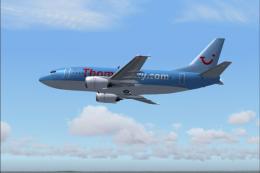
Model by FFX with dynamic shine, full animation etc. AI flight plans and AFCA…
 FS2004 Civil Jet Aircraft
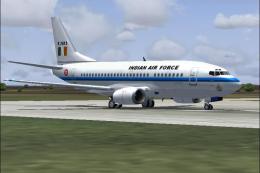
The Indian Air Force has three B737's and this repaint is based on these airc…
 FS2004 Civil Jet Aircraft
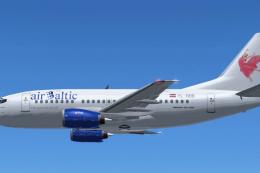
Immerse yourself in the cockpit of this freeware Air Baltic Boeing 737-500 (r…
 FS2004 Civil Jet Aircraft
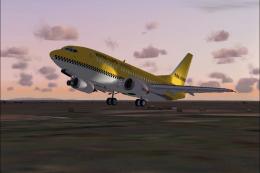
Hapag-Lloyd Express is a wholly-owned subsidiary of TUI AG, the world's large…
 FS2004 Civil Jet Aircraft
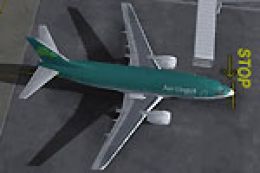
Model by FFX. Repainted by Rene Bruun. Screenshot of Aer Lingus Boeing 737-50…
Be the first to leave a comment on this download.
Be the first to share your thoughts on this download.