

 FS2004 Civil Jet Aircraft
ANA Boeing 777-200 (NC)
All Nippon Airways B777-200 textures for the FSPainter model (FSMDLUPD.ZIP). …
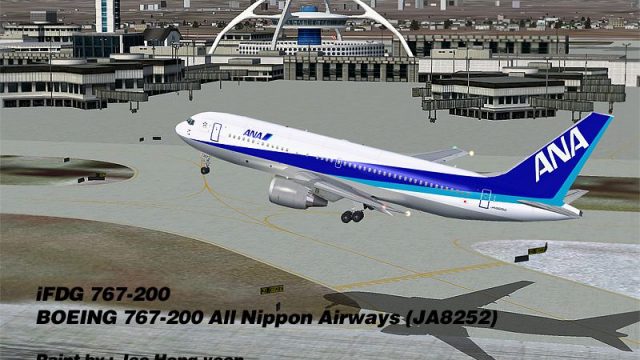
All Nippon Airways Boeing 767-200 JA8252 brings a classic widebody to FS2004 with iFDG’s detailed model and Joo Hong-Yoon’s crisp ANA repaint. Expect animated control surfaces, flaps and flaperons, reflective textures with dynamic shine, plus extra touches like opening exit and cargo doors and a visible flight attendant.
 Rate
Rate
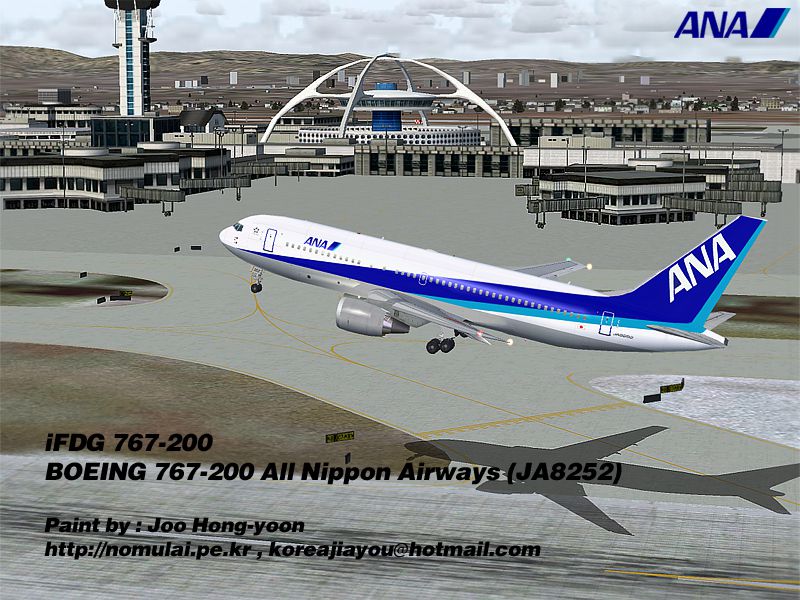
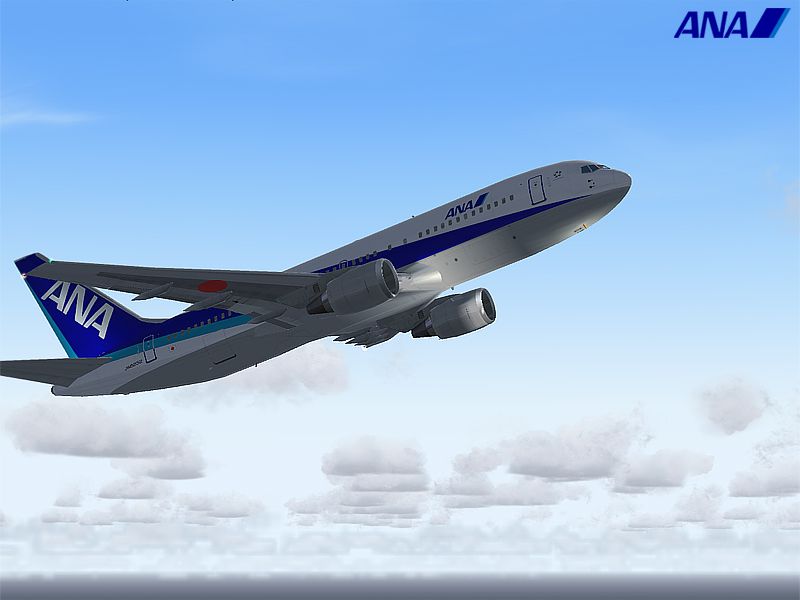
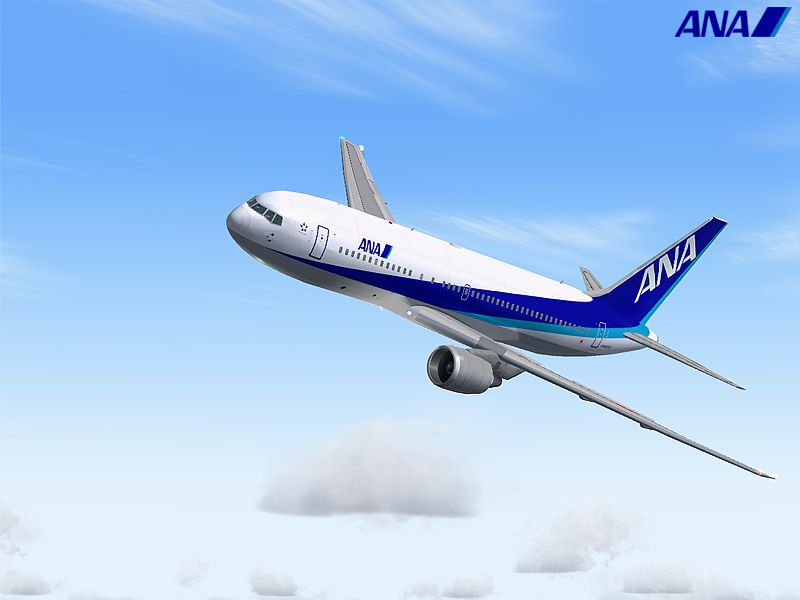
ANA Boeing 767-200, registration JA8252. Model by iFDG. All Nippon Airways repaint by Joo Hong-Yoon.
Screenshot of ANA Boeing 767-200 in flight.
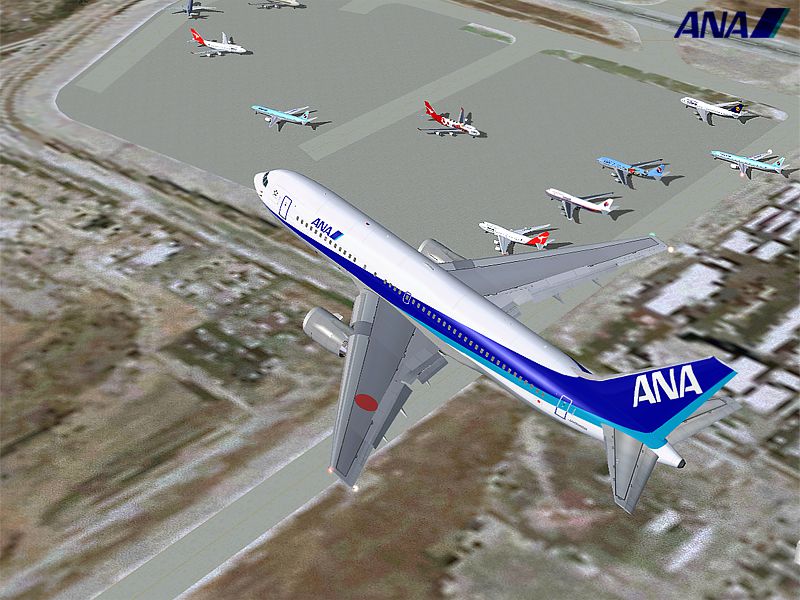
iFDG is proud to present the Boeing 767-200. The aircraft model includes most of the standard features including animated control surfaces, flaps, flaperons, and highly detailed, reflective textures and Dynamic shine. Extra details such as an opening exit, cargo door and flight attendant are included!.
The Boeing 767 family is a complete family of airplanes providing maximum market versatility in the 200- to 300-seat market. The Boeing 767 family includes three passenger models - the 767-200ER, 767-300ER and 767-400ER - and a freighter, which is based on the 767-300ER fuselage.
The twin-engine 767 - sized between the single-aisle 757 and the larger, twin-aisle 777 - has built a reputation among airlines for its profitability and comfort. More..
INSTALLATION:
FOR UNOFFICIAL PAINTS:
Unzip the file to your FS2002/aircraft folder and have fun!
FOR OFFICIAL PAINTS:
Simply run the Autoinstaller which was included in the zip file and have even more fun!
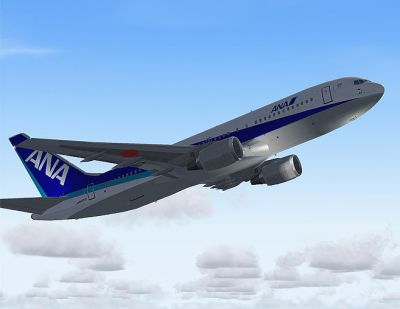
Screenshot of ANA Boeing 767-200 in flight.
Free for all simmers · 3.92 MB · Scanned clean Sep 2026
Download speed: Free tier is capped at 0.5 Mbps (this file takes approximately 1 min at the cap). PRO members download at full line speed.
FS9\Aircraft\, FS9\Addon Scenery\, FS9\Gauges\, or FS9\Effects\.readme.txt or README file. It tells you exactly where files go, what dependencies are needed, and any quirks specific to this add-on.The archive ana8252.zip has 48 files and directories contained within it.
This list displays the first 500 files in the package. If the package has more, you will need to download it to view them.
| Filename/Directory | File Date | File Size |
|---|---|---|
| 762ER_GE_CF680C2B4.air | 07.10.03 | 8.26 kB |
| Aircraft.cfg | 12.28.03 | 8.77 kB |
| all_nippon_airways_762.gif | 12.29.03 | 5.30 kB |
| ana762-1.jpg | 12.29.03 | 575.33 kB |
| ana762-2.jpg | 12.29.03 | 542.74 kB |
| ana762-3.jpg | 12.29.03 | 231.50 kB |
| ana762-4.jpg | 12.29.03 | 195.52 kB |
| readme.txt | 12.20.03 | 4.23 kB |
| 762ge.mdl | 06.24.03 | 1.96 MB |
| Model.cfg | 06.24.03 | 24 B |
| panel.cfg | 03.28.03 | 32 B |
| Sound.cfg | 08.26.99 | 32 B |
| 762fuse_l.bmp | 12.20.03 | 1.00 MB |
| 762fuse_t.bmp | 12.29.03 | 1.00 MB |
| 767cargobay_t.bmp | 12.21.03 | 256.07 kB |
| 767enginecone_t.bmp | 06.14.03 | 65.05 kB |
| 767enginefanfast_t.bmp | 06.14.03 | 65.05 kB |
| 767enginefan_t.bmp | 06.14.03 | 64.90 kB |
| 767gearbay_t.bmp | 05.29.03 | 65.07 kB |
| 767geardoors_t.bmp | 12.29.03 | 64.07 kB |
| 767gear_t.bmp | 06.20.03 | 65.07 kB |
| 767ge_l.bmp | 05.04.03 | 4.00 MB |
| 767ge_t.bmp | 12.20.03 | 1.00 MB |
| 767lwing_l.bmp | 06.26.03 | 4.00 MB |
| 767lwing_t.bmp | 12.20.03 | 1.00 MB |
| 767rwing_l.bmp | 06.26.03 | 4.00 MB |
| 767rwing_t.bmp | 12.20.03 | 1.00 MB |
| 767wheelfast_t.bmp | 06.06.03 | 17.07 kB |
| 767wheelslow_t.bmp | 06.06.03 | 17.07 kB |
| 767windowframe_t.bmp | 06.17.03 | 256.07 kB |
| 767window_t.bmp | 07.11.03 | 64.07 kB |
| 767wings_t.bmp | 12.20.03 | 256.07 kB |
| 767_enginefan_t.bmp | 05.29.03 | 257.07 kB |
| 767_enginefast_t.bmp | 06.12.03 | 257.07 kB |
| 767_ht_l.bmp | 12.20.03 | 1.00 MB |
| 767_ht_t.bmp | 12.20.03 | 256.07 kB |
| 767_landinglight_l.bmp | 06.08.03 | 32.05 kB |
| 767_landinglight_t.bmp | 06.08.03 | 32.05 kB |
| 767_tails_l.bmp | 12.21.03 | 256.07 kB |
| 767_tails_t.bmp | 12.28.03 | 256.07 kB |
| 767_wings_l.bmp | 05.04.03 | 4.00 MB |
| Antennes_t.bmp | 07.04.03 | 1.00 MB |
| apu intake_t.bmp | 06.08.03 | 32.05 kB |
| interior2_t.bmp | 12.20.03 | 256.07 kB |
| interior_t.bmp | 12.21.03 | 256.07 kB |
| Thumbs.db | 12.20.03 | 169.00 kB |
| flyawaysimulation.txt | 10.29.13 | 959 B |
| Go to Fly Away Simulation.url | 01.22.16 | 52 B |
Only PRO members can place votes.
More FS2004 add-ons hand-picked based on this download.
FS2004 Civil Jet Aircraft
All Nippon Airways B777-200 textures for the FSPainter model (FSMDLUPD.ZIP). …
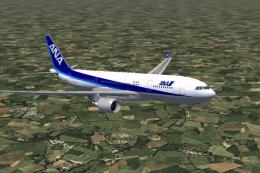 FS2004 Civil Jet Aircraft
Model by Project Open Sky. All Nippon Airways livery by Julien Scavini. Scree…
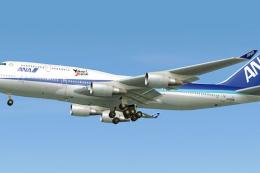 FS2004 Civil Jet Aircraft
This detailed rendition of the Boeing 747-400 in All Nippon Airways (ANA) mar…
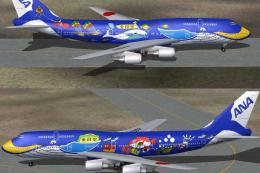 FS2004 Civil Jet Aircraft
Boeing 747-400D in All Nippon Airways' "Marine Jumbo" livery. Model by AI Aar…
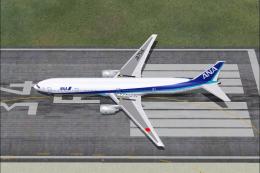 FS2004 Civil Jet Aircraft
All Nippon Airways B777-381. Model by FSPainter. Repaintd by Taguchi. Top dow…
 FS2004 Civil Jet Aircraft
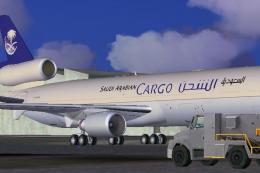
This meticulously crafted freeware package replicates the McDonnell-Douglas M…
 FS2004 Civil Jet Aircraft
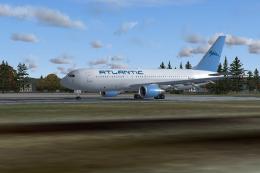
This model created by iFDG and features full animated control surfaces includ…
 FS2004 Civil Jet Aircraft
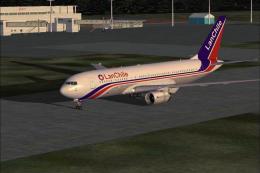
MODEL BY ALBERT BOUWMAN, TEXTURES BY BEN HEWITT & BEN JONES, FDE BY ALBARO VI…
Be the first to leave a comment on this download.
Be the first to share your thoughts on this download.