

 FS2004 Propeller Aircraft
Mid-Sea Express Britten Norman BN-2A Islander
Model by Marcel Kuhnt. Repainted by Gerard G. Olvis. Screenshot of Britten No…
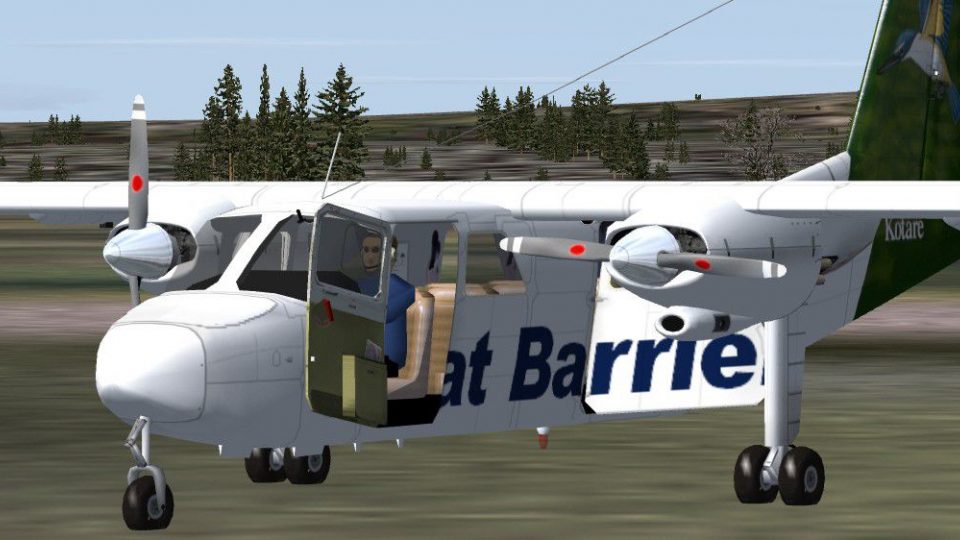
Great Barrier Airlines’ “Kotare” Britten Norman BN-2A Islander livery brings ZK-REA to life with clean New Zealand regional markings and an authentic aircraft selection entry for everyday island-hopping routes. Designed for FS2004, it requires Marcel Kuhnt’s BN-2A base package and includes the texture set plus matching configuration details.
 Rate
Rate
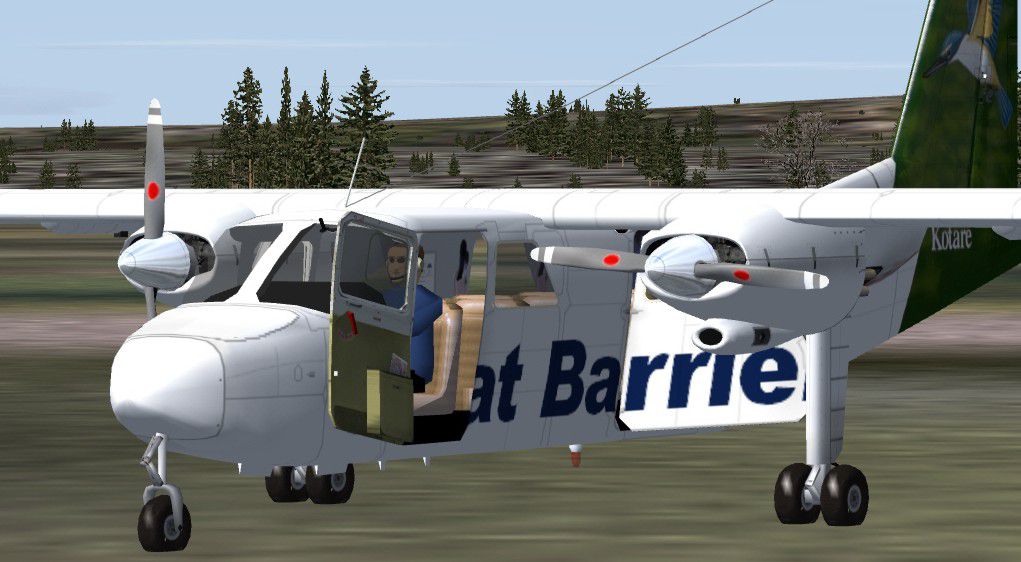

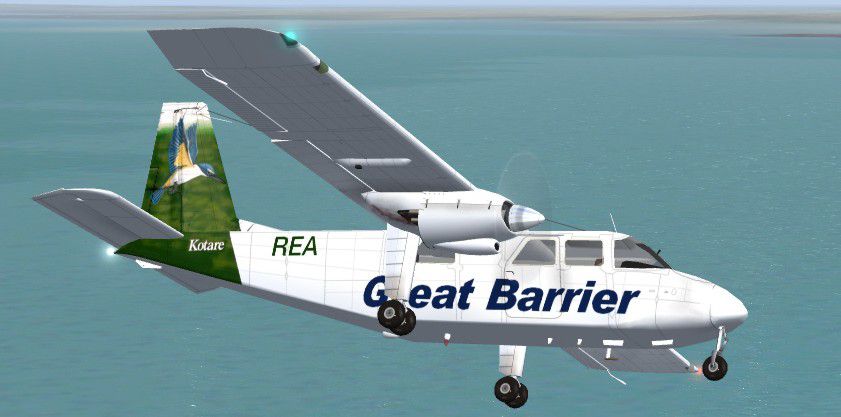
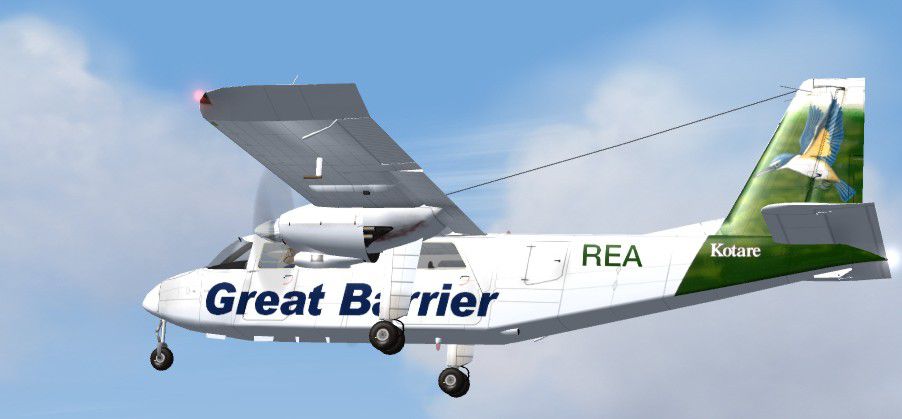
This is one of Great Barrier Airlines' Britten Norman Islander BN-2A. The BN-2A base package from Marcel Kuhnt is required to use these textures. By Benni Krasemann.

Screenshot of Great Barrier BN-2A "Kotare" in flight.
Add this to your aircraft.cfg:
[fltsim.X]

	title=BN-2A - Great Barrier Airlines "Kotare"

	sim=BN2

	model=mka

	panel=

	sound=

	texture=greatbarrier

	kb_checklists=

	kb_reference=

	atc_airline=

	atc_flight_number=11

	atc_id=ZK-REA

	atc_id_enable=1

	atc_parking_types=

	atc_parking_codes=

	atc_heavy=0

	ui_manufacturer=Britten Norman

	ui_type=BN-2A

	ui_variation=Great Barrier Airlines "Kotare"

	description=BN-2A Islander/Britten Normen: Operated by Great Barrier Airlines/New Zealand. Repaint by Benni Krasemann 01.08.04
Don't forget to change "X" to the subsequent number!
Free for all simmers · 2.29 MB · Scanned clean Sep 2026
Download speed: Free tier is capped at 0.5 Mbps. PRO members download at full line speed.
FS9\Aircraft\, FS9\Addon Scenery\, FS9\Gauges\, or FS9\Effects\.readme.txt or README file. It tells you exactly where files go, what dependencies are needed, and any quirks specific to this add-on.The archive bn2rea.zip has 29 files and directories contained within it.
This list displays the first 500 files in the package. If the package has more, you will need to download it to view them.
| Filename/Directory | File Date | File Size |
|---|---|---|
| texture.greatbarrier | 09.01.04 | 0 B |
| Stairs.bmp | 04.06.04 | 4.11 kB |
| blende_t.bmp | 02.28.03 | 442 B |
| bn2_c.bmp | 05.03.04 | 1.00 MB |
| bn2_i.bmp | 03.15.04 | 257.05 kB |
| BN2_t.bmp | 09.03.04 | 5.33 MB |
| decals_1.bmp | 05.15.04 | 128.07 kB |
| engine.bmp | 02.14.04 | 170.74 kB |
| Face.bmp | 02.26.03 | 17.05 kB |
| Fenst.bmp | 01.29.02 | 1.06 kB |
| mechaniker.bmp | 04.03.04 | 65.05 kB |
| Misc1.bmp | 05.09.04 | 17.05 kB |
| Misc2.bmp | 03.15.04 | 65.05 kB |
| Misc3.bmp | 02.17.03 | 17.05 kB |
| Misc4.bmp | 03.03.04 | 65.05 kB |
| passenger.bmp | 03.05.04 | 682.75 kB |
| Props.bmp | 12.07.01 | 341.40 kB |
| Readme!.txt | 09.03.04 | 9.32 kB |
| Great Barrier Airlines Info.pdf | 09.01.04 | 267.82 kB |
| BN-2 Great Barrier.jpg | 09.02.04 | 53.18 kB |
| BN-2 Great Barrier 2.jpg | 09.02.04 | 62.87 kB |
| BN-2 Great Barrier 3.jpg | 09.02.04 | 115.02 kB |
| BN-2 Great Barrier 1.jpg | 09.02.04 | 46.31 kB |
| thumb.jpg | 09.02.04 | 4.41 kB |
| License.txt | 05.18.04 | 1.31 kB |
| thumb.gif | 09.03.04 | 7.21 kB |
| BN2REA | 09.01.04 | 0 B |
| flyawaysimulation.txt | 10.29.13 | 959 B |
| Go to Fly Away Simulation.url | 01.22.16 | 52 B |
Only PRO members can place votes.
More FS2004 add-ons hand-picked based on this download.
FS2004 Propeller Aircraft
Model by Marcel Kuhnt. Repainted by Gerard G. Olvis. Screenshot of Britten No…
 FS2004 Propeller Aircraft
Very detailed and fully animated Britten Norman BN2A Islander from LW (Luftfa…
 FS2004 Propeller Aircraft
Very detailed and fully animated Britten Norman BN-2A Mk.III-2 Trislander fro…
 FS2004 Propeller Aircraft
v3.2. Very detailed and fully animated Britten Norman BN-2A Islander from IAA…
 FS2004 Propeller Aircraft
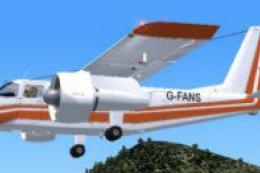
Very detailed and fully animated Britten Norman BN-2A FANS in demonstrator co…
 FS2004 Propeller Aircraft
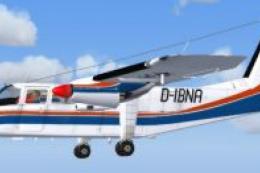
Very detailed and fully animated Britten Norman BN-2A Islander from LW (Luftf…
 FS2004 Propeller Aircraft
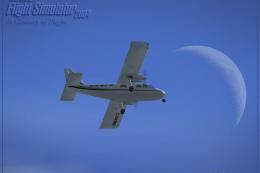
Texture only. Contains new FDE. Requires BN32REST.ZIP, BN32SND2.ZIP, DIBNA32G…
 FS2004 Propeller Aircraft
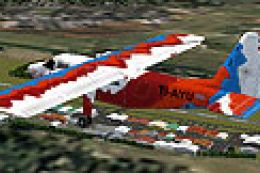
Textures only; requires DIAAI32G.ZIP. Original aircraft by Marcel Kuhnt. Text…
Be the first to leave a comment on this download.
Be the first to share your thoughts on this download.