

 FS2004 Propeller Aircraft
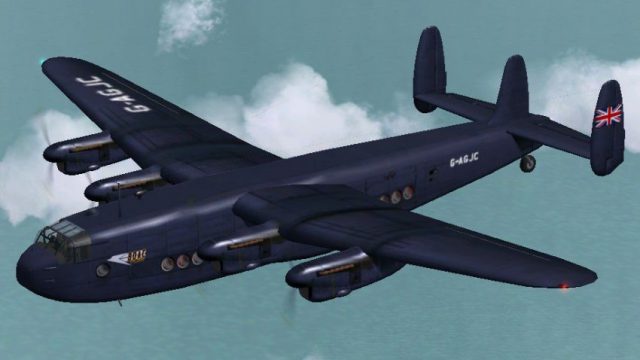
BOAC Avro 685 York C1 G-AGNV
Avro York c/n 1223 G-AGNV, military serial TS798, was never taken up by the R…
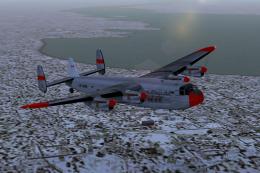
BOAC Avro 685 York C1 G-AGJC textures recreate an early postwar aircraft used for navigator training, featuring an inverted-style night-blue scheme with matching night lighting. Designed for FS2004, it supports the Avro York Merlin 24 model and configuration, requires AVROYORK.ZIP, and includes the model.moyd folder for refined nose cone mapping.
 Rate
Rate
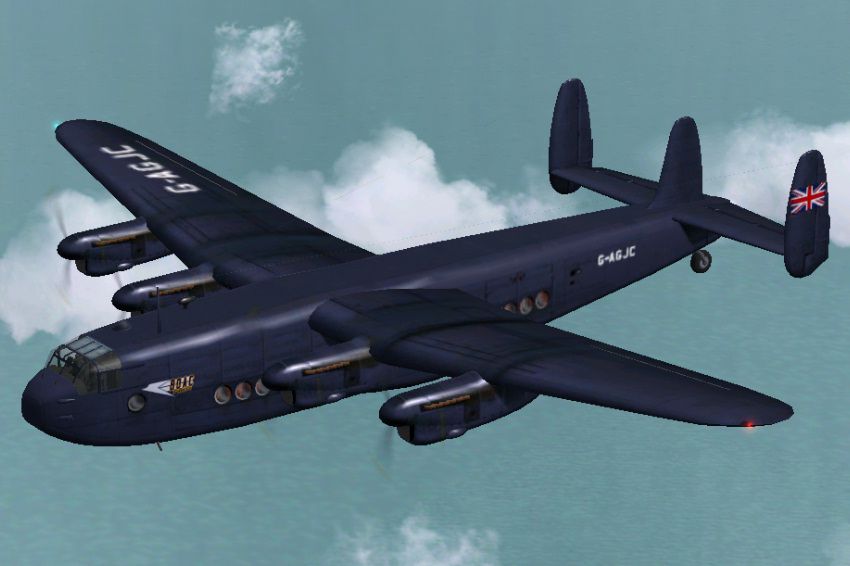
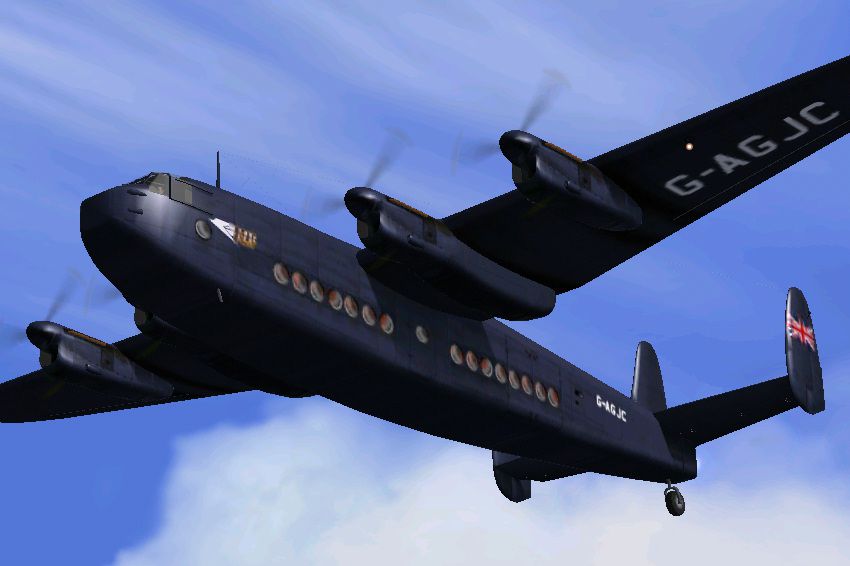
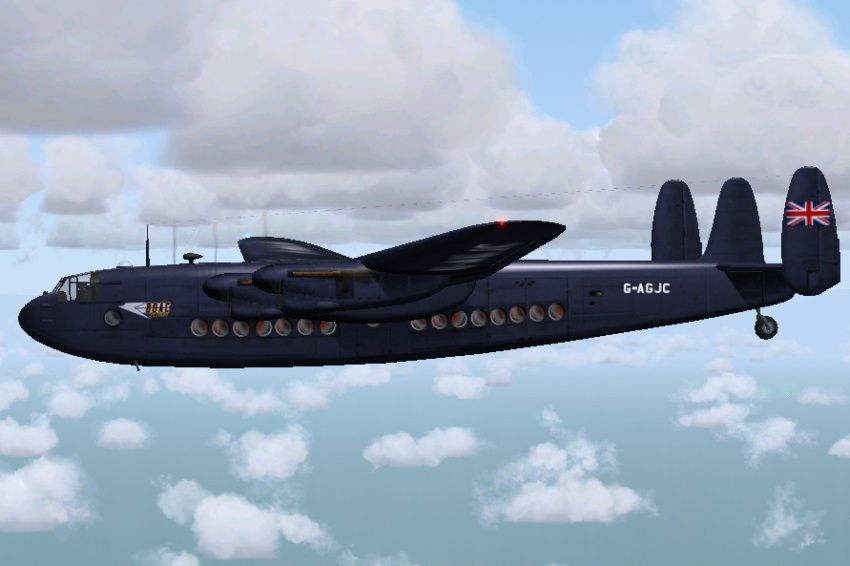
Registration G-AGJC, c/n 1209, entered service with the RAF as MW113. It was part of a fleet of five early Yorks that were configured as a combination of passenger/freight with 12 passengers seated in the rear of the cabin. Some sources indicate that shortly after WWII two Yorks were painted in an almost 'inverted' BOAC color scheme and used by BOAC for crew training, mainly navigators. G-AGJC was one them. Textures only; requires AVROYORK.ZIP. Gmax exterior model and paintkit by Manfred Jahn, FDE by Paul Edwards, repainted by Hans Hermann, Virtual Birds Factory.
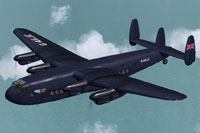
Screenshot of BOAC Avro 685 York C1 in flight.
Installation in FS2004:
[fltsim.xx]

title =Avro York M24 gagjc_01

sim = Avro York Merlin 24

model = moyd

panel =

sound =

texture = gagjc_01

panel_alias =

sound_alias =

kb_checklists =Avro York_check

kb_reference =York Handling Notes_reference

atc_id = G-AGJC

atc_id_color =

atc_parking_types =

atc_parking_code =

atc_airline = Speedbird

atc_flight_number= 330

ui_manufacturer = Avro

ui_type = Avro York M24

ui_variation = BOAC G-AGJC (special night blue)

description = G-AGJC with c/n 1209 entered service with the RAF as MW113. She was part of a fleet of five early Yorks that were configured as a combination of passenger/freight with 12 passengers seated in the rear of the cabin. During WWII these aircraft were allotted to BOAC inaugurating the first UK-Cairo route via Morocco on April 22, 1944. At this time they were coloured in RAF wartime camouflage colours. Some sources indicate that shortly after WWII two Yorks were painted in an almost 'inverted' BOAC colour scheme and used by BOAC for crew training, mainly navigators. G-AGJC was one them. Possibly most of the flying was done at night - star sightings presumably work better then! In some weird way, their role may have had a bearing on the colour scheme. According to other sources both Yorks may have been painted black.\n\nGmax exterior model and paintkit by Manfred Jahn, FDE by Paul Edwards, repainted by Hans Hermann, Virtual Birds Factory, March 2007.

visual_damage = 0

prop_anim_ratio = 0.99
NOTAM:
Unlike some other Avro York repaints this package uses an advanced model file of Manfred Jahn created for a better texturing of the nose cone area. So for these textures to work the folder model.moyd (included in this package) must be present. This package also comes with suitable nightlight textures.
Free for all simmers · 1.31 MB · Scanned clean Oct 2026
Download speed: Free tier is capped at 0.5 Mbps. PRO members download at full line speed.
This add-on may require the following files to function properly. If this is a repaint, the dependency below is likely the base aircraft package.
FS9\Aircraft\, FS9\Addon Scenery\, FS9\Gauges\, or FS9\Effects\.readme.txt or README file. It tells you exactly where files go, what dependencies are needed, and any quirks specific to this add-on.The archive a685boa1.zip has 17 files and directories contained within it.
This list displays the first 500 files in the package. If the package has more, you will need to download it to view them.
| Filename/Directory | File Date | File Size |
|---|---|---|
| A685boa1_01.gif | 03.15.07 | 10.61 kB |
| A685boa1_01.jpg | 03.15.07 | 139.36 kB |
| A685boa1_02.jpg | 03.15.07 | 147.69 kB |
| A685boa1_03.jpg | 03.15.07 | 158.17 kB |
| A685boa1_readme.txt | 03.15.07 | 6.36 kB |
| file_id.diz | 03.15.07 | 629 B |
| model.moyd | 03.16.07 | 0 B |
| Model.cfg | 03.08.07 | 26 B |
| york-moyd.mdl | 03.08.07 | 1.07 MB |
| texture.gagjc_01 | 03.16.07 | 0 B |
| fuse_l.bmp | 03.15.07 | 1.00 MB |
| fuse_t.bmp | 03.15.07 | 1.00 MB |
| propdisk.bmp | 03.15.07 | 256.07 kB |
| wings_l.bmp | 03.15.07 | 1.07 kB |
| wings_t.bmp | 03.15.07 | 1.00 MB |
| flyawaysimulation.txt | 10.29.13 | 959 B |
| Go to Fly Away Simulation.url | 01.22.16 | 52 B |
Only PRO members can place votes.
More FS2004 add-ons hand-picked based on this download.
FS2004 Propeller Aircraft
Avro York c/n 1223 G-AGNV, military serial TS798, was never taken up by the R…
 FS2004 Propeller Aircraft
BOAC Avro 685 York C1, c/n 1207, military serial MW103, was never taken up by…
 FS2004 Propeller Aircraft
Directly delivered to British South American Airways Corporation (BSAA) on Se…
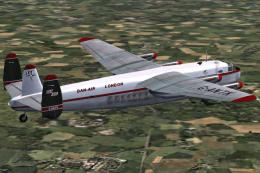 FS2004 Propeller Aircraft
Experience the fascination of the authentic 1960s Dan-Air Avro 685 York C1, m…
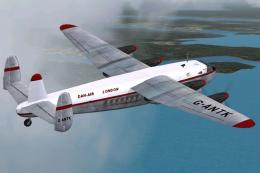 FS2004 Propeller Aircraft
This complete freeware package brings the Dan-Air Avro 685 York C1 (registrat…
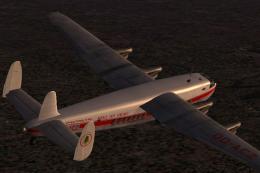 FS2004 Propeller Aircraft
Avro York c/n 1218, RAF serial TS793, had a colorful history. It was allotted…
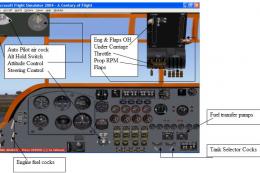 FS2004 Propeller Aircraft
Used variously as a long-range freighter and/or passenger airliner, the York …
 FS2004 Propeller Aircraft
Requires AVROYORK.ZIP basepack; Avro York Merlin 500 FDE and panel update rec…
Be the first to leave a comment on this download.
Be the first to share your thoughts on this download.