

 FSX Civil Aircraft
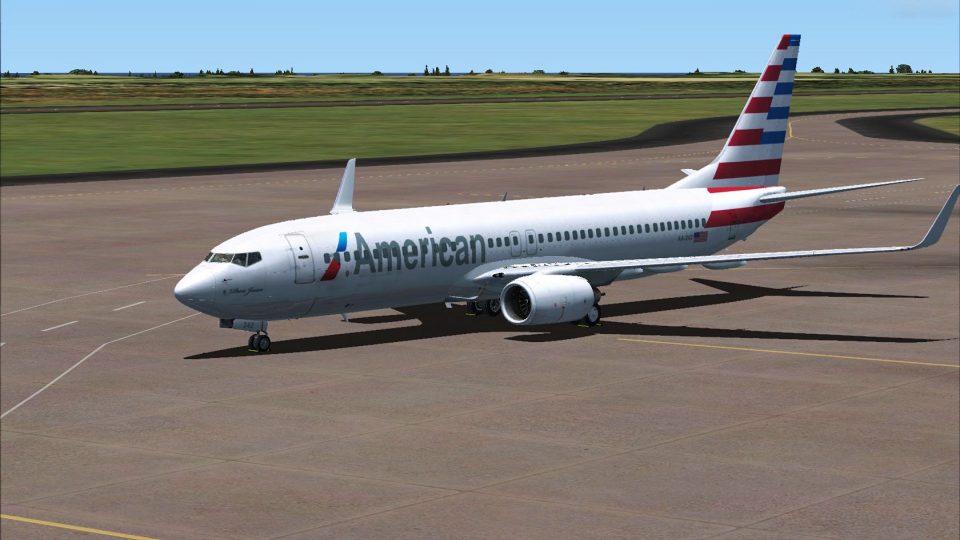
American Airlines Boeing 777-200ER (New Colors)
Photorealistic repaint of American Airlines B777-200ER GE N781AN for the payw…
American Airlines “New Livery” repaint brings a fresh, high-detail look to the Boeing 777-800 in FSX, with crisp exterior textures designed to match the carrier’s modern branding. Requires the payware PMDG 777-800 model, adding an authentic fleet option for airline ops and long-haul routes.
 Rate
Rate
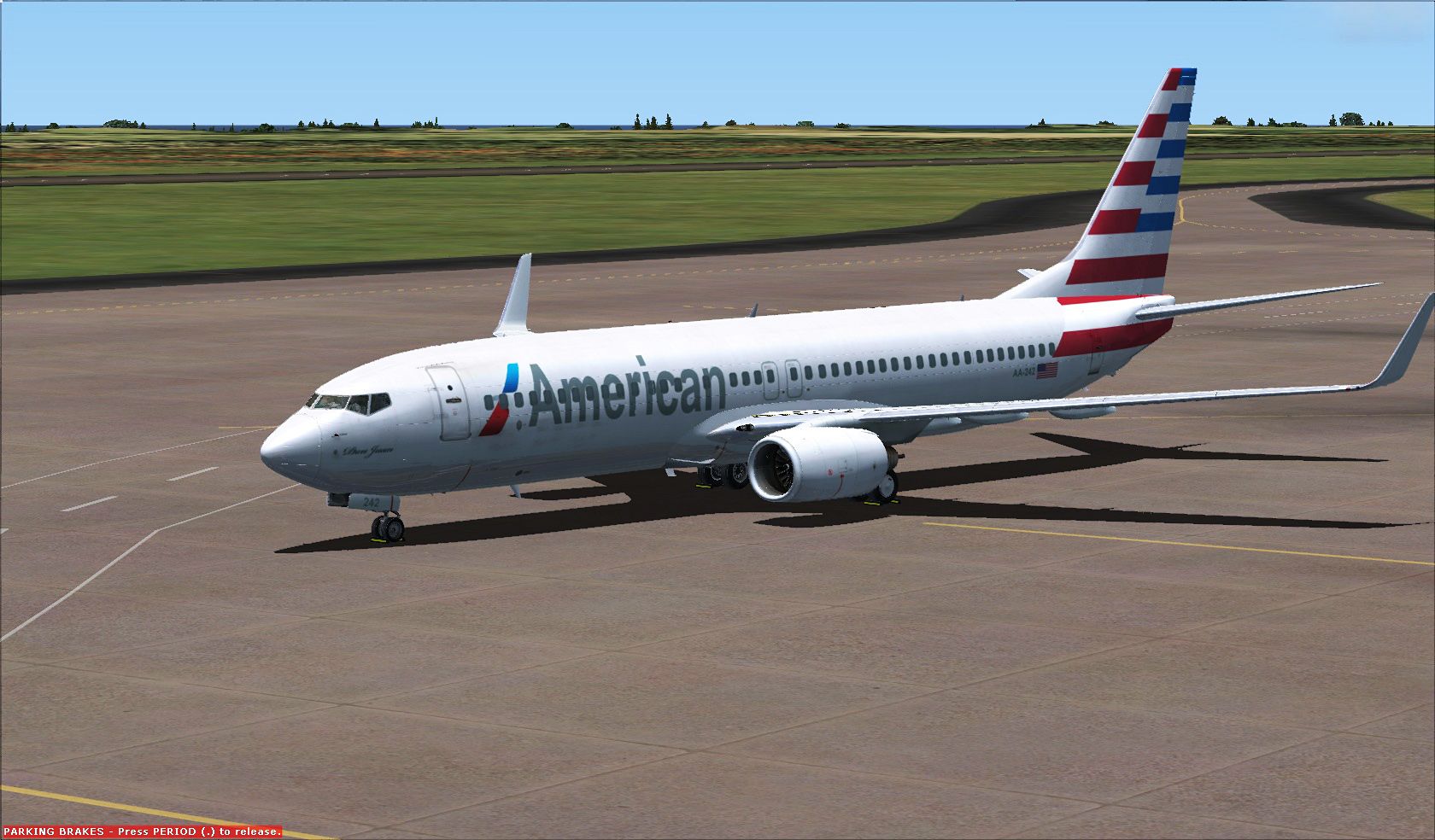
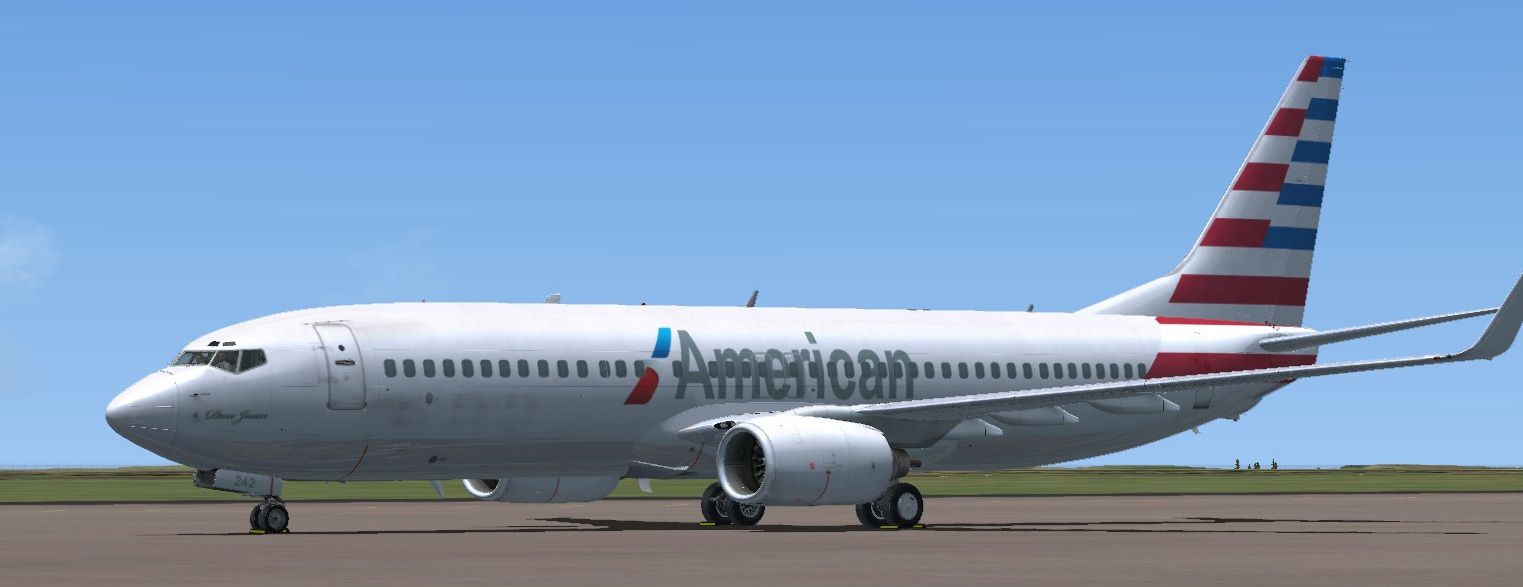
Textures only for the payware PMDG B777-800 NGX model. By Fernando Angel G.
-fsx-1.jpg)
Screenshot of American Airlines Boeing 777-800 on the ground.
[fltsim.XX]

title=PMDG 737-800NGX PMDG AA Winglets

sim=B737-800WL

model=

panel=

sound=

texture=American new

kb_checklists=NGX_check

kb_reference=Boeing737-800_ref

atc_airline=PMDG

atc_id=AA-242

atc_flight_number=738

atc_model=737-800

atc_parking_types=GATE,RAMP

atc_type=BOEING

ui_createdby=PMDG

ui_manufacturer=Boeing

ui_type=737-800NGX

ui_typerole=737-800

ui_variation=PMDG AA Winglets

airline_name=PMDG Flight Test

description=Boeing 737-800 powered by CFM engines v 1.0\nPMDG Simulations\nProduced under license from Boeing Management Company.\n\nBoeing 737, 737-800 & Boeing are among the trademarks owned by Boeing.

visual_damage=0
Free for all simmers · 37.9 MB · Scanned clean Sep 2026
Download speed: Free tier is capped at 0.5 Mbps (this file takes approximately 11 mins at the cap). PRO members download at full line speed.
texture.{airline}) inside FSX\SimObjects\Airplanes\{base-aircraft}\.aircraft.cfg in Notepad. Add a new [fltsim.X] section per the readme.readme.txt or README file. It tells you exactly where files go, what dependencies are needed, and any quirks specific to this add-on.The archive texture_american_new.zip has 34 files and directories contained within it.
This list displays the first 500 files in the package. If the package has more, you will need to download it to view them.
| Filename/Directory | File Date | File Size |
|---|---|---|
| texture.American new | 01.28.13 | 0 B |
| aircraft.cfg | 01.28.13 | 690 B |
| AMERICAN.jpg | 01.24.13 | 535.78 kB |
| texture.American new | 01.28.13 | 0 B |
| A30-004.ini | 11.08.11 | 1.94 kB |
| AA-242.ini | 08.04.11 | 1.94 kB |
| equipment_decal.dds | 07.20.11 | 32.12 kB |
| pmdg_737NGX_fuselage_1.dds | 01.24.13 | 10.67 MB |
| pmdg_737NGX_fuselage_1_bump.dds | 08.21.12 | 16.00 MB |
| pmdg_737NGX_fuselage_1_night2.dds | 07.20.11 | 4.00 MB |
| pmdg_737NGX_fuselage_1_spec.dds | 08.02.11 | 1.00 MB |
| pmdg_737NGX_fuselage_2.dds | 01.24.13 | 10.67 MB |
| pmdg_737NGX_fuselage_2_bump.dds | 08.24.12 | 16.00 MB |
| pmdg_737NGX_fuselage_2_night2.dds | 07.20.11 | 4.00 MB |
| pmdg_737NGX_fuselage_2_spec.dds | 05.30.11 | 1.00 MB |
| pmdg_737NGX_fuselage_3.dds | 01.23.13 | 10.67 MB |
| pmdg_737NGX_fuselage_3_bump.dds | 08.21.12 | 16.00 MB |
| pmdg_737NGX_fuselage_3_spec.dds | 06.16.11 | 1.00 MB |
| pmdg_737NGX_tail.dds | 01.23.13 | 10.67 MB |
| pmdg_737NGX_tailnight.dds | 12.23.10 | 1.00 MB |
| pmdg_737NGX_tail_bump.dds | 08.20.12 | 16.00 MB |
| pmdg_737NGX_tail_spec.dds | 09.12.11 | 1.00 MB |
| pmdg_737NGX_wingdecals.dds | 12.08.10 | 512.12 kB |
| pmdg_737NGX_wingletnight.dds | 12.22.10 | 1.00 MB |
| pmdg_737NGX_wings.dds | 12.30.10 | 16.00 MB |
| pmdg_737NGX_wings_bump.dds | 08.20.12 | 16.00 MB |
| pmdg_737NGX_wings_night.dds | 12.30.10 | 4.00 MB |
| pmdg_737NGX_wings_spec.dds | 08.20.12 | 4.00 MB |
| pmdg_NGX_misc.dds | 09.26.11 | 1.00 MB |
| PMDG_NGX_VC_N_Number.dds | 01.23.13 | 42.83 kB |
| texture.cfg | 07.29.11 | 187 B |
| Thumbnail.jpg | 01.23.13 | 130.89 kB |
| flyawaysimulation.txt | 10.29.13 | 959 B |
| Go to Fly Away Simulation.url | 01.22.16 | 52 B |
Only PRO members can place votes.
More FSX & P3D add-ons hand-picked based on this download.
FSX Civil Aircraft
Photorealistic repaint of American Airlines B777-200ER GE N781AN for the payw…
 FSX Civil Aircraft
FSX EgyptAir Boeing 737-800. Egypt Air new logo textures for the default B737…
 FSX Civil Aircraft
This freeware repaint showcases the vivid "New" Vanuatu-themed livery express…
 FSX Civil Aircraft
Elevate your virtual cockpit in Microsoft Flight Simulator X with a freeware …
 FSX Civil Aircraft
FSX Singapore Airlines Cargo Boeing 747-400 in new A380 style livery. Texture…
 FSX Civil Aircraft
AI Aardvark McDonnell Douglas MD82 model available separately (AIA_MD8X.ZIP).…
 FSX Civil Aircraft
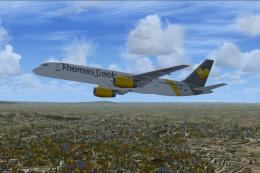
Full model and textures of the Project Open Sky B757-200 in the Thomas Cook G…
 FSX Civil Aircraft
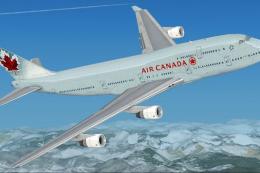
FSX Air Canada Boeing 747-400 (new livery). Textures only for the default B74…
Read what other simmers think, or add your own.

Just by looking at the screenshots, you can see that the American text is in the wrong place (supposed to be in the front, not the center).
The tail section is just completely wrong.
