

 FSX Military Aircraft
Fokker S-14 Mach-Trainer Mega Pack
Delve into the world of aviation history with the Fokker S-14 Mach-Trainer Me…
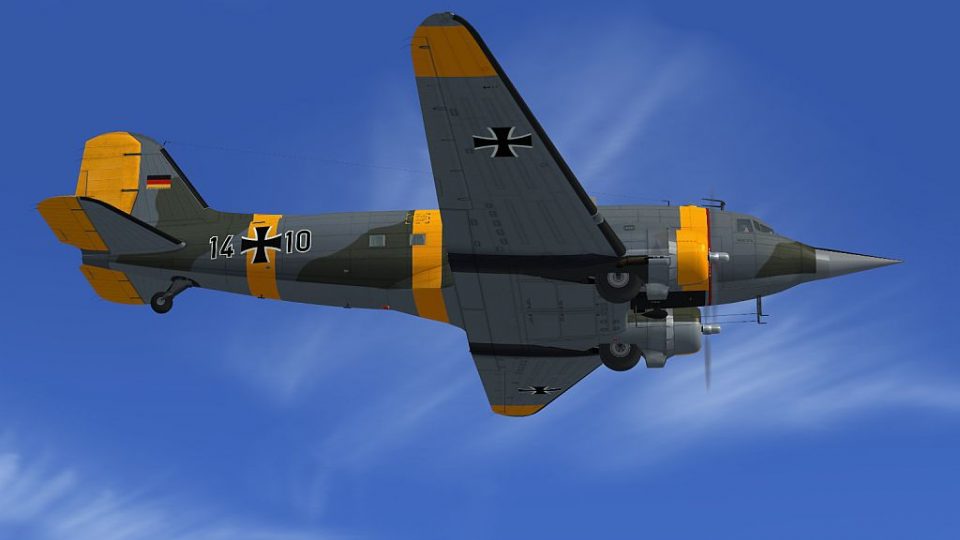
Douglas C-47 NASARR Trainer brings a unique Starfighter-era twist to the classic Skytrain in Microsoft Flight Simulator X, featuring an F-104G-style nose used for radar and navigation instruction. The package includes an authentic German Air Force 14+10 paint and matching model updates, and requires the Douglas C-47 V2 Skytrain base pack.
 Rate
Rate
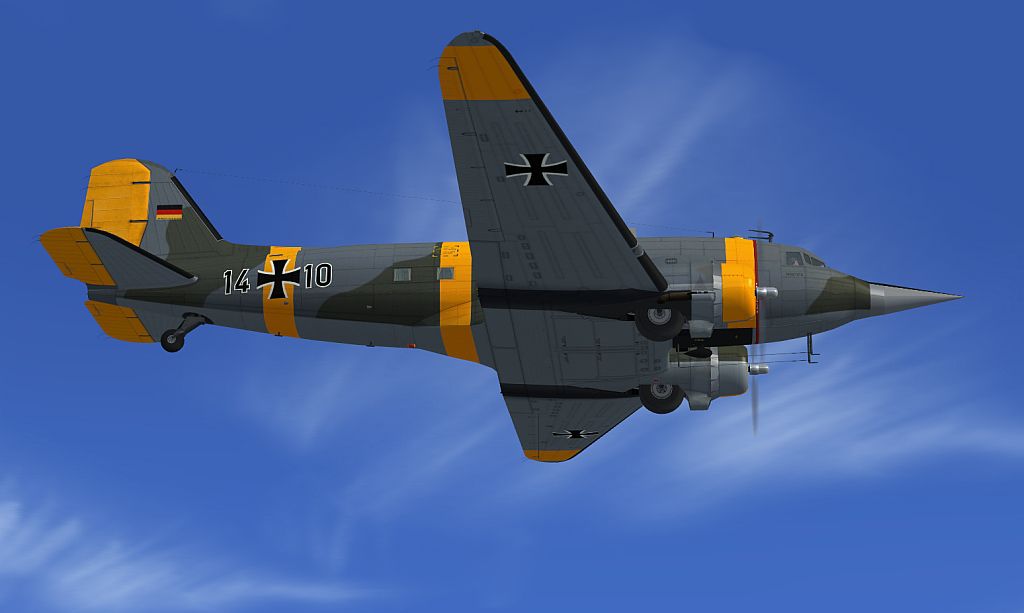
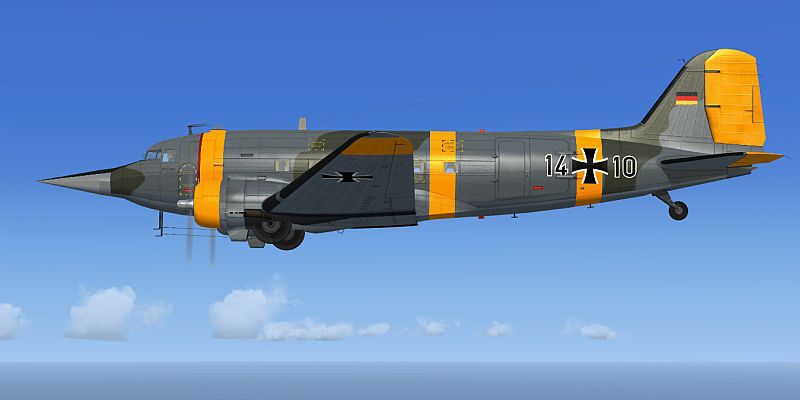
The Douglas C47 NASARR Trainers were ordinary Skytrains fitted with F-104G noses in order to act as navigational school rooms for budding Starfighter pilots (NASARR = North American Radar and Ranging). Among the air forces using them in this function was the German Air Force, which had five (called Nasenbaer/coati), the Canadian Air Force, which had two (called Pinocchio), and the Belgian Air Force. The paint included represents GAF 14+10. This plane was modified to NASARR Trainer status in 1964 and withdrawn from use in 1973. FSX model and GAF paint by Manfred Jahn. Previous installation of C-47 V2 Skytrain (DOUGLAS_C-47_V2.ZIP) required.
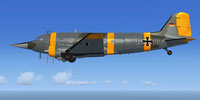
Screenshot of Douglas C-47 NASARR Trainer in flight.
Installation:
[fltsim.XX]

title=GAF NASARR Trainer 1410

sim=Douglas_DC3_v1.2

model=C47_NR

panel=

sound=TW // assuming you have Ted Wolfgang's DC-3 soundset

texture=GAF_1410

kb_checklists=Douglas_DC3_check

kb_reference=Douglas_DC3_ref

atc_id=1410

ui_manufacturer="Douglas"

ui_type="C-47R Skytrain"

ui_variation="NASARR 1410"

ui_typerole="Twin Engine Prop"

ui_createdby=

description="C-47 NASARR Trainer"
Free for all simmers · 11.28 MB · Scanned clean Oct 2026
Download speed: Free tier is capped at 0.5 Mbps (this file takes approximately 3 mins at the cap). PRO members download at full line speed.
texture.{airline}) inside FSX\SimObjects\Airplanes\{base-aircraft}\.aircraft.cfg in Notepad. Add a new [fltsim.X] section per the readme.readme.txt or README file. It tells you exactly where files go, what dependencies are needed, and any quirks specific to this add-on.The archive c47_nasarr.zip has 18 files and directories contained within it.
This list displays the first 500 files in the package. If the package has more, you will need to download it to view them.
| Filename/Directory | File Date | File Size |
|---|---|---|
| model.C47_NR | 08.17.15 | 0 B |
| C47R_NR.MDL | 08.21.15 | 8.17 MB |
| model.cfg | 08.17.15 | 67 B |
| texture.GAF_1410 | 08.21.15 | 0 B |
| C47_1_T.dds | 08.21.15 | 4.00 MB |
| C47_1_T_Spec.dds | 08.21.15 | 4.00 MB |
| C47_2_T.dds | 08.21.15 | 4.00 MB |
| C47_2_T_Spec.dds | 08.21.15 | 4.00 MB |
| propdisk.dds | 07.12.13 | 256.12 kB |
| texture.cfg | 10.09.13 | 112 B |
| thumbnail.jpg | 08.21.15 | 126.46 kB |
| nasarr06.jpg | 08.21.15 | 228.19 kB |
| nasarr05.jpg | 08.21.15 | 126.46 kB |
| file_id.diz | 08.22.15 | 691 B |
| Readme.txt | 08.22.15 | 1.94 kB |
| Readme.txt | 08.22.15 | 1.94 kB |
| flyawaysimulation.txt | 10.29.13 | 959 B |
| Go to Fly Away Simulation.url | 01.22.16 | 52 B |
Only PRO members can place votes.
More FSX & P3D add-ons hand-picked based on this download.
FSX Military Aircraft
Delve into the world of aviation history with the Fokker S-14 Mach-Trainer Me…
 FSX Military Aircraft
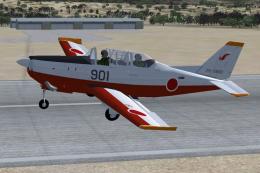
In the 1990s the Defense Agency planned to procure primary training aircraft …
 FSX Military Aircraft
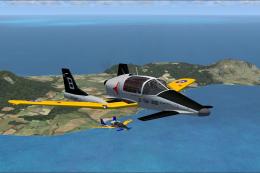
Sus Scrofa SS4P Trainer Package. Six repaints for Tim Conrad's Sus Scrofa SS4…
 FSX Military Aircraft
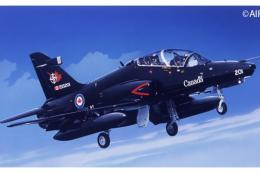
This is a paint for the Dino Cattaneo T-45 (T45CV257.ZIP). The textures used …
 FSX Military Aircraft
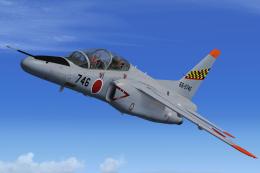
Immerse yourself in a striking repaint of the subsonic Kawasaki T-4 jet train…
 FSX Military Aircraft
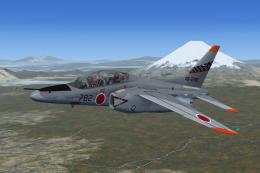
JASDF Kawasaki T-4 Trainer of 32 Kyoiku Hikotai/1 Kokudan (32nd Training Squa…
 FSX Military Aircraft
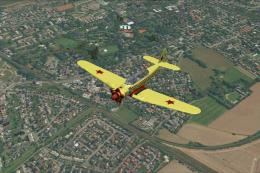
Textures only for free model Yak-18 (YAK-18_FSX_BETA.ZIP) from "SWingman". Th…
 FSX Military Aircraft
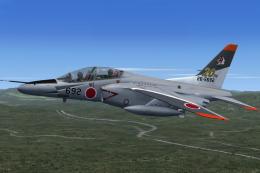
Kawasaki T-4 Trainer of 304 Hikotai/8 Kokudan (304th Tactical Fighter Squadro…
Be the first to leave a comment on this download.
Be the first to share your thoughts on this download.