



 United States of America
 MSFS Scenery
Matterhorn Mountain
A complete overhaul of the default Matterhorn Mountain scenery by developer N…
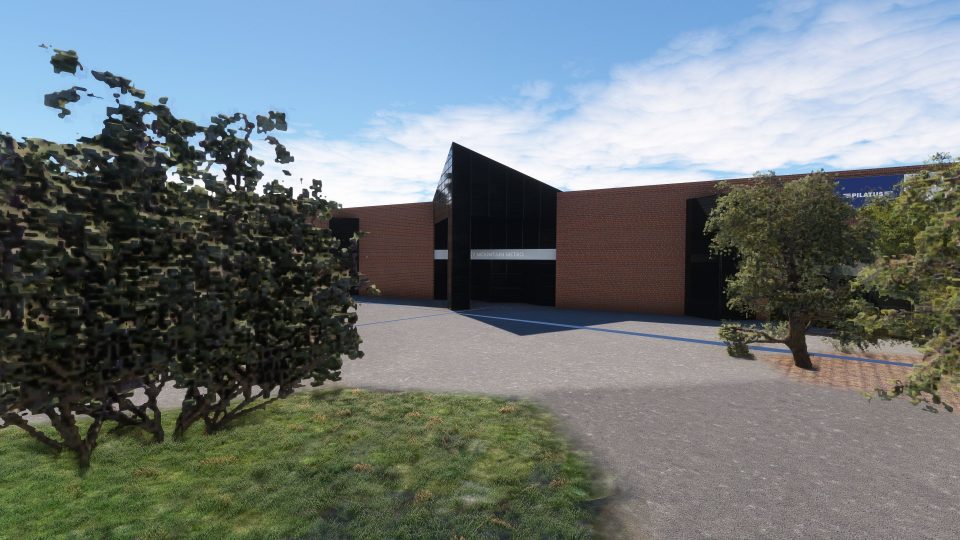
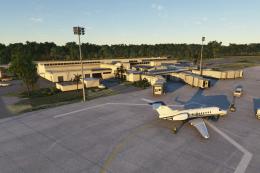
Rocky Mountain Metro Airport (KBJC) comes alive with a faithful, high-detail rendition set against Colorado’s Front Range, ideal for realistic general aviation ops near Denver. Built for Microsoft Flight Simulator, it adds custom terminal, control tower, and Pilatus facility models alongside accurate runways, taxiways, and apron parking for smooth, true-to-life ground handling.
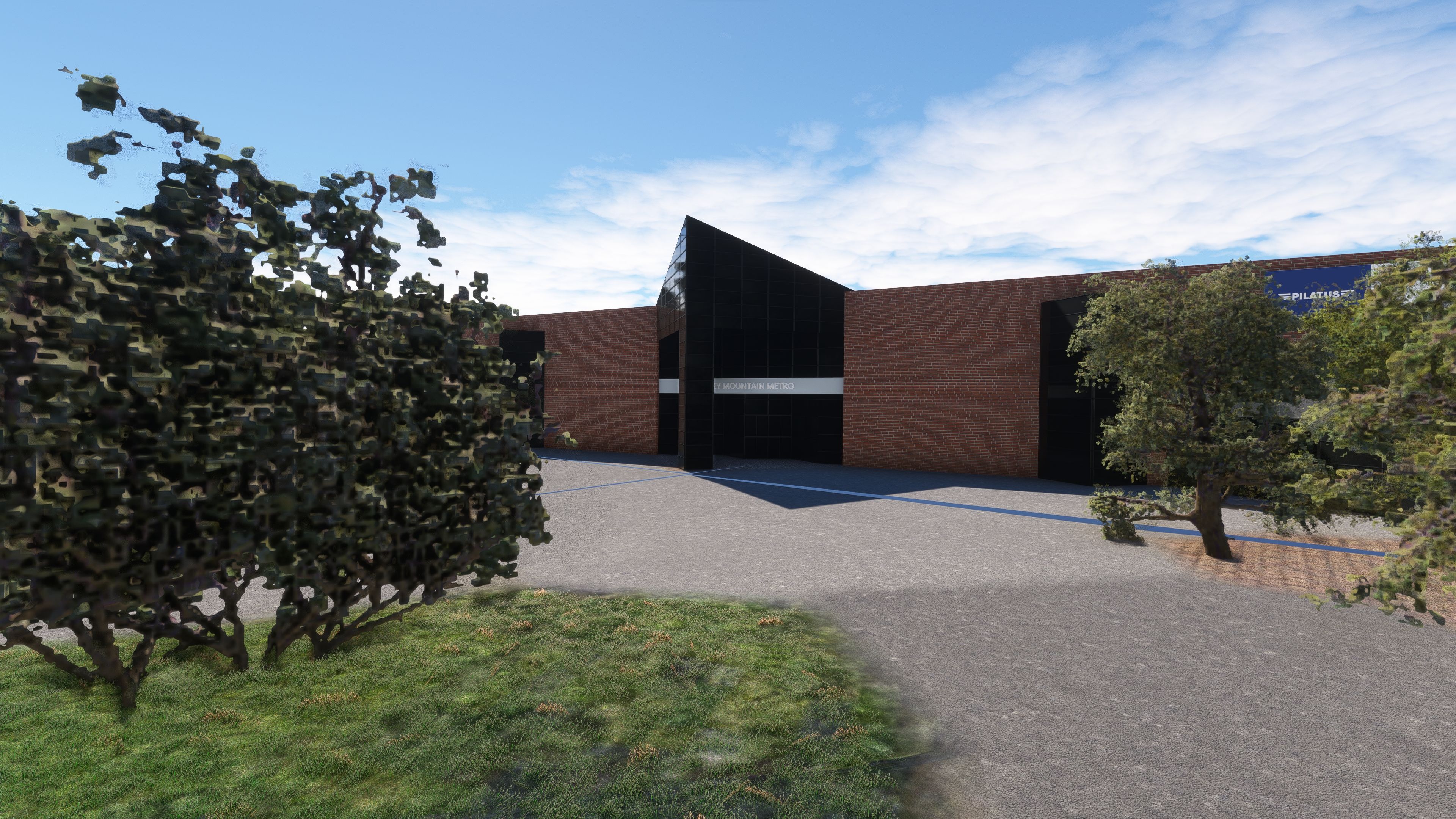
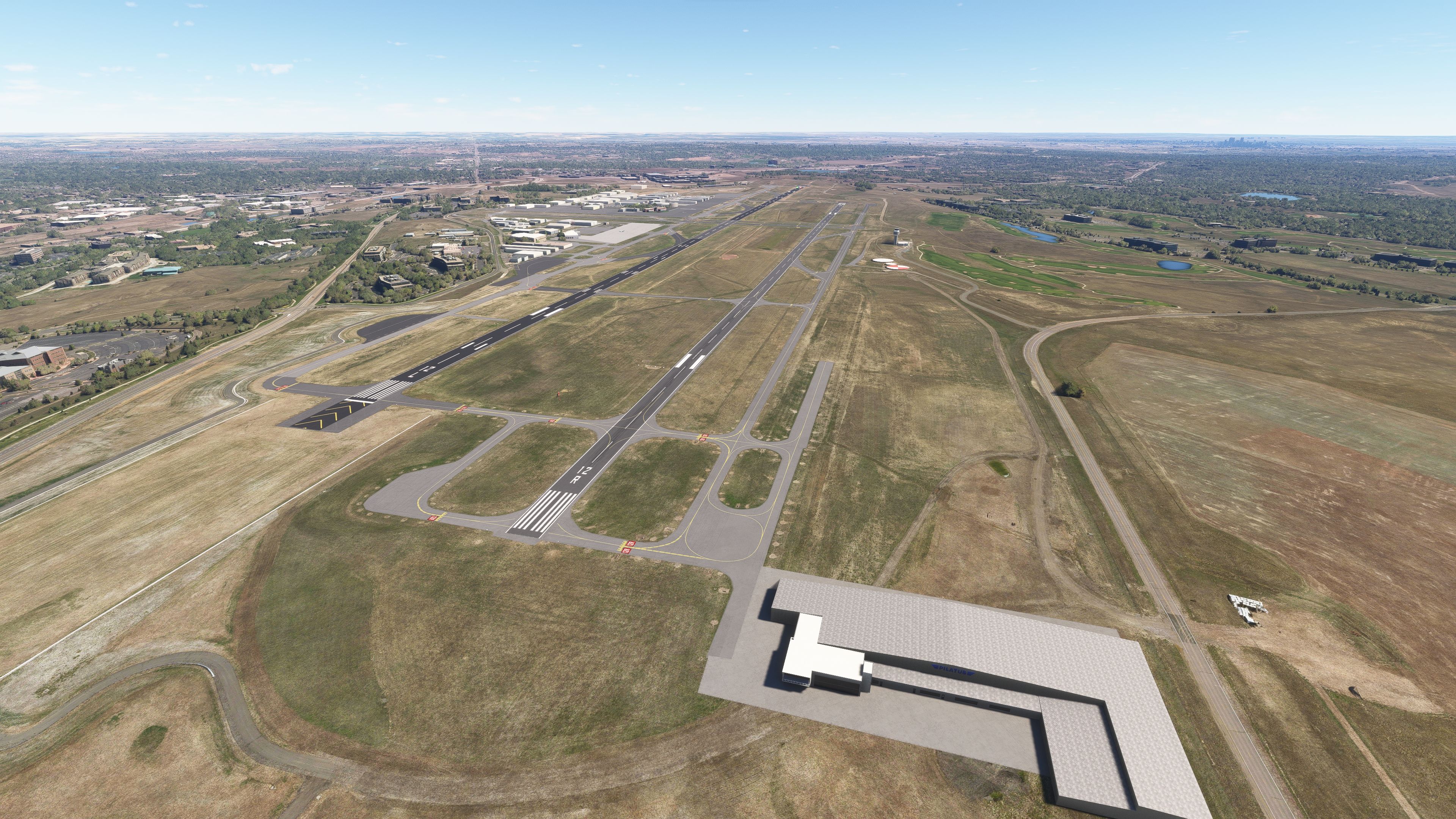
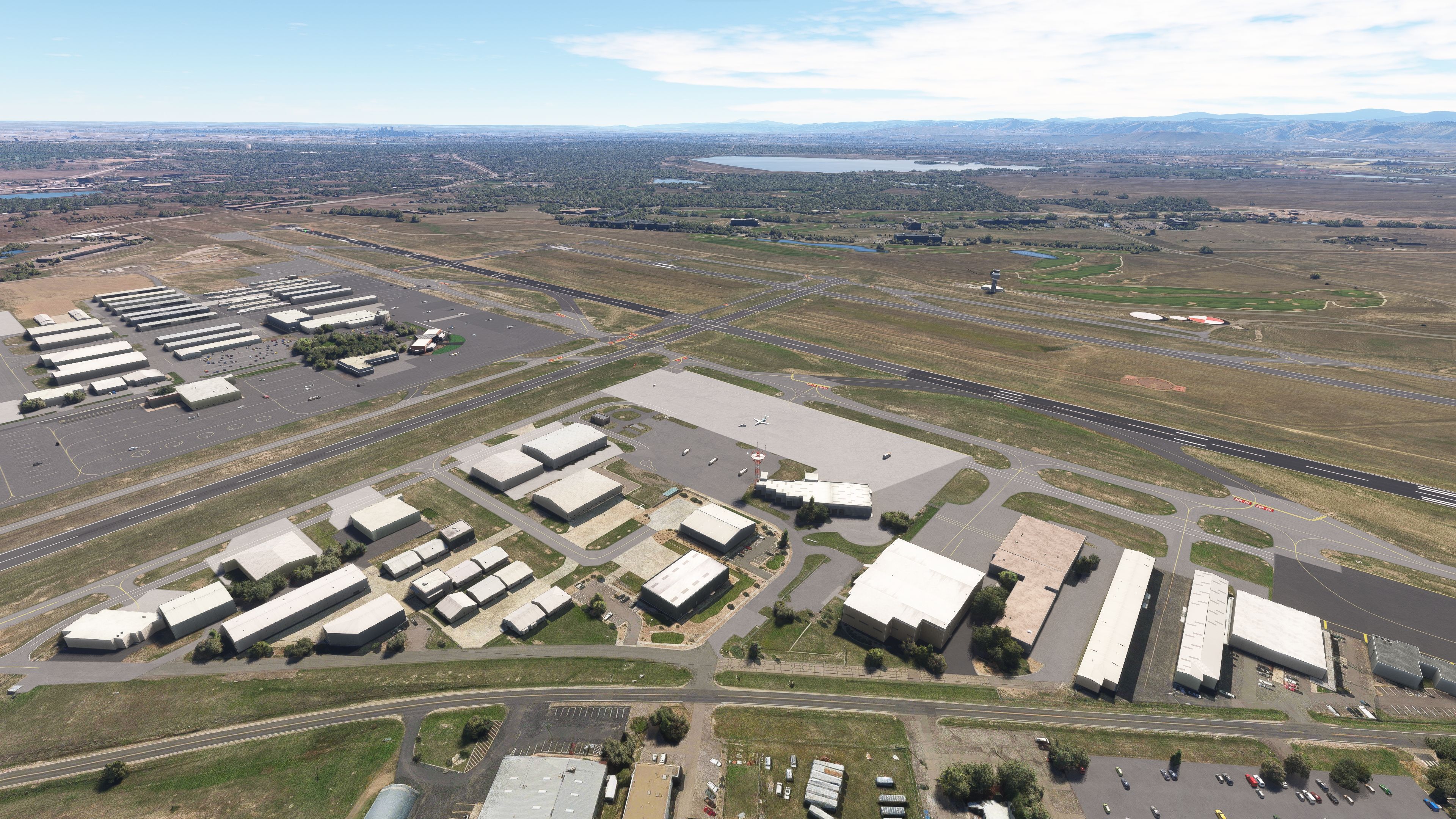
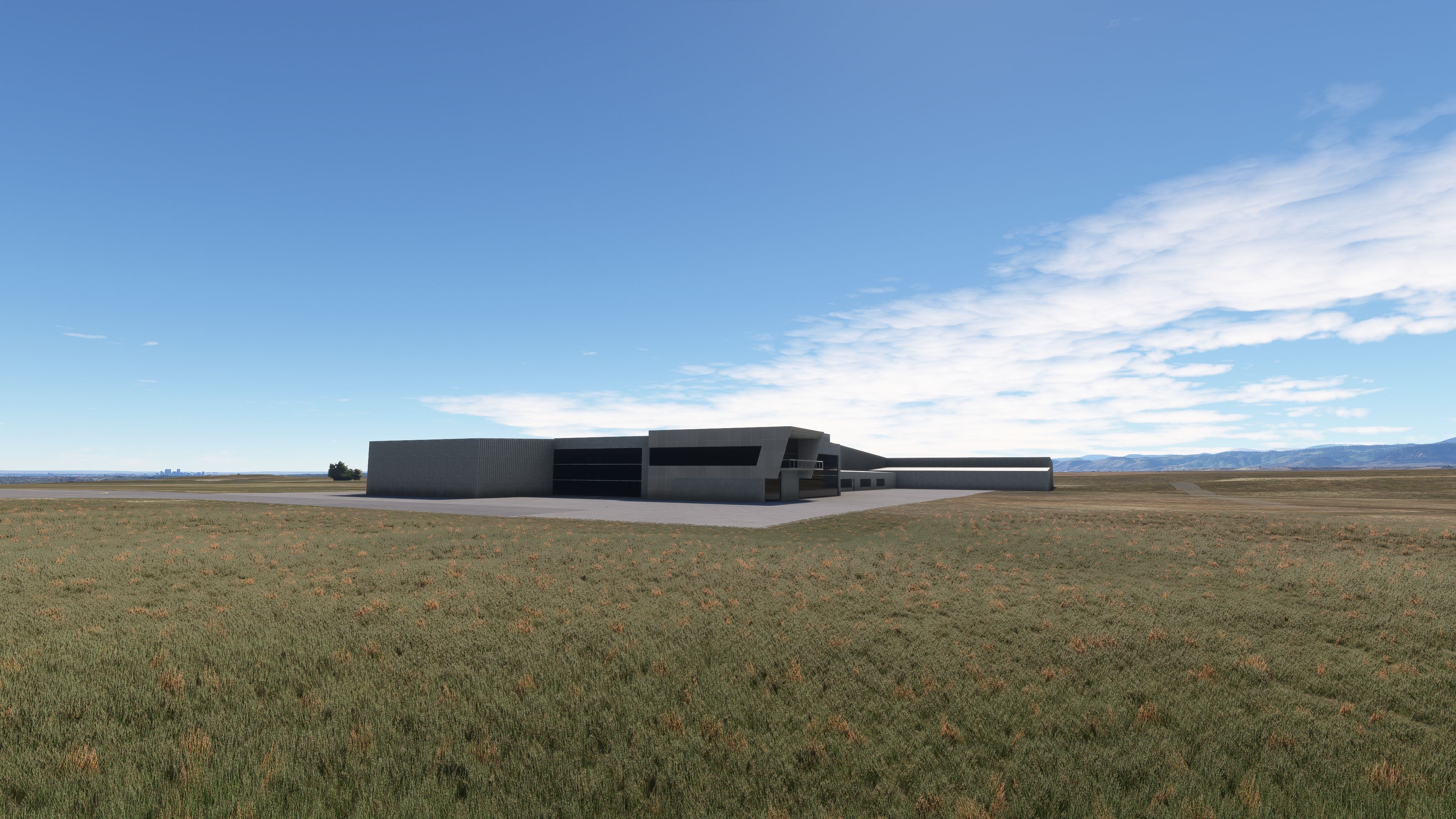
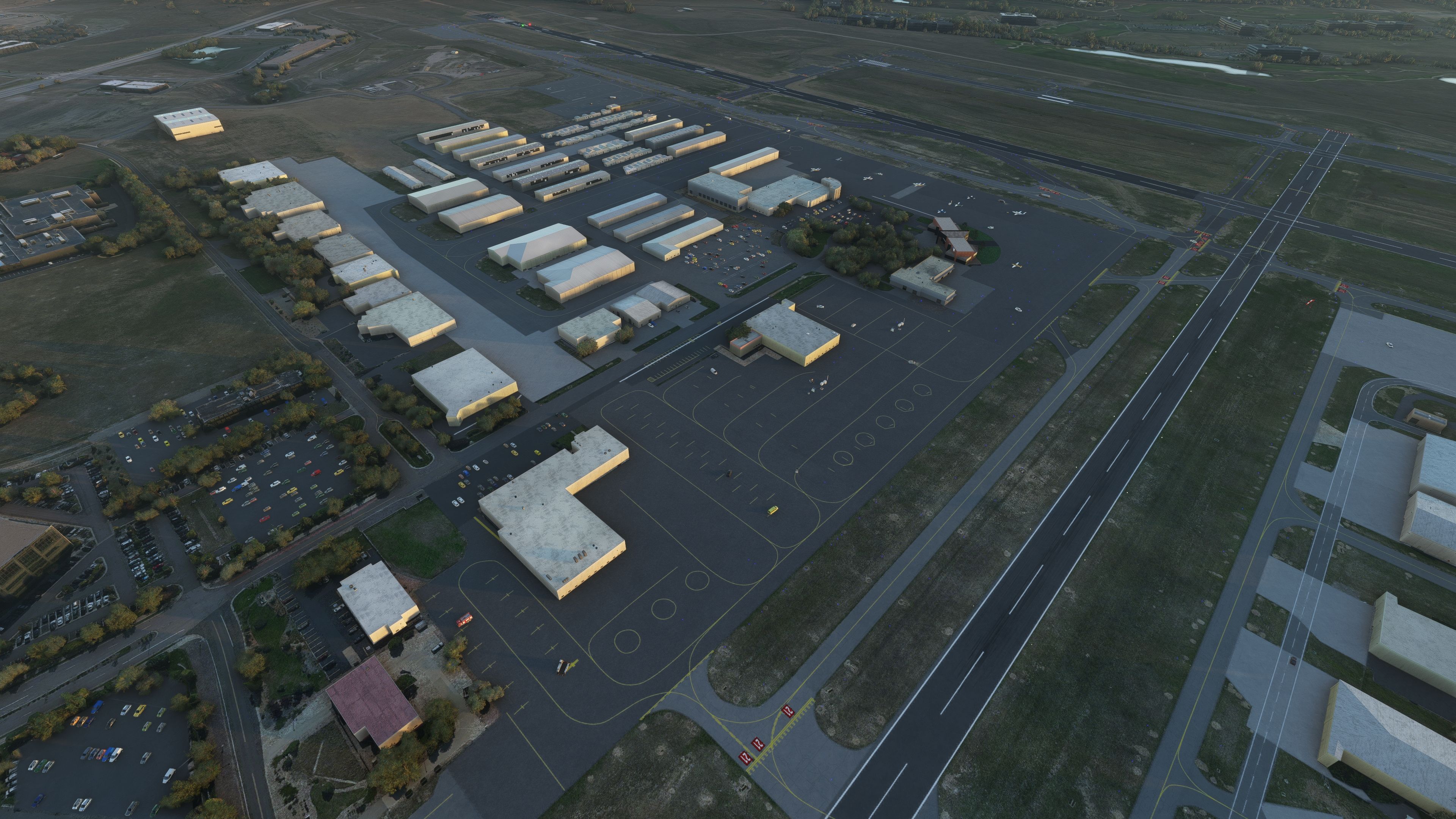
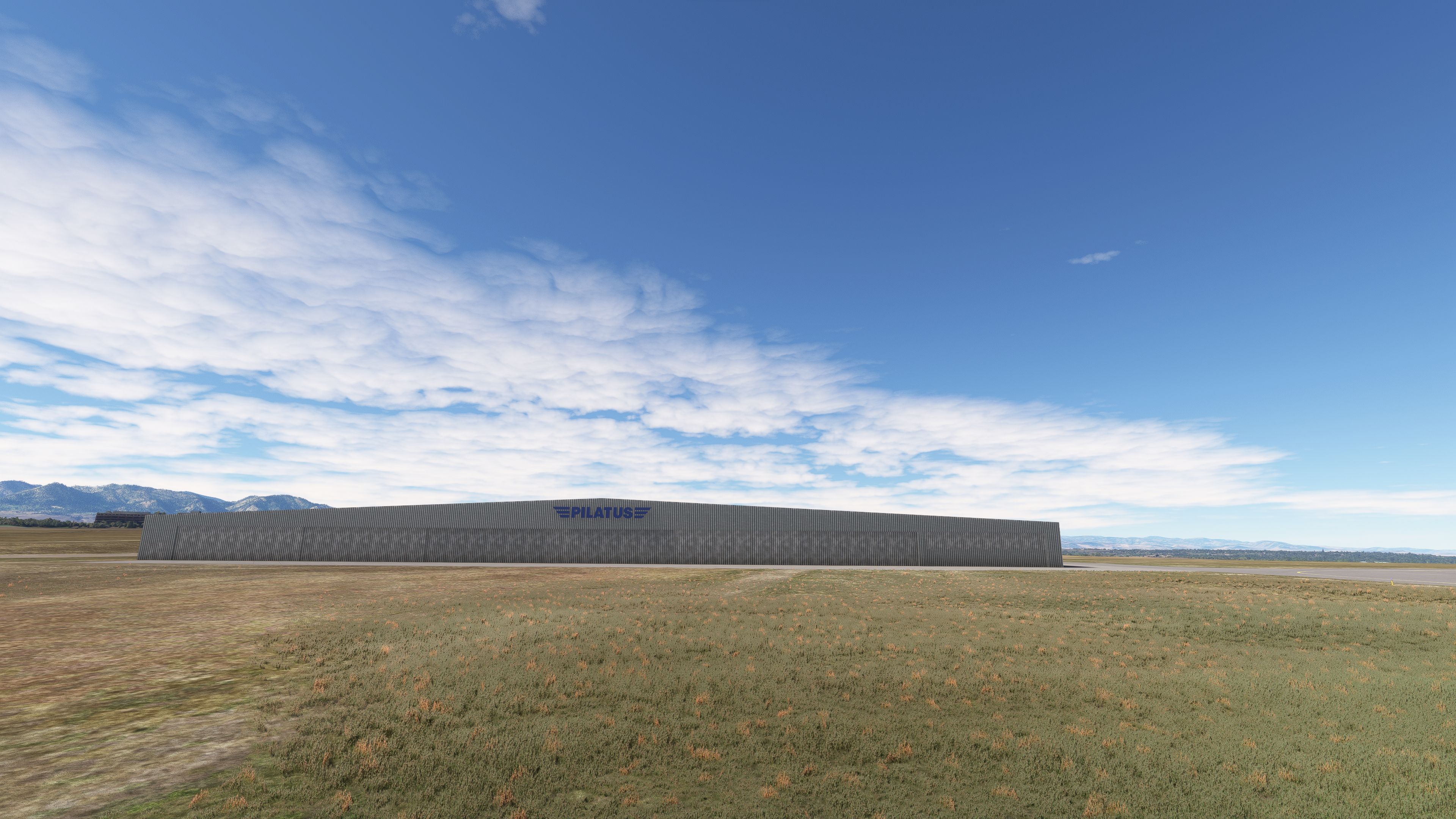
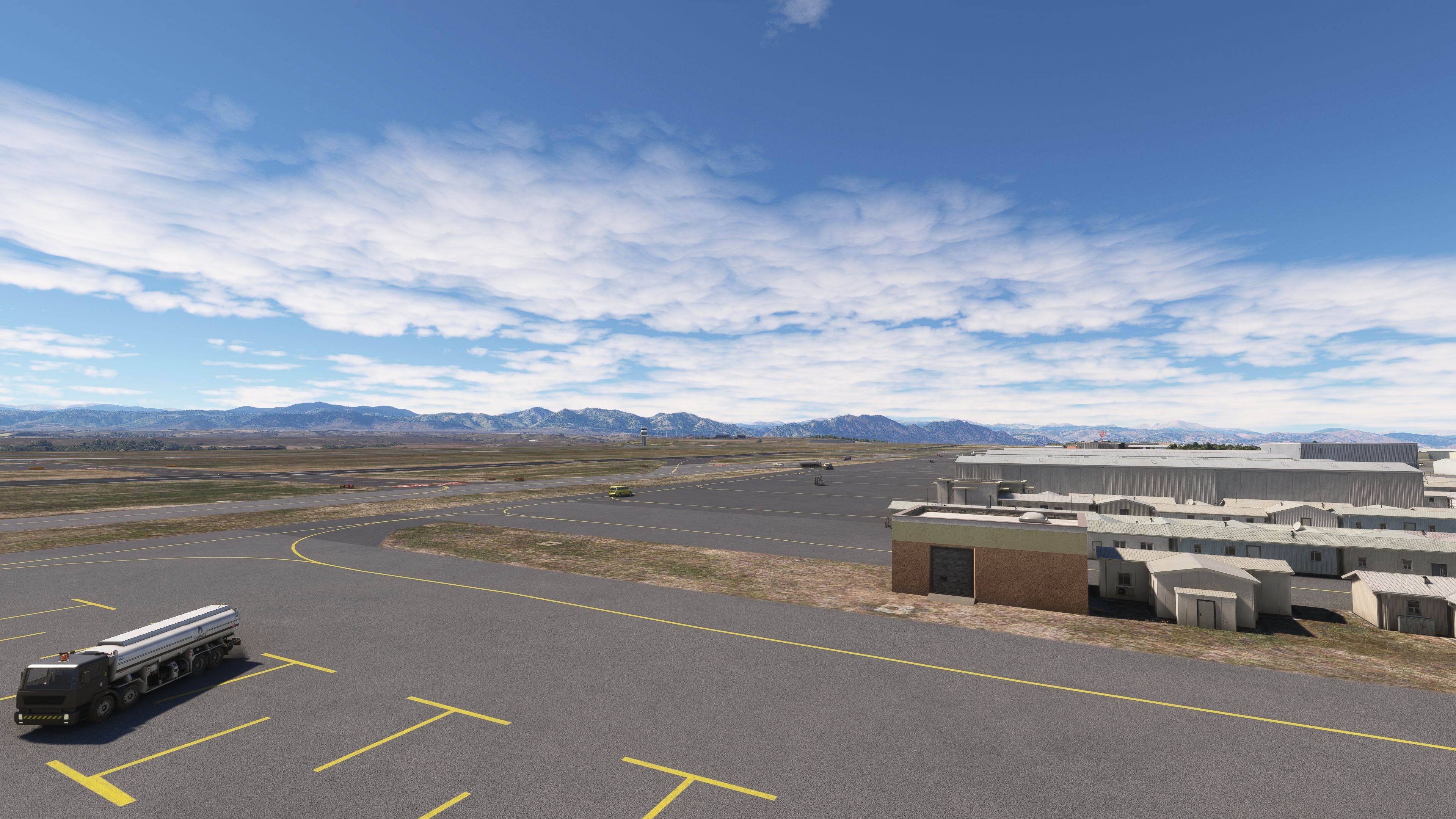
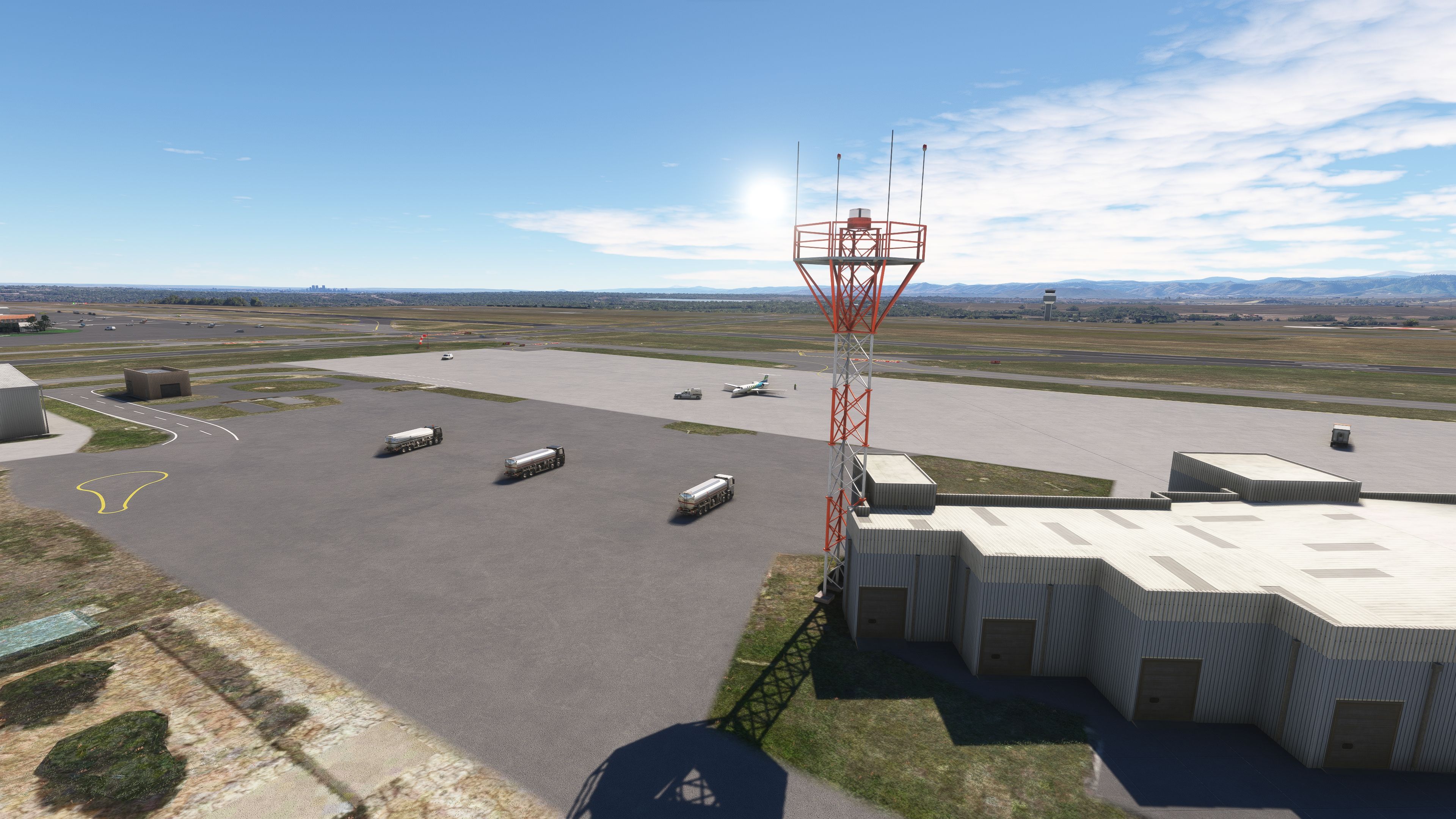
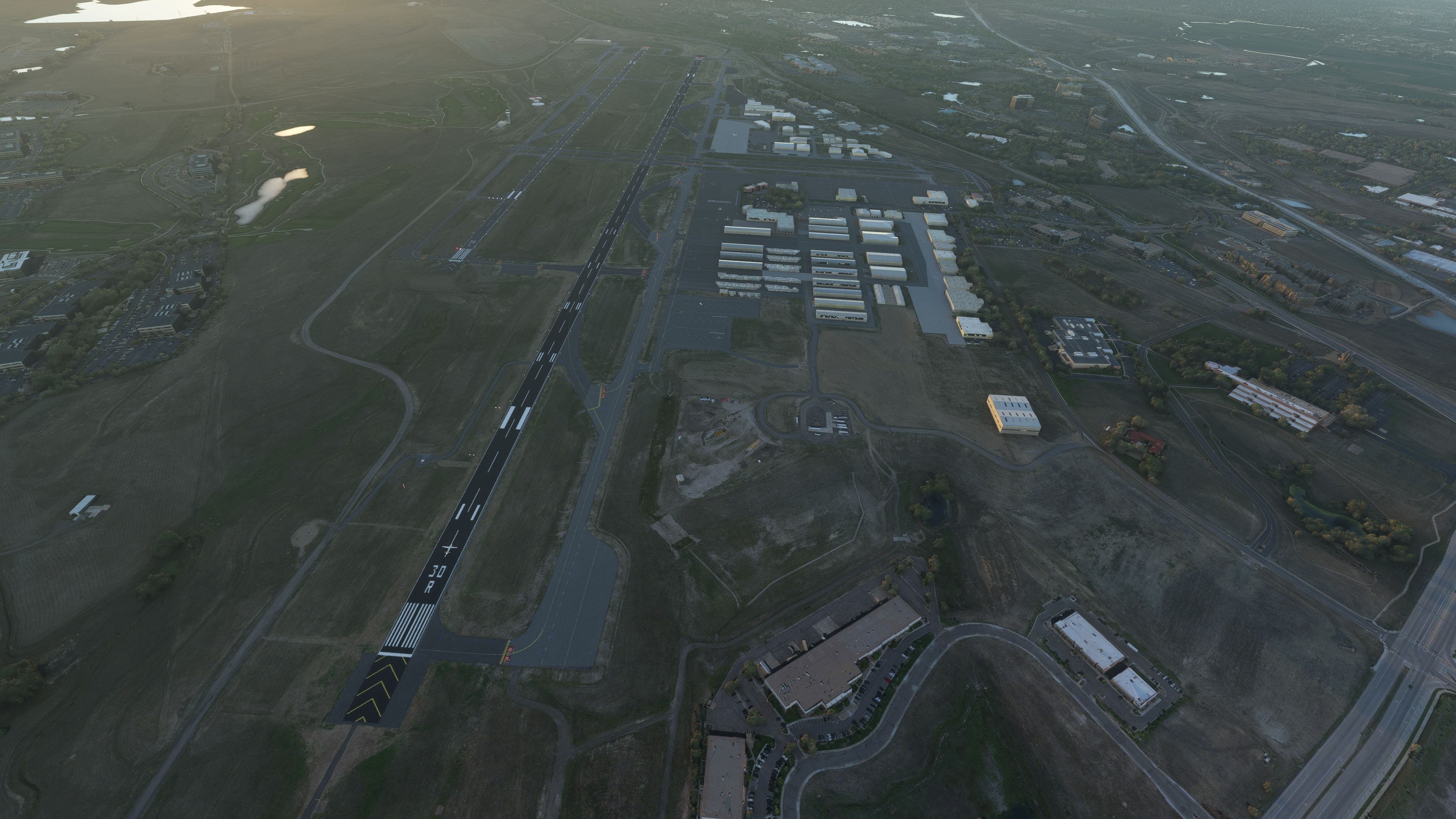
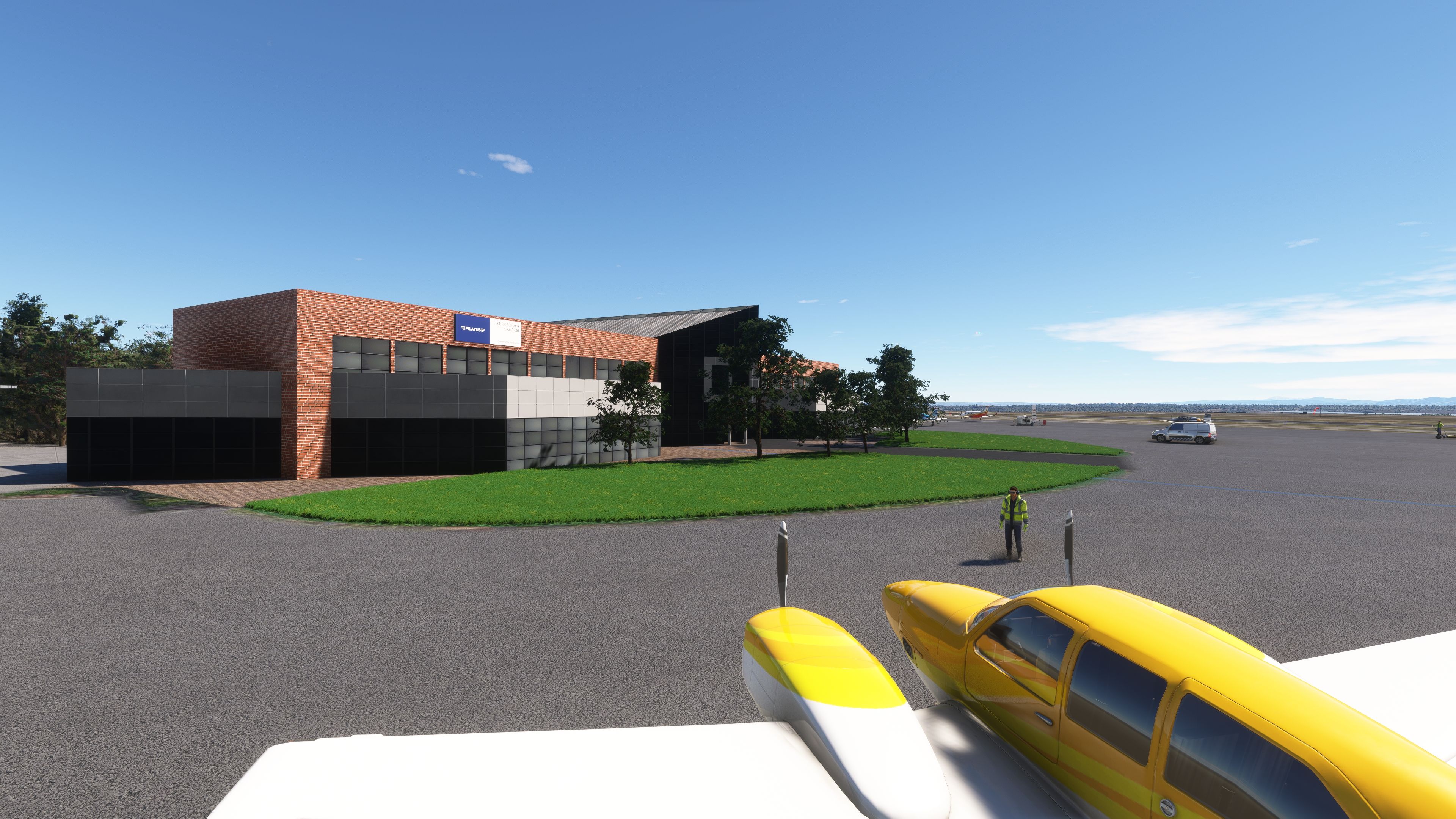
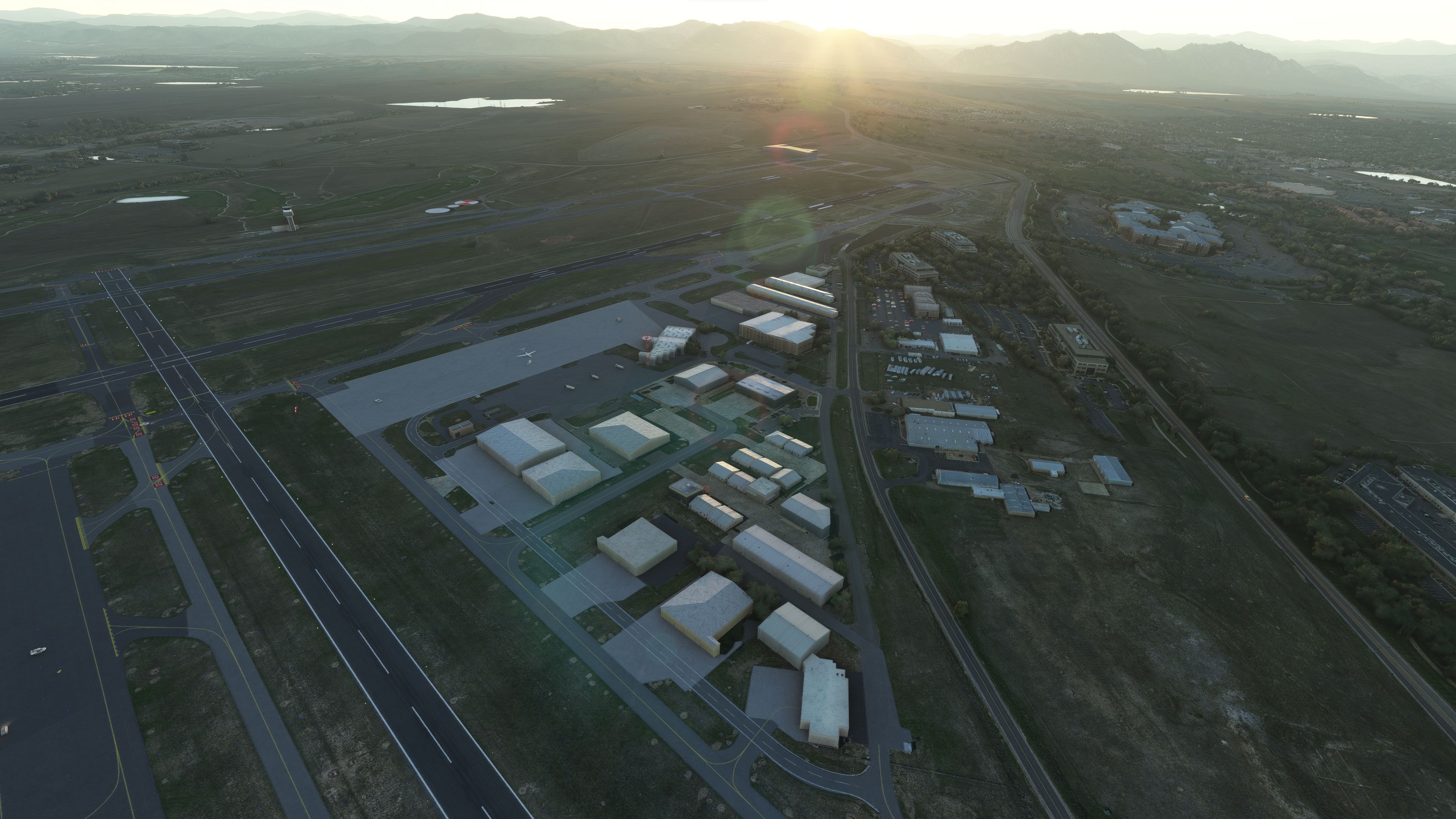
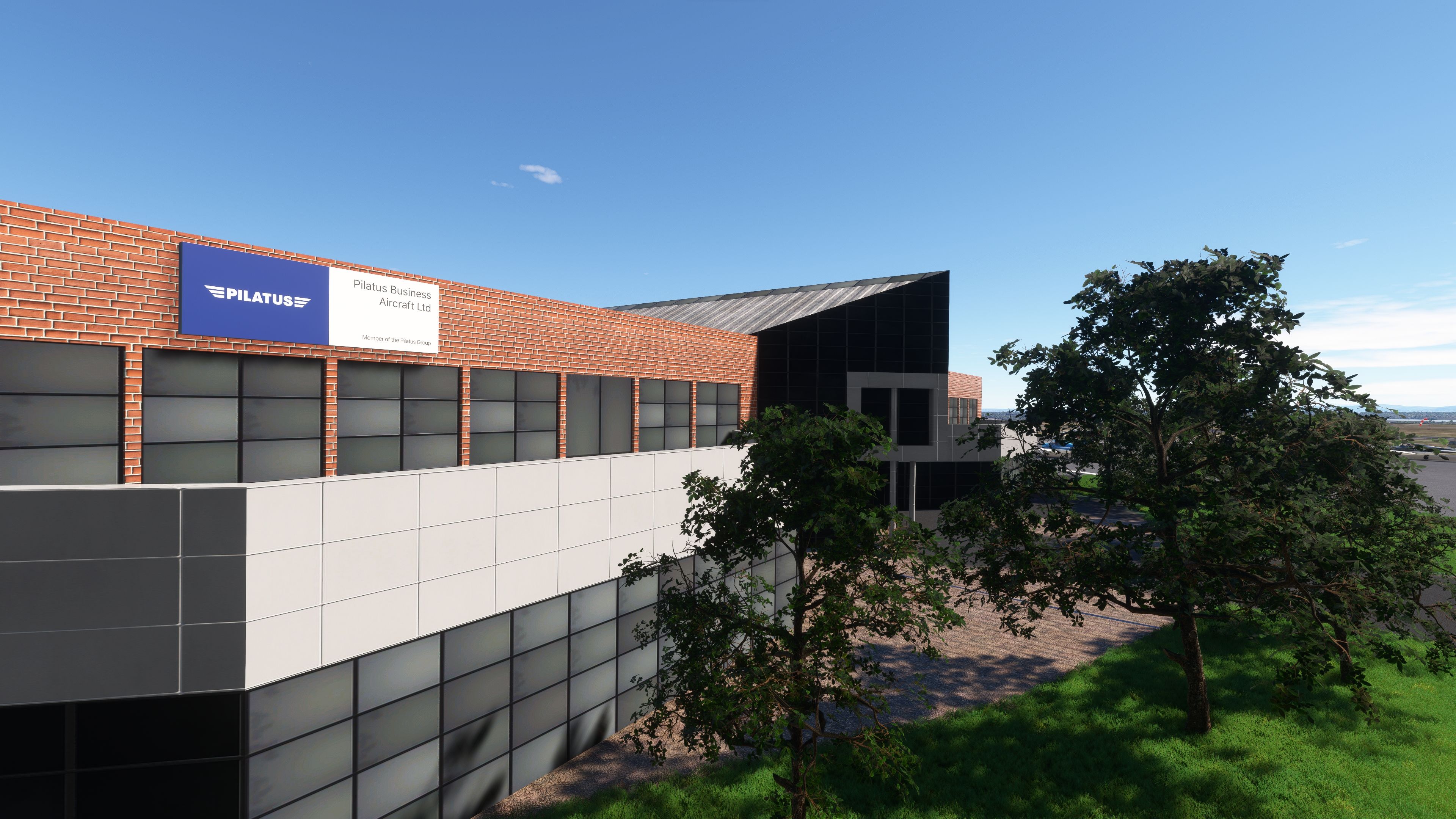
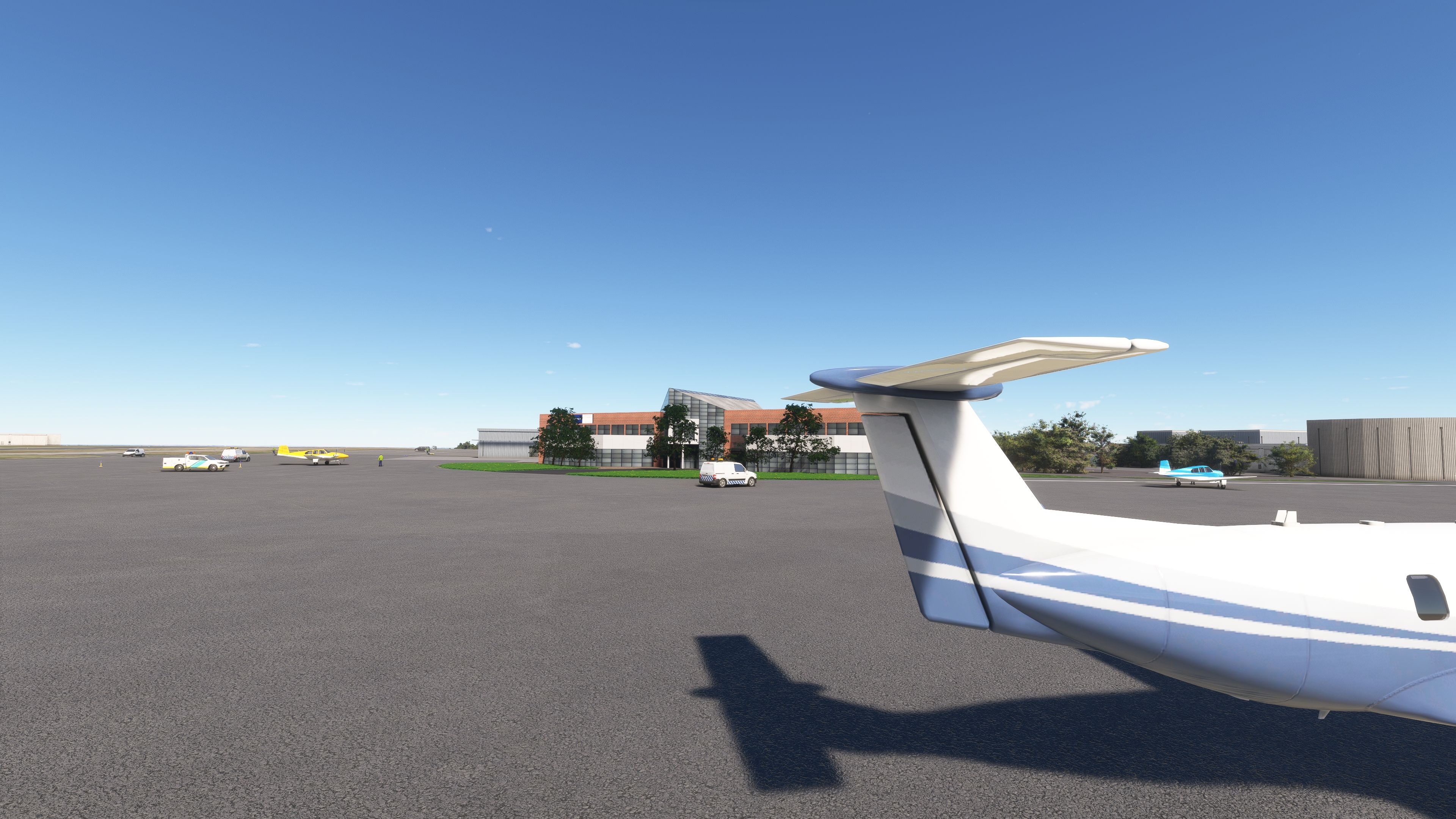
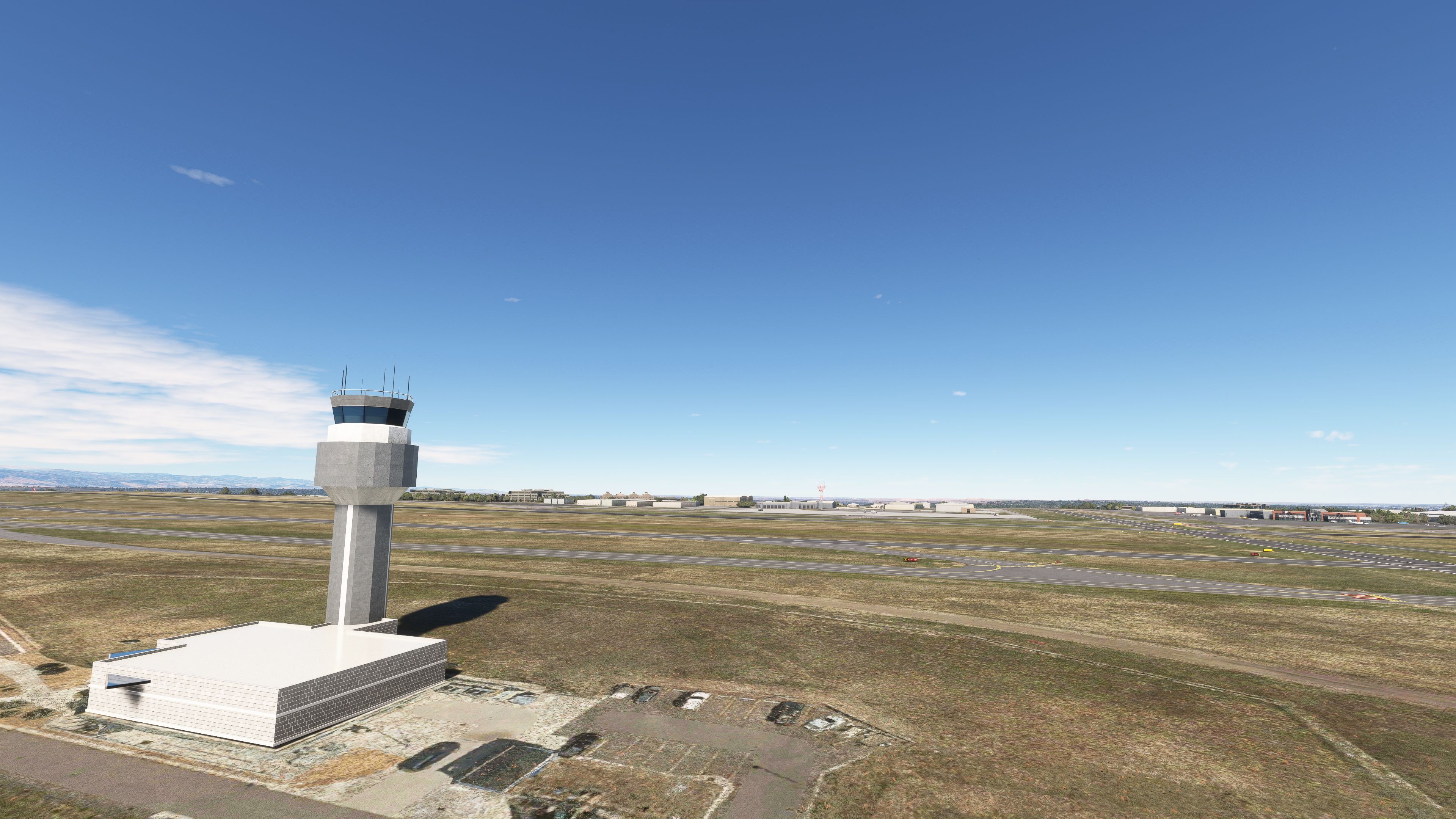
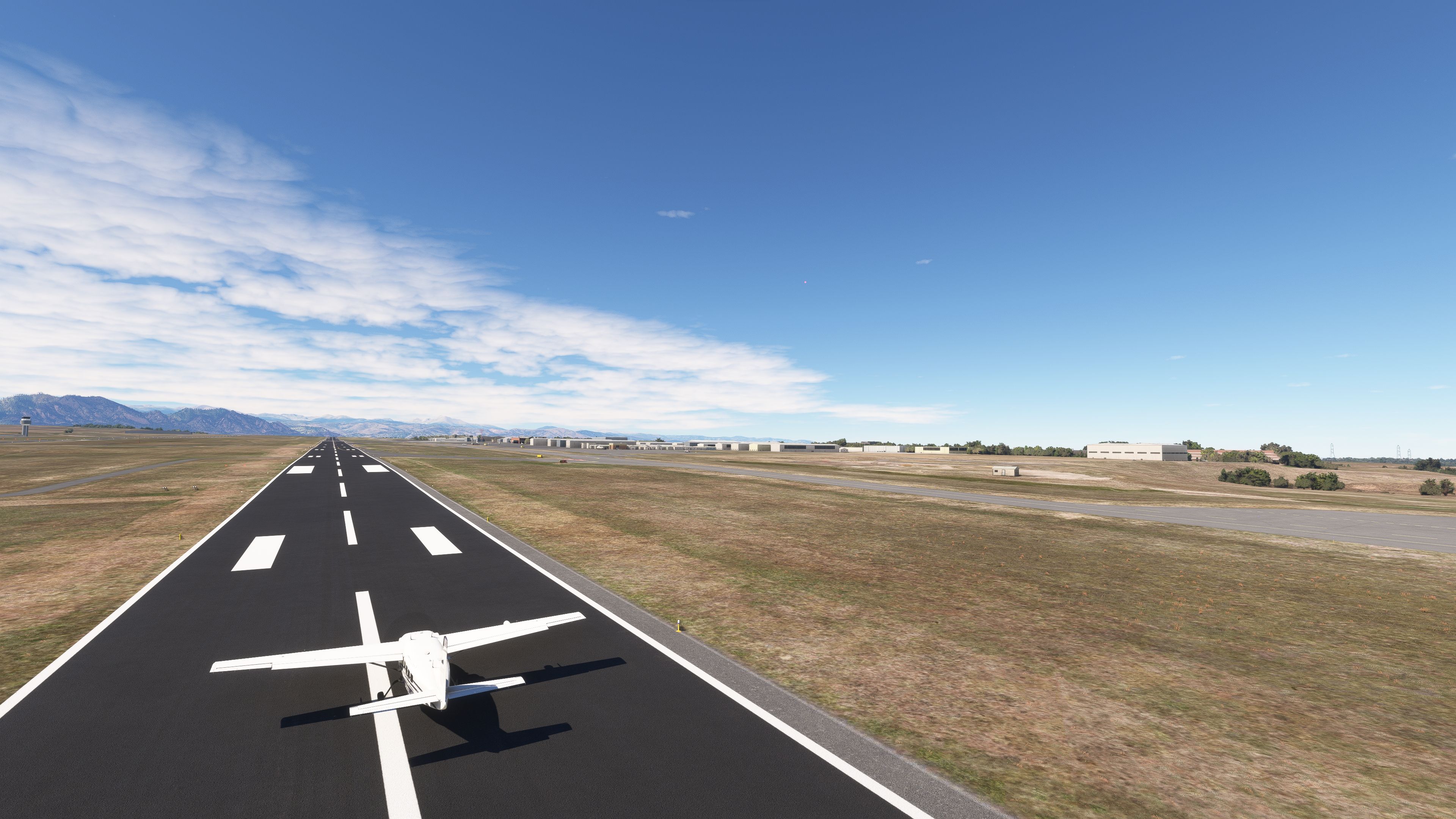
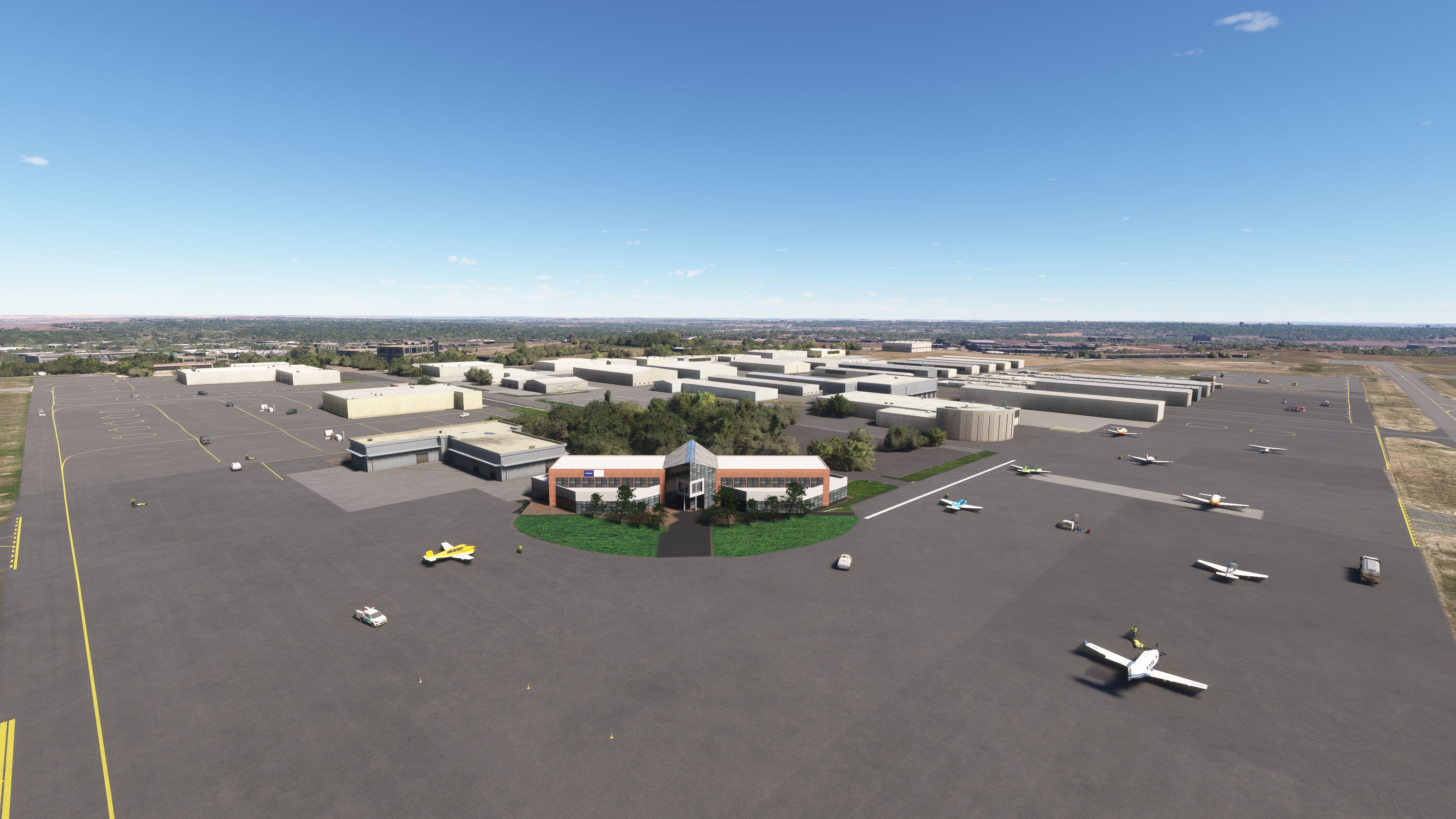
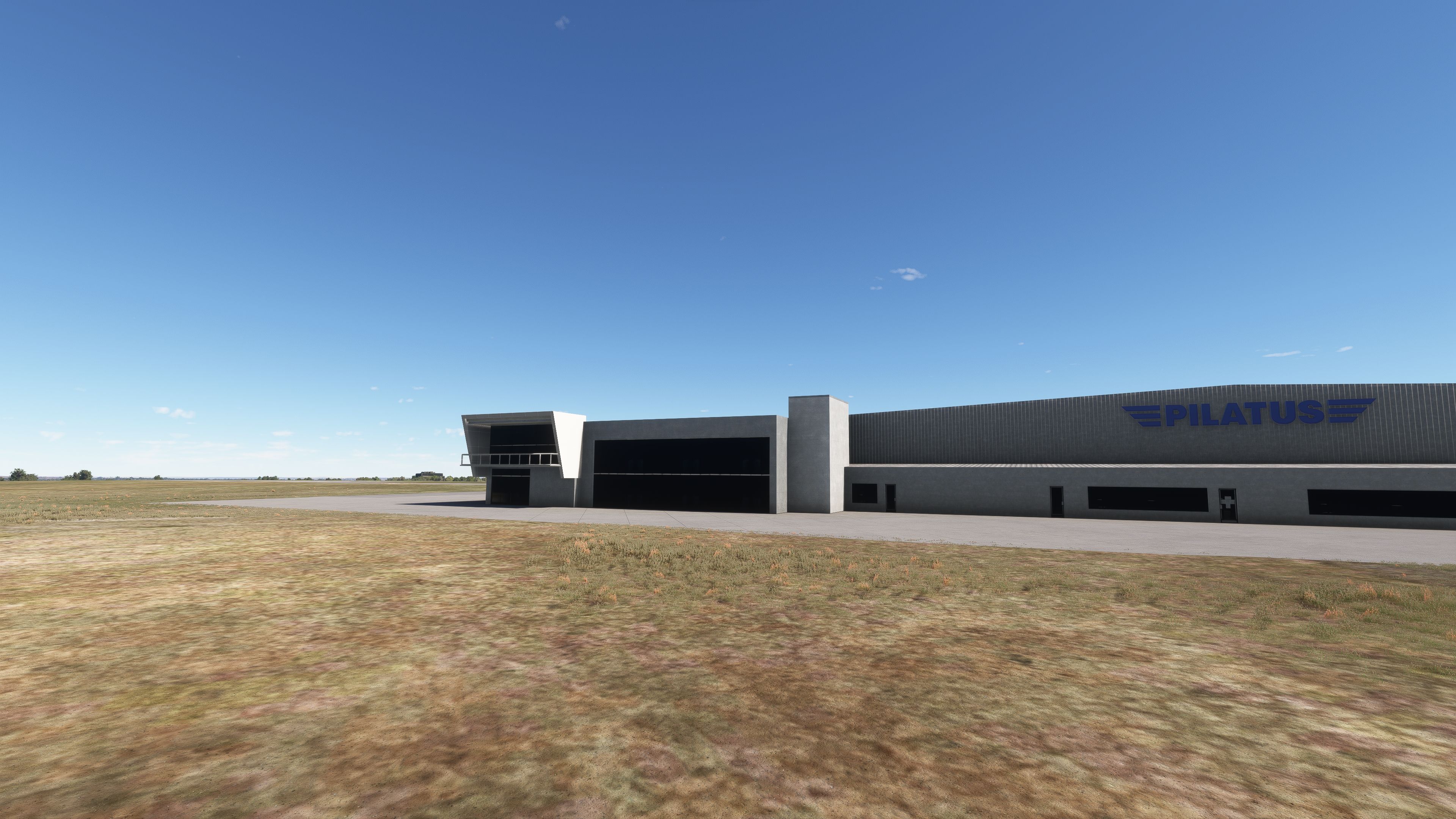
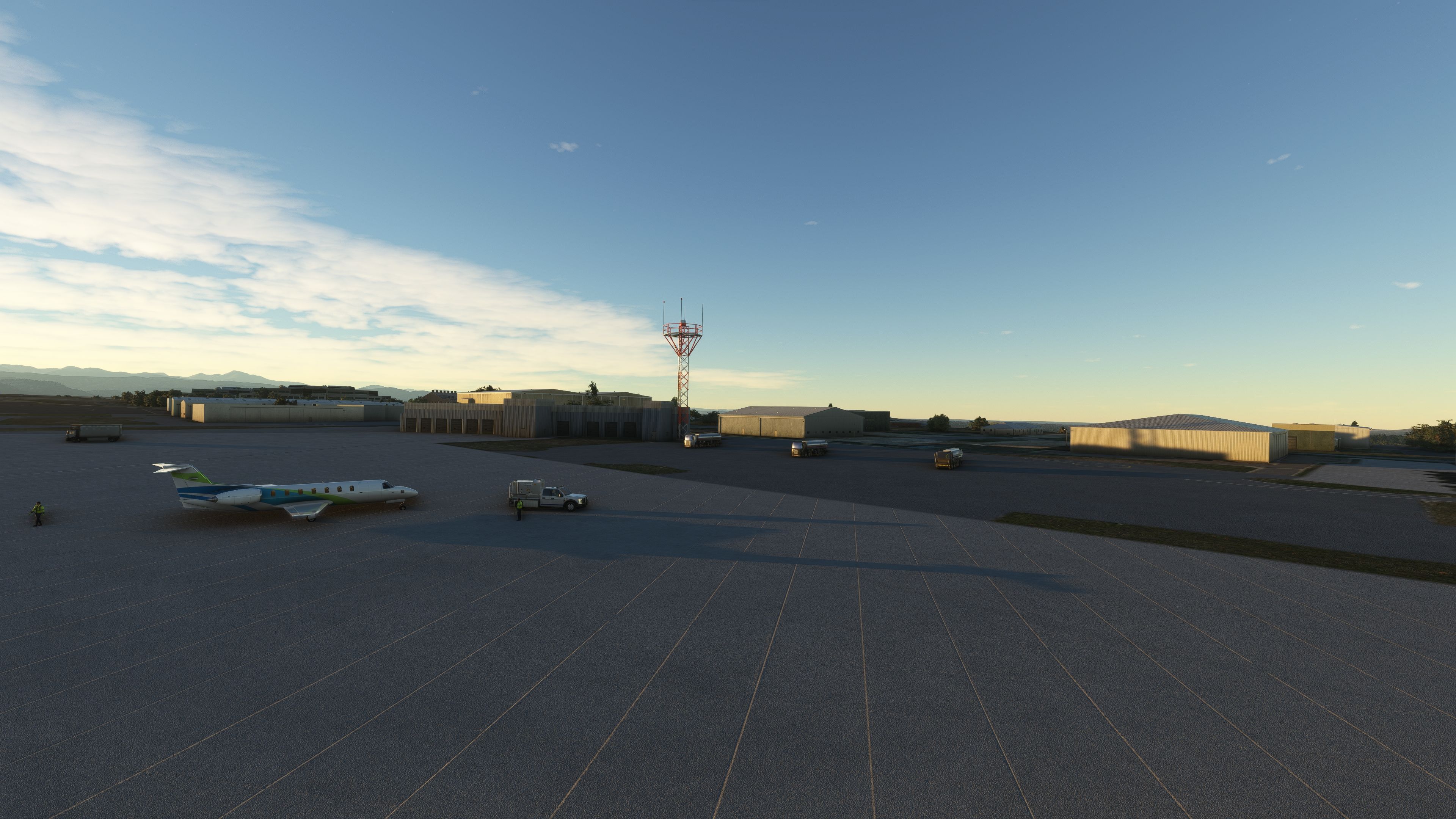
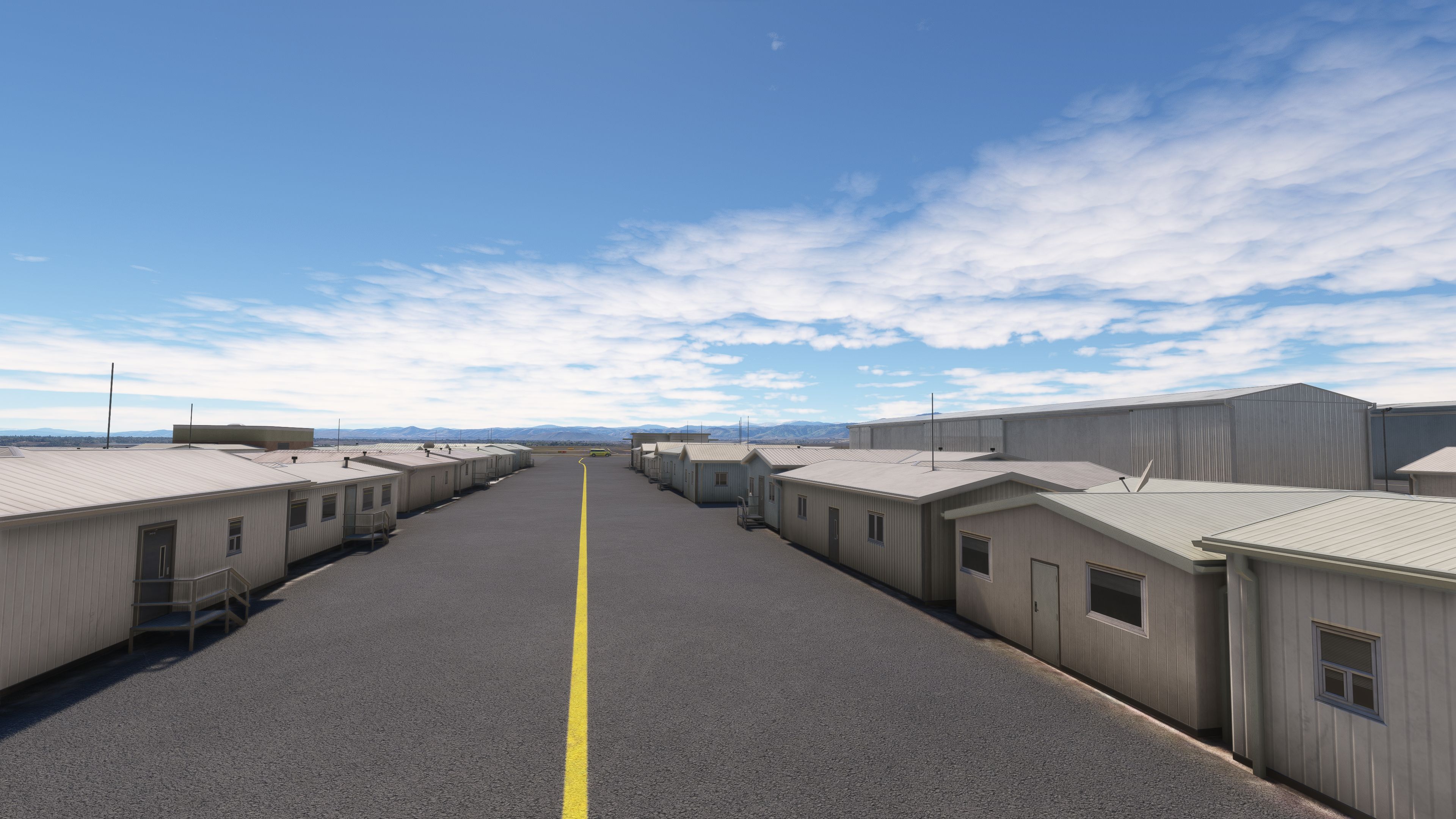
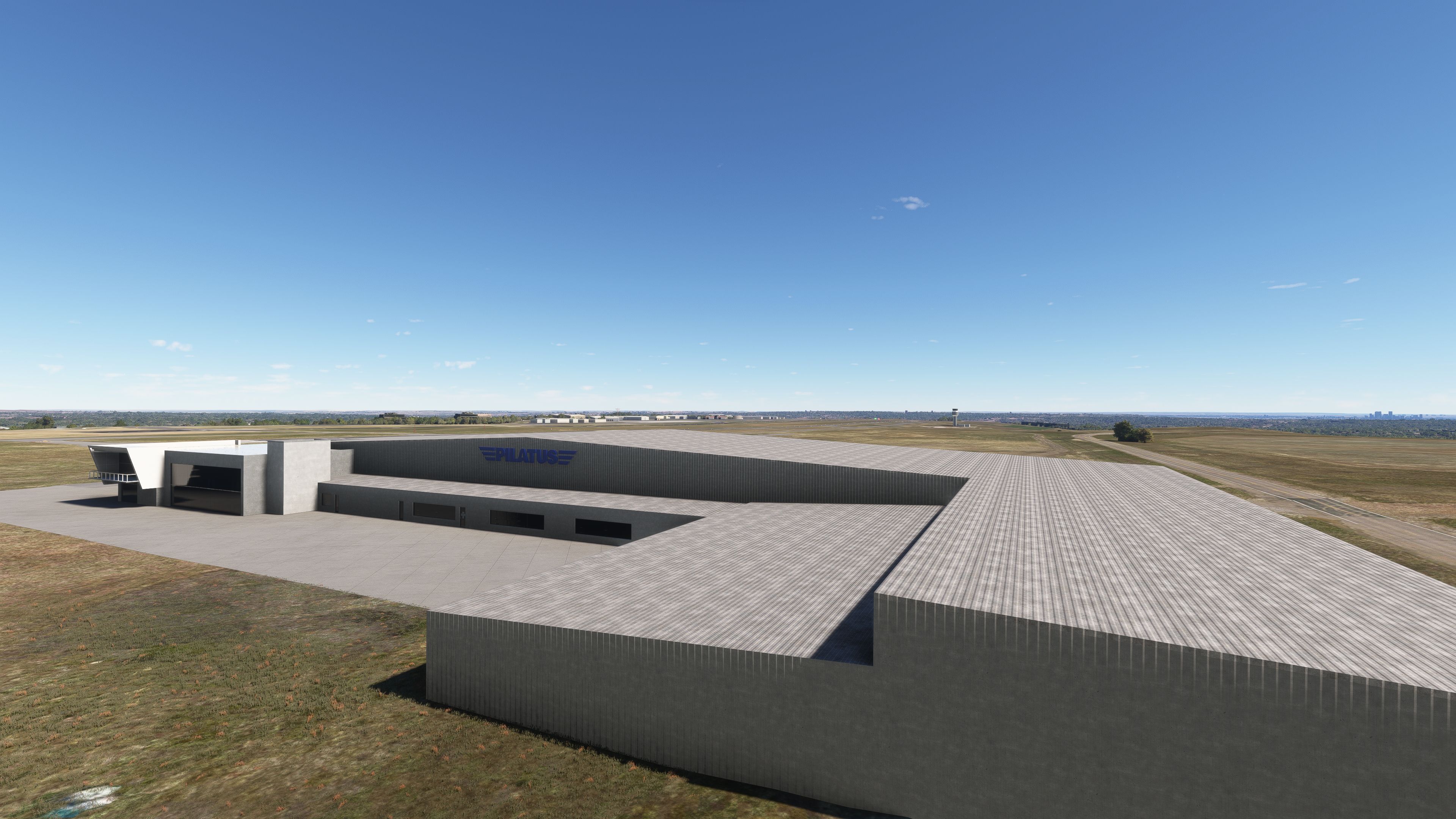
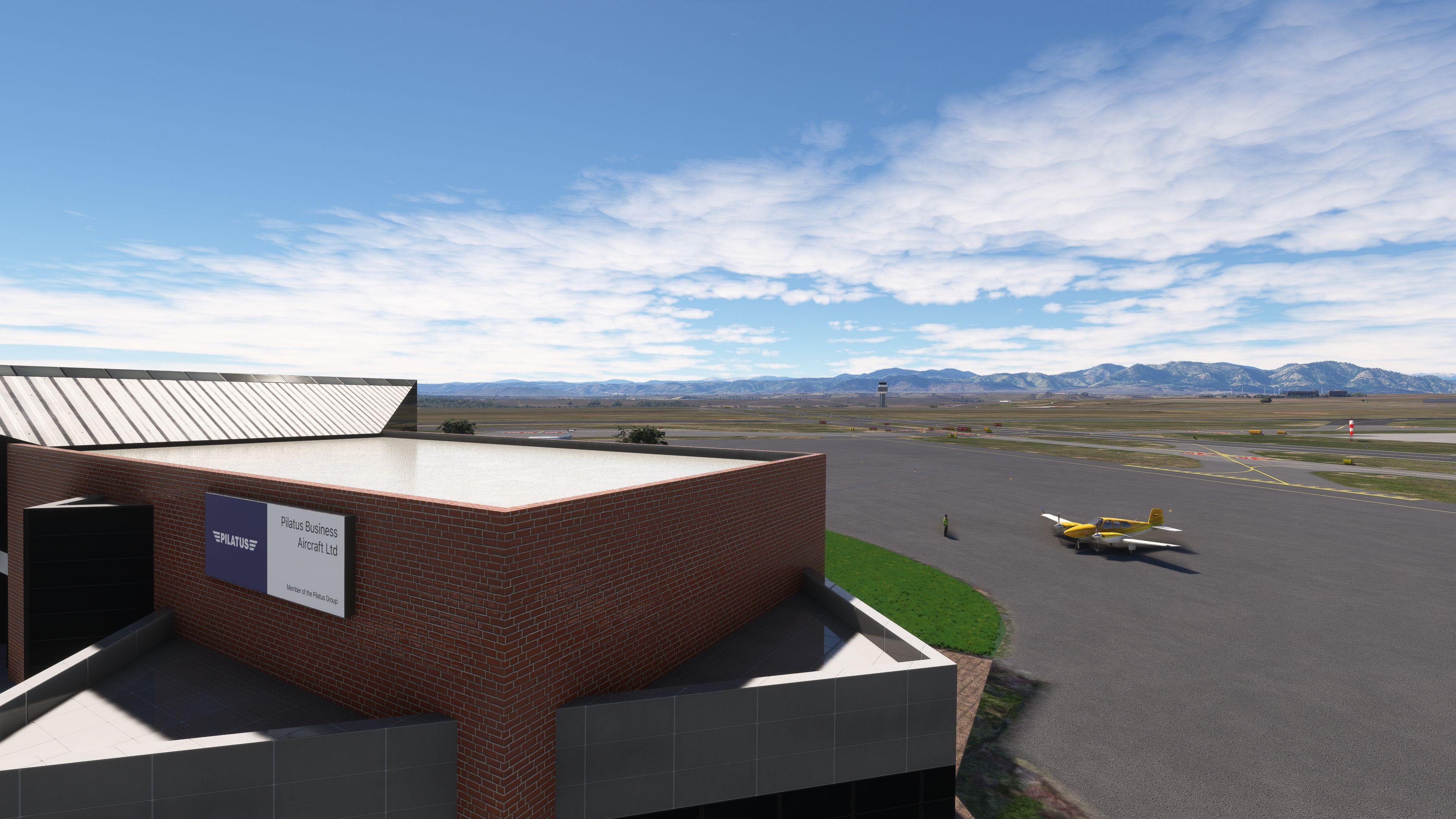
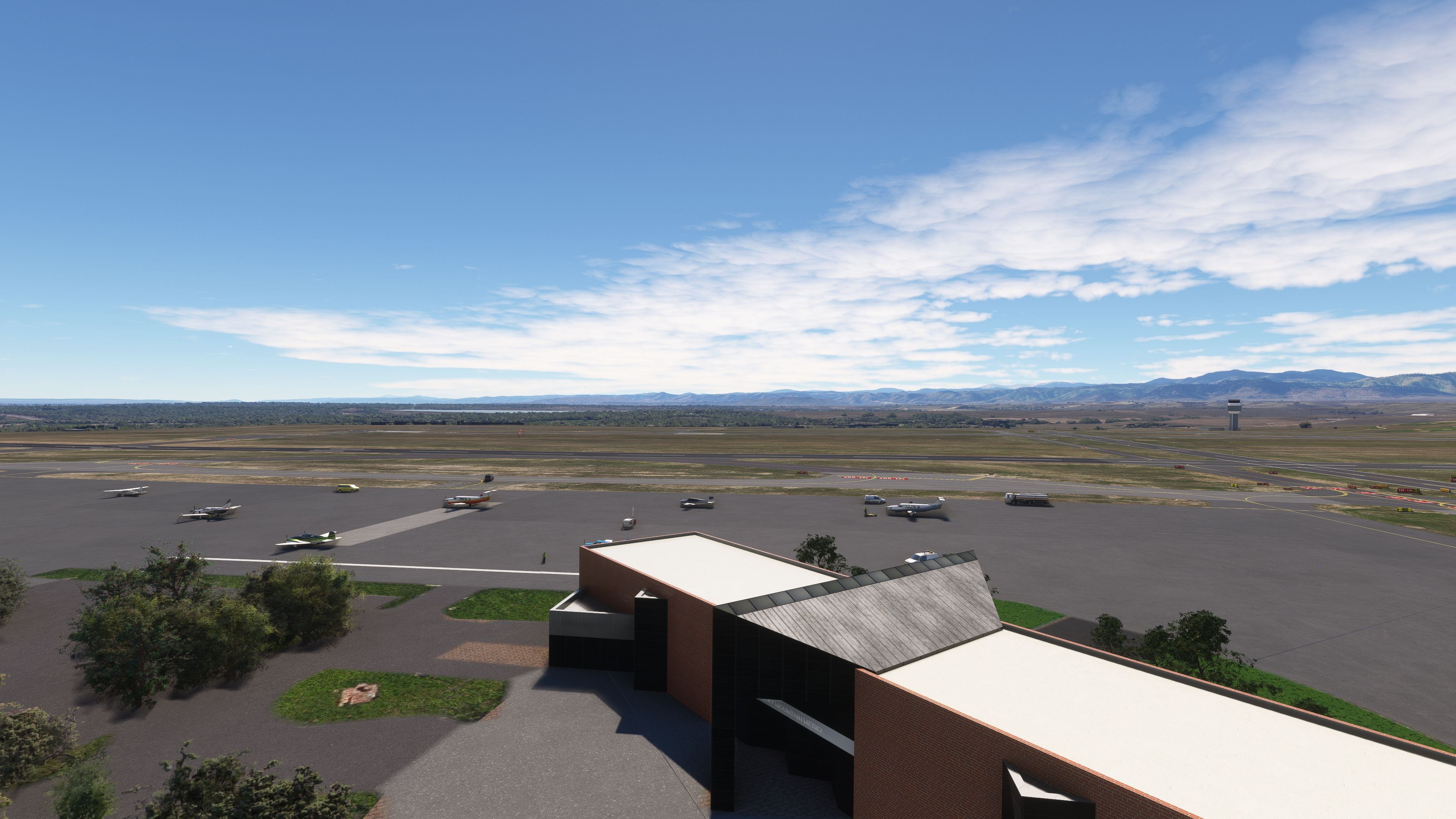
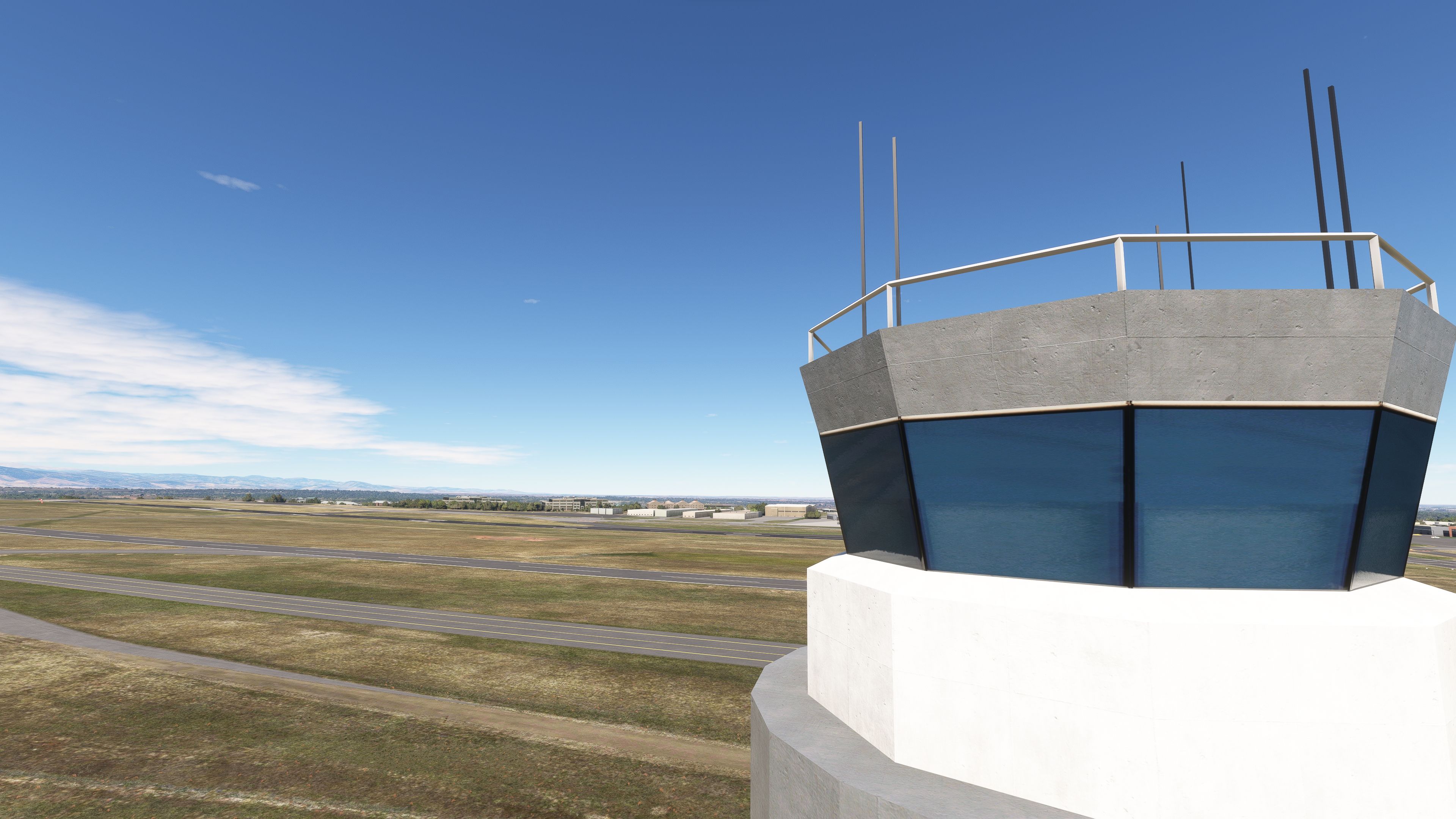
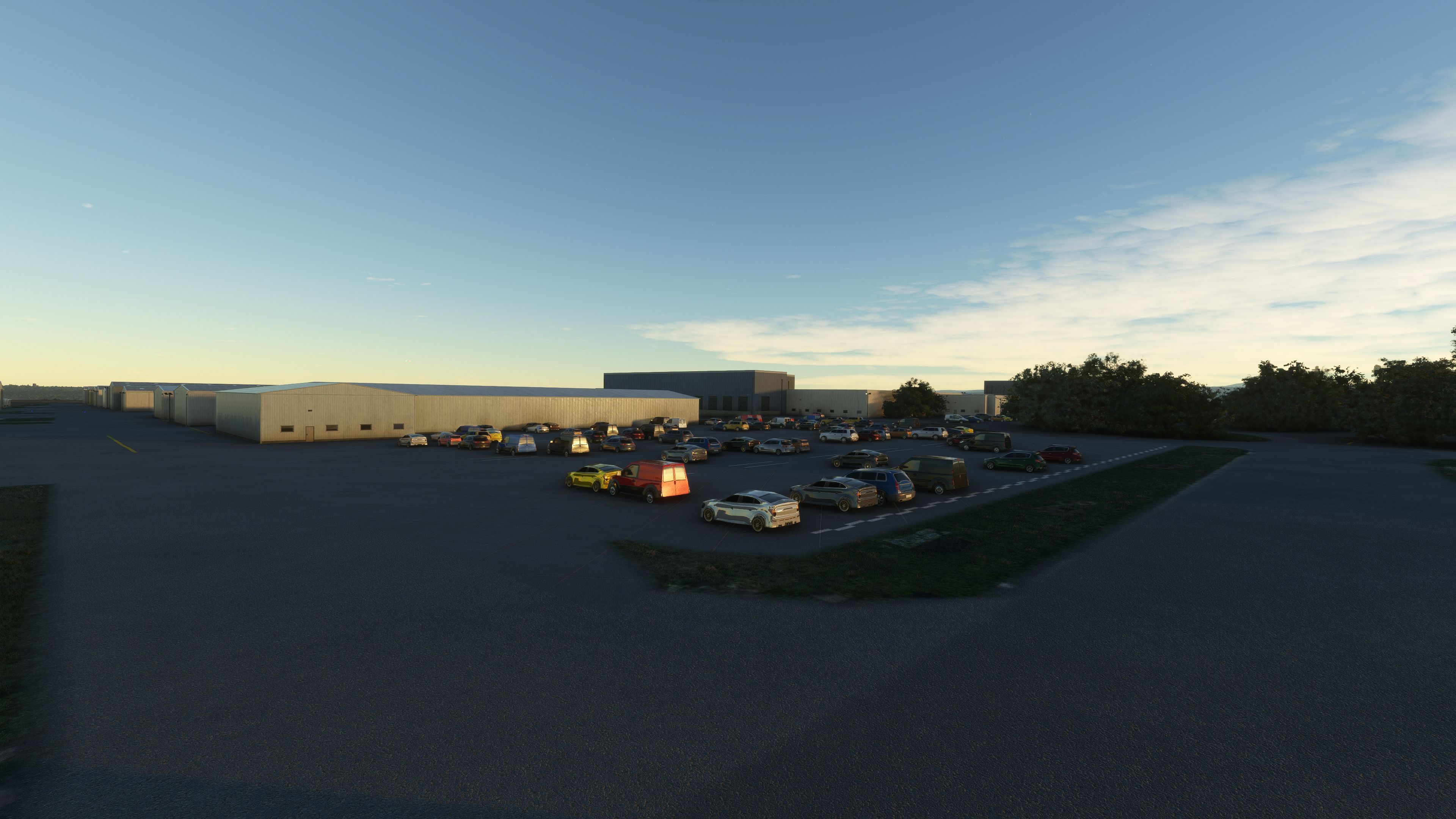
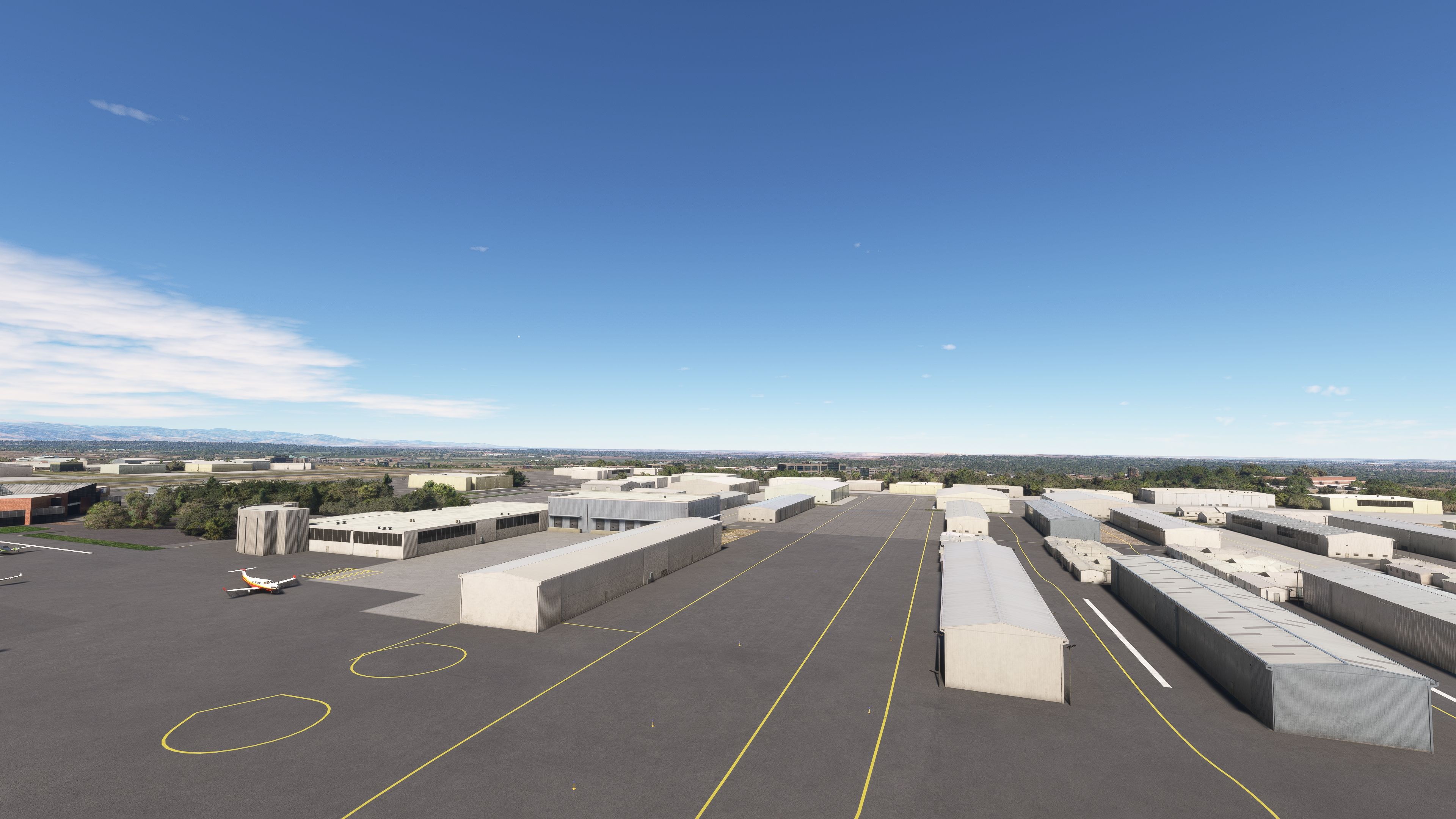
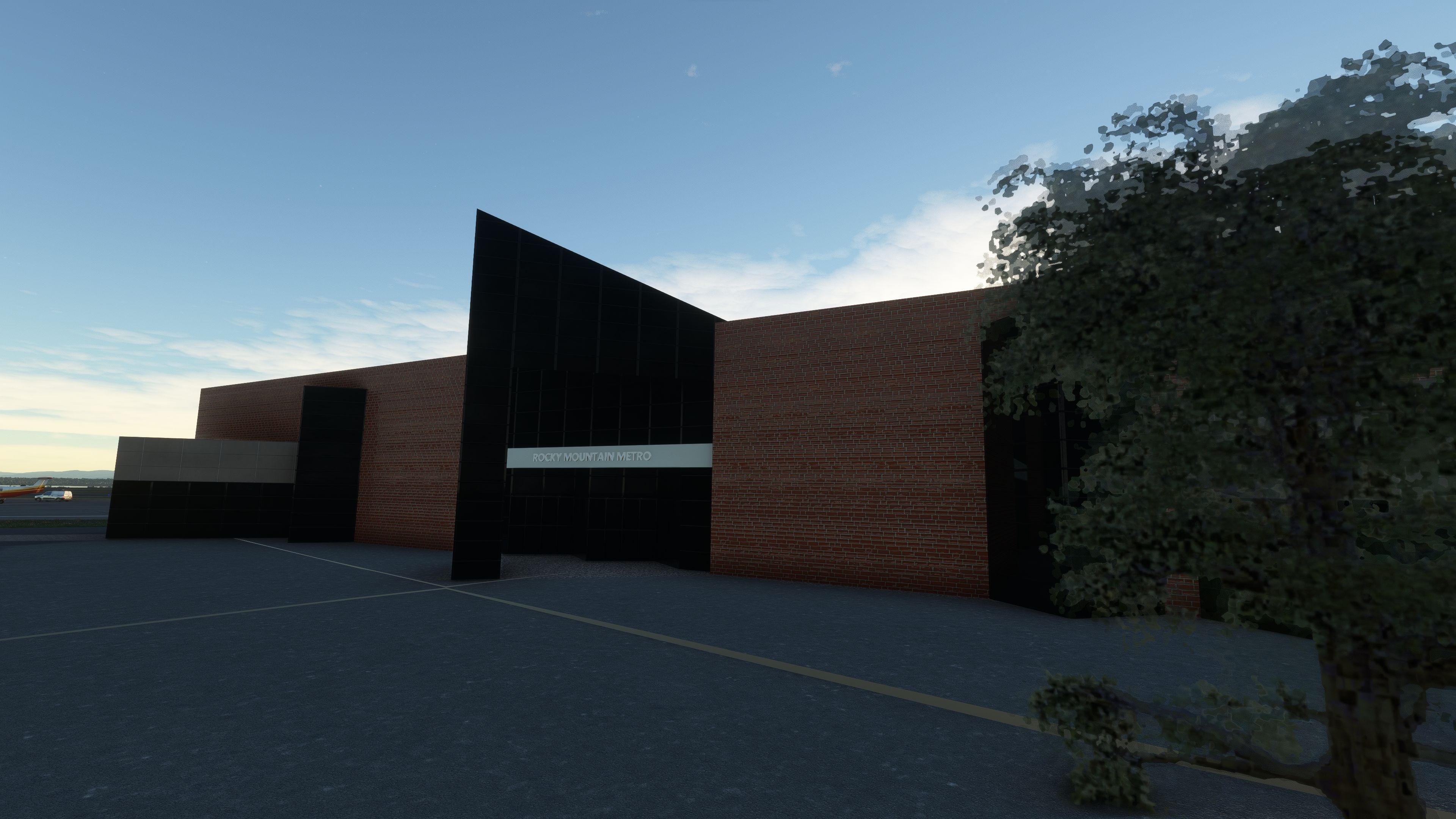
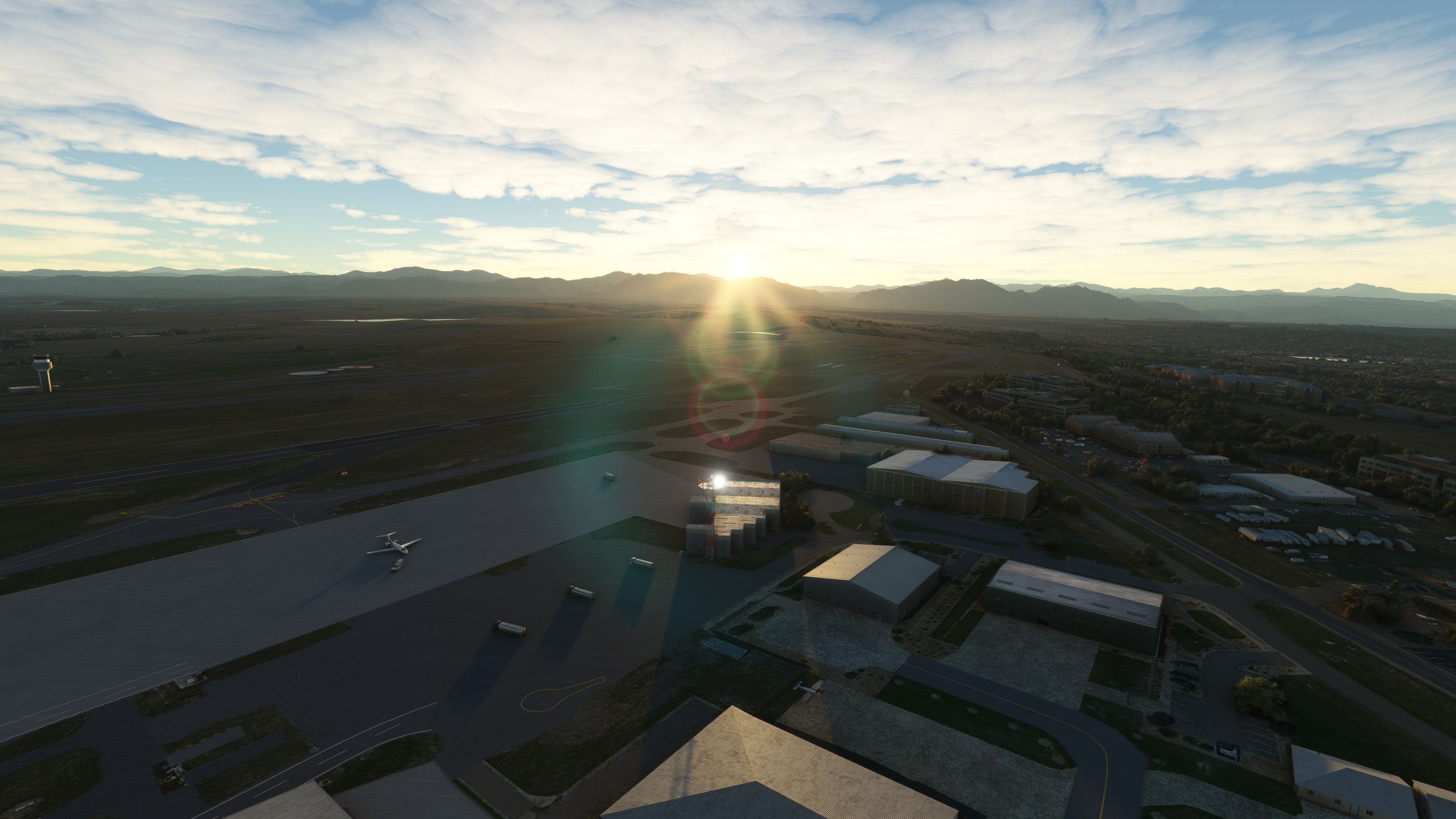
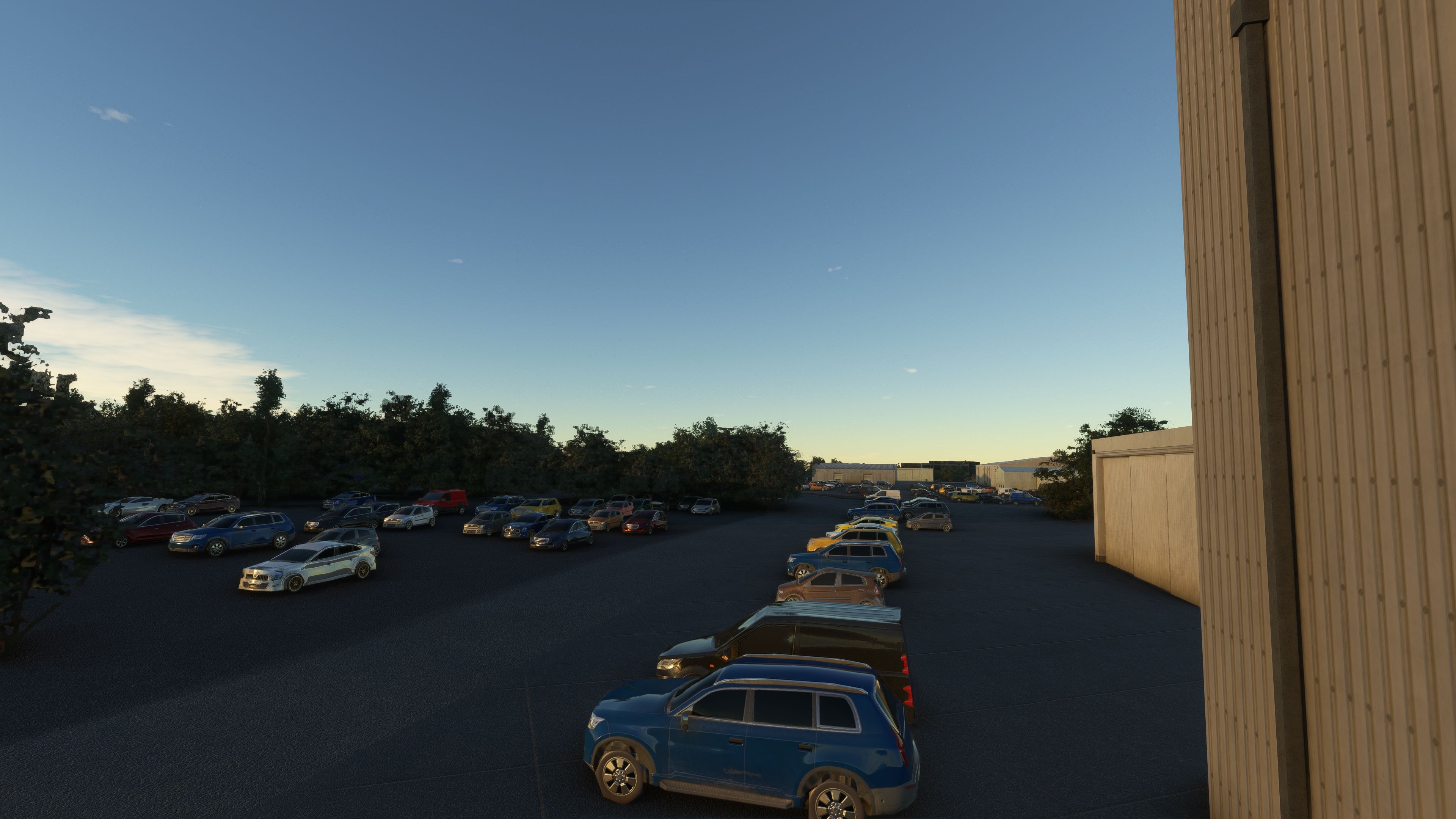
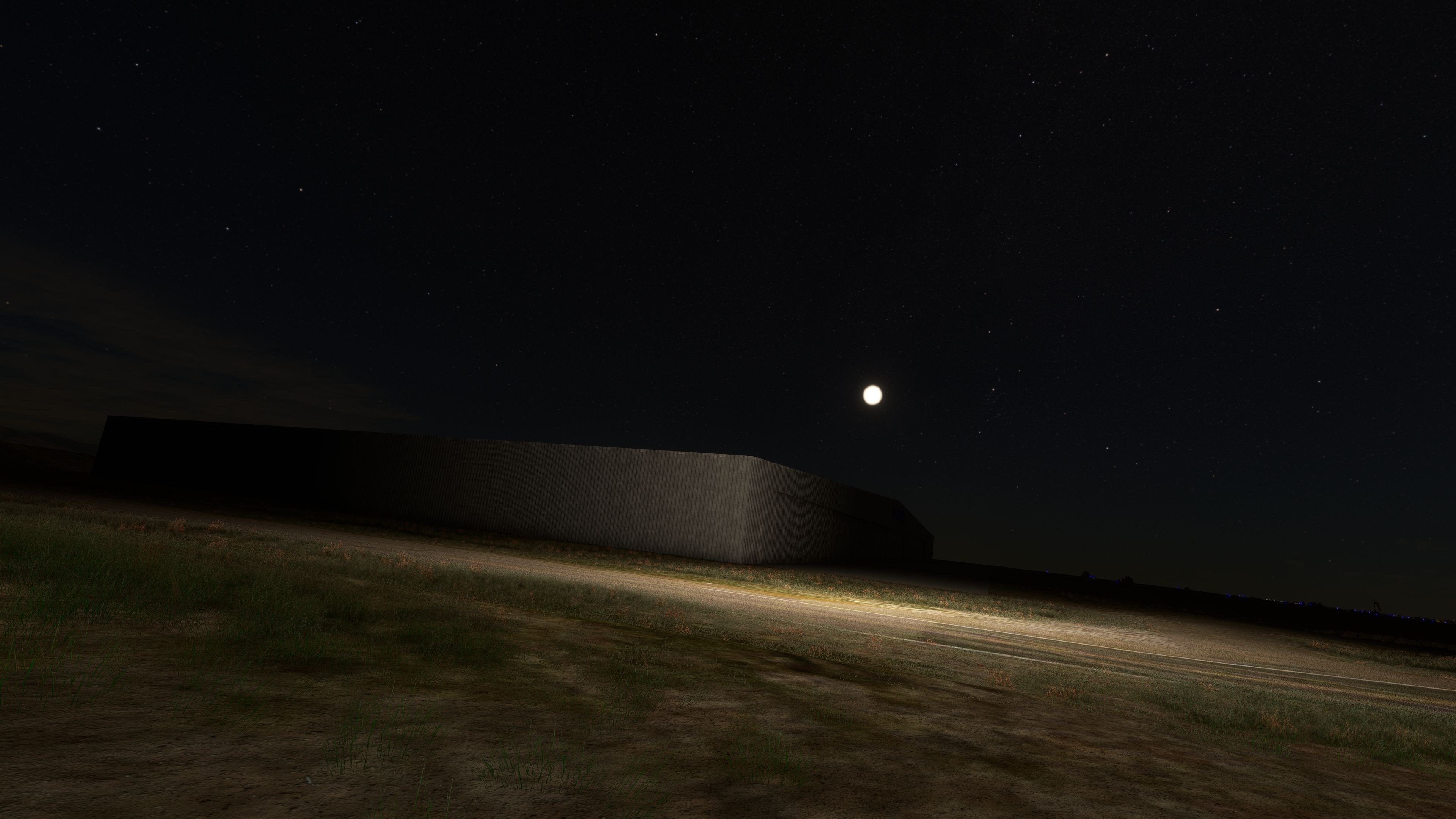
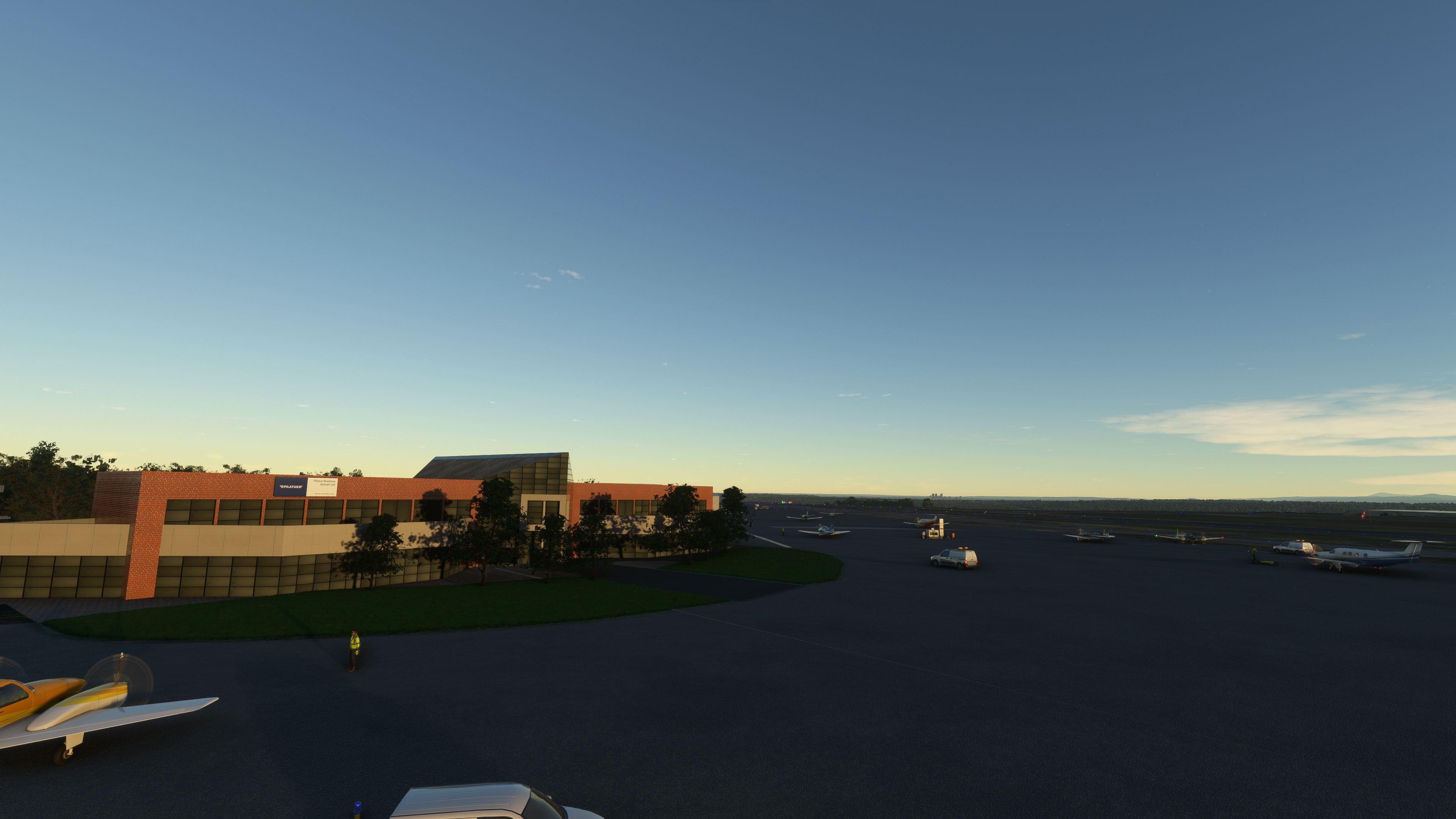
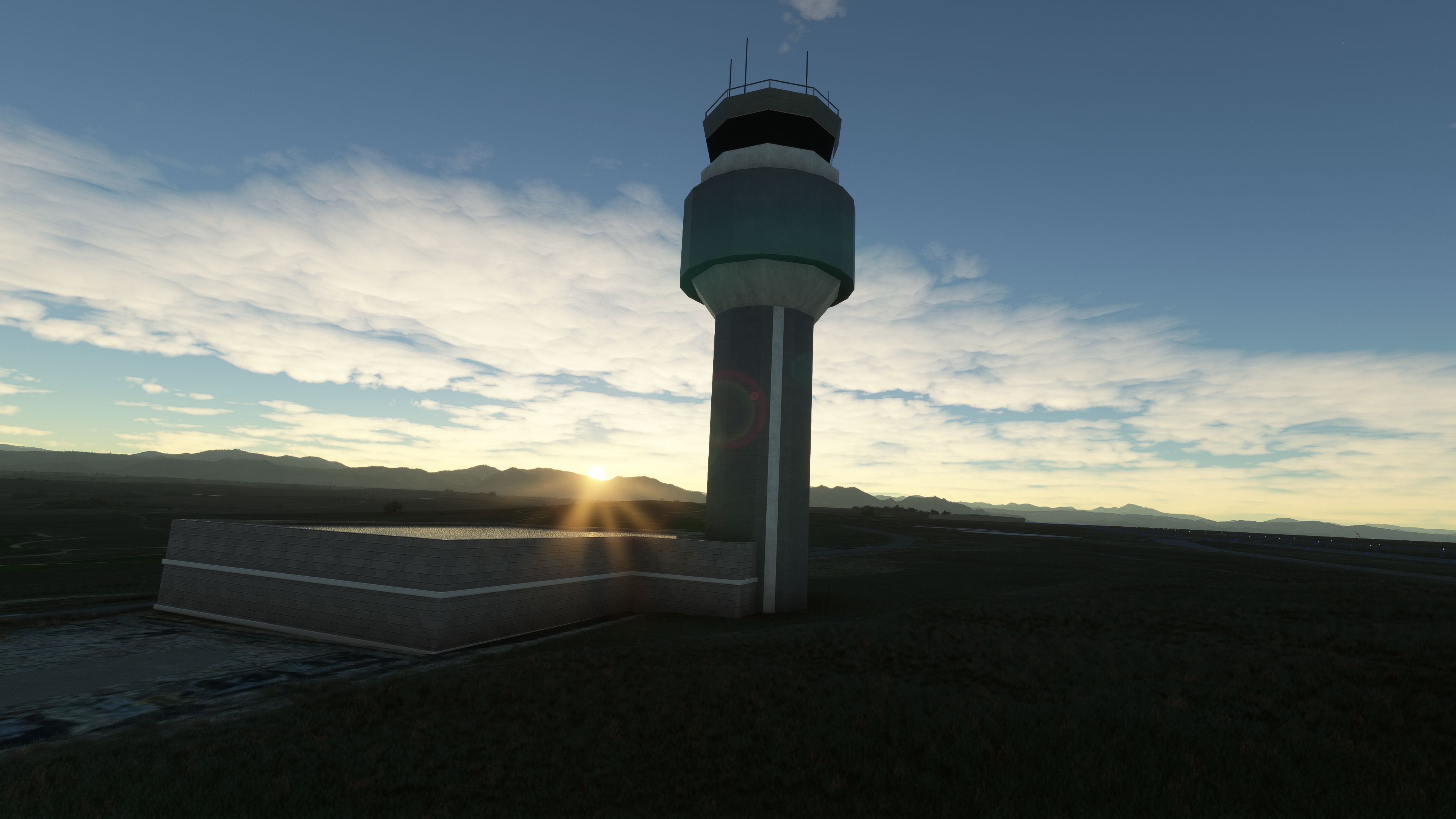
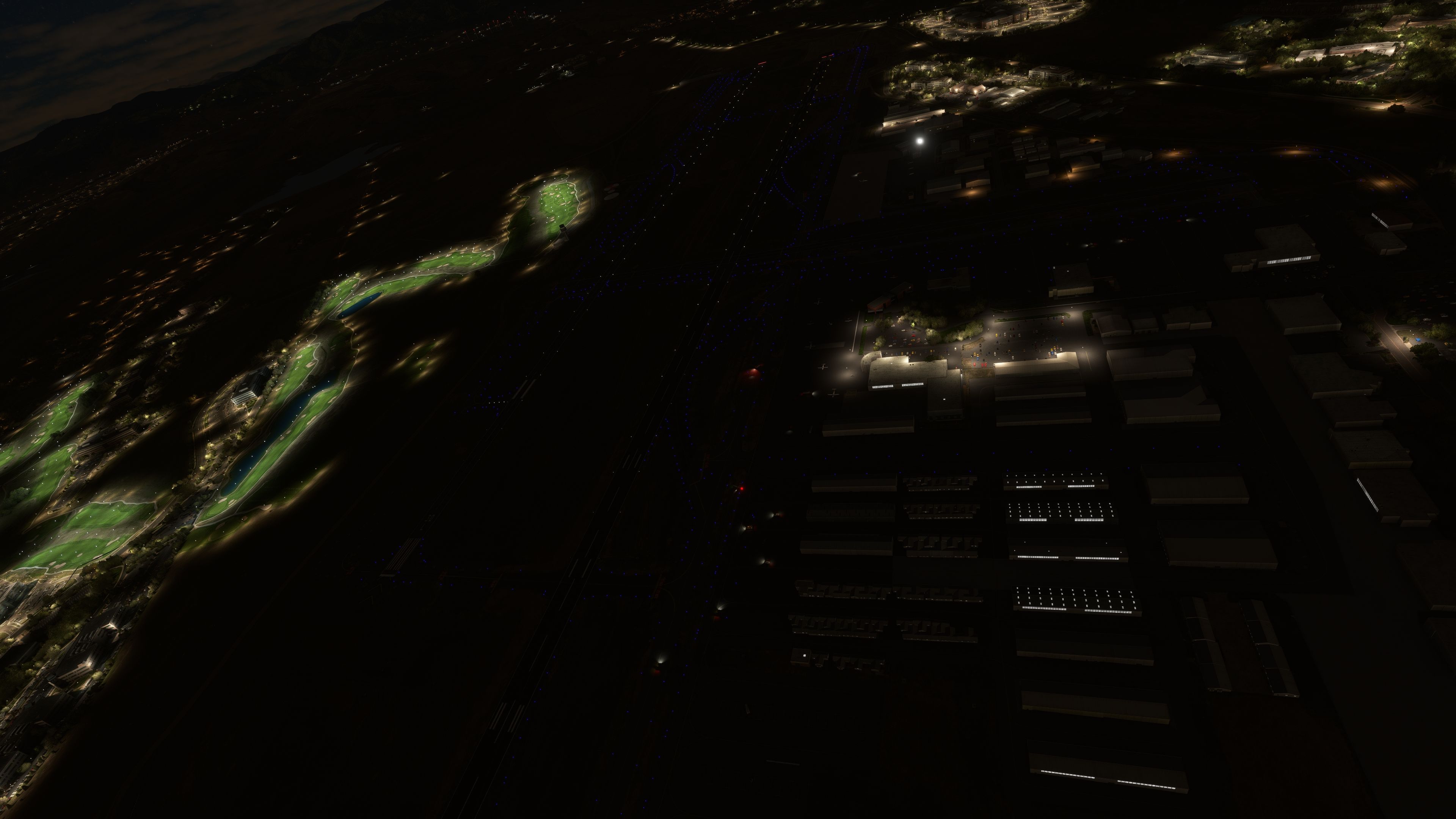
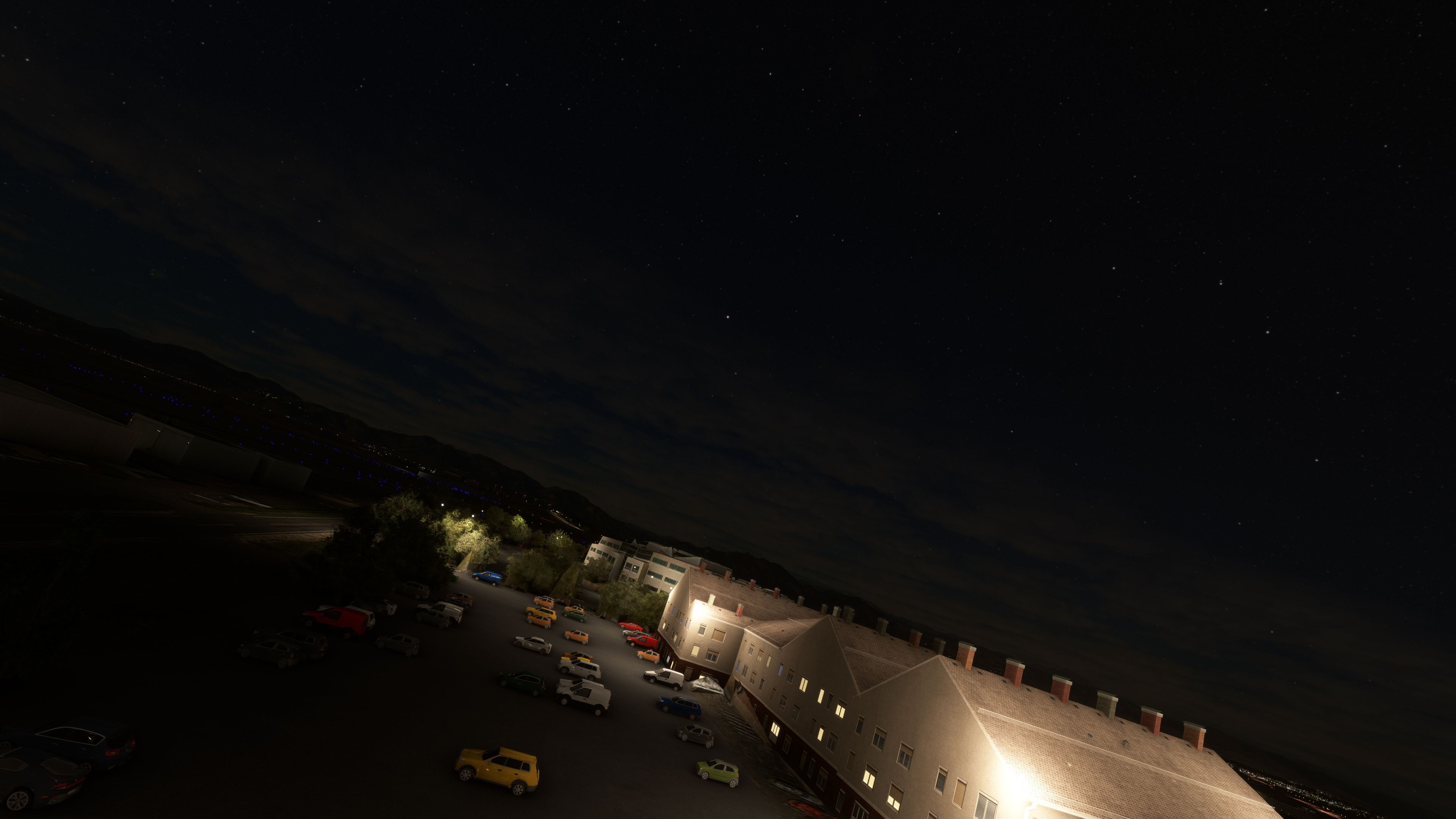
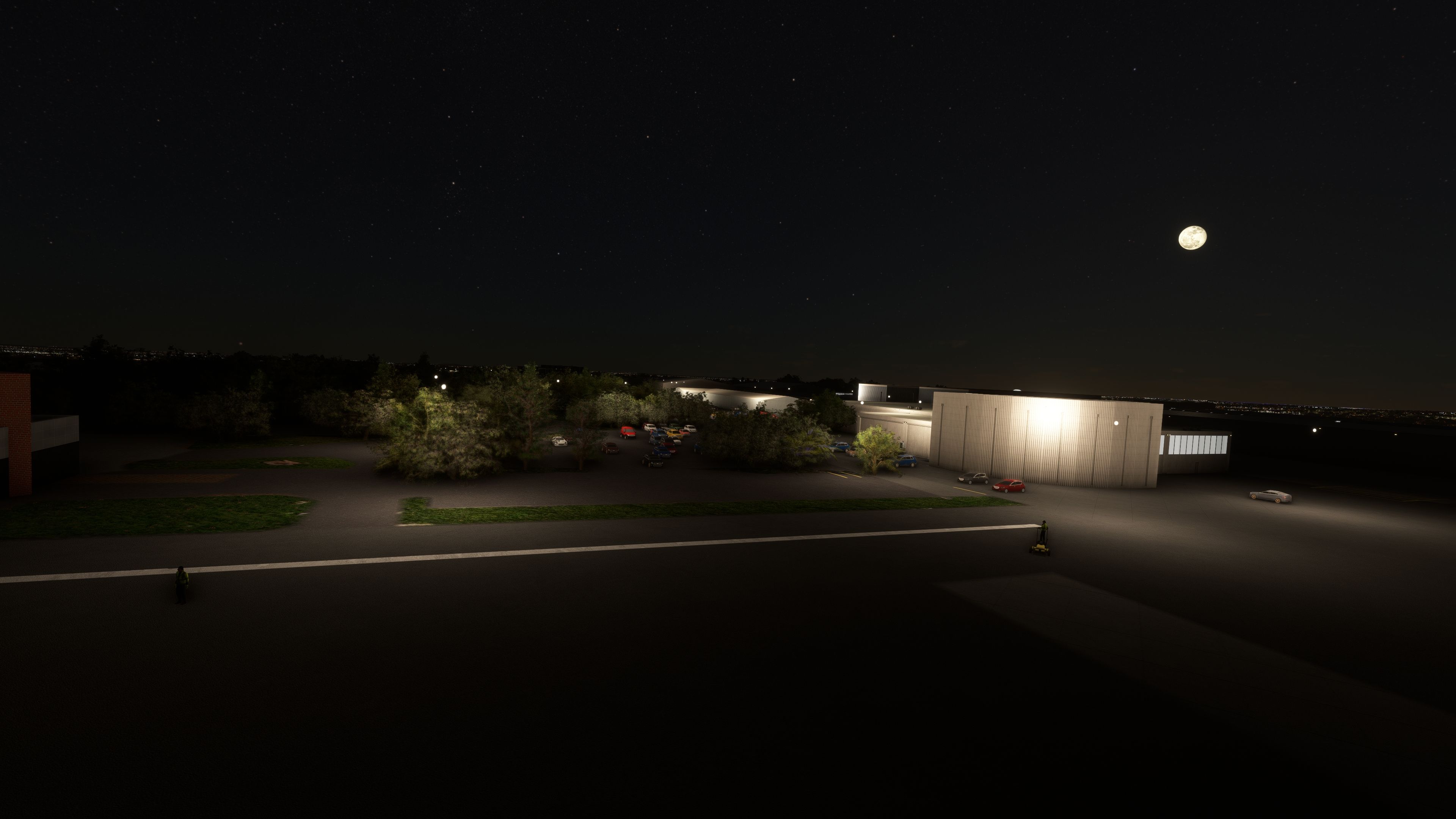
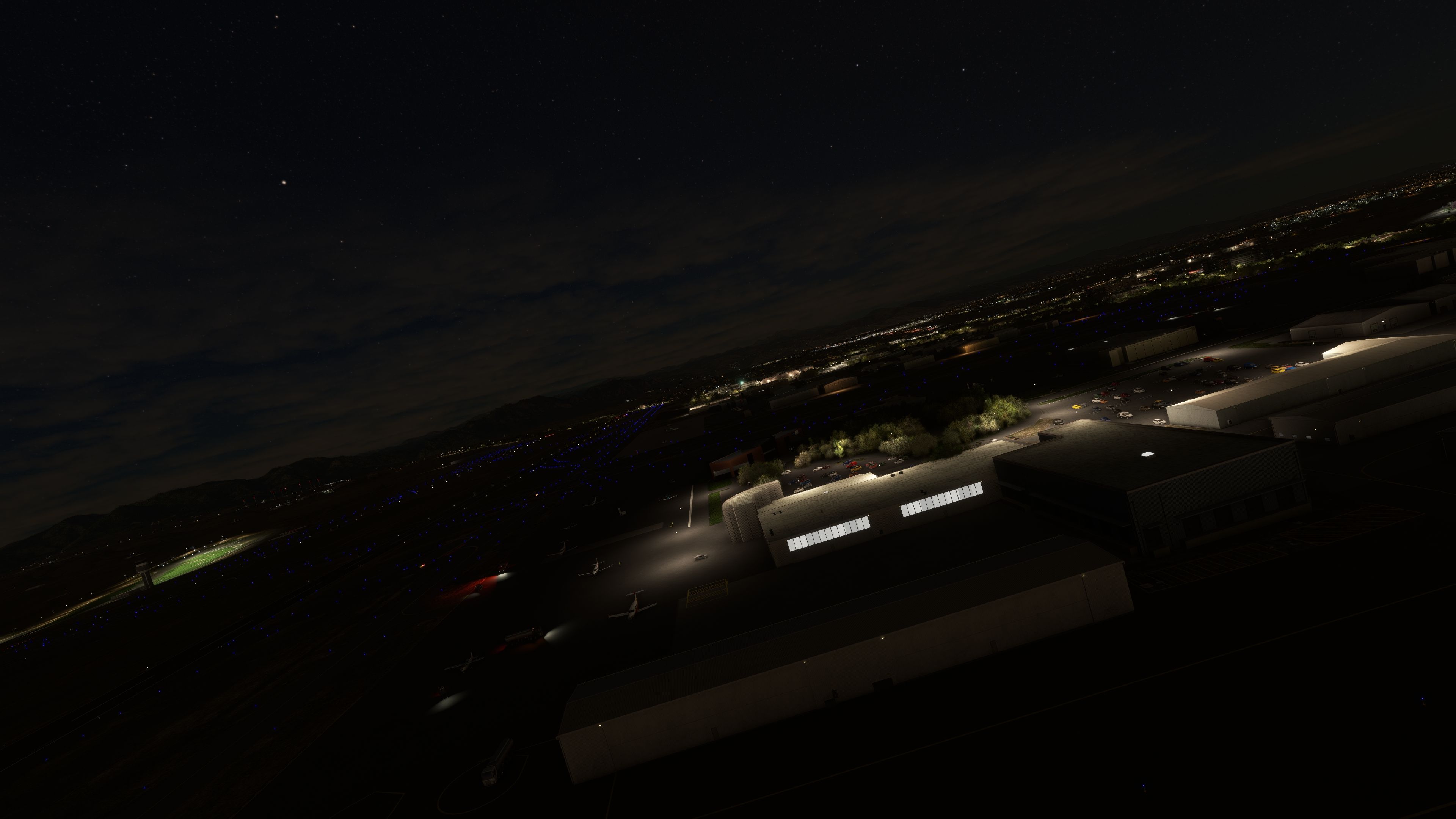

The MSFS Rocky Mountain Metro Airport (KBJC) scenery offers a highly authentic representation of this busy general aviation hub near Denver, Colorado, delivering an immersive atmosphere through its detailed terminal, control tower, and the meticulously recreated Pilatus aircraft building. As someone who has flown here both in real life and extensively in the simulator, I appreciate how the refined runway markings, taxiways, and apron layouts capture the distinctive feel of operating at the foot of the Rockies.
Enhanced with remarkable precision in environmental details, this freeware add-on enriches your virtual flights by faithfully mirroring the airport’s real-world character, from its architectural nuances to its vital role in Colorado’s aviation network. In my opinion, it excels in offering a superb balance between visual fidelity and performance, making it a worthy enhancement for any pilot seeking a convincing and memorable MSFS experience.
The MSFS Rocky Mountain Metro Airport (KBJC) scenery add-on is a meticulously designed representation of the real-world airport, nestled in the captivating landscape of the Colorado Rockies. This freeware mod for Microsoft Flight Simulator 2020 enhances your virtual flying experience with detailed and authentic recreation of one of Colorado's bustling general aviation airports.
 Key Features
Rocky Mountain Metro Airport, located in the suburbs of Denver, Colorado, serves as a crucial hub for general aviation in the region. Its proximity to the Rocky Mountains makes it a popular choice for both leisure and business flights. The add-on captures the essence of KBJC, featuring accurate runway alignments, taxiway layouts, and apron positions, enhancing the realism for flight simulation enthusiasts.
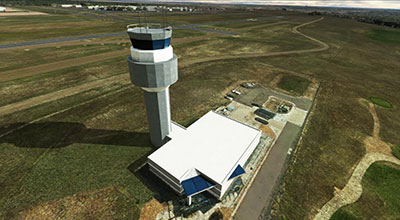
Attention to detail in the modeling of the terminal and control tower reflects real-world dimensions and architectural nuances. The Pilatus aircraft building, a significant feature at KBJC, is replicated with precision, showcasing the hangar and office spaces used by this renowned aircraft manufacturer. These elements are not merely aesthetic; they contribute to the realistic navigation and operation within the simulator, offering a true-to-life experience for virtual pilots.
The installation process is user-friendly, promoting ease of access for simmers. By simply placing the continuo-airport-kbjc-denver folder into the Community directory, the scenery integrates smoothly into the existing MSFS framework, ensuring that users can quickly enjoy their enhanced flying experience without complex setup procedures.
Free for all simmers · 217.45 MB · Scanned clean Oct 2026
Download speed: Free tier is capped at 2 Mbps (this file takes approximately 15 mins at the cap). PRO members download at full line speed.
%LOCALAPPDATA%\Packages\Microsoft.FlightSimulator_8wekyb3d8bbwe\LocalCache\Packages\Community\. Steam version: %APPDATA%\Microsoft Flight Simulator\Packages\Community\. Tip: enable Developer Mode in MSFS to see your exact Community folder path.readme.txt or README file. It tells you exactly where files go, what dependencies are needed, and any quirks specific to this add-on.With a keen eye for detail, edu0811's work brings airports to life, ensuring each terminal, runway, and taxiway is meticulously crafted. With a focus on Mexico and Latin America. Moreover, their repaint and livery creations add a layer of authenticity and variety, enriching the simulation experience. We're thrilled to announce that edu0811 has granted Fly Away Simulation permission to list their mods, making these enhancements readily available to our community.
Whether you're flying a casual route or embarking on a comprehensive simulation journey, edu0811's mods provide an immersive experience. By accurately replicating real-world locations and aircraft aesthetics, they offer pilots a true-to-life virtual flight experience.
Are you edu0811? Sign in to Fly Away Creators for download stats, comment replies and updates. Make add-ons? Publish them here.
Only PRO members can place votes.
More MSFS add-ons hand-picked based on this download.
MSFS Scenery
A complete overhaul of the default Matterhorn Mountain scenery by developer N…
 MSFS Scenery
This mod developed by JustOkayPilot brings Grand Canyon National Park Airport…
 MSFS Scenery
Sandane Airport (ENSD) is located on the beautiful west coast of Norway and i…
 MSFS Scenery
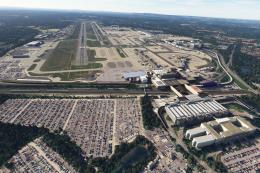
Enhance your flight simulation experience with this mod for Microsoft Flight …
 MSFS Scenery
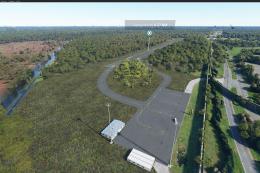
The Disney World airport/STOLport (also known as the Lake Buena Vista airport…
 MSFS Scenery
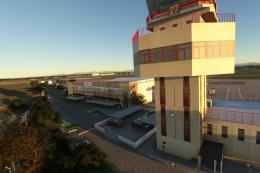
Enhance your flight simulation experience with a detailed rendition of Madrid…
 MSFS Scenery
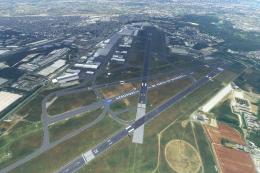
A complete and extensive replacement freeware scenery package for Paris–Le Bo…
 MSFS Scenery
A highly detailed rendition of Gainesville Regional Airport (KGNV), Florida (…
Be the first to leave a comment on this download.
Be the first to share your thoughts on this download.